



You sell something. Money should arrive cleanly, on time, and without a fee surprise eating into margin. That is the whole job. Most payment processing software gets that 90% right and then quietly costs you on the other 10%, through opaque rates, slow settlement, or an integration that does not match how you actually collect revenue.
The numbers are real. U.S. businesses paid a record USD 160.7 billion in processing fees in 2022 to accept over USD 10 trillion in card payments, according to a Stripe analysis. For a small business, the difference between flat-rate and interchange-plus pricing, or between two-day and same-day settlement, lands directly on cash flow. Choose wrong and you are either overpaying or waiting on money you have already earned.
There are two risks to manage when picking a payment processor for small business. The first is paying too much in fees you never see itemized. The second is choosing a system that does not fit your revenue model, so you end up bolting on tools for invoicing, subscription billing, or in-person payments that should have come in the box. This guide compares eight options against both. If you are also evaluating other parts of your stack, our roundups of the best onboarding flow software and the best business intelligence software cover adjacent decisions founders face at the same time.
What's inside
This guide compares eight payment processing software options built for small businesses. We selected them based on pricing transparency, payment method coverage, integration depth, security features, and fit for different operating models. The list spans online payment processing, in-person payments, invoicing, ACH, digital wallets, and subscription billing, so you can match a provider to how you actually get paid rather than to brand popularity. Pricing and ratings shift, so verify live figures before you commit, but every number here was pulled from each vendor's official source.
TL;DR
- Best overall for flexible online and in-person payments: Stripe, for teams that want programmable payments, billing, and broad method support.
- Best for simple flat-rate pricing and fast setup: Square, an all-in-one with POS, online, and invoicing in one account.
- Best for consumer checkout trust: PayPal, for digital wallet recognition and quick payment links.
- Best for transparent interchange-plus pricing: Helcim, with costs that drop as volume grows.
- Best for QuickBooks users: QuickBooks Payments, for payments and bookkeeping that reconcile automatically.
- Best for ecommerce: Shopify Payments, native to the Shopify checkout.
- Best for custom checkout and recurring billing: Braintree, a developer-friendly PayPal-owned gateway.
- Best for global and enterprise-leaning needs: Adyen, for omnichannel payments at scale.
What is payment processing software?
Payment processing software is the system that moves money from a customer's card, bank account, or digital wallet into your business account, handling authorization, security, and settlement along the way.
Every card transaction runs through the same three-step flow:
- Initiation: The customer enters payment details at checkout, through a payment link, or on a card reader.
- Authorization: The processor checks with the customer's bank to confirm funds and approve or decline the charge.
- Settlement: Approved funds move from the customer's bank to your account, usually within one to two business days.
Three roles make that flow work. The payment gateway captures and encrypts payment data. The merchant account is where funds land before they reach your bank. The processor routes the transaction between the card networks and banks. Many modern providers bundle all three, so you do not manage a separate merchant account at all.
Here is what actually matters when comparing payment processing systems:
- Business payment methods: Cards, ACH, digital wallets like Apple Pay and Google Pay, invoicing, and payment links. In the U.S., 81% of small businesses accept credit and debit cards and 37% accept digital wallets, per Clearly Payments.
- Security and compliance: PCI compliance, encryption, and fraud prevention tools to limit chargebacks and exposure.
- Fees: Flat-rate pricing is predictable; interchange-plus pricing is transparent and often cheaper as volume rises.
- Integrations: Accounting integrations, ecommerce platforms, POS systems, and your CRM.
- Cash flow: Settlement timing decides how fast you actually have the money.
When to use each type of payment processing
Accept online payments without manual invoicing
If most of your revenue comes through a website or app, hosted checkout, embedded forms, or payment links remove the manual back-and-forth of chasing payment. Payment links are the fastest path for service businesses that close over email or a call: you send a link, the customer pays, the money settles. Embedded checkout fits when you want payment inside your own flow. Either way, online payment processing should capture cards and digital wallets without you building anything from scratch.
Collect recurring revenue or retainers
Subscription billing and retainers live or die on automation. You want a processor that handles recurring charges, prorations, failed-payment retries, and dunning without manual chasing. For a SaaS founder, this is the difference between predictable monthly recurring revenue and a finance team reconciling stragglers by hand. Automated retries alone recover a meaningful slice of revenue that would otherwise churn silently when a card expires.
Take payments in person or on the go
If you sell at a counter, a market, or a client site, POS systems, card readers, QR codes, and tap to pay matter. Look for hardware that pairs with the same account as your online payments, so reporting and settlement stay unified. A processor that splits in-person and online into separate dashboards costs you time every reconciliation cycle. The cleanest setups treat every channel as one ledger.
Comparison table
Pricing and G2 ratings change often, so treat the values below as a starting point and confirm against each vendor's live pricing page before you decide. The table is built for fast decisions, not exhaustive detail.
| # | Product | Intent | Key differentiation | Pricing | G2 rating |
|---|---|---|---|---|---|
| 1 | Stripe | Flexible online-first payments | Programmable payments, billing, broad method support | From 2.9% + 30¢ per transaction | 4.4/5 |
| 2 | Square | All-in-one in person and online | POS, online, invoicing in one account | Starts at $0 monthly | Not listed |
| 3 | PayPal | Consumer checkout trust | Wallet recognition, payment links, Tap to Pay | From 2.89% + $0.29 per transaction | 4.4/5 |
| 4 | Helcim | Transparent low-cost processing | Interchange-plus with volume discounts | From interchange + 0.40% + 8¢ | 3.9/5 |
| 5 | QuickBooks Payments | Payments tied to accounting | Auto-reconciliation with QuickBooks | From 2.99% per transaction | 3.9/5 |
| 6 | Shopify Payments | Native ecommerce checkout | Built into Shopify, no third-party fee | From 2.9% + 30¢ per transaction | 4.4/5 |
| 7 | Braintree | Custom checkout and billing | Developer-friendly PayPal-owned gateway | From 2.89% + $0.29 per transaction | 3.4/5 |
| 8 | Adyen | Global and omnichannel | One platform across regions and channels | From $0.13 + 4% per transaction | 3.9/5 |
1. Stripe
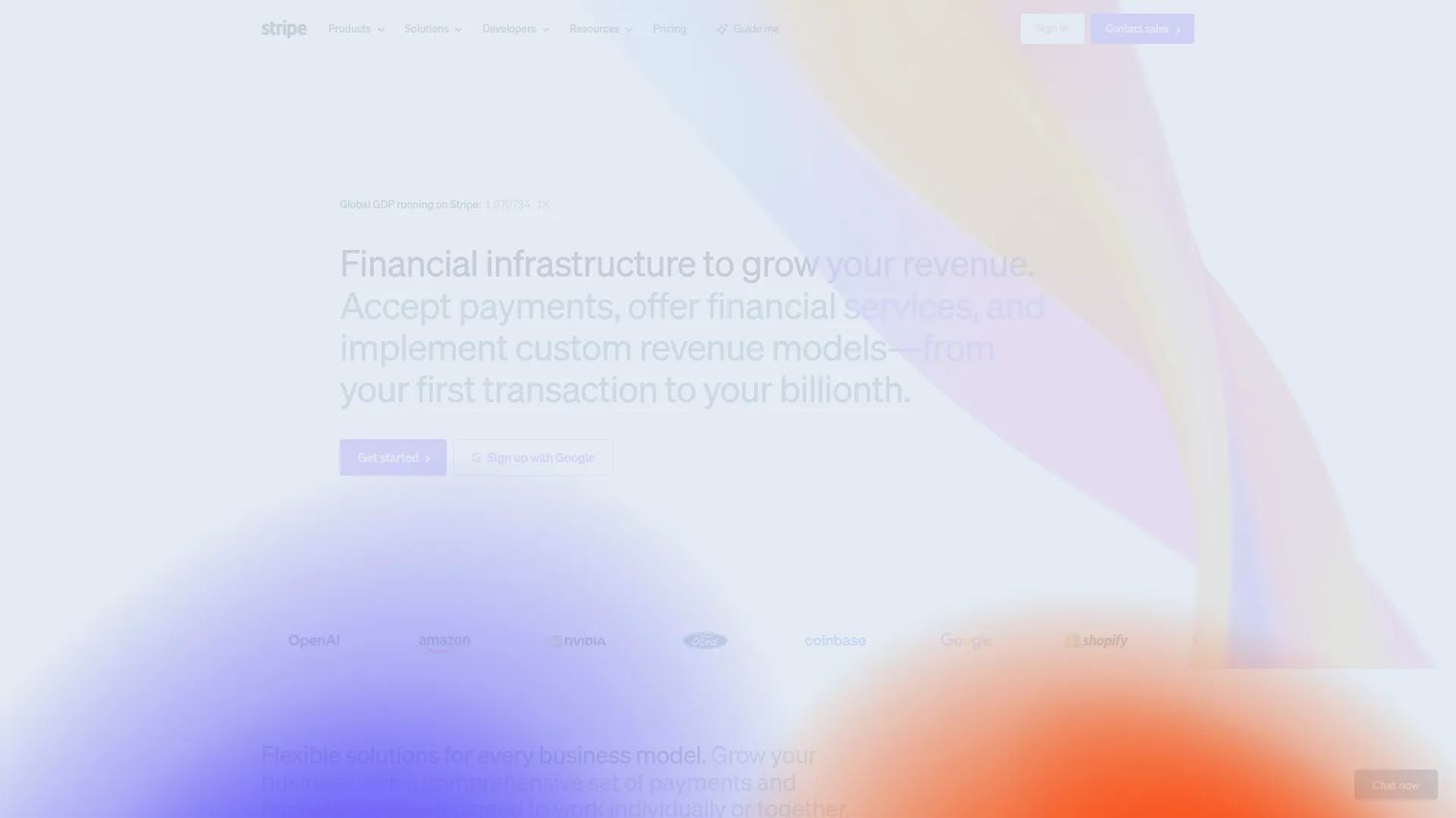
Stripe is payments infrastructure built for online-first businesses that want one platform for checkout, billing, subscriptions, and financial automation. It supports cards, digital wallets, ACH, and dozens of local payment methods, plus payment links and hosted checkout for teams that do not want to build a custom flow. For a SaaS founder, Stripe is the closest thing to a payments layer that scales with the product rather than against it.
Best for: Online-first businesses that want programmable payments, billing, and broad payment method support in one place.
Key strengths
- Online payments and checkout: Hosted checkout, payment links, and embedded forms cover most online payment processing needs without custom code.
- Billing and subscriptions: Native subscription billing with prorations, retries, and dunning, so recurring revenue runs without manual reconciliation.
- Fraud prevention and dispute tools: Built-in fraud scoring and dispute handling to limit chargebacks.
Why choose Stripe: Stripe rewards teams that have some technical resource. The API depth that makes it powerful for custom checkout, usage-based billing, and complex payment logic is also why a developer in the loop helps. If your revenue model is online subscriptions or hybrid SaaS plus services, Stripe handles the billing complexity most flat-rate processors leave to you. Founders who want clean reconciliation and detailed reporting get both without bolting on extra tools.
Stripe pricing: Standard payments run at 2.9% + 30¢ per successful transaction for domestic cards, with no monthly account fee on the pay-as-you-go plan. Billing is priced separately, starting at 0.7% of Billing volume on the pay-as-you-go tier, or a $620 per month option on a one-year contract for higher volume. Some products are quoted by sales. There is no free tier, but you only pay when you process. Pricing was confirmed on Stripe's official pricing page.
2. Square

Square is the simplest all-in-one option for businesses that need in-person, online, and invoicing support from a single account. It pairs flat-rate processing with a strong POS ecosystem, free hardware to start, and software for inventory, reporting, and staff management. The appeal is speed: you can sign up, get a reader, and take a payment the same day, with no separate merchant account to provision.
Best for: Small and mid-sized businesses that want integrated payments and POS software with a low-friction start.
Key strengths
- Point of sale and payment processing: One account handles tap to pay, card readers, and counter sales with unified reporting.
- Inventory, reporting, and staff management: Built-in business software so you are not stitching together separate tools.
- Online selling, checkout, and marketing tools: Online store, payment links, and invoicing included alongside in-person sales.
Why choose Square: Square fits businesses that value getting started over fine-tuning every basis point. The flat-rate pricing is predictable, which makes cash flow easy to forecast even when transaction volume swings. For a founder who sells services or runs a hybrid in-person and online model, Square removes the setup tax that most credit card processing for small business carries. It is the closest thing to plug-and-play in this list.
Square pricing: Square starts at $0 per month with the Square Free plan, then offers Square Plus and Square Premium where pricing varies by product and plan. Processing fees vary by payment type and plan. There is a genuine free tier, which is rare in this category, so you can run a full setup before paying for software at all. Pricing was confirmed on Square's official pricing page.
3. PayPal
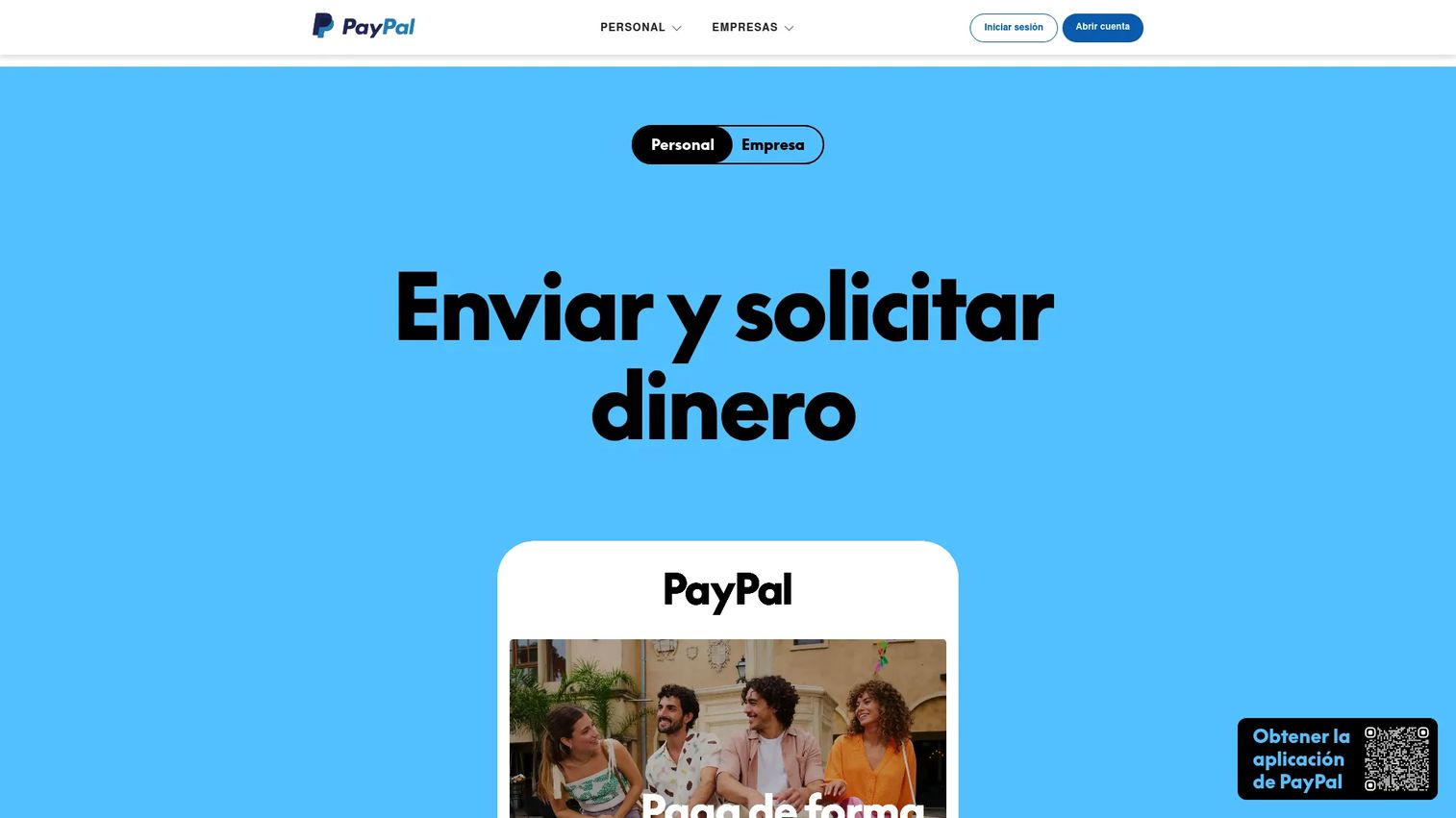
PayPal is the most recognized name in consumer checkout, which is its biggest asset. Buyers already trust the button and often complete a PayPal checkout faster than they would enter card details. It covers online checkout, guest checkout, invoicing, payment links, and in-person payments through Tap to Pay and POS, making it flexible across channels.
Best for: Businesses that want checkout conversion lift from a payment brand customers already recognize and trust.
Key strengths
- Online checkout and guest checkout: Familiar buyer experience that can lift conversion at the point of sale.
- Invoicing and payment links: Send a branded invoice or a payment link in minutes, useful for service and remote sales.
- In-person POS and Tap to Pay: Accept cards and contactless payments without dedicated hardware.
Why choose PayPal: The tradeoff with PayPal is pricing complexity. Different transaction types carry different rates, so your effective cost depends on the payment method mix. For businesses where consumer trust drives conversion, that complexity is worth it. PayPal also ties you into its ecosystem, which is fine if you want one provider across wallet, card, and invoicing. Founders selling to consumers or running marketplace-style flows benefit most.
PayPal pricing: Card processing starts at 2.89% + $0.29 per transaction. PayPal and Venmo transactions run 3.49% + $0.49, Pay Later is 4.99% + $0.49, and Tap to Pay and POS start at 2.29% + $0.09. Higher-volume offerings are quoted by sales. There is no free tier, and rates vary by method, so model your mix before committing. Pricing was confirmed on PayPal's official business fees page.
4. Helcim
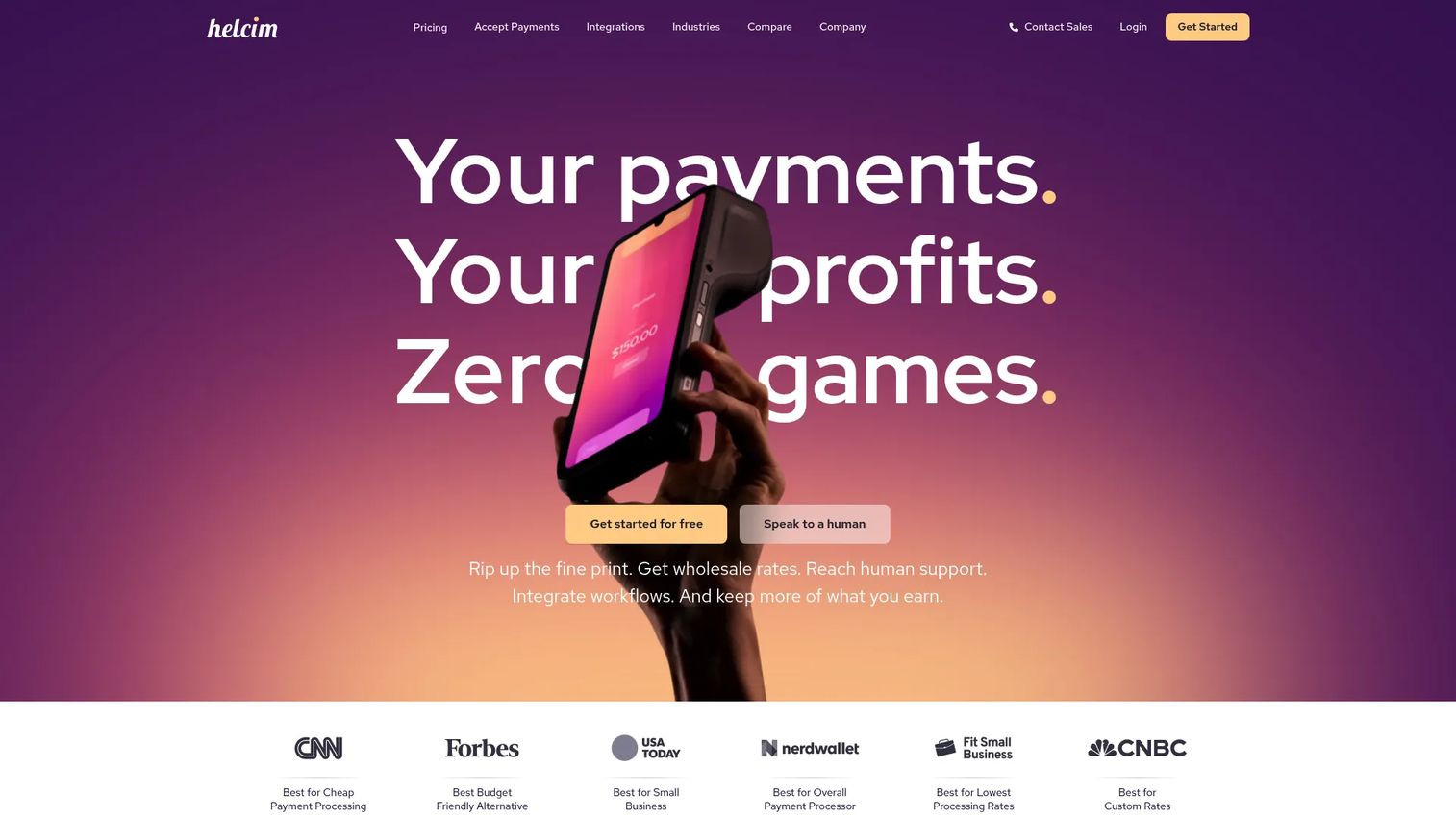
Helcim is the value-oriented choice for businesses that want transparent interchange-plus pricing instead of a flat markup. It supports in-person and online payments, recurring payments, invoicing, ACH, and payment links, with accounting integrations to keep books clean. The pricing model is the differentiator: your cost is interchange plus a published margin that shrinks as monthly volume grows.
Best for: Small businesses that want lower processing costs and transparent pricing as transaction volume scales.
Key strengths
- Interchange-plus pricing: You see the true interchange cost plus a clear margin, with volume discounts built in.
- In-person and online payments: One account across counter, keyed, and online sales, plus a Smart Terminal for in-person.
- Recurring payments and invoicing: Built-in subscription billing and invoicing for retainers and repeat customers.
Why choose Helcim: Helcim suits founders who process enough volume to feel the difference between flat-rate and interchange-plus pricing. With no monthly account fees, no minimums, no signup fees, and no cancellation fees, the math favors growing businesses. The interchange-plus model means you stop subsidizing the processor's margin on low-cost cards. If transparency and cost control rank above absolute simplicity, Helcim is the pick.
Helcim pricing: Helcim starts at $0 with no monthly account fees. In-person processing runs interchange + 0.40% + 8¢ per transaction for the first $50K in monthly volume, keyed and online runs interchange + 0.50% + 25¢, and recurring payments add 0.4%. The Smart Terminal is a $349 one-time purchase. Volume discounts apply automatically as you grow. Pricing was confirmed on Helcim's official pricing page.
5. QuickBooks Payments
QuickBooks Payments is the obvious fit for teams already running QuickBooks who want payments and bookkeeping to connect without manual entry. Every transaction reconciles against your books automatically, which removes a recurring chore from founder-led operations. It accepts cards, ACH, Apple Pay, PayPal, and Venmo, plus invoice-based payments with recurring billing and payment reminders.
Best for: Small businesses already using QuickBooks that want integrated payment collection and automatic reconciliation.
Key strengths
- Accepts cards, ACH, Apple Pay, PayPal, and Venmo: Broad business payment methods in one connected system.
- Invoice-based payments: Recurring payments and automated reminders cut down on chasing late invoices.
- In-person payments: Tap to Pay on iPhone or a card reader for sales away from the desk.
Why choose QuickBooks Payments: The value is reconciliation, not the lowest rate. If you already live in QuickBooks, connecting payments removes the gap between money received and money recorded, which keeps cash flow visibility accurate week to week. For a founder running a lean operations team, that clean reconciliation is worth more than shaving a few basis points off a card fee. The fit is weakest if you are not already a QuickBooks user.
QuickBooks Payments pricing: Cards and digital wallets run 2.99% per transaction, ACH bank payments are 1%, in-person payments are 2.5%, and keyed-in cards are 3.5%. Instant deposits cost 1.75% and payment dispute protection starts at 0.99%. QuickBooks states there are no setup costs or hidden fees, just pay as you go. There is no separate plan price for Payments as a standalone product. Pricing was confirmed on QuickBooks' official payment rates page.
6. Shopify Payments

Shopify Payments is the native processor for businesses selling through Shopify, and that is exactly where it shines. Using it means fewer moving parts: no third-party transaction fee, one admin for orders and payments, and a checkout already optimized for conversion. It accepts cards, wallets, installments, and crypto, supports 130+ currencies, and includes built-in fraud protection with Shop Pay integration.
Best for: Merchants already on Shopify who want integrated payment processing across online and in-person sales.
Key strengths
- Accepts cards, wallets, installments, and crypto: Broad method support inside the Shopify checkout.
- Supports 130+ currencies: International selling without a separate cross-border setup.
- Built-in fraud protection and Shop Pay: Fraud prevention and a faster returning-customer checkout out of the box.
Why choose Shopify Payments: This is the right call only when Shopify is already your core commerce stack. Using Shopify's own processor avoids the extra per-transaction fee Shopify charges when you bring a third-party gateway, and it keeps reporting and settlement unified inside one admin. For an ecommerce founder, that streamlined admin and checkout optimization is the whole point. If Shopify is not your platform, this entry does not apply.
Shopify Payments pricing: Card rates depend on your Shopify plan. The Basic plan processes online cards at 2.9% + 30¢, Grow at 2.7% + 30¢, and Advanced at 2.5% + 30¢, with Plus on the most competitive rates. In-person, international, and third-party gateway transactions carry separate fees. Shopify Payments is included with a Shopify plan rather than priced standalone. Pricing was confirmed on Shopify's official pricing page.
7. Braintree
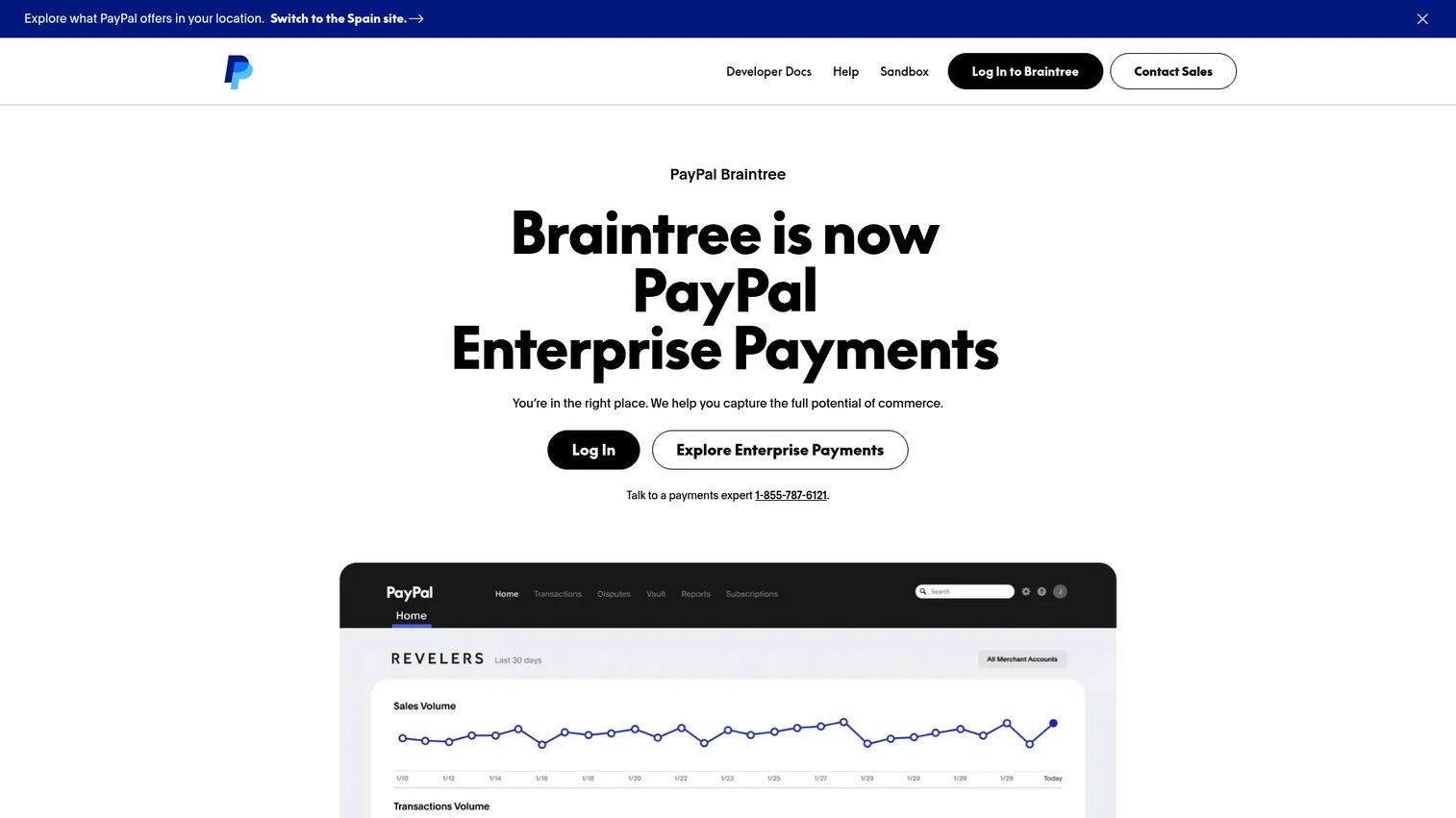
Braintree is the PayPal-owned gateway for businesses that want more custom checkout control than a hosted flow allows. A single integration accepts cards, PayPal, Venmo, Apple Pay, Google Pay, and local payment methods, which makes it a strong fit for teams building their own payment experience. It is PCI DSS Level 1 compliant and ships with a sandbox and reporting tools for developers.
Best for: Businesses that want an enterprise-grade, developer-friendly gateway with multiple payment methods in one integration.
Key strengths
- Single integration for payments: One API to accept cards, wallets, and PayPal across web and mobile.
- Broad method support: PayPal, Venmo, cards, Apple Pay, Google Pay, and local methods in one place.
- PCI DSS Level 1 compliant: Enterprise-grade security with a sandbox and reporting for development teams.
Why choose Braintree: Braintree suits teams with development resources that want control over the checkout and support for subscription billing and global payments. It gives you the PayPal ecosystem's reach with a more customizable gateway than a turnkey button. Founders building a bespoke payment flow, or selling across multiple countries and currencies, get the flexibility without managing several separate integrations. It is less suited to teams that want zero-code setup.
Braintree pricing: The standard rate for receiving transactions is 2.89% + $0.29 per transaction. American Express pass-through adds $0.15 per transaction, and Venmo transactions run 3.49% + $0.49. Additional fees apply to certain transaction types, and charity pricing is listed separately. There is no free tier, but pricing is transaction-based with no monthly minimum on the standard rate. Pricing was confirmed on PayPal's official Braintree fees page.
8. Adyen
Adyen is the enterprise-leaning platform for businesses that need global payments, omnichannel acceptance, and advanced control on one system. It handles online and in-person payments together, layers on embedded finance and payment optimization tools, and supports the kind of cross-border, multi-channel selling that smaller processors are not built for. This is the option for a business that has outgrown simpler tools.
Best for: Established and scaling businesses needing global payments plus embedded financial products on one platform.
Key strengths
- Online and in-person payments on one platform: Unified omnichannel acceptance across regions and channels.
- Embedded finance and financial products: Build financial features into your own product, not just accept payments.
- Fraud, conversion, and payment optimization: Tools to lift authorization rates and limit fraud at scale.
Why choose Adyen: Adyen makes sense when payment volume, geography, or channel complexity has passed what a turnkey processor handles cleanly. It is built for businesses processing across borders that want one contract and one platform instead of a stack of regional providers. For a founder scaling into new markets, the consolidation and optimization tools earn their place. For a very small operation, simpler tools on this list will serve better at lower overhead.
Adyen pricing: Adyen uses per-transaction pricing of $0.13 + 4% for supported payment methods, with an interchange++ option at $0.13 + interchange++ + 0.60% for businesses that want the most transparent breakdown. Other Adyen products are priced separately. There is no public subscription plan or free tier; pricing scales with how you process. Pricing was confirmed on Adyen's official pricing page.
Considerations before you choose
A payment processor for small business is a long-term commitment, so weigh these before signing.
Pricing model and total cost
Flat-rate pricing is predictable and easy to forecast, which suits lower or variable volume. Interchange-plus pricing exposes the true cost plus a margin and usually wins as volume climbs. Run your actual monthly volume against both models before deciding, because the cheaper headline rate is not always the cheaper effective rate.
Settlement timing and cash flow
Look at how fast funds reach your bank. Standard settlement is one to two business days, but some providers charge for instant deposits. If cash flow is tight, faster settlement is worth a small premium. Confirm the default timing, not just the fastest available option.
Payment method coverage
Match the processor to how customers actually pay. If you take cards, ACH, and digital wallets, confirm all three are supported at reasonable rates. If you sell in person, verify POS systems and hardware pair with the same account as your online payments.
Integrations and stack fit
Check accounting integrations, ecommerce platform support, and CRM connections. A processor that reconciles automatically with your books or syncs to your store saves hours every month. Tool sprawl is a real cost, so favor providers that reduce the number of systems you maintain.
Security and contract terms
Confirm PCI compliance and fraud prevention are included, not add-ons. Read the contract for early termination fees, monthly minimums, and chargeback handling. The cleanest providers charge no signup or cancellation fees, which keeps you free to switch if your needs change.
Conclusion
The best payment processor for small business is the one that matches how you get paid, how much you process, and what your stack needs first. Choose based on revenue model, not brand recognition.
If your revenue is online and flexible, Stripe gives you programmable payments, billing, and broad method support. If you want simple in-person acceptance with fast setup, Square is the lowest-friction start. If you process enough volume to benefit from transparent interchange-plus pricing, Helcim controls cost as you grow. QuickBooks users should stay inside QuickBooks Payments for clean reconciliation, Shopify merchants should use Shopify Payments, and businesses scaling globally should look at Braintree or Adyen.
Whatever you pick, protect two things: cash flow and clean reconciliation. A processor that settles fast and syncs to your books keeps your numbers accurate and your money moving, which is exactly what a founder needs when every week's decisions depend on knowing where the cash actually is.
FAQs
There is no single best payment processor for small business, because the right choice depends on your revenue model. Stripe leads for flexible online payments and subscription billing, Square for simple in-person and flat-rate pricing, and Helcim for transparent interchange-plus pricing as volume grows. Match the provider to how you collect revenue.
A payment gateway captures and encrypts the customer's payment data at checkout, while the payment processor routes the transaction between the card networks and banks to move the money. Many modern providers bundle both, plus the merchant account, so you manage one system instead of three.
Flat-rate pricing is predictable and simpler to forecast, which suits lower or variable volume. Interchange-plus pricing shows the true card cost plus a clear margin and usually costs less as monthly volume rises. Run your actual volume through both models, since the cheaper headline rate is not always the cheaper effective rate.
Most processing fees combine a percentage of the transaction plus a fixed per-transaction amount, for example 2.9% + 30¢. The percentage covers interchange set by card networks, network assessments, and the processor's margin. U.S. businesses paid a record USD 160.7 billion in processing fees in 2022, per a Stripe analysis, so small rate differences add up at volume.
ACH bank payments are usually the cheapest to accept, often around 1% or a low flat fee, because they bypass card network interchange. Cards and digital wallets cost more, typically 2.5% to 3% plus a fixed fee. For recurring or high-ticket invoices, steering customers toward ACH can meaningfully lower your effective processing cost.
Standard settlement timing is one to two business days for most processors, though it varies by provider and transaction type. Some offer instant or same-day deposits for an added fee, often around 1.75%. If cash flow is tight, confirm the default timing before signing, not just the fastest paid option.
Not always. Traditional setups require a separate merchant account where funds settle before reaching your bank. Many modern providers like Stripe, Square, and PayPal bundle the merchant account into their service, so you can start accepting payments without applying for one separately. This simplifies setup for most small businesses.
Look at pricing model and total cost, settlement timing, payment method coverage, integrations, and security. Confirm PCI compliance and fraud prevention are included, check for early termination fees or monthly minimums, and verify the software connects to your accounting and ecommerce stack. The best fit reduces tool sprawl while keeping reconciliation clean.










