You draft the same contract for the tenth time this month. You copy the client name from the CRM, paste it into three places, miss one, and send it anyway. Legal catches the error two days later. The deal slips a week.
That is the real cost of manual document work. Not the drafting time. The version drift, the copy-paste mistakes, and the days lost routing files between people who all touch the same document.
The stakes are getting bigger. About 72% of mid to large organizations have already implemented some level of document automation, cutting manual intervention in document workflows by roughly 58%, according to Global Growth Insights (2025). The market itself is projected to grow from USD 7.86 billion in 2024 to USD 28.04 billion by 2033, per APITemplate (2025).
For revenue teams, that shift matters. Faster, cleaner documents mean shorter cycles and fewer errors that stall late-stage deals. This guide breaks down the tools that actually move the needle on document workflow automation, not just the ones that generate a PDF.
What's inside
This guide is for sales ops, legal ops, finance, and operations leaders who need to create documents faster with fewer errors. We looked at platforms across the full spectrum of document automation tools, from proposal-heavy sales stacks to rules-based legal assembly.
Here is how we chose the seven:
- Template logic: conditional rules, clause reuse, and data mapping depth
- Integrations: CRM, ERP, form tools, storage, and eSignature workflow support
- Security: audit trails, permissions, SSO, and data handling
- Output and ease: multi-format output plus how much setup each tool needs
TL;DR
- Best overall for sales teams: PandaDoc, for proposals, contracts, and eSignatures in one workflow.
- Best for complex enterprise document generation: Conga Composer, for CRM-connected, multi-format output.
- Best for budget-friendly automation: Docupilot, for transparent volume-based pricing.
- Best for legal and regulated workflows: Mitratech HotDocs, for rules-based document assembly.
- Best for data collection plus document generation: FormAssembly, for intake-first workflows.
- Best for service firms and client portals: Assembly, for branded client access plus operations.
- Best for lightweight eSign and automation: DocuSeal, for a simpler, self-hostable stack.
What is document automation software
Document automation software creates documents from reusable templates and structured data, applying logic to fill fields, insert clauses, route approvals, and deliver the finished file, without manual copying.
It sits next to two related categories that people often conflate. Document generation software focuses on producing a document from data (merge fields, output formats). Document assembly software focuses on building a document from modular parts (clauses, sections, conditional blocks). Full document automation wraps both in a workflow that also handles approvals, signature, and delivery.
Core capabilities to expect from template driven document creation:
- Templates: reusable layouts with merge fields and branding
- Conditional logic: rules that show, hide, or swap content based on data
- Data mapping: pull values from CRM, forms, spreadsheets, or databases
- Approvals: route documents through the right reviewers before they go out
- Delivery and eSignature: send, track, and collect legally binding signatures
The distinction matters when you shortlist. A team that only needs branded output from Salesforce data wants generation depth. A legal team building thousands of variants from a clause library wants assembly depth. Most revenue teams need both, plus document approval workflows.
When to use document automation software
Speed up high-volume document creation
If your team drafts the same proposals, contracts, forms, or letters over and over, manual creation becomes the bottleneck. Automation turns a 30-minute draft into a two-minute merge. The math changes fast once volume climbs past a few dozen documents a month. That is where template driven document creation pays for itself.
Reduce errors in regulated or revenue-critical workflows
Manual copying is where mistakes hide. A wrong figure in a quote, a stale clause in a contract, a mismatched name on a signature block. In legal, finance, and sales ops, one of those errors can void an agreement or restart a review. Automated data mapping removes the retyping step, which removes most of the risk.
Route documents through approvals and signature handoff
Documents rarely live with one person. A proposal passes through the AE, the deal desk, legal, and finance before it reaches the buyer. Document workflow automation keeps that chain moving with defined steps, so nothing sits in an inbox for three days. Pairing approvals with an eSignature workflow closes the loop without a separate tool.
Comparison table
Here is the shortlist at a glance. Pricing and G2 ratings reflect each vendor's published values at the time of writing.
| # | Product | Best for | Key differentiator | Pricing | G2 rating |
|---|---|---|---|---|---|
| 1 | PandaDoc | Sales proposals and contracts | Proposals, eSign, and CPQ in one workflow | Free; paid from $19/mo | 4.7/5 |
| 2 | Conga Composer | Enterprise document generation | CRM-connected, multi-format output | Contact sales | 4.4/5 |
| 3 | Docupilot | Budget-friendly automation | Transparent volume-based pricing | From $29/mo | 4.6/5 |
| 4 | Mitratech HotDocs | Legal and regulated assembly | Rules-based intelligent templates | Contact sales | Not listed |
| 5 | FormAssembly | Data collection plus documents | Secure, Salesforce-connected forms | Free; paid from $25/mo | 4.5/5 |
| 6 | Assembly | Service firms and client portals | Branded client portal plus operations | From $39/mo | 4.8/5 |
| 7 | DocuSeal | Lightweight eSign and automation | Open-source, self-hostable signing | Free; Pro from $20/user/mo | 4.9/5 |
Best document automation software for 2026
1. PandaDoc
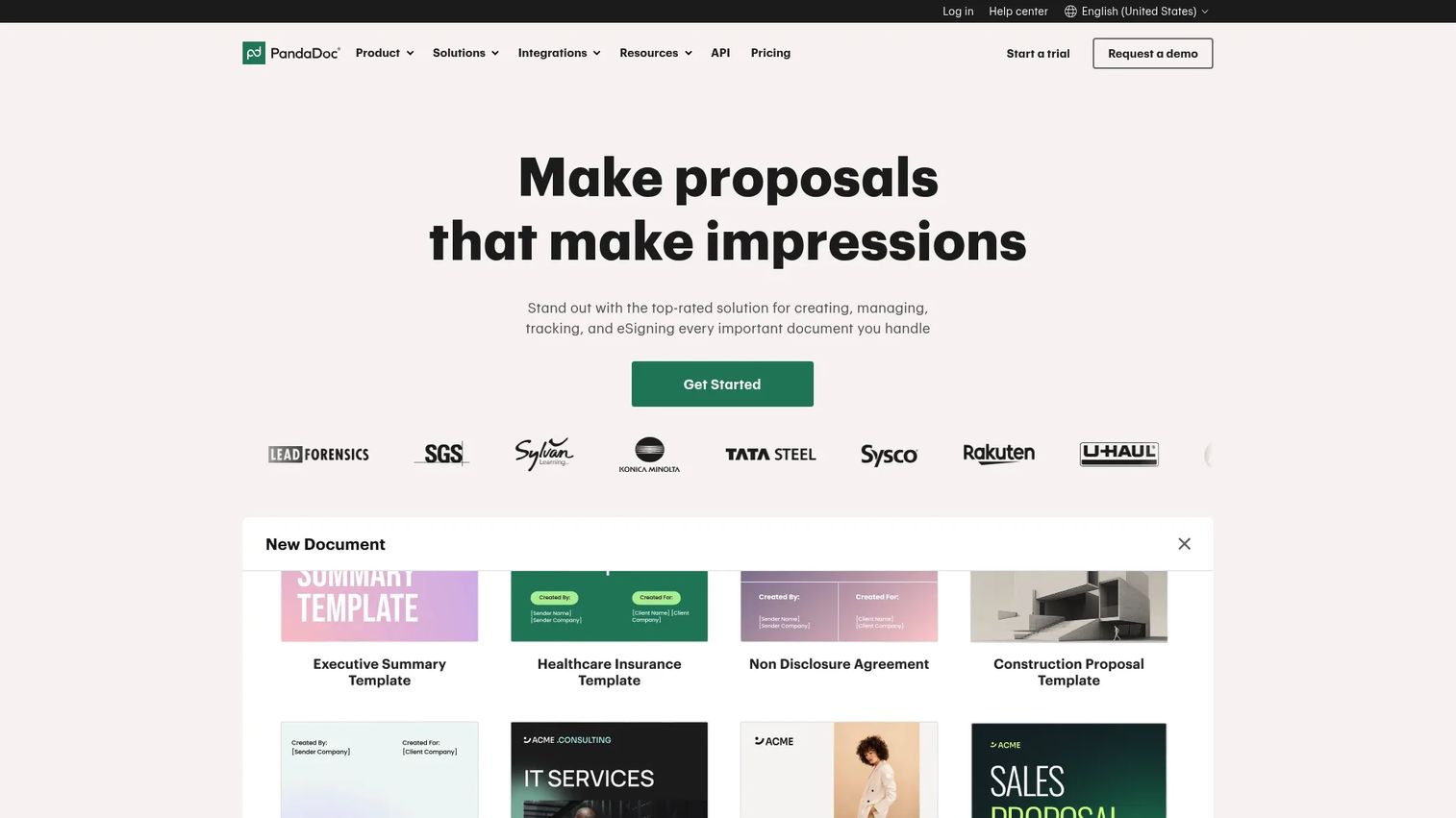
PandaDoc is document workflow software built for creating, sending, tracking, eSigning, and managing proposals, contracts, and quotes. It puts document creation, approvals, and signature into one workflow, which is why sales teams reach for it first. If your reps live in proposals and contracts, this is the natural home base.
Best for: Teams that need proposals, contracts, quotes, and eSignatures in one workflow.
Key strengths
- Document creation and editing with reusable templates
- eSignatures and real-time document tracking
- Pricing tables, quotes, and CPQ
- Document approval workflows before send
- CRM integration for contract generation from deal data
Why choose PandaDoc: For revenue teams, the pull is speed to send and visibility into what the buyer does after. Highly specialized legal drafting with deep clause branching sits outside its sweet spot, but for proposal-to-signature flow it is hard to beat.
PandaDoc pricing: Free plan at $0 per month. Starter is $19 per month billed annually. Business is $49 per seat per month billed annually. Enterprise uses per-seat or per-document pricing through sales.
2. Conga Composer
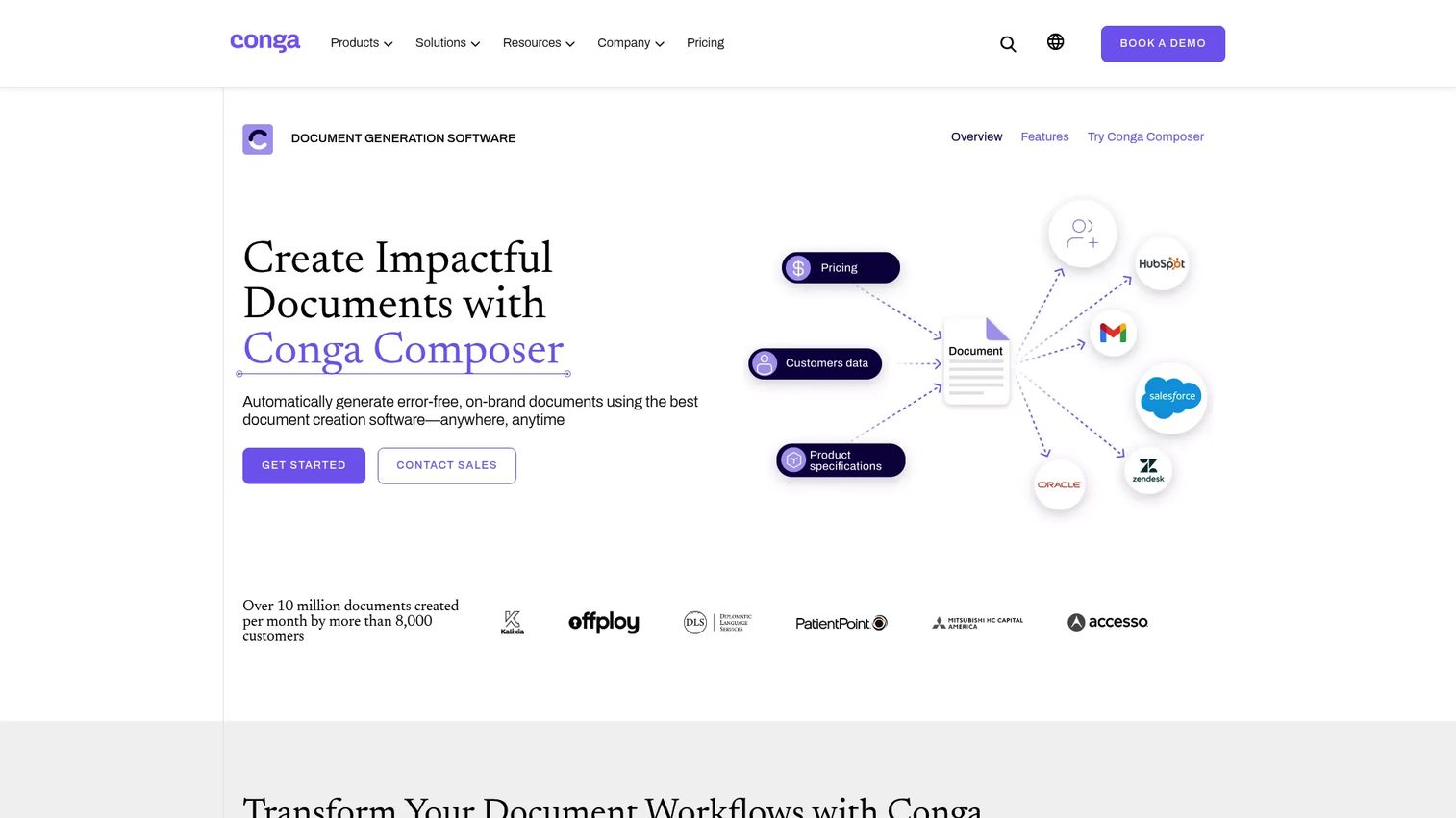
Conga Composer is document generation software for creating and distributing branded business documents from connected data sources. It shines when documents pull from multiple systems and need to land in several formats. Enterprise teams with complex document logic use it to standardize output at scale.
Best for: Teams that need Salesforce-connected document automation and branded document generation.
Key strengths
- Automated document generation from any data source
- Conditional logic and a template library
- Multiple output formats and delivery options
- Triggered delivery and API support
- CRM integration for contract generation
Why choose Conga Composer: The case is strongest for teams running document workflow automation on top of Salesforce or ERP data, where multi-format output and document approval workflows matter more than quick proposal building. It fits complex, high-volume generation.
Conga Composer pricing: Conga does not publish plan prices. The pricing page directs you to contact sales for a quote based on your needs.
3. Docupilot
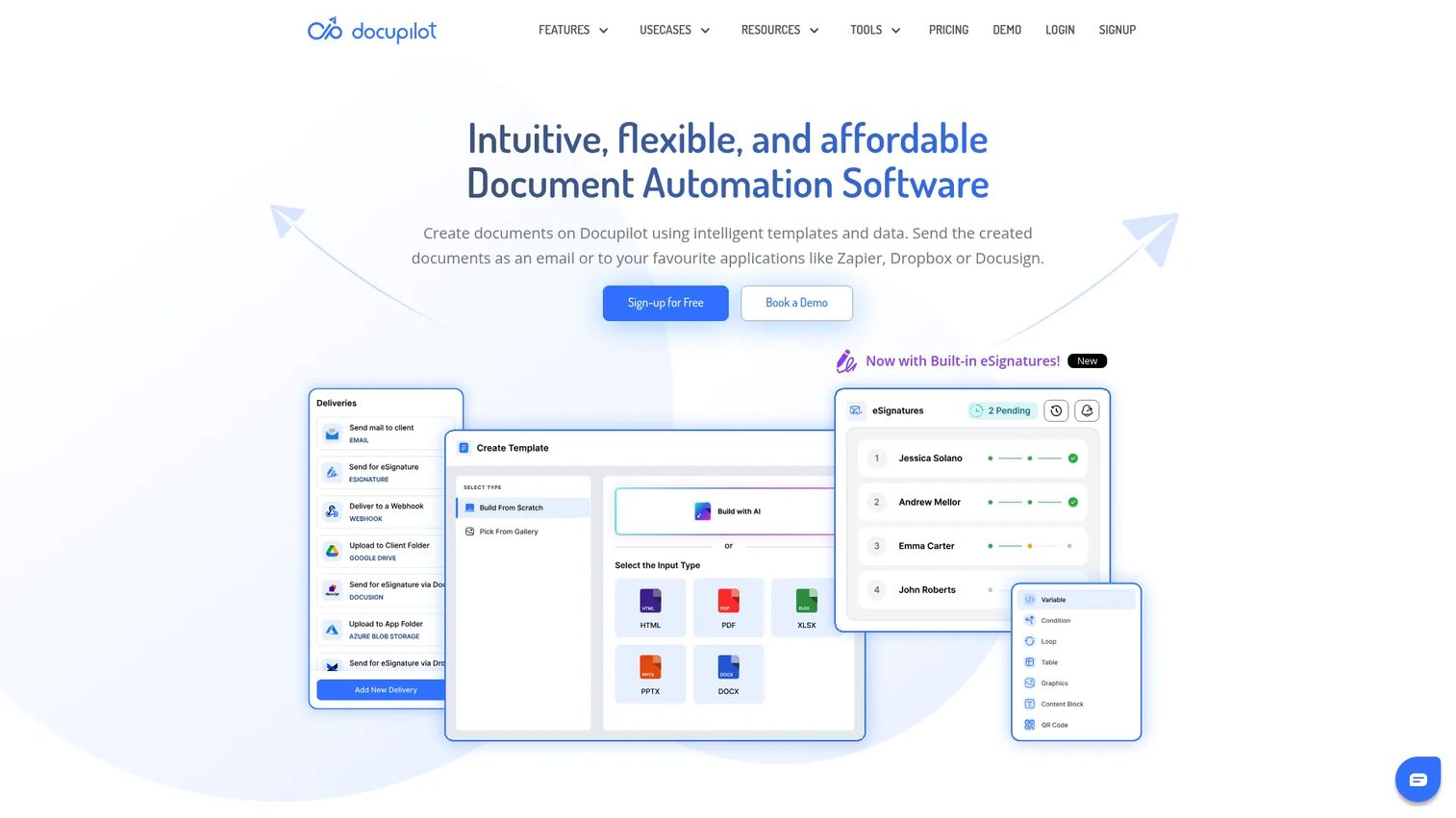
Docupilot is document automation software for generating and delivering personalized documents from templates and data. It is a practical pick for lean operations teams that want straightforward automation without enterprise overhead. Transparent, published pricing makes it easy to plan around volume.
Best for: Teams that need high-volume, template-based document generation with published usage-based pricing.
Key strengths
- No-code template builder
- Dynamic data mapping from CRM, forms, and databases
- API, webhooks, and third-party integrations
- Unlimited templates and testing on every plan
- PDF and Word output support
Why choose Docupilot: It fits smaller teams and ops groups that want workflow automation they can set up themselves and scale by usage. eSignature is an add-on rather than native, so factor that in if signing is central to your flow.
Docupilot pricing: Starter is $29 per month. Plus is $99, Pro is $149, Premium is $199, Business is $399, and Enterprise is $699, all per month. A 30-day free trial is available with no credit card required.
4. Mitratech HotDocs
Mitratech HotDocs is document automation and assembly software for turning recurring documents and forms into intelligent templates and workflows. It is the pick when documents follow strict rules and volume is high. As legal document automation software, it earns its complexity in regulated, structured environments.
Best for: Teams that need high-volume, rules-based document automation.
Key strengths
- Centralized template management
- Rules-based intelligent templates with a clause library
- Interview-style intake for data capture
- Open API integrations
- Batch document processing
Why choose Mitratech HotDocs: Legal and compliance teams building thousands of document variants from a clause library get the most value here. The rules engine and interview-style intake justify a heavier setup when accuracy and consistency are non-negotiable.
Mitratech HotDocs pricing: Mitratech does not publish a public price. Licensing is subscription and order-form based, so pricing comes through a sales conversation.
5. FormAssembly
FormAssembly is a secure online forms and workflow automation platform for compliant data collection. It works best when the document depends on data you need to capture first. Intake first, document second, with compliance built into the flow.
Best for: Organizations that need secure forms, Salesforce-connected workflows, and compliance-focused data collection.
Key strengths
- No-code and high-code form building
- Workflows, approvals, and process automation
- Salesforce integration with prefill and analytics
- Identity authentication for sensitive data
- eSignatures on captured submissions
Why choose FormAssembly: Teams in regulated environments that need to collect data securely before generating a document get real value from its authentication and compliance depth. It suits intake-heavy workflows more than pure proposal building.
FormAssembly pricing: Basic is free. Essentials is $25 per month, Team is $45 per month, and Enterprise is $125 per month, each billed annually. Government pricing is custom.
6. Assembly
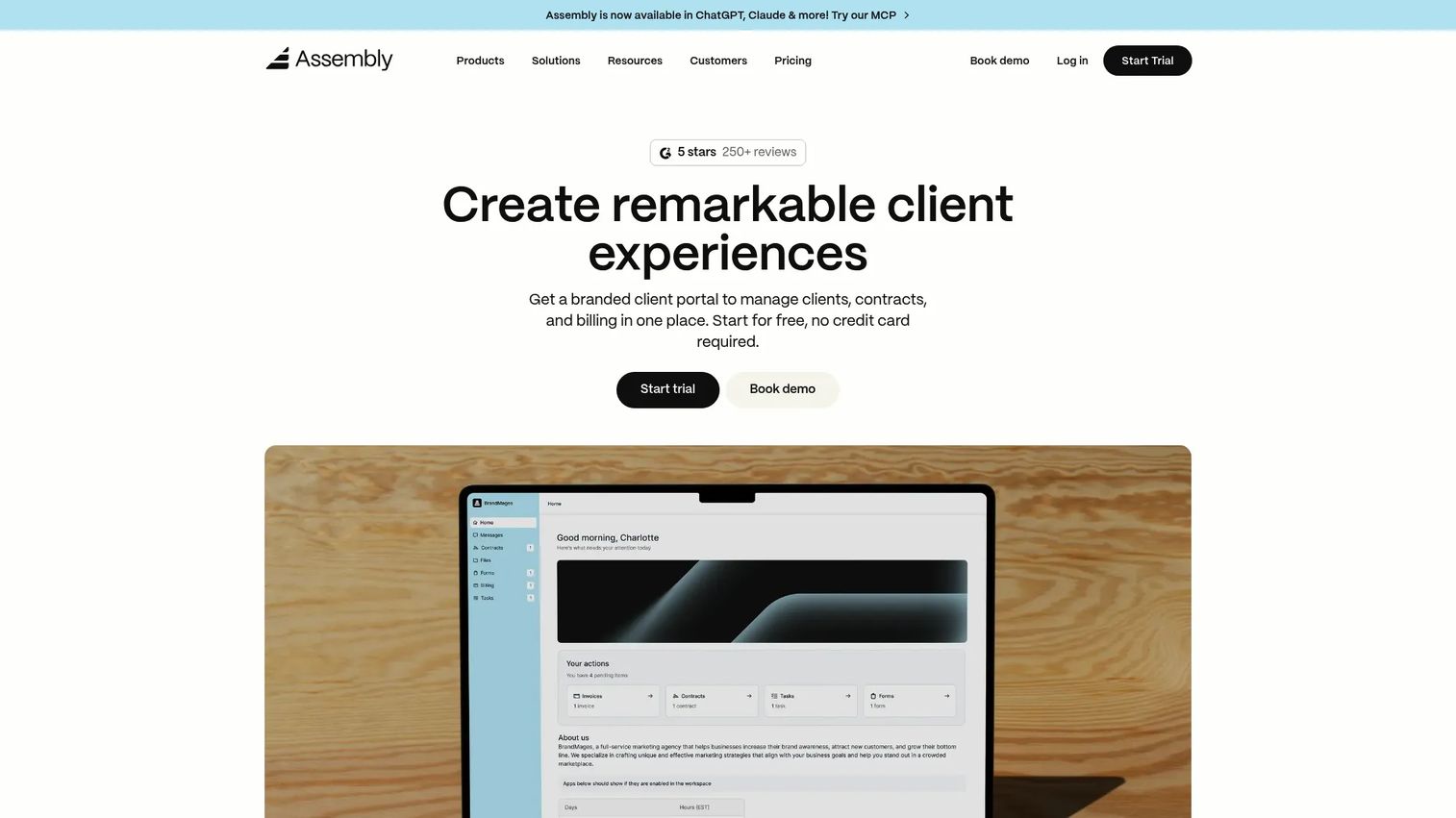
Assembly is client portal software for service businesses, combining CRM, messaging, billing, contracts, and automation. It fits agencies, consultants, and legal service teams that want documents, forms, and client access under one branded roof. The portal is the differentiator.
Best for: Service businesses that want a branded client portal with built-in operations tools.
Key strengths
- Branded client portal
- Built-in CRM
- Messaging and team inbox
- Contracts and billing in one place
- Automation tasks across client workflows
Why choose Assembly: Service firms that manage documents and client communication together get more from an all-in-one portal than from a standalone document tool. It scales from solo consultants up to larger practices through its tiered plans.
Assembly pricing: Starter is $39 per month, Professional is $149, and Advanced is $399. Enterprise is $2,000 per month. A 14-day free trial is available with no credit card required.
7. DocuSeal
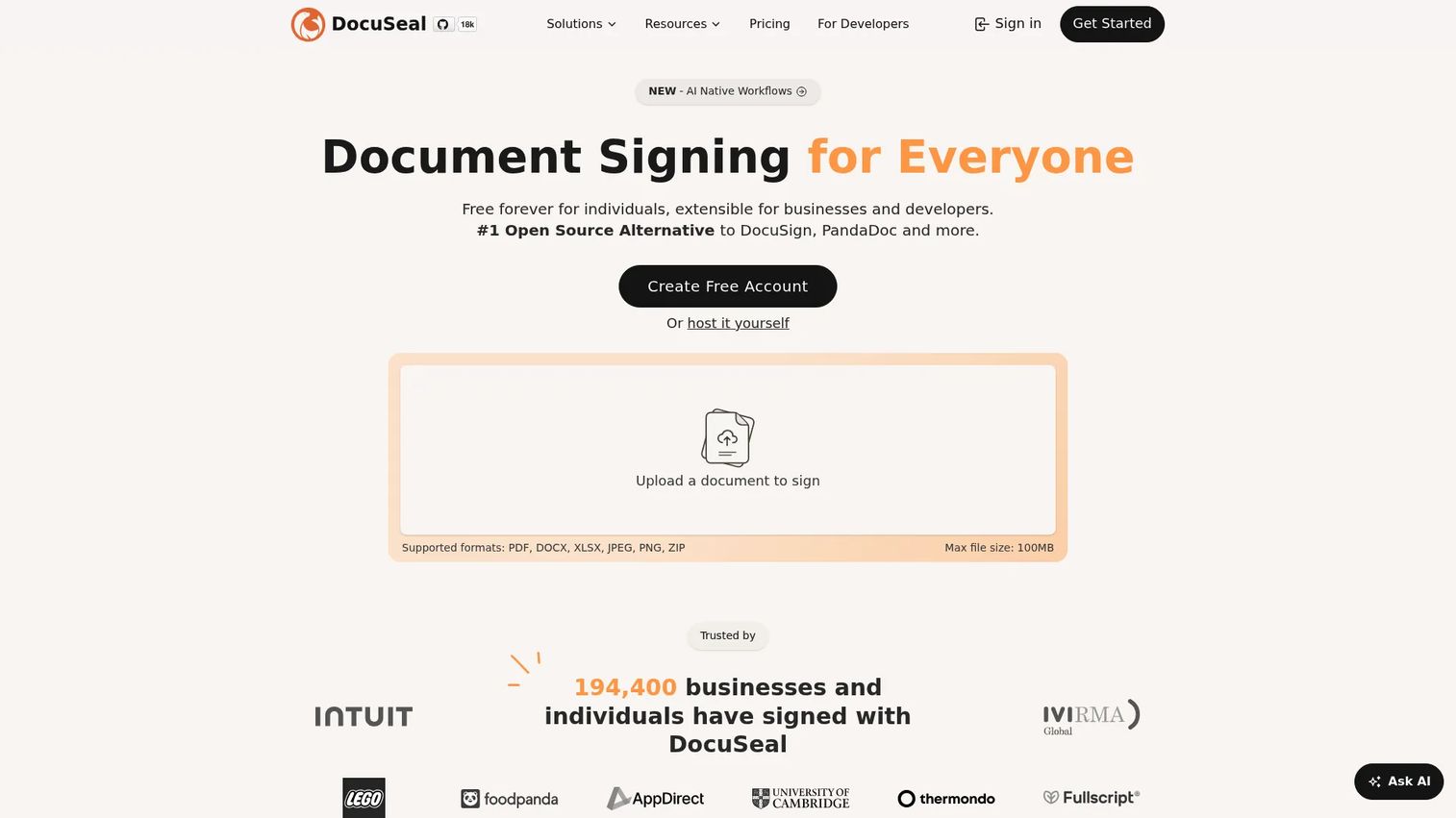
DocuSeal is an open-source document signing and eSignature platform. It fits teams that want a lean, self-hostable signing layer with developer APIs rather than a full document platform. For straightforward eSignature workflow needs, it keeps the stack simple.
Best for: Teams that need a self-hostable eSignature and document workflow tool with developer APIs.
Key strengths
- Legally binding eSignatures
- API and embedding for product integration
- Self-hosted and on-premises deployment
- PDF generation and form fields
- Open-source flexibility
Why choose DocuSeal: Small teams and developers who want control over data and a signing layer they can host themselves get the most here. It works best as an eSignature workflow and document handoff tool rather than a heavy template assembly engine.
DocuSeal pricing: Basic is $0 per user per month. Pro is $20 per user per month. The open-source version is free and self-hosted. API and embedding is $0.20 per signed document in production, with a free sandbox.
Considerations
Before you commit, pressure-test each tool against how your team actually works.
Template logic and conditional rules
Check how much control you get over templates, clause reuse, and conditional branching. A tool that handles simple merge fields may stumble on nested conditional logic. If you build many document variants, verify the clause library and rule engine can handle your real cases, not just demos.
Integration depth
Adoption lives or dies on integrations. Confirm the tool connects to your CRM, ERP, form tools, storage, and eSignature stack. A tight CRM integration means contract generation from live deal data. A weak one means manual export and re-import, which defeats the point.
Security and compliance
Ask about audit trails, permissions, SSO, and data handling. Regulated teams need to know who touched a document and when. For sensitive data, verify how the tool stores and transmits records, and whether it meets your compliance requirements before it enters a review.
Ease of use versus implementation effort
Decide who will own and maintain the system. Some tools set up in an afternoon. Others need a dedicated admin to build and update templates. Match the setup effort to your team's bandwidth so the tool gets used, not shelved.
Pricing model and scaling
Understand whether pricing is seat-based, usage-based, or enterprise-custom. Seat-based costs climb as the team grows. Usage-based costs climb with document volume. Model your expected volume and headcount a year out, so the tool you pick still fits your budget then.
Conclusion
The right document automation software depends on the job. Sales teams that live in proposals and contracts get the fastest win from PandaDoc. Enterprise teams merging data across systems should look at Conga Composer. Lean operations groups that want transparent pricing fit Docupilot.
For legal and regulated workflows, Mitratech HotDocs earns its rules-based depth. Teams that collect data before generating documents should evaluate FormAssembly. Service firms wanting a branded client portal fit Assembly, and teams that need a simple, self-hostable signing layer fit DocuSeal.
Start with your primary use case, not the feature list. Map your document volume, your integrations, and who will maintain the templates. Then shortlist two tools, run your real documents through a trial, and measure turnaround before and after. The tool that shortens your slowest workflow is the one worth buying.
FAQs
Document generation produces a document from data, filling merge fields and outputting a file. Document automation wraps generation in a full workflow that also handles conditional logic, approvals, signature, and delivery. Generation is one step; automation is the whole process end to end.
Not exactly. Document assembly software builds a document from modular parts, such as clauses and conditional sections, which is common in legal work. Document automation is the broader category that includes assembly plus data mapping, approvals, and delivery. Assembly is a capability within automation.
Look for a clause library, rules-based conditional logic, and interview-style intake for capturing case data. Version control and audit trails matter for compliance. Legal document automation software like Mitratech HotDocs is built around these rules-heavy needs, where accuracy across thousands of variants is the priority.
Sales, legal, finance, HR, and operations all benefit, but in different ways. Sales teams speed up proposals and contracts. Legal reduces drafting risk. Finance standardizes quotes and invoices. Operations cuts repetitive form and letter work. Any team that produces the same document repeatedly gains time and accuracy.
It removes the manual steps that cause delay: retyping data, hunting for the right template, and routing files by email. Data flows from your CRM or forms straight into the document. Approvals move through defined steps. What took hours across several people collapses into minutes.
Prioritize your CRM, since contract generation from live deal data removes most manual entry. Then check ERP, form tools, cloud storage, and your eSignature workflow. The deeper the integration, the less copy-paste your team does, which is where the error reduction and time savings actually come from.
Yes, if you produce repetitive documents. Tools like Docupilot and DocuSeal offer accessible entry points, and DocuSeal has a free and open-source option. Small teams often see the fastest payback because a single person no longer spends hours on manual drafting and can redirect that time to higher-value work.
Start with audit trails, granular permissions, SSO, and clear data handling policies. Ask where data is stored and how it is encrypted in transit and at rest. For regulated industries, confirm the vendor meets your specific compliance requirements and can provide documentation before the tool enters a security review.