Revenue can look healthy while cash operations stay completely broken. Invoices go out late, payment reminders get sent manually, reconciliation eats two days per month, and the board asks why cash conversion has slipped while ARR keeps climbing.
The real problem is rarely checkout. It is everything that happens between the point of sale and the moment cash actually lands, gets matched, and shows up in a number you can trust. According to the Association for Financial Professionals (2025), 76% of organizations plan to update their payments strategy within the next three years. The enterprise payment software market itself reached $1.15 billion in 2025 and is projected to hit $1.26 billion in 2026, per Global Growth Insights (2025).
The tools in this guide do not solve the same problem. Some are built for payment acceptance and billing. Others own AP approvals, AR collections, procurement workflows, or cross-border disbursements. Before you evaluate any of them, identify the bottleneck your finance team is actually hitting.
What's inside
This guide is for Series B SaaS founders evaluating payment infrastructure for a finance team that cannot keep running on spreadsheets and bank portals. Every tool was selected based on four criteria:
- Payment-method coverage and geographic reach
- ERP and accounting integration depth
- Workflow automation across AP, AR, billing, and collections
- Pricing transparency and total operational cost
The tools are not interchangeable. Each solves a distinct payment workflow.
TL;DR
- Best for SaaS billing and payment acceptance: Stripe, for founders who want payment APIs, subscriptions, invoicing, and revenue reporting in one stack
- Best for AP and AR consolidation: BILL, for finance teams moving bill approvals and invoice collection out of email
- Best for global supplier payments: Tipalti, for multi-entity AP and international payouts at scale
- Best for procurement-linked spend control: Coupa, for organizations where purchasing governance and payment approval must connect
- Best for AR automation and collections: HighRadius, for finance teams with high invoice volumes and complex cash application needs
- Best for B2B receivables: Paystand, for reducing manual follow-up on invoice payments and lowering transaction costs
- Best for global online and in-person payments: Adyen, for high-volume businesses accepting payments across regions and channels
- Best for cross-border payments and FX: Corpay Cross-Border, when international supplier payments and currency exposure are the core issue
What is enterprise payment software?
Enterprise payment software is a platform, or connected set of platforms, that helps businesses accept, send, automate, secure, reconcile, and report on high-volume payments across customer, supplier, and internal finance workflows.
The category is broader than most buyers expect. Payment processing handles transaction routing. Billing and monetization manages subscriptions, invoices, usage-based pricing, and revenue recognition. Accounts payable software automates vendor invoice capture, approvals, and disbursements. Accounts receivable software drives invoice delivery, payment collection, cash application, and collections workflows. Cross-border platforms handle FX, multi-currency settlement, and international disbursements.
Key capabilities to evaluate:
- Cards, ACH, wire, and local payment methods by region
- APIs, SDKs, and ERP integrations for payment and financial data flow
- Billing, invoicing, payment retries, and revenue recovery automation
- Reconciliation and transaction-level reporting
- Fraud controls, tokenization, authentication, and approval workflows
- Multi-entity, multi-currency, and cross-border payment support
- Scalability across payment volume, team size, and geographic expansion
Where these tools show up in operations:
| What you need to do | Software type that fits |
|---|---|
| Accept customer payments, subscriptions | Payment processor, billing platform |
| Automate vendor invoice approvals | AP automation |
| Collect outstanding invoices, reduce DSO | AR automation |
| Control purchasing spend, connect to approvals | Procure-to-pay platform |
| Pay international suppliers and manage FX | Cross-border payments |
The cheapest transaction fee often becomes expensive when reconciliation stays manual and finance-team time fills the gap.
When to use enterprise payment software
Consolidate customer payment collection
Your billing is growing faster than your finance team can manage. Checkout, subscriptions, invoicing, payment retries, and revenue reporting are spread across two or three systems. A payment processing software layer ties these together, reducing the number of tools a VP Finance has to reconcile at month-end.
Reduce AP and AR overhead before hiring more headcount
When the finance team is spending more than a day per week on manual bill approvals, vendor payment scheduling, or chasing outstanding invoices, the bottleneck is workflow, not capacity. Good cash flow management software or AP/AR automation returns that time to higher-value work without adding a headcount line.
Expand internationally without rebuilding the payment stack
New international customers, overseas suppliers, marketplace payouts, or regional payment-method requirements each create friction the existing stack was not designed for. According to the Association for Financial Professionals (2025), 87% of organizations engage in cross-border payments. Cash flow forecasting software and cross-border payment tools address currency exposure, settlement timing, and local method coverage before those problems compound.
Enterprise payment software comparison
The table below routes you by primary business job, not by overall quality. Each tool earns its place for a specific workflow.
| # | Product | Best for | Key differentiator | Pricing | G2 rating |
|---|---|---|---|---|---|
| 1 | Stripe | SaaS billing and payment acceptance | Payment APIs, billing, invoicing, tax, and revenue tools | 2.9% + 30¢ per transaction (standard); custom enterprise terms | 4.4/5 |
| 2 | BILL | AP and AR workflow consolidation | Payables, receivables, approvals, and accounting integrations | From $49/user/month (Essentials); higher tiers by quote | 4.4/5 |
| 3 | Tipalti | Global supplier payments and multi-entity AP | AP automation, global payouts, tax forms, multi-entity controls | From $99/month (AP); $249/month (Mass Payments) | 4.5/5 |
| 4 | Coupa | Procurement-linked spend and payment control | Procure-to-pay with enterprise purchasing governance | Custom pricing | 4.2/5 |
| 5 | HighRadius | Enterprise AR, collections, and cash application | AI-powered receivables automation and cash application depth | Custom pricing | 4.3/5 |
| 6 | Paystand | B2B payment acceptance and AR automation | Zero-fee Paystand Network, digital rails, ERP-native reconciliation | Custom pricing | 4.4/5 |
| 7 | Adyen | Unified global online and in-person payments | Global acquiring across 200+ payment methods | $0.13 + payment-method fee per transaction; no monthly fee | 4.0/5 |
| 8 | Corpay Cross-Border | International payments and FX operations | Cross-border supplier payments and currency-risk management | No monthly fee; wire fees typically $10 to $75 per transaction | 4.5/5 |
Pricing and G2 ratings verified October 2026 from each vendor's official pricing page and G2 listing.
Best enterprise payment software for 2026
1. Stripe
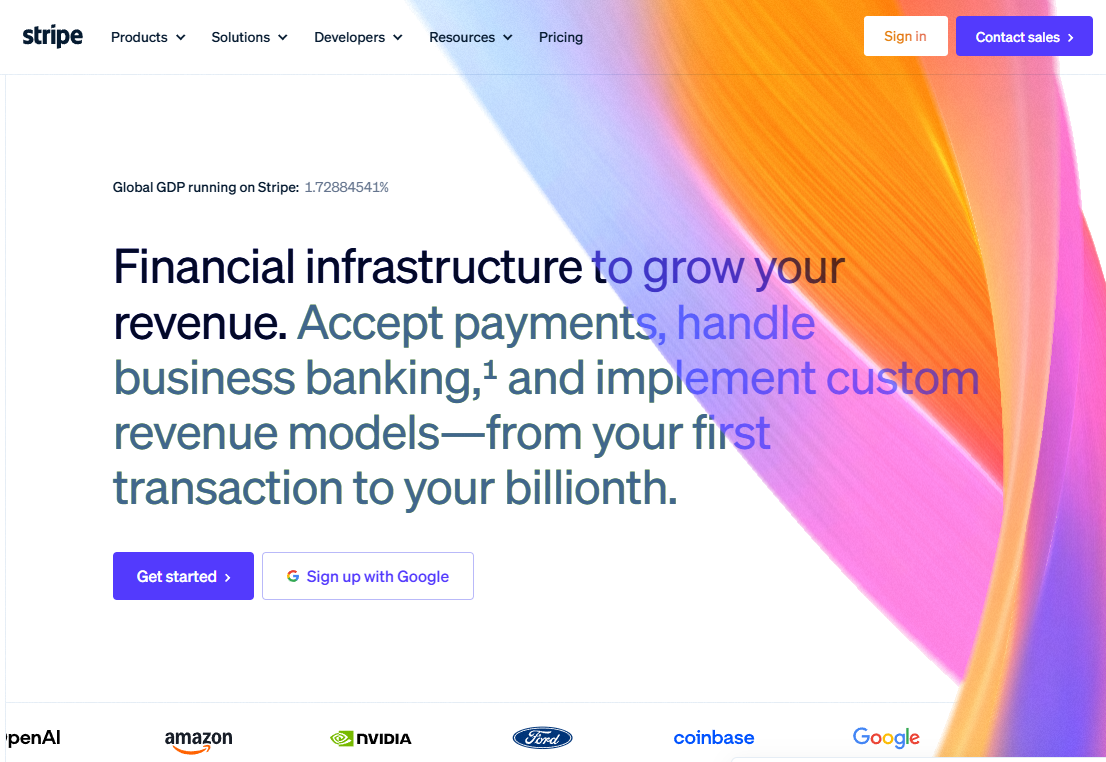
Stripe is a financial infrastructure platform covering online and in-person payments, recurring billing, invoicing, fraud prevention, and revenue reporting. It was designed for companies where payment capability connects directly to product and monetization strategy. Engineering teams can build on Stripe's APIs, while finance teams get billing, tax, and reconciliation workflows from the same platform.
Best for: Series B SaaS founders who want payment acceptance, subscription billing, invoicing, and revenue data unified without assembling separate systems.
Key features
- Global card and local payment methods in 135+ currencies
- Payment APIs and SDKs for custom checkout and embedded payments
- Subscription and usage-based billing with automated retries
- Invoicing and payment links for one-off and recurring charges
- Tax calculation and revenue recognition reporting
Why choose Stripe: Choose Stripe when payment capability is part of the product itself. It is the strongest fit when engineering owns checkout or billing logic, and when the company needs payment data to feed directly into revenue reporting and forecasting.
Stripe pricing: Standard processing runs 2.9% + 30¢ per successful card transaction, with no setup or monthly fees. Pricing varies by payment method, geography, and product (Billing, Invoicing, Radar, Connect each have separate fees). Enterprise accounts get custom rates, volume discounts, and IC+ pricing through Stripe's sales team.
G2 rating: 4.4/5
2. BILL
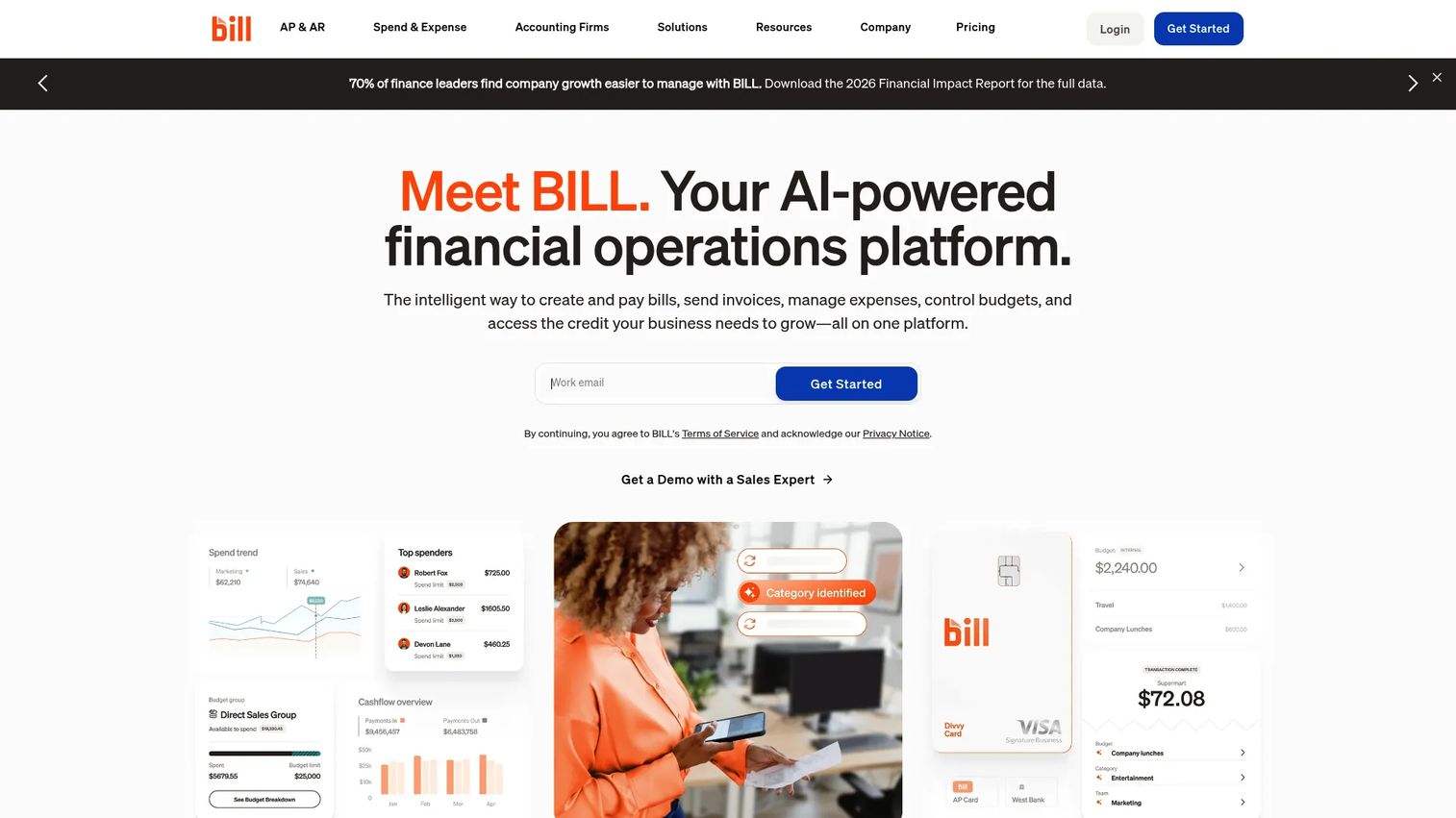
BILL is a financial operations platform that automates accounts payable, accounts receivable, and spend management for growing businesses. It moves bill approvals, vendor payments, customer invoicing, and payment collection out of email threads and bank portals into structured, trackable workflows. Accounting integrations with QuickBooks, Xero, NetSuite, and Sage Intacct sync payment data automatically.
Best for: Finance teams at 50 to 500-person companies that need repeatable AP approval and AR collection workflows without building custom automation.
Key features
- AP approval workflows with multi-level routing
- AR invoicing with payment reminders and auto-pay
- Vendor payment scheduling via ACH, check, wire, or card
- AI-assisted invoice coding and vendor validation
- Integrations with QuickBooks, Xero, NetSuite, and Sage Intacct
Why choose BILL: BILL makes sense when the finance team's bottleneck is day-to-day payment operations rather than complex global AP or high-volume collections. It replaces a mix of email approvals, manual bank transfers, and disconnected invoicing tools with a single operating workflow.
BILL pricing: The Essentials plan starts at $49/user/month for AP or AR. Team, Corporate, and Enterprise tiers are priced by quote. BILL Spend and Expense carries no software subscription fee. Transaction fees apply separately to payment execution.
G2 rating: 4.4/5
3. Tipalti
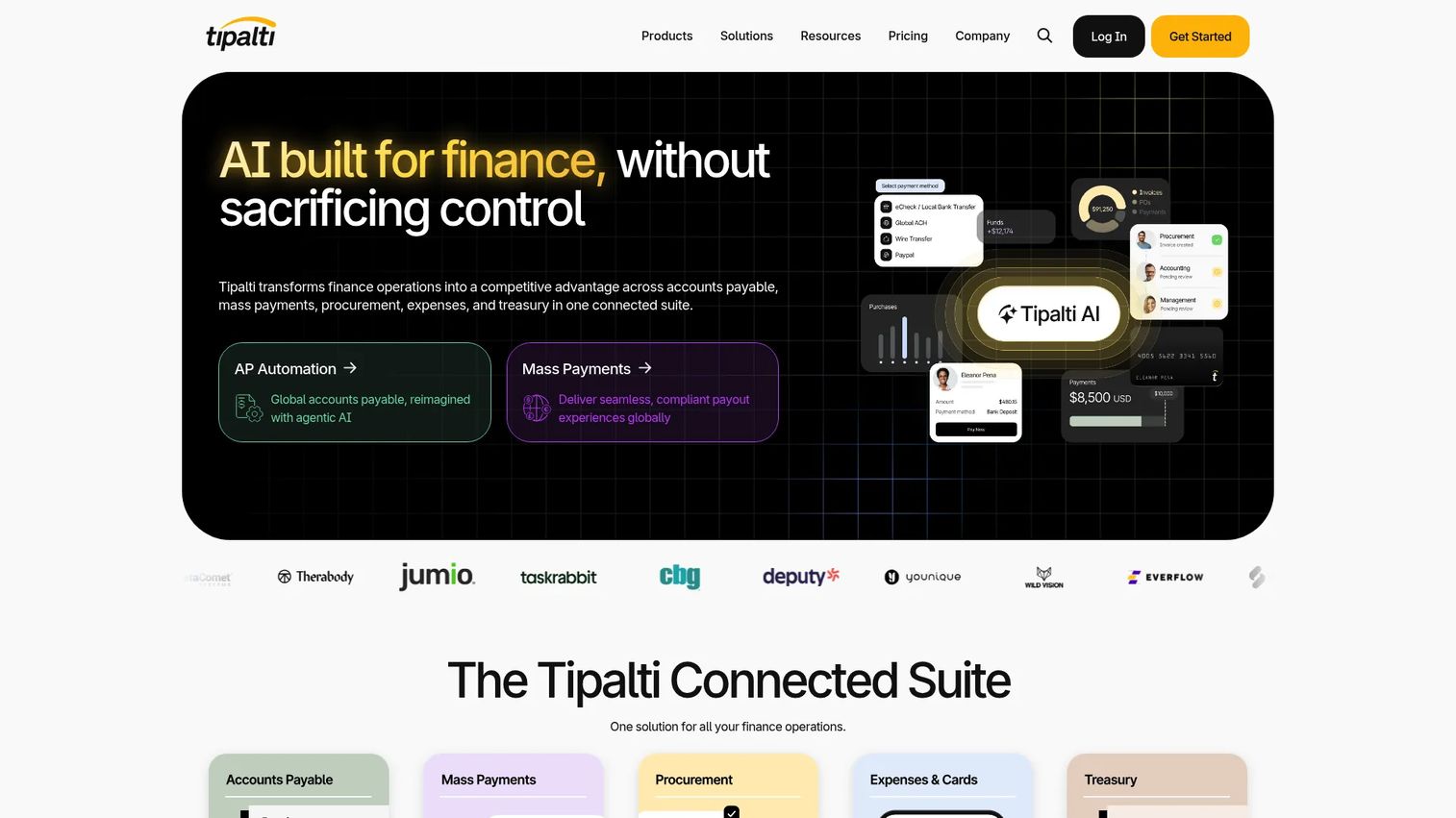
Tipalti is an AI-powered finance automation platform for global accounts payable, mass payments, and multi-entity supplier management. It handles supplier onboarding, tax form collection (W-9, W-8, 1099), payment scheduling, and multi-currency disbursements across 196 countries. Teams use it to bring audit-ready controls to global AP without building custom workflows or running everything through a bank portal.
Best for: SaaS companies managing international vendors, multiple legal entities, or complex AP approval chains that need audit trails and compliance controls.
Key features
- Global supplier payouts across ACH, wire, PayPal, and local methods
- Supplier onboarding with tax documentation collection
- Multi-entity AP controls and approval workflows
- Built-in fraud detection and payment validation
- ERP integrations with NetSuite, Sage, QuickBooks, and Microsoft Dynamics
Why choose Tipalti: Tipalti earns its place when international AP and financial control are operational requirements, not nice-to-haves. It is more than a bill-payment tool when teams need auditability across entities, supplier tax documentation, and global payment-method coverage in one place.
Tipalti pricing: The Accounts Payable plan starts at $99/month. The Mass Payments plan starts at $249/month. Transaction fees and professional services are priced separately. Complex implementations involving multiple modules or custom integrations carry additional costs.
G2 rating: 4.5/5
4. Coupa

Coupa is a spend management platform that connects purchasing decisions, supplier management, invoice processing, and payment approvals in a single governance layer. Finance and procurement teams use it to control what gets bought, from whom, and at what price, before a payment ever gets authorized. It covers strategic sourcing, purchase requisitions, contract management, expense management, and AP automation.
Best for: Larger SaaS businesses with formal purchasing processes, multiple budget owners, and compliance requirements that need payment approvals tied directly to procurement governance.
Key features
- Purchase requisition and approval workflows
- Supplier relationship management and onboarding
- Invoice processing and AP automation
- Spend analytics and policy controls
- Contract management with payment linkage
Why choose Coupa: Choose Coupa when uncontrolled purchasing is creating margin leakage and the finance team needs payment approvals to connect directly to spend policies. It is not the right choice for basic subscription billing or simple payment acceptance.
Coupa pricing: Custom pricing. Coupa structures enterprise subscriptions around selected products, implementation scope, organization size, and spend volume. Contact Coupa's sales team for a quote. G2 reviewers report enterprise engagements typically start at a significant annual investment given the platform scope.
G2 rating: 4.2/5
5. HighRadius
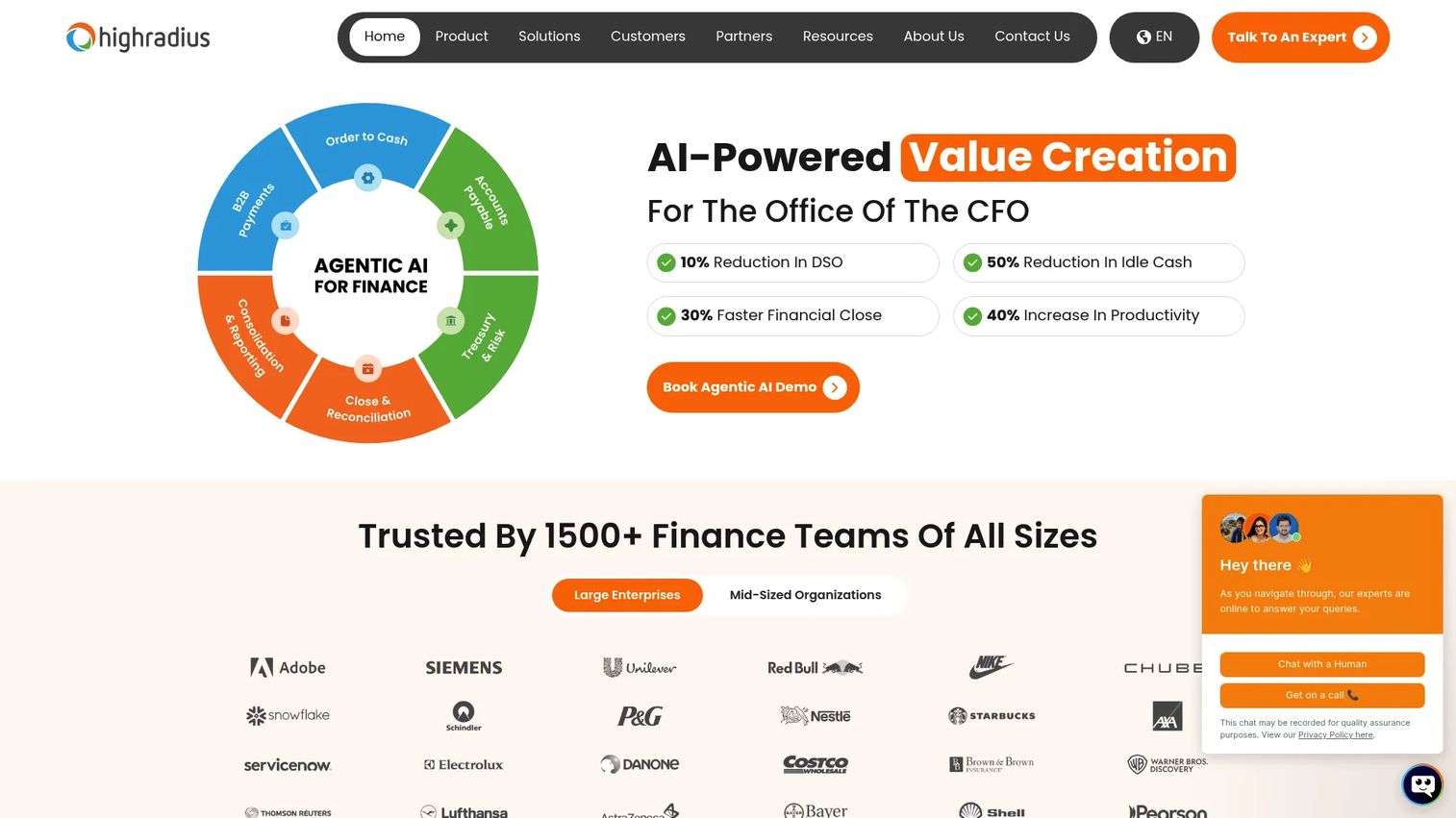
HighRadius provides AI-powered autonomous finance software covering accounts receivable, accounts payable, treasury, and financial close. Its core strength is the receivables side: Automating cash application, collections workflows, credit decisions, dispute handling, and deduction management. Finance teams with high invoice volumes use it to reduce days sales outstanding and the manual matching work that compounds as billing scales.
Best for: Enterprise and mid-market finance teams that need structured control over collections, cash application, and AR reconciliation at volume.
Key features
- Automated cash application with AI matching
- Collections workflow management and dunning automation
- Dispute and deduction handling
- Receivables analytics and DSO reporting
- ERP-connected AR operations for NetSuite, SAP, Oracle, and others
Why choose HighRadius: HighRadius makes sense when receivables have become a systems problem. If delayed payment application is distorting cash forecasts, or the finance team is spending significant hours on manual matching, the platform addresses those workflows directly. Its outcome-based pricing model (which can include $0 implementation until go-live) reduces upfront risk.
HighRadius pricing: Custom pricing based on selected modules, integration requirements, and organization complexity. HighRadius describes outcome-based pricing for applicable offerings, meaning no implementation fee and no subscription until the platform goes live. Contact HighRadius for a scope-based quote.
G2 rating: 4.3/5
6. Paystand
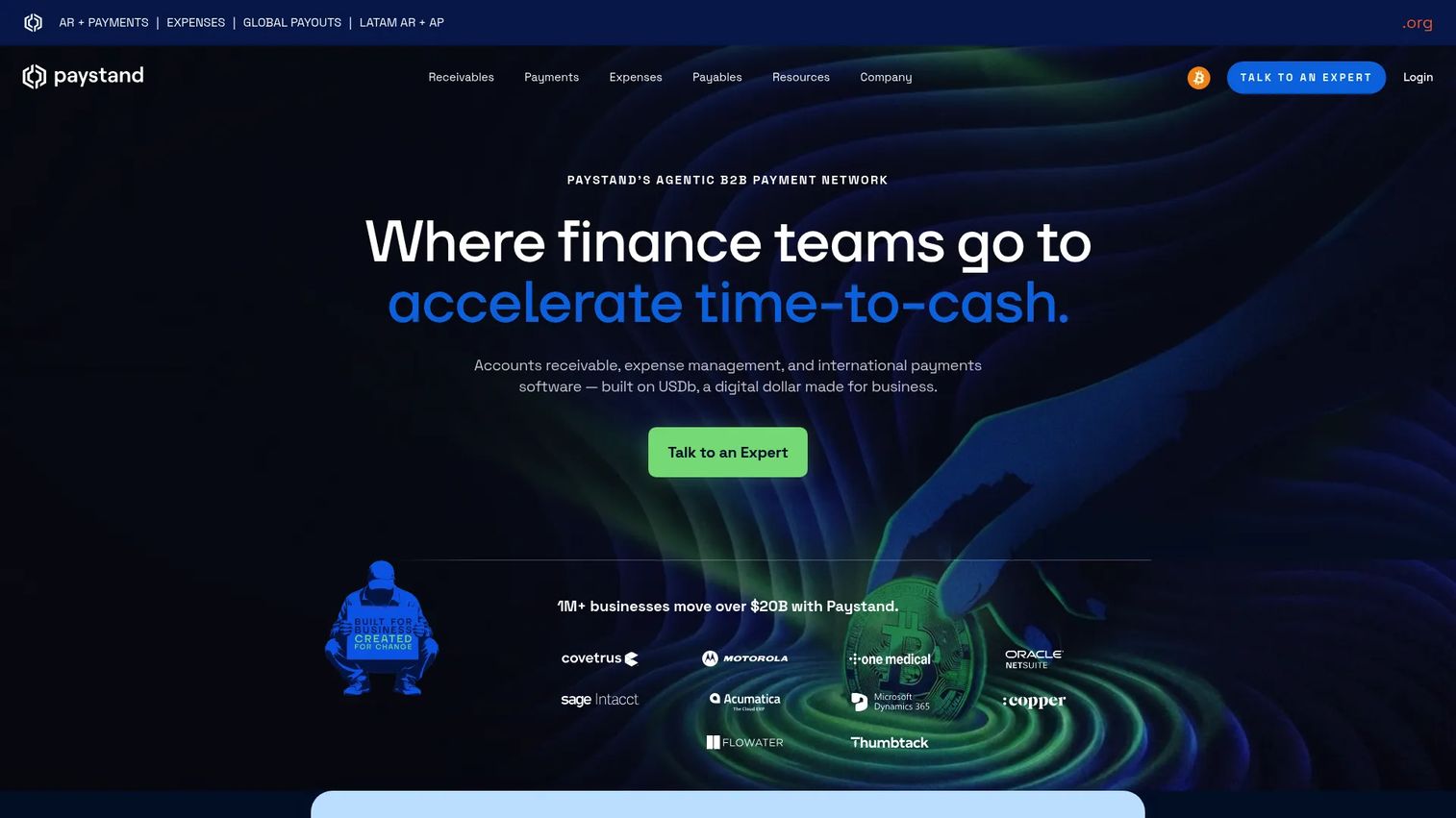
Paystand is a B2B payments platform built on a subscription model and a proprietary payment network that removes per-transaction fees for payments made over that network. It covers ACH, eCheck, credit card, wire, and digital wallet acceptance, plus a customer-facing payer portal, invoice payment links, autopay, and automated cash application. ERP integrations bring payment data into NetSuite, Sage, and other accounting systems in real time.
Best for: B2B businesses collecting invoice payments that want to reduce manual payment follow-up, lower transaction costs, and automate reconciliation without overhauling the full finance stack.
Key features
- Zero-fee payments over the Paystand Network
- ACH, eCheck, card, and wire payment methods
- Invoice payment links and payer portal
- Automated cash application and Smart Check digitization
- ERP integrations with real-time payment visibility
Why choose Paystand: Paystand fits companies where ACH and invoice payment workflows need to live closer together, and where per-transaction fees are a meaningful cost. The flat subscription model changes the unit economics of collections at scale compared to a percentage-per-transaction processor.
Paystand pricing: Subscription-based flat monthly or annual pricing. Paystand's pricing page does not display a starting price or named tiers. Contact Paystand for a quote based on payment volume, ERP integration requirements, and modules selected.
G2 rating: 4.4/5
7. Adyen
Adyen is a global payment platform for accepting, processing, and settling online and in-person payments. It provides a single integration for 200+ payment methods across regions, with unified transaction data, risk controls, and reconciliation in one system. Companies handling ecommerce, mobile, physical retail, and international sales use Adyen to manage payment orchestration without splitting acquiring across multiple processors.
Best for: High-volume businesses that need unified payment acceptance across online, in-person, and international channels without managing multiple acquiring relationships.
Key features
- Global payment acquiring through one integration
- 200+ payment methods including local rails by region
- In-person payment terminals and omnichannel reconciliation
- Fraud prevention and risk management
- Unified transaction reporting and payment analytics
Why choose Adyen: Adyen fits companies where payment acceptance is complex across regions and channels. It is less relevant when the core issue is AP approvals or AR collections automation. Distinguish global payment acceptance from global supplier payments. They are different buying decisions.
Adyen pricing: $0.13 per transaction plus a payment-method fee that varies by method and region. No setup fees or monthly platform fees. Other Adyen products (issuing, data, etc.) are priced separately.
G2 rating: 4.0/5
8. Corpay Cross-Border
Corpay Cross-Border is a global payments and foreign exchange platform for businesses managing recurring international payments, multi-currency balances, and currency exposure. It supports spot transactions, limit orders, and forward contracts for FX risk management alongside beneficiary management, payment tracking, and API integrations for payment automation.
Best for: SaaS companies with international suppliers, contractors, or operating entities that need predictable cross-border payment operations and currency-risk control.
Key features
- International payment execution across 145+ countries
- FX spot, limit orders, and forward contracts
- Multi-currency accounts and balance management
- Beneficiary management and payment validation
- API integrations for payment automation and tracking
Why choose Corpay Cross-Border: Corpay is the right pick when FX cost, payment corridor reliability, and cross-border finance operations are a specific bottleneck. A small FX spread problem becomes a real margin issue when payment volume grows. It is a focused platform, not a replacement for a core billing or AP system.
Corpay Cross-Border pricing: No monthly or yearly service fees, per Corpay's official FAQ. Wire fees typically run $10 to $75 per transaction; EFT fees run $0.25 to $5. FX spreads and total cost vary by payment corridor, volume, and negotiated commercial terms.
G2 rating: 4.5/5
Considerations when choosing enterprise payment software
Match the tool to the money flow
Start with the workflow, not the feature list. Customer payment acceptance, subscription billing, AP approvals, AR collections, procurement payments, and cross-border disbursements are different jobs. A platform that excels at one can be the wrong fit for another. Map your current bottleneck before evaluating any vendor.
Validate the integration before assuming it works
Confirm how payment data reaches your ERP, accounting system, and data warehouse. Ask which specific records sync, at what frequency, how exceptions get handled, and who owns reconciliation when a mismatch occurs. Logo-level integration claims rarely answer these questions.
Model total annual cost, not just the transaction fee
Transaction fees matter, but so do platform subscriptions, payment-method costs, FX spreads, implementation services, and internal finance time. Ask vendors to model your actual payment mix, including volume, method, geography, and current reconciliation hours. The full picture changes which option is actually cheaper.
Check approval controls before scale makes them urgent
Review roles, approval routing, audit logs, supplier verification, fraud controls, and access restrictions now. A control model that worked at 20 employees rarely survives 150 without deliberate configuration. Validate that the platform's governance layer matches your next stage of growth.
Test reporting against the questions your board asks
The right platform should answer basic operating questions without manual work: What is currently outstanding? What failed this week? How much cash is expected by Friday? Which customers or regions are creating collection exceptions? If the reporting requires a spreadsheet to answer any of those, that is a gap worth pricing before you commit.
Conclusion
The eight tools in this guide cover different parts of the payment stack. Stripe fits SaaS companies building payment acceptance and monetization into the product. BILL fits businesses that need AP and AR workflows under one operating model without heavy implementation. Tipalti fits global AP and multi-entity complexity. Coupa fits procurement-heavy organizations with governance requirements. HighRadius fits AR and collections automation at scale. Paystand fits B2B invoice payments where flat-fee pricing changes the unit economics. Adyen fits unified international payment acceptance. Corpay Cross-Border fits cross-border disbursements and FX management.
The decision that matters is identifying which bottleneck is actually limiting cash conversion or finance-team capacity right now. Start there. Define a 90-day outcome before implementation, so the new VP Finance inherits infrastructure with a measurable target attached.
Start your journey with Guideflow today!
FAQs
Payment processing software focuses on accepting and routing individual transactions, typically covering cards, ACH, and local payment methods. Enterprise payment software is a broader category that may also include billing, invoicing, AP and AR automation, procurement workflows, reconciliation, and global payment operations. Define the money flow you need to manage before selecting a platform. If the bottleneck is transaction acceptance, a processor may be enough. If it spans approvals, collections, and reporting, the scope is wider.
SaaS companies often need payment acceptance, subscription billing, invoicing, tax handling, and revenue reporting connected in one stack. Stripe is typically the strongest starting point because it was built for this combination. The right choice shifts when the company's bottleneck is AR collections (HighRadius or Paystand), global supplier payments (Tipalti), or international customer acceptance across channels (Adyen). See our guide to best payment processing software for a wider comparison.
Coverage varies materially by vendor and region. Stripe and Adyen both support broad international payment-method coverage. Tipalti and Corpay Cross-Border focus on outbound supplier payments across global rails. BILL covers domestic ACH, check, wire, and card for AP and AR. Verify each payment rail, settlement currency, payout geography, transaction limit, and fee structure before committing. Do not assume a vendor supports a specific method in a specific country without checking their documentation directly.
Data migration scope is the first practical question: Does invoice history, subscription data, and customer payment information transfer cleanly? Check token portability for stored card credentials, since not all processors support migration without requiring customers to re-enter payment details. Confirm integration continuity with your ERP and accounting system, reconciliation process changes, and customer communication requirements. A phased migration with a measurable success metric reduces risk more reliably than a full cutover.
Automation can speed invoicing, payment reminders, payment acceptance, cash application, and reconciliation. The actual impact depends on existing payment terms, customer behavior, approval cycle length, and implementation quality. AR automation that reduces days sales outstanding by even a few days creates meaningful working capital at Series B revenue levels. Track DSO, failed-payment recovery rate, and finance-team time per transaction before and after implementation to measure actual improvement.
ERP and accounting integrations are the most operationally critical because they determine whether payment data reaches the general ledger accurately and automatically. CRM integration matters for connecting payment status to customer health scores. Data warehouse integration matters for board-level reporting. Tax system integration matters for revenue recognition and compliance. Evaluate field-level sync depth and exception handling, not just whether a named integration exists. See our overview of accounts payable software and accounts receivable software for integration criteria specific to those workflows.
Security capabilities worth evaluating include tokenization for stored payment credentials, encryption in transit and at rest, multi-factor authentication, role-based access controls, fraud detection models, approval workflows, and audit logs. Most platforms in this guide carry SOC 2 Type II certification and PCI DSS compliance. Assess vendor documentation for your specific transaction types, data residency requirements, and industry obligations. Do not rely on a vendor's marketing summary. Request security documentation and have your security or IT team review it before committing to an enterprise contract.
The major pricing models are: Transaction-percentage fees (Stripe, Adyen), per-transaction fixed fees combined with FX spreads (Corpay Cross-Border), monthly platform subscriptions with per-user charges (BILL, Tipalti), and custom enterprise contracts priced by modules and scope (Coupa, HighRadius, Paystand). Total annual cost should include platform fees, transaction fees, implementation services, and internal finance time. For context, see our guide on cash flow management software for how payment tool choices affect broader cash visibility and forecasting costs.