



A single fall season generates hundreds of registration forms, dozens of schedule changes, and a flood of parent emails asking the same three questions. Multiply that across every sport, every team, and every season, and the athletic director becomes the bottleneck for the entire program.
Most schools try to run this on spreadsheets, shared calendars, paper physicals, and a group text that nobody reads. It works until a game gets moved, a clearance form goes missing, or a coach sends the wrong bus time to 40 families.
The market has responded. Grand View Research valued the global sports management software market at USD 4.26 billion in 2025, and Industry Research reports that more than 1.2 million sports organizations worldwide now run on digital management systems. Schools are consolidating athletics operations into single platforms because the manual version stopped scaling years ago.
The question is not whether to use athletic department management software. It is which platform actually replaces the tools you already juggle, without adding a new one to the pile.
What's inside
This guide is for athletic directors, school administrators, and district leaders comparing athletics software to centralize operations. It is not a directory. It is a shortlist you can act on.
We evaluated each platform on the criteria that decide whether software earns its place in a school:
- All-in-one workflow coverage across registration, scheduling, and fees
- Communication depth for coaches, parents, athletes, and admins
- Compliance and clearance support, including FERPA-sensitive records
- Proof through named case studies and school adoption
- Operational ease, so coaches use it without heavy training
TL;DR
- Best for broad all-in-one control: Aktivate covers registration, clearance, scheduling, injury tracking, and fundraising in one system.
- Best for school-wide scheduling and communications: Bound spans athletics and activities with a wide set of connected products.
- Best for athletics pages and publishing workflows: Finalsite Athletics Manager ties athletics data to your website and mobile app.
- Best for reporting and operational tracking: WinWon adds structured recruiting workflows, messaging, and athlete management for departments that want more visibility.
For most athletic director software decisions, the smart move is to shortlist one broad platform and one specialized option, then test both against your actual season.
What is athletic department software
Athletic department software is a system that centralizes the operations of a school's athletics program, replacing scattered forms, spreadsheets, email threads, and calendars with one connected workflow.
Instead of managing each sport in its own inbox, an athletic director runs registration, schedules, communication, and compliance from a single place. That consolidation is the whole point. Fewer handoffs, fewer missed updates, less duplicated work.
Core capabilities most athletic management software covers:
- Registration and clearance: Digital sign-ups, physicals, waivers, and eligibility status
- Scheduling and event management: Game and practice calendars, changes, and venue assignments
- Communications and alerts: Segmented messages to coaches, parents, and athletes
- Coaching certifications: Tracking required training and credential expiration
- Injury management: Logging incidents and monitoring return-to-play status
- Fee collection and fundraising: Participation fees, donations, and event revenue
- Reporting and admin visibility: Participation data, bottlenecks, and status at a glance
The best school athletics software does not just digitize one of these. It connects them, so a completed clearance form updates a roster, which updates a schedule, which triggers the right message to the right families.
When to use athletic department software
Centralize seasonal program operations
Use athletics software when coaches and ADs still manage each season in separate sheets and inboxes. Every new season restarts the same manual setup: rosters copied by hand, forms re-sent, calendars rebuilt.
A single platform carries structure from season to season. Registration rolls forward, clearance status follows the athlete, and schedules live in one calendar. That cuts the handoffs where information gets lost between a coach, the front office, and the AD.
Manage communication at scale
Use it when parents, athletes, and coaches all need different updates on schedules, cancellations, and requirements. A rainout does not mean one message. It means a segmented set: bus times for one team, pickup changes for another, an eligibility reminder for a third.
One-to-many communication at this scale needs auditability and segmentation. You need to know who received what, and when, without forwarding the same text 12 times.
Replace manual clearance and compliance tracking
Use it when paper forms, email approvals, and missing signatures slow participation. A student cannot play until a physical is on file, a waiver is signed, and eligibility is confirmed. Chasing those on paper delays kids and creates risk.
Structured clearance workflows give status visibility. You see who is cleared, who is pending, and what is blocking each athlete, without opening a filing cabinet.
Comparison table
Four platforms, sorted by relevance to school athletics workflows. Pricing for these tools is quote-based, so we note what is publicly confirmed rather than estimate a number.
| # | Product | Best for | Key differentiator | Pricing | G2 rating |
|---|---|---|---|---|---|
| 1 | Aktivate | Broad all-in-one control | Registration, clearance, scheduling, injury tracking, and fundraising in one system | Quote-based, not public | Not publicly listed |
| 2 | Bound | School-wide scheduling and activities | Wide set of connected products across athletics and activities | Quote-based, not public | Not publicly listed |
| 3 | Finalsite Athletics Manager | Athletics pages and publishing | Athletics data tied directly to website and mobile app | Quote-based, not public | Not publicly listed |
| 4 | WinWon | Reporting and recruiting workflows | Recruiting workflows plus a messaging copilot for athlete management | Quote-based, contact for quote | 5.0/5 |
Best 4 athletic department software tools for schools
1. Aktivate
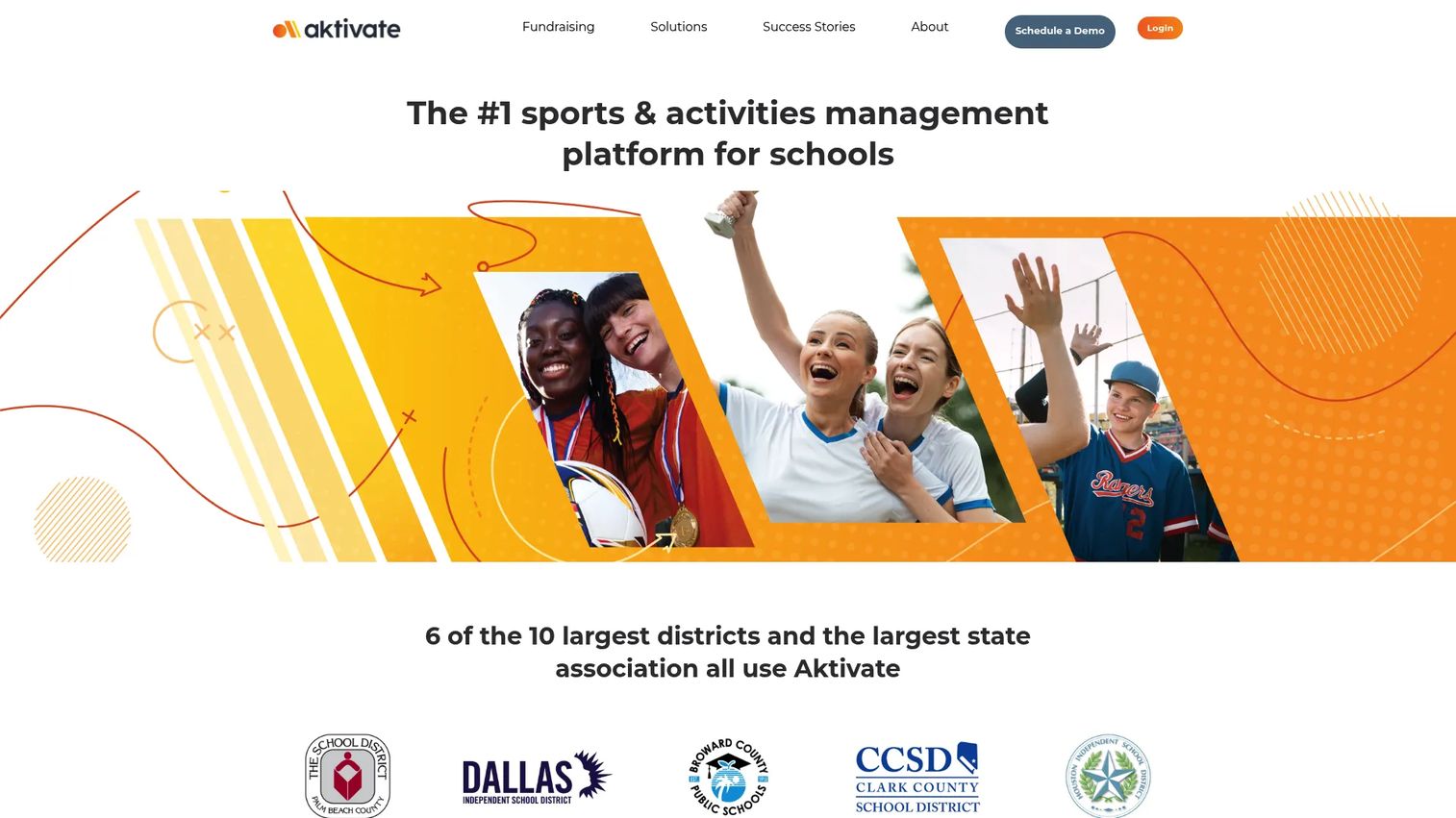
Aktivate is sports and activities management software built for K-12 athletic departments and school activity programs. It positions itself as an all-in-one platform, pulling athlete registration and clearance, scheduling, communication, and fee collection into one workflow that an AD can actually run without a second system.
The reason schools reach for Aktivate is consolidation. Instead of one tool for sign-ups, another for physicals, and a spreadsheet for eligibility, the registration flow feeds directly into clearance status. That means the same record that captures a parent signature also drives whether an athlete shows as cleared to play.
Best for: K-12 athletic directors who want fewer moving parts across registration, clearance, and program operations.
Key strengths
- Athlete registration and clearance in one flow
- Scheduling and event management for teams and seasons
- Coach-parent-athlete communication with segmented messaging
- Injury management and coaching certifications tracking
- Fundraising and donation collection with revenue-share terms
Why choose Aktivate: If your core pain is running five disconnected tools per season, Aktivate's breadth is the draw. It fits departments that want one login for the operational spine of athletics, not a specialized layer bolted onto existing systems.
Aktivate pricing: Schools are contacted directly for plan details, and the fundraising terms note that fees are disclosed at the point of donation.
A current G2 or Capterra rating for Aktivate was not publicly verifiable at the time of writing.
2. Bound
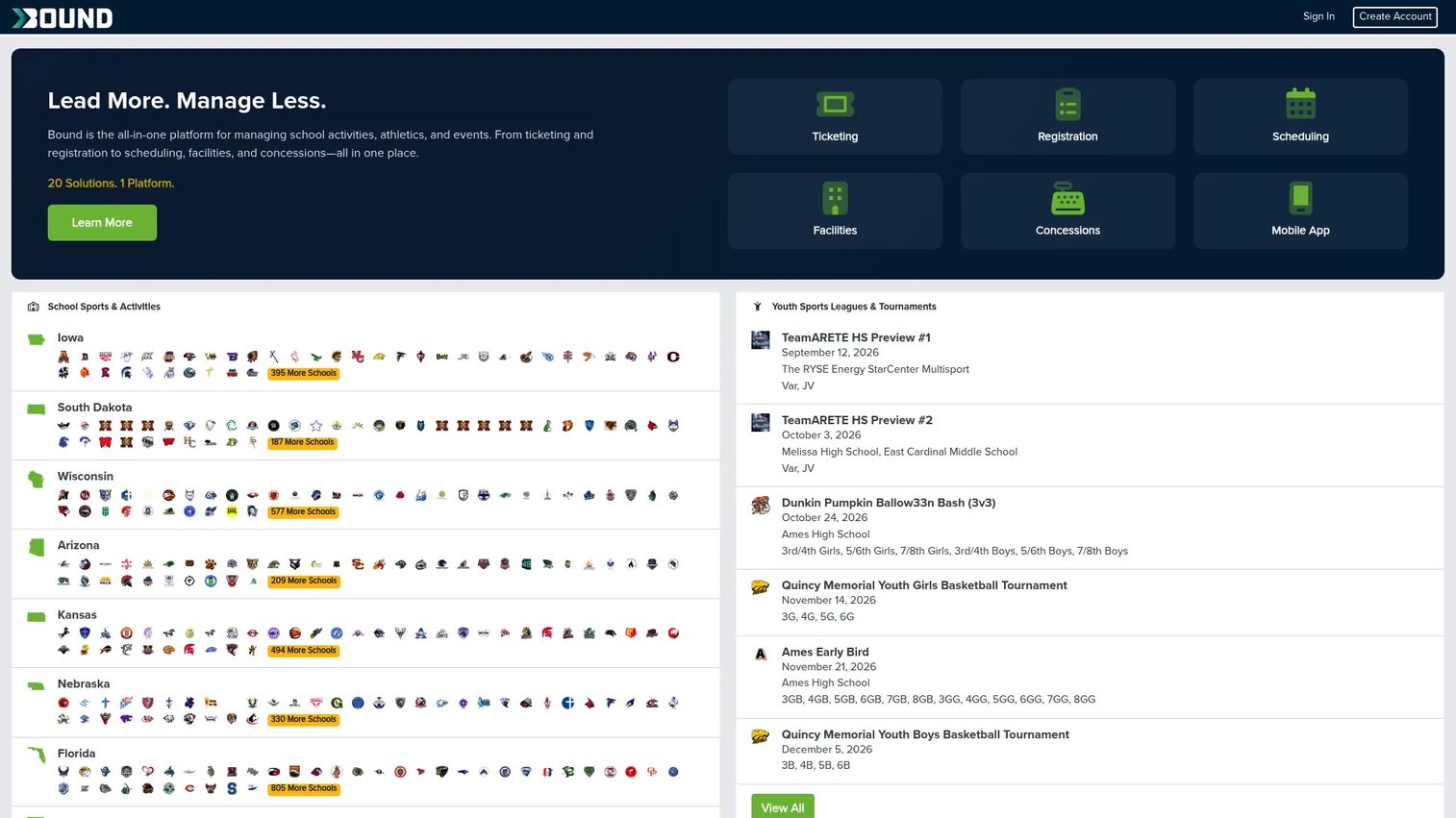
Bound is athletic management software for schools, conferences, and associations, built to run athletics and activities from a single operating layer. Its breadth is the headline: activity scheduling, ticketing and passes, registration, facility management, team communication, and officials management sit under one platform.
That range makes Bound a fit for districts and larger schools that want to consolidate beyond just athletics. If your program spans multiple sports plus band, drama, and clubs, managing all of it in one system reduces the number of vendors and logins your staff track across a school year.
Best for: Districts and schools that want one platform across athletics and broader activities.
Key strengths
- Activity scheduling and event management across programs
- Ticketing, passes, and gate revenue in one place
- Athlete registration and eligibility workflows
- Facility management for shared venues and practice space
- Officials management and team communication tools
Why choose Bound: Bound suits schools that treat athletics as part of a larger activities operation, not a standalone silo. The staged product set signals maturity, and the platform is built to grow with a district rather than serve a single team.
Bound pricing: Product pages describe features and workflows, and schools contact the company directly for a quote based on their program scope.
A current G2 rating for this Bound product was not publicly verifiable at the time of writing.
3. Finalsite Athletics Manager
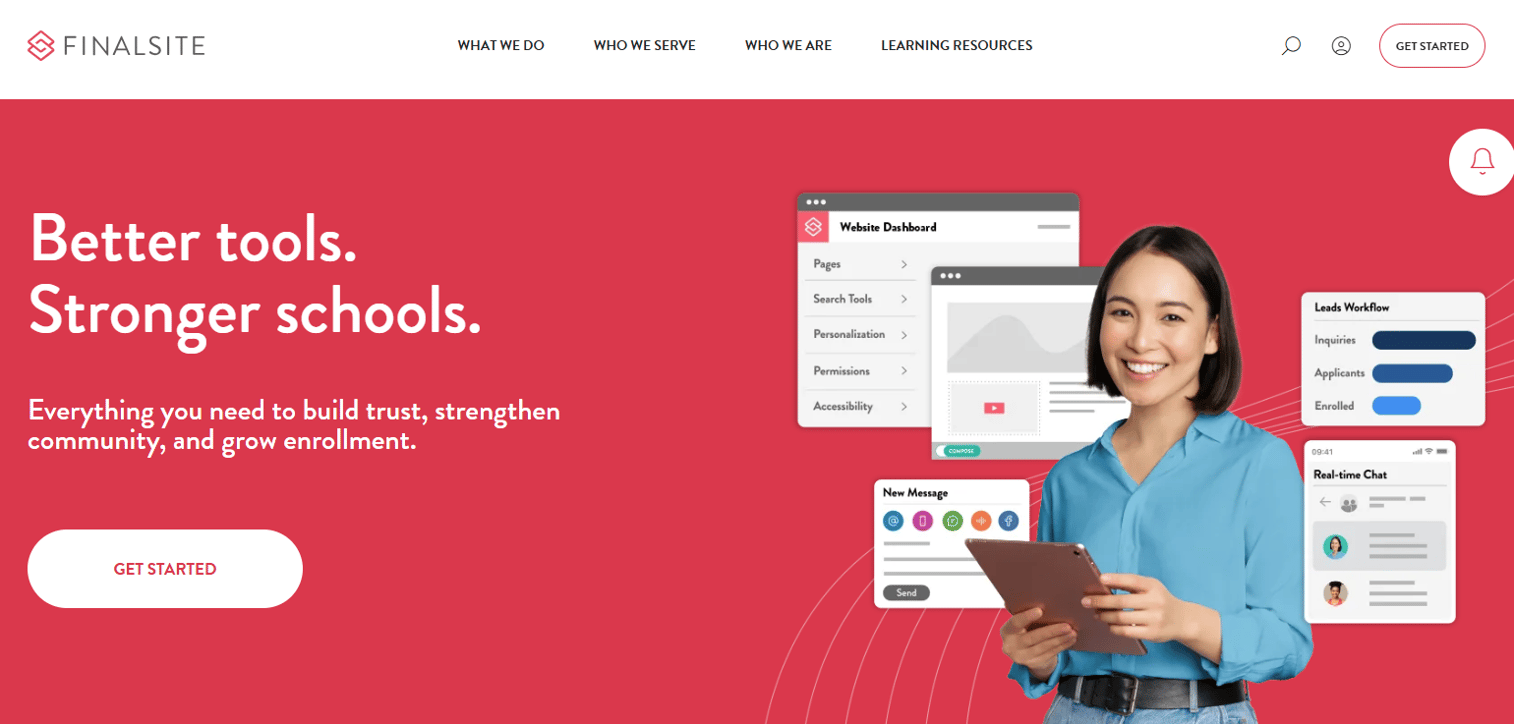
Finalsite Athletics Manager is an athletics communications and website content module for schools and districts. It is built for a specific reality: many schools already care deeply about how athletics shows up on their public website and mobile app, and this product ties athletics data directly to that publishing workflow.
With Finalsite Athletics Manager, you manage sports teams, rosters, schedules, scores, and away-game directions, then update that content from desktop or mobile. A last-minute game change or a new coach profile updates once and publishes everywhere through Finalsite's C.O.P.E. approach, which spreads content across the website and mobile app without duplicate entry.
Best for: Schools that want athletics content and communications integrated with their website and app.
Key strengths
- Manage teams, rosters, schedules, scores, and away-game directions
- Update content from desktop or mobile, including game changes
- Coach profiles and athletics pages tied to the school site
- C.O.P.E. publishing across website and mobile app
- Alerts and schedule updates for families
Why choose Finalsite Athletics Manager: Choose this when athletics management is inseparable from your web presence. If your school already runs on Finalsite's broader CMS, keeping athletics content in the same system avoids the drift between what is on the site and what is actually happening on the field.
Finalsite Athletics Manager pricing: The pricing page is login-protected, and schools request a quote based on their broader website and platform needs.
A dedicated G2 or Capterra rating specific to Finalsite Athletics Manager was not publicly verifiable at the time of writing.
4. WinWon
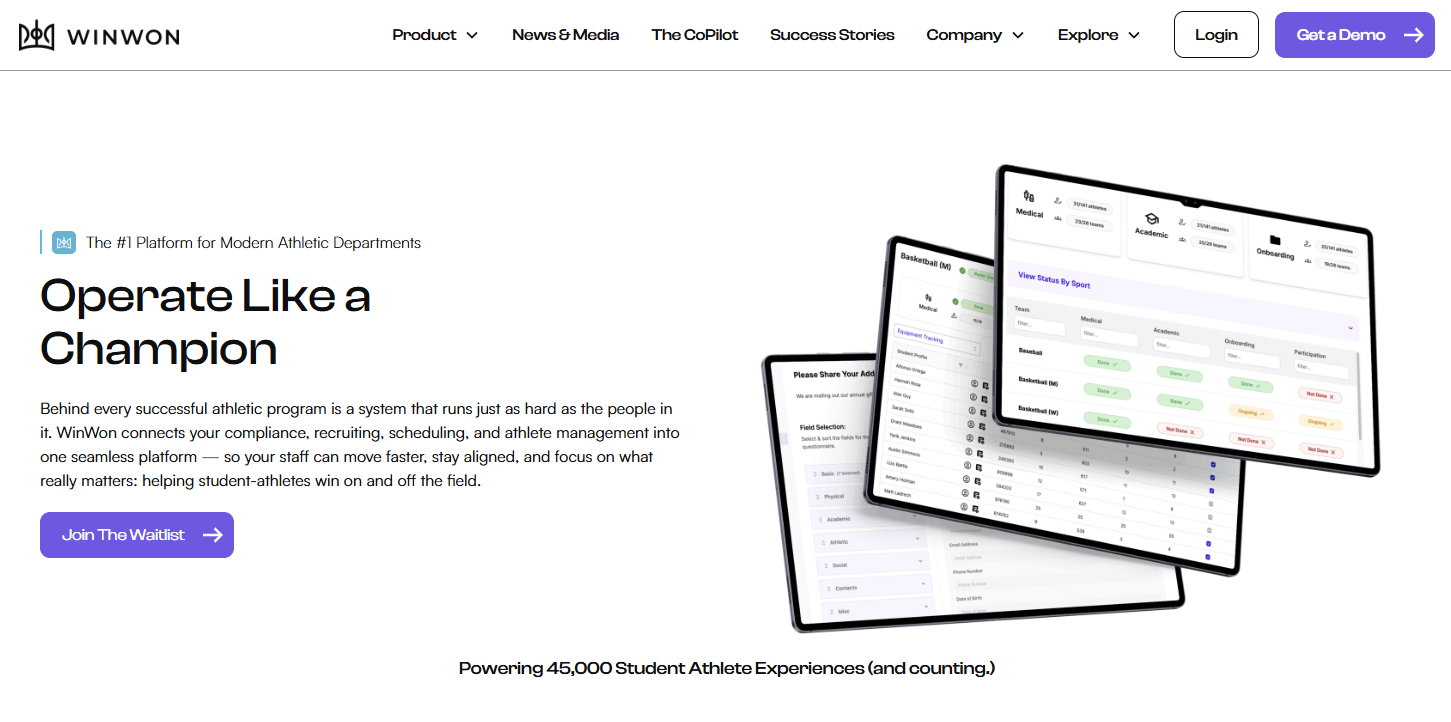
WinWon is a software platform for athletic department operations covering communication, recruiting, scheduling, and athlete management. Where the first three tools lean toward operations and content, WinWon adds structure around recruiting workflows and athlete data, which appeals to departments that want more reporting and process than a schedule-and-message layer alone.
The recruiting angle is what sets WinWon apart. It modernizes recruiting workflows and pairs them with a messaging and communications copilot, so athlete management and outreach live in the same system. For a program that treats recruiting and athlete tracking as a core function, that consolidation matters.
Best for: Athletic departments and coaches who want an all-in-one operations platform with recruiting and reporting depth.
Key strengths
- Athlete management across the department
- Modernized recruiting workflows
- Messaging and communications copilot
- Communication and scheduling in one platform
- Structured operational tracking for coaches and ADs
Why choose WinWon: WinWon fits schools that want workflow structure and recruiting support, not just a calendar and a message blast. It performs best when a department wants recruiting and athlete data managed alongside day-to-day operations, and its narrower fit is for programs whose primary need is simple scheduling.
WinWon pricing: WinWon uses quote-based pricing. The public pricing page requests a quote, and no starting price is published on the brand site.
WinWon holds a 5.0 out of 5 rating on G2.
Considerations
Before you commit, run each shortlisted platform through this checklist. The goal is to confirm the software replaces tools you already pay for, rather than adding another tab.
Workflow coverage
Does it actually replace separate tools for scheduling and event management, communication, clearances, and fees? Map your current stack, then check whether one platform absorbs three or four of those jobs. If it only covers one, you have added complexity, not removed it.
Communication depth
Can it segment messages for coaches, parents, athletes, and admins? A cancellation should reach the right group with the right detail. Confirm the platform supports one-to-many messaging with an audit trail, so you can see who was notified and when.
Compliance and trust
Does it support FERPA-sensitive workflows and auditable records? Athletics data includes student records and medical clearances. Check how the vendor handles access controls, permissions, and record retention before you move student data into it.
Reporting and visibility
Can leadership see status, bottlenecks, and participation data quickly? Ask for customizable reports on clearance status, participation counts, and pending forms. If you cannot answer "how many athletes are cleared right now" in one screen, the reporting is too thin.
Adoption and rollout
Will coaches and administrators use it without heavy training? The best system is the one people actually open. Ask for case studies from schools your size, and request a live walkthrough with the coaches who will use it daily.
Conclusion
The right athletic department software depends on what your program is actually trying to fix.
If the problem is running five disconnected tools per season, a broad all-in-one platform like Aktivate or Bound consolidates the operational spine. If athletics content and your website keep drifting apart, Finalsite Athletics Manager keeps them in sync. If you need recruiting workflows and reporting depth, WinWon adds that structure.
Do not try to solve everything with one purchase on day one. Shortlist one broad platform and one specialized option, then test both against a real season with the coaches who will live in the system. Ask each vendor for case studies from schools your size and for a walkthrough of the exact workflows you run today.
The platform that wins is the one that removes the most manual coordination while your staff barely notices it is there.
FAQs
Athletic department software centralizes the operations of a school's athletics program in one system. It handles athlete registration and clearance, scheduling, communication, fee collection, and reporting, replacing the spreadsheets, paper forms, and email threads that most departments run manually.
The highest-value features are the ones that connect to each other. Look for athlete registration and clearance, scheduling and event management, segmented communication, coaching certifications, injury management, and reporting. Athletic director software earns its keep when a completed form automatically updates rosters, eligibility, and schedules without re-entry.
Yes, and that is usually the point of buying it. A single platform holds rosters, clearance status, schedules, and messaging in one place, so information stops living in a dozen separate files and inboxes. The payoff is fewer missed updates and less duplicated work each season.
It replaces the group text nobody reads with segmented, auditable messaging. Coach-parent-athlete communication tools let you send bus times to one team, a cancellation to another, and an eligibility reminder to a third, all from one screen. You can also see who received each message and when.
Look for digital sign-ups, physicals, and waivers that feed directly into eligibility status. The best athlete registration and clearance workflows show you who is cleared, who is pending, and what is blocking each athlete at a glance. That status visibility is what turns paper chasing into a single dashboard.
Choose an all-in-one platform when you are running multiple disconnected tools for registration, scheduling, communication, and fees. Consolidation reduces logins, vendors, and handoffs. If you only need one narrow function, a specialized tool may fit better than a broad platform you will underuse.
A school website CMS publishes content to your public site. Athletics management software runs operations: registration, clearance, scheduling, and communication. Some tools, like Finalsite Athletics Manager, bridge both by tying athletics data to the website, but operational depth and web publishing are distinct jobs to evaluate separately.
Ask for case studies from schools your size and in your state, since compliance rules vary. Request a live walkthrough of the exact workflows you run, and involve the coaches and admins who will use the system daily. Their adoption, not the feature list, determines whether the software actually saves time.










