A server walks the floor, takes an order on paper, then walks back to a terminal to key it in. Somewhere in that round trip, a modifier gets dropped, a table waits longer than it should, and the kitchen fires the wrong plate. Multiply that by a Friday dinner rush and you get slower turns, remakes, and thinner margins.
Tableside ordering software closes that gap. Instead of the paper-and-terminal relay, staff enter orders at the table on a handheld or tablet, and the order hits the kitchen the moment it is confirmed. Fewer trips. Fewer re-entries. More time in front of guests.
The category is growing fast. The global tableside ordering system market was worth $2.5B in 2024 and is projected to reach $6.1B by 2034 at a 9.2% CAGR, according to Emergen Research (2024). The same firm estimates 70% of restaurants will adopt some form of digital ordering system by 2026. That shift changes what "normal" service looks like for guests, and it raises the bar for operators still running paper tickets.
What's inside
This guide is for restaurant owners, general managers, and multi-location operators comparing tableside ordering software for 2026.
We chose and evaluated each tool on the criteria that actually decide fit in a live dining room:
- Ordering workflow: handheld and tablet entry, modifiers, seat-level detail
- POS integration: how tightly the software syncs with your main system
- Payment handling: pay-at-table, tip processing, contactless, and QR code ordering
- Bill splitting and check management during real service
- Ease of rollout: hardware, staff training, and daily usability
Read the comparison table for a fast shortlist, then use the individual sections to separate handheld ordering, QR ordering, and pay-at-table before you commit.
TL;DR
- Best for an integrated restaurant POS with a free tier: Square for Restaurants
- Best for tableside ordering plus broader restaurant operations: TouchBistro
- Best for an all-in-one restaurant workflow: Toast
- Best for modular add-ons and smaller teams: SpotOn
- Best for POS-first teams that want hardware flexibility: Clover
- Best for multi-location management and reporting: Lightspeed Restaurant
- Best for enterprise and complex service models: Revel Systems
The right pick depends on your restaurant format, your existing POS stack, and how you want payment to flow at the table. Most operators should shortlist two finalists and test them against a real service window.
What is tableside ordering software
Tableside ordering software lets staff take orders, and often payments, directly at the table using a handheld device, tablet, or mobile POS connected to the restaurant's ordering and payment workflow.
Instead of writing an order down and re-keying it at a fixed terminal, the server confirms it once at the table. The order transmits to the kitchen in real time, and in many systems the guest can pay without the server making another trip.
What it typically includes
- Handheld or tablet order entry with seat-level detail
- Real-time transmission to the kitchen or kitchen display system
- Menu sync and modifier handling
- Bill splitting and pay-at-table
- Tip handling and contactless payment
- QR code ordering for order and pay at table
- Analytics and reporting on sales, items, and server performance
- Loyalty or CRM integrations
Why it matters
The value is operational, not cosmetic. Re-entry is where errors and delays hide. Cut the second trip to the terminal and you remove a common source of wrong tickets and long ticket times.
That has three downstream effects. Servers spend more minutes with guests and fewer at a station. The kitchen gets cleaner tickets, which reduces remakes. And tables turn faster because payment stops being a bottleneck at the end of the meal. For a multi-location operator, the added benefit is consistency: the same workflow and the same reporting across every room.
When to use tableside ordering software
Speed up busy dining rooms
Peak service is where the paper-and-terminal relay costs the most. During a lunch rush or a packed Saturday dinner, every trip back to a fixed terminal is time a server is not selling, running food, or turning a table.
A handheld POS lets staff fire orders from the table and keep moving. High-turnover venues, patios far from the terminal, and large floor plans see the clearest gains here.
Improve order accuracy
Most order errors start as transcription errors. A server writes "no onions," then keys it wrong three tables later. Handheld ordering removes that gap by capturing the modifier at the source, with the guest confirming as they speak.
Seat-level ordering and structured modifiers also cut kitchen confusion. The line reads a clean ticket instead of interpreting handwriting, which means fewer remakes and fewer comped plates.
Increase average check size
Timing drives upsell. A tableside system can surface prompts at the right moment: a wine pairing when the entree is entered, a dessert when the table is winding down, a modifier that adds a premium topping.
Better timing plus fewer missed add-ons tends to lift revenue per table without pressuring guests. The reporting layer then shows you which prompts actually convert, so you refine rather than guess.
Comparison table
The table below lines up all seven tools on the criteria that matter for a shortlist. Pricing and ratings move over time, so confirm current plan details and support terms on each vendor's site before you buy. Where a vendor does not publish a starting price, we note that pricing is quote-based rather than guessing a number.
| # | Product | Best for | Key differentiator | Pricing | G2 rating |
|---|---|---|---|---|---|
| 1 | Square for Restaurants | Integrated POS with a free tier | Payments, ordering, and operations in one stack | Free plan; paid from $49/mo per location | 4.6/5 |
| 2 | TouchBistro | Tableside plus table management | Hospitality-native floor and table tools | From $69/mo | 4.1/5 |
| 3 | Toast | All-in-one restaurant workflow | End-to-end POS, payments, and operations | Starter and pay-as-you-go; quote-based | 4.2/5 |
| 4 | SpotOn | Modular add-ons and smaller teams | Proprietary hardware plus commission-free ordering | Free plan; paid from $55/station per month | 4.4/5 |
| 5 | Clover | POS-first with hardware flexibility | Broad hardware range and app add-ons | Quote-based | 3.9/5 |
| 6 | Lightspeed Restaurant | Multi-location management and reporting | Configurable POS with deep reporting | From $69/mo | 4.3/5 |
| 7 | Revel Systems | Enterprise and complex service models | iPad POS with operational depth | Quote-based | Not published |
Best 7 tableside ordering software for 2026
1. Square for Restaurants
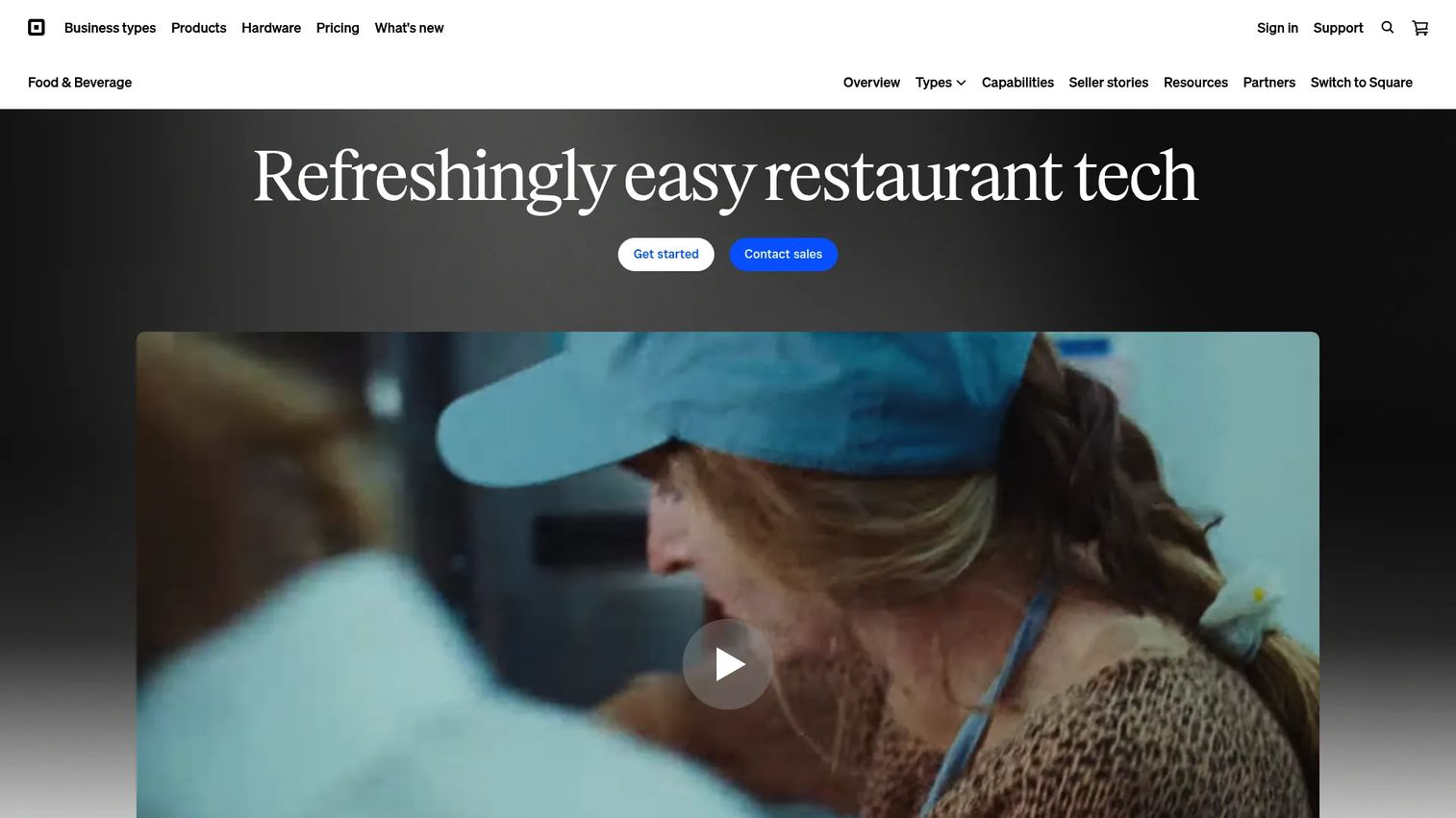
Square for Restaurants is the most accessible entry point in this list because it starts free and layers on paid tiers as you grow. It handles restaurant POS, payments, and operations in one stack, so tableside ordering, pay-at-table, and QR code ordering all run through the same system rather than a bolt-on.
You can take payments online, offline, tableside, by QR code, or at a pop-up, and support bar tabs and invoicing. Orders from in-house, online, delivery partners, and QR flows all land in one place, which keeps the floor and the kitchen reading from the same ticket.
Best for: Casual dining, counter service, and table service teams that want an integrated POS without a heavy upfront commitment.
Key features
- Tableside, QR, online, and offline payments
- Unified order management across channels
- Real-time kitchen sending with KDS and kiosk add-ons
- Marketing, loyalty, and staffing tools built in
- Reporting and multi-location operations
Why choose Square for Restaurants: The free plan lowers the risk of a first rollout, and the paid tiers scale as your ordering and reporting needs grow. It fits operators who want one vendor for payments and ordering rather than stitching tools together.
Square for Restaurants pricing: Square Free is $0/mo per location. Square Plus is $49/mo per location and Square Premium is $149/mo per location, both with a 30-day free trial. Square Pro is custom pricing. KDS and Kiosk are add-on apps priced per device.
2. TouchBistro
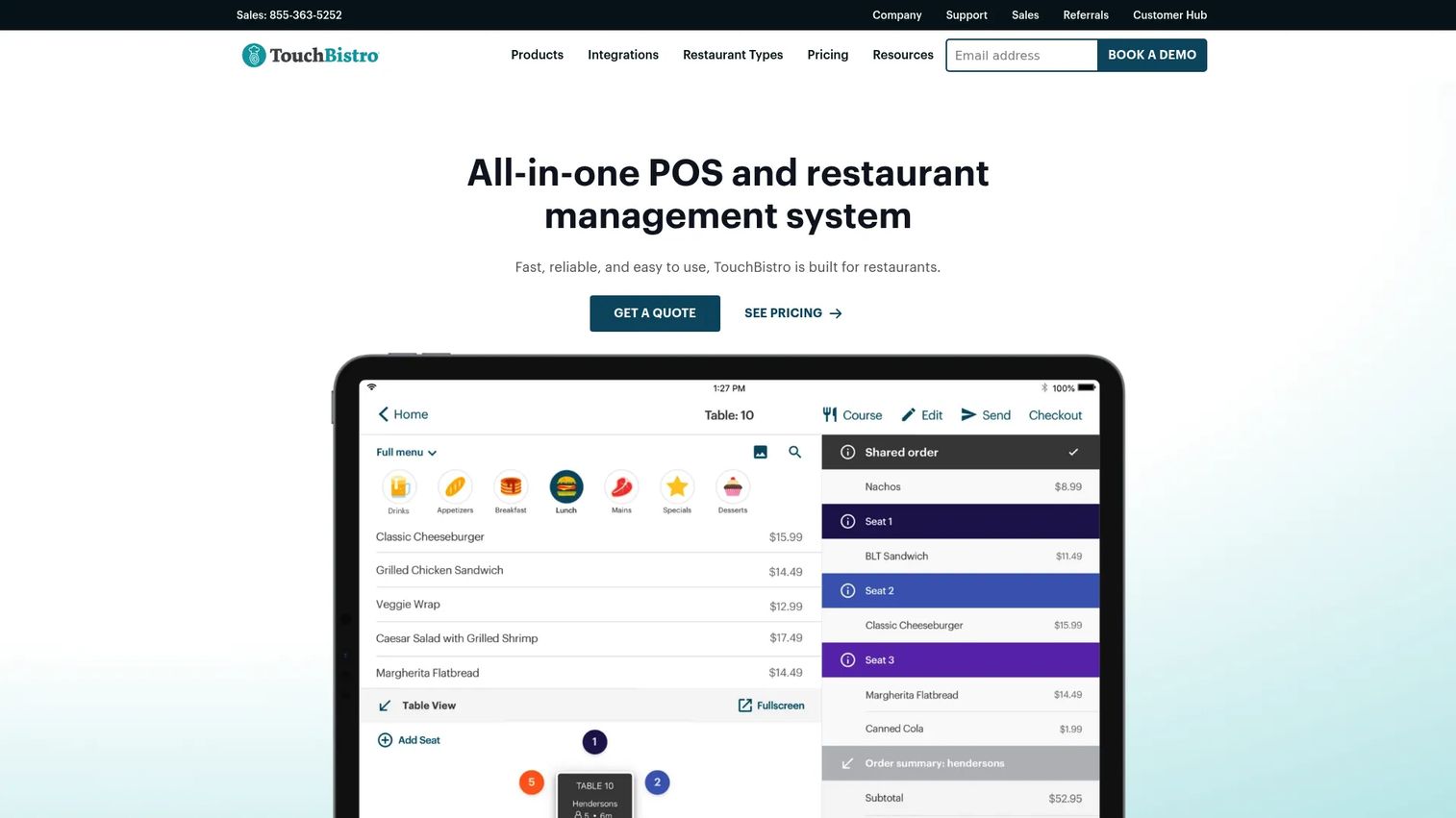
TouchBistro is a hospitality-native POS built around the way full-service restaurants actually run a floor. Its strengths sit in table management, menu workflow, and tableside ordering, which makes it a natural fit for operators focused on front-of-house efficiency and guest experience.
The floor plan and table management tools map service to your actual room, so servers work from a layout they recognize. Menu management and reporting round out a system designed for in-service usability rather than a generic terminal experience.
Best for: Full-service and casual restaurants that prioritize front-of-house flow, table management, and guest experience.
Key features
- Tableside ordering on handheld and tablet
- Floor plan and table management
- Menu management with modifiers
- Staff management tools
- Reporting and analytics
Why choose TouchBistro: If your operation lives or dies on floor management and split checks during a rush, TouchBistro is built for that reality. It suits operators who want a restaurant-first system rather than a retail POS adapted for food service.
TouchBistro pricing: Point of Sale starts at $69/month. The Essentials Bundle starts at $119/month. A Custom quote-based option is available, and add-ons are also quote-based.
3. Toast
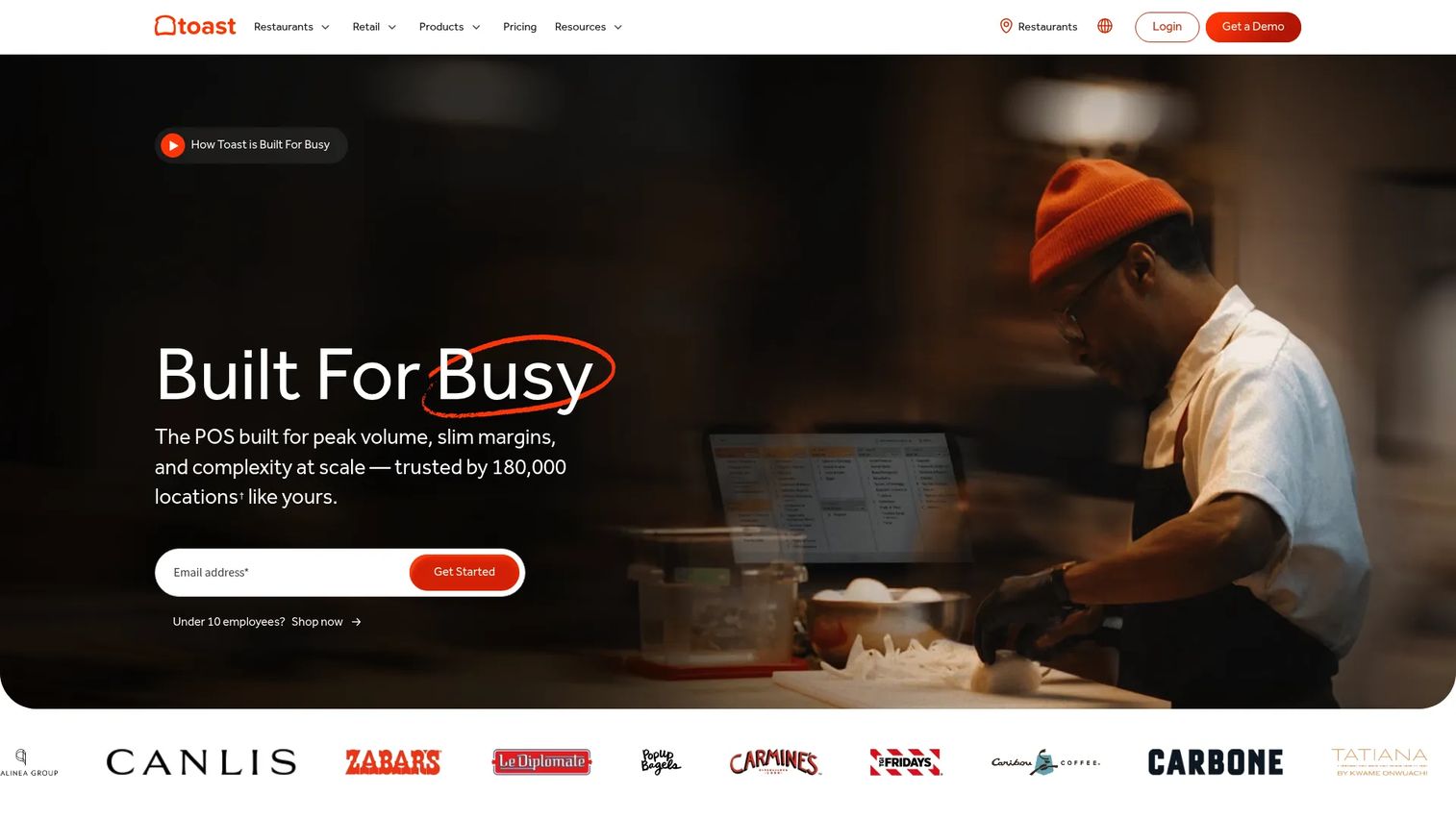
Toast is a broad restaurant technology platform that spans POS, payments, ordering, operations, and finance. For teams that want ordering, payments, and reporting living in one stack, Toast covers the full workflow rather than a single slice of it.
Tableside ordering and payments sit inside a wider system that also handles online ordering, loyalty, inventory, and invoice automation. That breadth is the point: fewer integrations to manage across full-service and multi-location operations.
Best for: Full-service and multi-location restaurants that want an end-to-end platform rather than a stack of separate tools.
Key features
- Restaurant POS with tableside workflows
- Integrated payments
- Online ordering and loyalty
- Inventory management
- Invoice automation
Why choose Toast: The case for Toast is consolidation. If you would rather run ordering, payments, reporting, and back-office finance through one vendor, the platform depth pays off, especially across multiple sites.
Toast pricing: Contact sales for current pricing information.
4. SpotOn
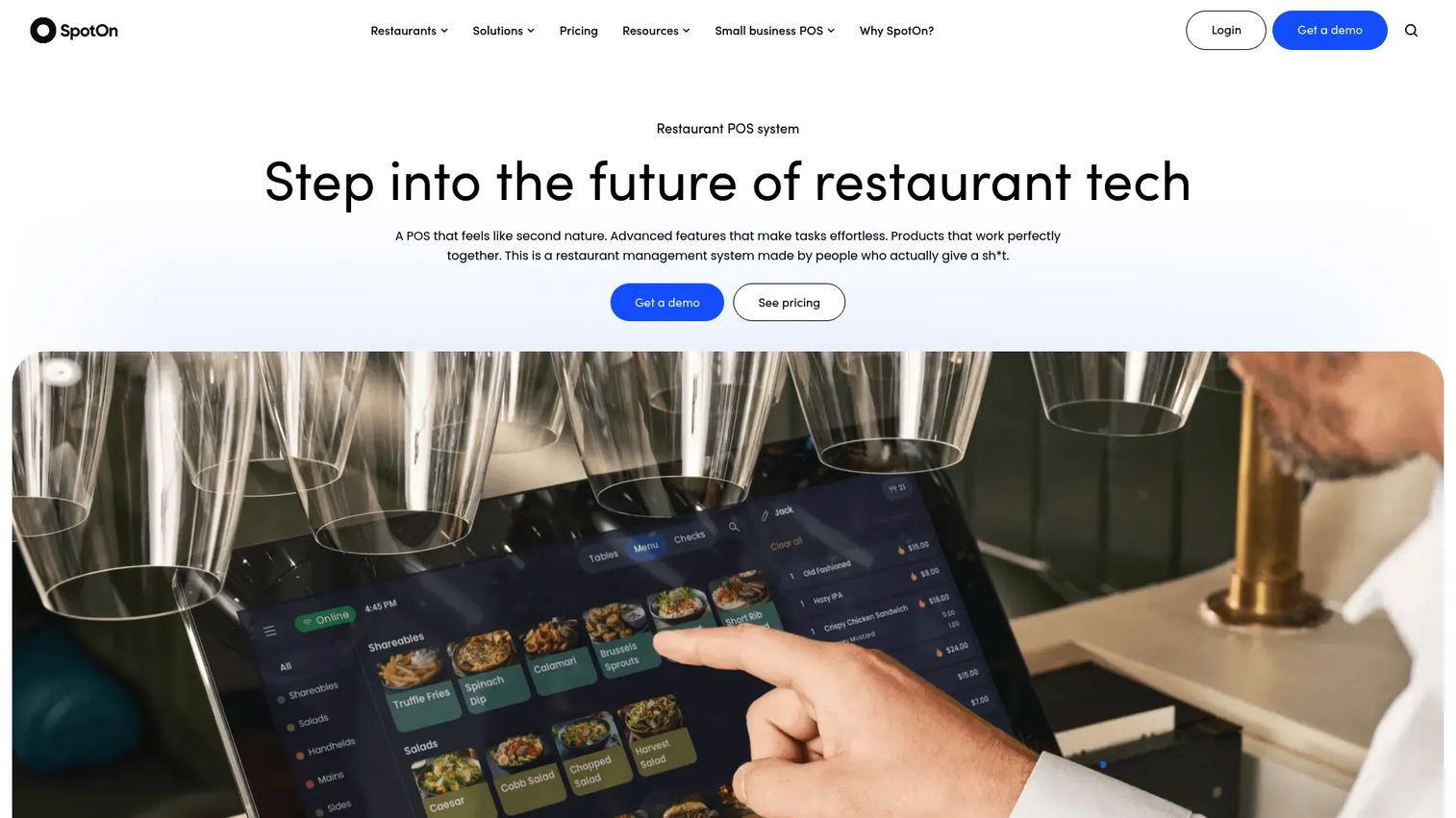
SpotOn is a restaurant technology platform that pairs proprietary POS hardware with ordering, payments, and operations tools. Its modular structure works well for independent restaurants and growing groups that want to add capabilities as they scale.
Commission-free online ordering, scheduling, tip management, and labor tools sit alongside the core POS. That combination makes SpotOn a practical fit for operators who want handheld ordering and upsell support without paying a per-order cut to a marketplace.
Best for: Independent restaurants and growing groups that want an all-in-one POS with flexible add-ons.
Key features
- Proprietary restaurant POS hardware
- Commission-free online ordering
- Scheduling and labor tools
- Tip management
- Handheld ordering and payments
Why choose SpotOn: SpotOn appeals to operators who want ownership of their ordering channel and a hardware-forward setup. The plan range lets you start lean and build up as service volume grows.
SpotOn pricing: The All-In Plan is $0/station per month. POS Essentials is $55/station per month. The Core Bundle is $50/month plus 20bps of GPV, capped at $200. A Build Your Own option uses custom pricing, and hardware and processing fees apply.
5. Clover
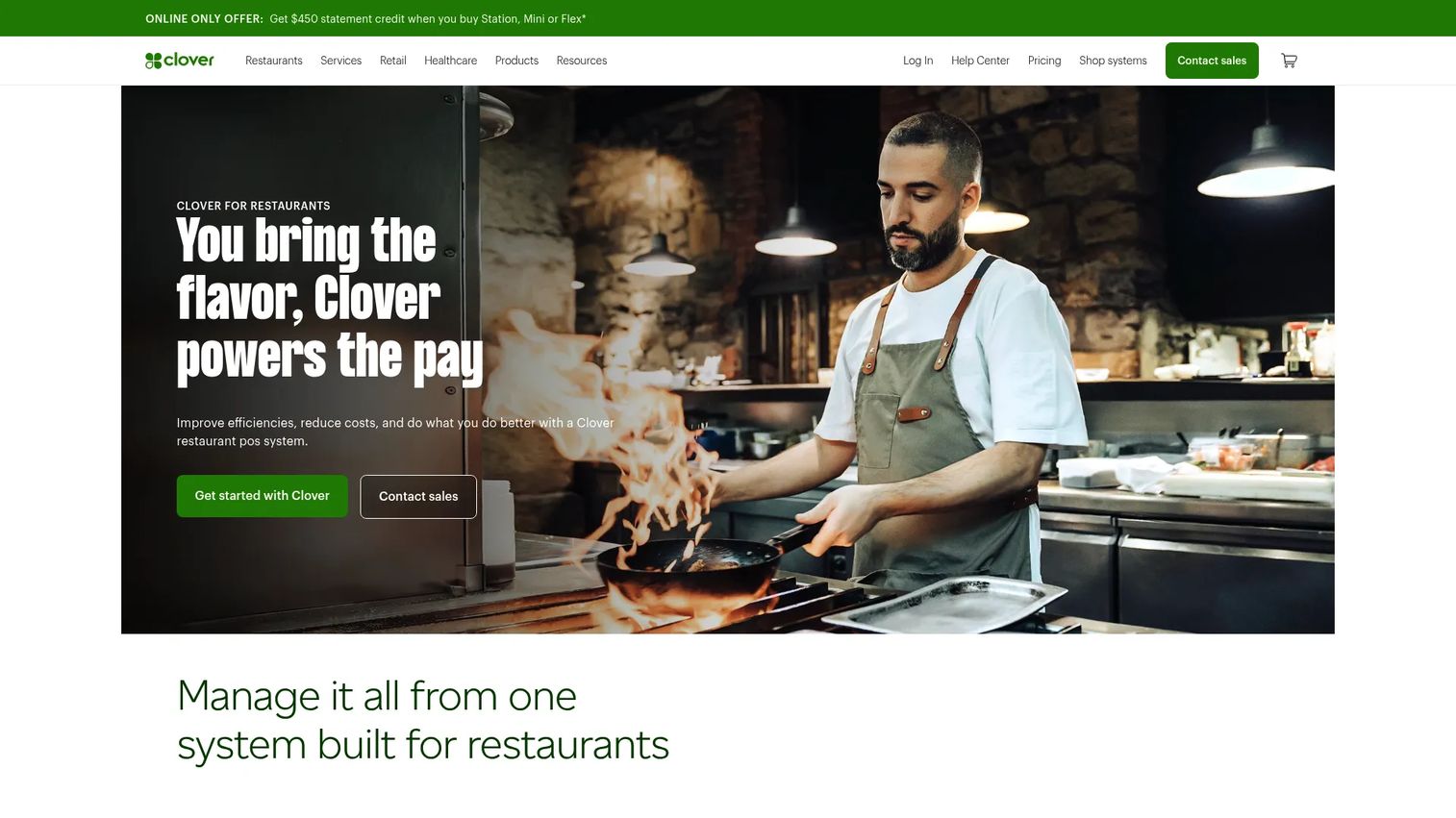
Clover is a POS-first system known for hardware flexibility and a familiar interface. It supports tableside and kitchen workflows directly, and extends further through app add-ons and integrations, which suits restaurants that want to shape the system around their setup.
The core covers taking and modifying orders, firing them to the kitchen, mapping tables, and managing table-side service. Online ordering and delivery integrations plus a kitchen display system round out the operational picture.
Best for: Restaurants that want a hardware-flexible POS with tableside, kitchen, and online ordering in one place.
Key features
- Take and modify orders tableside
- Fire orders to the kitchen
- Table mapping and table-side service
- Online ordering and delivery integrations
- Kitchen Display System and hardware options
Why choose Clover: Clover fits operators who value hardware choice and a large app ecosystem to extend the system. It works best when you want a recognizable POS foundation you can build tableside and kitchen workflows on top of.
Clover pricing: Contact sales for current pricing.
6. Lightspeed Restaurant
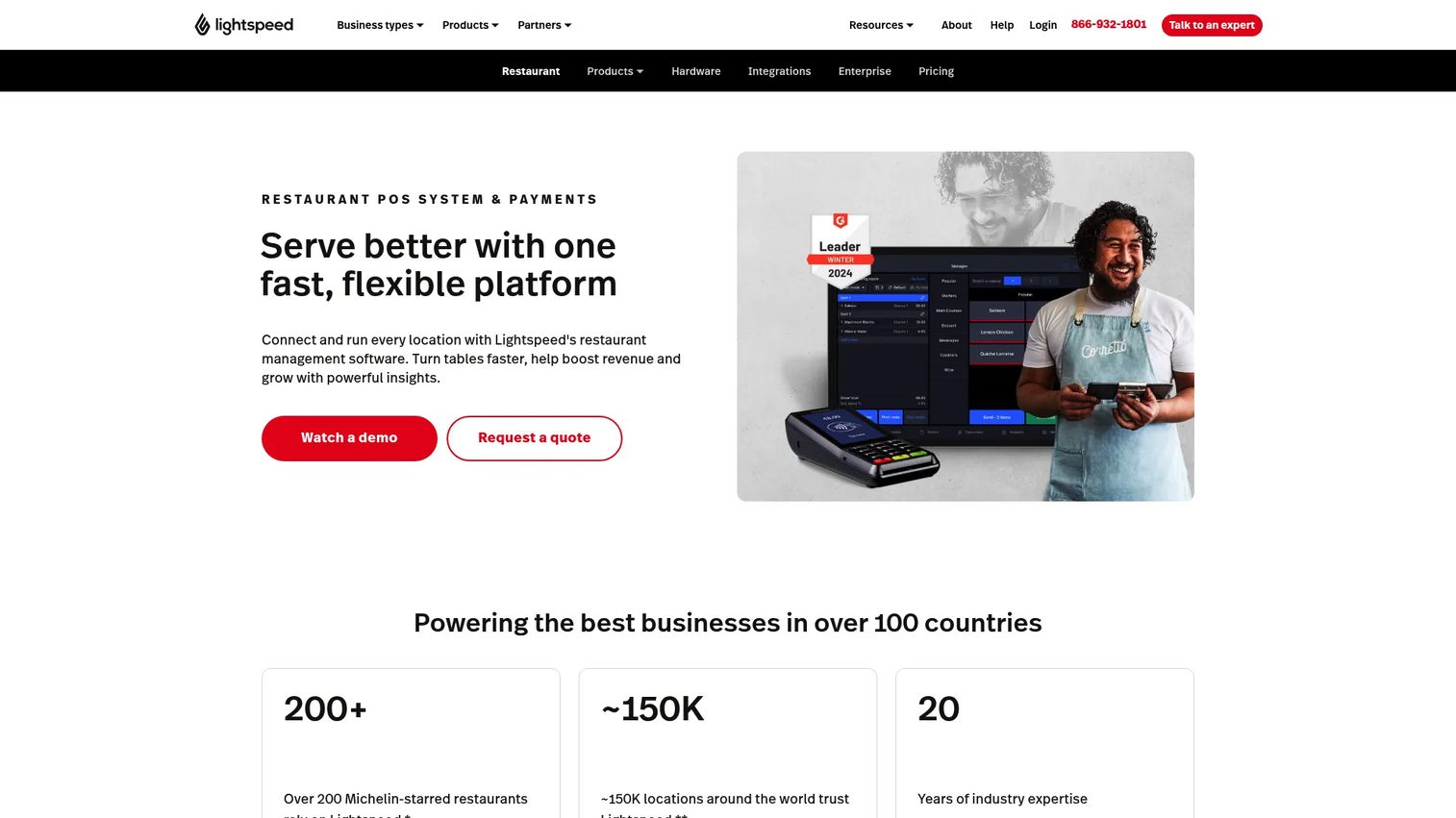
Lightspeed Restaurant is a cloud-based POS and payments platform built for hospitality and multi-location operations. Its strengths are configurability, table service workflows, and reporting depth, which is why operators with more complex locations tend to evaluate it.
Customizable POS and floor plans let you match the system to each room, while integrated payments and online ordering keep the ordering flow together. Inventory, insights, and multi-location management give group operators the visibility they need to run several rooms consistently.
Best for: Multi-location operators and restaurants that need configurable workflows plus deeper reporting.
Key features
- Customizable POS and floor plans
- Integrated payments
- Online ordering
- Inventory and insights
- Multi-location management
Why choose Lightspeed Restaurant: Lightspeed is a strong pick when reporting and group-level control matter as much as the tableside workflow itself. It fits operators who need data visibility across locations, not just a single room.
Lightspeed Restaurant pricing: Starter is $69 USD/month, Essential is $189 USD/month, and Premium is $399 USD/month. Enterprise is quote-based. A KDS add-on is listed at $30/screen per month.
7. Revel Systems
Revel Systems is an iPad POS platform aimed at restaurants and retailers that need operational depth and configurability. It suits larger operators and more complex service models where standardization across units matters.
The system centers on a customizable point of sale, with inventory management and employee scheduling and payroll layered in. For multi-unit teams, the appeal is a configurable POS that can be standardized across locations while still handling tableside workflows and payments.
Best for: Larger operators and complex service models that need advanced POS control and multi-unit standardization.
Key features
- Customizable point of sale
- Inventory management
- Employee scheduling and payroll
- Tableside workflows and payments
- Multi-unit configuration
Why choose Revel Systems: Revel is worth evaluating when your operation is large or complex enough that operational depth and standardization outweigh the appeal of a lighter setup. It fits teams that want to configure the system to their exact service model.
Revel Systems pricing: Contact sales for current pricing.
Considerations
Use this checklist to separate two finalists once you have a shortlist.
POS integration
The tableside layer is only as good as its connection to your main POS. Confirm that order flow is truly real-time, not a batch sync that lags during a rush. Check whether the tableside system is native to the POS or a third-party add-on, because native integration usually means fewer failure points and cleaner reporting.
Payment handling and security
Look for pay-at-table and QR code ordering that actually fit your service style, plus tip processing that reads clearly for guests. On security, ask about encryption, tokenization, and PCI-related controls. Payment trust is not a feature to compromise on when card data moves through a handheld device on the floor.
Menu and modifier complexity
Your menu is the stress test. Verify that the system handles seat-level ordering, substitutions, nested modifiers, and split checks without friction mid-service. If splitting a check by seat or item takes six taps, servers will avoid it and you lose the accuracy benefit.
Hardware and staff workflow
Handhelds live a hard life on a restaurant floor. Assess durability, battery life through a full shift, and offline behavior when Wi-Fi drops. Then test how fast a new server learns the flow, because training time is a real cost across turnover.
Reporting and multi-location visibility
For anything beyond a single room, confirm the reporting depth you need: item-level sales, server performance, audit trails, and group-level control. Consistent reporting across locations is often the difference between a tool that scales and one that traps you in per-site spreadsheets.
Conclusion
The shortlist sorts cleanly by operation type. Square for Restaurants is the most accessible integrated POS, with a free tier that lowers the risk of a first rollout. TouchBistro leans into front-of-house flow and table management, while Toast consolidates ordering, payments, and finance into one platform. SpotOn suits independents and growing groups that want modular add-ons and commission-free ordering.
For POS-first teams, Clover offers hardware flexibility and a broad app ecosystem. Lightspeed Restaurant is the pick when multi-location reporting and configurability matter most, and Revel Systems fits larger, more complex operations that need standardization and operational depth.
There is no single best tool. The right choice depends on your restaurant format, your existing POS stack, and how you want payment to flow at the table. Pick two finalists, run each against a real service window, and check current pricing and support terms before you sign. Test the split-check flow and the busiest hour of your week, because that is where a tableside system earns its keep.
FAQs
Tableside ordering software lets staff take orders, and often payments, at the table using a handheld device, tablet, or mobile POS connected to the restaurant's ordering and payment workflow. It replaces the paper-and-terminal relay with a single entry at the table that transmits straight to the kitchen.
A server enters the order at the table on a handheld or tablet, confirms it with the guest, and the order transmits to the kitchen or kitchen display system in real time. Many systems then let the guest pay at the table by card, contactless, or QR code, so the server never has to make a second trip to a fixed terminal.
No, they are related but distinct. Tableside ordering is about capturing the order at the table, while pay-at-table is about completing payment there. Most modern systems offer both, but you should confirm that a tool supports the specific payment style you want, whether that is a handheld reader, contactless, or QR code ordering.
Full-service and casual dining rooms with real table turnover see the clearest gains, since they carry the most trips between table and terminal. High-turnover venues, large floor plans, and patios far from a fixed station benefit most. Counter-service concepts gain less from handheld ordering but can still use QR code ordering to reduce lines.
Yes, because it removes the re-entry step where most errors start. When a server captures a modifier at the table with the guest confirming, there is no handwriting to misread and no second transcription at a terminal. Seat-level ordering and structured modifiers give the kitchen a clean ticket, which cuts remakes and comped plates.
It can, mainly through better timing on upsells. A tableside system can prompt a wine pairing when the entree is entered or a dessert as the table winds down, and structured modifiers make premium add-ons easy to capture. The reporting layer then shows which prompts actually convert, so you refine the ones that lift revenue per table rather than guessing.
Start with POS integration and confirm the order flow is real-time, not a lagging batch sync. Then check payment handling, including pay-at-table, tip processing, and security controls like encryption and tokenization. Finally, stress-test menu and modifier complexity, hardware durability and offline behavior, and reporting depth across locations before you commit to a finalist.