Every product roadmap eventually runs into a data flow problem. Customer onboarding depends on an identity service. Billing relies on subscription state. Reporting pulls from three systems that don't agree on field names. Each new integration adds another dependency, and another surface for things to break quietly.
Point-to-point connections look fast at the start. Over time they create a web of hidden ownership, inconsistent error handling, and release coupling that slows every engineering team touching the stack. A missed retry in one service delays activation. A schema mismatch between billing and your analytics platform corrupts the numbers you use to make roadmap decisions.
An enterprise service bus (ESB) addresses this by introducing a shared integration layer for routing, transforming, securing, and monitoring messages between systems. The ESB software market was valued at $1.06 billion in 2025 and is forecast to reach $1.47 billion by 2030, growing at a 6.76% CAGR, according to Mordor Intelligence (2025). That growth reflects real engineering investment, not hype.
This guide helps you decide which enterprise service bus platforms fit your architecture, your team's ownership model, and your integration volume.
What's inside
This guide is for product managers, engineering leads, and architects evaluating integration middleware for 2026. Tools were selected based on:
- Category relevance: Covers traditional ESBs, integration suites, open-source frameworks, and managed messaging services with ESB capabilities
- Integration and transformation depth: Routing, protocol conversion, data mapping, and adapter breadth
- Deployment flexibility: On-premises, cloud, hybrid, and developer-controlled options
- Governance and observability: Monitoring, retries, dead-letter handling, and access controls
TL;DR
- Best overall for hybrid enterprise integration: IBM App Connect, for broad connector coverage and hybrid deployment across cloud and on-premises systems
- Best for Microsoft-centered environments: Microsoft BizTalk Server, for teams with existing Microsoft estates and enterprise messaging workloads
- Best for API-led and cloud integration: MuleSoft Anypoint Platform, for organizations coordinating APIs, SaaS platforms, and reusable integration assets
- Best for Oracle landscapes: Oracle Enterprise Service Bus, for enterprises running Oracle middleware and applications
- Best for SAP-heavy organizations: SAP Process Integration, for SAP-centered process and A2A integration
- Best open-source option: Apache Camel, for developer-controlled integration without a proprietary runtime
What is an enterprise service bus?
An enterprise service bus is an integration architecture and runtime that routes, transforms, mediates, and monitors messages between applications and services across an organization.
The term "ESB" describes both an architectural pattern and the software implementing that pattern. In practice, it can refer to a commercial middleware product, an open-source framework, or a broader enterprise application integration strategy. Understanding the distinction matters when you're evaluating options.
Core ESB capabilities
- Message routing: Content-based, rules-based, or destination-based routing between services
- Data transformation: Schema mapping, format conversion between XML, JSON, and proprietary formats
- Protocol conversion: Mediation across HTTP, SOAP, JMS, AMQP, JDBC, FTP, and file systems
- Adapter connectivity: Pre-built connectors for legacy systems, packaged applications, databases, and SaaS platforms
- Message queuing: Asynchronous delivery with retry logic and dead-letter handling
- Service orchestration: Sequencing and mediating calls across multiple downstream services
- Policy enforcement: Authentication, authorization, rate limiting, and audit logging
- Observability: Health monitoring, distributed tracing, alerting, and version governance
ESB architecture flow
A source application sends a message. The ESB receives, validates, and applies routing rules. Transformation maps the payload to the target format. Adapters or connectors deliver it. Monitoring records status, errors, latency, and retries.
ESB versus point-to-point integration
| Dimension | Point-to-point | ESB |
|---|---|---|
| Connection model | Direct application links | Shared mediation layer |
| Transformation | Repeated inside each integration | Centralized reusable flows |
| Change impact | Many connections may need updates | Shared interfaces reduce duplication |
| Governance | Distributed ownership | Central policies and monitoring |
| Main risk | Integration sprawl | Central bottleneck or governance overhead |
An ESB doesn't remove architecture complexity. It moves that complexity into a shared runtime that requires clear ownership and operational discipline. For a small number of simple integrations, that overhead often isn't worth it.
When to use an enterprise service bus
Connect legacy systems to modern services
Older systems running COBOL, SOAP services, EDI, flat files, or mainframe interfaces can't speak directly to REST APIs or modern SaaS platforms. An ESB mediates between those worlds through adapters and protocol conversion, letting you expose legacy capabilities without rebuilding them. For PMs, this protects roadmap capacity by avoiding repeated custom glue code on each side.
Standardize cross-system business workflows
Customer onboarding, order fulfillment, billing updates, and account provisioning all touch multiple systems. An ESB provides shared routing, validation, retry logic, and observability for those workflows. When a step fails, you know exactly where and why, rather than piecing it together from logs across five services.
Govern integration across teams
When multiple engineering teams publish services independently, consistent security controls and audit trails become hard to enforce. An ESB centralizes policy enforcement and makes service versioning explicit. Product releases that depend on downstream data get a more reliable foundation. Worth noting: If your integration footprint is small, a centralized bus can add governance overhead that slows more than it helps.
Enterprise service bus software comparison
The tools below span traditional ESBs, broader integration suites, open-source frameworks, and managed messaging services. Not every product here is a full ESB runtime. Some cover a focused subset of ESB capabilities and belong on your shortlist depending on your architecture.
Pricing and G2 ratings verified September 30, 2026, from each vendor's pricing page and G2 listing.
| # | Product | Best for | Key differentiator | Pricing | G2 rating |
|---|---|---|---|---|---|
| 1 | IBM App Connect | Hybrid enterprise integration | Broad connectors, AI-assisted mapping, hybrid deployment | From $2,544/yr | 4.4/5 |
| 2 | Microsoft BizTalk Server | Microsoft-centered environments | Deep Microsoft ecosystem and orchestration | Volume licensing (contact Microsoft) | N/A |
| 3 | MuleSoft Anypoint Platform | API-led and hybrid integration | API lifecycle management plus integration design | Custom pricing | 4.5/5 |
| 4 | Oracle Enterprise Service Bus | Oracle application landscapes | Oracle middleware and service mediation | Licensed as part of Oracle middleware suite | 5.0/5 |
| 5 | SAP Process Integration | SAP-heavy enterprises | SAP A2A and B2B process integration | Contact SAP | N/A |
| 6 | TIBCO ActiveMatrix BusinessWorks | Enterprise service orchestration | Visual, model-driven integration development | Contact TIBCO | 4.2/5 |
| 7 | webMethods Integration Server | Mixed enterprise application estates | Adapter-driven service execution and orchestration | Contact Software AG / IBM | 4.3/5 |
| 8 | Apache Camel | Developer-controlled integration | Open-source Enterprise Integration Patterns, 350+ connectors | Free (Apache License 2.0) | 4.2/5 |
| 9 | WSO2 Enterprise Integrator | Open-source and API-centered integration | Low-code and pro-code parity, 600+ connectors | Free trial; Growth and Enterprise contact sales | N/A |
| 10 | Microsoft Azure Service Bus | Cloud messaging workloads | Managed queues and topics in Azure | Basic, Standard, Premium (per-operation or per-unit pricing) | 3.9/5 |
Best 10 enterprise service bus tools for 2026
1. IBM App Connect
IBM App Connect is IBM's AI-powered enterprise integration platform for connecting applications, APIs, and data across hybrid cloud and on-premises environments. It provides pre-built connectors, customizable templates, and event-driven flow design alongside AI-assisted data mapping to reduce manual transformation work. Teams can deploy across cloud, on-premises, or both without rebuilding integrations for each environment.
Best for: Large and midsize enterprises managing heterogeneous systems that need a governed integration layer across cloud and on-premises.
Key features
- Pre-built connectors and customizable templates for cloud, SaaS, and on-premises systems
- AI-assisted data mapping and transformation
- Event-driven and API integration flows
- Data synchronization and service orchestration
- Hybrid cloud deployment with centralized monitoring
Why choose IBM App Connect: IBM App Connect suits organizations already invested in IBM technology or those running complex enterprise estates where connector breadth and hybrid deployment matter more than developer flexibility. The platform's depth in governance and monitoring helps PMs get visibility into integration health without relying on custom observability tooling.
IBM App Connect pricing: IBM offers a 30-day free trial. Paid plans start at $2,544 USD per year for 100K flow runs annually, or $8,484 USD per year for 10K VPC hours. Enterprise runtime pricing requires contacting IBM directly.
G2 rating: 4.4/5
2. Microsoft BizTalk Server

Microsoft BizTalk Server is a long-established integration and connectivity platform for automating business processes, exchanging messages, and connecting disparate systems within Microsoft-centered environments. It supports adapter-based connectivity, visual orchestrations, business-to-business messaging, and a Business Rule Engine. The platform runs on-premises with hybrid considerations available through Azure integration services.
Best for: Teams operating existing BizTalk investments or Microsoft-heavy environments with established orchestration and B2B messaging workloads.
Key features
- Adapter-based connectivity for diverse protocols and line-of-business systems
- Visual business-process orchestrations with an orchestration engine
- Business Activity Monitoring for tracking processes and alerts
- Trading-partner management for B2B messaging
- Business Rule Engine and administration tooling
Why choose Microsoft BizTalk Server: BizTalk Server is most defensible when an organization already runs it and modernization is the goal rather than net-new architecture. Existing Microsoft skills and integration assets lower ramp-up cost, but PMs evaluating a greenfield deployment should confirm current Microsoft lifecycle guidance before committing.
Microsoft BizTalk Server pricing: BizTalk Server 2020 is available in Enterprise, Standard, and Branch editions under Microsoft volume licensing, priced per core. A Developer edition is available for development and testing, with a 120-day evaluation option. Contact Microsoft or a reseller for current numeric pricing.
3. MuleSoft Anypoint Platform
MuleSoft Anypoint Platform is an enterprise platform for designing, building, managing, and monitoring APIs and integrations across cloud and on-premises environments. Its API-led connectivity model lets teams treat integrations as reusable assets published to Anypoint Exchange, reducing duplication across projects. The platform covers API design, security policy management, hybrid deployment, and managed messaging through Anypoint MQ.
Best for: Large enterprises coordinating APIs, SaaS applications, legacy systems, and reusable integration assets at scale.
Key features
- API design, documentation, and lifecycle management
- Security policies and access controls at the API layer
- Hybrid and multicloud deployment with unified monitoring
- Anypoint Exchange for connector and template reuse
- Managed messaging via Anypoint MQ
Why choose MuleSoft Anypoint Platform: MuleSoft fits PMs who need integration assets to survive team turnover and product changes. The reuse model in Anypoint Exchange reduces the opportunity cost of rebuilding similar connectors across projects. Pricing, skills requirements, and platform scope are the primary evaluation variables, so run a representative proof of concept before committing to a full rollout.
MuleSoft Anypoint Platform pricing: MuleSoft uses custom, usage-based pricing across its Integration Starter, Integration Advanced, and API Management tiers. A 30-day free trial is available. Contact MuleSoft for current contract terms.
G2 rating: 4.5/5
4. Oracle Enterprise Service Bus
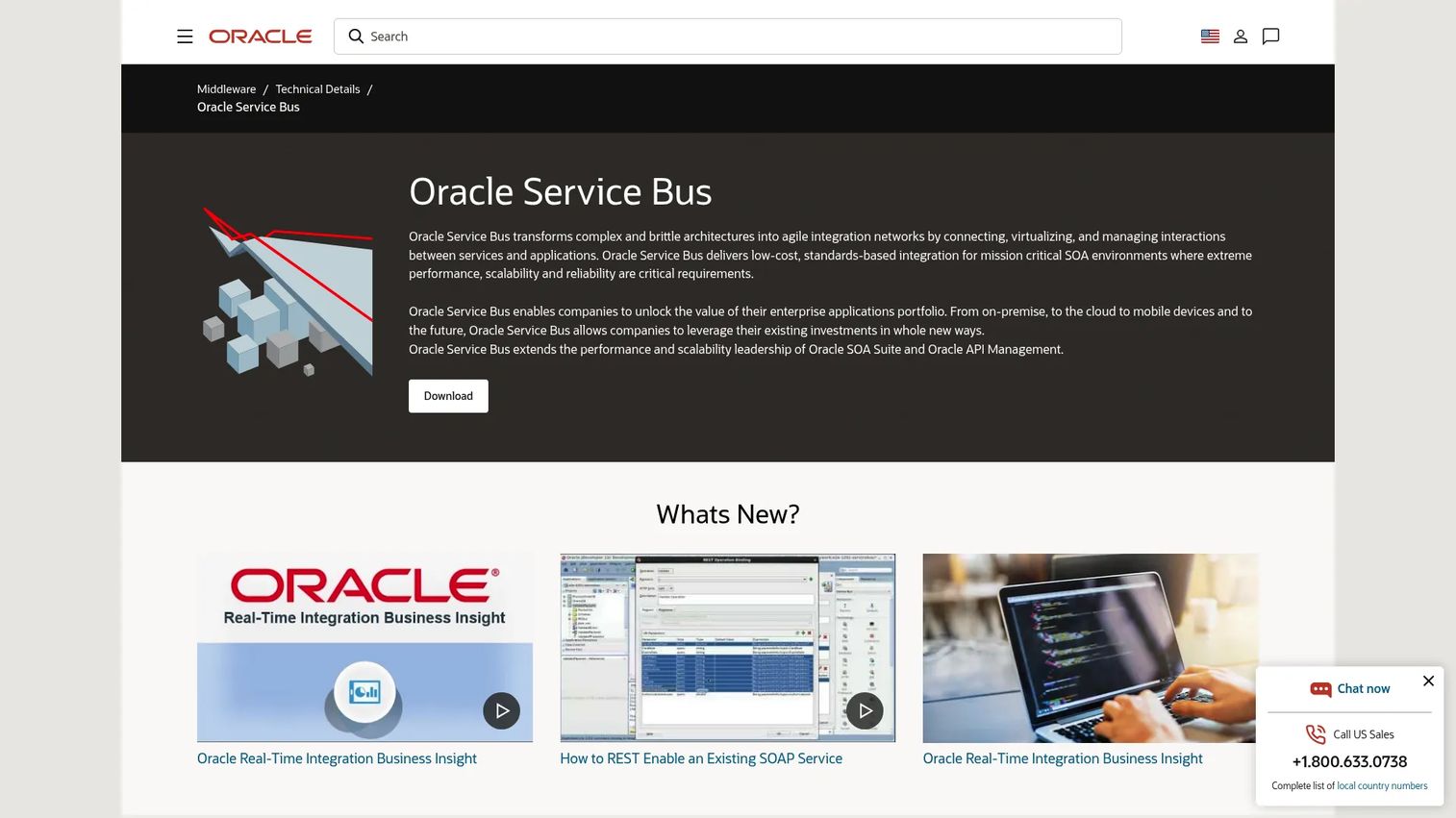
Oracle Enterprise Service Bus (Oracle Service Bus) is a configuration-driven, policy-enforced ESB for connecting, virtualizing, routing, transforming, and monitoring services across heterogeneous environments. It supports SOAP, HTTP, JMS, FTP, and file transports, and includes XQuery and XSLT-based message transformation alongside service-level monitoring and alerting. The product is licensed as an option to Oracle WebLogic Suite and is included in Oracle SOA Suite.
Best for: Large enterprises with significant Oracle application, database, or middleware investments where reducing implementation friction from existing stack compatibility matters.
Key features
- Content-based and identity-based message routing
- XQuery and XSLT message transformation and validation
- Service virtualization and transport-level mediation
- Transport- and message-level security enforcement
- Service monitoring, alerting, and administration
Why choose Oracle Enterprise Service Bus: Oracle Service Bus reduces integration friction when the broader Oracle middleware stack is already in place. Skills availability and existing Oracle licensing are the primary drivers. Teams evaluating a migration away from Oracle middleware should check current successor product positioning before building on Oracle Service Bus for new initiatives.
Oracle Enterprise Service Bus pricing: Oracle Service Bus is licensed as part of Oracle WebLogic Suite or Oracle SOA Suite. No standalone numeric price was available. Contact Oracle for current licensing terms.
G2 rating: 5.0/5 (based on a small review sample; interpret with appropriate caution)
5. SAP Process Integration
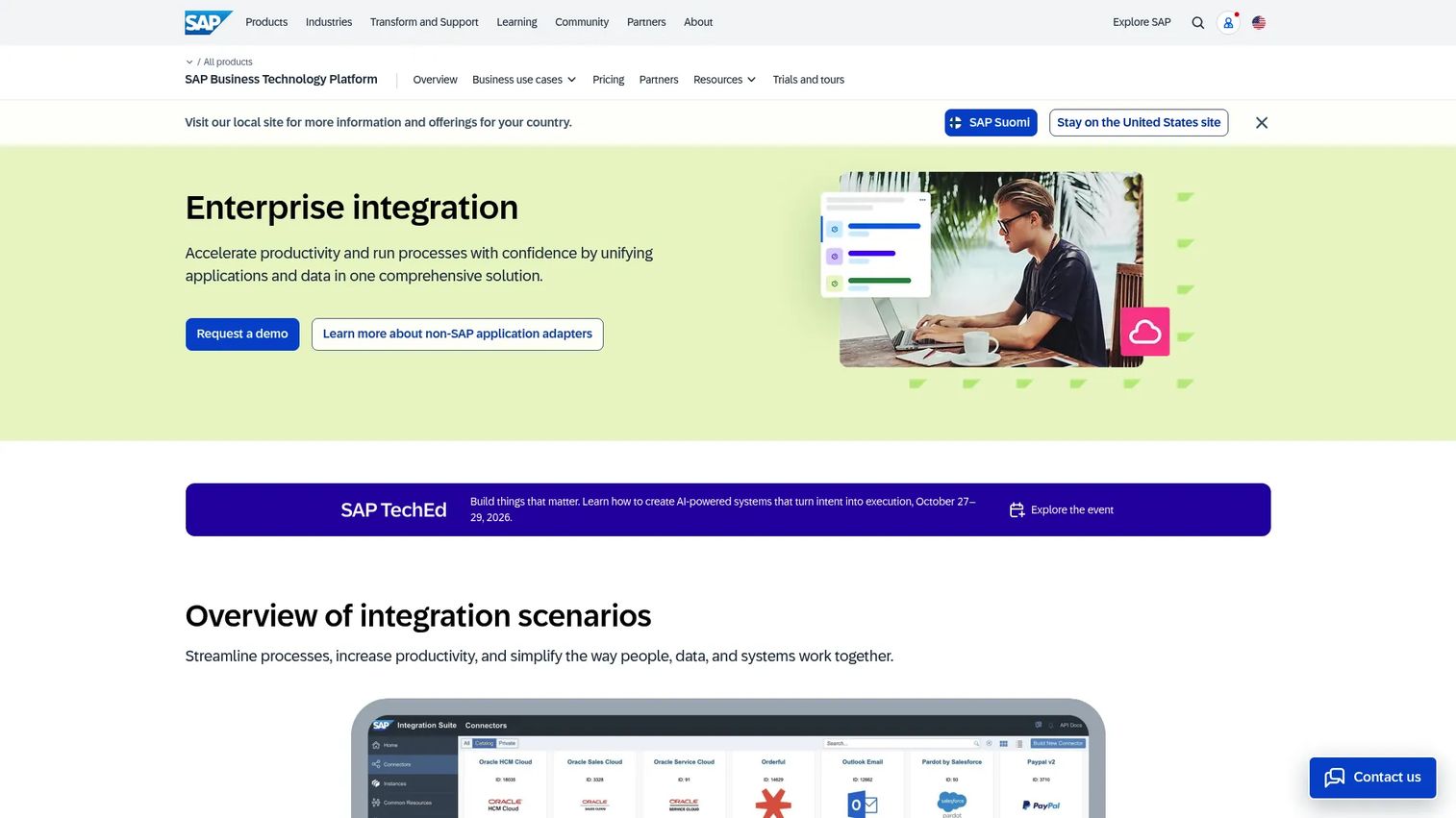
SAP Process Integration is SAP's on-premises middleware for integrating SAP and non-SAP systems through XML/SOAP-based message exchange and business-process orchestration. It supports A2A and B2B integration scenarios, interface mapping, adapter connectivity, and integration process management. SAP's current integration portfolio positions SAP Integration Suite as the cloud successor, making SAP Process Integration most relevant for existing on-premises SAP landscapes.
Best for: Organizations where SAP systems anchor finance, supply chain, or customer operations and where on-premises integration patterns are already established.
Key features
- XML/SOAP-based integration across SAP and non-SAP systems
- Interface mapping, routing, and integration processes
- A2A and B2B integration scenarios
- SAP application adapters and partner connectivity
- Interface monitoring and alerting
Why choose SAP Process Integration: SAP PI reduces integration effort when SAP systems drive the core business process and the team already operates within the SAP toolchain. PMs evaluating new integration architecture should assess SAP's cloud migration path toward SAP Integration Suite and factor in the modernization timeline before extending on-premises SAP PI for net-new workflows.
SAP Process Integration pricing: SAP does not publish numeric pricing for SAP Process Integration. Licensing is typically part of a broader SAP contract. Contact SAP for current terms.
6. TIBCO ActiveMatrix BusinessWorks
TIBCO ActiveMatrix BusinessWorks is an enterprise integration platform for developing, deploying, and managing integrations across applications, APIs, databases, and messaging systems. Its Eclipse-based visual environment supports model-driven, zero-code drag-and-drop process design, while its extensible architecture allows Java and OSGi plug-ins for custom requirements. The platform supports SOAP, REST, JSON, JMS, JDBC, FTP, and SMTP protocols.
Best for: Enterprise teams building orchestrated workflows across applications and services that need visual design tooling alongside code extensibility.
Key features
- Eclipse-based visual model-driven development environment
- Zero-code drag-and-drop process design with Java extension support
- Protocol support across SOAP, REST, JMS, JDBC, FTP, and SMTP
- Design, testing, deployment, and runtime monitoring in one environment
- Extensible architecture with public APIs and OSGi plug-ins
Why choose TIBCO ActiveMatrix BusinessWorks: TIBCO ActiveMatrix BusinessWorks suits teams that need visual orchestration tooling for complex service workflows without abandoning code-level extensibility. Existing TIBCO environments reduce onboarding time. Factor in platform learning curve, current licensing structure, and whether a migration to TIBCO Cloud Integration applies to your deployment model.
TIBCO ActiveMatrix BusinessWorks pricing: No numeric price was available from first-party sources. TIBCO offers consumption-based pricing for the cloud integration variant. Contact TIBCO for current licensing terms.
G2 rating: 4.2/5 (listed under TIBCO Integration featuring BusinessWorks and Flogo)
7. webMethods Integration Server
webMethods Integration Server is an enterprise integration server for executing services and connecting business systems, partners, legacy systems, and databases through adapter-based connectivity. It supports service orchestration, flow service development, HTTP/HTTPS/FTP port handling, and client authentication with audit-trail logging. The product is now part of the IBM portfolio following IBM's acquisition of Software AG's integration business.
Best for: Large enterprises integrating varied packaged applications, legacy systems, databases, and partner connections through a centralized service layer.
Key features
- Adapter-based connectivity for enterprise and legacy systems
- Service execution and business process orchestration
- HTTP, HTTPS, FTP, and email transport support
- Client authentication, authorization, and audit-trail logging
- Service-result caching and administration tooling
Why choose webMethods Integration Server: webMethods suits organizations running broad enterprise application estates where adapter coverage and reusable service libraries reduce per-project integration cost. Factor in the current IBM ownership context, licensing changes, and operational support model when evaluating for new deployments. Confirm current product roadmap directly with the vendor.
webMethods Integration Server pricing: No numeric pricing was available from verified sources at publication. Contact IBM (current owner) or a reseller for current pricing and contract terms.
G2 rating: 4.3/5 (listed under IBM webMethods Hybrid Integration)
8. Apache Camel
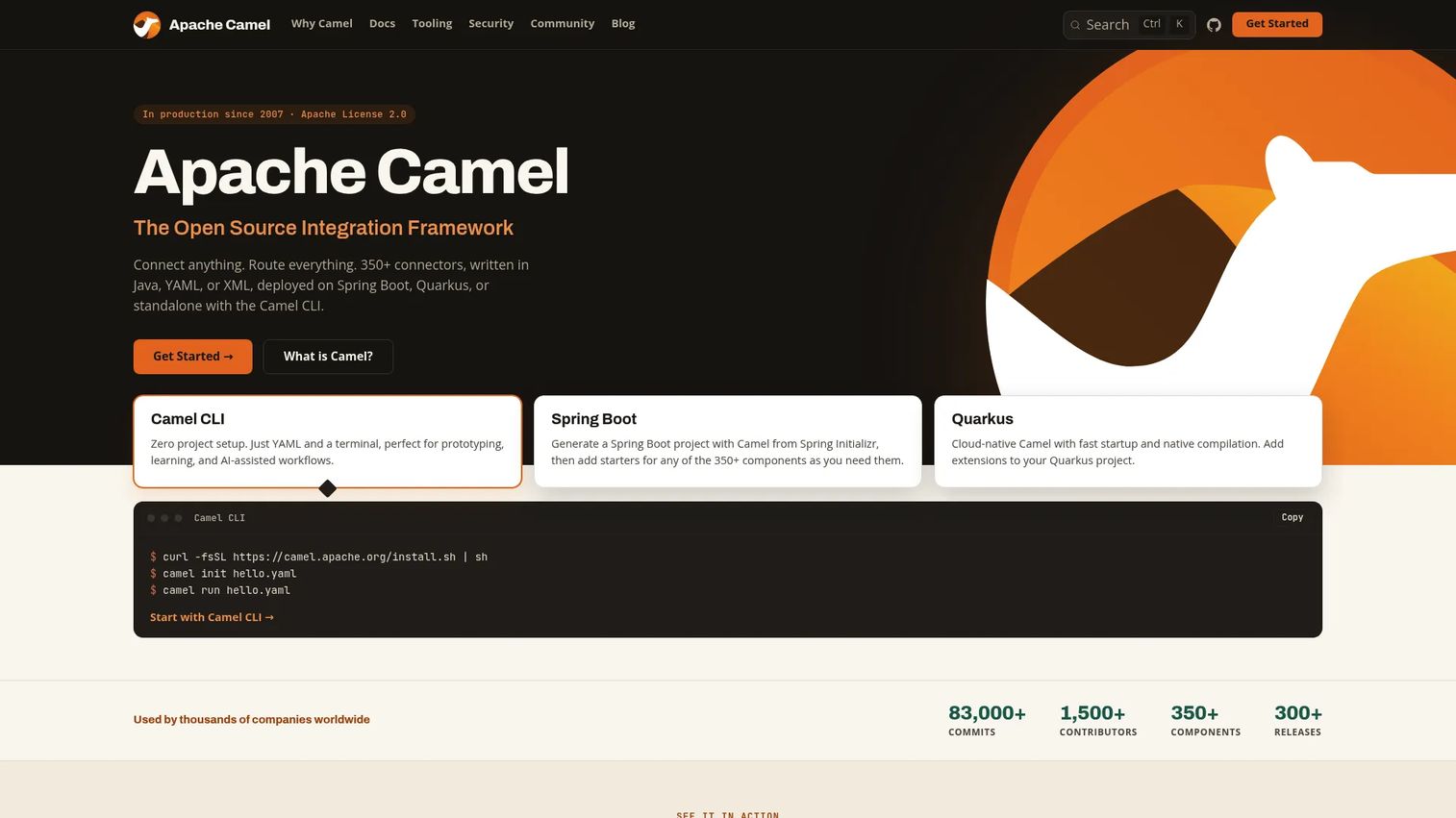
Apache Camel is an open-source integration framework that implements Enterprise Integration Patterns for routing, transformation, filtering, splitting, and aggregating messages. It ships with over 350 connectors covering Kafka, REST, JDBC, AWS, Azure, GCP, SAP, and more. Routes can be written in Java DSL, YAML, or XML, and the framework deploys on Kubernetes, Spring Boot, Quarkus, and other container environments.
Best for: Engineering teams that want code-controlled integration built on established Enterprise Integration Patterns without a proprietary enterprise runtime.
Key features
- 350+ connectors for messaging, cloud, database, and SaaS systems
- Java DSL, YAML, and XML route definition
- Enterprise Integration Patterns for routing, transformation, and aggregation
- Deployment on Kubernetes, Spring Boot, Quarkus, and containers
- Active Apache community with frequent releases
Why choose Apache Camel: Apache Camel gives engineering teams full control over integration architecture, deployment model, and operational tooling without proprietary lock-in. The trade-off is clear: Your team owns deployment, monitoring, upgrades, incident response, and governance. For a PM, that means integration maintenance competes directly with feature work in every sprint. Teams with strong Java or Camel expertise and clear operational ownership get the most from it.
Apache Camel pricing: Apache Camel is free under the Apache License 2.0. Infrastructure, hosting, engineering time, and support costs apply. Commercial distributions and managed offerings from third-party vendors carry their own pricing.
G2 rating: 4.2/5
9. WSO2 Enterprise Integrator
WSO2 Enterprise Integrator is a Ballerina-powered integration platform for building, deploying, managing, and observing integrations across cloud, on-premises, and hybrid environments. It provides low-code visual design alongside pro-code parity, over 600 connectors, and AI-assisted integration development. Centralized monitoring, access controls, and API management are included across deployment models.
Best for: Organizations seeking API-centered integration with the option to self-host and control architecture without proprietary lock-in.
Key features
- Low-code visual design with pro-code equivalence
- 600+ connectors for APIs, data, events, and services
- API, event-driven, file-driven, and scheduled integration patterns
- Centralized monitoring, observability, and access control
- Self-hosted and cloud deployment options
Why choose WSO2 Enterprise Integrator: WSO2 suits teams that want API and integration governance in one platform without committing to a single cloud vendor or proprietary runtime. The self-hosting option is particularly relevant for organizations with data residency or security constraints. Implementation and operational maturity requirements are real considerations; confirm internal skills before selecting.
WSO2 Enterprise Integrator pricing: A 30-day free trial with full product access is available. Growth and Enterprise plans require contacting WSO2 for pricing. Self-hosted software carries no feature restrictions but requires your own infrastructure.
10. Microsoft Azure Service Bus
Microsoft Azure Service Bus is a fully managed enterprise message broker for reliable queues and publish-subscribe messaging between distributed applications and services. It provides sessions, transactions, duplicate detection, dead-letter queues, scheduled delivery, and message filtering. Premium tiers add resource isolation, Geo-Replication, and messages up to 100 MB. Azure Service Bus integrates natively with Azure Functions, Logic Apps, and Event Grid.
Best for: Teams running cloud-native or hybrid workloads on Azure that need reliable, durable messaging and service decoupling without managing a full integration runtime.
Key features
- Message queues and publish-subscribe topics
- Sessions, transactions, and duplicate detection
- Dead-letter queues and scheduled delivery
- Premium Geo-Replication and large message support (up to 100 MB)
- Native integration with Azure Functions, Logic Apps, and Event Grid
Why choose Microsoft Azure Service Bus: Azure Service Bus fits asynchronous communication patterns where the goal is reliable message delivery and service decoupling rather than full ESB capabilities. It does not provide protocol conversion, complex transformation, or adapter connectivity to legacy systems. Teams that need those capabilities will still require a separate integration layer. For Azure-native architectures with clear messaging requirements, it reduces operational overhead compared to managing a self-hosted broker.
Microsoft Azure Service Bus pricing: Azure Service Bus offers Basic, Standard, and Premium tiers. Basic is billed per million operations. Standard adds a base charge plus operation and connection fees. Premium is priced per messaging unit per hour. Check azure.microsoft.com/pricing/details/service-bus for current regional rates, as numeric prices were rendered as placeholders in research.
G2 rating: 3.9/5
Considerations when choosing enterprise service bus software
Architecture fit
Confirm whether the platform matches your current systems, cloud and on-premises mix, and expected service growth. Ask whether it solves the specific integration constraint you face without forcing a broader architecture rewrite. A tool that fits a hybrid Oracle estate well may be a poor choice for a cloud-native microservices environment.
Transformation and mediation depth
Check support for XML, JSON, schema validation, canonical data models, and protocol conversion. PMs should assess how frequently transformation logic changes and who owns it. Centralized transformation that lives only in the integration team creates a bottleneck when product changes require schema updates.
Reliability and observability
Evaluate queuing, retry logic, dead-letter handling, duplicate detection, failover, and distributed tracing. Tie these capabilities to user-facing outcomes: A missed retry in an onboarding flow creates a failed activation. Alerting and health checks should surface integration failures before your support queue does.
Governance and team ownership
Check role-based access, environment separation, deployment controls, audit logs, and service versioning. A centralized integration platform needs a named owner and a defined operating model. Without clear ownership, governance becomes a release bottleneck rather than a reliability asset.
Total cost of ownership
License fees are one line item. Platform engineering, connector maintenance, cloud infrastructure, monitoring tooling, training, migration, testing, and upgrade work all add to the five-year cost. For serious evaluations, build a simple five-year model before comparing vendor quotes.
How to choose the right enterprise service bus tool for your team
The architecture question and the ownership question are inseparable. Picking a platform without deciding who maintains it is how integration debt accumulates.
If your team manages a mixed legacy and cloud estate, start with tools that provide deep adapter coverage, hybrid deployment, and centralized monitoring. IBM App Connect, MuleSoft Anypoint Platform, and webMethods Integration Server all address this scenario. Assess migration support early, and confirm that the team owning the platform has the bandwidth to run it.
If your architecture is Microsoft-centered, evaluate Microsoft BizTalk Server for existing enterprise estates and Microsoft Azure Service Bus for managed cloud messaging needs. For cross-platform integration that extends beyond Microsoft systems, IBM App Connect or MuleSoft offer broader adapter coverage alongside Microsoft connectivity.
If your team prefers developer-controlled integration, evaluate Apache Camel or WSO2 Enterprise Integrator. Both give engineering teams architectural control without proprietary lock-in. Confirm that your team can own testing, observability, deployment, upgrades, and incident response before committing, since that operational surface competes directly with feature delivery.
If API-led integration is the priority, MuleSoft Anypoint Platform leads on API lifecycle governance, developer portal capabilities, and policy enforcement at the API layer. WSO2 Enterprise Integrator offers a comparable open-source alternative with self-hosting flexibility.
A practical decision framework for PMs:
- Define the specific business workflow that must improve (onboarding, billing, fulfillment)
- Map every system, data owner, and failure point in that workflow
- Estimate engineering maintenance over five years, not just implementation cost
- Run a proof of concept on one representative integration before selecting a platform
- Measure delivery time, failure recovery, and operational load against a baseline
Conclusion
Enterprise service bus decisions are ownership decisions as much as technology decisions. The right ESB platform for your team depends on architecture fit, governance model, integration volume, and how much engineering capacity you can dedicate to maintaining the platform itself.
For hybrid enterprise integration, IBM App Connect provides broad connector coverage alongside hybrid deployment. MuleSoft Anypoint Platform suits API-led integration with governance needs. Microsoft BizTalk Server fits existing Microsoft estates. Oracle Enterprise Service Bus and SAP Process Integration each address their respective vendor landscapes. TIBCO ActiveMatrix BusinessWorks and webMethods Integration Server cover complex service orchestration and broad adapter-driven estates. Apache Camel and WSO2 Enterprise Integrator give engineering-led teams open-source control. Microsoft Azure Service Bus handles managed cloud messaging within Azure-native architectures.
Pick one representative workflow. Map its source, transformation, routing, destination, retry, and monitoring requirements. Compare two or three tools against that specific workflow, not against a generic feature checklist. Include both engineering and product stakeholders in the evaluation, because the platform you choose will shape your release cadence for years.
For further reading on adjacent tooling relevant to platform strategy, see our guides on API gateway software, API monitoring tools, application performance monitoring tools, and application server software.
FAQs
An enterprise service bus is an integration architecture and runtime that mediates communication between applications and services. It handles message routing, data transformation, protocol conversion, asynchronous delivery, and observability in a shared layer rather than requiring each application to handle these concerns directly. ESB can describe both an architectural pattern and the commercial or open-source software implementing that pattern.
ESB stands for enterprise service bus. The term covers both an integration architecture pattern and the category of middleware software that implements it. Some teams use it to describe a centralized message broker; others use it to describe a broader enterprise application integration strategy that includes routing, transformation, and governance.
Point-to-point integration connects systems directly, with each integration handling its own transformation, error logic, and protocol negotiation. An ESB introduces a shared mediation layer that centralizes routing, transformation, policy enforcement, and monitoring across integrations. The trade-off is real: Centralized governance reduces duplication but can create bottlenecks and a single point of operational responsibility.
No. An iPaaS (integration platform as a service) is a cloud delivery model for integration software. An ESB is an architectural pattern or runtime model that can be deployed on-premises, in the cloud, or in hybrid environments. Some iPaaS platforms provide ESB capabilities including routing, transformation, and protocol mediation, but the terms describe different things. An iPaaS built on ESB principles is not the same as a lightweight cloud connector platform.
ESBs and microservices reflect different integration philosophies. Microservice architectures often favor decentralized communication and event-driven patterns over a central bus. That said, an ESB remains useful for legacy integration, protocol mediation, cross-system governance, or bridging between older and newer parts of a mixed estate. The right choice depends on coupling preferences, latency requirements, team ownership models, and operational scale.
An ESB typically handles message mediation, transformation, routing, orchestration, and protocol conversion as core capabilities. An event bus focuses on publishing and consuming events across producers and consumers, often with minimal transformation logic. The categories overlap: Some platforms provide both event streaming and ESB-style mediation. Microsoft Azure Service Bus, for example, covers managed messaging but not the full transformation and orchestration depth of a traditional ESB.
PMs should focus on roadmap impact over connector counts. Key evaluation factors include integration maintenance cost over time, reliability characteristics (retries, dead-letter handling, failover), observability depth, governance model, skills availability on the team, total five-year ownership cost, migration risk from the current state, and how clearly ownership is defined across product and engineering. A platform that works well technically but lacks a named operational owner will create release friction within two or three quarters.
Yes. Adapters, protocol conversion, data transformation, and service mediation allow older systems communicating over SOAP, EDI, flat files, COBOL interfaces, or JDBC to exchange data with REST APIs and modern SaaS platforms. The ESB handles the translation layer so neither system needs to change its native interface. Most commercial ESB platforms include pre-built adapters for common legacy systems, with custom adapter development available for less common protocols.