



You start with one map and a handful of character names. Six months later the lore lives in four Google Docs, two spreadsheets, a notes app, and the back of a notebook you can't find.
Then a reader, a co-writer, or a player asks a simple continuity question. You spend twenty minutes hunting for the answer you already wrote down somewhere.
The hard part of worldbuilding isn't invention. It's retrieval. Consistency across a growing universe breaks not because you ran out of ideas, but because you can't find the idea you had last Tuesday. The global worldbuilding software market hit USD 1.32B in 2024 and is forecast to grow at a 16.7% CAGR through 2033, per Growth Market Reports (2024). That growth reflects a real shift: Writers, fantasy creators, and DMs want structure that keeps pace with the story, not against it.
What's inside
This guide is for writers, fantasy creators, DMs, and campaign builders comparing dedicated worldbuilding platforms against flexible general-purpose tools. Here's how the shortlist was built:
- Customization: Whether the tool bends to your world or forces you into its structure
- Ease of use: How fast you get from blank page to organized entry
- Collaboration: Solo, partner, or group-friendly sharing and syncing
- Organization and retrieval: Linking, tagging, search, and cross-device access
The list spans options for solo writers, campaign builders, and anyone who wants offline control over their data.
TL;DR
- Best for structured world wikis: World Anvil, purpose-built for interlinked lore and RPG campaigns
- Best for offline control: Fantasia Archive, a free desktop app with no cloud dependence
- Best for all-purpose flexibility: Notion, one workspace for world notes and project management
- Best for drafting plus world notes: Scrivener, worldbuilding tied to a manuscript workflow
- Best for simple shared docs: Google Docs & Sheets, low-friction collaboration everyone can open
- Best for modular story and world planning: Campfire Writing, a purpose-built writing workspace
- Best for local, linked knowledge bases: Obsidian, a private Markdown vault with backlinks
Free worldbuilding software exists at nearly every tier here, so budget rarely blocks the right pick.
What is worldbuilding software?
Worldbuilding software is a tool that helps you store, connect, and retrieve information about fictional worlds, campaigns, settings, and story systems in one organized place. It replaces scattered documents with a structure where lore, characters, and locations link to each other and stay searchable as the world grows.
The category splits two ways. Dedicated platforms build in worldbuilding concepts out of the box, like article templates and interactive maps. General-purpose world building software (think databases and note apps) gives you a blank canvas you shape yourself.
Most worldbuilding tools cover these components:
- Notes and lore: Articles, entries, or pages that hold the raw material of your world
- Characters and factions: Profiles with relationships, motivations, and history
- Maps and locations: Visual references, sometimes interactive and clickable
- Timelines and events: Chronologies that keep continuity straight across a saga
- Tags, links, and databases: The connective tissue that makes retrieval fast
- Export and sharing: Getting your world out in Word, PDF, or a shareable link
The right worldbuilding programs match how your world actually grows. A novelist tracking one continent needs something different from a DM juggling five campaigns and a shared player wiki. Both want the same underlying thing: The answer to "what did I decide about this?" in seconds, not minutes.
Search and linking separate a real world building tool from a folder of files. When you can jump from a character to their home city to the war that razed it without hunting, the world starts to hold together. That is the actual job these tools do.
When to use worldbuilding software
Organize a growing fiction universe
Spreadsheets and scattered docs work until they don't. The break point comes when you have too many entries to remember where each one lives. At that scale the problem shifts from writing to retrieval, consistency, and linking. Worldbuilding software fixes it by making every entry findable and connected, so your third book doesn't contradict your first.
Plan a tabletop campaign
DMs need reusable structure, session notes, and fast reference during play. When a player asks about an NPC from three sessions ago, you want the answer before the moment passes. Good software keeps continuity across sessions and lets you prep once, then reuse. Campaign management features (session logs, encounter notes, shared player-facing pages) turn chaos into a repeatable prep loop.
Collaborate across devices or contributors
Cross-device access and syncing matter most when more than one person touches the world, or when you write on a laptop and edit on a phone. Solo local workflows favor offline privacy and speed. Shared online systems favor real-time editing and a single source of truth. Decide which side of that line you're on before you commit.
Comparison table
Every tool below covers the worldbuilding basics. The differences that matter are structure, collaboration model, and whether you own your files offline. Pricing and ratings reflect each vendor's live pages as of August 2026.
| # | Product | Best for | Key differentiator | Pricing | G2 rating |
|---|---|---|---|---|---|
| 1 | World Anvil | Structured world wikis | Wiki articles, interactive maps, campaign tools | Free; paid from $4.50/mo | Not listed |
| 2 | Fantasia Archive | Offline control | Free, local desktop worldbuilding | 100% free | Not listed |
| 3 | Notion | All-purpose flexibility | Databases plus docs in one workspace | Free tier plus paid plans | 4.6/5 |
| 4 | Scrivener | Drafting plus world notes | Writing and research in one project | From US$23.99 one-time | Not listed |
| 5 | Google Docs & Sheets | Simple shared docs | Real-time browser collaboration | From $7.00/user/mo | 4.7/5 |
| 6 | Campfire Writing | Modular story planning | Purpose-built writing modules | Free; paid from $12/mo | Not listed |
| 7 | Obsidian | Local linked knowledge | Markdown vault with backlinks | Free; paid add-ons from $4/mo | 4.4/5 |
Best 7 worldbuilding tools for writers and DMs
1. World Anvil
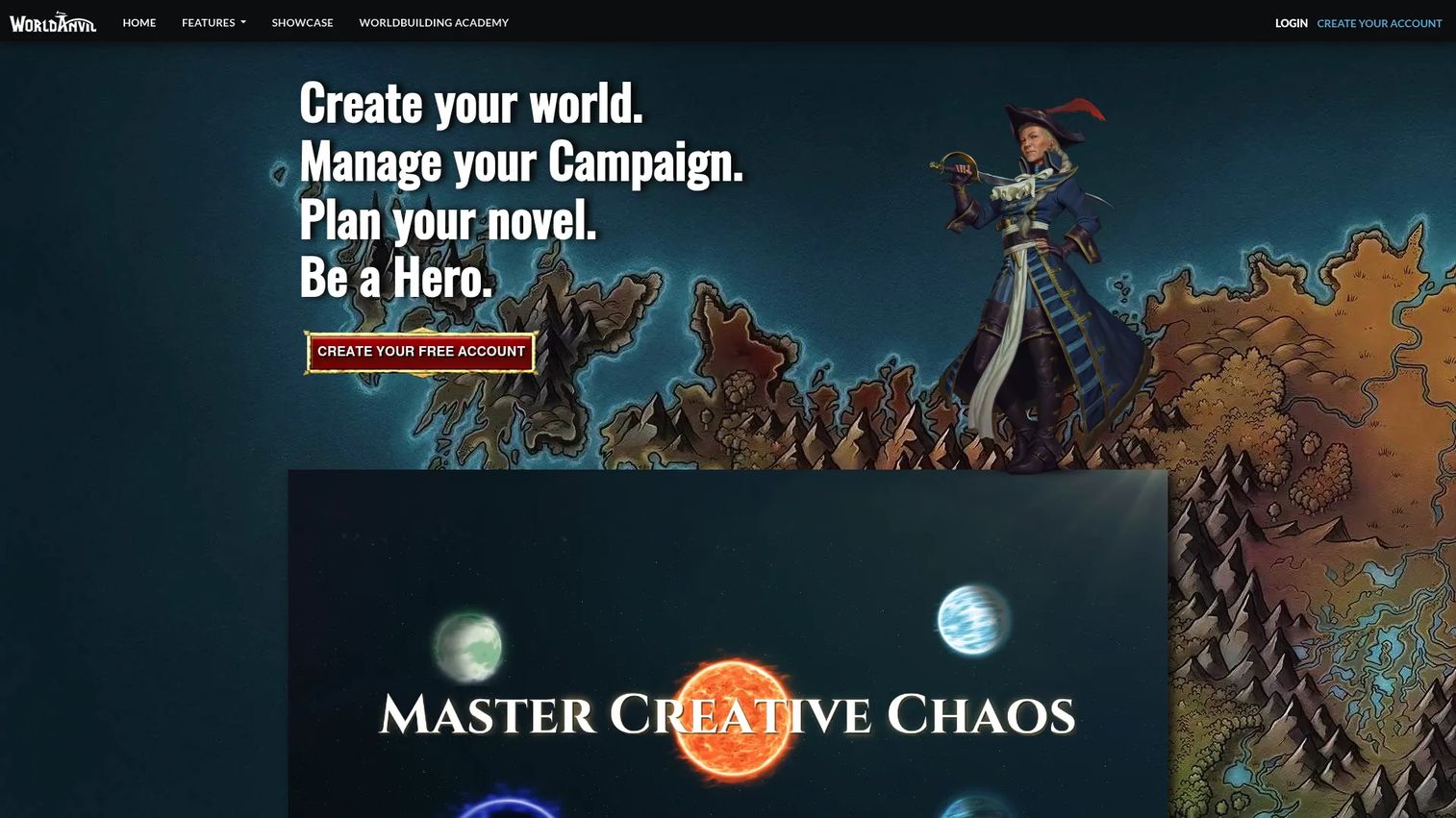
World Anvil is a worldbuilding, RPG campaign, and novel-planning platform built around wiki-style articles. You write interlinked entries for characters, locations, and events, then connect them with cross-links so the whole world stays navigable. Interactive maps, timelines, and campaign management round out the toolkit for large, connected universes.
Best for: Writers and DMs who want a dedicated world encyclopedia they can share with readers or players.
Key features
- Wiki-style articles with deep cross-linking
- Interactive maps with clickable pins
- Timelines and event tracking
- RPG campaign management tools
- Article templates for characters and locations
Why choose World Anvil: When your world has hundreds of interconnected entries, the wiki model keeps everything retrievable. It fits sprawling settings better than a flat notes app, though the depth means a steeper first-day learning curve.
World Anvil pricing: The Freeman tier is free. Paid guild memberships start at $4.50/mo for Master, $8.25/mo for Grandmaster, and $25.00/mo for Sage, all billed annually. Yearly billing discounts and lifetime options appear on the pricing page too.
A standalone G2 rating for World Anvil was not listed at the time of writing.
2. Fantasia Archive
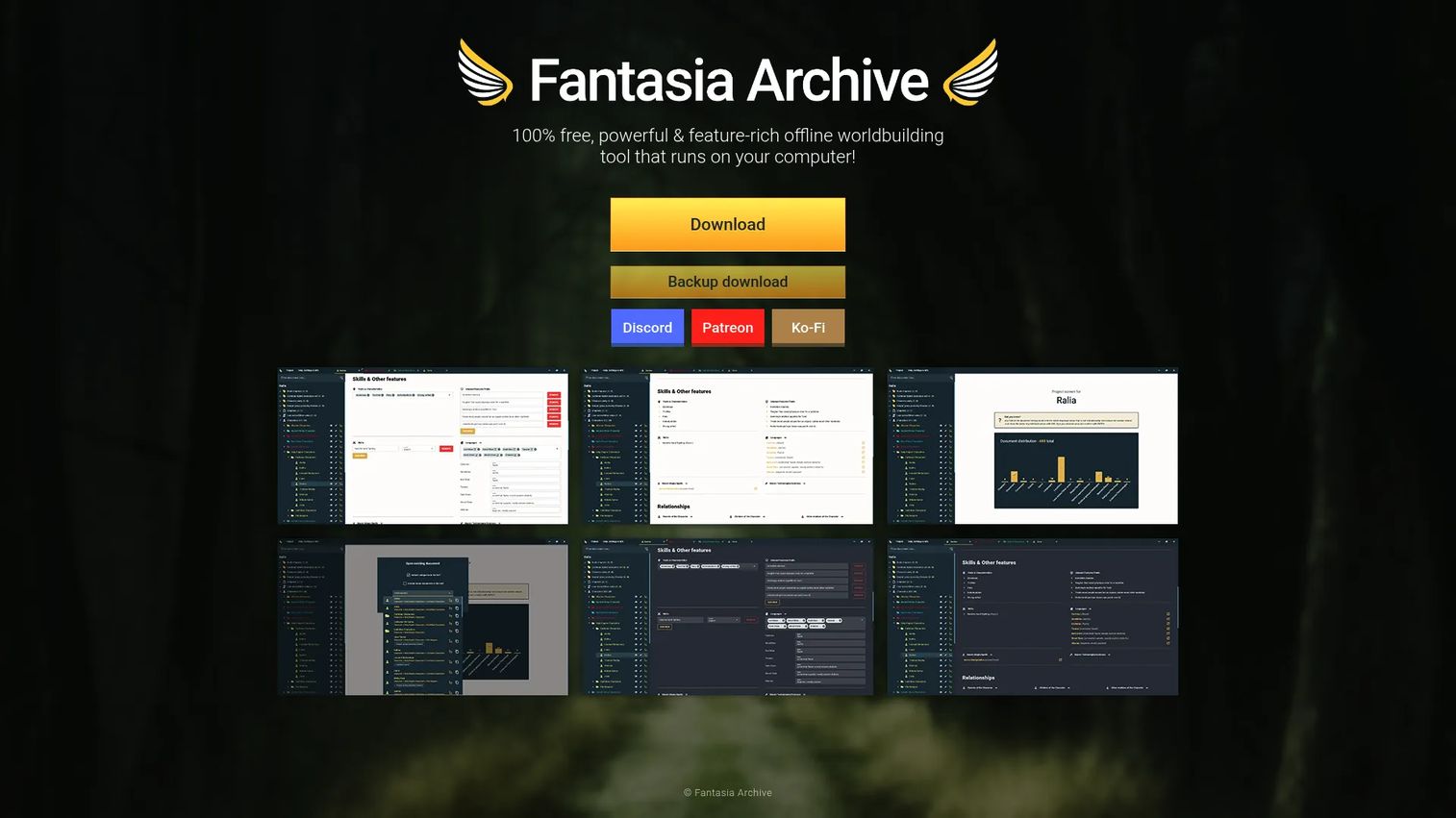
Fantasia Archive is a free, offline worldbuilding and document-creation tool that runs directly on your computer. It gives you structured entries for characters, locations, and the rest of your world, with everything stored locally. No account, no subscription, no cloud dependence.
Best for: Worldbuilders who want privacy, zero cost, and full offline access to their fantasy settings.
Key features
- Fully offline desktop app
- Structured entries for world elements
- Local file storage you own
- Document creation tools
- No subscription required
Why choose Fantasia Archive: It suits solo builders who distrust cloud lock-in and want their world on their own machine. The trade-off is no built-in collaboration or cross-device sync, so it fits one writer at one desk.
Fantasia Archive pricing: The tool is 100% free, described that way on its own homepage. There are no paid tiers to weigh.
No G2 rating for Fantasia Archive was found in current listings.
3. Notion
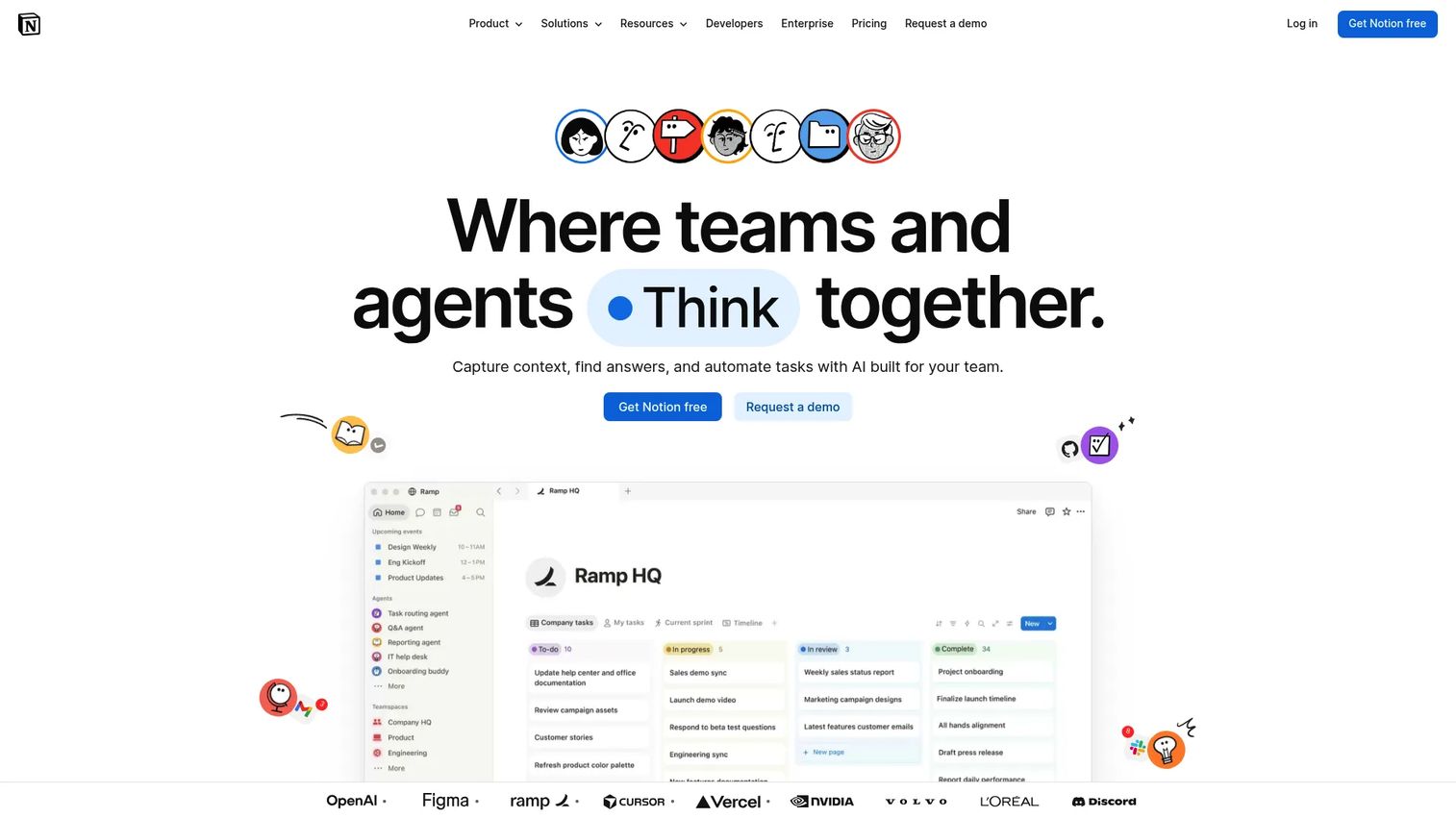
Notion is an all-in-one workspace for notes, wikis, and databases. For worldbuilding, that means you can build a character database, a location wiki, and a project tracker in one place, then link them however you like. A worldbuilding template turns the blank canvas into a running system in minutes.
Best for: Builders who want one flexible workspace covering world notes plus the project side of a writing life.
Key features
- Databases with multiple views
- Docs and linked notes
- Reusable worldbuilding templates
- Real-time collaboration
- Built-in AI features
Why choose Notion: It shines when you want personal and collaborative work in the same tool, from world building tools for writers to a shared team knowledge base. The flexibility is the catch: You design the structure, so a messy setup stays messy.
Notion pricing: Notion offers a free personal plan, with paid team and business tiers above it. Exact current plan prices are best confirmed on Notion's own pricing page before you commit.
Notion holds a 4.6/5 rating on G2.
4. Scrivener
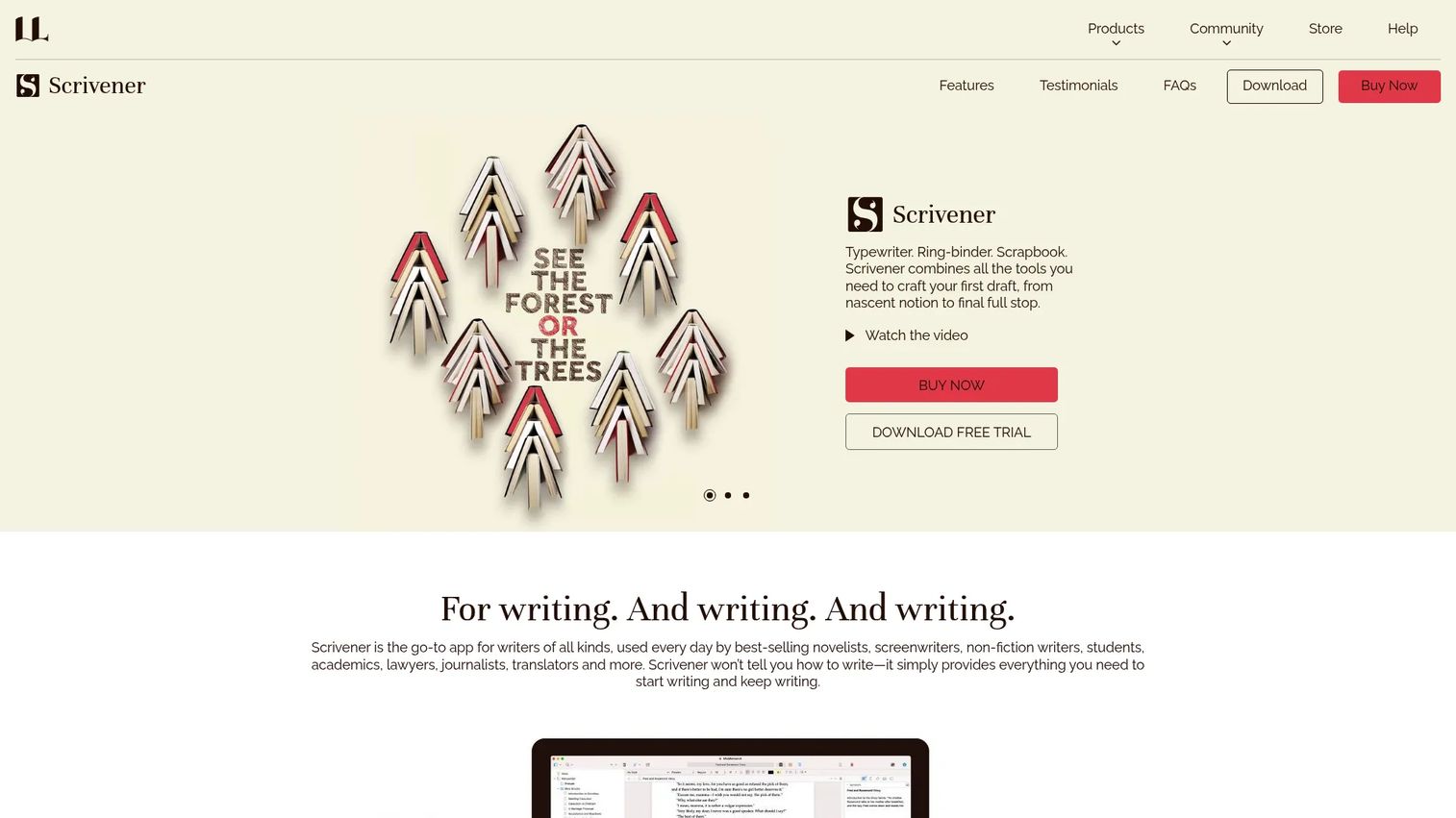
Scrivener is writing software for long-form projects that combines drafting, outlining, research, and organization in one app. Its research binder holds your worldbuilding notes right next to the manuscript, so lore and prose live together. Corkboard and outline views let you reorder scenes and reference material without losing the thread.
Best for: Novelists and long-form writers who worldbuild alongside an active draft.
Key features
- Research binder for notes and lore
- Corkboard and outline views
- Drag-and-drop reorganization
- Export to Word, PDF, and Final Draft
- Keeps writing and research together
Why choose Scrivener: It's the pick when the world exists to serve a manuscript, not the other way around. The one-time license appeals to writers who resist subscriptions, though the worldbuilding side is lighter than a dedicated wiki.
Scrivener pricing: The iOS and iPadOS app is US$23.99, and the macOS or Windows license is $59.99, both one-time purchases. A cross-grade license runs $37.95, and a 30-day free trial is available for desktop.
No current G2 rating for Scrivener was verified in this review.
5. Google Docs & Sheets
Google Docs & Sheets are cloud-based document and spreadsheet apps for creating, collaborating, and editing in the browser. They carry no worldbuilding-specific features, yet remain some of the most used world building websites simply because everyone can open them instantly. A Sheet tracks characters and factions; a Doc holds lore.
Best for: Teams or budget-conscious builders who need something everyone can open without setup.
Key features
- Real-time collaboration and comments
- Templates and version history
- Spreadsheet tracking for large casts
- Gemini AI assistance in Docs and Sheets
- Runs in any browser
Why choose Google Docs & Sheets: These stay useful precisely because they're familiar and shared-by-default, which matters for collaborative worldbuilding tools. You lose linking and structure, so retrieval leans on folders and search rather than a real wiki.
Google Docs & Sheets pricing: Docs and Sheets are free with a Google account. Google Workspace plans that include them start at $7.00/user/month for Starter, $14.00 for Standard, and $22.00 for Plus, with Enterprise on request.
Google Docs holds a 4.7/5 rating on Capterra.
6. Campfire Writing
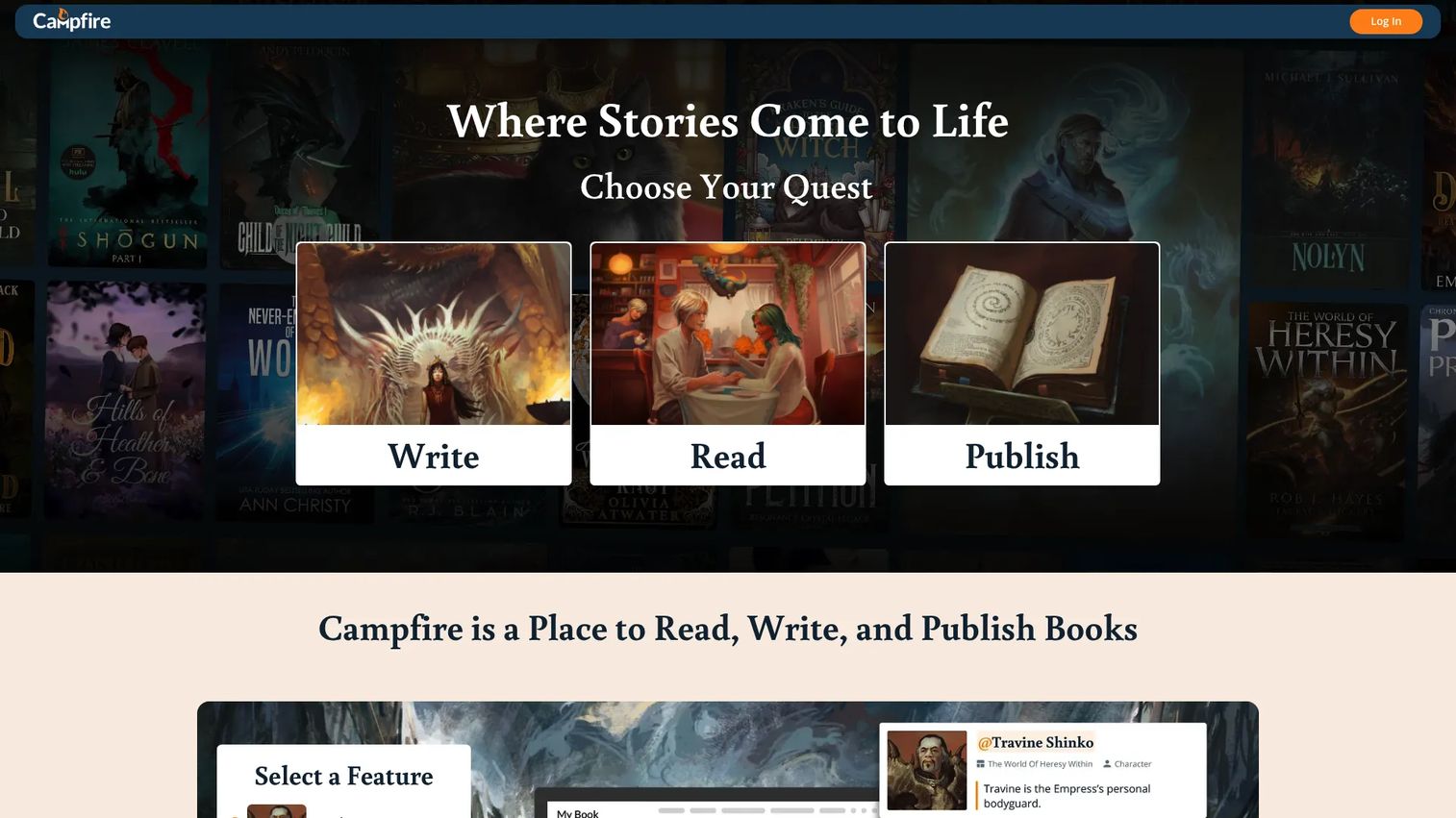
Campfire Writing is a writing and worldbuilding platform for authors, publishers, and readers. It's modular: You turn on the pieces you need, from character and location modules to timelines and relationship maps. That keeps the workspace focused instead of overwhelming, and the structure suits campaign builders as much as novelists.
Best for: Authors and campaign builders who want purpose-built structure without heavy complexity.
Key features
- Modular worldbuilding components
- Character and relationship tools
- Browser, desktop, and mobile apps
- Offline desktop access
- Print-ready export
Why choose Campfire Writing: The pay-for-what-you-use module model fits people who want worldbuilding structure without paying for tools they'll never open. Turning on many modules can push the cost up, so map your needs first.
Campfire Writing pricing: A free account is available with limited module access. Standard Monthly is $12.00/month, discounted from $19.00, and lifetime purchases are also offered.
No G2 rating for Campfire Writing was found at the time of writing.
7. Obsidian
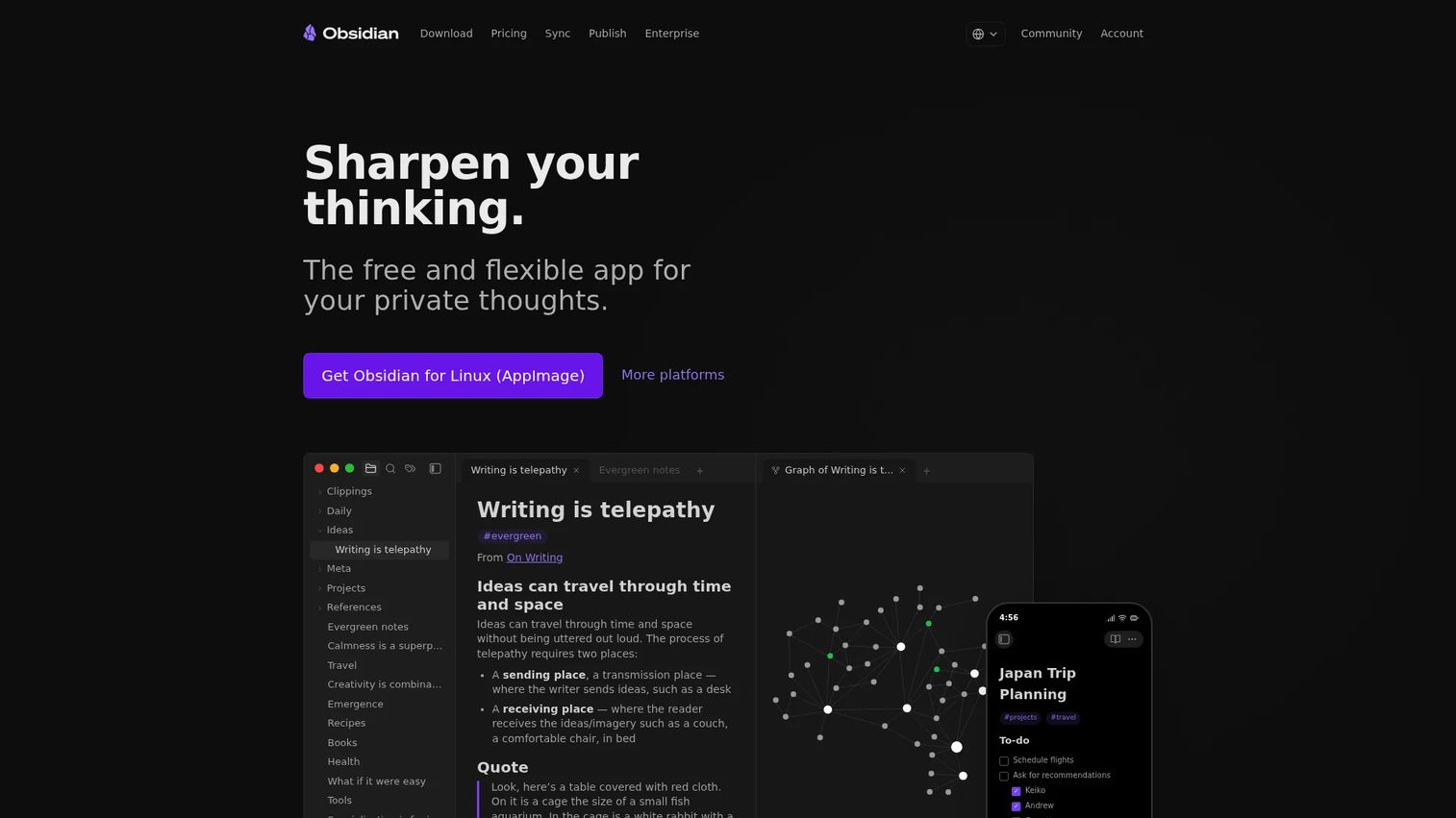
Obsidian is a Markdown-based note-taking and knowledge base app with local-first storage. Your world lives as plain text files on your machine, connected by backlinks and viewable as a graph. The graph view turns your knowledge base into a literal web of characters, places, and events you can see at a glance.
Best for: Builders who want a private, deeply linked knowledge base they fully control.
Key features
- Local Markdown vault storage
- Backlinks between notes
- Graph view of connections
- Core and community plugins
- Optional Sync and Publish services
Why choose Obsidian: It rewards technical, organized solo builders who want linking power without cloud lock-in. The blank-slate approach means you build the system yourself, which is freedom or friction depending on your patience.
Obsidian pricing: The core app is free. Optional Sync runs $4/user/month billed annually, Publish starts at $8/site/month, and a Commercial license is $50/user/year.
Obsidian holds a 4.4/5 rating on G2.
Considerations
Choose structure before features
Decide whether your world grows as wiki pages, databases, plain notes, or a manuscript with research attached. The structure should match how you actually work, not the tool with the longest feature list. A DM building a shared player wiki wants different bones than a novelist tracking one timeline.
Decide how much collaboration you need
Solo, partner, and group workflows point to different tools. If it's just you, offline apps like Fantasia Archive or Obsidian work fine. The moment a co-writer or a player group joins, sharing and real-time editing move to the top of the list, favoring Notion, World Anvil, or Google Docs.
Check offline and privacy requirements
Local storage matters when you want your world on your own hardware, with no account and no sync. Offline worldbuilding software keeps everything private and fast. Cloud-first options trade that for access anywhere and easier collaboration. Know which you value more before you pick.
Verify export and interoperability
Look at what each tool exports: Word, PDF, plain text, spreadsheets, or Scrivener-compatible files. Lock-in becomes a real problem when a project outgrows its first home and you can't get your data out cleanly. Export options are your escape hatch.
Think about maintenance, not just setup
The best worldbuilding tool is the one you keep updating. A gorgeous system you abandon after two weeks helps nobody. Resist overengineering the structure on day one. Start light, and let the world's real needs pull the complexity in over time.
Conclusion
The right worldbuilding programs come down to how your world grows and who touches it. World Anvil owns the structured wiki use case for large, connected settings. Fantasia Archive and Obsidian serve solo builders who want offline control, with Obsidian adding linked-note depth. Notion and Google Docs & Sheets flex for mixed personal and collaborative work, while Campfire Writing and Scrivener fit writers who want structure tied to the writing itself.
Match the tool to your workflow, not the other way around. If you write long-form, start with Scrivener or Campfire. If you run campaigns and want a shareable encyclopedia, start with World Anvil. If you value privacy and full control, try Fantasia Archive or Obsidian first.
Pick one, spend a week actually moving your notes in, and judge it by whether you keep it updated. The tool that survives your second month is the one worth paying for.
FAQs
For most writers, it depends on whether the world serves a manuscript or stands on its own. Scrivener and Campfire Writing fit writers drafting long-form work, while World Anvil suits those building a standalone encyclopedia. There's no single winner; match the tool to your actual writing workflow.
Fantasia Archive is fully free and offline, making it a strong pick for privacy-focused solo builders. Obsidian's core app is free with optional paid sync, and Notion offers a capable free personal plan. Google Docs and Sheets are free too, if you don't need dedicated worldbuilding structure.
Yes. Notion's databases, linked pages, and worldbuilding templates let you build a character index, a location wiki, and a timeline in one workspace. The upside is flexibility; the catch is that you design the structure yourself, so a disorganized setup stays disorganized.
Offline tools like Fantasia Archive and Obsidian keep your world stored locally, with no account or cloud sync required. That gives you full control and privacy over your files. The trade-off is harder collaboration and no automatic cross-device access, so it fits solo work best.
DMs benefit most from campaign management features: Session notes, reusable NPC and location entries, and fast in-play reference. Shareable player-facing pages help too, so your group can browse the world you've built. World Anvil is purpose-built for this; Notion and Obsidian work with the right setup.
Many builders do. A common pattern is drafting in Scrivener while keeping deep lore in a wiki-style tool, or tracking a large cast in a spreadsheet alongside a note app. Just watch for duplicated information across tools, since two sources of truth create the exact retrieval problem you're trying to solve.
For a short story or one-shot campaign, a single document or a free tool usually covers it. Dedicated worldbuilding software earns its place once the world grows past what you can hold in your head, when continuity and retrieval start costing you time. Start light, and upgrade when the mess forces the decision.










