Your app backlog grows faster than your team can ship. Business units file requests for portals, dashboards, approval flows, and internal tools. Your developers are already booked solid on roadmap work. So the requests pile up, the spreadsheets multiply, and shadow IT fills the gap with tools nobody approved.
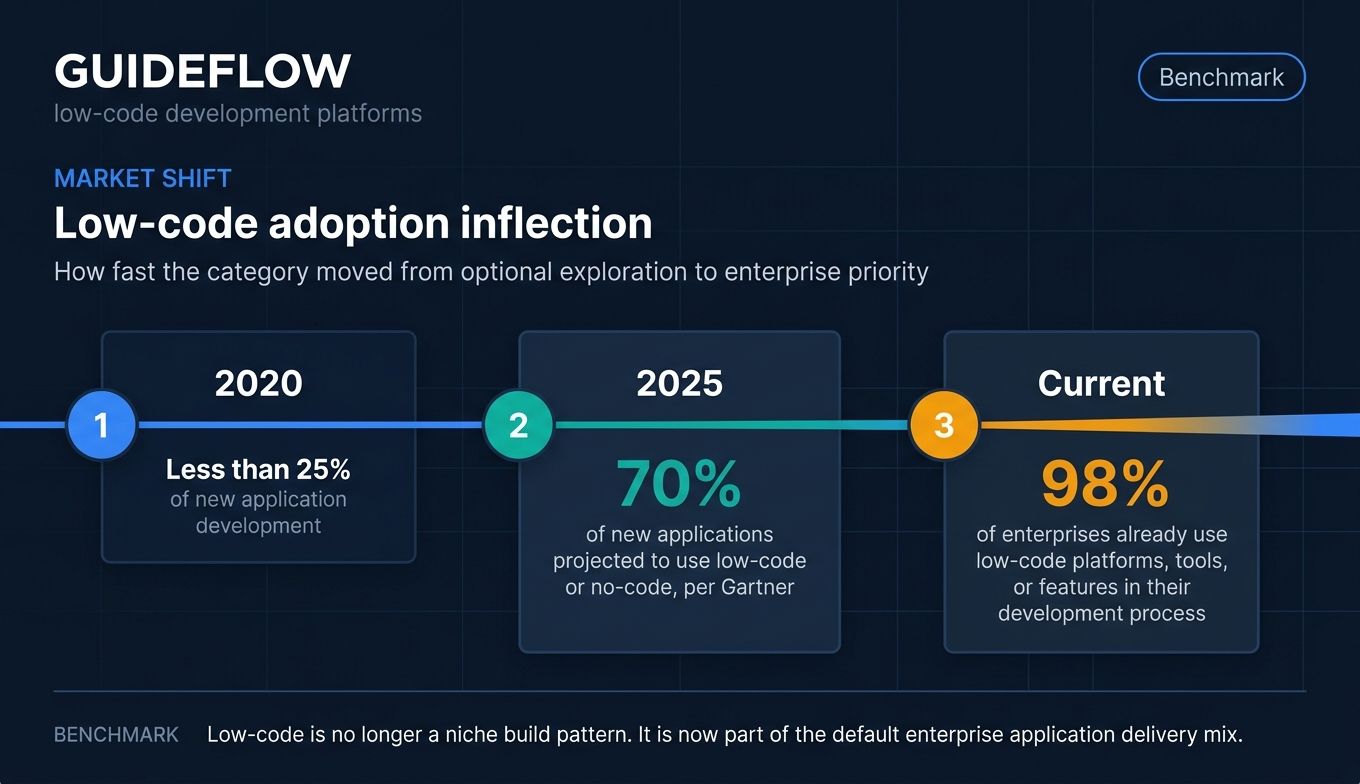
This is the exact friction low-code development platforms exist to remove. Gartner's low-code adoption forecast has projected that by 2025, 70% of new applications developed by organizations would use low-code or no-code technologies, up from less than 25% in 2020. The shift is not hypothetical anymore. One industry source reports that 98% of enterprises already use low-code platforms, tools, or features somewhere in their development process.
The promise is simple to state and harder to deliver: build applications with visual interfaces and minimal hand-coding, ship them faster, and do it without losing the governance and security that an enterprise review demands. The catch is that not every platform clears that bar. Some are built for citizen developers building light internal apps. Others are built for engineering teams shipping mission-critical software at scale.
This guide compares the 12 best low-code development platforms for 2026 through the lens technical evaluators actually use. Not marketing claims. The criteria that decide whether a platform survives security review and scales with your workload.
What's inside
This guide is written for IT leaders, enterprise architects, app-dev managers, and the presales and technical evaluators who validate fit before a purchase. We scored each platform on four criteria that matter when the stakes are real:
- Visual development depth and extensibility: how much you can build visually, and whether developers get a code escape hatch.
- AI-augmented capabilities: natural-language building, code generation, and agentic automation.
- Enterprise governance and security: SSO, compliance certifications, role controls, audit logs.
- Scalability and integrations: mission-critical load, CRM and database connectors, APIs, CI/CD.
Pricing and G2 ratings were verified against vendor pricing pages and live G2 listings at publish time.
TL;DR
Short on time? Here are the decision shortcuts.
- Best for enterprise scale: OutSystems, for mission-critical, full-stack apps with deep governance.
- Best for Microsoft ecosystems: Microsoft Power Apps, for orgs already standardized on Microsoft 365, Dynamics, and Azure.
- Best open-source and self-hosted: Appsmith, for dev teams that want code-level control on their own infrastructure.
- Best for internal tools on existing data: Retool, for engineering teams building fast CRUD apps on databases and APIs.
- Best for no-code app building: Bubble, for founders and teams shipping web and mobile apps without engineering.
- Best for workflow and process automation: Appian, for case management and complex, regulated processes.
Background: what are low-code development platforms?
A low-code development platform is software that lets teams build applications using visual interfaces, drag-and-drop components, and minimal hand-coding instead of writing everything from scratch. Developers and business users assemble apps from reusable building blocks, connect them to data, and deploy them without managing the full traditional software stack.
The category spans a wide range. Some low code platforms target professional developers who want to move faster. Others target citizen developers in business units who have never written a line of code. The strongest enterprise low code application platforms serve both at once, with governance that keeps the whole thing from turning into chaos.
Most low code development platforms share a common set of capabilities:
- Visual GUI builders and drag-and-drop interfaces for assembling app screens and logic.
- Pre-built templates and reusable components that cut build time on common patterns.
- Built-in data models and database connectors so apps have somewhere to store and read data.
- API and enterprise system integrations to connect CRMs, ERPs, and internal services.
- AI-assisted development including natural-language building, code generation, and agentic automation.
- Governance, security, and lifecycle controls covering roles, deployment, and audit.
Analyst validation matters here too. Searches for gartner low code reflect how often buyers lean on the Magic Quadrant and Critical Capabilities reports to shortlist. That analyst lens is one input, not the whole decision.
Low-code vs no-code vs traditional development
The line between low code no code platforms and traditional development comes down to who builds and how much flexibility they get.
| Approach | Who builds | Flexibility | Best for |
|---|---|---|---|
| No-code | Business users, citizen developers | Lower, bounded by what the platform exposes | Simple apps, forms, workflows built without engineering |
| Low-code | Developers and technical business users | High, with visual building plus a code escape hatch | Custom business apps that need speed and some custom logic |
| Traditional development | Professional developers only | Full, unlimited | Highly custom, performance-critical, or novel systems |
The practical takeaway: no code low code platforms sit on a spectrum, not in separate boxes. Many tools span both, letting a citizen developer start an app and a developer extend it with custom code later.
When to use a low-code development platform
Low code app development pays off in specific situations. Here are the three most common triggers.
Clear your internal app backlog faster
Every ops team runs on spreadsheets nobody trusts and one-off requests nobody has time for. A low code platform lets you replace those with real apps in days instead of quarters. You hand business units a way to ship the small stuff without queuing behind roadmap work, which frees your developers for the problems only they can solve.
Automate workflows and business processes
Approvals, case management, onboarding flows, and operational tooling all follow predictable patterns. Low-code platforms with process automation built in let you model these visually, route work to the right people, and enforce SLAs. This is where BPM-heavy platforms earn their place, turning manual handoffs into governed, auditable workflows.
Build customer-facing web and mobile apps
Not every low code app builder is for internal tools. Several platforms ship portals, dashboards, and lightweight products that customers actually use. When you need a branded experience on web and mobile without standing up a full engineering project, low code application development gets you to a working product faster.
Comparison table
Here is the full shortlist at a glance. Tools are sorted by relevance to enterprise low-code evaluation. Pricing and G2 ratings were verified at publish time against each vendor's pricing page and live G2 listing.
| # | Product | Intent | Key use case | Pricing | G2 rating |
|---|---|---|---|---|---|
| 1 | OutSystems | Enterprise full-stack | Mission-critical apps, agents, workflows | Free Personal Edition; ODC custom | 4.6/5 |
| 2 | Mendix | Enterprise model-driven | Governed app portfolios, web and mobile | Free; Basic from $60/mo | 4.4/5 |
| 3 | Microsoft Power Apps | Microsoft-native | Internal business apps in the Microsoft stack | Free dev plan; Premium $20/user/mo | 4.3/5 |
| 4 | Appian | Process automation | Case management, regulated workflows | Free Community; tiers per user/app | 4.5/5 |
| 5 | Appsmith | Open-source internal tools | Dashboards and admin panels on existing data | Free; Business $15/user/mo | 4.6/5 |
| 6 | Retool | Internal tooling | Fast CRUD apps on databases and APIs | Free; Team $10/builder/mo | 4.6/5 |
| 7 | Bubble | No-code web and mobile | Web apps and MVPs without engineering | Free; Starter $59/mo | 4.4/5 |
| 8 | Zoho Creator | SMB and Zoho ecosystem | Custom apps with workflow automation | Standard $8/user/mo | 4.3/5 |
| 9 | Quickbase | Operational work management | Ops apps replacing spreadsheets | Team $35/user/mo | 4.4/5 |
| 10 | Pega Platform | Enterprise BPM | Complex decisioning and case management | Custom | 4.2/5 |
| 11 | Kissflow | Business-led workflows | Citizen-developer process apps | Custom | 4.3/5 |
| 12 | Creatio | CRM plus process | Combined CRM and workflow automation | Growth £32/user/mo | 4.6/5 |
The 12 best low-code development platforms for 2026
Each section below covers what the platform does, who it fits, its key strengths, why you would choose it, and verified pricing.
1. OutSystems
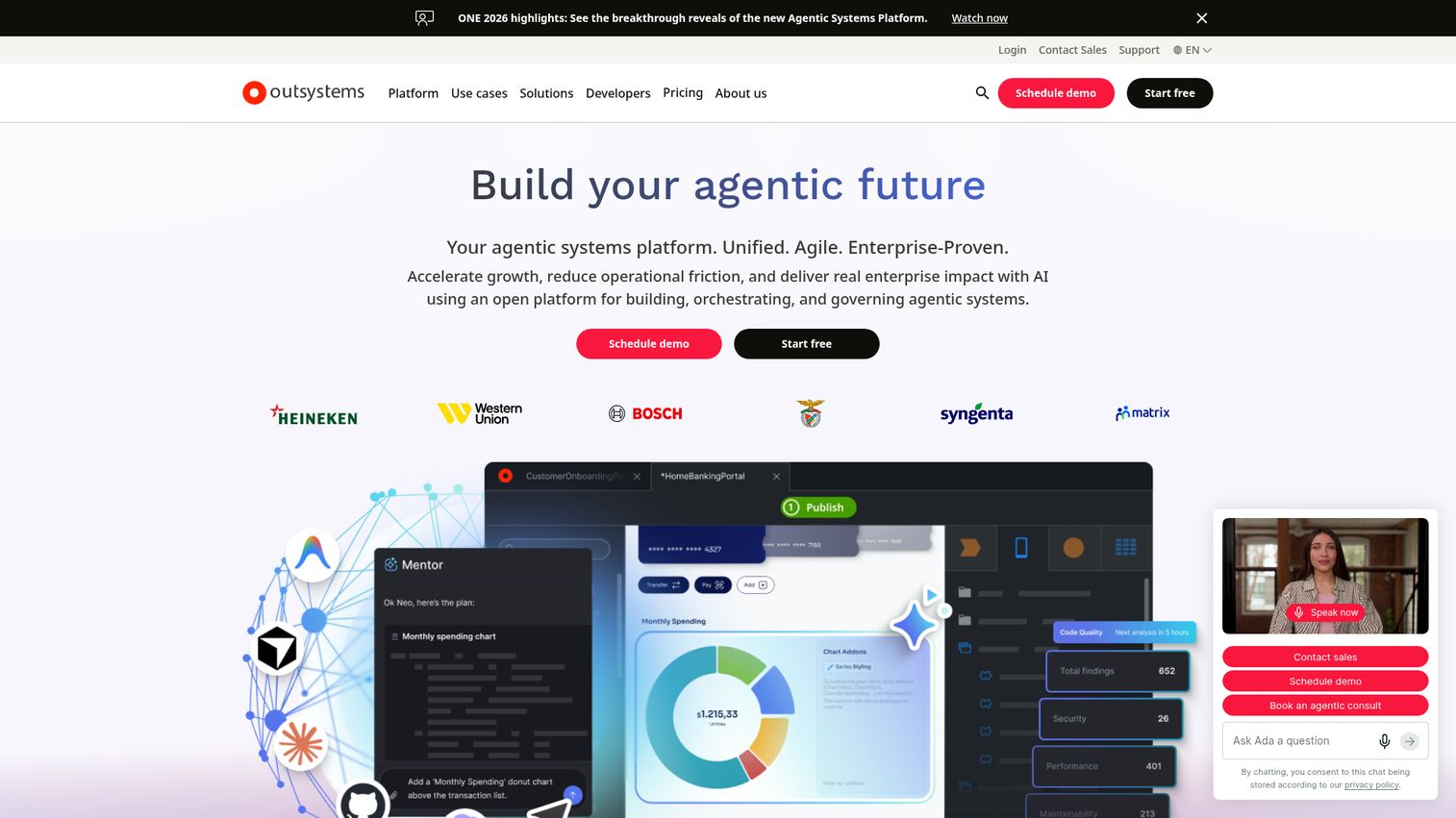
OutSystems is an AI-powered low-code platform for building, running, and governing enterprise apps, agents, and workflows. It is a full-stack low code development platform built for organizations that need to ship complex software fast without giving up the controls a security team demands. OutSystems pairs visual building with deep DevSecOps tooling, which is why it shows up so often on enterprise shortlists.
Best for: Large enterprises building and governing mission-critical apps, AI agents, workflows, and integrations.
Key strengths
- AI-powered app and agent delivery: Build and ship applications and AI agents with AI assistance baked into the workflow.
- Full-stack development with pre-built components: Assemble complete apps from reusable parts across the front and back end.
- Built-in DevSecOps and one-click deployment: Move from build to production with security and lifecycle controls in place.
Why choose OutSystems: If you are building software that has to scale, integrate with core systems, and pass a real security review, OutSystems is built for exactly that pressure. It rewards teams that commit to a structured development model and need governance from day one, not bolted on later.
OutSystems pricing: OutSystems offers a free Personal Edition with no credit card required, intended for test applications rather than production. The production-grade OutSystems Developer Cloud (ODC) is priced per application, user, and advanced add-ons, with an estimate available from the vendor. It holds a 4.6/5 rating on G2.
2. Mendix
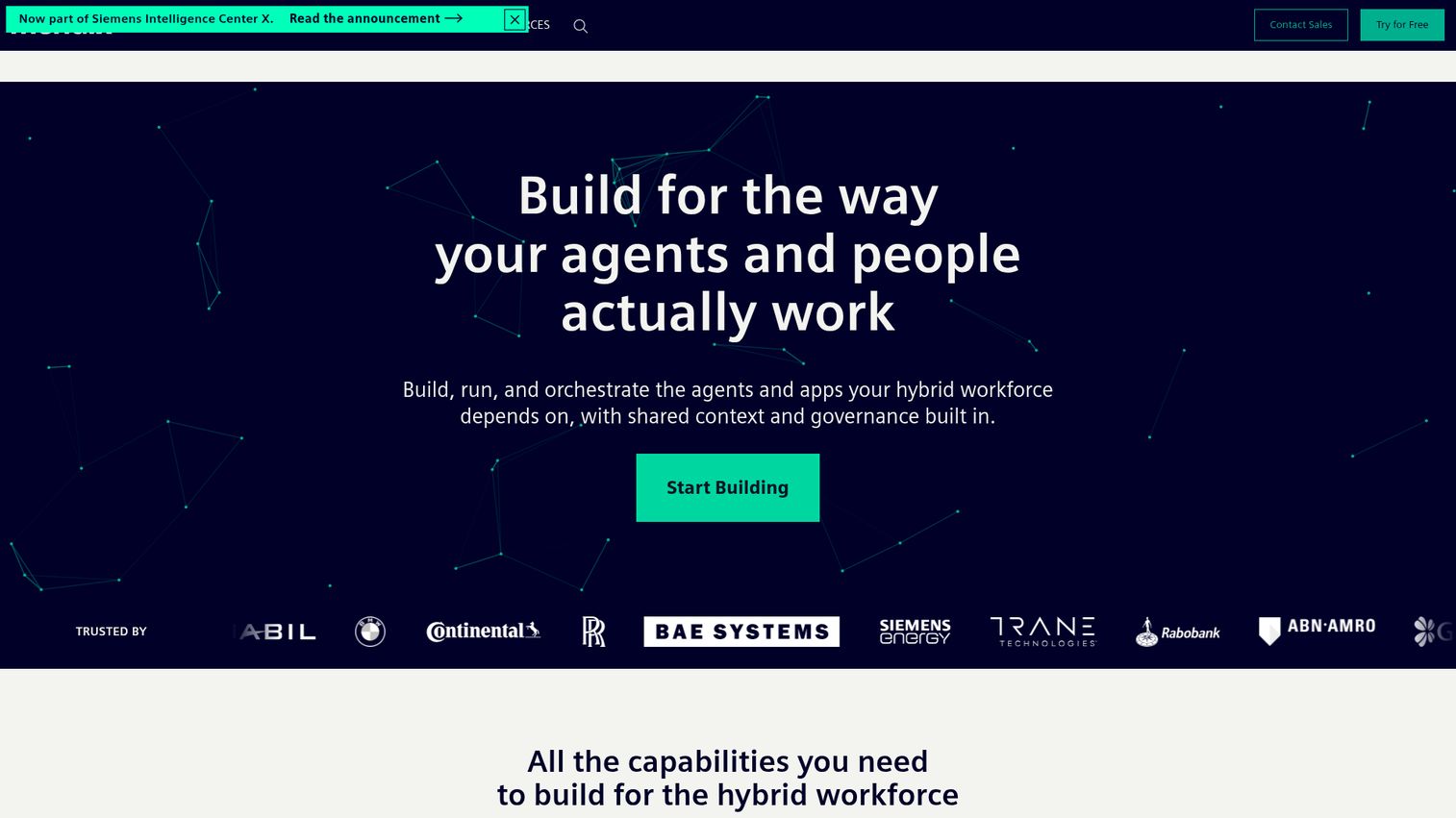
Mendix is a low-code application development platform for building governed enterprise apps, agents, workflows, and AI-enabled solutions. Backed by Siemens, it leans on a model-driven approach that lets professional developers and business technologists collaborate on the same app. Mendix is a strong fit when you need to manage a portfolio of apps across web and mobile with consistent governance.
Best for: Enterprises that need to rapidly build and govern portfolios of low-code business applications, AI-enabled apps, and orchestrated workflows.
Key strengths
- Low-code, model-driven development: Build web and mobile applications visually from a shared model.
- Enterprise AI governance: Get traceability, auditability, and policy controls over AI usage across apps.
- Process orchestration: Coordinate work across systems, AI agents, and human workflows.
Why choose Mendix: Mendix fits enterprises that want both professional and citizen developers working together without losing control. The governance layer makes it defensible in regulated environments, and the model-driven approach keeps a large app portfolio maintainable as it grows.
Mendix pricing: Mendix offers a Free plan starting at $0 per month. Basic starts at $60 per month for unlimited apps, or $75 per month for one app. Standard starts at $1,090 per month for one app, or $2,725 per month for unlimited apps, billed monthly. Premium is quote-based. Mendix holds a 4.4/5 rating on G2.
3. Microsoft Power Apps
Microsoft Power Apps is a low-code app development platform for building, modernizing, deploying, and running custom business applications across web and mobile. Its biggest advantage is gravity: if your organization already runs on Microsoft 365, Dynamics, and Azure, Power Apps plugs directly into that data and identity layer. It supports both canvas and model-driven apps, with AI-assisted building included.
Best for: Organizations already using Microsoft tools that need to build and govern internal business apps with low-code, AI-assisted development.
Key strengths
- Flexible building options: Build apps using drag-and-drop, generative AI, or custom code, then deploy across web and mobile.
- Broad connectivity: Use prebuilt, custom, and on-premises connectors to reach your data wherever it lives.
- Microsoft Dataverse: Securely store and manage application data in a governed data layer.
Why choose Microsoft Power Apps: For Microsoft-native organizations, Power Apps is the path of least resistance. Identity, data, and governance already live in the Microsoft stack, so adoption and security approval move faster than with an outside platform.
Microsoft Power Apps pricing: The Power Apps Developer Plan is free for individuals to build and test in non-production environments. Power Apps Premium is $20.00 per user per month, paid yearly, dropping to $12.00 per user per month with a 2,000-seat minimum. A pay-as-you-go option is available through Azure. Power Apps holds a 4.3/5 rating on G2.
4. Appian
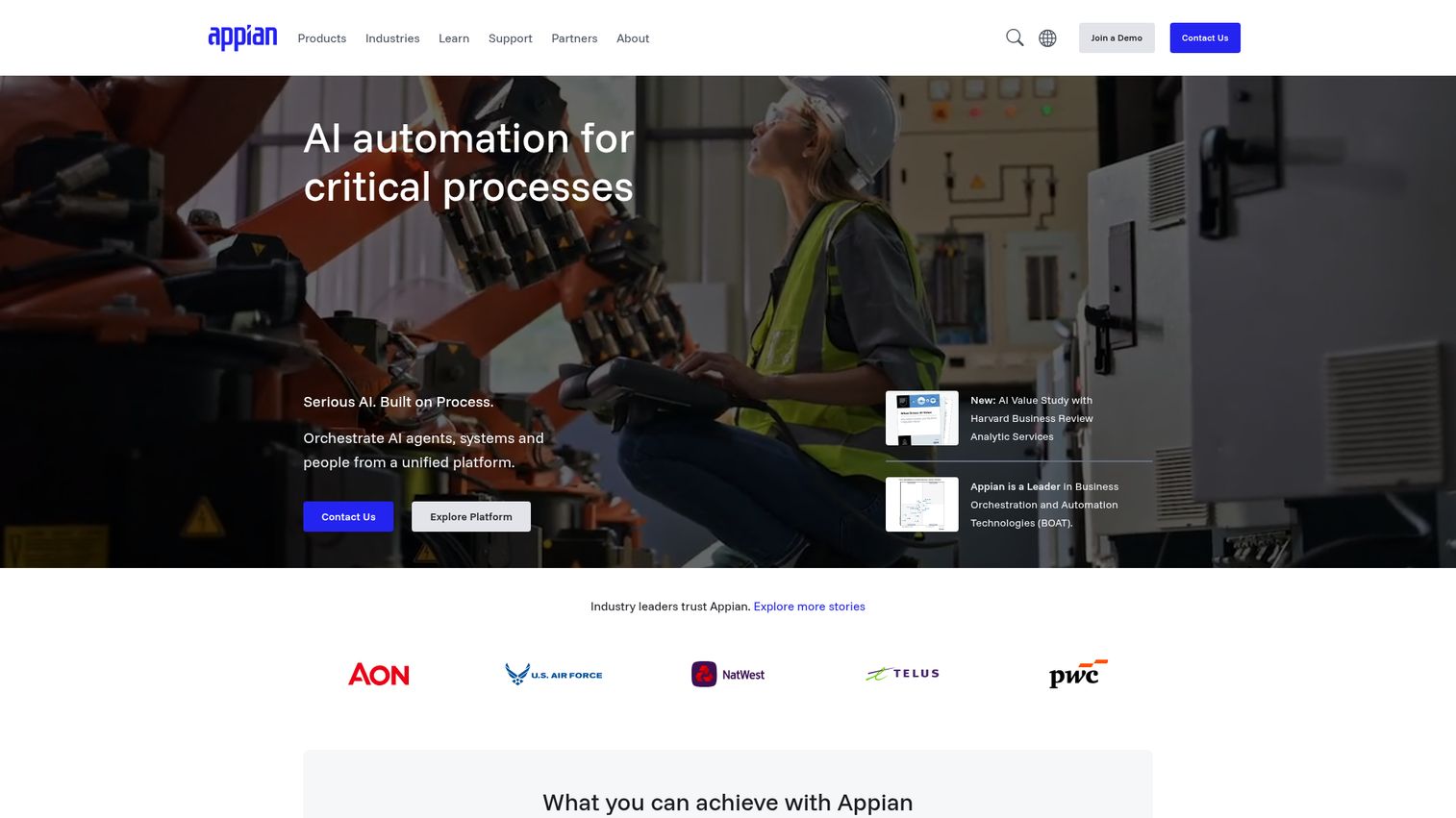
Appian is an AI process automation platform for designing, automating, and optimizing complex enterprise processes. With deep BPM heritage, Appian is the pick when the hard part is the workflow, not just the UI. It combines low-code app building with process orchestration, a data fabric that unifies enterprise data, and AI capabilities for automation.
Best for: Large enterprises and governments that need governed AI process automation across complex, regulated workflows.
Key strengths
- Process orchestration and automation: Model and automate complex business processes end to end.
- Data fabric: Unify data across systems without moving it into yet another silo.
- AI and automation: Use AI, AI agents, AI Copilot, and robotic process automation inside workflows.
Why choose Appian: Choose Appian when case management and regulated processes are the core of the job. Its strength is turning tangled, multi-step workflows into governed, auditable applications, which is exactly what financial services, healthcare, and government teams need.
Appian pricing: Appian Platform comes in Standard, Advanced, and Premium tiers, priced per user, per month, per app. A free Appian Community Edition provides access to a dedicated platform instance. Public numeric pricing is not published on the tiers. Appian holds a 4.5/5 rating on G2.
5. Appsmith
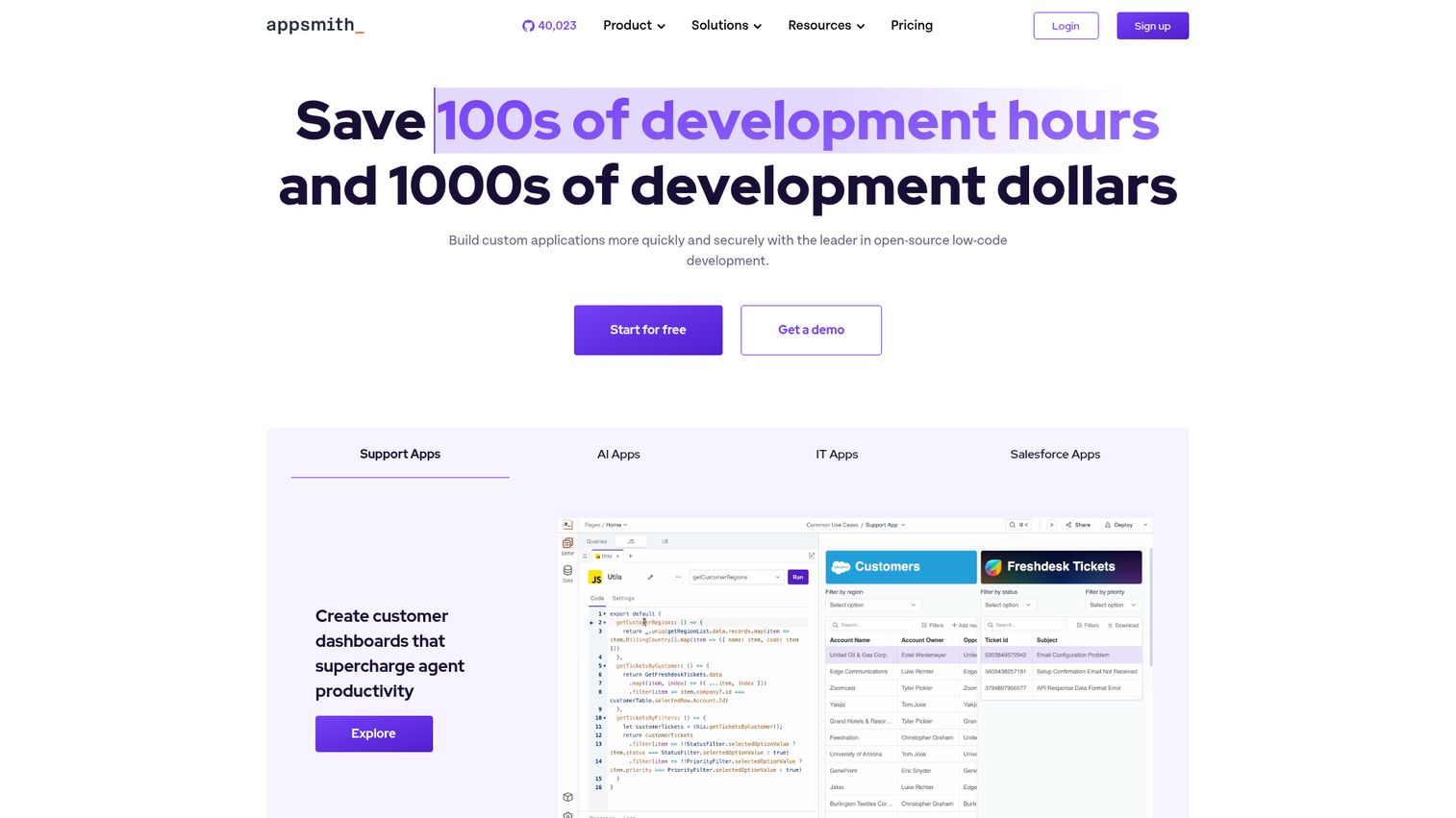
Appsmith is an open-source low-code application platform for building internal tools and custom business applications. Its open-source, self-hostable model is the draw for developer teams that want code-level control and the option to run on their own infrastructure. Appsmith connects to databases and APIs and lets you drop into JavaScript whenever the visual builder stops short.
Best for: Developer teams building internal dashboards, admin panels, workflows, and data-connected business apps.
Key strengths
- Drag-and-drop UI builder: Assemble interfaces with custom widgets and connect them to data fast.
- Broad data connectivity: Connect to databases, APIs, SaaS tools, and REST and GraphQL endpoints.
- Developer controls: Use JavaScript customization, Git versioning, and deployment workflows.
Why choose Appsmith: Appsmith fits engineering teams that want a low code app builder they can self-host and extend with real code. If data residency and source control matter, the open-source foundation and Git workflow make it a comfortable fit for technical teams.
Appsmith pricing: The Free plan is $0 and includes up to 5 cloud users, 5 workspaces, Git version control for 3 repos, Google SSO, and community support. Business is $15 per user per month and adds up to 99 users, unlimited environments and Git repos, workflows, audit logs, and email and chat support. Enterprise is $2,500 per month for 100 users and adds SAML/OIDC SSO, SCIM provisioning, CI/CD, and dedicated support with SLAs. Appsmith holds a 4.6/5 rating on G2.
6. Retool
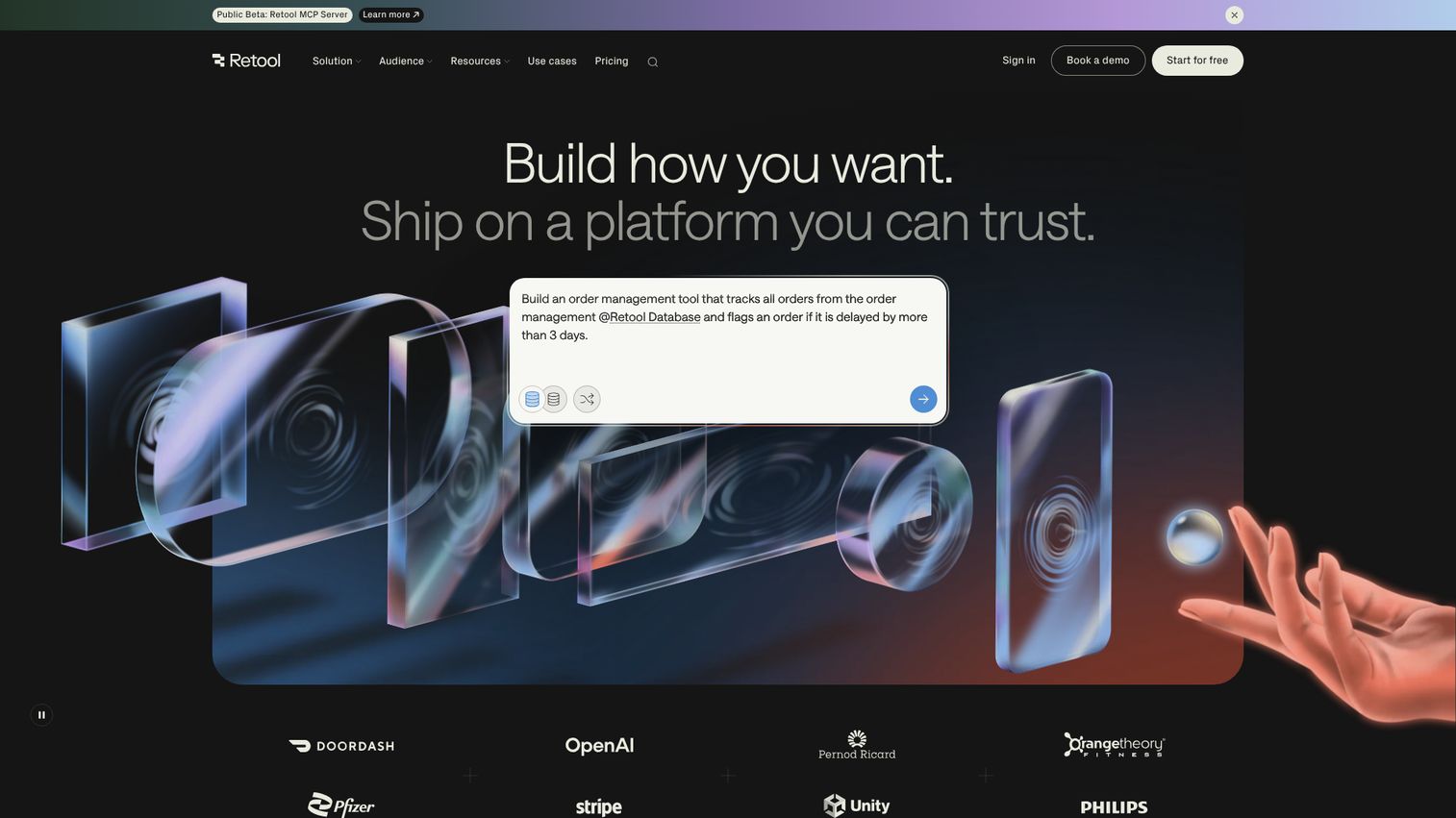
Retool is an enterprise AppGen platform for building internal apps, workflows, agents, portals, mobile apps, and data-backed tools. It is a favorite among engineers because it gets you from a database connection to a working internal app in an afternoon. Retool pairs a deep component library with SQL and JavaScript, so technical teams stay in control while skipping the boilerplate.
Best for: Engineering, data, and operations teams that need to quickly build governed internal software connected to databases, APIs, and workflows.
Key strengths
- AI-assisted app builder: Use 100+ extensible React components with visual editing, prompting, SQL, and JavaScript.
- Workflow automation: Build triggers, database and API connectors, custom logic, and one-click deployment.
- Governance and security: Apply role-based permissions, audit logs, SSO, source control, and self-hosting on Enterprise.
Why choose Retool: Retool is the fast path for engineers building internal tools on existing data. When the goal is a CRUD app on top of a database without standing up a full project, Retool removes the busywork while keeping a code escape hatch.
Retool pricing: The Free plan supports up to 5 users on cloud. Team is $10 per builder per month plus $5 per internal user per month, adding collaboration and staging. Business is $50 per builder per month plus $15 per internal user per month, adding audit logging, permission controls, and portals. Enterprise is custom and adds SSO, source control, white-labeling, and dedicated support. Retool holds a 4.6/5 rating on G2.
7. Bubble
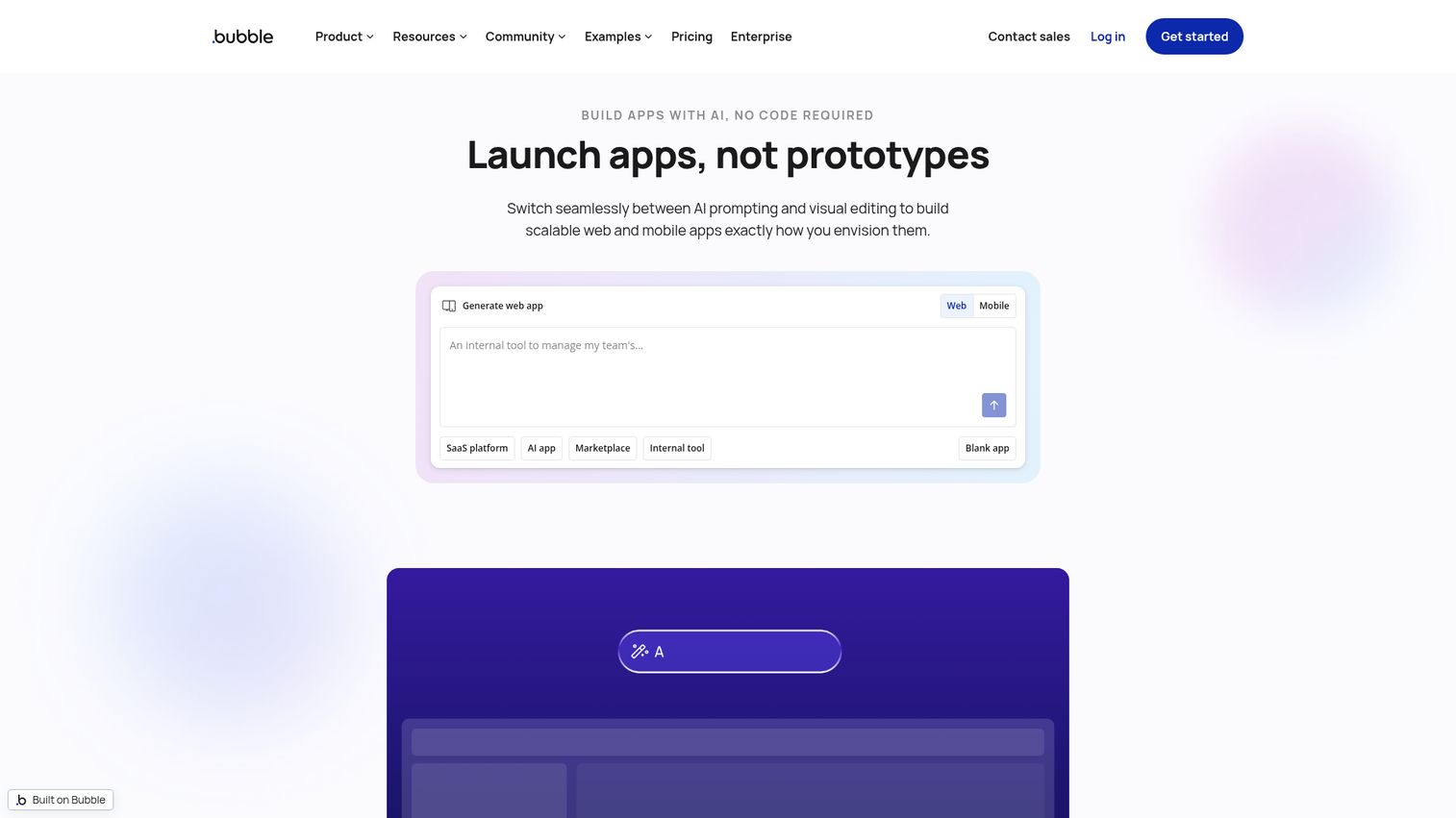
Bubble is a no-code, full-stack visual programming platform for building, designing, and launching web and native mobile apps. It is the go-to for founders and teams that want to ship a real product without an engineering team. Bubble bundles a visual editor, a built-in database, workflows, and hosting, so you can take an idea to a live app entirely inside one tool.
Best for: Founders, startups, and teams that want to build and launch custom web or mobile apps without traditional coding.
Key strengths
- Visual programming editor: Build app UI and logic with drag-and-drop, no code required.
- Full-stack foundation: Get a built-in database, workflows, cloud hosting, and deployment for web apps.
- Native mobile builder: Ship iOS and Android apps with testing, build submissions, and live versions.
Why choose Bubble: Bubble is the strongest pick when you need to build a web app or MVP without engineering help. Founders use it to validate products and reach paying users before committing to a custom codebase, which makes it a practical low code no code platforms entry point.
Bubble pricing: The Free plan is $0 per month. Starter is $59 per month billed annually, Growth is $209 per month billed annually, and Team is $549 per month billed annually. Enterprise is contact-sales. Bubble holds a 4.4/5 rating on G2.
8. Zoho Creator
Zoho Creator is an AI-powered low-code application development platform for building custom web and mobile business apps. It fits SMBs and teams already inside the Zoho ecosystem who want to build apps, automate workflows, and connect data without heavy development. With workflow automation and analytics built in, Zoho Creator covers a lot of ground at an accessible price.
Best for: Teams that need to build custom internal tools, portals, workflows, and business applications with low-code rather than traditional development.
Key strengths
- Drag-and-drop app building: Build custom apps for web, mobile, and tablet from one builder.
- Workflow automation: Set up approvals, notifications, schedules, and Deluge scripting for custom logic.
- Integrations and analytics: Use APIs, BI and analytics, portals, and governance controls.
Why choose Zoho Creator: Zoho Creator suits SMBs and Zoho users who want a low code platform that does not require a big budget or a developer team. The per-user pricing scales cleanly, and the Zoho ecosystem integration keeps data and tools connected.
Zoho Creator pricing: Standard is US$8 per user per month, billed annually, for building and launching a first business app. Professional is US$20 per user per month for scalable apps across teams. Enterprise is US$25 per user per month for enterprise-wide apps with advanced integrations and analytics. A Flex plan is contact-sales. Zoho Creator holds a 4.3/5 rating on G2.
9. Quickbase
Quickbase is an application platform for dynamic work management that helps teams centralize data, build custom apps, automate workflows, and manage complex projects. It shines for operations-heavy teams drowning in spreadsheets and disconnected tools. Quickbase replaces that sprawl with custom, governed apps that ops and project teams can actually maintain themselves.
Best for: Operations-heavy teams that need to replace spreadsheets and disconnected tools with custom, governed work management apps and automated workflows.
Key strengths
- No-code visual app builder: Build customized applications without writing code.
- Integrations and APIs: Connect external systems and Quickbase applications together.
- Workflow automation: Use dashboards, reporting, permissions, admin controls, and mobile access.
Why choose Quickbase: Quickbase fits ops and project-heavy teams that need to consolidate messy work into one governed system. The combination of no-code building and admin controls lets business teams own their apps while IT keeps oversight.
Quickbase pricing: A 30-day free trial is available. Team is $35 per user per month, priced annually, and includes dashboards, reporting, integrations, automation, and audit logs. Business is $55 per user per month, priced annually, adding SSO/SCIM, sandbox, external collaboration, and FDA/HIPAA compliance. Enterprise is fully customizable. Listed Team and Business prices exclude a platform minimum. Quickbase holds a 4.4/5 rating on G2.
10. Pega Platform
Pega Platform is an AI-powered, low-code platform for enterprise workflow automation, decisioning, and application development. It targets the most complex end of the market, where case management, AI decisioning, and heavy governance all have to coexist. Pega is built for large enterprises that treat process and decisioning as core infrastructure.
Best for: Large enterprises that need governed, scalable workflow automation, case management, AI decisioning, and low-code app development.
Key strengths
- AI-powered decisioning: Drive real-time decisions across customer and operational workflows.
- Workflow automation: Automate complex, multi-step processes and case management.
- Low-code application development: Build governed enterprise apps on top of the automation engine.
Why choose Pega Platform: Pega is the choice when decisioning complexity is the defining challenge, not just app building. Enterprises with intricate, regulated processes lean on its AI decisioning and case management depth, accepting a heavier governance model in exchange for that power.
Pega Platform pricing: Pega does not publish public plan names or numeric pricing for Pega Platform. The vendor directs prospective buyers to contact sales, and platform costs are discussed with a Pega account executive. Pega Platform holds a 4.2/5 rating on G2.
11. Kissflow
Kissflow is an enterprise low-code platform for building custom business apps, automating workflows, and modernizing operational processes with AI. It is built to be friendly to citizen developers, so business teams can stand up process apps without leaning entirely on engineering. Kissflow focuses on workflow and process management with approvals and case management at the core.
Best for: Enterprise teams that need to build custom internal apps and automate business workflows without relying entirely on traditional software development.
Key strengths
- Low-code application builder: Create apps with drag-and-drop forms and workflow design.
- Workflow automation: Set up conditional steps, parallel branches, dynamic assignments, SLAs, and notifications.
- Integrations: Connect existing systems with prebuilt connectors and APIs.
Why choose Kissflow: Kissflow fits business-led teams that want to own process apps without filing a ticket for every change. It lowers the barrier for citizen developers while still giving IT the integration and governance hooks an enterprise needs.
Kissflow pricing: Kissflow uses enterprise value-based pricing with fixed annual agreements and no surcharges for AI or API usage. The pricing page directs buyers to a consultation rather than listing public numbers. Kissflow holds a 4.3/5 rating on G2.
12. Creatio
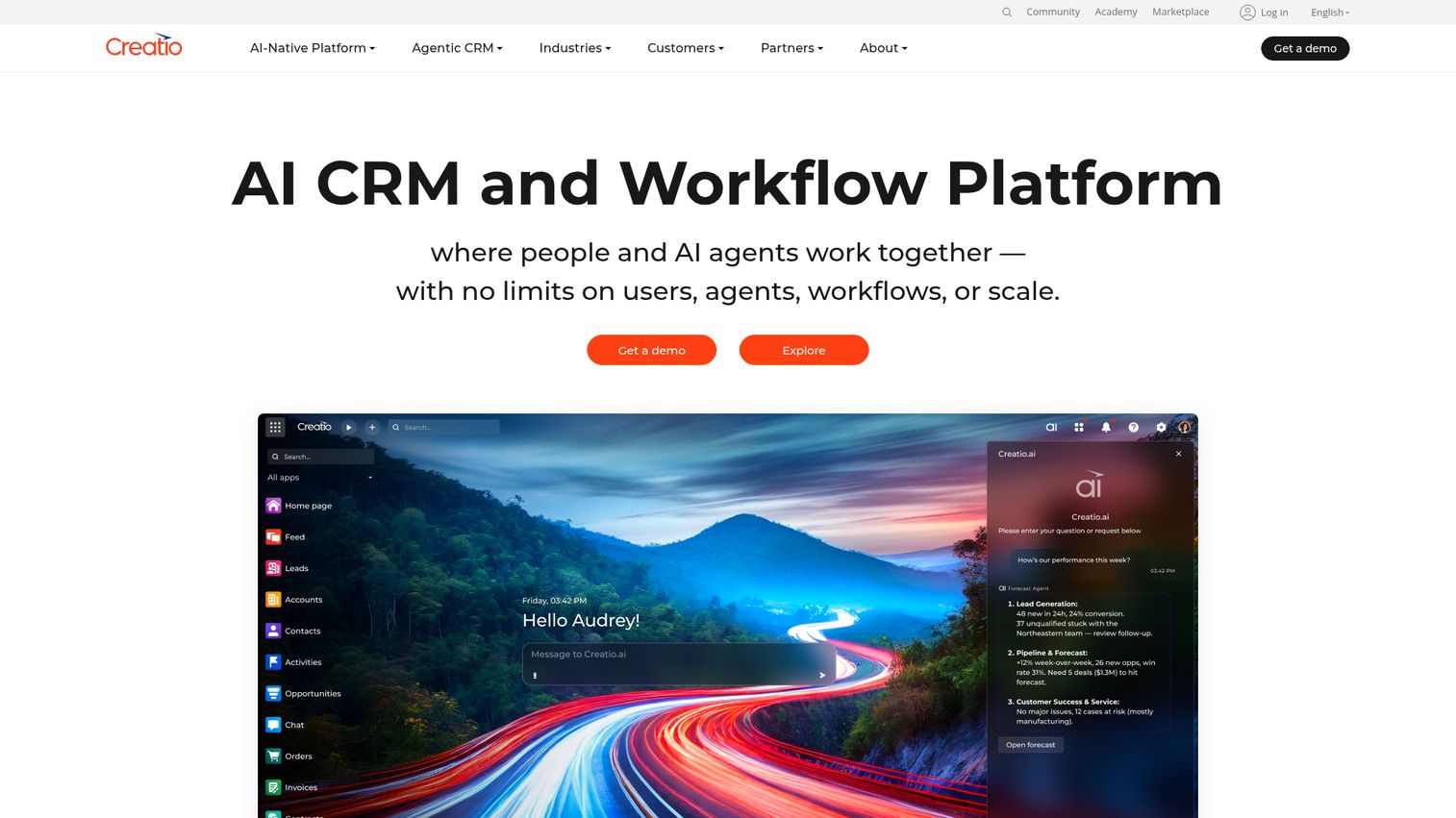
Creatio is an AI CRM and workflow platform for sales, marketing, service, and no-code workflow automation. It stands out by combining low-code app building with a full CRM, so teams that want to unify customer data and process automation get both in one platform. Creatio leans on a composable, AI-native architecture.
Best for: Organizations that want an AI-native CRM and no-code workflow platform for sales, marketing, service, and process automation.
Key strengths
- AI CRM: Run sales, service, and marketing on an AI-native CRM foundation.
- No-code visual designers: Build agents and applications with visual tooling.
- Workflow orchestration: Coordinate both human-led and agentic workflows.
Why choose Creatio: Creatio fits teams that want CRM and process automation in one low code platform instead of stitching two systems together. If your apps revolve around customer data and workflows, the combined model removes integration overhead.
Creatio pricing: Growth is £32 per user per month and Enterprise is £61 per user per month, both including Creatio Business and AI Studio. The Unlimited plan is custom-priced for organization-wide adoption and adds all CRM products. Creatio holds a 4.6/5 rating on G2.
Considerations: how to choose a low-code platform
The shortlist narrows fast once you score platforms against the criteria a technical review actually applies. Here is the checklist presales and IT evaluators use before committing.
Governance, security, and compliance
Will your security team approve it? Check for SSO, SOC 2 or ISO certifications, data residency options, role-based access control, and audit logs. Governance also means controlling shadow IT, so look for the controls that keep citizen-developer apps inside guardrails rather than spreading risk. For a deeper look at how vendors handle this, review Guideflow's own security and compliance standards as a reference point.
Scalability and technical debt
Can the platform handle mission-critical load without forcing a rebuild later? Enterprise-grade platforms can scale, but evaluate vendor lock-in carefully. Ask how hard it is to extend, migrate, or exit, and whether the visual model accumulates technical debt as the app portfolio grows.
Integrations and extensibility
Map the connectors you need: CRM, databases, REST and GraphQL APIs, and CI/CD pipelines. Just as important, confirm the code escape hatch. The best low code development platform for a technical team lets developers drop into real code when the visual builder reaches its limits.
AI-augmented capabilities
Gartner has framed the market's shift toward AI-augmented LCAPs, and it shows in the tooling. Evaluate natural-language app building, AI code generation, and agentic automation. These features change how fast a team ships, but test them against your real use cases rather than the demo.
Total cost and pricing model
Pricing models vary widely: per-user, per-app, and flat-rate all appear across this list. Watch for enterprise gating, where the features you actually need (SSO, audit logs, governance) sit behind the top tier. Model the cost at your real seat count, not the entry price.
This is also the stage where hands-on evaluation matters most. Technical buyers rarely trust a slide deck, so giving them a way to validate workflows themselves, whether through a trial environment or an interactive demo that lets them explore the product on their own terms, surfaces fit and friction far faster than another sales call. Building a self-service experience around that evaluation removes the friction buyers hate most.
Conclusion
The right low-code development platform depends entirely on what you are building and who is building it. For mission-critical enterprise apps with deep governance, OutSystems and Mendix lead. For Microsoft-native organizations, Power Apps is the natural choice. Appsmith and Retool own the internal-tools space for engineering teams, with Appsmith winning on open-source and self-hosting. Bubble is the pick for no-code web and mobile apps, while Appian, Pega, and Kissflow handle workflow and process-heavy work. Zoho Creator, Quickbase, and Creatio round out the field for SMBs, ops teams, and CRM-centric builds.
The next step is straightforward. Shortlist two or three platforms that match your primary use case, then run hands-on evaluations and proof-of-concept builds against your real governance and scale requirements. Test the security model with your security team in the room. Build a representative app, not a toy one. The same logic applies when you sell software too: an interactive demo lets technical buyers validate fit on their own terms before a call.
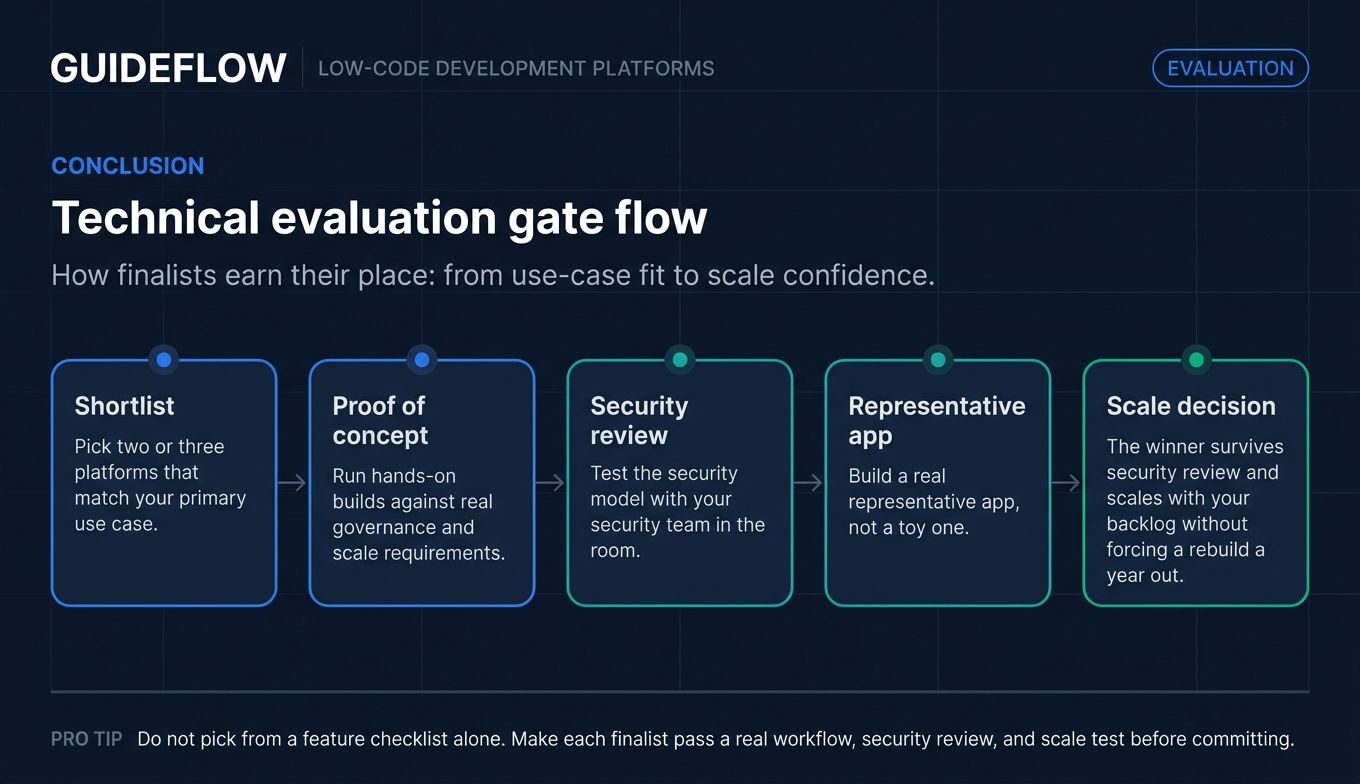
The best platform is not the one with the most features or the loudest analyst placement. It is the one that survives your security review and scales with your backlog without forcing a rebuild a year from now.
FAQs
A low-code development platform is software that lets teams build applications using visual interfaces, drag-and-drop components, and minimal hand-coding instead of writing everything from scratch. It reduces the amount of manual code by assembling apps from reusable building blocks and connecting them to data. Developers and business users can both build, depending on the platform.
Low-code platforms keep a code escape hatch, so professional developers can extend an app with custom logic when the visual builder reaches its limits. No-code platforms target pure citizen developers and stay entirely visual, with no coding required. In practice, many low code no code platforms span both, letting a business user start an app and a developer extend it later.
Yes, when they offer the right controls. Look for SSO, SOC 2 or ISO certifications, role-based access control, and audit logs before approving any platform. Governance also matters, since uncontrolled citizen-developer apps can create shadow IT, so the strongest platforms include controls that keep app sprawl inside guardrails.
Enterprise-grade platforms are built to scale for mission-critical workloads, and vendors like OutSystems, Mendix, and Pega position explicitly for it. The factors to evaluate are technical debt and vendor lock-in. Confirm how the platform handles high load, how hard it is to extend or migrate, and whether the visual model stays maintainable as the app grows.
Pricing ranges widely. Open-source options like Appsmith start free, per-user tiers run from $8 to $55 per user per month across tools like Zoho Creator, Retool, and Quickbase, and enterprise platforms like OutSystems, Appian, and Pega use custom pricing. Always model cost at your real seat count and watch for features gated behind the top tier.
AI-augmented low-code development uses AI to speed up building through natural-language app creation, AI code generation, and agentic automation. Gartner has framed this as a shift toward AI-augmented low-code application platforms, where AI assists across the build process rather than sitting in a single feature. Most platforms on this list now ship some form of AI assistance.
Low code development platforms serve a broad mix of users: professional developers who want to move faster, citizen developers in business units, IT teams clearing app backlogs, and operations teams replacing spreadsheets. On the buying side, presales and technical evaluators assess fit against governance, scalability, and integration requirements before purchase.
No. Low-code platforms accelerate delivery and free developers to focus on complex, high-value work that visual tools cannot handle. They reduce repetitive build work and let business teams ship simpler apps, but professional developers remain essential for custom logic, performance-critical systems, and extending low-code apps beyond their visual limits.