You know exactly where the day leaks. Tuition chased over text. Attendance sheets rewritten by hand. Parents asking the same three questions at pickup because nobody sent the update. Staff hours reconstructed from memory on Friday. Each task feels small. Together they eat the hours you should spend running the program.
The category exists to close that gap, and adoption is moving fast. In 2025, 68% of childcare providers globally adopted new digital tools, up from 45% in 2022, according to Coherent Market Insights. Providers that implement management software report operational efficiency gains of up to 30% and cost reductions up to 20%, per Technavio (2023). The global childcare management software market reached USD 218.2 million in 2025 and is projected to hit USD 386.8 million by 2034, per the IMARC Group.
Here is the honest part. The software choice does not automatically save time. It decides whether the admin work disappears or just moves to a new screen. The wrong pick adds a system to maintain. The right pick collapses billing, attendance tracking, parent communication, enrollment, and payroll into one place your team actually opens every morning. This guide is your shortlist for teams evaluating all in one daycare software in 2026, ranked by operational fit rather than feature count.
What's inside
This guide covers seven daycare, childcare, and preschool software options with a focus on the workflows that carry daily operations: billing and tuition automation, attendance and check in out, parent communication, enrollment and admissions, payroll and staff time management, and reporting.
We chose tools on four criteria:
- Workflow coverage: how much of billing, attendance, communication, and enrollment lives in one system
- Ease of use: whether directors and staff adopt it without heavy training
- Trust signals: verified ratings and real operator adoption
- Operational fit: how well it serves center-based, multi-site, preschool, and home-based childcare programs
If you are narrowing a shortlist and comparing by fit rather than marketing claims, this is built for you.
TL;DR
- Best all in one pick: Brightwheel combines billing, messaging, attendance, and classroom management in one system most centers can run day one.
- Best for operational depth: Procare fits operators who want long-term credibility, tuition collection, and family info management under one roof.
- Best for automation and AI: Playground pairs broad module coverage with a strong automation and predictive enrollment story.
- Best for family engagement: HiMama centers parent communication and daily classroom documentation.
- Best for a lighter daily rhythm: Lillio focuses on communication and classroom organization that feels easy to run.
- Best for multi-location admin: Kindertales supports waitlists, registration, and family communication across sites.
- Best transparent pricing: MyKidReports offers free-forever and per-child pricing for smaller programs.
What is daycare management software?
Daycare management software is an all in one platform that helps childcare centers run billing, attendance, parent communication, enrollment, payroll, and reporting from a single system instead of stitching together spreadsheets, group texts, and paper sign-in sheets.
Modern child care management software usually bundles these core functions:
- Billing and tuition automation: recurring invoices, autopay, late fees, and subsidy tracking
- Attendance tracking: digital check in out, ratio visibility, and daily logs
- Parent communication: family messaging, photos, daily reports, and alerts
- Enrollment and admissions: online registration, waitlists, and digital forms
- Payroll and staff time management: staff clock-in, scheduling, and hours reporting
- Reporting: attendance records, revenue summaries, and compliance documentation like CACFP
Cloud-based childcare software accounts for 63% of the market, per Coherent Market Insights (2026), which reflects how much operators value access from any device and standardization across locations. The category earns its place when it removes manual handoffs, not when it simply digitizes them. If you are evaluating adjacent operational tools, our roundups of event management software and community management software follow the same fit-first approach.
What daycare management software should help you do
The feature list matters less than the outcome. Here is what good looks like across the four workflows that carry a childcare business.
Automate billing and tuition collection
Manual invoicing is where revenue leaks. A strong platform sends recurring invoices, runs autopay, applies late fees automatically, and tracks subsidy payments so nothing slips. Good looks like this: tuition posts, parents pay by card or bank draft, and reconciliation happens without a spreadsheet. The best systems also surface who is past due before it becomes a collections problem. Billing and tuition automation is usually the single feature that pays back the subscription fastest.
Track attendance and check in out workflows
Attendance is compliance, not just record-keeping. Digital check in out gives you a live count per room, flags ratio issues before they happen, and creates the daily logs regulators want to see. Good looks like a tablet at the door where parents sign in with a code and staff see current headcount at a glance. That same data feeds billing, payroll, and state reporting, so one accurate check-in reduces work in three other places.
Keep parents and staff aligned in one communication flow
Scattered communication is the fastest way to erode trust with families. Parent communication tools consolidate messages, daily reports, photos, and urgent alerts into one family messaging feed. Good looks like a parent opening the daycare app once and seeing everything: meals, naps, incident notes, and tomorrow's reminder. Staff adoption is the multiplier here. A messaging feature only pays off when every classroom uses it consistently.
Reduce enrollment and paperwork overhead
Enrollment is where new revenue starts and where paper piles up. Strong enrollment, admissions, and registration workflows let families apply online, join a waitlist, sign forms digitally, and get moved into a classroom without printing anything. Good looks like a lead filling out a form on your website, landing in a waitlist, and converting to an enrolled child with immunization records already attached. That removes days of back-and-forth from every new family.
When to use daycare management software
Not every program needs the same system at the same time. These are the trigger moments that usually justify the switch.
When tuition collection is still manual
If you are chasing payments by text, tracking who paid in a notebook, or manually reconciling subsidy checks, billing automation pays for itself quickly. The moment late payments start affecting cash flow, software becomes the fix.
When attendance and ratios need tighter control
Paper sign-in sheets break down as enrollment grows. When you cannot answer "how many children are in Room 3 right now" without walking there, digital attendance tracking and ratio visibility become operational necessities, not nice-to-haves.
When parent communication is scattered
If families reach you across text, email, a Facebook group, and paper notes, messages get missed and trust erodes. A single family messaging flow becomes worth it the moment communication volume outgrows what one director can track in their head.
When enrollment and staffing decisions are getting harder to coordinate
Multi-classroom or multi-site programs hit a wall where enrollment, waitlists, and staff scheduling stop fitting in spreadsheets. When you need standardized reporting across locations, that is the signal to consolidate into one platform.
Comparison table
Different platforms emphasize different workflows. Some lead with billing and operations, others with parent engagement or transparent pricing. Use this table to match a tool to your priority before reading the full sections.
| # | Product | Intent | Key differentiation | Pricing | G2 rating |
|---|---|---|---|---|---|
| 1 | Brightwheel | All in one for most centers | Billing, messaging, attendance, and classroom in one system | Custom quote; free family access | 4.5/5 |
| 2 | Procare | Operational depth and credibility | Family engagement, classroom, and tuition processing | Home version from $25/mo | Not listed |
| 3 | Playground | Automation and AI | Broad modules plus predictive enrollment | Not publicly listed | Not listed |
| 4 | HiMama | Family engagement | Daily documentation and parent messaging | Photo Plus add-on $2.99/mo | 4.7/5 |
| 5 | Lillio | Lighter daily operations | Digital daily sheets, billing, classroom management | Custom quote | Not listed |
| 6 | Kindertales | Multi-location admin | Waitlist/CRM, billing, attendance, messaging | Contact for pricing | 4.4/5 |
| 7 | MyKidReports | Transparent pricing | Per-child pricing and free tier | Free; Pro $0.99/child/mo | Not listed |
1. Brightwheel
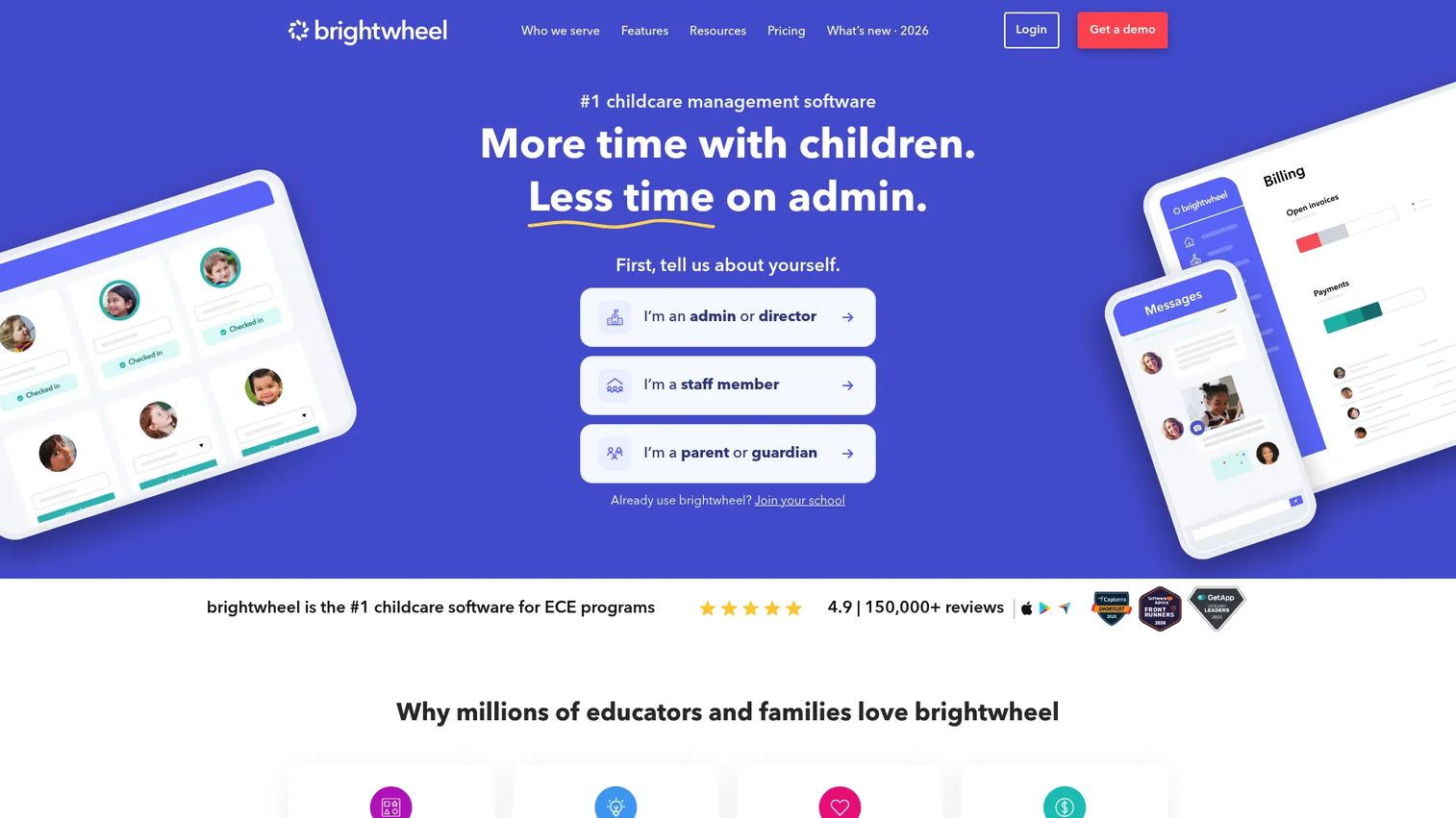
Brightwheel is the all in one pick for childcare and preschool programs that want billing, attendance, messaging, and classroom management in one system. It is the platform most centers can stand up and run without a long implementation project, which is why it shows up on so many shortlists. The pitch is simple: put the whole operation in one app that staff and parents both actually open.
Best for: Center-based childcare and preschool programs that want billing, attendance, family messaging, and classroom management under one roof.
Key strengths
- Billing and payments: Recurring invoices, autopay, and late-fee handling that reduce manual tuition chasing.
- Parent communication: Real-time messaging plus photo and video sharing that keeps families in the loop daily.
- Attendance and check-in: Digital check in out with room-level visibility and daily logs.
Beyond those three, Brightwheel layers in learning and curriculum tools and staff and multi-site management, so a growing program does not outgrow it quickly. The learning tools matter for preschool operators who want lesson planning and assessments alongside operations, not in a separate system.
Why choose Brightwheel: If you want the shortest path from paper and spreadsheets to a working all in one daycare software system, Brightwheel is the safe default. It fits directors who value adoption over configuration depth, and it scales from a single site to multi-location programs. Family access to the app is always free, which lowers the friction of getting parents onboarded.
Brightwheel pricing: Brightwheel uses a custom quote flow rather than a public per-program price. Its pricing page describes a flat monthly rate based on enrollment, and it notes that family access to the app is always free. A free tier exists for family access. G2 reviewers rate it 4.5/5. To get a program price, you request a quote based on your enrollment.
2. Procare
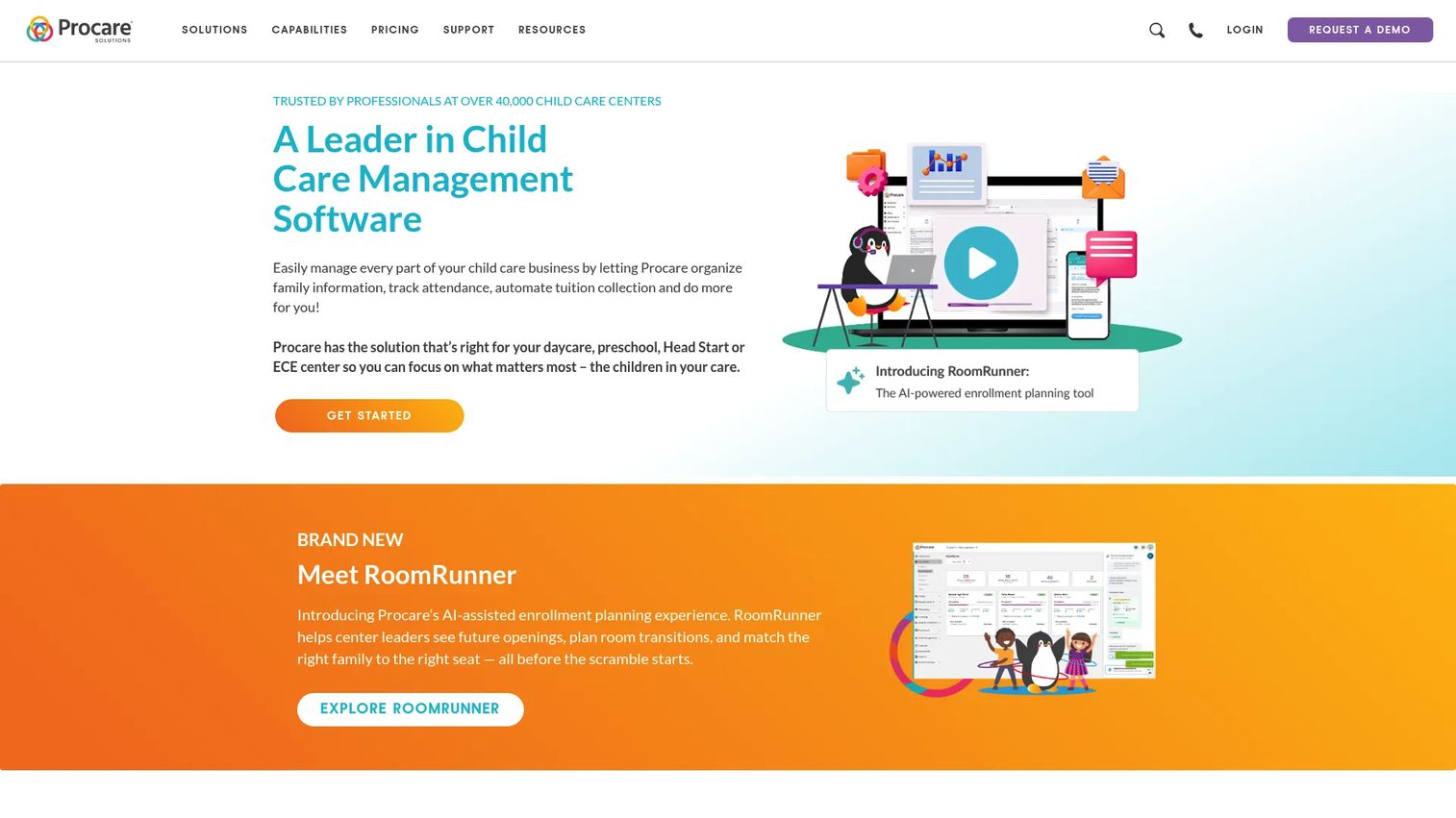
Procare is the established choice for child care operators who want operational depth and long-term market credibility. It has been a fixture in the category for years, which matters to operators who want a vendor that will still be around at renewal. The platform covers attendance, billing, and family communication in one system.
Best for: Child care operators needing attendance, billing, and family communication with the stability of a long-standing vendor.
Key strengths
- Tuition and payment processing: Handles tuition collection and payment processing to reduce manual billing work.
- Family engagement: Keeps parents connected through messaging and updates.
- Classroom management: Supports day-to-day classroom operations and record-keeping.
Procare's RoomRunner and family info management tools give directors a structured way to track enrollment and family records, which is where deep operational programs feel the difference. For centers that treat their software as the operational backbone rather than a communication add-on, that depth is the draw.
Why choose Procare: Choose Procare when you value a proven, deep operations platform over a lighter modern-first experience. It fits operators planning for the long term who want tuition collection, attendance, and family records consolidated. The tradeoff is that some family communication and modern UX touches feel less central than in newer tools, so weigh that against the operational depth you gain.
Procare pricing: Procare's site lists a home version priced at $25 per month, aimed at smaller or home-based programs. Broader platform pricing for full center capabilities is not publicly detailed and requires contacting sales for a quote. A public G2 rating was not confirmed at generation time, though the product carries strong ratings on other review platforms. Start with the home version if your program is small, or request a quote for full center features.
3. Playground
Playground positions itself as an all in one platform with a strong automation, AI, and predictive enrollment story. It aims to cover the full operational surface: attendance, billing, communication, registration, payroll, subsidy handling, and reporting. For teams that want breadth plus automation rather than a single focused module, it makes the shortlist.
Best for: Childcare operators who want broad module coverage plus automation, AI features, and predictive enrollment in one platform.
Key strengths
- Broad module coverage: Attendance, billing and tuition automation, communication, registration, and payroll in one place.
- Automation and AI: Automation across daily workflows plus predictive enrollment to help plan capacity.
- Compliance handling: Subsidy tracking and CACFP-style reporting to reduce manual paperwork.
The predictive enrollment angle is worth attention for growing programs trying to forecast capacity and staffing. Combined with payroll and staff time management, it gives operators a way to connect enrollment trends to staffing decisions without exporting data between tools.
Why choose Playground: Choose Playground when you want the widest workflow coverage and lean toward automation over manual configuration. It fits operators who want billing, attendance, parent communication, payroll, and subsidy handling standardized in one system. If your priority is consolidating the most functions into a single daycare app, this is a strong candidate.
Playground pricing: Public pricing was not verifiable from a primary source at generation time; the site directs prospects to request details. A public G2 rating was not confirmed at generation time. Request current pricing and onboarding details directly, and ask about implementation timelines when you do.
4. HiMama
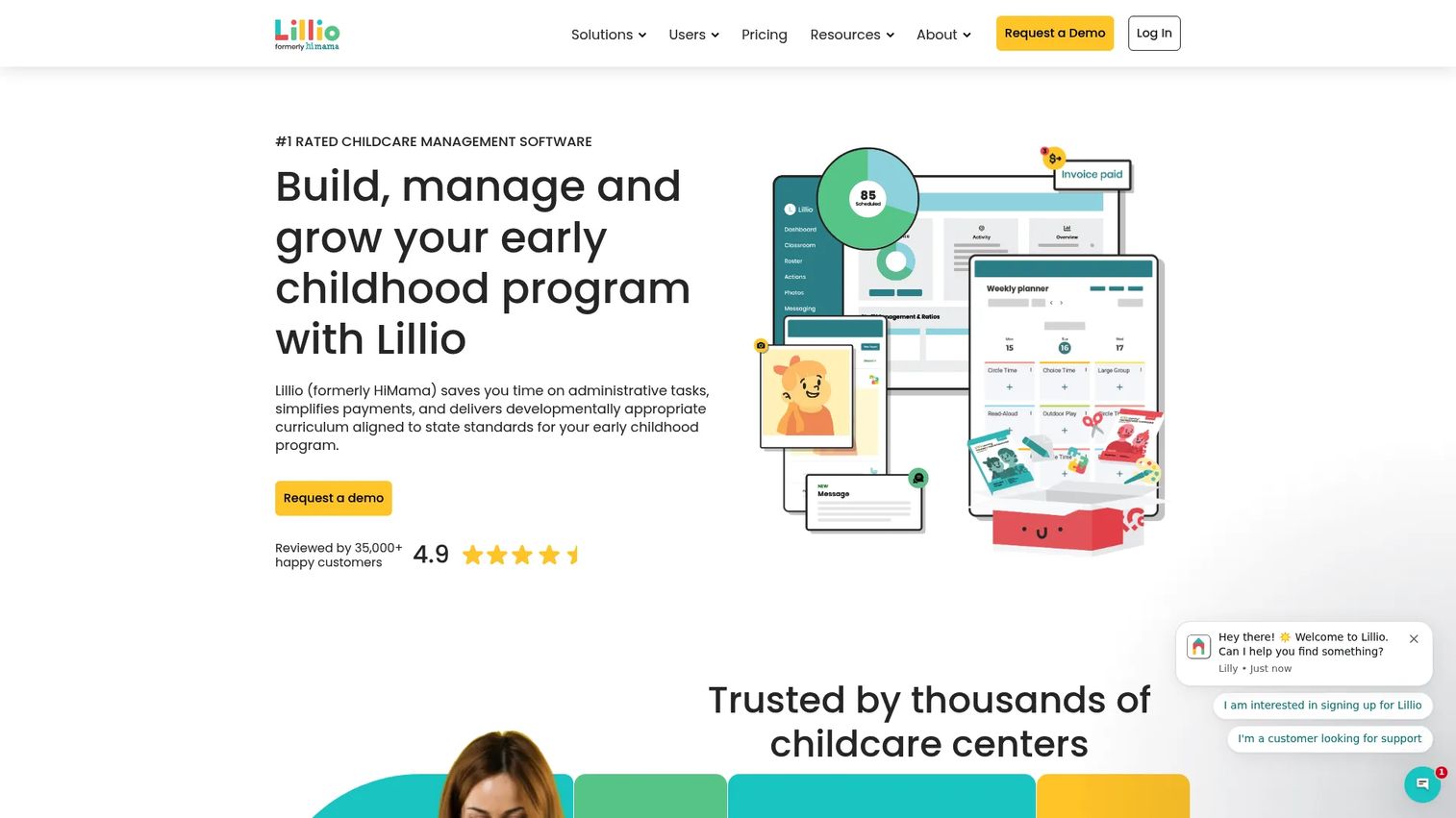
HiMama is the family engagement and child development option. It centers on daily updates, parent communication, and classroom documentation rather than deep finance operations. If your priority is the parent experience and what families see every day, this is the natural fit. Note that the brand now shows Lillio branding in some places, reflecting a rebrand in progress.
Best for: Childcare centers that need parent communication and daily classroom documentation as the primary job.
Key strengths
- Daily documentation and reports: Structured daily childcare reports that keep classroom records consistent.
- Parent messaging and media: Real-time updates, photos, and messaging that strengthen family engagement.
- Attendance, curriculum, and billing: Core operations including attendance, curriculum, assessments, and billing.
The documentation and curriculum tools make HiMama a fit for programs that treat child development records as a core deliverable, not an afterthought. Parents get a rich daily picture, and teachers get a repeatable way to capture it.
Why choose HiMama: Choose HiMama when the parent experience and classroom documentation matter more than deep financial operations. It fits centers where family communication is the differentiator and directors want daily reporting that parents value. It still covers attendance and billing, so it works as a broader system, with its strength weighted toward engagement.
HiMama pricing: Publicly visible pricing was limited to a Photo Plus add-on at $2.99 per month for enhanced parent photo access. Broader platform pricing is not publicly listed and appears sales-led, so request a quote for the full system. A free tier is available. G2 reviewers rate it 4.7/5, among the highest in this list.
5. Lillio
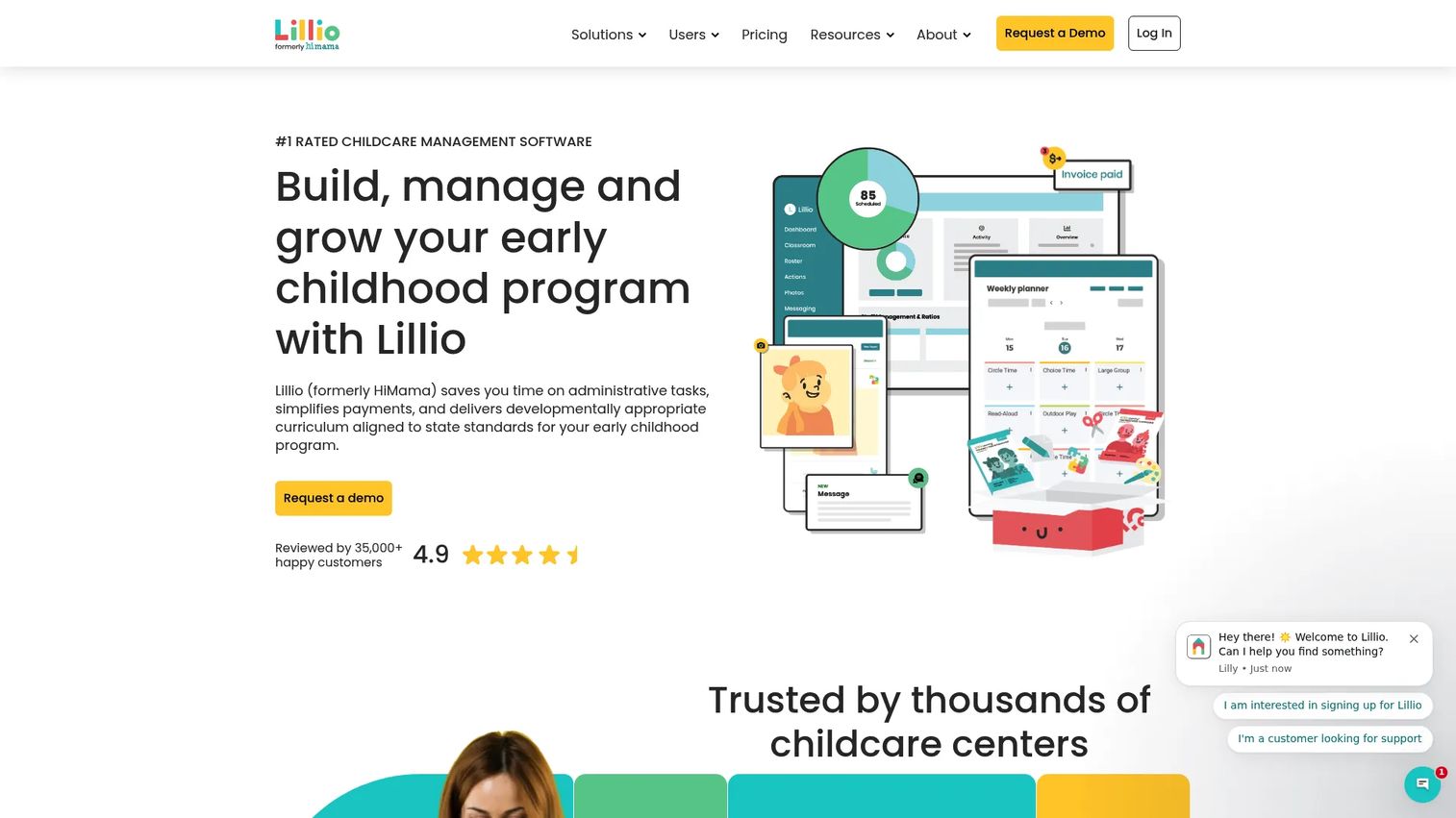
Lillio is childcare management software for centers, educators, and families, with a strong emphasis on parent engagement and day-to-day center operations. It fits centers that want communication and classroom organization to feel lighter rather than heavier. If your team resists complex systems, Lillio's daily rhythm is the selling point.
Best for: Childcare centers that want an all in one operations and parent-communication platform with an easy daily operating rhythm.
Key strengths
- Digital daily sheets and messaging: Digital daily sheets and parent messaging that keep families informed without extra work.
- Billing and payments: Tuition billing and payment processing built into the platform.
- Center and classroom management: Center management, classroom management, lesson planning, attendance, and registration with waitlist.
Lillio covers the full operational spread while keeping the daily experience approachable, which is the reason centers pick it over heavier systems. The lesson planning and registration tools mean it grows with a program rather than capping it at communication.
Why choose Lillio: Choose Lillio when you want communication, billing, and classroom management in one place but do not want to trade simplicity for depth. It fits directors who prioritize staff adoption and a lighter daily workflow. Compared to the most operations-heavy tools on this list, Lillio leans toward ease, which is exactly what some teams need.
Lillio pricing: Lillio uses customized pricing and directs visitors to request a quote or demo rather than showing a public starting price for the main platform. A public G2 rating was not confirmed at generation time, though the product rates well on other review platforms. Request a quote based on your enrollment and classroom count.
6. Kindertales
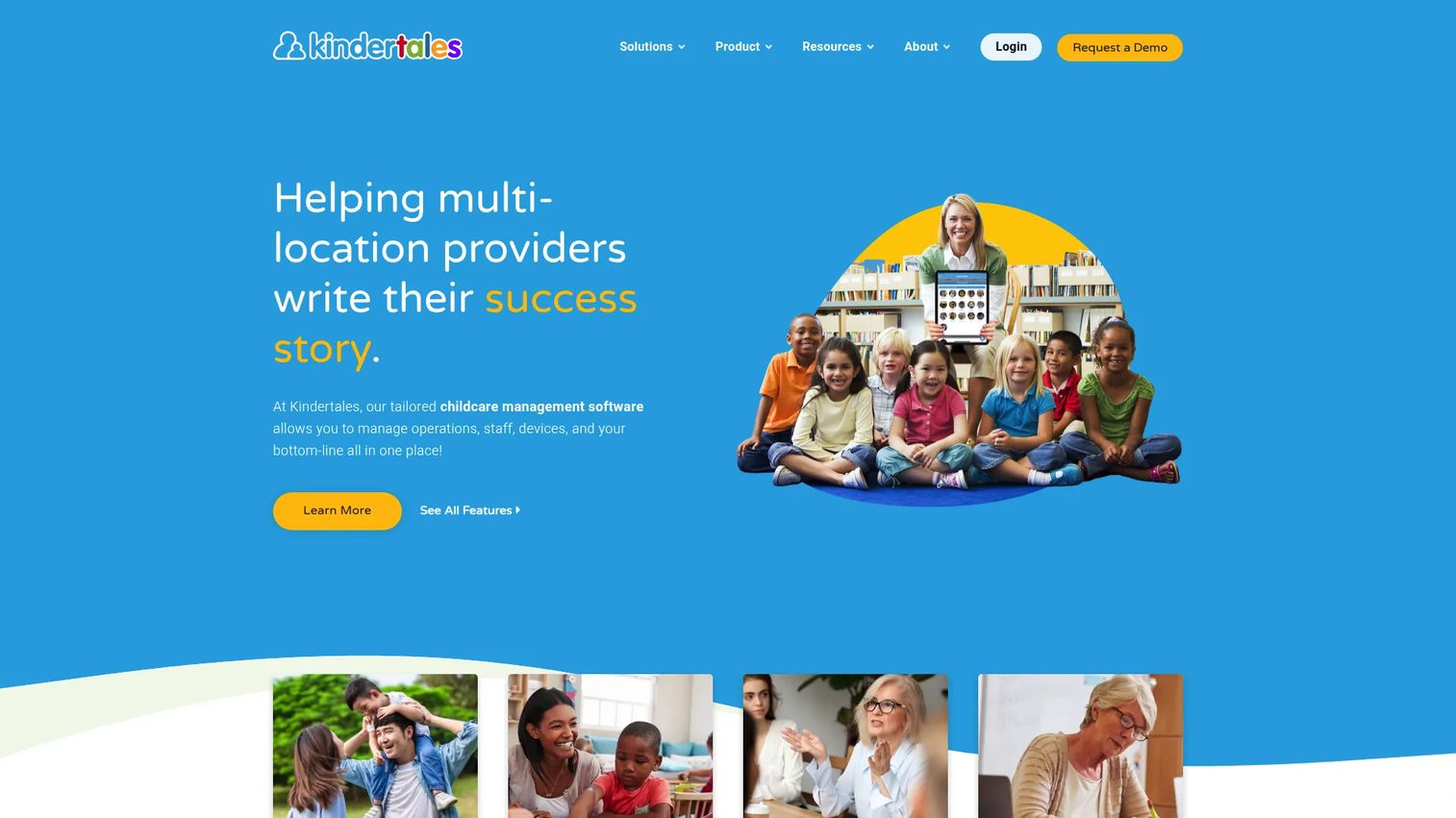
Kindertales is cloud-based childcare management software built for multi-location providers. It supports operators who need fewer disconnected tools across admissions, family communication, and daily management. If you run more than one site and standardization is the goal, Kindertales is built for that shape of operation.
Best for: Multi-location childcare centers needing an all in one operating platform with consistent workflows across sites.
Key strengths
- Waitlist and CRM workflows: Waitlist and CRM-style tracking to manage enrollment pipelines across locations.
- Billing, attendance, and messaging: Core operations including billing and payments, attendance, and parent messaging.
- Online registration and milestones: Online registration plus developmental milestone tracking for families.
The CRM-style waitlist and online registration make Kindertales a fit for programs actively managing demand and enrollment growth. For multi-site operators, having admissions and daily management in one cloud platform reduces the coordination tax of separate systems.
Why choose Kindertales: Choose Kindertales when you operate multiple locations and want standardized enrollment, communication, and daily management across all of them. It fits growing providers who need waitlist and registration workflows alongside billing and attendance. The multi-location focus is the differentiator here.
Kindertales pricing: No public first-party pricing was found at generation time; the site uses demo and contact-style CTAs, so pricing is quote-based. G2 reviewers rate it 4.4/5. Request a demo and a quote scoped to your number of locations and enrollment.
7. MyKidReports
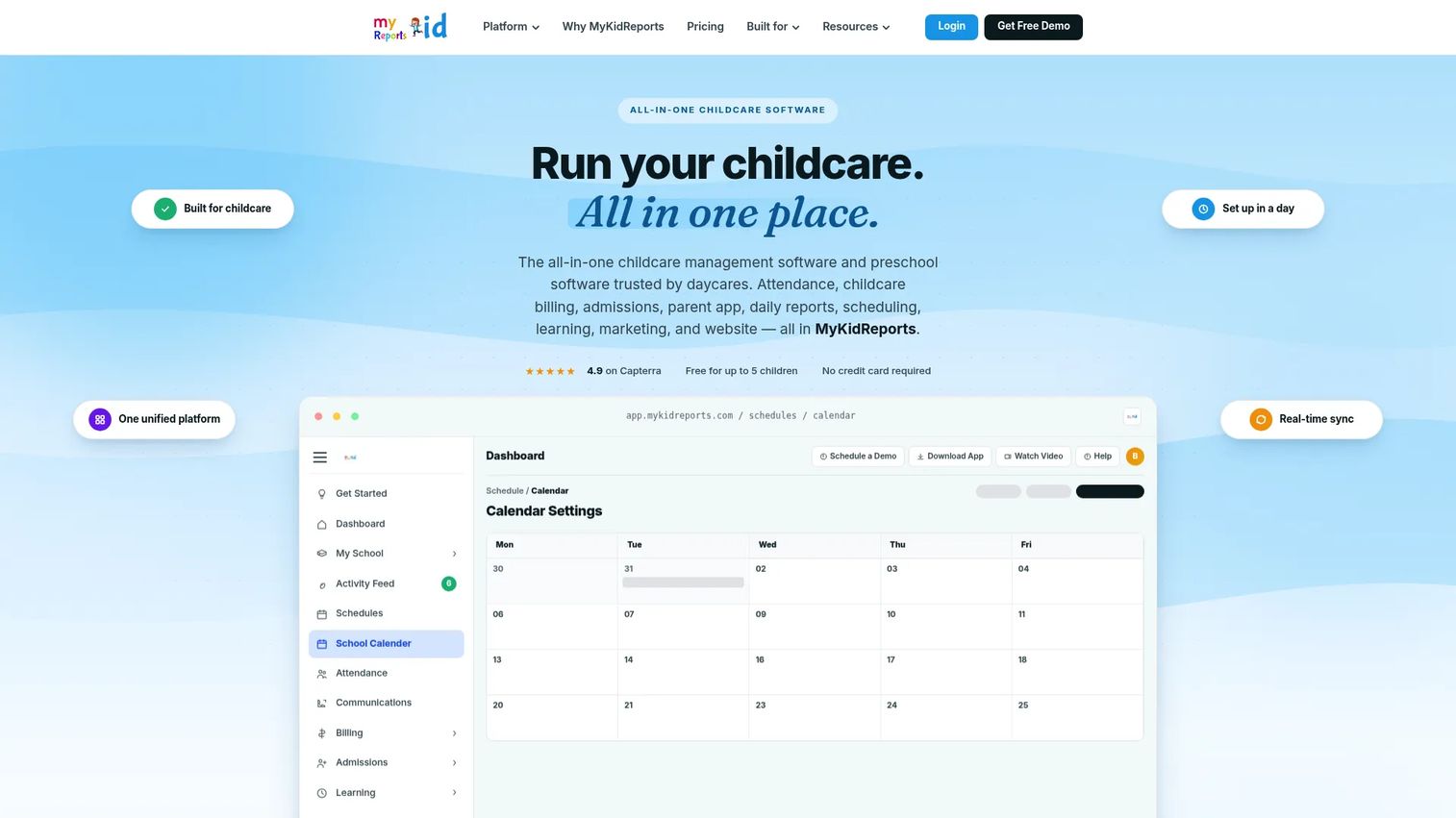
MyKidReports is all in one childcare management software for centers, daycares, and preschools, and it rounds out this list with the most transparent pricing. It suits daycares and preschools that want operational structure, reporting support, and a clear per-child cost. If pricing clarity is a deciding factor, this is the option that shows its numbers upfront.
Best for: Childcare centers wanting transparent per-child pricing and an all in one operations platform, including smaller and home-based programs.
Key strengths
- Billing and payments: Tuition billing and payments handled inside the platform.
- Attendance and digital check-in/out: Digital check in out with attendance records for daily operations.
- Parent messaging and newsletters: Parent messaging and newsletters to keep families informed.
The transparent, per-child pricing model makes MyKidReports especially approachable for small centers and home-based providers watching cost closely. You can start free and scale spend as enrollment grows, which removes the pricing guesswork common in this category.
Why choose MyKidReports: Choose MyKidReports when you want predictable, transparent pricing and a full operations platform without a sales negotiation. It fits smaller programs and home-based daycare software buyers who need billing, attendance, and communication at a clear cost. The free tier makes it easy to test before committing.
MyKidReports pricing: MyKidReports lists MKR Lite free forever for up to 5 children, MKR Pro at $0.99 per child per month for up to 100 children, and a custom Enterprise plan for 100-plus children or multi-center groups. A free tier is available. G2 did not show sufficient review data for a product rating at generation time. Start on the free tier and move to Pro as enrollment grows.
Considerations
Before you commit, pressure-test each shortlisted tool against these criteria.
Billing and payments
Verify how invoicing, autopay, late fees, and subsidy tracking work in practice. Ask whether the platform handles the payment types your families use and whether reconciliation and revenue reporting are built in. Subsidy and CACFP handling matter if your program depends on them.
Parent communication
Look at messaging, daily updates, photos, and alerts, then ask the harder question: will every classroom actually use it? A communication feature only delivers value at full staff adoption, so test the workflow with a real teacher before buying.
Enrollment and admissions
Check whether intake, waitlists, and digital forms fit your program type. A center with a steady waitlist has different needs than a home-based provider filling a few spots. Make sure the enrollment workflow matches how families actually find and join you.
Attendance and compliance
Confirm check-in/out flows, ratio tracking, and daily operational visibility. The data should flow into billing, payroll, and reporting automatically. If attendance is a standalone island, you have not removed the manual work, only relocated it.
Support and onboarding
Ask about migration from your current system, staff training, and implementation speed. The quality of help resources determines how fast you get value. A tool that takes a quarter to implement costs more than its sticker price in delayed benefit.
Pricing and ROI
Compare payback, not just monthly price. If a platform saves ten admin hours a week, its cost is trivial against the time returned. Use each vendor's ROI or savings calculator where available, and weigh the cost against the manual work it removes.
Conclusion
The best daycare management software is the one that reduces admin load without creating new workflow friction. By operator type: Brightwheel is the strongest all in one default for most center-based and preschool programs. Procare fits operators who want operational depth and long-term credibility. Playground suits teams that want the widest coverage plus automation and predictive enrollment. HiMama and Lillio lead when parent communication and daily documentation are the priority. Kindertales fits multi-location providers standardizing across sites. MyKidReports wins on transparent pricing for smaller and home-based programs.
Here is the practical next step. Shortlist two or three tools that match your operator type. Compare their billing and communication workflows first, since those two carry the most daily weight. Then test onboarding speed with a real classroom before you sign. The tool that removes the most manual handoffs in week one is the one worth keeping.
FAQs
Daycare management software is an all in one platform that helps childcare centers run billing, attendance, parent communication, enrollment, and reporting from one system. It replaces spreadsheets, paper sign-in sheets, and scattered messaging with a single place staff and families use daily. The goal is to remove manual handoffs across daily operations.
Billing, parent communication, attendance tracking, and enrollment tend to drive daily value first. Billing and tuition automation usually pays back fastest by reducing chased payments. Parent communication and attendance follow closely because they touch every family and every classroom every day.
Yes, when it saves more admin time than it costs to run. A small center chasing tuition by text and tracking attendance on paper often recovers hours each week that the subscription price does not come close to. The right tool depends on your staffing and enrollment complexity, so match features to your actual daily load.
The categories overlap heavily, and most platforms serve both. Preschool software buyers often care more about curriculum, lesson planning, assessments, and rich parent updates on child development. Daycare buyers usually weight billing, attendance, and communication first. Several tools on this list, including Brightwheel and HiMama, serve both models.
Pricing varies by center size, the modules you enable, and support level. Some tools publish transparent per-child pricing like MyKidReports at $0.99 per child per month, while others such as Brightwheel and Lillio use custom quotes based on enrollment. Compare payback from admin hours saved, not just the monthly price.
Brightwheel, Procare, and Playground all lead with strong billing and tuition automation, including recurring invoices, autopay, and late fees. Subsidy handling and automated payment reminders are the key comparison points. If your program depends on subsidy payments or CACFP reporting, confirm each tool handles them before deciding.
Home-based providers should prioritize simplicity, mobile access, parent communication, and affordable pricing. Procare's $25 per month home version and MyKidReports' free tier are built with smaller programs in mind. Some platforms are optimized for larger center-based operations, so confirm the tool fits a home-based scale before committing.
Multi-site operators should emphasize user permissions, consistent reporting across locations, and standardized workflows. Kindertales is built specifically for multi-location providers, and Brightwheel and Playground also support multi-site management. Support quality and onboarding become especially important when you are rolling one system out across several sites at once.