Your release shipped. Three teams have three different versions of the onboarding handoff. Support tickets start coming in. Someone in Ops says the process doc from Q3 "doesn't match what actually happens." Sound familiar?
Messy handoffs aren't a people problem. They're a visibility problem. When a workflow lives only in someone's head or a stale Confluence page, every sprint that touches it creates drift. The gap between "how we said it works" and "how it actually runs" widens quietly until it becomes a bottleneck, a missed activation metric, or a recurring support ticket.
The urgency is real: According to McKinsey (2026), 66% of organizations have now automated at least one business function. That number keeps climbing because teams that can see their processes can change them. The ones that can't are stuck firefighting.
Workflow mapping software gives you the shared visual layer your cross-functional work is missing. For PMs, that means a maintainable artifact that ops, CS, and engineering can actually read, update, and act on, without routing every change through a backlog item.
What's inside
This guide is for Product Managers and ops-focused teams evaluating process mapping tools in 2026. Tools were selected and ranked based on four criteria:
- Collaboration and co-authoring: Real-time editing, commenting, and version control for cross-functional review cycles
- Standards support: BPMN 2.0, swimlanes, and other notation formats that matter in regulated or operations-heavy environments
- Integrations and interoperability: Ecosystem fit with tools like Jira, Confluence, Slack, and automation platforms
- Mapping-to-execution gap: Whether the tool stops at visualization or carries through to repeatable workflow management
TL;DR
- Best for enterprise documentation: Microsoft Visio, especially if your team runs Microsoft 365
- Best for collaborative mapping with AI: Miro, for teams that brainstorm and document in the same workspace
- Best for mapping-to-execution: Tallyfy, when you need the process to actually run, not just be drawn
- Best free option: Draw.io, solid for straightforward diagrams with no budget
- Best for polished technical diagrams: Lucidchart, a clean middle ground between simple and advanced
- Best for checklist-driven SOP execution: Process Street, when the map needs to turn into repeatable work
- Best for automation handoff: Zapier Canvas, for teams that want flow logic to become automated triggers
- Best for speed to diagram: SmartDraw, when you need presentation-ready output fast
What is workflow mapping software
Workflow mapping software is a category of tools that help teams visualize how work moves through steps, roles, and systems in a structured, shareable format.
A good workflow mapping tool does more than generate a pretty diagram. For a PM, it becomes the artifact that lets engineering, CS, and ops speak the same language across a release cycle, an onboarding redesign, or a support escalation path.
Core capabilities to expect from this category:
- Flowcharts and process maps: Step-by-step visualization of tasks, decision points, and handoffs
- BPMN and swimlane support: Standardized notation for organizations that need rigor or cross-team ownership clarity
- Real-time collaboration: Co-authoring, commenting, and version history for distributed review cycles
- Import and export: Compatibility with Visio, draw.io, and other formats to avoid migration lock-in
- Data linking: Connecting diagram elements to live data sources for dynamic, always-current maps
- Integrations: Ecosystem connections to Jira, Confluence, Slack, Google Drive, and automation platforms
- Governance and permissions: Admin controls, SSO, and access management for enterprise teams
- Automation handoff: A growing number of tools now let you move from a visual map directly to a workflow execution engine
The category splits into two distinct types. Diagramming-first tools (Visio, Lucidchart, Miro, Draw.io, SmartDraw) are strong on visualization and collaboration. Execution-first tools (Tallyfy, Process Street, Zapier Canvas) use the map as a launchpad for work that actually gets tracked and completed.
Knowing which type you need is the most important decision before you evaluate any specific product.
When to use workflow mapping software
Clarify cross-functional handoffs
Use a workflow mapping tool when ownership across teams is unclear or inconsistently documented. This happens most often at the seams between product, engineering, CS, and ops, during onboarding design, support escalation design, or launch coordination. A shared diagram forces explicit ownership decisions that a Slack thread never will.
Standardize repeatable processes
When your team runs the same workflow repeatedly, including customer onboarding, quarterly planning, or compliance reviews, a mapped and versioned process reduces ambiguity as team members change. This is where maintainability matters most: A map that doesn't update with your release cadence is worse than no map at all.
Prepare for automation or execution
Mapping is often the first step before automation. Teams that can articulate a workflow visually are far better positioned to hand it off to an automation platform, an SOP system, or an execution tool. Tools like Zapier Canvas make this connection explicit, letting you move from diagram to trigger without rebuilding the logic.
Workflow mapping software comparison
The tools below are ranked by relevance to the PM use case, starting with enterprise documentation and moving toward execution and free options. Pricing reflects verified figures from vendor pricing pages as of August 2026.
| # | Product | Best for | Key differentiator | Pricing | G2 rating |
|---|---|---|---|---|---|
| 1 | Microsoft Visio | Enterprise documentation and Microsoft 365 teams | 250,000+ shapes, BPMN 2.0, Office integration | From $5/user/month | 4.2/5 |
| 2 | Miro | Collaborative mapping and AI-assisted workflows | 7,000+ templates, AI agents, Talktrack | Free; from $8/member/month | 4.6/5 |
| 3 | Tallyfy | Mapping-to-execution with role-based tracking | Full Seat and Light Seat model for team-wide adoption | From $100/user/year | 4.9/5 |
| 4 | Zapier Canvas | Connecting visual process maps to automation | AI-generated flow suggestions linked to Zapier automations | Free; from $19.99/month | N/A |
| 5 | Lucidchart | Polished technical and process diagrams | Data linking and conditional formatting | Free; $9/month individual | 4.5/5 |
| 6 | Process Street | Recurring SOP execution with approvals | Conditional logic, Process AI, and structured task tracking | From $15/member/month | 4.6/5 |
| 7 | Draw.io | Free diagramming with broad format support | Completely free browser-based editor, no account needed | Free | 4.4/5 |
| 8 | SmartDraw | Fast, presentation-ready business diagrams | Automated diagramming and extensive template library | From $7.95/month | 4.5/5 |
8 best workflow mapping tools for product and ops teams
1. Microsoft Visio

Microsoft Visio is a diagramming and flowchart application built for teams that need formal, standards-compliant process documentation. It offers a web-based app for collaboration inside Microsoft Teams and a desktop app for advanced work. The combination of 250,000+ shapes, BPMN 2.0 support, and native Microsoft 365 integration makes it the default choice for enterprise orgs already committed to that stack.
Best for: Enterprise teams that need governance-grade diagrams inside the Microsoft 365 environment.
Key strengths
- Microsoft 365 integration: Works natively in Teams and SharePoint
- BPMN 2.0 and shape libraries: 250,000+ shapes for formal notation
- Data connectivity: Link diagram elements to Excel or external data sources
- Coauthoring and version control: Simultaneous editing with change history
- 30-day trial available: Both Plan 1 and Plan 2 include a free trial
Why choose Visio: Visio is the right call when your organization already runs Microsoft 365 and needs process diagrams that meet formal documentation standards. It fits governance-heavy environments where IT and compliance teams expect familiar tooling and audit trails.
Microsoft Visio pricing: Plan 1 runs $5.00 per user per month (billed annually) and covers web and Teams-based diagramming. Plan 2 is $15.00 per user per month (billed annually) and adds the desktop app plus advanced data connectivity. Both plans come with a 30-day free trial. Visio is also included in some Microsoft 365 commercial plans.
G2 rating: 4.2/5
2. Miro
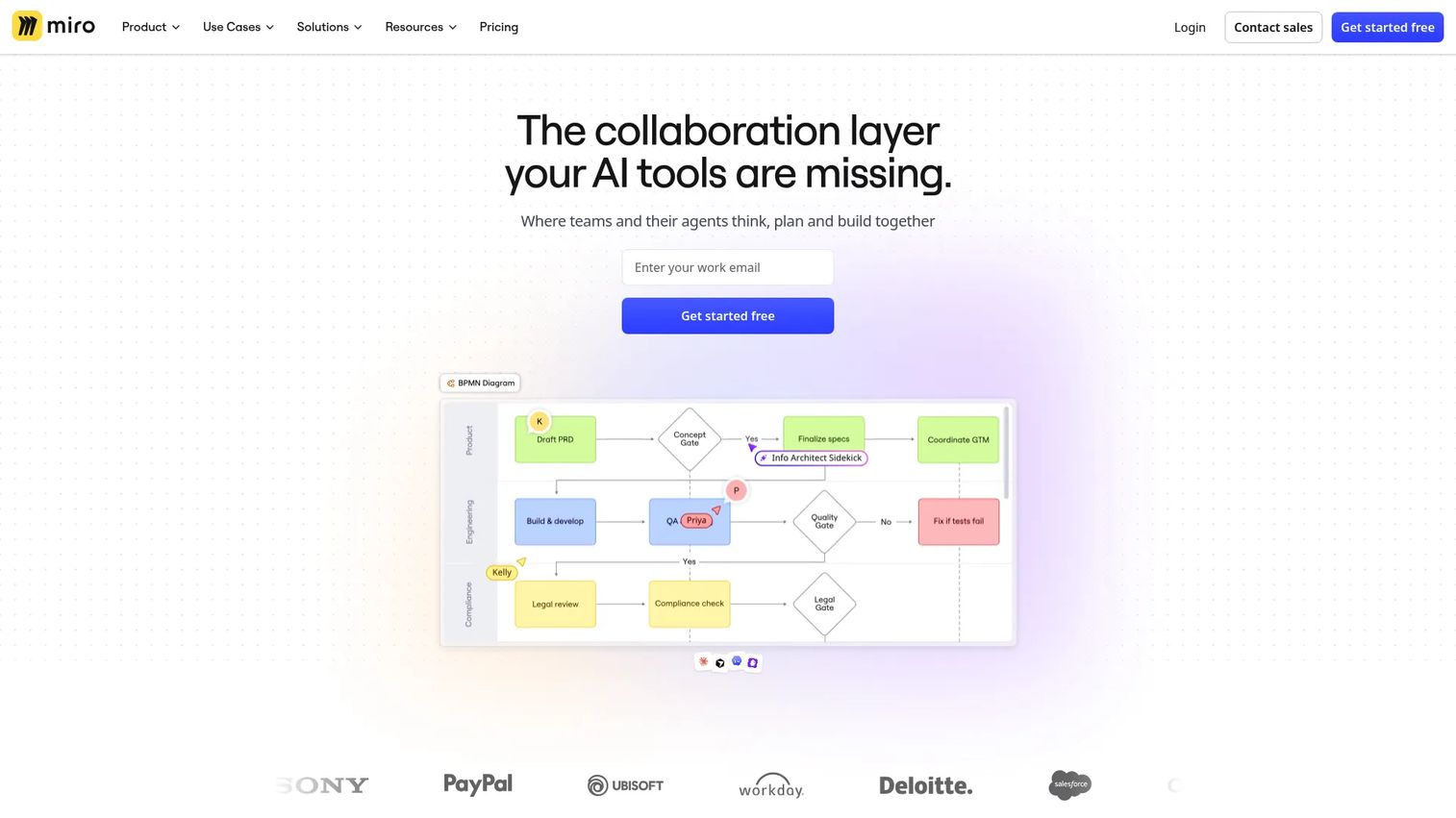
Miro is an AI-powered online collaborative whiteboard built for teams that want to brainstorm, plan, and document in a single canvas. Its workflow mapping capabilities include 7,000+ templates, AI-assisted diagramming, Talktracks for async walkthroughs, and import support from Visio, draw.io, and Lucidchart. Over 250 integrations connect Miro to the tools PMs already use, from Jira and Confluence to Slack and GitHub.
Best for: Cross-functional teams that need one workspace for discovery, planning, and process documentation.
Key strengths
- 7,000+ templates: Covers flowcharts, swimlanes, user journey maps, and more
- AI workflows and agents: Generate and refine maps with AI assistance
- Import from Visio, draw.io, Lucidchart: Migrate existing diagrams without rebuilding
- Talktracks: Async video walkthroughs embedded directly in the canvas
- 250+ integrations: Jira, Confluence, Slack, Google Drive, and more
Why choose Miro: Miro is the strongest option when your team moves between brainstorming and documentation in the same cycle. It handles the messy middle of discovery work better than tools that expect you to arrive with a clean process already in mind.
Miro pricing: The Free plan includes 3 editable boards with unlimited collaborators. The Starter plan is $8 per member per month, billed annually, and includes unlimited boards. Enterprise plans start from 30 members and require contacting sales for pricing.
G2 rating: 4.6/5
3. Tallyfy
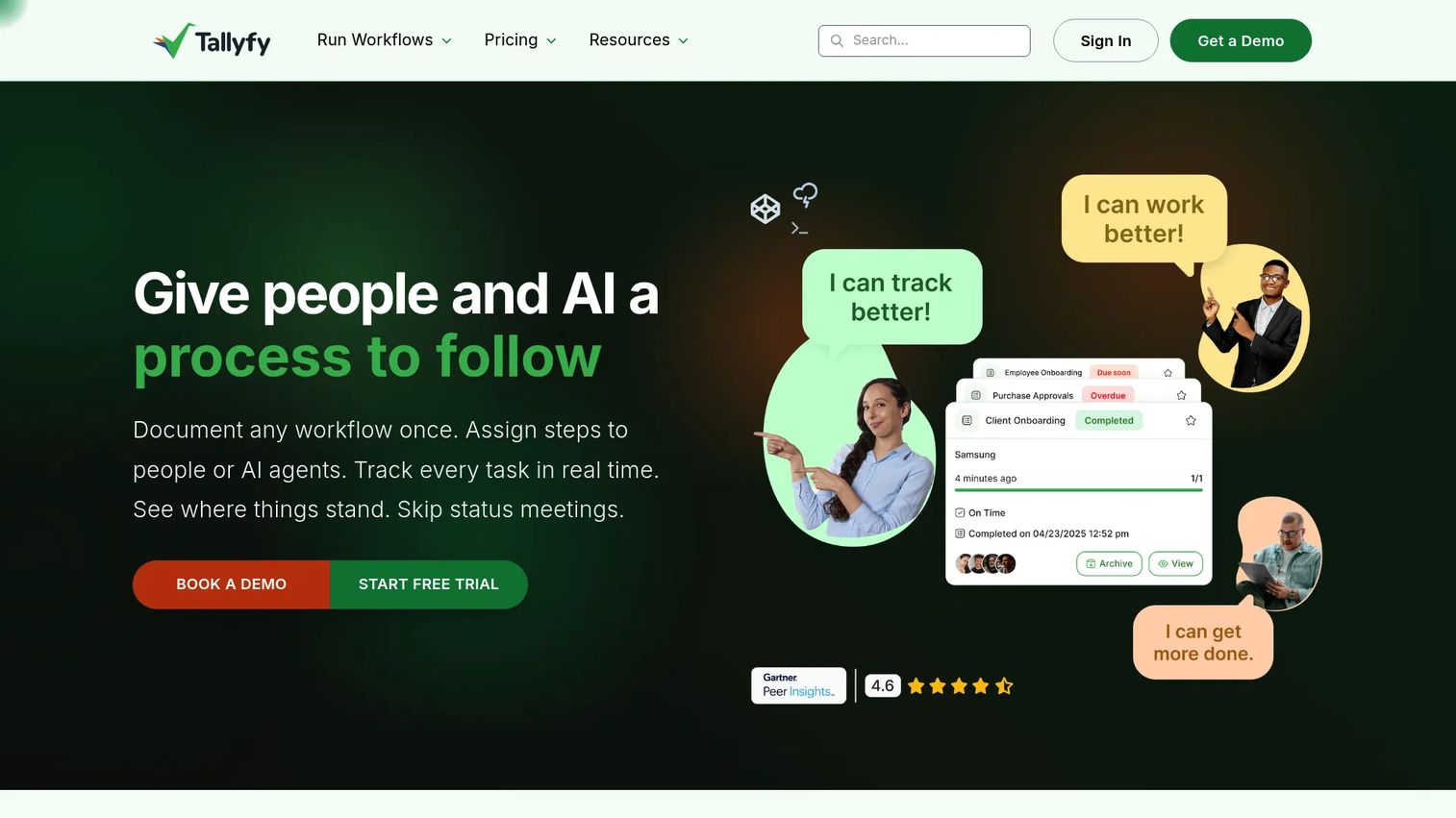
Tallyfy is workflow management software built around the gap between mapping a process and actually running it. Where most diagramming tools stop at visualization, Tallyfy lets you launch, assign, track, and approve work directly from the process template. It uses a role-based seat model that separates editors (Full Seat) from task completers (Light Seat), keeping the cost manageable as adoption spreads across a team.
Best for: Ops-heavy teams that need documented processes to become tracked, executable workflows, not just reference diagrams.
Key strengths
- Template-to-execution: Launch live workflow instances directly from a process template
- Role-based seats: Full Seat for creators, Light Seat for task completers
- SSO, SCIM, and unlimited guests: Enterprise access controls included
- Reminders and task tracking: Automated nudges and completion visibility
- 14-day free trial: Available on all plans
Why choose Tallyfy: Tallyfy makes sense when the map needs to run every week, not just sit in a wiki. If your biggest workflow problem is that documented processes don't get followed, Tallyfy's execution layer addresses that directly in a way that diagramming tools cannot.
Tallyfy pricing: Light Seat (for completing assigned tasks) is $100 per user per year. Full Seat (for creating and editing templates) is $300 per user per year. A Data Feed analytics add-on runs an additional $20 per seat per year. A free plan and 14-day trial are available.
G2 rating: 4.9/5
4. Zapier Canvas
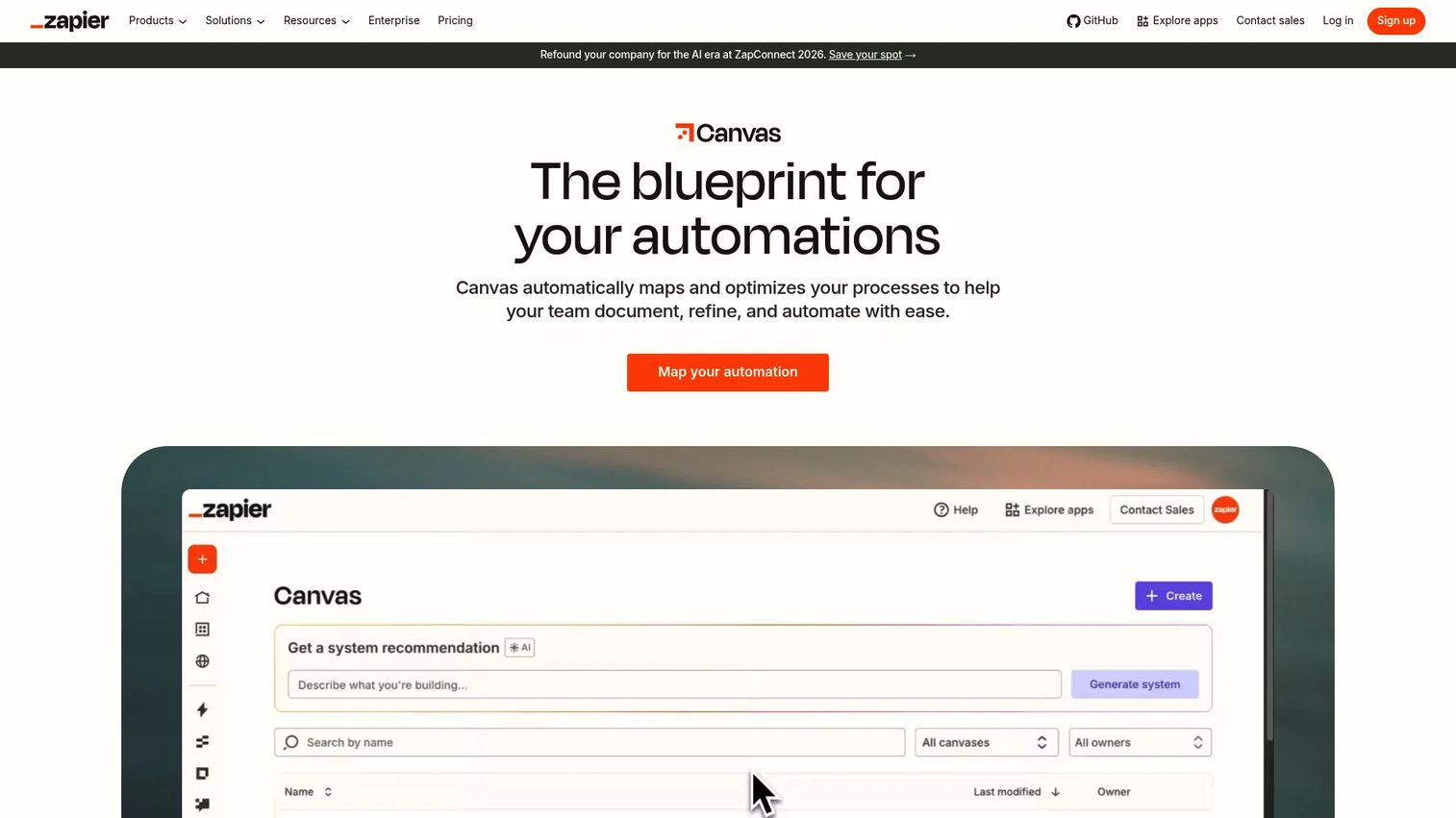
Zapier Canvas is an AI-powered diagramming tool built into the Zapier platform. Its primary differentiator is the connection between what you map and what you can automate: Canvas lets you visualize your full business system and link nodes directly to Zapier workflows and other Zapier apps. AI suggests system components and workflow logic as you build, which speeds up the initial mapping process considerably.
Best for: Teams already using Zapier that want their process diagrams to feed directly into automation triggers.
Key strengths
- AI-generated system suggestions: Recommends workflow components as you diagram
- Direct link to Zapier automations: Map nodes connect to active Zaps
- Included in all Zapier plans: No separate purchase required
- Shareable canvases: Collaborate and share across the team
Why choose Zapier Canvas: Canvas is the right tool when the end goal of your mapping work is automation, not documentation. It closes the gap between "we drew the process" and "the process now runs automatically" faster than any separate diagramming and automation stack.
Zapier Canvas pricing: Canvas is included in all Zapier plans at no extra cost. The Free plan covers basic use. Professional plans start at $19.99 per month, Team plans start at $69 per month, and Enterprise pricing requires contacting sales.
G2 rating: No verified G2 rating available for Zapier Canvas at time of publication.
5. Lucidchart
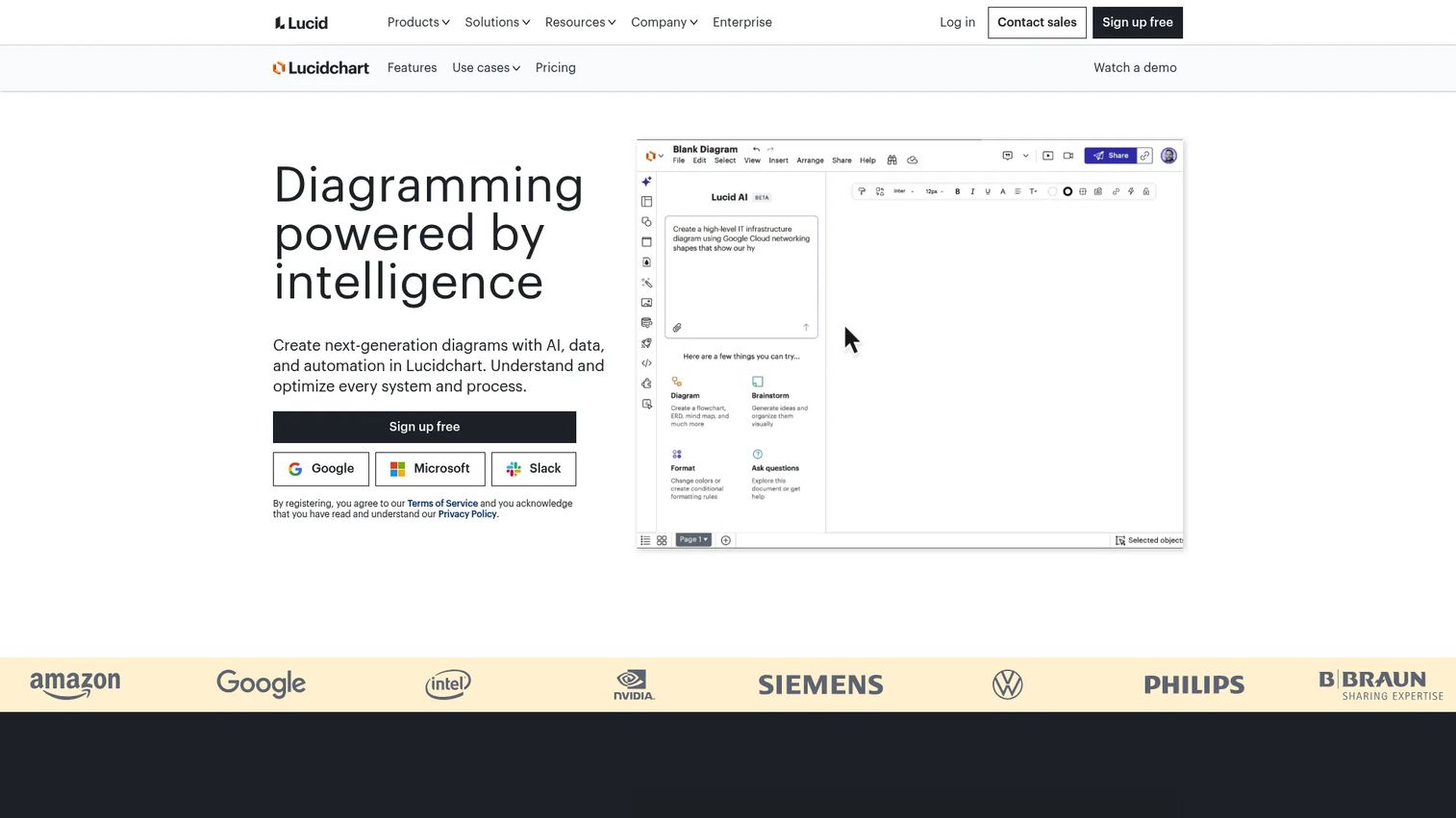
Lucidchart is cloud-based intelligent diagramming software that covers flowcharts, process maps, org charts, and technical diagrams. It sits comfortably between lightweight whiteboards and heavyweight enterprise suites, offering Lucid AI for diagram generation, data linking for dynamic maps, and conditional formatting for complex visualizations. Import and export compatibility with Visio and other formats makes it a practical choice for teams migrating from older tooling.
Best for: Teams that need technically precise, presentation-ready process diagrams with solid collaboration features.
Key strengths
- Lucid AI: Generate and modify diagrams with AI assistance
- Data linking: Connect diagram elements to live external data sources
- Conditional formatting: Visually highlight states, bottlenecks, or rules
- Import/export compatibility: Supports Visio and other standard formats
- 7-day free trial: Available on the Individual plan
Why choose Lucidchart: Lucidchart is a strong middle-ground choice for PMs who need something more structured than a whiteboard but less heavyweight than Visio. Its data linking capability is particularly useful for keeping process maps current without manual updates.
Lucidchart pricing: A Free plan is available with limited features. The Individual plan is $9.00 per month (billed monthly). Team and Enterprise plans are available but require contacting Lucid for pricing.
G2 rating: 4.5/5
6. Process Street
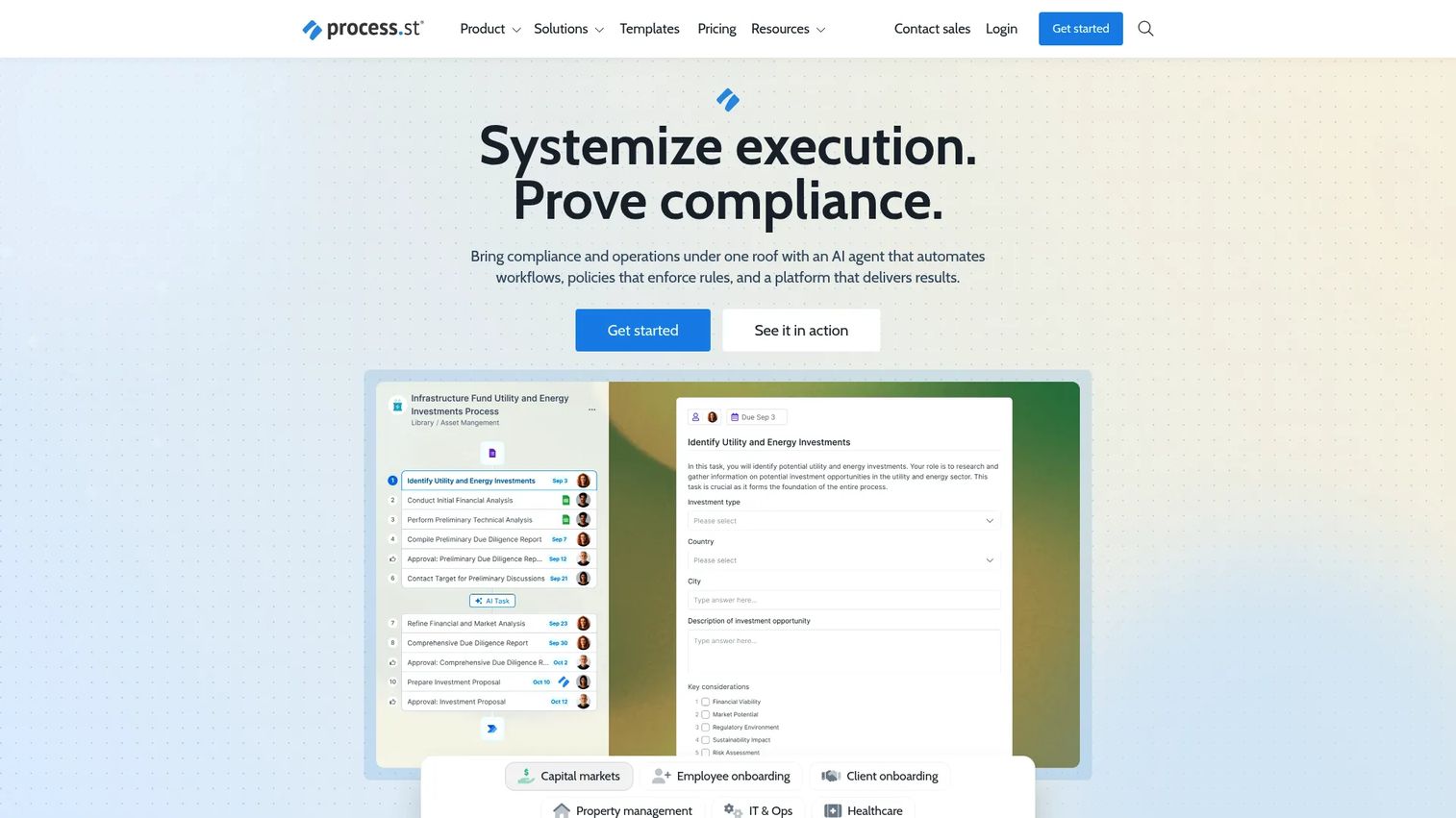
Process Street is a compliance operations platform built around SOP documentation, workflow automation, and process execution. Its core use case is turning a documented process into a repeatable checklist that a team actually runs, with conditional logic, approvals, integrations, and a scheduler keeping things on track. The Process AI feature generates workflow drafts from a text description, which cuts the time from "we should document this" to a working runbook.
Best for: Teams that need SOP-level documentation tied directly to task assignments and approval workflows.
Key strengths
- Conditional logic and approvals: Branch workflows based on responses or outcomes
- Process AI: Generate workflow templates from a plain-text description
- Pages, Forms, and Data Sets: SOPs, structured data capture, and records in one place
- Scheduler: Trigger recurring workflow instances automatically
- 14-day Pro trial: New accounts start with a complimentary trial
Why choose Process Street: Choose Process Street when the problem is that documented processes don't get followed consistently. It's execution-first, which means the diagram serves as the SOP and the SOP is what the team actually works from, not a separate artifact.
Process Street pricing: The Pro plan starts at $15 per member per month (billed monthly). Startup and Enterprise plans require contacting sales for pricing. New accounts receive a complimentary 14-day Pro trial.
G2 rating: 4.6/5
7. Draw.io
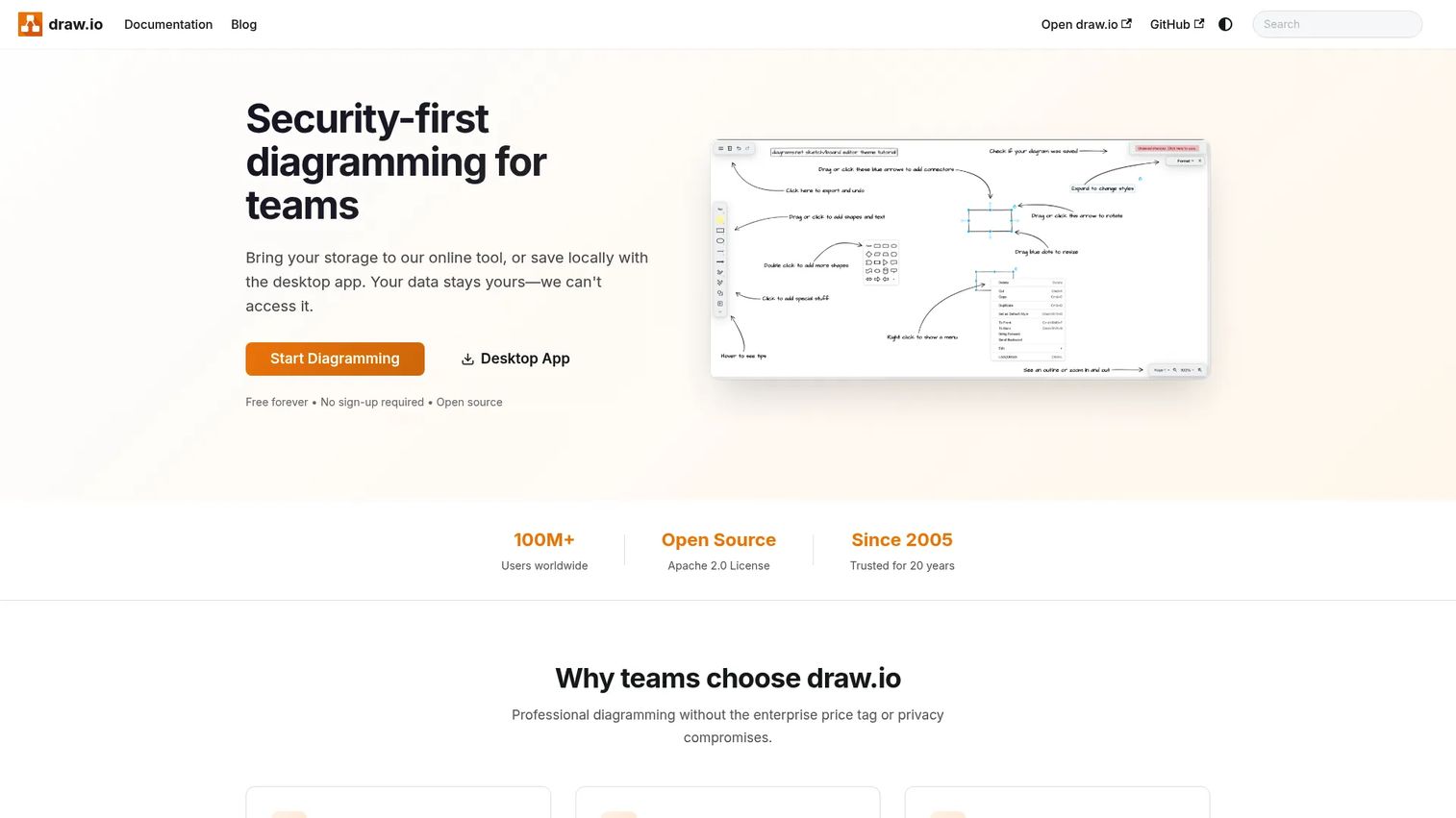
Draw.io is a free browser-based diagram editor that handles technical diagrams, flowcharts, and whiteboard-style visuals without requiring an account or paid subscription. It supports real-time collaborative editing and imports and exports multiple diagram formats, including Visio files. For teams embedded in Atlassian tooling, Draw.io has a Confluence Cloud integration with a free tier for small teams and paid licensing through the Atlassian Marketplace for larger instances.
Best for: Teams that need straightforward, dependency-free diagramming at no cost.
Key strengths
- Completely free web editor: No account required, no usage limits
- Real-time collaborative editing: Multiple editors on the same diagram simultaneously
- Import and export multiple formats: Including Visio (.vsdx) files
- Confluence and Jira integration: Available via Atlassian Marketplace
- Offline capability: Works without a persistent internet connection
Why choose Draw.io: Draw.io earns its place when budget is a real constraint or when you need a tool with zero friction to get started. It won't win on advanced collaboration features or AI, but for a PM who needs a quick, credible diagram that the whole team can access, it's hard to beat free.
Draw.io pricing: The web editor is free with no paid tier required. For Confluence Cloud, a free tier is available for small teams, with paid licensing through the Atlassian Marketplace for larger instances. Specific Atlassian Marketplace pricing varies by team size.
G2 rating: 4.4/5
8. SmartDraw
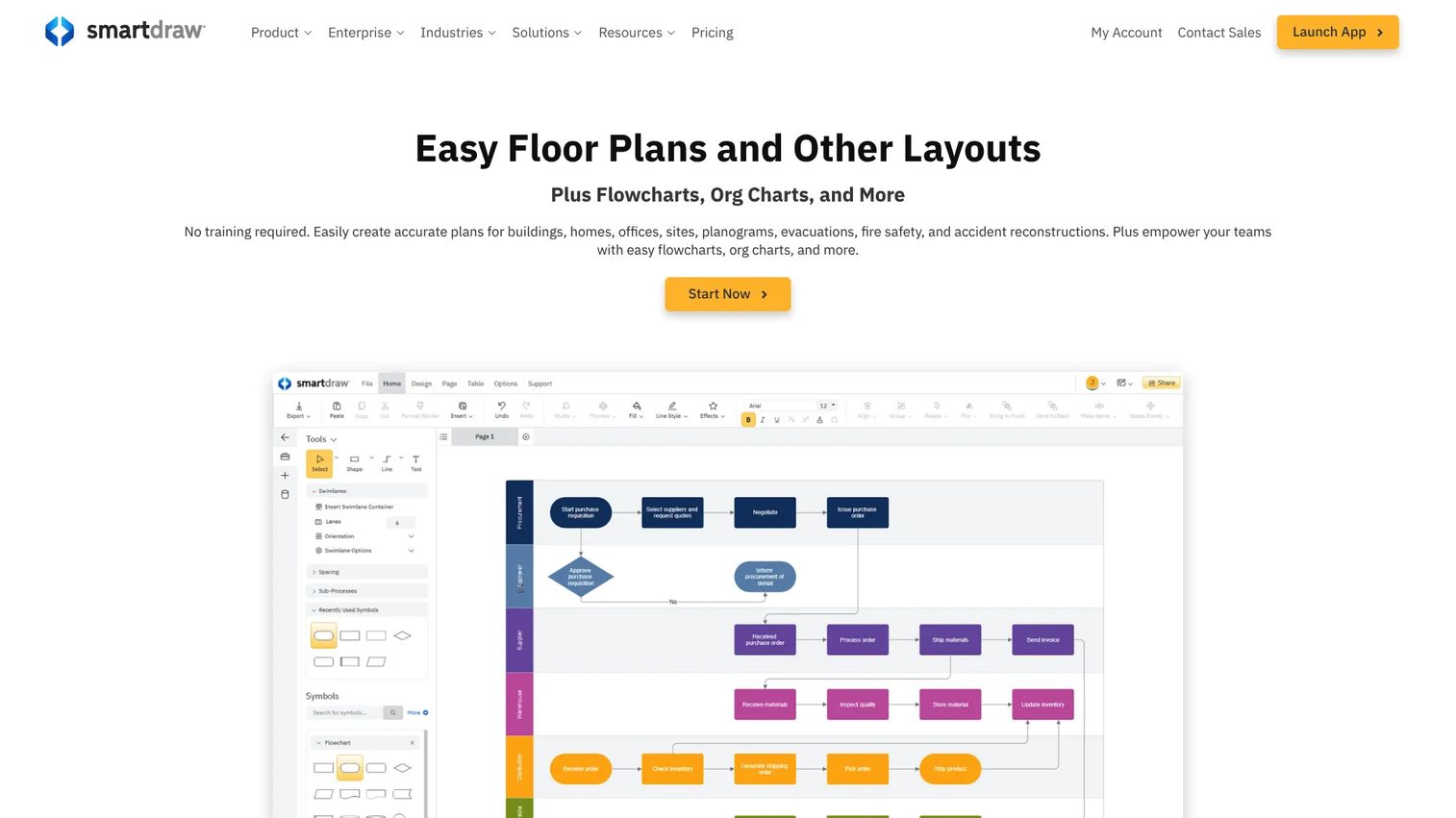
SmartDraw is an online diagramming and data visualization tool built around automated drawing. Rather than starting with a blank canvas, SmartDraw generates a professional-looking diagram as you add information, with an extensive template library covering business process maps, floor plans, org charts, and more. It's built for users who want polished, presentation-ready output without a steep learning curve or complex configuration.
Best for: Teams that need professional business diagrams fast, with minimal setup time.
Key strengths
- Automated diagramming: Generates layout and formatting as you build
- Extensive template library: Business process, org chart, floor plan, and more
- Whiteboarding and data visualization: Beyond basic diagramming
- Multi-format export: Supports common formats for sharing and presentation
Why choose SmartDraw: SmartDraw is worth evaluating when your primary pain is speed and aesthetics, not deep collaboration or standards compliance. If the team needs something that looks polished for a stakeholder presentation without spending hours on layout, SmartDraw gets there faster than most.
SmartDraw pricing: The Individual plan is $7.95 per month, billed annually. The Team plan is $6.95 per user per month (billed annually, minimum 3 users). Enterprise pricing runs as low as $99 per user per year, with exact cost depending on organization size.
G2 rating: 4.5/5
Considerations before you buy
Standards and notation support
If your organization operates in a regulated environment, handles compliance documentation, or has cross-functional teams that interpret diagrams differently, BPMN 2.0 and swimlane support matter. Visio and Lucidchart both offer strong standards compliance. For teams that just need a clear process flow, lighter notation usually works fine, so don't pay for formal notation you won't use.
Collaboration and version control
A workflow map that lives on one person's computer is not a shared artifact. Check whether the tool supports simultaneous co-authoring, commenting, and version history. For PMs coordinating cross-functional review cycles across engineering, CS, and ops, these capabilities determine whether the map stays current after the first draft or silently rots.
Integration and interoperability
Audit your existing stack before committing. The most important questions are whether the tool imports and exports formats you already use (Visio files, draw.io XML), and whether it connects to the platforms your team works in daily, from Jira and Confluence to Slack and your automation layer. Poor interoperability creates a migration cost every time you switch tools or update a process.
Mapping versus execution
Decide upfront whether you need visualization only or visualization plus execution. Diagramming tools like Miro and Lucidchart are excellent at making processes legible. Execution tools like Tallyfy and Process Street are built for making them repeatable. A mismatch here is the most common reason teams feel like their workflow software "doesn't get used."
Security and governance
For enterprise PMs, check for SSO, role-based permissions, admin controls, and audit trails before any procurement conversation. Visio and Miro both have enterprise tiers with these controls. Tallyfy includes SSO and SCIM at the account level. Smaller or free tools like Draw.io may require additional configuration to meet your organization's security requirements.
Conclusion
The right workflow mapping tool depends on one key decision: Do you need to document a process or operationalize it?
For enterprise teams embedded in Microsoft 365, Visio delivers the governance, standards support, and ecosystem integration that IT and compliance teams expect. For collaborative discovery work where the process is still being figured out, Miro gives your team the canvas to work through it together. Lucidchart fills the polished middle ground with strong data linking and technical diagramming support.
If the map needs to actually run, look at Tallyfy for role-based workflow execution and Process Street for SOP-driven task management. Zapier Canvas is worth adding to any eval if automation is the end goal, since it closes the gap between diagram and trigger in a way no standalone diagramming tool can.
For teams without a budget, Draw.io covers the basics at no cost. SmartDraw is worth a look when speed to a presentation-ready diagram matters more than depth.
Start by identifying your biggest pain: Messy handoffs, undocumented repeatable processes, or slow automation setup. That answer points to the right tool category before you evaluate individual products.
Start your journey with Guideflow today!
FAQs
Workflow mapping software creates a visual representation of how a process works, showing steps, decision points, roles, and handoffs. Workflow automation software executes those steps programmatically, triggering actions based on conditions. Some tools, including Zapier Canvas and Tallyfy, now bridge both by letting you move from a visual map directly into automated execution.
Microsoft Visio is the most common choice for enterprise teams already running Microsoft 365, given its deep Office integration, BPMN 2.0 support, and coauthoring controls. Miro is a strong enterprise option for teams that want a more flexible, AI-assisted canvas with robust security controls and SSO. The right answer depends on whether formal documentation standards or cross-functional collaboration is the higher priority.
Draw.io is the most capable free option. It offers a browser-based editor with no account required, real-time collaboration, and broad import/export support, including Visio files. Miro's Free plan is also worth considering if templates and integrations matter more than diagram format compatibility. Free tools work well for straightforward mapping needs; teams that need governance, execution, or data linking will need a paid tier.
Not all of them. Microsoft Visio and Lucidchart both support BPMN 2.0 formally, which matters in regulated industries and operations-heavy environments where notation standards affect auditability. Miro and Draw.io support BPMN shapes informally through template libraries but are not certification-grade BPMN tools. If your process documentation needs to meet a specific compliance standard, verify BPMN support directly with the vendor.
Many tools support Visio file import (.vsdx), including Draw.io, Lucidchart, and Miro. Lucidchart files can be exported in multiple formats and imported into some other tools, though exact compatibility depends on the target platform. Always test a representative file before committing to a migration, since complex diagrams with custom shapes or data links may not transfer cleanly.
The highest-priority criteria for PMs are maintainability across release cycles (does the map stay current without manual overhead?) and cross-team legibility (can engineering, CS, and ops read and edit it without a tutorial?). After that, integration with your existing instrumentation and project management stack determines how much opportunity cost the tool creates. If process execution is part of the scope, look for conditional logic, task assignment, and approval workflows, not just diagram output.
Yes, particularly when repeatability matters. A four-person team running the same customer onboarding process every week has the same incentive to document it clearly as a forty-person team. The difference is the tool choice: Smaller teams rarely need enterprise SSO or governance controls, so free or low-cost options like Draw.io, Miro's Free plan, or SmartDraw's Individual plan cover the core use case without the overhead.