You shipped a new feature. You wrote a beautiful launch email. Adoption barely moved.
Here is the pattern most teams miss: users don't act on messages that reach them outside the moment. An email about a workflow nobody is running gets ignored. A banner shown while the user is actively stuck gets clicked. The difference is context, not copy. In-app messaging software exists to close that gap, delivering the right prompt inside a live product session instead of hoping an inbox catches attention later.
The category is scaling fast. The instant messaging software market is projected to grow from $44.67B in 2025 to $105.96B by 2035 at a 9.02% CAGR, according to Market Research Future (2024). That growth reflects a simple shift in buyer behavior: people expect guidance where they already are, not somewhere they have to go.
For presales and product teams, the evaluation is not just about message formats. It is about workflow fit, how deep the segmentation runs, whether the analytics prove value, how much engineering the rollout demands, and whether the tool plugs into your CRM and product stack without friction. If you are also weighing adjacent categories during technical validation, it helps to look at how these tools sit next to personalization software, marketing analytics, and A/B testing tools in a modern stack.
This guide shortlists seven in-app messaging tools worth your time, judged against the criteria that actually matter when a deal or a roadmap depends on the choice.
What's inside
This guide is for product, lifecycle, and presales teams comparing in-app messaging tools during real evaluation, not casual browsing. Every pick here delivers contextual in-app messages while a user is active in the product, but the tools diverge sharply on depth.
We selected platforms based on four criteria: message formats and targeting depth, segmentation and personalization, analytics and A/B testing, and implementation effort against a typical SaaS stack. We favored tools with public proof, verified pricing signals, and clear fit for a specific job, whether that job is onboarding, surveys, lifecycle orchestration, or product analytics. Banned or irrelevant tools were left out.
TL;DR
- Best for broad, no-code product growth: Userpilot pairs onboarding flows with segmentation, experimentation, and analytics in one place.
- Best for omnichannel plus in-app: OneSignal combines in-app messages with push, email, and SMS under one no-code builder.
- Best free, Google-native start: Firebase In-App Messaging is a no-cost option for teams already on Firebase and Google Analytics.
- Best for fast onboarding rollout: Appcues ships no-code flows, tooltips, and checklists without heavy engineering.
- Best for survey-first feedback: Refiner focuses on in-app surveys and context-aware research prompts.
- Best for analytics-heavy enterprise: Pendo bundles product analytics with in-app guidance; Braze fits advanced lifecycle programs.
What is in-app messaging software
In-app messaging software delivers contextual messages to users while they are actively inside a product or app session, triggered by behavior, segment, or lifecycle state. Unlike email or push, it reaches the user at the exact moment of use, which is why it drives materially higher engagement on onboarding, activation, and retention tasks.
The category overlaps with product adoption platforms, customer data platforms, and lifecycle engagement engines, but the core job is consistent: show the right message, to the right user, at the right point in the session.
Common message formats include:
- Banners and modals: Lightweight or full-screen prompts for announcements and nudges.
- Popups and tooltips: Contextual guidance tied to a specific UI element.
- In-app surveys: NPS, CSAT, and open-ended feedback captured in the flow.
- Permission prompts: Requests for notifications, tracking, or data access at the right moment.
- Offers and ratings: Upsell prompts, discounts, and app-store review requests.
- Checklists and walkthroughs: Progressive onboarding sequences that guide activation.
Three mechanics separate strong platforms from weak ones. In-app triggers decide when a message fires, reacting to clicks, page views, feature usage, or lifecycle events. Segmentation and personalization decide who sees it and what it says, using attributes like role, plan, or cohort. Measurement closes the loop, tracking impressions, clicks, conversions, and completion so teams can prove impact and run analytics and A/B testing. Get all three right and the message feels helpful. Get them wrong and it feels like noise.
When to use in-app messaging software
Onboard users without interrupting the product experience
New users abandon products when the first session feels like a blank page. Contextual prompts help users take the next step while they are already engaged, pointing to the one action that unlocks value. Instead of a separate onboarding email that competes for attention, a well-timed checklist or tooltip guides activation, feature discovery, and progressive setup inside the moment of use. The result is faster time-to-value and fewer support tickets asking "where do I start?"
Trigger messages based on behavior and intent
Generic broadcasts get ignored. The strongest tools react to what a user actually does: a feature they abandoned, a plan tier they just crossed into, or a workflow they completed. Behavior-based in-app triggers tie timing to intent, so a message lands when it is relevant rather than on a fixed schedule. Better timing means higher relevance, and higher relevance means the prompt gets acted on instead of dismissed.
Collect feedback and drive conversion inside the app
The same channel that guides users can also learn from them. In-app surveys capture NPS and feature feedback while the experience is fresh. Permission prompts, offers, and rating requests convert engaged users at the exact moment they are most likely to say yes. Tied to retention and product growth, this turns messaging from a one-way push into a loop that both guides and listens, feeding insight back into the roadmap.
Comparison table
Read this table top to bottom by relevance to the primary keyword, not alphabetically. The Intent column tells you the job each tool is built around; Key differentiation tells you why you would pick it over the others. Pricing and G2 ratings reflect verified public sources at the time of writing; where a vendor gates pricing behind sales, that is noted.
| # | Product | Intent | Key differentiation | Pricing | G2 rating |
|---|---|---|---|---|---|
| 1 | Firebase | Lightweight, Google-native in-app messaging | Free tier, Google Analytics targeting | Spark $0; Blaze pay-as-you-go | 4.5/5 |
| 2 | OneSignal | Omnichannel messaging plus in-app | Push, email, SMS, and in-app in one builder | Free $0/mo; Growth from $19/mo | 4.7/5 |
| 3 | Userpilot | Product growth and onboarding | No-code flows tied to segmentation and analytics | Starter $299/mo (annual) | 4.6/5 |
| 4 | Appcues | Onboarding and lifecycle engagement | Fast no-code flows across web and mobile | Spark $3,600/year | 4.6/5 |
| 5 | Refiner | Survey-first in-app messaging | Contextual surveys with AI tagging | Free plan; quote-based tiers | 4.6/5 |
| 6 | Pendo | Product analytics plus in-app guidance | Analytics, guides, and session replay in one | Free up to 500 MAUs; custom | 4.4/5 |
| 7 | Braze | Enterprise lifecycle orchestration | Cross-channel journeys at scale | MAU-based, custom | 4.5/5 |
1. Firebase
Firebase is Google's platform for building and running cross-platform apps, with backend, analytics, and app-quality tooling included. Its In-App Messaging module is the most lightweight, Google-native way to send contextual in-app messages to active users, and it comes at no cost to start. For teams already living inside Firebase and Google Analytics, it slots into an existing pipeline without adding a new vendor.
Best for: Teams building and scaling mobile or web apps that want managed backend and app-ops tooling with in-app messaging attached.
Key strengths
- Cross-platform SDKs: Coverage for Apple platforms, Android, web, Flutter, Unity, and C++, so one messaging layer spans your app surfaces.
- Google Analytics targeting: Trigger banners and modals based on audiences and events already tracked in Google Analytics, no separate data model to build.
- App-ops tooling: App Distribution, Crashlytics, and Remote Config sit alongside messaging for a single operational stack.
Why choose Firebase: If your app is already on Firebase, the marginal cost of adding in-app messaging is close to zero, both in dollars and in engineering effort. The targeting borrows directly from Google Analytics, so segmentation reflects data you already collect. Firebase performs best when engineering owns the stack and wants messaging to live where the rest of the backend already does.
Firebase pricing: Firebase offers two plans. Spark is no-cost and covers a generous set of usage quotas. Blaze is pay-as-you-go, layering usage-based charges on top of the free quotas once you exceed them and requiring a billing account. There is a genuine free tier, which makes Firebase easy to start with and hard to beat on entry cost. In-App Messaging itself is included rather than sold as a separate line item.
2. OneSignal
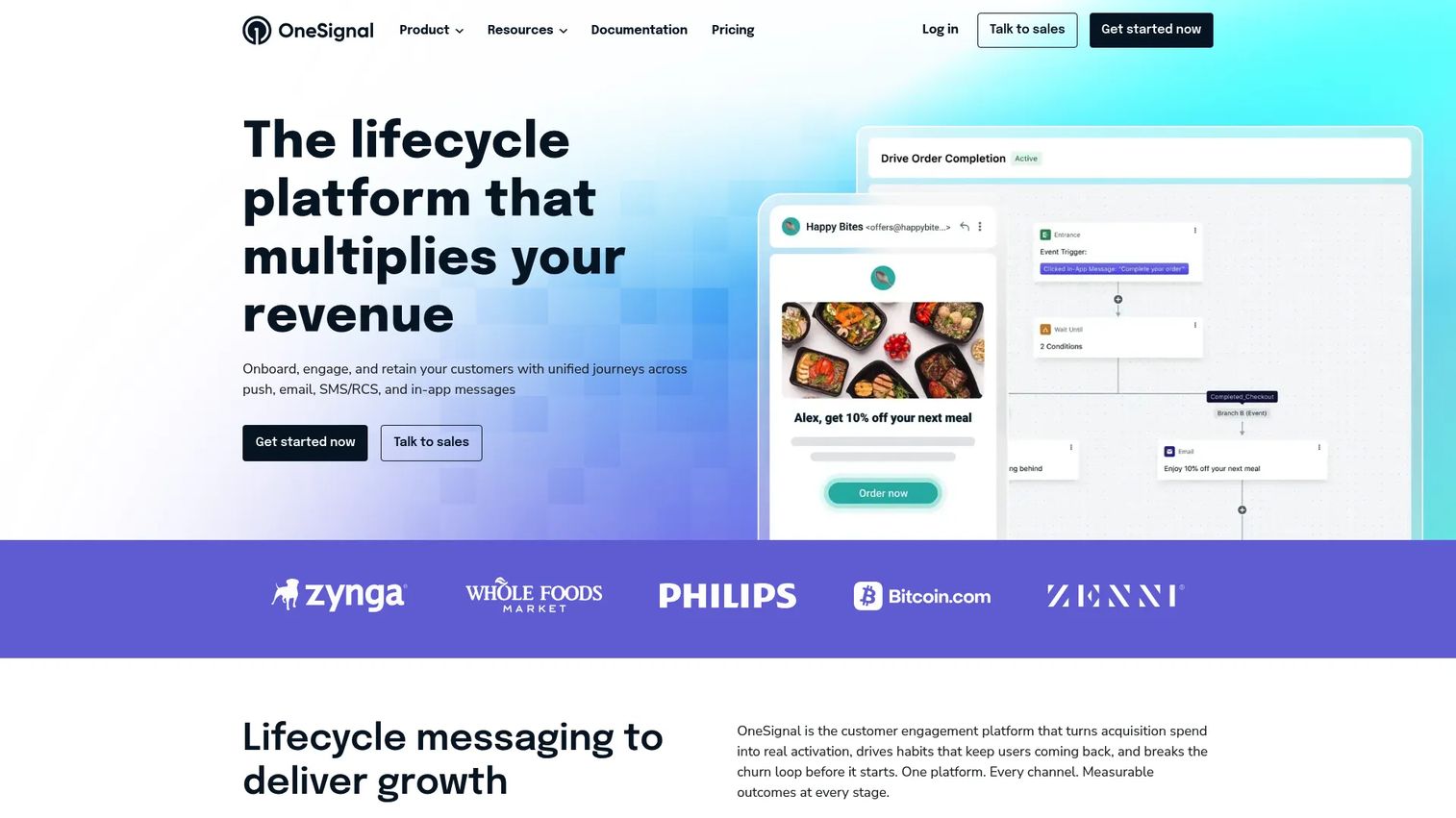
OneSignal is an omnichannel customer engagement platform that pairs in-app messaging with push, email, and SMS/RCS in one place. It is a strong pick when in-app messages are one channel among several, and you want them coordinated rather than siloed. The no-code builder means lifecycle and growth teams can ship messages, in-app surveys, and permission prompts without filing engineering tickets.
Best for: Teams that want one platform for push, email, SMS/RCS, and in-app messaging under a single roof.
Key strengths
- A/B testing: Run experiments on message content and timing to lift engagement metrics before rolling out broadly.
- Segmentation and personalization: Build audiences on behavior and attributes, then tailor copy per segment across channels.
- Journeys automation: Sequence multi-step, multi-channel flows so an in-app message and a push work together instead of colliding.
Why choose OneSignal: The value is consolidation. Instead of stitching a push tool to an email tool to an in-app tool, OneSignal runs them from one segmentation model and one analytics view. That matters for growth and lifecycle use cases where a single journey spans in-app notifications, banners and modals, and out-of-app reminders. It performs best when your engagement strategy is genuinely cross-channel.
OneSignal pricing: OneSignal has a free plan at $0/mo that covers core messaging. The Growth tier starts at $19/mo on a month-to-month basis, with additional usage costs that vary by channel. Professional and Enterprise are custom, annual-contract plans for larger volumes and advanced governance. The exact usage-based costs for Growth and the custom tiers are not fully published, so budget confirmation is a sales conversation for scale.
3. Userpilot
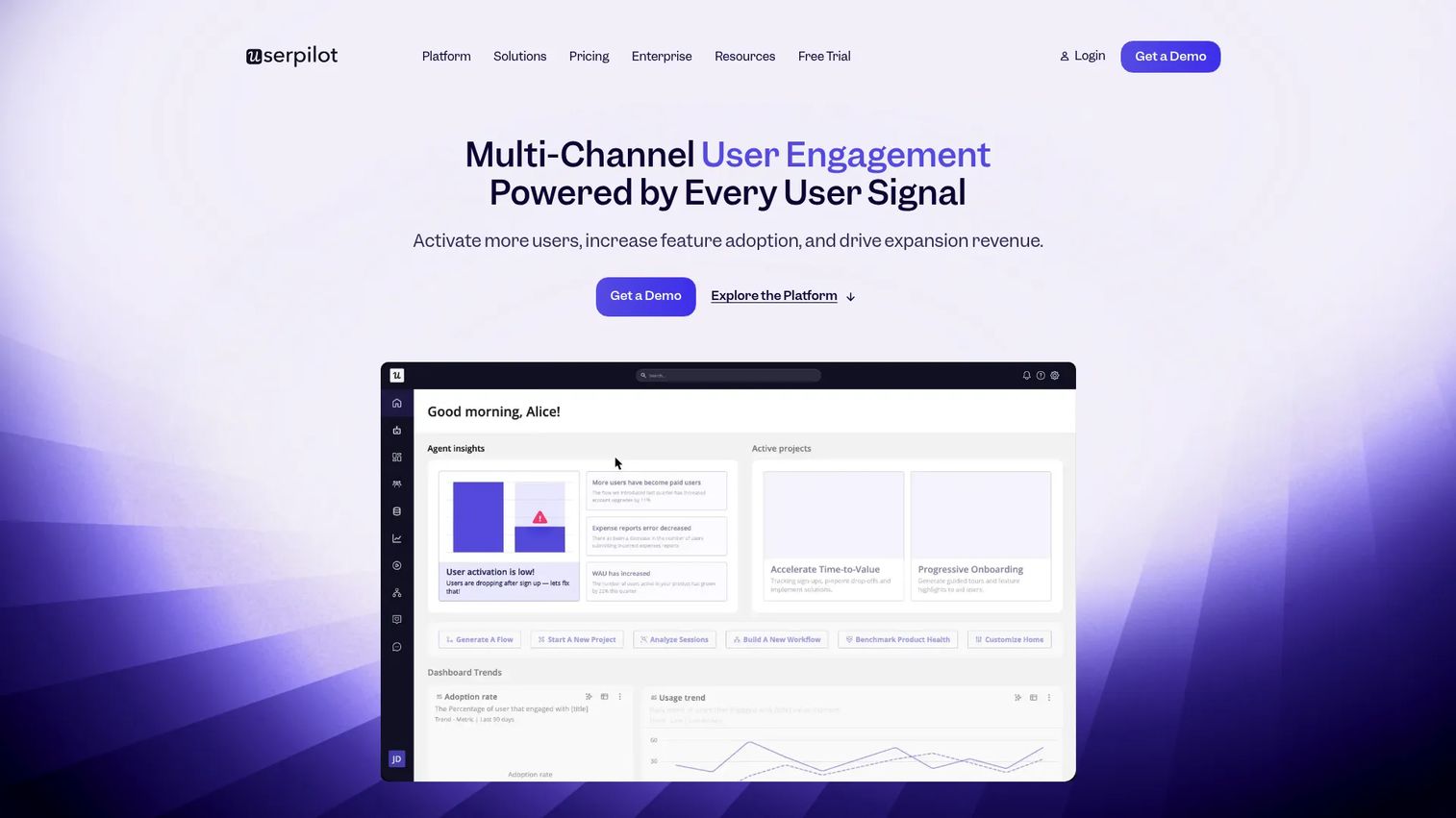
Userpilot is an AI-powered product growth platform built around onboarding, engagement, analytics, feedback, and retention. In-app messaging is one capability inside a broader system that ties messages directly to product activation. For B2B SaaS teams that want no-code in-app messaging connected to what users actually do in the product, it is a natural fit.
Best for: B2B SaaS teams that want a no-code product growth platform where messaging is tied to activation.
Key strengths
- Product analytics: Understand which flows and features drive activation, then target messages at the drop-off points that matter.
- In-app engagement: Build flows, tooltips, banners, and modals with a no-code editor and fire them on behavioral triggers.
- User feedback and surveys: Run in-app surveys inside the same tool that delivers guidance, closing the loop on segmentation and personalization.
Why choose Userpilot: The draw for presales and product teams is that messaging does not live in isolation. Because analytics, engagement, and feedback share one data layer, you can prove that an onboarding message moved activation, not just impressions. That makes technical validation cleaner: the tool that shows the message also measures the outcome. Userpilot performs best when the primary job is product activation, with mobile SDK support extending flows beyond the web.
Userpilot pricing: The Starter plan begins at $299/mo billed annually. Growth and Enterprise are quote-based and shown as contact-sales tiers, scaling on monthly active users and functionality. No permanent free tier is explicitly confirmed on the pricing page, so plan on a paid entry point and a demo conversation for larger deployments.
4. Appcues
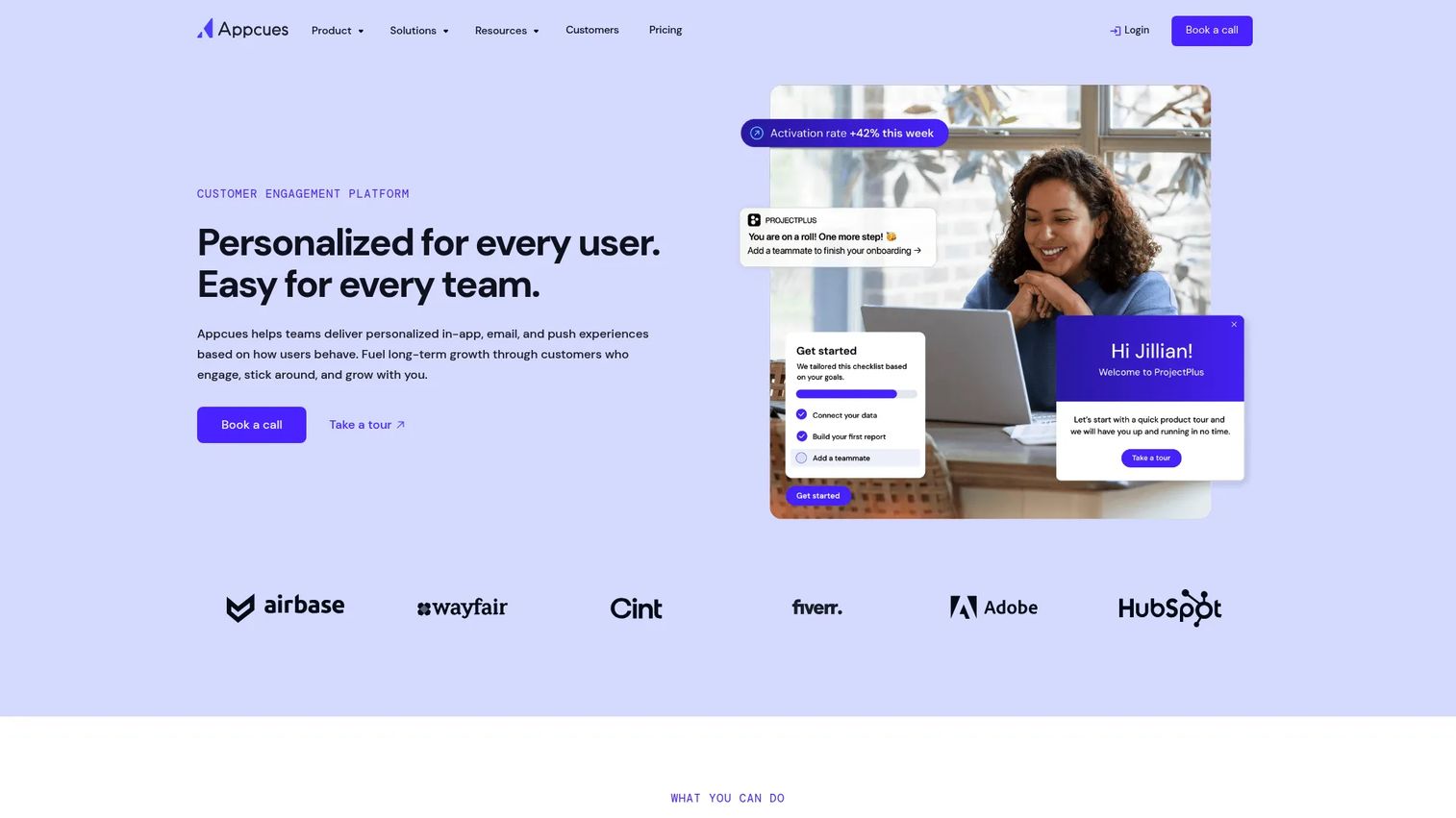
Appcues is a product experience platform for in-app messaging, onboarding, and lifecycle engagement. Its calling card is speed: no-code delivery of onboarding flows, tooltips, checklists, and surveys across web and mobile, so product and lifecycle teams can move without engineering dependencies. For teams that want guided adoption live quickly, it is a practical choice.
Best for: B2B SaaS teams that want no-code in-product onboarding and multi-channel user engagement.
Key strengths
- Web and mobile experiences: Build once and deliver contextual in-app messages across both surfaces.
- Behavioral email and push: Extend in-app prompts with behavioral email and push notifications for lifecycle coverage.
- Flows, tooltips, and analytics: Ship checklists, surveys, and experimentation with built-in analytics and A/B testing.
Why choose Appcues: The persona fit is teams that need to ship guided adoption fast without a developer in the loop. The no-code builder and user targeting let lifecycle teams roll out product onboarding messages the same week they are scoped. Appcues performs best when time-to-launch and iteration speed matter more than owning a full analytics warehouse, and where segmentation and personalization drive the flows users see.
Appcues pricing: Appcues does not publish dollar amounts for its Start, Grow, and Enterprise tiers, which are quote-based and priced by monthly active users. The one publicly confirmed price is Spark at $3,600/year, built for teams of 25 or fewer and covering the full platform for up to 1,000 MAUs. A free trial is available; no permanent free tier was verified. Expect a sales conversation once you scale past the Spark thresholds.
5. Refiner
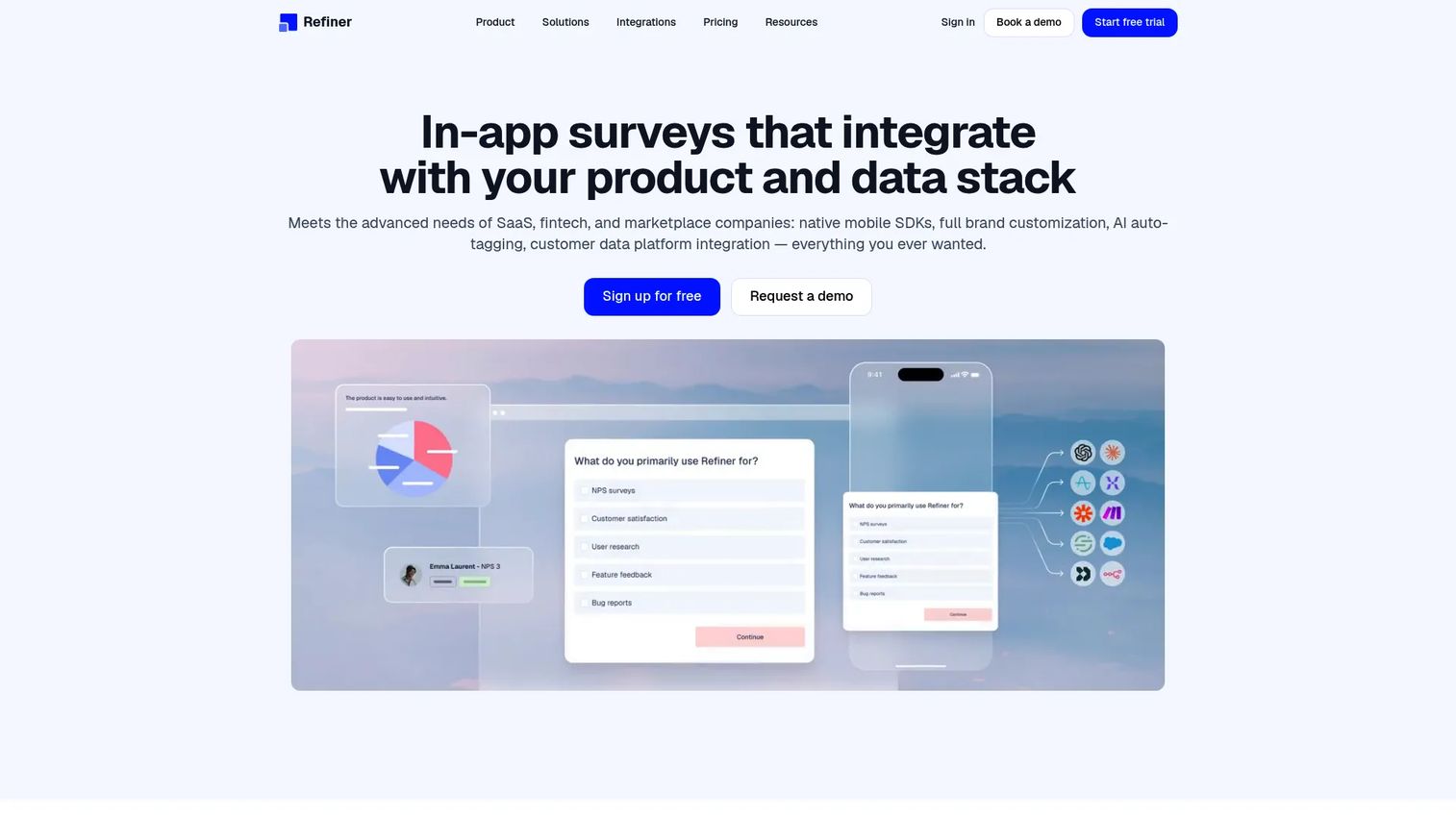
Refiner is customer feedback and in-app survey software built for product-led teams. Where other tools lead with guidance, Refiner leads with listening: contextual, context-aware surveys that fire at the right moment to learn from users as much as guide them. If the primary goal is customer research inside the product, this is the survey-first option.
Best for: Product-led SaaS teams that need contextual surveys and feedback workflows.
Key strengths
- Multi-surface surveys: Run in-app, mobile, website popup, email, and survey-link surveys from one tool.
- Behavioral targeting: Use segmentation, event tracking, and behavioral targeting to show the right survey to the right user.
- AI tagging and translation: AI response tagging and AI translation speed up analysis across languages and volume.
Why choose Refiner: The case for Refiner is depth on feedback rather than breadth on messaging. Because targeting runs on segmentation and event data, you can survey a precise cohort, at a precise moment, and get responses that mean something. Refiner performs best when the job is learning from users through in-app surveys, and when that research needs to feed back into product and roadmap decisions.
Refiner pricing: Refiner's public pricing page shows plan names and billing options but no published numeric starting price; pricing is quote-based and scales on monthly active users. There is a free plan available after a trial or cancellation, plus Essentials, Growth, and Enterprise tiers. Because figures are gated, confirm cost against your MAU count directly with the vendor.
6. Pendo
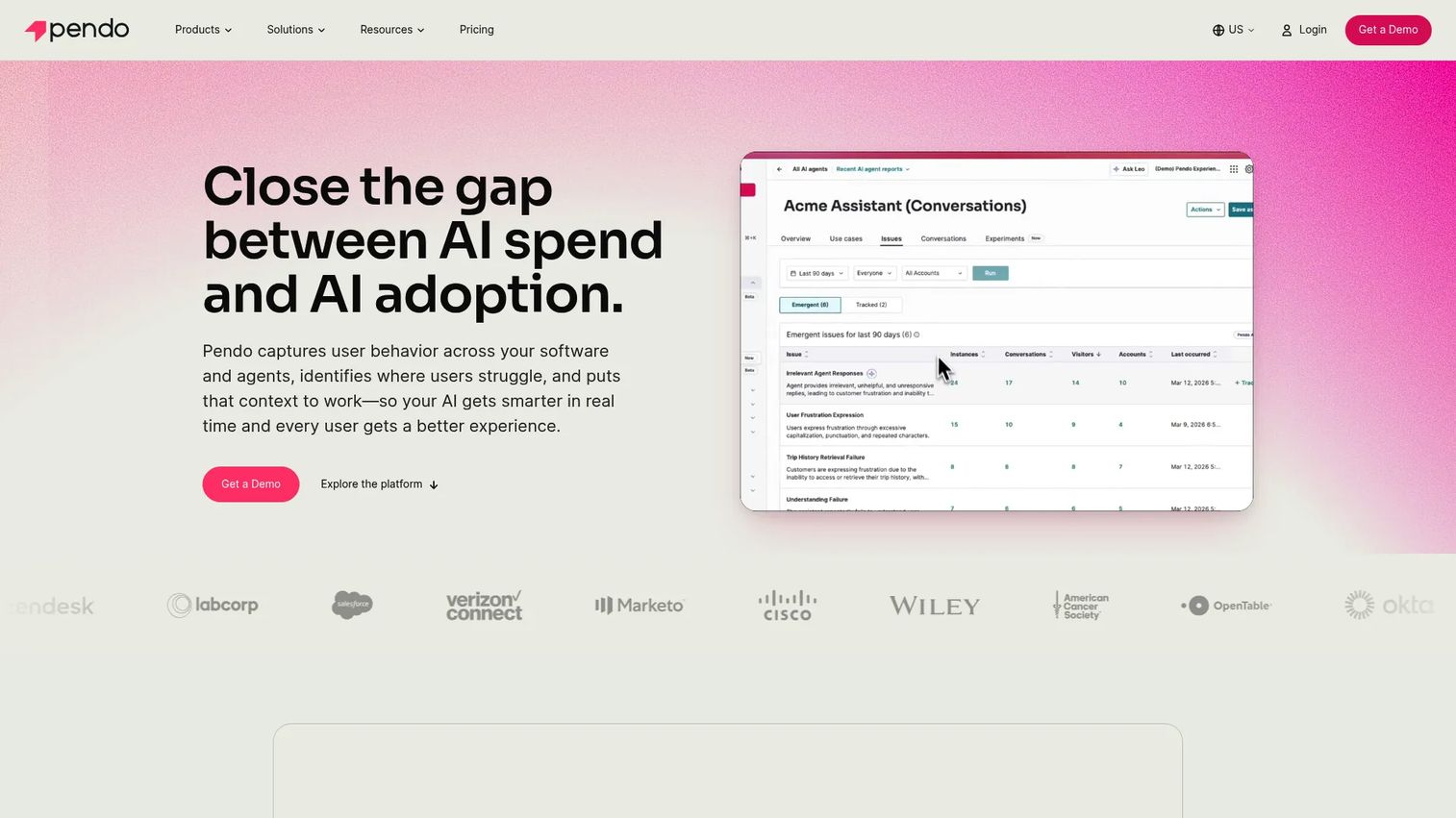
Pendo is a software experience management platform that combines product analytics, in-app guidance, feedback, and session replay. It fits teams that want in-app messaging inside a broader product intelligence stack rather than as a standalone channel. For product and customer-facing teams operating at scale, the analytics depth is the differentiator.
Best for: Product and customer-facing teams that want analytics and in-app guidance in one platform.
Key strengths
- Product analytics: Deep usage analytics inform where in-app guides should fire and to whom.
- In-app guides: Deliver contextual in-app messages and walkthroughs tied to the same behavioral data.
- Session replay: Watch how users actually move through flows to refine targeting and messaging.
Why choose Pendo: For enterprise teams, the value is that guidance and measurement live in one system. You do not guess where a message should go; the analytics tell you, and session replay shows you why users stall. That governance and analytics depth is why larger organizations reach for Pendo when messaging has to be defensible across teams. It performs best when analytics and in-app guidance are equal priorities and no-code in-app messaging needs enterprise-grade reporting behind it.
Pendo pricing: Pendo offers a free plan for individuals and small teams covering up to 500 monthly active users. The Base, Core, and Ultimate tiers are custom-priced, billed by MAUs plus selected functionality, and require a demo request. No public paid prices are listed, so budget for a scoped quote once you move past the free plan.
7. Braze
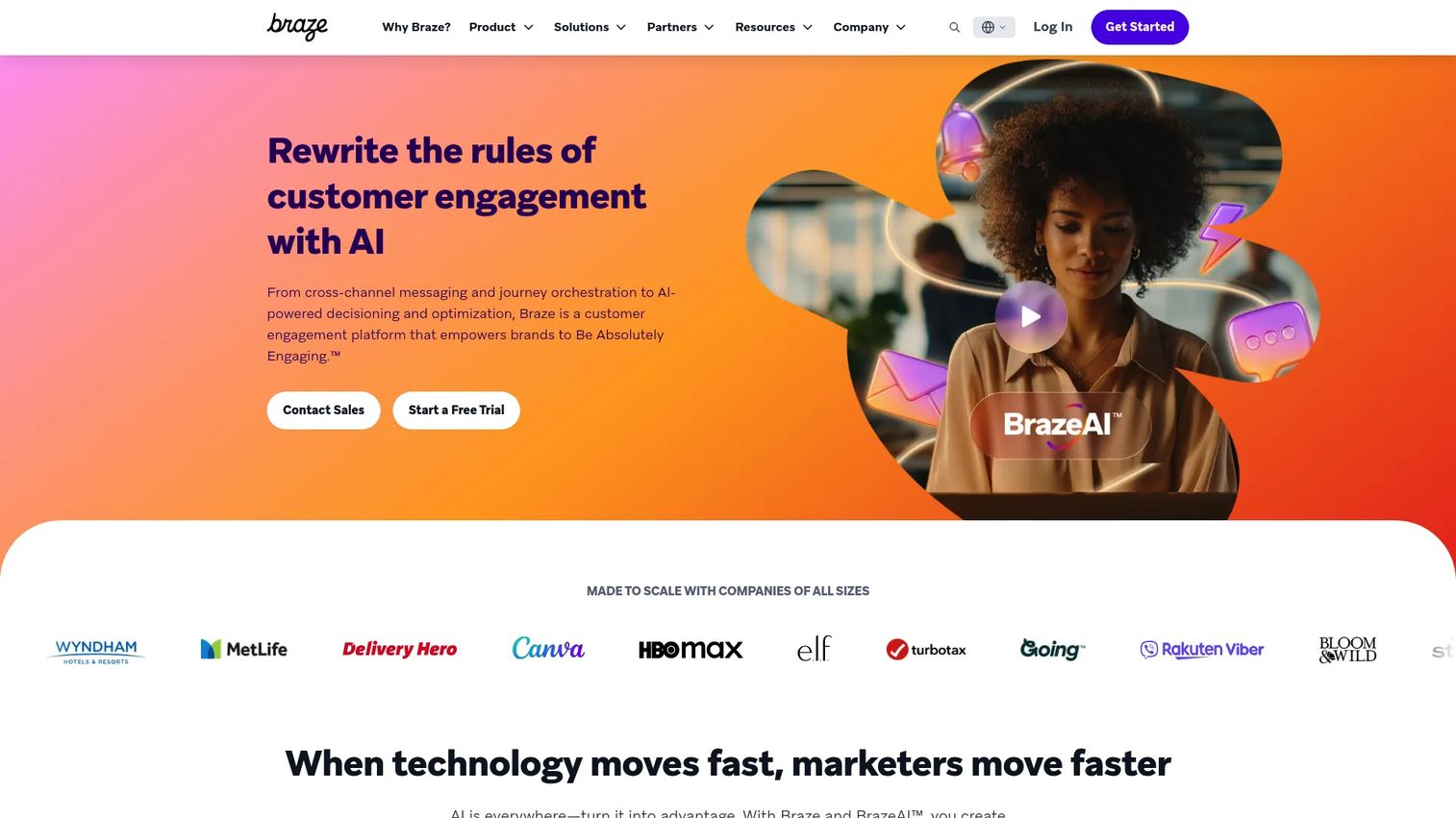
Braze is a customer engagement platform for real-time, cross-channel messaging and journey orchestration. In-app messages here are one node in a much larger lifecycle messaging engine that spans email, push, SMS, WhatsApp, and web. For teams already running sophisticated audience programs, Braze is where in-app fits into the wider machine.
Best for: Teams needing an enterprise customer engagement platform with real-time, multi-channel orchestration.
Key strengths
- Cross-channel messaging: Coordinate email, push, SMS/MMS/RCS, WhatsApp, in-app, and web from one platform.
- Journey orchestration: Build and experiment on complex, real-time journeys with deep segmentation.
- BrazeAI and data tools: Native AI, a data platform, and personalization tools power precise targeting at scale.
Why choose Braze: The fit is teams that have outgrown single-channel tools and need orchestration across the entire lifecycle. In-app messaging is not the headline here; it is one instrument in an omnichannel program where segmentation and personalization drive every send. Braze performs best when advanced audience management and cross-channel journeys are already the operating model, and in-app is one more surface to coordinate.
Braze pricing: Braze publishes platform editions (Go, Select, Pro, Enterprise) and states that pricing scales with monthly active users and flexible credits, but no public dollar amount is shown. Pricing is a sales-led conversation sized to your volume and channel mix. Given the enterprise positioning, expect annual contracts and scope pricing accordingly.
Considerations
Match the tool to your primary job
Decide the single most important job before you shortlist. Is the main need onboarding, in-app surveys, permission prompts, lifecycle orchestration, or product analytics? Tools that try to be everything often create implementation drag, because you pay for and configure capabilities you never use. Buy for the job you have now, and confirm the tool can grow into the adjacent job you will have next.
Check implementation effort and stack fit
Look hard at engineering dependencies before you commit. Which SDKs are required, what data pipelines need to exist, and how does the tool read your event data? For presales, this is where deals stall: if the platform will not integrate with your CRM or product analytics, or if security flags the data flow, the evaluation stops. Confirm CRM sync, analytics platform compatibility, and where user data lives before you sign.
Verify measurement depth
Confirm exactly which metrics the tool reports before purchase: impressions, clicks, conversions, completion rate, and segment-level performance. Shallow reporting makes it impossible to prove value, and proving value is how you keep the tool funded. Ask whether analytics and A/B testing are native or bolted on, whether you can export raw data, and how the dashboards break down engagement metrics by segment. If you also run separate A/B testing tools, check for clean handoffs.
Confirm governance and scale
Once multiple teams start using the tool, governance stops being optional. Check permissions, environment separation, localization, role controls, and versioning. A tool that works for one team can create chaos when marketing, product, and support all ship messages without guardrails. Confirm the vendor supports the access controls and audit trails your organization needs before rollout spreads.
Conclusion
The right pick comes down to the job you are solving. For broad, no-code product growth where messaging ties to activation, Userpilot leads. For omnichannel programs that need in-app plus push, email, and SMS in one builder, OneSignal fits. Firebase is the free, Google-native start for teams already on that stack. Appcues wins on speed to launch guided onboarding. Refiner is the survey-first choice when learning from users is the goal. Pendo and Braze serve enterprise teams that need analytics depth or advanced lifecycle orchestration respectively.
The practical move is not to pick one from a table. Shortlist two or three tools that match your primary job, then validate each against your real workflow: how it triggers, how it segments, how it measures, and how cleanly it fits your CRM and product stack. Run a scoped test with your own data before you commit. Conversion optimization comes from the fit, not the feature list.
FAQs
In-app messaging software delivers contextual messages to users while they are actively using a product or app, triggered by behavior, segment, or lifecycle state. It covers formats like banners, modals, popups, in-app surveys, permission prompts, and ratings. The goal is to guide, convert, or learn from users at the exact moment of use rather than through a separate channel.
In-app messages reach users only while they are inside the app, so they land in an active session where the user is already engaged. Push and in-app notifications reach users who may be outside the app entirely. In-app messaging tends to drive higher engagement on onboarding and activation tasks, while push is better for re-engagement. Many teams use both together in a single lifecycle.
Prioritize three mechanics: in-app triggers that fire on the right behavior, segmentation and personalization that control who sees what, and analytics and A/B testing that prove impact. Then confirm implementation effort and stack fit, since a tool that will not integrate with your CRM or product analytics stalls fast. Message format variety matters, but targeting and measurement decide whether the messages actually work.
For no-code onboarding tied to product activation, Userpilot and Appcues are strong picks, since both ship flows, checklists, and tooltips without engineering dependencies. Userpilot leans into shared analytics so you can prove activation lift, while Appcues emphasizes fast rollout across web and mobile. Pendo fits when onboarding needs to sit alongside deep product analytics.
Refiner is the survey-first option, built around contextual in-app surveys with behavioral targeting and AI tagging. OneSignal and Userpilot also include in-app surveys inside broader engagement platforms, which works well when you want feedback alongside messaging. Pendo adds session replay, useful when you want to see behavior behind the survey responses.
Track impressions, clicks, conversions, and completion rate at the campaign level, then break each down by segment. Segment-level performance tells you whether a message resonates with the audience that matters, not just the average. Pair these engagement metrics with a downstream outcome, such as activation or retention, so you can prove the message drove a result and not just a click.
Most modern tools are no-code once the SDK or snippet is installed, so day-to-day message creation rarely needs a developer. The engineering involvement is front-loaded: installing the SDK, wiring event data, and confirming data flows pass security review. Firebase suits teams where engineering already owns the stack, while Appcues, Userpilot, and OneSignal are built for lifecycle and product teams to run independently after setup.
For enterprise, the choice splits by primary need. Braze fits teams running advanced cross-channel lifecycle programs that need real-time orchestration and deep segmentation. Pendo fits when product analytics, in-app guidance, and governance need to live in one platform. Both scale on monthly active users with custom, sales-led pricing, so confirm governance, role controls, and data handling during evaluation.