You started with Userflow for in-app onboarding. Then launches accelerated, Sales needed reusable product explanations, the CS team asked for self-serve training, and suddenly the same tool is being asked to do six different jobs. Some teams find Userflow still fits. Others hit a ceiling on analytics, pricing, internal training, enterprise governance, or code-first implementation.
The best Userflow alternative for teams that need internal training, SOPs, and reusable interactive guides is Guideflow. Teams focused on in-app onboarding, analytics, or enterprise adoption will also find strong fits in Appcues, Userpilot, Pendo, WalkMe, and others reviewed below. This guide covers 14 Userflow alternatives across five distinct categories: Interactive guide platforms, product onboarding tools, product analytics suites, enterprise digital adoption platforms, and code-first onboarding frameworks.
TL;DR
- Best overall for internal training and SOPs: Guideflow. Record software once and share interactive step-by-step guides for employee onboarding, sales enablement, and SOPs.
- Best like-for-like in-app onboarding: Appcues (from $9,000/year) for mature programs, UserGuiding (from $249/month) for budget-conscious SaaS teams.
- Best for product analytics plus adoption: Pendo or Userpilot ($299/month). Choose Userpilot when analytics and onboarding need to coexist in one tool.
- Best enterprise digital adoption platform: WalkMe or Whatfix for employee adoption across multiple business applications.
- Best budget shortlist: HelpHero starts at $55/month; Product Fruits at $111/month. Both cover onboarding basics without large contracts.
- Best code-first onboarding: Frigade, starting at $1,000/month, designed for engineering-led React products.
- Pricing models vary significantly: MAU-based, seat-based, annual contracts, and quote-only enterprise plans all appear in this list.
What's inside
- What Userflow does and where it fits.
- Four common reasons PMMs look for Userflow alternatives.
- A 14-tool comparison table with category labels, G2 ratings, free-plan status, and starting prices.
- Numbered reviews for all 14 tools.
- Use-case routing for internal training, in-app onboarding, analytics, enterprise DAP, and code-first builds.
- FAQs on pricing, migration, and team fit.
What is Userflow?
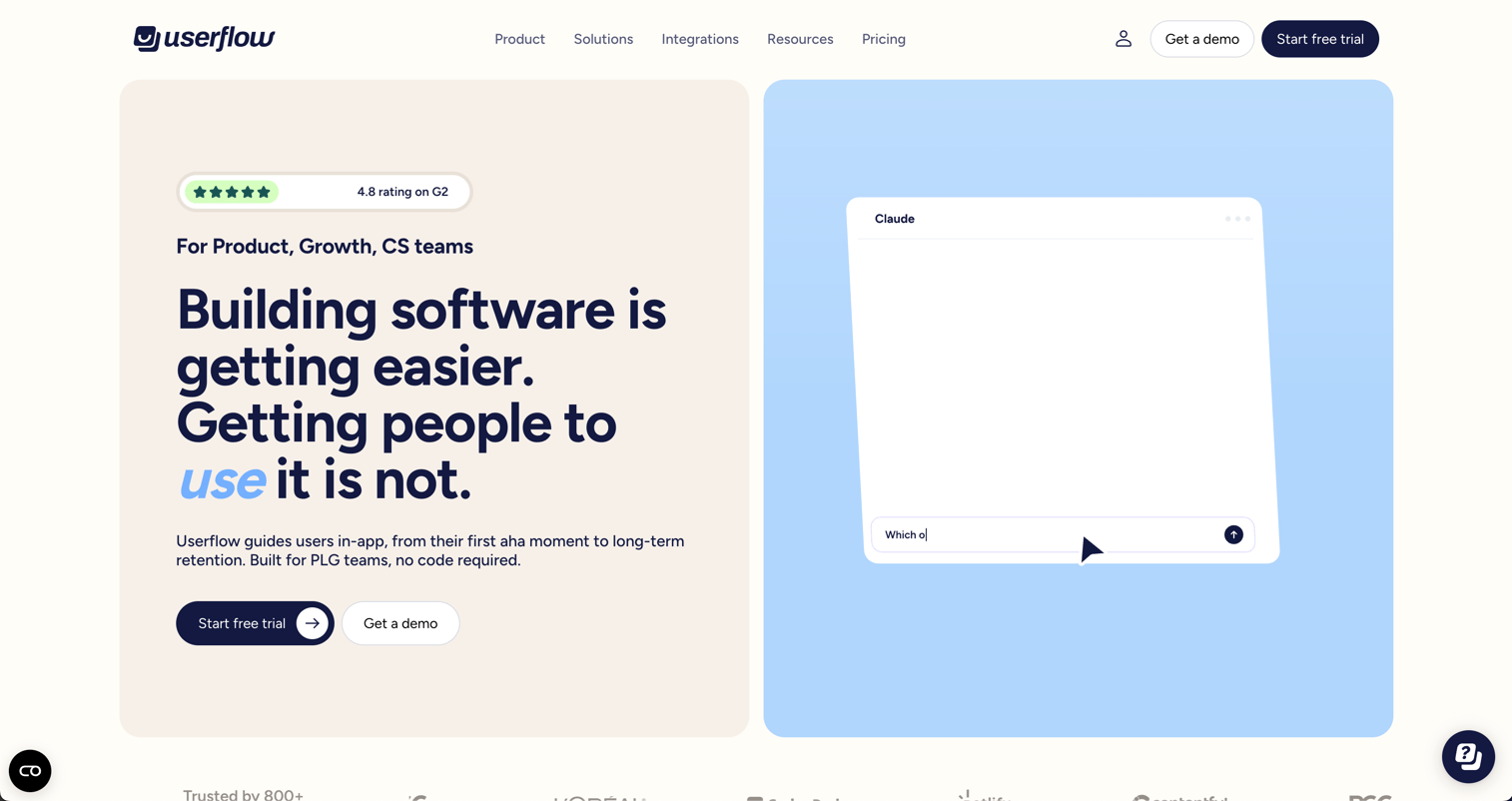
Userflow is a product onboarding and adoption platform for building in-app experiences without engineering support. Its category is product onboarding, and it serves product, growth, and customer success teams at SaaS companies.
Key strengths:
- No-code flows, checklists, tooltips, and banners.
- Surveys, NPS, and in-app announcements.
- AI-powered flow building, translation, and an Adoption Agent for in-app guidance.
- User- and company-level targeting with custom attributes and triggered events.
- Product adoption analytics, funnels, and dashboards.
- Integrations with HubSpot, Salesforce, Segment, Amplitude, Mixpanel, Intercom, Zapier, and others.
Userflow is a capable tool for teams whose primary job is guiding new users through a web product. The question most teams eventually ask is whether the tool still fits as the job expands beyond customer-facing in-app onboarding.
Why teams look for Userflow alternatives
Teams usually look for Userflow alternatives when the buying job changes. Pricing grows with usage, analytics needs deepen, internal training becomes urgent, enterprise governance enters the picture, or engineering wants code-level control.
Pricing scales with MAUs
Userflow's Essentials plan starts at $300/month (or $240/month billed annually) for 1,000 monthly active users. Studio adds an Adoption Agent, custom CSS, and a dedicated CSM at $500/month ($400/month annually). Enterprise is custom. Teams whose product MAU grows quickly can find the entry cost climbs faster than their budgets anticipated, particularly at smaller startups where the product team controls the tool spend.
Product analytics need more depth
Userflow includes adoption funnels and dashboards, but PMMs running data-driven launches often need behavioral cohorts, session replay, feature-level adoption tracking, and retention curves. When the analytics question gets serious, teams tend to look at Userpilot or Pendo. G2 reviewers of Userflow note limited customization in reporting compared with analytics-first platforms.
Internal training becomes the real bottleneck
In-app onboarding tools help customers inside the product. Sales reps, new hires, CS agents, and partners need product explanations that live outside the app: In Notion, in a demo portal, in an enablement email, or at a conference booth. Those audiences need shareable interactive guides, not in-app overlays. G2 reviewers highlight this gap: Userflow is well-suited to customer onboarding but less so for internal team training and SOPs.
Enterprise governance and multi-app adoption
SSO, audit logs, data residency, multi-application coverage, and procurement contracts are table stakes for enterprise IT and security teams. Userflow's Enterprise tier covers some of these, but organizations running employee adoption across SAP, Salesforce, and other enterprise software often need purpose-built digital adoption platforms. G2 reviewers flag limited out-of-the-box enterprise governance in lower Userflow tiers.
Engineering teams want code-first control
Teams with React-heavy products or component-based design systems sometimes prefer onboarding that lives in the codebase rather than a visual overlay. Userflow's no-code builder is a strength for non-technical publishers but a constraint for engineering teams that want tight design-system alignment.
How we picked these Userflow alternatives
Each tool in this list has real capability overlap with at least one of Userflow's jobs: In-app onboarding, product adoption, internal training, analytics, enterprise guidance, or code-first implementation. Pricing comes from each vendor's official pricing page. Ratings come from G2. The list spans five categories: Interactive guide platform, product onboarding, product analytics, digital adoption platform, and code-first onboarding. Category labels appear in the table and in every tool card so PMMs can self-select by job rather than by vendor marketing. According to Userpilot's 2025 SaaS benchmark, the average activation rate across 62 B2B SaaS companies is 37.5%, which means more than half of new users do not reach a first meaningful action. The choice of onboarding and adoption tooling directly affects that number.
Userflow alternatives at a glance
The field splits into interactive guide platforms, product onboarding tools, analytics suites, enterprise digital adoption platforms, and a code-first framework. Guideflow leads for teams whose job is internal training and reusable step-by-step guides. For in-app onboarding, Appcues and UserGuiding are the main options. For analytics, Pendo and Userpilot.
| # | Tool | Category | Best for | G2 rating | Free plan | Starting price | |
|---|---|---|---|---|---|---|---|
| 1 | Guideflow | Interactive guide platform | Internal training, SOPs, sales enablement, employee onboarding | 5.0 | Yes | $35/user/month | |
| 2 | Appcues | Product onboarding | In-app onboarding and lifecycle engagement | 4.6 | No | From $9,000/year | |
| 3 | Userpilot | Product adoption and analytics | Analytics combined with in-app experiences | 4.6 | No | $299/month | |
| 4 | Pendo | Product experience and analytics | Enterprise product analytics and adoption | 4.4 | Yes | Custom pricing | |
| 5 | UserGuiding | Product onboarding | Budget-conscious SaaS onboarding | 4.7 | No | $249/month | |
| 6 | Product Fruits | Product onboarding | Broad onboarding toolkit at lower cost | 4.7 | No | $111/month | |
| 7 | WalkMe | Digital adoption platform | Enterprise employee adoption across applications | 4.6 | No | Custom pricing | |
| 8 | Whatfix | Digital adoption platform | Employee and customer adoption at enterprise scale | 4.6 | No | Custom pricing | |
| 9 | FullStory | Session analytics | Behavioral analytics and friction discovery | 4.5 | Yes | Custom pricing | |
| 10 | Usetiful | Product onboarding | Simple no-code onboarding (now part of FullStory) | 4.4 | N/A | Contact vendor | |
| 11 | Gainsight PX | Product experience analytics | Adoption data connected to customer success | 4.4 | No | Custom pricing | |
| 12 | HelpHero | Product onboarding | Lightweight product tours and checklists | 4.9 | No | $55/month | |
| 13 | Userlane | Digital adoption platform | Enterprise software adoption programs | 4.7 | No | Custom pricing | |
| 14 | Frigade | Code-first onboarding | React-native onboarding components | 4.8 | No | From $1,000/month |
The best Userflow alternatives in 2026
1. Guideflow (interactive guide platform)
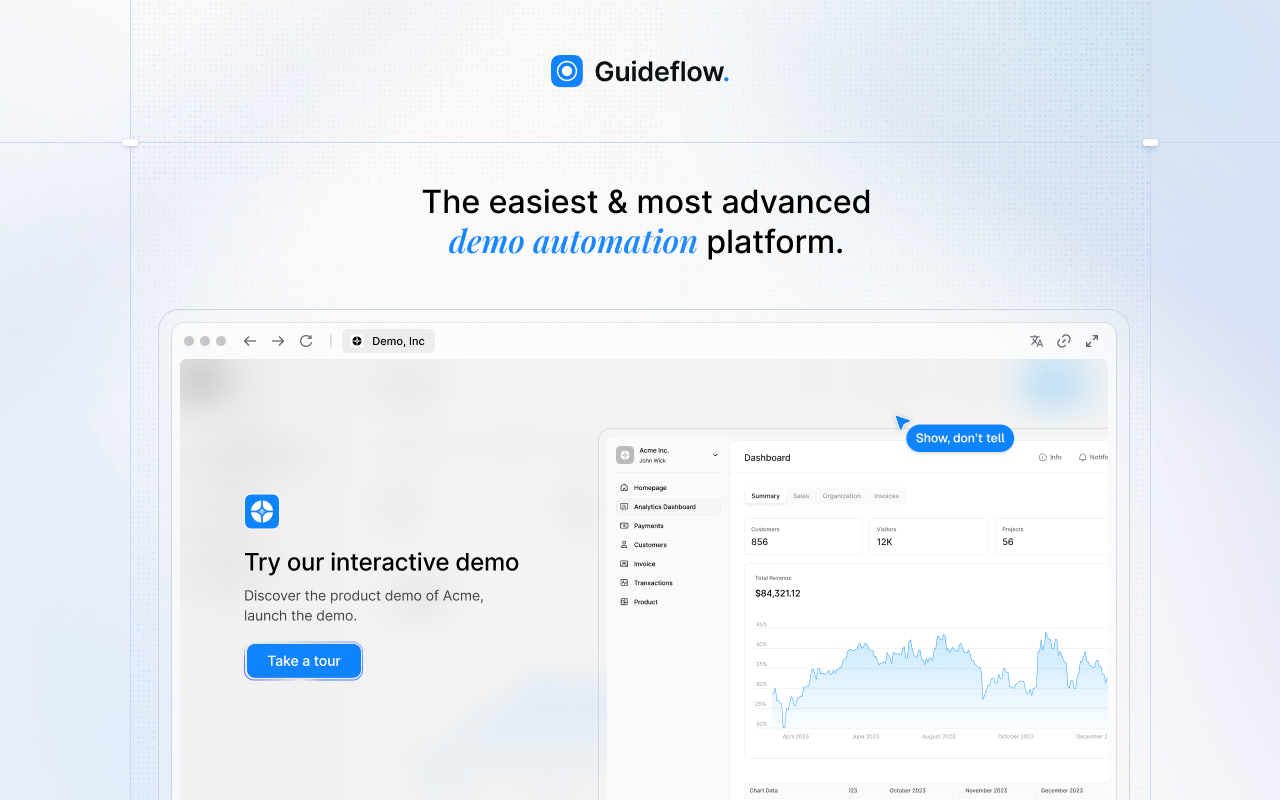
Guideflow is a demo automation and interactive guide platform built for teams that need to record software once and share it across employee onboarding, internal training, SOPs, sales enablement, and customer education. Where Userflow focuses on guiding customers inside a live web product, Guideflow creates interactive experiences that live outside the app, in enablement portals, training hubs, emails, and help centers.
Best for: PMM, enablement, support, HR, and operations teams that need shareable interactive step-by-step guides for internal training, employee onboarding, SOPs, and reusable product education.
What it is: Guideflow is a demo automation platform supporting interactive demos, demo pages, demo centers, sandboxes, live demos, and mobile demos. For this article's context, the most relevant capability is interactive guides: Captured product flows turned into step-by-step interactive experiences that any team member can share or embed.
Key features:
- Capture through the Chrome extension or the native app, with screenshot, HTML, and video modes.
- Step content and CTAs written automatically after capture.
- Text, images, graphs, and branching edits via the no-code editor.
- Translation into more than 30 languages.
- Step-level completion, drop-off, and viewer-flow analytics.
- Personalization of content per viewer, including dynamic variables.
- CRM records created when viewers identify through forms or personalized links; integrations with HubSpot, Salesforce, Pipedrive, Zoho, and Marketo.
Where Guideflow falls short: Look elsewhere if your primary need is native in-app onboarding overlays embedded inside a live customer-facing product. Guideflow performs best when the audience needs a shareable interactive guide distributed outside or alongside the app, particularly for internal training, SOPs, and enablement programs.
Pricing: Free plan available. Solo is $35/user/month. Growth is $499/month. Advanced is $1,499/month. Enterprise starts from $2,999/month and adds SSO, advanced governance, and enterprise security.
G2 rating: 5.0
How it compares to Userflow: Userflow builds experiences inside the product for end users. Guideflow creates shareable interactive guides for the full GTM team: Sales, CS, new hires, partners, and customers who need to explore the product outside the live environment.
2. Appcues (product onboarding)
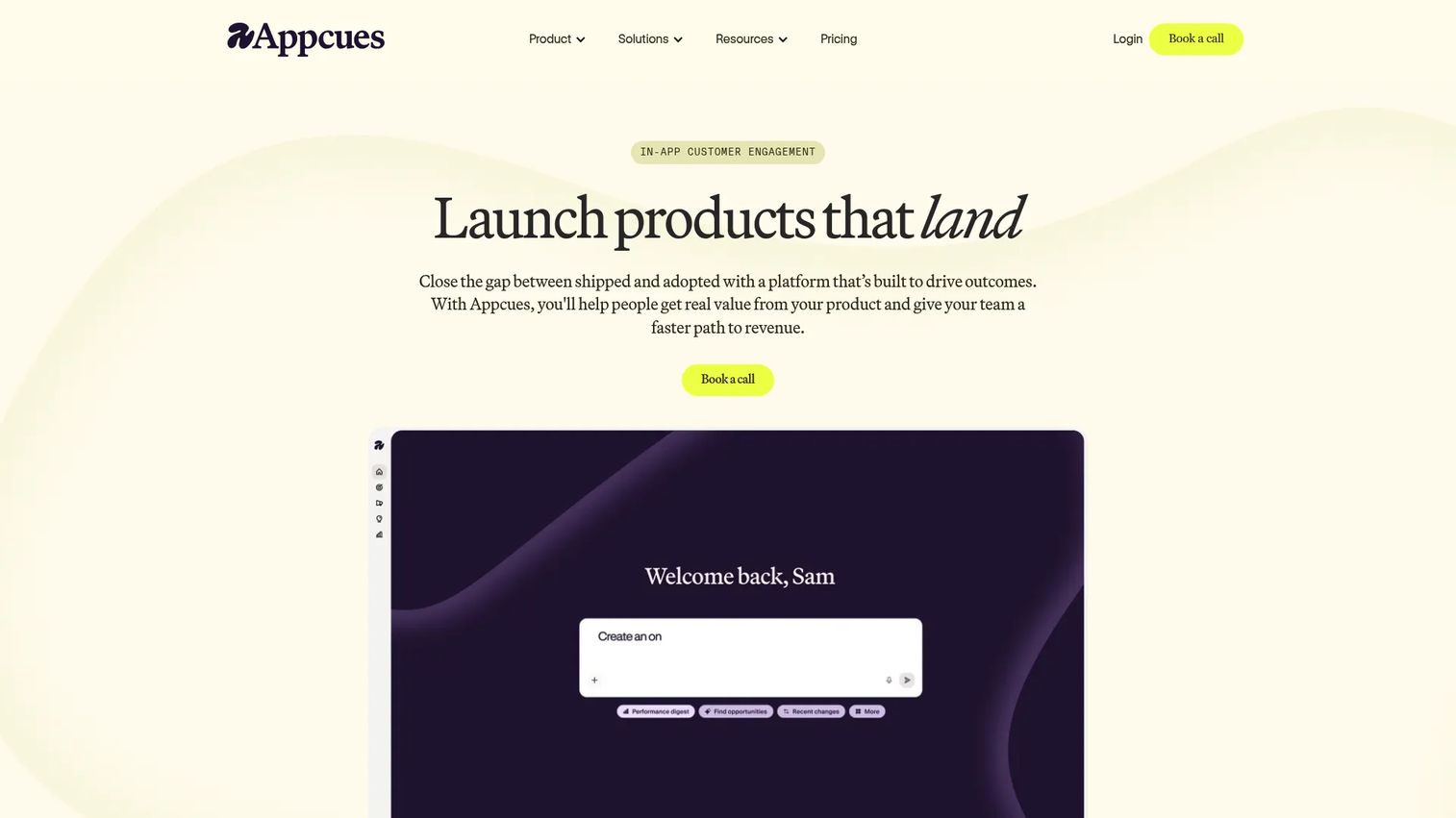
Appcues is a mature product engagement platform used by teams that need in-app onboarding alongside lifecycle messaging and behavioral campaigns.
Best for: Product and marketing teams running structured onboarding programs who also want email and mobile engagement on higher-tier plans.
What it is: Appcues lets teams build in-product flows, modals, tooltips, checklists, NPS, and surveys, then target them by user attributes and behavior. It adds analytics dashboards, A/B testing, and AI-assisted experience creation.
Key features:
- In-product flows, modals, tooltips, banners, checklists, and launchpads.
- Audience targeting by user attributes and behavioral signals.
- Analytics with funnels, retention, user journeys, A/B tests, and goal tracking.
- AI-assisted experience creation and campaign recommendations.
- Behavior-based email and push notification workflows on eligible plans.
Where Appcues falls short: The Grow plan starts at $9,000/year, which G2 reviewers flag as a high barrier for early-stage teams. Several reviewers note an implementation learning curve, and the Start plan pricing is not publicly listed, making early-stage cost comparison difficult. Analytics depth, while improving, still draws comparisons to purpose-built analytics tools.
Pricing: Grow starts from $9,000/year for up to 50,000 MAUs. Enterprise is custom pricing.
G2 rating: 4.6
How it compares to Userflow: Appcues adds lifecycle messaging, email workflows, and more advanced experimentation. The trade-off is a higher entry cost and a broader scope that may exceed what a team replacing Userflow actually needs.
3. Userpilot (product adoption and analytics)
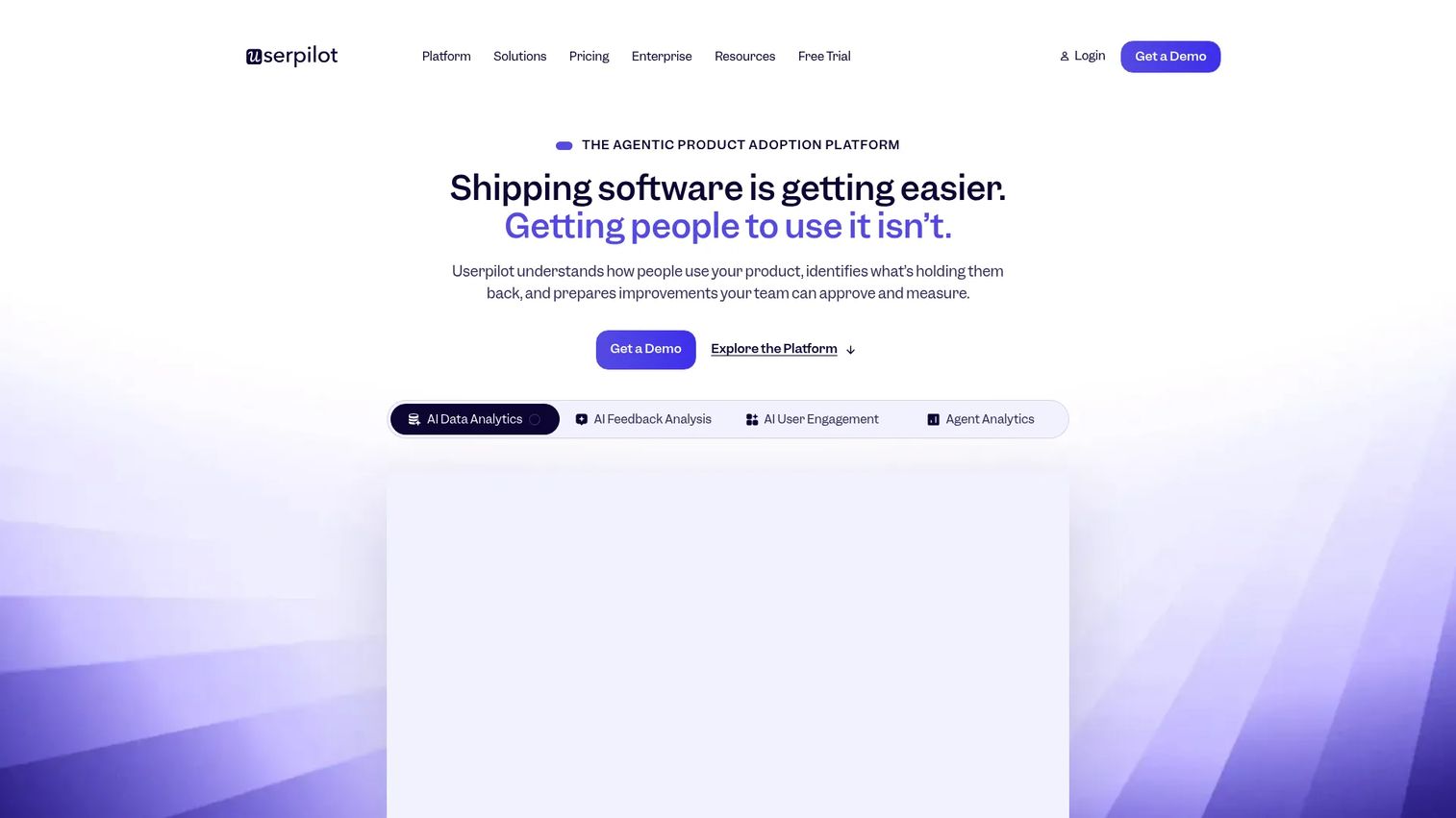
Userpilot combines in-app experiences with product analytics, which makes it a strong pick when the switching trigger is analytics depth rather than onboarding breadth.
Best for: Product-led SaaS teams that want behavioral analytics and in-app guidance in one tool.
What it is: Userpilot is a product growth and analytics platform covering onboarding flows, feature adoption tracking, surveys, NPS, session replay, workflows, mobile engagement, and an AI agent called Lia. Its analytics capabilities go further than Userflow's, with feature tagging, cohort analysis, and retention reporting.
Key features:
- Product analytics with feature tagging and retention reports.
- In-app flows, tooltips, surveys, and resource centers.
- Session replay.
- Mobile engagement.
- AI agent Lia for in-app guidance and task completion.
Where Userpilot falls short: G2 reviewers note the Starter plan at $299/month covers only 2,000 MAUs, which limits its value for teams with broader product usage. Some reviewers mention a steeper setup process for the analytics side compared with onboarding-focused tools, and the UI has drawn occasional comments about complexity for non-technical admins.
Pricing: Starter is $299/month for up to 2,000 MAUs. Growth starts from $849/month for up to 100,000 MAUs. Enterprise is custom.
G2 rating: 4.6
How it compares to Userflow: A stronger fit when analytics and product usage data are central to the decision. Teams leaving Userflow for deeper behavioral insight should evaluate Userpilot before committing to a pure analytics platform.
4. Pendo (product experience and analytics)
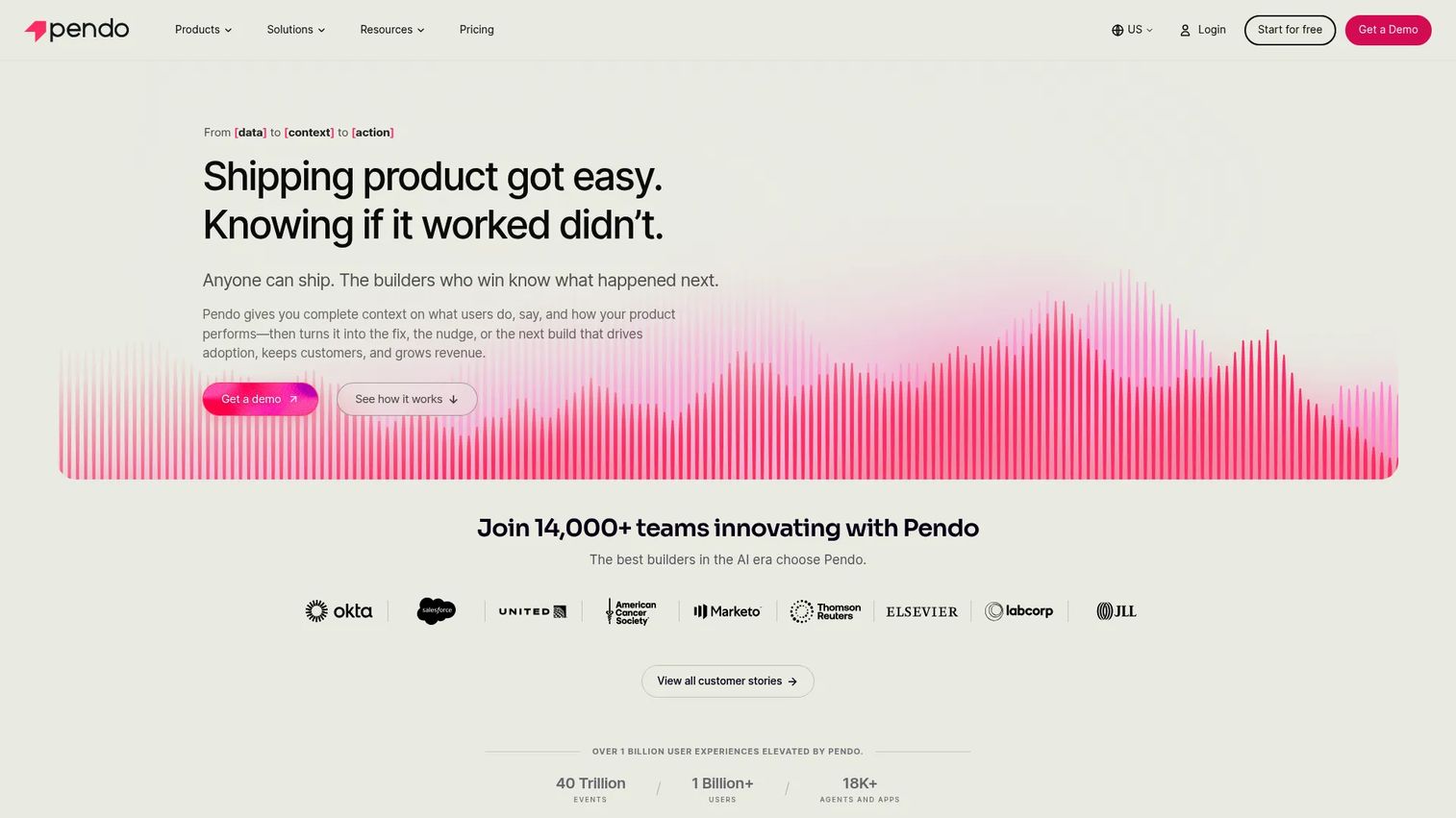
Pendo is built for mature product organizations that need analytics, in-app guidance, feedback, and roadmapping in one suite. It operates at a different scale and complexity than Userflow.
Best for: Larger product and customer success teams that need analytics-first product experience management.
What it is: Pendo covers product and user-behavior analytics, in-app guides, NPS and CSAT surveys, a feedback and ideas portal, session replay, and cross-channel journey orchestration. Its portfolio analytics span web, mobile, and desktop applications.
Key features:
- Product analytics and user-behavior visualizations.
- In-app guides and resource centers.
- NPS, CSAT, and PMF surveys.
- Feedback, ideas, and roadmap modules.
- Session replay.
- Cross-channel journey orchestration via Orchestrate.
Where Pendo falls short: Paid plans use quote-based pricing, which G2 reviewers flag as a friction point for teams trying to compare costs during evaluation. Implementation time and admin complexity draw consistent feedback from reviewers at smaller companies, who note the platform carries more overhead than their teams need.
Pricing: Pendo Free supports up to 500 monthly active users. Paid plans (Base, Core, Ultimate) are custom-priced by MAU volume. Pendo's Novus plan is free during open beta.
G2 rating: 4.4
How it compares to Userflow: Pendo wins when analytics is the primary buying driver and the organization has the resources to implement and maintain a larger platform. Teams that only need basic onboarding will find Pendo heavier than necessary.
5. UserGuiding (product onboarding)
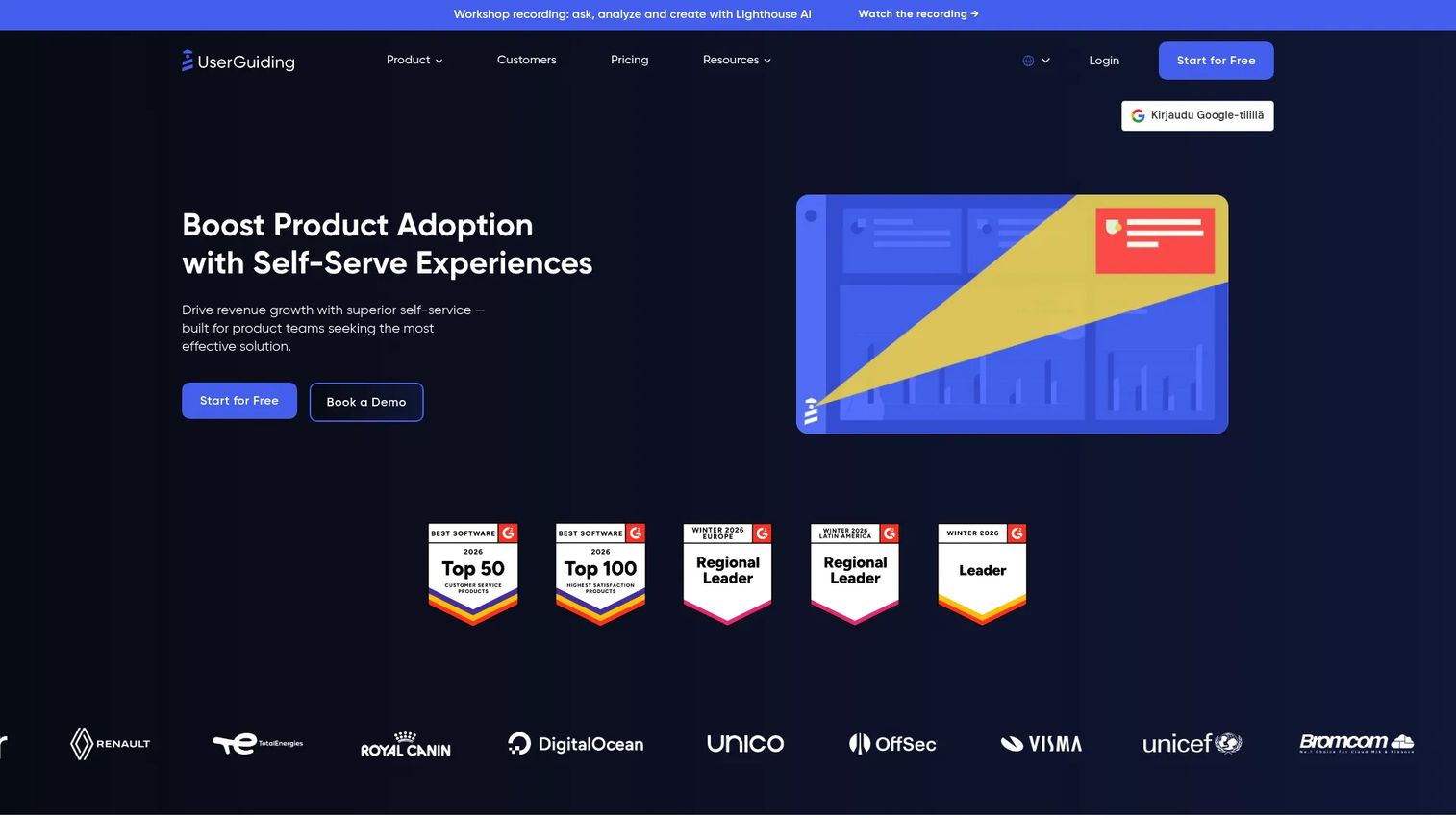
UserGuiding covers product onboarding basics at an accessible price, making it the most common like-for-like swap for teams that find Userflow too expensive.
Best for: Budget-conscious SaaS product and CS teams that need checklists, hotspots, surveys, and resource centers without an enterprise contract.
What it is: UserGuiding is a no-code product adoption platform. It supports product guides (using the vendor's own terminology), checklists, hotspots, tooltips, NPS surveys, a knowledge base, an AI assistant, analytics, segmentation, session replay, and product updates.
Key features:
- No-code product guides, checklists, and hotspots.
- In-app surveys and NPS.
- Knowledge base and resource centers.
- AI Assistant for content support.
- Analytics and behavioral segmentation.
Where UserGuiding falls short: G2 reviewers note that design customization, while adequate, does not match the styling flexibility of more expensive platforms. Analytics and segmentation draw occasional comments about limited depth for teams running complex adoption programs. Enterprise governance features are not on lower tiers.
Pricing: Starter from $249/month ($2,988/year on annual billing). Growth from $499/month ($5,988/year). Enterprise requires a custom quote. A 14-day trial is available.
G2 rating: 4.7
How it compares to Userflow: UserGuiding covers comparable onboarding capabilities at a lower starting price. Teams that do not need Userflow's AI Adoption Agent or advanced integrations will find UserGuiding a practical fit.
6. Product Fruits (product onboarding)
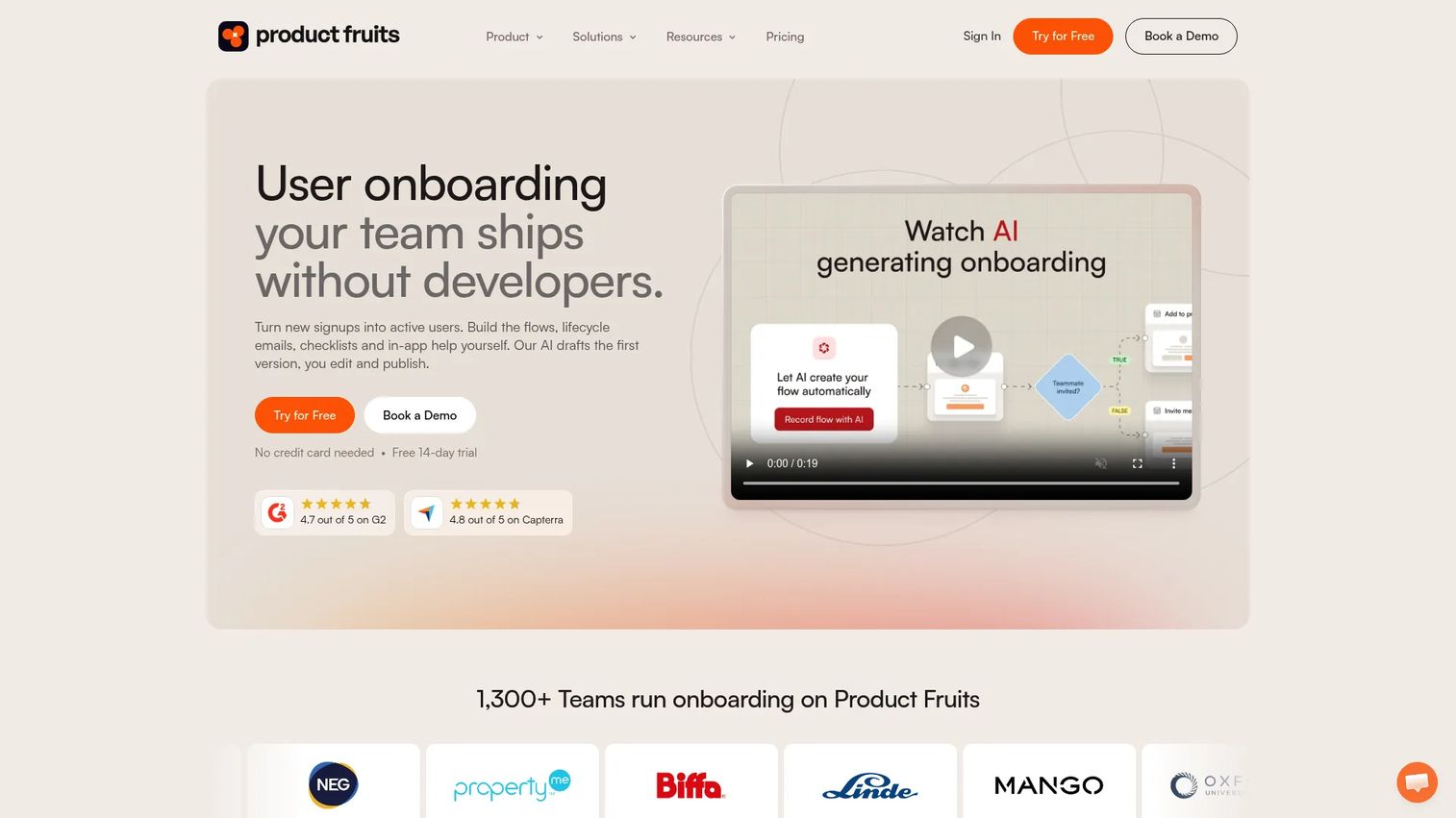
Product Fruits packs a broad onboarding toolkit, including an AI conversational layer, into a price that starts below most alternatives.
Best for: SaaS teams that want broad onboarding coverage, an AI assistant, and a help center without paying enterprise prices.
What it is: An AI-powered user onboarding and product adoption platform covering adaptive in-app flows, checklists, tooltips, announcements, an in-app help center, surveys, NPS, and an AI conversational onboarding agent called Elvin.
Key features:
- Adaptive in-app flows and product tours (vendor terminology).
- Onboarding checklists, hints, tooltips, and banners.
- Elvin AI for conversational onboarding and content creation.
- In-app help center and knowledge base.
- Surveys, NPS, and behavioral segmentation.
Where Product Fruits falls short: G2 reviewers note that advanced analytics depth and styling customization lag behind more expensive platforms. Enterprise governance controls are limited, which matters when security or IT reviews the tool. Some reviewers flag occasional integration gaps for less common marketing automation platforms.
Pricing: Starter is $111/month for 1,500 MAUs (25% off with annual billing). Pro is $187/month. Business is $374/month. Custom contracts available. A 14-day trial requires no credit card.
G2 rating: 4.7
How it compares to Userflow: Product Fruits offers more onboarding formats at a lower entry price, with a conversational AI layer Userflow does not currently match at the same price point. The trade-off is analytics depth and enterprise governance.
7. WalkMe (digital adoption platform)
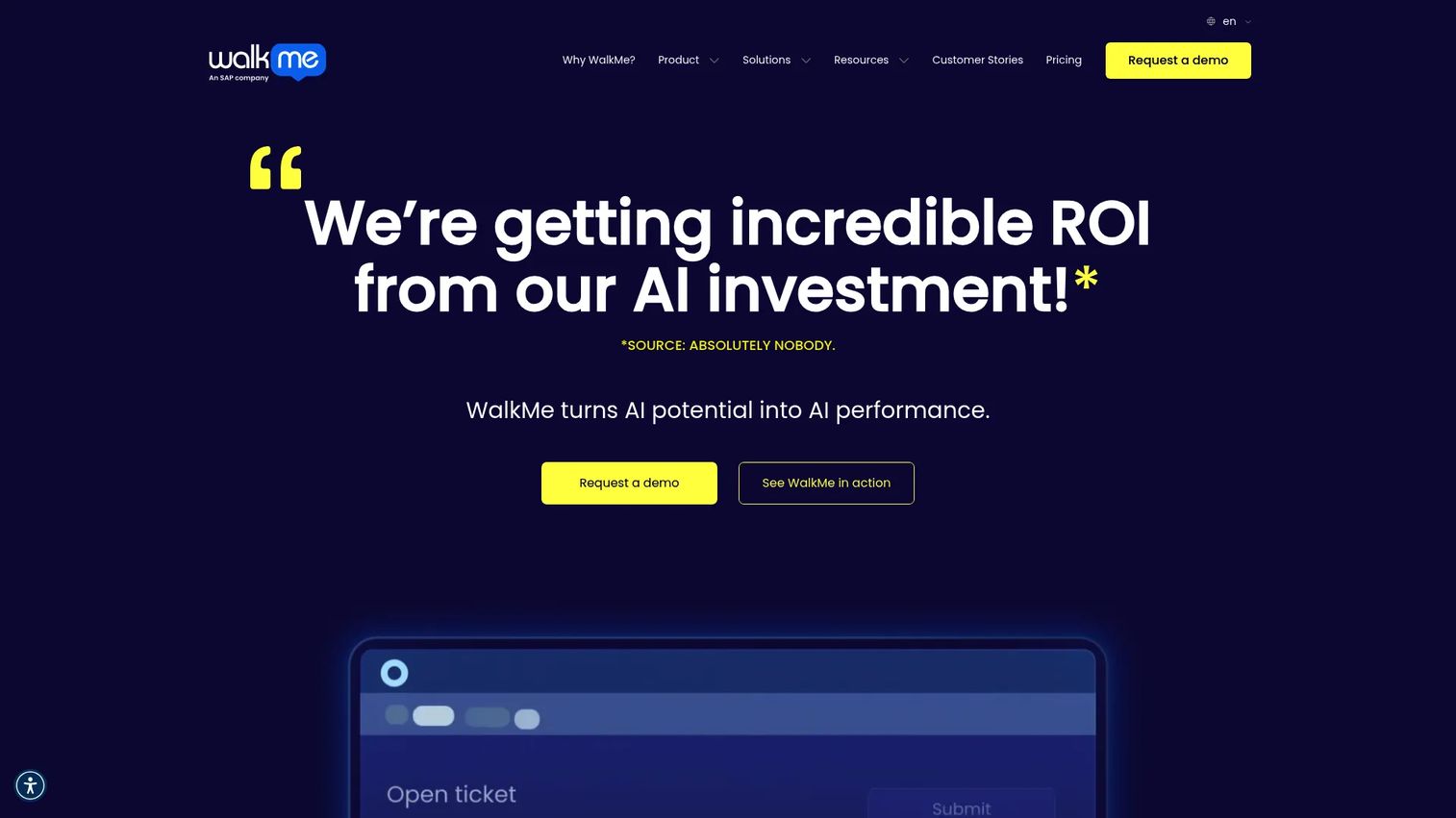
WalkMe is a different category of tool. Where Userflow guides customers inside one SaaS product, WalkMe guides employees across multiple enterprise applications.
Best for: Enterprise organizations rolling out ERP, CRM, HRIS, or finance software to employees at scale.
What it is: A digital adoption platform for guiding employees through enterprise software workflows. WalkMe provides cross-application guidance, real-time adoption analytics, workflow automation, surveys, AI assistance, and governance controls for large internal software rollouts.
Key features:
- Cross-application digital adoption guidance.
- Employee training overlays across web-based enterprise tools.
- Workflow automation and personalization.
- Enterprise adoption and application analytics.
- Governance controls and segmentation.
Where WalkMe falls short: G2 reviewers consistently flag implementation effort and time as a significant commitment. Enterprise procurement and cost are frequently cited as barriers for organizations outside large enterprise buying cycles. The platform requires dedicated internal owners to maintain content as applications change.
Pricing: Quote-based.
G2 rating: 4.6
How it compares to Userflow: Userflow focuses on customer-facing SaaS onboarding. WalkMe targets internal employee adoption across multiple enterprise applications. The two serve different audiences and rarely compete for the same use case.
8. Whatfix (digital adoption platform)
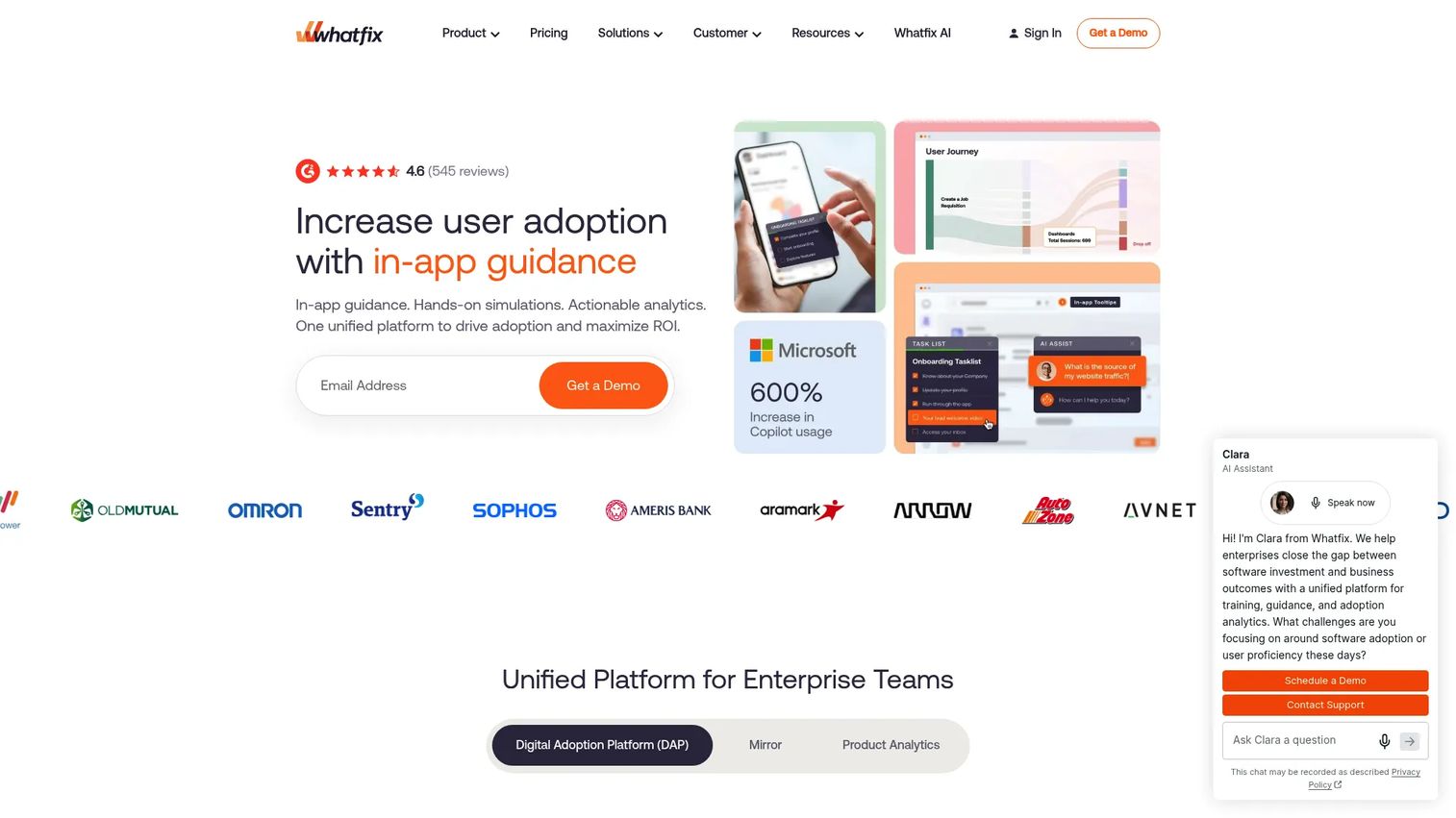
Whatfix covers both employee and customer adoption, which gives it slightly broader positioning than WalkMe for organizations running adoption programs across both audiences.
Best for: Enterprises that need in-app guidance, self-help widgets, and analytics across web, desktop, and mobile environments.
What it is: A digital adoption platform for employee onboarding, customer onboarding, support deflection, and application training. Whatfix includes contextual flows, smart tips, pop-ups, task lists, an AI-powered self-help widget, analytics, SSO, audit logs, and cloud or self-hosted deployment.
Key features:
- Contextual Flows, Smart Tips, and Pop-Ups.
- Self Help with AI-powered QuickRead.
- Guidance and product analytics.
- Auto Testing for content quality.
- SSO, audit logs, and data residency options.
Where Whatfix falls short: G2 reviewers cite implementation complexity and admin upkeep as the most common frustrations. Pricing is sales-led, which makes self-serve cost comparison impossible. Advanced customization work often requires Whatfix professional services involvement.
Pricing: Standard, Premium, and Enterprise plans are available, all requiring a sales conversation.
G2 rating: 4.6
How it compares to Userflow: Whatfix is a stronger fit for enterprise digital adoption programs across internal applications. Userflow remains more appropriate for SaaS product teams managing customer onboarding in a web application.
9. FullStory (session analytics)
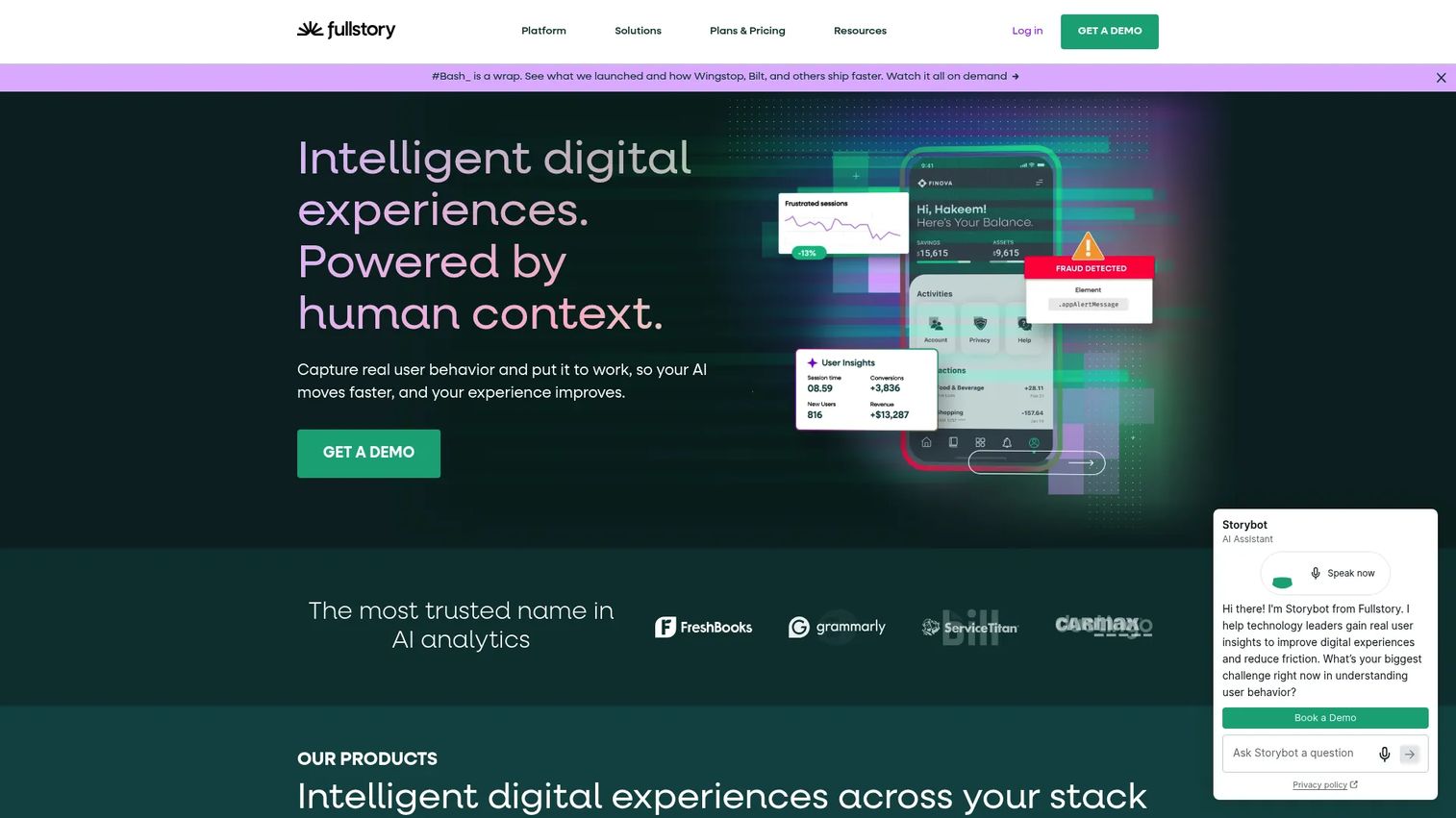
FullStory sits in a different part of the market. It is not an onboarding builder. It is the tool PMMs reach for when they need to understand friction before deciding what guidance to build.
Best for: Teams that need behavioral analytics and session replay to diagnose where users struggle before investing in onboarding fixes.
What it is: A behavioral data platform providing digital experience analytics, session replay, conversion funnels, heatmaps, and AI-generated insights. FullStory acquired Usetiful in 2024 and has been expanding its in-app guidance capabilities.
Key features:
- Session replay and event search.
- Product analytics, funnels, journeys, and conversion analysis.
- Heatmaps and scroll maps.
- StoryAI summaries and behavioral insights.
- Privacy controls and data export.
Where FullStory falls short: FullStory is analytics-first. Building in-app guidance experiences is not its primary function, and reviewers who need a full onboarding builder report gaps. Paid plans are quote-based, and G2 reviewers note the data volume and configuration requirements can be substantial for teams without a dedicated analytics owner.
Pricing: FullStory Free covers 30,000 sessions per month for up to 10 users. Business, Advanced, and Enterprise plans are quote-based.
G2 rating: 4.5
How it compares to Userflow: Use FullStory to find out where users drop off and why, then use Userflow or another onboarding tool to build the fix. Many teams run both.
10. Usetiful (product onboarding)
Usetiful was an independent digital adoption platform before FullStory acquired it. Its standalone pricing page now redirects to FullStory's acquisition announcement, so current pricing and plan details are not independently available.
Best for: Teams already within the FullStory ecosystem seeking combined behavioral analytics and in-app guidance.
What it is: Usetiful provided no-code in-app guidance and surveys, including product tours (vendor terminology), checklists, smart tips, announcement banners, and user onboarding checklists. Following the FullStory acquisition, its capabilities are being integrated into the FullStory platform.
Key features:
- In-app guides and smart tips.
- Onboarding checklists.
- Announcement banners.
- In-app surveys.
- Behavioral insights integration with FullStory.
Where Usetiful falls short: Standalone pricing is no longer available, so teams evaluating Usetiful as an independent tool cannot get a self-serve cost comparison. Teams not already on FullStory may find the acquisition integration introduces platform dependency they did not plan for.
Pricing: Contact FullStory. Standalone plans are no longer available following the acquisition.
G2: 4.4
How it compares to Userflow: Usetiful was a lightweight, lower-cost alternative to Userflow for simple onboarding. Post-acquisition, evaluation should include FullStory's broader platform.
11. Gainsight PX (product experience analytics)
Gainsight PX connects product usage data to customer health, which makes it relevant for CS-led organizations where adoption data needs to inform renewal and expansion conversations.
Best for: Customer success and product teams connecting feature adoption to customer health scores inside the Gainsight ecosystem.
What it is: Gainsight PX is a product experience platform within the Gainsight suite, combining product analytics, in-app engagement, user feedback (NPS, CSAT, CES), and adoption tracking for web, mobile, and desktop products.
Key features:
- Product usage analytics and engagement tracking.
- In-app guides and onboarding flows.
- NPS, CSAT, and CES surveys.
- Multi-platform support.
- Customer health context aligned to Gainsight CS.
Where Gainsight PX falls short: G2 reviewers note that setup complexity is higher for teams not already running Gainsight CS. Pricing is fully quote-based, with no public numeric figures, which makes early-stage evaluation difficult. Some reviewers flag reporting flexibility and admin effort as ongoing friction points.
Pricing: Custom pricing. Contact Gainsight. A free trial is available.
G2 rating: 4.4
How it compares to Userflow: Gainsight PX fits organizations where product adoption data needs to flow directly into customer success workflows and renewal conversations. Userflow is better suited to building the onboarding experiences that drive activation in the first place.
12. HelpHero (product onboarding)
HelpHero is the clearest lightweight option in this list. Its $55/month entry price is the lowest among tools with public pricing and meaningful onboarding capability.
Best for: Small SaaS and web-app teams that need product tours, checklists, and hotspots without a large platform budget.
What it is: A no-code product onboarding platform for in-app product tours (vendor terminology), checklists, hotspots, and contextual hints. All plans include unlimited tours, checklists, hotspots, and seats. Analytics include step-level drill-down and A/B testing.
Key features:
- No-code product tours with embedded images and videos.
- Onboarding checklists with completion conditions.
- Hotspots for contextual hints and announcements.
- Step-level analytics and A/B testing.
- Audience targeting by user properties, events, URLs, and devices.
Where HelpHero falls short: G2 reviewers note limited analytics depth compared with Userpilot or Pendo. Enterprise governance, complex multi-flow logic, and advanced styling are not strong suits. Startup and Enterprise plan pricing requires a sales conversation. The platform suits smaller product suites more than large multi-feature products.
Pricing: $55/month for up to 1,000 MAUs. $115/month for 2,500 MAUs. $179/month for 5,000 MAUs. Annual billing reduces the per-year cost (for example, $550/year at the 1,000 MAU tier). Startup and Enterprise tiers require a quote.
G2 rating: 4.9
How it compares to Userflow: HelpHero covers onboarding basics at a fraction of Userflow's starting price. Teams that need AI-assisted flows, advanced segmentation, or a dedicated CSM will outgrow it. Teams that need clean checklists and hotspots at low cost will not.
13. Userlane (digital adoption platform)
Userlane positions itself as a software performance platform focused on measuring and improving enterprise application adoption.
Best for: Enterprise organizations that need HEART analytics, application portfolio intelligence, and contextual in-app assistance across web-based business software.
What it is: Userlane combines Application Intelligence, in-app guidance, an AI Assistant for contextual answers, Validators for data-quality checks, and Contextual Actions for workflow automation. It addresses the measurement and improvement of software adoption at the organizational level.
Key features:
- Application Intelligence and HEART analytics.
- App Discovery and portfolio-level adoption reporting.
- In-app guidance, tooltips, and announcements.
- AI Assistant for contextual answers.
- Contextual Actions and workflow automation.
Where Userlane falls short: Pricing is entirely quote-based, and G2 reviewers note that implementation needs and ongoing maintenance requirements favor organizations with dedicated internal adoption owners. The tool is well-suited to large enterprise software rollouts but adds overhead that smaller SaaS teams do not need.
Pricing: Application, Department, and Organization tiers with fixed annual fees per application or quote-based multi-application contracts.
G2 rating: 4.7
How it compares to Userflow: Userlane serves internal enterprise software adoption programs. Userflow serves customer-facing SaaS product onboarding. The audiences rarely overlap.
14. Frigade (code-first onboarding)
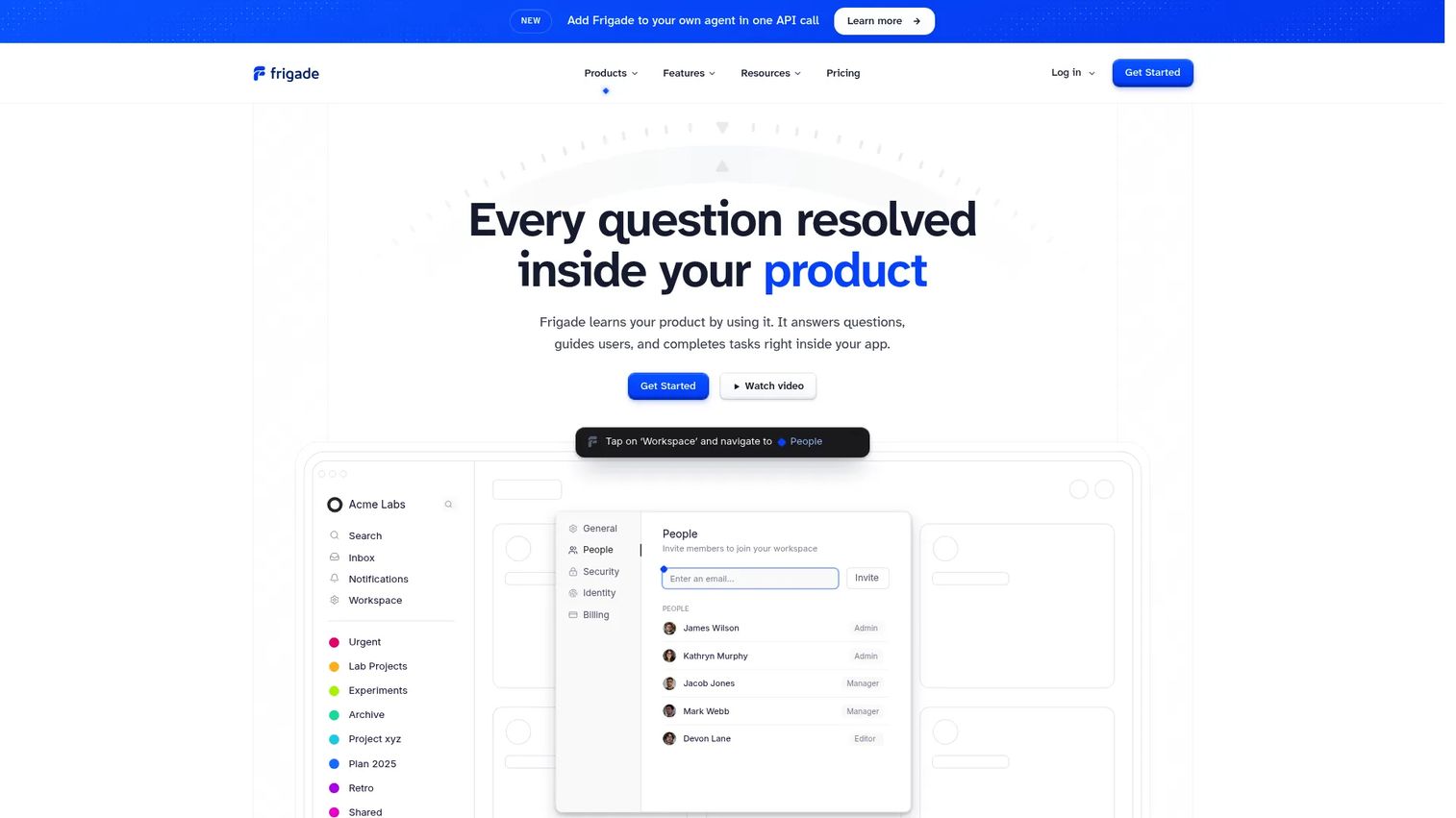
Frigade takes a different approach than every other tool on this list. The entry point is the codebase, not a visual editor. This makes it the right choice for specific teams and the wrong one for PMM-only publishing.
Best for: Engineering-led teams building onboarding directly into a React product who want AI-generated tours, in-product answers, and proactive nudges without a no-code overlay.
What it is: An AI-native digital adoption platform built for developers. Frigade provides AI-generated tours, in-product answers, generative UI, automatic product-change detection, proactive suggestions, tool calls, and in-app actions. Its Growth plan covers 2,500 queries and two product agents.
Key features:
- AI-generated tours and live interactive guides.
- In-product answers and generative UI.
- Automatic product-learning and change detection.
- Proactive nudges and suggestions.
- Developer APIs and in-app actions.
Where Frigade falls short: Frigade requires engineering participation for setup and ongoing maintenance, which limits PMM-only publishing. It has no free production plan. At $1,000/month entry, it is the most expensive no-enterprise-tier option on this list. Teams without React-heavy products or engineering bandwidth for onboarding infrastructure should evaluate no-code alternatives first.
Pricing: Growth starts at $1,000/month and includes 2,500 queries, two product agents, and unlimited seats. Enterprise is custom with self-hosting, higher capacity, and custom integrations. No free production plan.
G2 rating: 4.8
How it compares to Userflow: Userflow is built for non-technical teams that want to publish onboarding experiences without writing code. Frigade is built for engineering teams that want onboarding to live in the product architecture. The right choice depends on who owns onboarding publication.
What is the best Userflow alternative for internal training?
Guideflow. When the job is internal training, employee onboarding, SOPs, or enablement guides, Guideflow fits in a way that in-app onboarding tools do not.
PMMs frequently need to train Sales reps on a new feature release, onboard CS agents to a workflow change, or give partners a self-serve way to explore the product. Those audiences do not need a live application overlay. They need a shareable, interactive step-by-step guide that works in a training portal, an enablement email, or a Notion page. Guideflow lets teams capture software once and distribute guides across employee onboarding, SOP libraries, and launch enablement programs. The analytics surface which steps generate drop-off or questions, so the PMM can iterate without rebuilding the entire guide.
Which Userflow alternative is best for in-app onboarding?
Appcues, UserGuiding, Product Fruits, HelpHero, and Usetiful cover in-app onboarding across different budget and feature requirements.
Appcues fits mature programs that want lifecycle messaging alongside in-app flows. UserGuiding suits budget-conscious SaaS teams replacing Userflow at a lower price point. Product Fruits adds a conversational AI layer at a competitive price. HelpHero covers onboarding basics at the lowest publicly listed price on this list ($55/month). Usetiful's standalone pricing is no longer available following its acquisition by FullStory, so current buyers should evaluate it within the FullStory platform context.
Which Userflow alternative has the strongest product analytics?
Pendo and Userpilot are the main picks when analytics drives the switching decision.
Pendo fits mature product organizations that need portfolio-level analytics, session replay, roadmapping, and cross-channel journey orchestration. The setup and cost reflect that scope. Userpilot combines product analytics with in-app onboarding at a lower starting price ($299/month), which makes it the more practical choice for mid-size SaaS teams. FullStory is the right tool when the team needs behavioral diagnostics and session replay before building any guidance, not a replacement for an onboarding builder. Gainsight PX fits organizations connecting usage data to customer success health scores.
What is the best enterprise digital adoption platform alternative?
WalkMe, Whatfix, and Userlane fit enterprise digital adoption programs that go beyond SaaS customer onboarding.
These platforms guide employees through ERP, CRM, HRIS, and finance software. They handle multi-application coverage, SSO, audit logs, and enterprise procurement. PMMs evaluating them should involve IT, RevOps, Security, and Enablement before purchasing, because all three require dedicated implementation work and ongoing content ownership. None carry public pricing.
What is the cheapest Userflow alternative?
HelpHero starts at $55/month for up to 1,000 MAUs, which is the lowest entry price with public figures on this list.
Product Fruits follows at $111/month for 1,500 MAUs. UserGuiding starts at $249/month. These three fit teams that need onboarding basics without an enterprise contract. Guideflow has a free plan. Pendo and FullStory also have free tiers, though with different capability scopes. The cheapest option depends on MAU volume, feature needs, billing cycle, and whether analytics or governance are requirements.
Which Userflow alternative is best for code-first onboarding?
Frigade is the main code-first option on this list.
It suits engineering-led teams building onboarding into a React product who want AI-native in-product guidance, automatic change detection, and developer APIs. PMMs should choose Frigade only when Product and Engineering have agreed that onboarding belongs in the codebase. Teams where PMM owns publishing and engineering bandwidth is limited should evaluate no-code alternatives instead.
When should you stay with Userflow?
Stay with Userflow if it already covers your core onboarding flows, your team knows the editor, and the switching cost outweighs the upside.
Userflow remains a strong fit when your primary need is no-code in-app onboarding inside a web SaaS product. If your team has working checklists, flows, and surveys, your analytics needs are met by Userflow's funnels and dashboards, and your MAU volume fits the current pricing tier, migration would cost more than it returns. This is especially true during active launch cycles or adoption campaigns where rebuilding onboarding assets mid-flight risks disrupting user activation. Renew and revisit after the launch.
Why teams switch from Userflow to Guideflow
Userflow solves the in-app onboarding problem. The job it does not cover is the one PMMs face after launch: Keeping Sales reps current on a new feature, onboarding CS agents to a workflow change, giving partners a self-serve way to explore the product, and building an SOP library that does not live in a Notion doc.
Guideflow is built for that job. Teams capture software once, through the Chrome extension or the native app, and the interactive experience is ready to share in about two and a half minutes. Step content and CTAs are generated automatically. Guides distribute via link, embed, or into a demo center where multiple guides are organized by topic or audience. Analytics surface step-level drop-off and viewer flow, so the PMM can see which parts of a training guide need revision without waiting for a support ticket.
The two tools complement each other. Userflow handles customer activation inside the product. Guideflow handles the internal and external education that surrounds the product, from sales enablement to partner training to customer self-serve.
Start your journey with Guideflow today!
Frequently asked questions: Userflow alternatives
The right answer depends on the job. Guideflow is the strongest fit for internal training, SOPs, and reusable interactive guides. Appcues or UserGuiding suit in-app onboarding. Pendo or Userpilot fit analytics-led product adoption. WalkMe or Whatfix fit enterprise digital adoption across multiple applications.
Guideflow fits PMMs that need reusable product education, internal training, launch enablement, and sales-ready guides. Appcues or Product Fruits suit PMMs whose job is specifically in-app messaging and lifecycle campaigns. Pendo or Userpilot work when adoption analytics drive the project and the team needs to connect product usage data to GTM decisions.
Guideflow for shareable interactive step-by-step guides and SOPs distributed across internal training programs, Notion pages, and enablement portals. WalkMe, Whatfix, and Userlane for enterprise digital adoption across multiple internal business applications. The difference is the delivery method: Guideflow creates guides that live outside the application; the enterprise DAPs overlay guidance directly inside the software employees use daily.
Some are. HelpHero starts at $55/month, Product Fruits at $111/month, and UserGuiding at $249/month, all below Userflow's $240/month annual entry. Others, including Appcues ($9,000/year), Frigade ($1,000/month), and enterprise DAPs (quote-only), cost more. Pricing depends on MAU volume, feature requirements, support tier, governance needs, and billing term.
Pendo and Userpilot are the strongest picks for product analytics. Pendo suits large product organizations that need portfolio-level insights, session replay, and roadmap tooling. Userpilot suits mid-size SaaS teams that want analytics and in-app onboarding in one place. FullStory helps teams understand behavioral friction through session replay and heatmaps. Gainsight PX connects usage data to customer success health scores for CS-led organizations.
Yes. Userflow handles in-app onboarding inside the product for new customers. Guideflow handles shareable interactive guides used in internal training, SOPs, sales enablement, customer education, and launch communication. The two serve different audiences and rarely duplicate each other.
It depends on the number of active flows, checklists, segments, surveys, and integrations in production. The practical approach is to audit all live onboarding assets, map each one to a replacement, rebuild high-impact flows first, and run parallel testing before switching. Teams mid-launch or mid-campaign should delay migration until the cycle completes to avoid disrupting user activation.
Compare the primary use case first: In-app customer onboarding, internal training, analytics, enterprise adoption, or code-first implementation. Then evaluate pricing model (MAU-based, seat-based, or quote-only), analytics depth, design control, governance requirements, integration compatibility with your CRM and marketing stack, implementation effort, and who owns ongoing content maintenance. For PMMs, the key question is whether the tool produces assets that Sales, CS, and partners will use, or whether it only serves end customers inside the product.