Your Reel hits 50,000 views overnight. The comments pile up. Everyone wants the same link. Your team copies replies manually while reporting still lives in three different spreadsheets.
This is what Instagram growth actually looks like before automation: Engagement that arrives faster than the team can process it, comments that go unconverted, and attribution that leadership can't defend. According to Reuters (2025), Instagram reached 3 billion monthly active users worldwide. The scale of the platform has long outpaced the speed of manual workflows.
The real question for a growth marketer in 2026 is not whether to automate Instagram. The question is which category of automation solves your actual bottleneck first: DMs and comment responses, content scheduling, inbox management, revenue reporting, or follower discovery. Each is a different job, and the wrong tool category creates more overhead rather than less.
What's inside
This guide compares 17 Instagram automation tools for 2026, chosen based on category coverage, use-case fit, review presence, and pricing visibility. Tools were selected to cover the full spectrum of automation workflows growth marketers need.
- Tools for Instagram DMs, comment automation, scheduling, analytics, inbox management, and follower growth
- Best-fit recommendations by use case: Creators, brands, agencies, ecommerce teams, and enterprise social teams
- Comparison table covering pricing, key differentiator, and G2 rating
- Buyer considerations around Meta API access, pricing limits, attribution, and account safety
TL;DR
- Best overall for Instagram DM automation: ManyChat handles comment-to-DM campaigns, keyword triggers, and cross-channel messaging at scale
- Best for creators building an owned audience: CreatorFlow turns Instagram DMs into email leads and captures contacts before reach drops
- Best for agency approval workflows: Planable gives agencies a visual calendar with client review and structured publishing
- Best for enterprise analytics and governance: Sprout Social fits teams that need defensible reporting and cross-channel visibility
- Best for lean scheduling: Buffer and Later are strong fits when publishing consistency is the primary bottleneck, not inbox management
- Best value for recurring content: SocialBee and RecurPost help teams recycle evergreen content without rebuilding every post
What is Instagram automation software?
Instagram automation software helps teams automate repetitive Instagram workflows such as publishing, comment replies, direct messages, inbox triage, lead capture, analytics, and reporting.
The category covers several distinct tool types, and buying in the wrong category is the most common mistake growth marketers make.
Core types of Instagram automation
- DM automation: Trigger replies from comments, keyword mentions, story replies, and inbound messages
- Comment automation: Respond to comments, send private links, or route users into a conversation flow
- Scheduling automation: Plan and publish posts, Reels, Stories, and carousels in advance
- Inbox automation: Assign, tag, prioritize, and respond across social messages as a team
- Analytics automation: Track engagement, clicks, followers, and campaign performance in reports
- Growth automation: Support follower discovery and audience targeting workflows
Key features to look for
- Meta API-compliant account connection
- Instagram Business or Creator account support
- Comment-to-DM triggers and keyword reply rules
- Link delivery, lead magnet distribution, and email capture
- Scheduling, approval workflows, and content calendars
- Unified inbox with team assignment and tagging
- Analytics exports and campaign performance reporting
- CRM, email, ecommerce, or calendar integrations
One important distinction: Responsible Instagram automation software connects through Meta's official API, respects platform rules, and keeps the user in control of message volume and targeting. Tools that scrape data or simulate mass engagement operate outside Meta's terms and carry meaningful account risk.
When to use Instagram automation tools
Convert comments into DM conversations
High-performing posts generate comment volume faster than any team can process manually. DM automation lets you send a link, lead magnet, or discount code the moment someone comments a keyword like "GUIDE," "LINK," or "DEAL." Creators use this to distribute lead magnets. Ecommerce brands use it to send discount codes. The conversion happens inside the DM thread, not inside a tool that sends a mass blast.
Publish consistently without chasing approvals
For agencies and lean marketing teams, the scheduling bottleneck is rarely caption writing. It's the approval chain: Clients request changes, posts sit in Slack threads, and publishing slips. Tools with visual content calendars, structured review flows, and scheduled publishing reduce that friction before content goes live.
Track Instagram as a revenue channel
Growth marketers need more than engagement rate. They need clicks, email captures, bookings, attributed pipeline, and campaign-level performance data. The right analytics tools connect Instagram activity to conversion metrics that leadership and finance teams can evaluate. Likes without attribution data don't justify a tool budget.
Instagram automation tools comparison
The table below covers all 17 tools in this guide, ordered by use-case relevance. Use the "Best for" column to find your category before reading the full entry.
| # | Product | Best for | Key differentiator | Pricing | G2 rating |
|---|---|---|---|---|---|
| 1 | ManyChat | Instagram DM automation | Comment-to-DM and multi-channel automations | From $14/mo | 4.5/5 |
| 2 | CreatorFlow | Creator and brand lead capture | Email collection from Instagram DM flows | From $0/mo | Not rated on G2 |
| 3 | Planable | Agencies and approval workflows | Visual content calendar with client approvals | From $33/workspace/mo | 4.6/5 |
| 4 | Buffer | Lean scheduling | Simple publishing and analytics per channel | From $5/mo per channel | 4.3/5 |
| 5 | SocialBee | Content recycling | Category-based posting and evergreen queues | From $29/mo | 4.7/5 |
| 6 | Sprout Social | Enterprise social teams | Reporting, social listening, and governance | From $79/seat/mo | 4.4/5 |
| 7 | RecurPost | Recurring content libraries | Evergreen queue recycling across accounts | From $9/mo | 4.7/5 |
| 8 | Hootsuite | Multi-channel social management | Publishing, inbox, and reporting in one platform | From $99/user/mo | 4.3/5 |
| 9 | Posterly | Simple Instagram posting | AI-powered scheduling across 18 platforms | From $6/mo | Not rated on G2 |
| 10 | Agorapulse | Social inbox management | Unified inbox with team assignment and ROI reporting | From $79/user/mo | 4.5/5 |
| 11 | SetSmart | AI sales and booking workflows | DM qualification tied to appointment booking | From $25/mo | Not rated on G2 |
| 12 | LinkDM | Link delivery through DMs | Comment-triggered link sharing with tracking | From $0/mo | Not rated on G2 |
| 13 | InstantDM | Quick DM automations | Free tier with 500 DMs/mo and flow builder | From $0/mo | Not rated on G2 |
| 14 | Inrō | Instagram DM marketing | AI Agent for campaigns, segmentation, and CRM | From €12.99/mo | 5.0/5 |
| 15 | Chatfuel | Chatbot automation | Flow-based bots across Instagram and messaging channels | From $18/mo | 4.4/5 |
| 16 | Kicksta | Follower growth | Audience targeting and organic discovery tools | From $39/mo | 2.8/5 |
| 17 | Later | Creator and brand scheduling | Instagram-first visual planner with link-in-bio | From $18.75/mo | 4.5/5 |
Best 17 Instagram automation tools for 2026
1. ManyChat
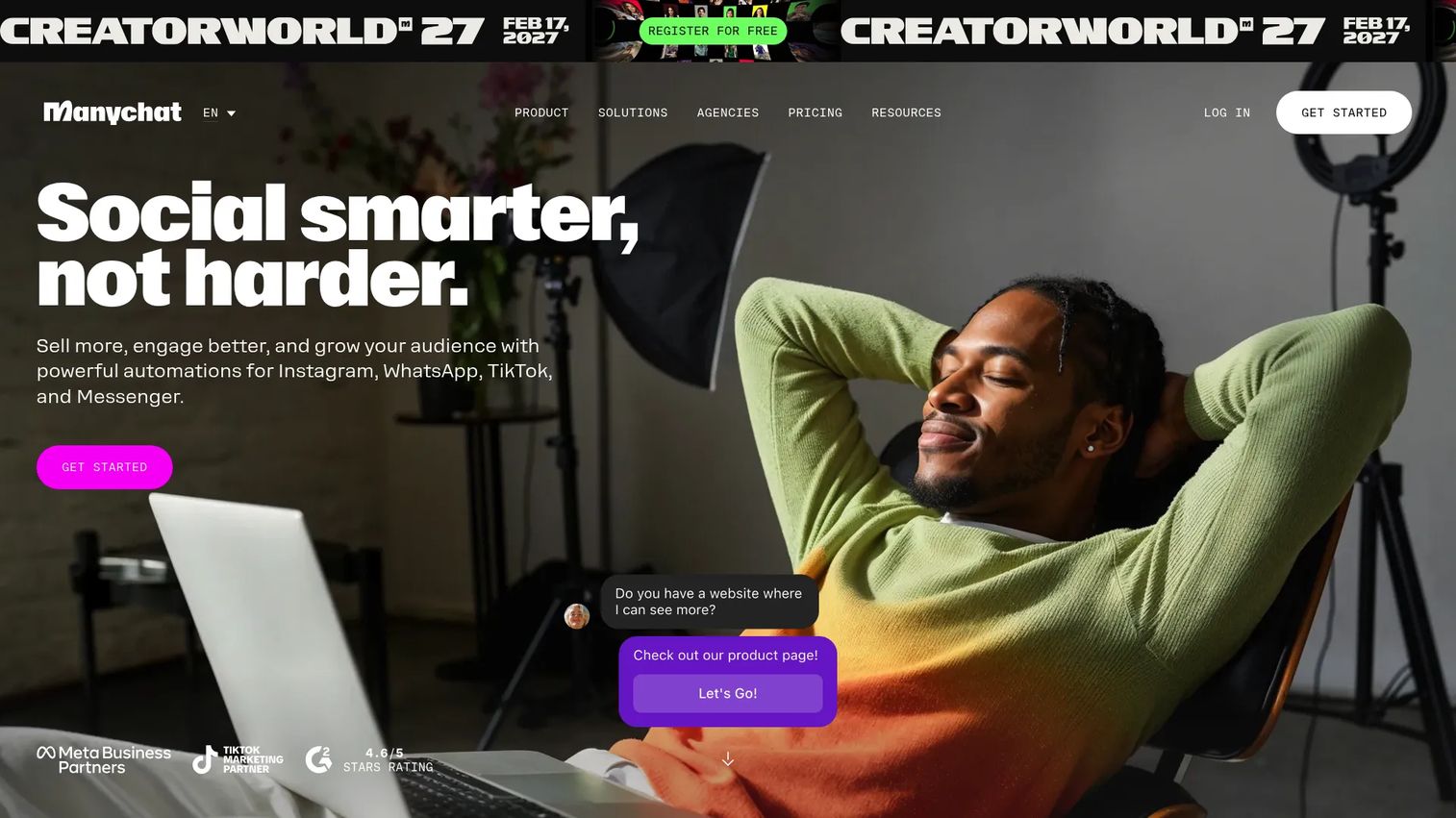
ManyChat is a chat marketing platform built for automating conversations across Instagram, Facebook Messenger, WhatsApp, TikTok, SMS, and email. Its Instagram automation centers on comment-to-DM flows, keyword-triggered replies, giveaway automation, and lead capture. Teams connect ManyChat to Instagram Business accounts and design flows without engineering help.
Best for: Brands, creators, and ecommerce teams converting Instagram comments and DMs into leads, sales, or sign-ups.
Key features
- Comment-to-DM automation with keyword triggers
- Multi-channel messaging across Instagram, Messenger, WhatsApp, and SMS
- AI-powered conversation handling (ManyChat AI)
- Audience segmentation and broadcast messaging
- Shared inbox with team collaboration tools
Why choose ManyChat: Choose ManyChat when Instagram engagement already exists but conversion leaks happen in comments and DMs. It performs best when the job is turning comment traffic into links, offers, or conversations at volume.
ManyChat pricing: Free plan available. Paid plans start at $14/month (Essential), $29/month (Pro), $69/month (Business), and $139/month (Advanced), all billed monthly. Annual billing reduces these rates. Pricing scales with active contact count.
G2 rating: 4.5/5
2. CreatorFlow
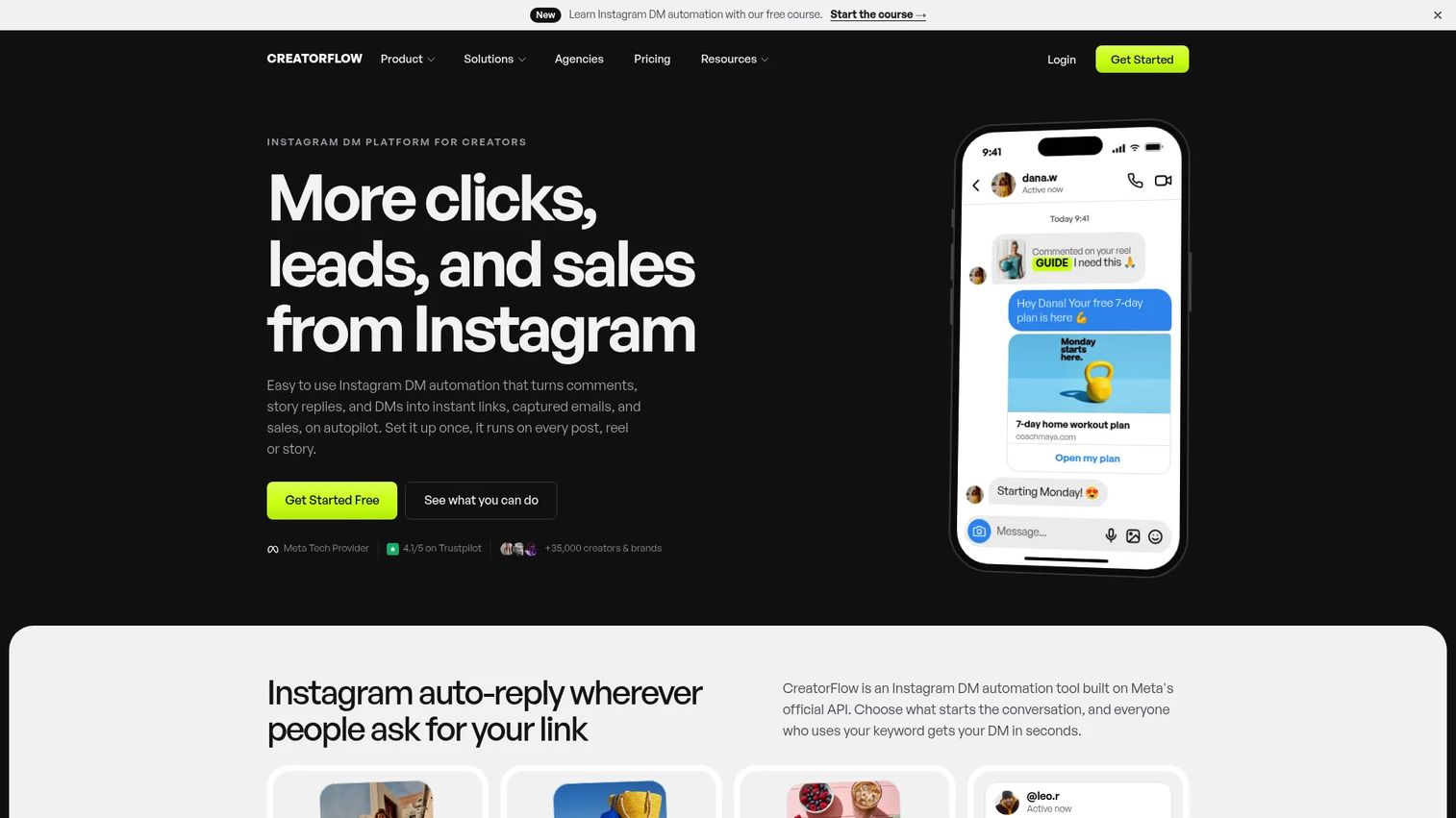
CreatorFlow is an Instagram DM automation platform focused on turning comments, Story replies, and keyword DMs into email leads and owned-audience contacts. It supports comment triggers, follow gates, email capture flows, multi-account workspaces, and click analytics. It's built for teams who want to move Instagram conversations into their email list before platform reach becomes a constraint.
Best for: Creators and brands building owned-audience pipelines by capturing emails from Instagram DM flows.
Key features
- Comment-to-DM automation with keyword triggers
- Story reply and mention automation
- Email Gate and Follow Gate workflows
- Multi-account workspaces for agencies
- Contact management with CSV export and analytics
Why choose CreatorFlow: Choose CreatorFlow when the goal is capturing emails, not just sending links. It's the right fit for teams treating Instagram as a list-building channel and wanting contacts they own independently of Meta's reach algorithm.
CreatorFlow pricing: Free plan includes 1 Instagram account and 500 DMs per month. Pro is $15/month (or $12/month billed annually), Growth is $30/month (or $24/month billed annually). Agency pricing is custom. Paid plans include a 14-day trial.
3. Planable
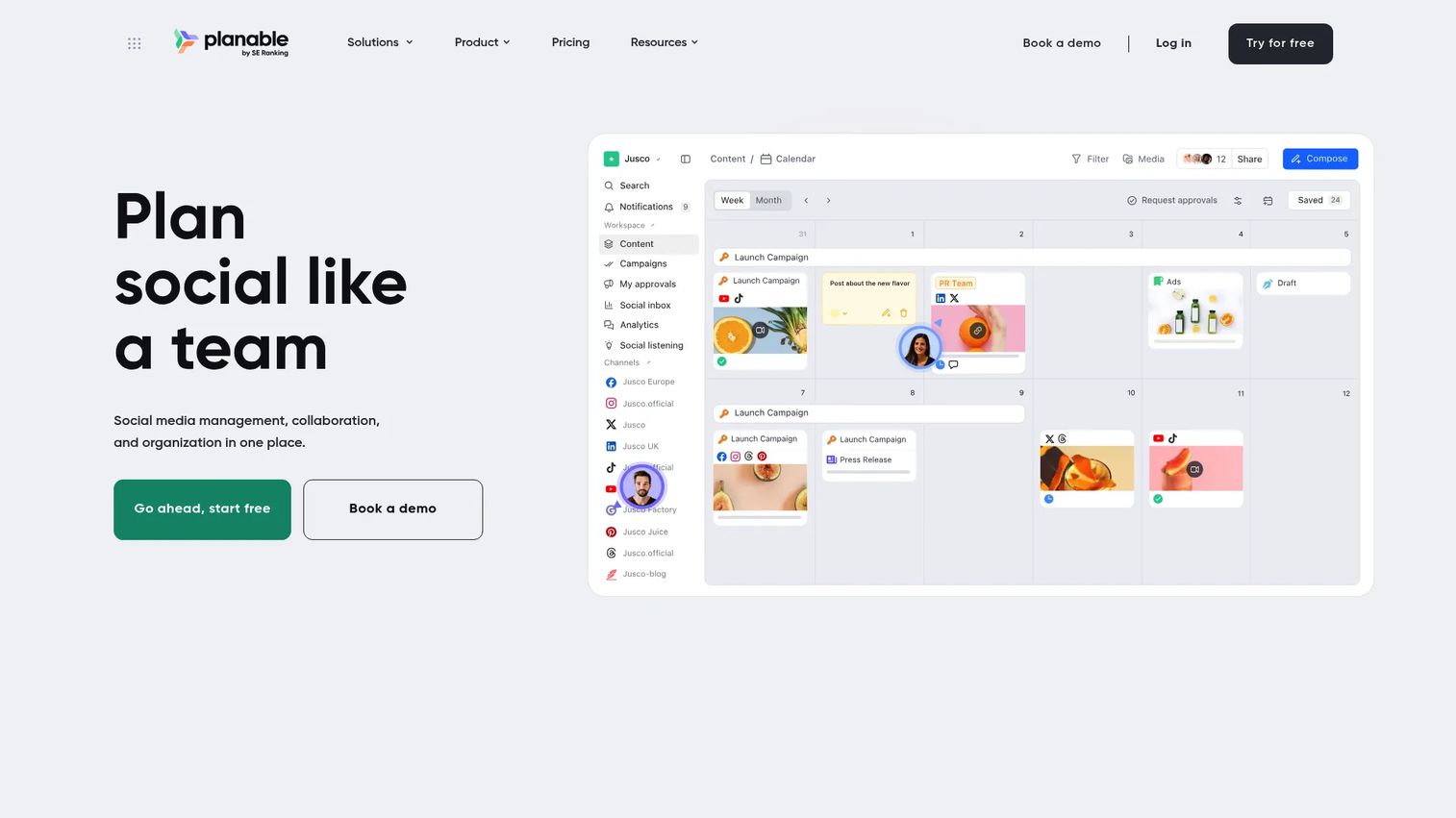
Planable is a social media management and collaboration platform for creating, reviewing, approving, and scheduling content. Its visual calendar, comment-based feedback system, and multi-step approval workflows are built for agency and brand teams that want clients inside a structured review process rather than a Slack thread. It supports Instagram, Facebook, LinkedIn, TikTok, and other platforms from one workspace.
Best for: Agencies and marketing teams where content approval is the scheduling bottleneck.
Key features
- Visual content calendar with Feed, Grid, and List views
- Client and team approval workflows
- Instagram post scheduling and multi-platform publishing
- AI caption generation and hashtag suggestions
- Social Inbox add-on for comment and DM management
Why choose Planable: Choose Planable when the team's biggest friction is getting content reviewed and approved before it goes live. It replaces the approval email chain with a structured workflow and keeps clients inside a single destination.
Planable pricing: First 50 posts are free with no time limit or credit card required. Basic plan is $33/workspace/month, Pro is $49/workspace/month. Enterprise pricing is custom. Annual billing provides two months free. Analytics and Social Inbox are paid add-ons.
G2 rating: 4.6/5
4. Buffer
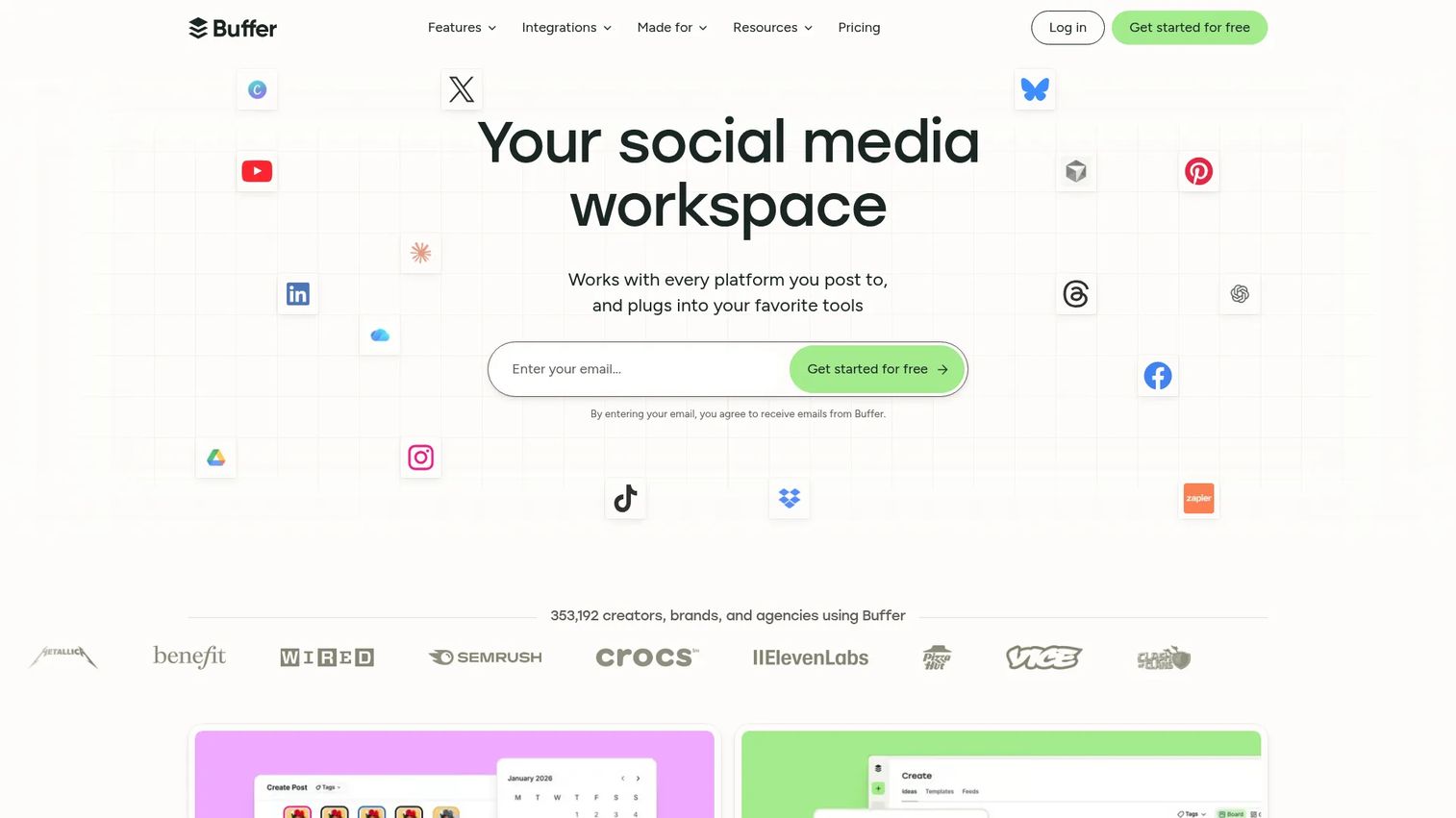
Buffer is a social media management platform for scheduling, publishing, and analyzing content across social networks. It supports Instagram post scheduling, content queues, basic analytics, a community inbox for comment engagement, and AI-assisted caption writing. Buffer's per-channel pricing makes it easy for small teams to start with just Instagram and add channels as the program grows.
Best for: Solo marketers and small teams that need reliable Instagram scheduling without complex governance or DM automation.
Key features
- Instagram post scheduling and content queue management
- Per-channel pricing with multi-platform support
- Basic analytics and engagement reporting
- AI-assisted caption creation and repurposing
- Team approvals and collaboration access levels
Why choose Buffer: Choose Buffer when publishing consistency is the main problem and the team doesn't need chatbot logic or advanced inbox management. Its per-channel pricing model means you pay for what you actually use.
Buffer pricing: Free plan supports up to 3 channels. Essentials starts at $5/month per channel (billed annually at $60/channel/year). Team plan is $10/month per channel (billed annually at $120/channel/year). A 14-day free trial is available on paid plans.
G2 rating: 4.3/5
5. SocialBee
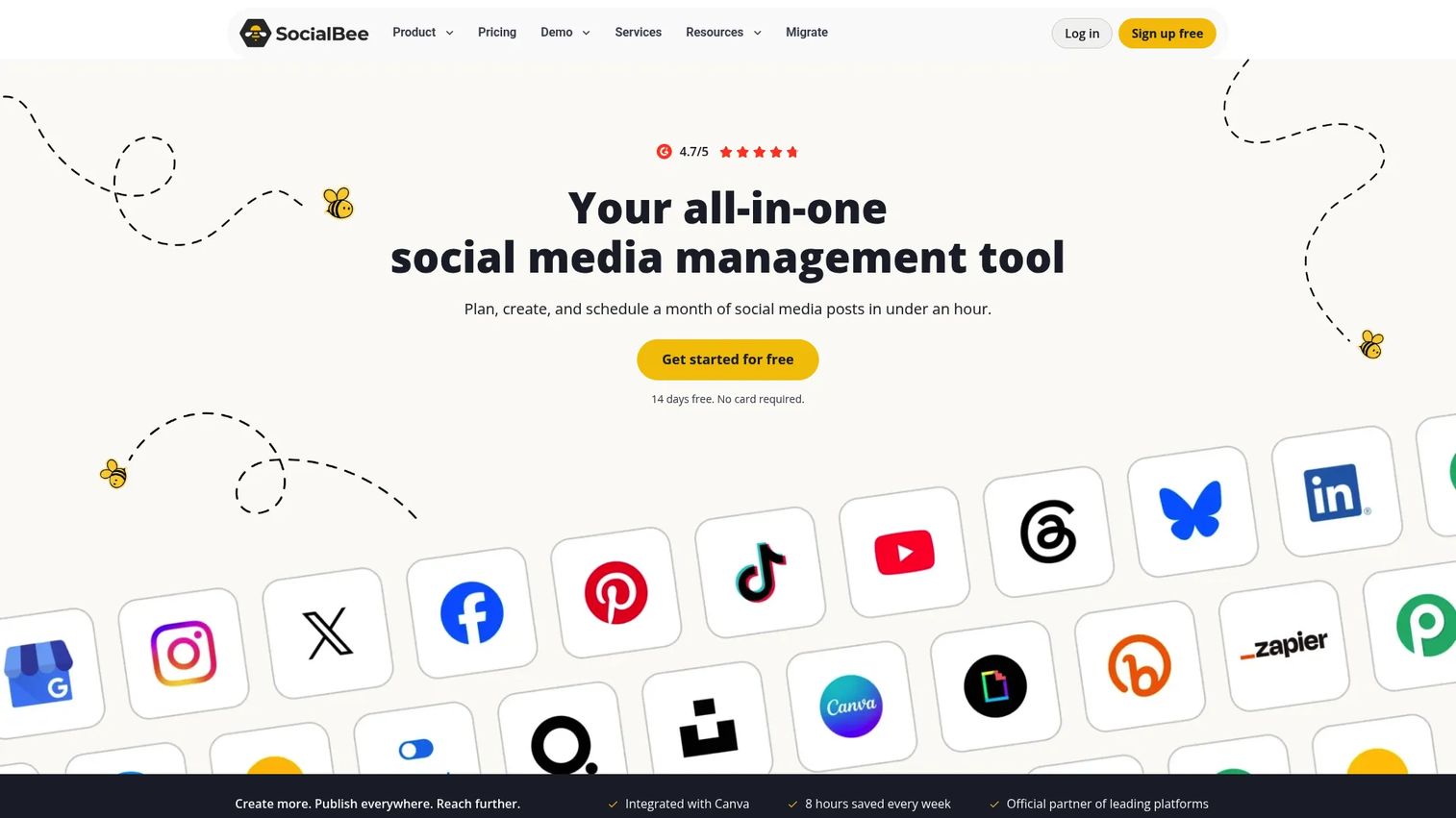
SocialBee is an AI-powered social media management platform built around content categories and evergreen scheduling queues. Teams organize posts by content type, then SocialBee cycles through those categories automatically, so the account stays active without rebuilding the calendar every week. It supports Instagram, LinkedIn, Facebook, TikTok, and other platforms from a shared workspace.
Best for: Marketers and agencies with recurring content themes who want Instagram to stay active without manual calendar rebuilds.
Key features
- Category-based scheduling with evergreen post recycling
- AI Copilot for content generation and variation
- Social analytics with PDF report export
- Content approval workflows and internal notes
- Social inbox for comments, mentions, and DMs
Why choose SocialBee: Choose SocialBee when the team has a backlog of reusable content and wants consistent Instagram output without maintaining a weekly calendar. The category system works best when content themes repeat across campaigns.
SocialBee pricing: No permanent free tier. Bootstrap plan starts at $29/month ($24.20/month billed annually). Accelerate is $49/month ($40.80/month annually). Agency plans scale to 50, 100, or 150 social profiles at higher tiers. A 14-day free trial is available without a credit card.
G2 rating: 4.7/5
6. Sprout Social
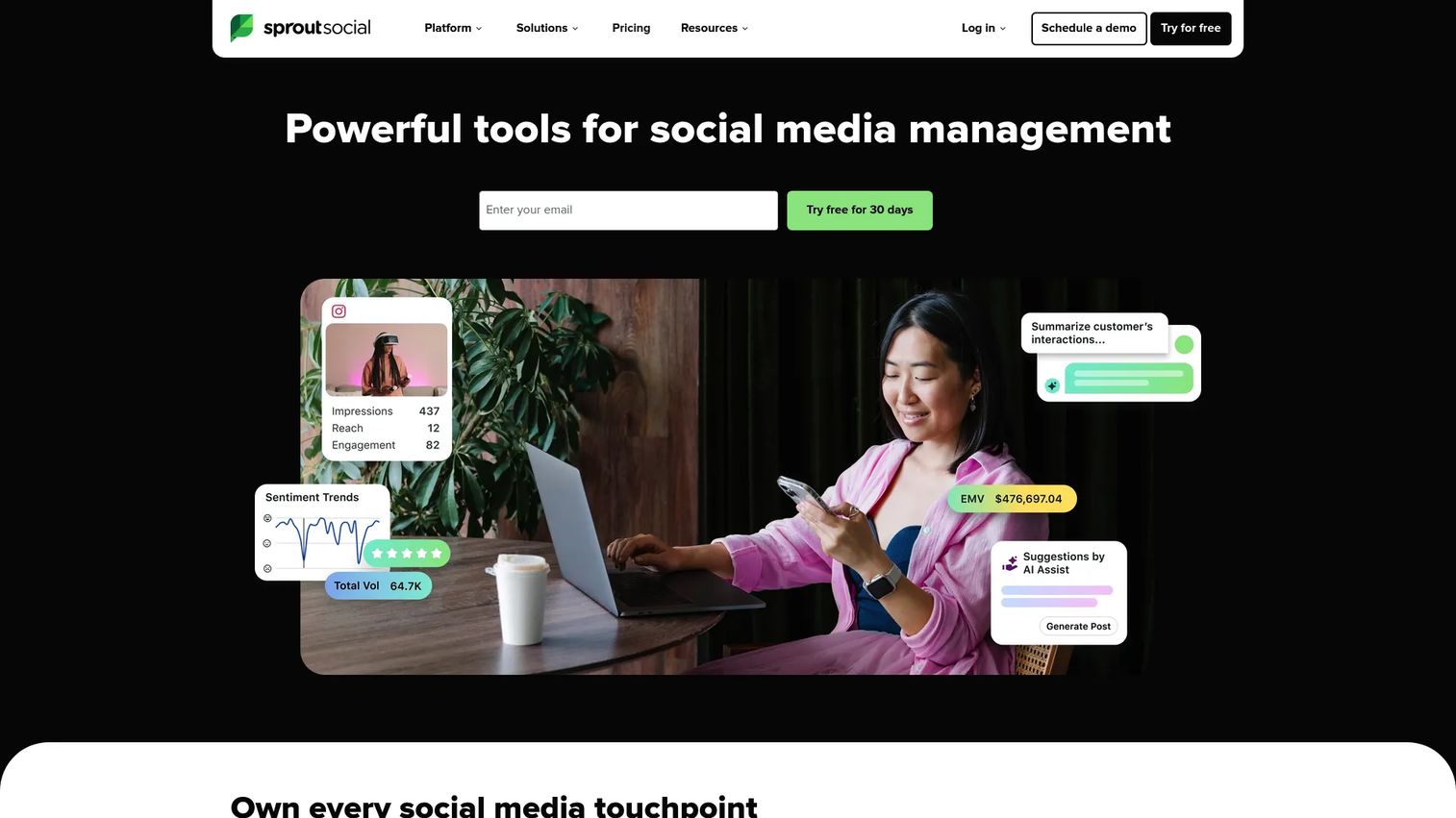
Sprout Social is a social media management suite covering publishing, engagement, analytics, social listening, and influencer marketing. Its reporting depth and governance controls make it the go-to choice for mid-market and enterprise teams where Instagram is one part of a broader social operation and leadership expects defensible attribution data.
Best for: Mid-market and enterprise social teams that need reporting, social listening, team permissions, and cross-channel governance in one platform.
Key features
- Social inbox with unified engagement management
- Advanced analytics and custom reporting dashboards
- Social listening across platforms and keywords
- Team permissions, approval workflows, and content governance
- Campaign analytics and influencer marketing tools
Why choose Sprout Social: Choose Sprout Social when Instagram reporting needs to hold up in a board presentation or marketing review. It fits teams where attribution accuracy and cross-channel visibility matter more than price point.
Sprout Social pricing: No free tier. Essentials starts at $79/seat/month (billed annually) or $99/seat/month billed monthly. Standard is $199/seat/month, Professional is $299/seat/month, and Advanced is $399/seat/month, all billed annually. Enterprise pricing is custom. A 30-day free trial is available.
G2 rating: 4.4/5
7. RecurPost
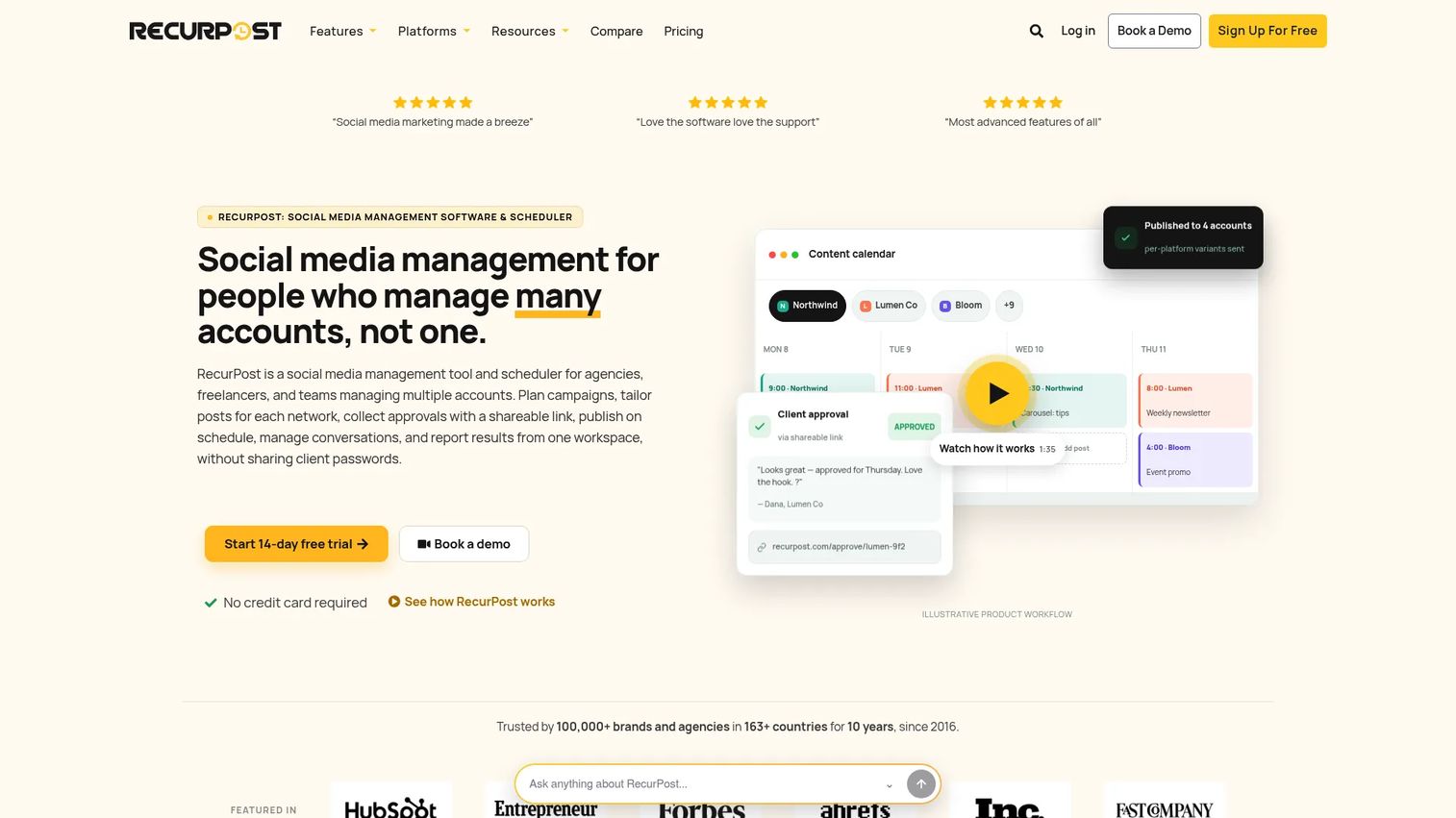
RecurPost is a social media scheduling and management platform built around recurring content libraries and evergreen queues. Teams upload a library of posts, set a schedule, and RecurPost cycles through the library automatically. It supports bulk CSV scheduling, approval workflows, a unified social inbox, analytics, and white-label reports.
Best for: Agencies and content teams with a backlog of evergreen posts that need to cycle across accounts without manual republishing.
Key features
- Evergreen content library with recurring post queues
- Bulk CSV scheduling and content upload
- Client workspaces with roles, permissions, and approvals
- Unified social inbox and engagement management
- White-label analytics reports for client delivery
Why choose RecurPost: Choose RecurPost when the team has built a library of content that should be recycled rather than archived. It fits agencies managing multiple client accounts with repeatable content programs.
RecurPost pricing: No permanent free tier; a 14-day free trial is available. Starter plan is $9/month (2 social accounts). Personal is $25/month (5 accounts). Agency is $79/month (20 accounts). Enterprise pricing is custom for 100+ accounts. Annual billing provides two additional months free.
G2 rating: 4.7/5
8. Hootsuite
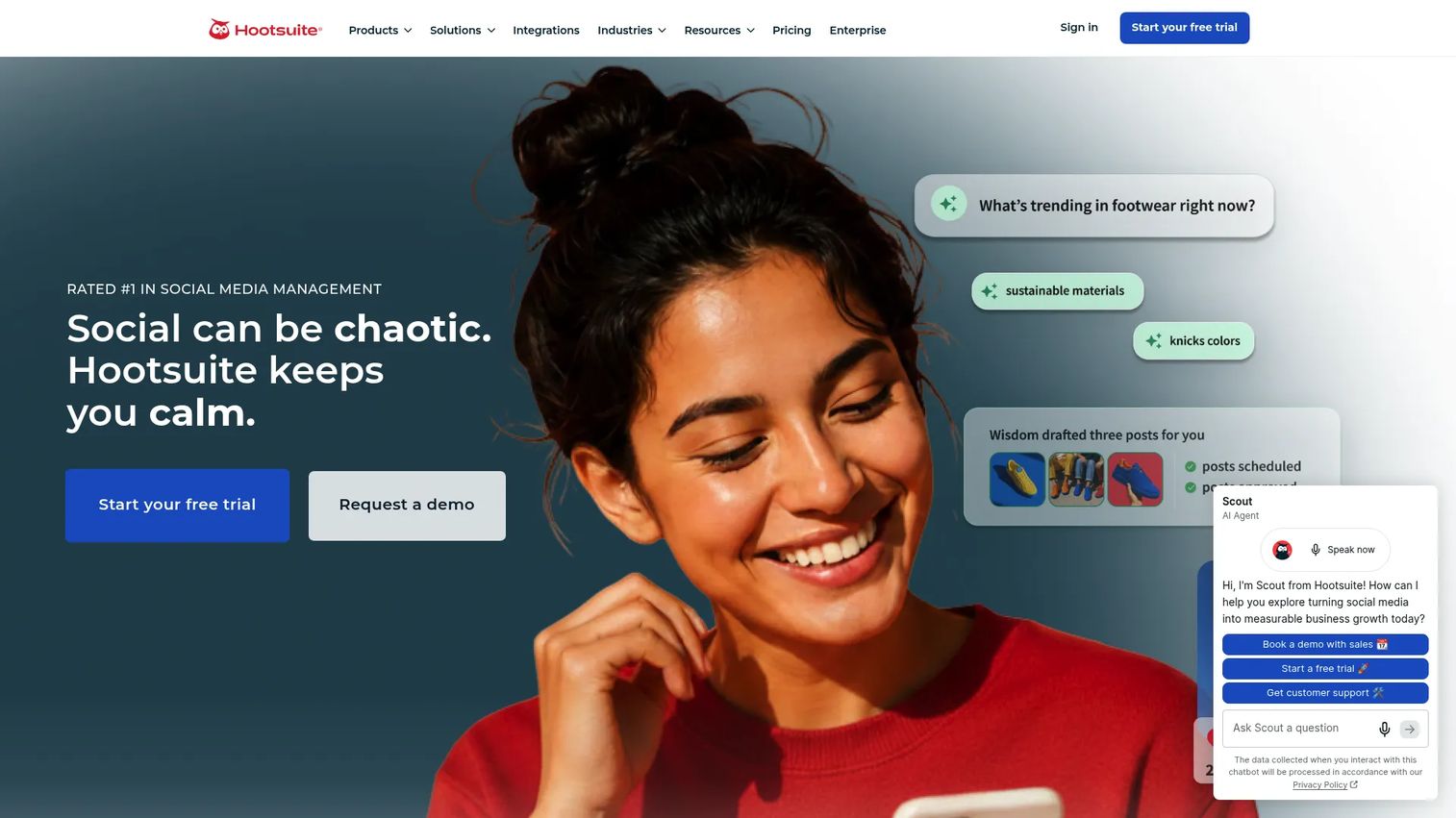
Hootsuite is one of the more established social media management platforms, covering publishing, scheduling, a unified social inbox, analytics, AI-powered social listening, and competitive benchmarking. Teams managing Instagram alongside Twitter/X, LinkedIn, YouTube, and Facebook often use Hootsuite as the single hub for all publishing and engagement activity.
Best for: Teams managing Instagram as part of a larger multi-channel social operation that needs one familiar platform for publishing, inbox, and reporting.
Key features
- Social media scheduler with multi-platform support
- Unified inbox for comments, messages, and mentions
- AI-powered social listening and sentiment analysis
- Competitive benchmarking and brand monitoring
- Team collaboration with permissions and content approvals
Why choose Hootsuite: Choose Hootsuite when Instagram is one of several active channels and the team needs a single platform that covers all of them. Its strength is breadth rather than Instagram-specific depth.
Hootsuite pricing: No permanent free tier. Standard starts at $99/user/month (billed annually). Professional is $199/user/month, Advanced is $399/user/month. Enterprise pricing is custom. A 14-day free trial is available.
G2 rating: 4.3/5
9. Posterly
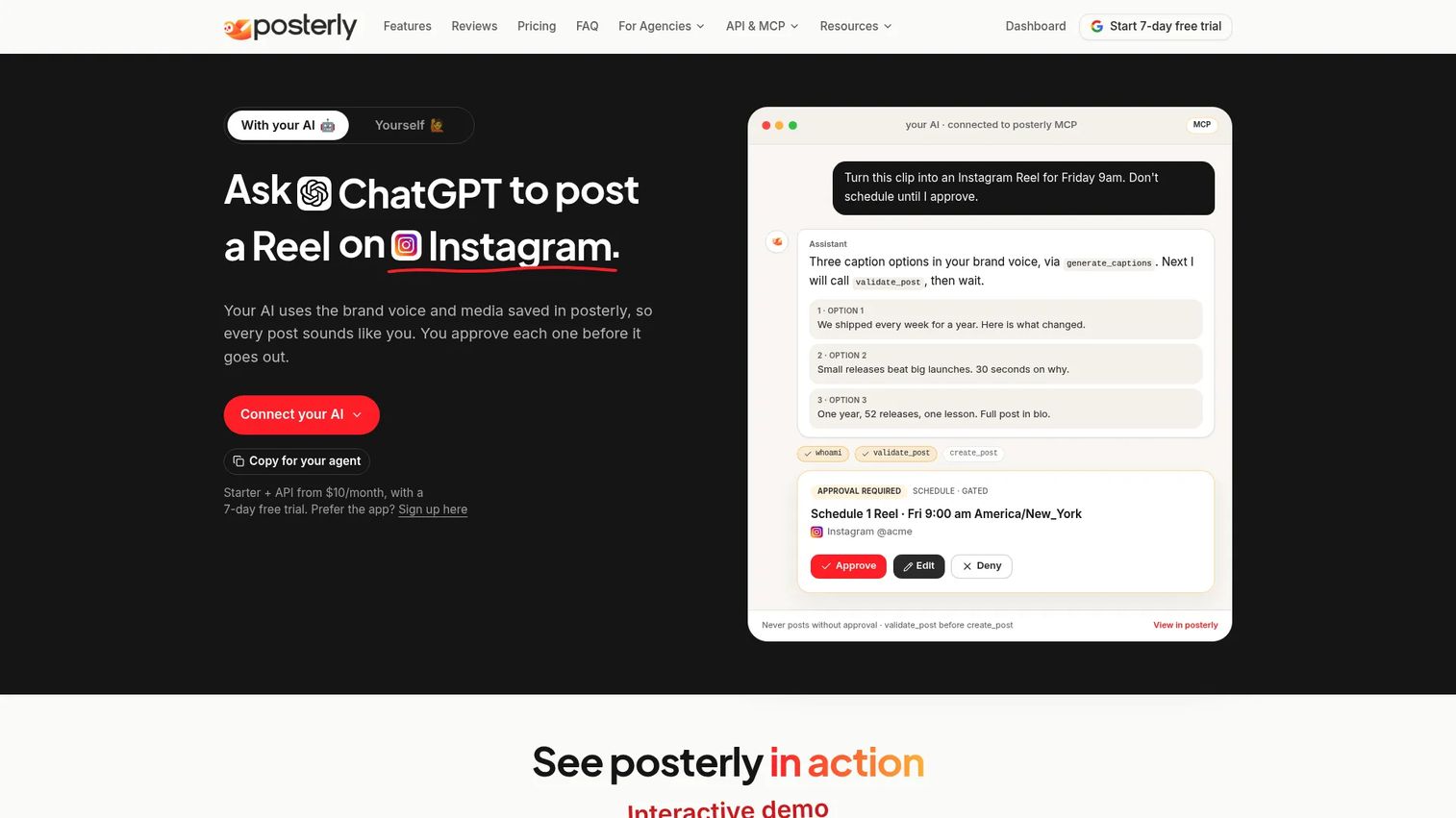
Posterly is an AI-powered social media scheduler and content creation platform that covers scheduling, publishing, and analytics across 18 platforms. It offers AI-generated captions, images, and video content, alongside a social inbox and brand voice learning. Its entry price makes it accessible for creators and small agencies that want AI-assisted content creation without paying enterprise rates.
Best for: Small teams, creators, and agencies that want AI-powered content generation paired with multi-platform scheduling at a low monthly cost.
Key features
- Scheduling and publishing across 18 social platforms
- AI-generated captions, images, and video content
- Social inbox for engagement management
- Brand voice learning for consistent tone
- Analytics and performance reporting
Why choose Posterly: Choose Posterly if the team needs affordable AI content assistance alongside scheduling. At $6/month on annual billing for a Starter plan, the price-to-feature ratio is strong for teams that don't need enterprise governance or advanced DM automation.
Posterly pricing: A 7-day free trial is available. Starter is $6/month billed annually (5 social accounts). Pro is $12/month annually (12 accounts). Power is $20/month annually (30 accounts). Agency is $39/month annually (100 accounts).
10. Agorapulse
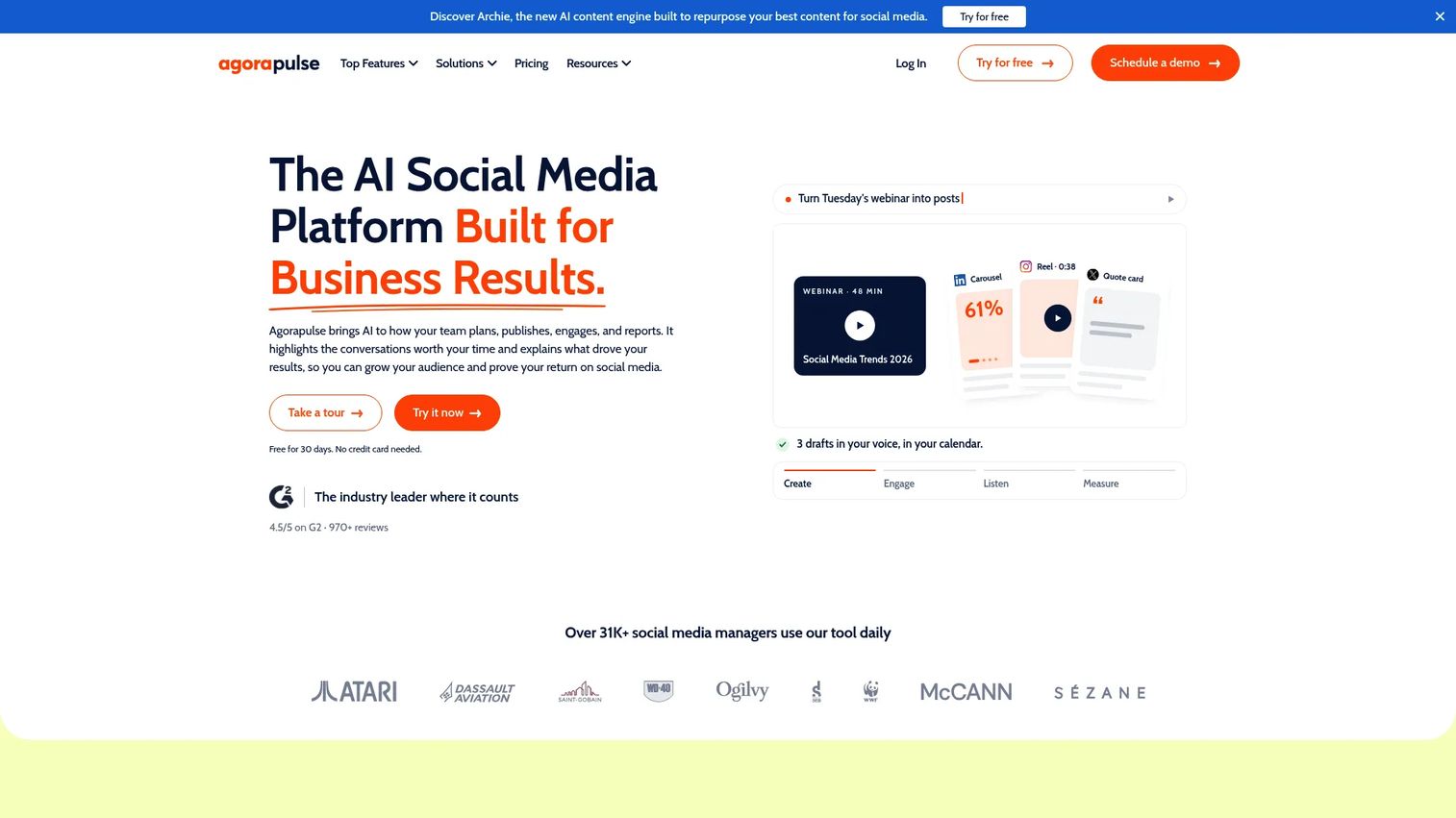
Agorapulse is an AI-powered social media management platform that leads with its unified inbox. It covers social listening, multi-network publishing, team assignment workflows, ROI analysis, custom reporting, and competitor benchmarking. Its inbox management and team collaboration tools make it a strong fit for community managers and social teams with high comment and message volume.
Best for: Social media teams where assigning and resolving incoming messages and comments requires ownership, tracking, and team coordination.
Key features
- Unified inbox with team assignment, moderation, and AI reply suggestions
- Multi-network publishing with shared calendars and approval workflows
- Social listening across platforms, Reddit, news, and blogs
- Custom reporting with ROI analysis and competitor benchmarking
- Integrations with Facebook, Instagram, LinkedIn, YouTube, TikTok, and others
Why choose Agorapulse: Choose Agorapulse when comment and message response volume is high enough to need assignment tracking and ownership. It fits teams that need to know who replied, when, and whether the conversation is resolved.
Agorapulse pricing: A free plan is available. Standard starts at $79/user/month. Professional is $119/user/month. Advanced is $149/user/month. Custom enterprise pricing is available. A 30-day trial is offered.
G2 rating: 4.5/5
11. SetSmart
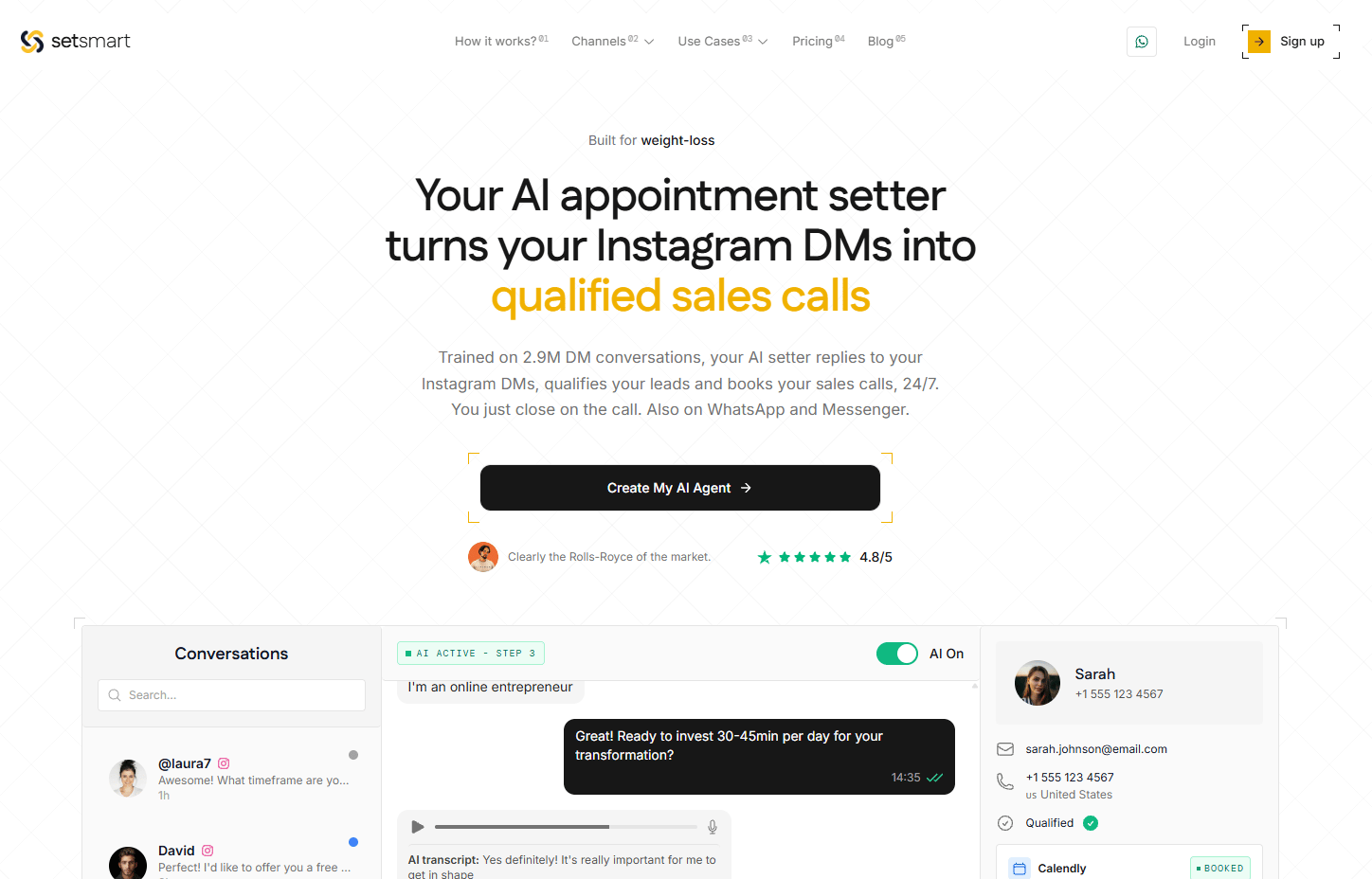
SetSmart is an AI appointment-setting platform that qualifies inbound DM conversations and books sales calls across Instagram, WhatsApp, and Messenger. It is built for coaches, agencies, and service businesses that use Instagram DMs as a sales qualification channel rather than a content distribution channel. The AI handles initial qualification questions and routes leads into a booking flow.
Best for: Coaches, consultants, and service businesses using Instagram DMs to qualify leads and book discovery calls.
Key features
- AI-driven lead qualification in DM conversations
- Automated appointment booking and calendar integration
- Comment triggers to start qualification flows
- Voice and audio reply support
- Unified inbox, analytics, and CRM-style lead tracking
Why choose SetSmart: Choose SetSmart when the Instagram workflow ends in a booked call rather than a link click or email capture. It fits sales-led Instagram funnels where DM conversations need qualification before a human takes over.
SetSmart pricing: No permanent free tier; a 7-day trial may be available on some plans. Light plan is $25/month. Pro is $97/month. Scale is $297/month. Enterprise is $797/month. Plans differ primarily by AI message volume included.
12. LinkDM
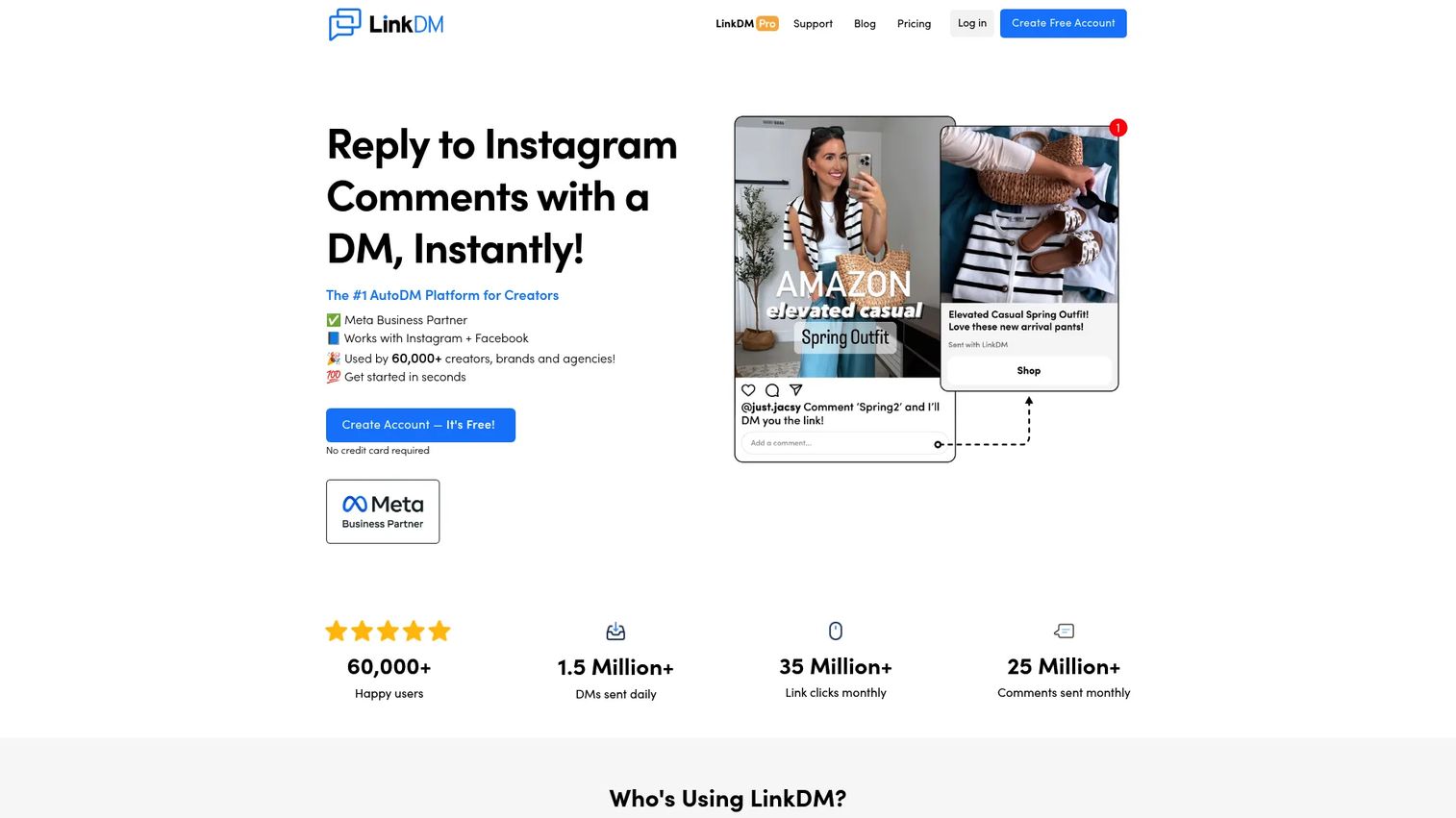
LinkDM is an Instagram and Facebook DM automation platform focused on sending links through DMs triggered by post comments, Story replies, mentions, and scheduled sequences. It supports giveaway workflows, flow automation, lead generation through chat, and advertising integrations. It's one of the more focused tools on this list: Its job is delivering the right link to the right person the moment they engage.
Best for: Creators and brands running comment-triggered link delivery, giveaways, and lead capture campaigns.
Key features
- Post and Reel comment auto-DMs with keyword triggers
- Story reply and mention automation
- Flow automation and scheduled DM sequences
- Click analytics and lead generation tracking
- Multiple Instagram account management
Why choose LinkDM: Choose LinkDM when the job is focused: Someone comments, they get the link. It doesn't try to be a full social management suite, which keeps the setup and ongoing management straightforward.
LinkDM pricing: Free plan includes 1 Instagram account and up to 1,000 DMs monthly. Pro is $19/month (up to 3 accounts, 25,000 DMs monthly). Platinum+ is $99/month (up to 10 accounts, 300,000 DMs monthly). Annual billing offers up to 30% savings. Enterprise pricing is custom.
13. InstantDM
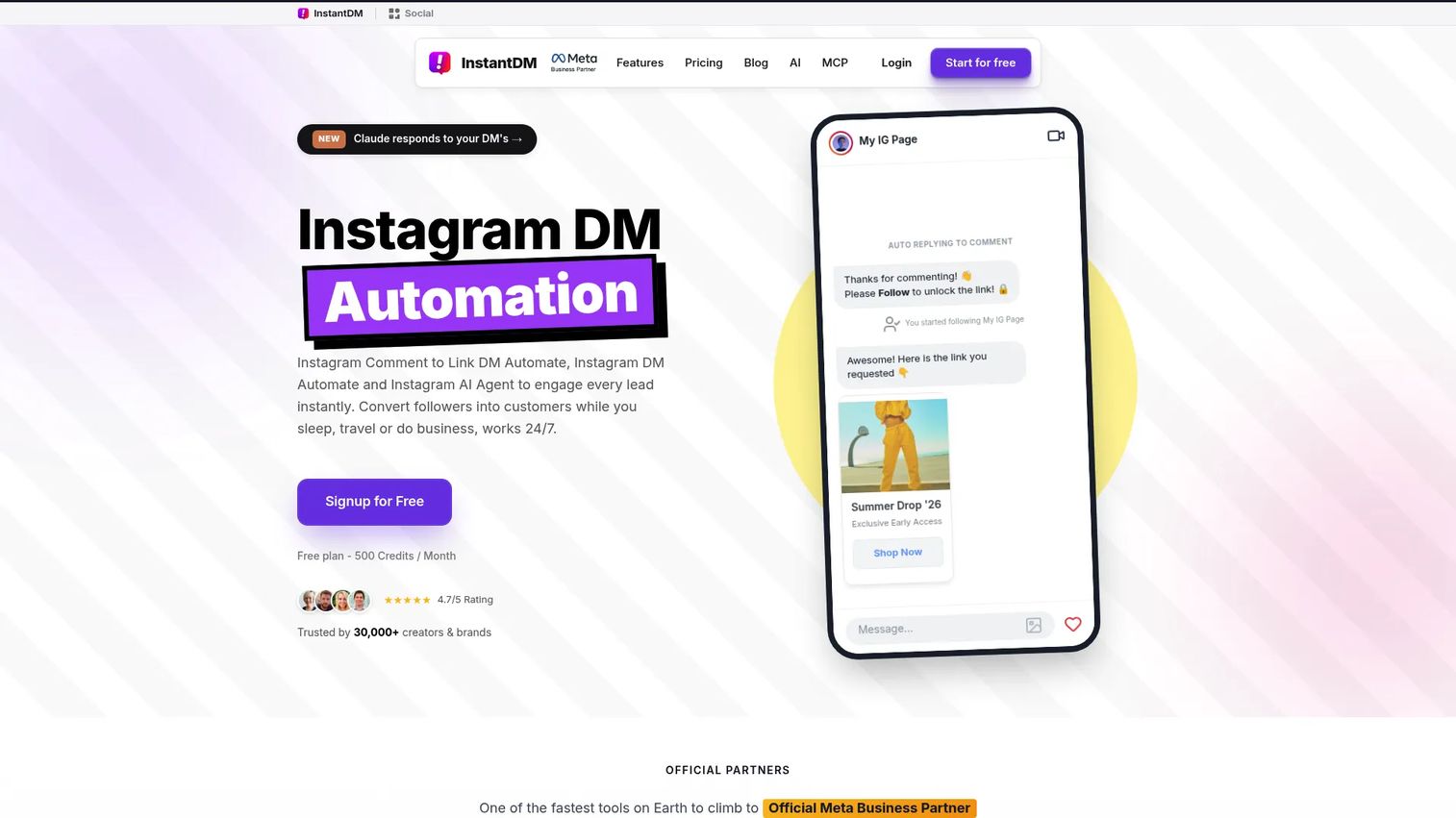
InstantDM is an Instagram and Facebook DM automation platform that includes comment-to-DM automation, story reply triggers, a visual flow builder with AI agent capabilities, email and phone number collection, post scheduling with auto-DM, and Meta Ads automation. Its free plan supports 500 DM automations per month, making it accessible for creators and small businesses testing DM automation for the first time.
Best for: Creators, small businesses, and ecommerce teams starting with Instagram DM automation who want a free tier before committing to a paid plan.
Key features
- Comment-to-DM and story reply automation
- Visual flow builder with AI agent
- Email and phone number collection inside flows
- Post scheduling with auto-DM trigger
- Meta Ads and boosted Reel automation support
Why choose InstantDM: Choose InstantDM when the team wants to test comment and DM automation before paying. The free plan includes 500 DM automations per month, which is enough to validate the approach on a live campaign before scaling.
InstantDM pricing: Free plan is available with 500 DM automations per month. Legend Pro is $9.99/month billed yearly. Trendsetter is $24.99/month billed yearly. Trendsetter Pro is $49.99/month billed yearly. Multi-account plans start at $4.44/account/month for 3 accounts.
14. Inrō
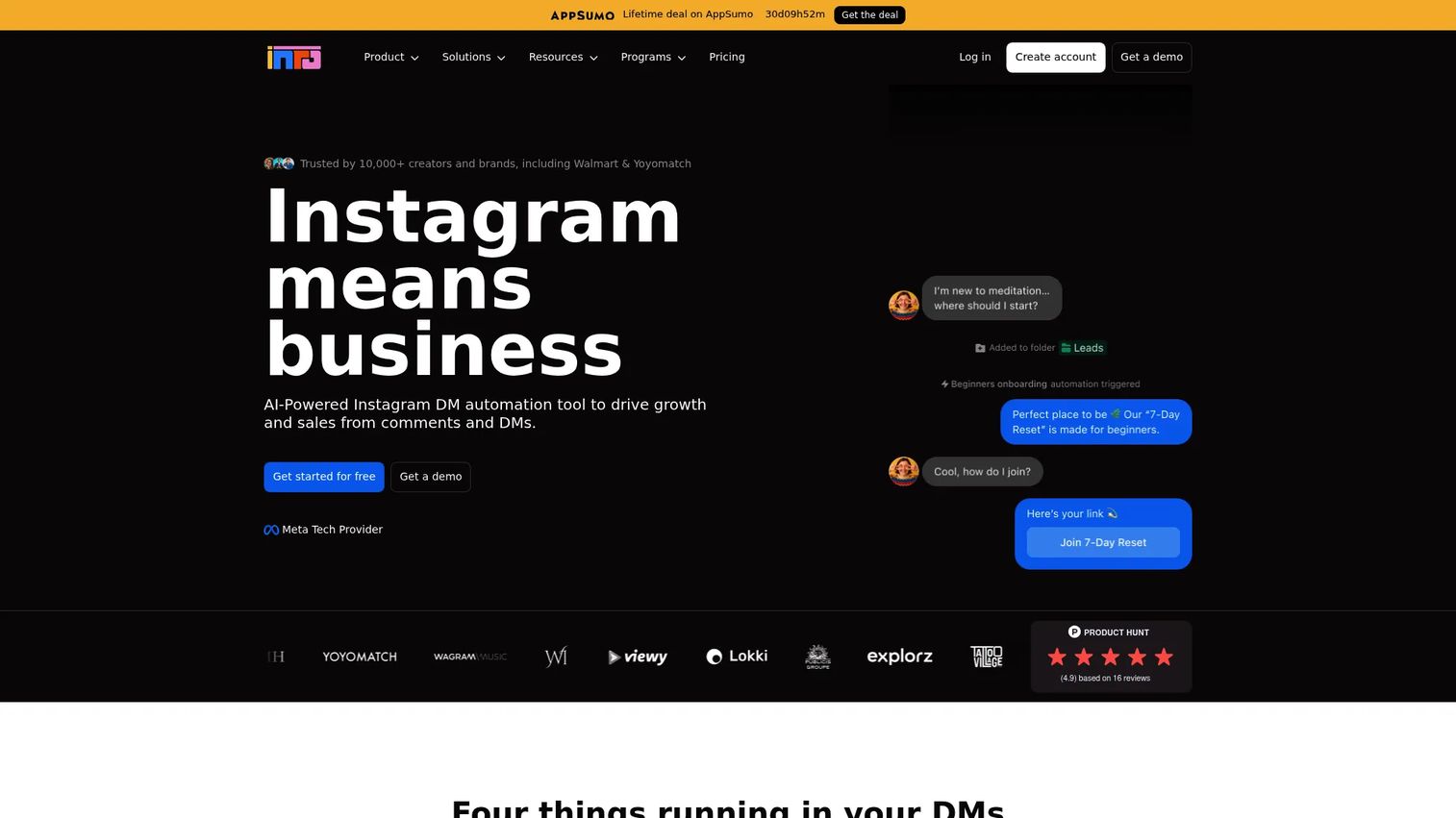
Inrō is an Instagram-focused automation platform that covers comment triggers, Story replies, mention automation, DM campaigns, audience segmentation, an AI Agent for automated replies, and a CRM-style Smart Inbox. It's designed for brands and businesses that want segmented DM marketing rather than simple link delivery. Its MCP server and API access make it more developer-friendly than most tools in this list.
Best for: Brands and agencies building segmented Instagram DM marketing campaigns with ongoing audience management.
Key features
- AI Agent for automated Instagram DM conversations
- Comment-to-DM automation and Story reply triggers
- DM campaign builder with audience segmentation
- Smart Inbox and CRM-style contact management
- Integrations, API access, and MCP server
Why choose Inrō: Choose Inrō when the team wants more control over Instagram DM marketing than simple link delivery. Its segmentation and campaign tools fit teams treating DM conversations as an ongoing marketing channel rather than a one-time trigger.
Inrō pricing: Free plan includes 100 active contacts and 50 AI Agent credits. Pro is €12.99/month (usage-based). Annual Pro is €1,249/year (10,000+ active contacts). Managed Account service starts from €249/month. Note that pricing is in EUR; USD equivalent should be verified before purchase.
G2 rating: 5.0/5 (based on 1 review)
15. Chatfuel
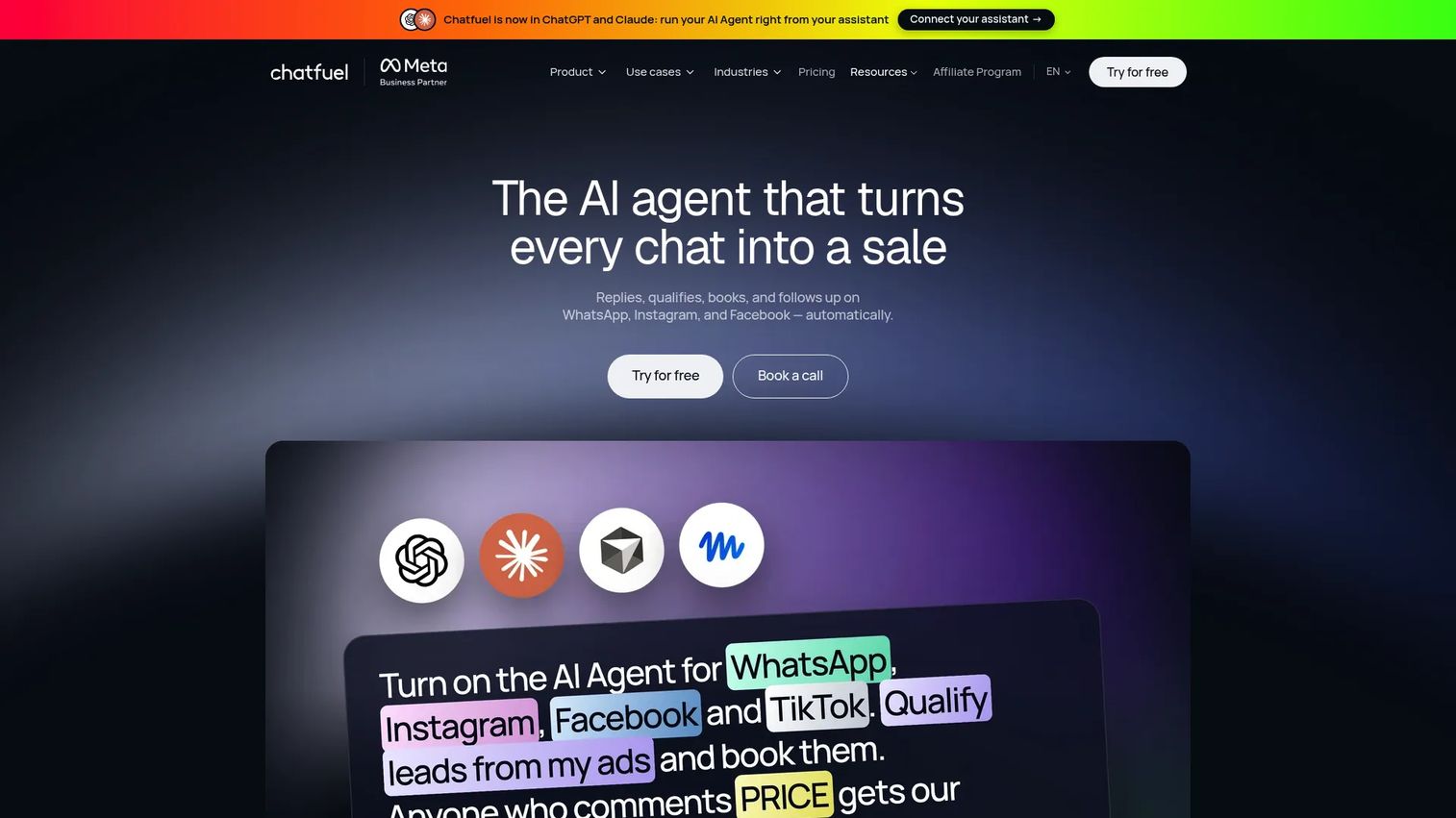
Chatfuel is an AI-powered conversational marketing platform for automating sales, lead qualification, appointment booking, and customer support across Instagram, WhatsApp, Facebook, TikTok, and website chat. Its visual flow builder, comment and Reel auto-reply tools, broadcast messaging, CRM audience segmentation, and payment link integrations make it one of the more capable chatbot platforms in this category.
Best for: Teams that want structured chatbot conversation flows for Instagram combined with multi-channel messaging across WhatsApp and Facebook.
Key features
- Visual chatbot flow builder for Instagram DMs and comments
- AI replies, lead qualification, and appointment booking automation
- Shared team inbox with CRM and audience segmentation
- Comment and Reel auto-replies plus broadcast messaging
- Payment links, integrations, and MCP server connections
Why choose Chatfuel: Choose Chatfuel when the team needs conversation logic more sophisticated than keyword-triggered link delivery. Its strength is building multi-step journeys that qualify leads, handle objections, and close sales inside the chat.
Chatfuel pricing: A free trial is available but no permanent free tier was confirmed. Business S starts at $18/month billed annually ($216/year). Business plans scale up to $366.67/month annually. Agency plans start at $90/month annually and scale to $1,845/month. Plans include monthly AI credits.
G2 rating: 4.4/5
16. Kicksta
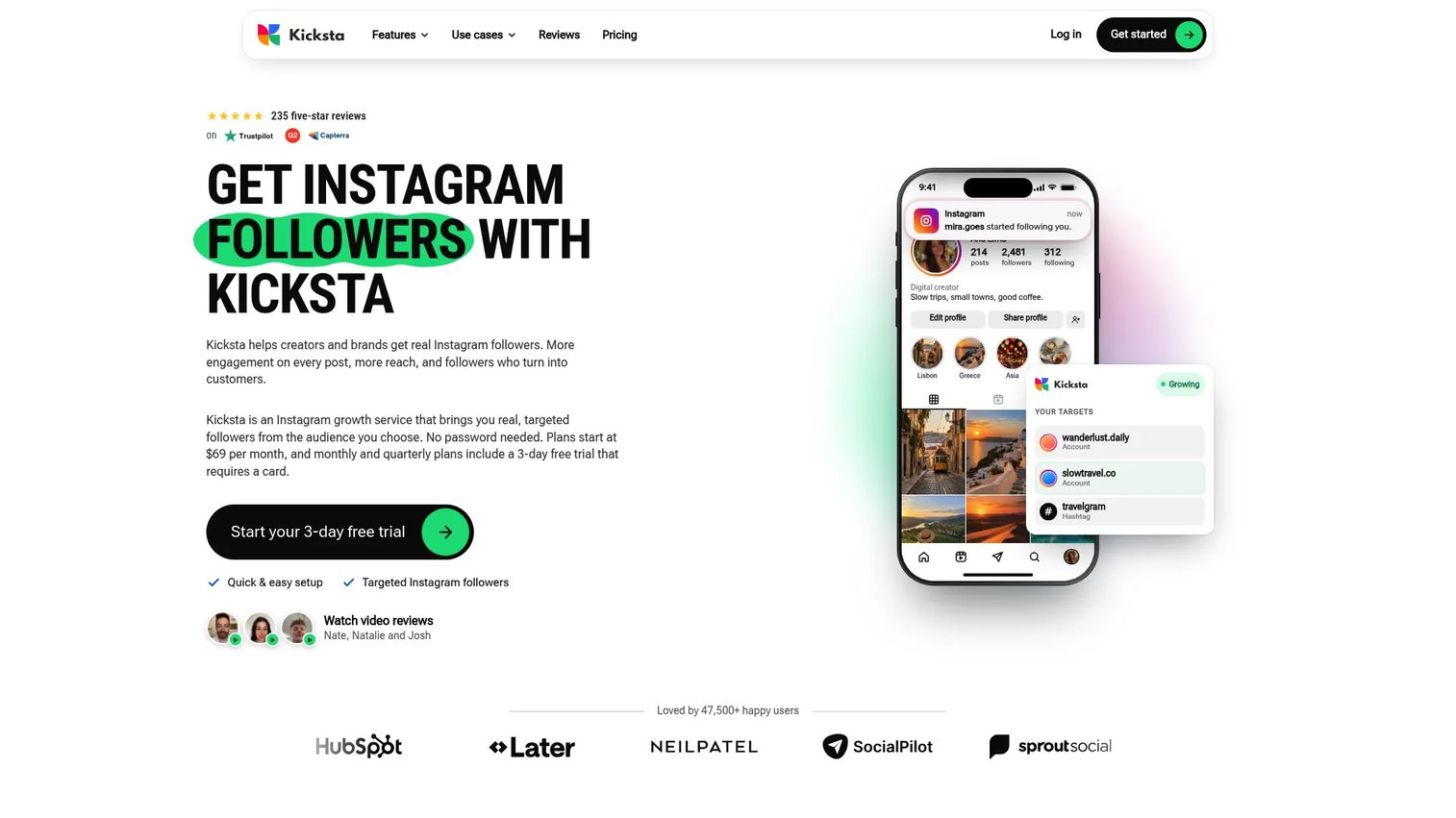
Kicksta is an Instagram growth service that targets competitor and influencer audiences, hashtag audiences, and niche filters to attract followers. It offers AI-based targeting to help identify an ideal-follower profile, a real-time growth dashboard, weekly Instagram audits, and a Welcome DM feature on higher plans. It operates differently from DM automation and scheduling tools: Its focus is audience discovery rather than content distribution.
Best for: Creators, influencers, and brands whose primary goal is building a larger targeted follower base rather than automating content or inbox workflows.
Key features
- Target competitor and influencer audiences for follower growth
- Hashtag and niche audience targeting with filters
- AI training for ideal-follower targeting
- Real-time growth analytics and weekly Instagram audit
- Welcome DM automation on Advanced plan
Why choose Kicksta: Choose Kicksta only when follower growth is the primary objective and the team has verified the approach aligns with Meta's current account policies. Its G2 rating of 2.8/5 reflects mixed user experiences; review recent G2 feedback before committing to a plan.
Kicksta pricing: No permanent free tier. Growth plan starts at $39/month billed yearly ($468/year), $49/month billed quarterly, or $69/month billed monthly. Advanced plan is $79/month billed yearly, $99/month quarterly, or $129/month monthly. Monthly and quarterly plans include a trial period.
G2 rating: 2.8/5
17. Later
Later is an all-in-one social media management platform that started as an Instagram-first visual planner and has expanded to cover multi-platform scheduling, analytics, a social inbox, Link in Bio, collaboration workflows, and user-generated content collection. Its visual drag-and-drop planner and media library make it a natural fit for creators and ecommerce brands that plan Instagram feeds visually before publishing.
Best for: Creators, ecommerce brands, and lean marketing teams that plan Instagram content visually and need scheduling, analytics, and Link in Bio in one place.
Key features
- Visual Instagram planner with drag-and-drop media library
- Multi-platform post scheduling and auto-publishing
- Link in Bio with analytics and customizable pages
- Social Inbox for comment and message engagement
- Analytics and reporting for Instagram, TikTok, and LinkedIn
Why choose Later: Choose Later when the team plans content visually before writing captions and needs a media library to stay organized. It's a stronger scheduling fit than a DM automation fit: Later in the pipeline, not at the top of the funnel.
Later pricing: Free plan is available. Starter is $18.75/month billed annually. Growth is $37.50/month billed annually. Scale is $82.50/month billed annually. Monthly billing is also available through Later's pricing page.
G2 rating: 4.5/5
Considerations when choosing Instagram automation tools
Match the tool to the workflow you need to automate
DM tools, schedulers, inbox platforms, analytics suites, and growth tools solve different problems. Buying a full social management suite when the real bottleneck is comment replies means paying for features the team won't use. Identify the specific workflow that creates the most manual work before choosing a category.
Verify Meta API access and account eligibility
Most tools on this list connect through Meta's official API, which requires an Instagram Business or Creator account. Some tools may also require specific permissions or account history before full features activate. Verify account eligibility and review each tool's connection requirements before purchase. No tool on this list guarantees account safety; that depends on how the automation is configured and used.
Check pricing limits before you sign up
Many tools price by contacts, conversations, social profiles, or seats rather than a flat monthly fee. A plan that fits today's volume may become expensive quickly when a campaign scales. Map the next 90 days of expected DM volume, account count, and team seats against each tier before committing.
Prioritize tools that connect Instagram activity to revenue signals
Growth marketers need clicks, email captures, bookings, and attributed pipeline, not just engagement rate. Choose tools that export data to your CRM, email platform, or analytics stack. Automation that generates engagement without attribution data is hard to defend at budget review time.
Plan for brand voice and fallback handling
Automated replies can drift from brand tone when flows aren't reviewed regularly. Before launching any DM or comment automation, define what happens when the automation doesn't match the user's intent. Set fallback replies, review templates against brand guidelines, and establish a process for a human to take over conversations when needed.
Conclusion
The right Instagram automation tool depends entirely on where the manual work is piling up. ManyChat is the strongest pick for comment-to-DM campaigns and multi-channel automation at scale. CreatorFlow fits creators and brands focused on capturing emails from Instagram before reach becomes a constraint. Planable solves the agency approval bottleneck. Buffer and Later cover lean scheduling without overcomplicating the workflow. Sprout Social fits enterprise teams that need reporting their finance team will trust. Agorapulse is worth evaluating when inbox assignment and ROI tracking are the priority. SetSmart is the right choice when the DM conversation ends in a booked sales call.
The question that matters most: Pick the category first. DM automation, scheduling, inbox management, analytics, and follower growth are different jobs. Solving the wrong one adds tool sprawl without reducing manual work.
If your team sells software and wants prospects to understand product workflows before a call, Guideflow lets you create an interactive product demo in minutes. Start your journey with Guideflow today!
FAQs
Instagram automation uses software to handle repetitive Instagram tasks: Scheduling posts, responding to comments, sending DMs, triaging inbox messages, capturing leads, and generating analytics reports. Responsible automation tools connect through Meta's official API and keep the user in control of message volume, targeting, and reply logic. Human strategy still drives what the automation sends; the tool handles the execution.
DM automation tools monitor Instagram posts, Reels, Stories, or inbound messages for specific triggers. When someone comments a keyword like "LINK" or "GUIDE," the tool sends a prebuilt DM containing the link, lead magnet, or next question in the flow. Comment triggers, story reply triggers, keyword detection, and inbound message routing are the most common activation methods.
The standard setup requires connecting an eligible Instagram Business or Creator account, choosing a trigger type (comment keyword, story reply, or inbound DM), writing the automated reply or flow, testing the trigger, and monitoring results after launch. Most tools provide a no-code interface for building these flows. Meta API permissions need to be active before automation can run, so check your account's connection status before testing.
Automation that connects through Meta's official API and respects platform messaging rules is the safer approach. Safer tools let users control message volume, targeting parameters, and opt-out handling. What to avoid: Scraping tools, mass unsolicited outreach, buying followers or engagement, and bots that simulate human behavior outside approved API access. Review each tool's account eligibility requirements and Meta's current policies before launch.
Risk depends on the tool, the configuration, message volume, targeting choices, and how the automation behaves under Meta's policies. No tool can guarantee account safety. Accounts that send high volumes of unsolicited messages, use follower-buying services, or operate outside Meta's terms face the highest risk. Start with lower volumes, monitor account health regularly, and avoid any tool that makes unconditional safety guarantees.
Pricing models differ significantly by tool category. Scheduling tools like Buffer often price per channel ($5/month per channel on the Essentials plan). DM automation tools like ManyChat price by active contact count, starting from $14/month. Social management suites like Sprout Social and Hootsuite price per seat, starting at $79 and $99/month respectively. Growth tools like Kicksta use flat monthly plans starting at $39/month. Map your expected campaign volume against each tool's pricing limits before choosing.
Some DM automation tools can collect email addresses through conversation flows or embedded forms inside the DM experience. CreatorFlow's Email Gate, ManyChat's lead capture flows, and InstantDM's email collection inside flows are examples. Teams should sync captured leads to their email marketing platform or CRM and follow applicable consent requirements for the audiences they serve.
A chatbot automates conversations in DMs and comments: It listens for triggers, sends replies, qualifies leads, and routes users through multi-step flows. A scheduling tool automates content publishing: It handles when posts go live, manages the content calendar, and tracks post performance. Many teams need both, but they address different parts of the Instagram workflow. If the bottleneck is DMs and comments, start with a chatbot. If the bottleneck is inconsistent publishing, start with a scheduler.