Your traffic is up. Your email list is flat. Your cart abandonment rate hasn't moved in two quarters.
Most marketers read that as a traffic problem. Buy more ads, they think. Better keywords. More retargeting. They're solving the wrong end of the funnel.
The real gap is capture. People arrive, look, and leave without ever telling you who they are or why they came. You never get a second touch. The global pop-up builder software market reflects how many teams are chasing this exact fix, valued at USD 1.2 billion in 2024 and projected to reach USD 3.4 billion by 2033 at an 11.5% CAGR, according to DataHorizzon Research (2024).
A good website popup creator closes that gap without an engineering ticket. You test an offer, route visitors by intent, and recover abandoning traffic on your own. The question is which pop up software actually earns a slot in your stack, and which just adds another dashboard nobody logs into.
What's inside
This guide is for growth and ecommerce marketers comparing a popup builder for lead capture, discount offers, cart recovery, and on-site conversion. It skips the widget-versus-widget noise and treats popups as a conversion system: segmentation, trigger logic, measurement, and downstream revenue.
We picked tools based on four criteria that matter when you have to defend the spend:
- No-code editing and templates you can ship without design or dev help
- Targeting and triggers granular enough to segment by behavior and intent
- Integrations and automation that plug into your CRM, email, and analytics stack
- Analytics and conversion tracking that tie a popup to a measurable outcome
TL;DR
Short on time? Here are the fast picks by buyer type.
- Best overall for advanced targeting: Wisepops, a multi-channel onsite platform with deep segmentation
- Best for no-code deployment across many sites: POWR Popup, with a free tier and simple trigger controls
- Best for ecommerce teams: Sleeknote, built around store-friendly, non-intrusive popups
- Best for broad lead capture and testing: OptinMonster, with mature A/B testing and targeting rules
- Best for product recommendations and cart recovery: OptiMonk, an AI-driven popup maker for ecommerce
- Best budget-friendly option: Poptin, with a free-forever plan and low-cost paid tiers
What is popup software?
Popup software is a no-code tool that creates on-site overlays, slide-ins, bars, and forms that appear based on visitor behavior to capture emails, show offers, or trigger a specific action.
In practice, a popup creator lets a marketer build and launch these on-site messages without touching code, then decide who sees them, when, and where. The strongest tools go beyond a single overlay and treat every impression as a targeting and measurement decision.
Core capabilities most website popup software shares:
- Visual editor and templates for fast, on-brand builds
- Targeting rules by page, source, device, geography, and audience
- Triggers like exit-intent, scroll depth, time on page, and click
- Integrations with email, CRM, and marketing automation
- Analytics covering impressions, conversions, and revenue
- A/B testing to compare offers, copy, and timing
Together these turn a popup maker from a blunt interrupt into a segmented, revenue-aware layer on top of your existing site.
When to use popup software
Grow an email list faster
Newsletter signups, gated content, and welcome discounts all live or die on the offer and the moment. A popup builder lets you surface a first-order discount to new visitors, gate a high-value guide behind an email, and route repeat visitors to a different ask. You test the incentive without republishing a landing page.
Recover abandoning visitors
Exit-intent and scroll-based triggers catch people who are already leaving. For ecommerce, cart-abandonment popups can offer free shipping or a reminder before the tab closes. E-commerce businesses account for 55% of pop-up builder software demand, per 24MarketReports (2024), which tracks with how much of this recovery motion is store-driven.
Increase conversion on high-traffic pages
Your best pages deserve page-specific offers. Put a demo request on a pricing page, a content upgrade on a top blog post, and a limited-time bar on a product page. Targeting by URL and source means the message matches the intent already on the page, instead of one generic overlay everywhere.
Comparison table
Use this table to shortlist two or three tools before you read the full sections. It ranks by relevance to popup-first use cases, then covers what each tool is best for, its key differentiator, popup software pricing, and current G2 rating.
| # | Product | Best for | Key differentiator | Pricing | G2 rating |
|---|---|---|---|---|---|
| 1 | Wisepops | Multi-channel onsite conversion | Popups plus bars, embeds, feeds, and web push | From €499/month | 4.5/5 |
| 2 | POWR Popup | No-code deployment across sites | Free tier with trigger controls | Free; paid from $7.04/mo | 4.4/5 |
| 3 | Sleeknote | Ecommerce lead capture | Non-intrusive, store-friendly popups | From $69/month | 4.3/5 |
| 4 | OptinMonster | Broad lead capture and testing | Mature targeting and A/B testing | From $7/month | 4.3/5 |
| 5 | OptiMonk | Product recs and cart recovery | AI-driven ecommerce personalization | Free; paid from $19/mo | 4.8/5 |
| 6 | Privy | Shopify email, SMS, and popups | Popups bundled with email and SMS | From $24/month | 4.6/5 |
| 7 | Poptin | Budget-friendly conversion | Free-forever plan, low-cost tiers | Free; paid from $240/yr | 4.8/5 |
| 8 | Popupsmart | AI-assisted no-code popups | Smart Mode AI targeting | Free; paid from $39/mo | - |
Best popup software for 2026
Each tool below covers what it does, who it fits, its key strengths, the trade-off, and current pricing. Ratings and prices reflect verified figures as of August 2026.
1. Wisepops
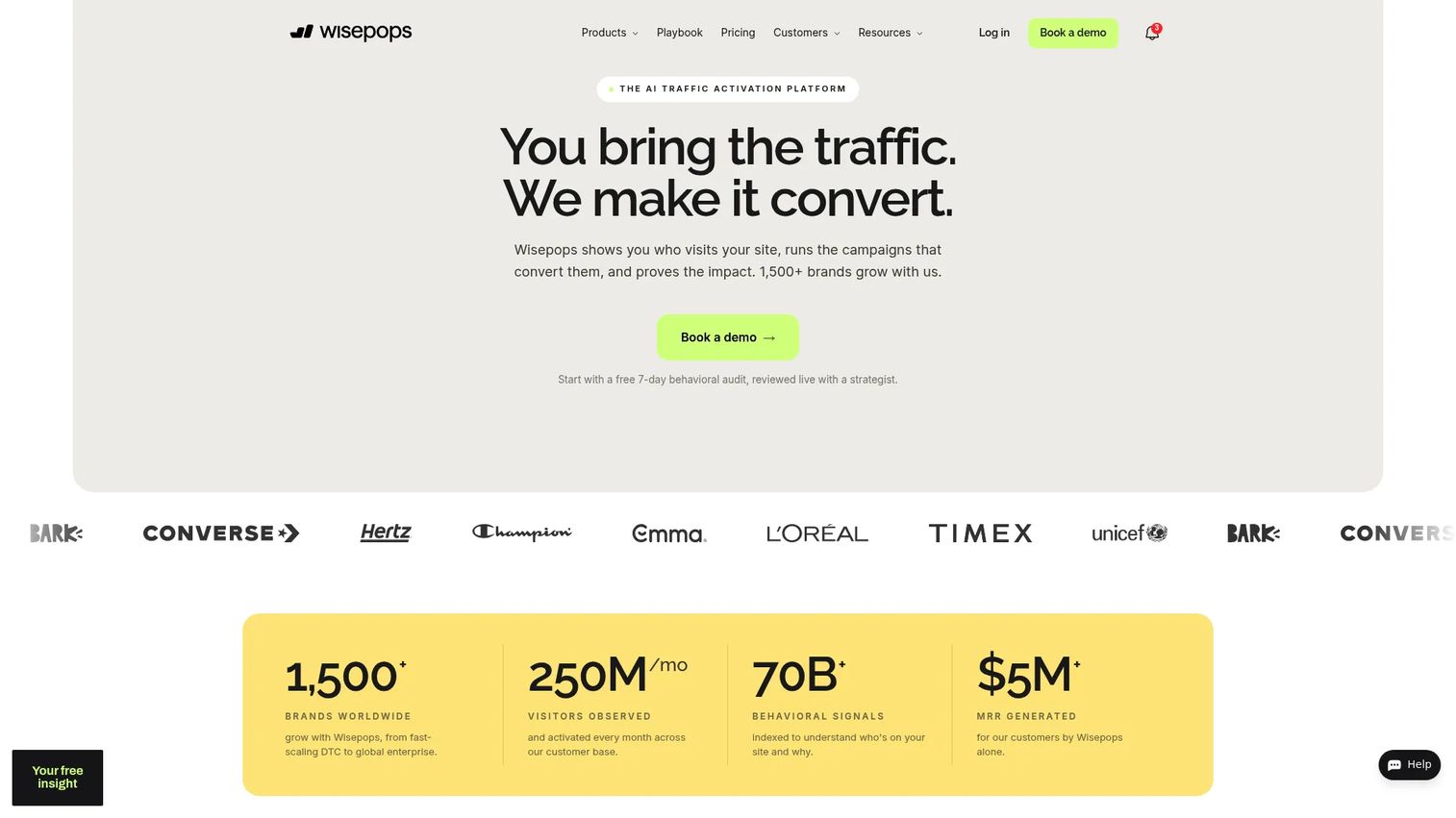
Wisepops is an onsite activation platform that runs popups alongside embeds, bars, feeds, quizzes, and web push from one place. It is built for teams that want to treat the whole site surface, not just a single overlay, as a conversion channel. The drag-and-drop editor and targeting layer let you segment by behavior, source, and audience without dev help.
Best for: Growth teams that want a multi-channel onsite platform for lead capture and cart recovery, not just a standalone popup.
Key features
- Popup builder with drag-and-drop editor and targeting
- Embeds, feed, bars, quizzes, and web push channels
- A/B testing, analytics, and revenue attribution
Why choose Wisepops: Pick it when a plain popup maker feels too narrow and you want bars, embeds, and web push managed in one system with revenue attribution built in. It sits at the higher end of pricing, so the fit is strongest for teams with the traffic to justify it.
Pricing: Plans start at €499/month, billed monthly, with pricing personalized by traffic volume, channels, and level of service. A 14-day free trial is available. Named tiers are not published on the pricing page.
2. POWR Popup

POWR Popup is a no-code website popup builder that runs across most site platforms with minimal setup. It leans on straightforward trigger controls and design options, so a solo marketer can launch a lead-capture popup in an afternoon. Autoresponder emails and native integrations handle the follow-up.
Best for: Businesses that want a no-code website popup with lead capture and trigger controls, especially across multiple sites.
Key features
- Exit-intent, scroll, time-delay, and click triggers
- Custom design and animations
- Autoresponder emails and integrations with Mailchimp, Google Sheets, Zapier
Why choose POWR Popup: It fits teams that value speed and a free entry point over deep segmentation. If you manage several small sites, the low per-site cost and simple editor make it easy to standardize.
Pricing: A free plan is available. Paid tiers include Starter at $7.04/mo, Pro at $15.84/mo, and Business at $98.99/mo, with a monthly and billed-annually toggle on the pricing page.
3. Sleeknote
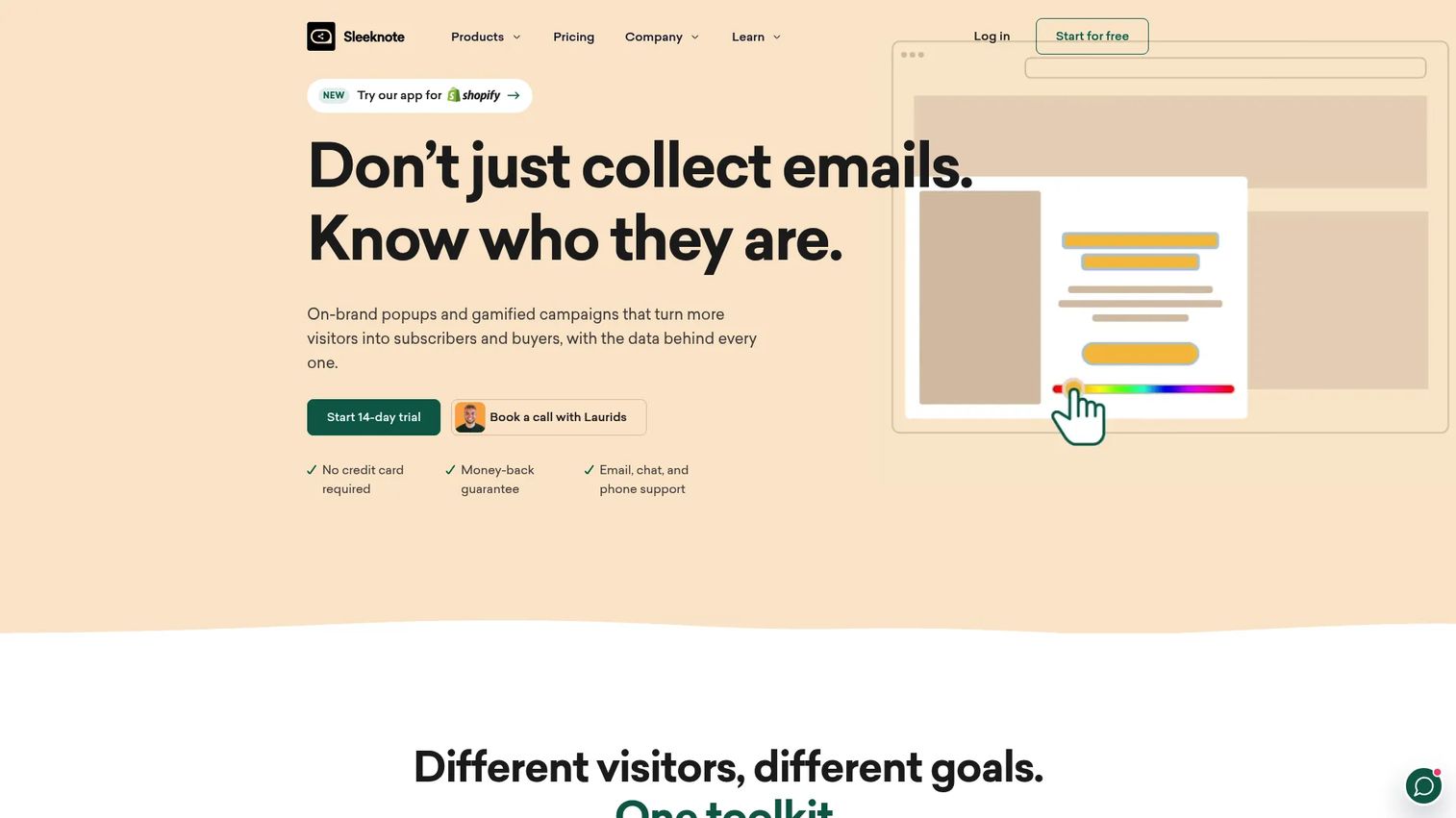
Sleeknote is an on-site popup and lead-capture platform aimed at ecommerce brands that want conversion without annoying shoppers. The drag-and-drop builder and advanced targeting let you time offers to browsing behavior, and a gamification add-on turns signups into interactive moments.
Best for: Ecommerce teams that want customizable, non-intrusive on-site popups and lead capture.
Key features
- Drag-and-drop popup builder
- 14-day free trial
- Advanced targeting and gamification add-on
Why choose Sleeknote: Choose it when store experience matters as much as capture rate and you want targeting tuned for shoppers. Pricing scales with monthly visitors, so it fits mid-sized stores better than very small or very large ones.
Pricing: Plans start at $69/month for Core, or $95/month with the gamification add-on. Annual billing lowers Core to $55/month and the gamification plan to $76/month, and saves 20%. There is a 14-day free trial but no permanent free tier.
4. OptinMonster
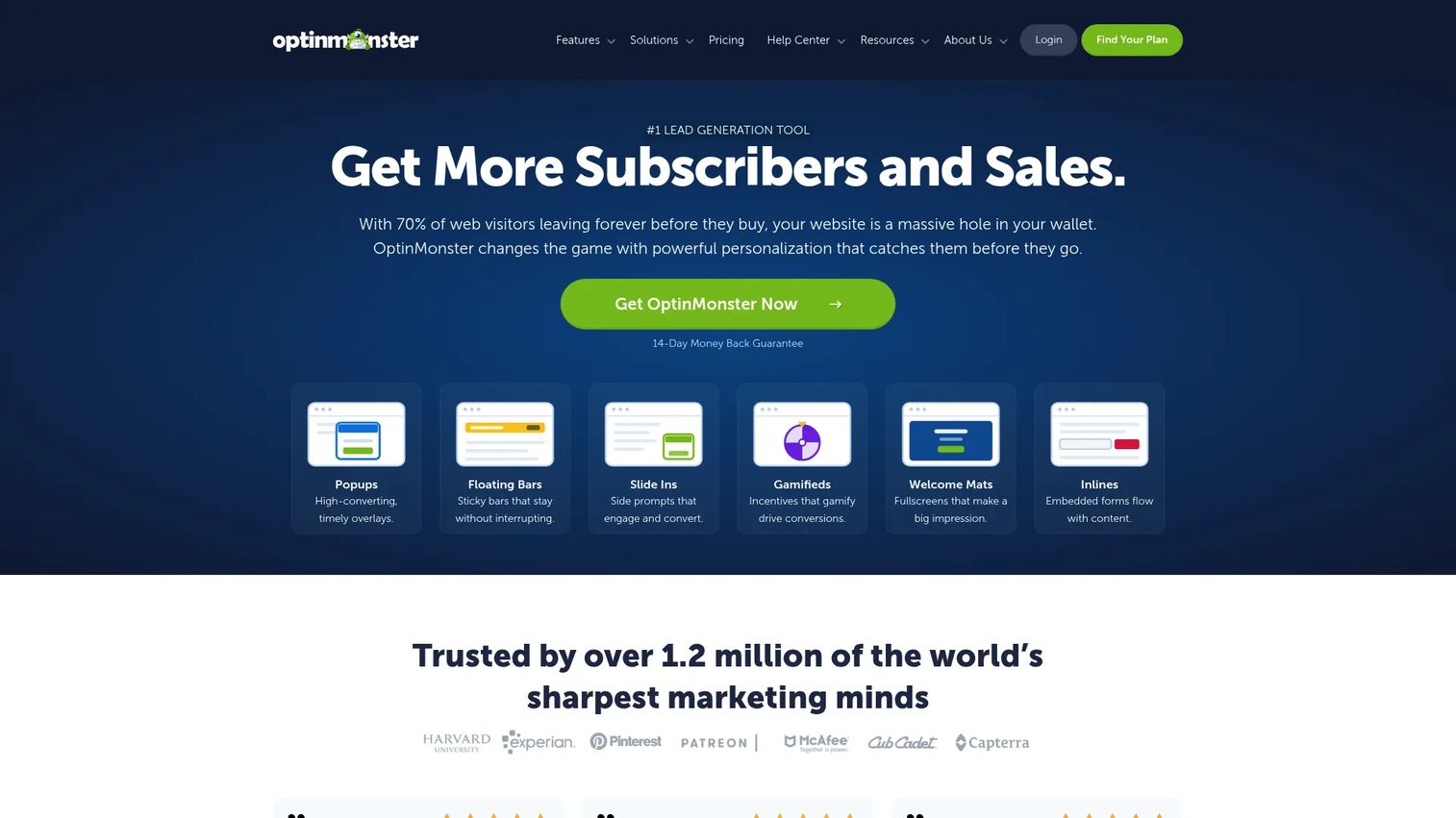
OptinMonster is a lead generation and conversion optimization tool built for capturing subscribers, leads, and sales. Its campaign builder pairs exit-intent and behavior-based targeting with A/B testing, so you can run structured experiments instead of guessing at offers.
Best for: Businesses that want on-site popups, targeting, and lead capture with mature testing, without building custom forms.
Key features
- Drag-and-drop campaign builder
- Exit-intent and other trigger-based targeting
- A/B testing and analytics
Why choose OptinMonster: It fits marketers who treat capture as a testing discipline and want targeting rules deep enough to segment reliably. The trade-off is that all plans are paid, so there is no free tier to trial indefinitely.
Pricing: Plans are billed annually: Basic at $7/month, Plus at $19/month, Pro at $29/month, and Growth at $49/month. Monthly subscriptions are also offered. There is no free tier.
5. OptiMonk
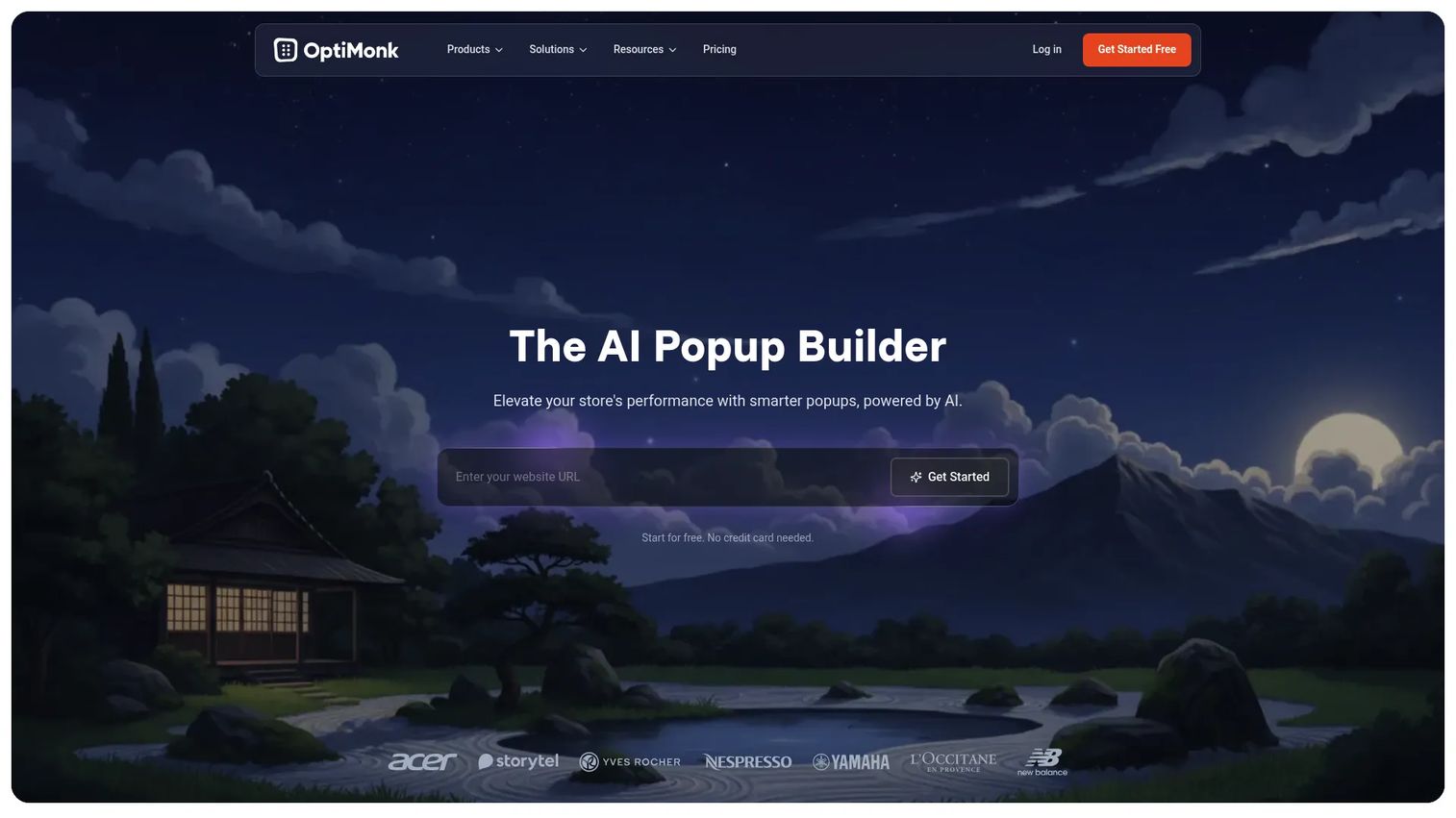
OptiMonk is an AI-driven popup builder designed for ecommerce, with a focus on onsite retargeting and product recommendations. Dynamic content and personalization let you adapt an offer to the visitor, and built-in A/B testing keeps the experiments honest.
Best for: Ecommerce teams that want onsite conversion popups tied to personalization and cart recovery.
Key features
- Popups and onsite retargeting
- Personalization and dynamic content
- A/B testing, targeting, and campaign analytics
Why choose OptiMonk: Reach for it when product recommendations and cart recovery are the priority and you want AI to help tailor offers. The free plan makes it easy to validate before scaling to paid tiers.
Pricing: A Free plan at $0 is available. Paid tiers are Essential at $19/month, Growth at $69/month, and Premium at $179/month, with a Master tier at custom pricing. Annual billing discounts apply to paid plans.
6. Privy
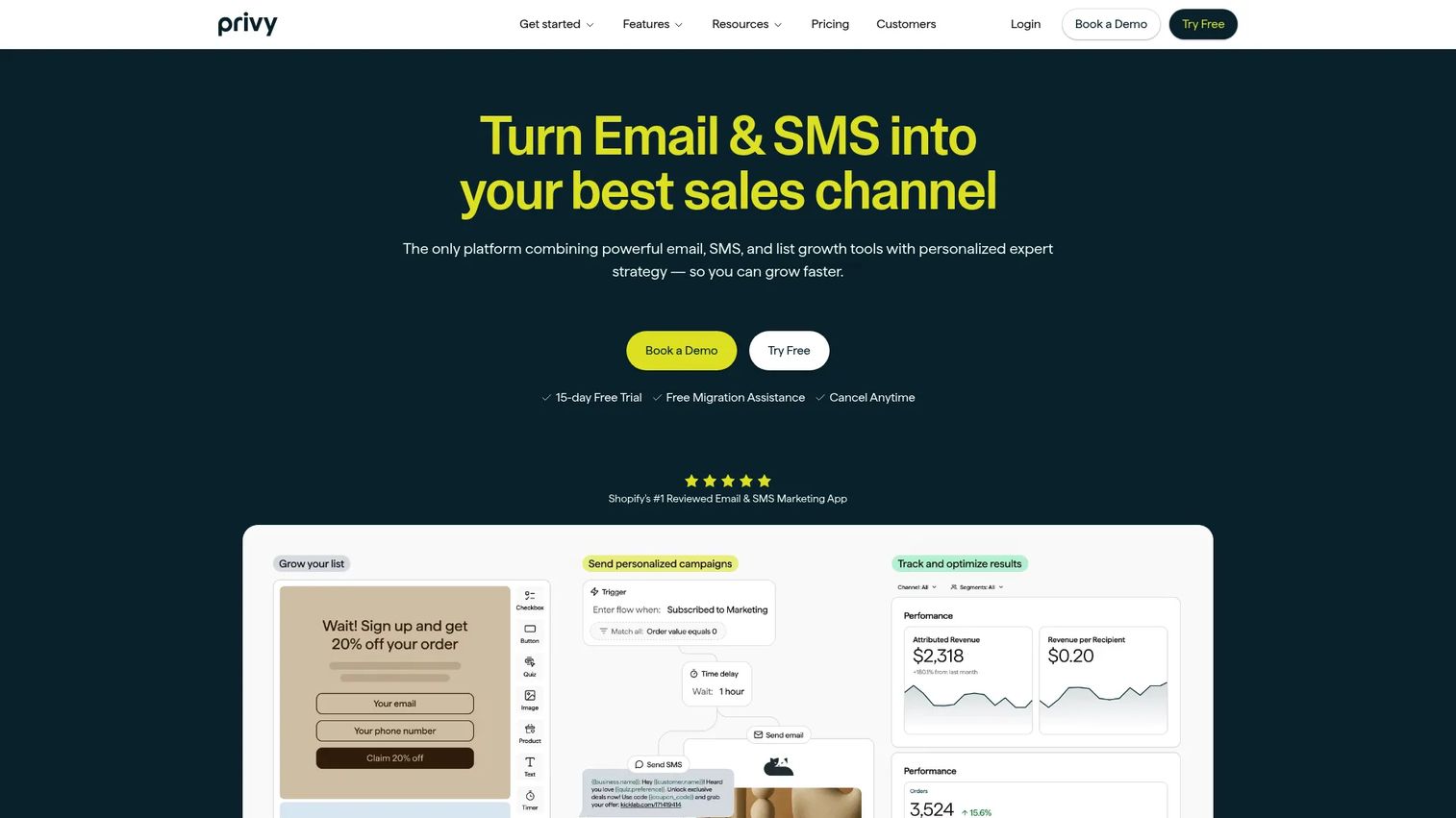
Privy is ecommerce marketing software that bundles pop-ups and onsite displays with email and SMS. For Shopify and other store owners, that means capture and follow-up live in one tool instead of two, with automations and segmentation to move contacts down the funnel.
Best for: Shopify and ecommerce brands that want pop-ups paired with email and SMS conversion tools.
Key features
- Email and SMS campaigns
- Pop-ups and onsite displays
- Automations and segmentation
Why choose Privy: Choose it when you want to consolidate popups and lifecycle messaging rather than stitch a separate email tool to a separate popup maker. If you already run a mature email platform, the overlap may be more than you need.
Pricing: Public pricing shows a Displays Plan from $24/month and a Starter Plan from $30/month, with an SMS add-on listed at $0/month to start. A 15-day free trial is offered, but there is no free tier.
7. Poptin
Poptin is a popups, forms, and email marketing automation platform for capturing and converting visitors. Its drag-and-drop editor, exit-intent triggers, and built-in analytics cover the core conversion loop, and a free-forever plan lets small teams start without a card.
Best for: Teams that want low-code popups and onsite conversion tools on a tight budget.
Key features
- Drag-and-drop popup/form editor
- Exit-intent and other triggers
- A/B testing and built-in analytics
Why choose Poptin: It is the pick when budget is the constraint and you still want triggers, testing, and analytics in one place. The free plan is genuinely usable, and paid tiers stay affordable as you grow.
Pricing: Poptin offers a Free Forever plan at $0. Paid plans, billed annually, include Basic at $240/year, Pro at $564/year, and Agency at $1,140/year. An Enterprise option with tailored solutions is available without a public price.
8. Popupsmart
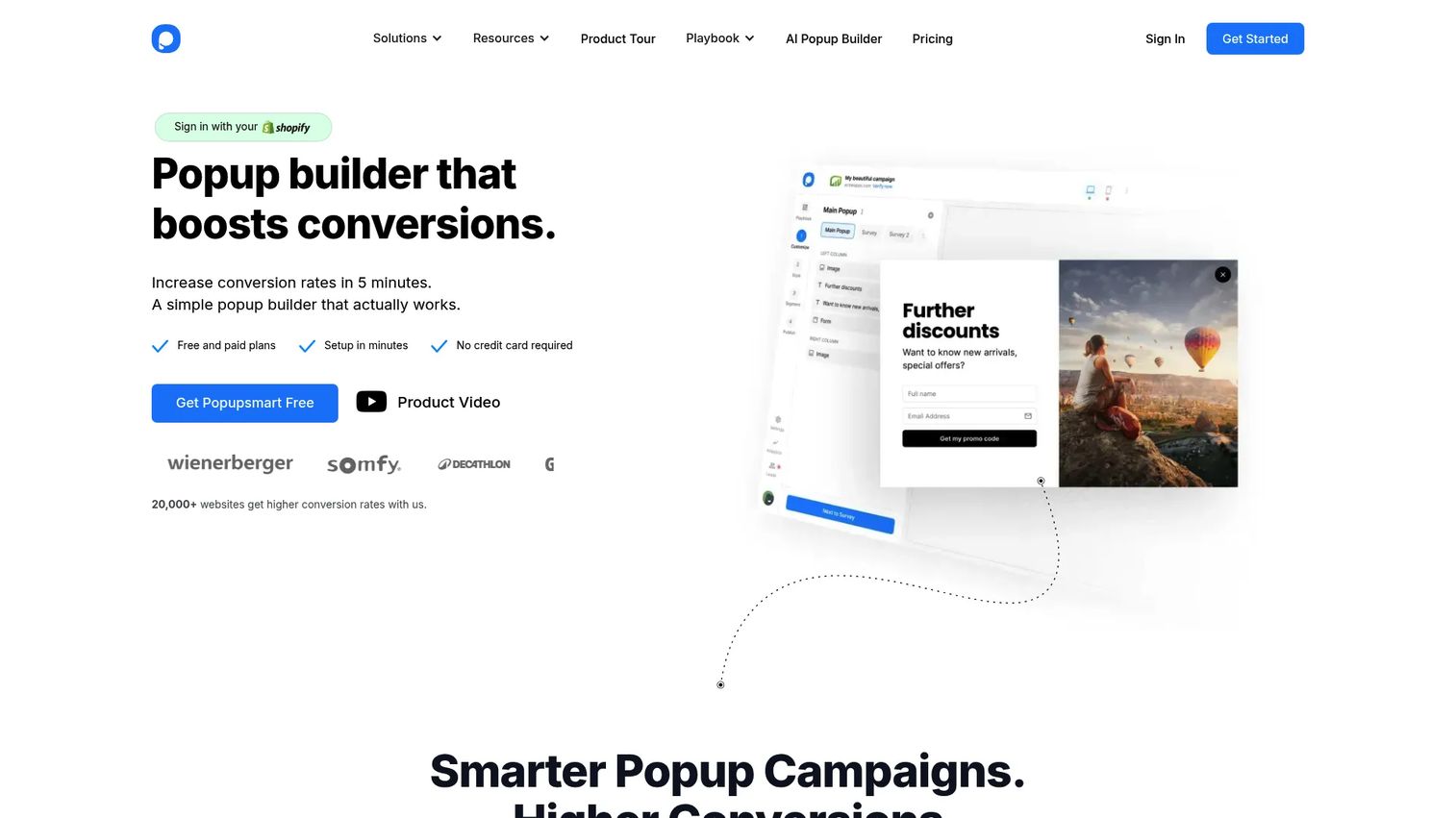
Popupsmart is a no-code popup builder with behavioral targeting, AI-assisted creation, analytics, and integrations. Its Smart Mode AI helps decide who sees a popup and when, so you can lean on the tool for targeting instead of hand-building every rule.
Best for: Teams that want a no-code popup tool with AI targeting and conversion analytics.
Key features
- Drag-and-drop popup builder
- Behavioral targeting and Smart Mode AI
- Analytics and A/B testing
Why choose Popupsmart: It fits marketers who want AI to shoulder targeting decisions and a clean free plan to start. Pricing is tied to website limits and pageview quotas, so map your traffic to a tier before committing.
Pricing: A Free plan at $0 is available. Paid plans are Basic at $39/month, Advanced at $69/month, Pro at $99/month, and Expert at $159/month, based on website limits, pageview quotas, and included features.
Considerations
Before you buy, run each shortlisted tool through this checklist.
Targeting depth
Ask how granularly the tool segments. Can it split by page, source, device, geography, new versus returning, and behavior in the same campaign? Shallow targeting shows the same offer to everyone and drags down conversion. Deeper targeting is the difference between a popup maker and a real conversion system.
Platform compatibility
Confirm the tool works on your stack. Shopify popup software needs clean Shopify integration; WordPress popup software needs a stable plugin or embed. If you run multiple sites or platforms, verify the tool covers all of them before you standardize.
Analytics and attribution
Clicks and submissions are the floor, not the ceiling. Look for impressions, conversion rate, and revenue attribution, plus the ability to run a control group. If you cannot tie a popup to downstream revenue, you cannot defend it to your CFO.
Mobile UX and SEO
Google penalizes intrusive interstitials on mobile, so check that the tool respects mobile-friendly formats and timing. Test how each popup renders on a phone before launch. Bad mobile UX costs you both conversions and rankings.
Pricing and scaling
Most website popup software prices on traffic or pageviews. Model your volume against each tier so a spike does not blow your budget. Weigh free popup software against paid tiers by what you actually need: a free plan is fine for validation, but revenue-aware analytics usually sit behind paid plans.
Conclusion
The right popup software should replace manual work and prove a measurable lift, not just add another overlay.
For advanced, multi-channel targeting, Wisepops is the strongest fit. For fast, no-code deployment across sites, POWR Popup earns the shortlist. Ecommerce teams gravitate to Sleeknote for store-friendly capture and OptiMonk for AI-driven recommendations and cart recovery. If you run on Shopify and want messaging consolidated, Privy pairs popups with email and SMS. For broad lead capture with mature testing, OptinMonster holds up. And if budget leads the decision, Poptin and Popupsmart both give you triggers, testing, and analytics on free or low-cost plans.
Pick the two that match your platform and traffic, run each on a real page with a control group, and measure the lift before you commit. Start a trial with your top choice this week and let the conversion data decide.
FAQs
Sleeknote, OptiMonk, and Privy are the strongest ecommerce fits. Sleeknote focuses on non-intrusive store popups, OptiMonk adds AI product recommendations and cart recovery, and Privy pairs popups with email and SMS. Match the pick to whether you prioritize capture, personalization, or consolidated messaging.
Not inherently, but intrusive mobile interstitials can. Google has flagged popups that block content on mobile as a ranking risk, so timing and format matter. Use exit-intent or delayed triggers, keep mobile popups easy to dismiss, and avoid full-screen overlays on entry.
Popup software pricing usually scales with traffic or pageviews. Entry paid plans start around $7/month for tools like OptinMonster and $19/month for OptiMonk, while multi-channel platforms like Wisepops start at €499/month. Model your volume against each tier before you buy.
Yes. POWR Popup, OptiMonk, Poptin, and Popupsmart all offer free plans, and Poptin's is free-forever. Free tiers are good for validation, but revenue-aware analytics and higher volume usually require a paid plan.
Privy and OptiMonk are common Shopify popup software choices because both integrate cleanly with stores and support ecommerce workflows like cart recovery. Privy adds email and SMS, while OptiMonk leans on AI personalization. Confirm the Shopify integration on the vendor page before committing.
Yes, when they are targeted and well-timed. A generic overlay shown to everyone underperforms; a segmented offer matched to page and intent converts. The lift comes from targeting and trigger logic, not the popup itself, which is why analytics and A/B testing matter.
Go beyond clicks and submissions. Track impressions, conversion rate, and revenue attribution, then run a control group so you know the popup caused the lift. Tools with built-in analytics and A/B testing, like OptinMonster, OptiMonk, and Poptin, make this straightforward.
Prioritize no-code editing, granular targeting and triggers, integrations with your email and CRM stack, and analytics that tie a popup to revenue. Confirm platform compatibility, mobile UX, and pricing that scales with your traffic before you standardize on one tool.