A request comes in through Slack. Another lands in a shared inbox. A third is a sticky note on someone's desk. By Friday, two of the three are done, one is forgotten, and nobody can say which technician touched what. This is how work still gets lost in most operations: spread across spreadsheets, email chains, and verbal handoffs that leave no trail.
Work order management software fixes the part of the problem that process alone cannot: visibility. Every request gets logged, assigned, tracked, and closed in one place, with a record of who did what and when. That matters more every year. The global work order management systems market was valued at USD 760.4 million in 2024 and is forecast to reach USD 1.19 billion by 2030, growing at an 8.2% CAGR, according to Grand View Research (2024). Cloud deployment already captured 63.05% of the market in 2025, per Mordor Intelligence (2024), which tells you where teams are moving.
If you are a product manager or operations lead evaluating tools the way you'd evaluate any workflow software, the same criteria apply: clarity, segmentation, automation, analytics, and low maintenance overhead. The same discipline shows up when teams pick audit management software or best contract lifecycle management software - you're buying a system of record and a workflow engine, not a feature list. This guide applies that lens to work order management.
What's inside
This guide covers seven work order management software platforms built for maintenance, facilities, and field service teams. We chose tools that solve the real operational job: turning scattered requests into a structured, trackable workflow. Each was evaluated against six filters that matter in practice: request intake, scheduling, mobile execution, preventive maintenance, reporting, and compliance. We pulled pricing and ratings from first-party pricing pages and verified review sources. The goal is decision support, not a marketing tour, so every entry tells you where it fits and where it does not.
TL;DR
- Best overall for coordination: Coast, for teams that want work orders, scheduling, and team messaging in one mobile-first app.
- Best for maintenance-first CMMS depth: Limble, for teams standardizing work orders, preventive maintenance, and asset tracking.
- Best for QR-based intake: Coast and UpKeep both handle QR and requester workflows well; Coast leans lighter, UpKeep leans deeper.
- Best for procedure-heavy execution: MaintainX, for teams that live on checklists and standardized procedures.
- Best for enterprise field service: Salesforce Field Service, when work orders are one part of a broader dispatch and service operation.
What is work order management software?
Work order management software is a system for creating, assigning, tracking, and closing work requests so maintenance and operations teams have a single source of truth for what needs doing, who owns it, and whether it got done.
It differs from the tools it usually replaces. Spreadsheets and email give you a list but no workflow: no assignment logic, no status, no audit trail, no mobile updates from the floor. A broader CMMS (computerized maintenance management system) wraps work orders inside deeper asset management, inventory, and reliability tooling. Work order software sits on a spectrum - some tools are lightweight request-and-dispatch systems, others are full CMMS platforms where work orders are one module among many.
Core capabilities to expect from a modern work order management system:
- Request portals and intake: submission forms, email-to-ticket, and QR code work requests that route to the right queue.
- Assignment and dispatch: rules for routing work to the right technician or team by skill, location, or priority.
- Mobile updates: technicians log progress, add photos, and close work from a phone, often offline.
- Templates and checklists: repeatable procedures so the same job gets done the same way every time.
- Preventive maintenance scheduling: time-based, usage-based, and condition-based triggers that create work before something breaks.
- Reporting and dashboards: completion rates, response times, cost tracking, and asset history.
- Audit trails: a timestamped record of every action for compliance and accountability.
When to use work order management software
Replace manual request handling
When requests arrive through email, Slack, paper forms, and hallway conversations, work gets lost and nobody can prove what happened. This is the most common trigger for buying work order software. A request portal or QR code intake standardizes submission: a requester scans a code on the equipment, fills a short form, and the request lands in a queue with the asset already attached. Routing rules push it to the right person. No more re-keying, no more "did anyone see my request from Tuesday?"
Standardize execution across technicians
When the quality of a job depends on who happens to pick it up, you have a consistency problem. Teams reach for work order software when they need repeatable workflows, fewer missed steps, and better documentation. Templates and checklists turn tribal knowledge into a defined procedure. Mobile access means a technician follows the steps, captures photos, and closes the order from the field without a paper trail to chase later. The same standardization instinct drives teams toward best contract management software tools - define the process once, then make everyone follow it.
Improve preventive maintenance and reporting
When maintenance is mostly reactive - you fix things after they break - costs and downtime climb. Work order software with preventive maintenance scheduling flips the model. Time-based triggers create recurring work, usage-based triggers fire off meter readings, and condition-based triggers respond to sensor data. Dashboards then show completion rates, mean time to repair, and cost per asset, so you can plan instead of firefight. Good reporting turns a maintenance function into something you can forecast and defend in a budget meeting.
Comparison table
Here is a compact view of the seven tools, sorted by relevance to teams evaluating work order management software. Pricing and ratings reflect first-party pricing pages and verified review sources as of mid-2026. Use it to shortlist, then read the detailed sections below.
| # | Product | Intent | Key differentiation | Pricing | G2 rating |
|---|---|---|---|---|---|
| 1 | Coast | Coordination-first work orders | Work orders, scheduling, and messaging in one mobile app | Free; paid from $2/user/mo | Not listed |
| 2 | Limble | Maintenance-first CMMS | Deep PM and asset tracking with strong mobile use | Quote-based | 4.8/5 |
| 3 | UpKeep | Mobile-first CMMS | Strong request routing and offline field execution | From $24/user/mo | 4.5/5 |
| 4 | MaintainX | Procedure-heavy execution | Checklists, templates, and AI procedure building | Free; paid from $20/user/mo | 4.8/5 |
| 5 | Fiix | Maintenance intelligence | Analytics, asset context, and preventive depth | Free; paid from $45/user/mo | Not listed |
| 6 | eMaint | Configurable enterprise CMMS | Multi-site scheduling, assets, and compliance | From $69/user/mo | Not listed |
| 7 | Salesforce Field Service | Enterprise field service | Dispatch, skills-based routing, AI service workflows | From $175/user/mo | Not listed |
1. Coast
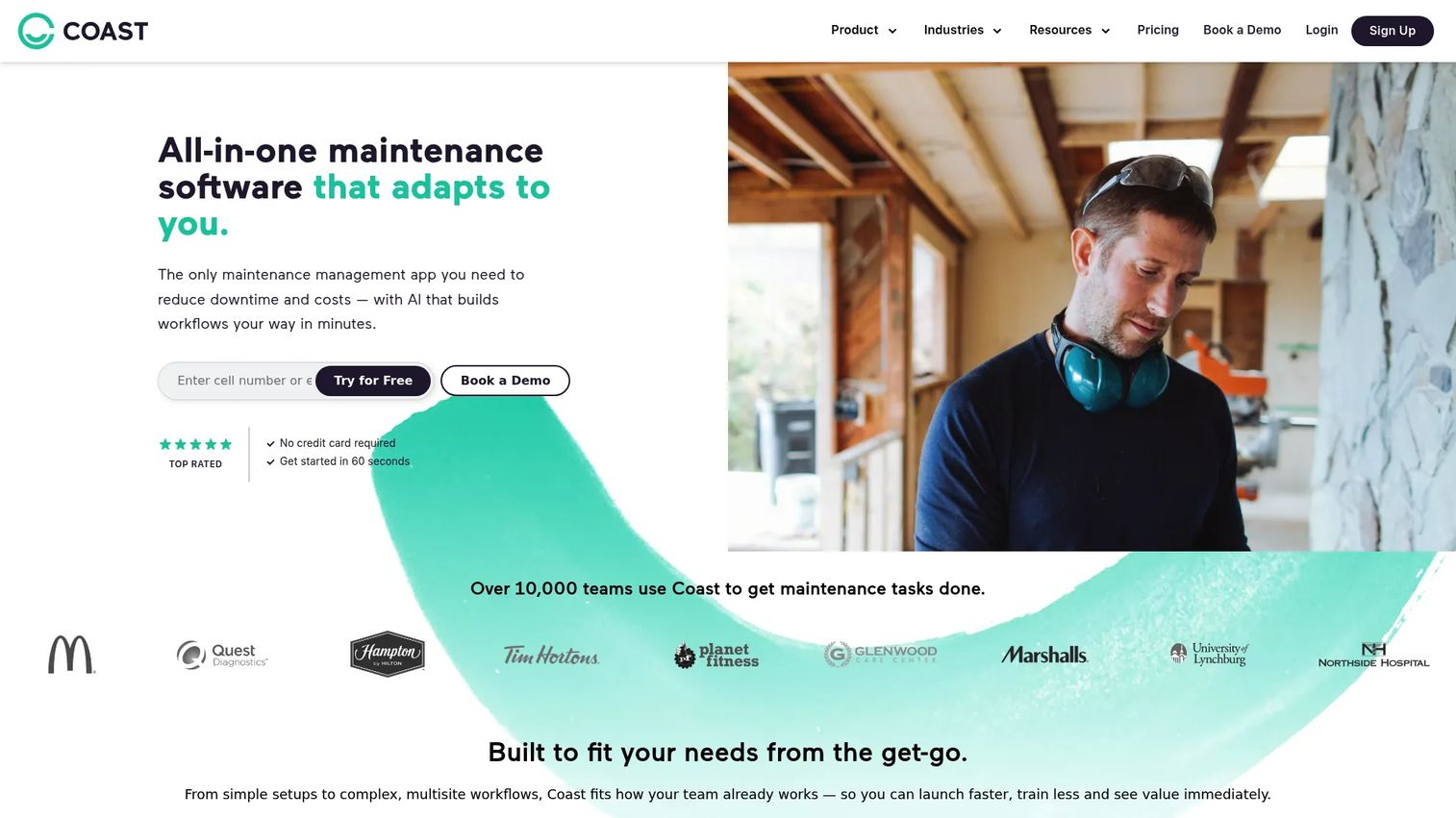
Coast is mobile-first workforce and maintenance management software built for deskless teams. It combines work orders, asset management, scheduling, tasks, and team messaging in a single app, which is the reason it leads this list for coordination. Most work order tools handle the ticket. Coast handles the ticket and the conversation around it, so the technician, the requester, and the manager all work from the same thread. That makes it a natural fit for teams replacing a mix of spreadsheets, group chats, and paper forms.
Its QR code work request angle is the standout for intake. A requester scans a code posted on equipment or in a facility, submits a short form, and the request lands in the queue with context attached. Preventive maintenance scheduling covers recurring work, and the workflow visibility means a manager can see what is open, assigned, and overdue without chasing anyone.
Best for: small to mid-sized teams that want maintenance, scheduling, and communication in one lightweight, mobile-first app.
Key strengths
- All-in-one coordination: work orders, messaging, and scheduling live together, so nothing falls between tools.
- QR code intake: requesters submit from the equipment itself, cutting friction and mis-routed requests.
- Mobile-first design: built for deskless technicians who close work from a phone, not a desktop.
Why choose Coast: If your operation loses more work to communication gaps than to missing features, Coast is the pragmatic pick. It trades the deep reliability tooling of a heavy CMMS for speed, simplicity, and adoption. Teams that need technicians to actually use the tool tend to land here.
Coast pricing: Coast offers a Free plan at $0 per user per month. Paid plans start with Starter at $2 per user per month and Pro at $4 per user per month, both billed monthly, with an Enterprise tier available on request. A free trial precedes the free plan. That entry price makes it one of the most accessible options for teams testing structured work orders for the first time.
2. Limble
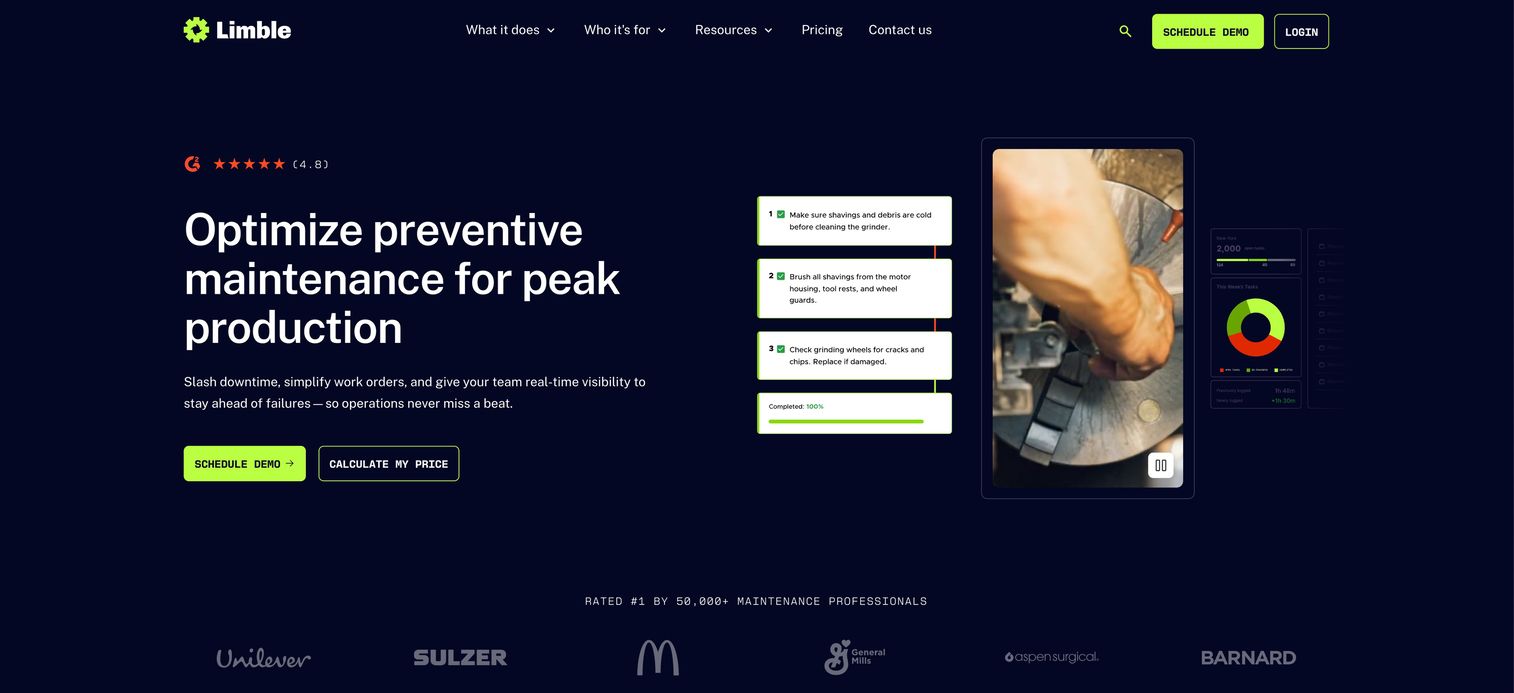
Limble is a cloud-based CMMS and asset management platform built for maintenance teams that want depth without a painful rollout. It focuses on the maintenance core: work order management, preventive maintenance, and asset tracking, delivered through a mobile-first interface that technicians adopt quickly. Where a lightweight tool stops at the ticket, Limble adds asset history, PM scheduling, and reporting that tie work back to the equipment it affects.
That makes it a strong fit for teams at the point where reactive maintenance is no longer sustainable and they need a real work order system with maintenance intelligence behind it. The mobile app is a consistent bright spot in reviews, which matters because a CMMS only works if the people in the field use it.
Best for: maintenance teams that need a mobile-first CMMS for work orders, preventive maintenance, and asset tracking.
Key strengths
- Preventive maintenance depth: flexible PM scheduling that moves teams from reactive to planned work.
- Asset tracking: work orders connect to asset records, building a usable maintenance history.
- Mobile adoption: an interface technicians actually open in the field, which drives data quality.
Why choose Limble: Choose Limble when you have outgrown request-and-dispatch and need maintenance management with reporting and asset context. It sits a step above pure work order tools in operational maturity, which is exactly the point for teams scaling their maintenance function.
Limble pricing: Limble does not publish public prices. Its pricing page lists Standard, Premium+, and Enterprise tiers with a "calculate my price" flow, so cost depends on team size and configuration. Limble holds a 4.8/5 rating on G2, one of the stronger scores in this category.
3. UpKeep
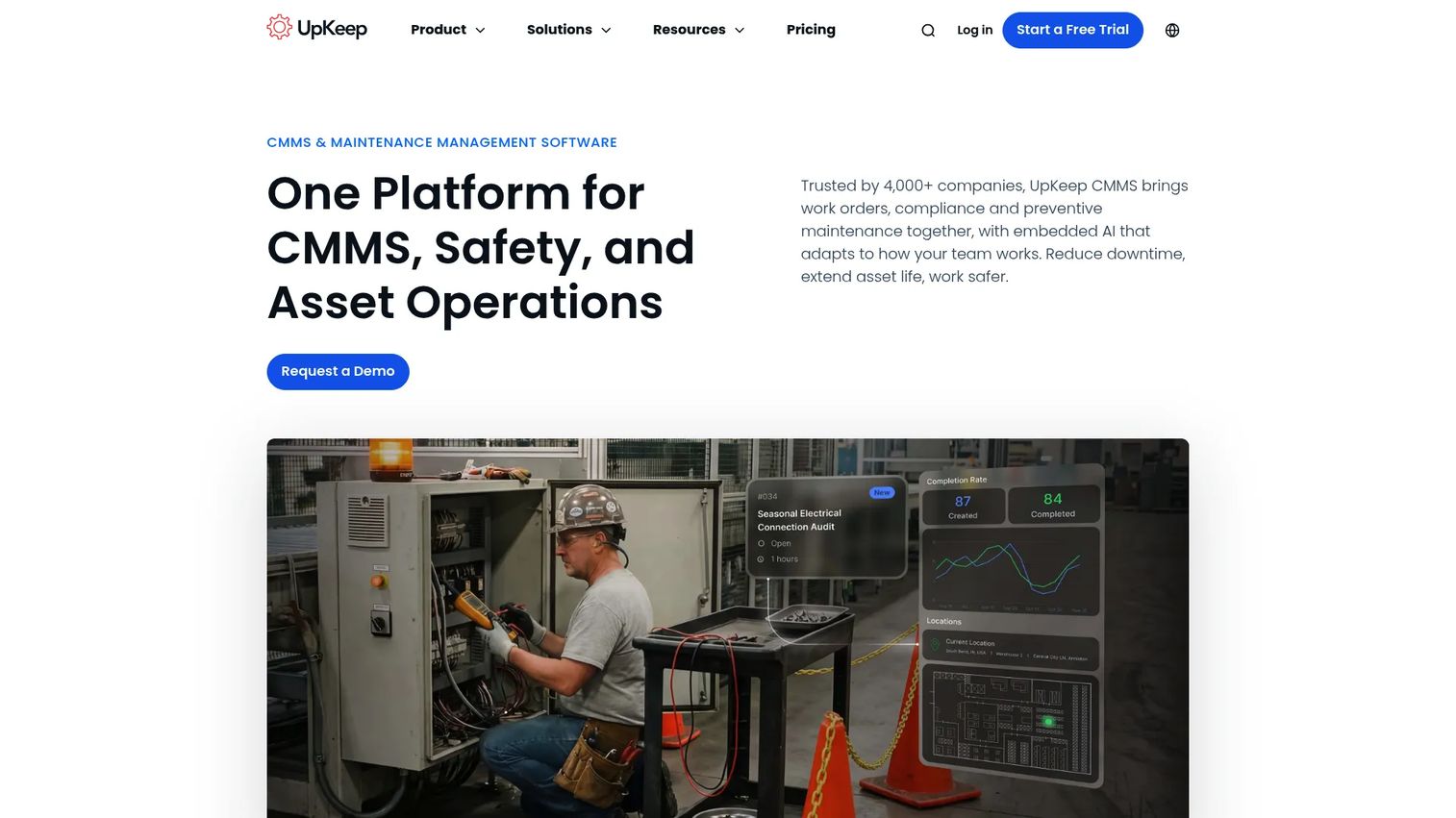
UpKeep is an AI-powered CMMS and asset operations platform built for maintenance, safety, and reliability teams. Its reputation is mobile-first execution: technicians pick up work, update status, capture photos, and close orders from a phone, including offline in areas with weak connectivity. That offline capability is a real differentiator for facilities and field teams working in basements, plants, and remote sites where a signal is not guaranteed.
Request routing is the other strength. Requesters submit through a portal, work flows to the right technician, and recurring tasks keep preventive maintenance on schedule. Everything leaves a traceable record, which supports both accountability and compliance reporting.
Best for: teams that need a mobile-first CMMS for work orders, preventive maintenance, assets, and parts inventory, especially in the field.
Key strengths
- Offline mobile access: technicians keep working and syncing when connectivity drops.
- Request routing: intake flows to the right person automatically, with free requester seats.
- Parts and inventory: work orders tie to spare parts, so maintenance and inventory stay in sync.
Why choose UpKeep: UpKeep fits teams whose work happens away from a desk and often away from strong Wi-Fi. If offline reliability and requester experience rank high on your list, it earns a place on the shortlist. It is a fuller CMMS than a coordination-first tool, which suits teams ready for that depth.
UpKeep pricing: UpKeep pricing starts at $24 per user per month for the Essential plan, with Premium at $55 per user per month. Professional and Enterprise tiers are quote-based. UpKeep offers a free trial and free requester seats rather than a permanent free plan. It holds a 4.5/5 rating on G2.
4. MaintainX
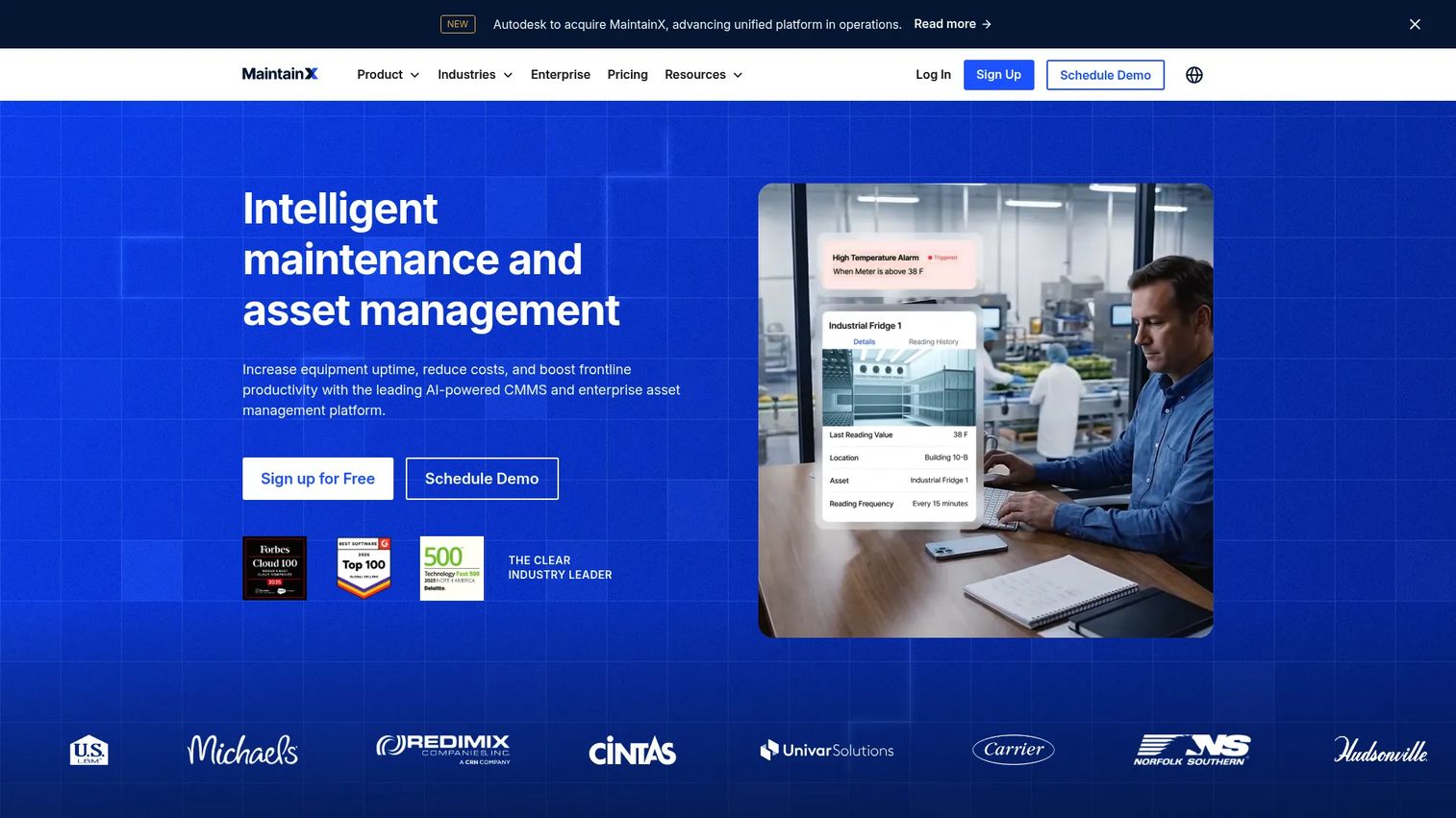
MaintainX is AI-powered maintenance and asset management software built for frontline and industrial teams that run on procedures. Its center of gravity is standardized execution: digital checklists, procedure templates, and mobile task completion that make sure the same job gets done the same way every time. For teams where a missed step means a safety incident or a failed audit, that consistency is the whole point.
The AI-assisted procedure building is a genuine time-saver. Instead of writing every checklist from scratch, teams generate structured procedures faster and refine from there. Work orders, preventive maintenance, and parts inventory round out a full CMMS, but the procedure layer is what sets it apart.
Best for: maintenance and operations teams that need mobile-first, procedure-driven CMMS workflows with strong documentation.
Key strengths
- Procedure and checklist engine: standardized steps that reduce variance and missed tasks.
- AI procedure building: generate structured procedures faster than writing them by hand.
- Mobile task completion: technicians follow and close procedures from the floor with full records.
Why choose MaintainX: Choose MaintainX when consistency and repeatability matter more than anything else, in regulated environments, safety-critical work, or multi-site operations that need every location running the same playbook. The free tier also makes it easy to pilot before committing.
MaintainX pricing: MaintainX offers a Basic plan that is free forever at $0 per user per month. Essential is $20 per user per month and Premium is $65 per user per month, both billed annually, with a custom-priced Enterprise tier. It holds a 4.8/5 rating on G2, tying for the top score in this list.
5. Fiix
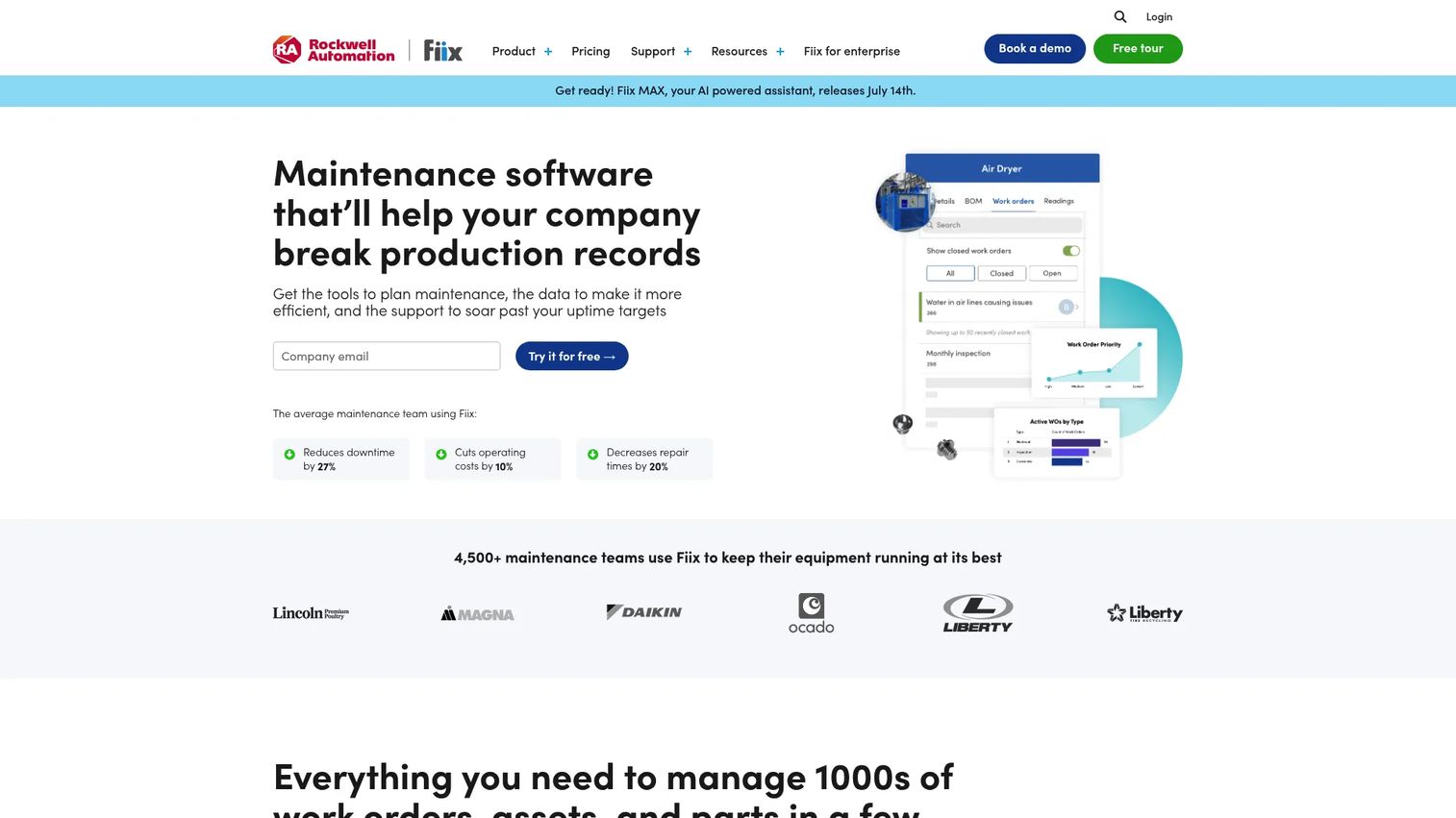
Fiix is cloud-based CMMS software built for maintenance teams that want to turn work order data into maintenance intelligence. It covers work order management, asset management, inventory and parts, and mobile maintenance, but its differentiator is analytics and reporting. Fiix Foresight AI surfaces historical trends and patterns across your asset base, so teams move from tracking work to understanding why work happens.
That analytics depth suits operations that have the basics under control and now want to reduce downtime through better planning. Work order standardization keeps execution consistent, while trend analysis informs which assets are draining budget and where preventive maintenance should focus next.
Best for: maintenance teams that want a CMMS with strong reporting, asset context, and a free entry tier to scale from.
Key strengths
- Analytics and reporting: trend analysis and dashboards that inform maintenance planning.
- Asset context: work orders connect to full asset records and maintenance history.
- Fiix Foresight AI: pattern detection across assets to guide preventive strategy.
Why choose Fiix: Fiix fits teams that have moved past "just log the work" and want to use maintenance data to plan. If reporting and historical trend analysis rank high, it belongs on the list. The free tier lets smaller teams start and grow into the paid plans as their reporting needs mature.
Fiix pricing: Fiix offers a Free plan at $0 for limited users. Paid plans are Basic at $45 per user per month and Professional at $75 per user per month, with a custom-priced Enterprise tier. The free entry point makes it approachable for teams that want to prove value before scaling up.
6. eMaint
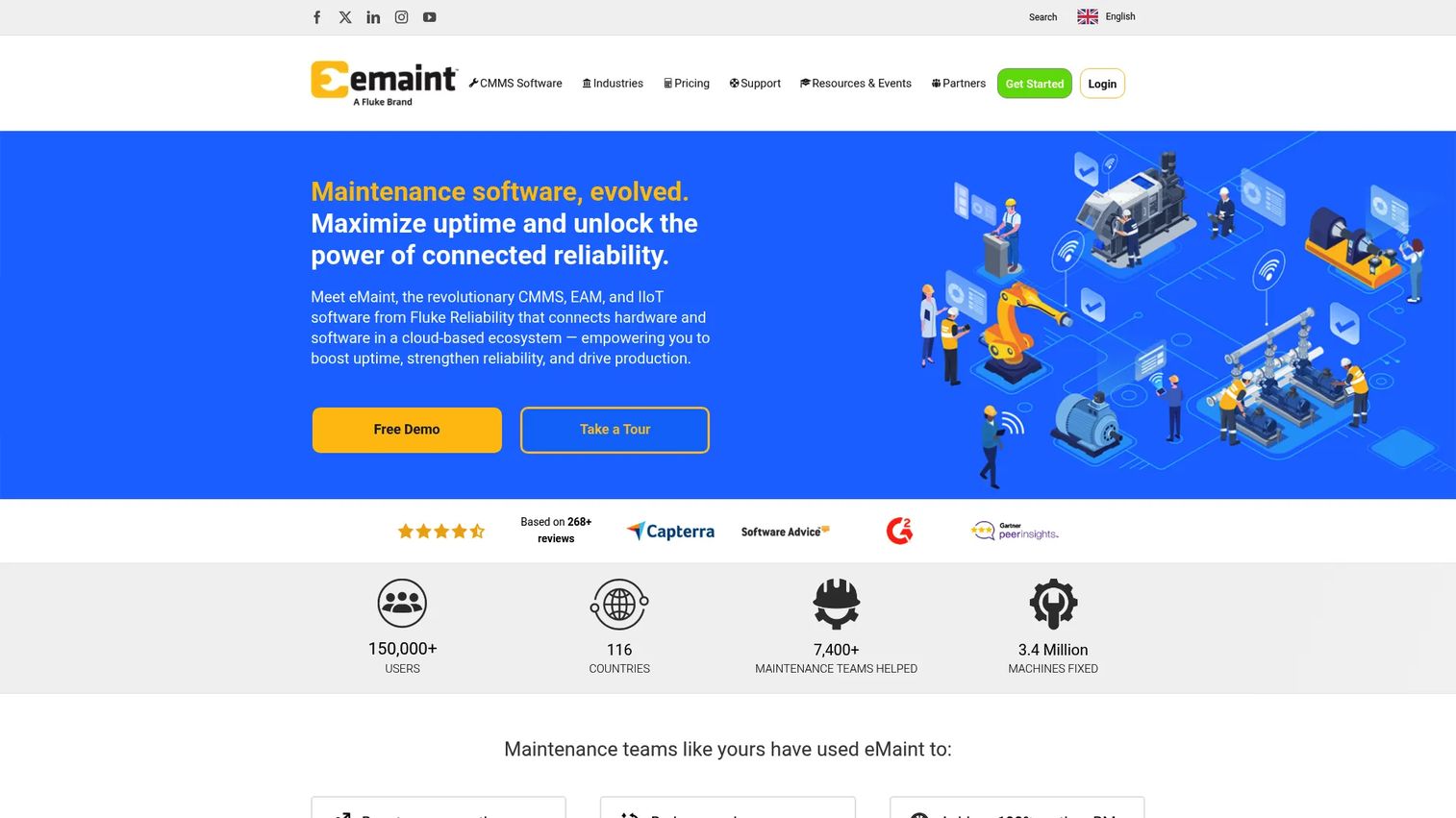
eMaint is a cloud-based CMMS and EAM platform built for maintenance teams that need configurable workflows across multiple sites. It covers work order management and PM scheduling, asset management and spare parts inventory, plus condition monitoring, reporting, and workflow automation. The theme is configurability: eMaint adapts to how a complex operation actually runs rather than forcing a fixed process, which is why larger and multi-site teams gravitate to it.
Compliance and reporting are strong suits. For organizations with audit requirements, regulatory obligations, or condition-based maintenance programs, eMaint provides the depth and the paper trail. It is a heavier platform than the coordination-first tools, and that weight is a feature for the teams that need it.
Best for: maintenance teams needing configurable CMMS and EAM workflows across multiple sites with compliance depth.
Key strengths
- Configurability: workflows, forms, and dashboards adapt to complex, multi-site operations.
- Condition monitoring: condition-based maintenance alongside time- and usage-based scheduling.
- Compliance reporting: audit-ready records and reporting for regulated environments.
Why choose eMaint: Choose eMaint when your operation spans multiple sites, carries compliance requirements, and needs a system that bends to your process. It rewards teams willing to configure it to their reality, and it scales with operational complexity that lighter tools are not built for.
eMaint pricing: eMaint's Team plan starts at $69 per user per month, on a monthly or annual commitment. Professional and Enterprise tiers are custom-priced on an annual commitment, with final pricing depending on user count, contract length, and configuration. That structure fits organizations planning a longer-term, configured deployment.
7. Salesforce
Salesforce offers field service management software for scheduling, dispatching, and mobile workforce operations, built on the Salesforce platform. It is the enterprise option here, and it is broader than the maintenance-only tools: work order management is one part of a larger service operation that includes intelligent scheduling, skills-based dispatch, offline mobile support, and AI-assisted service workflows. If your teams already run on Salesforce and work orders are part of a customer-facing service motion, this is the natural home for that work.
The differentiation is orchestration at scale. Intelligent scheduling matches the right technician with the right skills to the right job, dispatchers manage a live board, and the mobile app keeps field workers productive offline. This is more than a work order tracking system; it is a full field service platform.
Best for: enterprise teams that need dispatch, technician scheduling, and mobile field service workflows within a broader service operation.
Key strengths
- Intelligent scheduling and dispatch: skills-based routing and automated scheduling at scale.
- Mobile workforce support: an offline-capable mobile app for field technicians.
- Platform integration: work orders connect to CRM, service, and AI workflows across Salesforce.
Why choose Salesforce Field Service: Choose it when work order management is one thread in a larger field service and service operations fabric, and when you are already invested in Salesforce. For maintenance-only teams it is more platform than needed, but for enterprise field service, that breadth is the reason to pick it.
Salesforce Field Service pricing: Dispatcher and Technician licenses are $175 per user per month. Contractor and Contractor Plus run $55 to $80 on a login-based model, Field Service Plus is $230 per user per month, and Agentforce 1 Field Service is $650 per user per month. There is no free tier, and detailed contractor pricing requires a sales conversation. The pricing reflects its position as an enterprise field service platform rather than a lightweight work order app.
Considerations before you buy
The right choice depends less on feature counts and more on how work actually flows through your operation. Use this checklist to pressure-test any shortlist.
Request intake and routing
Look at how requests come in and where they go. If most work starts with someone outside the maintenance team, you need a low-friction request portal or QR code intake, plus routing rules that put work in front of the right person without a manager triaging every ticket. Evaluate this against your real intake volume, not a demo scenario.
Mobile and offline execution
Technicians live in the field, not at a desk. Test the mobile app the way your team will use it: closing work, capturing photos, and updating status. If your sites have dead zones, offline capability is not optional. A tool that only works with strong Wi-Fi will quietly get abandoned.
Preventive maintenance and reporting
Decide how far you need to go beyond reactive work. If you want to plan, you need time-based, usage-based, and condition-based PM scheduling plus dashboards that track completion, downtime, and cost. Reporting is what turns maintenance from a cost center into a defensible budget line, so weigh analytics depth against your planning maturity.
Auditability and technician adoption
Two things quietly decide success. First, a timestamped audit trail for compliance and accountability. Second, adoption: the most capable platform is worthless if technicians route around it. Prioritize ease of use and a mobile experience your team will actually open. When you evaluate operational tooling like this, the same discipline applies to picking best event management software or a best community management software platform: adoption beats feature depth every time.
Conclusion
The best work order management software is the one that matches how your team works, not the one with the longest feature list. Three patterns cover most buyers. If you need lightweight coordination with communication built in, Coast leads for speed and adoption. If you need a maintenance-first CMMS with preventive maintenance and asset depth, Limble, UpKeep, MaintainX, and Fiix each bring a distinct strength: mobile depth, offline execution, procedure standardization, and reporting intelligence respectively. If you run a complex or multi-site operation, eMaint offers configurability and compliance, while Salesforce Field Service fits enterprise field service inside a broader platform.
The next step is practical: map your intake, execution, and reporting needs against these three patterns, then trial two tools with a real work order flow. Adoption in the field, not the sales demo, is what tells you which one your team will keep using.
FAQs
Work order management software is a system for creating, assigning, tracking, and closing work requests in one place. It gives maintenance and operations teams a single source of truth for what needs doing, who owns it, and whether it was completed, replacing scattered spreadsheets, emails, and paper forms with a structured, trackable workflow.
Work order software is often narrower, focused on the request-to-completion workflow: intake, assignment, tracking, and closeout. A CMMS (computerized maintenance management system) usually includes that plus deeper asset management, spare parts inventory, preventive maintenance, and reliability tooling. In practice the line blurs, since many CMMS platforms are marketed as work order software and vice versa. Match the depth to your operation rather than the label.
Prioritize request intake (portals, email-to-ticket, QR code requests), assignment and dispatch rules, mobile access for field updates, procedure templates and checklists, preventive maintenance scheduling, reporting and dashboards, and a timestamped audit trail. The right mix depends on whether you need lightweight coordination or a full maintenance work order system.
Yes. Most work order management systems support preventive maintenance scheduling through three triggers: time-based (every 30 days), usage-based (every 500 operating hours from a meter reading), and condition-based (when sensor data crosses a threshold). This moves teams from reactive repairs to planned work, which reduces downtime and unplanned cost.
Compare tools on three points: quality of the mobile app, offline capability, and attachment capture. UpKeep and Coast are both strong for mobile-first teams, and Salesforce Field Service offers an offline-capable app for enterprise field work. If your sites have weak connectivity, offline sync should be the deciding factor.
Pricing varies widely by team size, feature depth, and deployment model. Entry options start free or near-free, with Coast from $2 per user per month and free tiers on MaintainX and Fiix. Mid-range CMMS plans run roughly $20 to $75 per user per month, while enterprise field service platforms like Salesforce start at $175 per user per month. Several vendors use quote-based pricing for larger deployments.
Yes. QR code intake reduces submission friction and improves routing accuracy. A requester scans a code posted on the equipment, and the request arrives with the asset already attached and context captured, so it lands in the right queue without re-keying. It cuts mis-routed requests and speeds up the time from problem spotted to work assigned.
Prioritize ease of use, reporting and auditability, and technician adoption above raw feature count. A facilities team succeeds or fails on whether the people in the field actually use the tool. Choose the platform with the mobile experience your team will open daily, backed by the reporting your leadership needs to see, and the audit trail your compliance obligations require.