Your hourly labor line is the single biggest controllable cost in most operations-heavy businesses. Yet the way most teams manage it still runs on spreadsheets, disconnected time clocks, and a payroll export somebody triple-checks by hand every two weeks. The result is not just wasted hours. It is drift: schedules that ignore demand, overtime nobody caught until it hit the run, and compliance exposure that only surfaces during an audit.
Labor management software exists to close that gap. The global labor management system market is projected at USD 5.71B in 2026, growing to USD 9.97B by 2033 at an 8.3% CAGR, according to Coherent Market Insights (2026). The broader workforce management software market sits even larger at USD 13.09B in 2026, per Fortune Business Insights (2026). The category is growing because the problem is expensive and the manual workarounds do not scale.
If you run a services, retail, logistics, or field-heavy business, the right workforce management solutions turn labor from a monthly surprise into a system you can forecast, staff, and pay accurately without founder heroics. This piece is a systems lens on the category, not a vendor brochure. If you are also mapping adjacent stacks, our roundups on marketing analytics and analytics platforms that drive ROI show how the same "one source of truth" thinking applies elsewhere.
What's inside
This guide is for operators and founders evaluating labor management software as infrastructure, not as a point tool for one manager. We selected the eight platforms below based on four criteria that matter when you are buying for scale: depth of scheduling and time tracking, payroll and compliance handling, labor forecasting and analytics, and how much manual work the system removes from your team. We favored platforms with real category traction, verifiable feature sets, and clear buyer fit. Warehouse-specific labor management is treated as a valid subcategory, not the whole picture.
TL;DR
- Best all-in-one for hourly teams: Workforce.com combines scheduling, HR, and payroll for shift-based businesses.
- Best for enterprise complexity: WorkForce Software and ADP WorkForce Suite handle union rules, multi-country pay, and layered compliance.
- Best unified HCM: Dayforce and UKG Pro fold workforce management into one HR and payroll platform.
- Best for time and attendance depth: TimeClock Plus focuses on accurate timekeeping, leave, and accruals.
- Best warehouse labor management software: Manhattan Labor Management and Easy Metrics tie labor performance to cost and productivity data.
What is labor management software?
Labor management software is a system that plans, tracks, and optimizes hourly workforce operations, covering shift scheduling, time and attendance, payroll integration, compliance, and labor forecasting from one platform. It replaces the patchwork of spreadsheets, punch clocks, and manual payroll prep that leaks hours and creates pay errors.
A true labor management system pulls several adjacent motions into one workflow so leaders get a single source of truth for where labor hours go, what they cost, and whether staffing matches demand.
Core capabilities usually include:
- Shift scheduling: Build, publish, and adjust schedules based on demand, availability, and skills, with shift swapping and open-shift claiming.
- Time and attendance: Capture clock-ins, breaks, and attendance tracking with rules that flag exceptions before they hit payroll.
- Labor forecasting: Predict staffing needs from historical demand, sales, or throughput data to support labor cost optimization.
- Payroll integration: Feed clean, rules-checked hours straight into payroll to protect pay accuracy.
- Payroll compliance: Apply overtime, break, and jurisdiction rules automatically to reduce compliance exposure.
- Dashboards, reporting, and analytics: Give leaders live visibility into labor cost, productivity, and coverage.
Time and attendance is the anchor use case. Coherent Market Insights (2026) estimates it will account for 30.8% of the labor management system market in 2026, and North America will hold 38.5% of that market. That concentration tells you where most buyers start: getting hours right first, then layering forecasting and workforce planning on top.
When to use labor management software
Replace manual scheduling and timesheet reconciliation
If a manager spends hours each week building schedules in a spreadsheet and then reconciling punches against them, you are paying skilled people to do clerical work. Employee scheduling software removes that friction and cuts the errors that flow into payroll. This is usually the first trigger for buying.
Control labor cost against demand
When overtime spikes without anyone catching it until the pay run, you have a forecasting gap, not a discipline problem. Labor forecasting ties staffing to demand signals so you schedule the right people at the right time. For operations-heavy businesses, this is where the ROI lives.
Stay ahead of compliance and pay accuracy
Break rules, overtime thresholds, and jurisdiction-specific labor laws are hard to track manually across a distributed hourly workforce. Compliance management inside the system applies the rules automatically, so pay accuracy and audit readiness stop depending on one person's attention.
Comparison table
The table below summarizes the eight platforms by intent, key use case, pricing visibility, and G2 rating. Most vendors in this category use custom pricing tied to headcount and modules, so treat the pricing column as a signal of transparency, not a quote. Ratings reflect current G2 listings at the time of writing.
| # | Product | Intent | Key use case | Pricing | G2 rating |
|---|---|---|---|---|---|
| 1 | Workforce.com | All-in-one WFM for shift teams | Scheduling, HR, and payroll in one system | Custom (per user) | 4.5/5 |
| 2 | WorkForce Software | Enterprise WFM | Complex labor, compliance, and scheduling | Custom | 4.1/5 |
| 3 | ADP WorkForce Suite | Enterprise WFM | Union, multi-country, shift-based needs | Custom | Not rated |
| 4 | UKG Pro Workforce Management | Enterprise WFM | Timekeeping, forecasting, and compliance | Custom | 4.3/5 |
| 5 | Dayforce | Unified HCM | HR, payroll, and workforce management | Custom | 4.2/5 |
| 6 | TimeClock Plus | Time and attendance | Timekeeping, leave, and accruals | Custom | 4.3/5 |
| 7 | Manhattan Labor Management | Warehouse LMS | Labor performance and gamification | Custom | 3.3/5 |
| 8 | Easy Metrics | Warehouse analytics | Labor, cost, and margin visibility | Custom | Not rated |
1. Workforce.com
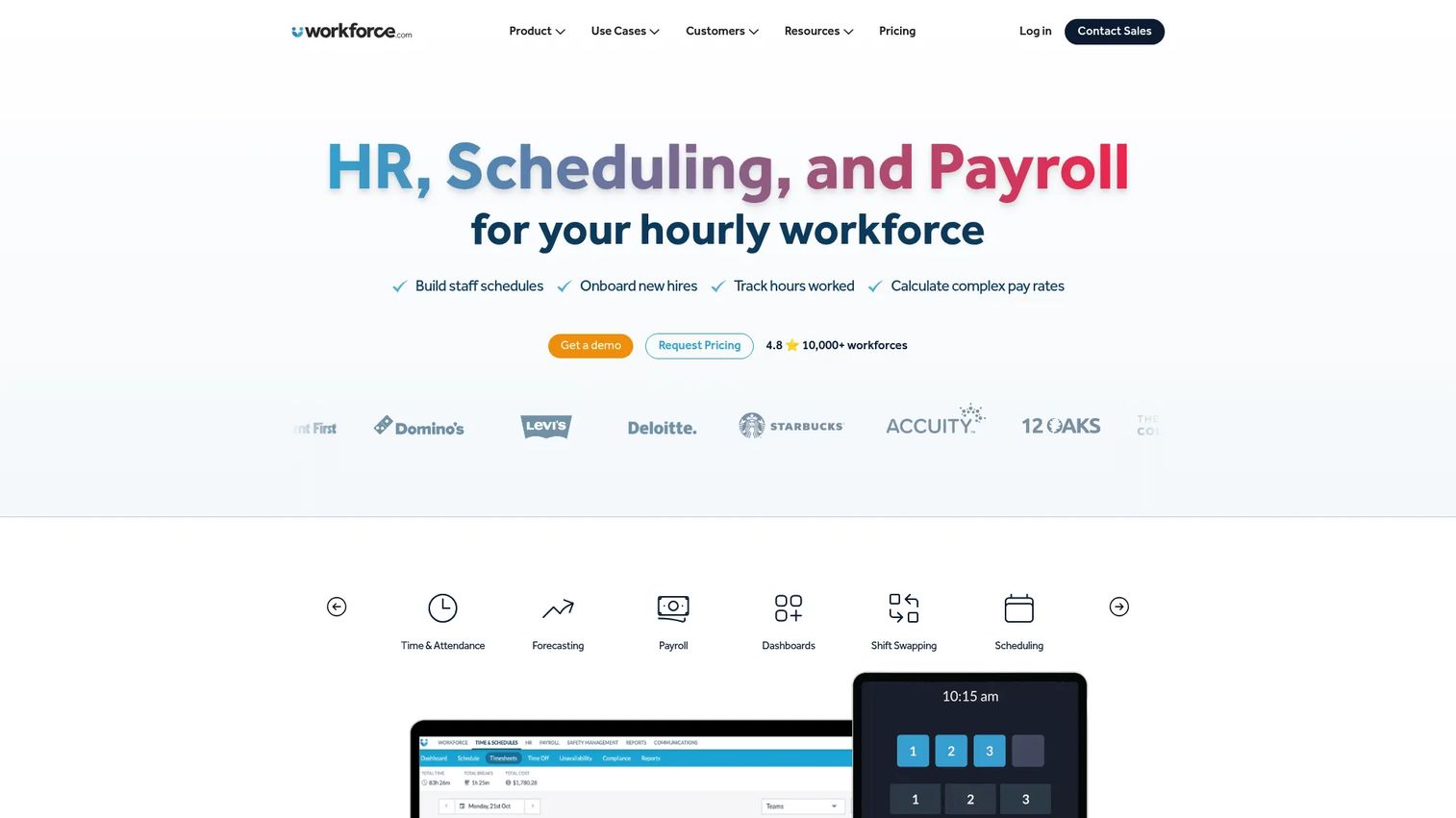
Workforce.com is all-in-one workforce management software built for shift-based businesses that need scheduling, HR, and payroll in one system. It is a common starting point for operators because it does not force you to stitch together a scheduler, a time clock, and a payroll tool from three vendors. Instead, the hours you schedule flow into time tracking, and the tracked hours flow into payroll, which is exactly the single-source-of-truth model that reduces manual entry and pay errors.
Best for: Shift-based businesses that want scheduling, HR, and payroll consolidated into one platform.
Key strengths
- AI-driven scheduling and labor forecasting: Builds schedules against demand so staffing matches the work instead of guesswork.
- HRIS, onboarding, and employee self-service: Keeps employee records, onboarding, and shift swapping in one place.
- Payroll with time and attendance: Feeds clean, rules-checked hours straight into payroll to protect pay accuracy.
Why choose Workforce.com: For a founder buying a first real system for an hourly workforce, the appeal is consolidation. You replace several point tools with one, which cuts admin burden and gives you live labor cost visibility. The AI-driven scheduling and forecasting are the differentiators for demand-driven operations like retail, hospitality, and services.
Workforce.com pricing: Workforce.com does not publish fixed numeric pricing. Its site indicates plans are licensed on a per-user basis, with cost depending on the modules you enable, staff count, and implementation needs. It offers module-based options including All-in-One, Scheduling, Payroll, and HR, each with a request-pricing model. Expect a sales conversation to get a quote scoped to your headcount.
2. WorkForce Software
WorkForce Software is enterprise workforce management software built for complex, global workforces. It leans into the hard parts of managing large hourly populations: multilayered pay rules, absence management, and compliance across jurisdictions. If your labor policies have exceptions on top of exceptions, this is the kind of platform designed to encode them so pay accuracy does not depend on a manager's memory.
Best for: Large enterprises with complex labor, compliance, and scheduling needs.
Key strengths
- Time and attendance: Captures hours with rules that handle complex pay scenarios and exceptions.
- Employee scheduling: Builds schedules for large, distributed, and shift-based workforces.
- Absence management: Tracks leave, absences, and accruals against policy automatically.
Why choose WorkForce Software: This is a platform for organizations where compliance is not optional and the workforce spans sites, unions, or countries. The value is in automating pay accuracy at a scale where manual reconciliation would be impossible. Founders buying for a mature, operations-heavy business with layered policies will find the depth here worth the implementation effort.
WorkForce Software pricing: The company does not publish pricing on its own site and directs visitors to contact sales or book a demo. Capterra lists a starting point around $10 per user, per month, though that figure is third-party and unverified against the vendor directly. Treat any enterprise WFM deployment as a scoped, quote-based purchase tied to headcount and modules.
3. ADP WorkForce Suite
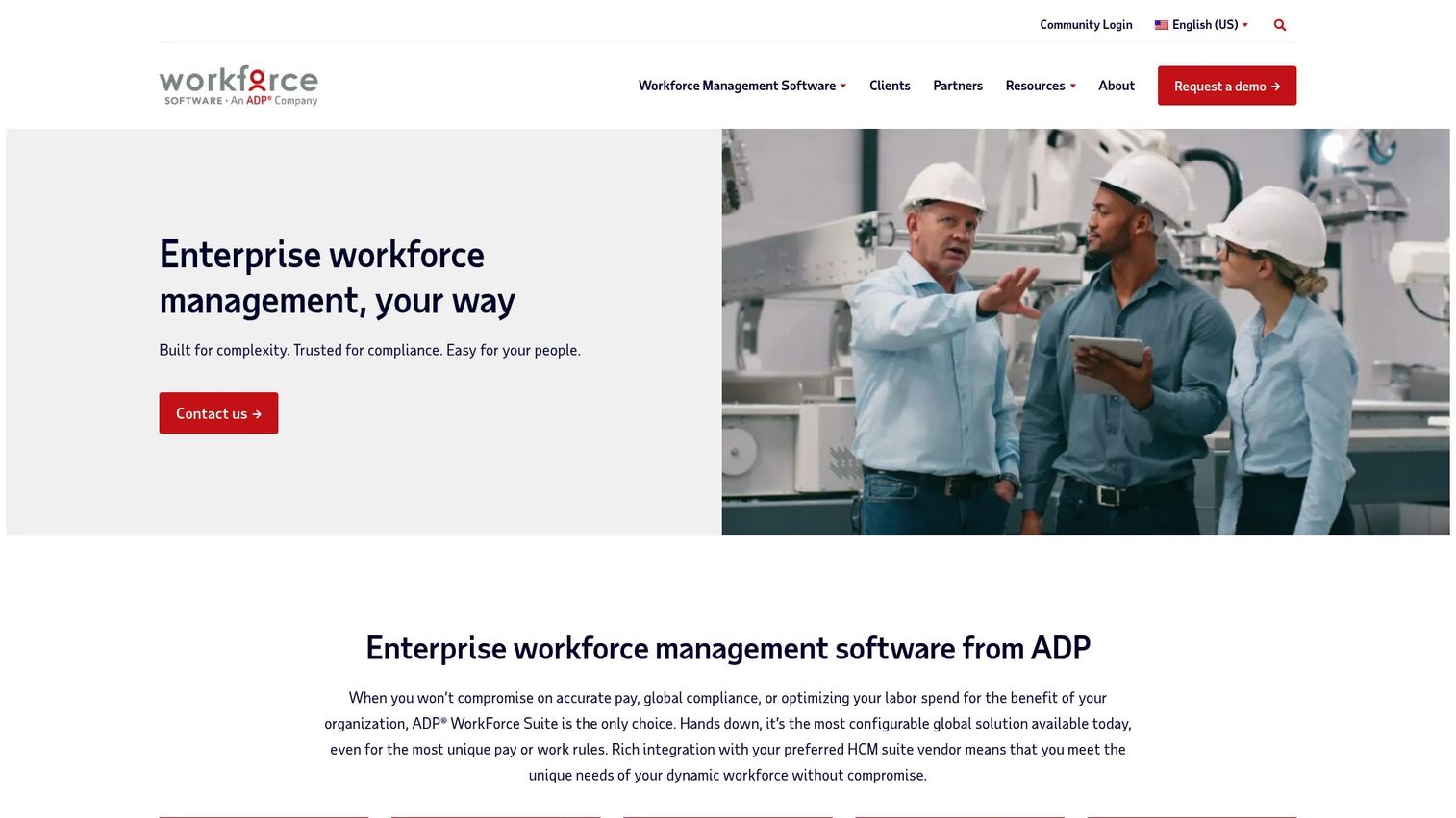
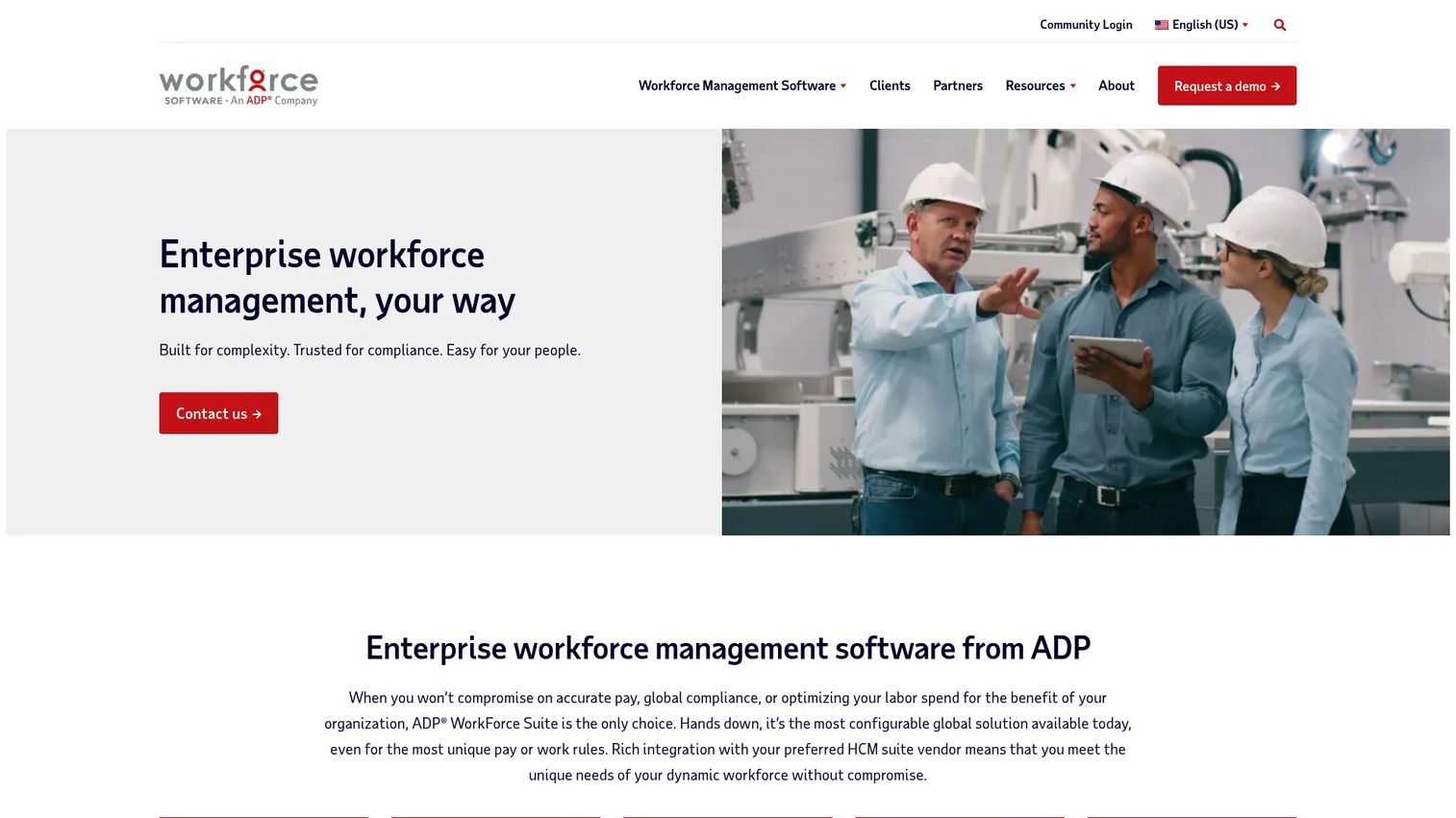
ADP WorkForce Suite is enterprise workforce management software covering time, scheduling, absence, labor forecasting, and compliance. As part of the ADP ecosystem, its pull is the value of staying inside one vendor for workforce management and payroll, which reduces integration friction and keeps labor data flowing cleanly into pay. For teams already anchored on ADP, the unified path is the whole point.
Best for: Large, complex organizations with union, multi-country, or shift-based workforce management needs.
Key strengths
- Time and attendance: Captures and validates hours against complex rule sets.
- Employee scheduling: Supports shift-based and distributed workforce scheduling.
- Labor forecasting: Projects staffing needs to align labor with demand.
Why choose ADP WorkForce Suite: If your organization already runs payroll through ADP, keeping workforce management in the same ecosystem removes a class of integration and reconciliation problems. It fits founders buying for more mature operations where payroll compliance and multi-site complexity are already realities, not future concerns.
ADP WorkForce Suite pricing: No public pricing figure is shown on the first-party site. The product pages emphasize configurable enterprise deployments and route visitors to contact or demo flows. As with most enterprise WFM, pricing is scoped per organization based on modules, headcount, and complexity.
4. UKG Pro Workforce Management
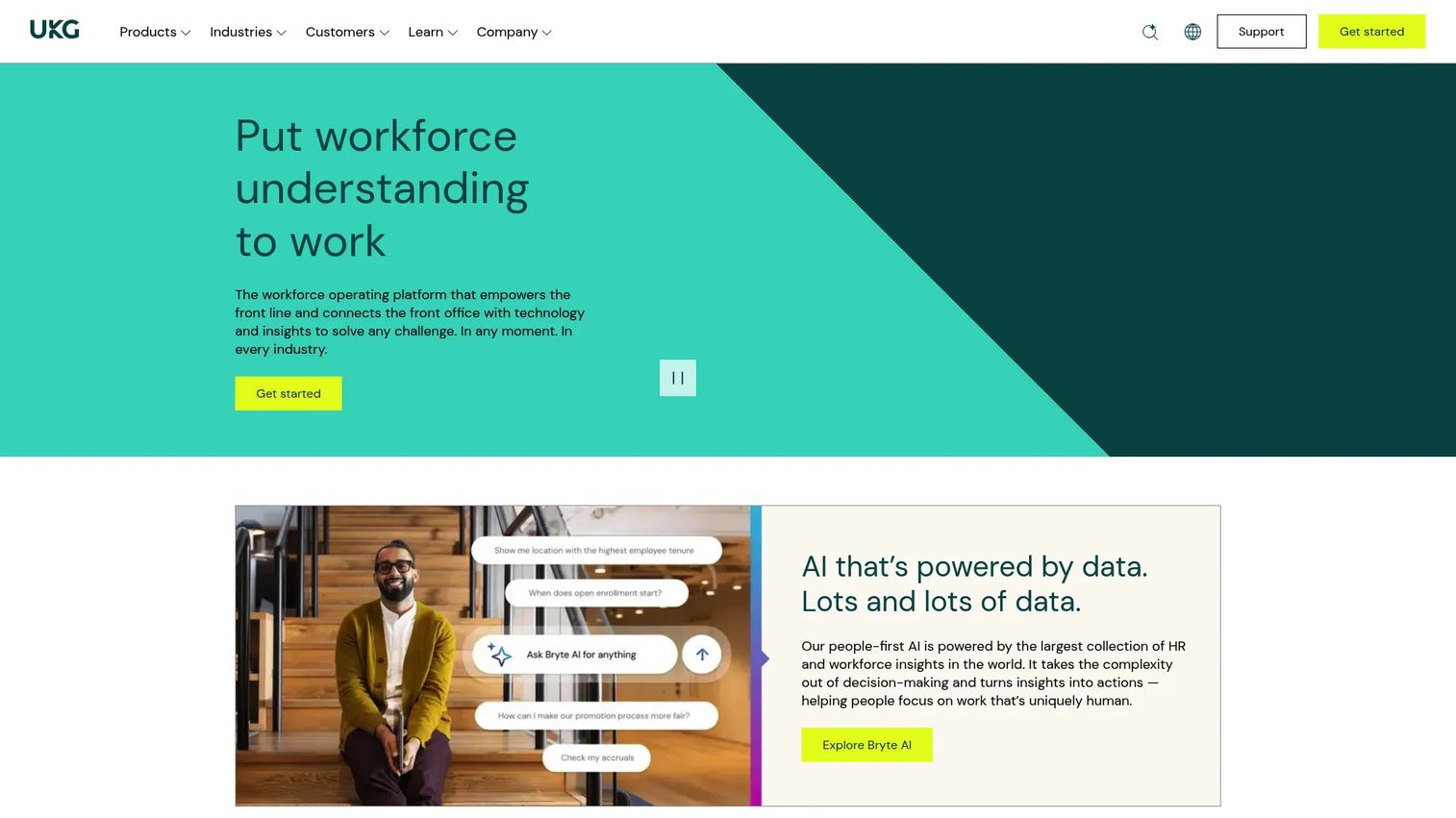
UKG Pro Workforce Management is enterprise workforce management software for time, scheduling, compliance, forecasting, and analytics. It is built for organizations that want deep control over their hourly workforce paired with strong reporting. The analytics layer is a differentiator: leaders get real-time visibility into labor cost and coverage rather than waiting for a monthly report.
Best for: Large enterprises with complex workforce scheduling, compliance, and timekeeping needs.
Key strengths
- Time and attendance: Accurate timekeeping with rules-based exception handling.
- Workforce scheduling: Demand-driven scheduling for large hourly populations.
- Compliance and real-time analytics: Applies labor rules automatically and surfaces live labor data.
Why choose UKG Pro Workforce Management: The case here is depth plus analytics. If you want workforce planning backed by real-time data, and your organization is large enough to justify the platform, UKG gives you both control and visibility. It suits founders buying for a scaled operation where dashboards, reporting, and analytics inform weekly staffing decisions.
UKG Pro Workforce Management pricing: UKG prices via custom quote based on scope, modules, and workforce size. There is no public numeric price for UKG Pro Workforce Management on the sources reviewed. Expect a sales-led evaluation and a quote tied to your specific deployment.
5. Dayforce
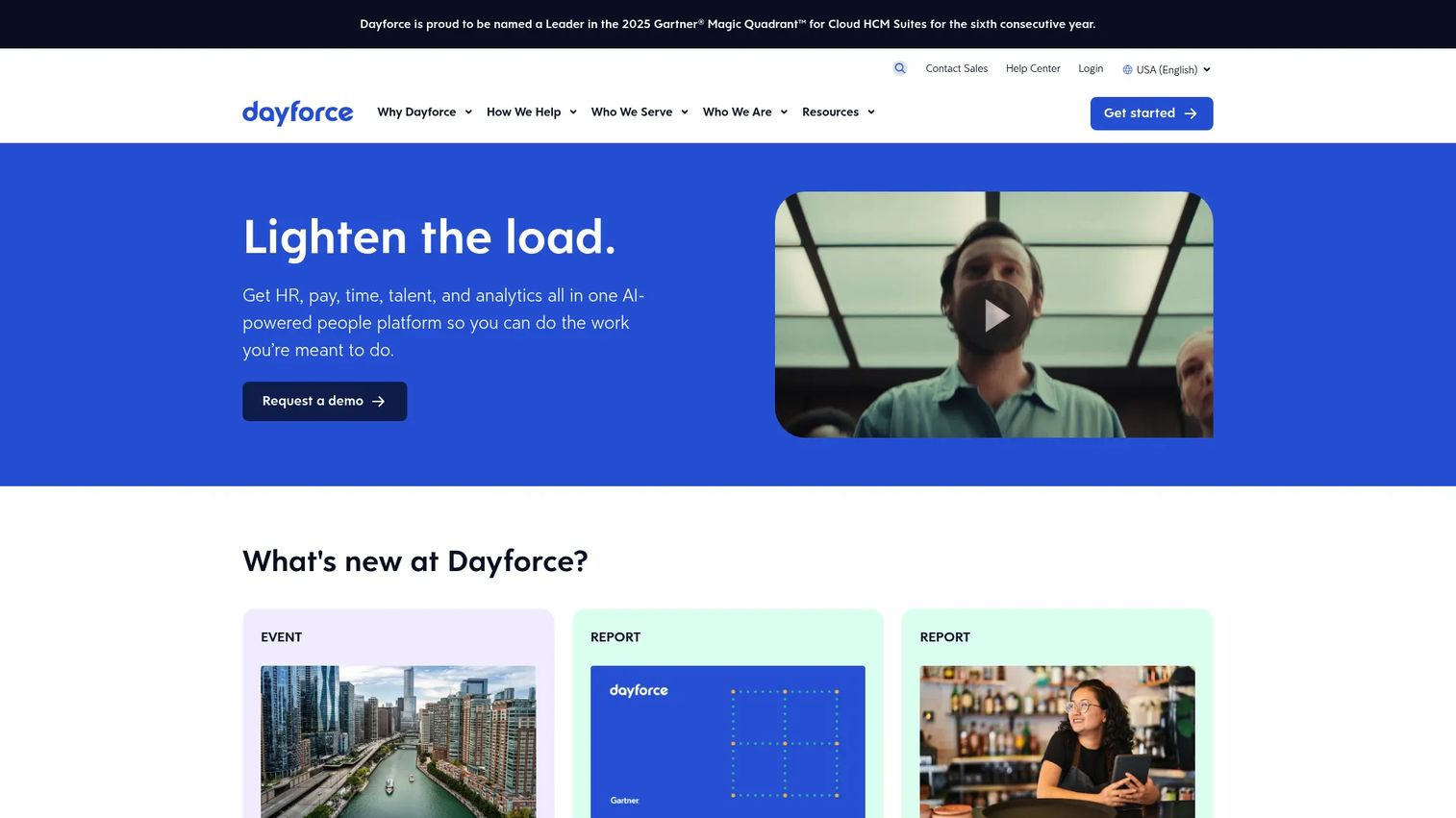
Dayforce is an AI-powered HCM platform that folds HR, payroll, workforce management, talent, and analytics into one system. Teams often consider it when they want a single platform rather than a stack of point tools. For labor management specifically, the strength is that scheduling, time, and payroll live in the same place, so hours never leave the system on their way to a paycheck.
Best for: Mid-to-large enterprises needing an integrated HCM suite.
Key strengths
- HR, payroll, time, talent, and analytics in one platform: Removes the seams between workforce management and payroll.
- Global payroll and workforce management: Handles multi-country pay and labor rules.
- Employee self-service and reporting: Gives staff self-service and leaders reporting and analytics.
Why choose Dayforce: The consolidation argument is strongest here. If you are tired of reconciling data across an HRIS, a scheduler, and a payroll tool, a unified HCM removes the integration tax entirely. It fits founders scaling toward a mature operation who want one system of record for the whole employee lifecycle, not just labor.
Dayforce pricing: Dayforce routes visitors to demo and contact-sales flows and does not display public pricing on the pages reviewed. As a full HCM suite, pricing is scoped to modules, headcount, and payroll complexity. Plan for a sales-led evaluation.
6. TimeClock Plus
TimeClock Plus, from TCP Software, is a time and attendance platform for tracking hours, leave, compliance, and job or labor data. It fits teams that need operational control over timekeeping without buying a full enterprise HCM. If your primary pain is attendance accuracy and clean payroll input, this is a focused answer to that problem rather than a broad suite you grow into.
Best for: Organizations needing complex time and attendance, leave, and compliance tracking.
Key strengths
- Automated timekeeping: Captures hours and flags exceptions to keep payroll input clean.
- Leave and accrual management: Tracks leave balances and accruals against policy.
- K-12 resource management: Purpose-built handling for education-sector workforces.
Why choose TimeClock Plus: The appeal is control without over-buying. For SMB and mid-market teams whose core need is accurate attendance tracking, leave management, and reliable payroll integration, TimeClock Plus delivers that without the weight of an enterprise platform. Employee accountability improves when clock-in rules and exceptions are enforced automatically.
TimeClock Plus pricing: TCP does not publish public pricing for TimeClock Plus on its own site; product pages route to demos and contact flows. Pricing is quote-based and scoped to your headcount and module needs. Request a demo to get a figure tied to your deployment.
7. Manhattan Labor Management
Manhattan Labor Management is cloud-native warehouse labor management software that combines labor planning, performance monitoring, gamification, and incentives. It belongs on this list for a specific buyer: warehouse and distribution operators who need to measure and optimize labor productivity against defined standards. This is a different motion than shift scheduling for a retail floor, and it deserves its own category.
Best for: Enterprises needing integrated warehouse labor planning and performance management.
Key strengths
- Data-driven gamification and rewards: Motivates warehouse teams with performance-based incentives.
- Real-time labor performance monitoring: Tracks productivity against labor standards live on the floor.
- Workforce planning and labor time tracking: Plans staffing and measures time against tasks.
Why choose Manhattan Labor Management: If your operation is a warehouse or distribution center, generic scheduling tools miss the point. What you need is labor standards, performance monitoring, and incentive structures that lift throughput. Manhattan is built for exactly that, and its gamification and dashboards give supervisors real-time control over labor productivity.
Manhattan Labor Management pricing: Manhattan's official pages show feature detail and a contact CTA, with no public pricing figure visible. As an enterprise warehouse platform, pricing is scoped per deployment. Expect a sales-led evaluation tied to facility count, throughput, and integration needs.
8. Easy Metrics
Easy Metrics is warehouse performance management software focused on labor, cost, and margin visibility. Where scheduling tools tell you who is working, Easy Metrics tells you what that labor actually costs and produces. It ties labor data to financial outcomes, which is the missing layer for operators who can staff a warehouse but cannot yet see the cost-to-serve behind it.
Best for: Enterprise warehouse, logistics, and 3PL teams needing labor, cost, and margin analytics.
Key strengths
- Operations Financial Management (OpsFM): Network-wide visibility into efficiency, cost, and utilization.
- Labor Management System with ML-derived standards: Machine-learning labor standards and productivity insights.
- Profit Management: Cost-to-serve and price discovery tied to labor performance.
Why choose Easy Metrics: For logistics and 3PL operators, the differentiator is the financial lens. Easy Metrics does not just track hours, it connects them to margin, which is what a founder or ops leader actually needs to make pricing and staffing decisions. It complements broader WFM tools rather than replacing them, sitting on top of labor data to surface cost and profitability signals.
Easy Metrics pricing: No public pricing is shown on the Easy Metrics site, which routes visitors to a demo request. As an enterprise analytics platform, pricing is scoped per deployment based on network size and modules. Request a demo for a quote.
Considerations before you buy
Picking labor management software is a systems decision, not a feature checklist. Here is what to evaluate before you commit.
Scheduling complexity
Match the tool to how hard your scheduling actually is. A retail or services business with demand-driven shifts needs strong forecasting and shift swapping. A warehouse needs labor standards and performance tracking. Buying enterprise complexity you do not need is as costly as under-buying.
Payroll integration and pay accuracy
The whole point is clean hours flowing into pay. Check how the system handles payroll integration, whether it connects to your existing payroll provider, or whether you would consolidate onto a suite like Dayforce or ADP. Pay errors erode trust fast, so pay accuracy is non-negotiable.
Compliance management
Overtime rules, break requirements, and jurisdiction-specific labor laws must be enforced automatically. If compliance still depends on a manager remembering the rules, the software is not doing its job. Confirm the platform encodes your specific policies.
Reporting and visibility
You are buying a source of truth. Evaluate the dashboards, reporting, and analytics: can leaders see labor cost, coverage, and productivity in real time? For a founder trying to run weekly decisions off clean data, this is where the value compounds.
Implementation and admin burden
The best system is the one your team actually adopts. Weigh implementation time and ongoing admin against the manual work it removes. A tool that earns its place in the first quarter beats one that takes a year to configure.
Conclusion
Labor management software is not one category, it is several adjacent motions: scheduling, time and attendance, payroll, compliance, forecasting, and warehouse productivity. The right pick depends on your operation.
For shift-based businesses that want scheduling, HR, and payroll in one system, Workforce.com is the strongest all-in-one starting point. For large enterprises with layered compliance and global pay, WorkForce Software, ADP WorkForce Suite, and UKG Pro Workforce Management bring the depth. If you want workforce management folded into a full HCM, Dayforce consolidates the whole lifecycle. For focused time and attendance without enterprise weight, TimeClock Plus fits. And for warehouse labor, Manhattan Labor Management and Easy Metrics turn labor data into productivity and margin signals.
Shortlist by three questions: How complex is your scheduling? How strict are your compliance requirements? And how tightly does labor data need to connect to payroll? Answer those, request demos from the two or three that fit, and buy the one that removes the most manual work fastest.
Start your journey with Guideflow today!
FAQs
Labor management software plans, tracks, and optimizes hourly workforce operations. It handles shift scheduling, time and attendance, labor forecasting, payroll integration, and compliance from one platform, replacing spreadsheets and disconnected time clocks. The goal is a single source of truth for where labor hours go, what they cost, and whether staffing matches demand.
The core four are scheduling, time and attendance, payroll integration, and compliance management. Beyond those, labor forecasting and strong dashboards, reporting, and analytics separate systems that just record hours from systems that help you optimize labor cost. Prioritize the features tied to your biggest cost leak, which for most teams is scheduling accuracy and clean payroll input.
They overlap heavily and the terms are often used interchangeably. Workforce management software is the broader category, sometimes including HR, talent, and full HCM functions. A labor management system tends to focus specifically on hourly workforce operations: scheduling, timekeeping, forecasting, and labor productivity. In warehouse contexts, labor management usually means performance and standards tracking specifically.
For shift-based hourly teams that want scheduling, HR, and payroll in one place, Workforce.com is a strong all-in-one choice. If you need enterprise-grade compliance and multi-site pay rules, WorkForce Software, ADP WorkForce Suite, or UKG Pro Workforce Management fit better. The right answer depends on your scheduling complexity and how much of the employee lifecycle you want in one system.
Most do, either through native payroll or integrations with your existing provider. Suites like Dayforce and ADP WorkForce Suite include payroll directly, so hours never leave the system on the way to pay. Standalone time and attendance tools like TimeClock Plus focus on producing clean, rules-checked hours that feed into whatever payroll system you already run. Always confirm the specific integration before buying.
Warehouses focus on labor standards and productivity rather than shift coverage alone. Warehouse labor management software like Manhattan Labor Management and Easy Metrics measures output against defined standards, uses gamification and incentives to lift throughput, and ties labor to cost and margin. The motion is optimizing performance per hour, not just scheduling who works when.
Treat it as a systems decision. Look for a platform that consolidates tools, removes manual entry, and gives you clean labor data in one place for weekly decisions. Weigh implementation time and admin burden against the work it removes, and prioritize payroll integration and compliance automation so pay accuracy never depends on one person's attention.
Most vendors in this category use custom, quote-based pricing tied to headcount, modules, and implementation needs rather than fixed public prices. Employee scheduling software and full workforce management solutions are typically licensed per user, per month, with enterprise deployments scoped individually. Expect a sales conversation and a quote specific to your operation rather than a published price.