You inherit a stack that spans Postgres, MySQL, a warehouse, and one legacy SQL Server box nobody wants to touch. Each engine ships its own admin tool. Each tool has its own quirks. By the time you've switched between four windows to trace one slow query, you've lost the thread on what you were actually trying to fix.
That fragmentation is the real cost of a mixed data environment, and it keeps growing. The global database management systems market sat at roughly $92 billion in 2026 and is projected to hit $173 billion by 2032, growing at about 10.8% a year, according to Research and Markets. More engines, more managed cloud services, more surface area to keep sane. The tooling has to keep up.
This is a commercial decision, not a definition exercise. You already know what a database is. What you need is a shortlist that separates open-source clients from performance-first monitors, GUI-first tools from enterprise DBA suites, and desktop clients from full platforms. Below, each pick is evaluated on how it handles real team problems: multi-database support, query analysis, security controls, and cloud or hybrid workflows. If you own product outcomes and care about data reliability more than SQL syntax, this list is built to help you and your data team pick fast. For teams evaluating adjacent operational tooling, our roundups of application performance monitoring tools and audit management software follow the same evaluation logic.
What's inside
This guide covers eight database management tools chosen for how they perform in mixed SQL and adjacent environments, not for feature checklists. We ranked and grouped them so you can self-select by need instead of reading all eight.
Selection criteria:
- Multi-database support: How many engines and cloud sources the tool connects to cleanly.
- Performance and query analysis: Depth of slow-query detection, tuning advisors, and monitoring.
- Security and compliance: Access control, encryption in transit, and sensitive data protection.
- Cloud and hybrid fit: How well the tool spans managed cloud databases and on-prem systems.
Each entry includes pricing, supported platforms, and the buyer it fits best.
TL;DR
- Best open-source and multi-database pick: DBeaver, a free universal client that connects to almost anything with a JDBC driver.
- Best for performance monitoring: SolarWinds Database Performance Analyzer, built around wait-time analysis and query-level tuning.
- Best polished cross-database client: DbVisualizer, a universal SQL IDE with strong editing and visualization.
- Best for code-heavy developer teams: JetBrains DataGrip, a full IDE with refactoring and code intelligence.
- Best for enterprise DBA workflows: Quest Toad, deep administration for Oracle and multi-platform stacks.
- Best lightweight GUI: TablePlus, fast inspection and routine edits with a clean native interface.
What is database management software?
Database management software is a category of database tools that lets teams connect to, query, administer, monitor, and secure one or more databases from a single interface instead of relying on separate vendor consoles.
Most buyers evaluating a database management solution expect a consistent set of core capabilities. Whether you call it DBMS software, a database manager, or a full database platform, the feature bar looks similar:
- SQL editing: A capable SQL editor with autocomplete, formatting, and result grids for day-to-day querying.
- Database administration: Tools to create, alter, and manage tables, indexes, users, and schema objects.
- Performance monitoring: Slow-query detection, wait-time analysis, and tuning advisors for database monitoring.
- Security controls: Access control, SSL and SSH connectivity, and sensitive data protection for shared environments.
- Multi-database support: Coverage across SQL engines, NoSQL sources, and cloud warehouses.
- Cloud and hybrid support: Stable connectivity to managed cloud databases and legacy on-prem systems.
- Integrations and workflows: Import/export, version control hooks, and support for DevOps workflows.
Cloud is now the center of gravity. In closely related enterprise data management, cloud deployments accounted for 53.7% of revenue in 2025, per Grand View Research. Any database manager software you shortlist in 2026 should treat cloud and hybrid as first-class, not an afterthought.
When to use database management software
Not every team needs the same tool. Three situations tend to drive the purchase, and each points to a different kind of database manager.
Manage many databases from one workstation
When your stack spans several engines, switching between vendor tools eats time and invites mistakes. A centralized database GUI gives you one place to browse schemas, run queries, and manage objects with consistent keyboard shortcuts and result grids. The payoff is less context switching and fewer errors from tool-specific quirks. If your team works across Postgres, MySQL, and a warehouse in the same day, multi-database support is the feature that pays for itself first.
Investigate slow queries and bottlenecks
When the problem is a slow app and not a missing feature, performance monitoring and query analysis matter more than broad admin coverage. During an incident, you need to see which queries wait on what, spot the offending index, and validate a fix quickly. This is where a dedicated database performance analyzer earns its keep. Editor convenience helps, but real diagnostics, wait-time breakdowns, and tuning advisors are what shorten the outage.
Standardize security and access controls
When databases hold regulated or shared data, security and compliance move from nice-to-have to purchase driver. You want centralized access control, encrypted connections, and the ability to blur or mask sensitive fields before anyone runs a report. Teams in regulated industries also need auditability so they can show who touched what. If more than a handful of people share database access, standardized controls stop being optional. For adjacent governance workflows, our guide to audit management and to AI security posture management covers the wider control layer.
Comparison table
The table below is a fast way to narrow the shortlist. Scan the intent and key differentiation columns first to match a tool to your environment, then confirm pricing and rating. Pricing reflects publicly listed figures at the time of writing and can change, so verify on the vendor's page before you buy.
| # | Product | Intent | Key differentiation | Pricing | G2 rating |
|---|---|---|---|---|---|
| 1 | DBeaver | Open-source universal client | Connects to any JDBC database; broad SQL and NoSQL coverage | Community free; PRO paid | 4.4/5 |
| 2 | SolarWinds Database Performance Analyzer | Performance monitoring | Wait-time analysis and tuning advisors across platforms | From $142 per database/month | 4.5/5 |
| 3 | DbVisualizer | Universal SQL IDE | Polished cross-database editing and visualization | Free; Pro from $199 first year | 4.7/5 |
| 4 | JetBrains DataGrip | Developer database IDE | Code intelligence and refactoring for SQL | Free non-commercial; from $10.90/month | 4.6/5 |
| 5 | Quest Toad | Enterprise DBA suite | Deep Oracle and multi-platform administration | Free trial; quote-based | 4.6/5 |
| 6 | dbForge Studio | SQL development and admin | Visual query builder and SQL Server depth | Express free; Standard from $249.95/year | 4.7/5 |
| 7 | TablePlus | Lightweight GUI client | Fast native interface for routine edits | Limited free; from $99/license | 4.3/5 |
| 8 | RazorSQL | Cross-platform SQL editor | Broad database compatibility on a desktop client | From $99.95 per user | Not listed |
1. DBeaver
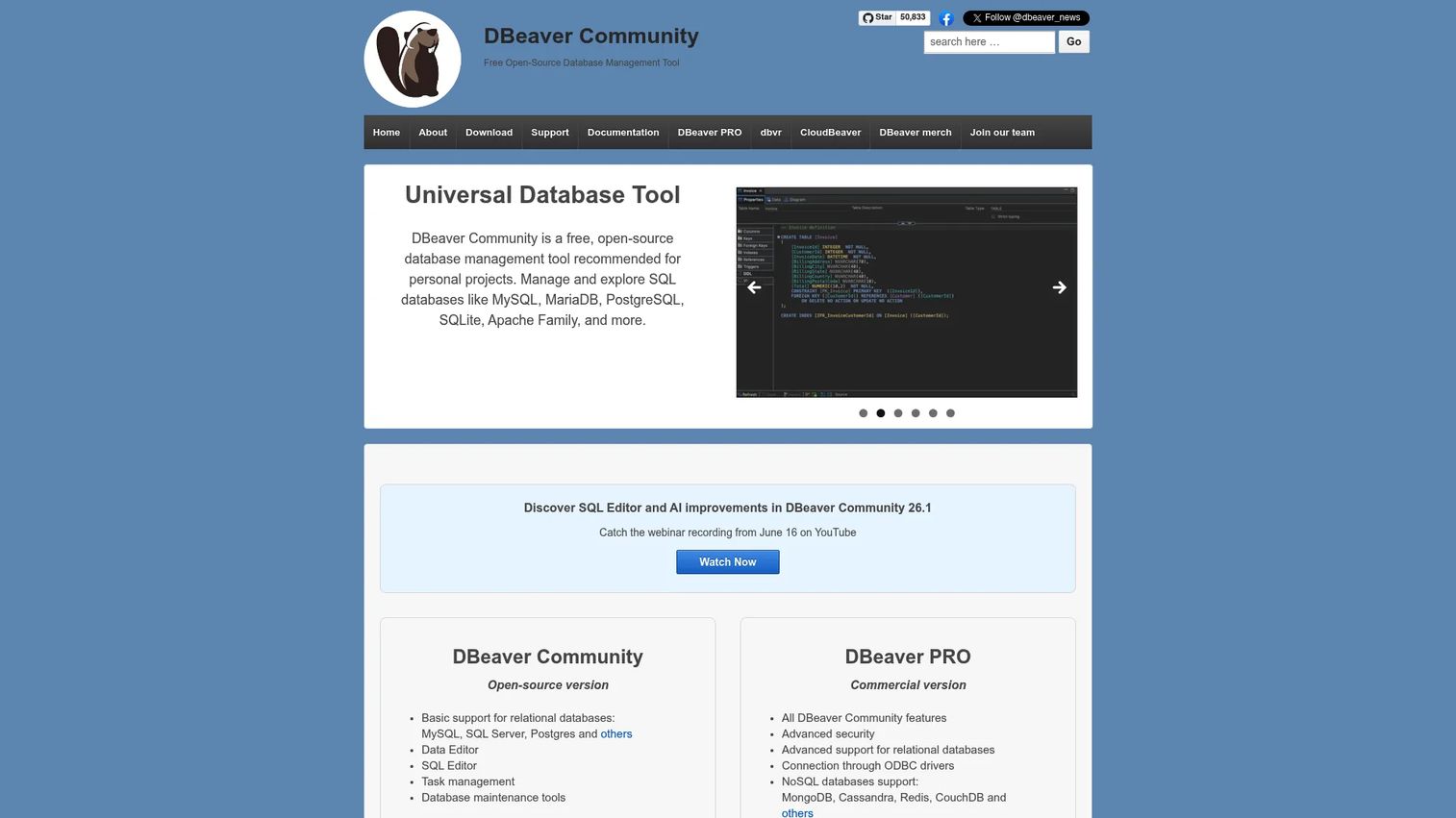
DBeaver is the best-known free, open-source database management tool and desktop SQL client. It connects to essentially anything with a JDBC driver, which is why so many mixed-stack teams reach for it first. The Community edition is genuinely capable, and DBeaver PRO extends coverage into more SQL, NoSQL, and cloud data sources.
Best for: Developers and DBAs who need one client for many database types without paying to start.
Key strengths
- Universal connectivity: Supports any database with a JDBC driver, so a single tool covers your whole engine mix.
- Rich plugin set: Includes ERD diagramming, data transfer, compare, export/import, and mock data generation.
- Broad source coverage: DBeaver PRO adds many SQL, NoSQL, and cloud data sources in one client.
Why choose DBeaver: If your environment is genuinely heterogeneous and budget is tight, DBeaver is the pragmatic starting point. The free Community tier removes the barrier to standardizing on one client, and the PRO tier is there when you outgrow it. For a product manager watching engineering opportunity cost, that low-commitment entry is hard to beat.
DBeaver pricing: DBeaver Community is free and open source. DBeaver PRO is a paid tier with expanded database and cloud coverage; public pricing is not listed on the download page, so request current figures from DBeaver directly. The free entry point means teams can validate fit before spending anything.
2. SolarWinds Database Performance Analyzer
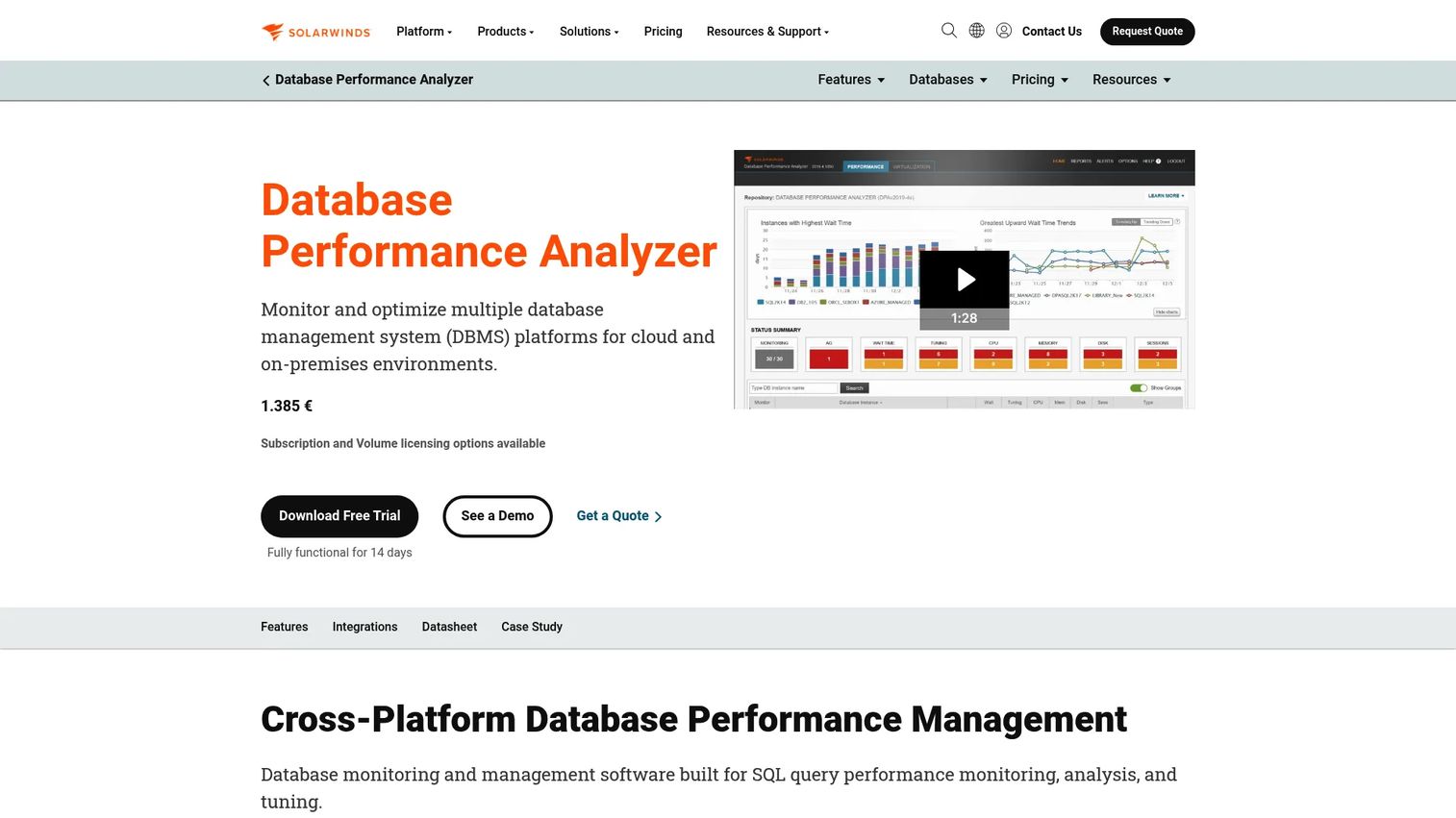
SolarWinds Database Performance Analyzer is a performance-first tool, not an editing convenience. It is built around wait-time analysis, which shows you exactly what a query is waiting on rather than just how long it ran. That framing makes it a strong fit for teams whose pain is bottlenecks, not schema management.
Best for: Teams that need deep, query-level database performance troubleshooting across multiple DB platforms.
Key strengths
- Wait-time analysis: Pinpoints what queries wait on, so tuning targets the real cause of latency.
- Cross-platform coverage: Monitors on-premises and cloud databases across several engines.
- Tuning advisors: AI-assisted optimization and advisor features guide the fix, not just the diagnosis.
Why choose SolarWinds Database Performance Analyzer: When uptime and query speed drive the business, this tool trades broad editing features for diagnostic depth. It pairs well with a GUI client rather than replacing one. For PMs who feel the downstream effect of slow queries on activation and retention, dedicated performance monitoring shortens the loop between a complaint and a confirmed fix.
SolarWinds Database Performance Analyzer pricing: SolarWinds lists the Database plan starting at $142 per database per month, with volume discounts and a request-quote flow available. A free trial is offered on the homepage. Because pricing is per database, cost scales with the number of instances you monitor, so map your inventory before you commit.
3. DbVisualizer
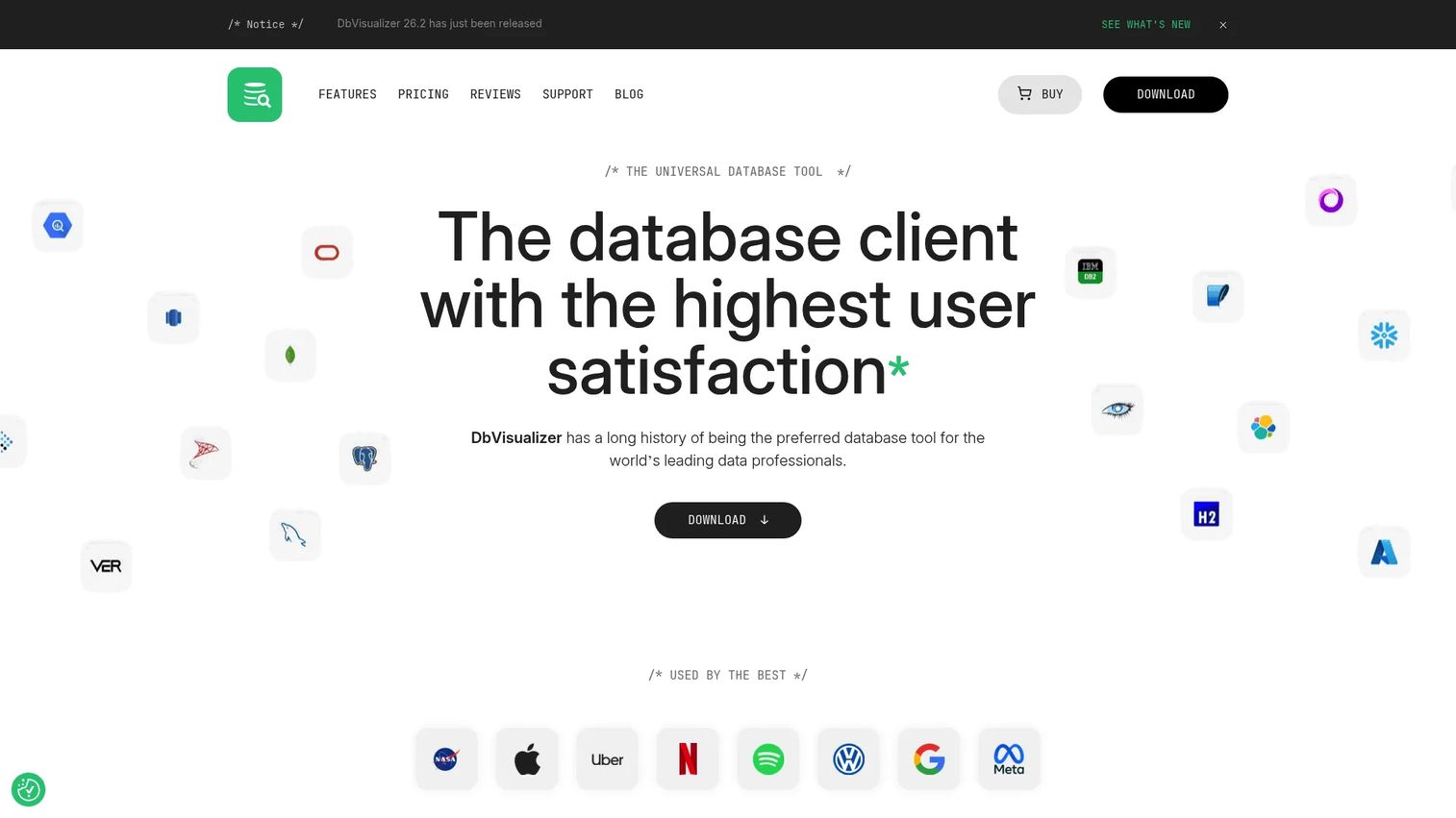
DbVisualizer is a polished database client and SQL IDE for people who live across multiple data sources. Where DBeaver leans open-source breadth, DbVisualizer leans refined day-to-day usability: a strong SQL editor, clean table editing, and visualization that helps you understand data, not just query it.
Best for: Teams and individuals who want a universal desktop client with strong SQL editing and management.
Key strengths
- Cross-platform connectivity: Connects to a wide range of relational databases from one interface.
- Advanced SQL editor: Autocomplete, formatting, and a fast query workflow for daily use.
- Data management and editing: Direct table editing and data handling without dropping to raw SQL.
Why choose DbVisualizer: If your team values a smooth, consistent querying experience and works across several engines, DbVisualizer is a strong middle ground between free clients and heavy enterprise suites. The free tier covers standard needs, and the paid tier unlocks the full feature set for teams that query all day.
DbVisualizer pricing: A free plan covers standard features. Pro with 60-day support is $199 per user for the first year and $89 per year afterward. Pro with premium support is $229 first year and $119 afterward. Paid subscriptions include a perpetual usage license, which appeals to teams that dislike pure subscription lock-in.
4. JetBrains DataGrip
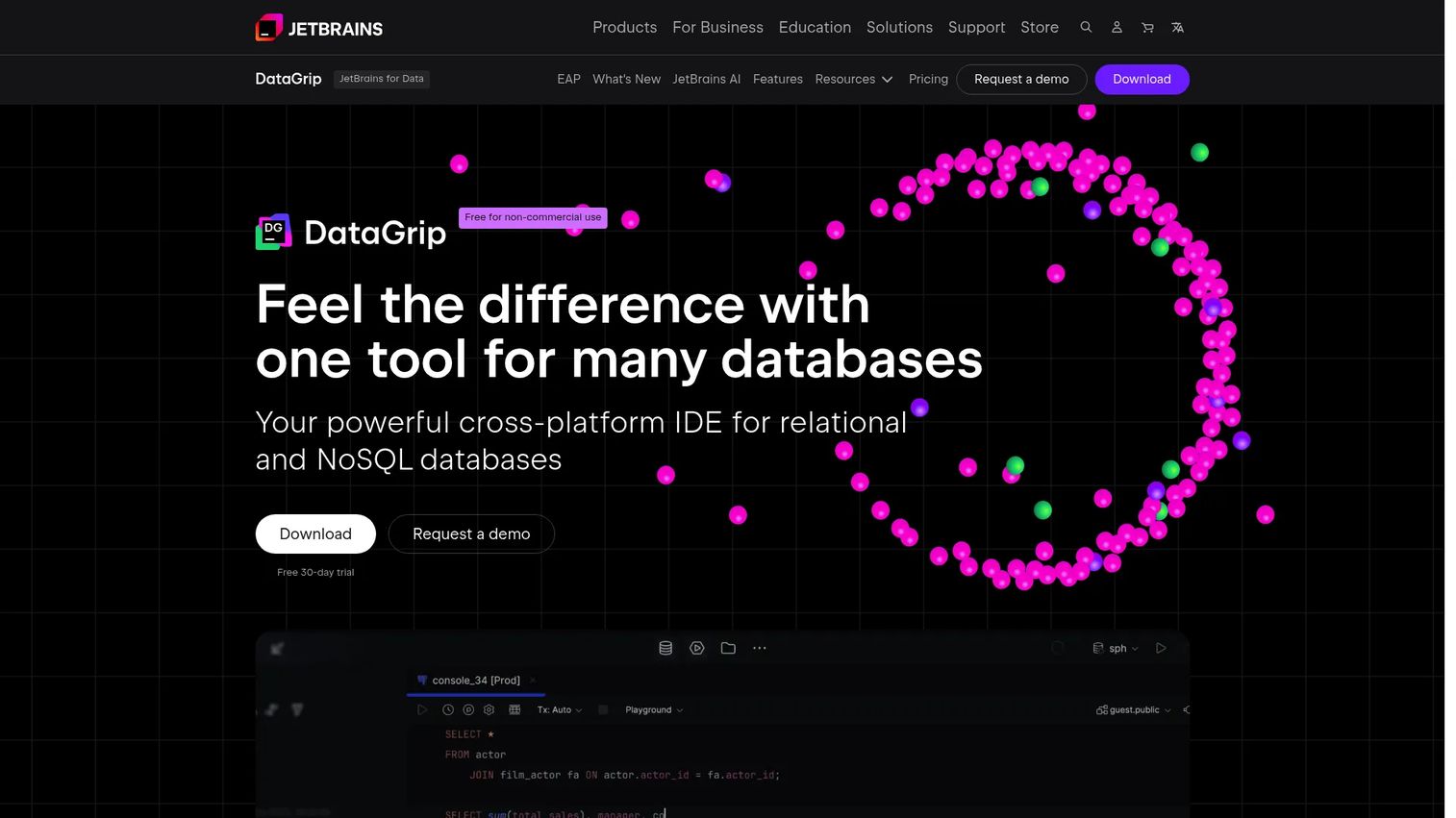
JetBrains DataGrip is a cross-platform IDE for relational and NoSQL databases, built by the team behind IntelliJ. If your engineers already live in JetBrains tools, DataGrip brings the same code intelligence, refactoring, and completion to SQL. It is the developer-first pick on this list.
Best for: Teams and individual developers who need a dedicated SQL and database IDE with multi-database support.
Key strengths
- Intelligent query console: Context-aware execution with history and result comparison.
- Code completion: Schema-aware autocomplete and refactoring that treat SQL like real code.
- Flexible import/export: Move data between sources in many formats without extra tooling.
Why choose JetBrains DataGrip: For code-heavy teams, DataGrip fits how developers already work. Refactoring across schemas and code-editor ergonomics reduce the friction of hand-editing SQL. It is less about DBA administration and more about developer productivity, which is exactly the point for engineering-led shops.
JetBrains DataGrip pricing: A free non-commercial tier is available. Commercial DataGrip is $10.90 per month, the All Products Pack is $29.90 per month, and the standalone yearly plan is $259 per user per year. The low monthly entry makes it easy to trial across a small team before committing to annual seats.
5. Quest Toad
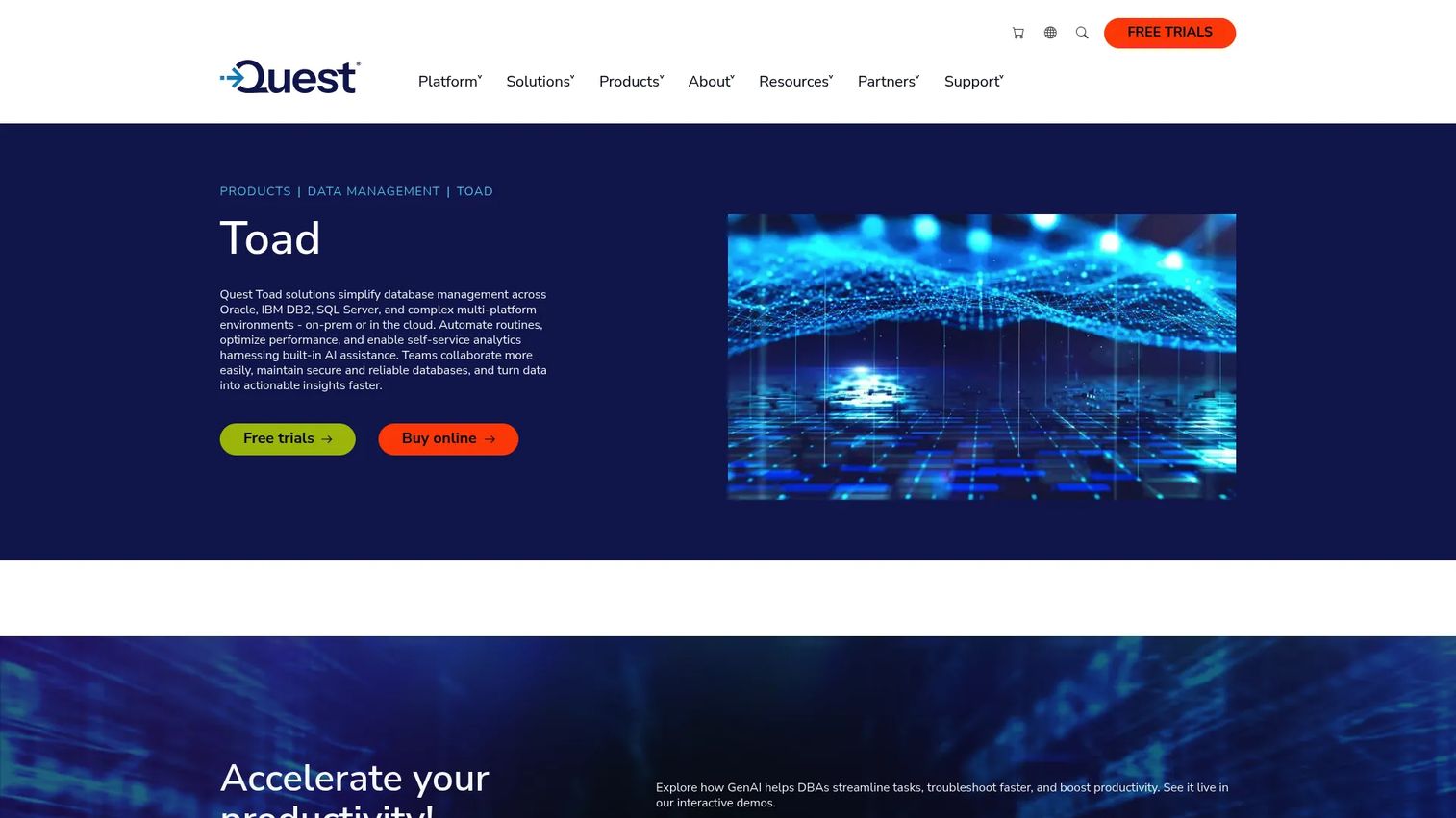
Quest Toad is a mature suite of database development, administration, and analysis tools for Oracle, SQL Server, IBM DB2, and multi-platform environments. It is the enterprise DBA choice, built for teams that need deep controls, established vendor support, and governance at scale.
Best for: Teams that need a mature database IDE for development, administration, and performance tuning.
Key strengths
- Built-in AI assistance: AI features help write and optimize SQL inside the workflow.
- Automation depth: Automates database development and administration tasks for repeatable operations.
- Multi-platform management: Handles Oracle, SQL Server, DB2, and data analysis across environments.
Why choose Quest Toad: When you need DBA-grade depth and a vendor relationship your compliance team recognizes, Toad is the established answer. It suits organizations where database administration is a dedicated function, not a side task. The tradeoff is that it is heavier than a lightweight client, which is the right call when governance and depth matter most.
Quest Toad pricing: Quest's Toad pages route through free trial, buy, and request-pricing flows, and no public price was listed on the pages reviewed. Capterra shows Toad at 4.6/5. For an enterprise purchase, expect a quote-based process and involve procurement early.
6. dbForge Studio
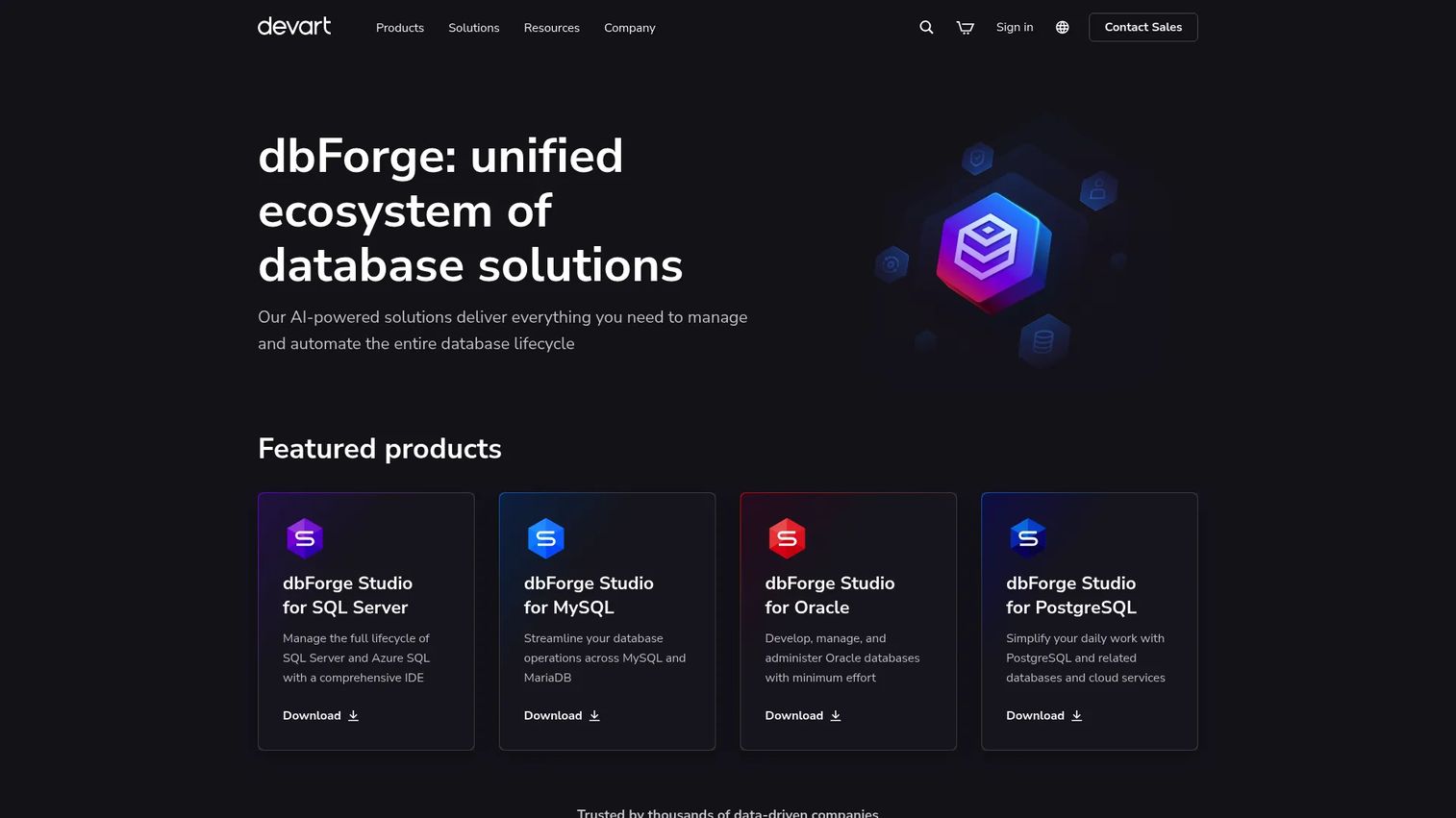
dbForge Studio from Devart is a database IDE suite for SQL development, administration, and data management, with particularly strong support for SQL Server and related workflows. It is a focused productivity tool for developers and DBAs who want depth in a specific ecosystem rather than the widest possible engine list.
Best for: Teams that need a feature-rich database IDE for SQL Server and related database workflows.
Key strengths
- SQL code assistance: Code completion and formatting that speed up hand-written queries.
- Visual query builder: Build complex queries visually, useful for onboarding and review.
- Data import/export: Flexible data movement built into the development workflow.
Why choose dbForge Studio: If your team is SQL Server heavy and wants a productivity-focused IDE, dbForge Studio delivers strong tooling at a clear price. Higher tiers add T-SQL debugging, query profiling, comparison and sync, automation, and source control, so you can start light and scale into DevOps workflows as needs grow.
dbForge Studio pricing: The SQL Server edition lists Express (free), Standard at $249.95 per year, Professional at $399.95 per year, and Enterprise at $549.95 per year. The free Express tier lets you evaluate the core experience, while higher tiers unlock profiling, sync, and automation features.
7. TablePlus
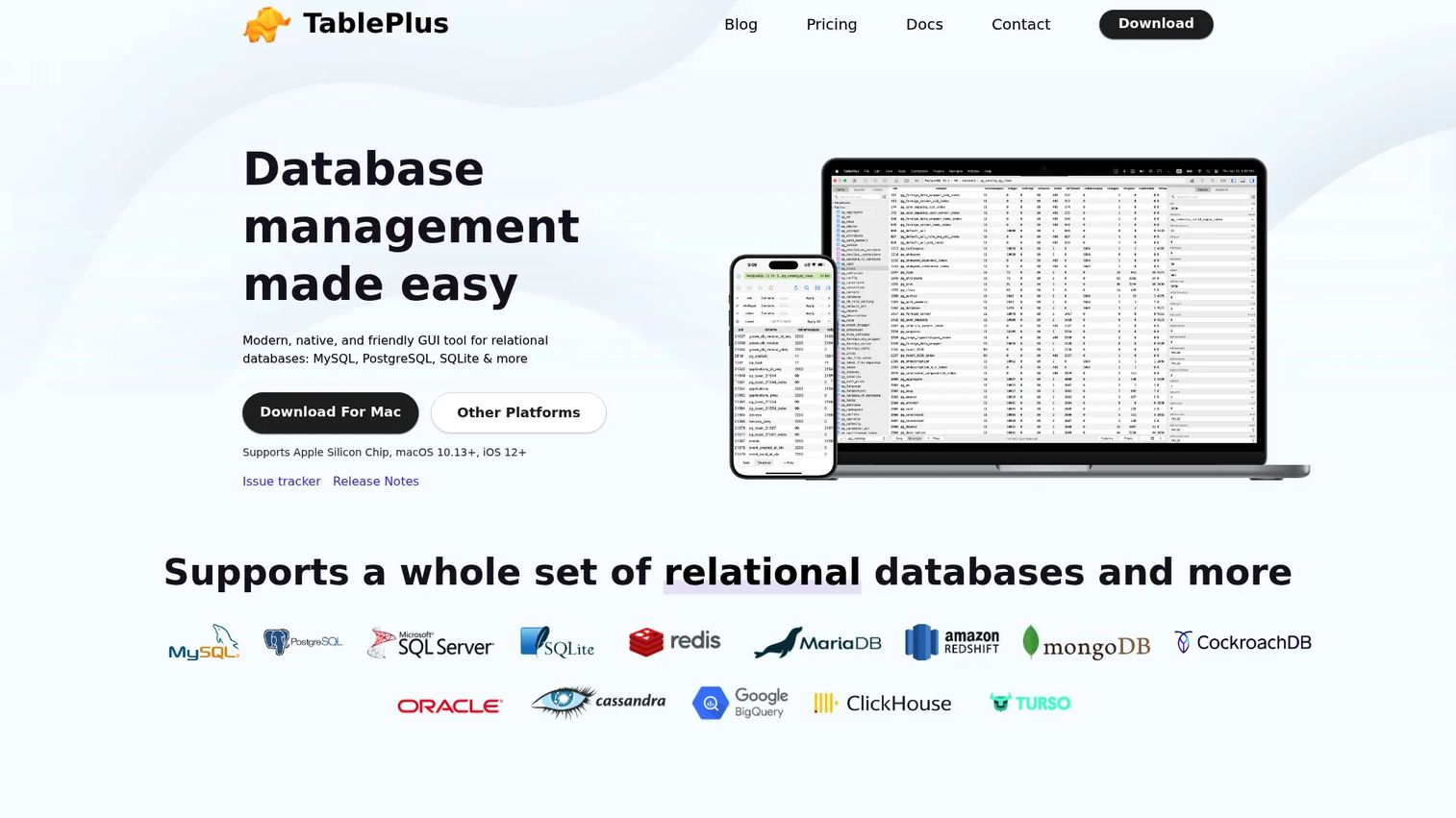
TablePlus is a native database client for managing multiple databases through a clean, fast GUI. It is the lightweight pick: when you want to inspect data, run a quick query, or make a routine edit without waiting on a heavy IDE, TablePlus keeps you moving.
Best for: Developers who need a lightweight GUI to manage multiple databases quickly.
Key strengths
- Broad engine support: Works with PostgreSQL, MySQL, SQLite, Microsoft SQL Server, and more.
- True cross-platform reach: Available on macOS, Windows, Linux, and iOS for on-the-go access.
- Fast multi-database management: Snappy native interface built for quick inspection and edits.
Why choose TablePlus: When speed and a clean interface matter more than deep DBA tooling, TablePlus is a favorite among developers. It shines for routine work: checking a value, tweaking a row, running an ad hoc query. It is not trying to be an enterprise admin suite, and that focus is exactly why it feels fast.
TablePlus pricing: TablePlus uses one-time license purchases. Basic is $99 per license, Standard is listed at $129 per license, and Team is $79 per seat starting at three seats. A limited free trial is available. The perpetual-license model appeals to teams that prefer a single purchase over recurring fees.
8. RazorSQL
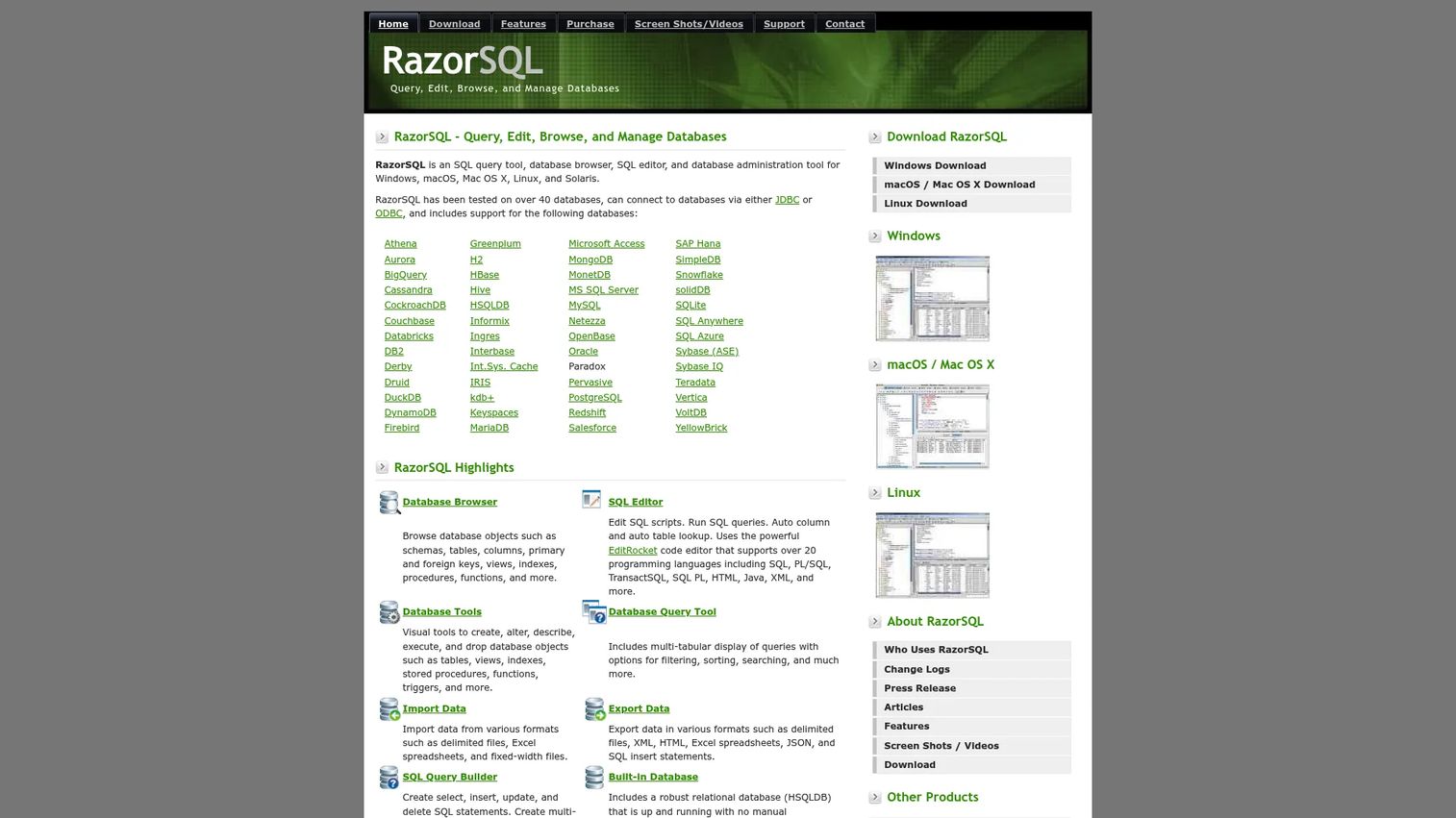
RazorSQL is a SQL query tool, database browser, SQL editor, and administration tool that runs across multiple operating systems. It is the broad-compatibility, no-frills desktop client: practical, flexible, and comfortable across a wide range of databases without asking you to learn a heavy new environment.
Best for: Teams needing a cross-platform SQL editor and database management tool.
Key strengths
- Database browser and SQL editor: Browse objects and write queries in one desktop interface.
- Visual object tools: Create, alter, describe, and drop database objects without raw DDL.
- Utility suite: Import/export, compare, backup, and data search built in.
Why choose RazorSQL: RazorSQL fits teams that want broad database compatibility and a dependable SQL editor without the weight of a specialized IDE or the cost of an enterprise suite. It sits comfortably between lightweight clients and heavier tools, which makes it a practical default for mixed environments where flexibility beats specialization.
RazorSQL pricing: RazorSQL Standard is $99.95 per user as a perpetual license with one year of free product updates included. Volume pricing drops to $96.95 per user for 2 to 9 users, $94.95 for 10 to 19, and $92.95 for 20 or more. Extended maintenance and upgrade renewals are offered separately.
Considerations before you buy
A shortlist is only useful if you pressure-test it against your real environment. Run each candidate through these five checks before you commit.
Multi-database support
Confirm the tool supports your actual engine mix, not just your primary database. If you run Postgres today but a warehouse and a legacy SQL Server box lurk in the stack, verify coverage for all of them. The value of a single client evaporates the moment you have to open a second tool for one holdout engine.
Security and compliance
Check for SSO, SSL, SSH tunneling, and secrets management. Verify how the tool handles access permissions and whether it can blur, hide, or mask sensitive data before results reach the screen. For regulated teams, auditability matters too: you want a record of who accessed what. Security and compliance are non-negotiable in any shared environment.
Performance monitoring and query analysis
Distinguish editor convenience from real diagnostics. A nice SQL editor helps you write queries; a database performance analyzer tells you why one is slow. If bottlenecks are your recurring pain, weigh how deep the tool goes on slow-query detection, wait-time analysis, and tuning advisors, not just how pleasant the result grid looks.
Cloud, hybrid, and on-prem fit
Verify stable connectivity across managed cloud databases and legacy on-prem systems. Test connection reliability, not just the connector list. With cloud now the majority of enterprise data management deployments, cloud and hybrid support should be proven in your environment, not assumed from a marketing page.
Collaboration and DevOps workflows
Check whether the tool supports repeatable workflows: sharing, version control hooks, automation, and clean handoff across teams. For product managers, this is where tooling either reduces operational drag or adds to it. Tools that plug into DevOps workflows keep engineering, ops, and data teams aligned instead of siloed. Our roundup of contract lifecycle management software and marketing resource management applies similar workflow logic to adjacent categories.
Conclusion
There is no single winner here, only best-fit patterns. If you want a free, universal starting point, DBeaver is the low-risk entry that covers almost any engine. If bottlenecks are the business problem, SolarWinds Database Performance Analyzer gives you the wait-time diagnostics to actually fix them. DbVisualizer and JetBrains DataGrip suit teams that query all day and want polish or code intelligence, respectively. Quest Toad and dbForge Studio serve enterprise DBA and SQL Server depth, while TablePlus and RazorSQL cover fast, lightweight, cross-platform work.
Match the tool to your environment first, then to your budget. An open-source starter, a performance-led monitor, and an enterprise DBA suite solve different problems, so name your problem before you shortlist. Trial two candidates against your real database mix, run a slow query through each, and check the security controls before you sign anything. Comparison first, purchase second. For teams building out the wider operational stack, our guides to application performance monitoring, b2b contact database software, and event management software extend the same evaluation approach. You can also see how a self-serve product experience works with Guideflow.
FAQs
Database management software lets teams connect to, query, administer, monitor, and secure their databases from one interface. In practice, buyers use these database tools to run and optimize SQL, manage schema and users, track performance, and enforce access controls across shared or regulated environments.
Focus on real engine coverage for your stack, not a long marketing list. Verify that the tool connects cleanly to every database you run, offers consistent query tooling across them, keeps connections stable, and gives you the same admin workflow regardless of the underlying engine.
Often, yes. A free, open-source client like DBeaver Community covers everyday querying and administration for many teams. Paid features become worth it when you need expanded NoSQL and cloud coverage, dedicated support, advanced security, or deep performance monitoring that free tiers do not include.
For tuning depth, a dedicated database performance analyzer like SolarWinds wins. It centers on wait-time analysis, slow-query detection, and tuning advisors, which go well beyond the editor convenience of a general GUI. Choose based on how deep the diagnostics run, not just the interface.
Not usually. Most modern database platforms connect to both managed cloud databases and on-prem systems from one client. A separate tool only makes sense when a cloud service has proprietary features your general client cannot reach, so confirm cloud and hybrid support against your specific providers.
They are essential once more than a few people share access or the data is regulated. Look for SSO, SSL and SSH connectivity, secrets management, granular access control, and sensitive data protection. In shared or compliance-bound environments, security and compliance features are a hard requirement, not a bonus.
The terms overlap heavily. A database client usually means a tool for connecting to and querying a database, while database management software often implies a broader set including administration, monitoring, and security. In buying terms, judge each product by the capabilities it actually ships, not the label.
Product managers typically want visibility, collaboration, and fast issue diagnosis rather than deep DBA controls. A polished cross-database client like DbVisualizer or a performance monitor like SolarWinds helps you understand what is happening in the data layer and communicate clearly with engineering, without needing to run administration yourself.