
A dashboard shows yesterday's numbers. A failover copy is six hours stale. A migration cutover slips because a hand-built sync script choked on a schema change no one flagged. If you have run data across systems for any length of time, you know the pattern. The rows almost always move. Keeping every system aligned, without paying a growing maintenance tax in scripts, cron jobs, and 2 a.m. pages, is the real problem.
That problem is getting bigger, not smaller. The global data replication software market was valued at $4.2 billion in 2025 and is projected to reach $9.1 billion by 2034 at an 11.3% CAGR, according to MarketIntelo (2026). More than 64% of organizations now replicate data across at least three environments, spanning cloud, on-premise, and edge, per IndustryResearch (2026). More surfaces mean more places for fragile pipelines to break.
Good data replication software takes that burden off your team. Instead of custom code, you get managed connectors, log-based change data capture (CDC), and incremental replication that keep a source and a destination in sync with far less manual work. The right platform depends on your latency targets, your source and destination compatibility, your governance requirements, and how much operational overhead you are willing to own. That last one matters more than most feature lists admit.
For presales teams, this is not abstract. Buyers ask hard questions about data movement, environment stability, and failover during technical validation. You need to know how each tool differs on automation, coverage, and how cleanly you can explain its architecture on a call.
What's inside
This guide compares 10 data replication tools for teams evaluating analytics sync, CDC, database migration, backup, and disaster recovery. We built the shortlist around four criteria that hold up in real evaluations:
- Source and destination breadth: how many databases, warehouses, and apps a tool connects today, and what it can add later.
- Real-time or incremental replication: whether it supports low-latency CDC, scheduled batch, or both.
- Pricing transparency: how visible and predictable the cost is at your expected data volume.
- Operational fit: how much the team rebuilds, monitors, and maintains versus letting the platform handle it.
The list balances managed cloud services, open-source and self-hosted replication, and enterprise-grade CDC platforms.
TL;DR
- Best overall for general buyers: Skyvia, for no-code data replication across common SaaS sources and warehouse destinations with a visible free tier.
- Best managed, low-maintenance option: Fivetran, for teams that want broad connector coverage and reliability over building custom logic.
- Best for open-source flexibility: Airbyte, for engineering-led teams that want control and self-hosted or cloud deployment.
- Best enterprise CDC: Qlik Replicate and Oracle GoldenGate, for heterogeneous, high-volume, mission-critical environments.
- Best cloud-native migration: AWS Database Migration Service, for stacks already living inside AWS.
- Best for real-time, streaming-first teams: Estuary, for low-latency CDC with usage-based pricing.
What is data replication software?
Data replication software copies and keeps data synchronized between a source system and one or more destination systems, so multiple environments hold the same data state with minimal manual effort.
It works through a few core mechanisms:
- Full load replication: the tool copies an entire dataset from source to destination in one pass. This is how most replication jobs start, seeding the target before ongoing sync takes over.
- Incremental replication: after the first load, the tool moves only new or changed records on a schedule. This cuts data volume and keeps the destination reasonably fresh without recopying everything.
- Log-based CDC (change data capture): the tool reads the database transaction log and streams inserts, updates, and deletes as they happen. This is the path to low-latency replication, because it captures changes at the source without heavy queries against production tables.
- Where replication sits versus ETL and ELT: replication prioritizes copy and sync, moving data with light or no transformation. In the ETL vs ELT debate, ELT loads raw data first and transforms it inside the warehouse, which sits close to how modern replication feeds analytics. ETL transforms before loading, which matters when destinations need clean, modeled data on arrival.
The main use cases are consistent across vendors: data warehousing replication for analytics, disaster recovery replication and backup, database migration between systems or clouds, and operational data synchronization across teams and regions.
The point of this category is to reduce custom code and the maintenance that comes with it. Some tools are tuned for near real-time streaming, while others are stronger for scheduled batch or one-time migration. Matching that behavior to your workload is the whole game.
When to use data replication software
Replicate data into a warehouse or lakehouse
When your BI and reporting depend on fresh data from operational databases and SaaS apps, replication gives you a reliable path into analytics platforms. It removes the manual extraction and brittle scripts that leave dashboards stale. For most analytics teams, incremental replication or ELT-style loading keeps reporting consistent without a nightly firefight.
Keep backups and disaster recovery copies in sync
Replication maintains standby systems so a failure does not mean data loss. The distinction that matters here is timing. Scheduled copying is fine for archival backup, but disaster recovery replication with near-real-time CDC keeps a standby close enough to production that recovery risk stays low. IndustryResearch (2026) found about 73% of enterprises prioritize replication investments specifically to maintain operational continuity during outages.
Migrate from one database or cloud to another
Lift-and-shift and modernization projects lean on replication when downtime is expensive and systems are heterogeneous. Migration tools that support continuous replication let you keep the source live while the target catches up, then cut over with minimal disruption. This matters most when moving across different database engines or cloud providers.
Synchronize operational systems across teams or regions
When multiple applications, regions, or subsidiaries need the same data state with low lag, data synchronization keeps them aligned. Think regional inventory, distributed customer records, or multi-region operational systems where drift causes real problems. For presales, this is a common discovery question: how fresh does each downstream system actually need to be?
Comparison table
Here is the shortlist at a glance, sorted by relevance to general buyer intent. Use it to spot which tools fit your architecture before reading the detailed sections.
| # | Product | Intent | Key differentiation | Pricing | G2 rating |
|---|---|---|---|---|---|
| 1 | Skyvia | No-code cloud sync and backup | Broad SaaS and warehouse coverage with a visible free tier | Free; Basic $79/mo. annually | 4.8/5 |
| 2 | Fivetran | Managed, low-maintenance replication | 700+ managed connectors, minimal upkeep | Free plan; usage-based paid plans | 4.3/5 |
| 3 | Airbyte | Open-source and flexible deployment | 600+ connectors, self-managed or cloud | Free; Individual $29/mo. | 4.4/5 |
| 4 | Hevo Data | No-code ELT and pipelines | No-code pipelines with transformations | Free; Starter from $299/mo. | 4.4/5 |
| 5 | Stitch | Straightforward ingestion | Row-based monthly billing, transparent tiers | Standard from $100 | 4.8/5 |
| 6 | Qlik Replicate | Enterprise CDC | Log-based CDC with zero-footprint architecture | Contact sales | 4.3/5 |
| 7 | Oracle GoldenGate | Heterogeneous enterprise replication | Real-time replication across mixed databases | Free tier; OCI usage-based | 3.9/5 |
| 8 | Talend | Integration plus governance | Unified integration, quality, and governance | Free trial; contact sales | Not listed |
| 9 | AWS Database Migration Service | Cloud-native AWS migration | Low-downtime migration inside AWS | On-demand and serverless usage-based | 4.1/5 |
| 10 | Estuary | Real-time streaming CDC | Right-time CDC, streaming, and batch in one | Free; Cloud $0.50/GB + $100/connector | 4.8/5 |
The 10 best data replication software tools for 2026
1. Skyvia
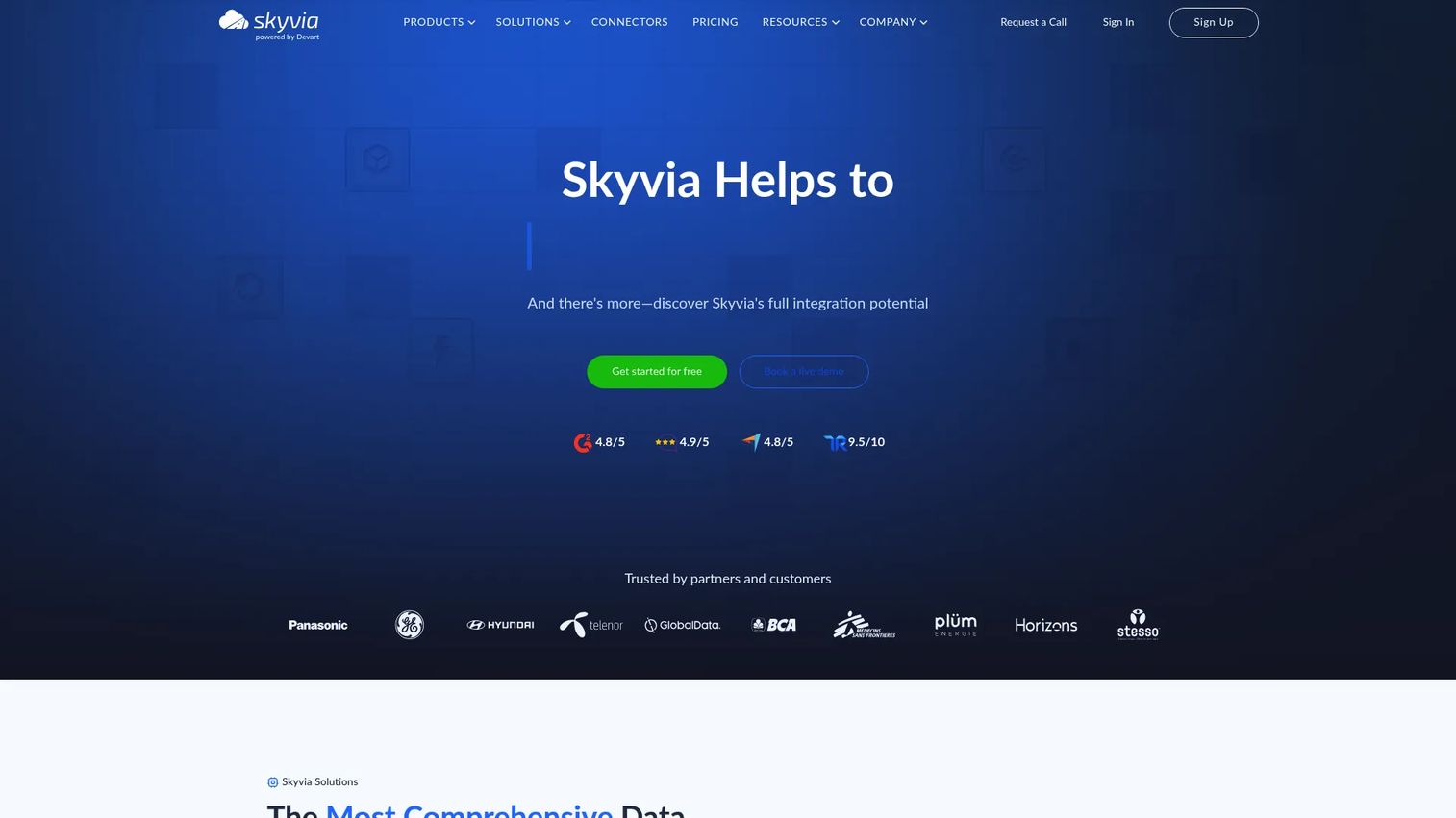
Skyvia is a cloud data integration and data management platform built for teams that want no-code data replication without heavy engineering. It handles data integration, backup, query, connect, and automation from one place, which makes it a practical entry point for common SaaS sources feeding warehouse destinations. If your replication needs are routine sync jobs and ELT-style flows, Skyvia gets you moving fast.
Best for: Teams needing no-code cloud data integration, sync, backup, and automation.
Key strengths
- No-code integration: build replication and sync jobs without writing pipelines from scratch.
- Backup and automation: schedule automated jobs and keep cloud backups in sync alongside integration flows.
- Broad coverage: connect common SaaS apps and warehouse destinations for routine data movement.
Why choose Skyvia: It is the approachable option for mixed technical audiences who want visible pricing and a low-friction setup. Where enterprise CDC platforms excel at high-volume, heterogeneous replication, Skyvia excels at getting standard sync and backup jobs running without a specialist. That makes it a clean fit for presales conversations where you need to show a buyer a working replication flow quickly.
Skyvia pricing: The Data Integration product offers a Free plan at $0/mo., Basic at $79/mo. billed annually, Standard at $159/mo. billed annually, Professional at $399/mo. billed annually, and an Enterprise plan with custom pricing. The visible free tier makes it easy to validate before committing. Skyvia holds a 4.8/5 rating on G2.
2. Fivetran
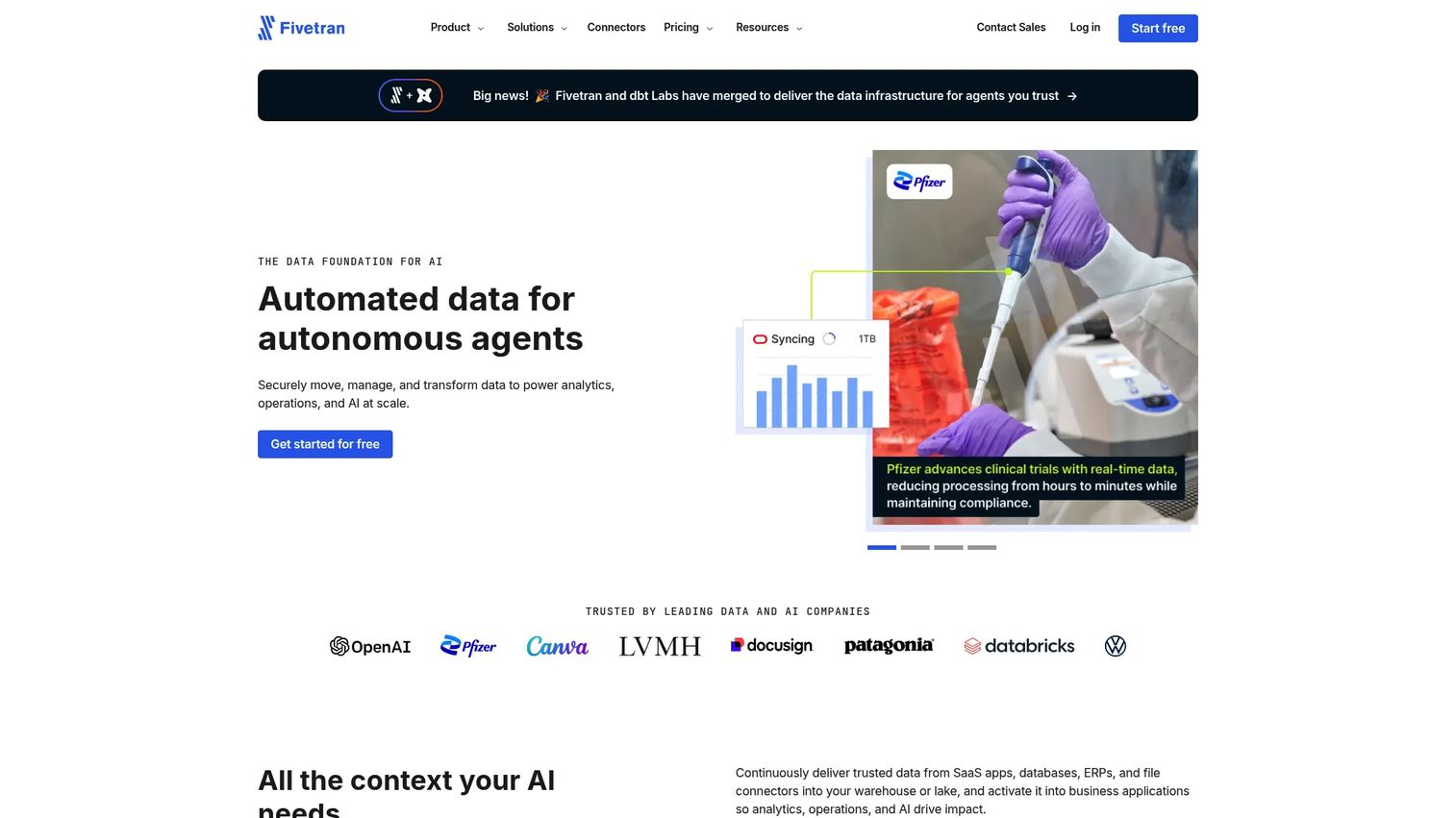
Fivetran is a managed data integration platform for moving and activating data across sources, warehouses, and business applications. It leans hard into automation and reliability, so teams choose it when they want data replication that runs itself rather than pipelines they build and babysit. With 700+ fully managed connectors, it covers a wide surface of sources out of the box.
Best for: Teams that need managed, low-maintenance data replication and activation across many sources.
Key strengths
- Managed connectors: 700+ fully managed connectors plus 200+ managed activation destinations.
- Governance controls: role-based access control and a REST API for programmatic management.
- Fast syncs: 15-minute syncs, with 1-minute syncs available on Enterprise.
Why choose Fivetran: The pull here is operational simplicity. Fivetran is chosen for reliability and scale, not for building custom replication logic, which is exactly right for teams that want to spend engineering time elsewhere. For presales, its governance features and managed model make it straightforward to walk security and IT stakeholders through the architecture.
Fivetran pricing: Fivetran offers a Free plan with monthly usage limits, a Standard pay-as-you-go plan, and Enterprise and Business Critical plans billed on a usage basis through contact sales. A 14-day free trial is available, and annual contracts are offered for teams that want committed spend. Fivetran holds a 4.3/5 rating on G2.
3. Airbyte
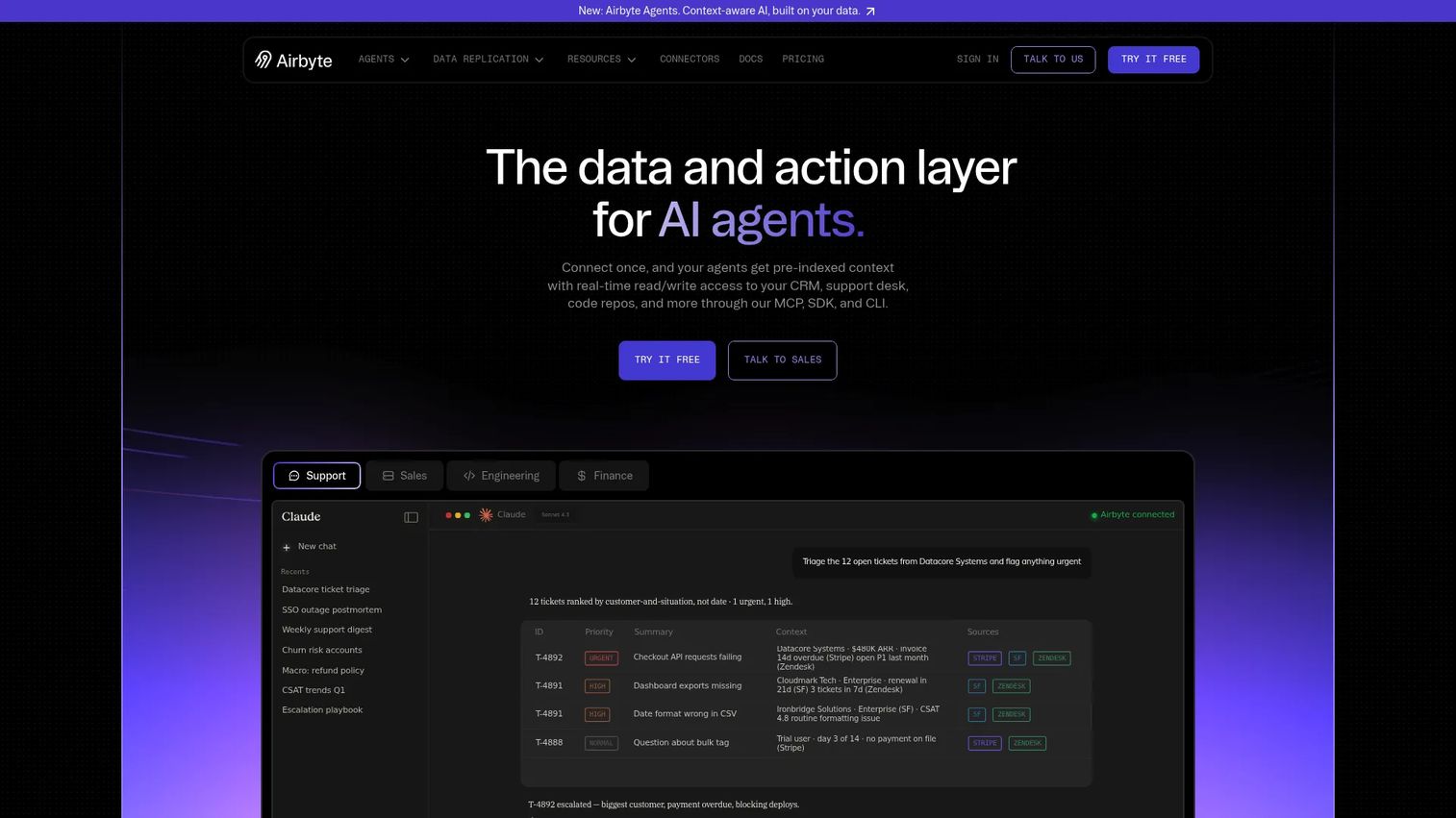
Airbyte is an open-source data integration platform with cloud-managed and self-managed options for moving data and powering AI workloads. It is the flexible choice for engineering-led teams that want control over how and where their replication runs. With 600+ connectors and CDC support, it covers broad coverage while leaving the deployment model in your hands.
Best for: Teams that need flexible data movement and AI-ready data access with both self-serve and enterprise options.
Key strengths
- Open-source core: run self-hosted replication for full ownership, or use the managed cloud.
- CDC and schema handling: change data capture, schema propagation, and column selection.
- Developer integrations: API, Terraform, PyAirbyte, and Airflow, Dagster, and Prefect support.
Why choose Airbyte: Open-source ownership is worth it when you want to control data residency, customize connectors, or run replication inside your own infrastructure. Teams with changing data volumes appreciate having both self-managed and cloud paths. For presales handling technical buyers, the extensibility and self-hosted option answer data-control objections directly.
Airbyte pricing: Airbyte shows separate plan families. Data replication includes a Free plan at $0/month, Individual at $29/month, Team at $299/month, and a Custom contact-sales tier. A self-managed Core edition is always free, with Standard starting at $10/month, Plus at $500/month billed annually, and a Pro contact-sales tier. Airbyte holds a 4.4/5 rating on G2.
4. Hevo Data
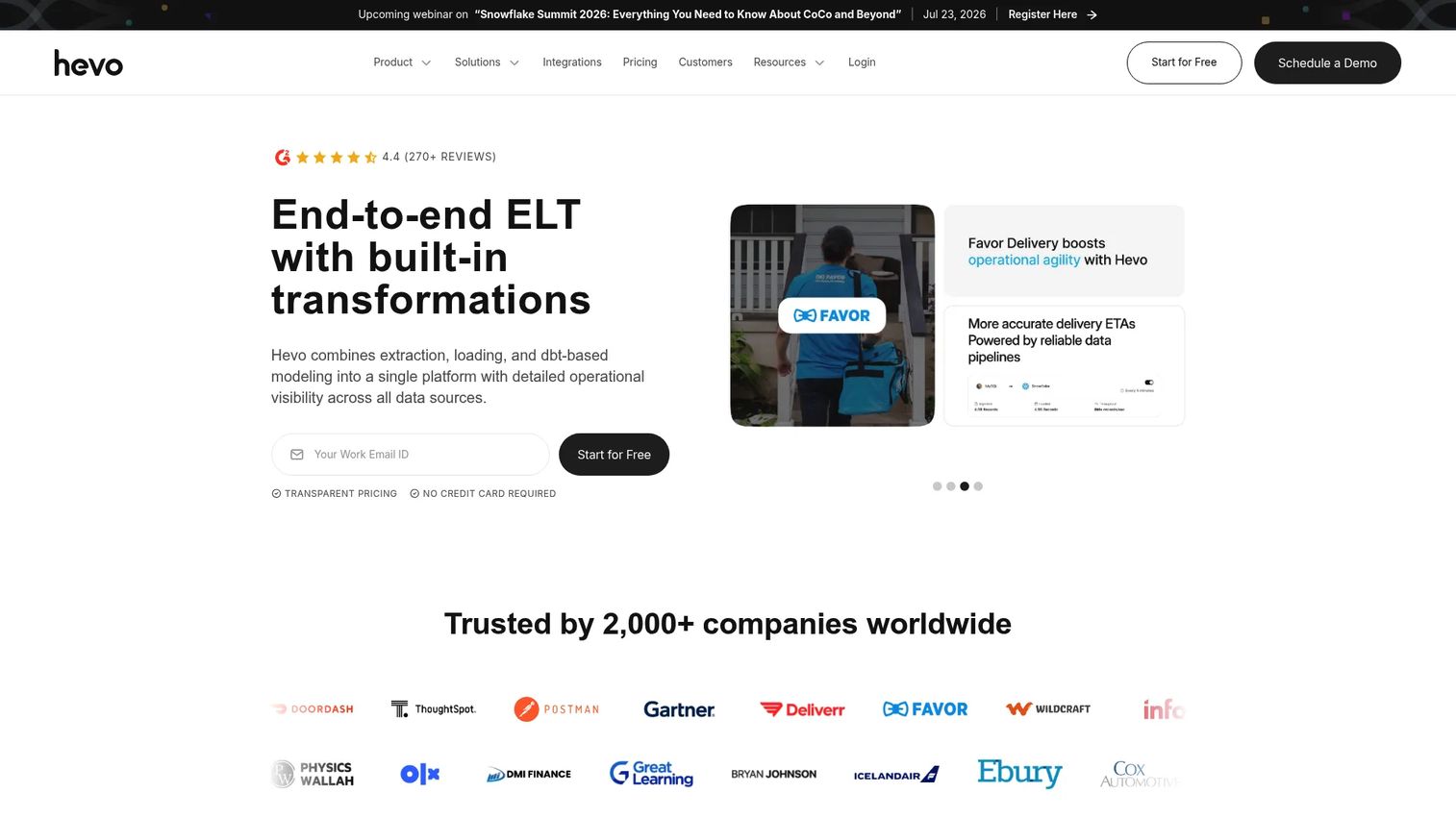
Hevo Data is a cloud data integration platform for moving and transforming data into warehouses and databases. It pairs no-code data pipelines with transformation, so teams get replication plus light modeling without writing pipelines from scratch. That combination makes it a practical fit for mixed technical audiences who want simplicity without giving up transformation.
Best for: Teams needing a managed ELT and data pipeline platform with a free trial and usage-based pricing.
Key strengths
- No-code ELT: build pipelines without engineering-heavy setup.
- Historical data sync: backfill and keep historical data aligned alongside incremental loads.
- Flexible transformations: use Python and code or drag-and-drop transformations.
Why choose Hevo Data: Hevo sits between lightweight sync tools and full enterprise platforms. It is a good fit when you want operational simplicity but still need in-pipeline transformation for warehouse-bound data. For presales, the free trial makes it easy to stand up a working pipeline during evaluation and show a buyer end-to-end data movement.
Hevo Data pricing: Hevo lists Free, Starter, Professional, and Business Critical plans, with a 14-day free trial and monthly or yearly billing. Pricing is shown two ways: per credit, where Free is $0, Starter is $1, Professional is $1.50, and Business Critical is $2 per credit; and plan-level starting prices, where Starter starts at $299/month, Professional starts at $549/month, and Business Critical is custom. Hevo holds a 4.4/5 rating on G2.
5. Stitch
Stitch is a cloud ETL service for moving data from sources into warehouses for analytics. It appeals to teams with conventional replication needs and a preference for transparent, predictable packaging. The row-based monthly billing makes cost easy to reason about, which is a relief when you are estimating spend against expected data volume.
Best for: Teams that need a managed ETL pipeline into a data warehouse with usage-based pricing.
Key strengths
- Predictable billing: row-based monthly pricing keeps costs transparent.
- Tiered plans: multiple plans with clear destination and source limits.
- Advanced connectivity: scheduling and connectivity features for scaling ingestion.
Why choose Stitch: Stitch is stronger as a data ingestion platform than as a full enterprise replication suite, and that focus is a feature for small to mid-sized teams. If your job is straightforward source-to-warehouse ingestion with clear packaging, it does that cleanly. Compare it against more managed or more enterprise-focused tools when your CDC or heterogeneous needs grow.
Stitch pricing: Stitch lists US pricing with Standard starting at $100, Advanced starting at $1,500/month billed annually, and Premium starting at $3,000/month billed annually. A Stitch Platform tier is available through contact sales, and a free trial lets you test before buying. Stitch holds a 4.8/5 rating on G2.
6. Qlik Replicate
Qlik Replicate is enterprise data replication software for moving data across databases, warehouses, Hadoop, and cloud targets. It is one of the strongest technical entries here, built for heterogeneous environments and large-scale replication programs. Its web-based console and broad endpoint support make it a common choice for teams running real-time data replication software at scale.
Best for: Organizations needing low-impact, real-time data replication across heterogeneous systems.
Key strengths
- Broad movement modes: replicate, synchronize, distribute, consolidate, and ingest data.
- Log-based CDC: zero-footprint architecture that keeps production impact low.
- Wide endpoint support: broad source and target coverage across on-prem and cloud.
Why choose Qlik Replicate: Technical teams choose it for complex environments where source and destination compatibility spans many systems. The GUI-driven console lowers the barrier to managing real-time replication across a lot of endpoints. For presales in enterprise deals, its zero-footprint CDC is a strong answer to the "will this impact production?" objection.
Qlik Replicate pricing: Qlik does not publish a numeric price for Qlik Replicate. Pricing is handled through Qlik's data integration product plans, several of which are contact-sales, so expect a quote-based conversation tied to your environment and scale. Qlik Replicate holds a 4.3/5 rating on G2.
7. Oracle GoldenGate
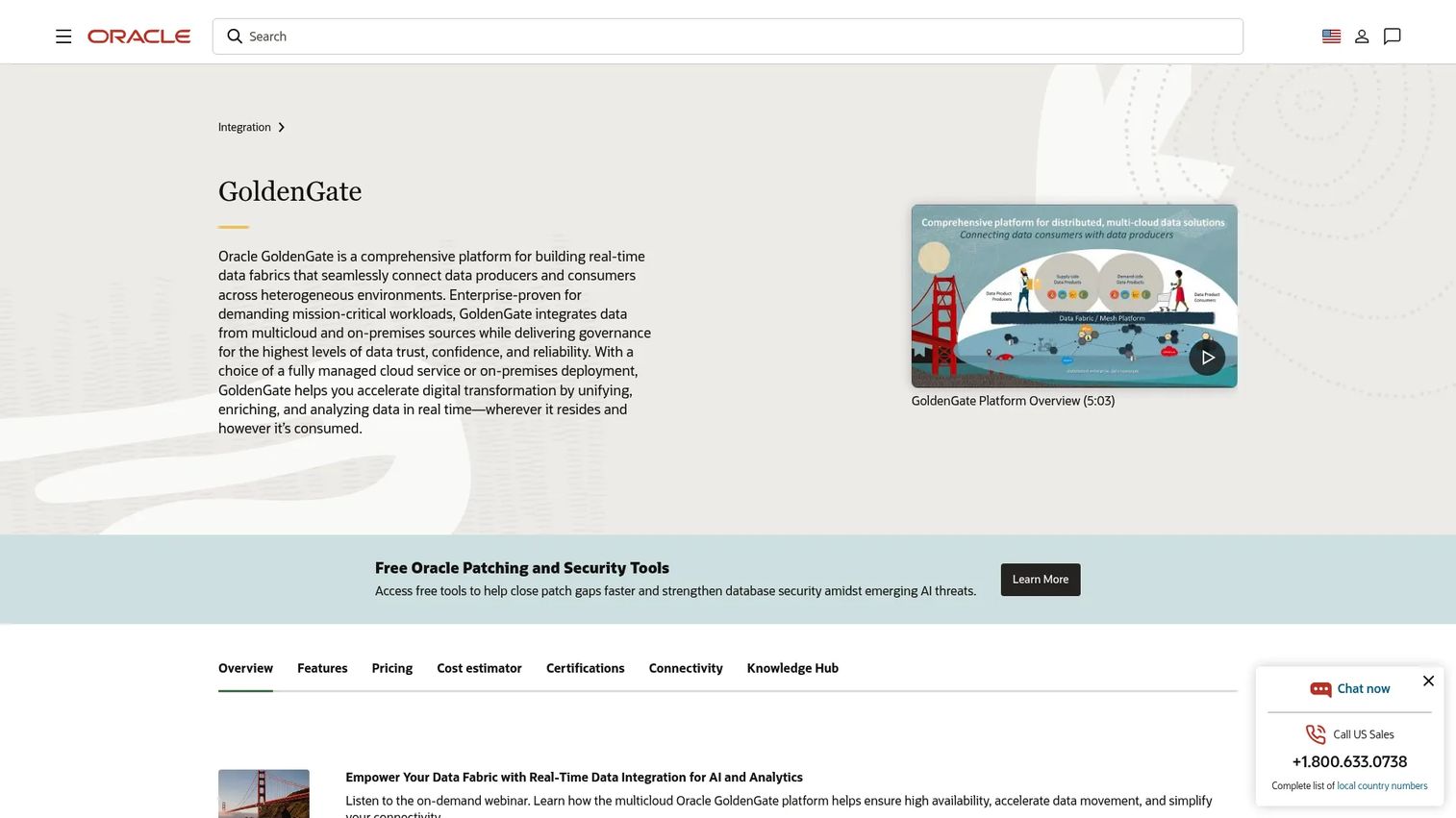
Oracle GoldenGate is Oracle's real-time data replication and integration platform for heterogeneous databases and streaming data. It is a heavyweight option for organizations already invested in Oracle or running complex multi-platform environments. High-volume, transaction-level replication is its core strength, which is why it shows up in mission-critical deployments.
Best for: Enterprises needing real-time replication, migration, and data integration across mixed database environments.
Key strengths
- Real-time replication: transaction-level movement for low-latency replication.
- Heterogeneous integration: connect and replicate across mixed database platforms.
- High availability: built for disaster recovery replication and continuous uptime.
Why choose Oracle GoldenGate: It is strongest in mission-critical scenarios where reliability and strict platform requirements outweigh everything else. Larger organizations with Oracle-heavy stacks get deep integration and proven high-volume performance. For presales, be ready to discuss the enterprise architecture and licensing model, since this is a platform buyers evaluate carefully.
Oracle GoldenGate pricing: Oracle offers GoldenGate Free, plus OCI GoldenGate and OCI GoldenGate BYOL billed by OCPU per hour. Oracle does not expose a single public numeric starting price for the OCI offerings, so plan for a usage-based or quote-based estimate through Oracle's cost estimator. Oracle GoldenGate holds a 3.9/5 rating on G2.
8. Talend
Talend is a data integration and data integrity software platform for cloud, on-prem, and hybrid environments. It is integration-first rather than replication-first, which matters when you scope it. Where dedicated replication tools focus narrowly on copy and sync, Talend brings integration, quality, and governance together in one enterprise data integration stack.
Best for: Enterprises needing a unified data integration and data quality platform.
Key strengths
- Data integration: orchestrate pipelines across cloud, on-prem, and hybrid systems.
- Data quality: validate and clean data as part of the movement workflow.
- Data governance: manage lineage, policies, and compliance in one platform.
Why choose Talend: Choose it when you want integration plus governance in a single stack, not just replication. It fits data engineering programs where orchestration and quality controls matter as much as moving rows. For presales supporting governance-heavy buyers, Talend's integrity and lineage story answers compliance questions that pure replication tools do not address.
Talend pricing: Talend does not publish numeric pricing on its site, so expect a quote-based conversation tied to your deployment. A free trial is available to evaluate the platform before engaging sales. Public G2 rating data was not available for the platform at review time.
9. AWS Database Migration Service
AWS Database Migration Service is a managed AWS service for migrating databases and replicating data with minimal downtime. It is the cloud-native choice when your stack already lives inside AWS. AWS DMS handles homogeneous and heterogeneous migrations plus continuous replication, which makes it compelling for both one-time cutovers and ongoing sync.
Best for: Organizations migrating databases to AWS with low downtime requirements.
Key strengths
- Flexible migrations: homogeneous and heterogeneous database migrations.
- Continuous replication: keep sources live during migration, then cut over cleanly.
- Managed operations: AWS DMS Serverless and Fleet Advisor reduce operational overhead.
Why choose AWS Database Migration Service: It is a strong fit for cloud migration and staged cutovers when AWS is your home. The managed model and native integration mean less to run yourself, and continuous replication supports low-downtime moves. For presales in AWS-centric accounts, DMS is often the path of least resistance for migration and sync discussions.
AWS Database Migration Service pricing: AWS offers on-demand, serverless, and Database Savings Plans (1-year commitment) options. There are no minimum fees or upfront commitments for on-demand and serverless, and some free-use features plus AWS Free Tier access apply. AWS does not expose a single public starting price on the page, so estimate cost against your instance and data volume. AWS DMS holds a 4.1/5 rating on G2.
10. Estuary
Estuary is a right-time data platform for CDC, streaming, and batch ETL. It is the modern pick for teams that care about low-latency, real-time data replication software with managed flexibility. Estuary unifies streaming and batch movement, so you are not choosing between real-time and scheduled, you get both in one platform.
Best for: Teams that need managed real-time and batch data movement with usage-based pricing.
Key strengths
- Managed connectors: 200+ fully-managed connectors for broad source and destination compatibility.
- Right-time movement: unified CDC, streaming, and batch ETL in one system.
- Monitoring and alerting: real-time monitoring keeps pipelines observable.
Why choose Estuary: Estuary stands out for streaming-first teams choosing between traditional ETL tools and real-time data movement. The connector-based pricing and free developer tier make it easy to test low-latency replication before scaling. For presales, its real-time story and transparent usage-based pricing are clean answers when buyers ask about latency and cost together.
Estuary pricing: The Developer plan is free forever up to 10GB/month and 2 concurrent connectors. Cloud is billed monthly at $0.50 per GB plus $100 per connector, and Enterprise uses scaled, contracted pricing. The connector-based model makes cost easy to project against your connector count. Estuary holds a 4.8/5 rating on G2.
Considerations before you buy
Check source and destination breadth
Connector coverage matters more than raw feature count. Before you commit, verify the exact databases, warehouses, and apps you need today, then list the ones you may add in 2026. A tool that covers your current stack but misses a planned destination will cost you later. Confirm source and destination compatibility against a real inventory, not a marketing page.
Confirm latency expectations
Match the tool to the business need, not the flashiest capability. Real-time CDC is not necessary for every workload, and paying for low-latency replication you do not use is waste. But batch sync is not enough when dashboards need current numbers or failover needs a fresh standby. Define your acceptable lag per destination before you compare tools.
Evaluate maintenance burden
Estimate how much time the team will spend on setup, monitoring, retries, schema drift, and connector upkeep. This is a major buying filter for presales-led evaluations, because operational ownership shapes total cost more than the license line. Managed platforms trade some control for less upkeep; self-hosted replication trades upkeep for control.
Review security and governance
Call out SSO, RBAC, private networking, audit trails, and compliance support early. These are often the real blockers in technical validation, not features. If security cannot approve the data path, the tool does not enter the stack. Get these requirements on the table during discovery.
Compare pricing to workload shape
Usage-based, connector-based, and annual contract models behave very differently at scale. Estimate cost using expected data volume, connector count, and region requirements, then model it at 2026 growth. A tool that looks cheap at pilot volume can invert against a fixed-tier competitor once you scale.
Conclusion
The best data replication software depends on what you are optimizing for. Skyvia and Stitch fit teams that want approachable, transparent replication for common sources. Fivetran and Hevo Data suit teams that want managed, low-maintenance pipelines. Airbyte gives engineering-led teams open-source flexibility and self-hosted control. Qlik Replicate and Oracle GoldenGate handle enterprise CDC across heterogeneous, mission-critical environments. AWS Database Migration Service is the natural pick for cloud migration inside AWS, and Estuary leads for real-time, streaming-first teams.
The selection framework is simple: start with the tool that matches your current architecture, then validate destination coverage, latency, maintenance burden, and pricing before you commit. Run a proof-of-concept against your real data volume, not a demo dataset, and pull security into the conversation early. The right choice is the one your team can explain, operate, and afford at 2026 scale.
FAQs
It keeps data synchronized between systems for four main jobs: feeding analytics platforms with fresh data, maintaining disaster recovery and backup copies, migrating databases between systems or clouds, and synchronizing operational systems across teams or regions. The common thread is reducing manual data movement and the maintenance it creates.
No. Change data capture (CDC) is one mechanism within data replication, not the whole category. CDC reads a database transaction log and streams inserts, updates, and deletes as they happen, which enables low-latency replication. Replication also includes full load and scheduled incremental replication, so CDC is a technique inside the broader category.
Replication prioritizes copying and syncing data with light or no transformation, keeping a destination aligned with a source. ETL focuses on transforming data before loading it, so it arrives clean and modeled. In the ETL vs ELT framing, ELT loads raw data first and transforms it in the warehouse, which sits close to how replication feeds modern analytics stacks.
For real-time data replication software, look for log-based CDC, low production impact, and streaming support. Estuary is built for real-time and batch in one platform, while Qlik Replicate and Oracle GoldenGate offer enterprise-grade CDC for heterogeneous environments. Match the tool to your acceptable lag per destination rather than defaulting to the lowest latency available.
Enterprise database replication software is judged on breadth of endpoints, log-based CDC, governance, and high availability. Qlik Replicate and Oracle GoldenGate both target heterogeneous, high-volume environments with strong CDC and failover support. Talend adds integration and governance depth when compliance and data quality matter as much as movement.
Managed tools like Fivetran offer faster time-to-value and less operational ownership, since the vendor handles connectors, retries, and uptime. Self-hosted replication, available through Airbyte's open-source core, gives you customization and control over data residency in exchange for owning the infrastructure. Choose based on how much operational overhead your team can absorb versus how much control you need.
Often, yes. For straightforward copy and sync into a warehouse, replication and ELT-style loading can retire brittle hand-built jobs. When workflows need heavy transformation before loading, you still want an ETL or ELT layer, either inside the replication tool or downstream in the warehouse. The right split depends on how much modeling your destinations require.
Ask about source and destination coverage for your exact stack, failover behavior and recovery time, monitoring and alerting for schema drift and retries, achievable latency per destination, security controls like SSO and RBAC, and the pricing model at your expected data volume. These questions surface the operational and governance realities that decide whether a tool clears technical validation.