

You merged the branch. CI went green. The deploy shipped. Then a support ticket lands: the new checkout flow is throwing errors for 4% of users, and you can't tell which cohort until someone digs through logs.
Now you're weighing a hotfix deploy against a rollback, and both take time you don't have.
That gap between shipping code and controlling its exposure is where most release risk lives. The feature flagging market reached $1.2 billion in 2025 and is projected to hit $4.8 billion by 2034, according to MarketIntelo. That growth tracks a simple shift in how product and engineering teams work: separating deploy from release, so a change can go live in production without going live for every user at once.
Feature flags give you that separation. Ship dark, turn a flag on for 1% of traffic, watch the metrics, then expand or kill the change in seconds. No redeploy, no war room. The question is not whether you need this control. It's which platform fits your release maturity, your experimentation needs, and your appetite for managed versus open source.
What's inside
This guide is for product managers, engineering leaders, and platform teams evaluating feature flag tools in 2026. We looked at how each platform handles the jobs that actually matter when you own release outcomes.
We selected and ranked tools based on four criteria:
- Release control depth: targeting, percentage rollouts, kill switches, and audit logs
- Experimentation fit: whether flags connect to A/B testing, holdouts, and metrics
- Deployment model: managed SaaS, self-hosted, or open source
- Developer workflow: SDK breadth, API quality, and CI/CD integration
TL;DR
- Best for mature release control: LaunchDarkly, for teams that need targeting, experimentation, and observability in one platform.
- Best for avoiding lock-in: OpenFeature, a vendor-agnostic standard rather than a single product.
- Best for experimentation-first teams: Statsig, where flags and product analytics live together.
- Best open source pick: Flagsmith or Unleash, for teams that want self-hosting and data ownership.
- Best for warehouse-native measurement: GrowthBook, when your metrics already live in your data warehouse.
- Best lightweight option: ConfigCat, for straightforward flag management without heavy platform overhead.
What is feature flagging software?
Feature flagging software is a system for turning parts of your application on or off at runtime, without deploying new code. It decouples code deployment from feature release, so you control who sees what and when through configuration rather than shipping cycles.
A feature flag (also called a feature toggle) is a conditional wrapper around a piece of functionality. The platform evaluates that condition, per user, per request, or per environment, and decides whether the code path runs.
Core capabilities across most feature flag management platforms:
- Targeting and segmentation: show a feature to specific user segments by attribute, plan, geography, or custom rules
- Percentage rollouts: release to 1%, then 10%, then 100% of traffic to limit blast radius
- Kill switch: disable a broken feature instantly without a rollback deploy
- Progressive delivery: canary releases and staged rollouts tied to health metrics
- Experimentation: A/B testing, multivariate flags, and holdouts to measure impact
- Observability: monitoring, error monitoring, and alerts tied to flag changes
- Audit logs and RBAC: track who changed which flag, with role-based access and approvals
- SDKs and APIs: client-side and server-side libraries plus a runtime API for real-time updates
The distinction that matters for buyers: some tools treat flags purely as a release-safety mechanism, while others build experimentation and analytics directly into the flag layer. Where your team sits on that spectrum shapes which platform fits.
When to use feature flagging software
Ship risky changes without shipping risk
Wrap a new feature in a flag, deploy it dark, then release it to a small percentage of users. If error rates spike, flip the kill switch. You get the speed of continuous delivery with a rollback that takes seconds instead of a full redeploy.
Target releases to specific user segments
Beta programs, enterprise-only features, regional launches, and plan-gated functionality all run on targeting rules. You define user segments once, then release features to them without branching your codebase or maintaining separate builds.
Measure impact before full rollout
When a flag is tied to experimentation, you can run the release as an A/B test. Hold back a control group, measure the effect on activation or retention, and decide with data whether to expand. This is where feature flags overlap with, and sometimes replace, standalone testing tools.
Feature flagging software comparison
Here is how the ten platforms compare on ideal fit, differentiation, pricing, and rating. Pricing reflects entry tiers verified at publication; experimentation and open source options vary widely, so check the buyer's checklist below before you shortlist.
| # | Product | Best for | Key differentiator | Pricing | G2 rating |
|---|---|---|---|---|---|
| 1 | LaunchDarkly | Mature release control at scale | Flags, experimentation, and observability in one platform | Free Developer tier; Foundation from $10/service connection/mo | 4.5/5 |
| 2 | OpenFeature | Avoiding vendor lock-in | Vendor-agnostic flag API and open standard | Open source, free | N/A |
| 3 | DevCycle | OpenFeature-native workflows | Developer-focused platform built on the open standard | Free tier; Business $500/mo | 4.5/5 |
| 4 | Statsig | Experimentation-first teams | Flags, experiments, and product analytics together | Free Developer tier; Pro $150/mo | 4.7/5 |
| 5 | Flagsmith | Open source with self-hosting | Open source flags plus remote config | Free tier; Start-Up $40/mo | 4.8/5 |
| 6 | GrowthBook | Warehouse-native measurement | Open source experimentation on your own data | Free Starter; Pro $40/seat/mo | 4.6/5 |
| 7 | Unleash | Self-hosted feature management | Strategy-based rollouts, open source core | From $75/seat/mo | 4.7/5 |
| 8 | ConfigCat | Lightweight flag management | Simple flags and remote config, generous free tier | Free tier; Pro $110/mo | 4.6/5 |
| 9 | Harness Feature Flags | Governed flags at enterprise scale | Flags inside a broader release automation platform | Free plan; paid via sales | 4.6/5 |
| 10 | Octopus Feature Flags | Existing Octopus Deploy users | Flags built into a deployment automation tool | Free tier; Professional from $4,170/yr | 4.4/5 |
Best 10 feature flagging tools for 2026
1. LaunchDarkly
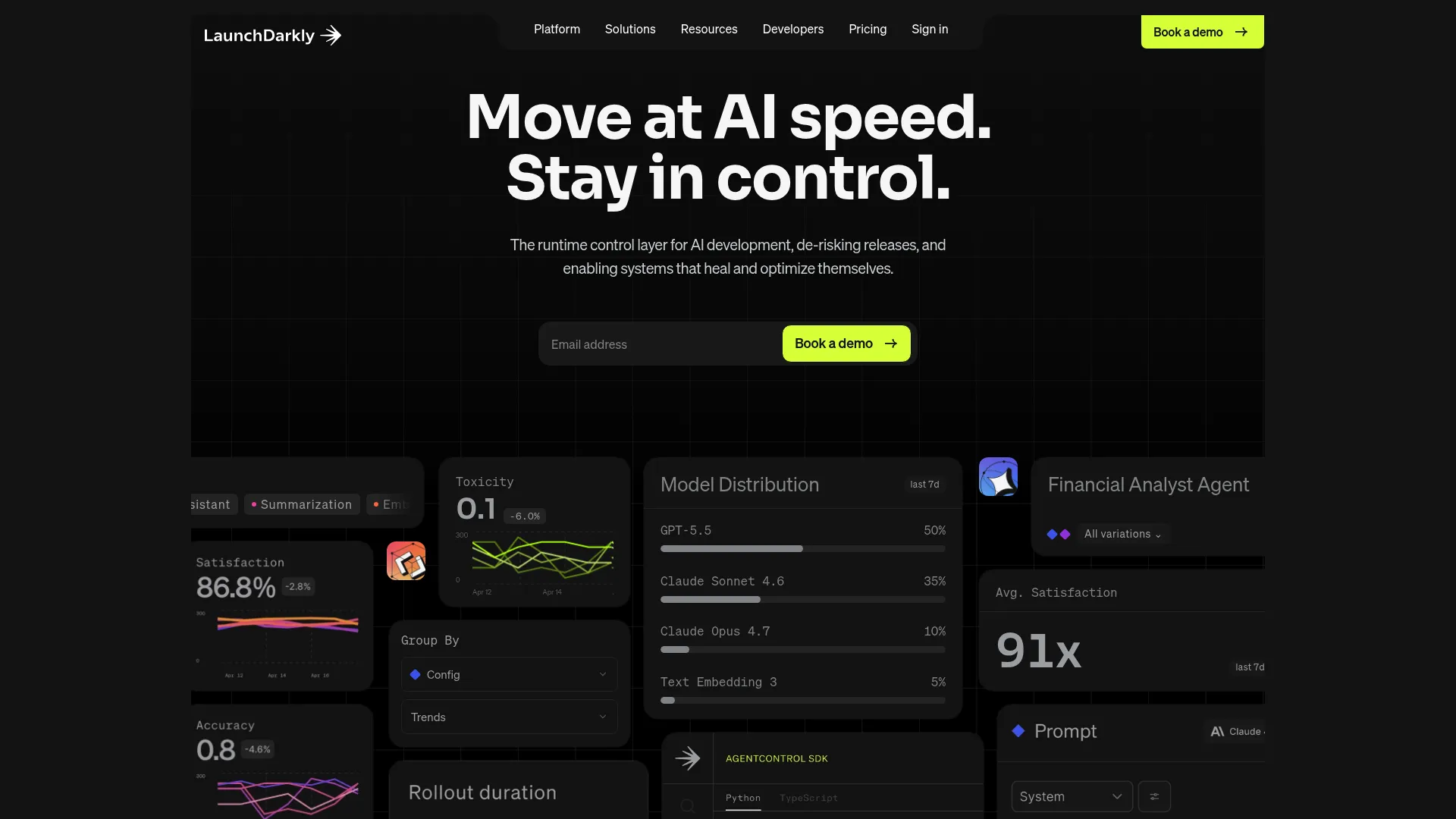
LaunchDarkly is the most established feature management platform on this list, built for teams that treat runtime control as core infrastructure. It combines feature flags, targeted rollouts, experimentation, and observability into a single system, and it has extended that model to controlling AI agent behavior in production. If you run releases at scale and want one place to manage exposure and measure impact, this is the reference point everyone else compares against.
Best for: Product and engineering teams that need feature flags, controlled rollouts, and experimentation running in production at scale.
Key strengths
- Feature flags with targeted rollouts and segmentation
- Experimentation and A/B testing built in
- AI agent controls and release observability
- Real-time flag updates across environments
Why choose LaunchDarkly: You want the deepest release-control feature set and are willing to invest in a platform that scales from a single team to an entire org. It fits teams where flags, experiments, and monitoring need to live under one roof.
LaunchDarkly pricing: Free Developer tier at $0/mo. The Foundation plan starts at $10 per service connection per month, billed yearly, with usage-based components. Enterprise and Guardian tiers are custom priced.
2. OpenFeature
OpenFeature is not a product you buy, it's an open specification and vendor-agnostic API for feature flagging. It gives you a standard interface that sits between your code and whatever flag provider you use underneath. Write against the OpenFeature SDK once, then swap providers without rewriting evaluation logic. For teams worried about lock-in, this is the answer to a real problem.
Best for: Engineering teams that want a standard feature-flag API across providers and the freedom to switch vendors later.
Key strengths
- Vendor-neutral feature flagging API
- Providers for multiple flag management systems
- SDKs and a specification for standardized evaluation
- Backed by a broad open source community
Why choose OpenFeature: You care more about portability than about any single vendor's dashboard. It performs best as an abstraction layer over a commercial or open source provider, not as a standalone flag store. Adopt it when the cost of being locked to one vendor outweighs the convenience of using that vendor's native SDK.
OpenFeature pricing: OpenFeature is open source and free to adopt. Costs come from whichever flag provider you run underneath it.
3. DevCycle
DevCycle is an OpenFeature-native feature management platform built for developers who want portability without building their own abstraction layer. It gives you flags, targeting, and experimentation with the open standard baked in, so you get environment visibility and safe releases while keeping your evaluation logic vendor-neutral. It sits between the fully open source tools and the heavier enterprise platforms.
Best for: Teams that want a developer-focused feature flag platform with OpenFeature support out of the box.
Key strengths
- Feature flags with OpenFeature-native support
- A/B testing and experimentation
- Targeting and segmentation
- Environment visibility across release stages
Why choose DevCycle: You want the portability benefits of OpenFeature without stitching the abstraction together yourself. It fits teams that value a clean developer experience and want to avoid lock-in from day one.
DevCycle pricing: Free tier with unlimited seats and up to 1,000 client-side MAUs. The Business plan is $500 per month, billed annually, with 100,000 MAUs and 500,000 events per month. Enterprise is custom, billed annually.
4. Statsig

Statsig treats feature flags as part of a measurement system rather than a release-only mechanism. It bundles flags, experimentation, and product analytics into one platform, so a flag rollout can double as a controlled experiment with statistical rigor behind it. For PMs who want to know not just that a feature shipped but whether it moved a metric, this alignment is the whole point.
Best for: Teams that want one platform for feature releases, experiments, and product analytics.
Key strengths
- Feature flags and config management
- A/B testing and experimentation with statistical rigor
- Product analytics and session replays
- Holdouts and multivariate testing
Why choose Statsig: You treat flags as instrumentation, not just a switch. It performs best when experimentation and analytics matter as much as release control, and when you'd rather not run a separate testing tool alongside your flag platform.
Statsig pricing: Free Developer tier with 2 million metered events per month. Pro is $150 per month with 5 million metered events and overage at $0.05 per additional 1,000 events. Enterprise is custom.
5. Flagsmith
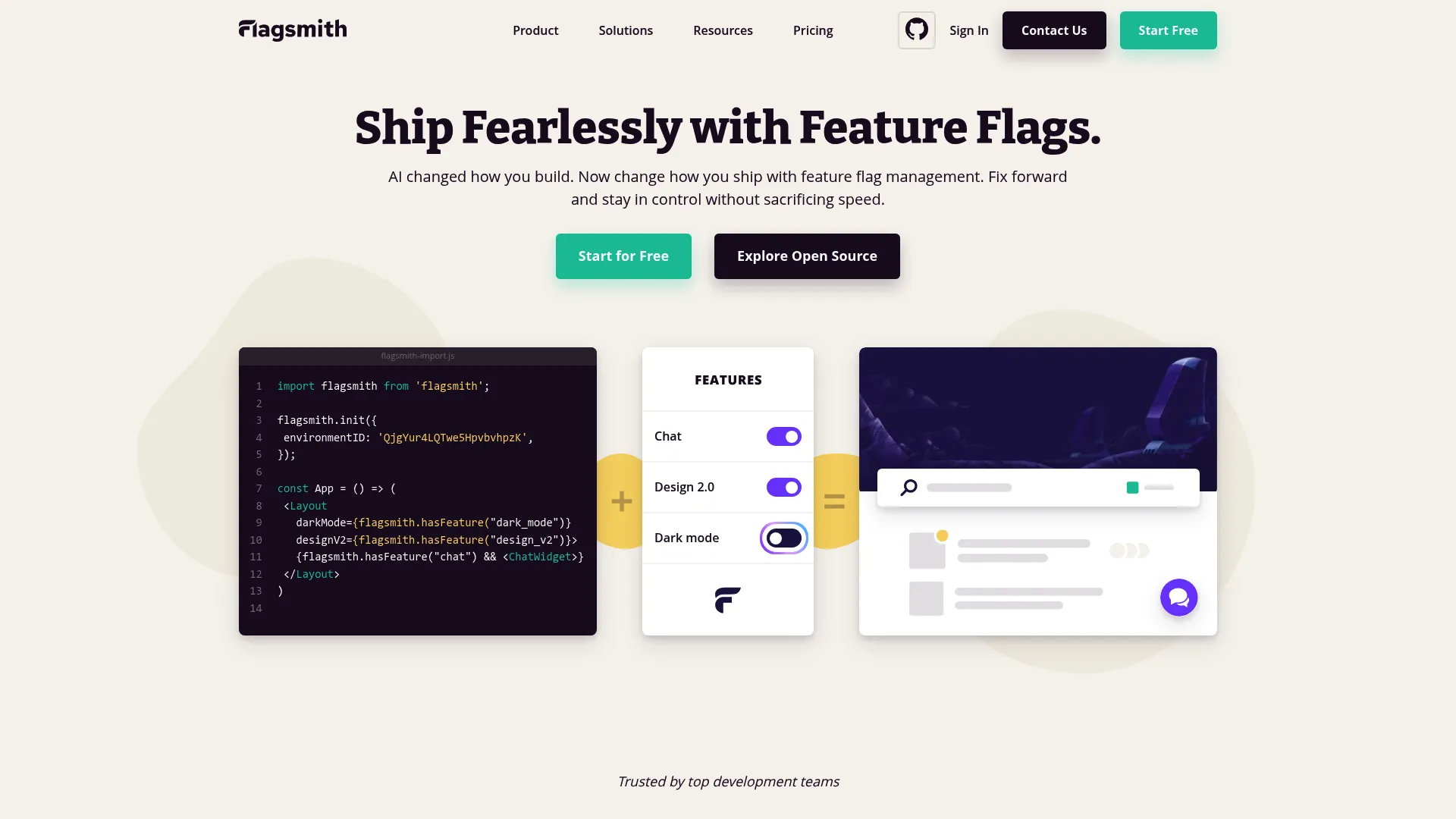
Flagsmith is an open source feature flag and remote configuration platform with real deployment flexibility. You can run it as managed SaaS or self-host it on your own infrastructure, which matters for teams with data residency or compliance constraints. It covers flags across web, mobile, and server-side apps, plus remote config and A/B testing in one place.
Best for: Teams needing open source feature flags with remote config and control over where their data lives.
Key strengths
- Feature flags across web, mobile, and server-side apps
- Remote config for dynamic app values
- A/B and multivariate testing
- Self-hosted or managed SaaS deployment
Why choose Flagsmith: You want the ownership of open source with the option of a managed plan when you don't want to run infrastructure. It fits teams that value deployment flexibility and want segmentation and remote config without a heavy platform commitment.
Flagsmith pricing: Free tier available. The Start-Up plan is $40 per month, Scale-Up is $250 per month, and Enterprise is contact sales. Annual discounts and bespoke pricing for extra seats or API calls are available.
6. GrowthBook
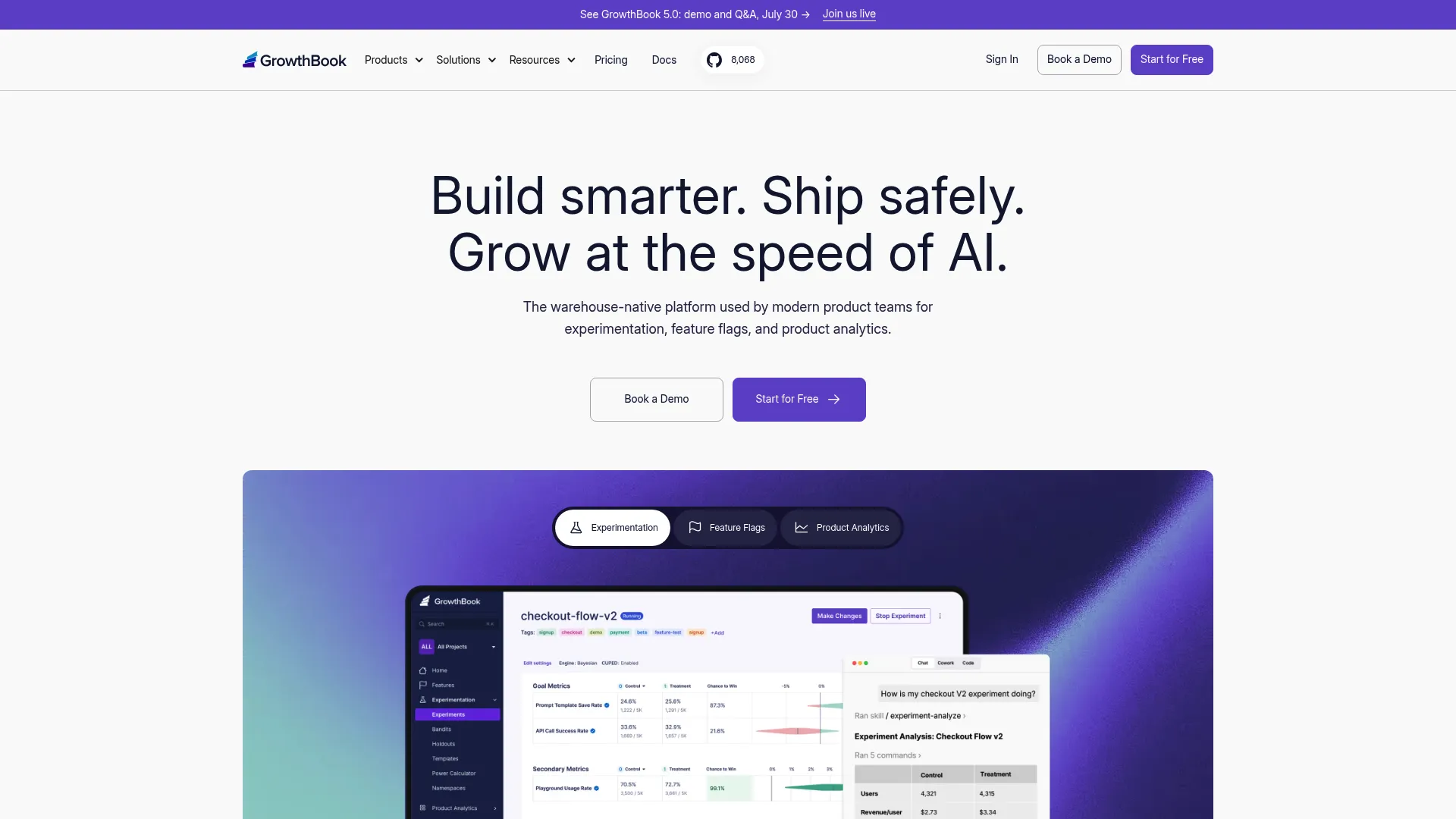
GrowthBook is an open source platform that pairs feature flags with warehouse-native experimentation. Instead of shipping your event data to a vendor, GrowthBook runs analysis against the data warehouse you already own. For product teams where measurement is central and data governance is non-negotiable, that architecture is a strong fit. It's developer-friendly and self-hostable.
Best for: Teams that want open source experimentation and feature flagging with warehouse-native analytics.
Key strengths
- Feature flags with targeting
- Experimentation on your own data warehouse
- Product analytics without exporting event data
- Open source with a free self-hosted option
Why choose GrowthBook: You already invested in a data warehouse and want experimentation to read from it directly. It performs best when measurement drives product decisions and you'd rather not duplicate event data into a separate analytics vendor.
GrowthBook pricing: Starter is free for up to 3 users. Pro is $40 per seat per month. Enterprise is custom. A free self-hosted plan is also available.
7. Unleash
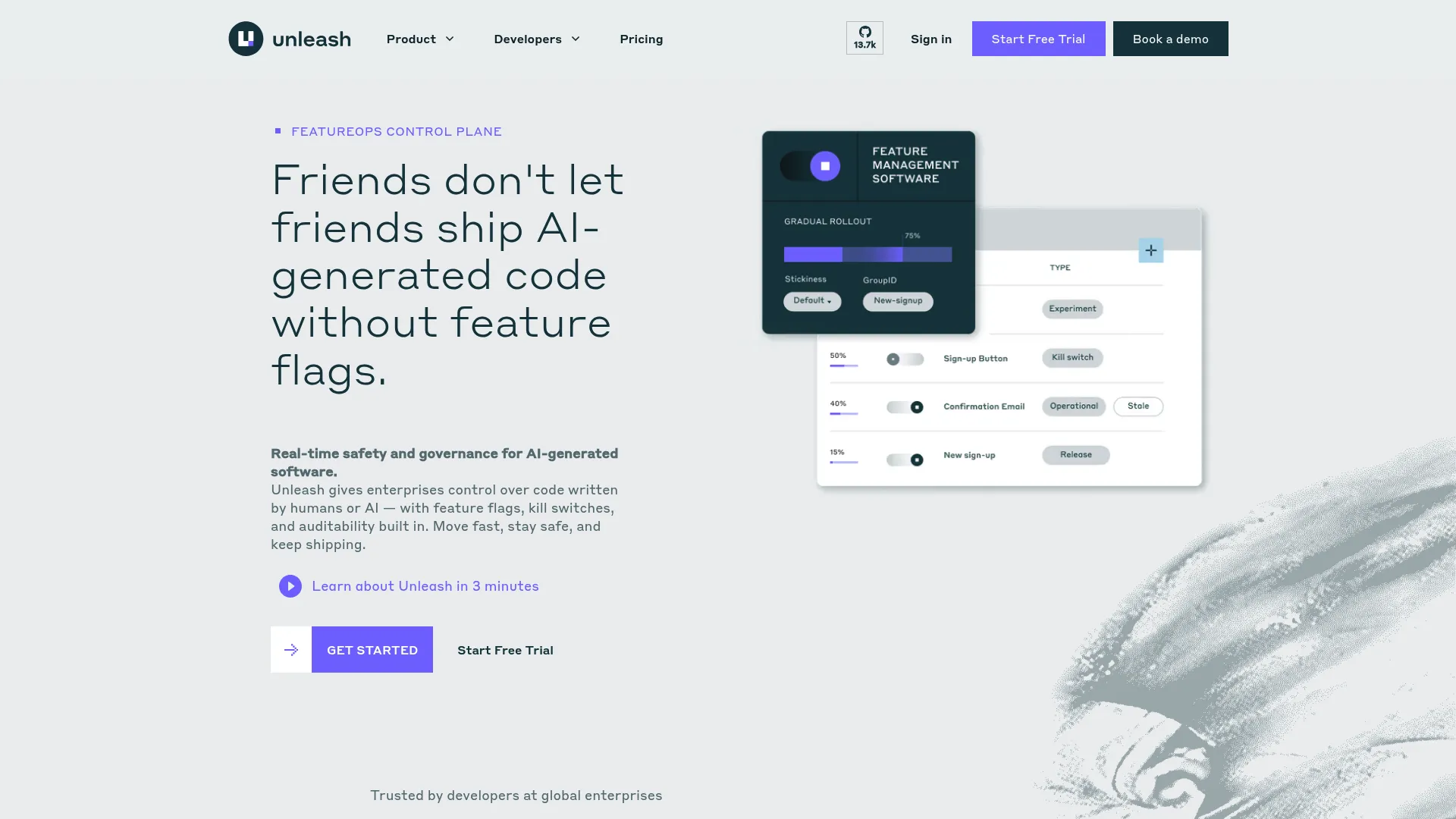
Unleash is an open source feature management platform built around strategy-based rollouts. Instead of toggling a flag on or off, you attach activation strategies, gradual rollout, user targeting, or custom rules, that control exactly how a feature reaches users. It offers self-hosted, cloud-hosted, and hybrid deployment, and the enterprise tier layers on SSO, RBAC, change requests, and audit logs.
Best for: Engineering teams needing feature flags and controlled releases at scale with self-hosting options.
Key strengths
- Unlimited flags, projects, and environments on Enterprise
- A/B/n testing with flag variants
- Strategy-based activation rules
- SSO, RBAC, change requests, audit logs, and data residency options
Why choose Unleash: You want the control and governance of an enterprise flag platform with the transparency and self-hosting of open source. It fits teams that prioritize deployment flexibility and granular rollout strategies over a fully managed experience.
Unleash pricing: 14-day free trial. Self-hosted and cloud-hosted plans start at $75 per seat per month with a 5-seat minimum. Enterprise pricing is custom by quote.
8. ConfigCat
ConfigCat is a hosted feature flag and remote configuration service built for straightforward adoption. It keeps the model simple: create flags, target segments, control multiple environments, and read values through SDKs and APIs. There's no heavy platform to learn, which makes it a good pick for teams that want reliable flag management without committing to a full experimentation suite.
Best for: Teams that need hosted feature flags and remote config with a free tier and scalable paid plans.
Key strengths
- Feature flags and remote configuration
- Multi-environment control
- API, SDKs, and integrations
- Percentage-based rollouts and targeting
Why choose ConfigCat: You want flag management that's quick to adopt and easy to reason about, without a learning curve. It fits teams that need dependable runtime control and remote config more than a deep experimentation platform.
ConfigCat pricing: Forever Free plan at $0. Pro is $110 per month, Smart is $325 per month, Enterprise is $900 per month, and Dedicated is $4,500 per month. Billing is available in monthly and annual views and multiple currencies.
9. Harness Feature Flags
Harness Feature Flags sits inside the broader Harness software delivery platform, which makes it a natural fit for teams already running CI/CD and release automation there. It offers targeted rollouts, release monitoring with instant alerts, and experimentation, all governed at enterprise scale. If your feature flagging lives in the same place as your pipelines, the operational alignment reduces context-switching across the delivery workflow.
Best for: Teams needing governed feature flags and experimentation at enterprise scale, especially inside the Harness platform.
Key strengths
- Feature flags with targeted rollouts
- Release monitoring and instant alerts
- Cloud and warehouse-native experimentation
- Governance and RBAC for enterprise teams
Why choose Harness Feature Flags: You already run release automation in Harness, or you want flags governed alongside pipelines and deployments. It fits DevOps-heavy organizations that value consolidation over a standalone flag tool.
Harness Feature Flags pricing: Harness lists Free, Team, and Enterprise plans for Feature Flags. Public dollar pricing is not published on the primary plan pages, and paid access for Enterprise and advanced capabilities is arranged through sales.
10. Octopus Feature Flags
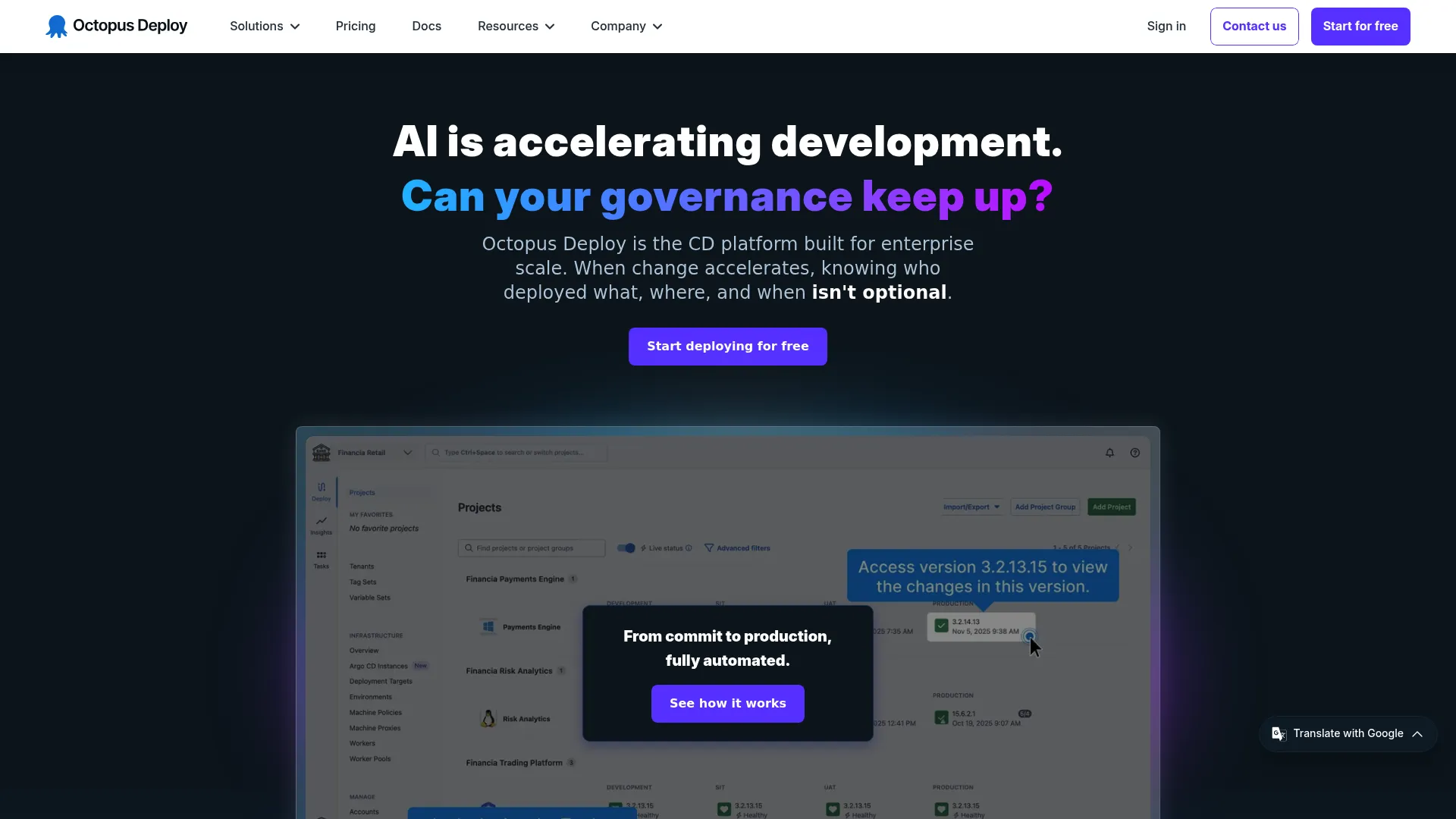
Octopus Feature Flags is a feature flagging capability built into Octopus Deploy, the deployment automation tool. It lets you toggle features in real time without redeploying and release changes progressively to subsets of users. It uses an OpenFeature-based client integration, and the feature flag capability is documented as a Private Preview for Octopus Cloud customers, so confirm current availability before you plan around it.
Best for: Teams already using Octopus Deploy that want built-in feature flags for controlled rollouts.
Key strengths
- Real-time feature toggling without redeploying
- Progressive release to subsets of users
- OpenFeature-based client integration
- Native fit with Octopus Deploy pipelines
Why choose Octopus Feature Flags: You already run deployments through Octopus and want flags in the same tool. It performs best as an extension of an existing Octopus workflow rather than as a standalone flag platform.
Octopus Feature Flags pricing: Octopus offers Free, Professional, and Enterprise tiers. Professional starts from $4,170 USD per year and Enterprise from $23,400 USD per year. Feature flags are documented as available to Octopus Cloud customers as a Private Preview.
Considerations before you buy
The right feature flag tools depend on how your team ships, measures, and governs releases. Run through this checklist before you shortlist.
Release control depth
Look past basic on/off toggling. You want percentage rollouts, targeting by user segment, and an instant kill switch. Check whether progressive delivery ties to health metrics, so a canary release can halt automatically when error rates climb.
Experimentation needs
Decide whether flags are purely a release mechanism or also your measurement layer. If you need A/B testing, holdouts, and multivariate flags, pick a platform with experimentation built in rather than bolting a separate tool onto your flag store.
Deployment model and data ownership
Managed SaaS is fastest to adopt. Open source and self-hosted options give you data residency control and avoid vendor lock-in, which matters for regulated teams. OpenFeature-compatible tools keep your evaluation logic portable if you switch later.
Maintainability and flag debt
Flags accumulate. Without ownership, cleanup cadence, and audit logs, they become technical debt that clutters your codebase. Evaluate how each platform surfaces stale flags, tracks who changed what, and supports approvals and RBAC.
Developer workflow and integrations
Check SDK coverage for your languages, API quality for real-time updates, and CI/CD integration. The tool should fit your existing delivery workflow, trunk-based development, continuous delivery, without forcing new process on the team.
Conclusion
The best feature flag management platform depends on where your team sits on three axes: release maturity, experimentation depth, and managed versus open source preference.
For mature release control at scale, LaunchDarkly is the reference point, with the deepest set of targeting, experimentation, and observability features. If experimentation is central, Statsig or GrowthBook put measurement at the core, one as a managed platform, the other warehouse-native. For open source and self-hosting, Flagsmith and Unleash give you data ownership and deployment flexibility. If you want portability above all, adopt OpenFeature as an abstraction layer over whichever provider you choose. And for lightweight, low-overhead flag management, ConfigCat or DevCycle keep things simple.
Start by naming your primary constraint. If it's release safety, prioritize targeting and kill switches. If it's proving impact, prioritize experimentation. If it's compliance or lock-in, prioritize self-hosting and OpenFeature support. Then shortlist two tools, run a real feature through each, and measure how fast your team ships and rolls back.
Whatever you pick, the goal is the same: turn every release into a controlled, reversible decision instead of a leap of faith.
FAQs
Feature flagging software lets you turn features on or off at runtime without deploying new code. It decouples deployment from release, so you control who sees a feature and when through configuration. Teams use it for percentage rollouts, targeting, kill switches, and experimentation.
Feature flags typically control whether a feature is on or off for a given user or segment. Remote config controls the values behind a feature, like a limit, a label, or a layout variant, without a redeploy. Many platforms offer both, since a flag often gates a feature while remote config tunes its behavior.
Use percentage rollouts when you want to limit blast radius on a risky change. Release to 1% of traffic, watch error rates and key metrics, then expand in stages. It's the safest way to ship a change that could affect performance, conversion, or stability, because you can halt or reverse before most users are exposed.
Sometimes. If your flag platform includes experimentation with holdouts and statistical analysis, flags can serve as both release control and A/B testing. If it only handles targeting and rollouts, you'll still want a dedicated testing tool. Platforms like Statsig and GrowthBook are built to do both, which is why teams that treat flags as measurement consolidate on them.
Yes, open source feature flags run in production at plenty of teams. Tools like Flagsmith, Unleash, and GrowthBook offer self-hosting for data residency and control, plus managed plans if you'd rather not run infrastructure. The tradeoff is that self-hosting means you own uptime, caching, and scaling, so weigh your team's capacity before committing.
A feature flag acts as a kill switch. When a release causes errors, you flip the flag off and the broken code path stops running instantly, no redeploy required. That turns a rollback from a stressful deploy under pressure into a single configuration change, which is why flags are central to progressive delivery and canary releases.
Prioritize targeting and segmentation, percentage rollouts, and a reliable kill switch for release safety. If measurement matters, look for built-in experimentation and analytics. Then weigh deployment model, managed or self-hosted, plus audit logs, RBAC, and approvals for governance. Finally, check SDK coverage and CI/CD integration so it fits your existing workflow.
Flag debt builds up when temporary flags never get removed. Avoid it by assigning an owner to every flag, setting an expiration or review date at creation, and running a regular cleanup cadence. Audit logs help you spot stale flags, and RBAC plus approvals keep flag sprawl from getting out of hand as more people create them.