Construction had 1,034 workplace deaths in 2024, the most of any private-industry sector, according to the U.S. Bureau of Labor Statistics (2026). That number represents one category of risk. The ones that quietly kill margins are harder to count: A corrective action with no owner, a subcontractor certificate that expired three weeks ago, a schedule dependency that shifted after the estimate was signed.
Most construction organizations collect this data. They collect it in five different tools, some email threads, and at least one spreadsheet. The gap between collecting risk data and actually using it to change a decision is where projects lose money, time, and sometimes people.
This guide covers nine construction risk management software platforms, what each one does well, and how to match the right tool to your organization's actual exposure, whether that's jobsite safety, schedule uncertainty, contractor oversight, or claims.
What's inside
This comparison is for contractors, owners, safety directors, project controls teams, and founders evaluating construction operations software as an operating category. Tools were selected based on four criteria:
- Risk coverage: Does the platform address safety, schedule, cost, contractor, or compliance workflows?
- Field usability: Is mobile or offline capability verified for site teams?
- Integration fit: Does risk data connect to schedules, budgets, or insurance workflows?
- Reporting depth: Can project leaders and executives see current exposure without rebuilding the process each time?
Pricing and G2 ratings in this guide reflect verified sources as of October 2026. Some vendors require a sales conversation for pricing; those cases are noted.
TL;DR
- Best for schedule and sequencing risk: ALICE for scenario modeling, optioneering, and preconstruction delivery risk
- Best for field safety workflows: SafetyCulture for mobile inspections, hazard reporting, and corrective action tracking
- Best for connected construction operations: Procore for teams that need risk activity tied to broader project management
- Best for safety-led general contractors: HammerTech for jobsite safety programs and subcontractor accountability
- Best for project controls and contingency modeling: InEight Risk Management for complex capital projects
- Best for insurance and contractor-risk governance: Origami Risk for claims, certificates, and cost-of-risk visibility
The right choice depends on whether your primary exposure is safety incidents, schedule slippage, cost overruns, claims, or subcontractor documentation failures. Most mid-size organizations need more than one system.
What is construction risk assessment software?
Construction risk assessment software is a digital system that helps project teams identify, score, assign, mitigate, and monitor risks that could affect worker safety, project cost, schedule, quality, compliance, insurance exposure, or contractor performance.
The category is not one product type. It spans five distinct software classes, each addressing a different risk job:
| Software type | Primary risk problem | Typical users | Example decision it supports |
|---|---|---|---|
| Safety and EHS software | Hazards, incidents, corrective actions | Safety leaders, site teams | Which corrective actions are overdue? |
| Construction management suites | Project coordination and issue visibility | GCs, owners, project managers | Which field issues threaten schedule or quality? |
| Project controls platforms | Cost, schedule, contingency, delivery confidence | Project controls, owners, planners | What is the likely completion-date exposure? |
| RMIS and contractor-risk platforms | Claims, insurance, certificates, vendor exposure | Risk, finance, legal, procurement | Which contractors or claims create material exposure? |
| Simulation and schedule optimization tools | Sequencing, resource constraints, delay scenarios | Planners, project executives | Which sequence best protects margin and completion dates? |
Key functions across all types:
- Risk identification: Capture hazards, schedule constraints, design conflicts, documentation gaps, and contractor issues
- Risk scoring: Rank likelihood, impact, exposure, or priority
- Risk ownership: Assign mitigation actions and due dates to accountable people
- Field reporting: Collect inspections, incidents, observations, and corrective actions from jobsites
- Schedule and cost analysis: Model delays, scope changes, contingencies, and completion-date confidence
- Contractor oversight: Track qualifications, certificates, claims, and required documentation
- Reporting: Give project leaders and executives a current view of material exposure
An organization may need software from more than one category. A field safety checklist app does not replace a project-controls platform. A schedule simulation tool does not replace an insurance and claims system.
When to use construction risk assessment software
Connect field hazards to corrective action
Organizations with frequent inspections, recurring hazards, or inconsistent follow-through benefit from a system that tracks corrective-action ownership and closure. Digitizing a checklist is not the goal. The value comes from knowing whether the assigned fix actually happened, and whether the hazard pattern is concentrated on specific sites or crew types.
Model cost and schedule exposure before it becomes a claim
Projects with complex dependencies, long schedules, or high liquidated-damages exposure need scenario analysis and risk-adjusted forecasts. Discovering a sequencing conflict after mobilization costs materially more than finding it during planning. The right construction risk management software gives planners a way to test alternatives before committing resources.
Standardize contractor and subcontractor oversight
General contractors and owners managing prequalification, certificates, incident trends, and vendor documentation need a system that centralizes those records. Contractor risk compounds when records live in disconnected portals and spreadsheets. One expired certificate, discovered during a claim, can change the outcome of a six-figure dispute.
Construction risk assessment software comparison
Different platforms fit different risk models. A schedule simulation tool and a safety inspection app both belong in this category, but they solve different problems for different buyers. Use the table below to match your primary risk type to the right platform, then read the full entries to verify fit.
| # | Product | Best for | Key differentiator | Pricing | G2 rating |
|---|---|---|---|---|---|
| 1 | ALICE | Schedule and sequencing risk | Generative construction scheduling and scenario simulation | Contact for quote | Not listed |
| 2 | SafetyCulture | Mobile safety inspections | Field checklists, corrective actions, and offline access | Free tier; Premium from $24/seat/month | Not listed on G2 |
| 3 | Procore | Connected project risk workflows | Risk data within a broad construction platform | Custom, based on ACV | 4.6/5 |
| 4 | HammerTech | Contractor safety management | Construction-specific safety and subcontractor accountability | Contact for quote | 4.6/5 |
| 5 | Autodesk Build | Issue and quality risk control | Construction data connected to BIM workflows | From $100/user/month | Not listed |
| 6 | InEight Risk Management | Enterprise project controls | Quantified risk tied to cost and schedule | Contact for quote | 4.1/5 |
| 7 | Origami Risk | Claims and insurance risk | RMIS, EHS, contractor, and cost-of-risk workflows | Contact for quote | 4.5/5 |
| 8 | eSUB | Subcontractor project risk | Documentation and field coordination for trade contractors | Contact for quote | Not listed |
| 9 | Fieldwire | Jobsite task and issue tracking | Field-first coordination and punch workflows | Free tier; Pro from $39/user/month | 4.5/5 |
Best 9 construction risk assessment software for 2026
1. ALICE
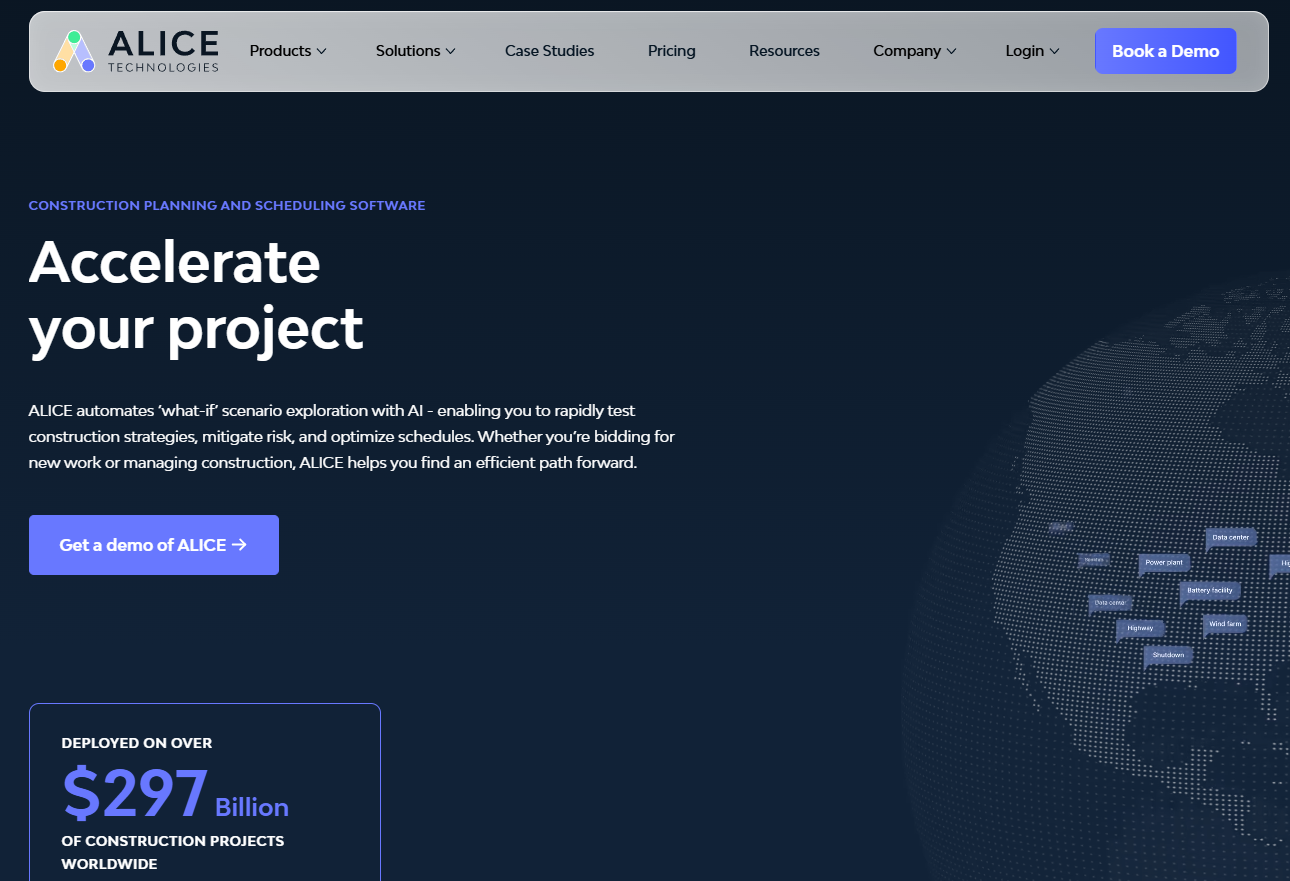
ALICE is an AI-powered construction planning and scheduling platform that helps project teams optimize schedules, resources, costs, and risks before and during construction. It is best known for generative scheduling, scenario simulation, and sequencing analysis, particularly on complex commercial, industrial, and infrastructure projects.
Best for: Owners, project executives, planners, and contractors managing schedule-sensitive programs where a delay or sequencing failure has direct cost consequences.
Key features
- Generative scheduling and scenario optimization
- Visual schedule planning with Gantt and 2D activity views
- Construction sequencing and simulation (optioneering)
- Resource, cost, and risk management
- Schedule Insights Agent for analytics and reporting
Why choose ALICE: Put ALICE on the shortlist when the largest project risk is a flawed plan, schedule compression, or resource conflict discovered too late to change. It is not the right fit for teams primarily seeking incident-reporting checklists or contractor certificate tracking.
ALICE pricing: ALICE directs prospects to request a consultation for tailored pricing; the platform is not self-serve and pricing is not posted. It includes three modules: ALICE Plan, ALICE Optimize, and ALICE Model. Contact the team directly for project or enterprise contract terms.
2. SafetyCulture
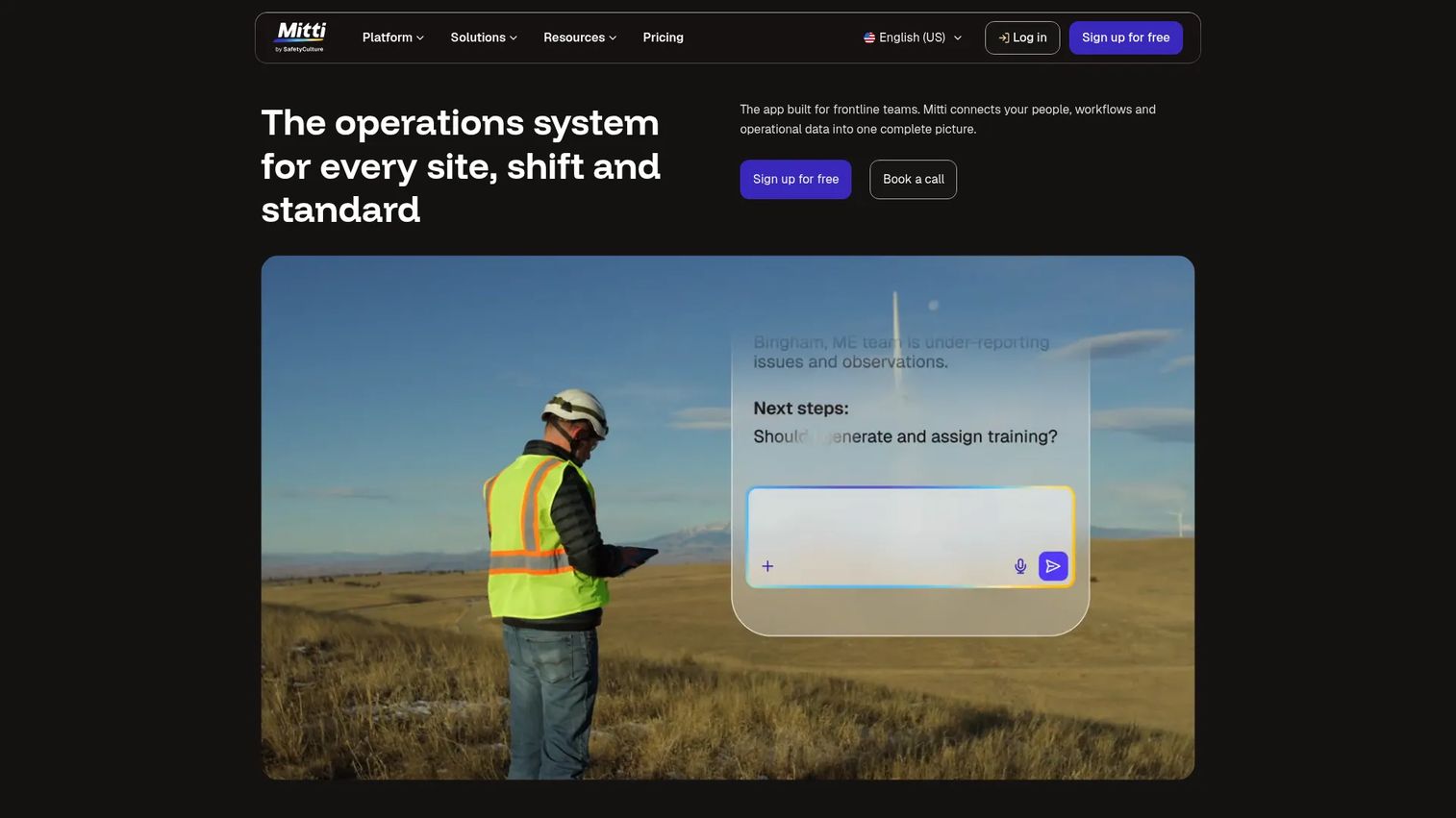
SafetyCulture is a workplace operations platform for digitizing inspections, audits, hazard reporting, task management, training, and corrective action. Construction teams use it to replace paper checklists, scattered incident photos, and email follow-ups with a structured, mobile-first workflow.
Best for: Construction safety teams that need consistent site inspections, fast hazard escalation, and a closed-loop corrective action process.
Key features
- Configurable inspection templates and digital audits
- Mobile hazard and incident reporting with photo evidence
- Corrective action assignments with due dates and ownership
- Analytics dashboards for safety performance trends
- Sensors and IoT monitoring integration
Why choose SafetyCulture: It fits teams running inspection-first safety programs where the daily risk-control loop is identify, assign, close, and verify. The free tier supports up to 10 seats and five active templates, which is enough to pilot the workflow before committing to Premium.
SafetyCulture pricing: The Free plan covers up to 10 seats, unlimited inspections, and up to three years of data history. Premium costs $24 per seat per month (monthly billing) or roughly $20 per seat per month billed annually, which saves approximately 17%. Enterprise pricing requires a sales conversation. A Lite seat option is available at $5 per seat per month on annual billing.
3. Procore
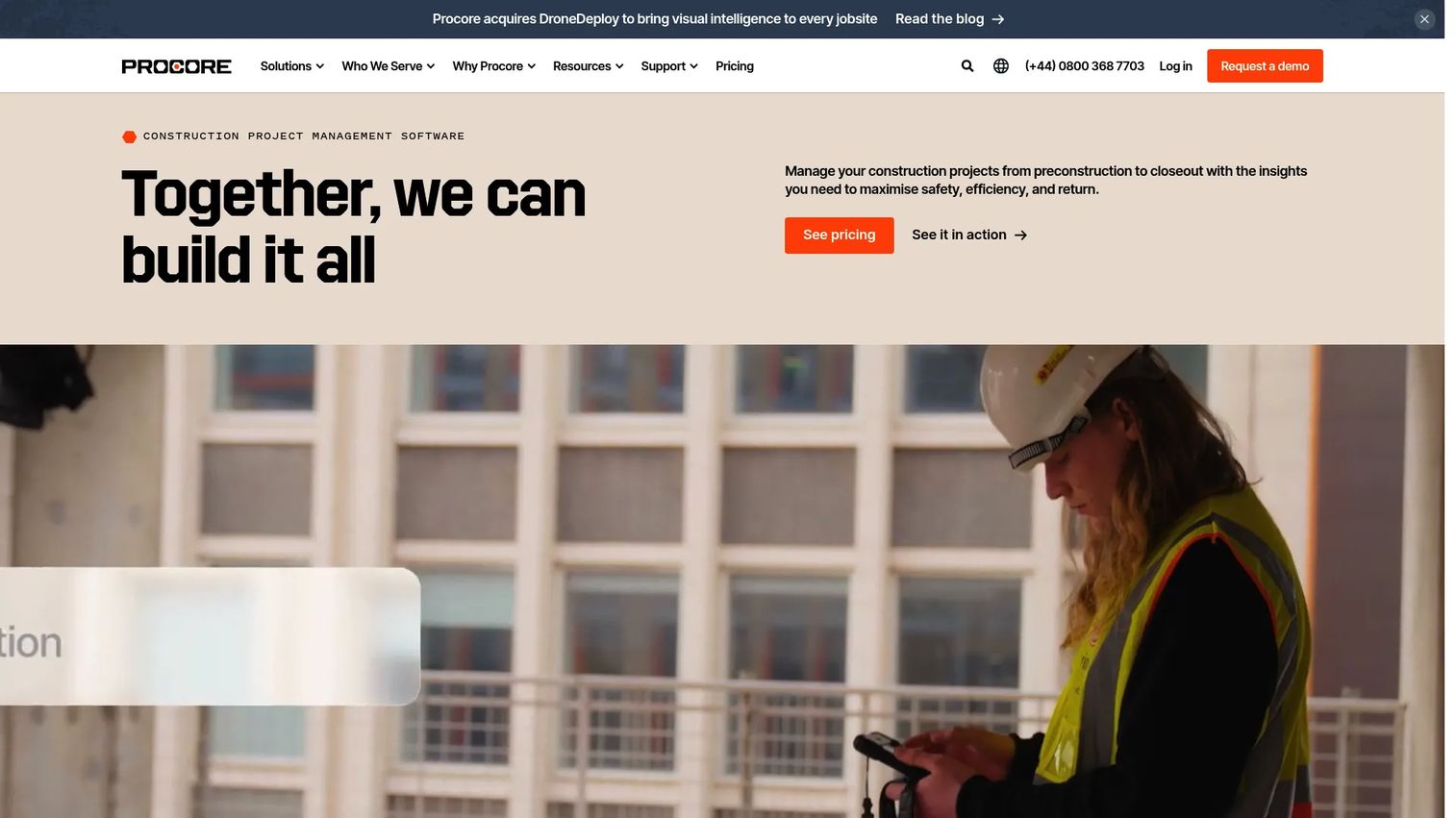
Procore is a cloud-based construction management platform connecting project teams, workflows, data, and resources across the construction lifecycle. Risk control within Procore happens through connected project data: Observations, quality and safety workflows, documents, RFIs, change management, daily logs, and collaboration tools all live in one system.
Best for: General contractors and owners that want risk workflows embedded in a central project-management platform rather than managed in a standalone safety app.
Key features
- Observations and field issue tracking
- Quality and safety workflows
- Document management and project collaboration
- Cost management with real-time financial visibility
- Portfolio reporting across projects
Why choose Procore: The strongest case for Procore is platform consolidation. When your organization already needs a shared operating system for field and office teams, adding safety and risk workflows inside the same system removes the cost of maintaining separate integrations. Teams that only need a safety checklist tool may find the platform scope exceeds their immediate need.
Procore pricing: Procore uses custom annual pricing based on the products selected and the buyer's Annual Construction Volume (ACV). It includes unlimited users, unlimited data storage, and product enhancements in the subscription. Field Productivity is priced separately based on FTE count. Request a quote directly from Procore for your ACV and product mix.
G2 rating: 4.6/5
4. HammerTech
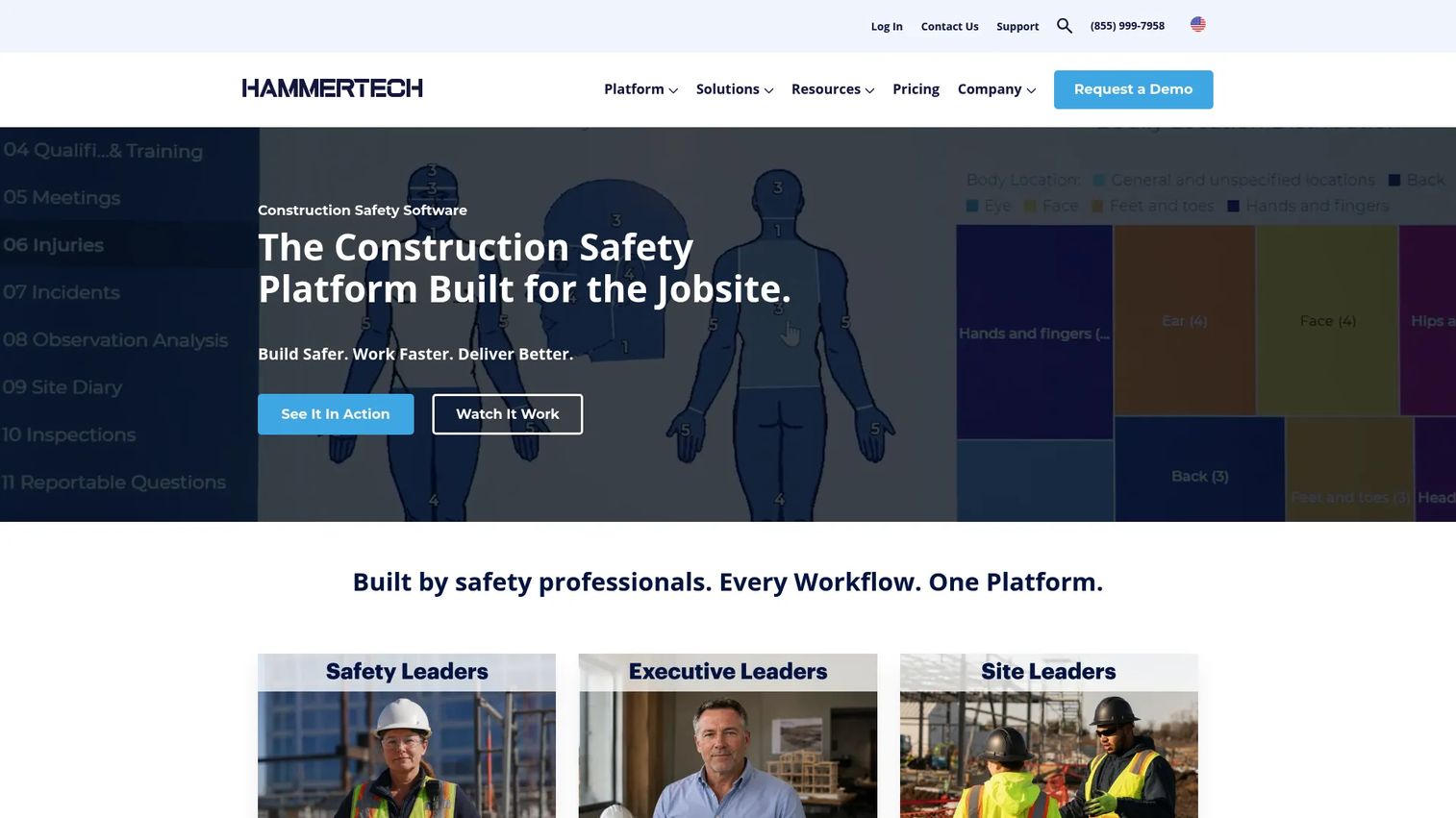
HammerTech is a construction safety intelligence platform built specifically for general contractors and jobsite teams. It connects safety, compliance, subcontractor accountability, and site operations in one purpose-built system, with AI-powered features for photo-based observations, permit tracking, and subcontractor certification.
Best for: Safety-led general contractors managing jobsite safety programs across multiple active projects, particularly those with subcontractor compliance requirements.
Key features
- Digital safety inspections, issue assignment, and corrective-action tracking
- Offline mobile access for field teams
- Worker orientations, subcontractor certifications, permits, and compliance tracking
- Incident and near-miss reporting workflows
- AI-powered photo observation autofill and PTP transcription
Why choose HammerTech: HammerTech is designed around construction-specific safety workflows, not adapted from a generic inspection tool. It is a strong fit for firms where safety is a formal operating discipline involving subcontractors, site leadership, and audit-ready records. Pricing is tailored, not seat-based, which matters for organizations with large subcontractor populations.
HammerTech pricing: HammerTech uses tailored pricing based on annual construction volume, company size, and operational complexity. There is no per-user pricing; unlimited users and subcontractors are included. HammerTech GO is a scaled-down version for smaller contractors with its own tailored structure. Contact the team for a quote based on your ACV and scope.
G2 rating: 4.6/5 based on 26 reviews
5. Autodesk Build
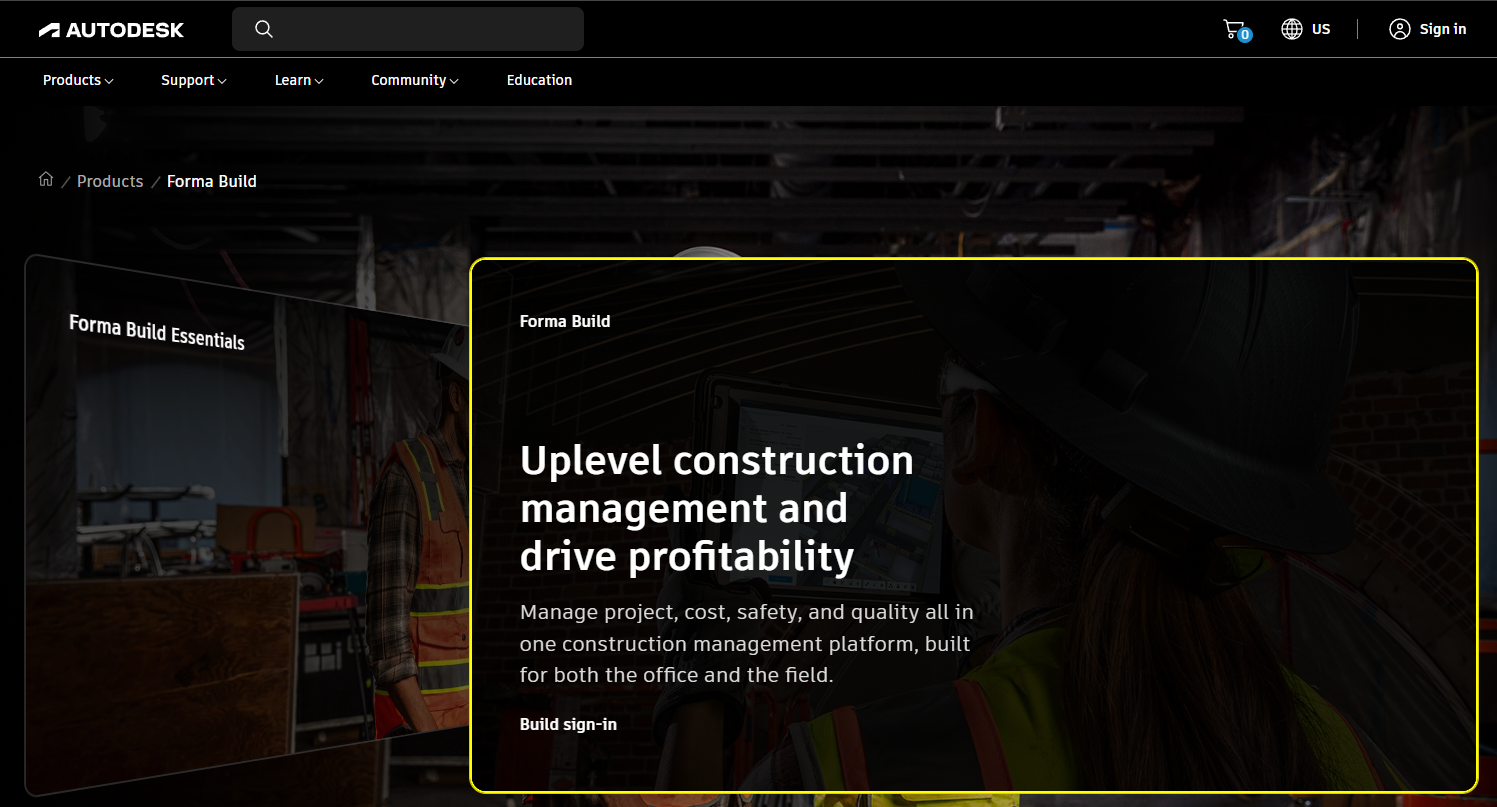
Autodesk Build is a construction field and project management product within Autodesk Construction Cloud, now presented under the Forma Build name on Autodesk's pricing page. It connects project data, workflows, costs, documents, and field teams, with particular strength in issue management and BIM-connected field coordination.
Best for: Construction teams already using Autodesk workflows who need connected quality, issue, and document controls without switching platforms.
Key features
- Issue tracking and quality management workflows
- Photos and mobile field access
- Document, drawing, and sheet management
- RFIs, submittals, and change order management
- Schedule and progress tracking
Why choose Autodesk Build: The strongest fit is existing Autodesk customers who want data continuity between design, model coordination, and field execution. When rework and quality exposure are the primary risk drivers, keeping design and field data in the same ecosystem reduces the friction of reconciling separate records. Teams seeking only a lightweight safety inspection tool will likely find the platform broader than necessary.
Autodesk Build pricing: The Forma Build Essentials plan starts at $100 per user per month (or $800 per user per year on annual billing). The full Forma Build plan costs $175 per user per month (or $1,400 per user per year). An unlimited-user option is available by contacting Autodesk sales directly.
6. InEight Risk Management
InEight provides enterprise construction project controls software, with its Risk Management module connecting risk assessment to cost, schedule, estimate, and controls data across complex capital projects. It supports collaborative risk registers, Monte Carlo simulation, and AI-assisted risk identification.
Best for: Owners and EPC firms managing complex capital construction programs where cost, schedule, contingency, and risk need to be formally integrated.
Key features
- Collaborative risk register for threats, opportunities, and ideas
- Three-point estimates and Monte Carlo simulation for cost and schedule risk
- Risk-adjusted schedules and contingency planning
- AI and historical project data for identifying overlooked risks
- Ongoing risk monitoring with refreshed cost and schedule analysis
Why choose InEight Risk Management: This platform is built for environments where risk needs a financial model, a schedule model, and executive governance. Board-ready visibility into contingency, confidence ranges, and risk concentration across a portfolio is its primary value. Smaller contractors focused on daily field safety reporting will find this more depth than they need at their current risk complexity.
InEight Risk Management pricing: Enterprise pricing is custom, based on selected modules, user count, company size, deployment scope, and contract duration. InEight NOW offers per-user monthly or annual pricing for some modules, but no Risk Management-specific price is posted. Contact InEight directly for a pricing conversation tied to your program scope.
G2 rating: 4.1/5 for InEight overall
7. Origami Risk
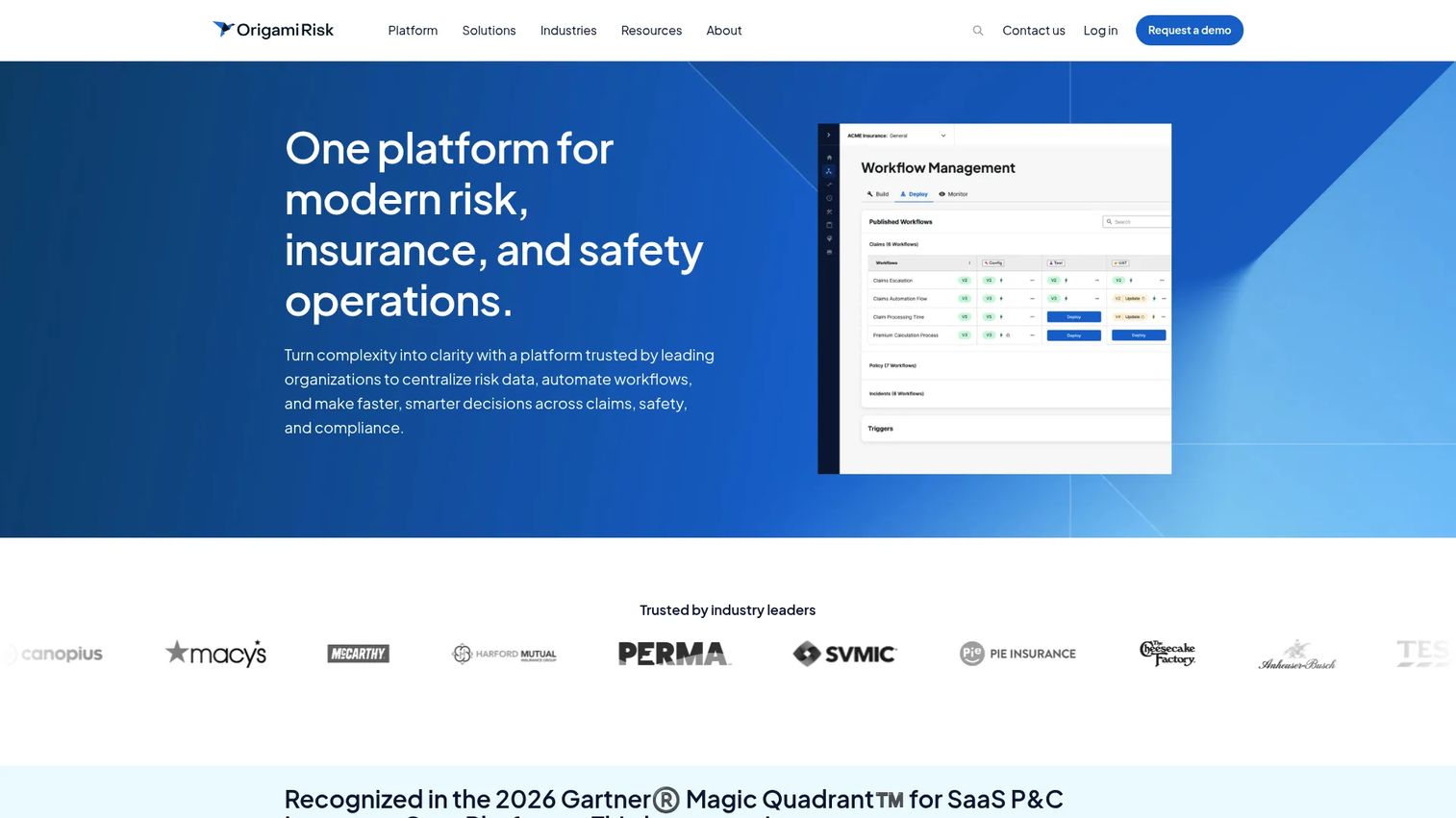
Origami Risk is a cloud-native platform for risk, insurance, safety, and compliance operations. For construction organizations, it sits at the intersection of enterprise risk management, insurance program administration, claims management, contractor oversight, and cost-of-risk reporting. It is not a jobsite inspection tool.
Best for: Construction organizations managing claims, insurance programs, contractor documentation, and enterprise risk data across many projects.
Key features
- Claims management workflows and certificate tracking
- Contractor risk oversight and prequalification support
- EHS reporting and compliance workflows
- Configurable automation and risk dashboards
- Cost-of-risk analytics connecting loss data to financial exposure
Why choose Origami Risk: Evaluate Origami Risk when your organization's primary exposure is financial, not field-operational. Claims, insurance certificates, loss trending, and contractor documentation are the workflows it is built for. When those records live in disconnected spreadsheets or email, a single disputed claim can cost more than the annual platform investment.
Origami Risk pricing: Origami Risk does not post pricing. Contracts are enterprise in nature and typically include implementation scope. Contact their team for a quote; G2 reviewers describe it as an enterprise-tier investment consistent with RMIS platforms of its scope.
G2 rating: 4.5/5
8. eSUB
eSUB is cloud-based construction project management software built specifically for commercial trade subcontractors. Its risk relevance comes from documentation, change management, correspondence records, and field-to-office handoffs: The operational foundation that determines who owns the risk when a project becomes contentious.
Best for: Trade contractors that need stronger project documentation, change visibility, and field record-keeping to protect margin and defend scope disputes.
Key features
- Change order management and RFI tracking
- Daily reports and field notes
- Document control and cloud file management
- Purchase orders and job costing
- Mobile field-to-office collaboration
Why choose eSUB: eSUB is most relevant when project risk comes from missing documentation, unclear scope changes, or disputed communication records. Specialty contractors often carry more financial risk per dollar of revenue than GCs, and a clean paper trail is the first line of defense. It is not a replacement for a dedicated enterprise claims or insurance platform.
eSUB pricing: eSUB quotes pricing during a sales conversation based on user count and selected modules; rates are not posted. Contact eSUB directly for a quote matched to your team size and product scope.
9. Fieldwire
Fieldwire is a field-first construction management platform for coordinating tasks, plans, punch items, forms, schedules, and jobsite documentation. Its risk value comes from closing execution gaps before they become rework, safety incidents, or schedule delays: Assigning the right work to the right person with the right information.
Best for: Field teams and project managers who need fast, practical mobile coordination around plans, tasks, inspections, and punch work.
Key features
- Plan viewing, versioning, and markups
- Task management, punch lists, and checklists
- Forms, reports, and field exports
- BIM viewer and 360-degree photo support
- RFIs, submittals, and change order management (higher tiers)
Why choose Fieldwire: Fieldwire fits teams whose immediate risk is missed handoffs on site, not a lack of enterprise risk quantification. It is practical to adopt quickly, and the free Basic plan supports up to five users and three projects, which lets a team validate the workflow before purchasing. For formal Monte Carlo analysis or insurance program management, look to InEight or Origami Risk instead.
Fieldwire pricing: The Basic plan is free for up to five users and three projects, with 100 sheets included. Pro starts at $39 per user per month (billed annually). Business is $64 per user per month (billed annually), and Business Plus is $89 per user per month (billed annually). Custom contracts are available for larger deployments.
G2 rating: 4.5/5
Considerations when choosing construction risk assessment software
Match the tool to the failure mode that costs you the most
A field inspection platform will not fix weak schedule modeling. A project-controls product will not improve daily hazard reporting on its own. Start with the failure mode that repeatedly affects margin, safety performance, or delivery dates, and choose the tool that addresses that specific job first.
Verify mobile adoption before committing
Field teams will not use a system that adds steps during an inspection or breaks under inconsistent connectivity. Test a real workflow before signing: Create an observation, attach evidence, assign an owner, and close the action. If that loop takes more than two minutes, field adoption is at risk.
Connect risk data to the system that drives decisions
Risk registers become passive documents when they are disconnected from schedules, estimates, change orders, or claims data. Ask each vendor what data enters the system automatically and what requires manual updates. Manual entry is where risk registers go stale.
Evaluate ownership and governance at the project and portfolio level
Every risk needs an owner, a due date, and an escalation path. Check whether the platform supports permissions, audit trails, and reporting across projects without requiring each team to rebuild the same configuration. For construction companies running multiple projects simultaneously, portfolio visibility is the governance layer that makes individual project data useful.
Price for rollout, not the pilot
A low entry price can obscure implementation work, admin time, field-user rollout, and integration costs. Model the cost of deploying across your project portfolio. A tool that works for one project team at $40 per seat may cost significantly more once you account for subcontractor access, data migration, and training.
Conclusion
Construction risk assessment software is not one category. The right pick depends on where your organization's most expensive exposure actually lives.
ALICE fits schedule and sequencing risk for complex programs. SafetyCulture and HammerTech address safety-led field workflows, with HammerTech built specifically for construction subcontractor accountability. Procore and Autodesk Build suit connected construction operations where risk activity belongs inside a broader project management system. InEight Risk Management serves project controls and formal risk quantification at enterprise scale. Origami Risk handles claims, insurance programs, and contractor governance. eSUB and Fieldwire cover documentation and field execution control for trade contractors and site-level teams.
The global construction management software market reached $7.7 billion in 2025, according to Grand View Research (2026), a signal that the category is maturing and vendors are deepening their specializations. Choosing a platform that fits your primary risk type now is more straightforward than it was three years ago.
If you sell construction software and need to show these complex workflows to prospects, investors, or new hires, Guideflow lets you build self-serve interactive demos that walk buyers through any product experience without a live call or a staging environment.
Start your journey with Guideflow today!
FAQs
Construction risk assessment software is a digital system for identifying, prioritizing, assigning, mitigating, and monitoring risks that could affect worker safety, project cost, schedule, quality, compliance, contractor performance, claims, or project documentation. Tool scope varies widely: Some platforms focus on field inspections and hazard reporting, while others address schedule simulation, enterprise risk quantification, or insurance and claims management.
Core features include risk registers, field inspection workflows, issue tracking, corrective action assignment, permissions, mobile access, reporting dashboards, and integration with scheduling or budget data. Schedule risk modeling and claims management matter only for teams with those specific needs. A safety checklist platform and an enterprise project controls platform both qualify as construction risk assessment tools but serve fundamentally different jobs.
Construction safety software is one category within the broader construction risk management landscape. Safety platforms focus on hazards, incidents, field inspections, and corrective actions. Broader risk platforms may also address schedule uncertainty, cost contingency, insurance programs, claims, or subcontractor exposure. The two categories often need to coexist, particularly in larger construction organizations.
Teams identify dependencies, resource constraints, procurement lead times, site conditions, and scope changes that could affect delivery dates. Advanced construction project risk management software tools like ALICE and InEight Risk Management can model scenarios using three-point estimates and simulation to produce probability ranges around completion dates and cost outcomes. The goal is to understand exposure before mobilization, not after.
Yes, depending on the platform. Common subcontractor-risk workflows include prequalification, certificate of insurance tracking, safety performance records, incident documentation, change order communication, and daily field reporting. Procore and HammerTech handle subcontractor safety records within their construction safety management software. Origami Risk addresses contractor certificates and insurance governance. eSUB focuses on subcontractor documentation and change management.
A risk register is a structured list of identified project risks, each with an assigned owner, likelihood score, potential impact, mitigation plan, current status, and review date. It becomes useful only when it is reviewed regularly and tied to decisions. A risk register stored in a spreadsheet with no assigned owners and no review cadence is a document, not a management tool. Purpose-built platforms like InEight Risk Management connect risk registers to cost and schedule data so entries translate into quantified project exposure.
Pricing varies by user count, project volume, modules selected, contract length, and implementation scope. Fieldwire's free Basic plan and SafetyCulture's free tier are genuine entry points for small teams. Procore prices by Annual Construction Volume with unlimited users. HammerTech, ALICE, InEight, Origami Risk, and eSUB all require a sales conversation for a quote. Model the total cost of rollout across your project portfolio, including field users, integrations, support, and training, before comparing entry prices alone.
Small contractors should prioritize field adoption speed, mobile usability, transparent entry pricing, and simple task ownership workflows. Fieldwire and SafetyCulture both offer free tiers that support a pilot without a purchasing commitment. For small subcontractors whose primary risk is documentation gaps and scope disputes, eSUB addresses that job directly. Larger project-controls or insurance platforms are generally more complexity than a smaller contractor needs until project volume and risk concentration increase.