Last updated: October 5, 2026
Encryption gets approved in a security review. Then someone has to use it. If the workflow forces every recipient through a confusing portal, or every employee through a manual key setup, sensitive information moves somewhere less controlled.
G2 lists 93 products in the email encryption category as of October 2026, and yet most buying decisions stall at the same question: Which deployment model actually fits our email stack? The answer depends on whether you need a new secure email provider, a layer on top of Gmail or Outlook, a gateway that applies rules automatically, or a browser-based OpenPGP tool for technical users.
According to MarketsandMarkets (2025), the email encryption market is projected to grow from $9.30 billion in 2025 to $23.33 billion by 2030. That growth reflects how seriously organizations are taking secure business email. The tension isn't between privacy and productivity. It's between strong controls and a recipient experience that employees and customers will tolerate.
This guide cuts through the category noise and helps you match deployment model to operational reality before you compare feature lists.
What's inside
This guide compares 10 email encryption software tools for product managers, IT owners, and security-minded operators deciding how to protect sensitive email without creating a high-maintenance workflow.
Tools were selected based on:
- Clear category fit across four deployment models: Hosted secure email, inbox-integrated encryption, enterprise gateway, and OpenPGP tools
- Active product availability with documented features and current pricing
- Platform coverage across Gmail, Outlook, Microsoft 365, and mobile
- Relevance to business email workflows, including regulated and compliance-adjacent use cases
TL;DR
- Best for privacy-first secure email: Proton Mail, for teams willing to adopt a dedicated encrypted mailbox
- Best for Gmail and Outlook workflows: Virtru Email Encryption, for teams that want encryption inside existing collaboration habits
- Best for portal-free regulated delivery: Paubox, for businesses that need secure outbound email with low recipient friction
- Best for enterprise policy enforcement: Proofpoint Email Encryption, for organizations that need encryption tied to classification and governance
- Best for OpenPGP in Gmail: FlowCrypt, for technical teams comfortable managing keys in a browser-based workflow
- Best for browser-based OpenPGP in webmail: Mailvelope, for privacy-conscious teams using supported webmail services
What is email encryption software?
Email encryption software protects message content and attachments from unauthorized access by encrypting data in transit, at rest, or from sender to recipient, while adding authentication, policy, or key management controls.
The category covers four distinct deployment models, and conflating them is the most common sourcing mistake:
Secure email providers: Hosted mailbox services that store messages with encrypted storage and may support end-to-end encryption between users on the same platform. External recipient delivery typically uses password-protected messages or secure access links. These require migrating away from your current email environment.
Inbox-integrated encryption: Tools that add encryption controls to Gmail, Outlook, or Microsoft 365 without replacing the mail provider. These fit organizations that cannot change their underlying email platform.
Gateway and policy-based encryption: Systems that apply encryption rules based on message content, recipient domain, classification label, or data loss prevention (DLP) policies. Designed for consistent, auditable outbound control at scale.
OpenPGP and browser-based tools: Extensions and plugins that implement the OpenPGP standard through public and private key pairs. Strong on privacy fundamentals, but key discovery and recipient compatibility require ongoing management.
Key capabilities to evaluate across any model:
- Encryption standard: OpenPGP, S/MIME, TLS, or provider-controlled encryption
- Recipient experience: Portal access, password, certificate, or direct delivery
- Platform support: Gmail, Outlook, Microsoft 365, and mobile clients
- Attachment handling and file size limits
- Key or certificate management and recovery options
- Admin policies, audit logs, and message revocation
- Data residency and vendor security documentation
- Pricing model: Per user, per domain, or enterprise contract
| Model | Best for | Main benefit | Implementation question |
|---|---|---|---|
| Secure provider | Privacy-first teams | End-to-end encryption by default | Can your team adopt a separate mailbox? |
| Inbox integration | Existing Gmail/Outlook users | No migration required | Does it cover desktop, web, mobile, and shared mailboxes? |
| Gateway/policy | Enterprise at scale | Automated, auditable controls | Who owns policy creation and tuning? |
| OpenPGP browser tool | Technical users | Standards-based encryption | Can recipients and the support team manage keys? |
When to use email encryption software
Protect sensitive product, customer, and partner information
Product roadmaps, customer data exports, contract details, and security documents all carry data that standard email was not designed to protect. Map which workflows contain sensitive information before buying any platform. A tool that works well for legal contracts may create friction in support ticket workflows where volume is high and speed matters.
Keep existing Gmail or Outlook workflows intact
An add-in or gateway is the right path when your organization cannot migrate its primary email environment. Adoption risk is real: Test the full sending experience across desktop, web, mobile, and shared mailboxes before rolling out broadly. A tool that works on desktop but breaks on mobile will produce workarounds.
Standardize controlled external delivery
Recipient authentication, message expiration, audit logs, and policy-based enforcement matter most when sending to regulated counterparties or handling customer escalations with sensitive data. Define success metrics before rollout: Track secure-send adoption, recipient completion rates, support tickets, and policy exception volume.
Email encryption software comparison
The table below compares deployment approach and buyer fit. Shortlist tools by deployment model first, then use feature and pricing details to narrow the field.
Pricing and G2 ratings verified October 5, 2026, from each vendor's pricing page and live G2 listing.
| # | Product | Best for | Key differentiator | Pricing | G2 rating |
|---|---|---|---|---|---|
| 1 | Proton Mail | Privacy-first secure email | Zero-access encrypted mailbox with admin controls | Free; paid plans available | N/A (Capterra: 4.5/5) |
| 2 | Virtru Email Encryption | Gmail and Outlook encryption | Sender-controlled access inside existing email workflows | From $119/month (5 users, billed annually) | 4.4/5 |
| 3 | Paubox | Low-friction encrypted delivery | Secure outbound without recipient portals | Plans start at $0/month; 14-day trial | 4.9/5 |
| 4 | Zivver Email Encryption | Preventing misaddressed emails | Pre-send warnings and secure external delivery | Custom pricing (contact vendor) | 4.4/5 |
| 5 | Proofpoint Email Encryption | Enterprise policy enforcement | Encryption tied to DLP and classification | Custom pricing | 4.6/5 |
| 6 | Hornetsecurity 365 Total Protection | Microsoft 365 security bundles | Email security, backup, compliance, and continuity in one plan | Custom pricing | 4.6/5 |
| 7 | Mailfence | OpenPGP secure email hosting | Privacy-oriented hosted email with OpenPGP and productivity tools | Free tier; paid plans available | 4.7/5 |
| 8 | FlowCrypt | PGP encryption in Gmail | Browser-based OpenPGP for Gmail, free for under 100 users | Free; team plans from €799/year | 5.0/5 |
| 9 | Mailvelope | Browser-based OpenPGP in webmail | Open-source extension for webmail OpenPGP encryption | Free (personal); from €3/month per user (business) | N/A |
| 10 | Hushmail | Secure hosted email for professionals | Hosted secure email with encrypted forms and messaging | From $11.99/month | 3.7/5 |
Best 10 email encryption software tools for 2026
1. Proton Mail
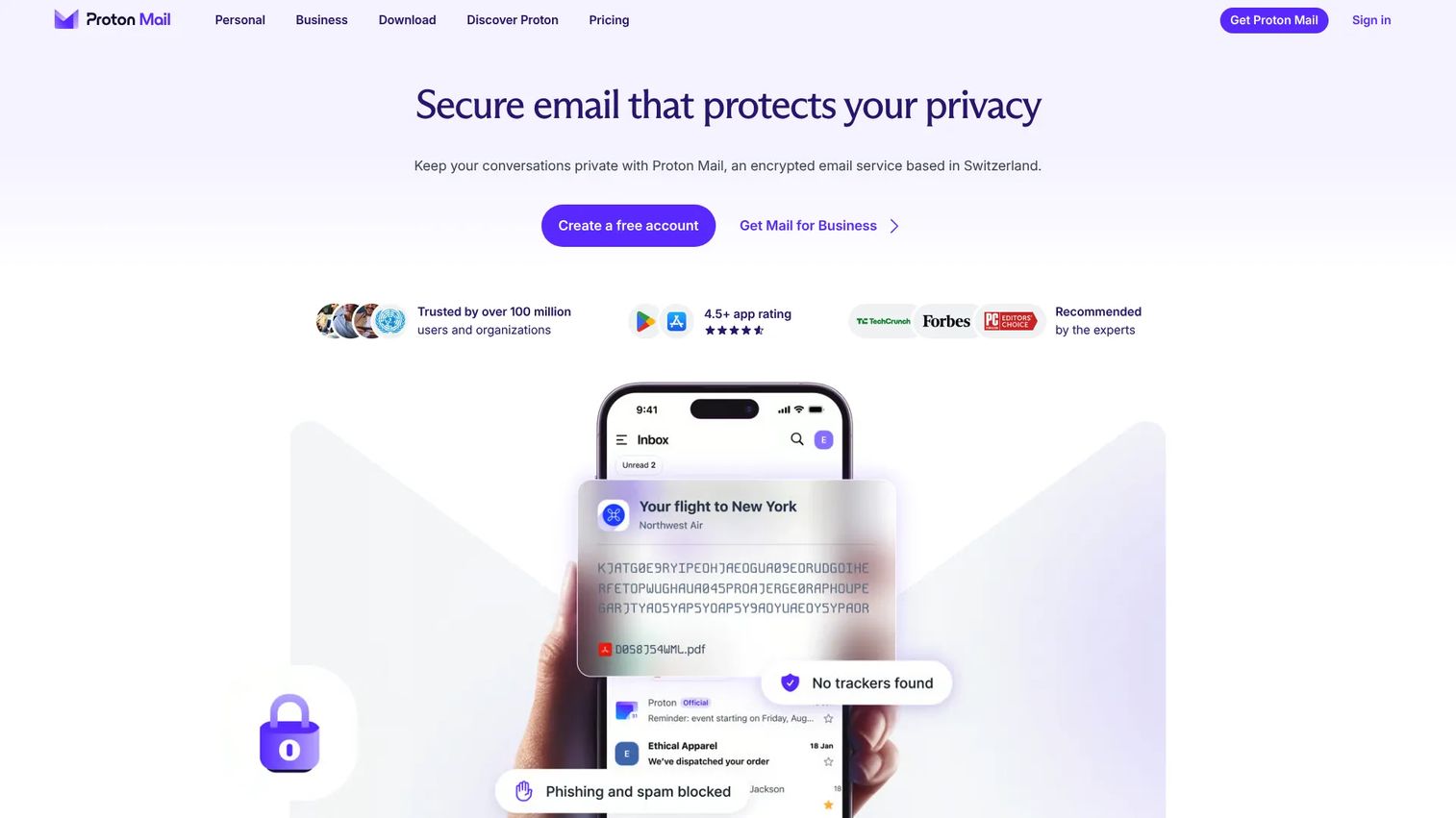
Proton Mail is a hosted secure email provider built around a zero-access encryption model, meaning even Proton cannot read stored messages. It supports end-to-end encryption between Proton users and delivers password-protected messages to external recipients. The platform includes encrypted calendar tools, custom domain business email, and a migration path via Easy Switch.
Best for: Product and security teams that want a privacy-first mailbox and can support a dedicated email environment separate from a conventional provider.
Key features
- End-to-end and zero-access encryption between Proton users
- Email tracker blocking and phishing protection
- Custom domain business email with admin controls
- Two-factor authentication support
- Password-protected external message delivery
Why choose Proton Mail: It removes dependence on a conventional mailbox provider entirely. The trade-off is operational: Migration planning, user onboarding, and external recipient workflow testing are all required before broad rollout.
Proton Mail pricing: A free plan includes 1 GB of storage and one encrypted address. Mail Plus adds 15 GB and a custom domain. The Unlimited plan expands to 500 GB, 15 addresses, and three custom domains, bundling additional Proton services. Exact paid-tier pricing requires checking the live pricing page at proton.me/pricing, as figures were not exposed in the verified page content.
Capterra reviewers rate Proton Mail at 4.5/5. No current G2 rating was verified at time of publication.
2. Virtru Email Encryption
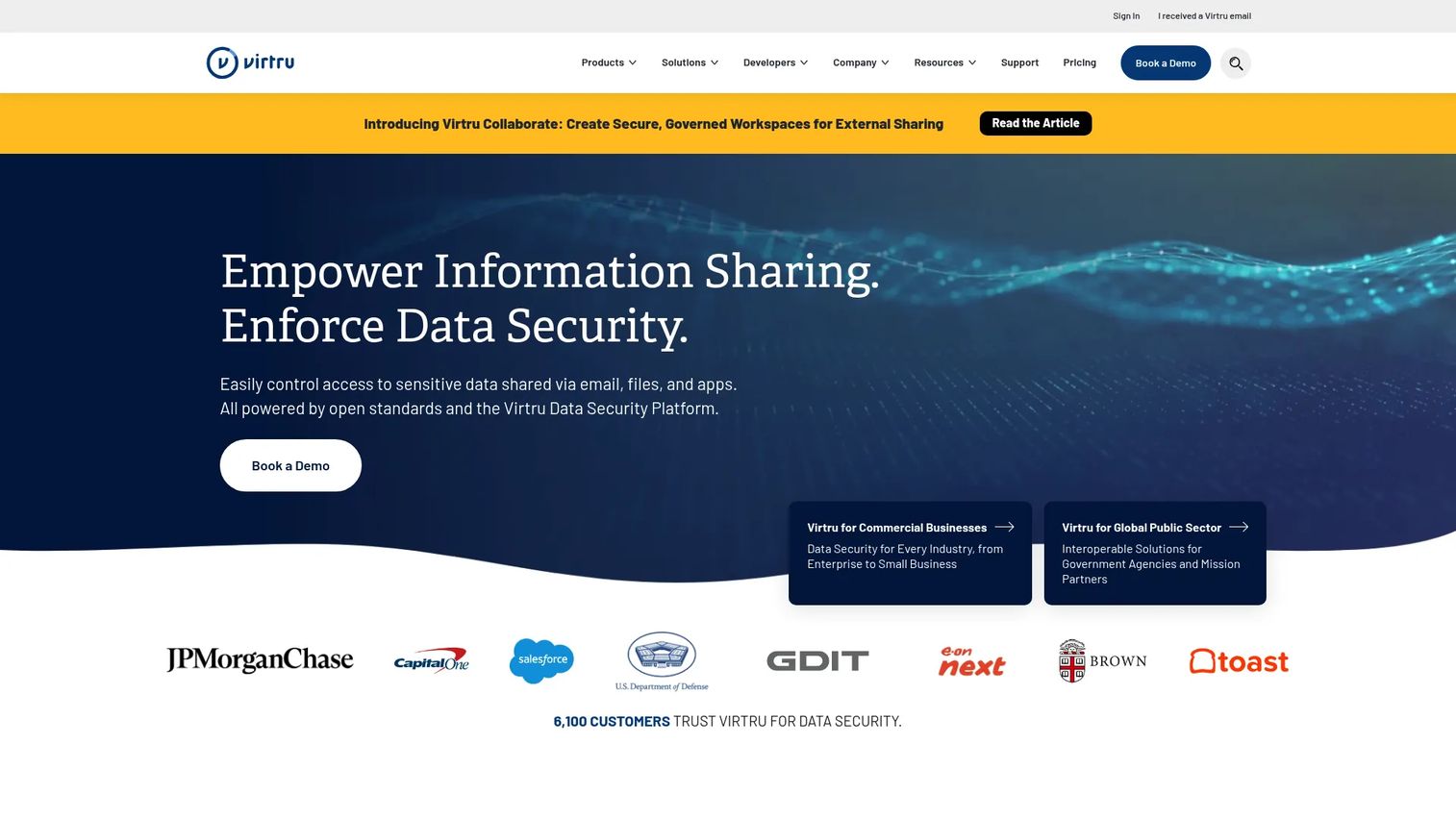
Virtru adds end-to-end encryption to Gmail, Google Workspace, Outlook, and Microsoft 365 without replacing your email provider. Senders can revoke access, set expiration dates, disable forwarding, and apply watermarks after a message is sent. An automated Data Protection Gateway handles server-side encryption for outbound email matching defined policies.
Best for: Teams that need encryption inside their existing email system rather than a complete mailbox replacement.
Key features
- One-click encryption for emails and attachments
- Sender controls: Revoke access, set expiration, disable forwarding
- Gmail, Outlook, and Microsoft 365 integrations
- Automated Data Protection Gateway for policy-driven sending
- Audit trails and optional customer-hosted encryption keys
Why choose Virtru: Existing workflow fit reduces change management overhead considerably. Before rolling out, validate how encryption applies across desktop clients, web, mobile, shared mailboxes, and automated outbound sequences. The recipient experience for external contacts deserves a real test, not just a review of the sender interface.
Virtru Email Encryption pricing: The Starter plan runs $119/month billed annually for five users. Business adds secure file workflows and compliance capabilities at $219/month. The Compliance tier, covering CMMC, FedRAMP, ITAR, and PCI DSS support, is $499/month. Enterprise is custom-priced.
G2 rating: 4.4/5.
3. Paubox
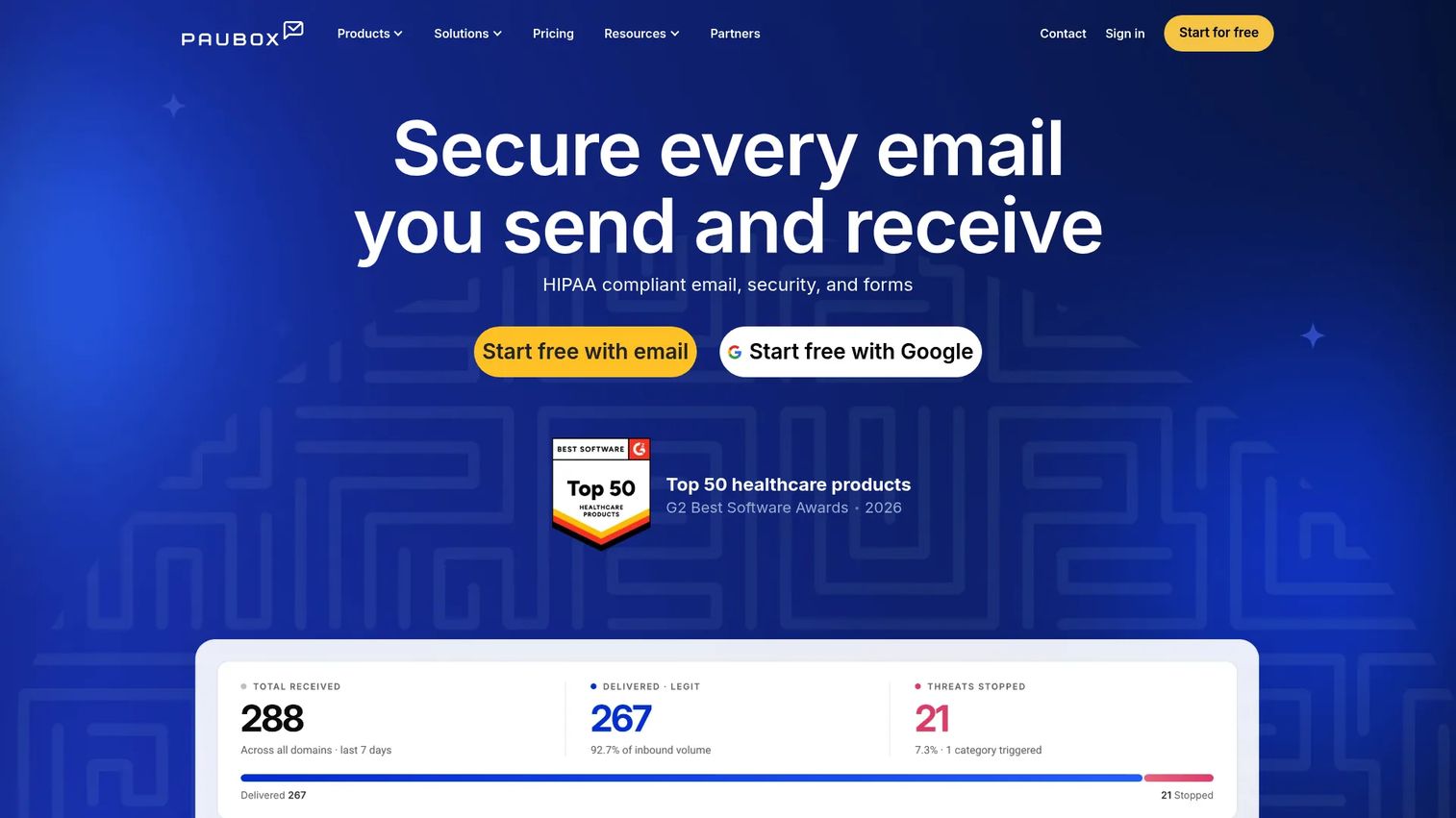
Paubox is a secure email delivery platform with a strong reputation in healthcare and regulated business contexts. It sends encrypted email directly to the recipient's inbox without requiring them to visit a portal or enter a password, when supported by the receiving mail server. The platform integrates with Microsoft 365 and Google Workspace and applies encryption automatically based on policy.
Best for: Teams that send sensitive data externally at volume and need minimal recipient steps alongside strong administrative oversight.
Key features
- Secure outbound email delivery without recipient portals
- Microsoft 365 and Google Workspace integration
- Automatic policy-based encryption
- Encrypted attachment support
- Administrative reporting and audit tools
Why choose Paubox: It fits repeatable external workflows, including support communications, customer records, and account updates, where recipient friction tends to drive workarounds. Distinguish between low-friction delivery to supported receiving servers and fallback delivery methods when direct delivery isn't available. Your security and legal teams should validate the documentation against your specific requirements.
Paubox pricing: The pricing page shows $0/month for Standard, Plus, and Premium plans with five senders and a 14-day free trial. Annual billing carries a stated 30% saving. The paid pricing structure appears to be sender-count-based; verify current figures at paubox.com/pricing for your team size.
G2 rating: 4.9/5.
4. Zivver Email Encryption
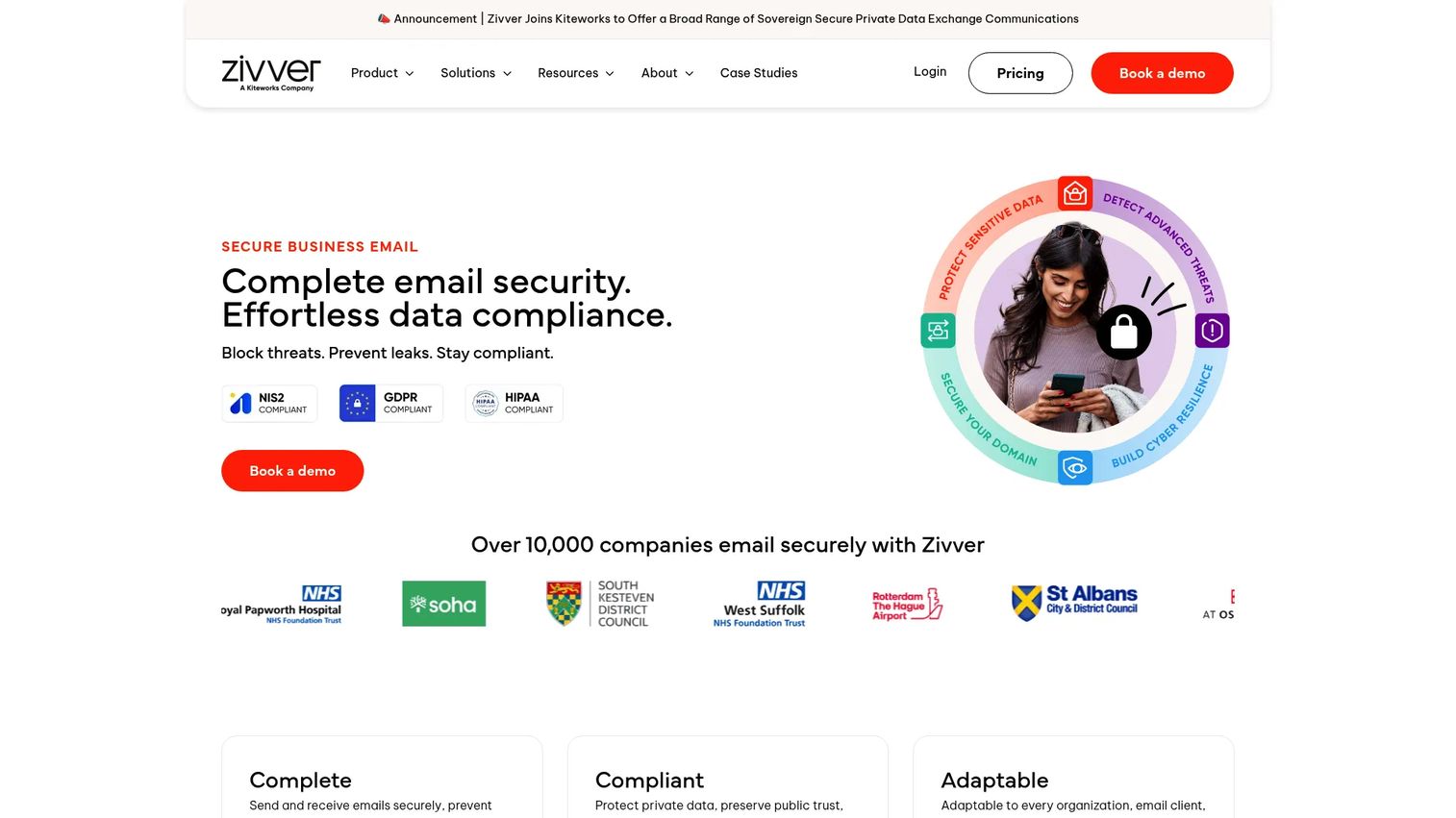
Zivver focuses on preventing outbound data leaks before they happen. It checks recipients and attachments in real time and surfaces contextual warnings when a message looks like it might be misaddressed or contain sensitive content. Secure external message delivery, Outlook and Microsoft 365 support, and zero-knowledge encryption round out the core feature set.
Best for: Product, legal, and IT teams where human error is the primary outbound risk and where employee guidance before sending is more valuable than post-send controls alone.
Key features
- Real-time recipient and attachment checks
- Pre-send warnings for sensitive content and potential misaddressed emails
- Secure external message delivery with recipient authentication
- Outlook and Microsoft 365 integration
- Policy-based security controls and zero-knowledge encryption
Why choose Zivver: This product fits teams where accidental disclosure drives most of the security incidents. Warning systems require tuning: Too many alerts and employees start ignoring them, which defeats the purpose. Plan for a configuration period, exception-management process, and support volume measurement during rollout.
Zivver Email Encryption pricing: Three plans (Start, Professional, and Ultimate) are billed per user per month on an annual contract. Numeric prices were not displayed on the verified pricing page. Contact Zivver for a quote or check the live pricing page at zivver.com/pricing for current rates.
G2 rating: 4.4/5.
5. Proofpoint Email Encryption
Proofpoint Email Encryption applies encryption automatically based on granular policy rules set at global, group, and user levels. It detects sensitive content, enforces encryption, and delivers messages through a secure web portal or Outlook client. Active Directory and LDAP integration supports large organizational structures, and TLS fallback handles delivery to servers that cannot accept encrypted connections.
Best for: Larger organizations that need automated encryption tied to data classification, DLP workflows, and audit requirements across multiple business units.
Key features
- Granular encryption policies at global, group, and user levels
- Automatic sensitive-data detection and policy-based encryption
- LDAP and Active Directory integration
- Secure access via web portal, mobile browser, or Outlook client
- TLS fallback and granular message revocation or expiration
Why choose Proofpoint Email Encryption: It suits complex organizations with established security operations teams. The governance value is proportional to the quality of data classification rules. Rollout requires clear ownership of policy creation, exception handling, and ongoing user training across business units.
Proofpoint Email Encryption pricing: Proofpoint does not publish current pricing on its product pages. Contact the vendor directly for a quote. G2 reviewers confirm enterprise-oriented packaging.
G2 rating: 4.6/5.
6. Hornetsecurity 365 Total Protection
Hornetsecurity 365 Total Protection is broader than a standalone email encryption tool. It packages Microsoft 365 email security, advanced threat protection, email archiving, continuity, backup and recovery for mailboxes and Teams, permission management, and security awareness training into a tiered plan structure. Email encryption and digital signatures are included alongside spam, malware, and phishing protection.
Best for: Microsoft 365 teams consolidating email security, backup, compliance-related controls, and continuity under a single managed service.
Key features
- Email security: Spam, malware, encryption, and disclaimers
- Advanced threat protection and email archiving
- Microsoft 365 backup covering mailboxes, Teams, OneDrive, and SharePoint
- Permission management and security awareness training
- AI Recipient Validation and DMARC management
Why choose Hornetsecurity 365 Total Protection: The consolidation case is the main appeal: One service handles multiple operational areas that often sit with different teams. Make sure ownership across email security, backup, and compliance is assigned before deployment. A broader bundle creates governance value only when responsibilities are clearly distributed.
Hornetsecurity 365 Total Protection pricing: Hornetsecurity does not currently display numeric pricing on a publicly accessible pricing page. Contact the vendor for current plan pricing.
G2 rating: 4.6/5.
7. Mailfence
Mailfence is a privacy-oriented hosted email service that includes OpenPGP end-to-end encryption, digital signatures, calendar, document storage, contacts, and groups. It offers custom domains, POP/IMAP/SMTP access, and password-protected external messages for recipients without PGP keys. Based in Belgium, Mailfence emphasizes jurisdictional privacy and a no-tracking policy.
Best for: Privacy-minded teams and technical users who want OpenPGP-based secure email hosting with integrated productivity tools.
Key features
- OpenPGP end-to-end encryption and digital signatures
- Calendar, documents, contacts, and groups
- Custom domains and aliases with POP/IMAP/SMTP access
- Password-protected external messages
- Webmail access with no ad tracking
Why choose Mailfence: It sits between a mainstream business email stack and a fully enterprise policy system, which makes it practical for smaller teams comfortable with OpenPGP fundamentals. Key management and external recipient behavior require upfront planning: Encryption between Mailfence users works automatically, but sending to recipients outside the platform means fallback to password-protected delivery.
Mailfence pricing: A free plan is available. Paid plans (Base, Entry, Pro, and Ultra) are billed on yearly, half-yearly, or monthly cycles. Numeric prices were not readable from the verified page. Check mailfence.com for current plan pricing.
G2 rating: 4.7/5 (based on 5 reviews).
8. FlowCrypt
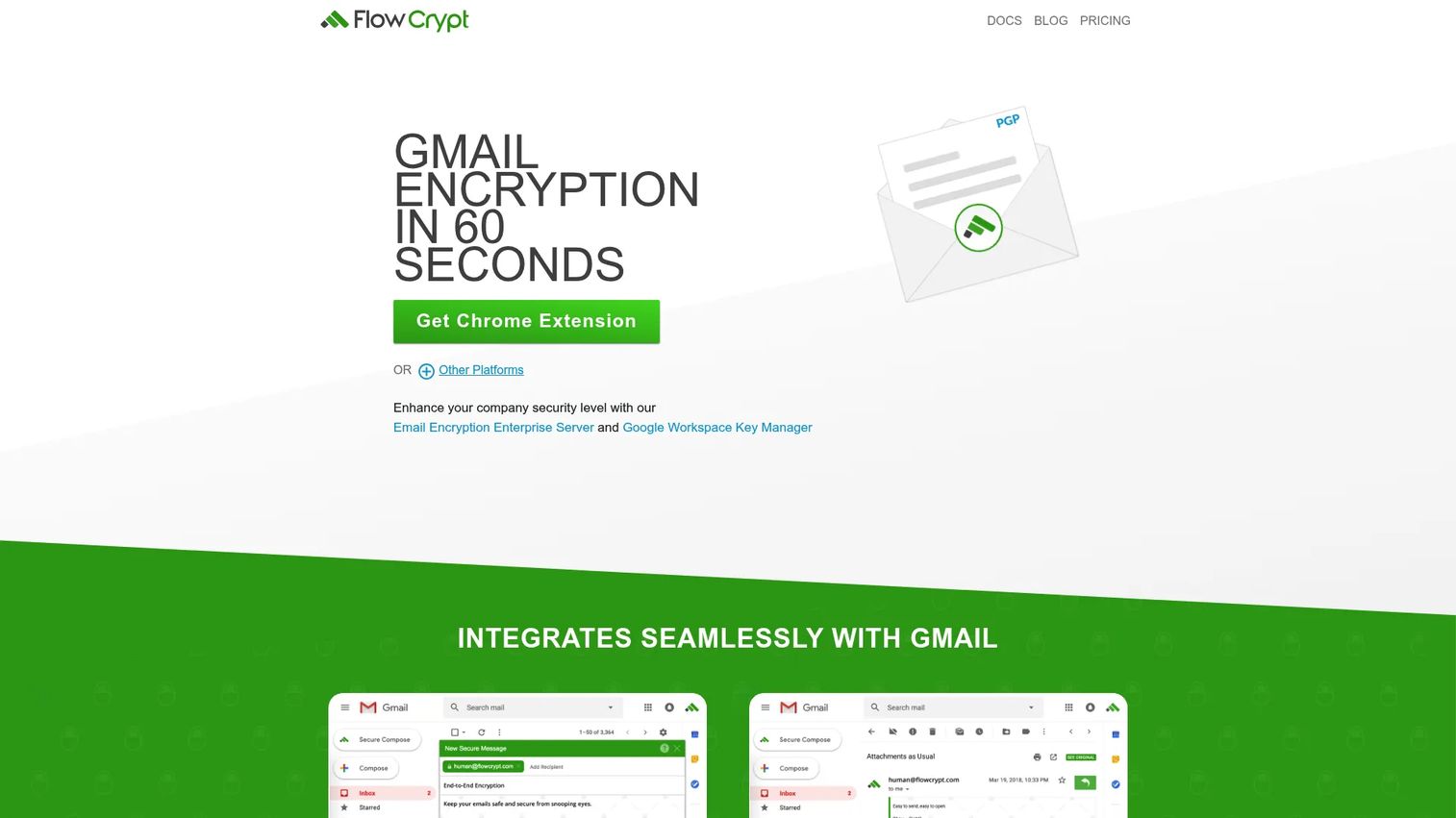
FlowCrypt brings OpenPGP encryption to Gmail through a browser extension and Android and iOS apps. It handles encrypted emails and attachments, supports S/MIME in the browser extension, and includes a Workspace Key Manager for teams that need centralized key administration. The free version is available for organizations with fewer than 100 users.
Best for: Gmail users and technical teams who want OpenPGP encryption without switching email providers.
Key features
- OpenPGP end-to-end encryption via Gmail browser extension
- Encrypted email attachments and S/MIME support
- Android and iOS app support
- Workspace Key Manager for centralized team key administration
- Free for organizations under 100 users
Why choose FlowCrypt: It's a focused tool for teams committed to Gmail and comfortable with OpenPGP fundamentals. Encryption outcomes depend on recipient key setup and browser extension management across managed devices. Confirm your device management policy supports the extension before rollout.
FlowCrypt pricing: Email encryption is free for organizations under 100 users. The Workspace Key Manager starts at €799/year for 10 seats, €899/year for 20 seats, €1,399/year for 50 seats, and €2,599/year for 100 seats. Larger volumes require contacting FlowCrypt.
G2 rating: 5.0/5 (based on 2 reviews; G2 notes limited review volume).
9. Mailvelope
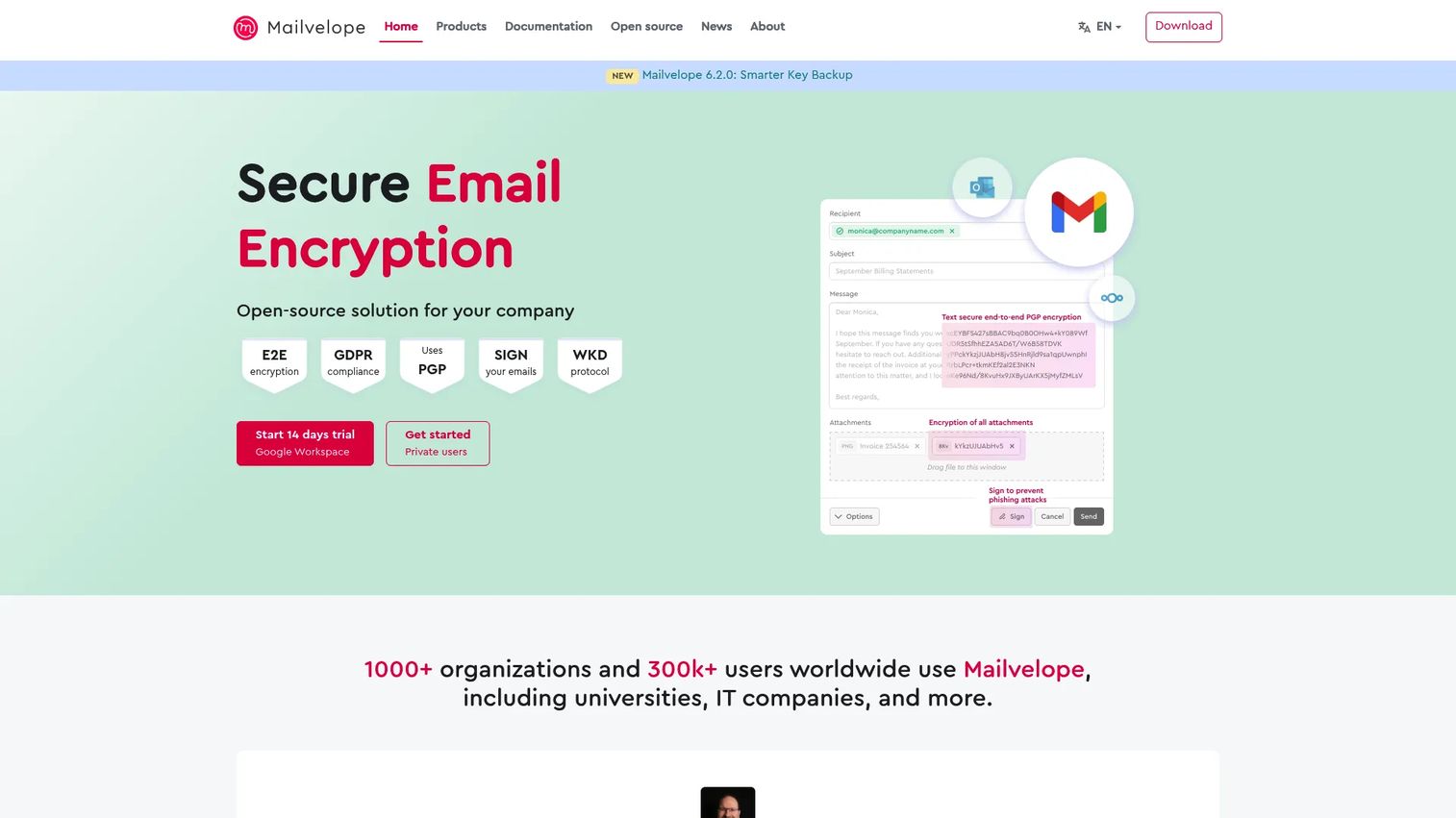
Mailvelope is an open-source browser extension that adds OpenPGP encryption to supported webmail providers, including Gmail, Google Workspace, Microsoft 365, and Nextcloud. Keys are managed locally in the browser. The extension supports encrypted attachments, digital signatures, standalone file encryption, and public key lookup.
Best for: Privacy-conscious individuals and organizations using supported webmail who want standards-based OpenPGP encryption with local key control.
Key features
- Encrypt and decrypt webmail messages locally in the browser
- OpenPGP digital signatures and phishing detection
- Encrypted attachments and standalone file encryption
- Public-key lookup and local key management
- Integrations with Gmail, Google Workspace, Microsoft 365, and Nextcloud
Why choose Mailvelope: It suits teams that want control and standards-based encryption and can support the user training and key management that come with it. Recipient setup is the decision point: A tool can be technically correct and still generate support tickets if external contacts don't know how to decrypt messages. Not the default choice for a broad, non-technical employee base.
Mailvelope pricing: Free for individual private users with a 14-day free trial for business. Business plans start at €3/month per user (monthly billing) or €32.40/year per user (annual billing) for 1 to 49 users. Volume pricing for 400-plus users drops to €2.40/month per user or €25.20/year per user.
10. Hushmail
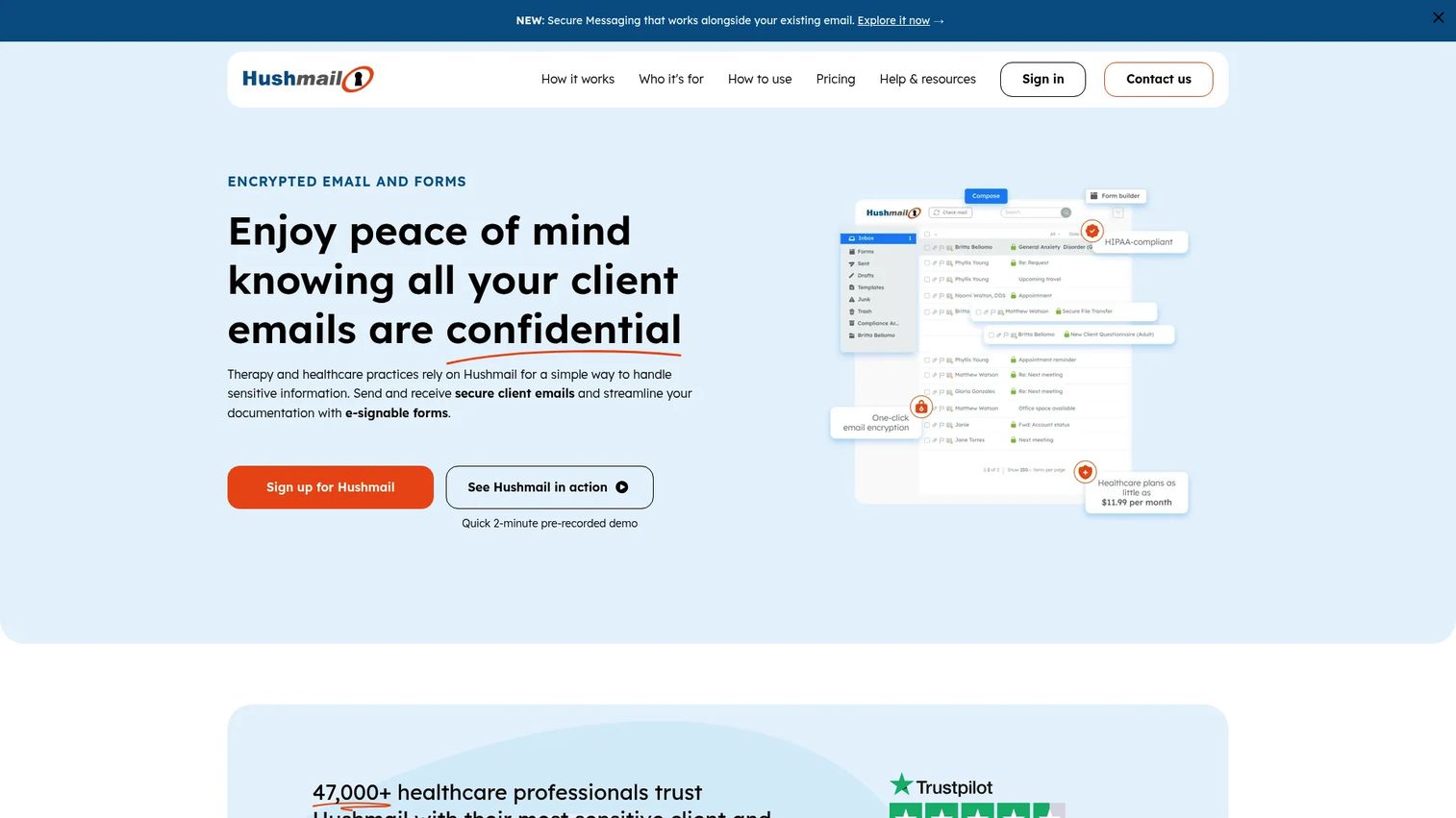
Hushmail is a hosted secure email provider designed for professional practices in healthcare, law, and related fields. It combines encrypted email, HIPAA-compliant secure forms with e-signatures, secure messaging via recipient links, custom domains, and an iPhone app. Plans are segmented by use case, covering healthcare, small business, personal, and secure messaging needs.
Best for: Smaller organizations and professional practices that need a hosted secure email provider with encrypted forms and controlled message delivery.
Key features
- Encrypted email and attachments
- HIPAA-compliant secure forms with e-signatures
- Secure messaging via recipient access links
- Custom domain support
- iPhone app with web access
Why choose Hushmail: It provides a provider-led secure email model with professional practice features built in. A mailbox migration, external recipient access review, and feature-fit assessment should happen before a company-wide switch. Keep language precise around privacy and retention claims: Validate your specific requirements with your own legal and compliance team.
Hushmail pricing: Healthcare Basic starts at $11.99/month. Personal Basic is $59.99/year. Secure Messaging and Forms is $14.99/month billed monthly. Additional healthcare and business plan pricing is dynamically rendered; check hushmail.com/pricing for current rates.
G2 rating: 3.7/5.
Considerations when choosing email encryption software
Choose the deployment model before comparing feature lists
A hosted secure mailbox, inbox add-in, browser extension, and enterprise gateway solve different operational problems. Start with the email platform your team already uses and the change management overhead you can realistically support. Selecting based on features before locking in the deployment model wastes evaluation time.
Test the complete recipient experience
Send test messages to internal staff, external customers, personal inboxes, mobile devices, and recipients across different providers. Track whether external contacts need a password, portal account, certificate, or browser extension. Recipient friction is a product requirement, not a footnote.
Map sensitive data flows and assign ownership
List the workflows that touch customer data, product plans, financial information, or contract details. For each one, identify who owns policy changes, user support, audit tasks, and incident response. Encryption without assigned ownership drifts.
Evaluate security controls with your security team
Compare encryption standards, key and certificate management, external access controls, audit logs, and vendor security documentation. This guide provides evaluation framing, not a substitute for legal, compliance, or security review.
Price the full maintenance cost, not only the license
Include migration effort, browser extension deployment across managed devices, employee training, policy tuning, help desk load, and periodic testing. A low monthly fee can become expensive if employees route around the tool or support tickets spike.
Conclusion
The right email encryption tool depends on whether you need a new mailbox, a layer on an existing one, enterprise policy automation, or a standards-based OpenPGP workflow.
Proton Mail suits teams that want a privacy-first hosted secure email provider and can support the migration. Virtru Email Encryption fits Gmail and Outlook users who need encryption without changing providers. Paubox handles secure outbound delivery with minimal recipient friction, particularly in regulated workflows. Zivver adds pre-send controls for organizations where accidental disclosure is the primary risk.
For enterprise policy enforcement tied to classification and DLP, Proofpoint Email Encryption is the right category. Hornetsecurity 365 Total Protection makes sense for Microsoft 365 teams consolidating multiple security and backup functions. Mailfence, FlowCrypt, and Mailvelope serve teams comfortable with OpenPGP key management. Hushmail suits professional practices that want hosted secure email with encrypted forms.
Select two or three deployment models that fit your stack, then run an end-to-end pilot with sender, admin, and recipient testing. The right platform protects sensitive information without pushing users into side channels.
If you're looking for related tools to round out your security and communication stack, our guides on best email marketing software tools, best email verification tools, and best email tracking software tools cover adjacent categories. For broader infrastructure context, the business continuity software guide addresses related operational resilience topics.
Start your journey with Guideflow today!
FAQs
Email encryption focuses on protecting message content and attachments from unauthorized access, typically through encryption standards like OpenPGP, S/MIME, or provider-controlled encryption. Email security platforms may also handle phishing detection, malware filtering, spam, DLP, archiving, backup, and account protection. Some products cover both categories, so verify which capabilities are included at which plan tier before purchasing.
TLS protects email while it travels between compatible servers, but it does not guarantee end-to-end encryption, recipient authentication, message expiration, or policy-based access controls. If a receiving server does not support TLS, delivery may fall back to unencrypted transport. The appropriate level depends on the sensitivity of the content, the recipient environment, and your organization's security requirements.
Both use public key cryptography to protect email, but they differ in how keys and certificates are managed. PGP and OpenPGP are common in privacy-focused workflows and do not require a certificate authority. S/MIME is widely used in enterprise certificate-based environments and integrates natively with Outlook and Exchange. The right choice depends on recipient interoperability and the administrative model your IT team can support.
Yes. Inbox-integrated tools, browser extensions, and some gateway products add encryption controls to existing Gmail, Google Workspace, Outlook, or Microsoft 365 environments. Before rollout, test web, desktop, mobile, shared mailbox, and automated email behavior separately. Behavior varies meaningfully across these surfaces.
Most tools use secure delivery links, password-protected access, recipient authentication, or compatible encryption standards for external recipients. The experience varies significantly by product: Some deliver directly to the inbox while others require the recipient to visit a secure portal. Run a real external workflow test before committing to a rollout.
Start with adoption risk and recipient friction, then move to data classification coverage, API and automation compatibility, support ownership, audit requirements, and long-term maintenance. Define success metrics upfront: Secure-send adoption rate, recipient completion rate, support ticket volume, exception rate, and policy override frequency. Without instrumentation, it's difficult to distinguish a successful rollout from one that's simply invisible.
Regulated organizations commonly evaluate encryption, access controls, auditability, and secure delivery as part of their compliance program. Whether a specific tool meets your requirements depends on your organization's implementation and the specifics of the regulation. Validate requirements with your own legal, compliance, and security stakeholders rather than relying on vendor positioning alone.
Some products include recipient warnings, policy checks, classification controls, or approval workflows that reduce the chance of sending sensitive information to the wrong person. Encryption alone does not prevent misaddressing: It protects the content, not the routing decision. Evaluate pre-send controls as a separate capability from encryption when misaddressed email is a documented risk in your workflows.