Your forecast said one thing in January. By April, revenue had drifted, hiring plans changed, and the board wanted an explanation you did not have on hand. So you rebuilt the model in a spreadsheet, cross-checked three exports, and hoped nobody asked about the assumptions behind the assumptions.
That is the real cost of fragmented financial visibility. It is not the software bill. It is the hours spent reconstructing numbers, the decisions delayed because the downside case was never modeled, and the confidence you lose in front of stakeholders when the story does not hold. The global financial planning software market is projected to grow from USD 6.69 billion in 2026 to USD 12.37 billion by 2030 at a 16.6% CAGR, according to Research and Markets (2026). That growth is not vanity. It reflects how many teams have decided that manual, spreadsheet-driven planning stops scaling right when the stakes rise.
The best financial planning software turns uncertainty into something you can defend. Whether you are modeling retirement income for a client, running scenario analysis before a fundraise, or building board-ready cash flow forecasting, the goal is the same: make faster decisions, and back them with numbers you trust. If your team also builds product experiences that need explaining, the same clarity principle applies to how you present software, which is why some teams pair planning tools with formats like an interactive demo for stakeholder communication.
This guide treats planning software as a decision system, not a feature checklist. Below, we break down eight tools across four planning jobs so you can pick the one that fits yours.
What's inside
This list spans four planning contexts because the search intent for financial planning software is genuinely mixed. Some readers need retirement planning software for advisors or individuals. Others need financial planning and analysis software for company forecasting, budgeting, and scenario modeling. We cover retirement-focused, advisor-focused, free public, and enterprise FP&A tools in one place.
We selected each tool based on planning depth, scenario modeling and what-if capability, AI or automation support, credibility signals, and how well it communicates plans to clients, boards, or leadership. If you need better financial decision-making across personal, advisory, or business contexts, this shortlist is built for you.
TL;DR
- Best for advisor-led planning and client communication: RightCapital, with strong plan visuals, tax planning, and a client portal.
- Best for DIY retirement planning with AI assistance: Boldin, with Monte Carlo simulation, Social Security, and a visible free tier.
- Best for SMB and mid-market FP&A: Abacum, built for budgeting and forecasting, cash flow analysis, and board reporting.
- Best for free calculators and public tools: Investor.gov, the trust-first baseline for validating assumptions.
- Best for enterprise FP&A at scale: Workday Adaptive Planning and Anaplan, for governance and connected planning.
- Best for spreadsheet-heavy finance teams: Datarails, which automates FP&A without leaving Excel.
Tools that involve presenting numbers to stakeholders often work well alongside a demo center or sandbox when you need to walk people through the underlying workflow.
What is financial planning software?
Financial planning software is a category of tools that model financial goals, cash flow, budgets, forecasts, and scenarios so individuals, advisors, or businesses can make better decisions and communicate them clearly. It spans retirement planning, advisor workflows, cash flow modeling, budgeting and forecasting, and full FP&A.
The category is broad, but the strong tools share a core set of capabilities. When you evaluate financial planning software, expect to find:
- Scenario analysis and what-if modeling: Compare multiple futures side by side, from best case to downside, before committing cash.
- Cash flow and projection visualization: Turn raw numbers into readable projections a stakeholder can follow in seconds.
- AI-assisted planning and automation: Speed up modeling, surface anomalies, and explain results in plain language.
- Client or stakeholder sharing: Push plans to a client portal, board deck, or leadership review without exporting five files.
- Tax and risk modeling: Where relevant, factor in tax planning, insurance needs, and risk before the plan is final.
- Integrations and data connectivity: Pull from accounting systems, custodians, or a financial dashboard so numbers stay current.
The strongest financial dashboard tools bring these together into multi-scenario planning that non-finance stakeholders can actually read.
When to use financial planning software
Build a planning process that survives growth
Spreadsheets work until they do not. Once board scrutiny rises or your forecast stops matching reality month over month, ad hoc models start costing you time and credibility. This is the point where founders move to software that enforces structure, version control, and a single source of truth. If you find yourself rebuilding the same model every quarter, that is the signal.
Model decisions before committing cash
Hiring, pricing changes, fundraising, and burn rate decisions all benefit from a clear downside view. Scenario analysis lets you see what happens to runway if a deal slips or a hire starts late. Instead of arguing about assumptions in a meeting, you show three modeled outcomes and let the numbers frame the debate.
Communicate plans to stakeholders
A board, an advisor, a client, or a leadership team rarely wants raw spreadsheets. They want readable projections with clear assumptions. Good financial planning software produces plan sharing artifacts and cash flow visualization that hold up under questioning. The same show-don't-tell logic that makes an interactive product tour effective applies to planning: people trust what they can see and follow.
Comparison table
The list below mixes retirement, advisor, public, and business FP&A tools because the keyword serves all of them. Ratings and pricing reflect what each vendor publishes; several enterprise tools use quote-based pricing, and some tools do not publish a G2 rating. We have sorted for the SaaS founder first, then broader planning utility.
| # | Product | Intent | Key differentiation | Pricing | G2 rating |
|---|---|---|---|---|---|
| 1 | RightCapital | Advisor-led financial planning | Client-facing plan visuals, tax and retirement depth, client portal | Not publicly listed | Not listed |
| 2 | Boldin | DIY retirement planning | AI guidance, Monte Carlo, Social Security, optional advisor service | Free; PlannerPlus $12/mo billed at $144/yr; Advisors $3,200 flat | Not listed |
| 3 | Abacum | SMB and mid-market FP&A | AI-native collaborative planning and reporting | Quote-based | 4.8/5 |
| 4 | Investor.gov | Free public planning tools | SEC-run free calculators and research | Free | Not listed |
| 5 | Workday Adaptive Planning | Enterprise FP&A | Unified finance, workforce, and operational planning | Free trial; paid pricing varies | 4.3/5 |
| 6 | Anaplan | Enterprise connected planning | Cross-functional modeling across departments | Quote-based | 4.6/5 |
| 7 | Datarails | Excel-native FP&A | Automation on top of existing spreadsheets | Quote-based | 4.6/5 |
| 8 | Jedox | Mid-market to enterprise FP&A | Configurable, Excel-like planning layer | Quote-based | 4.3/5 |
For advisory and personal planning, RightCapital, Boldin, and Investor.gov are the reference points. For business planning, Abacum fits SMB and mid-market, while Workday Adaptive Planning, Anaplan, Datarails, and Jedox cover mid-market through enterprise. Match the tool to the planning job, not the brand name.
1. RightCapital
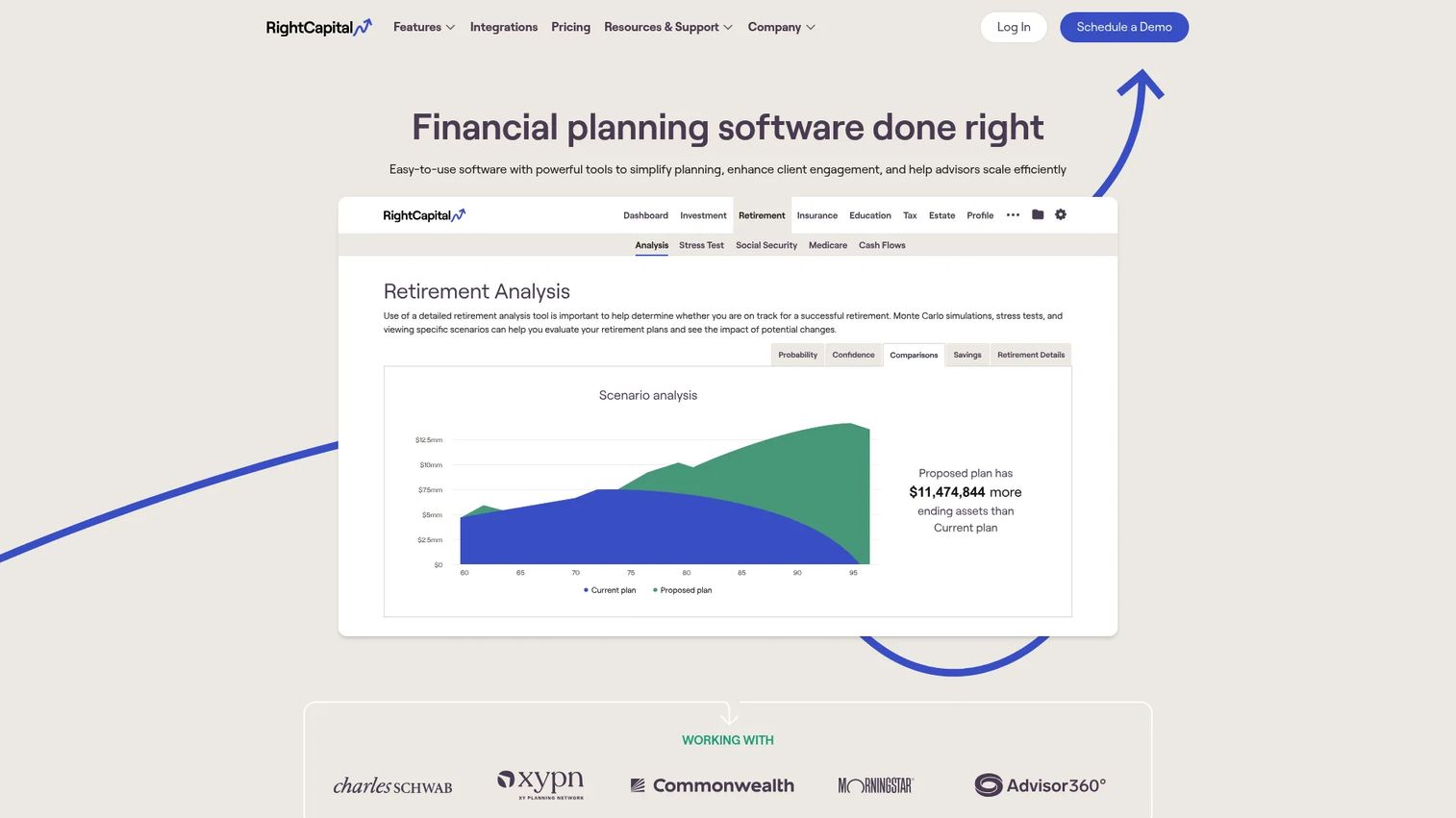
RightCapital is financial planning software built for advisors, with client plans, projections, and portal tools at its center. It is designed for registered investment advisors and planning-led firms that need to model a client's full financial picture and then communicate that picture clearly. Where many planning tools stop at the model, RightCapital pushes into presentation, giving advisors client-ready artifacts they can walk through in a review meeting.
The platform covers the depth advisors expect: retirement planning, tax planning, insurance needs, and risk modeling in one place. That breadth matters because a retirement income planning conversation rarely stays in one lane. A single plan might touch Roth conversions, Social Security timing, and a risk tolerance shift, and RightCapital keeps those threads connected rather than scattered across tools.
Best for: RIAs and financial advisors who need to model client plans and keep clients engaged through a portal.
Key strengths
- Financial planning and projections: Model retirement, cash flow, and long-term outcomes across a client's full financial life.
- Client portal and vault storage: Give clients a secure, ongoing view of their plan and documents between meetings.
- RightIntel reporting and plan management: Track plans across the book of business and surface reporting that supports firm-level decisions.
Why choose RightCapital: If your firm lives or dies on client communication, RightCapital's visual, client-facing framing is the draw. Advisors who want clients to actually understand their plan, not just receive a PDF, tend to gravitate here. It fits planning-led practices better than transaction-led ones.
RightCapital pricing: RightCapital does not publish a first-party price on its site, and G2 lists no confirmed pricing detail, so we will not estimate a figure. Advisors evaluating it should request a quote directly and ask about tier structure and any trial access during that conversation.
2. Boldin
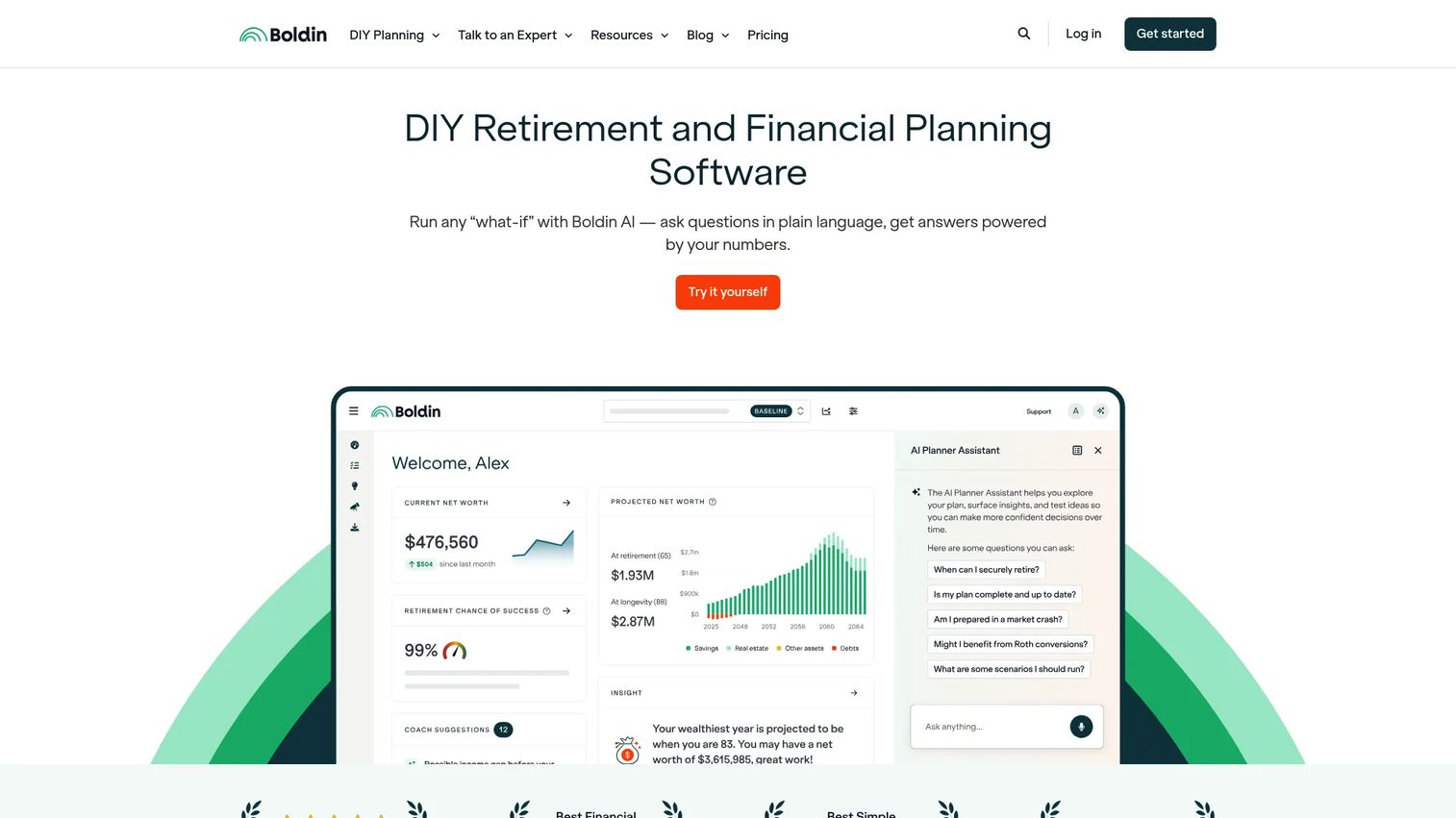
Boldin is retirement planning software with AI guidance and optional advisor services, built for people who want to run their own plan rather than hand it off entirely. It positions the DIY planner at the center, then layers in AI financial planning support and a path to human advice when a decision gets complicated. The result is a planning engine broad enough for a full retirement picture, not just a single calculator.
The planner spans the areas that actually shape retirement outcomes: taxes, Social Security, healthcare, real estate, and long-term planning. That breadth is what separates Boldin from a one-screen retirement calculator. It runs Monte Carlo simulation to stress-test a plan against market variability, models Roth conversions, and lets you explore scenarios so you can see how one decision ripples across decades.
Best for: Individuals planning retirement who want software plus optional human advice, and advisors who want a client-friendly planning engine.
Key strengths
- AI-powered retirement planning: An AI assistant helps guide the plan and explain results inside your own numbers.
- Scenario modeling and projections: Test what-if changes across taxes, timing, and spending to see the downside clearly.
- Roth conversion and Monte Carlo tools: Model tax strategy and market variability without exporting to a spreadsheet.
Why choose Boldin: Boldin stands out for planning confidence at a transparent price. You can start free, upgrade when you need depth, and add human advice only if a decision warrants it. That tiering makes it useful for both individuals and advisors who want a shared planning surface.
Boldin pricing: The Basic plan is free. PlannerPlus is $12 per month, billed annually at $144 per year, after a 14-day free trial. Boldin Advisors is a $3,200 flat fee for those who want dedicated human guidance. Pricing is published on Boldin's own site.
3. Abacum
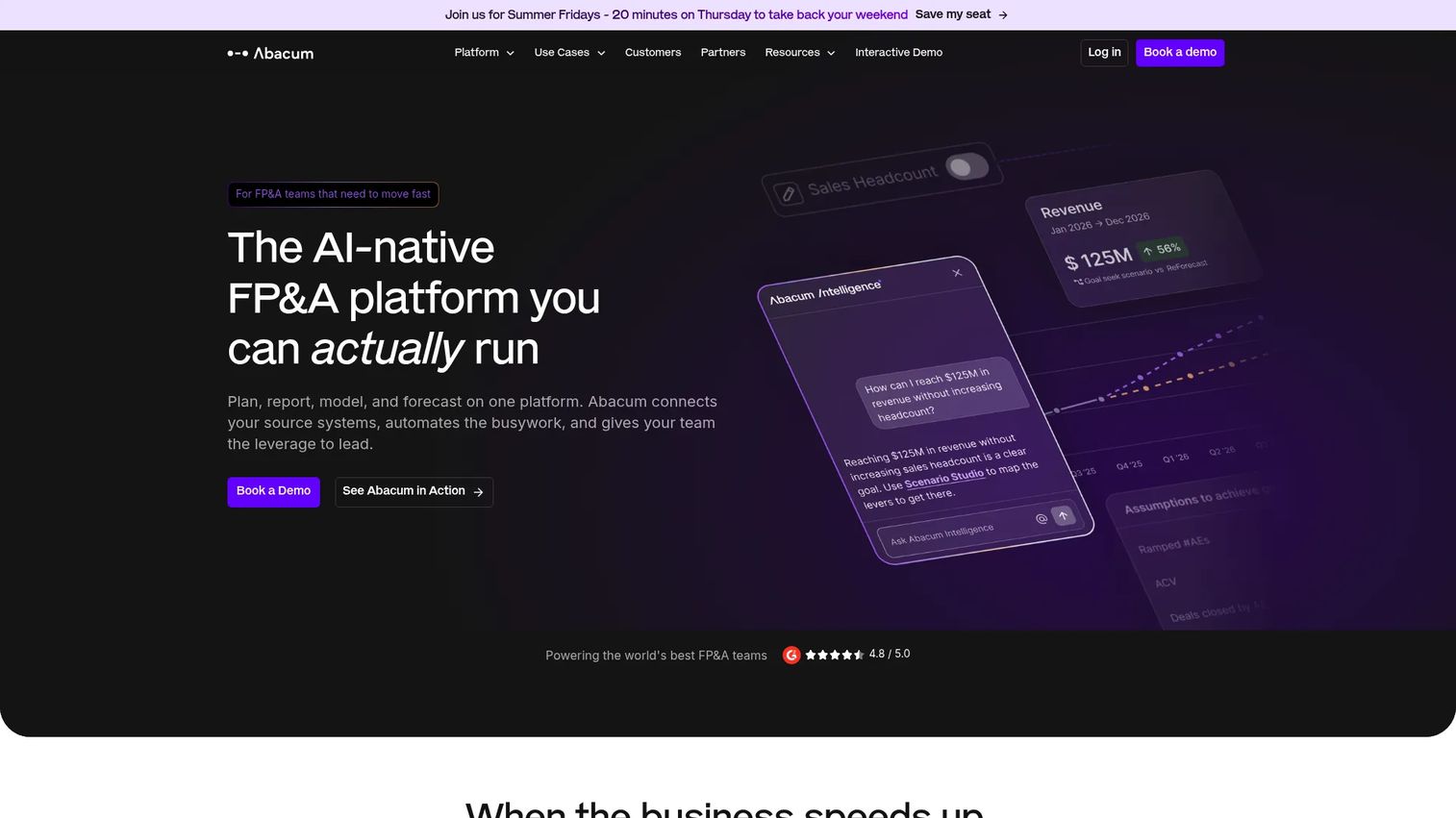
Abacum is an AI-native FP&A platform for planning, reporting, modeling, and forecasting, and it is the tool on this list closest to a SaaS founder's daily reality. It targets mid-market finance teams that have outgrown spreadsheet-driven budgeting and forecasting but do not want the weight of an enterprise rollout. If your board asks for cash flow forecasting and clean variance analysis every quarter, this is the category that answers it.
Abacum leans into connected financial and operational analytics. It links financial data with operating metrics, automates reporting, and supports collaborative planning so finance is not the only team touching the numbers. The interactive dashboards give leadership a live view instead of a static export, which is exactly what shortens the gap between a question and a defensible answer.
Best for: Mid-market finance teams that need collaborative FP&A and automated reporting without heavy implementation.
Key strengths
- Collaborative planning and budgeting: Bring finance and operating teams into one budgeting and forecasting workflow.
- AI forecasting and scenario planning: Run scenario analysis, automate forecasts, and catch anomalies before they reach the board.
- Reporting dashboards with drill-down: Move from a top-line number to the underlying driver with spreadsheet connectors intact.
Why choose Abacum: For a founder who needs board-ready numbers and faster cash planning, Abacum maps cleanly to the job. It connects to accounting and data systems so the model reflects reality, and it keeps the collaborative planning layer light enough that finance is not stuck as the bottleneck.
Abacum pricing: Abacum uses quote-based pricing and does not publish a numeric figure on its site, so request a quote for your team size. On G2, Abacum holds a 4.8/5 rating, one of the higher marks in this category.
4. Investor.gov
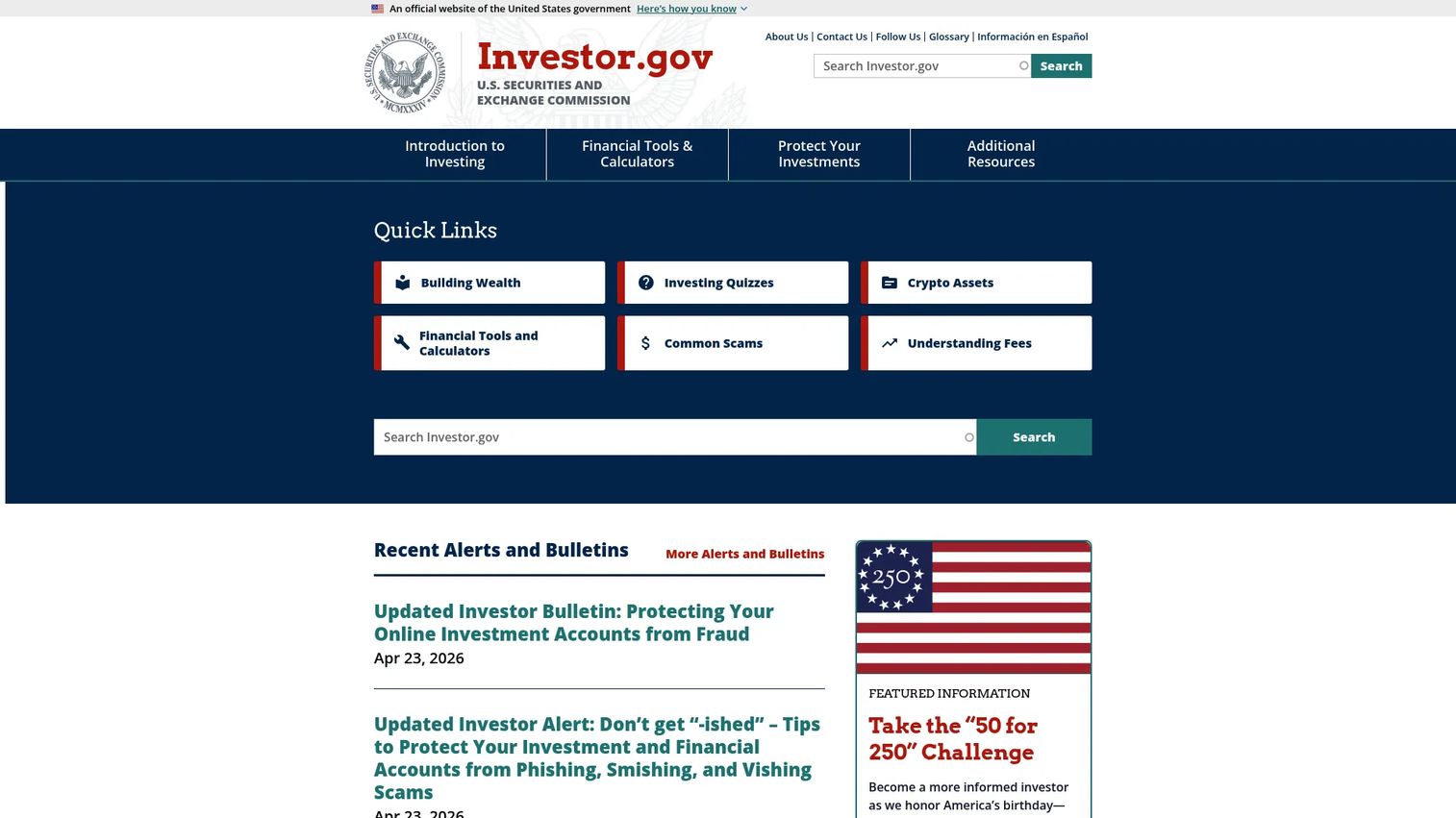
Investor.gov is the SEC-run investor education site, offering free public financial tools alongside guidance on investing, fees, fraud prevention, and registration checks. It is not a planning platform in the FP&A sense, and it does not try to be. What it offers is a trust-first baseline: free calculators and research tools you can use to sanity-check an assumption before committing to a paid workflow.
The tools cover the fundamentals: retirement calculators, compounding, savings goals, and Social Security planning, plus research resources like EDGAR filings, fund analysis, and background checks on investment professionals. Because it is a government resource, there is no sales layer and no product storytelling, which is exactly why it earns trust for early validation.
Best for: Individuals who want free SEC investor education and basic planning tools to validate assumptions.
Key strengths
- Free financial tools and calculators: Run a retirement calculator or compounding projection at no cost.
- Investor education content: Read plain-language bulletins on fees, fraud, and investing basics.
- Background checks and fraud resources: Verify an investment professional and access EDGAR filings for research.
Why choose Investor.gov: Use it when you want to validate a number or educate yourself before paying for ongoing planning. It performs best as an entry point and assumption checker, not as a repeatable operating system for a full financial plan. For that, you graduate to one of the DIY, advisor, or FP&A tools on this list.
Investor.gov pricing: Free. It is a public government site with no paid plans or tiers.
5. Workday Adaptive Planning
Workday Adaptive Planning is cloud-based enterprise performance management software for financial, workforce, and operational planning. It suits finance teams that need process discipline: structured planning cycles, workflow control, and company-wide budgeting and forecasting that many contributors touch without breaking the model. This is enterprise financial planning software built for governance, not quick one-off models.
The platform combines AI-powered budgeting, large-scale scenario management, and reporting with workforce planning across finance, sales, HR, marketing, and IT. It also handles close and consolidation, which matters when planning and actuals need to reconcile cleanly. For a finance org running quarterly cycles across many cost centers, that unified approach reduces the reconciliation tax.
Best for: Finance and FP&A teams that need unified planning across finance, workforce, and operations at scale.
Key strengths
- AI-powered budgeting and scenario planning: Model multiple futures and stress-test plans across the whole business.
- Workforce planning: Plan headcount and cost across finance, sales, HR, marketing, and IT in one model.
- Operational planning plus close and consolidation: Connect planning to actuals so the numbers reconcile.
Why choose Workday Adaptive Planning: Enterprise finance teams choose it for governance and control. When many people plan against the same model and leadership needs an auditable process, the structure pays off. It fits organizations that value discipline and reporting rigor over lightweight speed.
Workday Adaptive Planning pricing: Workday offers a 30-day free trial. Paid pricing varies and is quote-based, with separate offerings for the core planning product and for Close and Consolidation. On G2, it holds a 4.3/5 rating.
6. Anaplan
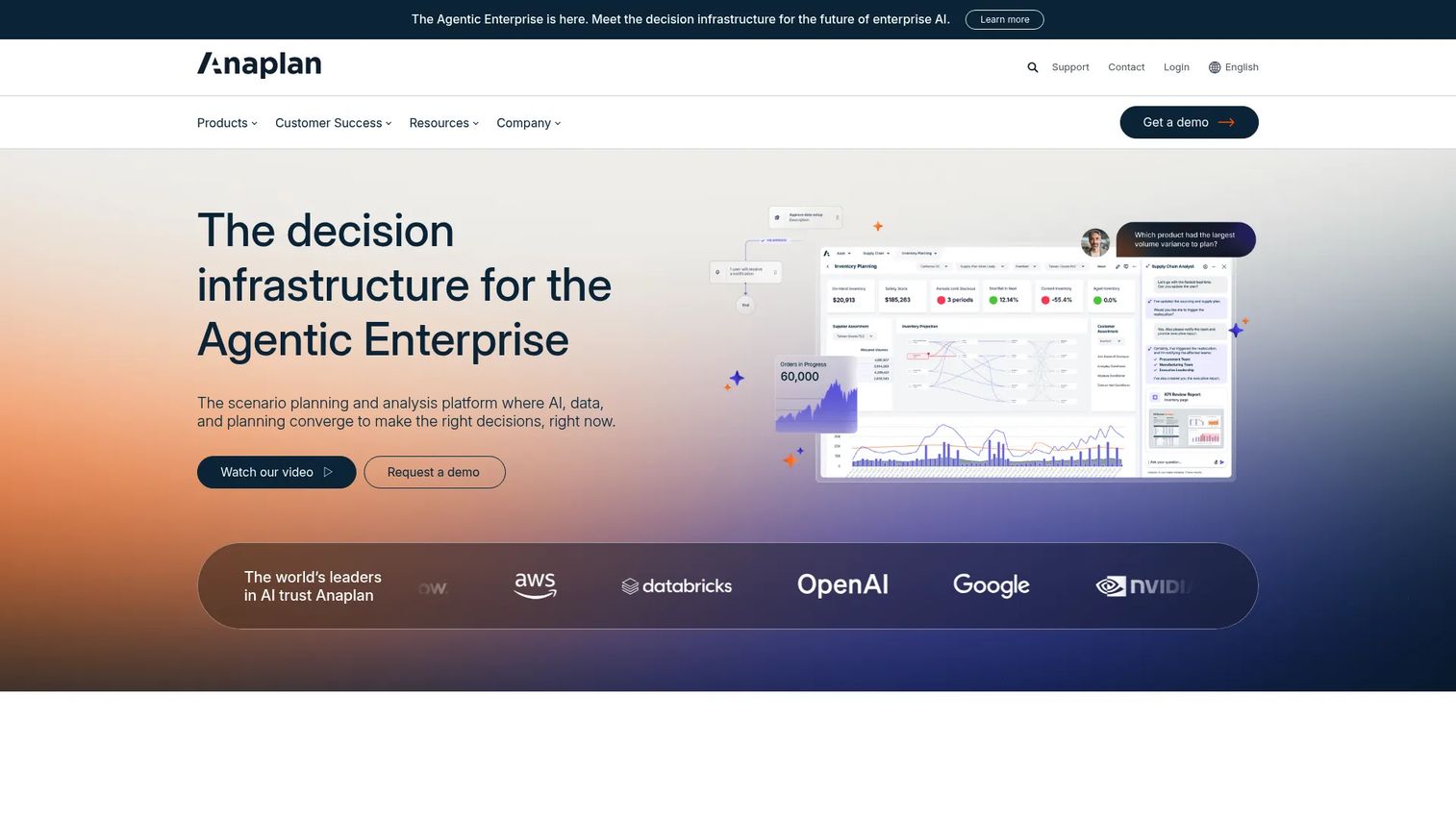
Anaplan is an AI-driven scenario planning and analysis platform built for connected planning across finance, supply chain, sales, and workforce. Its defining idea is that planning should not stop at finance. When many teams need to plan in one shared model, and one team's assumptions feed another's, Anaplan is built to hold those dependencies together.
That connected planning approach is what sets it apart from single-domain tools. A sales capacity plan can flow into a workforce plan, which flows into a financial forecast, all in the same environment. It layers AI-driven scenario analysis on top, plus role-based user experiences and workflows so each team sees the view that fits their job. For large organizations modeling complex, cross-functional dependencies, that depth is the point.
Best for: Large enterprises that need cross-functional planning and scenario modeling across many teams.
Key strengths
- Connected planning across departments: Link finance, supply chain, sales, marketing, and workforce in one model.
- AI-driven scenario planning: Run scenario analysis on complex, interdependent plans.
- Role-based experiences and workflows: Give each team a tailored view and controlled workflow.
Why choose Anaplan: Choose Anaplan when the planning problem spans departments, not just the finance team. It is built for organizations that need many stakeholders modeling in one place with governance and control. The strength shows most when dependencies between teams are the hard part.
Anaplan pricing: Anaplan does not publish a public product subscription price, so pricing is quote-based; plan for an enterprise-scale conversation. On G2, Anaplan holds a 4.6/5 rating.
7. Datarails
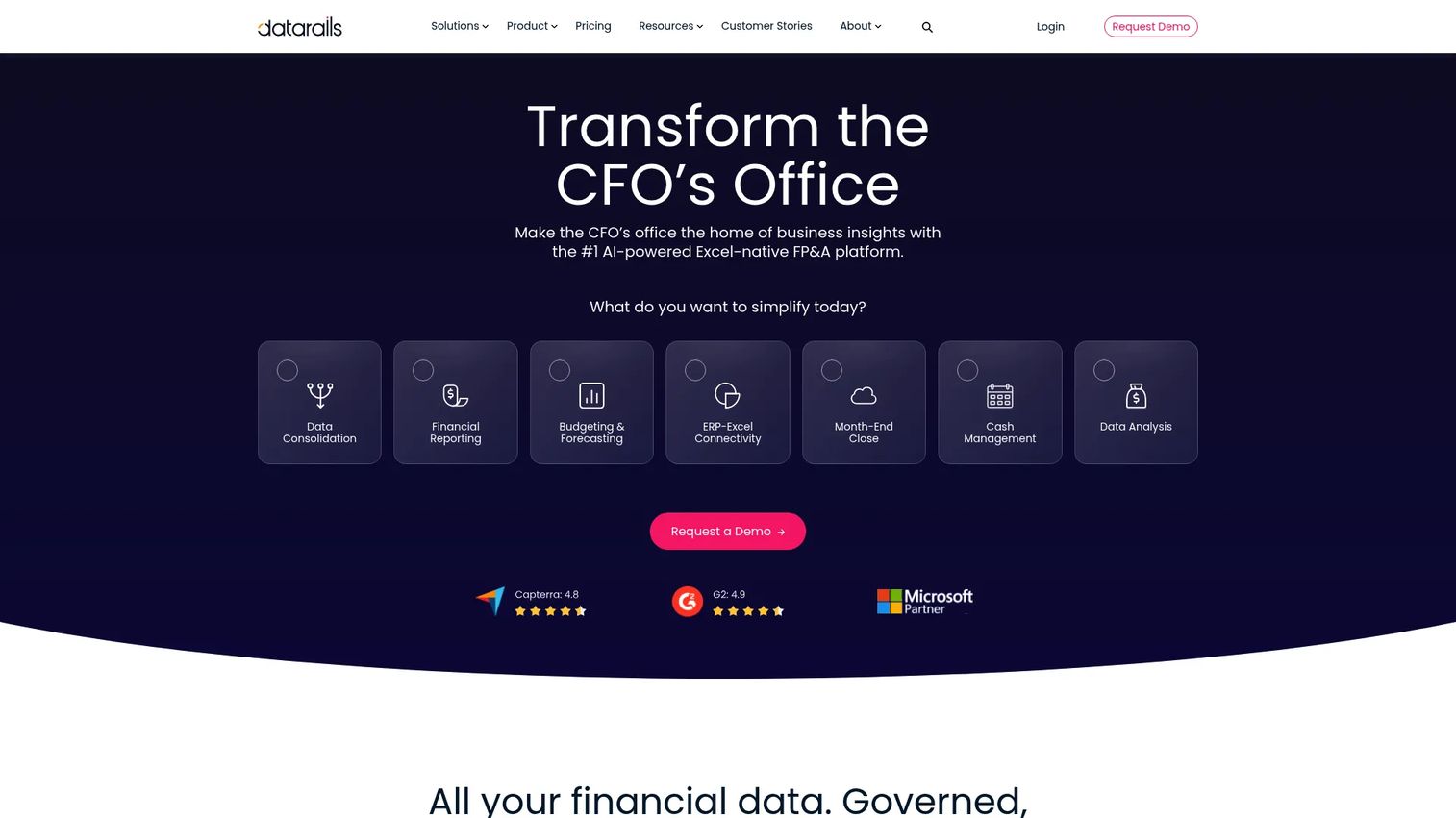
Datarails is an Excel-native FP&A platform for financial planning, reporting, consolidation, and analysis. It exists for a specific and common reality: teams that want the automation and control of a planning platform but refuse to give up the spreadsheet workflow they already know. Instead of forcing a migration, Datarails layers automation on top of Excel.
That approach removes the usual friction of adopting FP&A software. Finance keeps working in familiar spreadsheets while Datarails consolidates live data, enables drill-down, and cuts the version chaos that plagues manual budgeting and forecasting. It adds AI agents and a finance OS connector to speed reporting further. For a team that dreads a rip-and-replace rollout, this is the transitional upgrade that keeps the muscle memory intact.
Best for: Finance teams that want Excel-based FP&A automation and faster reporting without leaving spreadsheets.
Key strengths
- Unlimited dashboards and reporting: Build reporting and planning views without hitting artificial caps.
- Excel integration with live consolidation: Consolidate data across spreadsheets and drill down to the source.
- AI agents and finance OS connector: Speed reporting and connect the tools finance already uses.
Why choose Datarails: Teams that are spreadsheet-heavy and want to reduce manual work without retraining everyone gravitate here. It delivers faster reporting and fewer version conflicts while preserving the Excel workflow. It is the pragmatic middle path between manual spreadsheets and a full platform migration.
Datarails pricing: Datarails uses quote-based pricing across three plans, Professional, Premium, and Expert, each combining an annual platform fee with a one-time implementation fee. No public numeric price is listed, so request a quote. On G2, Datarails holds a 4.6/5 rating.
8. Jedox
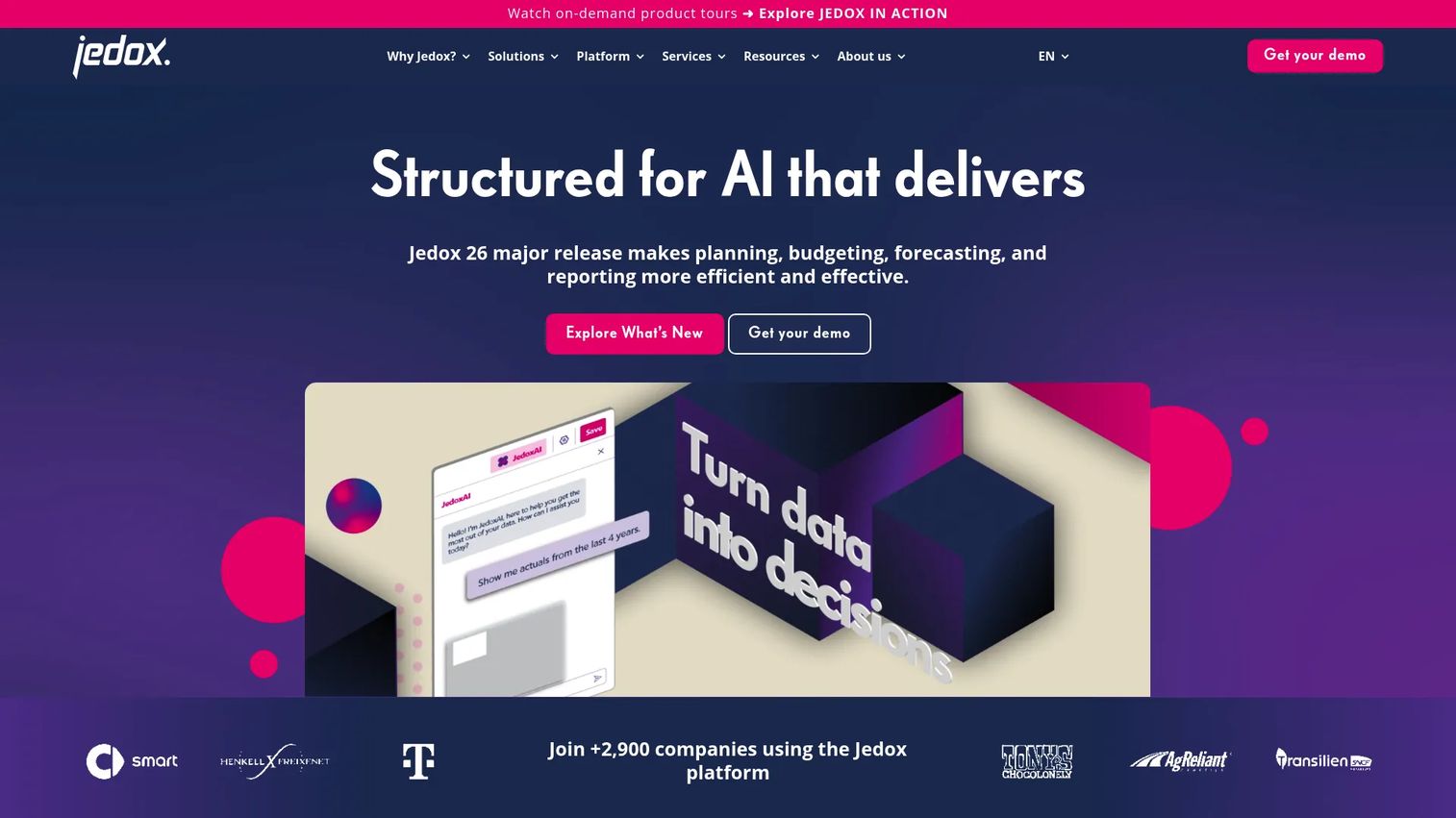
Jedox is AI-driven FP&A and performance management software for planning, budgeting, forecasting, reporting, and analysis. It sits between lighter SMB tools and heavy enterprise systems, aimed at teams that want a configurable planning layer with broad data access and strong finance control. If you need flexibility without building everything from scratch, Jedox is designed for that middle ground.
The platform covers FP&A, budgeting, forecasting, and reporting, plus integrated business planning and financial consolidation. Its Excel-like interface lowers the learning curve, while JedoxAI and no-code capabilities let finance teams configure workflows without heavy engineering support. That combination of structured collaboration and configurability is its signature, giving finance control without locking the model into a rigid template.
Best for: Mid-market to enterprise finance teams that need configurable FP&A and performance management.
Key strengths
- FP&A, budgeting, forecasting, and reporting: Cover the full planning cycle in one platform.
- Integrated business planning and consolidation: Connect operational plans with financial consolidation.
- Excel-like interface with JedoxAI and no-code: Configure planning workflows without deep technical work.
Why choose Jedox: Choose Jedox when you have outgrown SMB tools but do not need or want a full enterprise deployment. Its configurability and structured collaboration fit teams that want to shape the planning layer to their process. It rewards teams that value flexibility and finance-owned control.
Jedox pricing: Jedox offers Business, Professional, and Professional Plus packages, all quote-based and tailored to organization size and complexity. No public numeric price is listed. On G2, Jedox holds a 4.3/5 rating.
Considerations before you choose
A tool that fits an advisor rarely fits a finance team, so match the software to your planning job before you compare features.
Planning depth and scenario quality
The core question is how well the tool models multiple futures. Look for genuine scenario analysis and what-if modeling, not just a single projection you can nudge. If you make decisions under uncertainty, the quality of the downside case is what earns the software its place.
Communication and sharing
Numbers only matter if stakeholders understand them. Check whether the tool produces readable projections, a client portal, or a shareable board view. The best financial planning software reduces the gap between your model and someone else's confidence in it. This is the same principle behind a good onboarding flow: clarity drives action.
Automation and AI
AI financial planning is useful only when it improves decision quality. Evaluate whether the AI speeds up modeling, explains results plainly, or catches anomalies, rather than adding features you will not use. Forecast automation that saves real hours is worth more than a chatbot bolted onto a dashboard.
Integrations and data
A plan is only as good as the data feeding it. Confirm the tool connects to your accounting system, custodian, or data warehouse so the model stays current. Weak integration means manual exports, and manual exports reintroduce the version chaos you are trying to escape.
Cost relative to stage
Free tools validate assumptions. Paid platforms support repeatable workflows. Match the spend to how often you actually plan, and do not buy enterprise governance for a five-person team.
Conclusion
The financial planning software market splits cleanly into four jobs. Retirement planning tools like Boldin and RightCapital help individuals and advisors model income and communicate plans. Free public tools like Investor.gov validate assumptions at no cost. SMB FP&A like Abacum gives founders board-ready cash flow forecasting and scenario analysis. And enterprise planning platforms like Workday Adaptive Planning, Anaplan, Datarails, and Jedox handle planning at scale with governance and control.
The practical next step is to name your primary job before you compare tools. If the need is retirement income planning, start with Boldin for DIY or RightCapital for advisor-led work. If the need is business forecasting and board reporting, start with Abacum for mid-market or an enterprise platform if you plan across many teams. Match the tool to the decision you are trying to make faster, and the shortlist narrows itself.
FAQs
It helps model financial goals, cash flow, retirement, budgets, forecasts, and scenarios so you can make decisions and communicate them clearly. Consumer tools focus on personal goals and retirement, advisor tools center on client plans and portals, and business tools handle budgeting, forecasting, and FP&A. Each serves a different planning job, so the right fit depends on whose money you are planning.
Prioritize scenario planning, cash flow visibility, forecast automation, stakeholder sharing, and clean integrations with your accounting and data systems. Board-ready reporting matters far more than consumer retirement features for this use case. The goal is faster, more defensible decisions, so weight tools by how quickly they turn a question into an answer leadership trusts.
They overlap but are not identical. FP&A software, or financial planning and analysis software, focuses on business finance: budgeting, forecasting, and scenario modeling for companies. Financial planning software is broader and can also include retirement planning and advisor use cases for individuals and clients. Every FP&A tool is financial planning software, but not every financial planning tool does FP&A.
Boldin, RightCapital, and Investor.gov are the main reference points. Investor.gov offers free calculators for validating assumptions, Boldin is a DIY planning engine with AI and Monte Carlo simulation, and RightCapital is advisor-led with client-facing plan communication. Choose free for a quick check, DIY for hands-on control, and advisor-led when you want a professional guiding the plan.
Abacum, Workday Adaptive Planning, Anaplan, Datarails, and Jedox lead here. Abacum fits SMB and mid-market teams, Workday Adaptive Planning and Anaplan suit enterprise scale, Datarails fits spreadsheet-heavy teams, and Jedox sits between mid-market and enterprise. Team size and planning complexity usually decide which one fits, so start there rather than with feature counts.
AI can add guided assistance, faster scenario exploration, plain-language explanations of results, and anomaly detection in forecasts. Used well, it shortens the time between a question and a modeled answer. It only earns its place when it improves decision quality rather than adding a feature you never open, so evaluate it against real time saved.
Use free tools like Investor.gov when you are validating a single assumption or educating yourself early. Move to a paid platform when planning becomes a repeatable workflow with ongoing decisions, stakeholder sharing, and integrations. The tradeoff is simple: free tools check a number, paid platforms support a process. Match the choice to how often you actually plan.