Your SDRs spend close to 40% of their week researching prospects instead of selling to them. That research tax compounds every time someone opens LinkedIn in a new tab, cross-references a company website, and hunts for a direct dial that may not even be accurate.
Data enrichment tools eliminate that manual work by automatically appending firmographics, verified contact details, and buying signals to your CRM records. This guide covers 15 platforms for B2B sales teams, with comparison tables, evaluation criteria, and implementation guidance to help you choose the right one.
The list spans pure contact enrichment, ABM platforms, identity resolution, and specialized data layers. Each entry calls out which use case it actually fits.
TL;DR
- Best for enterprise B2B databases: ZoomInfo offers the largest contact database with buying intent signals
- Best for GDPR compliance: Cognism provides phone-verified mobile numbers with European coverage
- Best for AI workflow automation: Clay builds waterfall enrichment across 150+ data sources
- Best for budget-conscious teams: Lusha and UpLead deliver quick contact lookups at lower price points
- Best for startup targeting: Crunchbase tracks funding rounds and investor relationships
- Best all-in-one prospecting: Apollo combines enrichment with built-in sequencing and a generous free tier
What is a data enrichment tool
Data enrichment tools automatically enhance basic, raw records (like an email address or company name) by appending missing information. The platforms pull from external databases to fill in firmographics, direct contact details, and growth signals that your CRM does not capture on its own. Choosing the right data enrichment tools for your team depends on your ICP, budget, and workflow.
Here is a practical example. A lead fills out your form with just their work email. Within seconds, an enrichment tool appends their job title, direct phone number, company size, annual revenue, industry, and recent funding activity.
That context transforms a bare email into an actionable sales opportunity.
The data typically falls into a few categories:
- Firmographic data: Company size, industry, revenue, headquarters location, and employee count
- Contact data: Direct dials, verified emails, job titles, reporting structure, and LinkedIn profiles
- Intent and growth signals: Funding rounds, hiring activity, technology stack changes, and expansion indicators
Without enrichment, your sales team spends 20 to 30 minutes per contact researching each prospect manually. Teams looking to reduce this burden can explore sales intelligence tools that automate research workflows. With it, that research happens automatically at the moment a lead enters your system.
When your sales team needs data enrichment software
How do you know if your team actually benefits from enrichment tools? Here are the clearest signals.
Your CRM data is decaying faster than you update it
People change jobs, companies relocate, and phone numbers go stale. Manual updates simply cannot keep pace with this churn, especially if your database contains thousands of records.
Enrichment tools continuously refresh your data. They flag outdated records and append current information before your reps waste time on dead leads.
SDRs spend more time researching than selling
Watch your SDRs work for an hour. How many browser tabs do they have open? LinkedIn, company websites, news articles, Crunchbase, all just to find one direct dial or confirm a prospect's title.
Modern presales software tools can consolidate this research into a single workflow.
Salesforce's State of Sales report puts actual selling time at around 30% of a rep's week. Enrichment tools eliminate context-switching by delivering the information directly into your CRM or sequencer.
Outbound response rates keep declining
Generic outreach gets ignored. Personalization requires data you do not have: what technology stack does this company use? Did they just raise funding? Are they hiring for roles that signal buying intent?
Enrichment gives you the context to write relevant messages. Campaigns with advanced personalization see reply rates up to 18%, more than triple the 5.1% benchmark for generic outbound. Instead of "I noticed your company might benefit from our solution," you can reference their recent Series B or three new sales manager hires. Teams combining enrichment with demand generation tools see even better results by automating personalized outreach at scale.
Lead scoring lacks the signals to prioritize accounts
Without firmographic and intent data, all leads look the same in your CRM. A 10-person startup and a 5,000-person enterprise both show up as "new lead" with equal priority.
Enrichment feeds your scoring models with company size, growth signals, and engagement indicators. Pairing enrichment with lead scoring software helps your reps focus on accounts that actually match your ICP.
How to evaluate B2B data enrichment tools
Not all data enrichment tools deliver the same value. Here is what to look for when comparing vendors.
Data accuracy and coverage
Accuracy means verified, up-to-date records. Coverage means geographic and industry breadth. A tool might have excellent North American data but sparse coverage in EMEA or APAC.
Ask vendors: What is your email deliverability rate? What is the match rate for my target market? Can I run a test batch before committing?
CRM and workflow integration
Native connectors to Salesforce, HubSpot, and your existing stack matter more than you might think. Enrichment that lives outside your CRM creates manual work and data silos.
Check for Zapier support or API availability if you use less common tools. The goal is enrichment that happens automatically within your existing workflow.
Real-time vs batch enrichment
Real-time enrichment fires on form submit or record creation. Batch enrichment processes lists on a schedule or manual upload.
Factor | Real-time enrichment | Batch enrichment |
|---|---|---|
Trigger | Form submit, record creation | Scheduled job or manual upload |
Speed | Instant (milliseconds) | Minutes to hours |
Best for | Inbound lead routing, form shortening | List cleaning, database audits |
Cost model | Often per-record API call | Often bulk credits |
Choose real-time for inbound velocity. Choose batch for periodic CRM hygiene.
Compliance and data sourcing transparency
GDPR and CCPA matter if you sell into the EU or California. Ask vendors: Where does the data come from? Can you show consent trails? What happens if a contact requests deletion?
Compliant providers source from public records, opt-in contributor networks, and licensed partnerships. They can provide audit trails for data origin upon request.
Pricing model and total cost
Per-record, per-seat, and credit-based models each have tradeoffs. Calculate your cost per enriched record at your expected volume. Watch for overage fees that can spike your bill unexpectedly.
Best data enrichment tools compared
# | Product | Best for | Key differentiation | Pricing | G2 rating |
|---|---|---|---|---|---|
1 | Enterprise B2B databases | Largest contact database with intent signals | Custom, typically $15K+/year | 4.5/5 | |
2 | All-in-one prospecting | Enrichment plus sequencing in one platform | Free tier, paid from $49/mo (annual) | 4.7/5 | |
3 | GDPR-compliant enrichment | Phone-verified mobiles, European coverage | Custom, typically $15K+/year | 4.6/5 | |
4 | AI workflow automation | Waterfall enrichment across 150+ sources | From $185/mo (Launch plan) | 4.9/5 | |
5 | Real-time inbound enrichment | HubSpot-native form enrichment and intent | Bundled with HubSpot, credits from ~$45/mo | 4.4/5 | |
6 | ABM intent signals | Anonymous visitor ID, predictive scoring | Custom, typically $60K+/year | 4.3/5 | |
7 | Enterprise ABM programs | Account ID plus B2B advertising | Custom, typically $50K+/year | 4.3/5 | |
8 | Quick contact lookups | Browser extension speed, simple UI | Free tier, paid from $22.45/mo | 4.3/5 | |
9 | Identity resolution | Cross-device matching, social enrichment | Custom, typically $30K/year average | 4.3/5 | |
10 | Budget email finding | Email finder plus drip campaigns | From $39/mo (or $29.25 annual) | 4.5/5 | |
11 | Startup and funding data | Funding rounds, investor relationships | From $49/mo (annual) or $99/mo monthly | 4.5/5 | |
12 | Verified direct dials | Phone accuracy, trigger alerts | From $99/mo | 4.5/5 | |
13 | Technographic targeting | Tech stack data, ZoomInfo-owned | From $29/mo | 4.2/5 | |
14 | Data accuracy guarantees | Real-time verification, pay-as-you-go | From $99/mo | 4.7/5 | |
15 | Mid-market B2B enrichment | Industry filtering, reliable contact data | Custom | 4.6/5 |
15 best data enrichment tools for B2B sales
1. ZoomInfo
ZoomInfo operates the largest B2B contact and company database, now offered as GTM Workspace under parent company ZoomInfo (NASDAQ: GTM). The platform combines contact enrichment with buying intent signals, org chart mapping, and technographic data.
Best for: Enterprise sales teams that want massive databases with intent signals and can support premium pricing.
Key strengths
- Database scale: Access to 420M+ contacts with direct dials and emails
- Intent data: Tracks buying signals based on content consumption and research behavior
- Org chart mapping: Visualizes reporting structures to identify decision-makers and influencers
Why choose ZoomInfo
ZoomInfo makes sense when your sales motion requires deep account intelligence and you have the budget to support it. The platform excels at enterprise prospecting where understanding the full buying committee matters. Smaller teams often find the pricing prohibitive for their volume.
ZoomInfo pricing
Custom pricing based on seats, credits, and feature access. User reports place entry contracts around $15,000 per year, with mid-market deals often reaching $25,000 to $50,000.
2. Apollo
Apollo combines a 275-million-contact database with built-in email sequencing and dialer functionality. The platform positions itself as an all-in-one sales intelligence and engagement tool.
Best for: Sales teams wanting enrichment plus outreach capabilities in a single platform with a generous free tier.
Key strengths
- All-in-one platform: Enrichment, sequencing, and calling without switching tools
- Generous free tier: Access to basic enrichment and limited credits at no cost
- Chrome extension: Enrich LinkedIn profiles and company pages while browsing
Why choose Apollo
Apollo works well for teams that want to consolidate their stack. Instead of paying for separate enrichment and sequencing tools, you get both in one subscription. Data accuracy varies by region, with stronger coverage in North America than other markets.
Apollo pricing
Free tier available. Paid plans start at $49/month per user on annual billing ($59 monthly). Real costs often run higher due to the credit system that meters mobile reveals and exports.
3. Cognism
Cognism focuses on GDPR-compliant B2B data with particular strength in European markets. The platform emphasizes phone-verified mobile numbers, which matters for teams doing cold calling.
Best for: Teams selling into EMEA that require compliant contact enrichment with verified phone numbers.
Key strengths
- Phone verification: Human-verified mobile numbers (Diamond Data) with higher connection rates
- Compliance-first: GDPR and CCPA compliant data sourcing with audit trails
- European coverage: Stronger data depth in EMEA than most US-based competitors
Why choose Cognism
Cognism makes sense when compliance is non-negotiable and your target market includes Europe. The phone verification process costs more per record but delivers higher connection rates for outbound calling teams.
Cognism pricing
Custom pricing across two tiers, now branded as Grow (formerly Platinum) and Elevate (formerly Diamond). Grow contracts typically start around $15,000 per year. Elevate adds intent signals and Diamonds on Demand verification and tends to run $25,000+ annually.
4. Clay
Clay takes a different approach. Instead of maintaining its own database, Clay orchestrates enrichment across 150+ data providers through AI-powered workflows. You build enrichment sequences that pull from multiple sources and pick the best match.
Best for: RevOps and growth teams building sophisticated, AI-powered enrichment workflows.
Key strengths
- Waterfall enrichment: Queries multiple providers and selects the best result automatically
- AI personalization: Uses enriched data to generate personalized outreach copy
- Workflow builder: Creates complex enrichment logic without code
Why choose Clay
Clay excels when no single data provider covers your ICP well. The waterfall approach means you are not locked into one vendor's data quality. The learning curve is steeper than simpler tools, but power users find the flexibility worth it.
Clay pricing
Clay restructured its plans in March 2026. New customers choose between Launch at $185 per month (2,500 data credits, 15,000 actions) and Growth at $495 per month (6,000 data credits, 40,000 actions, CRM sync, web intent). Enterprise pricing is custom. Existing customers on legacy Starter, Explorer, and Pro plans can keep their old pricing, but new sign-ups go straight to the new tiers.
5. Clearbit (now Breeze Intelligence)
HubSpot acquired Clearbit in November 2023 and folded the product into its CRM as Breeze Intelligence. Standalone Clearbit access is no longer sold to new customers, and the legacy Clearbit Enrichment, Logo, and Prospector APIs have been deprecated.
Best for: Marketing teams & HubSpot customers who want real-time inbound enrichment and form shortening inside the platform they already use.
Key strengths
- Instant form enrichment: Appends data the moment a lead submits, enabling progressive profiling
- Firmographic scoring: Automatically scores leads based on company attributes
- HubSpot-native: Designed to work directly inside HubSpot workflows
Why choose Breeze Intelligence
Breeze Intelligence works best for inbound-heavy motions on HubSpot where you want to shorten forms and route leads faster. Teams on Salesforce, Pipedrive, or any non-HubSpot CRM no longer have a direct path to this data and need a different provider.
Clearbit pricing
Breeze Intelligence requires a paid HubSpot subscription. Enrichment runs on a credit pack model, with entry packs reported around $30 to $50 per month for 100 credits and higher tiers reaching $700 per month for 10,000 credits.
6. 6sense
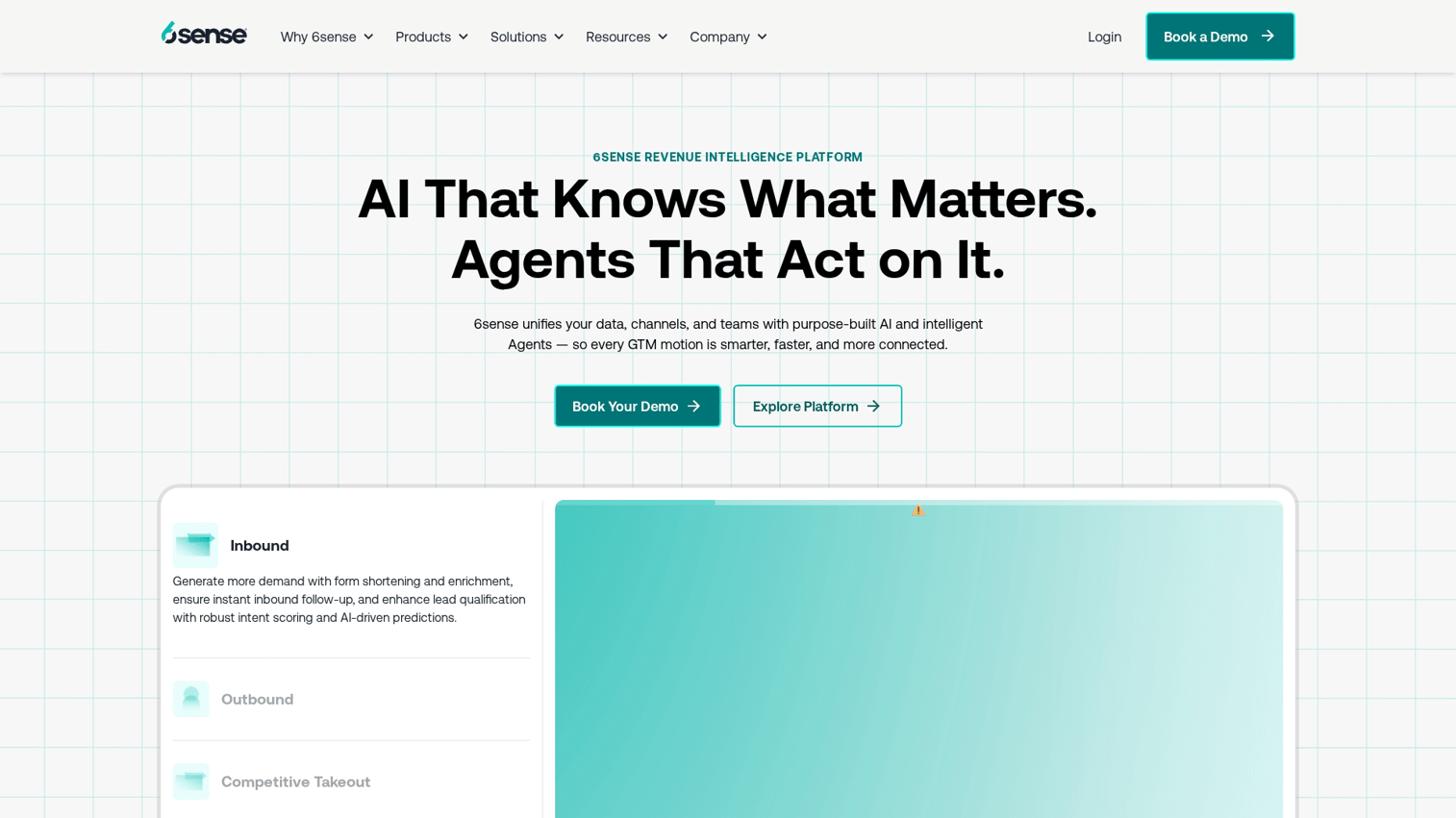
6sense combines account enrichment with AI-powered intent signals and predictive scoring. The platform identifies anonymous website visitors and predicts which accounts are in-market.
Best for: ABM teams that want account-level intent signals and predictive scoring to prioritize outreach. Not designed as a primary SDR contact enrichment tool.
Key strengths
- Anonymous visitor identification: Reveals which companies visit your site before they fill out forms
- Intent signals: Tracks third-party research behavior to identify in-market accounts
- ABM orchestration: Coordinates outreach across sales and marketing based on intent
Why choose 6sense
6sense makes sense when you are running a mature ABM program and want to prioritize accounts based on buying signals, not just firmographics. The platform requires ABM maturity to extract full value.
6sense pricing
Custom pricing. Reported contracts typically run $60,000 to $120,000 per year, with multi-year commitments standard for enterprise buyers.
7. Demandbase
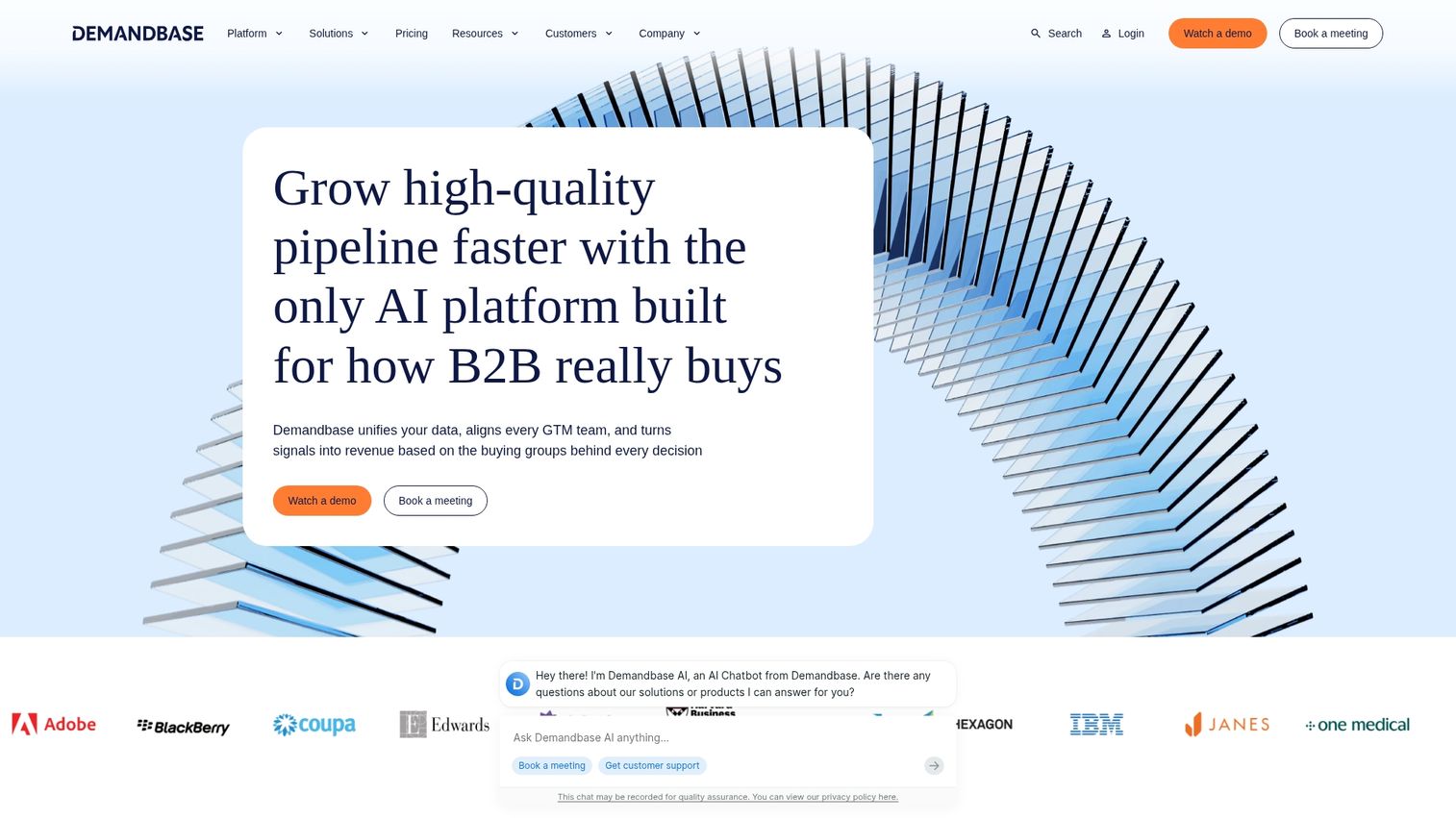
Demandbase combines account identification and enrichment with B2B advertising capabilities. The platform helps enterprise marketing teams identify target accounts and reach them across channels.
Best for: Enterprise ABM programs that want to combine enrichment with account-based advertising. Less relevant for teams focused purely on SDR-led outbound.
Key strengths
- Account identification: Reveals which companies engage with your content and ads
- B2B advertising integration: Targets enriched accounts across display and social channels
- Intent data: Tracks research behavior to identify accounts showing buying signals
Why choose Demandbase
Demandbase works best for large marketing ops teams running coordinated ABM campaigns across multiple channels. The implementation is complex, and the platform assumes you have the resources to operationalize the data.
Demandbase pricing
Custom enterprise pricing. Mid-market deals typically start around $50,000 per year and full-platform enterprise deals commonly reach $100,000 or more.
8. Lusha
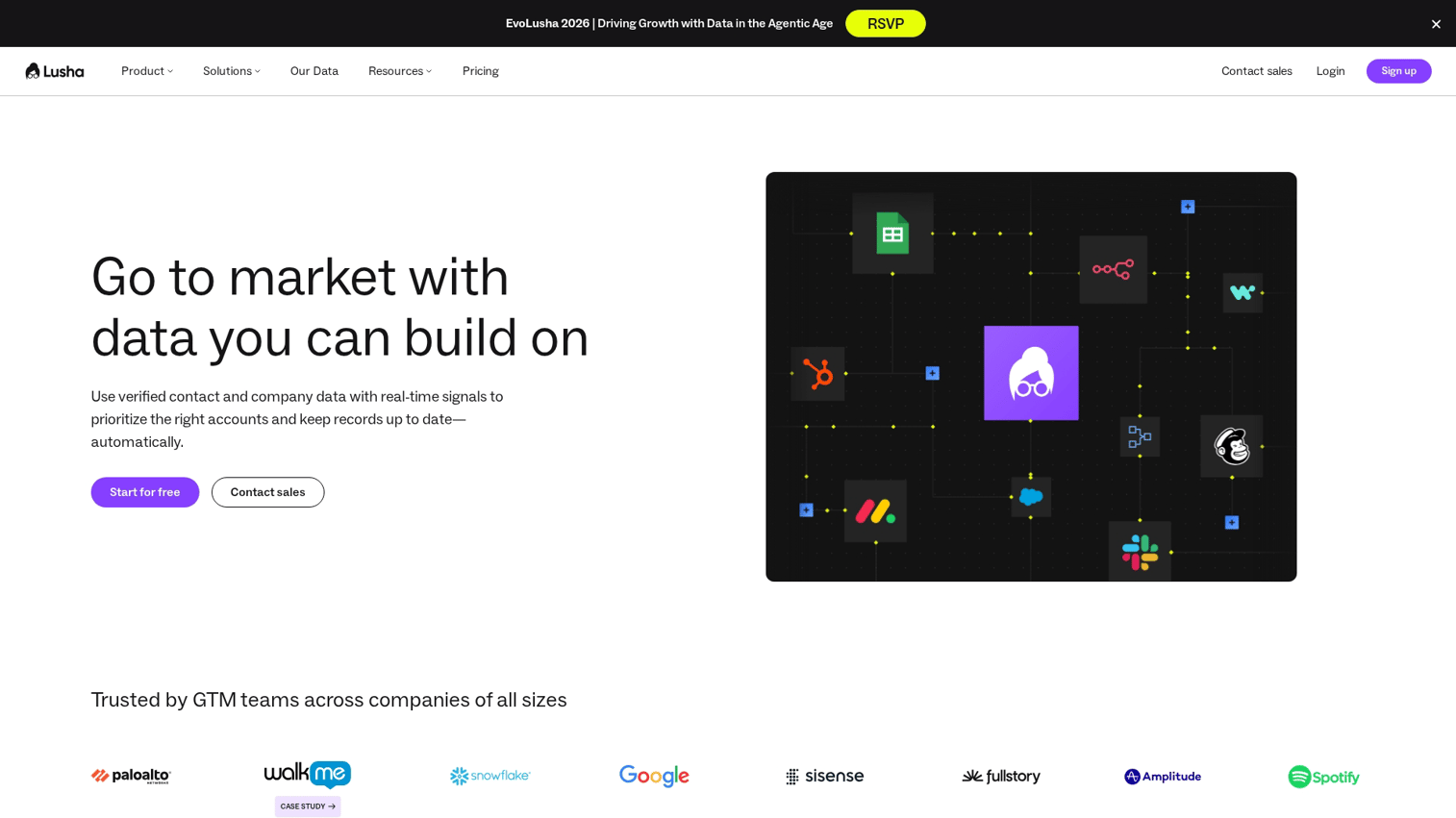
Lusha provides a straightforward browser extension for quick contact lookups. The platform focuses on speed and simplicity rather than workflow complexity.
Best for: Individual reps and small teams that want fast contact lookups without complex setup.
Key strengths
- Browser extension speed: Find emails and direct dials while browsing LinkedIn or company sites
- Simple UI: Minimal learning curve, works out of the box
- Verified data: Email verification and direct dial validation included
Why choose Lusha
Lusha works well for teams that want quick wins without a major implementation project. Credit limits on lower tiers can constrain heavy users, and company-level data is less deep than enterprise platforms.
Lusha pricing
Free tier available. Pro plans start at $22.45 per user per month on annual billing, with Premium and Scale tiers above that. Phone number reveals consume more credits than email reveals.
9. FullContact
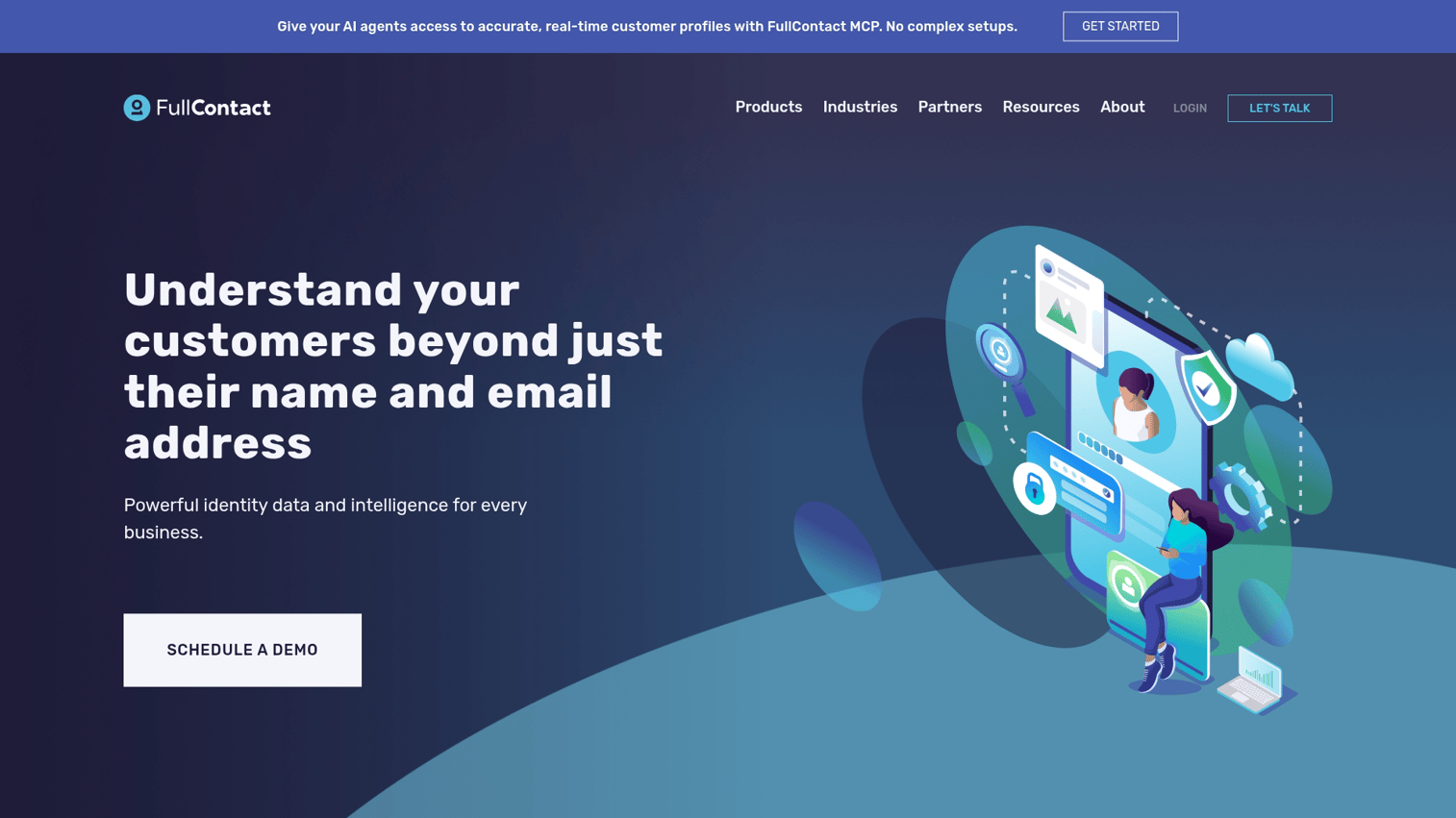
FullContact specializes in identity resolution, matching fragmented customer data across devices, social profiles, and email addresses. The platform focuses on unifying customer records rather than net-new prospecting.
Best for: Teams that want to unify fragmented customer data across multiple touchpoints and devices. Not a fit for SDR-led net-new prospecting.
Key strengths
- Cross-device matching: Links customer interactions across mobile, desktop, and email
- Social profile enrichment: Appends social data to customer records
- Privacy-safe identity graph: Resolves identities while maintaining compliance
Why choose FullContact
FullContact excels at customer data unification rather than outbound prospecting. If your challenge is connecting fragmented records across your existing database, this platform fits. For net-new lead enrichment, other tools offer more value.
FullContact pricing
Custom pricing based on API volume and use case. Vendr benchmarks place the average annual contract around $30,000, with deals ranging from roughly $6,000 to $83,000.
10. Snov.io
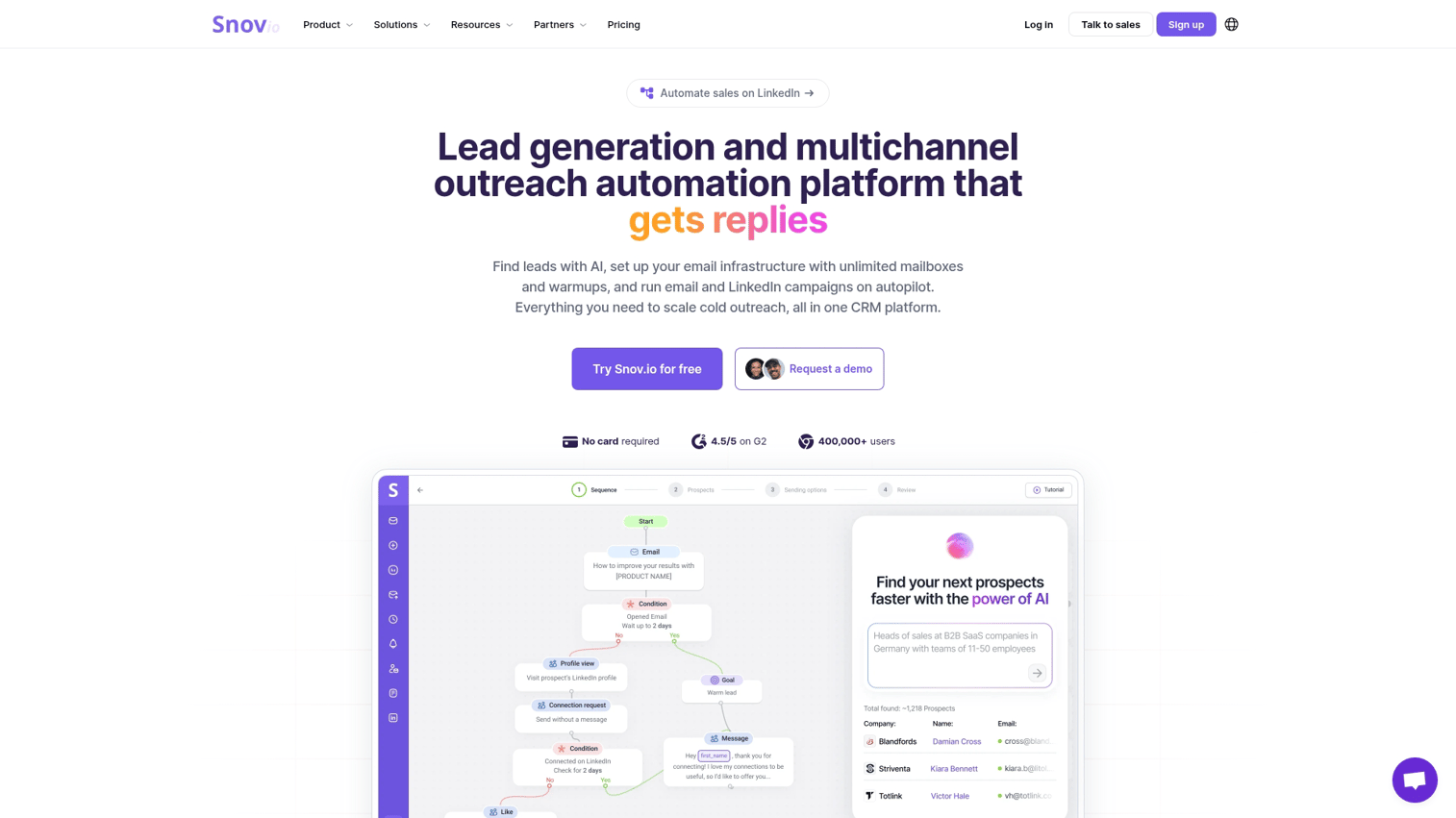
Snov.io combines email finding with drip campaign functionality at budget-friendly pricing. The platform targets teams that want basic enrichment plus outreach without enterprise costs.
Best for: Budget-conscious teams that want email finding combined with basic outreach automation.
Key strengths
- Email finder plus campaigns: Find emails and send sequences from one platform
- Affordable pricing: Lower cost than most competitors at similar functionality
- Domain search: Find all available contacts at a target company
Why choose Snov.io
Snov.io makes sense when budget is tight and you primarily care about email addresses. Firmographic depth is limited compared to enterprise tools, but the price-to-value ratio works for early-stage teams.
Snov.io pricing
Starter plans begin at $29.25 per month on annual billing, with Pro plans from $99 per month. Credits cover both email finding and verification.
11. Crunchbase
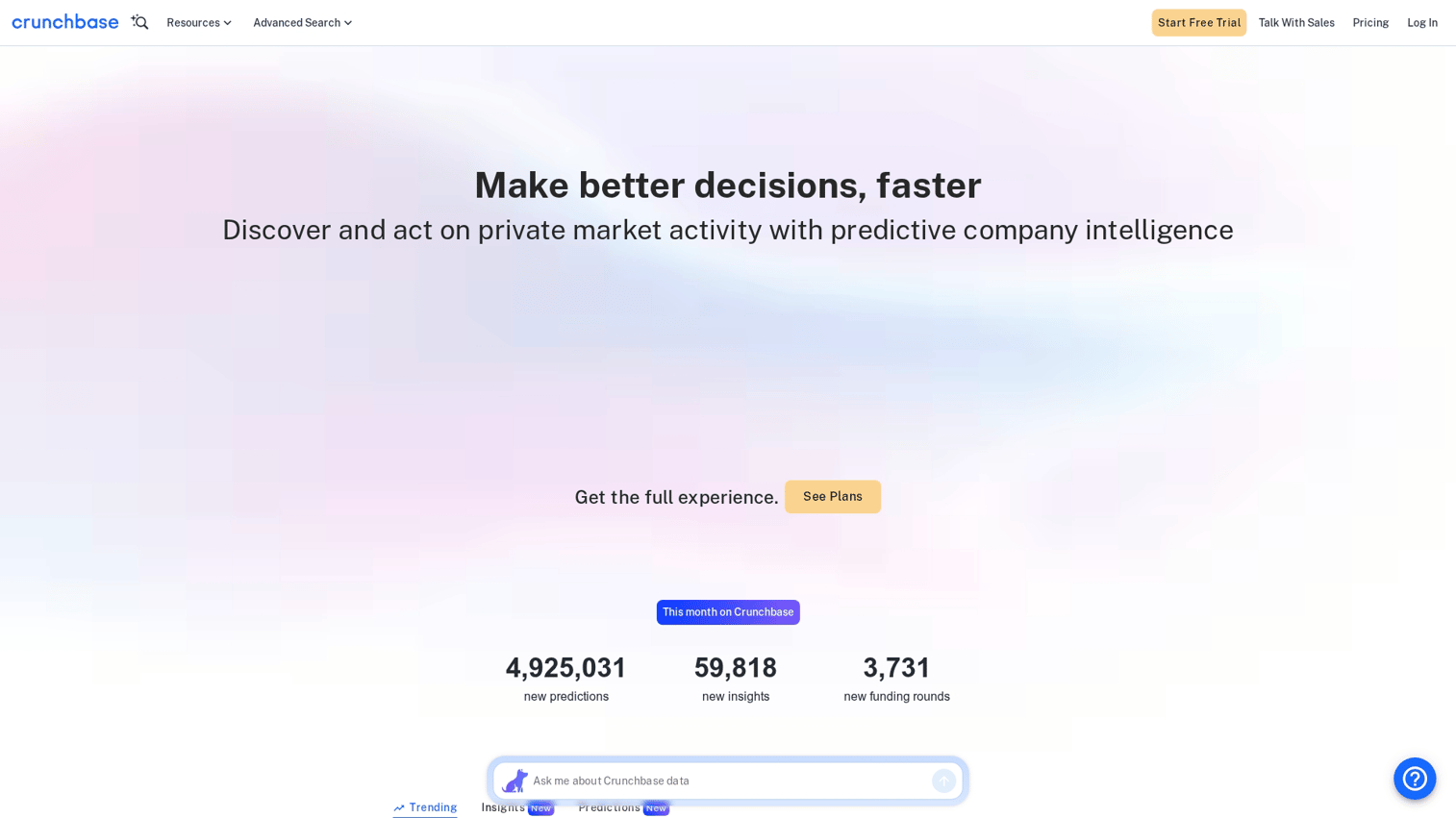
Crunchbase tracks company funding, investor relationships, and growth signals. The platform excels at identifying startups and tracking expansion indicators.
Best for: Teams targeting startups and growth-stage companies based on funding activity.
Key strengths
- Funding round data: Track Series A through IPO with investor details
- Investor relationships: See which VCs back your target accounts
- Company news alerts: Get notified when target accounts raise funding or make acquisitions
Why choose Crunchbase
Crunchbase works best when funding signals matter to your sales motion. If you sell to startups or use funding as a buying trigger, this data is hard to find elsewhere. Contact data is not included, so pair it with another tool for emails and phones.
Crunchbase pricing
Pro is $49 per month on annual billing or $99 per month on monthly billing. Business is $199 per month annual. Enterprise and API access are custom.
12. Lead411
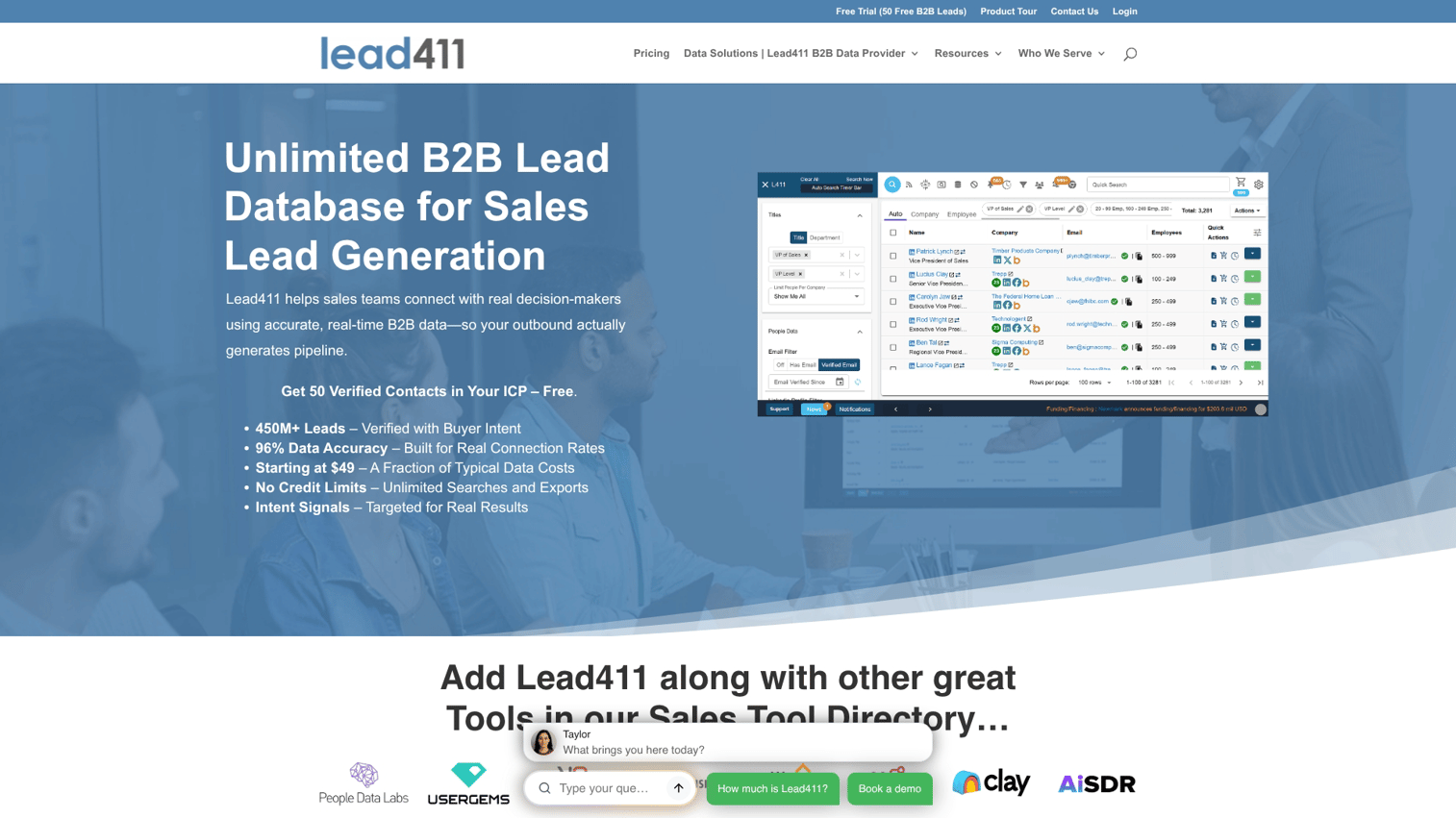
Lead411 emphasizes verified direct dials and trigger-based alerts. The platform includes phone numbers in its subscription rather than charging extra.
Best for: Sales teams that prioritize phone outreach and want verified direct dials included in their subscription.
Key strengths
- Phone number accuracy: Verified direct dials with higher connection rates
- Trigger alerts: Notifications for hiring, funding, and other buying signals
- Flat-rate pricing: Direct dials included without per-record charges
Why choose Lead411
Lead411 works well for teams doing heavy cold calling who want predictable costs. The database is smaller than ZoomInfo, making it better suited for SMB-focused prospecting than enterprise account coverage.
Lead411 pricing
Plans start at $99 per month. Buyer intent data requires annual commitment.
13. Datanyze
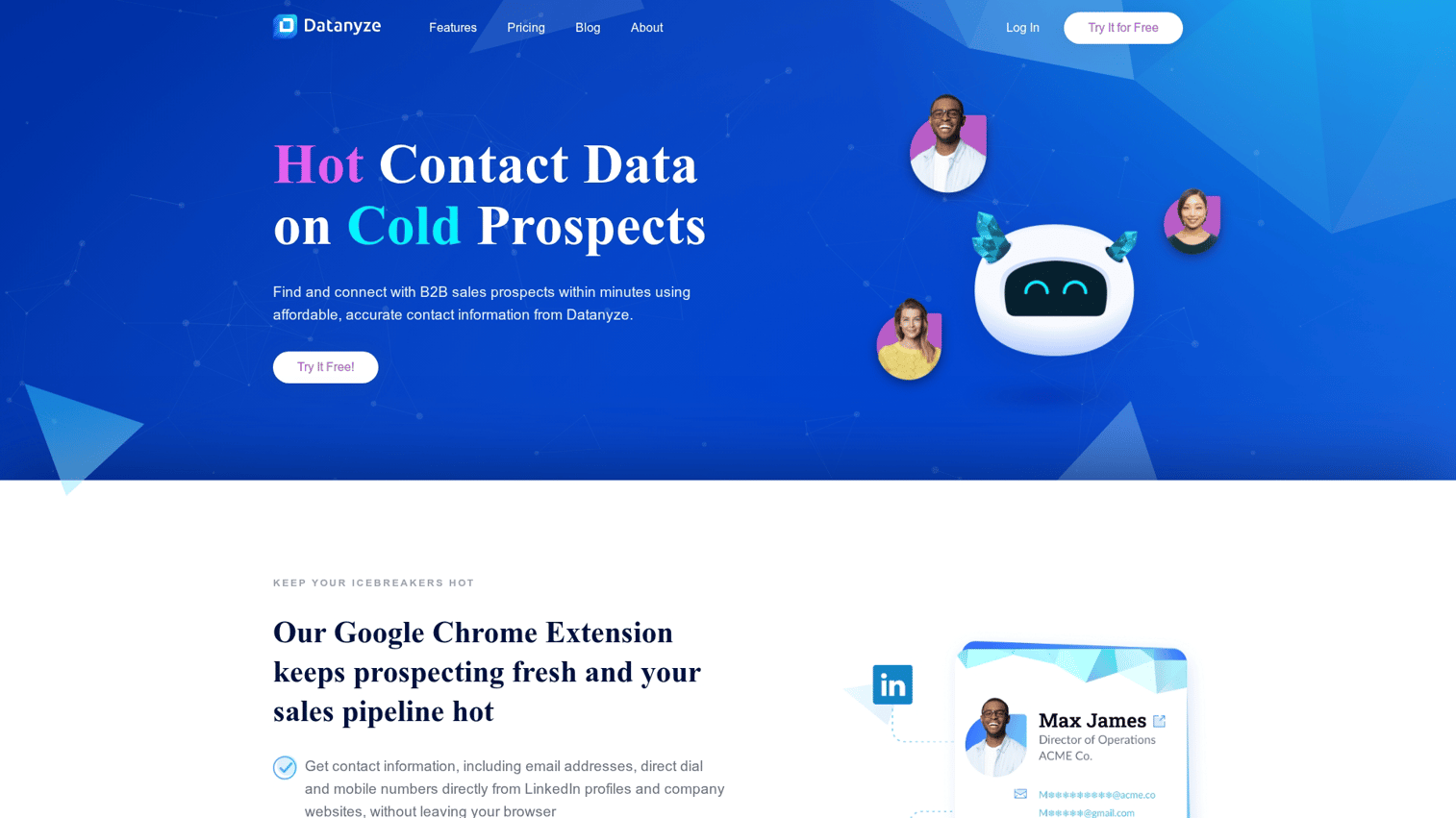
Datanyze focuses on technographic data, showing what software and technology companies use. ZoomInfo has owned Datanyze since 2018 and positions it as a budget-friendly entry point compared to the main ZoomInfo platform.
Best for: Reps selling to companies based on their current technology stack who want a low-cost Chrome-extension workflow.
Key strengths
- Technographic data: See what software companies use (CRM, marketing automation, etc.)
- Chrome extension: Enrich company profiles while browsing
- Affordable entry: Lower starting price than ZoomInfo's main platform
Why choose Datanyze
Datanyze makes sense when technology stack is your primary targeting angle. If you sell integrations or replacements for specific tools, this data helps you find the right accounts.
Once identified, live demos for sales teams can showcase those integrations in real-time, increasing conversion rates. The use case is narrower than general enrichment platforms, and contact freshness can lag.
Datanyze pricing
Nyze Pro 1 is $29 per month for 80 credits. Nyze Pro 2 is $55 per month for 160 credits. A free Nyze Lite trial is available without a credit card
14. UpLead
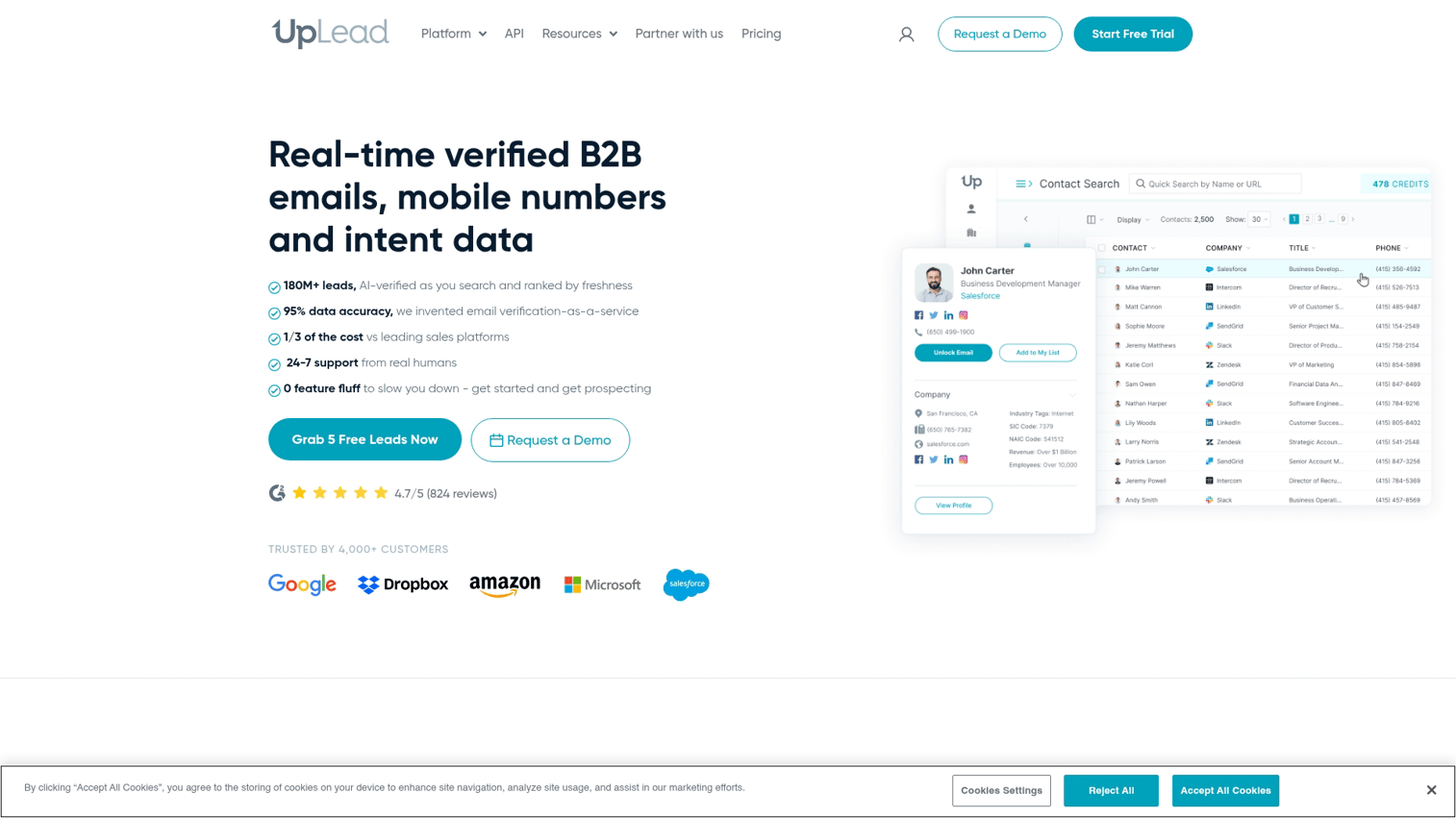
UpLead emphasizes data accuracy with real-time email verification and an accuracy guarantee. The platform offers pay-as-you-go options alongside subscriptions.
Best for: Teams that prioritize data accuracy and want verification guarantees.
Key strengths
- Real-time email verification: Validates emails at the moment of export
- Accuracy guarantee: Credits back for bounced emails
- Pay-as-you-go option: Purchase credits without a subscription commitment
Why choose UpLead
UpLead works well for teams burned by bad data from other providers. The accuracy guarantee reduces risk, and pay-as-you-go pricing suits teams with variable enrichment volume. Database size is smaller, so coverage gaps may appear in niche industries.
UpLead pricing
Plans start at $99 per month for the Essentials tier with 170 credits.
15. Adapt.io
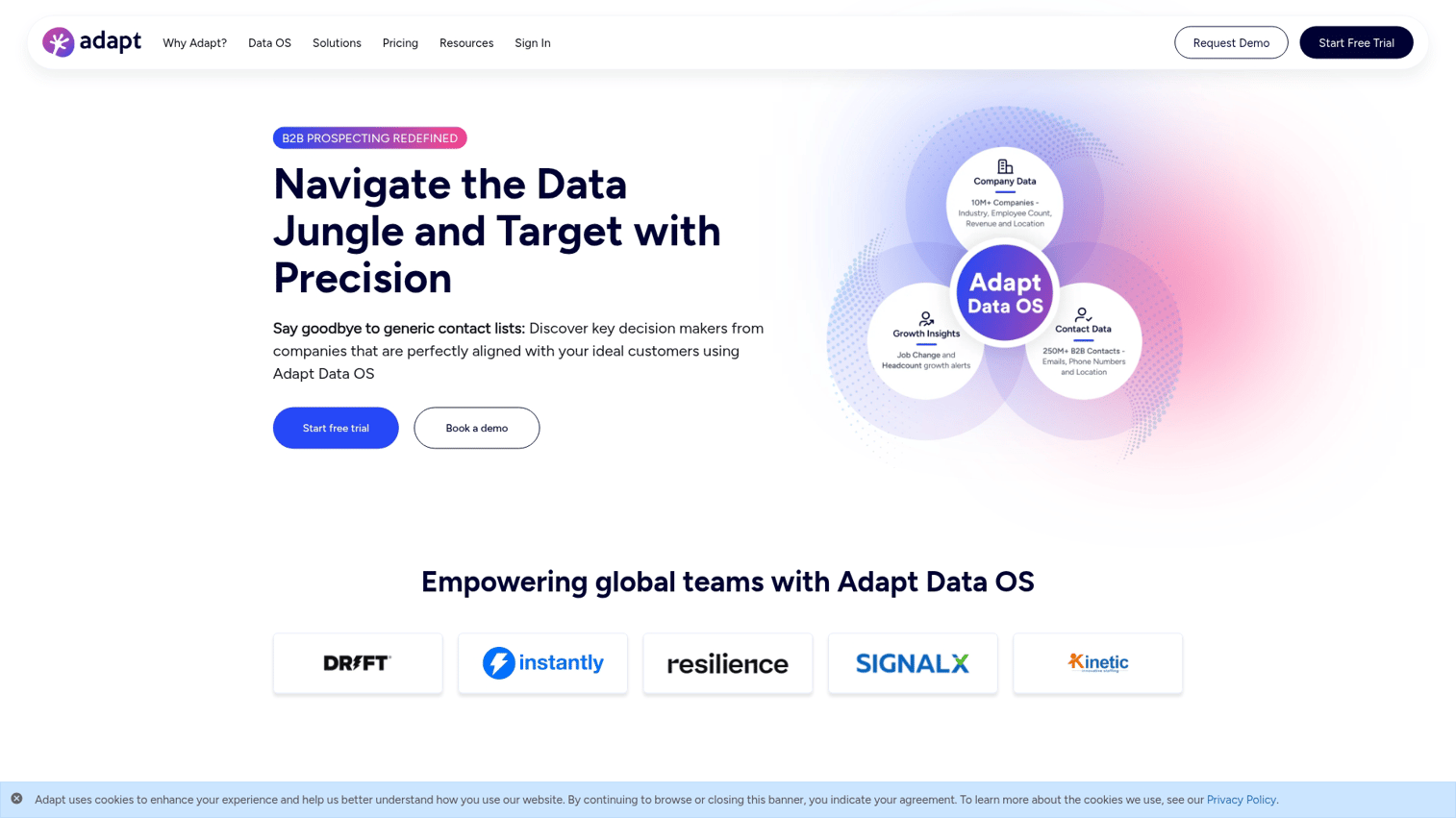
Adapt.io provides B2B contact and company enrichment with strong industry filtering. The platform targets mid-market sales teams that want reliable data without enterprise complexity.
Best for: Mid-market sales teams that want straightforward B2B enrichment with good industry coverage.
Key strengths
- Industry filtering: Strong categorization for targeting specific verticals
- CRM integrations: Native connectors for major platforms
- Contact and company enrichment: Both individual and account-level data
Why choose Adapt.io
Adapt.io works for teams that want solid enrichment without the complexity or cost of enterprise platforms. Brand recognition is lower than market leaders, so evaluate match rates for your specific ICP before committing.
Adapt.io pricing
Custom pricing based on usage and seats.
How data enrichment works
Understanding how data enrichment tools work helps you evaluate vendors and troubleshoot issues.
Where enrichment data comes from
Data enrichment providers aggregate information from multiple sources:
- Public sources: Company websites, SEC filings, press releases, job postings
- Licensed data: Business registries, credit bureaus, commercial data partnerships
- Crowdsourced: Opt-in contributor networks where users share contact information
- Social: LinkedIn profiles, Twitter bios, and other social platforms (where permitted)
The best providers combine multiple source types and cross-reference for accuracy.
Identity resolution and record matching
A raw email address or company name has to be matched to the right record in the provider's database. This matching uses two approaches.
Deterministic matching relies on exact identifiers: email domain matches company domain, or phone number matches a known record. Probabilistic matching uses patterns: name plus company plus title combination likely refers to a specific person.
Match rates vary by data quality. Clean inputs (verified email addresses) match better than messy inputs (partial names or generic company references).
Data freshness and decay rates
Contact data decays 22.5% to 70.3% annually as people change jobs, companies relocate, and phone numbers change. Recent time-series testing from continuous re-verification studies suggests real-world decay may run even higher. The best providers re-verify data on a rolling basis.
Ask vendors about their refresh cadence: How often do they re-validate emails? How quickly do they detect job changes?
How AI improves B2B data enrichment
AI capabilities are reshaping what data enrichment tools can do.
- Waterfall enrichment: AI routes each record through multiple data sources and selects the best match. Instead of relying on one provider's data, you get the best available result across dozens of sources.
- Personalization at scale: AI uses enriched data points to generate relevant outreach copy. AI can reference a prospect's recent funding round or technology stack in a first-line that feels researched, not templated.
- Predictive signals: AI models score accounts based on enriched firmographics and intent data. The models identify patterns that correlate with closed-won deals and surface similar accounts. For high-scoring technical buyers, sandbox demos for presales teams provide the hands-on validation they need to move forward.
AI capabilities work best when your enrichment data is accurate. AI amplifies good data and bad data equally.
How to integrate data enrichment with your CRM
Implementation matters as much as tool selection. Here is a practical sequence.
1. Audit your current data quality baseline
Run a report on your existing database. What percentage of records have phone numbers? Verified emails? Company size? Industry?
This baseline tells you what enrichment can improve and gives you a benchmark for measuring ROI.
2. Map enrichment fields to CRM properties
Decide which enriched fields you actually want. Direct dial? Company revenue? Technology stack? Employee count?
Create or map corresponding CRM fields before turning on enrichment. Unmapped data gets lost or creates duplicates.
3. Configure automation triggers
Set rules for when enrichment fires. Common triggers include:
- Enrich on lead creation (real-time for inbound)
- Enrich on stage change (refresh data before handoff)
- Enrich on manual request (for specific accounts)
- Scheduled batch enrichment (weekly database refresh)
4. Set up data validation rules
Prevent bad data from overwriting good data. If a rep manually verified a phone number, you probably do not want automated enrichment to replace it with an unverified one.
Use CRM workflow rules or enrichment tool settings to define override logic.
5. Monitor enrichment coverage over time
Track match rate and field fill rate weekly. If coverage drops below acceptable thresholds, investigate whether your ICP has shifted or whether the vendor's data quality has declined.
How to measure data enrichment ROI
Data enrichment tools cost money. Here is how to prove they are working.
- Match rate: Percentage of records successfully enriched. Low match rates suggest ICP mismatch or data quality issues.
- Field fill rate: Percentage of target fields populated post-enrichment. Tracks whether you are getting the specific data you want.
- Time saved: Reduction in manual research time per lead. Survey reps before and after implementation.
- Outbound response rate: Compare response rates before and after enrichment. Better data enables better personalization.
- Lead-to-opportunity conversion: Track whether enriched leads convert at higher rates than non-enriched leads.
Tie enrichment spend to pipeline impact, not just data completeness.
Which data enrichment platform fits your sales workflow
Your situation determines the right choice.
- If you want enterprise-scale contact databases: ZoomInfo, Apollo
- If GDPR compliance is non-negotiable: Cognism or Lusha
- If you want enrichment plus outreach in one tool: Apollo or Snov.io
- If you want AI-powered workflow automation: Clay
- If you target startups and track funding signals: Crunchbase
- If your team runs mature ABM motions: 6sense or Demandbase
- If you need identity resolution across fragmented customer data: FullContact
- If you are already on HubSpot and want inbound form enrichment: Breeze Intelligence
- If budget is tight and you want quick contact lookups: Lusha, UpLead, or Datanyze
Once your CRM data is enriched, the next challenge is showing prospects your product's value. A demo center for sales teams can help you deliver those personalized product experiences at scale.
Interactive demos let prospects experience your product immediately after you reach out, converting enriched leads into pipeline without waiting for a scheduled call.
Start your free Guideflow trial to see how self-serve demos complement your enrichment strategy.
FAQs about data enrichment tools
A marketing team captures a lead's email on a form, and the enrichment tool appends the lead's job title, company name, company size, and direct phone number within seconds.
Most teams re-enrich quarterly for existing records and in real time for new inbound leads, since contact data decays as people change jobs.
Most B2B enrichment tools focus on work emails and direct dials. Personal email enrichment raises compliance concerns under GDPR and CCPA.
Data cleansing removes duplicates, fixes formatting, and deletes invalid records. Data enrichment adds new information to existing records.
Accuracy varies by vendor and region. Top providers claim verified email deliverability and phone connection rates, but always test with a sample from your target market before committing.
Yes, most major data enrichment tools offer native integrations or APIs for HubSpot, Salesforce, and other popular CRMs.
Firmographic enrichment appends company-level attributes like industry, employee count, annual revenue, and headquarters location to your account records.
Compliant providers source data from public records, opt-in contributor networks, and licensed partnerships. They provide audit trails for data origin upon request.