
A packaging artwork lives across email threads, shared drives, PDF markups, and a translation agency you only talk to twice a quarter. Then the SKU launches in a new region, a regulatory requirement changes, and someone realizes the version on the printer is two revisions behind the one legal approved. The rework starts. The launch date slips.
That pattern is expensive, and it is getting more common. The artwork management software market was valued at US$551.06 million in 2022 and is projected to reach US$1,128.58 million by 2030, a 9.4% CAGR, according to The Insight Partners. Demand is climbing because packaging is getting more complex: more SKUs, more markets, more languages, and more compliance checks per release.
Label and artwork management software fixes the root problem. It gives packaging, regulatory, and brand teams a single source of truth for artwork files, approvals, version history, and packaging copy, with the audit trail to prove who signed off on what and when. Instead of chasing approvals through inboxes, you route them through a governed workflow that everyone can see.
This guide is for product managers and packaging operations leads who already know the category and now need to shortlist vendors. We compare seven tools on the things that actually decide a deal: workflow automation, version control, compliance readiness, proofing depth, and how well each one plugs into your existing systems. Teams evaluating broader software stacks often pair these with contract management software and e-signature software for the approval and sign-off layers that surround packaging workflows.
What's inside
This guide compares seven label and artwork management software applications built for packaging teams, regulatory affairs, and brand operations. Each tool earned its spot based on how it handles the core jobs of the category, not on marketing claims.
We evaluated every option against five criteria:
- Workflow automation and packaging approval workflow control
- Version control for packaging artwork and full audit trails
- Compliance readiness for regulated industries
- Integration depth across ERP, PLM, PIM, and QMS systems
- Proofing depth, including AI-assisted validation and collaboration
Tools were selected from the live search results and the overlap among vendors that consistently surface for this category. For more category breakdowns like this one, browse our full library of best tools guides.
TL;DR
Short on time? Here are the quick picks by use case.
- Best for packaging artwork management with deep AI proofing: ManageArtworks, with image compare, text compare, barcode checks, and a strong DAM.
- Best for enterprise labeling across the supply chain: Loftware, built for ERP, WMS, MES, and PLM integration at scale.
- Best for structured artwork approval and centralized collaboration: Esko WebCenter, with version control and audit-ready workflows.
- Best for label design and print governance: BarTender, for teams whose job is label execution and print automation.
- Best for centralized label print management: TEKLYNX CENTRAL, for controlling design, approval, and output across sites.
- Best for regulated enterprise labeling content: Kallik, for asset and phrase management with a full audit log.
What is label and artwork management software?
Label and artwork management software is a system that centralizes packaging and label artwork, routes it through structured approval workflows, and maintains a complete version history and audit trail across the artwork lifecycle.
In business terms, an artwork management system replaces scattered files and manual handoffs with one governed environment. Teams control packaging assets, route approvals to the right reviewers, maintain traceability for compliance, and cut the rework that comes from working off the wrong version. Centralized artwork management is the difference between knowing exactly which file is live and guessing.
Core capabilities to expect from a packaging artwork management platform:
- Artwork workflow management: Automated routing, reminders, and stage gates so approvals move without manual chasing.
- Version control: A single, current source of truth with a clear history of every revision.
- Audit trail for artwork approvals: A timestamped record of who reviewed, edited, and signed off, often with electronic signatures.
- Compliance readiness: Controls that support regulated content, traceability, and verification before print.
- Multilingual packaging copy management: Central control of packaging copy across regions, channels, and SKUs.
- Enterprise integrations: Connections to ERP, PLM, PIM, and QMS systems so artwork stays in sync with product data.
It helps to know how this differs from a DAM or PLM alone. A digital asset management tool stores and organizes files, but it does not govern packaging approval workflows or hold a compliance-grade audit trail. PLM manages product structure and BOM data, but it is not built for proofing artwork or routing label sign-offs. A dedicated artwork management system sits between them, focused on the approval, proofing, and traceability layer that packaging teams live in. The same governance logic shows up in adjacent categories like contract lifecycle management software, where structured approvals and audit trails are equally central.
When to use label and artwork management software
Not every team needs a dedicated platform on day one. These three situations are the clearest signals that you do.
Centralize packaging approvals
When reviews happen across email, chat, and marked-up PDFs, things slip. A reviewer misses a thread, a comment gets buried, and two people approve different versions. The result is delay and confusion at exactly the moment you need speed.
A label and artwork management system moves every approval into one governed packaging approval workflow. Reviewers get notified, see the current file, and leave annotations in context. You can tell at a glance which stage a project is in and who is holding it up. For a team launching dozens of SKUs across regions, that visibility alone removes a major source of missed deadlines.
Manage regulated content and audit trails
Regulated industries cannot afford a paper trail with gaps. If an auditor asks who approved a specific claim on a pharma carton, you need an answer in seconds, not a search through old inboxes.
These platforms support compliance for packaging artwork through several controls:
- A complete audit trail for artwork approvals, with timestamps on every action
- Electronic signatures tied to named reviewers
- Access controls so only the right people can edit or approve
- Verification steps and proofing checks before a file goes to print
- Traceability that connects each artwork version to its approval history
This matters most in pharma, food and beverage labeling regulations, cosmetics, and consumer goods, where a labeling error can trigger a recall or a regulatory penalty.
Control multilingual and versioned packaging copy
When the same product ships to ten markets, the copy multiplies. Each region needs its own language, its own regulatory phrasing, and sometimes its own SKU. Managing that in spreadsheets is how errors creep onto shelves.
Centralized multilingual packaging copy management solves several problems at once:
- Translation handoffs that lose context or version sync
- Copy updates that need to propagate across many SKUs at once
- Regional regulatory phrasing that must stay accurate per market
- Version drift between the approved copy and the artwork in production
When copy lives in one system and feeds the artwork, a change in one place updates everywhere it should, and nowhere it should not.
Comparison table
Here is how the seven tools stack up. The list is sorted by relevance to core packaging and artwork management needs, with the deepest artwork-specific platforms first and label execution tools after. Pricing and ratings reflect publicly available information at the time of writing and can change, so confirm current figures with each vendor.
| # | Product | Intent | Key differentiation | Pricing | G2 rating |
|---|---|---|---|---|---|
| 1 | ManageArtworks | Packaging artwork management with AI proofing | Image, text, and barcode comparison plus DAM and copy management | From $399/month | 4.4/5 |
| 2 | Loftware | Enterprise labeling and artwork across supply chains | Deep ERP, WMS, MES, and PLM integration | Custom | 4.3/5 |
| 3 | Esko WebCenter | Structured artwork approval and collaboration | Centralized versioning, approvals, and audit readiness | Custom | 4.3/5 |
| 4 | BarTender | Label design and print automation | Barcode, RFID, and print governance | Custom, free trial | Not listed |
| 5 | TEKLYNX CENTRAL | Centralized label print management | Design, approval, printing, and reporting in one system | Custom | 4.5/5 |
| 6 | Kallik | Regulated enterprise labeling content | Asset and phrase management with full audit log | Custom | Not rated |
1. ManageArtworks
ManageArtworks is a packaging artwork management platform built for regulated industries, and it combines workflow, digital asset management, copy management, and proofing in one place. It is one of the few tools in the category where the AI proofing depth is a genuine differentiator rather than a checkbox. For packaging and regulatory teams that spend hours comparing revisions by eye, that depth changes the daily workflow.
The platform pairs a digital asset library with structured artwork workflow management, so files, approvals, and packaging copy all live together. Proofing is where it stands out: image compare, text compare, and barcode validation catch the errors that slip past manual review. Annotation tools keep feedback in context, and the workflow engine routes each stage to the right reviewer with the audit trail attached.
Best for: Food, CPG, cosmetics, and pharma teams managing packaging artwork workflows and approvals.
Key strengths
- Proofing and DAM: AI-assisted image, text, and barcode comparison sits alongside a central digital asset library.
- Workflow automation: Approvals route automatically through defined stages with reminders and visibility.
- Version control and audit trails: Every revision and sign-off is tracked, supporting compliance for packaging artwork.
Why choose ManageArtworks: If proofing accuracy is your bottleneck, this is the strongest fit on the list. The combination of AI comparison tools and a built-in DAM means regulated teams catch labeling errors before print and keep a defensible record of every decision. It fits teams that need both speed and traceability, not one at the expense of the other.
ManageArtworks pricing: Public pricing shows three tiers in USD, EUR, and INR, with monthly and yearly views. The PRO plan starts at $399 per month and the Growth plan at $499 per month, both supporting up to 10 users. A Custom plan is available for larger needs through sales, and a free trial is offered to test the platform before committing.
2. Loftware
Loftware treats labeling and artwork management as connected supply chain infrastructure rather than a standalone design tool. It is built for enterprises that need consistent, compliant labeling across many sites and systems, with artwork management woven into the broader labeling and product identification ecosystem. For organizations where labels and artwork touch operations, regulatory, and the supply chain, that scope is the point.
The platform handles cloud-based label design, management, and printing alongside artwork workflow control. Its real strength is connection: Loftware integrates with ERP, WMS, MES, and PLM systems so artwork and label data stay in sync with the rest of your operations. Compliance, version control, approvals, and audit trails come built in for regulated environments. If integration breadth is a priority across your stack, the way modern platforms approach connecting to existing systems is worth studying as a benchmark.
Best for: Enterprises needing regulated, high-compliance labeling across multiple sites and systems.
Key strengths
- Enterprise integration depth: Native connections to ERP, WMS, MES, and PLM keep artwork aligned with product and operations data.
- Cloud-based labeling and artwork: Design, manage, and print labels with artwork governance in one connected platform.
- Compliance and audit trail: Version control, approvals, and traceability support regulated supply chains.
Why choose Loftware: When labeling spans factories, regions, and enterprise systems, the integration story matters more than any single feature. Loftware fits teams that need artwork and labels to move in lockstep with ERP and supply chain data, with compliance controls that hold up across sites. It is the choice for operations-heavy organizations, not just brand teams.
Loftware pricing: Loftware does not publish pricing on its site. Plans are scoped through a demo or sales conversation based on your deployment, sites, and integration requirements. Request a demo to get a quote matched to your environment.
3. Esko WebCenter
Esko WebCenter is a packaging artwork management and approval platform built around centralized collaboration and traceability. Esko products drive innovation and automation for packaging design and print processes for brand owners and packaging manufacturers, and WebCenter is the workflow and content layer that ties artwork creation to controlled approvals. For teams that need structured sign-offs across internal and external stakeholders, it is a strong fit.
The platform centralizes information, approvals, digital rights, and file versions in one place. Version control keeps the current artwork unambiguous, while reminders and annotations keep reviewers moving without manual chasing. WebCenter comes in packaging workflow options for converters, growing brands, and enterprises, and it integrates with Esko tools and MIS or ERP systems. Teams that lean on collaboration features to keep reviewers in sync will recognize the value of this centralized approach.
Best for: Packaging and label teams needing a centralized artwork workflow.
Key strengths
- Centralized control: Information, approvals, digital rights, and file versions managed in a single environment.
- Workflow options by scale: Configurations for converters, growing brands, and enterprises.
- Integration ready: Connects with Esko tools and MIS or ERP systems.
Why choose Esko WebCenter: WebCenter fits teams whose primary need is a governed artwork approval system that brings internal and external reviewers into one process. The version control and audit-ready collaboration are built for packaging environments where many stakeholders touch each file. If structured approval and traceability are your priority, it is a natural shortlist candidate.
Esko WebCenter pricing: Esko does not display public pricing for WebCenter. The product page uses a discovery-call approach, so pricing is scoped to your version, scale, and integration needs through a conversation with their team.
4. BarTender
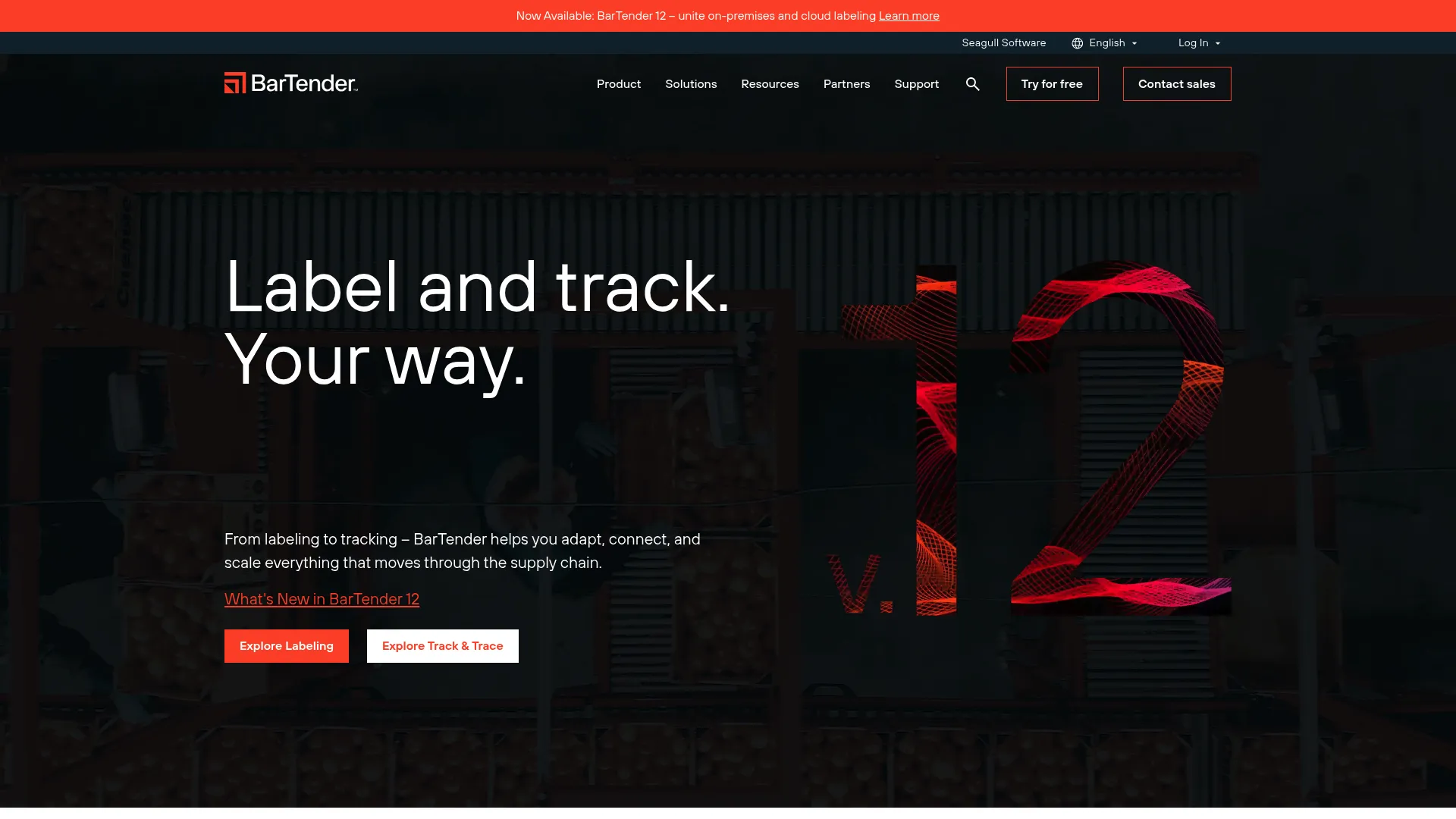
BarTender by Seagull Scientific sits on the label execution side of the ecosystem. It enables organizations to improve safety, security, efficiency, and compliance by creating and automating labels, barcodes, RFID tags, plastic cards, and more. Where the artwork-first platforms focus on approval and proofing, BarTender focuses on designing and printing the label that goes on the product.
This distinction matters when label execution is part of the buying job, not just artwork approval. BarTender handles label design, print automation, and system integration, with strong support for barcodes and RFID. For teams whose pain is reliable, governed printing at scale rather than multilingual copy routing, it covers the right work. Teams that also generate scannable codes at volume may want to pair it with one of the best QR code generator tools.
Best for: Organizations needing enterprise label design, printing, and automation.
Key strengths
- Label design and printing: Create and produce labels with precise control over output.
- Automation and integration: Automate print workflows and connect to business systems.
- RFID and barcode support: Generate and validate barcodes and RFID tags for traceability.
Why choose BarTender: Pick BarTender when the job is print governance and label execution rather than artwork proofing and approval routing. It is the right tool for teams that need consistent, automated label output across operations, with the barcode and RFID support that supply chain and manufacturing environments demand. It pairs well with an artwork system rather than replacing one.
BarTender pricing: BarTender offers four paid editions, Starter, Professional, Automation, and Enterprise, plus a free 30-day trial. The company sells through resellers and integrators, so numeric pricing is not published on the site. Contact a reseller for an edition and quote that match your printing and automation needs.
5. TEKLYNX CENTRAL
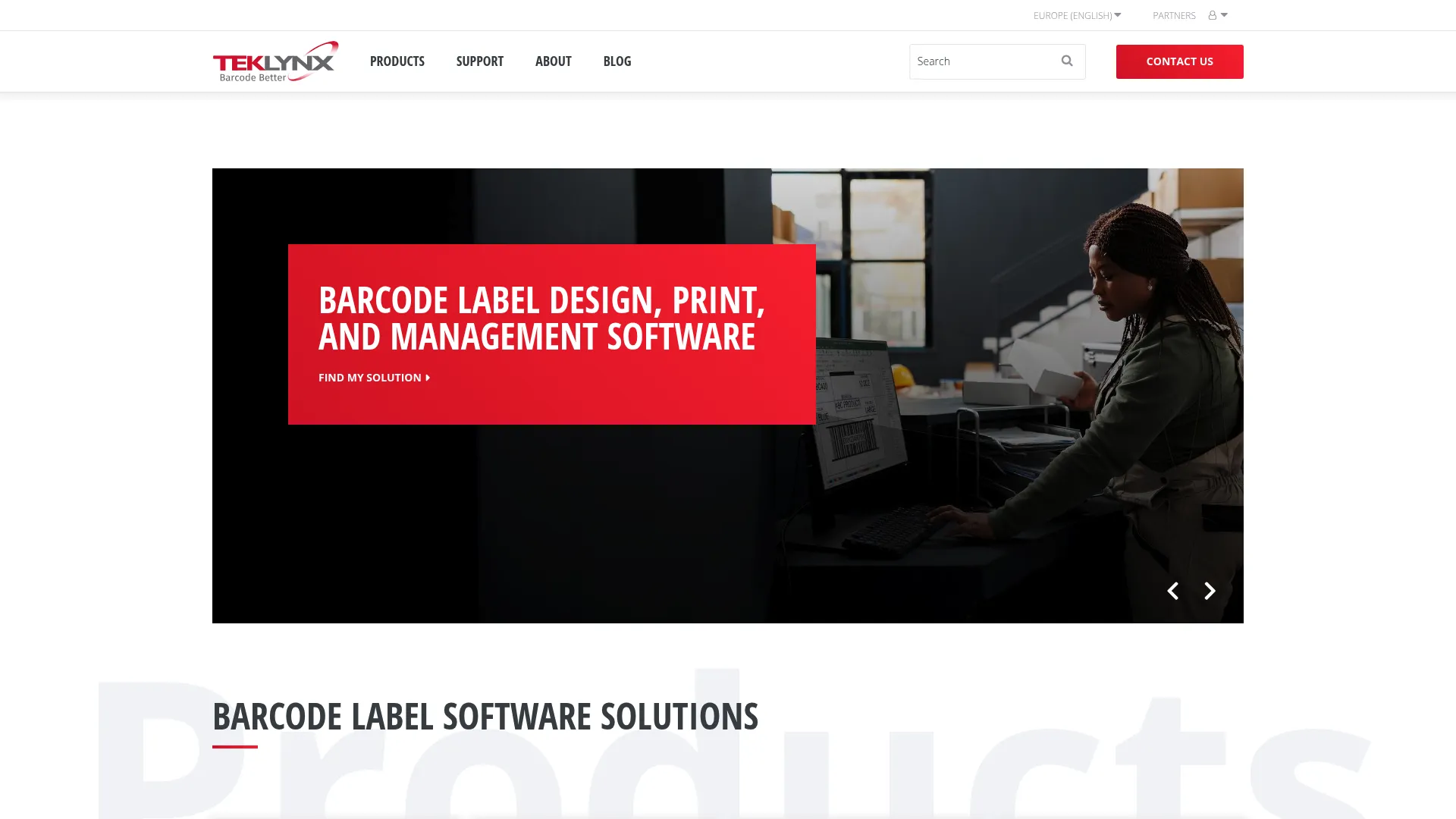
TEKLYNX CENTRAL is a centralized enterprise label management platform that brings label design, printing, traceability, approval, and reporting into one system. For organizations with complex labeling requirements across multiple users, printers, and sites, that consolidation is the value. It governs how labels get created, approved, and deployed rather than leaving each step in a separate tool.
The platform supports browser-based label printing, label design, traceability, and print automation, with version history and an audit trail behind it. That combination gives operations teams control over label output and template management, so the right template prints the right way every time. Approval steps keep changes governed before anything reaches the print floor.
Best for: Enterprise teams centralizing complex label management across multiple users, printers, and sites.
Key strengths
- Browser-based printing: Print labels across sites without heavy local installs.
- Design, traceability, and automation: Control label creation and output with traceability built in.
- Version history and audit trail: Track template changes and approvals for accountability.
Why choose TEKLYNX CENTRAL: Choose TEKLYNX CENTRAL when label output governance is the core need and you have many users and printers to coordinate. It fits operational teams that need controlled label creation, approval, and deployment with a clear audit trail, especially where template consistency across sites is a compliance concern. It is print management with governance, not artwork proofing.
TEKLYNX CENTRAL pricing: TEKLYNX does not publish a public price on its product page. Licensing is structured around printers, print users, design users, approval users, and administrators, so pricing depends on your user and printer mix. Contact TEKLYNX for a quote scoped to your deployment.
6. Kallik
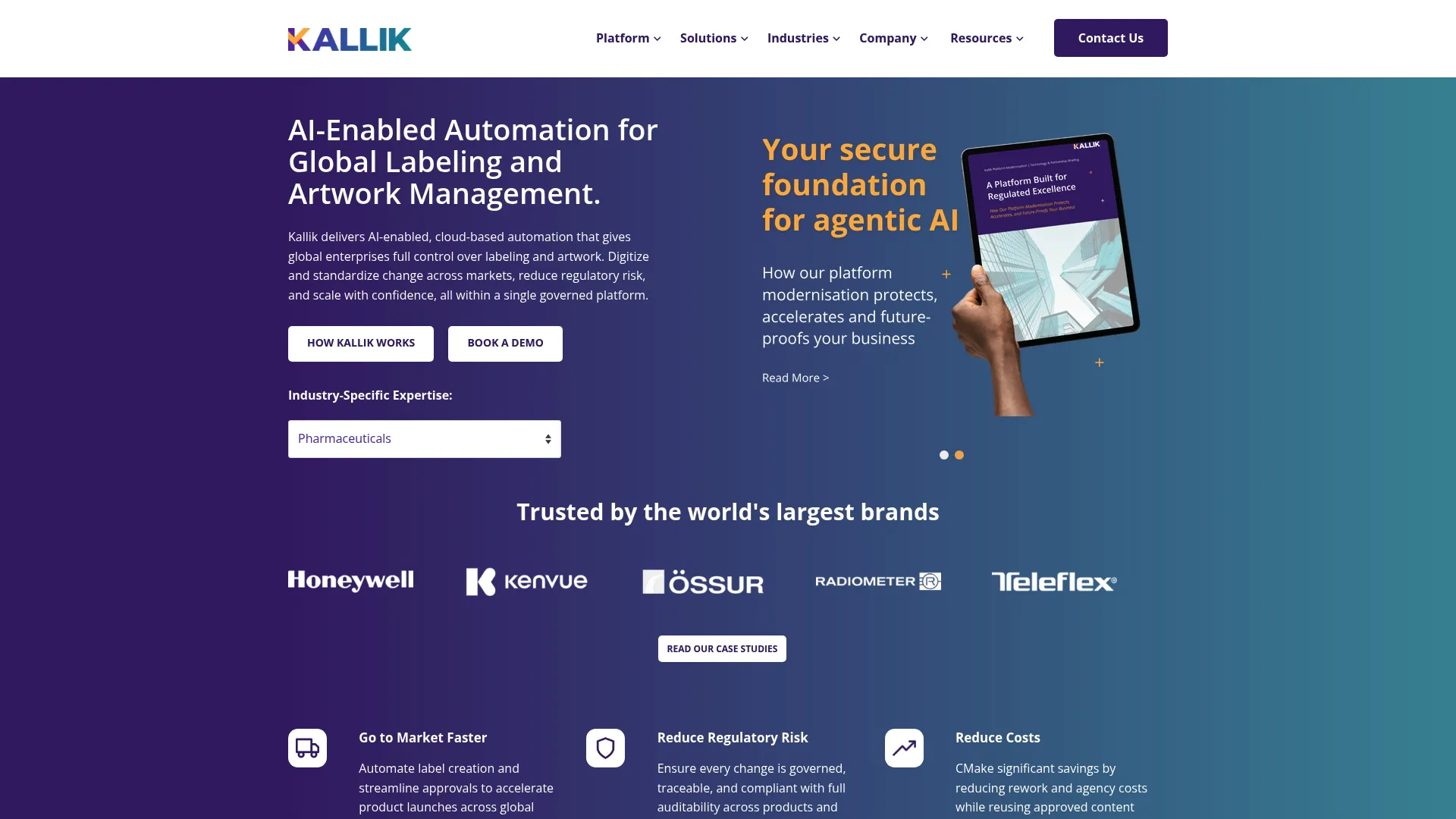
Kallik is enterprise cloud software for labeling and artwork management aimed squarely at regulated industries. Its focus is content accuracy and governance: keeping labeling and artwork consistent and controlled across complex, global organizations. For large enterprises where a single phrase error can cascade across hundreds of SKUs, that content control is the differentiator.
The platform centers on asset and phrase management, automatic label generation, and a full audit log. Managing approved phrases and assets centrally means a regulatory change updates everywhere it should, and the audit log records every action for compliance. Automatic label generation reduces the manual effort of building variants for each market.
Best for: Large regulated enterprises needing controlled labeling and artwork workflows.
Key strengths
- Asset and phrase management: Centralized control of approved phrases and assets across markets.
- Automatic label generation: Build label variants without rebuilding each one by hand.
- Full audit log: A complete record of every action for compliance and traceability.
Why choose Kallik: Kallik fits regulated enterprises where consistent, governed labeling content across many products and regions is the central challenge. The phrase management approach is built for organizations that need a single approved source for regulatory language, with an audit log to back every change. It is content governance at enterprise scale rather than a lightweight artwork tool.
Kallik pricing: Kallik does not publish pricing on its website, and pricing is obtained directly from the seller. Because deployments are enterprise-scale and tailored to regulated requirements, expect a scoped quote based on your organization's size and compliance needs. Contact Kallik to discuss a fit for your environment.
Considerations before you buy
The right tool depends on the job you are actually solving. Run any shortlist through these criteria before you commit.
Map the tool to your core job
Artwork approval and label execution are different problems. If your pain is proofing and multilingual copy routing, lead with artwork-first platforms like ManageArtworks or Esko WebCenter. If it is print governance, BarTender and TEKLYNX CENTRAL are built for that. Buying the wrong category is the most common and costly mistake.
Verify the compliance depth you need
Regulated teams should confirm the audit trail for artwork approvals captures every action with timestamps, supports electronic signatures, and enforces access controls. Ask how the system handles verification before print and whether it meets the specific standards your industry requires. Generic version history is not the same as compliance-grade traceability. If electronic sign-offs are central to your process, our roundup of the best e-signature software breaks down the options.
Check integration fit with your stack
Integration depth varies widely. Confirm the tool connects to your ERP, PLM, PIM, and QMS systems the way you need, not just on a feature list. Loftware leads on enterprise integration breadth, but every vendor's connectors should be validated against your actual systems before purchase.
Pressure-test the approval workflow
A packaging approval workflow should match how your team really reviews artwork, including external stakeholders. Verify the workflow engine supports your stage gates, reminders, and annotation needs without forcing your process into a rigid mold. Run a real artwork through a trial if one is available.
Conclusion
There is no single best tool here, only the best fit for your job. If proofing accuracy and packaging artwork management are your bottleneck, ManageArtworks brings the deepest AI comparison tools with a built-in DAM. If you need labeling and artwork connected across an enterprise supply chain, Loftware's ERP, WMS, MES, and PLM integration is hard to beat. For structured artwork approval and centralized collaboration, Esko WebCenter is built for the job.
On the label execution side, BarTender owns print automation and barcode governance, TEKLYNX CENTRAL centralizes label print management across users and sites, and Kallik handles regulated labeling content at enterprise scale.
Your next step is simple: shortlist two tools that match your core job, then run a real artwork or label through a trial or demo. Pressure-test the approval workflow, the audit trail, and the integrations against your actual systems before you sign. The vendor that fits your process will save you more rework than any feature list promises.
FAQs
Label and artwork management software centralizes packaging and label artwork, routes it through structured approval workflows, and maintains a complete version history and audit trail. It replaces scattered files and email approvals with one governed system. Packaging, regulatory, and brand teams use it to control assets, speed up sign-offs, and reduce rework from version errors.
A digital asset management tool stores, tags, and organizes files, but it does not govern packaging approval workflows or hold a compliance-grade audit trail. An artwork management system adds the approval routing, proofing, and traceability that packaging teams need before a file goes to print. In short, a DAM organizes assets, while artwork management controls how they get reviewed and approved.
The essentials are workflow automation, version control, a complete audit trail, and proofing depth. Workflow automation routes approvals without manual chasing, version control keeps the current file unambiguous, and the audit trail records every sign-off. Proofing tools like image, text, and barcode comparison catch errors before they reach the printer.
Version control guarantees everyone works from the current approved file, which removes the most common cause of costly reprints. An audit trail records who reviewed, edited, and approved each version, with timestamps and often electronic signatures. Together they give teams a defensible record for compliance and a clear answer to who signed off on what.
Regulated and packaging-heavy industries benefit most: pharmaceuticals, food and beverage, cosmetics, and consumer goods. These sectors face strict labeling rules where an error can trigger a recall or penalty. Any business managing many SKUs across multiple markets and languages will see value from centralized artwork and copy control.
For enterprise teams, integrations are often the deciding factor. ERP integration keeps artwork aligned with product and order data, while PLM integration ties it to product structure and BOM information. PIM and QMS connections extend that alignment to product content and quality processes, so artwork stays in sync with the rest of your operations rather than drifting in a separate system.
Regulated teams should prioritize a compliance-grade audit trail, electronic signatures, and strict access controls. Confirm the system supports verification steps before print and meets the specific standards your industry requires. Multilingual copy management and traceability across versions matter too, since regulated content often varies by market and must stay consistent across every SKU.