Your new reps finished onboarding three weeks ago. Half still can't articulate the value prop. One just gave a prospect last quarter's pitch. And you have no dashboard that tells you which module caused the drop-off.
This is the operational reality for most Sales Enablement Managers: Training content exists, but it's scattered across shared drives, outdated decks, and one-off Slack messages. Nobody owns it. Reps ignore it unless it's tied to a live deal. Managers have no time to enforce it.
The market is responding. According to Atrixware (2025), 83% of companies now use a learning management system to manage training programs, and 42% are actively upgrading or replacing their current one. The LMS market is projected to grow from $28.6B in 2025 to $70.8B by 2030, per Atrixware.
But raw market growth doesn't solve your problem. Choosing the wrong employee training platform means you get a system reps won't open, admins can't maintain, and leadership can't measure.
This guide cuts through the noise. It's built for sales enablement and adjacent teams who need training software that improves ramp time, certification completion, and behavior change in the field, not just course delivery metrics.
What's inside
This guide covers the 8 most relevant employee training software tools for 2026, evaluated through a sales enablement lens.
- Who this is for: Sales Enablement Managers, RevOps, and sales operations teams responsible for rep readiness, onboarding, and ongoing training
- How tools were selected: G2 rating, verified pricing, relevance to ramp and readiness use cases, and fit across team sizes
- Selection criteria: ease of administration, role-based learning paths, training analytics, and CRM or stack integrations
- What's not here: generic HR platforms with no connection to sales outcomes
TL;DR
- Best overall for fast ramp and adoption: TalentLMS offers a free tier, AI-assisted course creation, and straightforward admin, making it the top pick for most enablement teams
- Best for standardizing onboarding and SOPs: Trainual organizes process docs, role-based paths, and accountability in one place
- Best for hands-on demo practice and product training: Guideflow lets reps rehearse live product demos with interactive, sandboxed experiences that reinforce training
- Best for collaborative content creation: 360Learning lets subject-matter experts build and update training together, starting at $8/user/month
- Best for enterprise reporting and scale: Absorb LMS suits mid-market and enterprise teams with complex governance and reporting requirements
- Best for frontline and deskless teams: Connecteam reaches field reps on mobile with a free plan for small teams
- Best for quick course authoring: iSpring Learn is built for teams that want to publish courses fast without a steep learning curve
- Best for large organizations with deep governance: Docebo handles multi-audience training programs at enterprise scale
What is employee training software?
Employee training software is a platform that lets organizations create, assign, deliver, and track training programs for their workforce.
Also referred to as a learning management system or employee training management system, these platforms replace scattered training files and manual tracking with structured, measurable programs. For sales enablement, the value isn't just course delivery. It's having a system that maps training to rep stage, measures completion and behavior change, and holds up when product messaging shifts or a new hire cohort arrives.
Core capabilities to look for:
- Course creation: Build structured modules, quizzes, and certifications, with AI-assisted authoring on most modern platforms
- Automated assignments: Route training to the right person at the right stage without manual intervention
- Role-based learning paths: Separate content for new AEs, SDRs, managers, or regional teams, each following a relevant sequence
- Training analytics and dashboards: Track completion rates, quiz scores, time-on-module, and behavior indicators at the individual and team level
- Integrations: Connect to CRM, HRIS, SSO, and communication tools so training data flows into the systems where decisions are made
- Mobile access: Support reps who need to complete training between calls or in the field
- Compliance and security: Control access, manage content versioning, and meet audit requirements for regulated industries
What separates a strong employee training platform from a file storage tool is governance. You need version control, ownership assignment, content expiration, and the ability to prove to leadership that a specific training program changed behavior in the field.
When to use employee training software
Onboard new hires and compress ramp time
Structured onboarding paths cut the time between day one and first productive meeting. Without a training management system, new reps piece together their own understanding from whatever they can find. With one, you define the path, set checkpoints, and measure where confusion happens. The result is a repeatable ramp cycle you can actually improve.
Roll out new messaging and product updates
Launches fail when the field is still running the old story. Employee training software lets you push updated talk tracks, battlecards, and product narratives as a structured module, assign it to the right reps, and confirm who's certified before they're in front of buyers. This is how enablement teams maintain message consistency during rapid change.
Track certification and prove training impact
Completion tracking answers the basic question: Did they do it? But the better systems go further, showing quiz performance, engagement patterns, and correlation between training completion and deal stage progression. When leadership asks whether enablement is working, training analytics give you something beyond attendance logs.
Employee training software comparison
The table below compares all 8 tools on the criteria that matter most for a sales enablement buyer: Who they're best for, the key differentiator, current pricing, and G2 rating.
| # | Product | Best for | Key differentiator | Pricing | G2 rating |
|---|---|---|---|---|---|
| 1 | Guideflow | Demo practice and product training | Interactive, sandboxed demo rehearsal | Free tier; paid from $35/mo | 5.0/5 |
| 2 | TalentLMS | Fast ramp, broad usability | AI course creation plus a free tier | From $119/mo | 4.6/5 |
| 3 | Trainual | SOP-based onboarding | Process docs mapped to roles | Custom pricing | 4.7/5 |
| 4 | 360Learning | Collaborative content creation | Peer-driven authoring with AI assist | From $8/user/mo | 4.6/5 |
| 5 | Absorb LMS | Enterprise training management | Configurable reporting and add-ons | Custom pricing | N/A |
| 6 | Connecteam | Frontline and deskless teams | Mobile-first with a free small-team plan | From $29/mo | 4.6/5 |
| 7 | iSpring Learn | Quick course authoring | Fast publishing with quiz and SCORM support | Custom pricing | 4.5/5 |
| 8 | Docebo | Large-scale governance | Multi-audience AI platform at enterprise scale | Custom pricing | 4.3/5 |
Best 8 employee training software tools for 2026
1. Guideflow
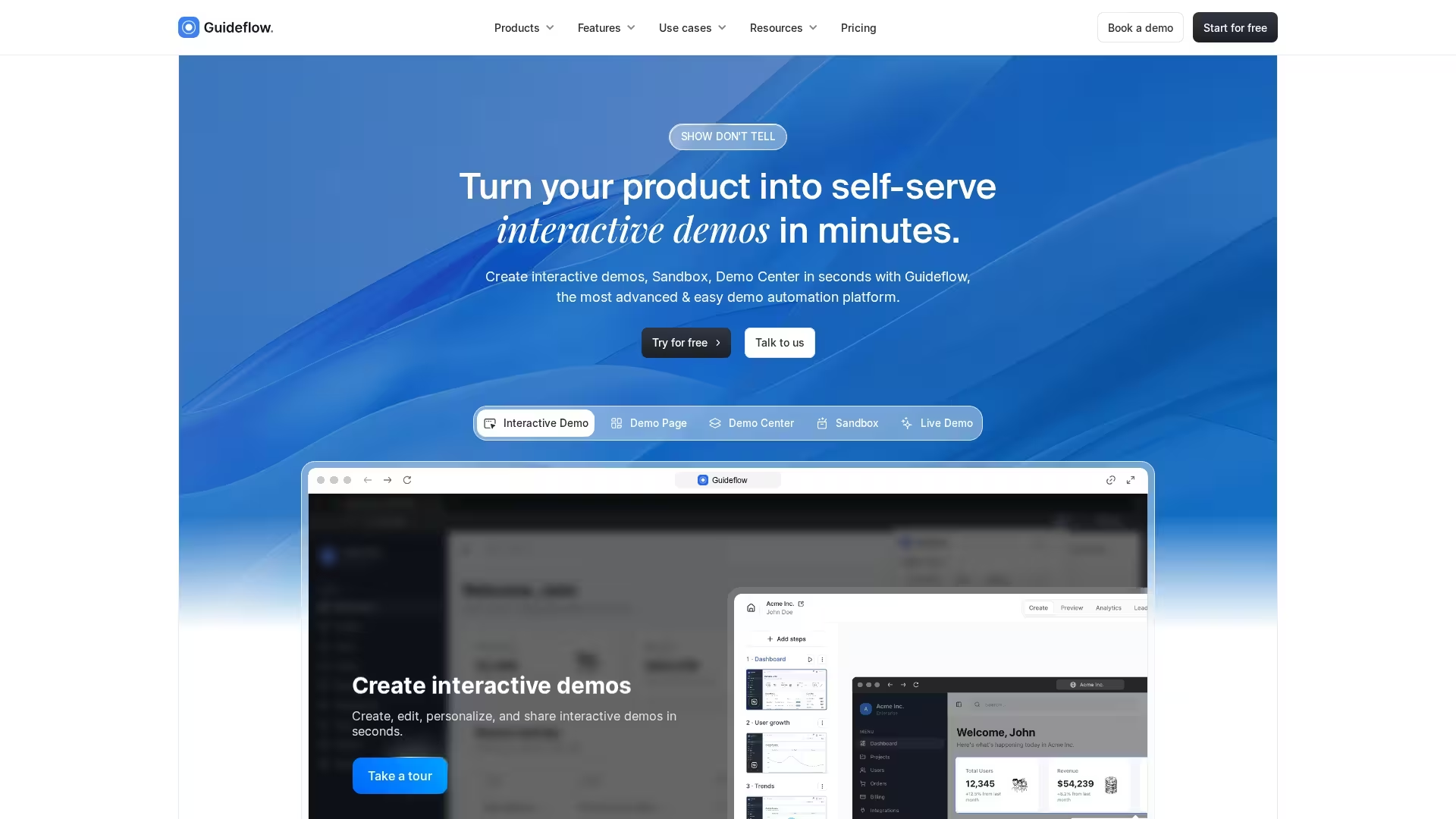
Guideflow approaches employee training from a different angle than a traditional LMS. Instead of delivering courses and tracking completions, it lets teams capture, edit, and share interactive product demos and step-by-step walkthroughs that reps can practice in a sandboxed environment. For sales enablement specifically, this fills a gap that course-based platforms leave open: reps can read the messaging and pass the quiz, but still fumble the live product demo. Guideflow lets them rehearse the actual click-through motion before they're in front of a buyer, and lets enablement teams build guided, interactive training content without recording a full course.
Best for: Sales enablement and product teams that want reps to practice real product demos and hands-on workflows as part of onboarding and ongoing training.
Key features
- Interactive demo capture: Record and turn real product workflows into guided, clickable experiences
- Sandboxed practice environments: Let reps rehearse demos without touching live production data
- Personalization and branching: Tailor walkthroughs by audience, role, or use case
- Editing and annotation: Add step-by-step guidance, callouts, and context to any captured flow
- Sharing and embedding: Distribute demos inside training paths, enablement portals, or directly to reps
Why choose Guideflow: Guideflow is the right pick when the training gap isn't knowledge, it's execution. If your reps understand the pitch but can't confidently drive the product live, Guideflow gives them a low-risk way to practice the exact demo motion until it's second nature. It works alongside a traditional LMS rather than replacing it.
Guideflow pricing: Guideflow offers a free tier for getting started, with paid plans starting around $35/month and custom enterprise pricing for larger teams. Check their pricing page for current tiers and demo volume limits.
G2 rating: 5.0/5
2. TalentLMS
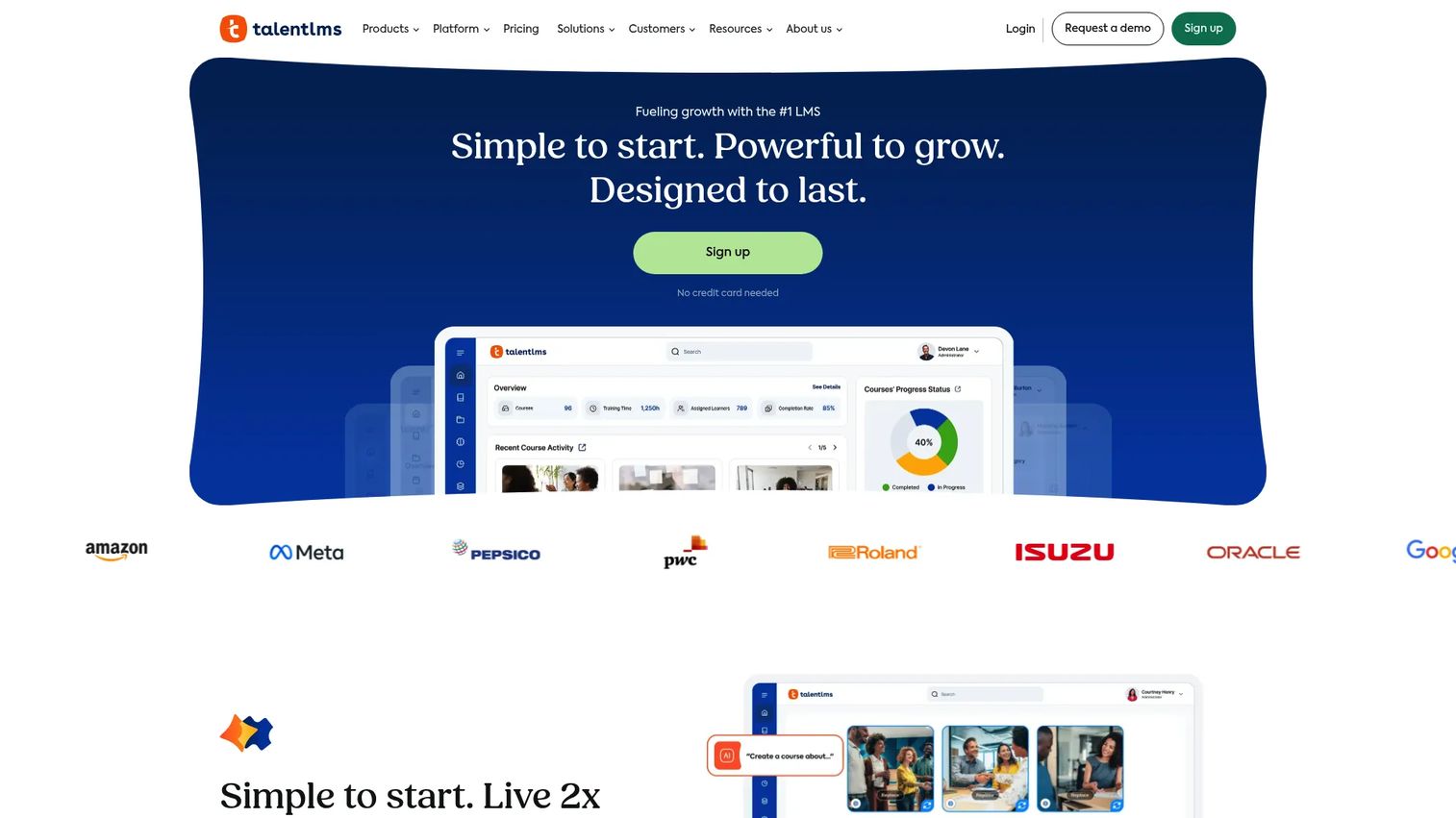
TalentLMS is a cloud-based learning management system built for teams that want fast setup without sacrificing reporting depth. It covers the core staff training software jobs, including course creation, automated assignments, role-based learning paths, and completion dashboards, without requiring a dedicated LMS administrator to keep it running. The platform has added AI-assisted content tools that let enablement teams build courses faster, even when subject-matter experts don't have time to write structured modules from scratch.
Best for: Enablement teams that need a reliable online training software with low admin overhead and enough analytics to report on ramp progress.
Key features
- AI content creation: Generates course structure and quiz questions from source material
- Skills-based learning paths: Assigns training by role, team, or skill gap
- Reporting dashboards: Tracks completion, quiz scores, and learning progress
- Free plan available: Supports limited users at no cost to test before committing
- Mobile training support: Accessible on any device for reps in the field
Why choose TalentLMS: If your priority is getting a functional employee training platform up and running quickly, with enough reporting to show leadership that ramp is improving, TalentLMS hits that balance. It works well for onboarding new hires and recurring training programs without requiring a full-time LMS admin.
TalentLMS pricing: A free plan is available for small teams. Paid plans start at $119/month for the Core tier, billed monthly. Grow, Pro, and Enterprise tiers are available; contact TalentLMS for pricing on those tiers.
G2 rating: 4.6/5
3. Trainual
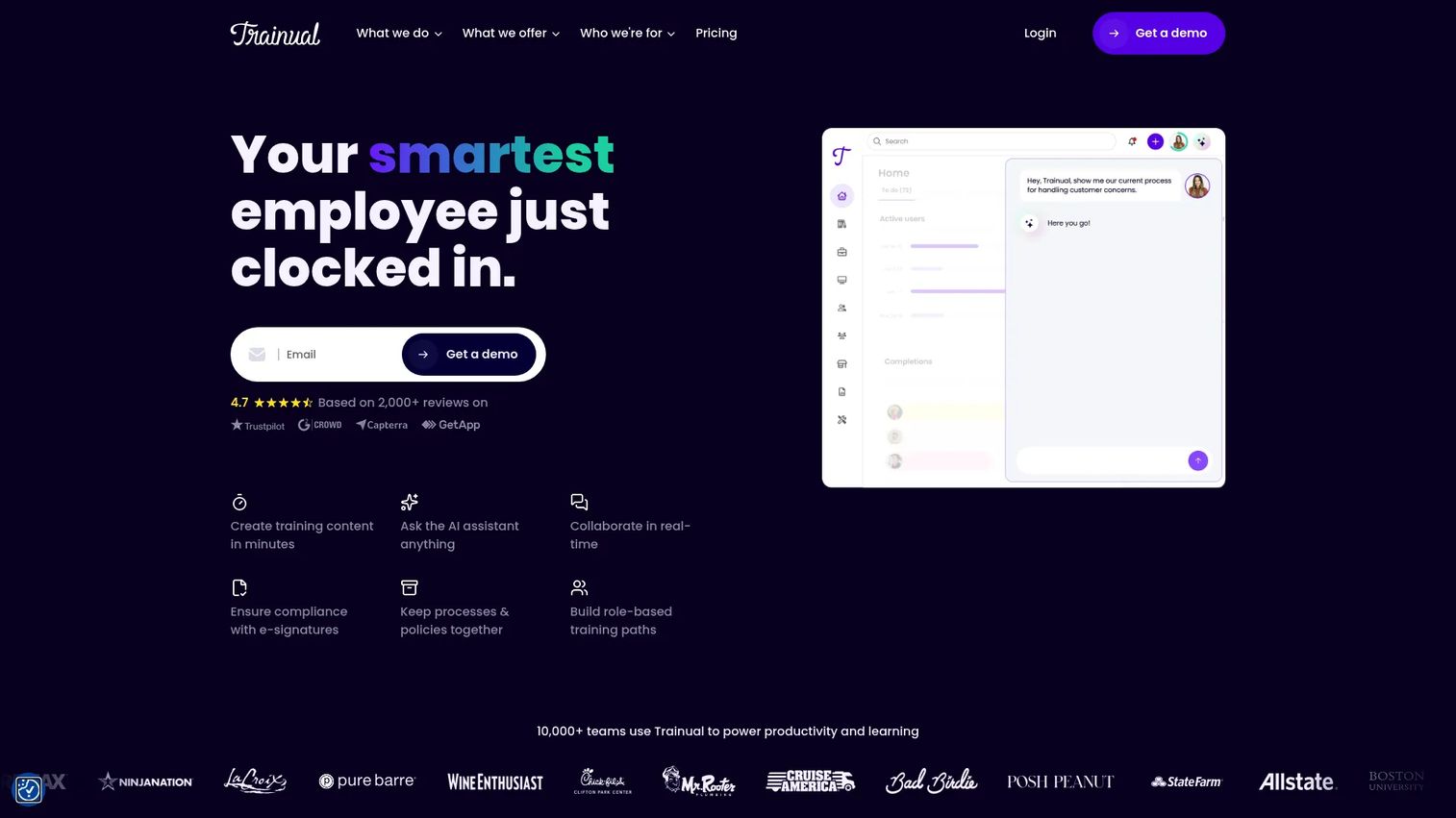
Trainual sits at the intersection of training software and knowledge management. It's built around the idea that onboarding and consistency problems are really documentation problems. The platform lets you write, organize, and assign standard operating procedures, process guides, and role-specific training content. Reps get a searchable knowledge base alongside structured paths. Managers get accountability tracking, org charts, and goal setting tools in the same place.
Best for: Companies that need to document and operationalize internal knowledge, not just deliver courses, with clear ownership and assignment by role.
Key features
- SOP and process documentation: Structured content linked to roles and workflows
- Role-based onboarding paths: Assign content sequences by position or team
- Accountability and assignment tracking: Monitor who completed what and when
- Searchable knowledge base: Reps find answers without filing a ticket
- AI-assisted content generation: Speed up documentation with AI writing support
Why choose Trainual: Trainual is the right call when your onboarding problem is less about course delivery and more about process standardization. If reps are inconsistent because nobody has written down how things actually work at your company, Trainual's documentation-first approach addresses that gap directly.
Trainual pricing: Trainual uses custom pricing across its Core, Pro, Premium, and Enterprise tiers, with amounts varying by team size and features. Book a demo on their pricing page to get a number for your team size.
G2 rating: 4.7/5
4. 360Learning
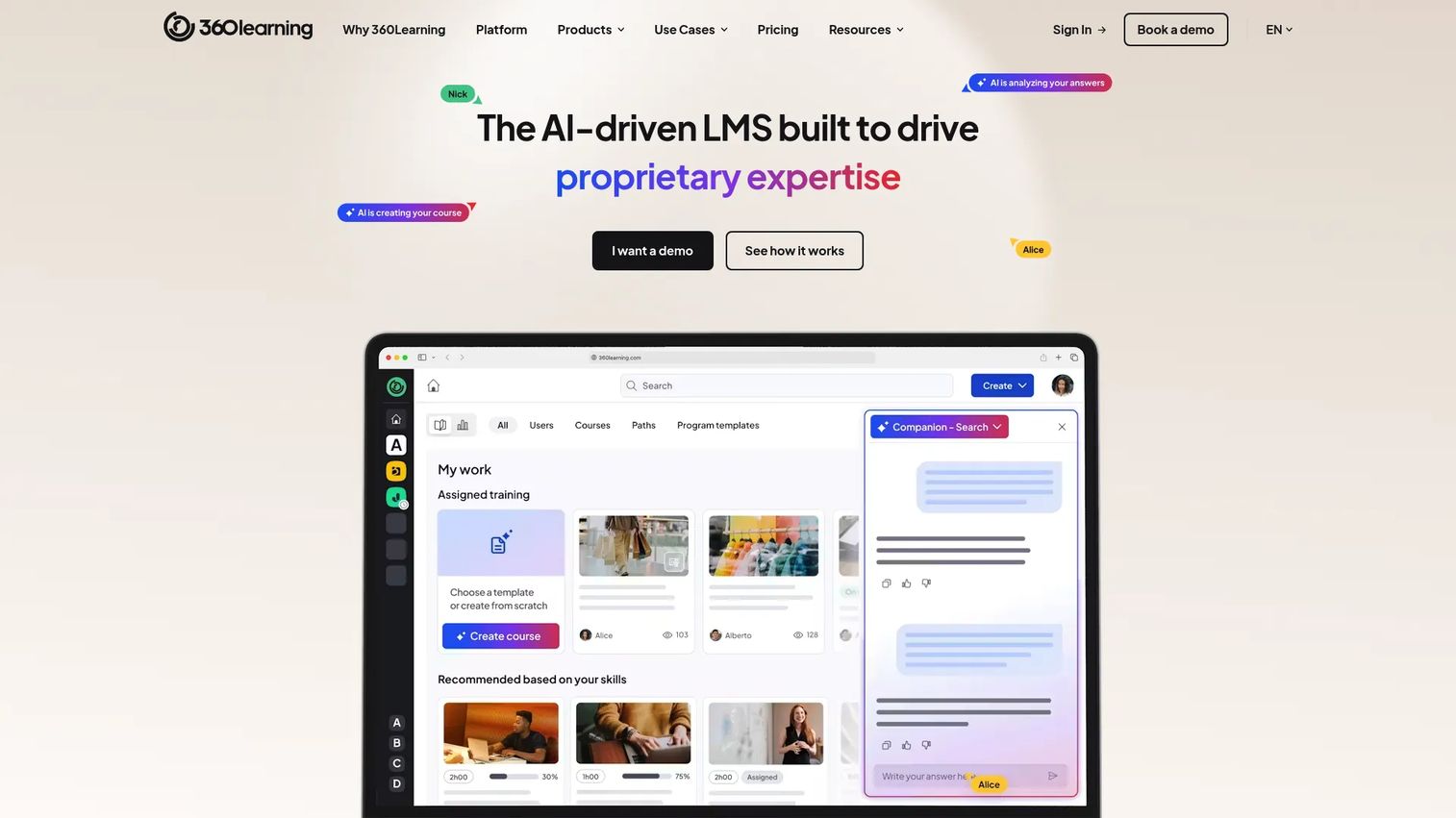
360Learning is an AI-powered platform designed for organizations that want training built by the people who actually do the work, not just the L&D team. Subject-matter experts co-author courses, give feedback on existing content, and flag outdated material. This collaborative model makes it practical for enablement teams to publish updated competitive battlecards or product messaging modules without a full course production cycle. The platform supports employee, customer, and partner training on the same infrastructure.
Best for: Enablement and product marketing teams that need fast content iteration and want internal experts involved in building and maintaining training.
Key features
- Collaborative course authoring: Multiple contributors build and review content together
- AI-assisted content generation: Accelerates module creation from existing material
- Peer learning workflows: Learners can flag gaps, suggest updates, and contribute knowledge
- SCORM, AICC, and xAPI support: Imports existing content from other authoring tools
- Skills tracking and completion visibility: Monitors progress across learner groups
Why choose 360Learning: The collaborative authoring model is the clearest differentiator here. If your product changes fast and your best subject-matter experts are AEs or SEs rather than instructional designers, 360Learning gives them a structured way to contribute without handing them a blank page.
360Learning pricing: The Team plan starts at $8/user/month for up to 100 users, billed monthly. A 30-day free trial is available. Business and Enterprise plans use custom annual pricing.
G2 rating: 4.6/5
5. Absorb LMS
Absorb LMS is a cloud-based learning management system built for mid-market and enterprise organizations that need configurable training delivery, deep reporting, and compliance management. The platform covers the full learner, admin, reviewer, and manager experience, with support for SCORM, xAPI, and AICC content. Paid add-ons, including Absorb Analyze for advanced analytics, Absorb Engage for learner experience, and Absorb Create for authoring, extend the core platform for teams with more complex requirements.
Best for: Organizations with multiple learner audiences, complex reporting requirements, or e-commerce-enabled course delivery needs.
Key features
- Configurable LMS for multiple learner roles: Admin, reviewer, manager, and learner views
- SCORM, xAPI, and AICC support: Imports content from any standard authoring tool
- Advanced analytics add-on (Absorb Analyze): Deeper reporting beyond standard dashboards
- Compliance training tracking: Audit trails, certification management, and renewal reminders
- Integrations with Salesforce, Microsoft Teams, and Zoom: Connects training data to existing stack
Why choose Absorb LMS: Absorb fits best when you're managing training across multiple departments or audiences and need a platform that can be configured to match your org's workflows. The add-on model means you pay for depth where you need it, rather than paying for features you won't use.
Absorb LMS pricing: Absorb does not display numeric prices on its site. Pricing is quote-based, delivered through a demo or RFP process. Contact Absorb directly to get a number for your team size and add-on requirements.
G2 rating: Not available from current verified sources.
6. Connecteam
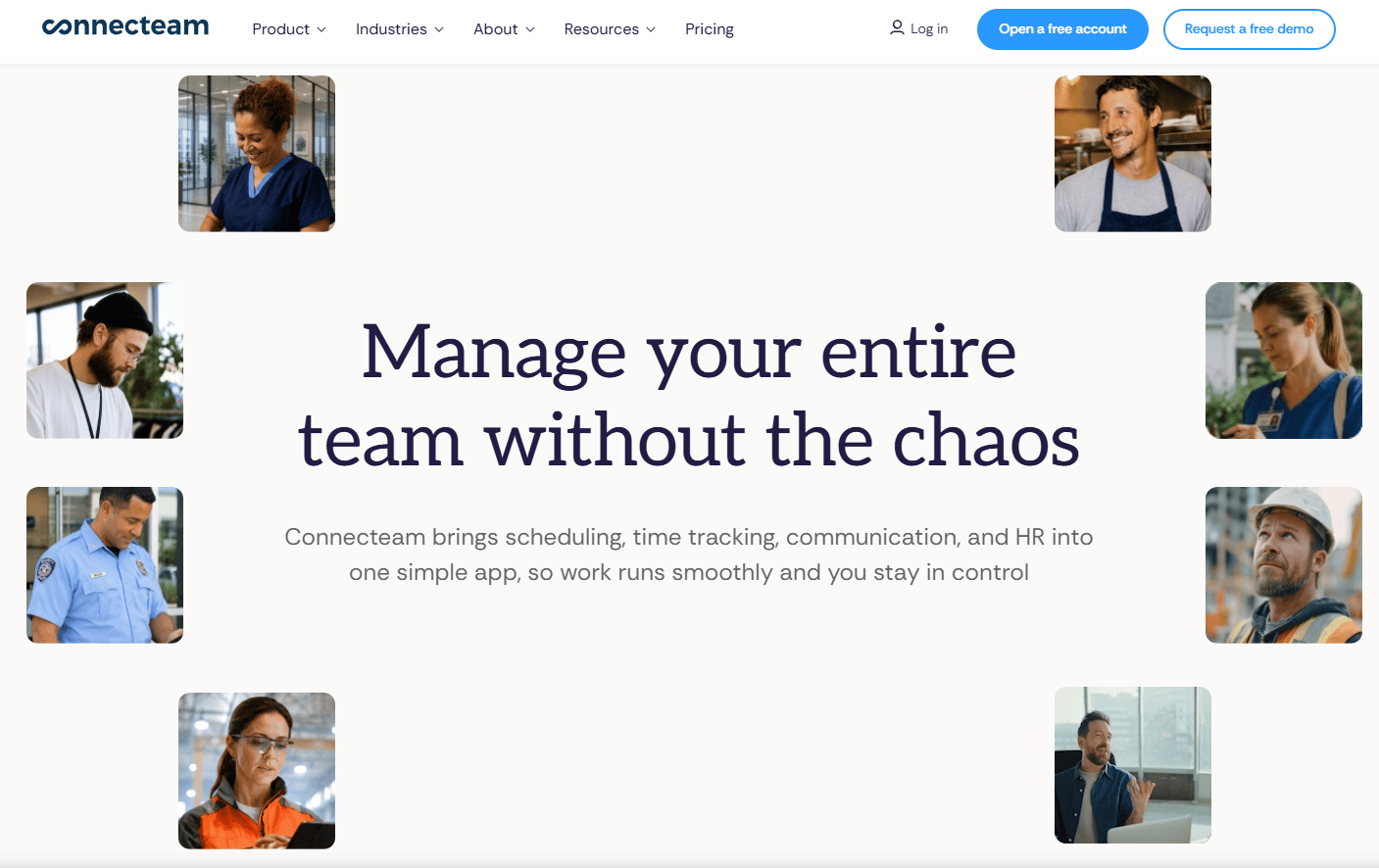
Connecteam is a workforce management platform built primarily for frontline and deskless teams. Beyond training, it covers scheduling, time tracking, task management, and internal communication in a single mobile app. For enablement teams managing field sales reps, distributed retail teams, or any workforce that isn't desk-based, Connecteam reaches employees where they actually are. Training modules, quizzes, and completion tracking sit inside the same app reps use to clock in and check their schedule.
Best for: Field sales teams, distributed workforces, or any enablement program that needs to reach employees who are rarely at a desk.
Key features
- Mobile-first interface: Full training and operations functionality on any smartphone
- Training and quiz builder: Create short, practical modules with completion tracking
- Automated reminders: Push notifications to employees who haven't completed assigned training
- Frontline task and workflow tools: Combines training with daily operational workflows
- Free plan for small teams: Up to 10 users on the Small Business Plan at no cost
Why choose Connecteam: Most training software assumes everyone is sitting at a laptop. Connecteam doesn't. If your reps are on the road, in stores, or managing a territory, a platform that works entirely on mobile and sits alongside their daily tools will get significantly higher adoption than a desktop-first LMS.
Connecteam pricing: A free Small Business Plan covers up to 10 users. A Limited plan covers up to 30 users for free. Paid plans start at $29/month for the first 30 users on the Basic tier, with Advanced at $49/month and Expert at $99/month.
G2 rating: 4.6/5
7. iSpring Learn
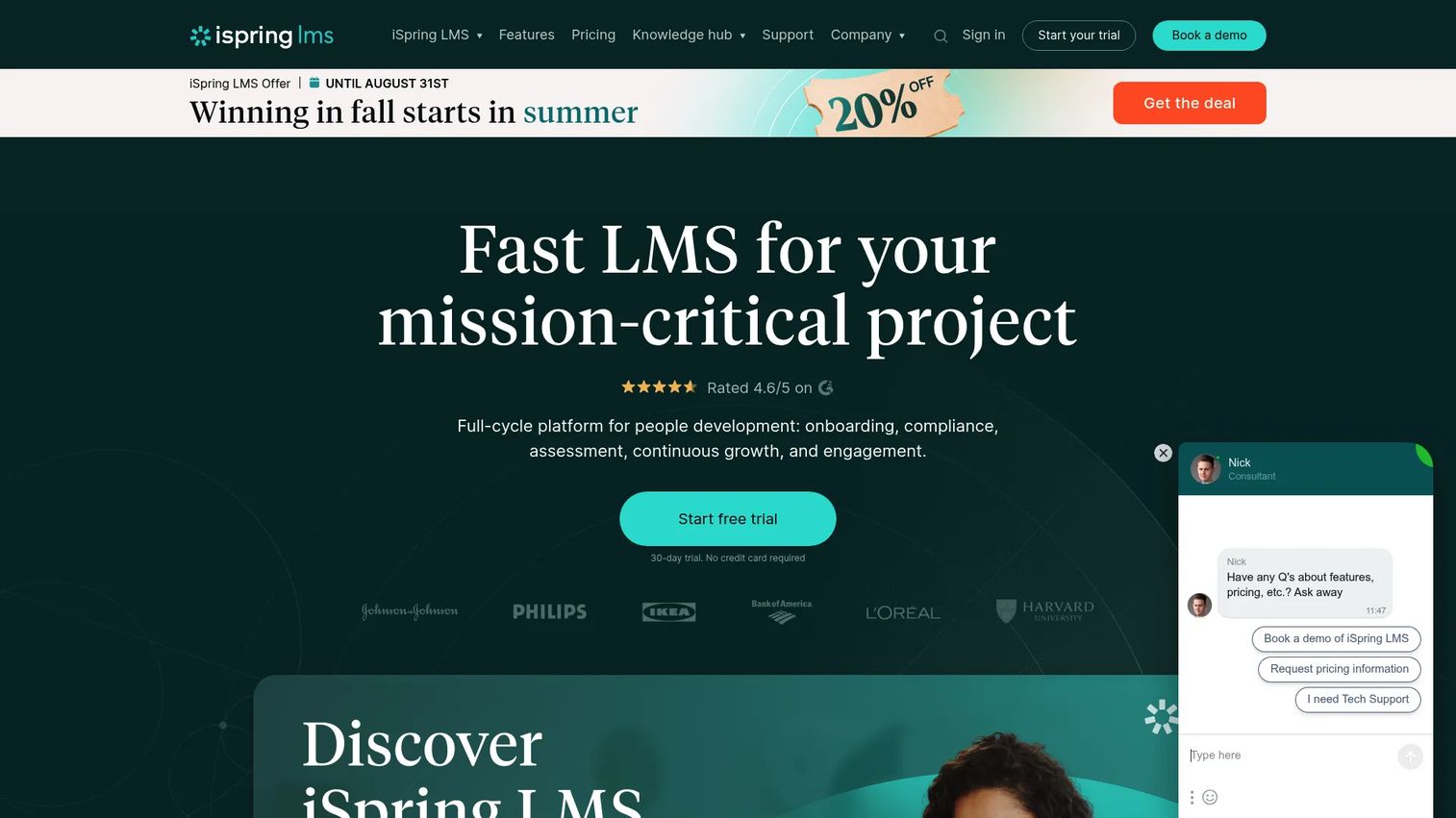
iSpring Learn is a cloud-based LMS designed for teams that want to get training published fast. The platform pairs a straightforward LMS with iSpring's authoring tools, making it practical for enablement managers who need to build courses, add quizzes, and assign completion paths without relying on instructional design support. SCORM compatibility means existing content from other tools imports cleanly. The admin experience is designed to be operable by someone who isn't a full-time LMS specialist.
Best for: Small-to-mid-size teams that want to author and publish employee training quickly, without a steep learning curve on either the admin or learner side.
Key features
- Rapid course authoring: Build and publish modules quickly with a straightforward editor
- Quizzes and assessments: Test knowledge retention with built-in assessment tools
- Automated training assignment paths: Route content by role, department, or completion status
- SCORM support: Import content built in other authoring environments
- Completion reporting and tracking: Monitor learner progress across assigned courses
Why choose iSpring Learn: Speed to publish is the main argument here. If your biggest enablement bottleneck is time between "we need to train on this" and "the training is live," iSpring Learn reduces that gap without requiring a lengthy platform setup or a dedicated LMS admin.
iSpring Learn pricing: iSpring Learn's current pricing is not displayed on the public pricing page and requires direct contact. Reach out via their site to get a quote for your user count and feature requirements.
G2 rating: 4.5/5
8. Docebo
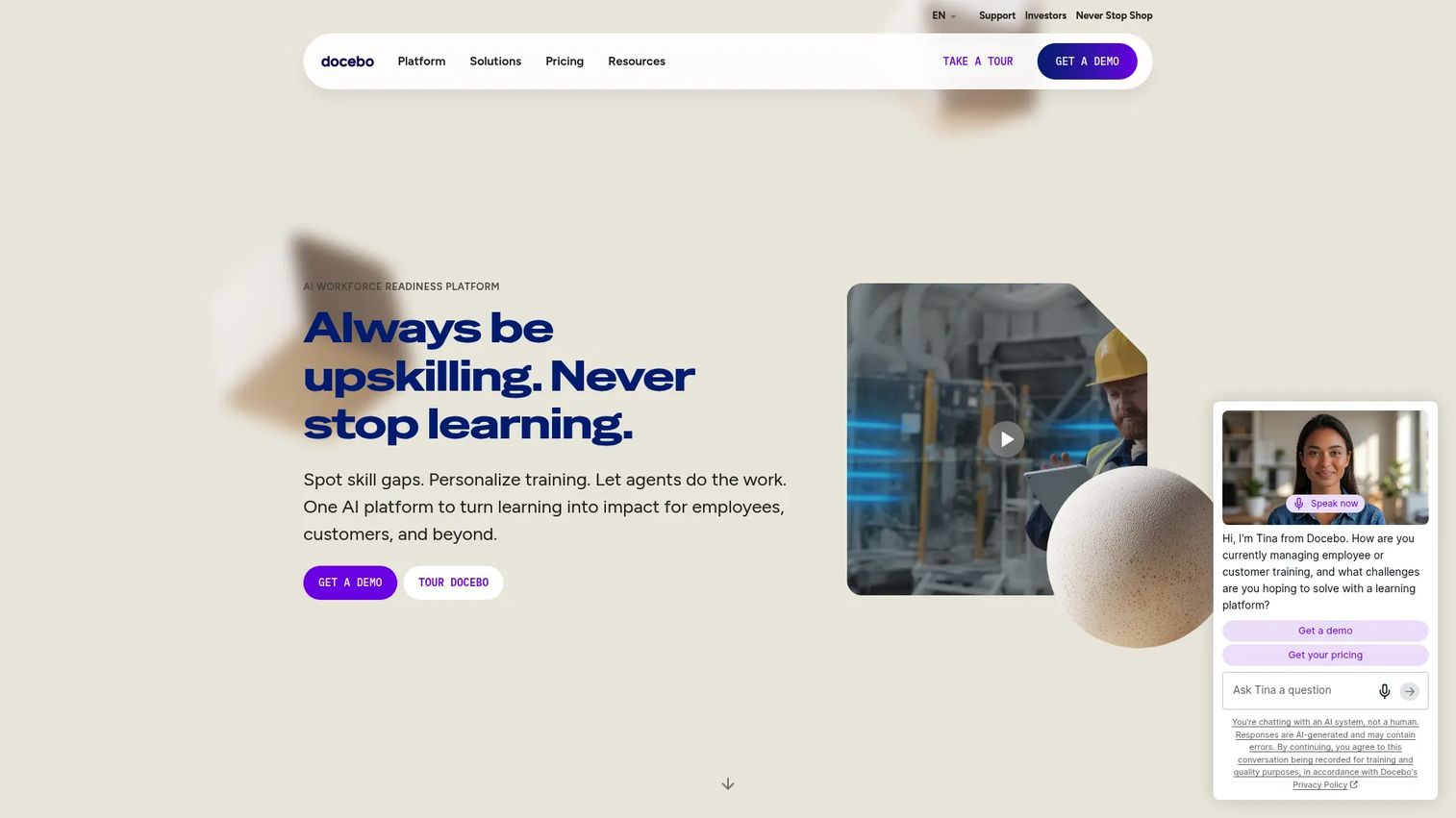
Docebo is an AI-powered learning platform for enterprise organizations running training programs across employees, partners, and customers simultaneously. The platform handles complex personalization, automation, and multilingual content at scale. Governance features cover compliance tracking, advanced analytics, and role-based access controls that hold up under enterprise procurement and security review. For enablement teams at large organizations managing dozens of training programs across global sales orgs, Docebo provides the infrastructure to run it as a managed system rather than a collection of one-off courses.
Best for: Mid-market and enterprise organizations running multi-audience training programs with governance, automation, and compliance requirements that smaller platforms can't support.
Key features
- AI-powered learning and content creation: Personalizes learning paths and assists with content generation at scale
- Multi-audience training delivery: Runs employee, partner, and customer programs on one platform
- Personalization and automation: Adapts content and assignments based on learner behavior and attributes
- Compliance tracking and analytics: Audit trails, certification management, and advanced reporting
- Integrations with major enterprise systems: Connects to CRM, HRIS, and other stack components
Why choose Docebo: When your training program has outgrown a single-team LMS and you're managing different learning audiences, multiple content libraries, and complex reporting requirements for leadership, Docebo provides the infrastructure for that. It's not the fastest platform to set up, but it's built to scale.
Docebo pricing: Docebo offers two tiers, Elevate and Enterprise, both priced through direct contact. There is no self-serve pricing on the site. G2 reviewers report enterprise contracts typically starting in the $25,000 range annually, but contact Docebo for a current quote based on active users and selected modules.
G2 rating: 4.3/5
Considerations
Before you finalize a decision, run through these criteria against your actual requirements. Platforms that look similar at the feature level often diverge significantly on the factors below.
Ease of use for admins and non-specialists
The best training software in the world fails if only one person knows how to operate it. Test the admin interface yourself, not just the learner view. Ask how long it takes to update a course, reassign a path, or pull a completion report without opening a help article.
Role-based training path flexibility
Not all reps need the same content. A platform that treats every learner identically will produce the same inconsistency you're trying to fix. Confirm you can build separate onboarding sequences for SDRs, AEs, and managers, and that those paths can be updated independently when messaging changes.
Reporting depth and actionability
Completion rates tell you whether reps finished something. The more useful metric is what changed after they did. Look for platforms that surface quiz performance, time-on-module, and patterns across cohorts. The goal is a dashboard you can bring to a VP Sales conversation with something more than a green checkmark.
Automation and assignment governance
Manual training assignment creates the same bottleneck every time: A new hire starts, someone forgets to enroll them, and they piece things together on their own. Check whether the platform handles automated enrollment based on role or start date, sends reminders, and enforces completion before reps progress to the next stage.
Integration with your existing stack
Training data is more valuable when it connects to where decisions are made. Confirm which CRM, HRIS, SSO, and communication integrations the platform supports natively, and what's available through API. A platform that operates as an island won't give you the behavior signals you need to close the loop between training and sales outcomes.
Conclusion
The right employee training software for your team depends on where your current enablement system is breaking down.
TalentLMS is the default pick for most teams: It's accessible, covers the core jobs, and has a free tier to test before committing. Trainual is the better call when the problem is process documentation rather than course delivery. Guideflow closes the execution gap by letting reps practice live product demos before they're in front of buyers. 360Learning fits teams where SMEs need to build and iterate on content together. Absorb LMS and Docebo serve larger organizations with compliance, multi-audience, and governance requirements that smaller platforms can't support. Connecteam reaches frontline and field reps that desktop-first LMS tools consistently miss. iSpring Learn wins when speed to publish is the priority.
Whatever you choose, the measure of success isn't the platform itself. It's ramp time, certification completion, and whether reps in the field are running the current play. Pick the tool that gives you visibility into those numbers, not just a course library.
For sales teams who want to reinforce training with interactive product experiences, giving reps a way to practice demos before going live, Guideflow lets you capture, edit, personalize, and share interactive product demos that work alongside your training system.
Start your journey with Guideflow today!
FAQs about employee training software
TalentLMS and Connecteam are the strongest options for small teams. TalentLMS has a free plan and paid tiers starting at $119/month, making it accessible before headcount scales. Connecteam offers a free Small Business Plan for up to 10 users, which works well for field-based or distributed small teams. Both cover the core training software for employees jobs without requiring dedicated admin resources.
Start by tracking the metrics that training is supposed to move: Ramp time to first meeting, certification completion by cohort, quiz scores before and after a module, and win rate for reps who completed specific training versus those who didn't. Connecting training completion data to CRM outcomes is the clearest path to a defensible ROI number. Most modern learning management systems export this data for analysis in your reporting stack.
For a sales enablement context, the features that matter most are role-based learning paths, automated assignment and reminders, completion tracking, and integrations with your CRM and communication tools. AI-assisted course creation is increasingly useful for teams that need to publish training quickly when messaging changes. Training analytics that go beyond completion rates, into quiz performance and engagement patterns, are what separates a reporting tool from a useful management system.
A learning management system is a specific type of employee training software, typically focused on structured course delivery, completion tracking, and certification management. The broader employee training software category includes tools like Trainual that prioritize process documentation and knowledge management alongside formal training paths. For most sales enablement buyers, the distinction is less important than whether the platform handles automated assignments, role-based content, and the reporting you need to show impact.
Yes. Most modern platforms cover both, but the implementation looks different. Onboarding typically uses structured, time-sequenced paths that new hires follow in order. Upskilling works better with skills-based or on-demand content that reps access when a specific gap appears. Platforms like TalentLMS and 360Learning support both models on the same infrastructure, though the content governance and assignment logic need to be configured separately for each use case.
Assign a named owner to every module at the time of creation. Set a review cadence tied to your release or messaging update schedule. Short, single-topic modules are cheaper to update than long, comprehensive ones, so break content into smaller units wherever possible. A centralized employee training management system with version control means a single update propagates across all assigned learning paths rather than requiring manual replacement across multiple files.
At minimum, confirm SSO support for access control, CRM integration so training completion data can inform rep scoring and manager reviews, and HRIS or HR system integration so enrollment triggers automatically when someone joins or changes roles. Communication tool integrations with Slack or Microsoft Teams help with automated reminders and completion notifications without requiring reps to log into a separate platform to stay current.
Most training platforms provide a manager dashboard that shows completion rates, time-on-module, quiz performance, and outstanding assignments by individual or team. The more useful question is whether managers can act on what they see: Can they resend assignments, add coaching notes, or flag a rep for a live session based on quiz results? Look for platforms where the reporting is connected to an action, not just a read-only view. Training analytics are only valuable when they change what a manager does next.