Your security team asks where sensitive files live. Engineering says the data is split across cloud drives, file shares, and repositories you inherited from three acquisitions ago. Legal wants a documented inventory. You have a roadmap decision due Friday.
The problem is not that you lack options. The problem is that "file analysis" means four different things depending on who is asking. One team needs to find PII hiding in unstructured data. Another needs to know who accessed a folder last Tuesday. A third needs to inspect a suspicious binary before it reaches production. A fourth just needs to know why a customer's PDF is 47 MB.
Buying the wrong category costs you implementation time, engineering effort, and credibility with the stakeholders who signed off on the spend. According to Eurostat (2025), 39.85% of EU enterprises performed data analytics internally or through an external provider, which means the instrumentation problem is widespread and the tooling decisions behind it matter.
This guide maps the four subcategories, covers 7 tools across each, and gives product managers a framework to choose based on the actual job rather than the loudest feature checklist.
What's inside
This guide is for product managers, security leads, and IT governance teams evaluating file analysis software in 2026. Tools were selected based on four criteria:
- Use-case coverage: Does the tool address a distinct file analysis job?
- Repository depth: Which data sources can it actually connect to and scan?
- Actionability: Can findings drive remediation, reporting, or workflow automation?
- Verification: Pricing and ratings confirmed against live vendor and review sources
TL;DR
- Best for enterprise data security and governance: Varonis Unified Data Security Platform covers sensitive-data discovery, access intelligence, and behavioral threat detection across SaaS, cloud, and on-premises environments
- Best for sensitive-data discovery: Spirion specializes in finding and classifying PII, health data, and regulated content across endpoints and enterprise repositories
- Best for access and activity auditing: Netwrix Auditor tracks who accessed or changed what, with compliance-ready reports and a public entry price starting at $20 per Active Directory user
- Best for privacy-led data discovery: Ground Labs Enterprise Recon targets organizations starting with a specific privacy question about where regulated data lives
- Best for malware and file reputation analysis: ReversingLabs Spectra Detect inspects suspicious files, binaries, and software artifacts at scale
- Best free tool for document component analysis: WeCompress File Analyzer breaks down what is making your PDF or presentation file large, at no cost
- Match the tool to the job: A platform that finds exposed personal data across a petabyte-scale environment does not answer the same question as a free utility that shows you why a slide deck is 80 MB
What are file analysis tools?
File analysis tools inspect file content, metadata, structure, access patterns, or behavior to identify risk, sensitive information, storage inefficiency, compliance gaps, or security threats.
The category contains four distinct subcategories. Treating them as interchangeable leads to buying an enterprise data-security platform for a document-size problem, or a compression utility for a privacy audit.
Data discovery and classification
These tools scan repositories to find PII, payment data, health records, credentials, and other regulated content. Output is typically a data inventory with risk scores, classification labels, and remediation options. Relevant for cloud data security software and cloud compliance tools programs.
Access and governance analysis
These tools map permissions, usage, ownership, stale files, and risky sharing patterns. The core question is who can see what, and whether that access matches policy. Useful for access review software workflows and IT audit programs.
Malware and software supply-chain analysis
These tools use static analysis (examining a file without executing it) or dynamic analysis (observing behavior in a controlled environment) to detect malicious properties. Coverage includes binaries, scripts, macros, email attachments, and third-party packages. Connects to AI security posture management programs.
File structure and size analysis
These tools inspect document internals, such as embedded images, fonts, and objects, to explain why a file is large. Output supports compression workflows, upload performance improvements, and storage cleanup.
Key capabilities to look for across all categories:
- Repository connectors for file shares, cloud storage, and collaboration platforms
- Metadata, content, and permission analysis depth
- Classification policies and custom rule support
- Risk scoring and remediation or workflow routing
- Audit trails and exportable reporting
- API access and integrations into existing security or analytics stacks
- Role-based access controls for the analysis platform itself
| Category | What it analyzes | Main output | Best fit |
|---|---|---|---|
| Data discovery | File content and metadata for sensitive data | Data inventory with risk labels | Privacy, compliance, security teams |
| Access governance | Permissions, usage, ownership, sharing | Access map with policy gap alerts | IT, security, audit teams |
| Malware analysis | File structure, code, behavior indicators | Threat assessment and reputation score | SOC, AppSec, DevSecOps teams |
| File optimization | Document component sizes | Breakdown of images, fonts, objects | Product, ops, content teams |
When to use file analysis tools
Find sensitive data before it becomes an incident
Privacy reviews, security audits, and product launches that touch customer data all require a documented answer to "where does the sensitive data live?" Data discovery tools scan cloud file storage, shared drives, collaboration repositories, and archives to find PII and regulated content before a breach, audit, or DSAR forces the question. Product managers involved in data mapping for new features or customer onboarding flows benefit from this instrumentation early.
Investigate risky files and suspicious artifacts
User uploads, email attachments, software packages, and third-party dependencies all introduce a threat surface. Malware-focused file analysis tools inspect these artifacts using static methods before execution. For product teams, the relevant question is where untrusted files enter the product workflow and whether each entry point has analysis coverage.
Reduce storage and document performance issues
Oversized files cause slow uploads, bloated customer reports, and poor experiences in document-sharing workflows. File structure analysis identifies which components, large embedded images, duplicate fonts, or embedded video clips, are responsible. This is a narrower job than enterprise governance, but it has a clear owner and a measurable outcome.
File analysis tools comparison
These seven tools do not compete directly. Compare them by use case, not feature count. A platform that processes 100 million files per day for malware detection is solving a different problem than a free document analyzer.
| # | Product | Best for | Key differentiator | Pricing | G2 rating |
|---|---|---|---|---|---|
| 1 | Varonis Unified Data Security Platform | Enterprise data security and governance | Combines data classification with access intelligence and behavioral threat detection | Custom pricing | 4.6/5 |
| 2 | Spirion | Sensitive-data discovery and classification | Deep discovery across structured and unstructured data with automated remediation | Custom pricing | 4.4/5 |
| 3 | Netwrix Auditor | Access and activity auditing | Tracks changes, access, and user behavior with 250+ predefined compliance reports | From $20/user (Essentials); free Community Edition | Not verified on G2 |
| 4 | Ground Labs Enterprise Recon | Privacy-led sensitive-data discovery | 300+ preconfigured PII data types with on-premises and cloud scanning | Custom pricing | 4.6/5 |
| 5 | ReversingLabs Spectra Detect | Malware and file reputation analysis | AI-driven binary analysis processing up to 100M files per day without execution | Custom pricing | 4.7/5 |
| 6 | WeCompress File Analyzer | Document component analysis | Free breakdown of PDF and Office file size by images, fonts, text, and objects | Free | Not listed on G2 |
| 7 | Komprise Intelligent Data Management | Unstructured-data analysis and lifecycle management | Connects file discovery to tiering, migration, and AI data preparation | Custom pricing | Not verified on G2 |
Pricing and ratings verified October 2026 from each vendor's live pricing page and G2 listing.
Best 7 file analysis tools for 2026
1. Varonis Unified Data Security Platform

Varonis is a cloud-native data security platform that provides visibility, automated protection, and threat detection across enterprise data environments. It combines sensitive-data discovery and file classification with access intelligence, permission analysis, and behavioral monitoring to give security and product teams a single view of data risk. Organizations with extensive SaaS platforms, cloud repositories, and on-premises file infrastructure use Varonis to understand what sensitive data exists, who can reach it, and whether anyone is accessing it in unexpected ways.
Best for: Enterprise security and product teams that need a shared view of sensitive-data exposure, access permissions, and usage patterns across a large, distributed environment.
Key features
- Sensitive-data discovery and classification across SaaS, cloud, and on-premises repositories
- Data access intelligence with least-privilege automation
- File activity monitoring and behavioral threat detection
- Permissions analysis and automated remediation
- Risk dashboards and real-time alerting
Why choose Varonis: A file containing sensitive data presents a different risk level depending on who can access it, whether it has been shared externally, and whether recent access matches expected patterns. Varonis connects those three signals in one platform, which is the core PM argument for using it when data exposure is the roadmap constraint.
Varonis pricing: Varonis directs all buyers to request a quote. Contact the vendor at info.varonis.com/price-quote to get pricing specific to your data sources, deployment model, and module requirements.
G2 rating: 4.6/5 (verified October 2026).
2. Spirion
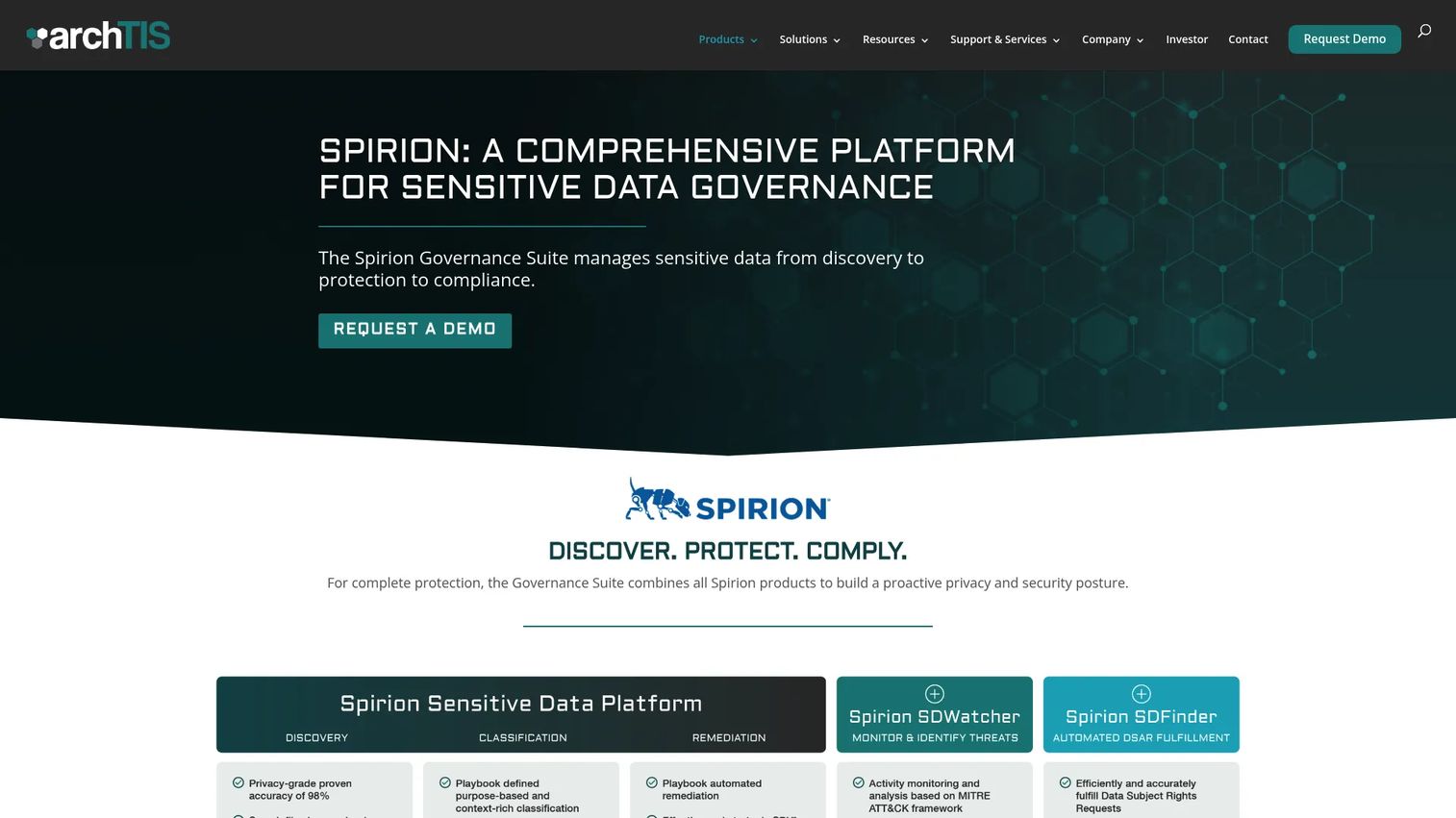
Spirion is a sensitive data governance platform built around the problem of finding regulated and sensitive content before you can govern it. It scans structured and unstructured data sources including endpoints, databases, email systems, and cloud repositories, then classifies findings with persistent metadata and integrates with Microsoft Purview. Spirion also supports automated remediation actions such as shredding, quarantine, redaction, and anonymization, which means discovery findings can trigger a workflow rather than sit in a report.
Best for: Enterprise security, privacy, and compliance teams that need to locate PII, payment data, or health information across hybrid environments before setting retention, access, or remediation policies.
Key features
- Sensitive-data discovery across endpoints, databases, email, and cloud repositories
- Purpose-based classification with persistent metadata and Microsoft Purview integration
- Automated remediation: Shredding, quarantine, redaction, and anonymization
- Real-time sensitive-data monitoring and anomalous behavior analysis
- Compliance reporting, analytics, and workflow support
Why choose Spirion: Most teams already know they have a sensitive-data problem. The harder question is proving where it lives, at what scale, and whether the data types match their compliance obligations. Spirion's depth across unstructured data sources makes it the right choice when the discovery accuracy rate matters more than breadth of platform features.
Spirion pricing: Spirion does not display pricing on its website. Contact the vendor directly for a quote. Pricing typically reflects endpoints, connectors, and scan scope.
G2 rating: 4.4/5, based on 14 reviews (verified October 2026 from Spirion's G2 seller profile).
3. Netwrix Auditor
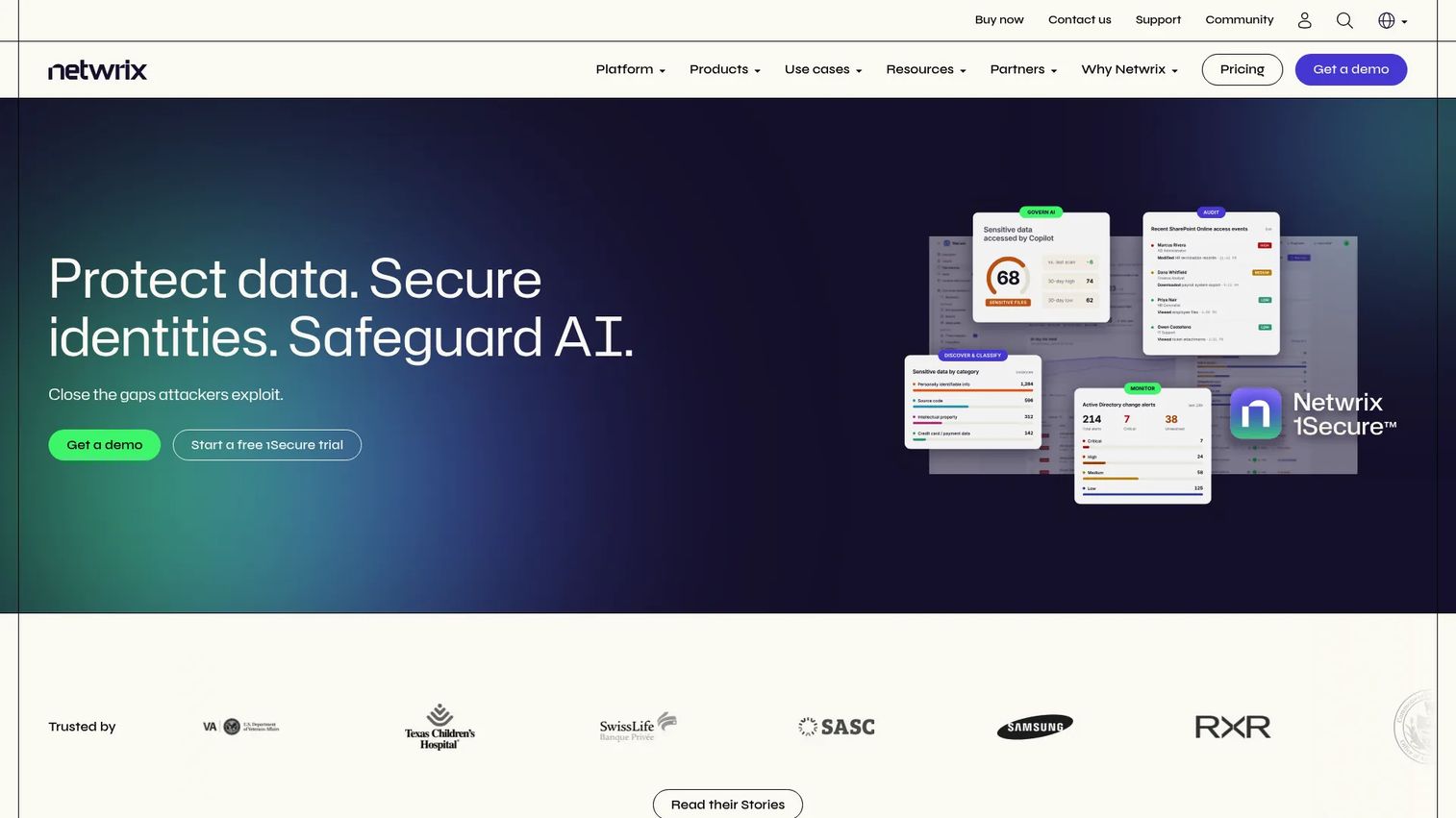
Netwrix Auditor is an IT auditing and visibility platform focused on monitoring changes, access events, and user activity across hybrid environments. It covers Active Directory, Entra ID, Microsoft 365, file servers, databases, and VMware, making it the tool you reach for when the core question is "who accessed or changed this?" rather than "what sensitive values exist in every document." Over 250 predefined reports align to GDPR, HIPAA, PCI DSS, SOX, and CMMC requirements, which reduces the build-your-own reporting overhead that drains engineering time. For access control software programs, this is a well-suited complement.
Best for: IT and security teams that need centralized auditing, near-real-time alerts, and compliance-ready reports for access reviews, incident investigation, and change tracking.
Key features
- Near-real-time alerts for changes, logins, and access attempts
- Risk assessments and behavior-anomaly detection
- 250+ predefined compliance reports for GDPR, HIPAA, PCI DSS, SOX, and CMMC
- Interactive search and dashboards across all monitored systems
- Support for Active Directory, Entra ID, Microsoft 365, file servers, databases, and VMware
Why choose Netwrix Auditor: Product managers evaluating file analysis tools for governance programs should separate the "what data exists" question from the "who accessed it" question. Netwrix Auditor answers the second question at depth across a broad system footprint, with a public entry price that makes it accessible to mid-market security teams.
Netwrix Auditor pricing: The Essentials Edition starts at $20 per enabled Active Directory user plus cloud-only Entra ID user, with self-service purchasing. A free Community Edition is also available with limited functionality. The full-featured Enterprise Advanced edition is priced by quote. See details at netwrix.com/en/buy-now.
Capterra rating: 4.5/5, based on 212 reviews (G2 rating not verified at time of publication).
4. Ground Labs Enterprise Recon
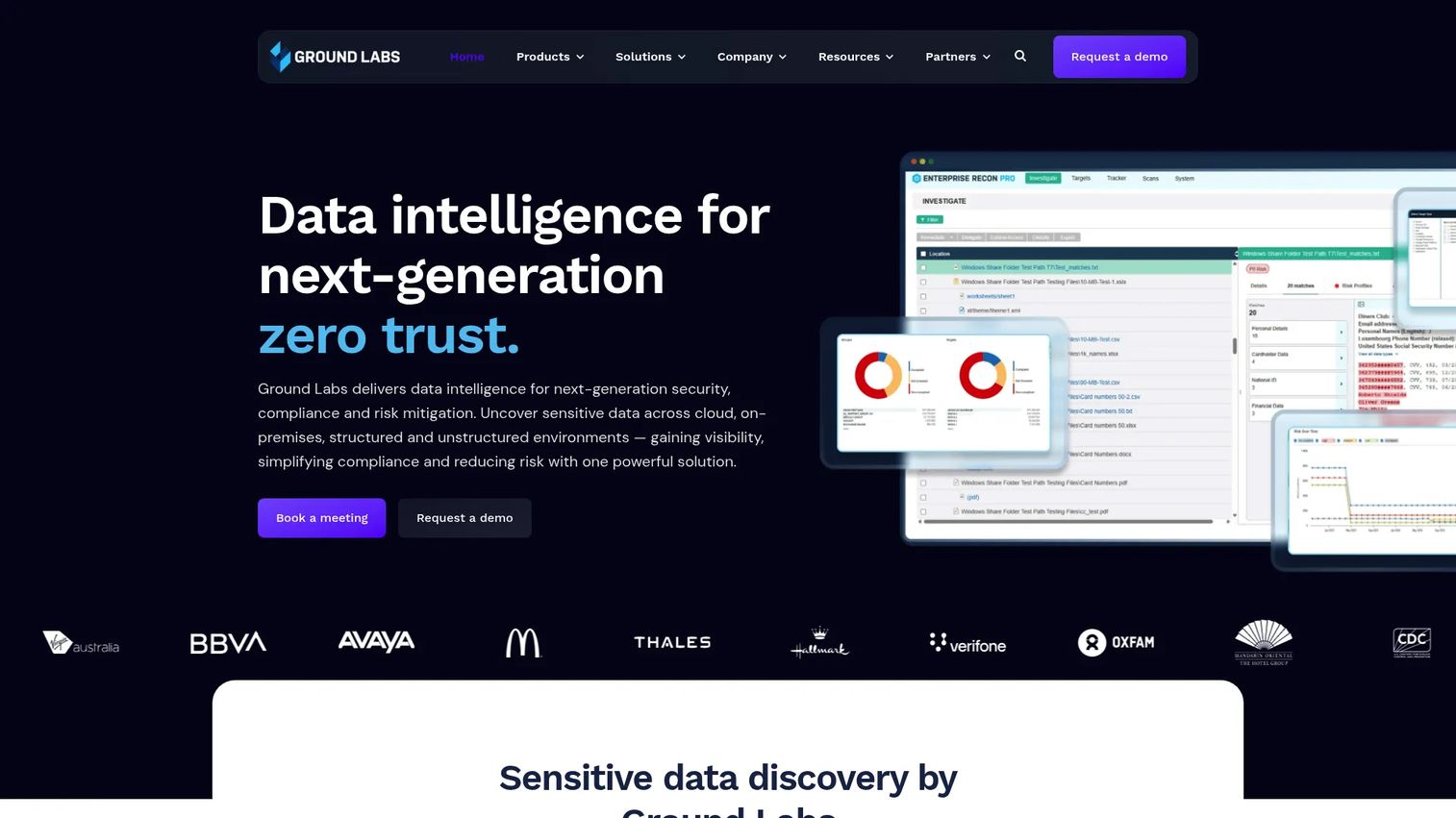
Ground Labs Enterprise Recon is a sensitive-data discovery, classification, and remediation platform designed around privacy and compliance workflows. It ships with over 300 preconfigured PII data types and supports customizable detection patterns, which cuts the configuration effort required before your first meaningful scan. The platform covers on-premises and cloud data sources and integrates with Microsoft Purview for classification continuity. Enterprise Recon editions include PCI, PII, PRO, and Cloud variants, which allows buyers to start with the compliance scope that matches their immediate need. Teams investigating cloud compliance tools requirements often evaluate it alongside broader governance platforms.
Best for: Privacy, security, and product teams that need a structured data inventory of where regulated information lives, particularly teams starting with a specific compliance scope rather than a full enterprise security overhaul.
Key features
- 300+ preconfigured PII data types with customizable detection patterns
- On-premises and cloud data-source scanning
- Sensitive-data remediation: Redaction, secure erasure, quarantine, and encryption
- Data classification with Microsoft Purview integration
- Compliance reporting, analytics, and risk scoring
Why choose Ground Labs Enterprise Recon: The distinction between knowing a repository exists and knowing what regulated content is inside it is where privacy reviews stall. Enterprise Recon is built to answer that second question across structured and unstructured data, with enough preconfigured data types that teams can run a meaningful proof of value without a long policy-writing phase first.
Ground Labs Enterprise Recon pricing: Ground Labs does not display prices on its product pages. Editions are available as Enterprise Recon PCI, PII, PRO, and Cloud. Contact Ground Labs directly, or explore the AWS Marketplace listing for the Cloud edition. Pricing reflects the edition, deployment model, and data scope.
G2 rating: 4.6/5, based on 23 reviews (verified October 2026).
5. ReversingLabs Spectra Detect
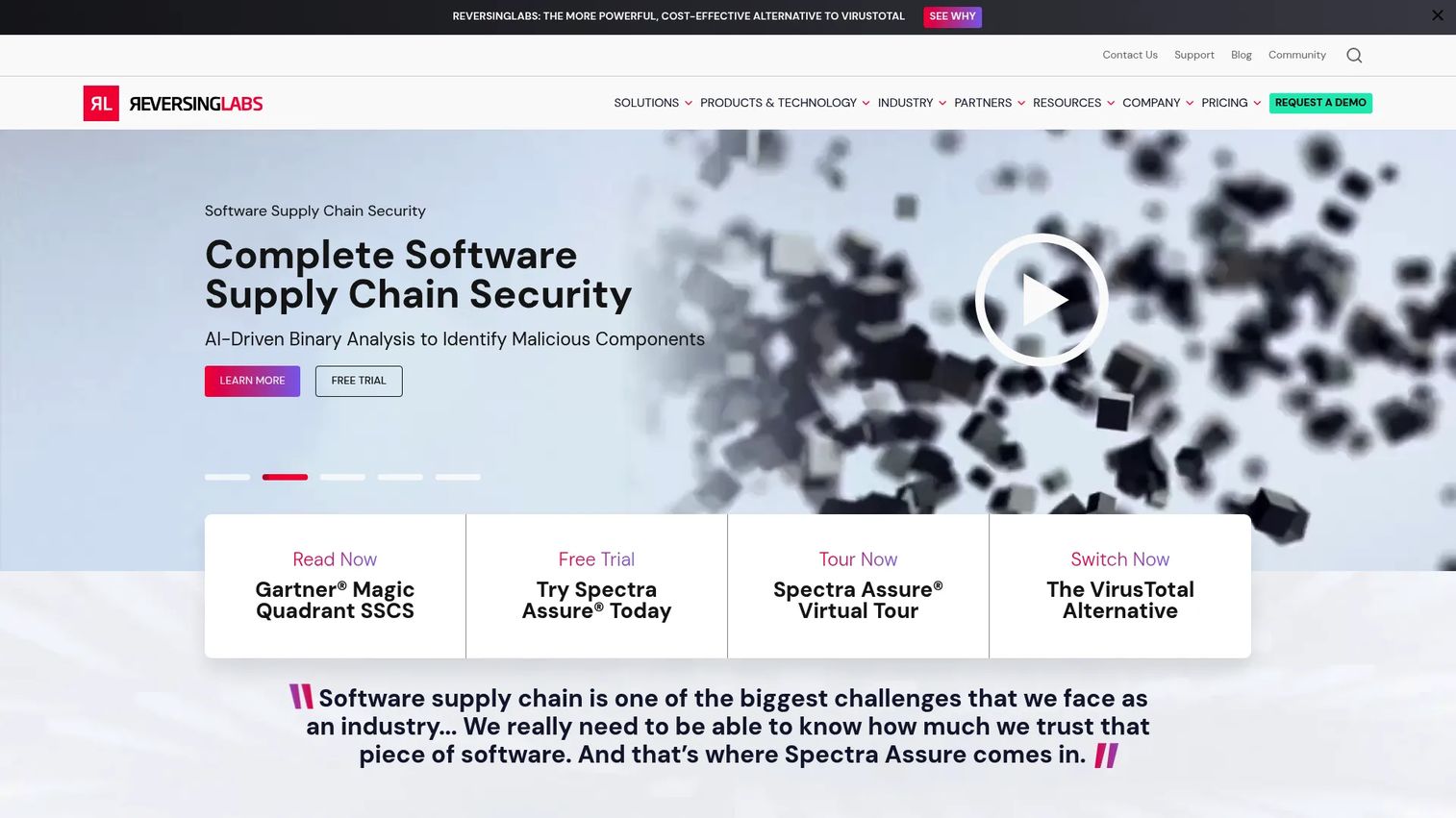
ReversingLabs Spectra Detect is an enterprise-scale file analysis and malware detection platform that processes millions of files per day across organizational data sources. Its core method is static file analysis: Inspecting binaries without executing them to extract indicators, unpack layers, and match threat intelligence. Spectra Detect scales from 100,000 to 100 million files per day and integrates with SIEM, SOAR, EDR, threat intelligence platforms, email systems, and cloud storage through published APIs. Product managers whose workflows include user file uploads, downloadable software artifacts, or third-party package ingestion should treat this as a relevant security evaluation, not a data-governance one. It also supports AI security posture management programs that inspect software supply-chain risk.
Best for: Security operations and AppSec teams that need high-volume, real-time malware inspection integrated across email, web, endpoints, file shares, and cloud storage.
Key features
- AI-driven static binary analysis with unpacking and indicator extraction, without executing files
- High-volume ingestion scaling from 100K to 100M files per day
- YARA rule import, testing, and enterprise-scale retro-hunting
- Integrations with SIEM, SOAR, EDR, TIPs, email, storage, and S3
- File metadata, structure, and behavior indicator extraction
Why choose ReversingLabs Spectra Detect: The moment a product workflow accepts a file from an external source, that file becomes part of the threat surface. Spectra Detect is built for teams that need to answer "is this file safe?" at production volume, across multiple ingestion points, without introducing execution risk.
ReversingLabs Spectra Detect pricing: Spectra Detect is priced through a vendor quote. Capabilities and usage scale drive the commercial model. Contact ReversingLabs at reversinglabs.com/pricing/malware-analysis-threat-hunting for a tailored assessment.
G2 rating: 4.7/5, based on ReversingLabs' verified G2 vendor profile (verified October 2026).
6. WeCompress File Analyzer
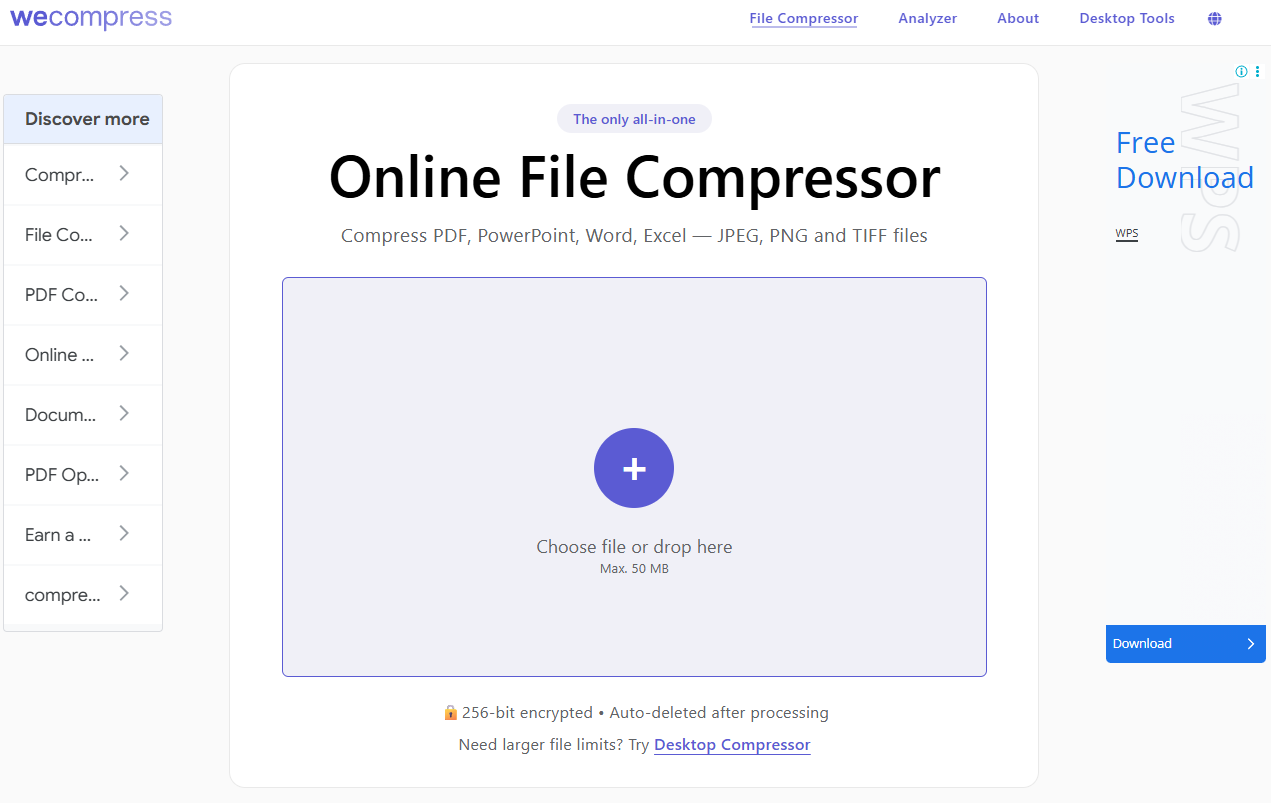
WeCompress File Analyzer is a free online tool that answers one specific question: What is making this document file large? Upload a PDF, PowerPoint, Word, or Excel file and the tool returns a breakdown by component, showing what share of the file size comes from images, fonts, text, and embedded objects. Files up to 200 MB are supported. Data is encrypted in transit and stored briefly on Microsoft Azure before deletion. The operational fit is narrow but clear: Teams dealing with slow customer upload flows, oversized reports sent via email, or storage cleanup projects can diagnose the problem in minutes.
Best for: Product, operations, and content teams that need to diagnose why a specific business document is unusually large, without configuring an enterprise platform.
Key features
- File-size breakdown by images, fonts, text, and embedded objects
- Supports PDF, PowerPoint, Word, and Excel files
- Handles files up to 200 MB
- Files encrypted in transit and deleted from Azure after processing
- No account required for basic use
Why choose WeCompress File Analyzer: It solves a concrete operational problem at no cost. If a customer portal has an upload limit you keep hitting, or a sales team's leave-behind is too large for email, this tool identifies the culprit component in under a minute. It does not address security risk, access governance, or data classification.
WeCompress File Analyzer pricing: The File Analyzer is free to use with no paid tier required for the analysis function.
7. Komprise Intelligent Data Management
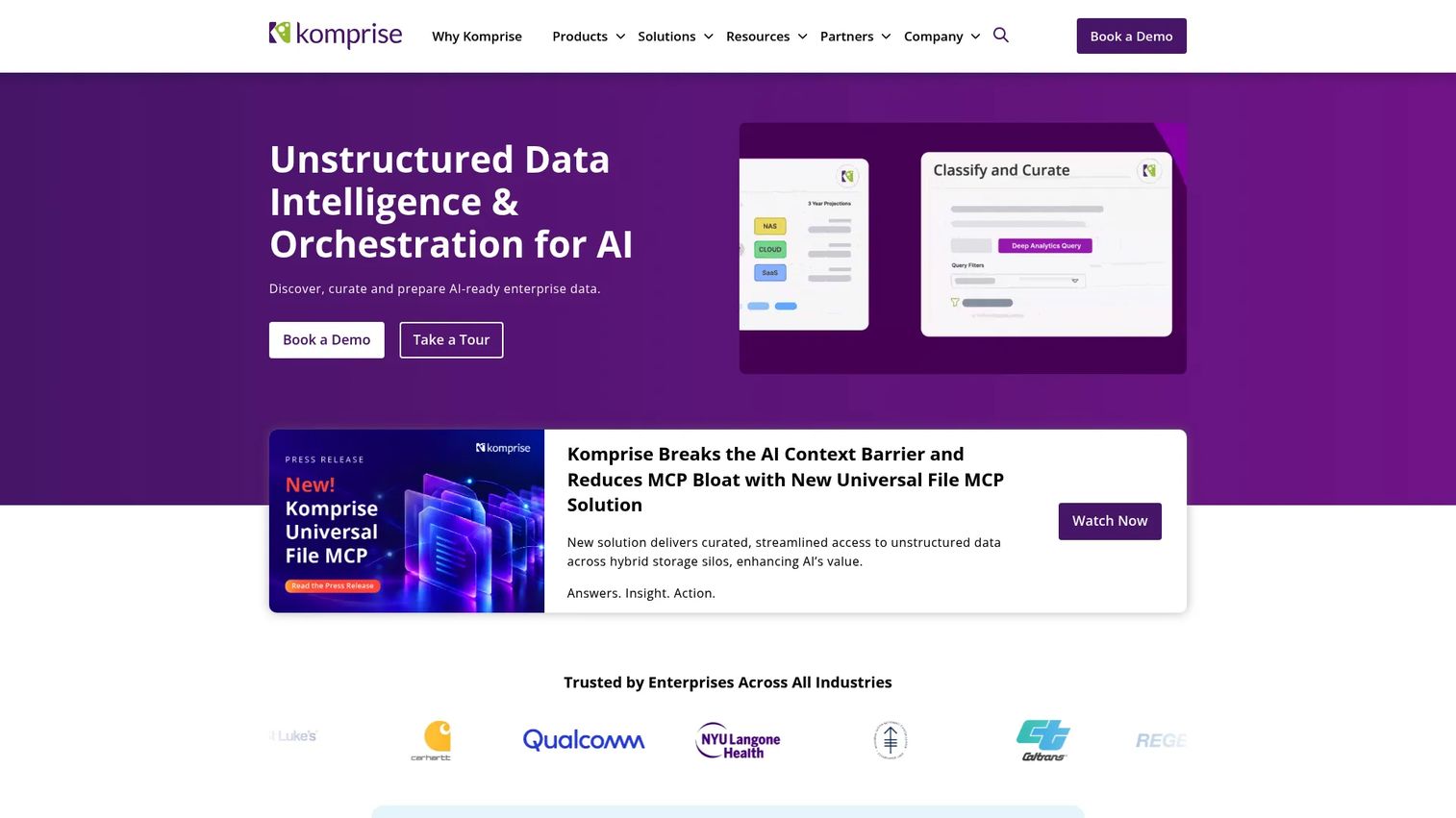
Komprise is an enterprise platform for discovering, classifying, governing, tiering, migrating, and preparing unstructured file and object data across storage, cloud, and SaaS environments. Its Global Metadatabase indexes metadata across silos without copying data, enabling unified search and policy execution at scale. Smart Data Workflows support policy-driven discovery, enrichment, governance actions, and AI data preparation pipelines. Komprise also surfaces unstructured data as Apache Iceberg tables, which allows engineering and data teams to query file metadata using standard analytics tooling. For product managers dealing with repository sprawl, storage cost escalation, or AI training data preparation, Komprise connects the analysis layer to the lifecycle action layer. Related context appears in cloud cost optimization software and cloud file storage software evaluations.
Best for: Large enterprises managing petabyte-scale unstructured data across heterogeneous on-premises and cloud storage environments where analysis must connect directly to tiering, migration, or AI ingestion actions.
Key features
- Global Metadatabase for unified metadata indexing across storage silos
- Transparent data tiering across NAS, cloud, and object storage
- Elastic Data Migration for petabyte-scale movement
- Smart Data Workflows for policy-driven discovery, enrichment, governance, and AI ingestion
- Sensitive-data detection for PII, PHI, keywords, and regular expressions
Why choose Komprise: The gap most unstructured-data programs hit is the distance between generating a report and acting on it. Komprise closes that gap by making analysis the trigger for lifecycle decisions, whether that means tiering cold data, migrating files, or routing content into an AI pipeline. For PMs, the relevant question is whether storage cost or AI data readiness is on the roadmap.
Komprise pricing: Komprise does not display pricing on its website. Contact the vendor directly to discuss deployment scope, storage volumes, and connector requirements.
Considerations when choosing file analysis tools
Start with the analysis job, not the feature list
Define whether the team needs sensitive-data discovery, access governance, malware detection, document optimization, or lifecycle analysis. Tools that look similar at the feature-list level serve different jobs. Picking the wrong category creates implementation overhead and weakens the case to engineering and security stakeholders.
Map your repositories and ingestion points
List every source where files live or enter the workflow: File shares, cloud storage, collaboration systems, email archives, developer pipelines, endpoint devices, and customer upload flows. A tool helps only where it can connect, scan, and return actionable findings. Verify connector coverage before evaluating features.
Test detection quality against representative data
Run a proof of value using actual documents, naming conventions, metadata schemas, and access patterns from your environment. Measure false positives, false negatives, and classification accuracy before expanding the rollout. Discovery tools that look complete in a demo can miss domain-specific data types without custom rule configuration.
Verify actionability, not just visibility
A dashboard that surfaces risk still leaves a remediation backlog. Before committing, confirm whether the tool supports automated or guided remediation, workflow routing, access changes, retention actions, alerts, or export into existing security systems. Findings that live only inside the tool do not reduce risk.
Budget for ownership across the release cadence
File analysis tools require connector management, scan scheduling, permission configuration, and reporting ownership. As the product changes, data stores evolve and new repositories appear. Evaluate who owns the maintenance work post-launch and whether that fits your team's release cadence and engineering capacity.
Conclusion
The seven tools in this guide map to four different jobs. Matching the tool to the job is the only evaluation decision that matters before comparing features.
Choose Varonis when enterprise data risk depends on combining file classification with access context and behavioral threat detection across a large environment. Spirion or Ground Labs Enterprise Recon fit when the immediate problem is sensitive-data discovery across unstructured repositories. Netwrix Auditor is the right call when access history, permission changes, and compliance reporting drive the decision. ReversingLabs Spectra Detect covers malware inspection for product workflows that accept external file inputs. WeCompress File Analyzer resolves document-size diagnostics quickly and for free. Komprise fits when unstructured-data analysis needs to connect directly to lifecycle, tiering, or AI preparation actions.
Build a repository map first. Identify the question your team needs to answer from the analysis. Then run a proof of value using files and access patterns that represent the real environment, not a sanitized demo dataset. That sequence prevents the most common mistake: Buying a platform before the use case is confirmed.
When you are ready to explain these workflows to buyers, partners, or internal stakeholders without scheduling a live walkthrough, Guideflow lets you build clickable, self-serve product experiences that show complex security and governance capabilities in seconds.
Start your journey with Guideflow today!
FAQs
File analysis tools are software platforms that inspect file content, metadata, structure, access patterns, or behavior to produce actionable output such as a risk score, sensitive-data inventory, threat assessment, or size breakdown. The category covers four distinct subcategories: Data discovery, access governance, malware analysis, and file optimization. Choosing the right tool requires identifying which job your team needs to complete first.
File management organizes, stores, moves, and controls files. File analysis extracts insight from files and their surrounding context, including content type, sensitive data presence, permission exposure, access history, threat properties, or component size. Many teams need both, but they are different problems with different tooling. A file management platform may index what exists; a file analysis tool tells you what is inside and whether it presents risk.
Data discovery tools such as Spirion and Ground Labs Enterprise Recon are built for this job. The right choice between them depends on the repositories involved, the data types you need to detect, the scale of the scan, and whether you need automated remediation or manual review workflows. Varonis also covers sensitive-data discovery but pairs it with access intelligence and behavioral monitoring, which suits teams that need both layers.
Static file analysis examines a file without executing it. The inspection covers metadata, file headers, hashes, embedded objects, code signatures, macro content, string patterns, and structural properties. Static analysis is the primary method used by malware detection platforms such as ReversingLabs Spectra Detect because it surfaces threat indicators without introducing the execution risk that would come from running the file in a production environment.
Dynamic file analysis observes a file's behavior while it runs inside a controlled, isolated environment. It can reveal network calls the file makes, processes it spawns, registry changes it attempts, and other behavioral indicators that are not visible from static inspection alone. Dynamic analysis is common in malware investigation workflows where static indicators are inconclusive and a behavioral baseline is needed to confirm or rule out a threat.
Many enterprise file analysis tools connect to cloud repositories including Google Drive, SharePoint, OneDrive, Amazon S3, and collaboration platforms. Coverage varies significantly by vendor and by the specific connector or module purchased. Before committing to any tool, verify which cloud storage systems it supports, what permissions it requires to scan, how it handles scan performance at your data volumes, and what the reporting output looks like for cloud-sourced findings.
Start with a structured proof of value rather than a feature checklist. Define the use case clearly: Which repositories, which data types, which findings should drive which actions, and who owns the output after the tool runs. Run the evaluation against representative files and access patterns from your actual environment. Measure false positive rates, connector reliability, and whether findings can route into existing workflows in your security or analytics stack. A tool that performs well in a vendor demo but poorly against your data environment is not a fit.
Yes, for a specific and narrow job. Document-focused analyzers such as WeCompress File Analyzer identify the images, fonts, media, and embedded objects responsible for file size in PDFs and Office documents. This helps product and operations teams improve upload performance, reduce email attachment friction, and plan compression or redesign work. The scope is intentionally narrow: This category does not address security risk, access governance, or sensitive-data classification