Your cloud bill went up again. Nobody deployed anything new. Finance wants an explanation by Friday, and the honest answer is that no single person can see where the money went.
That gap is the reason cloud cost optimization software exists. Multi-cloud sprawl, idle resources, forgotten commitments, and untagged Kubernetes clusters compound quietly until the invoice arrives. The FinOps market is responding fast: the cloud FinOps and cost optimization software market is projected to grow from $2.62 billion in 2026 to $6.89 billion by 2034 at roughly 12.8% CAGR, according to Fortune Business Insights (2026). And the share of organizations with a dedicated FinOps team handling cloud cost work rose from 51% to 59% year over year, per the Flexera State of the Cloud Report (2025).
The problem is not that these tools do not exist. It is that they solve different problems, and most buyers pick one because a peer recommended it, then discover it does not answer their actual question. A visibility tool will not automate your Savings Plans. A Kubernetes specialist will not give finance a clean chargeback report across three clouds.
If your team is evaluating tools like this to sharpen budget predictability and internal reporting, the same problem-first logic applies whether you are picking contract lifecycle management software or a FinOps platform: match the tool to the biggest problem you actually have, not the longest feature list.
What's inside
This guide covers the best cloud cost optimization software for teams running AWS, Azure, Google Cloud, or Kubernetes workloads. Some readers manage a single-cloud footprint. Others juggle three providers plus containers plus SaaS spend.
We selected and ranked platforms on five criteria that separate serious contenders from dashboards:
- Multi-cloud support: coverage across AWS, Azure, and GCP, not one provider only
- Optimization depth: rightsizing, commitment automation, and anomaly detection, not just charts
- Reporting and governance: allocation, showback, chargeback, and policy controls
- Commitment management: Savings Plans, Reserved Instances, and CUDs handling
- Spend-profile fit: whether the tool matches early-stage, mid-market, or enterprise reality
TL;DR
For readers who want the bottom line before the detail:
- Best overall multi-cloud platform: Vantage, for fast setup plus broad visibility and optimization
- Best for deep allocation and unit economics: CloudZero, for cost per product, feature, or customer
- Best for granular, finance-readable cost views: Finout, for cost centers and virtual tagging
- Best for Kubernetes optimization: Cast AI, the container specialist with automated rightsizing
- Best for Kubernetes allocation and chargeback: Kubecost, for showback across clusters
- Best low-friction starting point: AWS Cost Explorer and Microsoft Cost Management, both native and free
- Best enterprise FinOps suite: IBM Cloudability, DoiT Cloud Intelligence, and Flexera One FinOps
What is cloud cost optimization software?
Cloud cost optimization software is a category of cloud financial management tools that reduce wasted cloud spend and improve spend efficiency by combining visibility, cost allocation, commitment management, and workload rightsizing across one or more cloud providers.
That definition matters because three terms get used interchangeably and they are not the same:
- Cloud cost management software focuses on visibility and control. It answers "what am I spending and where."
- Cloud cost optimization tools go further. They answer "how do I spend less without breaking anything," through rightsizing, commitment automation, and anomaly detection.
- FinOps tools wrap both into an operating model that aligns finance, engineering, and leadership around accountability.
Most modern platforms blur these lines, but the distinction tells you what to prioritize. If you cannot see your spend yet, start with management. If you can see it and it is too high, you need optimization.
Core capabilities to expect from cloud spend management platforms:
- Reporting and dashboards across accounts and services
- Forecasting and anomaly detection with alerts
- Cost allocation, unit costs, and unit cost reporting
- Commitment optimization for Savings Plans, Reserved Instances, and CUDs
- Rightsizing and workload optimization recommendations
- Policy controls and governance for tagging and budgets
- Kubernetes and container cost visibility
The strongest tools do not just surface a number. They tie spend to a team, a product, or a customer, so someone can be accountable for it. That accountability layer is what turns a dashboard into cloud financial management.
When to use cloud cost optimization software
Not every team needs a dedicated platform on day one. Here is how to pattern-match to your own situation.
When cloud spend grows faster than forecast
The clearest trigger is a bill climbing faster than revenue or usage. When budgets slip and nobody can explain the delta in a meeting, you need better cloud spend visibility than a provider console gives you. Optimization software surfaces the specific services, accounts, and resources driving the increase, so the conversation moves from "the cloud is expensive" to "this one service doubled last month."
When multiple teams share cloud costs
Once several teams deploy to the same accounts, shared costs become political. Finance wants chargeback. Engineering wants to know which team owns the spike. This is where cost allocation, showback, chargeback, and team-level reporting earn their keep. A tool that maps spend to owners removes the guessing and gives finance and engineering a shared source of truth instead of two conflicting spreadsheets.
When commitments and Kubernetes make spend messy
Savings Plans, Reserved Instances, and CUDs save money but complicate reporting. Kubernetes makes it worse, because a single cluster hides dozens of workloads under one line item. Specialized tooling for Kubernetes cost optimization and commitment coverage is the difference between guessing at utilization and knowing exactly which commitments are wasted and which clusters are overprovisioned.
Comparison table
The table below separates three groups so you can shortlist fast: visibility-first platforms, optimization-heavy tools, and native provider tooling. Intent tells you the primary job each does best. Key differentiation is what makes it distinct. Pricing and G2 ratings reflect verified public sources at time of writing.
| # | Product | Intent | Key differentiation | Pricing | G2 rating |
|---|---|---|---|---|---|
| 1 | Vantage | Multi-cloud visibility and optimization | Broad coverage, virtual tagging, Autopilot for Savings Plans | Free; Pro $30/mo; Business $200/mo; Enterprise custom | 4.7/5 |
| 2 | Finout | Centralized FinOps allocation | MegaBill unified view, Virtual Tags | Custom quote | 4.5/5 |
| 3 | CloudZero | Unit economics and allocation | Cost per product, feature, or customer | Custom quote | 4.6/5 |
| 4 | DoiT Cloud Intelligence | FinOps plus expert guidance | Multi-cloud insights with advisory support | Advisory add-on from $750/request; tiers custom | Not listed |
| 5 | IBM Cloudability | Enterprise FinOps allocation | Chargeback, forecasting, commitment optimization | Custom | 4.2/5 |
| 6 | Cast AI | Kubernetes optimization | Automated rightsizing and cluster optimization | Free monitoring; Enterprise custom | 4.6/5 |
| 7 | AWS Cost Explorer | AWS-native visibility | Hourly granularity, native forecasting | Free; API $0.01/request | 4.4/5 |
| 8 | Microsoft Cost Management | Azure-native visibility | Budgets, alerts, tag-based reporting | Free for Azure | 3.8/5 |
| 9 | Kubecost | Kubernetes allocation | Showback, chargeback, cluster cost visibility | Foundations free; Enterprise custom | Not listed |
| 10 | Flexera One FinOps | Enterprise hybrid FinOps | Cloud plus software licenses and SaaS | Custom | 4.3/5 |
1. Vantage
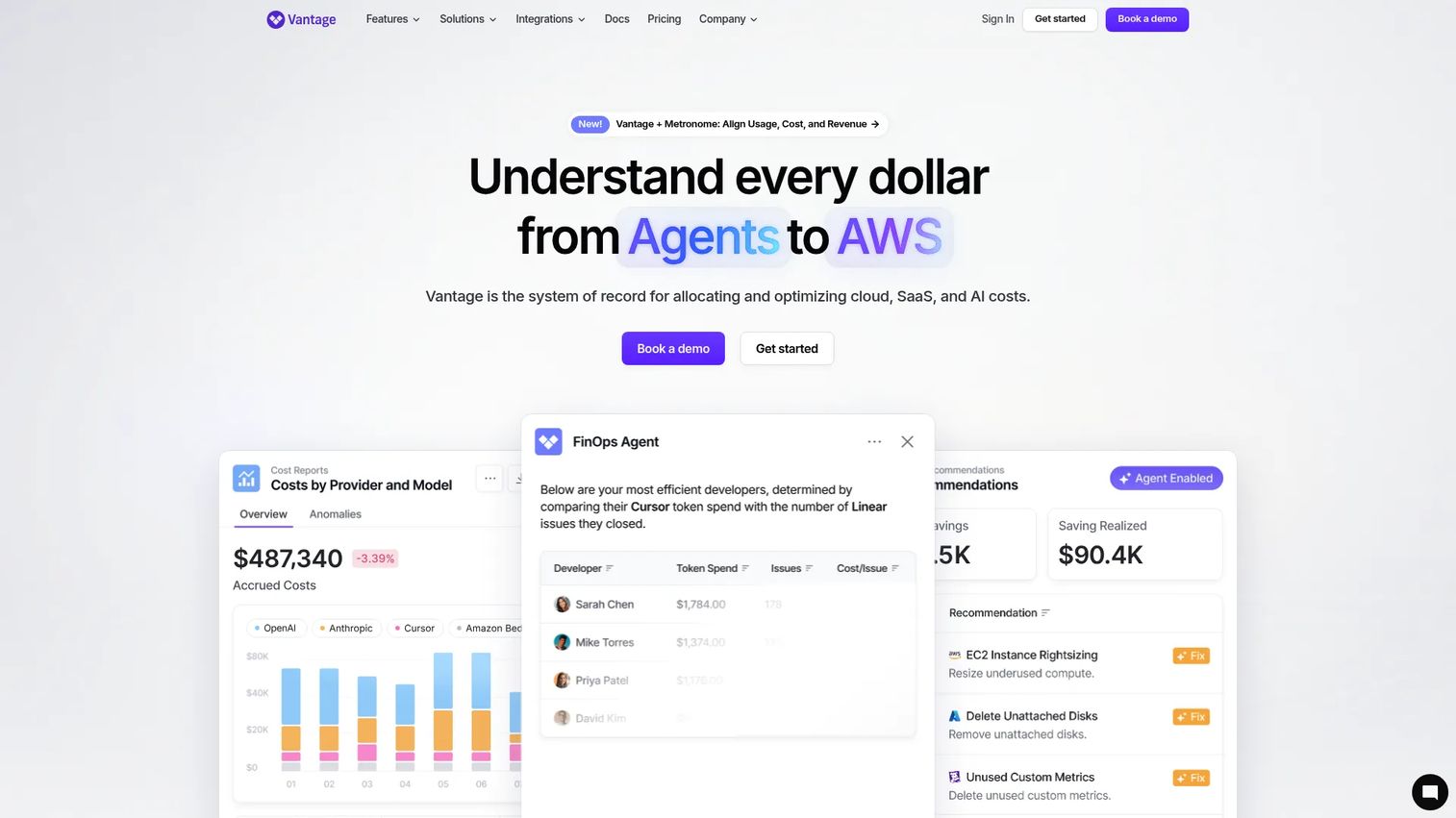
Vantage is a cloud cost management and FinOps platform built for teams that want a broad operating surface without a long implementation. It unifies spend across cloud providers, then layers on cost reports, budgets, unit costs, and automated commitment optimization. The appeal is speed: you connect accounts and see a usable picture quickly, then act on it.
Best for: Teams managing cloud spend across multiple providers that want FinOps visibility and optimization in one place.
Key strengths
- Unified cost reports: consolidated cloud cost visibility across providers in a single view
- Virtual tagging: flexible cost allocation and showback without re-tagging resources at the source
- Autopilot and unit costs: budgets, Kubernetes visibility, network cost tracking, and automated AWS Savings Plans management
Why choose Vantage: It is the strongest default for teams that want both visibility and optimization without stitching tools together. The virtual tagging approach means finance gets clean allocation even when engineering's tagging is imperfect, which is most of the time. Autopilot handles Savings Plans automatically, so commitment savings do not depend on someone remembering to buy them.
Vantage pricing: Vantage offers a free Starter tier, a Pro plan at $30 per month, and a Business plan at $200 per month, all billed monthly. Enterprise pricing is custom through sales. The free tier makes it a low-risk starting point for smaller teams. Vantage holds a 4.7/5 rating on G2.
2. Finout
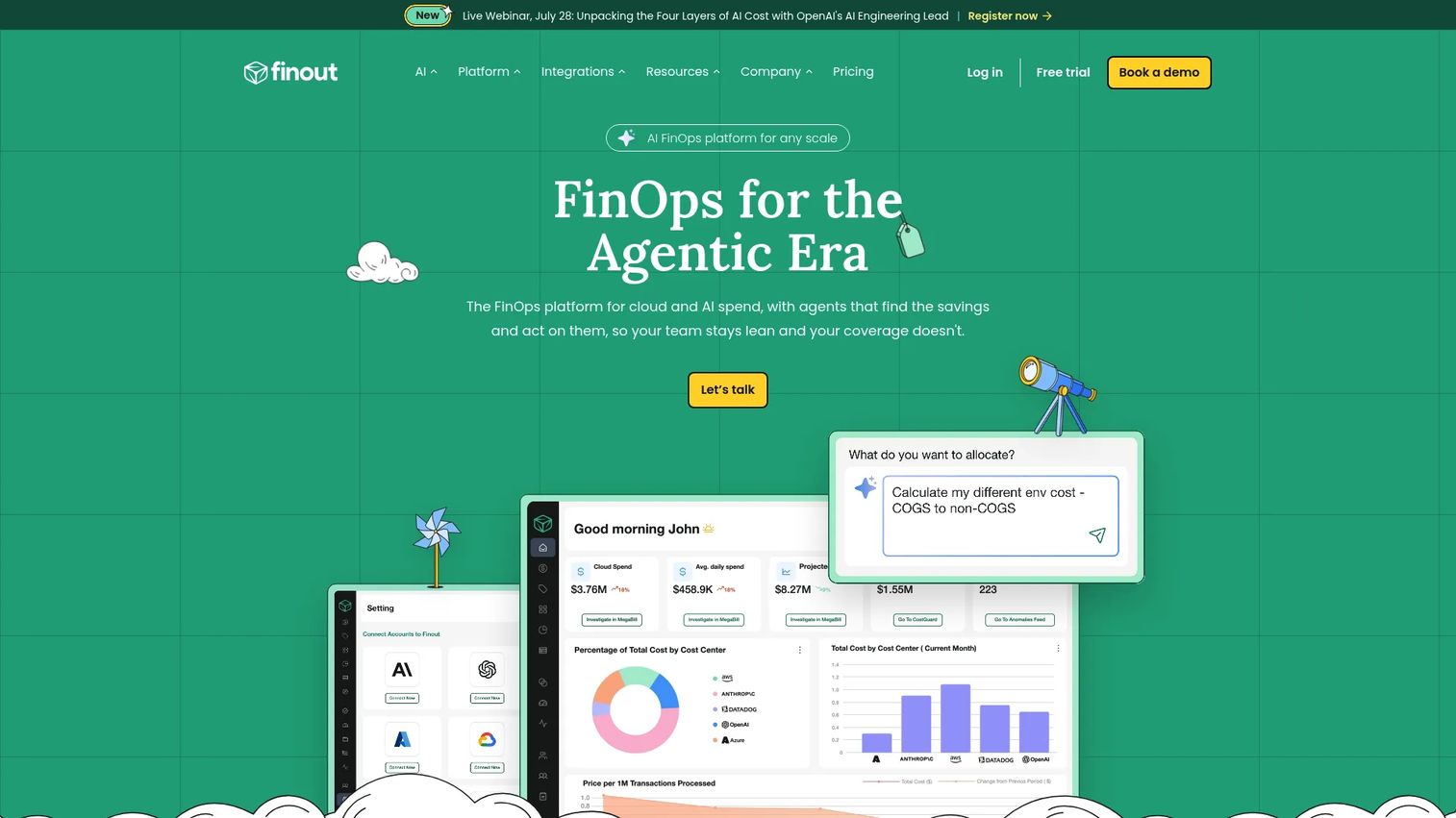
Finout is an enterprise-grade FinOps platform focused on allocating, managing, and governing cloud and AI spend from one place. Its signature feature is MegaBill, a unified view that pulls cloud and SaaS costs into a single readable bill. For organizations drowning in disconnected invoices, that consolidation is the entire pitch.
Best for: Teams needing centralized FinOps visibility, allocation, and governance across cloud and SaaS spend.
Key strengths
- MegaBill: one unified cloud spend view that combines multiple providers and cost sources
- Virtual Tags: cost allocation that works even when native tags are incomplete
- Dashboards and reporting: finance-friendly views that stay readable at granular depth
Why choose Finout: It stands out for organizations that need a granular cost view that finance can still read. Many tools force a choice between depth and clarity. Finout's Virtual Tags let you slice spend by cost center, team, or product without a re-tagging project, which is why it lands well with teams that have governance requirements but limited engineering time to enforce them.
Finout pricing: Finout uses a custom, quote-based model rather than public tiers. The pricing page describes a fixed-fee structure based on cloud environment spend and connected data sources, so cost scales with your footprint rather than per seat. Request a quote directly for your environment. Finout holds a 4.5/5 rating on G2.
3. CloudZero
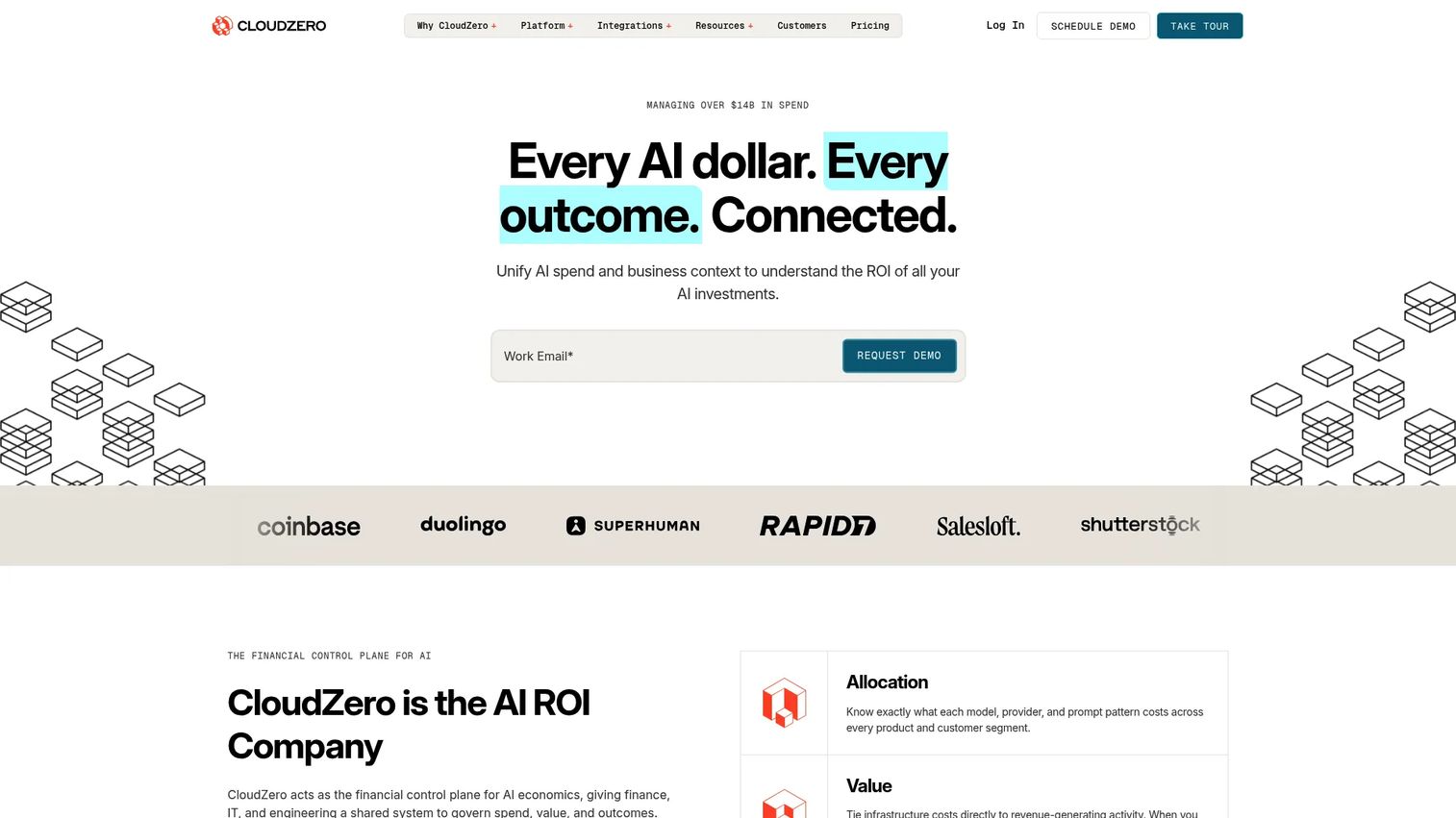
CloudZero is a cloud and AI cost intelligence platform built for teams that care about unit economics, not just total spend. The core question it answers is different from most tools: not "what do we spend" but "what does it cost to serve one customer, ship one feature, or run one product." That framing makes it a favorite among engineering and finance teams aligning spend to the business.
Best for: Finance, engineering, and FinOps teams managing cloud and AI spend at scale who need business-aligned cost views.
Key strengths
- Unit cost reporting: cost per product, feature, customer, or team, tied to business metrics
- Explorer, Analytics, and AI Hub: granular allocation plus AI model cost visibility
- Dimensions, budgets, and anomaly detection: forecasting and alerts with unlimited cost sources and users
Why choose CloudZero: Choose it when the number that matters is cost per unit, not cost per month. Engineering teams get reporting they can act on, and finance gets margins mapped to products. The single-subscription model means every capability is included rather than gated behind tiers, which removes the usual "we need the premium plan for that" friction.
CloudZero pricing: CloudZero uses a single subscription that includes all capabilities, priced through a custom quote rather than public numbers. There are no per-source or per-user limits, so pricing does not penalize you for adding dashboards or teammates. Request a quote for your environment. CloudZero holds a 4.6/5 rating on G2.
4. DoiT Cloud Intelligence
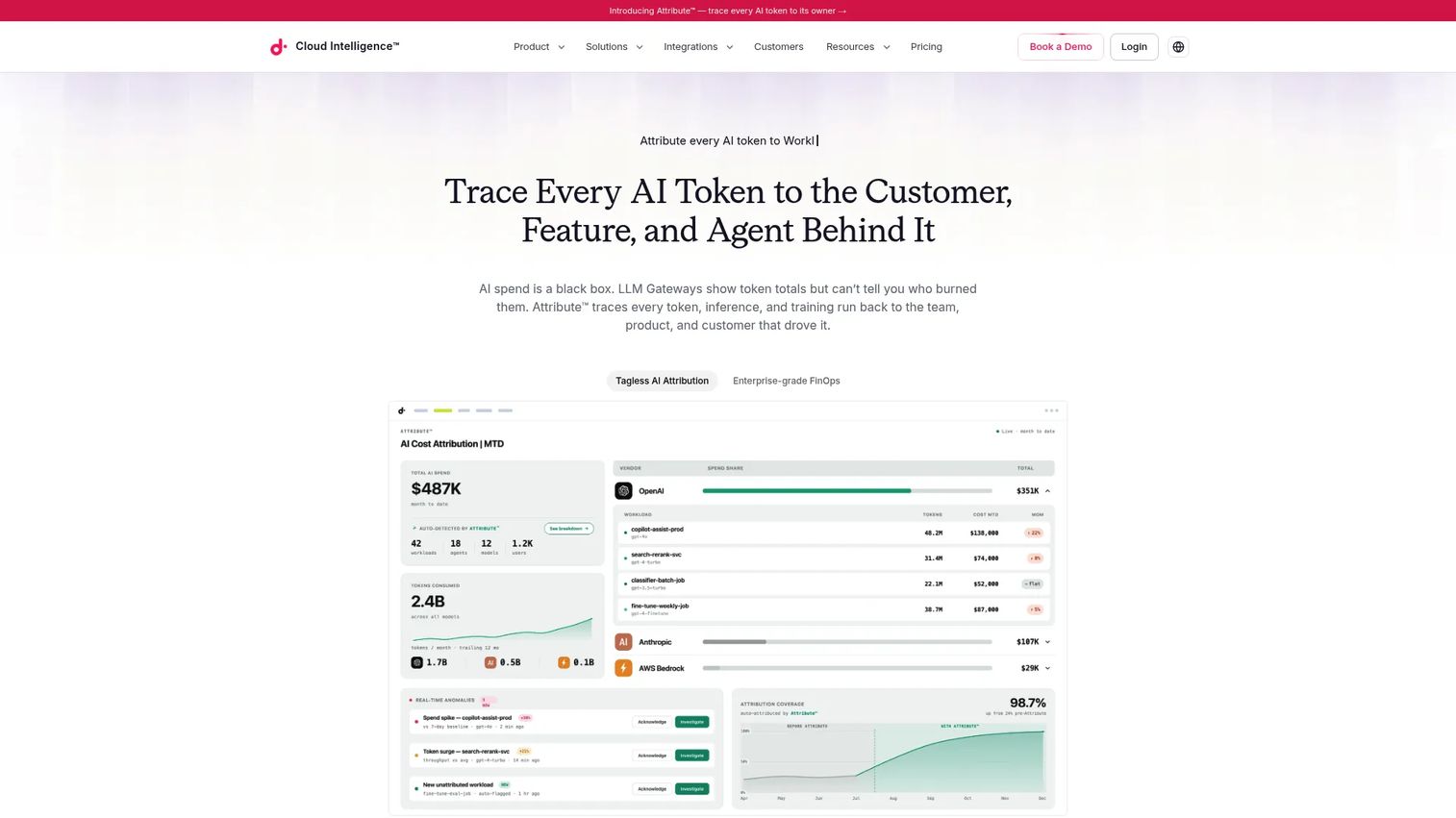
DoiT Cloud Intelligence is an intent-aware FinOps platform that pairs cloud cost software with human advisory support. It covers multi-cloud spend visibility across AWS, Google Cloud, and Azure, then adds insights, optimization recommendations, and proactive anomaly alerts. The differentiator is the support layer: expert guidance is part of the product experience, not a separate contract.
Best for: Cloud teams that want one platform for FinOps visibility, optimization, and multi-cloud operations, with expert help built in.
Key strengths
- Multi-cloud visibility: unified spend across AWS, Google Cloud, and Azure
- Insights and recommendations: proactive optimization guidance and anomaly alerts
- Broad integrations: connections across cloud, data, observability, AI, and developer tooling
Why choose DoiT Cloud Intelligence: Choose it when you want product plus people. Teams without a deep FinOps bench get expert guidance alongside the software, which shortens the gap between seeing a problem and fixing it. The integration breadth also means it slots into an existing data and observability stack rather than sitting off to the side.
DoiT pricing: DoiT publishes an Essentials CloudOps advisory add-on at $750 per request. Enhanced and Enterprise tiers are contract-based, referencing a minimum service fee plus a percentage of monthly cloud spend, so numbers are custom to your footprint. There is no free tier. Contact DoiT for a scoped quote.
5. IBM Cloudability
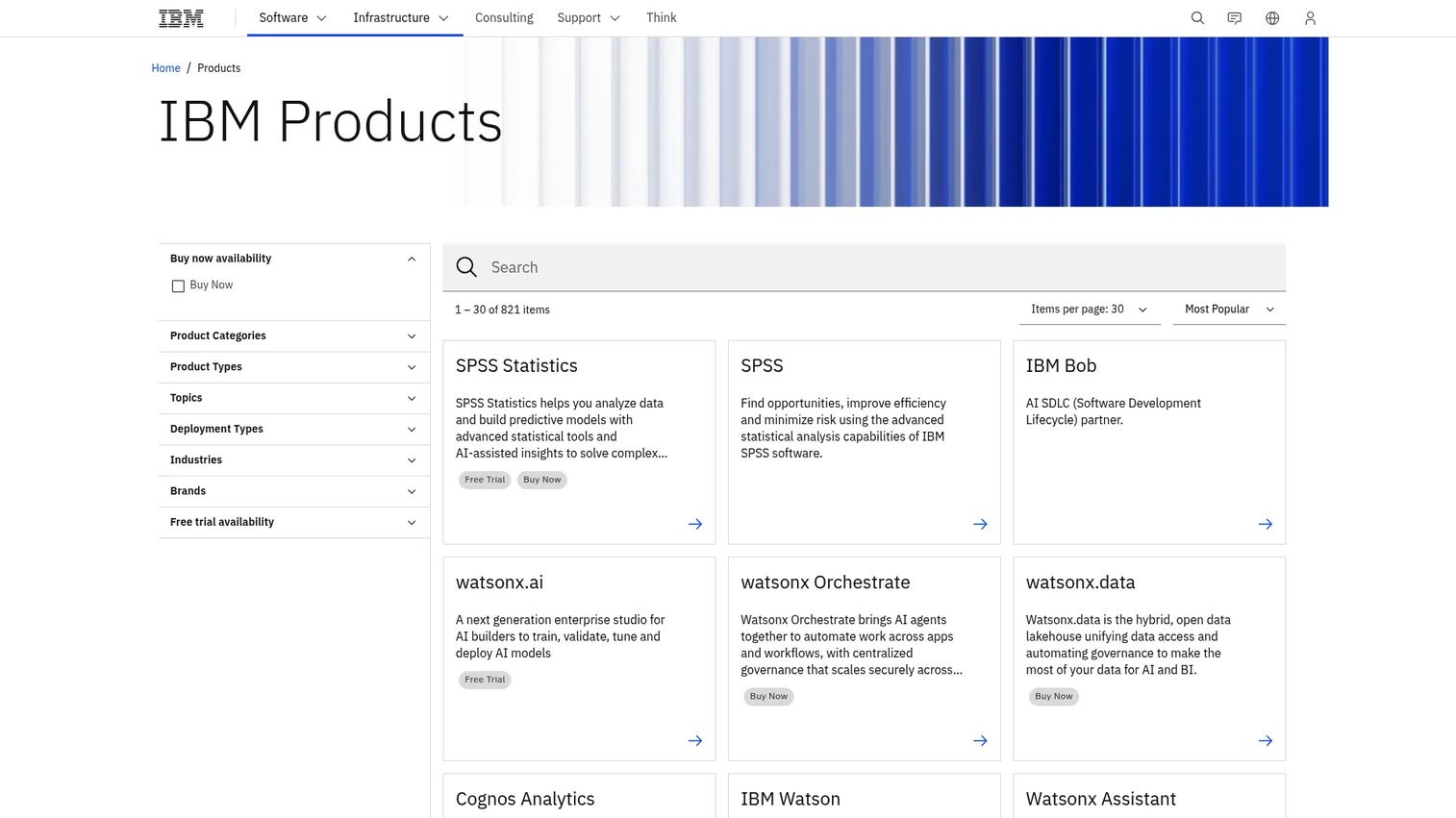
IBM Cloudability is enterprise FinOps and cloud cost management software for allocating, forecasting, and optimizing spend across environments. It is built for organizations with FinOps maturity ambitions: broad multi-cloud allocation, budgets, chargeback and showback, rightsizing, and Kubernetes visibility under one governance model.
Best for: Enterprises needing multi-cloud FinOps, cost allocation, and optimization with strong governance.
Key strengths
- Allocation and chargeback: cloud spend allocation with chargeback and showback across teams
- Budgets and forecasts: workload planning with forward-looking spend forecasting
- Optimization: rightsizing, commitment coverage, and anomaly-related recommendations
Why choose IBM Cloudability: Choose it when governance and enterprise FinOps maturity matter more than fast self-serve setup. Large organizations with complex org charts get the allocation and chargeback structure to hold teams accountable, plus the forecasting finance needs for planning. It fits environments where FinOps is a formal function, not a side project.
IBM Cloudability pricing: IBM does not publish public pricing for Cloudability; it is quoted based on your environment and scope. Engage IBM directly for a scoped proposal. IBM Cloudability holds a 4.2/5 rating on G2.
6. Cast AI
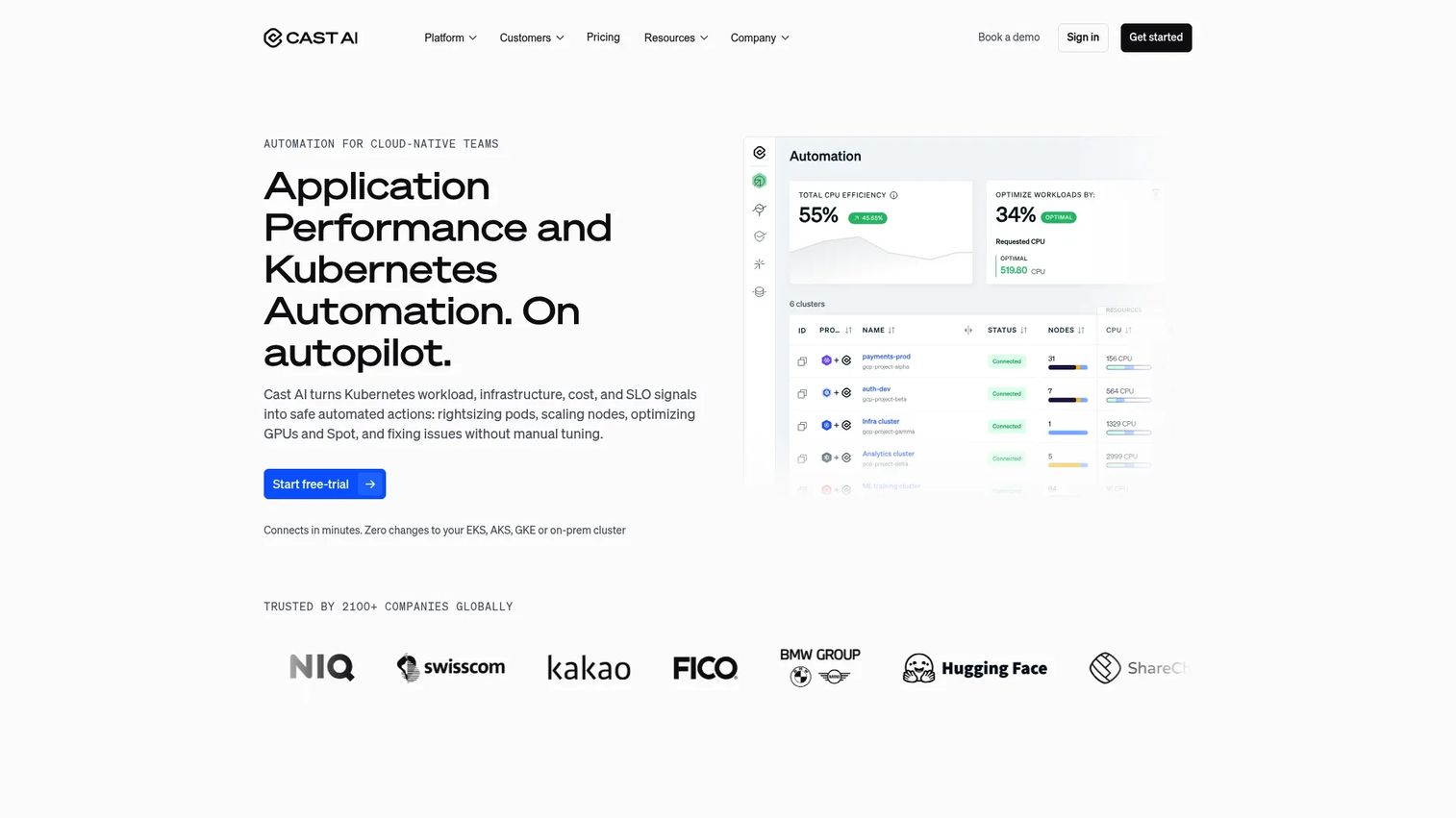
Cast AI is the Kubernetes specialist on this list. It is a cloud-native infrastructure automation platform focused on monitoring and optimizing container spend, with automated rightsizing that acts on clusters rather than just reporting on them. If Kubernetes is your biggest cost problem, this is the tool built for exactly that.
Best for: Teams operating Kubernetes clusters that want automated cost monitoring and optimization.
Key strengths
- Kubernetes cost monitoring: real-time visibility into container and cluster spend
- Automated optimization: rightsizing and cluster analysis that acts, not just advises
- Multi-cloud cloud-native operations: works across providers running Kubernetes workloads
Why choose Cast AI: Choose it when Kubernetes is the core pain and you want automation, not just dashboards. Many tools show you an overprovisioned cluster. Cast AI is built to act on it. The free monitoring tier lets you quantify the opportunity before committing, which makes the business case easy to build internally.
Cast AI pricing: Cast AI offers a free Kubernetes cost monitoring tier, so you can measure savings potential at no cost. The Enterprise plan is custom through sales. Start with the free tier to establish a baseline, then move to Enterprise when you are ready to automate. Cast AI holds a 4.6/5 rating on G2.
7. AWS Cost Explorer
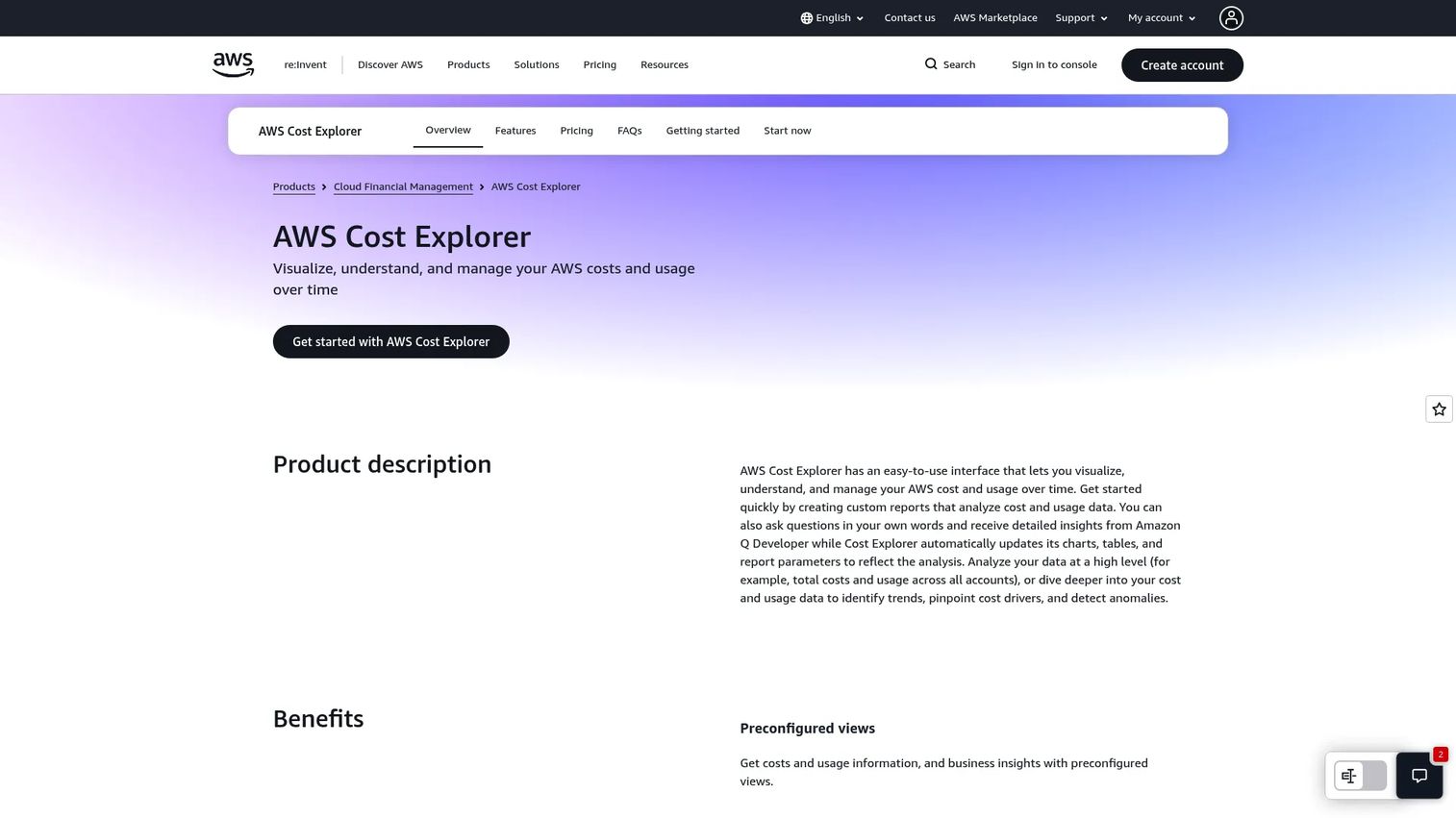
AWS Cost Explorer is the native AWS cost management tool for visualizing spend, forecasting costs, and drilling into what drives them over time. For AWS-only teams early in their FinOps journey, it is the baseline: no procurement, no integration project, already in your console.
Best for: AWS users who need built-in cost visibility, forecasting, and usage breakdowns without adding a third-party tool.
Key strengths
- Cost and usage visualization: native breakdowns of AWS spend over time
- Filter and group by dimensions: slice spend by service, account, tag, and more
- Forecasting and saved reports: built-in projections and reusable report views
Why choose AWS Cost Explorer: Choose it when you are AWS-only and early. It answers the first-order question of where your AWS money goes without any setup, and its hourly granularity is genuinely useful for spotting patterns. When you add a second cloud or need cross-provider allocation, that is the signal to layer a dedicated platform on top.
AWS Cost Explorer pricing: Cost Explorer is free to get started in the AWS console. The API is billed at $0.01 per request, and hourly granularity is billed at $0.00000033 per usage record. For most teams the console experience costs nothing. AWS Cost Explorer holds a 4.4/5 rating on G2.
8. Microsoft Cost Management
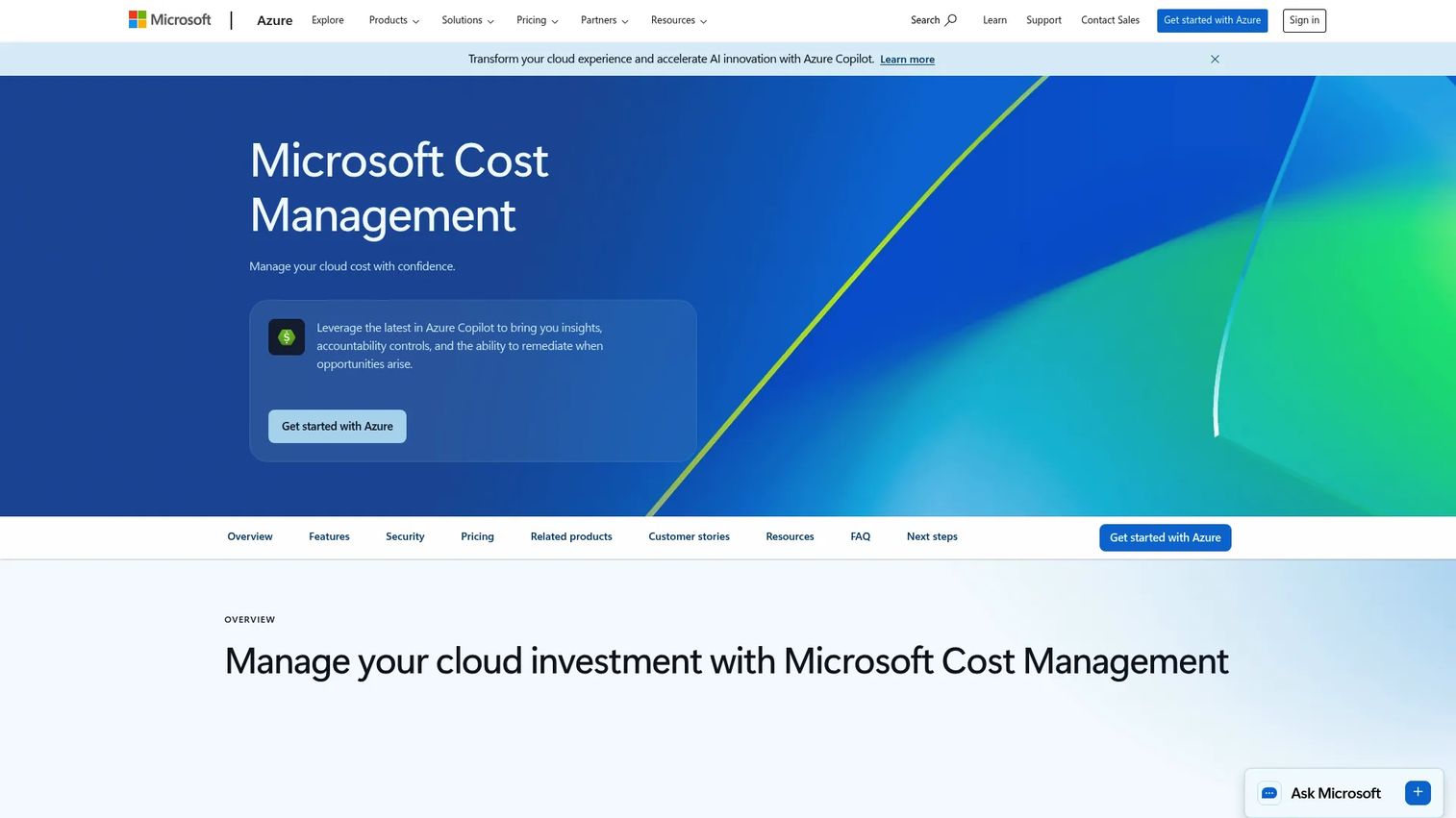
Microsoft Cost Management is Azure's native cost visibility and optimization tool for monitoring, allocating, and managing cloud spend. Like the AWS equivalent, it is the natural first stop for Azure-centric teams: built in, free, and immediately available to every Azure customer.
Best for: Azure customers that need built-in cloud cost reporting and budget controls without extra tooling.
Key strengths
- Cost and usage reporting: native Azure cost analysis and usage breakdowns
- Tag-based categorization: organize spend by tags for clearer allocation
- Budgets and alerts: set budgets with automated alerts and forecasting
Why choose Microsoft Cost Management: Choose it when your footprint is Azure-first and you want native tooling before investing in a platform. Budgets, alerts, and forecasting cover the essentials of Azure cost management, and there is nothing to buy. The moment you need multi-cloud visibility or deeper allocation across providers, that is when a dedicated tool earns its cost.
Microsoft Cost Management pricing: It is available to all Azure customers and managed service providers at no additional cost, across all active Azure offers. There is no separate subscription price. Microsoft Cost Management holds a 3.8/5 rating on G2.
9. Kubecost
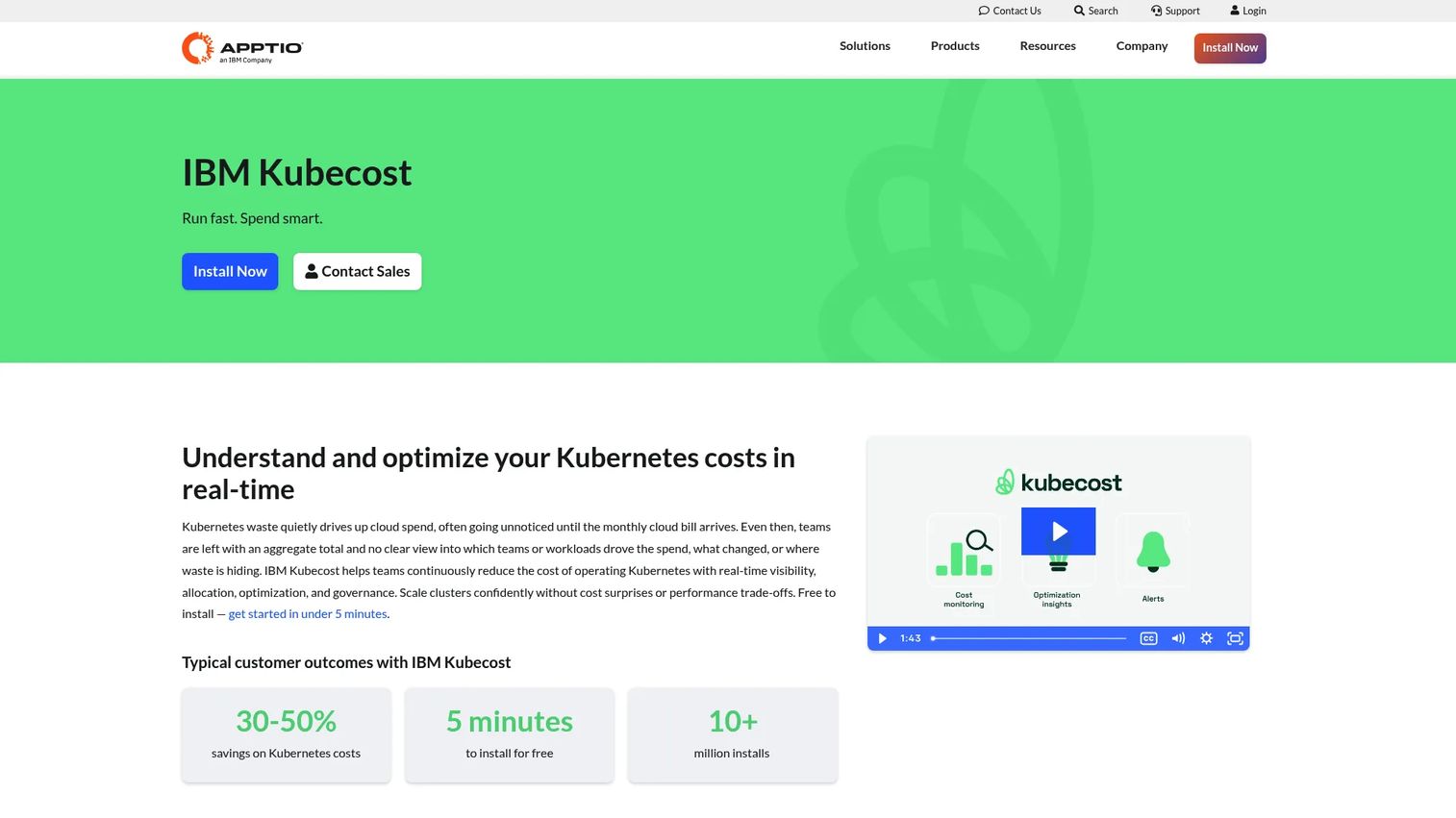
Kubecost, now branded as IBM Kubecost, is a Kubernetes cost monitoring and optimization platform focused on allocation, showback, and chargeback at the cluster level. Where a general platform gives you a Kubernetes line item, Kubecost breaks that item down to namespaces, workloads, and teams.
Best for: Teams running Kubernetes that need cost visibility, chargeback and showback, and optimization insights.
Key strengths
- Real-time allocation: cost visibility and allocation down to the workload level
- Optimization insights: recommendations for overprovisioned workloads
- Governance: budgets, forecasting, anomaly detection, and RBAC for multi-cluster environments
Why choose Kubecost: Choose it when container spend is a deep concern and you need clean chargeback across clusters. It answers the question general FinOps tools struggle with: which team, namespace, or workload actually consumed the cluster. For platform teams running Kubernetes across multiple clouds, that allocation clarity is the whole point.
Kubecost pricing: Kubecost offers an always-free Foundations tier, which is a genuine starting point rather than a trial. Enterprise Self-hosted and Enterprise Cloud plans are available through sales, with pricing scoped to your environment. Start with Foundations to prove value, then upgrade for enterprise governance features.
10. Flexera One FinOps
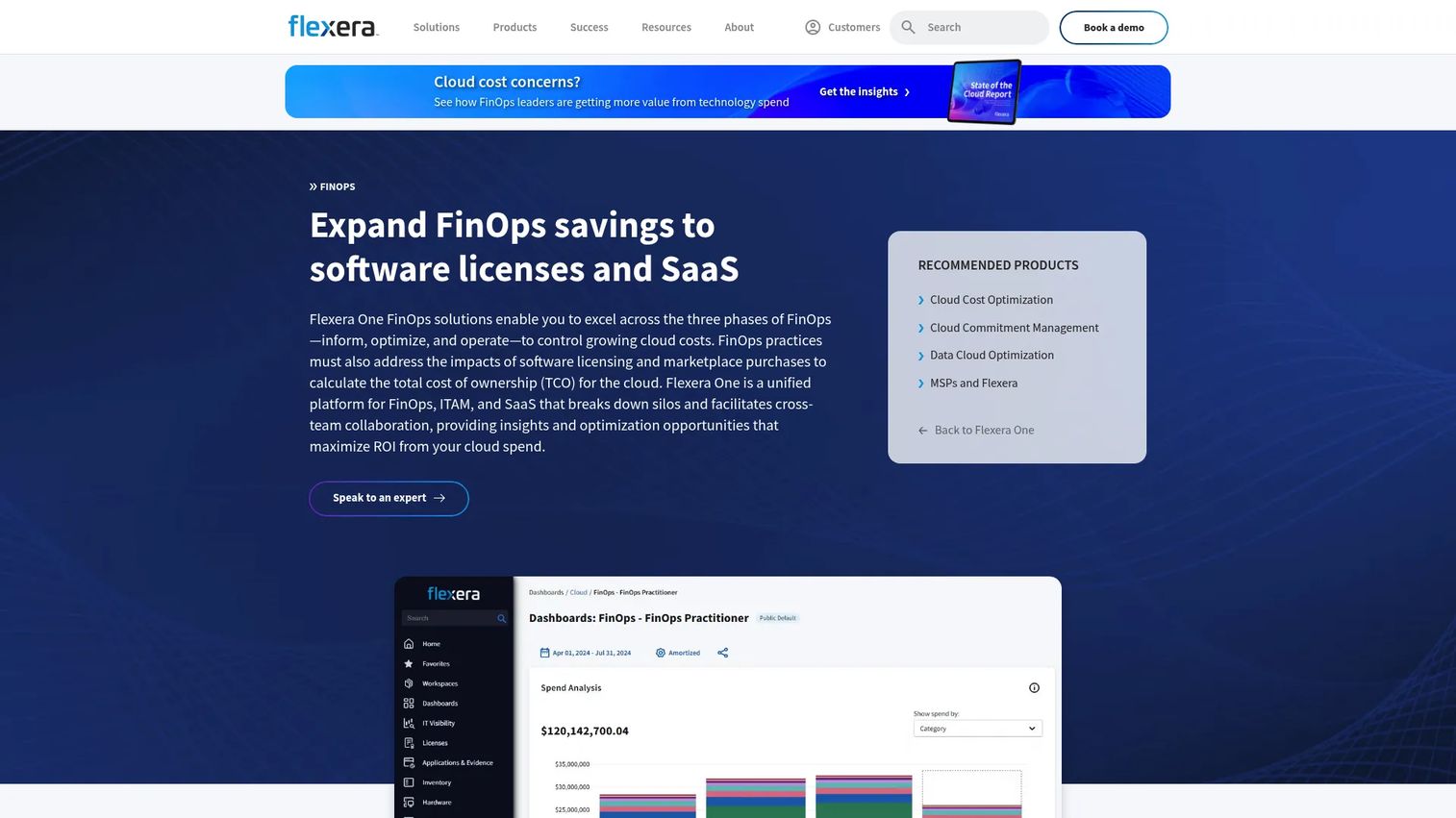
Flexera One FinOps is a cloud cost optimization and FinOps platform that extends visibility and automation across cloud, software licenses, and SaaS. It is built for large organizations that treat FinOps as a cross-functional operating model, not a single-team dashboard, and that need to govern hybrid IT spend alongside pure cloud.
Best for: Enterprises managing hybrid cloud spend alongside software and SaaS costs under one governance model.
Key strengths
- Three-phase FinOps: structured support across inform, optimize, and operate
- Multi-cloud ingestion: cost ingestion, reporting, and allocation across providers
- Automation and policy: a policy engine for recommendations and remediation
Why choose Flexera One FinOps: Choose it when your spend problem is bigger than cloud. Large organizations that need to reconcile cloud, software licensing, and SaaS in one place get a cross-functional operating model rather than a point tool. The three-phase structure maps cleanly to FinOps maturity, which helps enterprises operationalize a program rather than just watch a dashboard.
Flexera One FinOps pricing: Flexera does not publish public pricing for its FinOps offering; it is quoted based on scope and environment. Engage Flexera directly for a proposal tailored to your hybrid footprint. Flexera One holds a 4.3/5 rating on G2.
What to evaluate before you buy
A feature list will not tell you which tool fits. These criteria will.
Multi-cloud coverage and depth
Confirm the tool covers every provider you run, not just your primary one. A platform strong on AWS but thin on Azure or GCP creates blind spots exactly where you need visibility. If you run containers, verify Kubernetes coverage specifically, since general cloud support does not always extend to clusters.
Allocation and governance
Look for cost allocation that works even when your tags are imperfect, because they usually are. Evaluate showback and chargeback capabilities, tagging enforcement, and policy controls. Finance needs auditability; engineering needs ownership mapping. The tool should give both without a months-long tagging cleanup first.
Commitment and optimization automation
Check how the tool handles Savings Plans, Reserved Instances, and CUDs. Some only report on commitment utilization; others automate purchases and coverage. If commitments are a meaningful slice of your bill, automation is worth more than reporting alone.
Fit for your spend profile
Match the tool to your stage. Early single-cloud teams often start free with native tooling. Mid-market teams juggling multiple providers need a broad platform. Enterprises with formal FinOps functions need governance and hybrid coverage. Buying above your stage adds cost and complexity; buying below it leaves problems unsolved. The same discipline applies whether you are choosing FinOps software or event management software for your team.
Conclusion
The right pick comes down to the problem you are actually solving, not the tool with the most features.
Choose a broad platform when you need visibility plus optimization in one place. Vantage, Finout, and CloudZero cover that ground, with CloudZero pulling ahead if unit economics are your priority. Choose a specialist when Kubernetes is the core pain: Cast AI for automated optimization, Kubecost for allocation and chargeback across clusters. Choose native tools when you are early and cloud-specific, since AWS Cost Explorer and Microsoft Cost Management cost nothing and answer the first questions well. And choose an enterprise FinOps suite when governance and hybrid IT matter: IBM Cloudability, DoiT Cloud Intelligence, and Flexera One FinOps are built for that scale.
The practical move is a shortlist of one. Start with the tool that matches your biggest cost problem right now. Prove it works, get the reporting discipline in place, then add a niche specialist only if a specific gap, usually Kubernetes, demands it. Layering three tools before you have solved one problem is how FinOps budgets get wasted on the software meant to prevent waste.
If reporting clarity and internal alignment are what you are really after, the discipline transfers. Teams that get sharp at mapping spend to owners tend to get sharp at the rest of their operations too, whether that is contract management or marketing resource management.
Start your journey with Guideflow today!
FAQs
Cloud cost management focuses on visibility and control: seeing what you spend, where, and by whom. Cloud cost optimization software goes further, reducing waste and improving efficiency through rightsizing, commitment automation, and anomaly detection. Most modern platforms do both, but if you cannot yet see your spend, start with management before chasing optimization.
Native tools like AWS Cost Explorer and Microsoft Cost Management are enough when you run a single cloud, are early in your FinOps journey, and mainly need visibility and budgets. You need a dedicated platform when you run multiple clouds, require cross-provider cost allocation, or want commitment and rightsizing automation the native tools do not offer. The trigger is usually a second cloud or a chargeback requirement.
Cast AI and Kubecost are the most Kubernetes-specific options here. Cast AI leans toward automated rightsizing and cluster optimization that acts on your clusters. Kubecost leans toward allocation, showback, and chargeback down to the namespace and workload level. Pick based on whether your priority is automated savings or clean container cost accountability.
CloudZero, Finout, IBM Cloudability, and Flexera One FinOps all handle chargeback and showback well, with the right pick depending on maturity. CloudZero and Finout suit teams wanting granular, readable allocation. IBM Cloudability and Flexera suit enterprises needing formal governance across many teams. For Kubernetes-specific chargeback, Kubecost is the specialist.
Finance teams should prioritize forecasting, budgeting, and clean cost allocation with auditability. Look for reporting that maps spend to teams, products, or customers without depending on perfect tags. Chargeback and showback capabilities matter for holding owners accountable, and readable dashboards matter more than raw depth if the numbers need to land in a leadership meeting.
Engineering teams should prioritize actionable rightsizing recommendations, anomaly alerts, and Kubernetes visibility that goes to the workload level. Workflow fit matters: the tool should surface issues where engineers already work rather than in a separate portal nobody checks. Automation that acts on recommendations, rather than just listing them, is what turns insight into actual savings.