



Your DP wants a specific sunset behind the actors. Your LED wall renders it in the wrong color temperature. The camera tracks, but the parallax drifts by the third take. Now you are re-rendering assets that worked fine in previs, and the shoot day is burning.
That gap between what you planned and what the stage actually delivers is the real cost of virtual production. It rarely shows up as one broken tool. It shows up as rework: assets rebuilt between previs and on-set, color that shifts across the pipeline, tracking that fits one setup but not the next. Every handoff is a place where continuity breaks and budget leaks.
The market is growing into that problem. Mordor Intelligence estimates the virtual production market at USD 3.67 billion in 2026, up from USD 3.16 billion in 2025. More stages mean more teams choosing software they will live with for years.
So the question is not which platform has the flashiest reel. It is which one keeps your workflow continuous from previs to final pixel without forcing you to rebuild the same scene three times.
What's inside
This guide helps producers, technical directors, and virtual production supervisors compare virtual production platforms by how they fit a real workflow, not a spec sheet. We ranked and reviewed seven options against the factors that decide whether a stage runs clean.
- Unreal Engine integration: how deeply each platform connects to engine-based real-time rendering
- Camera tracking and stage response: how it handles virtual cameras and live scene changes
- LED wall and final-pixel output: how it drives LED volume environments and image fidelity
- Workflow continuity and deployment: whether it holds up across previs, on-set, and post
You will also find a definition of virtual production software, when to use it, a comparison table, and seven ranked tools.
TL;DR
- Best for Unreal Engine-first workflows: Unreal Engine, the real-time foundation most virtual production stacks build on.
- Best for live broadcast and virtual studios: Pixotope, a dedicated virtual production platform powered by Unreal Engine.
- Best for large-scale show control: Disguise, for LED stages and complex live environments.
- Best for integrated camera and display: Sony Virtual Production Tool Set, for teams invested in Sony imaging gear.
- Best for flexible real-time 3D: Unity, a versatile engine for visualization and interactive scene building.
- Best for final-pixel image quality: Chaos Arena, real-time ray tracing built for LED volumes and ICVFX.
What is virtual production software?
Virtual production software is a platform that blends digital and physical production in real time, driving rendering, camera tracking, compositing, and LED-stage environments so filmmakers see near-final images on set instead of waiting for post.
The category spans several capabilities that rarely all live in one product:
- Real-time rendering: rendering photoreal scenes fast enough to react to the camera on set
- Camera tracking: syncing a physical camera's position with the virtual scene so perspective and parallax match
- LED wall and LED volume support: driving large LED stages that display the digital environment behind actors
- In-camera VFX and live compositing: capturing final or near-final effects in-camera instead of layering them in post
- Previs, techvis, and postvis: planning shots, validating technical setups, and iterating visuals across stages
- Unreal Engine and engine-based workflows: using a real-time engine as the rendering and logic backbone
- Pipeline-to-stage continuity: carrying assets from planning into the volume without rebuilding them
Here is the distinction that trips up buyers. Virtual production is the broader process: the people, cameras, stages, and steps that produce a shot. Virtual production software is the layer that powers it. Some tools in this guide are full engines. Some are dedicated virtual production platforms that sit on top of an engine. One is show-control software for live environments. Knowing which layer you are buying is half the decision.
When to use virtual production software
Previsualize scenes before principal photography
Teams use virtual production software to align creative vision before anyone is on the clock. You block shots, test lighting, and walk a virtual set in the same engine you will shoot with. That means the previs is not a throwaway sketch. It becomes the starting point for the on-set scene, which cuts the guesswork out of shoot day.
Build LED stage and in-camera VFX workflows
Reach for these platforms when the environment has to appear behind the actors in real time. The software drives the LED wall, handles live compositing, and lets you change the scene between takes. When the camera moves, the parallax on the wall moves with it, so you capture the effect in-camera instead of adding it later.
Keep production continuity across pre, on-set, and post
Use virtual production software when rework is the enemy. The point is to carry one set of assets from previs into the volume and out into post without rebuilding them at each stage. That continuity is where the time and money actually get saved, and it is the hardest thing for a fragmented toolchain to deliver.
Comparison table
The table below compares the platforms by best use case, key differentiator, pricing, and G2 rating where a current listing exists. Pricing for several of these tools is quote-based because they are sold into studio and broadcast environments, so we note that plainly where it applies.
| # | Product | Best for | Key differentiator | Pricing | G2 rating |
|---|---|---|---|---|---|
| 1 | Unreal Engine | Engine-first virtual production | Real-time rendering foundation with Nanite and Lumen | Free under $1M revenue; seat and royalty terms above | 4.5/5 |
| 2 | Pixotope | Live broadcast and virtual studios | Dedicated VP platform on Unreal Engine | Quote-based | 5.0/5 |
| 3 | Disguise | Large-scale show control | Real-time media control for live environments | Free Starter; Pro $159/mo or $1,500/yr | Not listed |
| 4 | Sony Virtual Production Tool Set | Integrated camera and display | Camera and Display Plugin plus color tools | Free download; some features licensed | Not listed |
| 5 | Unity | Flexible real-time 3D | Versatile engine across platforms | Free Personal; Pro $210/mo or $2,310/yr | Not listed |
| 6 | Chaos Arena | Final-pixel LED volume output | Real-time ray tracing for ICVFX | Quote-based | Not listed |
| 7 | AVIXA | Category education for buyers | Industry standards and training resource | From $120/yr membership | Not listed |
Best 7 virtual production tools for filmmakers
1. Unreal Engine
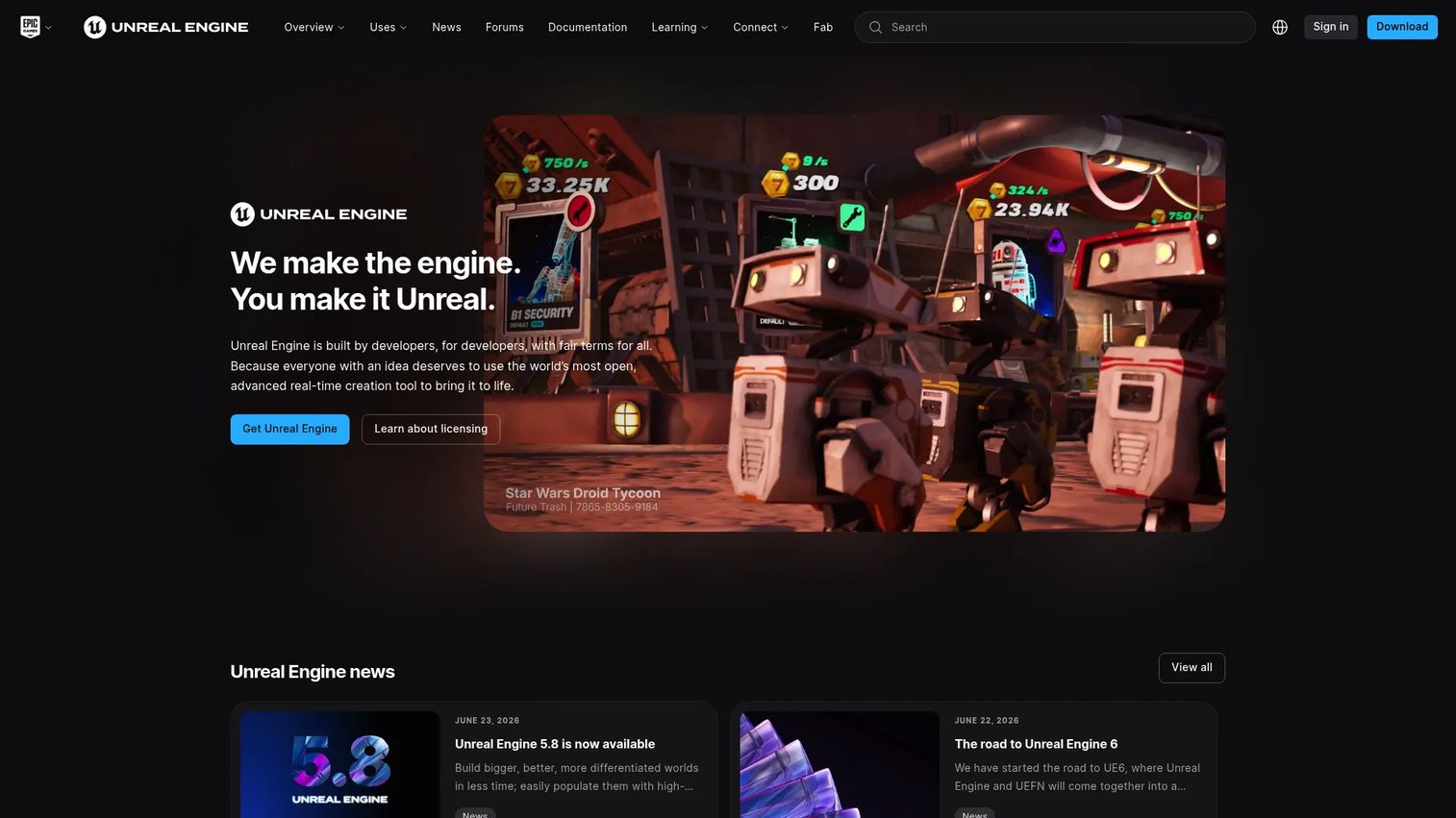
Unreal Engine is the real-time 3D creation engine most virtual production workflows build on. Its rendering technology, Nanite for geometry and Lumen for lighting, produces photoreal scenes fast enough to react to a camera on set. For virtual production specifically, it anchors previs, virtual scouting, live compositing, and LED-stage workflows. Most dedicated VP platforms in this guide sit on top of it.
Best for: Studios and technical teams that want the broadest engine foundation for real-time rendering and virtual production.
Key features
- Nanite and Lumen real-time rendering
- Blueprint visual scripting
- Virtual production and cinematic tools
- LED-stage and in-camera VFX support
- Deep third-party plugin support
Why choose Unreal Engine: Choose it when you want to own the rendering foundation and build a broader stack around it. It is not a turn-key virtual production suite by itself, so most stages pair it with a dedicated VP platform for stage control and tracking.
Unreal Engine is free for developers and users under $1M USD in annual gross revenue. Above that threshold, qualifying games and apps move to a 5% royalty on lifetime gross revenue over $1M, while certain non-game commercial use is seat-based at $1,850 per seat per year.
Unreal Engine holds a 4.5 out of 5 rating on G2.
2. Pixotope
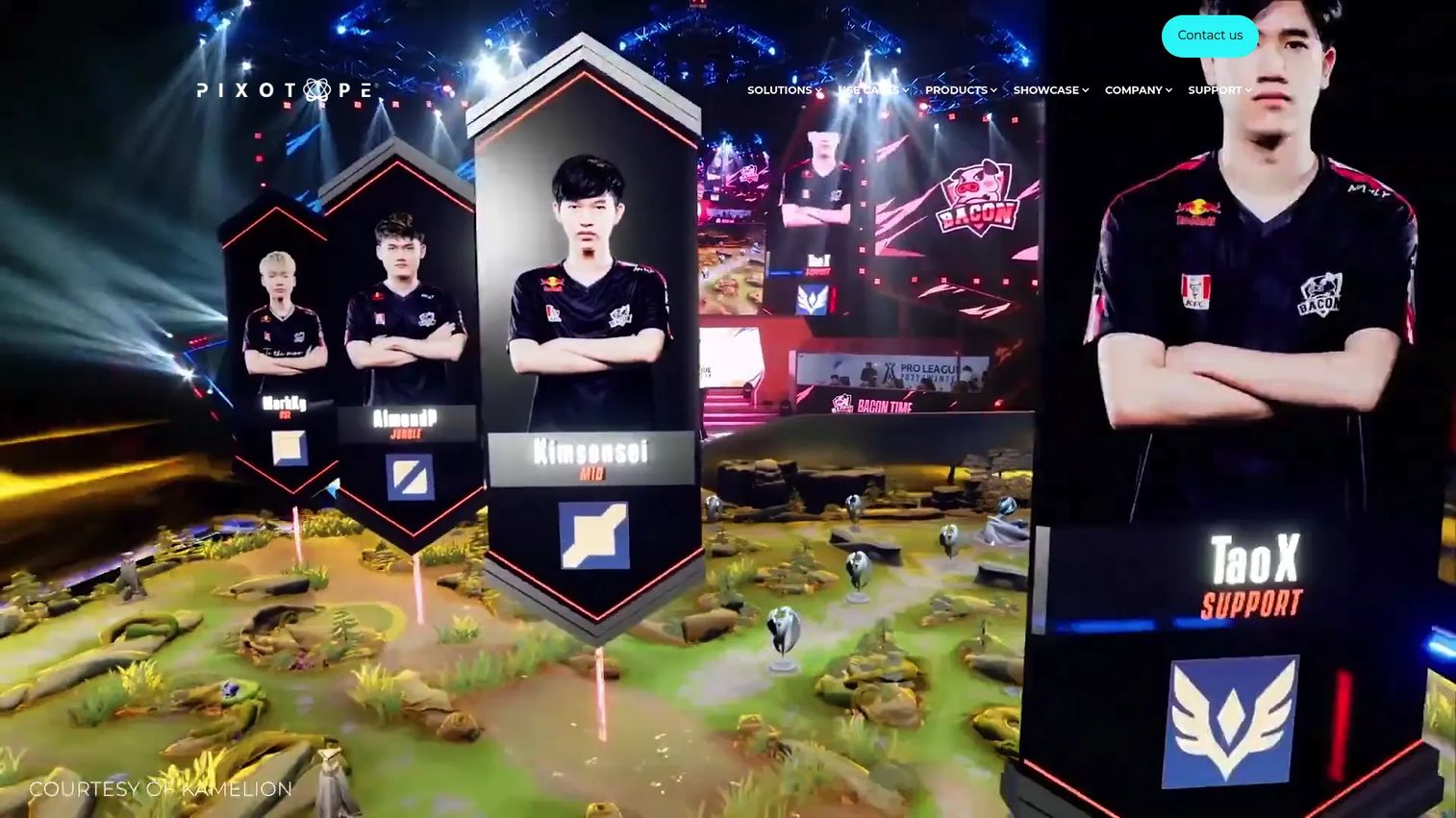
Pixotope is a software-based virtual production platform powered by Unreal Engine, built for live and on-air work. It handles broadcast graphics, virtual studios, AR, XR, and camera tracking, with a focus on rapid deployment for teams that go live on a schedule. Sports, esports, and corporate live production are its home turf.
Best for: Broadcasters and live production teams that want a dedicated virtual production platform rather than assembling one from parts.
Key features
- Unreal Engine-based virtual production platform
- Camera tracking and compositing
- Chroma keying and live broadcast workflows
- AR and XR graphics support
- Virtual studio control
Why choose Pixotope: Choose it when you need real-time virtual studio and AR tooling that runs reliably during a live show. Its engine-based foundation means you get Unreal Engine rendering inside a platform purpose-built for broadcast.
Pixotope uses a subscription model with license fees, and pricing is quote-based rather than published. Broadcast and live production teams contact the company to scope a plan around their setup.
Pixotope holds a 5.0 out of 5 rating on G2 from a small number of reviews.
3. Disguise
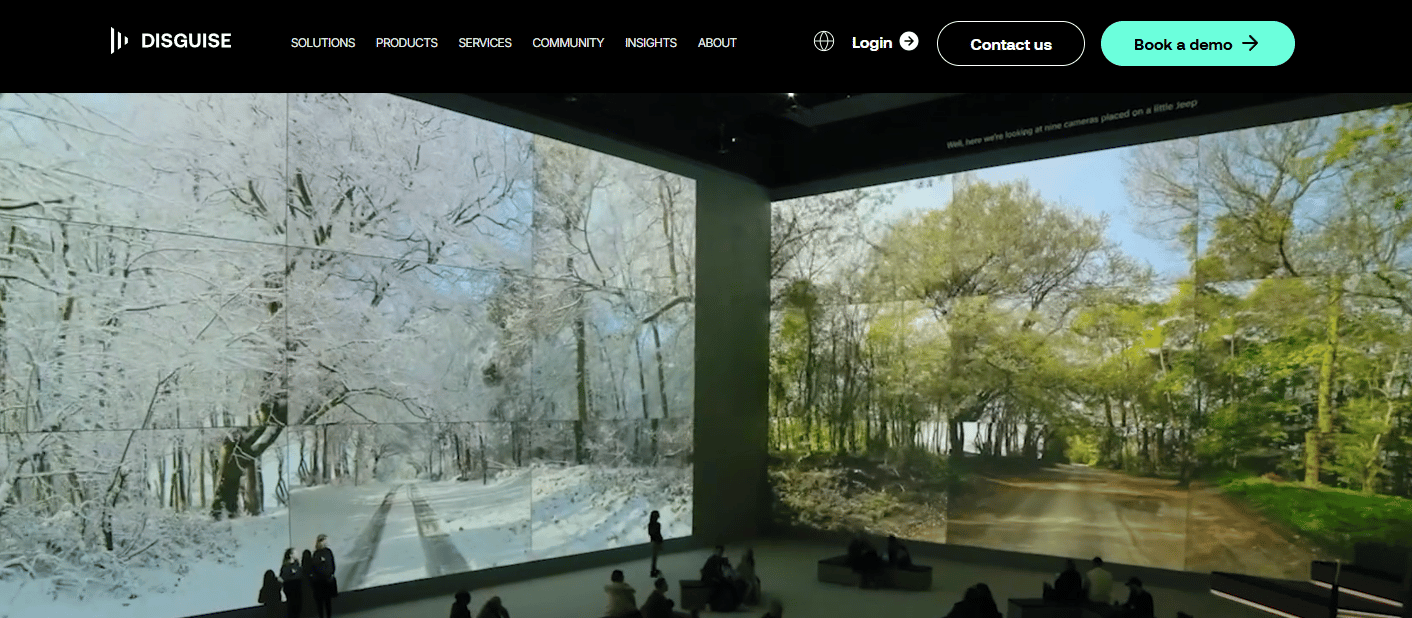
Disguise is visual experience software used for real-time show control, immersive experiences, and virtual production. Its Designer software handles live show programming and previsualization, which makes it a fit for LED stages, content playback, and complex live environments. Where other tools focus on rendering, Disguise focuses on orchestrating what plays where, and when.
Best for: Teams running large-scale productions that need control across complex live and stage-heavy environments.
Key features
- Designer software for live show programming
- Previsualization for stage layouts
- Real-time media playback and orchestration
- LED stage content control
- Cloud collaboration workflows
Why choose Disguise: Choose it when show control and playback reliability matter as much as rendering. It excels at coordinating content across multiple screens and stages during a live production.
Disguise offers Designer Starter free, with Designer Pro billed at $159 per month or $1,500 per year. A separate Disguise Cloud plan covers cloud collaboration workflows.
4. Sony Virtual Production Tool Set

Sony Virtual Production Tool Set is Sony's software toolkit for pre-visualization and on-set workflows, tied to its camera and LED ecosystem. It includes a Camera and Display Plugin for Unreal Engine, a Color Calibrator, and a Moiré Alert feature that flags interference patterns between the camera and the LED wall. For teams already shooting on Sony cameras, that integration removes a layer of guesswork on set.
Best for: Film, broadcast, and VP teams already invested in Sony imaging gear and LED workflows.
Key features
- Camera and Display Plugin for Unreal Engine
- Color Calibrator for consistent color
- Moiré Alert for LED interference detection
- Camera setting transfer
- On-set pre-visualization support
Why choose Sony Virtual Production Tool Set: Choose it when your stage runs on Sony cameras and displays and you want camera alignment and color consistency handled as one integrated stack rather than stitched together.
Sony says the tool set is free to download, with some features available under a paid license. Sony does not publish a figure for the licensed features, so teams confirm terms directly.
5. Unity
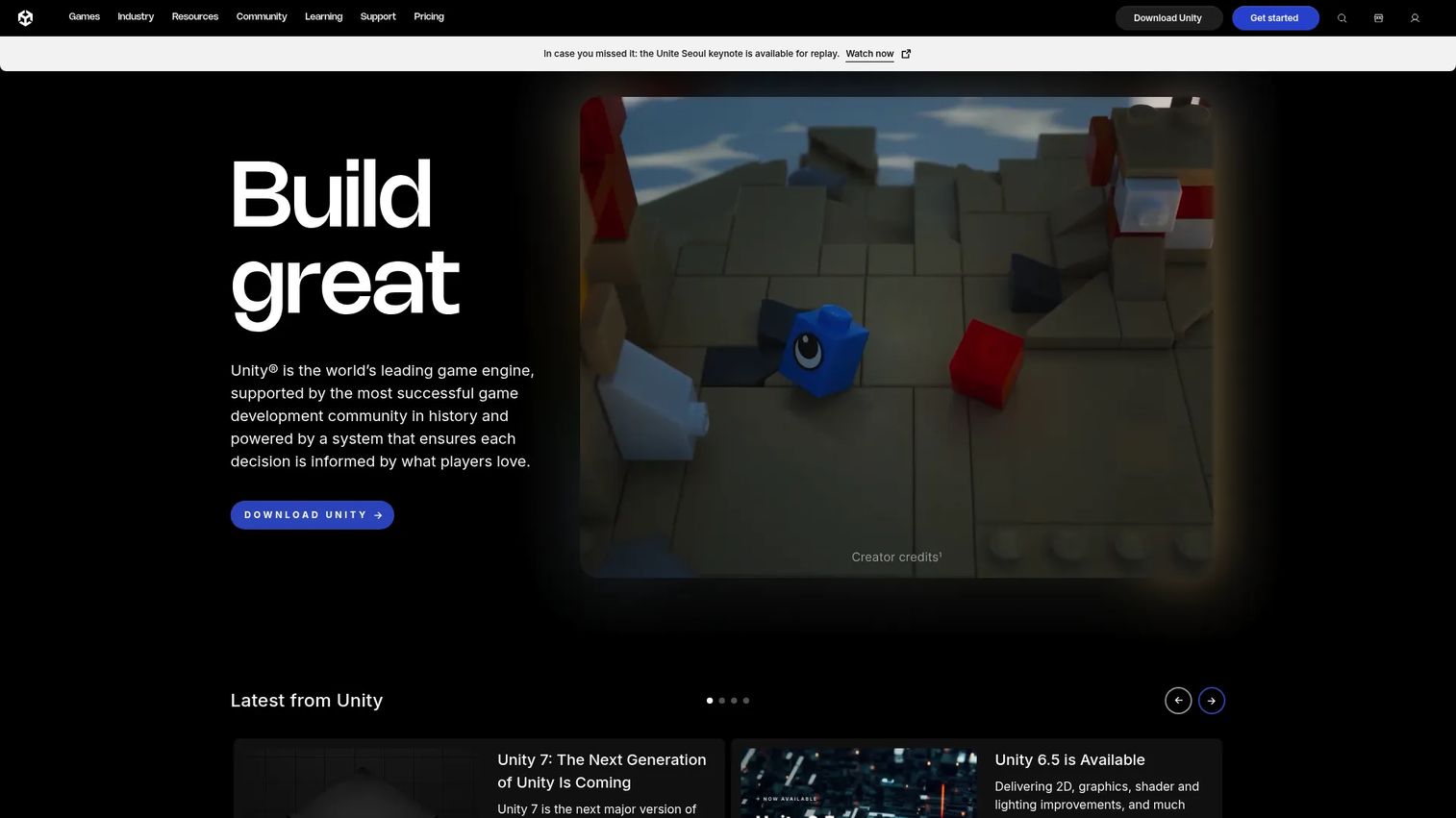
Unity is a real-time 3D development platform that supports virtual production, visualization, and interactive scene building. It is a flexible foundation for teams that want real-time 3D creation with broad platform reach across web, desktop, mobile, AR, VR, and consoles. Teams already working in Unity for other projects can extend that familiarity into virtual production.
Best for: Studios and teams already using Unity in adjacent real-time 3D or interactive work.
Key features
- Unity Engine for real-time 3D
- Unity AI tooling
- Build across web, desktop, mobile, and consoles
- Interactive content workflows
- Visualization and scene building
Why choose Unity: Choose it when flexibility and interactivity matter and your team already knows the engine. Like a game engine at its core, it is a platform foundation rather than a specialized VP suite, so pair it with stage-specific tooling for LED work.
Unity Personal is free. Unity Pro starts at $210 per month or $2,310 per year per seat, and Enterprise and Industry plans use custom pricing scoped with the sales team.
6. Chaos Arena
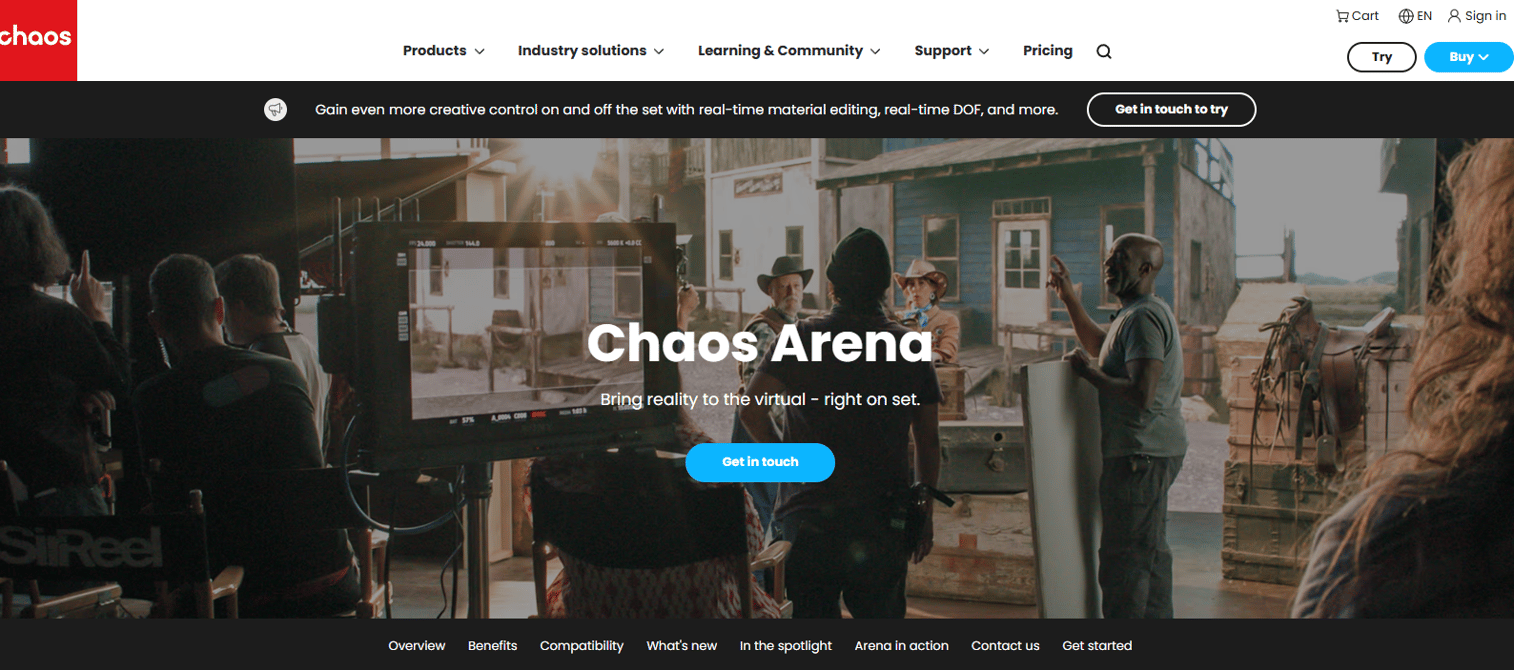
Chaos Arena is real-time ray-tracing software for in-camera visual effects on virtual production LED stages. Its emphasis is final-pixel quality: ray-traced output feeding the LED volume with the fidelity you would expect from offline rendering. It supports USD, MaterialX, and Gaussian Splats, plus camera tracking, genlock, dual-GPU, and LED volume workflows.
Best for: Film and TV virtual production teams using LED volumes where image quality is the deciding factor.
Key features
- Real-time ray tracing for virtual production
- USD, MaterialX, and Gaussian Splats support
- Camera tracking and genlock
- Dual-GPU support
- LED volume workflow tools
Why choose Chaos Arena: Choose it when final-pixel image quality and pipeline-to-wall continuity carry the most weight. It gives teams a real-time rendering path built around ray-traced fidelity rather than rasterized speed alone.
Chaos does not display public pricing for Arena. The product page directs teams to request a quote so pricing can be scoped to the stage and use case.
7. AVIXA

AVIXA is not a production platform. It is the professional association for the audiovisual industry, and it earns a place here as a decision aid rather than a tool you install. Its standards, certification programs, training, and market intelligence give buyers the vocabulary and evaluation criteria to compare virtual production platforms before they commit budget.
Best for: AV professionals and studio teams who want category education and industry standards before buying.
Key features
- AV standards and best-practice guidance
- Certification and training programs
- Market intelligence and industry reports
- Individual and enterprise membership tiers
- Community and events access
Why choose AVIXA: Choose it when you want to understand the category before shortlisting software. It is informational rather than a purchasable platform, so treat it as the resource that sharpens your buying criteria, not as a virtual production tool itself.
AVIXA membership starts at Premium for $120 per year and Elite for $499 per year for individuals. Enterprise membership runs across Bronze at $600 per year, Silver at $1,995 per year, and Gold at $5,250 per year.
Considerations
Before you shortlist, pressure-test each platform against the way your stage actually runs.
Unreal Engine compatibility
Check how deeply the platform connects to Unreal Engine and whether that fits your preferred real-time workflow. Several dedicated VP platforms sit on top of the engine, so the quality of that integration shapes everything downstream. If your team already builds in Unreal Engine, a platform that treats it as a first-class citizen saves rework.
Camera tracking and stage responsiveness
Evaluate how the software handles tracking systems, virtual cameras, and live scene changes. Parallax that drifts or tracking that fits one rig but not another shows up as lost takes. Confirm the platform supports the tracking hardware you own and responds fast enough to keep up with the camera on set.
LED wall and final-pixel quality
Assess how each platform manages LED volume integration, live compositing, and image fidelity. The whole point of in-camera VFX is capturing near-final images, so color consistency and rendering quality are not cosmetic. Features like color calibration and moiré detection matter more than they look on a spec sheet.
Workflow continuity
Look for support across previs, on-set, and postvis so your team does not rebuild assets at each stage. Continuity is where virtual production either saves money or quietly loses it. A tool that carries one asset set from planning through the volume and into post pays for itself in avoided rework.
Team fit and deployment model
Consider whether the platform suits broadcast, film, live events, or studio operations, and how it deploys. A broadcast team going live weekly has different needs than a film crew shooting a single production. Match the tool to the motion, not the reel.
Conclusion
The seven options here fall into clear buckets. Unreal Engine and Unity are your engine foundations, the real-time rendering backbone a stack builds on. Pixotope is the dedicated virtual production platform for live and broadcast work. Disguise is your show-control layer for complex live environments. The Sony Virtual Production Tool Set is the integrated camera-and-display stack for Sony-based stages. Chaos Arena is the real-time ray-tracing option when final-pixel quality decides the shot. AVIXA is the resource that sharpens your criteria before you spend.
A practical next step: pick one engine-based tool, one dedicated VP platform, and one ecosystem-based stack, then compare them against your own workflow rather than a feature list. Run a scene you actually plan to shoot from previs through the volume. The platform that keeps that scene continuous, without forcing a rebuild, is the one worth the budget.
FAQs
Unreal Engine itself is the foundation, since its Nanite and Lumen rendering power most engine-based virtual production. For a dedicated platform on top of it, Pixotope is built entirely on Unreal Engine for broadcast and virtual studios, and the Sony Virtual Production Tool Set adds a Camera and Display Plugin for Unreal Engine. The best fit depends on whether you want the raw engine or a VP platform layered over it.
No. LED walls and LED volumes are one major use case, but virtual production software also covers previs, virtual scouting, techvis, and live compositing that do not require a physical LED stage. Many teams start with previs and virtual scouting in an engine like Unreal Engine or Unity before investing in an LED volume.
In preproduction it powers previsualization, techvis, and virtual scouting, so teams block shots, test lighting, and walk a virtual set before principal photography. Because you plan in the same engine you shoot with, the previs work carries into the on-set scene instead of being discarded. That continuity is what reduces guesswork and rework on shoot day.
A game engine like Unreal Engine or Unity is the real-time rendering foundation. Virtual production software is the broader category that uses that engine to drive camera tracking, LED walls, in-camera VFX, and stage workflows on a film or broadcast set. Some products are engines, and some are dedicated VP platforms built on top of an engine, which is why knowing the layer you are buying matters.
For live broadcast and virtual studios, Pixotope handles camera tracking, compositing, and live workflows on an Unreal Engine base. Disguise excels at show control and content playback across complex live environments. Chaos Arena supports camera tracking and genlock alongside real-time ray tracing for LED volumes, so the best choice depends on whether your priority is broadcast, show control, or final-pixel fidelity.
Check Unreal Engine compatibility, camera tracking and stage responsiveness, LED wall and final-pixel quality, and workflow continuity across previs, on-set, and post. Then match the deployment model to your motion, since broadcast, film, and live-event teams have different needs. Resources like AVIXA can help you build the evaluation criteria and understand industry standards before you commit budget.










