Your product launches in two weeks. The team has been heads-down on features. Someone finally runs a load test against the European region, and the results are bad. Page response times that look fine in us-east-1 take three to four seconds in Frankfurt. Mobile bounce rates on the signup page are trending up.
This is the moment most product and engineering teams realize they are solving the wrong problem. Performance isn't one problem. It's a stack of them: Origin latency, cacheable assets served cold, compression gaps, and traffic spikes the origin was never designed to absorb. Picking a tool before mapping the actual bottleneck wastes both time and budget.
According to Think with Google (2018), mobile page load time rising from one second to ten seconds increases bounce probability by 123%. That data is old, but user patience has not improved. The CDN market tells a similar story: It reached $27.25 billion in 2025 and is projected to hit $42.89 billion by 2030, according to MarketsandMarkets (2025).
Which kind of web acceleration layer fixes your bottleneck without adding a permanent maintenance project to the roadmap?
What's inside
This guide is built for product managers, platform engineers, and technical leads evaluating web accelerator software in 2026. Tools were selected for category fit, verified pricing, deployment model clarity, and their relevance across different application architectures.
- Seven tools across global edge delivery, reverse proxy caching, cloud-native CDN, and CMS acceleration
- A side-by-side comparison of intended workloads, pricing models, and platform fit
- A plain-English definition of web acceleration, CDNs, and HTTP caching
- A buyer checklist connecting performance tooling to engineering opportunity cost and measurable product outcomes
TL;DR
- Best overall edge platform: Cloudflare for teams combining CDN delivery, security controls, and application traffic management under one system
- Best for programmable edge delivery: Fastly for engineering-led teams that need precise caching logic and edge compute capabilities
- Best for high-control HTTP caching: Varnish Software for large dynamic applications that require sophisticated cache policy ownership
- Best for AWS-native teams: Amazon CloudFront when your application already runs on AWS infrastructure
- Best low-cost CDN: bunny.net for teams that need cost-predictable content delivery without an enterprise bundle
- Best for WordPress: W3 Total Cache for product teams managing WordPress properties who need CMS-level caching before committing to a broader edge platform
- Best for enterprise-scale delivery: Akamai for organizations with complex global traffic patterns and formal procurement processes
What is web accelerator software?
Web accelerator software improves how quickly and reliably users receive website or application content by optimizing the path between the browser, edge network, and origin infrastructure.
How web accelerators work
The core mechanism is reducing how much work your origin server has to do and how far each response has to travel. Web accelerators operate as an intermediary layer. They sit between users and your servers, intercept requests, serve cached responses when possible, apply compression, and route traffic through the shortest available path.
Key capabilities include:
- Reverse proxy behavior: Requests arrive at the accelerator before they reach the origin. The accelerator decides what to fetch fresh versus what to serve from cache
- Edge and origin caching: Responses are stored at distributed locations, reducing round-trip time for repeat requests
- Compression: Content is compressed using Brotli or gzip before delivery, reducing payload size
- Connection reuse and protocol optimization: Persistent connections and modern protocols reduce handshake overhead
- Origin offload: During traffic spikes, cached responses absorb demand so the origin handles fewer requests
Web accelerator vs CDN vs reverse proxy
These terms overlap, and buyers often conflate them. The table below draws the practical boundary each tool type owns.
| Technology | Primary job | Typical deployment | PM decision question |
|---|---|---|---|
| Web accelerator | Reduce latency and origin load | Edge, reverse proxy, or application layer | Which bottleneck are we solving? |
| CDN | Deliver cached content close to users | Global edge network | Do users span multiple regions? |
| Reverse proxy | Receive requests before the origin | Self-managed or managed infrastructure | Do we need finer cache and traffic control? |
| CMS cache plugin | Optimize a specific site stack | Inside the CMS | Can we solve the immediate issue without replatforming? |
Core capabilities to look for
When you evaluate tools, check for:
- Static and dynamic content caching
- Cache invalidation and purge controls
- Edge routing and origin shielding
- DDoS and web application protection
- Real user monitoring or observability integrations
- Configuration management with rollback support
- Image optimization where relevant to your content type
Not every product covers all of these. Match the capability set to the bottleneck you have confirmed, not the one you assume.
When to use web accelerator software
Reduce latency for global users
When a meaningful share of your users sits far from your origin region, response time suffers from distance alone. A geographically distributed CDN or edge platform routes requests through the nearest point of presence, cutting round-trip time without touching application code. According to the HTTP Archive Web Almanac (2025), 71% of the top 1,000 websites already use a CDN. If your key acquisition or activation flows haven't been instrumented by region, start there before choosing a vendor.
Protect the origin during traffic spikes
Product launches, marketing campaigns, and seasonal demand create unpredictable load. A high cache hit ratio means the origin only serves a fraction of total requests. For PMs, this translates directly to launch confidence and fewer emergency engineering escalations when traffic peaks. Map your request volume pattern by route before selecting a tool, so you know which paths carry the real risk.
Improve performance for dynamic web applications
Static assets are straightforward to cache aggressively. Authenticated paths, personalized content, and API responses require deliberate cache design. Dynamic content caching is possible, but it demands explicit decisions about what can be cached, for how long, and under what invalidation rules. Evaluate tools on how much control they give you over cache policy per route, not just on headline cache performance.
Web accelerator software comparison
The table below covers all seven tools in the order they appear in this guide. Pricing and G2 ratings were verified in October 2026 from vendor pricing pages and current G2 listings.
| # | Product | Best for | Key differentiator | Pricing | G2 rating |
|---|---|---|---|---|---|
| 1 | Cloudflare | Broad edge delivery and security | CDN, reverse proxy, security, and edge compute in one platform | Free; Pro from $20/mo | Not confirmed on G2 |
| 2 | Fastly | Programmable edge delivery | Fine-grained caching and edge compute controls | Free tier; from $0.01/10k requests | 4.6/5 |
| 3 | Varnish Software | High-control dynamic HTTP caching | HTTP acceleration with programmable VCL cache logic | 30-day free trial; Enterprise quote-based | 4.6/5 |
| 4 | Akamai | Enterprise global application delivery | Distributed cloud, delivery, and security at enterprise scale | From $0.02/GB/mo; sales-led for delivery | 4.5/5 |
| 5 | Amazon CloudFront | AWS-native web delivery | Tight integration with AWS services and flat-rate plans | Free tier; Pro from $15/mo | 4.4/5 |
| 6 | bunny.net | Cost-conscious content delivery | Pay-as-you-go CDN from $0.01/GB with all features included | From $0.01/GB; $1/mo minimum | 4.8/5 |
| 7 | W3 Total Cache | WordPress performance | Plugin-level caching and front-end optimization for WordPress | Free plugin; Pro from $99/year | 4.5/5 |
Best 7 web accelerator software tools for 2026
1. Cloudflare

Cloudflare provides cloud-based security, performance, networking, and developer platform services. Its global network operates as a reverse proxy for web traffic, caching content at edge locations, applying security rules, and routing requests before they reach the origin. The platform covers use cases from simple CDN delivery to serverless application development.
Best for: Product and engineering teams that want one edge platform for delivery, security controls, and application traffic management.
Key features
- Global CDN and edge caching with cache rules and purge controls
- Unmetered DDoS protection and Web Application Firewall
- Edge compute with Workers for custom request and response logic
- DNS management and smart routing
- Zero Trust access and secure web gateway
Why choose Cloudflare: Cloudflare fits teams that want to consolidate edge delivery and security under one system rather than managing separate vendors. That consolidation has a real operational cost, though: Someone needs to own cache rules, especially for authenticated routes and API paths, and that ownership should be explicit before you flip the switch.
Cloudflare pricing: A free plan covers basic CDN and security. The Pro plan is $20/month billed annually, or $25/month billed monthly. Business plans run $200/month annually. Enterprise pricing requires a contract.
2. Fastly
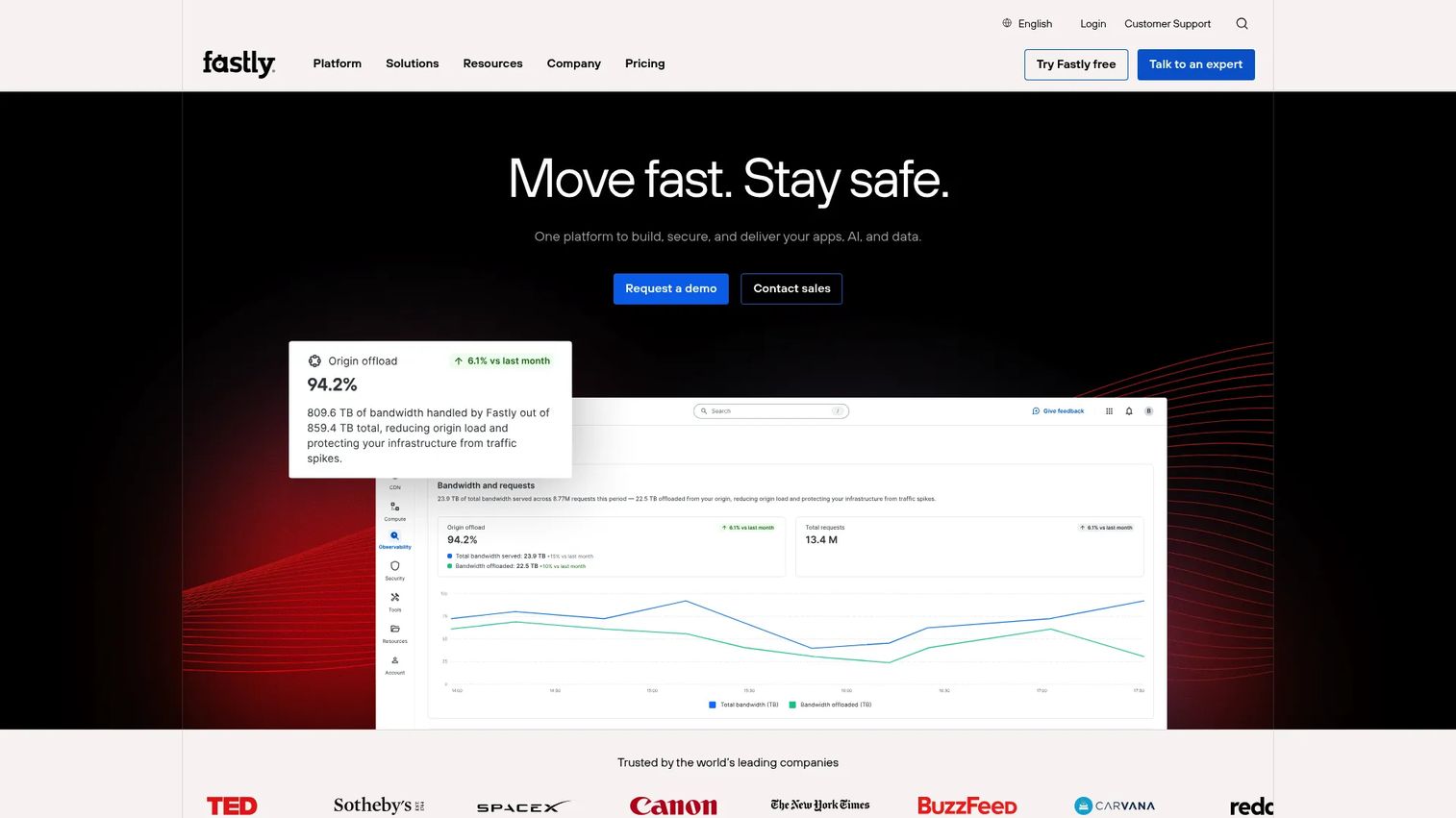
Fastly is an edge cloud platform built for teams that need precise control over how requests are cached, routed, and processed. It combines content delivery, real-time observability, edge compute, and application security in one system. The platform is well-suited to content-heavy sites, APIs, streaming media, and engineering teams where cache logic is part of the application architecture, not just a website setting.
Best for: Engineering-led teams that need fine-grained caching configuration and the ability to run custom logic at the edge.
Key features
- Programmable edge compute for custom request handling
- Configurable cache behavior with instant purge capabilities
- Real-time observability and traffic analytics
- Origin shielding to reduce upstream pressure
- Web application, API, bot, and DDoS security
Why choose Fastly: Fastly rewards teams with dedicated platform engineering support. If your caching rules need to reflect application logic, authenticated states, or content variants, Fastly's depth pays off. If you want something to turn on with minimal configuration, the learning curve is real.
Fastly pricing: Usage-based pricing starts at $0.01 per 10,000 requests per month. Packaged plans start at $500/month for the Compute Starter package, $1,500/month for the Basic package, and $6,000/month for the Starter package. Enterprise pricing requires contacting sales.
G2 rating: 4.6/5
3. Varnish Software
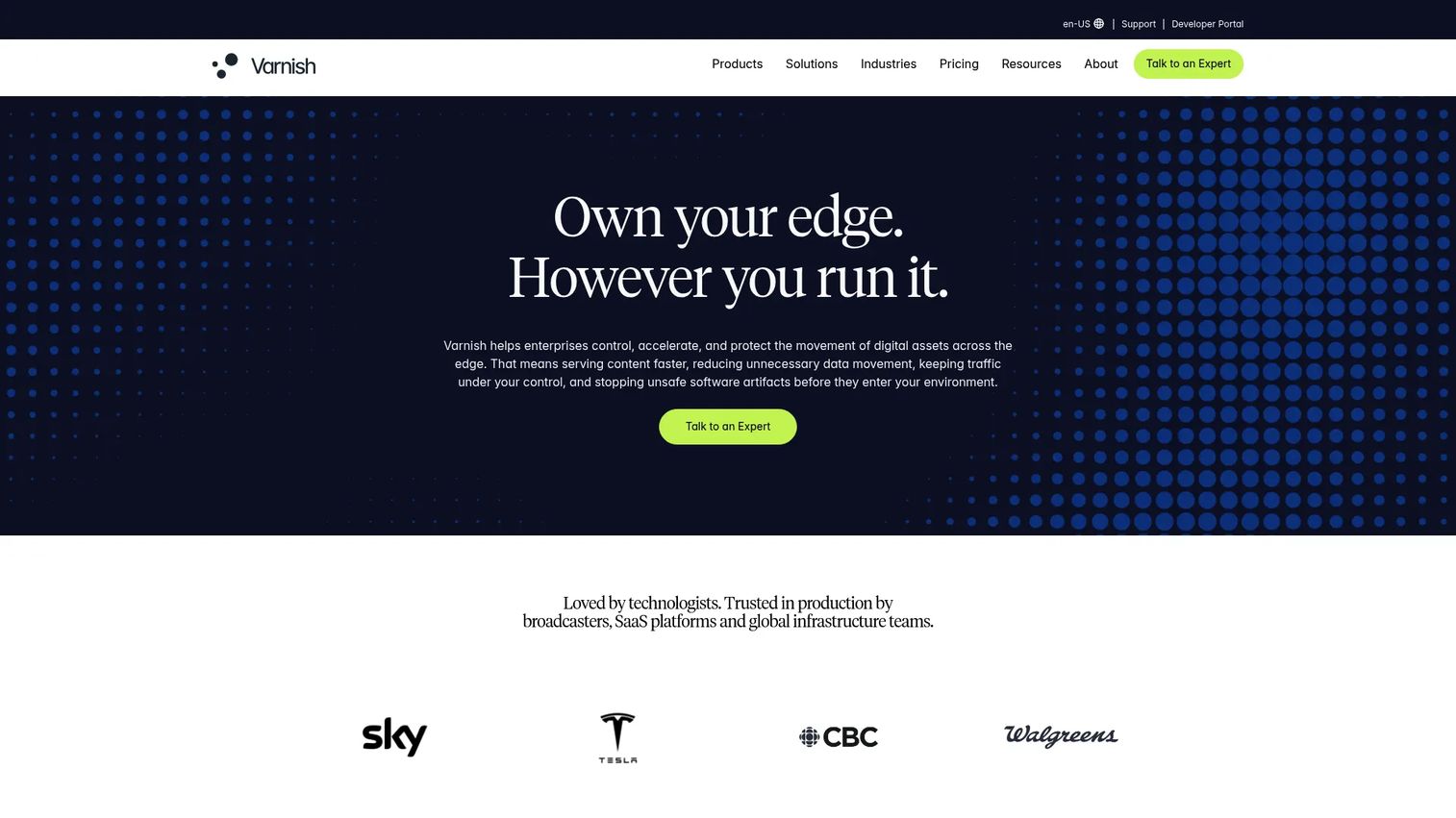
Varnish Software provides caching, content delivery, security, and edge computing products built around its open-source HTTP accelerator. The Varnish Configuration Language (VCL) gives engineering teams precise control over how requests and responses are handled, making it a strong fit for complex application caching requirements. The commercial product adds high availability, clustering, cache replication, and enterprise support on top of the open-source core.
Best for: Teams managing large dynamic web applications that need precise HTTP caching policy control and have the engineering capacity to own the configuration.
Key features
- High-performance HTTP reverse proxy caching with VCL configuration
- Dynamic content acceleration and flexible cache policies
- High availability and cache replication for enterprise deployments
- Edge computing, rate limiting, WAF, and TLS capabilities
- Backend protection and API delivery support
Why choose Varnish Software: Varnish fits when page and API performance are a first-class product constraint, not a secondary concern. The depth of cache control is its core differentiator. For PMs evaluating this, the honest question to ask is who owns the VCL configuration after launch and how that ownership scales with your release cadence.
Varnish Software pricing: Varnish Enterprise uses quote-based pricing. A 30-day free trial is available and includes enterprise features. Contact Varnish directly to understand contract structure and seat or deployment minimums.
G2 rating: 4.6/5
4. Akamai

Akamai provides distributed cloud computing, cybersecurity, and content delivery infrastructure at enterprise scale. Its network spans a large number of global points of presence and supports complex traffic patterns for media, eCommerce, financial services, and web applications with high geographic distribution requirements. Procurement typically runs through a sales engagement rather than a self-service signup.
Best for: Enterprise teams with complex traffic patterns, broad geographic delivery requirements, and formal security or procurement processes.
Key features
- Global application delivery and route optimization
- Web application, API, and DDoS protection
- Bot management and enterprise traffic controls
- Distributed cloud computing and edge infrastructure
- Content performance optimization for high-volume workloads
Why choose Akamai: Akamai fits organizations where delivery, security, and compliance requirements intersect at scale. If your team is evaluating formal RFP processes, multi-region SLA requirements, or enterprise security review cycles, Akamai's support model aligns with those procurement realities. Smaller teams with simpler delivery needs will find the engagement model heavier than necessary.
Akamai pricing: Cloud infrastructure pricing starts at $0.02/GB/month for storage. Enterprise delivery, security, and performance services are sales-led and quote-based. Contact Akamai to model pricing against your actual traffic volume and service requirements.
G2 rating: 4.5/5
5. Amazon CloudFront
Amazon CloudFront is AWS's content delivery network, designed to deliver static and dynamic content with low latency through a global edge network with over 750 Points of Presence. It integrates directly with S3, load balancers, AWS WAF, Lambda@Edge, and CloudFront Functions, making it a natural choice for teams already operating inside the AWS ecosystem. Flat-rate plans remove overage charges and bundle security features alongside delivery.
Best for: Product and engineering teams operating primarily on AWS that want CDN delivery integrated with existing cloud infrastructure.
Key features
- AWS global content delivery through 750+ Points of Presence
- Configurable cache behaviors per origin and path
- Edge compute with CloudFront Functions and Lambda@Edge
- DDoS protection, traffic encryption, and AWS WAF integration
- Origin failover and access controls
Why choose Amazon CloudFront: CloudFront reduces vendor sprawl for teams already committed to AWS. If your origin is S3, your compute is EC2 or Lambda, and your security runs through AWS, the integration story is straightforward. Cost modeling does require attention: Billing covers requests, data transfer, invalidations, and any connected AWS services separately, so model your actual traffic before committing to a plan.
Amazon CloudFront pricing: A free tier is available. Flat-rate plans start at $15/month (Pro), $200/month (Business), and $1,000/month (Premium). Custom plans are available for high-volume workloads.
G2 rating: 4.4/5
6. bunny.net

bunny.net is a global edge platform offering CDN delivery, image optimization, geo-replicated cloud storage, video streaming, edge scripting, and DNS management. Its pricing model is pay-as-you-go with a $1/month minimum, and all features are included at every usage level. The platform suits teams that need predictable, cost-conscious delivery for websites, documentation, media, and downloadable assets without purchasing an enterprise application delivery bundle.
Best for: Developers and product teams that need affordable global content delivery with transparent pricing and no feature gating.
Key features
- Global CDN with region-based bandwidth pricing
- Image optimization and WebP conversion
- Geo-replicated cloud storage and video delivery
- Edge scripting for application-level logic
- DDoS protection and free SSL certificates
Why choose bunny.net: bunny.net earns its place on this list through pricing clarity and feature inclusiveness. CDN bandwidth in Europe and North America runs $0.01/GB on the standard network, with volume pricing available from $0.005/GB. For teams with asset-heavy properties or high media delivery volume, that math compounds quickly compared to enterprise CDN pricing. The honest caveat: If your product requires advanced dynamic application routing, deep security controls, or enterprise governance, a broader platform fits better.
bunny.net pricing: Pay-as-you-go, with a $1/month minimum spend. Standard network bandwidth is $0.01/GB in Europe and North America, $0.03/GB in Asia and Oceania, $0.045/GB in South America, and $0.06/GB in the Middle East and Africa. Volume network rates start at $0.005/GB for the first 500 TB. A 14-day free trial is available.
G2 rating: 4.8/5
7. W3 Total Cache
W3 Total Cache is a WordPress caching plugin designed to reduce page load times, lower server resource usage, and improve Core Web Vitals for WordPress properties. It supports page, database, object, browser, and fragment caching, plus HTML, CSS, and JavaScript minification, lazy loading, WebP image conversion, HTTP compression, and CDN integration. The plugin is widely used across WordPress hosting environments and works alongside external CDNs rather than replacing them.
Best for: Product teams running WordPress sites that need CMS-level caching and asset delivery improvements without replatforming their edge stack.
Key features
- Page, database, object, and browser caching for WordPress
- HTML, CSS, and JavaScript minification
- Lazy loading and WebP image conversion
- CDN integration support for external delivery networks
- HTTP compression controls
Why choose W3 Total Cache: This is a stack-specific choice. It addresses the performance headroom available inside WordPress before you commit to infrastructure changes. For teams running a WordPress marketing site alongside a separate application, W3 Total Cache handles the CMS layer while a CDN or edge platform handles delivery. Do not expect it to replace a global edge platform when your product includes APIs, authenticated workflows, or multi-region traffic requirements.
W3 Total Cache pricing: A free version is available in the WordPress plugin directory. Pro licenses for a single site start at $99/year. Five-site licenses are $350/year, and ten-site licenses are $500/year. Bulk licensing uses custom pricing.
G2 rating: 4.5/5
Considerations when choosing web accelerator software
Start with a performance baseline and user journey map
Before selecting a tool, instrument the actual journey that is slow. Landing page load, onboarding flow navigation, search, checkout, or API response time each point to different bottlenecks. Collect field data segmented by geography, device type, connection speed, and authenticated versus anonymous state. Without a baseline, you cannot validate impact after rollout, and you risk optimizing the wrong segment.
Separate static delivery from dynamic application behavior
Static assets can often be cached aggressively at the edge. Authenticated pages, personalized content, and API responses require explicit decisions about what can be cached, at what TTL, and under which invalidation rules. Treating these as the same problem leads to stale content for logged-in users or cache misses that return the problem to the origin. Map cacheability by route before choosing a platform.
Price the full operating model, not just the entry tier
Evaluate bandwidth, request volume, image optimization add-ons, security features, log retention, support tiers, and engineering time for ongoing configuration. A lower entry price can become less relevant once your team needs advanced cache logic, enterprise governance, or incident response support. Run your actual traffic numbers against each pricing model rather than comparing headline rates.
Assign operational ownership before rollout
Specify who owns cache policy, purge procedures, routing rule changes, incident response, and release validation. Performance tooling without a clear release-cadence owner creates stale content, hard-to-debug regressions, and cache incidents that surface only in production. Make this a staffing decision, not just a technical one.
Measure product impact after rollout
Track route-level latency, cache hit ratio, origin load, error rate, and Core Web Vitals field data before and after deployment. Also track conversion on the affected user journey and support contacts related to performance. Keep correlation and causation separate: A faster page in a single region does not confirm a product-wide improvement without cohort comparison.
Conclusion
The right web accelerator software is the one that addresses your confirmed bottleneck without creating a maintenance burden that competes with your roadmap.
Cloudflare suits teams that want broad edge delivery, security, and application controls in one system. Fastly fits engineering-led programs where cache logic is a product constraint, not a website setting. Varnish Software belongs in environments that need HTTP caching sophistication for complex dynamic applications. Akamai fits large organizations with formal delivery and security requirements at global scale. Amazon CloudFront is the natural fit for AWS-native teams who want delivery integrated with existing infrastructure. bunny.net serves teams that prioritize cost-transparent CDN delivery for content-heavy or media-heavy properties. W3 Total Cache addresses the CMS layer for WordPress properties before broader edge investment is warranted.
Start by mapping your slowest user journey, measuring where latency enters the request path, and choosing the smallest acceleration layer that solves the confirmed bottleneck.
You might also find these related guides useful while you're evaluating your stack: application performance monitoring tools, API monitoring tools, and best image optimization software.
Start your journey with Guideflow today!
FAQs
Web accelerator software is a tool or managed service that improves the speed and reliability of website or application delivery through caching, reverse proxies, compression, routing, and edge networks. Tools range from CMS plugins that optimize a single WordPress install to global edge platforms that handle security, compute, and delivery for high-traffic applications.
A CDN is one common form of web acceleration, particularly effective for static and cacheable content delivered to geographically distributed users. Web acceleration is a broader category that also includes reverse proxy caching, dynamic route optimization, HTTP protocol handling, and origin protection. Many platforms combine both, but they solve different parts of the performance problem.
They shorten delivery paths by serving cached responses from edge locations close to users, apply compression to reduce payload size, reuse connections to reduce handshake overhead, and absorb traffic spikes so the origin handles fewer requests. Database queries, application code performance, and third-party scripts remain separate bottlenecks that web acceleration does not address.
Most HTTP accelerators operate as reverse proxies. They sit between users and the origin, receive every request, serve cached responses when the cache policy allows it, and forward cache misses to the origin. The terms often describe the same implementation, with "HTTP accelerator" emphasizing the performance outcome and "reverse proxy" emphasizing the architectural role.
It can help where slow server response time, large uncompressed assets, or long delivery paths contribute to poor field metrics like LCP or INP. However, web acceleration cannot fix heavy client-side JavaScript, poorly structured render-blocking resources, or application architecture issues. Establish a Core Web Vitals baseline in the Chrome UX Report or real user monitoring before attributing field score improvements to a single infrastructure change.
Track route-level latency by geography, cache hit ratio, origin load and error rate, and Core Web Vitals field data before and after deployment. Also measure conversion on the specific user journey you targeted and note any change in support contacts related to slowness. Compare cohorts rather than global averages to isolate the impact of the change from unrelated factors.
Many small teams benefit first from a CDN or a CMS cache plugin, both of which require minimal infrastructure investment. The right starting point depends on traffic geography, content type, platform stack, and engineering capacity to maintain configuration. A team running a global SaaS product with users across multiple continents has different requirements than a team with a single-region audience and a low-traffic WordPress site.
Pricing models vary significantly across the category. CDN-style platforms like bunny.net charge by bandwidth, starting at $0.01/GB. Cloudflare offers a free tier with paid plans from $20/month. Amazon CloudFront provides flat-rate plans starting at $15/month alongside pay-as-you-go options. Enterprise platforms like Akamai and Varnish Enterprise use sales-led pricing. Model your traffic volume, geographic distribution, security requirements, and support needs to compare total cost accurately across candidates.
Page caching, as implemented in a CMS plugin like W3 Total Cache, stores rendered HTML output on the server before it reaches users. Edge caching stores content at a globally distributed network of servers close to users, reducing the distance each response travels. Both reduce origin load, but edge caching also addresses geographic latency in a way server-side page caching cannot.