Your name looks perfect on screen. Then the machine stitches it, and the small letters bunch into an unreadable blob.
That gap between screen and stitch is where the wrong software costs you. Density issues, missing curve compensation, and hours of manual cleanup on jobs that should have taken minutes. For a small shop running names on 40 jerseys, one bad baseline setting means re-hooping, re-stitching, and eating the thread.
The global font design software market hit USD 1.5B in 2024 and is projected to reach USD 3.2B by 2033, according to Verified Market Reports (2025). More tools exist than ever. Most were not built to turn readable text into clean, repeatable stitches.
The real problem is not font choice. It is how your software handles baselines, kerning, digitized fonts, and stitch preview before the needle ever moves. Pick the tool that matches your actual output, and the cleanup work mostly disappears.
What's inside
This guide covers the best lettering software for embroidery in 2026, how the tools differ, and which features matter most for names, monograms, and stitched text.
We picked and ranked each tool on four factors:
- Font depth: Built-in digitized fonts plus TrueType and OpenType support
- Layout control: Baselines, kerning, arc text, and custom paths
- Preview and output: Stitch preview, sizing guidance, and machine-file export
- Pricing and access: Purchase model, trial terms, and who the tool actually fits
We ordered the list by relevance to embroidery lettering buyers, from production-focused suites down to creative and adjacent design tools.
TL;DR
- Best overall for embroidery lettering: Hatch Embroidery gives you a scalable path from simple name edits through full digitizing, with a 30-day trial.
- Best for advanced production: Wilcom EmbroideryStudio Lettering 2026 handles automatic kerning, resequencing, and monogramming at shop scale.
- Best for practical text handling: BuzzWord focuses on fit-to-path lettering and broad file compatibility.
- Best for still comparing: Calligrafile is a curated resource archive, useful before you commit to a paid tool.
- Best for artwork prep: Adobe Creative Cloud Suite handles typography and vector comps before digitizing.
- Best free vector option: Inkscape gives you path text and SVG export at no cost.
- Best for hand-drawn concepts: Procreate suits tablet sketching before you rebuild letters in embroidery software.
What is lettering software
Embroidery lettering software is software used to create, edit, and place stitched text, monograms, and personalized lettering inside embroidery designs. It converts letterforms into stitch data your machine can read, so you skip digitizing every name from scratch.
The category sits between plain font tools and full embroidery digitizing suites. General design apps draw letters as vectors or pixels. Embroidery lettering software adds the stitch logic: How thread fills each letter, how letters connect, and how the design holds up at small sizes.
Core features to expect from embroidery lettering software:
- Digitized fonts: Pre-built font libraries already converted to clean stitch objects
- TrueType and OpenType support: Automatic conversion of standard system fonts into embroidery lettering
- Baselines: Straight, arc, circular, and custom-path baselines for curved text
- Kerning: Automatic letter spacing with manual override for tight or wide sets
- Lettering art effects: Presets that reshape and style text for creative lettering effects
- Stitch preview: On-screen simulation, often at actual size, before you stitch
- Export options: Machine-ready file formats across common embroidery machine brands
Monogram software is a related subset. It handles two- and three-letter monograms with frames, size ratios, and letter ordering rules that plain lettering does not enforce. Most production embroidery suites bundle monogramming alongside standard lettering for embroidery.
The distinction that trips up new buyers: A tool can create gorgeous letterforms and still produce terrible stitches. Vector apps like Inkscape and creative apps like Procreate build the artwork. Dedicated embroidery software builds the stitches. Knowing which layer you need decides which tool on this list fits your workflow.
When to use lettering software
Create names and monograms at scale
Personalize uniforms, gifts, and team apparel without rebuilding text for every order. When a shop runs 50 named jerseys, digitized fonts and monogramming templates turn a full day into an hour. This is where repeatable production quality pays for the software.
Fit text to curved or irregular spaces
Wrap lettering around a logo, arc a team name across a chest, or set text on a custom path. Baselines and arc-text controls decide whether curved lettering reads cleanly or distorts. Manual kerning matters most here, since curves stretch spacing unevenly.
Prepare lettering for production stitching
Get text machine-ready before you commit thread. Stitch density, spacing, actual-size preview, and file export become the deciding factors. Preview at real dimensions catches the small-letter bunching that ruins jobs, so you fix density on screen instead of on the garment.
Comparison table
Here is how the 7 tools stack up across buyer fit, differentiation, pricing, and rating. Pricing reflects each vendor's current page as of August 2026. G2 ratings are shown only where a verified product listing exists.
| # | Product | Best for | Key differentiator | Pricing | G2 rating |
|---|---|---|---|---|---|
| 1 | Hatch Embroidery | Scalable embroidery lettering | Four tiers from edits to full digitizing | From US$199 one-time | Not listed |
| 2 | Wilcom EmbroideryStudio Lettering 2026 | Production embroidery shops | 228+ fonts, automatic resequencing | US$1,000 one-time | 4.7/5 |
| 3 | BuzzWord | Practical text and layout | Fit-to-path lettering, format range | Pricing on request | Not listed |
| 4 | Calligrafile | Comparing tool categories | Curated resource archive | Free resource | Not listed |
| 5 | Adobe Creative Cloud Suite | Artwork and typography prep | 20+ creative apps plus Firefly AI | From US$19.99/mo | 4.5/5 |
| 6 | Inkscape | Free vector lettering prep | Open-source SVG path text | Free | 4.4/5 |
| 7 | Procreate | Hand-lettering concepts | Tablet sketch workflow | Pricing on request | Not listed |
The list runs from production-grade embroidery lettering at the top down to creative and adjacent tools that support the design stage. Ratings pull from each tool's live G2 listing where available.
Best 7 tools for embroidery lettering
1. Hatch Embroidery
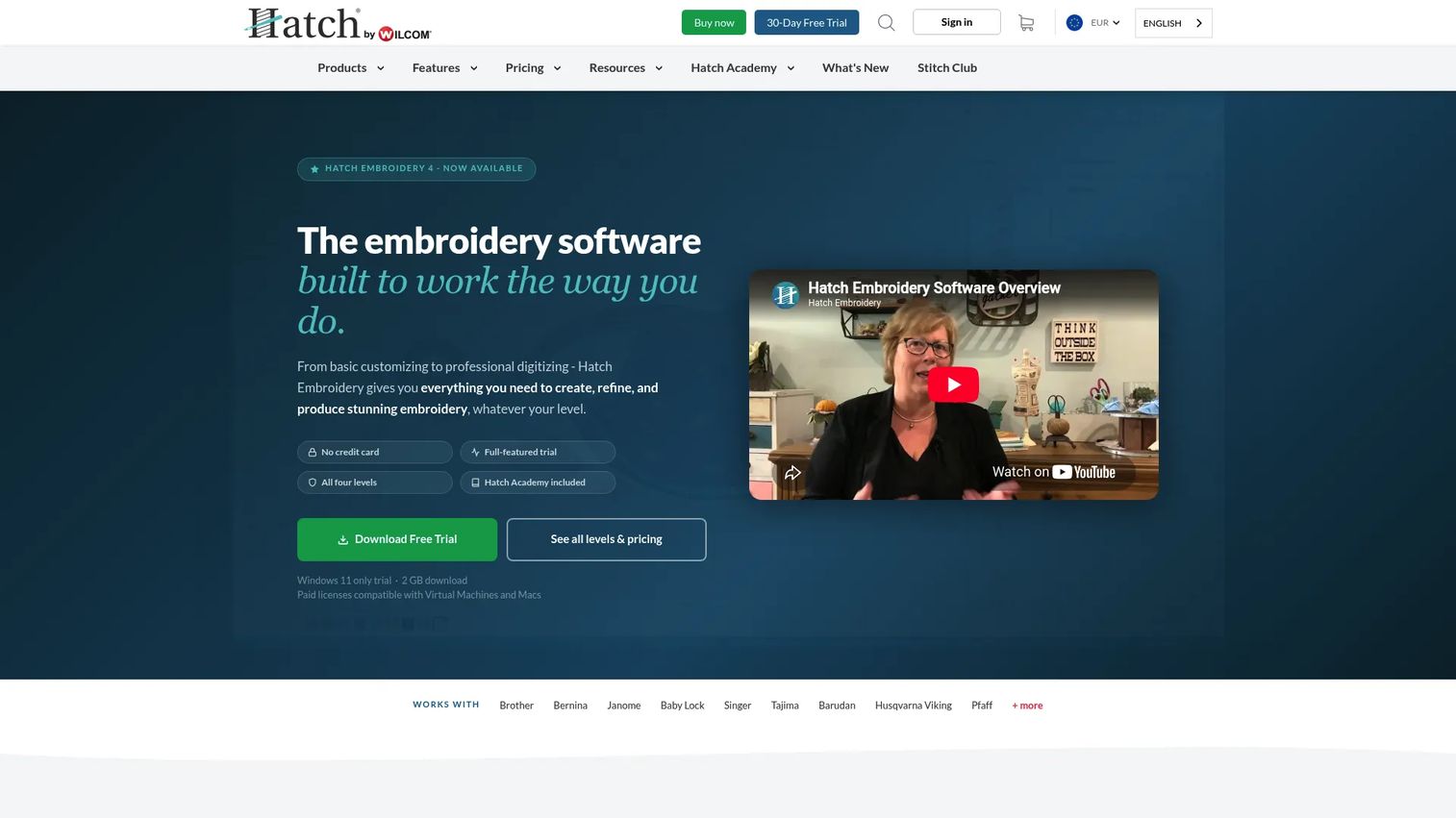
Hatch Embroidery is embroidery software for organizing, personalizing, auto-digitizing, and manually digitizing designs. It ships in four levels, so you start with basic lettering edits and grow into full digitizing without switching platforms. Every purchase includes Hatch Academy and a 30-day trial with no card required.
Best for: Embroidery creators who want one tool that scales from simple name edits through professional digitizing.
Key features
- Four levels: Organizer, Personalizer, Composer, Digitizer
- Auto-digitizing, lettering, and monogramming built in
- Baseline and layout controls for curved text
- 30-day free trial, no credit card
- Hatch Academy training included
Why choose Hatch Embroidery: Pick it when you want flexible lettering without jumping straight into deep digitizing complexity. Buyers who only ever run plain names may find the higher tiers more than they need.
Hatch Embroidery pricing: Organizer starts at US$199 one-time, Personalizer at US$299, Composer at US$699, and Digitizer at US$1,199. FlexPay covers Composer and Digitizer at US$99 per month, and a 30-day free trial is available.
No verified third-party rating for Hatch Embroidery was confirmed at generation time.
2. Wilcom EmbroideryStudio Lettering 2026
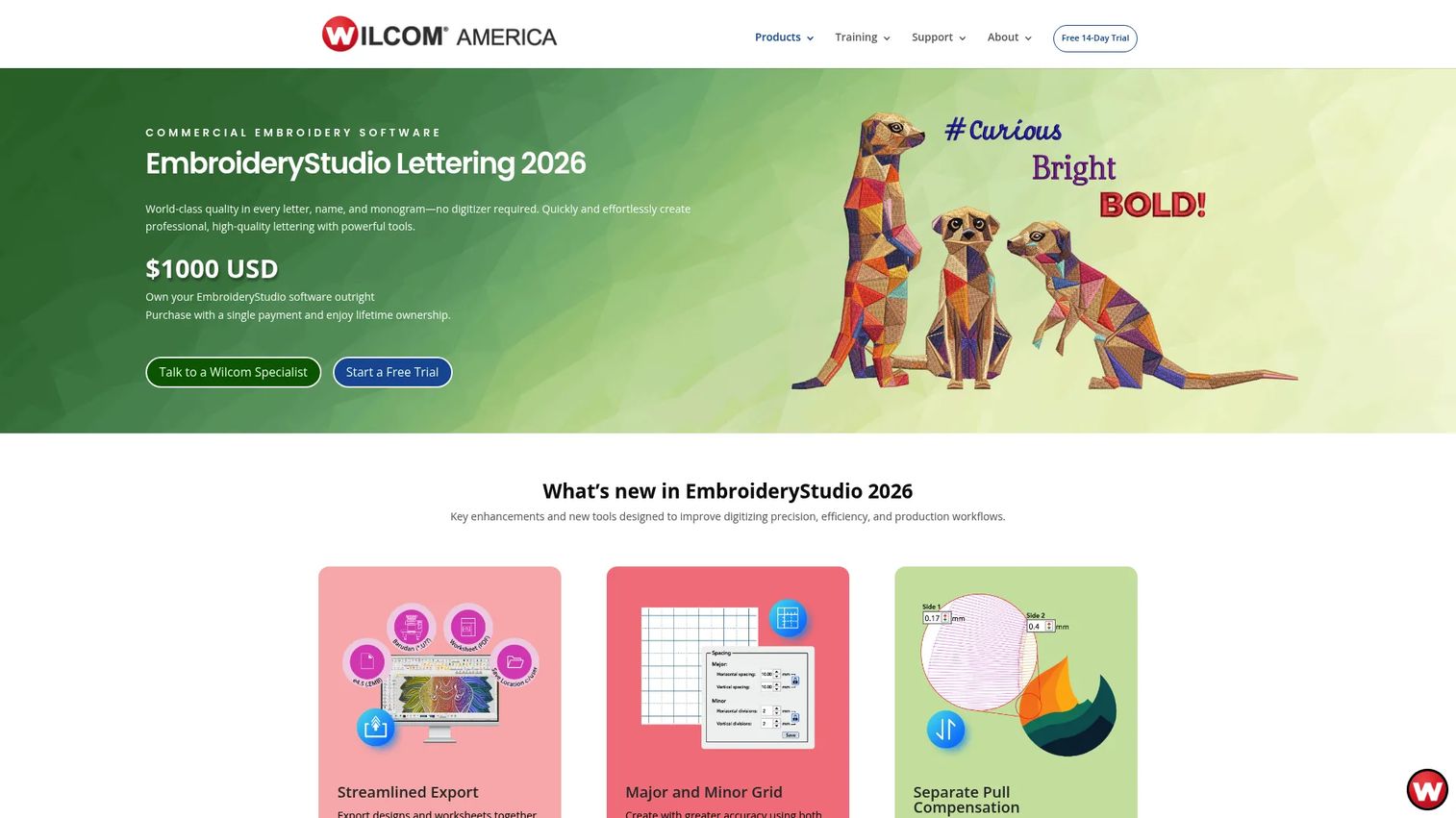
Wilcom EmbroideryStudio Lettering 2026 is embroidery lettering software for creating, customizing, and outputting professional lettering without manual digitizing. It leans hard into production discipline, with automatic resequencing and automatic conversion of Windows TrueType fonts. The Lettering level targets shops that live and die by stitch quality and repeatability.
Best for: Embroidery shops that need professional lettering, monograms, and machine-ready output at volume.
Key features
- 228+ professional digitized fonts
- Automatic kerning with manual override
- Expert resequencing for stitch order
- Automatic TrueType font conversion
- Name drop and monogram workflow
Why choose Wilcom: This suits teams that care about production discipline and consistent output across large runs. It is a heavier commitment than a hobbyist needs.
Wilcom EmbroideryStudio Lettering 2026 pricing: The Lettering level is a one-time purchase at US$1,000 USD. Wilcom's pricing page also lists additional levels and subscription options separately.
On G2, Wilcom EmbroideryStudio holds a 4.7/5 rating, drawn from the EmbroideryStudio e4 product listing.
3. BuzzWord
BuzzWord is a lettering and layout tool aimed at embroidery users who want practical text handling and broad format support. It focuses on fit-to-path lettering, multiple-line text, and font add-ons, alongside actual-size and 3D preview. Positioned between quick name tools and full production suites, it targets shops that want lettering power without the depth of an advanced platform.
Best for: Users who want strong lettering functionality without the complexity of a full advanced suite.
Key features
- Font add-on support for expanded libraries
- Fit-to-path and multi-line lettering
- 3D and actual-size stitch preview
- Broad embroidery file format compatibility
Why choose BuzzWord: Choose it when your work centers on text layout and format flexibility rather than ground-up digitizing. Buyers who want a large first-party font library baked in should compare it against the production suites above.
BuzzWord pricing: BuzzWord does not display pricing on its public site, since the homepage loads through a JavaScript app. Contact BuzzWord directly for a current quote.
No verified G2 or Capterra rating for BuzzWord was confirmed at generation time.
4. Calligrafile
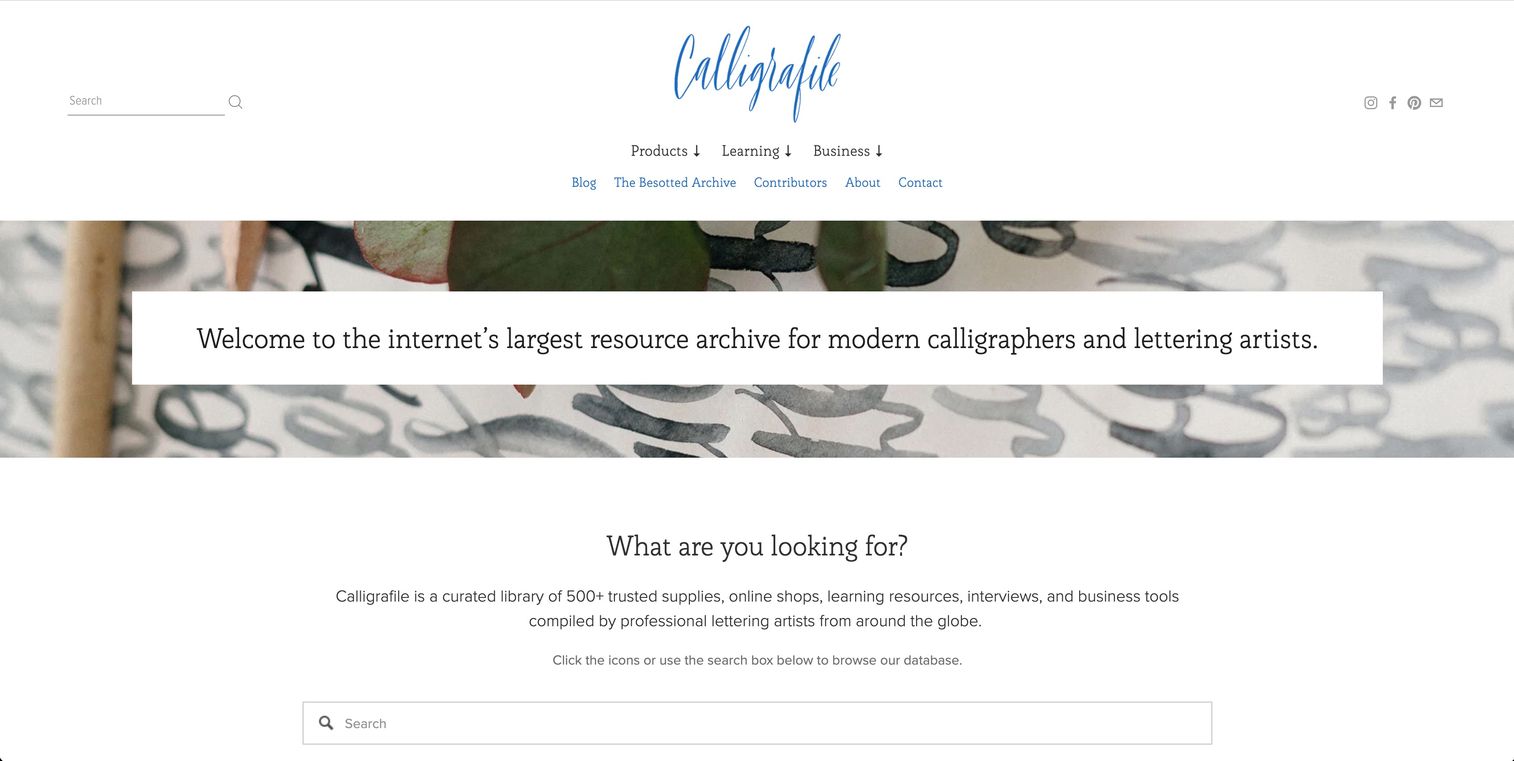
Calligrafile is a curated resource library for calligraphers and lettering artists, not a dedicated embroidery editor. It gathers 500+ supplies, shops, learning resources, and business tools into category-based browsing. Treat it as a discovery layer while you decide which lettering software category you actually need.
Best for: Buyers still comparing software types and lettering resources before committing to a purchase.
Key features
- 500+ curated supplies, resources, and business tools
- Category browsing across supplies, learning, and design
- Font design software references
- Contributor and guest content submissions
Why choose Calligrafile: It fits best when you are still mapping the landscape and not ready for a dedicated embroidery buy. It will not produce a stitched file, so it complements rather than replaces the production tools on this list.
Calligrafile pricing: Calligrafile runs as a free resource archive, and no paid plans were found on its site. Browse it at no cost.
No verified G2 rating for Calligrafile was confirmed at generation time.
5. Adobe Creative Cloud Suite
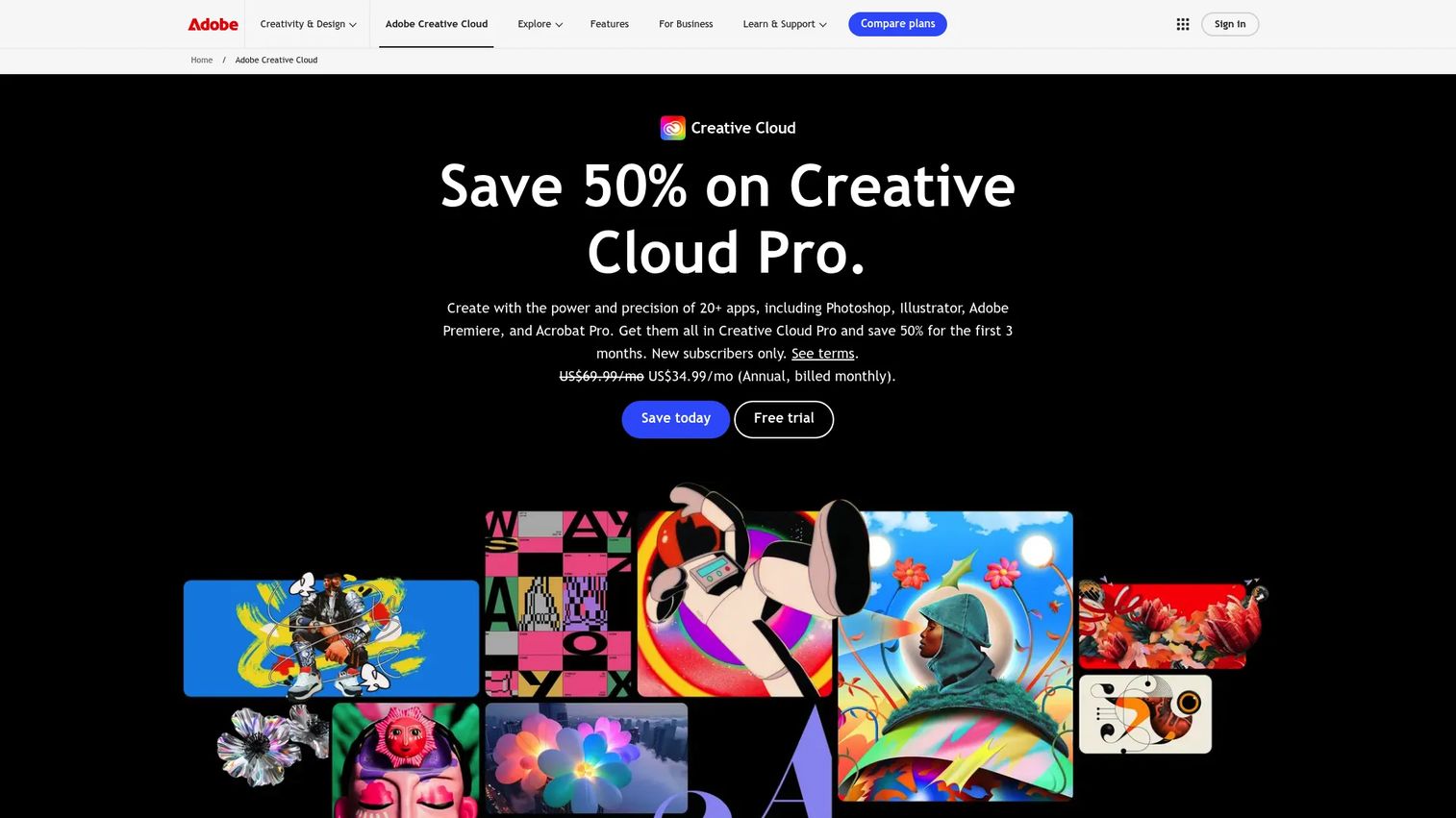
Adobe Creative Cloud Suite is Adobe's subscription creative software for design, photo, video, and AI-assisted content. For embroidery, its role is upstream: Mock up lettering, build vector outlines, and prep artwork before digitizing. Illustrator and Adobe Fonts give you typography control that most embroidery tools do not, but Adobe does not output stitch files.
Best for: Creative teams and individuals who need typography and vector artwork prep before handing off to embroidery software.
Key features
- 20+ apps including Illustrator, Photoshop, and Acrobat Pro
- Adobe Fonts library and typography tools
- Vector and raster design for lettering comps
- Adobe Firefly creative AI
- Cross-app asset and library workflow
Why choose Adobe Creative Cloud: It helps teams design and refine lettering artwork, then export clean vectors for digitizing. It is the design stage, not the embroidery production layer, so pair it with a dedicated stitch tool.
Adobe Creative Cloud pricing: Plans start at US$19.99/mo for Photography, with Photoshop at US$22.99/mo, Acrobat Studio at US$24.99/mo, and Creative Cloud Pro at US$69.99/mo billed annually. Adobe Firefly Standard runs US$9.99/mo billed monthly.
On G2, Adobe holds a 4.5/5 rating on its seller page.
6. Inkscape
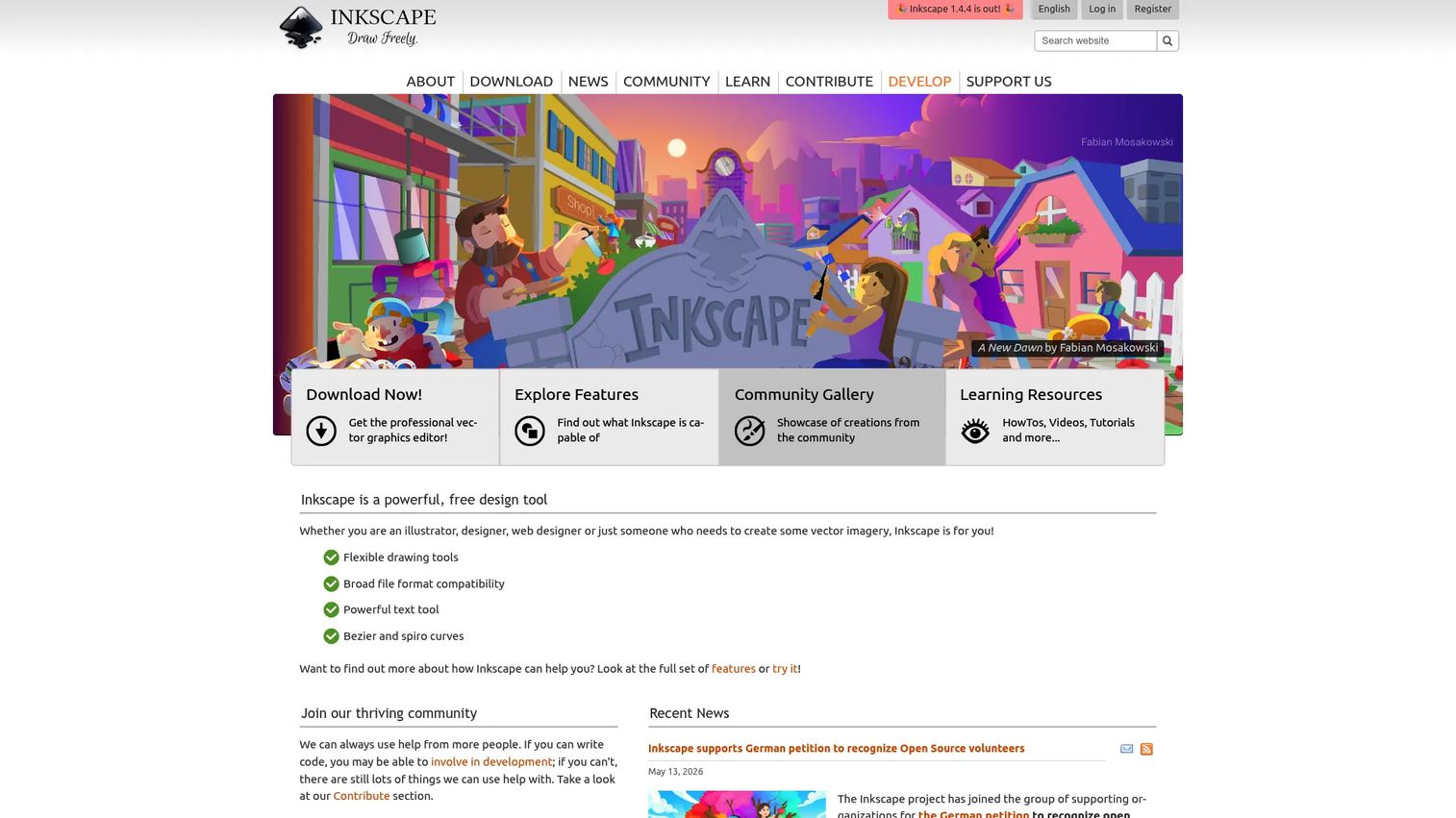
Inkscape is a free, open-source vector graphics editor for Windows, Mac, and Linux. It handles path text, letterform editing, and SVG export, which makes it a practical prep tool before embroidery digitizing. Some users add embroidery extensions on top, but the core app builds vectors, not stitches.
Best for: Individuals and teams needing a no-cost vector editor for lettering prep and SVG work.
Key features
- Free and open source, no license cost
- Path text and typography editing
- Imports and exports SVG, AI, EPS, PDF, PNG
- Extensible through add-ons
Why choose Inkscape: It is a smart budget pick when you need vector control before moving letters into embroidery software. As honest framing, it is not a full embroidery lettering engine, so expect a digitizing step afterward.
Inkscape pricing: Inkscape is free to download, use, and distribute, with no paid tiers.
On G2, Inkscape holds a 4.4/5 rating.
7. Procreate
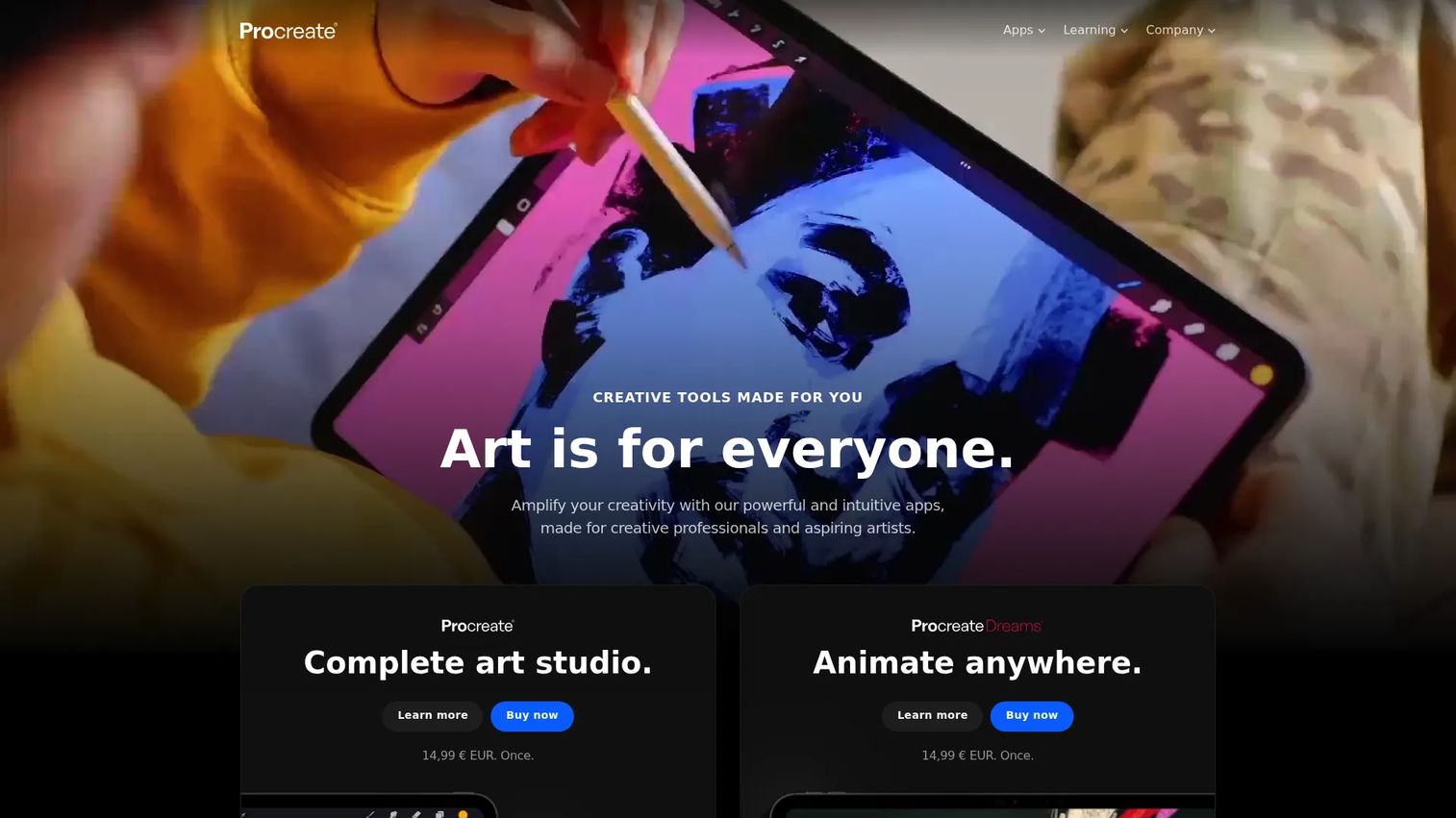
Procreate is a tablet-based drawing and illustration app built for hand lettering and creative sketch work. In an embroidery workflow, it is where you explore letterform ideas and hand-drawn concepts before rebuilding them as stitches elsewhere. Its brush flexibility makes fast concept generation easy on an iPad.
Best for: Tablet users who want to sketch hand-lettering concepts before formalizing them in embroidery software.
Key features
- Hand-lettering and sketch workflow
- Brush and drawing flexibility
- Tablet-friendly touch interface
- Fast concept and mockup generation
Why choose Procreate: It works well when you want to explore lettering ideas by hand first. Those concepts still need rebuilding in a vector or embroidery tool, since Procreate produces artwork, not machine files.
Procreate pricing: Procreate for iPad is sold through the App Store, and current pricing is shown at checkout. Check the App Store listing for the latest amount in your region.
No verified G2 rating for Procreate was confirmed at generation time.
Considerations
Before you commit budget, walk through these criteria against your actual workload.
Font depth and conversion
Count the digitized fonts a tool ships and whether it converts TrueType and OpenType fonts automatically. A large first-party library saves you from buying font packs piecemeal. Automatic conversion matters if you rely on brand fonts that are not pre-digitized.
Baselines, kerning, and layout control
Check how the tool handles curved baselines, arc text, and custom paths, plus manual kerning overrides. Curved lettering distorts fast without proper spacing control. If your work is mostly straight names, this weighs less; if you set text around logos, it decides the tool.
Preview and output quality
Confirm the software offers stitch preview at actual size and exports to your machine's file formats. Actual-size preview is what catches small-letter bunching before you waste thread and garments. Verify format support for every machine brand you run.
Pricing model and trial access
Separate one-time purchases from subscriptions, and note trial length. Hatch offers a 30-day trial, while Wilcom and Adobe use different models entirely. For a growth marketer weighing a creative production add-on, map the cost against how many personalized jobs you actually run per month.
Platform and skill fit
Match the tool to Windows, Mac, or tablet, and to your team's digitizing experience. A production suite rewards a skilled operator and overwhelms a first-timer. Pick the level you will actually use, not the one with the longest feature list.
Conclusion
Your best pick comes down to where the work lives.
For scalable embroidery lettering that grows with you, Hatch Embroidery is the strongest all-around choice, and the 30-day trial lets you test it against real jobs. For high-volume production with automatic kerning and resequencing, Wilcom EmbroideryStudio Lettering 2026 earns its price. BuzzWord fits shops that want practical text and layout handling without a full suite.
If you are still comparing categories, Calligrafile is a free place to map the landscape. For the design stage, Adobe Creative Cloud Suite and Inkscape prep artwork and vectors, while Procreate covers hand-drawn concepts on a tablet.
Next step: Start a free trial with the tool that matches your output. If you run names and monograms at scale, trial Hatch first and stitch a real test file at actual size. If production discipline is the priority, evaluate Wilcom against your busiest job. Match the software to the stitches you actually produce, and the cleanup work mostly goes away.
FAQs
Embroidery lettering software creates, edits, and places stitched text, monograms, and personalized lettering inside embroidery designs. It converts letterforms into machine-readable stitch data, so you avoid digitizing every name by hand. Shops use it for uniforms, team apparel, gifts, and any job that needs readable, repeatable lettering.
Many tools convert TrueType and OpenType fonts into embroidery lettering automatically. Wilcom EmbroideryStudio Lettering 2026, for example, converts Windows TrueType fonts directly. Results vary, so preview converted fonts at actual size before stitching, since thin or ornate typefaces often need density adjustments.
Baselines, kerning, and a solid digitized font library carry most monogram and name work. Monogram software adds frames, letter ordering, and size ratios that plain lettering does not enforce. Actual-size stitch preview is what keeps small letters from bunching into an unreadable mass.
No. Entry tiers like Hatch's Organizer and Personalizer let you edit and place lettering without deep digitizing knowledge. Full production suites reward experience and can overwhelm a first-timer. Start at the level that matches your current skills and step up as your work grows.
Lettering software focuses on placing and styling stitched text using pre-digitized fonts. Digitizing software converts any artwork or shape into stitch data from scratch. Most production suites bundle both, so you get automatic lettering plus manual digitizing when a design needs it.
Production suites with arc, circular, and custom-path baselines handle curved text best. Hatch Embroidery and Wilcom both offer flexible baseline controls with manual kerning override. Manual spacing matters most on curves, since arcs stretch letter gaps unevenly.
Free tools like Inkscape handle vector lettering prep and SVG export well, but they do not output machine-ready stitch files on their own. For a hobby project heading into a separate digitizing step, free vector software is enough. For production embroidery with clean baselines and stitch preview, a dedicated embroidery tool pays for itself.