You have a backlog of internal tools nobody has time to build. Ops wants an approval workflow. Sales wants a dashboard that pulls from three systems. Finance wants a request portal. Every one of those requests competes with roadmap work, and every one of them arrives with the same unspoken expectation: ship it fast, don't break governance, and don't create a maintenance liability that outlives the person who built it.
That tension between speed and control is the reason the enterprise application development platform category exists. The global enterprise application development market was valued at $312.4 billion in 2025 and is projected to reach $698.7 billion by 2034 at a 9.3% CAGR, according to Dataintelo (2025). More telling for a product manager: Global Growth Insights (2025) reports that more than 61% of organizations are shifting core business operations toward integrated application platforms, and 68% of enterprises are accelerating enterprise application deployment for productivity and automation.
The problem is that "enterprise application platform" now covers everything from usage-based cloud infrastructure to fully governed low-code suites. A wrong choice does not just cost a subscription. It costs review cycles, rework, and the slow tax of a platform your team can't maintain as the product changes. This guide compares seven enterprise application platforms across the factors a PM actually defends in a build-vs-buy conversation: security and governance, integrations, AI-assisted development, scalability, and cross-functional collaboration.
If your evaluation also touches how buyers or users experience the apps you ship, it is worth knowing how teams pair delivery platforms with tools like Guideflow to build interactive demos that let people experience a product through a guided path, without a live environment.
What's inside
This guide is for product managers, engineering leads, and platform owners narrowing a shortlist of enterprise application development platforms before demos, pilots, or an architecture review. It covers seven tools spanning three operating models: code-first, low-code, and hybrid.
We selected platforms on four criteria that matter most to a PM weighing delivery risk:
- Enterprise readiness: security and governance, auditability, and compliance posture.
- Development speed: how fast a team reaches a working, deployable app.
- Integrations: database, SaaS, and internal API connectivity depth.
- Scalability and maintainability: runtime performance, release management, and long-term ownership cost.
TL;DR
- Best overall for enterprise app teams: Northflank, for deployment control and modern cloud workflows.
- Best for large-scale low-code governance: OutSystems.
- Best for complex workflow and case management: Appian Platform.
- Best for internal tools and developer-led apps: Retool.
- Best for Microsoft-heavy orgs: Power Apps.
- Best for composable low-code and custom apps: Mendix Platform.
- Best for budget-conscious citizen development: Zoho Creator.
If your team ships apps that are easier to understand through interaction than explanation, pairing any of these with interactive demos and sandboxes helps buyers and users validate value on their own terms.
What is an enterprise application development platform?
An enterprise application development platform is software that lets teams build, deploy, govern, and maintain business applications at organizational scale, with the security, integrations, and lifecycle controls large companies require.
The category splits into three operating models, and the distinction shapes almost every downstream decision:
- Low-code development platform: Visual, model-driven building with prebuilt components. Business teams and developers assemble apps faster, with governance layered on top. An enterprise low-code application platform adds role-based access, audit trails, and deployment controls suited to regulated environments.
- Code-first: Developer-centric platforms that abstract infrastructure but keep engineering in full control of the codebase, builds, and deployment.
- Hybrid: Platforms that blend visual assembly with code extensibility, so citizen developers and engineers work on the same app.
Regardless of model, a serious enterprise application platform is expected to cover a consistent set of capabilities:
- Integrations and API connectivity: connectors to databases, SaaS systems, internal APIs, and external services.
- Workflow automation: orchestration, approvals, and event-driven logic.
- Security and governance: access controls, policy enforcement, audit logging, and compliance certifications.
- Deployment and monitoring: environment management, versioning, release pipelines, and runtime observability.
- AI-assisted development: generation of components, logic, or content, with human oversight on production code.
- Collaboration: shared workspaces, version control, and review workflows across product, engineering, and ops.
- Scalability: runtime performance and architecture that hold up as usage and app count grow.
What PMs should look for in an enterprise application development platform
Feature checklists rarely decide these purchases. Operating fit does. Here is the rubric that maps to how a PM is actually measured.
Security, governance, and compliance
Enterprise buyers need access controls, auditability, and policy enforcement that survive a security review. That means role-based permissions, environment separation, single sign-on, and audit logs that show who changed what. For a PM, this is delivery risk, not paperwork. A platform without native governance pushes review cycles later in the project, where they are most expensive to unwind. Confirm the platform holds the compliance certifications your industry requires before it reaches a pilot.
Integration depth and API connectivity
Every enterprise app is only as useful as the data it reaches. Evaluate how the platform connects to your databases, SaaS tools, internal APIs, and external services. The wrong integration model slows product teams down in a specific way: it forces engineering to build and maintain glue code the platform should have handled. Prioritize native connectors for your core systems, plus a clean path to custom API connectivity when a connector does not exist.
Scalability, deployment, and maintainability
Runtime performance matters, but maintainability is where hidden cost accumulates. Look at versioning, release management, environment promotion, monitoring, and how upgrades are handled. Ask a blunt question: when the underlying product changes, how much rework does an app on this platform require? Platforms with strong lifecycle management and clear ownership models keep long-term maintenance predictable. Ones without it create the app-rot equivalent of onboarding decay.
AI-assisted development and team collaboration
AI-assisted development can speed the first draft of a component, a workflow, or a query. It rarely removes the need for human review on anything that touches production or sensitive data. Treat AI as acceleration, not autopilot. Equally important is how the platform handles collaboration across product, engineering, design, and ops. Shared workspaces, version control, and review flows determine whether a platform stays coordinated or fragments into shadow apps nobody owns.
When to use enterprise application development platforms
Launch internal workflows fast
These platforms shine when you need approvals, ops dashboards, request systems, and service workflows without pulling a full engineering squad off the roadmap. The value is speed to a working tool that ops can actually use, not a six-week custom build for something that changes quarterly.
Modernize legacy processes without rebuilding everything
When a process runs on spreadsheets, email, and tribal knowledge, an enterprise application platform gives you faster delivery than custom engineering can support. You wrap the process in a governed app, connect it to the systems of record, and retire the manual steps, without a ground-up rewrite.
Create governed apps across business teams
When a PM coordinates across finance, ops, and sales, each function needs different permissions and views on shared data. A platform with strong governance lets you ship apps that respect those boundaries centrally, instead of maintaining a tangle of one-off access rules.
Comparison table
The table below orders platforms by relevance to enterprise application development, from code-first infrastructure through governed low-code and citizen development. Pricing and ratings reflect verified values at publication and should be reconfirmed before a purchase decision.
| # | Product | Intent | Key use case | Pricing | G2 rating |
|---|---|---|---|---|---|
| 1 | Northflank | Code-first enterprise app delivery | Deploying containerized apps, databases, and jobs with BYOC control | Free Sandbox tier; usage-based pay-as-you-go; Enterprise invoice-based | 4.9/5 |
| 2 | OutSystems | Low-code governance at scale | Business-critical apps and agentic systems with enterprise governance | Free tier; Standard and Enterprise contact-us | 4.5/5 |
| 3 | Appian Platform | Process automation | Complex workflow and case management across systems | Standard, Advanced, Premium priced per user, per month, per app | 4.5/5 |
| 4 | Retool | Internal tools | Developer-led internal apps, workflows, and agents on your data | Free $0; Team $10/builder/mo; Business $50/builder/mo; Enterprise custom | 4.6/5 |
| 5 | Power Apps | Microsoft-native low-code | Business apps integrated with the Microsoft ecosystem | Free Developer Plan; Premium $20/user/mo billed yearly | 4.3/5 |
| 6 | Mendix Platform | Composable low-code | Governed enterprise apps and workflow-heavy solutions | Free tier; Basic, Standard, Premium contact sales | 4.4/5 |
| 7 | Zoho Creator | Budget citizen development | Custom business apps, portals, and workflows for smaller teams | Free Edition; Standard $8/user/mo; Professional $20; Enterprise $25 (billed annually) | 4.3/5 |
1. Northflank
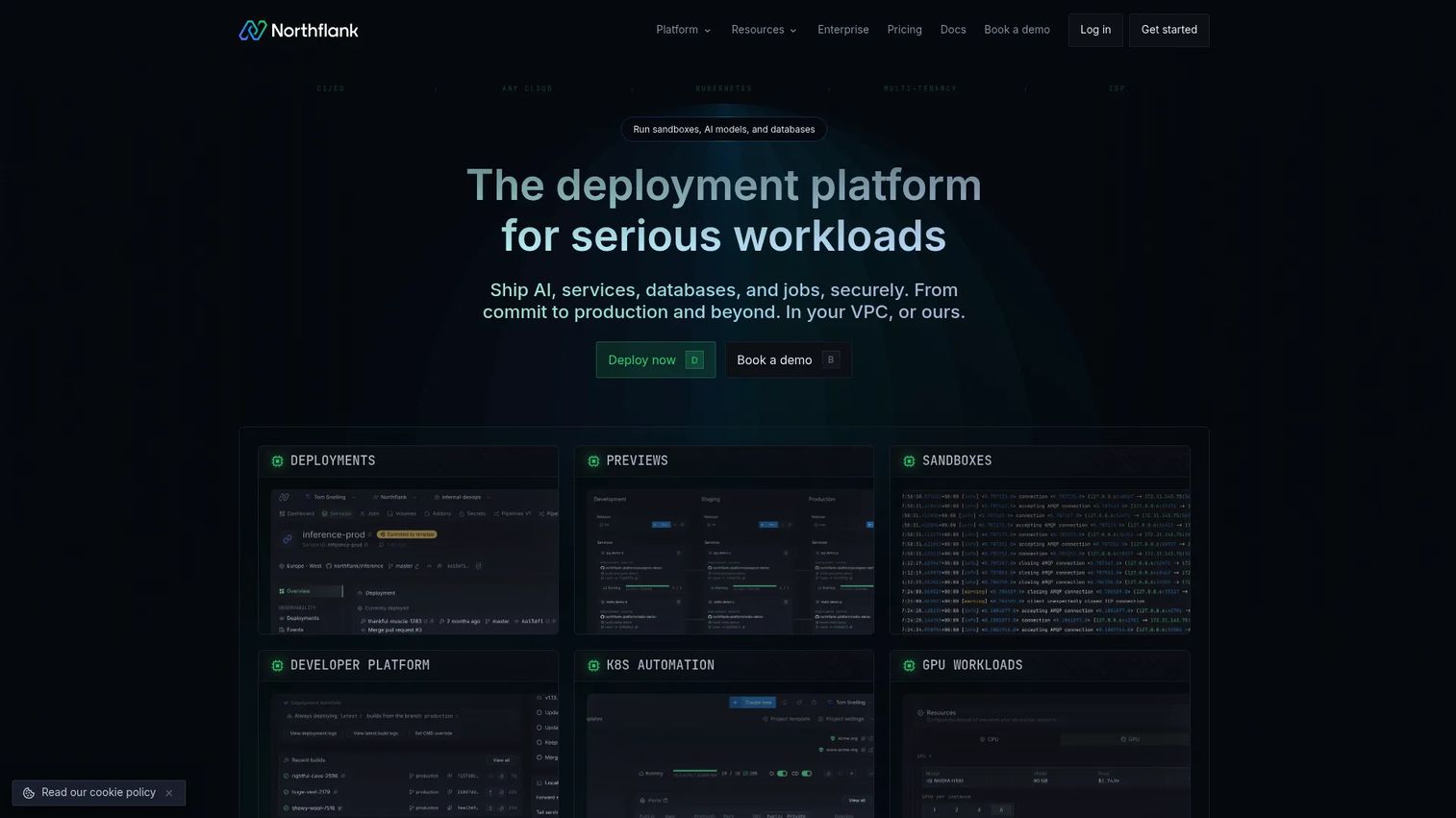
Northflank is a developer platform for building, deploying, and running applications, databases, jobs, and infrastructure. It abstracts the operational layer, Git-based builds, managed databases, queues, and cron jobs, while keeping engineering in full control through UI, API, and CLI. For teams that want modern cloud workflows without standing up a platform engineering function, it removes a large chunk of DevOps overhead.
Best for: Teams that want a managed cloud or BYOC platform for containerized apps, databases, and jobs.
Key strengths
- Git-based builds and deployments: Push to deploy, with pipelines that fit an engineering-led delivery model.
- Managed databases, queues, and cron jobs: Core backend services are provisioned and run for you, so app teams focus on the app.
- GitOps, UI, API, and CLI: Multiple control surfaces let the same team automate infrastructure and iterate quickly.
Why choose Northflank: A PM picks Northflank over a heavier low-code suite when engineering wants to own the codebase and deployment while still cutting operational work. Its BYOC positioning matters for orgs with data residency or security requirements that rule out fully managed-only options. It is the right anchor when the apps you ship are custom software, not assembled forms.
Northflank pricing: The Sandbox tier is free and includes 2 services, 1 database, and 2 cron jobs. Pay-as-you-go is usage-based with no seat pricing, so cost scales with consumption rather than headcount. Enterprise uses invoice-based billing with volume discounts and annual commitment. Verify current figures on the Northflank pricing page before committing.
2. OutSystems
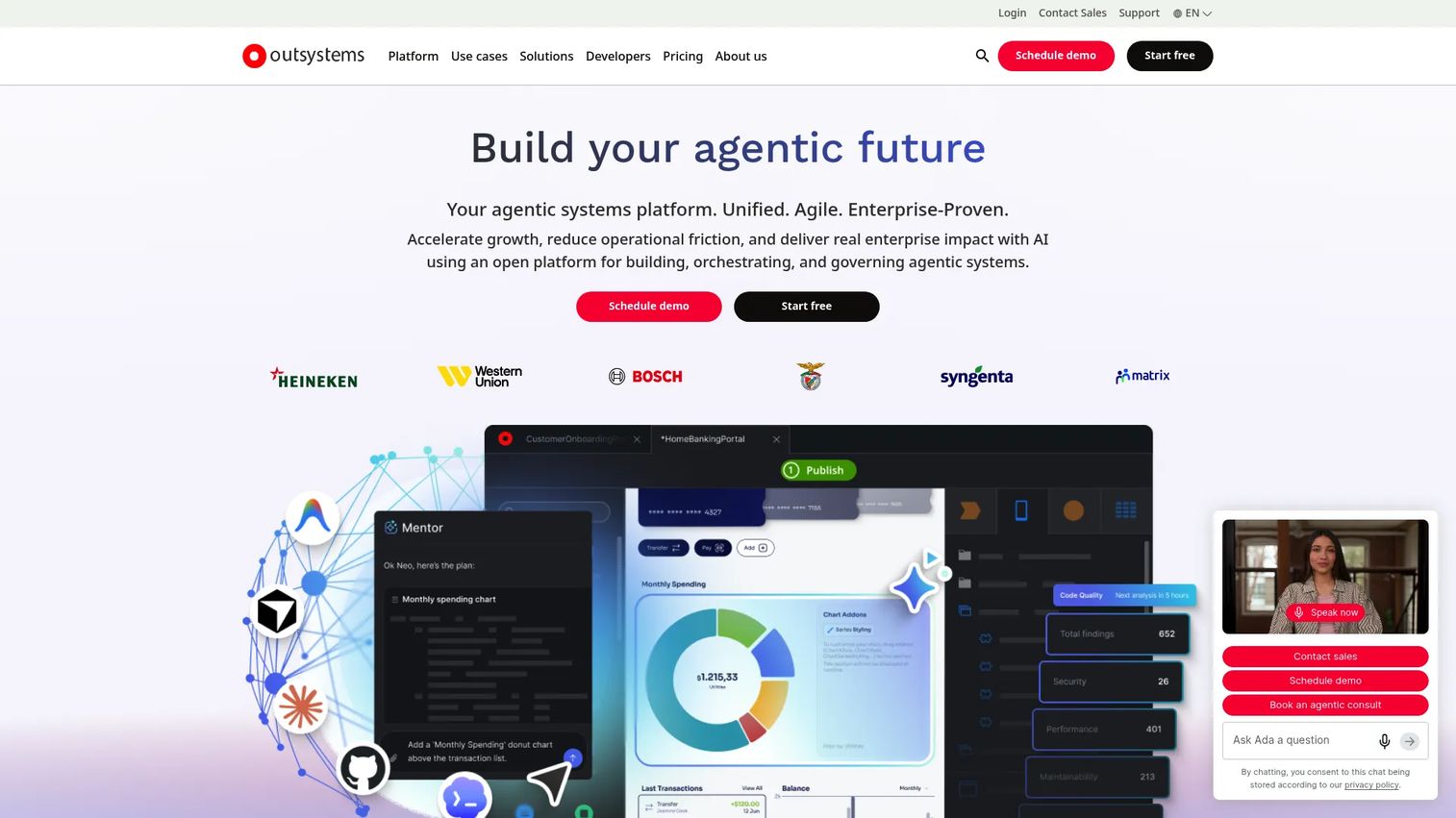
OutSystems is an enterprise AI development platform for building and governing low-code applications and agentic systems. It centers on visual, model-driven development with reusable components, paired with AI assistance for app generation, delivery, and monitoring. The platform is built for organizations that need to ship business-critical apps fast without loosening enterprise security and governance.
Best for: Large organizations building secure internal apps and agentic workflows with low-code.
Key strengths
- Visual, model-driven development: Reusable components accelerate delivery across many stakeholders and app types.
- AI-assisted development: Assistance spans app generation, delivery, and monitoring, with governance intact.
- Enterprise integrations and governance: Connectors for enterprise systems and APIs, plus security, governance, and compliance controls suited to regulated environments.
Why choose OutSystems: This is a strong fit when a PM coordinates a business-critical app across product, engineering, security, and multiple business owners. The governance model is designed for scale, so shipping fast and passing a security review are not competing goals. It suits organizations standardizing many apps on one governed enterprise low-code application platform.
OutSystems pricing: OutSystems offers a Free tier, with Standard and Enterprise listed as contact-us plans on third-party sources. Public numeric pricing is not exposed, so scope pricing directly with OutSystems against your seat count and app footprint before a pilot.
3. Appian Platform
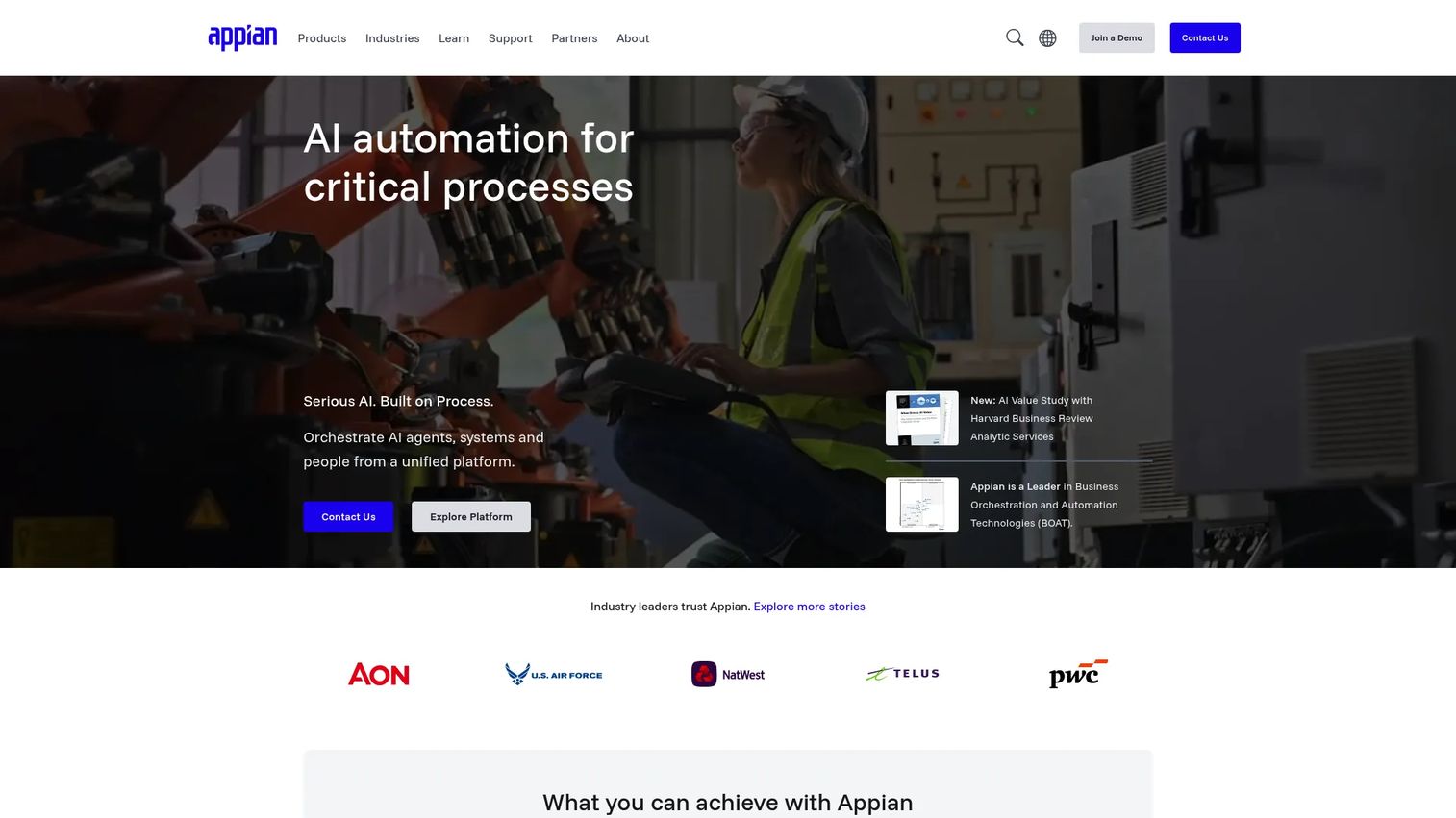
Appian is an AI process automation platform for designing, automating, and optimizing enterprise workflows. Its strength is orchestration: process automation, a data fabric that unifies data across systems, AI agents, robotic process automation, and process intelligence. Where other platforms center on app screens, Appian centers on the process running underneath them.
Best for: Enterprises that need low-code process automation across complex workflows and systems.
Key strengths
- Process orchestration and data fabric: Coordinate multi-step workflows across systems without moving all the data first.
- AI agents and RPA: Automate routine steps and augment human decisions inside a governed process.
- Process intelligence: Surface where workflows stall, so teams optimize based on evidence rather than intuition.
Why choose Appian: For operational and process-driven use cases, case management, claims, approvals, service workflows, Appian is purpose-built. A PM chooses it when the hard problem is the workflow and its governance, not the UI. It excels when many systems and human handoffs need to move in a coordinated, auditable sequence.
Appian pricing: Appian publicly lists Standard, Advanced, and Premium tiers, all priced per user, per month, per app, along with a free version. No public numeric price is shown on the pricing page, so request a quote scoped to your user count and app count.
4. Retool
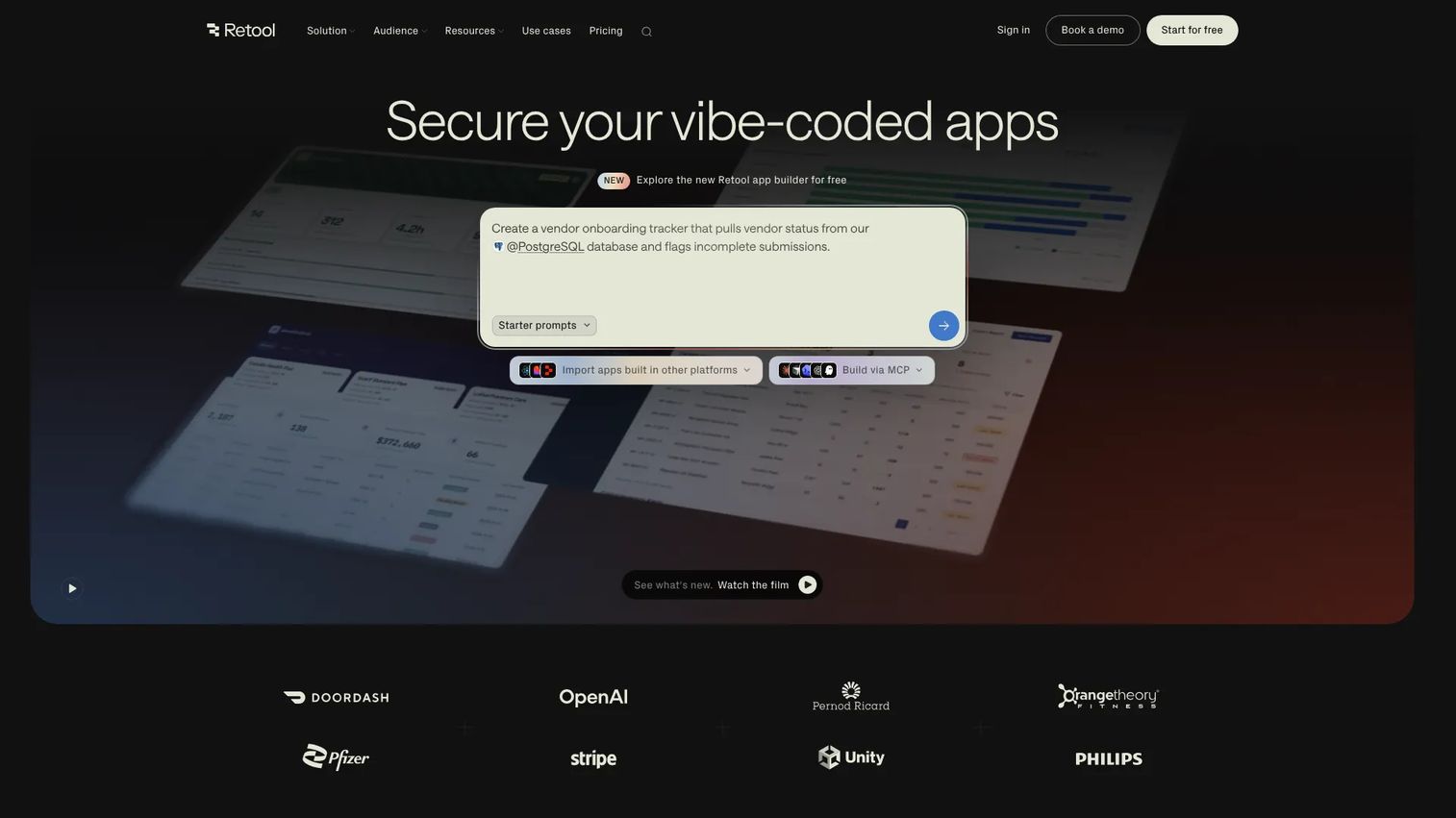
Retool is an AI-native platform for building internal apps, workflows, and agents on top of your own data. It is code-first friendly: developers wire up UI blocks fast, then drop into JavaScript and SQL wherever they need control. Workflows support scheduled and webhook triggers, and self-hosting in your own VPC keeps data inside your perimeter.
Best for: Teams building internal tools, automations, and customer-facing operational apps.
Key strengths
- Unlimited web and mobile apps: Build broadly across internal use cases without per-app friction.
- Workflows with scheduled and webhook triggers: Automate back-office processes on time or on event.
- Self-hosting in your own VPC: Keep sensitive data and integrations inside your own infrastructure.
Why choose Retool: Retool is the pick when engineering wants control and fast delivery in the same tool. It connects to databases and APIs quickly, ships to production without heavy ceremony, and gives developers a code escape hatch when the visual layer runs out. For internal software specifically, it hits the sweet spot between speed and developer ownership.
Retool pricing: The Free plan is $0 per builder per month. Team is $10 per builder per month, Business is $50 per builder per month, and Enterprise is custom with SSO, governance, and advanced controls. Confirm current builder and end-user pricing on Retool's pricing page.
5. Power Apps
Power Apps is Microsoft's low-code app development platform for building and deploying business applications. It offers drag-and-drop, generative AI, or custom-code building, backed by Microsoft Dataverse for data storage and governance. Templates, connectors, and Copilot-assisted development make it a natural entry point for citizen development inside Microsoft-heavy organizations.
Best for: Organizations that need low-code internal apps with Microsoft ecosystem integration.
Key strengths
- Multiple build modes: Drag-and-drop, generative AI, or custom code covers business makers and developers alike.
- Dataverse storage and governance: Centralized data with governance built into the Microsoft admin model.
- Templates, connectors, and Copilot: A large connector library and Copilot-assisted development speed common builds.
Why choose Power Apps: If your org already runs on Microsoft 365, Dynamics, and Azure, Power Apps inherits identity, governance, and data connectivity you already manage. That lowers the integration and admin burden and shortens time to a governed app. It works best where the ecosystem fit is already the deciding factor.
Power Apps pricing: The Power Apps Developer Plan is free. Power Apps Premium is $20.00 per user per month paid yearly, or $12.00 per user per month with a 2,000-seat minimum. Microsoft notes pricing varies by region and currency, so confirm on the official pricing page for your geography.
6. Mendix Platform
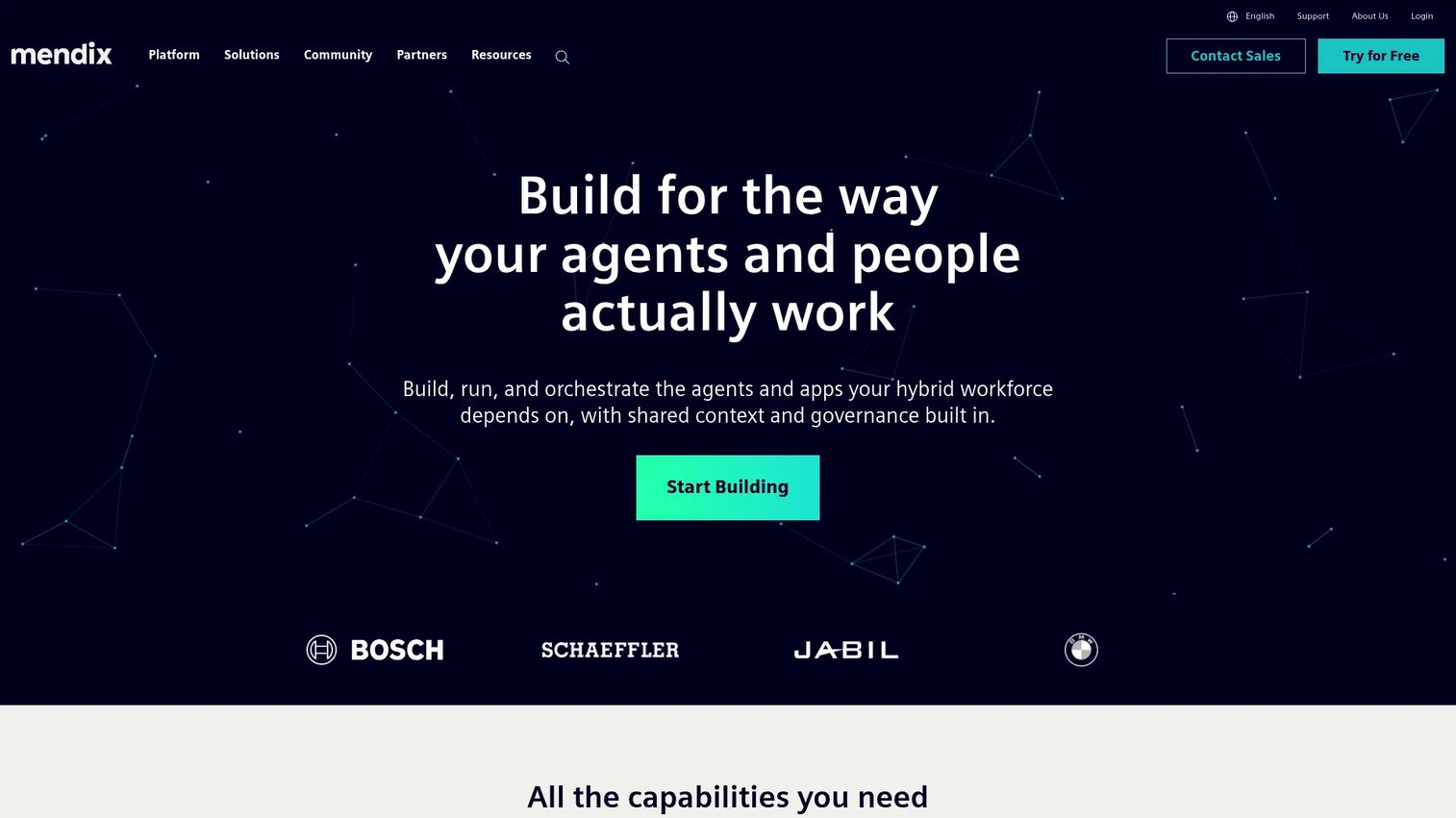
Mendix is a low-code application development platform for building, deploying, and governing enterprise apps and agentic solutions. It emphasizes visual, model-driven development alongside open APIs and extensibility, with deployment options spanning Mendix Cloud, private cloud, dedicated cloud, and SAP BTP. That flexibility is the point: it balances low-code speed with enterprise control over where and how apps run.
Best for: Enterprises that need a governed low-code platform for internal business applications and workflow-heavy solutions.
Key strengths
- Visual model-driven development: Composable, reusable models let mixed teams build the same app together.
- Open APIs and extensibility: Extend beyond the visual layer when a use case demands custom logic.
- Flexible deployment: Mendix Cloud, private cloud, dedicated cloud, and SAP BTP give teams deployment choice.
Why choose Mendix: Mendix suits a PM who wants collaborative, composable development without giving up enterprise governance or deployment flexibility. Business analysts and developers work on shared models, and lifecycle management keeps releases coordinated. It fits organizations that value both delivery speed and control over their runtime.
Mendix pricing: Mendix offers a Free tier, with Basic, Standard, and Premium as contact-sales plans. Public numeric pricing is not shown for paid tiers, so scope pricing with Mendix based on app count and expected users before committing.
7. Zoho Creator
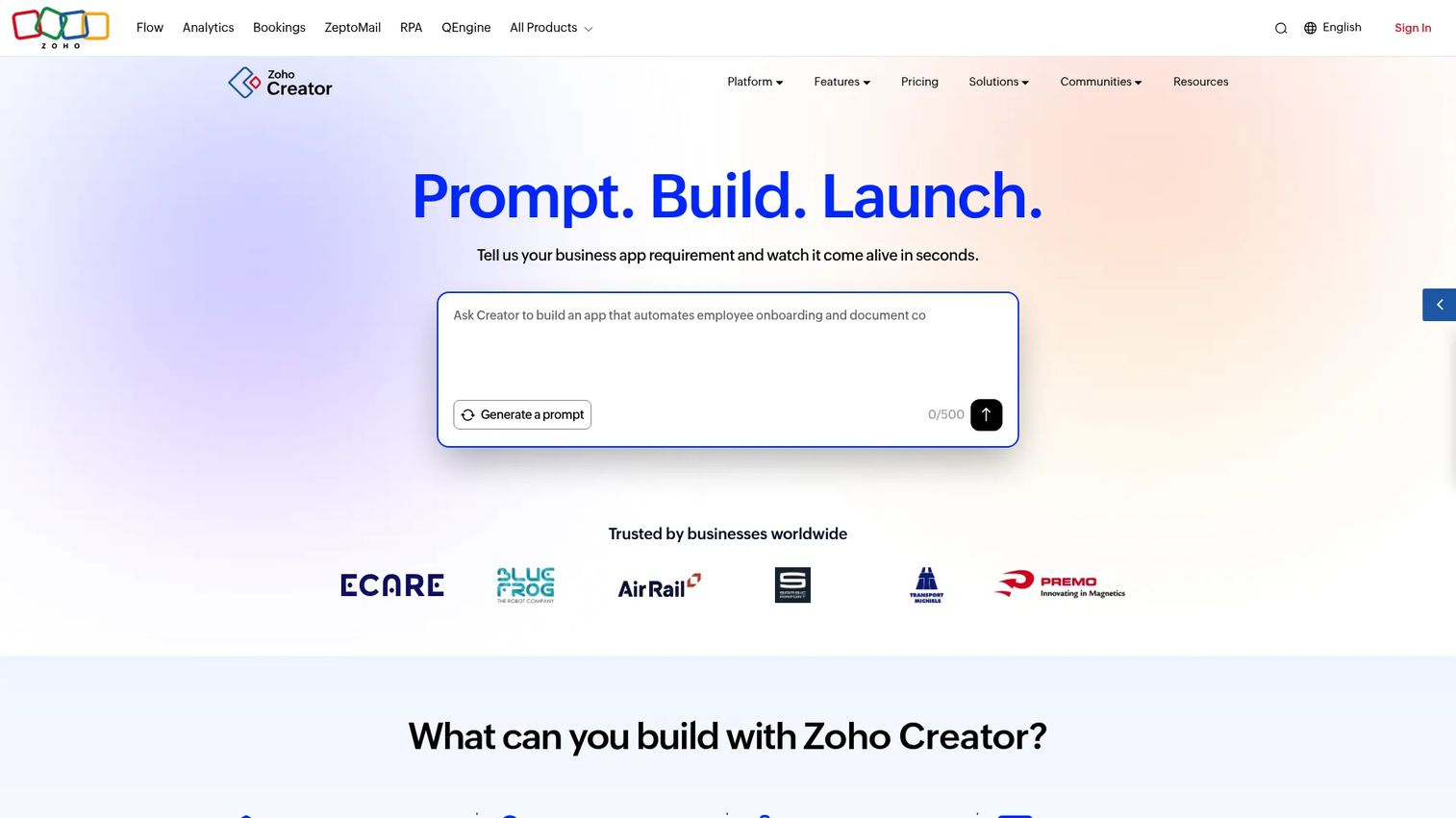
Zoho Creator is a low-code application development platform for building business apps, portals, workflows, and analytics. It leans toward accessible app building: custom apps, mobile apps, and online portals that smaller teams inside larger enterprises can stand up without deep engineering support. Its integration coverage and low price point make it a pragmatic starting point.
Best for: Teams that need to rapidly build custom business applications and internal workflows.
Key strengths
- Custom apps and app builder: Build business apps and internal workflows without heavy developer time.
- Mobile apps: Ship mobile experiences alongside web from the same app builder.
- Online portals: Extend apps to external users through branded portals.
Why choose Zoho Creator: Zoho Creator is the pragmatic choice when budget matters and the app scope is focused, request systems, trackers, and departmental workflows. For a team inside a larger enterprise that needs to ship without a heavy platform investment, it delivers workflow automation and integrations at an accessible price. It excels when the job is a real but bounded business app rather than a sprawling enterprise suite.
Zoho Creator pricing: A Free Edition is available. Standard is $8.00 per user per month, Professional is $20.00, and Enterprise is $25.00, all billed annually, with a Flex contact-us option. Confirm current figures on the Zoho Creator pricing page.
Considerations before you commit
A shortlist is not a decision. Before a pilot, pressure-test each finalist against the criteria that decide long-term fit.
Governance, permissions, and auditability
Confirm role-based access, environment separation, single sign-on, and audit logging map to your compliance obligations. Governance you have to bolt on later is the most expensive kind. Enterprise governance should be native, not an add-on.
Integration and data model fit
Check that native connectors exist for your systems of record, and that custom API connectivity is clean where they don't. The data model, how the platform stores and relates data, determines how much rework you inherit as requirements evolve.
Delivery speed versus developer control
Be honest about who builds and maintains these apps. Low-code favors speed and business-team participation; code-first favors engineering control. Hybrid platforms split the difference. Match the model to your team, not the trend.
Long-term maintenance and ownership
Ask who owns each app after launch and what happens when the underlying product changes. Platforms with strong lifecycle management and versioning keep maintenance predictable. Weak ones let apps rot until nobody trusts them.
Pricing structure and scaling costs
Seat-based, usage-based, and per-app pricing scale very differently. Model your cost at 2x and 5x current usage. A price that works for a pilot can surprise you at scale.
AI features and real work removed
AI-assisted development accelerates first drafts. Test how much manual work it actually removes on your workflows, and where human review stays mandatory, before you factor it into a delivery estimate.
Conclusion
The best enterprise application development platform depends on your operating model, governance needs, and integration complexity, not a single leaderboard. Northflank is the strongest anchor when engineering wants deployment control and modern cloud workflows. OutSystems and Mendix Platform lead for governed low-code at scale, Appian Platform for process-heavy workflow and case management, Retool for developer-led internal tools, Power Apps for Microsoft-native orgs, and Zoho Creator for budget-conscious citizen development.
The practical next step: shortlist two or three that match your operating model, then validate each against a real workflow, not a demo script. Build the actual approval flow or the actual dashboard, connect it to your real systems, and watch how governance, integrations, and maintenance behave. That test tells you more about time to market and long-term cost than any feature grid.
And when the apps you ship are easier to understand by experiencing them than reading about them, teams pair these platforms with interactive demos, sandboxes, and demo centers to let buyers and users validate value directly. Start your journey with Guideflow today!
FAQs
An enterprise application development platform is software for building, deploying, governing, and maintaining business applications at organizational scale. It provides the security and governance, integrations, deployment controls, and lifecycle management large companies need, across low-code, code-first, and hybrid operating models.
Not exactly. A low-code platform is one type of enterprise application platform, defined by visual, model-driven building. An enterprise app platform is the broader category, which also includes code-first and hybrid tools. An enterprise low-code application platform specifically adds the governance, auditability, and compliance controls that regulated organizations require.
Retool is a strong choice for internal software when engineering wants control and fast delivery. It connects quickly to databases and APIs, supports workflows with scheduled and webhook triggers, and self-hosts in your VPC. Power Apps and Zoho Creator are also common picks for internal apps, depending on ecosystem fit and budget.
Prioritize role-based access controls, environment separation, single sign-on, and complete audit logging, then confirm the compliance certifications your industry requires. Native enterprise governance keeps security reviews from landing late in a project, where they cost the most rework. Treat governance as delivery risk, not paperwork.
Critical. An enterprise app is only as useful as the data and systems it reaches. Favor platforms with native connectors for your systems of record, plus clean API connectivity for the gaps. A weak integration model forces engineering to build and maintain glue code the platform should have handled.
Choose code-first when engineering wants to own the codebase, builds, and deployment, and when apps are custom software rather than assembled forms. Northflank and Retool fit that profile. Choose low-code when business teams need to participate and delivery speed across many apps matters more than deep customization.
AI-assisted development accelerates the first draft of components, workflows, and queries, which shortens time to a working app. It does not remove human oversight on anything touching production or sensitive data. Treat it as acceleration, and always test how much manual work it actually removes on your own workflows.
Enterprise readiness means native security and governance, compliance certifications, deep integrations, dependable deployment and monitoring, lifecycle management for maintainability, and scalability that holds up as usage and app count grow. A platform is enterprise-ready when it passes a security review and stays maintainable across frequent releases, not just when it ships a first app fast.