Your fleet isn't one thing anymore. It's a corporate laptop, a personal iPhone running Slack, a shared warehouse tablet, and a contractor's Android device that nobody remembers enrolling. Every one of those endpoints touches company data. Every one is a potential entry point. And every one has to stay compliant without you scheduling a support call for each policy change.
That mix is exactly why enterprise mobility management software exists. Roughly 82% of enterprises now deploy mobility management tools to enforce security policies across smartphones, tablets, and laptops, according to Market Growth Reports (2026). Enterprise-owned and BYOD devices already account for nearly 61% of workplace endpoints, driven by more than 7.4 billion connected mobile devices worldwide. The global EMM software market sat at USD 4.17 billion in 2026 and is projected to reach USD 7.46 billion by 2035.
Numbers like those tell you the category is real. They don't tell you which platform fits a mixed fleet with tight identity requirements and limited admin headcount. That's the gap this guide closes.
What's inside
This is a buyer's guide for teams choosing an EMM platform to govern company-owned and BYOD devices without adding operational overhead. We evaluated seven enterprise mobility management solutions on four criteria that matter for a real rollout: device and app management breadth, security and identity controls, multi-OS support, and day-to-day admin manageability. Every tool here is built for enterprise mobility, not repurposed from generic endpoint software. Where public pricing and current G2 data were available, we included them so you can shortlist faster.
TL;DR
- Best for enterprise security depth: IBM Security MaaS360, with AI-driven UEM and built-in mobile threat defense.
- Best for mixed OS fleets: Scalefusion, covering Windows, macOS, Linux, ChromeOS, iOS, and Android from one console.
- Best for Microsoft-native environments: Microsoft Enterprise Mobility + Security, tied into Entra ID and Microsoft 365.
- Best for Apple-heavy fleets: Jamf, with zero-touch Apple deployment and deep macOS/iOS lifecycle control.
- Best for rugged and frontline deployments: SOTI MobiControl, purpose-built for logistics, field, and warehouse devices.
- Best free entry tier: ManageEngine Mobile Device Manager Plus, free up to 25 devices with published device-based pricing.
What is enterprise mobility management software?
Enterprise mobility management (EMM) software is a platform that lets IT teams enroll, configure, secure, and govern the mobile devices, apps, and data used across a workforce, spanning both corporate-owned and BYOD endpoints. It grew out of mobile device management (MDM) as phones and tablets became primary work devices, then expanded to cover apps, content, and identity in one control plane.
Most EMM tools cluster their capabilities into four layers:
- Device management: enrollment, configuration profiles, compliance policies, remote lock, and remote wipe across the fleet.
- App management: silent app distribution, private app catalogs, mobile application management (MAM) for BYOD, and containerization that separates work apps from personal data.
- Content and data protection: secure document access, encryption, blur or hide controls for sensitive fields, and data-loss prevention.
- Identity and access management: SSO, MFA, conditional access, and role-based access control (RBAC) that ties device posture to who can reach what.
A quick vocabulary check, because these terms blur together in vendor decks:
- MDM manages the device itself: enrollment, lockdown, wipe.
- EMM wraps MDM with app management, content control, and identity, so you govern the whole mobile work surface.
- UEM (unified endpoint management) extends that same control plane to desktops and laptops, so phones, tablets, macOS, and Windows all live under one policy engine.
Strong EMM software also supports multiple enrollment methods (BYOD, corporate-owned, kiosk, shared device) and broad multi-OS support so a single console governs a genuinely mixed fleet. That breadth is what separates an enterprise-grade platform from a single-OS point tool.
When to use enterprise mobility management software
Secure a mixed fleet without losing control
When your endpoints span company laptops, personal phones, and shared tablets, policy drift is inevitable without a central control plane. EMM gives you one console to enforce encryption, passcode rules, and remote wipe across every OS. That matters most when a device is lost or an employee leaves and you need to revoke access in minutes, not days.
Support BYOD while protecting corporate data
BYOD is popular because it cuts hardware spend and keeps employees on devices they already know. The catch is governance: you can't wipe someone's personal photos to protect a sales pipeline. Containerization and mobile application management let you manage only the work container, so corporate data stays governed and personal data stays private.
Manage frontline, kiosk, and shared devices
Retail, logistics, healthcare, and field teams run devices that many people touch and few people own. Kiosk mode locks a device to a single app or a curated set, shared-device enrollment handles shift handoffs, and rugged-device support keeps warehouse and delivery hardware in policy. This is where frontline-focused EMM earns its keep.
Centralize app and policy rollout across departments
When marketing, sales, and finance each need different app sets and compliance rules, manual configuration doesn't scale. EMM lets you push apps, profiles, and updates by group, segment, or department from one place, so a policy change ships once instead of device by device.
Comparison table
Here's how the seven platforms compare at a glance. Pricing reflects publicly listed figures where available, and G2 ratings reflect current vendor listings. Where a vendor gates pricing behind sales, that's noted directly.
| # | Product | Intent | Key use case | Pricing | G2 rating |
|---|---|---|---|---|---|
| 1 | IBM Security MaaS360 | Security-led UEM | Regulated enterprises needing built-in threat defense and compliance | Quote-based; free trial | 4.2/5 |
| 2 | Scalefusion | Cross-platform UEM | Mixed corporate and frontline fleets across six OS families | From $2/device/mo (billed annually) | 4.7/5 |
| 3 | ManageEngine MDM Plus | Full-featured MDM | IT teams wanting a free entry tier and published device pricing | Free up to 25 devices; Standard from $495/yr | 4.5/5 |
| 4 | Microsoft EMS | Identity-centric management | Microsoft 365 and Entra ID standardized environments | E3 from $10.60/user/mo (paid yearly) | 4.5/5 |
| 5 | Jamf | Apple-first management | macOS and iOS fleets needing zero-touch deployment | From $4/device/mo | 4.7/5 |
| 6 | Hexnode UEM | Flexible cross-platform UEM | Teams needing kiosk, security, and remote management | From $2.20/device/mo | 4.5/5 |
| 7 | SOTI MobiControl | Rugged and frontline mobility | Logistics, field, and warehouse device operations | Quote-based; 30-day trial | Contact vendor |
1. IBM Security MaaS360
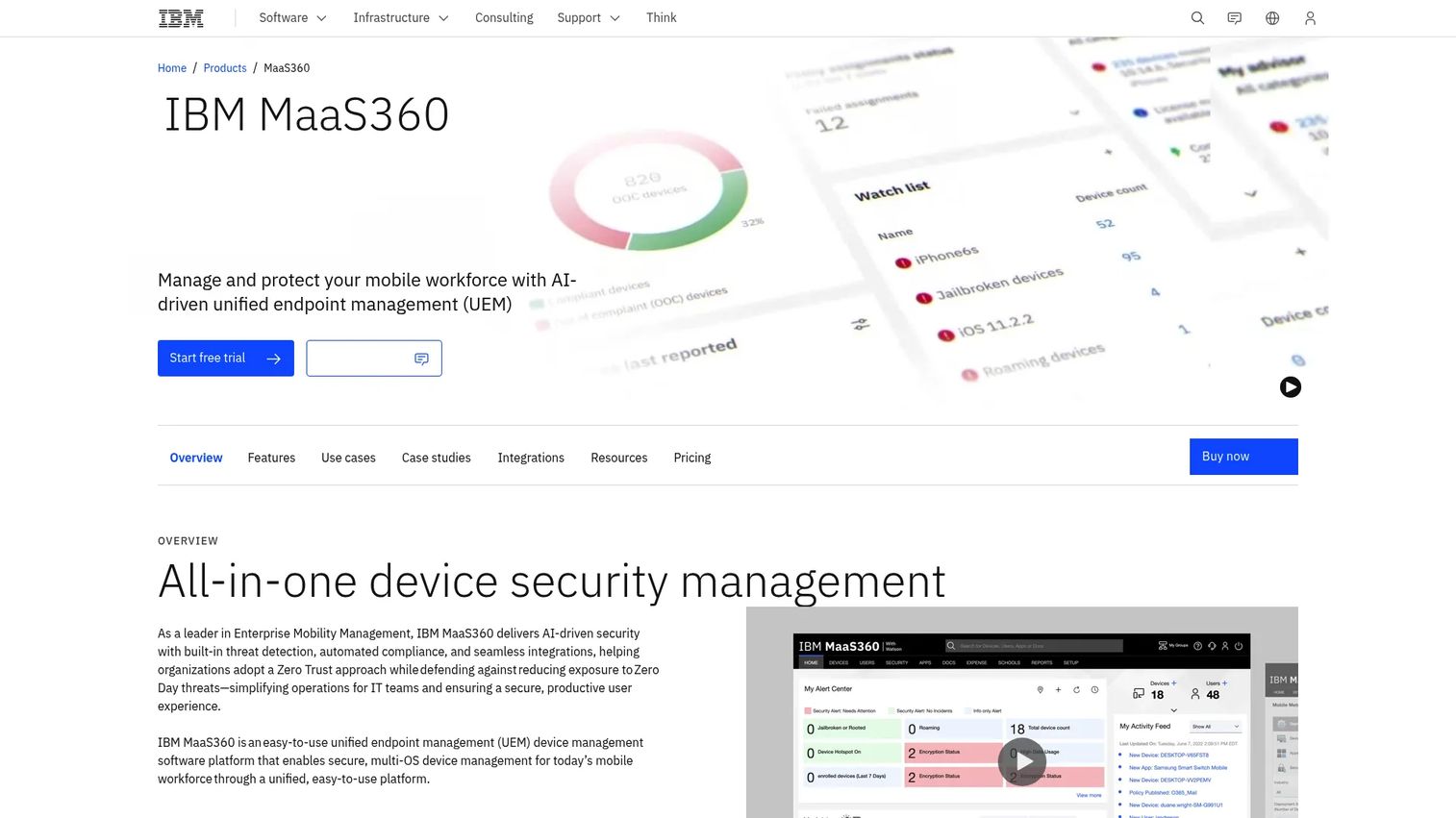
IBM Security MaaS360 is AI-driven unified endpoint management built for organizations that treat security as the first requirement, not a bolt-on. It manages and protects a mobile workforce from a single console, layering native security analytics and mobile threat defense over standard device and app management. For enterprises already running IBM security tooling, it slots into an existing governance posture.
Best for: Enterprises that need centralized UEM with built-in mobile security and compliance controls.
Key strengths
- Mobile threat defense: Detects and responds to device, network, and app-level threats without a separate MTD product.
- MDM and Fast Start: Standard enrollment and configuration plus a guided setup path to shorten time to first managed device.
- Native security and AI analytics: Surfaces risk signals and compliance drift across the fleet so admins act on posture, not guesswork.
Why choose IBM Security MaaS360: If your buying decision is driven by security and compliance rather than raw device count, MaaS360 leads with threat defense and analytics that most EMM tools treat as add-ons. It fits regulated industries where audit trails, data protection, and endpoint risk visibility carry more weight than the lowest per-device price.
IBM Security MaaS360 pricing: IBM shows a free trial and a request-a-quote flow on its product page. It states there are four pricing plans, but the page does not expose numeric prices, so you'll go through sales to scope a figure. That's typical for security-led enterprise UEM, where deals are configured around device counts and modules.
Practical fit: For a product or IT leader weighing operational overhead against risk, MaaS360's value is centralized visibility. One console shows compliance state, threat posture, and enrollment status, which reduces the "where do I even look" problem when an incident hits.
2. Scalefusion
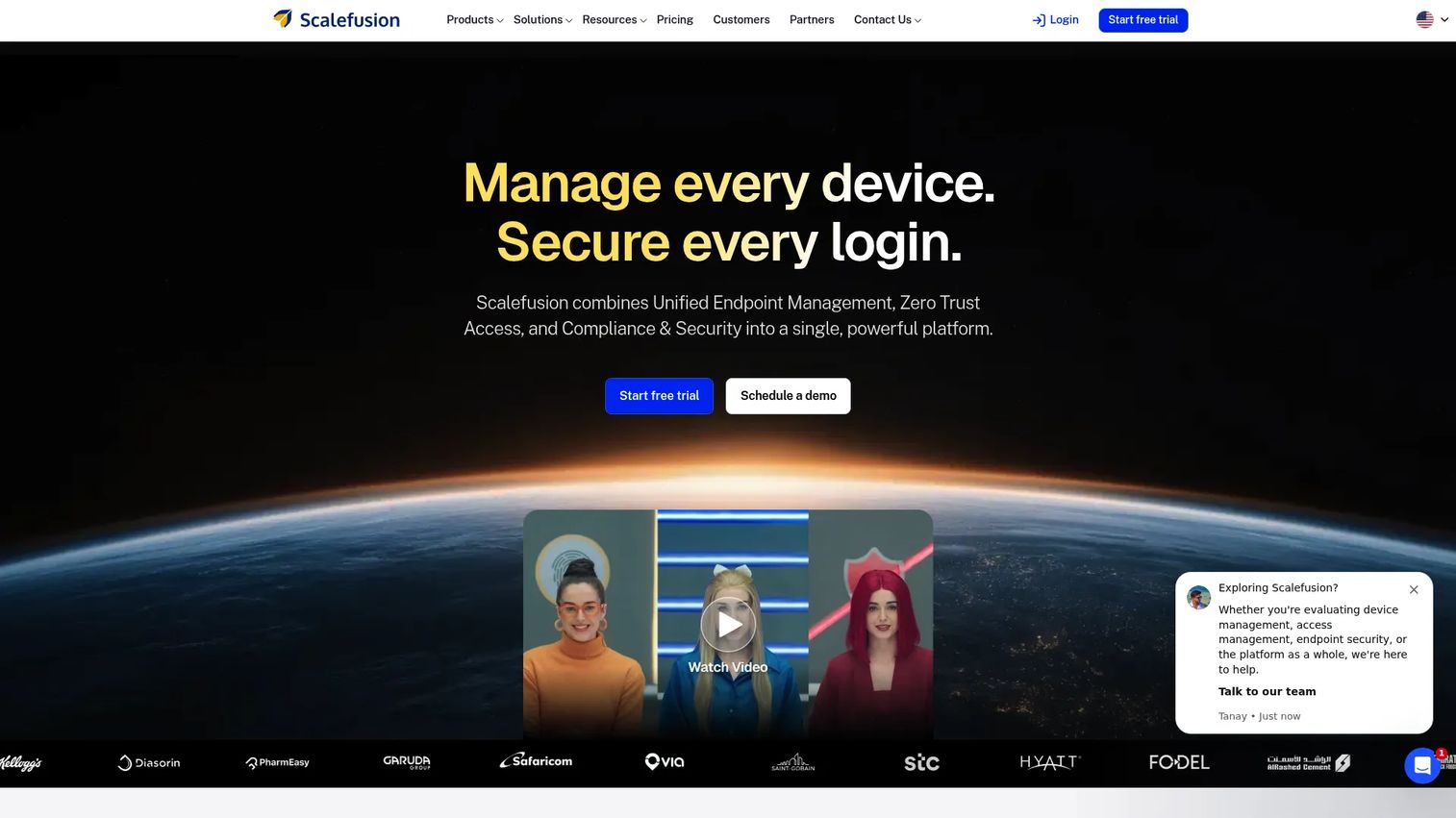
Scalefusion is unified endpoint, user, and access management software built for IT teams juggling genuinely mixed fleets. It manages devices across Windows, macOS, Linux, ChromeOS, iOS, and Android from one console, then layers zero-trust access and endpoint security on top. If your fleet spans office laptops and frontline handhelds, breadth is the point.
Best for: IT teams managing mixed fleets of corporate and frontline devices.
Key strengths
- Six-OS coverage: Windows, macOS, Linux, ChromeOS, iOS, and Android under one policy engine, so mixed fleets stay in a single console.
- Zero-trust access via OneIdP: Identity and access management that ties device posture to who gets in, supporting a zero trust model.
- Endpoint security via Veltar: Compliance and endpoint protection layered onto device management rather than bolted on separately.
Why choose Scalefusion: The pull here is transparent pricing and OS breadth. Where enterprise-heavy vendors send you to sales for everything, Scalefusion publishes per-device tiers and covers six operating systems. That combination makes it easy to model cost and scope before you commit.
Scalefusion pricing: Public tiers are billed annually: Essentials at $2/device per month ($24/year), Growth at $3.50/device per month ($42/year), Business at $5/device per month ($60/year), and Enterprise at $6/device per month ($72/year). A Scalefusion 360 Enterprise Suite runs $12.42/device per month ($149/year). A 14-day free trial is available.
Practical fit: For a PM or IT lead who has to justify tooling spend, per-device pricing scales predictably with fleet growth. You can start on Essentials for straightforward management and move up as identity and security needs mature, without renegotiating a custom contract each time.
3. ManageEngine Mobile Device Manager Plus
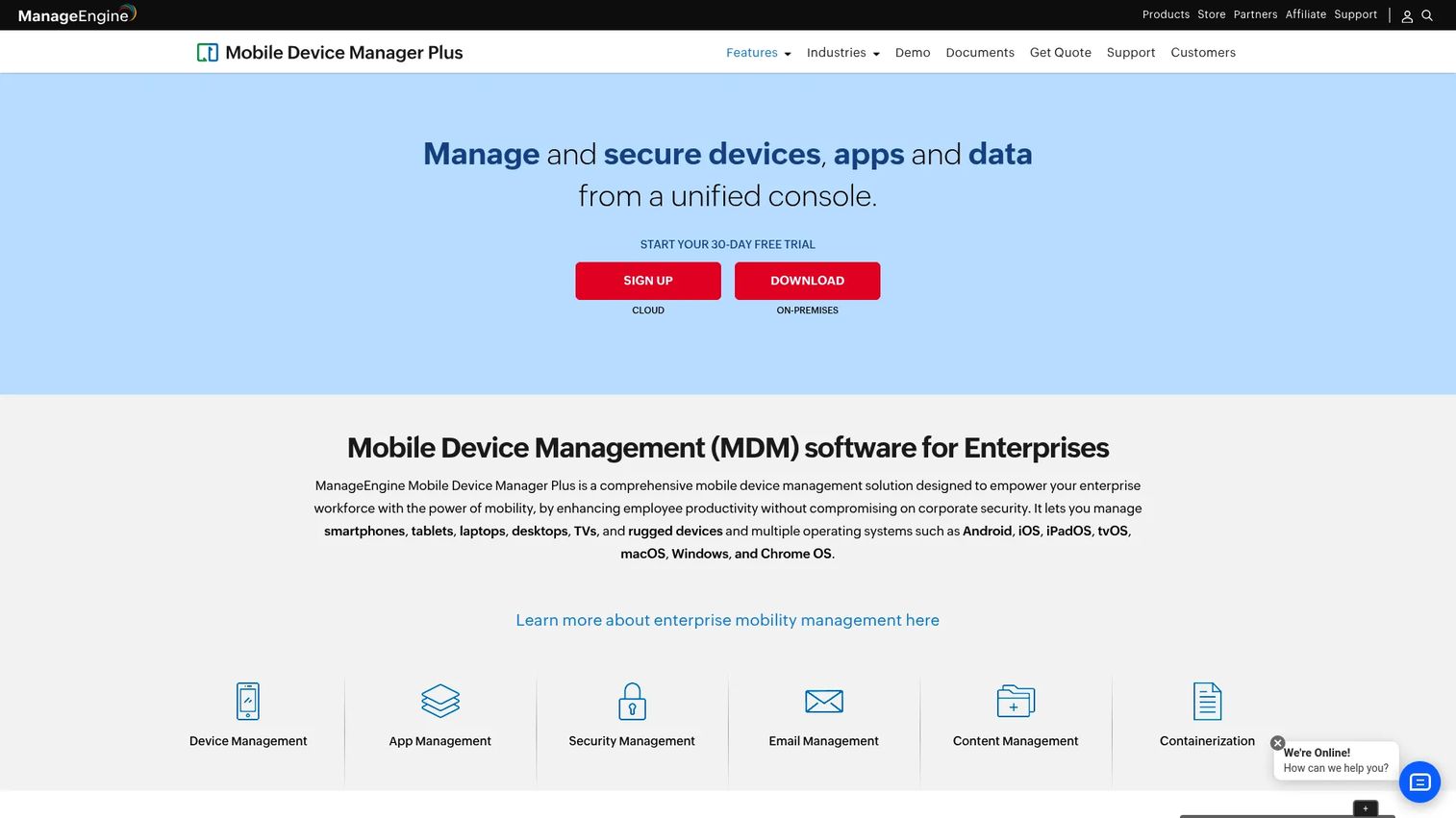
ManageEngine Mobile Device Manager Plus is MDM software for centrally enrolling, configuring, securing, and managing organizational devices. It handles both BYOD and corporate-owned enrollment, ships profile management for security and access policies, and covers app management including silent installs and kiosk mode. A free tier and published device-based pricing make it one of the easier platforms to trial.
Best for: IT teams that want a full-featured MDM with a free entry tier and published device pricing.
Key strengths
- Flexible enrollment: Handles BYOD and corporate-owned devices, so mixed ownership fits one workflow.
- Profile management: Pushes security and access policies as reusable profiles across device groups.
- App management with kiosk mode: Silent app installs and kiosk lockdown for shared and single-purpose devices.
Why choose ManageEngine MDM Plus: The free-up-to-25-devices tier removes the usual "book a demo before you can touch it" barrier. You can validate enrollment, profiles, and app distribution on a real device set before spending anything. It also offers both on-premises and cloud editions, which matters when data residency is a constraint.
ManageEngine MDM Plus pricing: The Free plan covers up to 25 devices. The Standard on-premises plan starts at $495 per year for 50 devices and one technician. The Professional cloud plan starts at $645 per year for 50 devices and one technician. Pricing scales by device range and technician count from there.
Practical fit: For a PM instrumenting a rollout, the free tier is a low-risk way to prove the workflow before a wider deployment. The published pricing also makes internal budget conversations cleaner, since you can map cost to device count without a sales cycle.
4. Microsoft Enterprise Mobility + Security
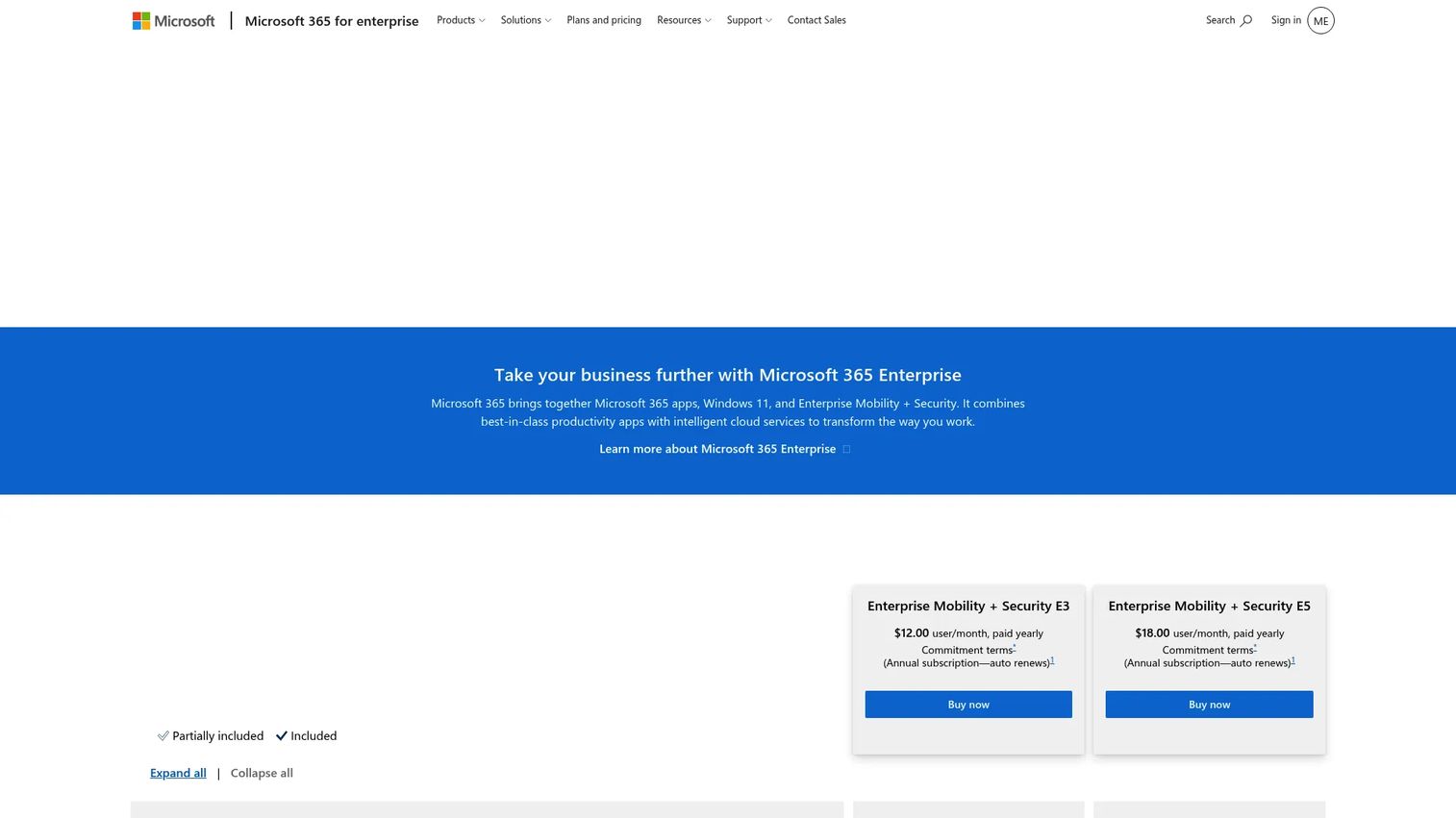
Microsoft Enterprise Mobility + Security is Microsoft's enterprise security suite for identity, device, app, and information protection. Its differentiator is identity-first management: conditional access, SSO, and MFA tie device posture directly to who can reach corporate resources, all integrated with Microsoft 365 and Entra ID. If your stack already lives in Microsoft, EMS is the least-friction path.
Best for: Enterprises standardizing security and management on the Microsoft stack.
Key strengths
- Identity and access management: Conditional access, SSO, and MFA built around Entra ID, so identity gates every device and app.
- Endpoint and app management: Device and app controls that integrate natively with Microsoft 365 workflows.
- Information protection and threat detection: Data classification, protection, and threat signals in the same suite.
Why choose Microsoft EMS: If you already run Microsoft 365 and Entra ID, EMS avoids the integration tax of stitching a third-party EMM into your identity layer. Conditional access policies you may already use for apps extend to device compliance, which keeps governance consistent across identity and endpoints.
Microsoft EMS pricing: Two annual plans are listed. Enterprise Mobility + Security E3 is $10.60/user per month, paid yearly. Enterprise Mobility + Security E5 is $16.40/user per month, paid yearly. Microsoft notes prices are in US dollars and can vary by country. Note the per-user model, which prices differently from the per-device tiers common elsewhere.
Practical fit: For a PM in a Microsoft-standardized org, EMS reduces the number of moving parts. Identity, device, and information protection live in one suite, so segmentation by user role and conditional access ride on infrastructure your team already maintains.
5. Jamf
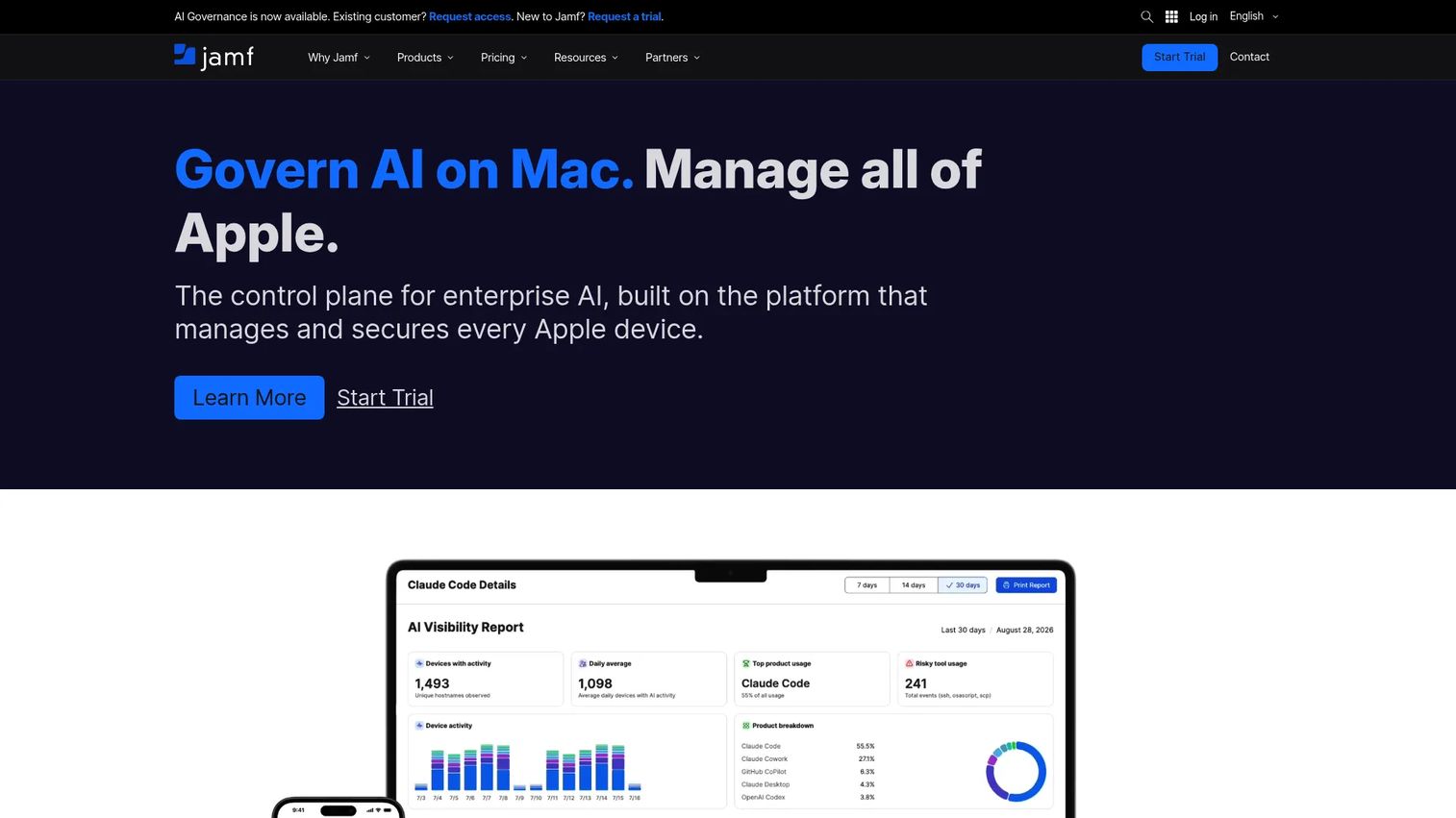
Jamf is an Apple device management and security platform built for organizations that run macOS and iOS at scale. It handles zero-touch deployment, inventory management, and app lifecycle management with a depth of Apple integration that general-purpose EMM tools rarely match. For an Apple-heavy fleet, that specialization pays off in day-to-day administration.
Best for: Organizations managing Apple devices from small-business through enterprise scale.
Key strengths
- Zero-touch deployment: Devices enroll and configure out of the box, so new Macs and iPhones are work-ready without hands-on setup.
- Inventory management: Detailed, real-time hardware and software inventory across the Apple fleet.
- App lifecycle management: Distribution, updates, and removal of apps mapped to Apple's own management framework.
Why choose Jamf: When your fleet is predominantly Apple, Jamf's depth beats broad multi-OS coverage you won't use. It tracks Apple OS releases closely, so new features and security updates are supported quickly rather than after a lag. That currency matters in security-conscious environments.
Jamf pricing: Jamf Now starts at $4 per device per month and targets organizations under 25 employees, with a 14-day free trial and support docs noting three free devices for an unlimited time. Jamf for Mac is $12.50 per macOS device per month, billed annually with a 25-device minimum. Jamf for Mobile is $5.75 per mobile device per month, billed annually with a 25-device minimum.
Practical fit: For a PM or IT lead at an Apple-first company, Jamf minimizes the friction of managing an ecosystem that other EMM tools treat as a secondary target. The tradeoff is scope: this is the stronger option when Apple dominates, not when you need one console for a truly mixed fleet.
6. Hexnode UEM
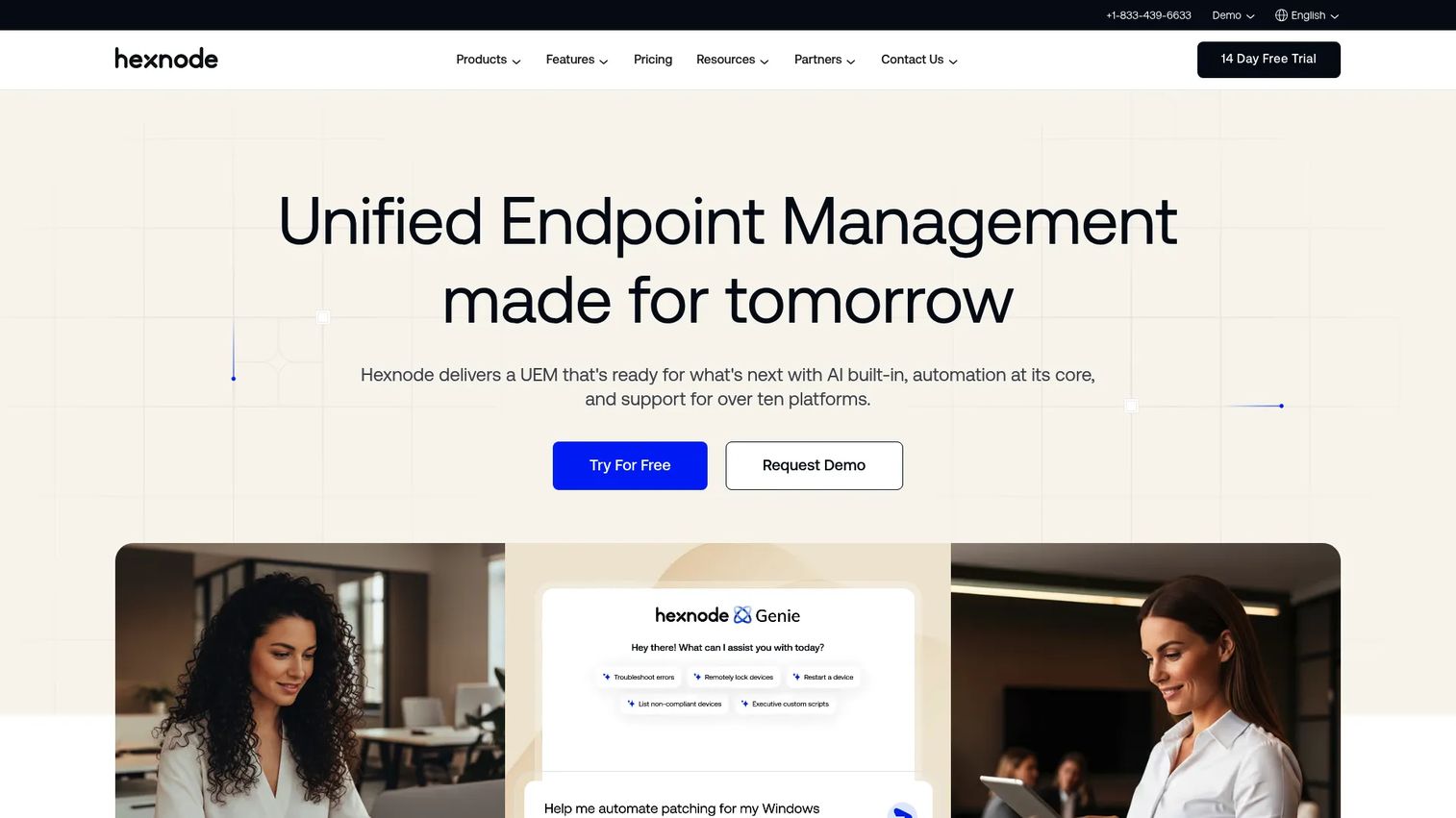
Hexnode UEM is unified endpoint management software for managing and securing devices across multiple operating systems. It balances broad feature coverage with centralized control, offering zero-touch enrollment, web content filtering, and patch and OS update management. For teams that want kiosk, security, and remote management without an enterprise-only contract, it's a flexible middle-ground option.
Best for: IT teams that need cross-platform UEM with kiosk, security, and remote management capabilities.
Key strengths
- Zero-touch enrollment: Devices provision automatically at first boot, cutting manual setup across the fleet.
- Web content filtering: Policy-based control over what devices can access, useful for kiosk and frontline scenarios.
- Patch and OS update management: Keeps devices current on security patches and OS versions from the central console.
Why choose Hexnode: The appeal is flexible per-device pricing with monthly or annual billing and a feature set that covers kiosk, remote management, and security without gating essentials behind an enterprise tier. It scales from a small managed fleet upward, so mid-market teams don't overbuy.
Hexnode pricing: Public per-device pricing starts with 15 devices and includes a 14-day free trial. The Pro tier is $2.20 per device per month, Enterprise is $3.20 per device per month, and Ultimate is $4.70 per device per month, all billable monthly or annually. The top Ultra tier is quote-based.
Practical fit: For a PM balancing feature breadth against budget, Hexnode's monthly billing option is useful when you can't commit to an annual contract upfront. You can trial the full feature set, prove the workflow, and choose a tier that matches your actual device count.
7. SOTI MobiControl
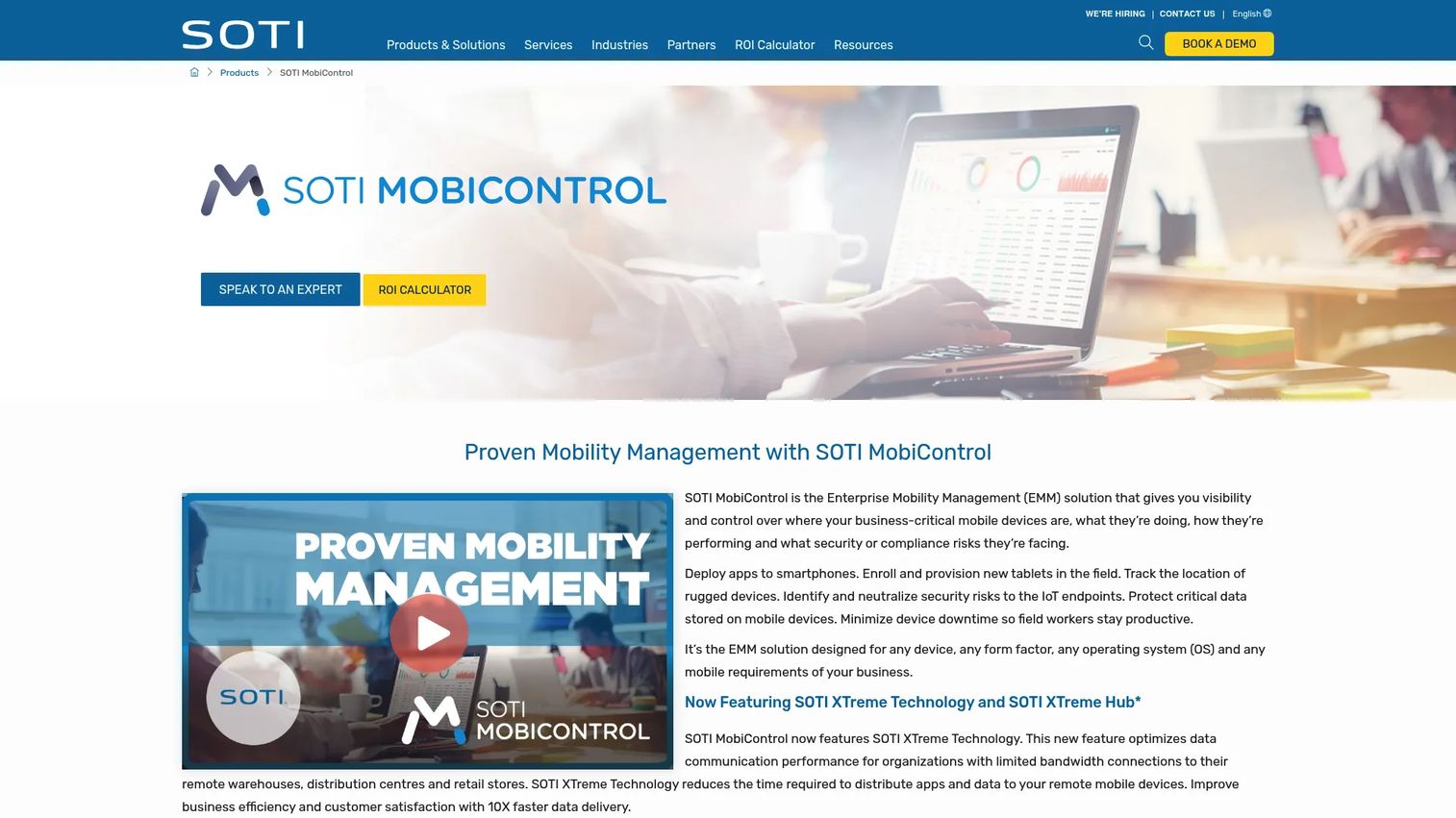
SOTI MobiControl is enterprise mobility management software for securing and managing business devices across multiple operating systems, with a clear strength in rugged and frontline hardware. It manages Android, Apple iOS/iPadOS/macOS, Linux, and Windows devices, covers enrollment, provisioning, app and content management, and includes lockdown and kiosk controls plus security and compliance management. For logistics, field service, and warehouse operations, it's purpose-built.
Best for: Enterprises managing mixed fleets of rugged, mobile, and endpoint devices.
Key strengths
- Broad OS and rugged support: Manages Android, Apple, Linux, and Windows, including rugged devices common in frontline work.
- Full device lifecycle: Enrollment, provisioning, app management, and content management from one platform.
- Lockdown and compliance controls: Kiosk mode plus security and compliance management for shared and single-purpose devices.
Why choose SOTI MobiControl: When your devices live on loading docks, delivery routes, and shop floors, generic EMM stops short. MobiControl's focus on rugged hardware, remote control for field troubleshooting, and shared-device workflows makes it the stronger option for frontline-heavy operations rather than office-only fleets.
SOTI MobiControl pricing: SOTI directs buyers to contact sales for both cloud and on-premises pricing; no public price is shown on its official pages. A 30-day free trial is available, though that's a trial rather than a free tier. Expect a scoped quote based on device count and deployment model.
Practical fit: For a PM or ops lead supporting frontline teams, MobiControl's remote control and rugged-device handling reduce the field-support burden. When a warehouse scanner misbehaves, remote troubleshooting beats shipping a replacement, which is where this platform's operational value shows up.
What to evaluate before buying EMM software
Fleet mix and ownership model
Map your actual device split before shortlisting. A predominantly Apple fleet points one way, a rugged frontline fleet another, and a true mix rewards broad multi-OS support. Confirm the platform handles every enrollment method you need: BYOD, corporate-owned, kiosk, and shared device.
Identity and access architecture
EMM that doesn't fit your identity layer creates duplicate governance. Check for SSO, MFA, conditional access, and RBAC, and confirm integration with your identity provider. If you run Entra ID or another central directory, native support saves you from stitching systems together.
Security and compliance controls
Beyond enrollment, evaluate remote wipe, encryption enforcement, containerization for BYOD, and data-loss prevention. For regulated environments, look for audit logging, compliance reporting, and threat defense so you can prove posture during an audit rather than reconstruct it.
Admin manageability and maintenance
The best feature set is useless if the console fights your team. Assess how policies are grouped, how updates ship across the fleet, and how much manual work a routine change requires. Low ongoing overhead is what keeps an EMM rollout from decaying as your device mix changes.
Pricing model and scalability
Per-device and per-user pricing scale differently. Model both against your growth so a doubling of headcount or devices doesn't blow the budget. A free tier or trial lets you validate the workflow before committing, which is worth prioritizing when you can.
Conclusion
The right enterprise mobility management software depends on the shape of your fleet and the architecture of your identity layer, not on which vendor has the longest feature list. Match the platform to your reality:
- Microsoft-heavy environments: Microsoft Enterprise Mobility + Security, for identity-first management inside Entra ID and Microsoft 365.
- Apple-heavy environments: Jamf, for zero-touch deployment and deep macOS and iOS lifecycle control.
- Mixed-device enterprises: Scalefusion or Hexnode UEM, for broad multi-OS coverage with transparent per-device pricing.
- Frontline and kiosk environments: SOTI MobiControl, for rugged hardware, remote control, and shared-device workflows.
- Security-first deployments: IBM Security MaaS360, for AI-driven UEM with built-in threat defense and compliance.
If you want the lowest-risk starting point, ManageEngine Mobile Device Manager Plus lets you validate enrollment, profiles, and app distribution free for up to 25 devices before you spend anything. Whichever way you lean, run a small pilot against your real device mix before rolling out fleet-wide. The console you can actually operate day to day beats the one with the most impressive datasheet.
FAQs
Enterprise mobility management software is a platform for enrolling, configuring, securing, and governing the mobile devices, apps, and data a workforce uses across corporate-owned and BYOD endpoints. It centralizes device management, app management, content protection, and identity controls in one console. The goal is consistent security and compliance without device-by-device manual work.
MDM (mobile device management) focuses on the device itself: enrollment, configuration, lockdown, and remote wipe. EMM includes MDM but adds app management, content and data protection, and identity and access management on top. In practice, MDM is a component inside a broader EMM platform.
EMM governs the mobile work surface: phones, tablets, apps, content, and identity. UEM (unified endpoint management) extends that same control plane to desktops and laptops, so mobile and traditional endpoints live under one policy engine. Many vendors now market UEM because fleets rarely stay mobile-only.
Yes. Most EMM platforms support BYOD through mobile application management and containerization, which separate work apps and data from personal content. That lets IT govern and remotely wipe only the corporate container, so employee privacy stays intact while company data stays protected.
Prioritize remote wipe, encryption enforcement, conditional access, and containerization for BYOD. For regulated environments, add audit logging, compliance reporting, and mobile threat defense. The controls that matter most are the ones that let you prove device posture during an audit rather than reconstruct it after the fact.
At minimum, look for iOS and Android, since those dominate mobile fleets. For a true UEM approach, confirm Windows and macOS support, and add Linux or ChromeOS if your fleet includes them. Frontline operations should also verify rugged-device and shared-device support.
Enterprise EMM platforms integrate with identity providers to enforce SSO, MFA, and conditional access, tying device compliance to access decisions. Native integration with your directory, such as Entra ID, avoids maintaining duplicate identity governance and keeps access policies consistent across users and devices.
Start with your fleet mix and enrollment methods, then confirm identity integration (SSO, MFA, RBAC, conditional access). Evaluate security and compliance controls, day-to-day admin manageability, and how pricing scales per device or per user. Run a pilot on your real device set before committing fleet-wide.