You need a hero image for a landing page that ships tomorrow. You open a stock site, type your search, and scroll past 200 photos that all look the same: the fake handshake, the too-perfect team meeting, the smiling person pointing at a whiteboard nobody's reading. Twenty minutes gone. Still no image.
That friction is not a small thing. The global stock photography market is estimated at $5.44 billion in 2026 and projected to reach $7.58 billion by 2031, according to Mordor Intelligence. Around 52% of SMEs use stock photos for web headers, landing pages, and profile creatives, per Market Growth Reports. Visuals are load-bearing for marketing work, which means the wrong image or a licensing mistake costs real time and, occasionally, real money.
For a marketer, the job is not "find a photo." It is find a visual that looks credible, fits the campaign, clears licensing risk, and does not eat your afternoon. Free stock photos are tempting when budgets are tight, but "free" and "safe for commercial use" are not the same claim. Premium libraries fix uniqueness and depth, but you pay for it. Curated sites reduce the generic problem but cover fewer topics.
The right stock image websites answer three questions fast: can I use this legally, does it fit my brand, and can I find it before I lose interest. If your team ships blog graphics, ad creative, email visuals, and social posts every week, that speed compounds. This guide sorts the tradeoffs so you can pick a stack, not a single site. If you also generate visuals with AI, the best ai image generators pair well with a traditional stock library.
What's inside
This guide covers seven stock photo websites for marketers, spanning free stock images and premium licensed libraries. We selected platforms based on licensing clarity, image quality, search and discovery, breadth of media, and marketing usefulness, the factors that matter most when you are shipping campaigns on a deadline.
The list favors sites useful for ads, landing pages, blog posts, email, and social campaigns. Some are entirely free. Some are subscription-based. A few extend beyond photos into vectors, videos, illustrations, and icons, because most marketing work needs more than a single JPEG. Each entry includes what it does best, who it fits, pricing where public, and its G2 rating.
TL;DR
- Best free option overall: Pexels, for free stock photos and videos with a broad commercial-use license and fast browsing.
- Best premium library: Shutterstock, for scale, depth, and flexible subscriptions or on-demand packs.
- Best curated paid library: iStock, for royalty-free, exclusive content across photos, vectors, videos, and illustrations.
- Best free option for blog and social visuals: Unsplash, for high-resolution free photos with an optional premium tier.
- Best free multi-format mix: Pixabay, for photos plus videos, vectors, and music under a permissive license.
- Best for icons and mixed assets: Noun Project, when your campaign needs more than photography.
- Best for distinctive brand work: Stocksy, for curated, editorial imagery that avoids the generic look.
What are stock photo websites?
Stock photo websites are online libraries where marketers, designers, and creators license or download ready-made images, and often videos, vectors, and illustrations, for use in their own projects. Instead of commissioning a photoshoot, you search an existing catalog and grab what fits.
They fall into three broad models, and the difference matters for licensing:
- Free stock photos: Images offered at no cost, usually under a permissive license. "Free" refers to price, not the license terms. You still need to read what the license allows, because attribution rules and editorial-only restrictions vary by site.
- Royalty-free stock: A licensing model, not a price. Royalty free means you pay once (or via subscription) and can reuse the asset many times without paying again per use. It does not mean free of charge, and it does not mean zero restrictions.
- Premium and curated libraries: Paid catalogs that emphasize quality, exclusivity, and a more distinctive, less-generic look. You pay more, but you reduce the odds that a competitor uses the same photo.
Many stock photography websites have broadened well past photos. Today you will find videos, vectors, illustrations, icons, music, and even 3D assets under one roof. That breadth is useful for marketers who need a hero photo, a background illustration, and a social clip for the same campaign without hopping between five tools.
The practical takeaway: every image carries usage rights. Before you publish stock images on a paid ad or a client project, confirm the license covers commercial use, check whether attribution is required, and note any editorial-only limits. The best sites make this obvious. The rest bury it.
When to use stock photo websites
When you need campaign-ready visuals quickly
Most marketing work runs on deadlines that do not accommodate a photoshoot. Stock sites let you source a landing page hero, a blog header, paid social creative, or an email banner in minutes. The value is speed to a usable asset. Free stock photos handle volume work like blog graphics, while premium libraries earn their keep on higher-stakes creative where uniqueness matters, such as a homepage or a flagship campaign.
When you need licensing you can explain to legal or leadership
The moment an image goes on a paid ad, a client deliverable, or anything with real spend behind it, licensing stops being an afterthought. You want usage rights you can defend: clear commercial-use permission, no surprise attribution requirements, and no editorial-only asset sneaking into a promotional post. Sites with plain-language licenses reduce that risk. When someone in legal or leadership asks "can we use this," you want a one-line answer, not a research project.
When you need a broader creative library
A single campaign rarely needs only photos. You might want a photo for the hero, an illustration for a feature section, an icon set for a comparison table, and a short video for the ad. Sites that mix photos, videos, vectors, illustrations, and icons keep your assets consistent and cut down on tool-hopping. If your workflow also leans on generated visuals, browse the best ai design tools and ai content creation tools alongside your stock library.
Comparison table
Here is the fast view. The most recognizable, fastest-to-use sites sit near the top, with free options and premium libraries side by side so you can weigh cost against depth.
| # | Product | Intent | Key use case | Pricing | G2 rating |
|---|---|---|---|---|---|
| 1 | Pexels | Free-first | Free stock photos and videos for fast campaign work | Free | 4.6/5 |
| 2 | Shutterstock | Premium | Large licensed library for scale and depth | From $25/month | 4.4/5 |
| 3 | iStock | Premium curated | Royalty-free photos, vectors, videos, illustrations | From $29/month | 3.5/5 |
| 4 | Unsplash | Free with premium tier | Free high-res photos for blog and social | Free; Unsplash+ from $7/month | 4.7/5 |
| 5 | Pixabay | Free multi-format | Free photos, videos, vectors, and music | Free | 4.4/5 |
| 6 | Noun Project | Icons plus photos | Icon-led visual assets for mixed campaigns | Free; paid from $3.33/month | 4.8/5 |
| 7 | Stocksy | Premium curated | Distinctive editorial imagery for brand work | Licenses from $35 | 4.3/5 |
Read this as a stack, not a bracket. Most teams pair one free source for volume with one premium library for the pieces that need to stand out.
1. Pexels
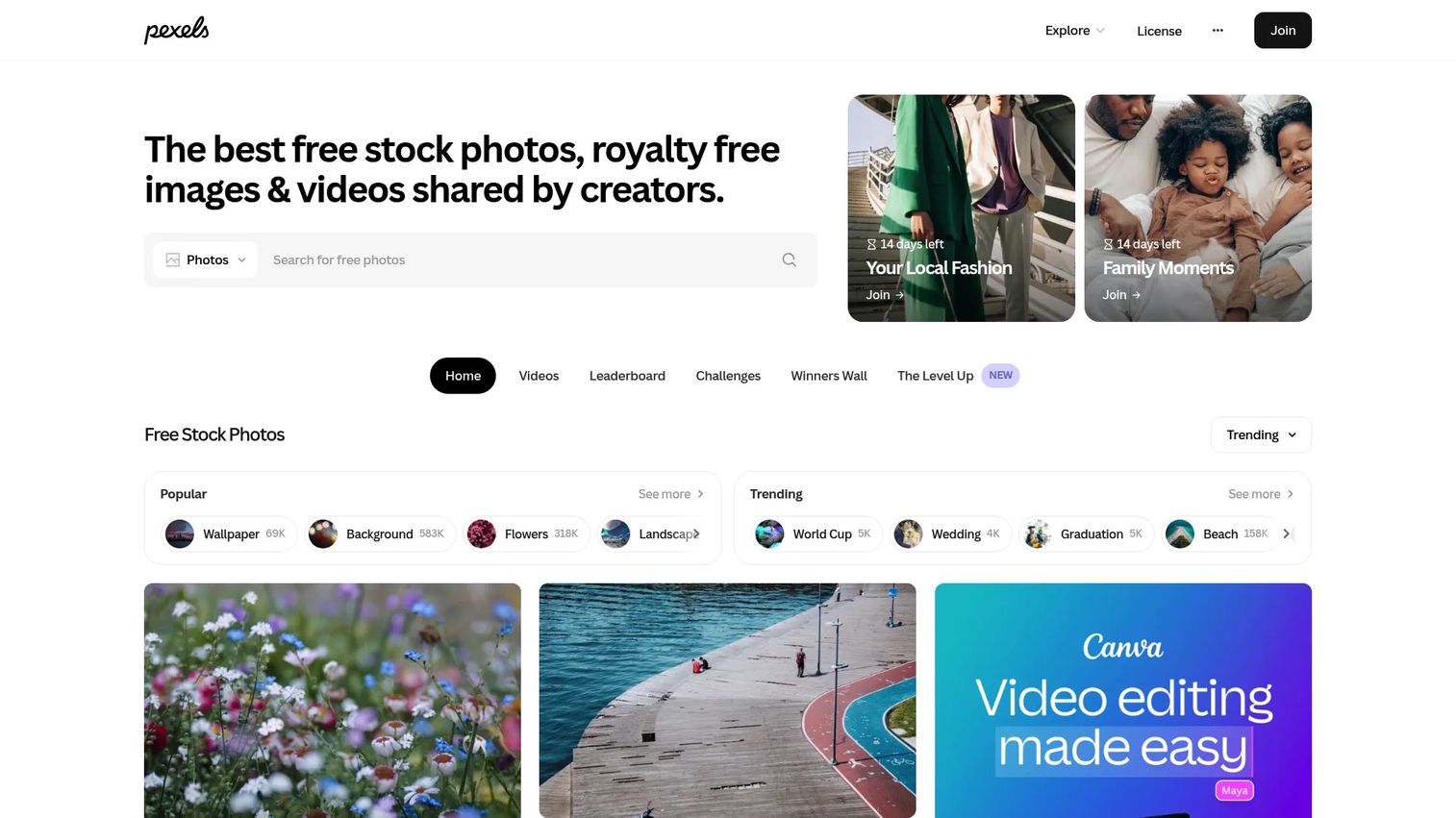
Pexels is a free stock photo and video library built around fast discovery. The homepage leads with trending searches and category hubs, and every result is one click from download. There is no paywall and no credit system to manage, which makes it a default for teams that ship a high volume of blog and social visuals.
Best for: Marketers and creators who need free stock photos and videos without licensing friction or budget approval.
Key strengths
- Free photos and videos: Everything is downloadable and usable for free, so budget never blocks a publish.
- Commercial-use license: The Pexels license allows commercial use, which covers most marketing scenarios cleanly.
- Developer API: A free API lets teams pull images into their own tools or content workflows.
Why choose Pexels: When your job is volume, blog headers, social posts, newsletter graphics, Pexels removes the two biggest slowdowns: cost and licensing ambiguity. The catalog is broad enough for everyday campaign work, and the browsing experience is genuinely quick. It performs best when you need usable images now and do not require a one-of-a-kind look.
Pexels pricing: Free. Pexels states that all photos and videos can be downloaded and used at no cost, and the API is free as well. There are no paid tiers to weigh, which is part of the appeal for lean teams.
2. Shutterstock
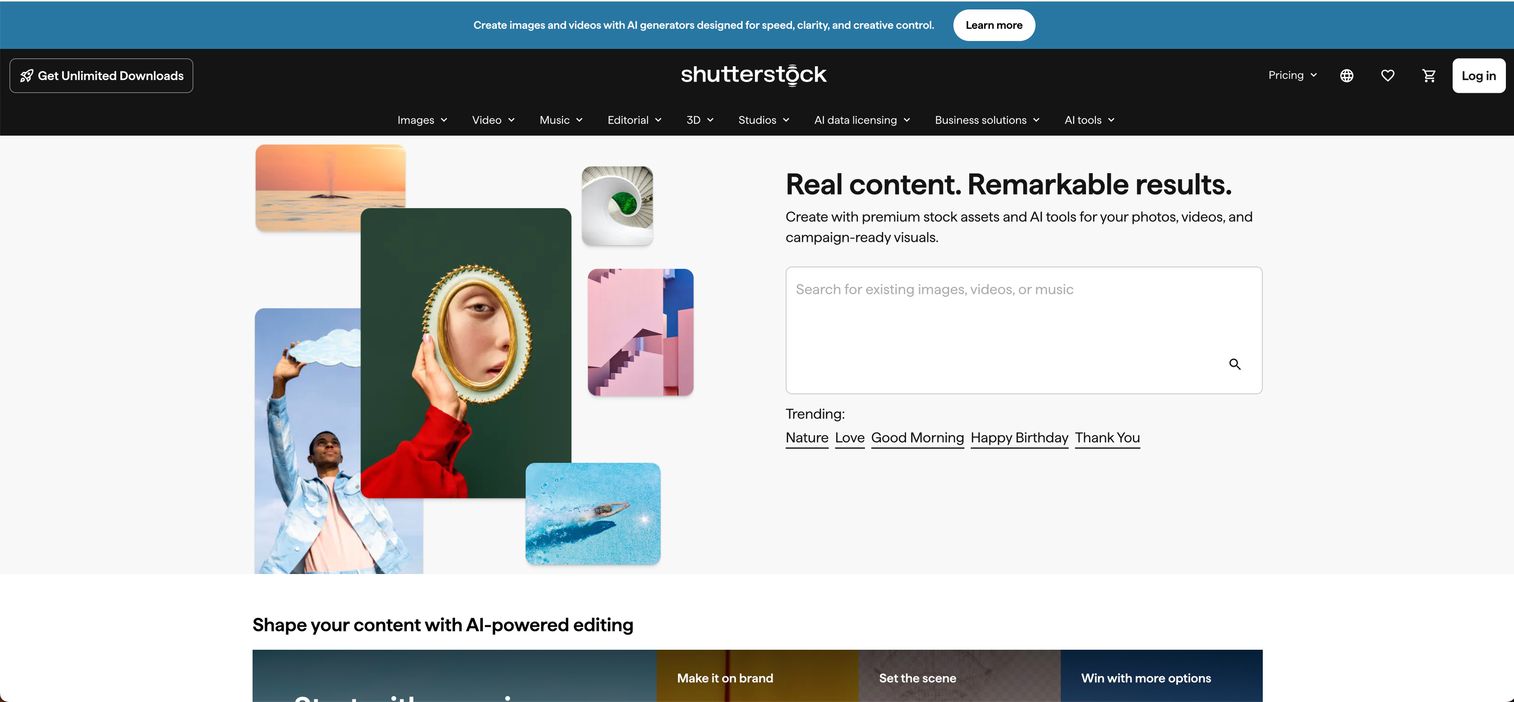
Shutterstock is a premium stock content platform spanning images, video, music, and AI-powered creative tools. It is the library most marketers reach for when free sources run out of depth. The catalog scale is the headline: whatever niche subject a campaign needs, Shutterstock usually has several credible options rather than one.
Best for: Teams that need a large, reliable licensed library with flexible subscription or on-demand pack options.
Key strengths
- Deep, broad catalog: Coverage across subjects and styles that free libraries rarely match, useful for specific or niche briefs.
- Flexible licensing: Standard and Enhanced license options let you match the license to the use, from a blog to a national ad.
- Team and enterprise controls: API integrations, SSO, and team controls suit larger marketing orgs managing shared access.
Why choose Shutterstock: When you need scale, polish, and paid-library reliability, Shutterstock is the safe default. AI editing and generation features sit alongside the traditional catalog, so you can adjust an asset without leaving the platform. It is worth the spend when uniqueness and depth matter more than saving on cost, especially for flagship creative.
Shutterstock pricing: Image subscriptions start at $25 per month, or $300 billed yearly. On-demand packs start around $29 as a one-time purchase. Team and enterprise pricing is handled through sales. There is no free tier, though the pack option lets you buy only what you need.
3. iStock
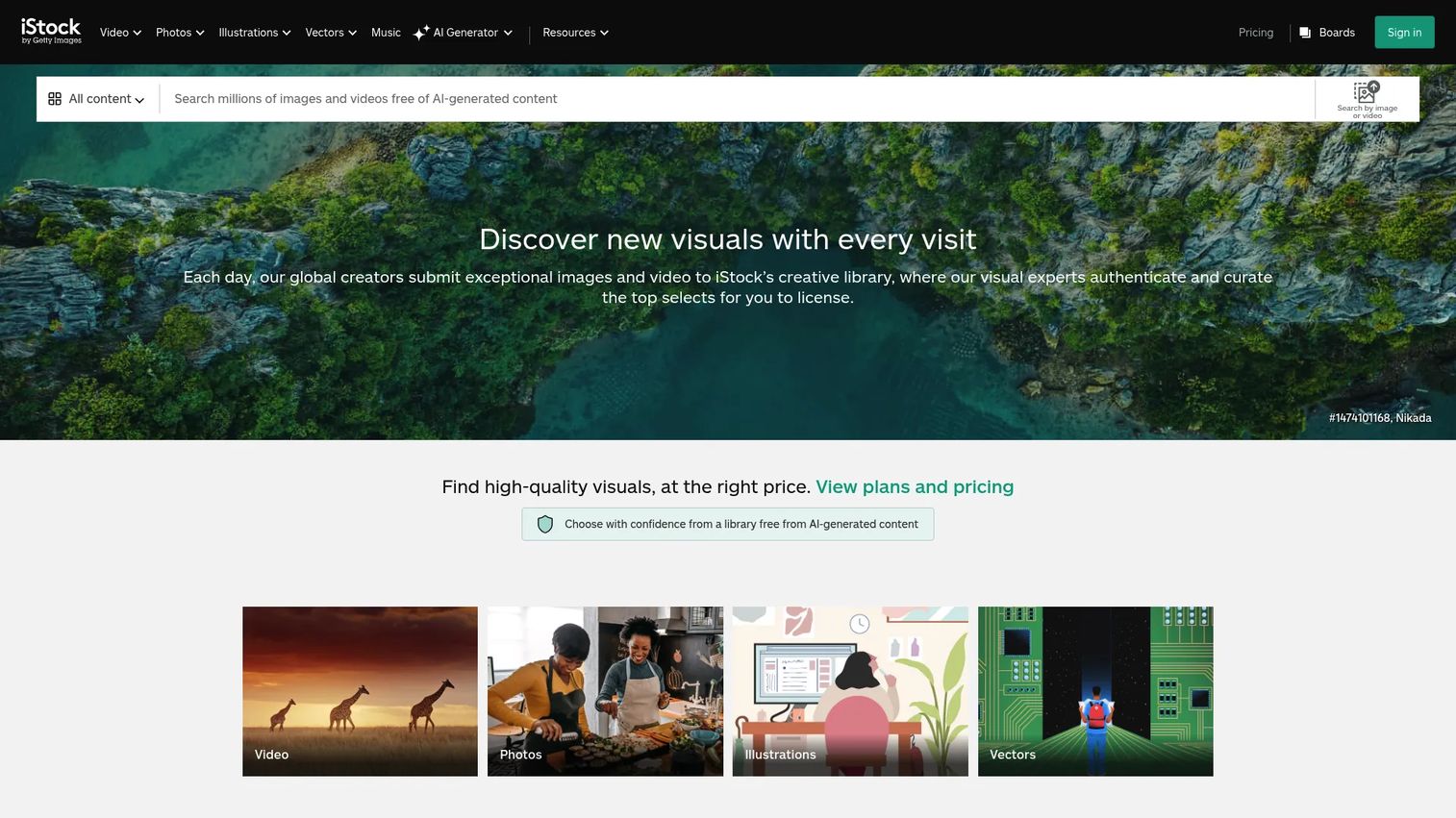
iStock is a stock media marketplace from Getty Images offering royalty-free photos, illustrations, vectors, videos, and music. It leans toward a more curated paid library than the largest catalogs, with exclusive content you will not find on free sites. For marketers who want multi-format coverage in one place, it is a strong middle option.
Best for: Teams and creators who want licensed, curated stock visuals across formats, with subscription or pay-as-you-go flexibility.
Key strengths
- Authentic content library: iStock states it contains no AI-generated contributor content, which matters for brands that want real, verifiable imagery.
- Flexible licensing: Subscription plans and credit packs let you choose between steady use and occasional buys.
- Multi-format coverage: Photos, illustrations, vectors, and videos under one account reduce tool-hopping across a campaign.
Why choose iStock: When you want a curated paid library with genuine breadth of media, iStock balances quality against cost better than the largest catalogs for many teams. Image customization and generation features round out the workflow. Its exclusive content is the differentiator: assets that reduce the odds a competitor runs the same visual.
iStock pricing: Plans start at $29 per month for Basic, $70 per month for Premium, and $99 per month for Premium + Video, all month-to-month. Credit packs are available for pay-as-you-go use. The homepage also surfaces free photos, illustrations, and video clips, so you can sample before committing.
4. Unsplash
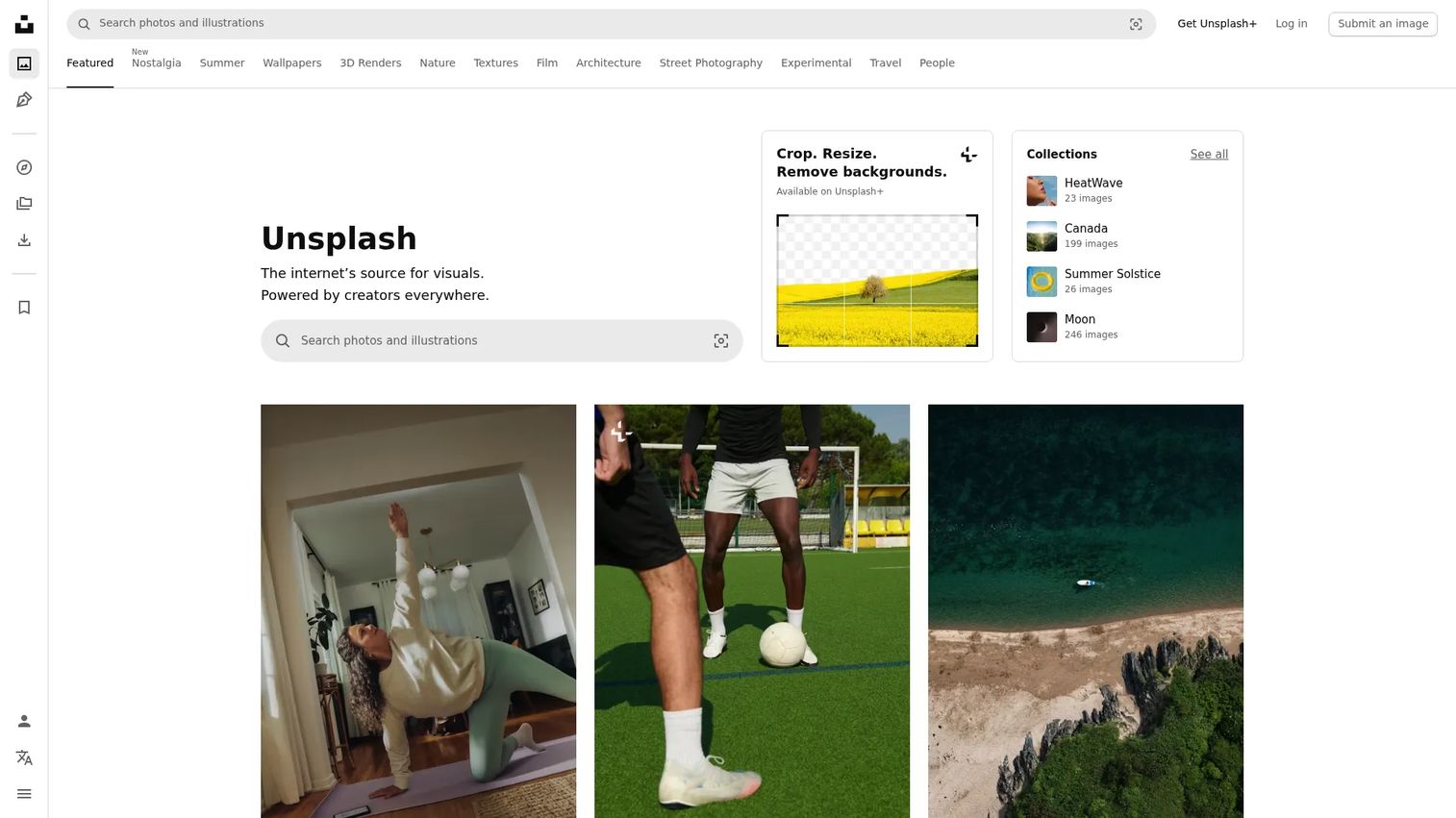
Unsplash is known for free, high-resolution photography with a strong, recognizable aesthetic. It is a favorite for blog headers, social visuals, and clean, editorial-feeling backgrounds. The free library is generous, and an Unsplash+ subscription adds more content and features for teams that want extra depth.
Best for: Designers and marketers who need free stock images with a polished look, plus an optional premium tier when they need more.
Key strengths
- High-resolution free photos: Editorial-quality images under the Unsplash License, ideal for blog and social visuals.
- Unsplash+ subscription: Unlimited royalty-free downloads and additional content for teams that outgrow the free tier.
- API and apps: Direct access to the library from design and content tools speeds up the download workflow.
Why choose Unsplash: When you want free stock photos that look intentional rather than generic, Unsplash delivers a consistent, modern aesthetic. That same popularity is worth noting: because so many teams use it, popular images can appear across multiple sites. For flagship creative, pair it with a premium or curated source; for blog and social volume, it is hard to beat for free.
Unsplash pricing: The core Unsplash library is free under the Unsplash License. Unsplash+ starts at $7 per month, or $84 billed yearly, adding unlimited royalty-free downloads and extra features. That split lets you stay free for most work and upgrade only when a campaign needs it.
5. Pixabay
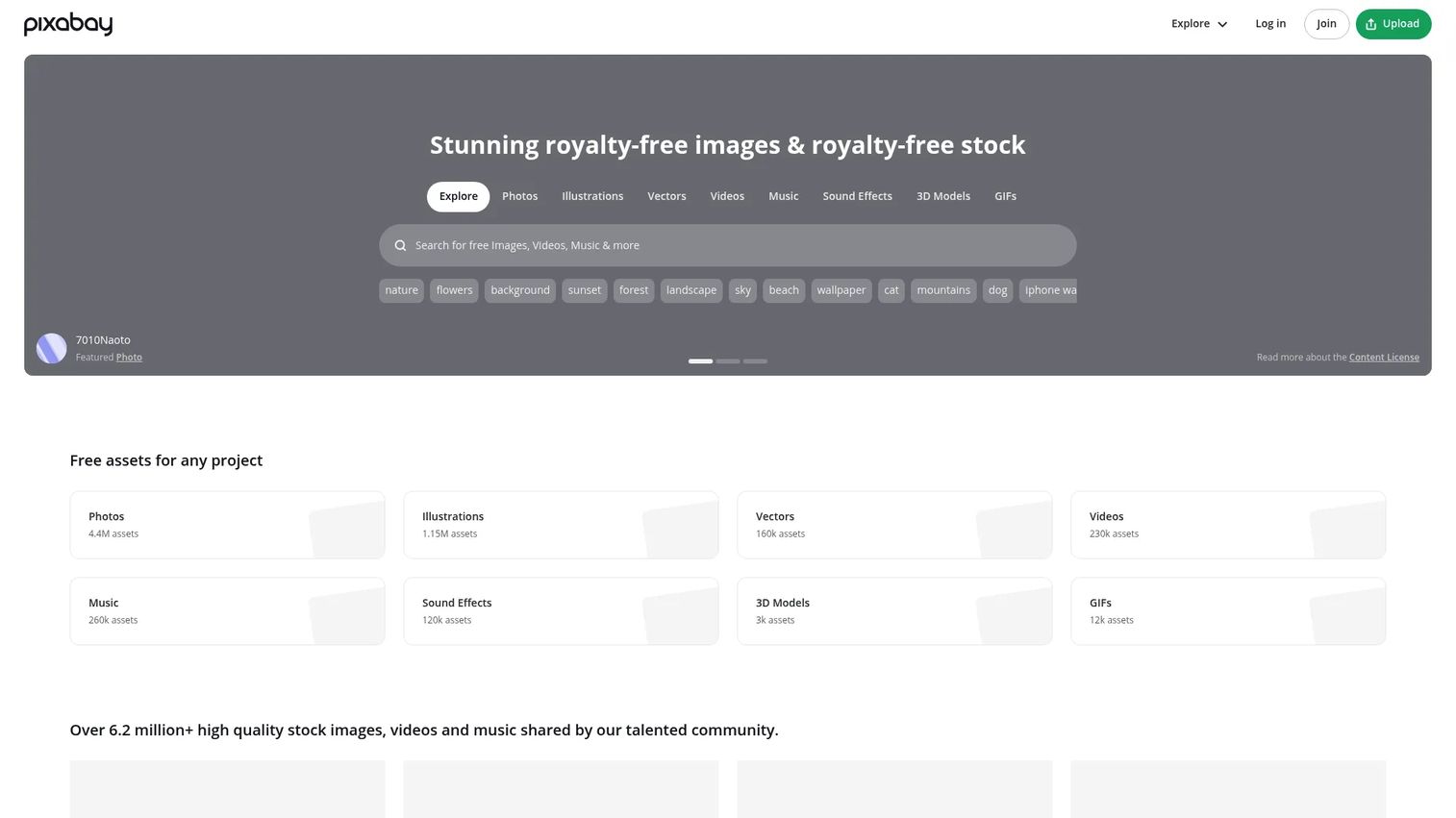
Pixabay is a free stock media library that spans photos, illustrations, vectors, videos, music, sound effects, GIFs, and 3D models. The breadth is the point: it is one of the few free sources where you can grab a photo, a background vector, and a short clip for the same campaign without leaving the site.
Best for: Marketers and creators who want free stock media across multiple formats for commercial projects.
Key strengths
- Free multi-format library: Photos plus videos, vectors, music, and more under the Pixabay Content License.
- No attribution required: Use is permitted, including commercial use, without credit, subject to the license terms.
- Community-driven scale: A large contributor base keeps the library broad across many subjects and media types.
Why choose Pixabay: When you want free stock photos plus other asset types in one place, Pixabay consolidates what would otherwise be several tools. The no-attribution license simplifies commercial use, which is a real time-saver for marketing teams. As with any free library, confirm the current license terms for your specific use, then download and go.
Pixabay pricing: Pixabay's core content is free to use under its Content License. No public paid tiers were confirmed on its own site, so treat it as a free-first resource. For marketers, that means zero-cost access to a genuinely broad, multi-format catalog.
6. Noun Project
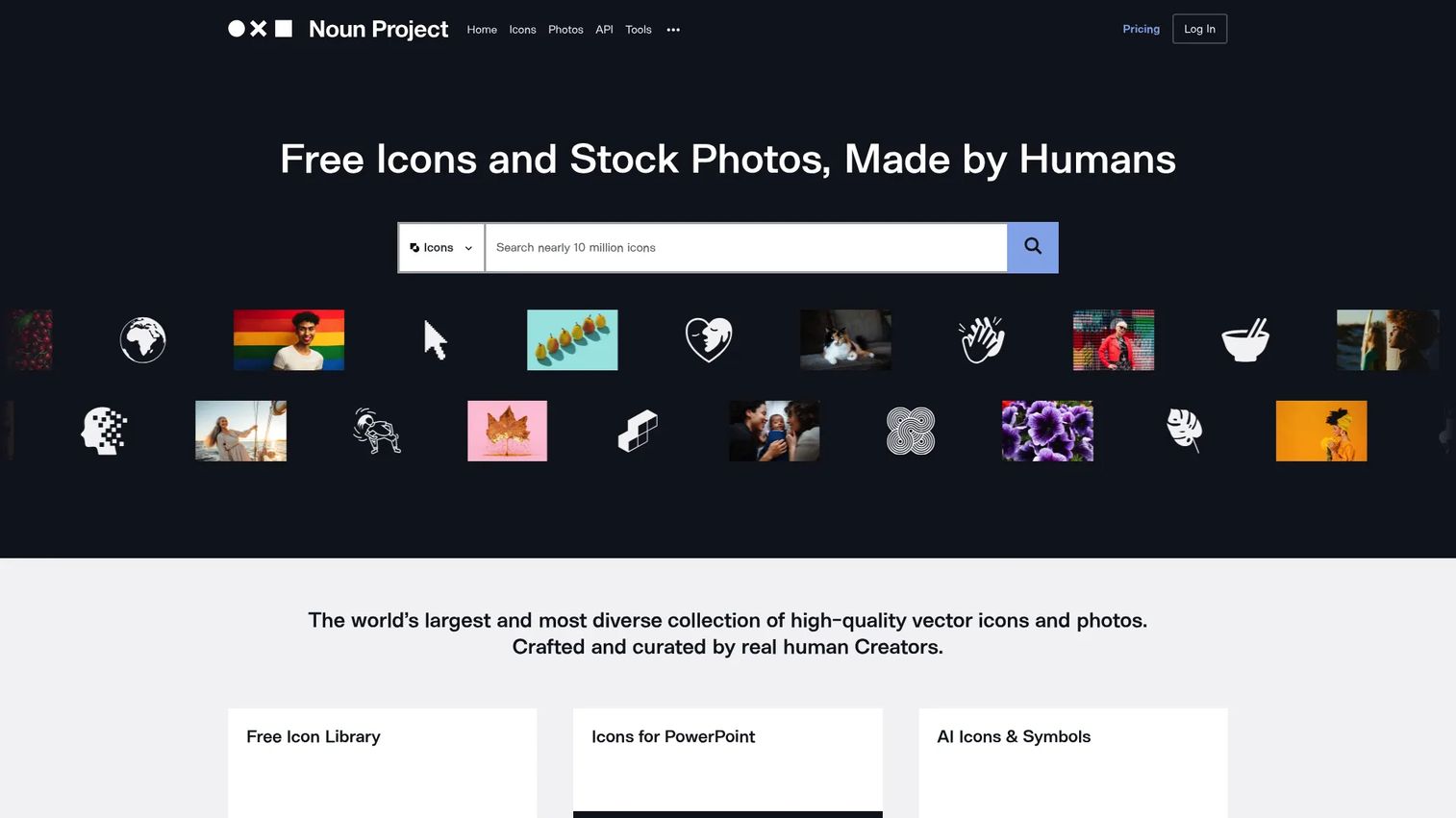
Noun Project started as an icon library and grew into a broader visual asset platform covering icons and photos with flexible licensing. It belongs in a stock photo websites roundup because real campaigns need more than photography. When a comparison table, feature grid, or infographic needs clean, consistent icons, this is where you go.
Best for: Teams and creators who need a large icon library alongside photos, with flexible licensing options.
Key strengths
- Millions of icons and photos: A deep, consistent icon set plus a growing photo library in one place.
- Royalty-free commercial licensing: Clear commercial terms for both free (attribution) and paid downloads.
- Editor and plugins: An icon editor and plugins for Figma, Adobe, Office, and Google keep assets inside your existing tools.
Why choose Noun Project: When your campaign needs more than photos alone, icons for a landing page, a pitch deck, or a comparison graphic, Noun Project fills a gap that photo-only sites leave open. The plugins matter for marketers who live in Figma or slides, cutting the export-import shuffle. It complements rather than replaces a photo library.
Noun Project pricing: Attribution-required icon downloads are free. A single icon is $4.99, single standard photos start at $10.99, and premium photos run $34.99. Subscriptions include Icon Pro at $3.33 per month paid yearly and Creator Pro at $9.99 per month paid yearly. Team and education options are also listed.
7. Stocksy
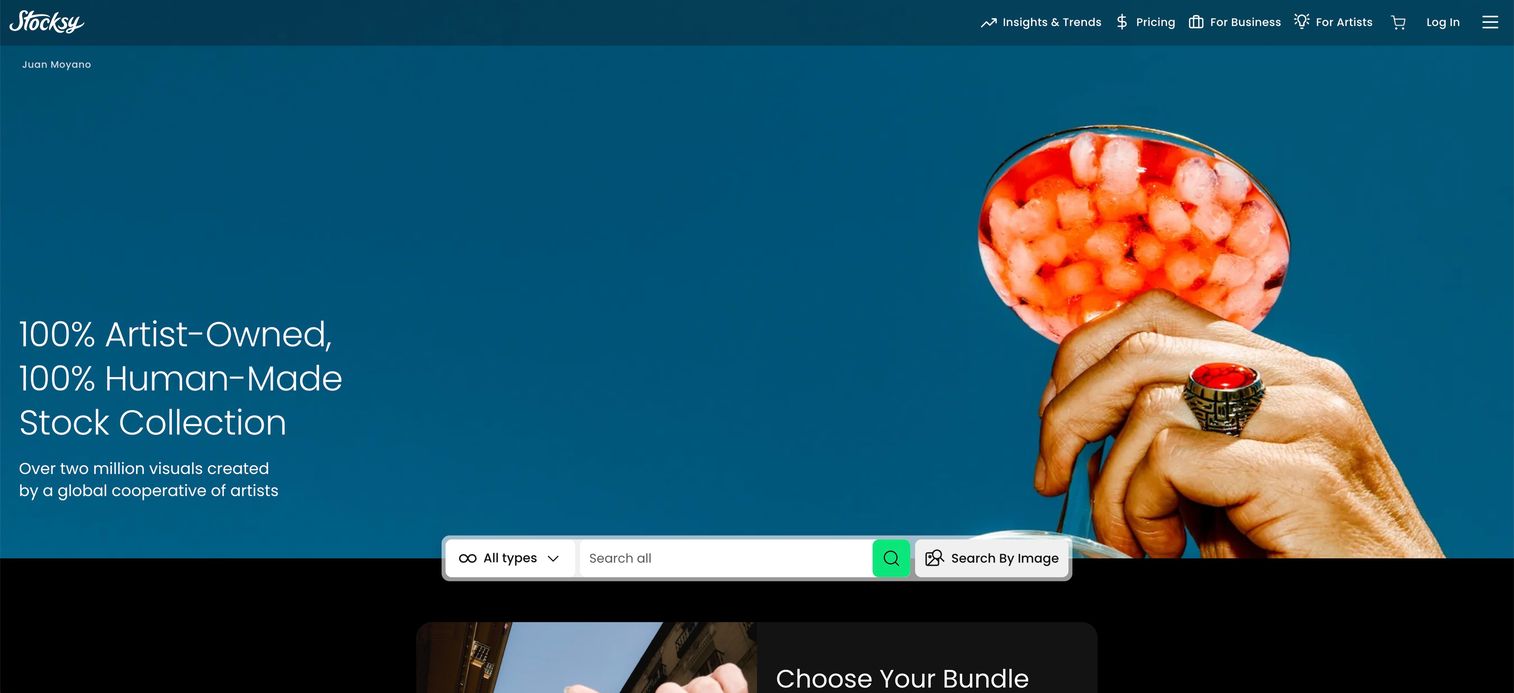
Stocksy is an artist-owned stock media cooperative licensing premium photos, videos, and illustrations. It is curated for authenticity, creativity, and originality, which is exactly the antidote to the generic stock look. If your brand work keeps landing on images that feel like everyone else's, Stocksy is the fix.
Best for: Teams that want curated premium stock media with strong visual consistency and a distinctive, editorial feel.
Key strengths
- Curated, distinctive catalog: Editorial photos, videos, and illustrations selected for originality, not volume.
- Exclusive royalty-free licensing: Content you will not find scattered across free sites, reducing overlap risk.
- Smart search tools: Features like From this Model and From this Series help you build a consistent visual set.
Why choose Stocksy: When brand fit and a non-generic look matter more than saving on cost, Stocksy earns its premium. The curation is the product: fewer results, but higher signal, and imagery that reads as intentional rather than templated. It is the right call for homepages, flagship campaigns, and anything where the visual carries the brand.
Stocksy pricing: Standard royalty-free image licenses start at $35 for Medium, with Large at $85 and X-Large at $135, each a one-time license. Stocksy does not run a typical subscription, though it offers discounted plans tied to monthly or one-time deposits; those plan details are not publicly priced. There is no free tier.
Considerations before you commit
Picking a stock photo website is really about matching a site's model to how your team works. Run through this checklist before you standardize.
Licensing clarity and commercial use
Read the license before you rely on a site. Confirm it covers commercial use, check whether attribution is required, and watch for editorial-only assets that cannot go on promotional creative. The best free stock images sites state terms in plain language. If usage rights are hard to find, treat that as a warning for anything with paid spend behind it.
Search filters and discovery
The catalog only helps if you can find the right image fast. Test the search filters, orientation, color, subject, and how quickly relevant results surface. A smaller, well-curated library can beat a huge one with weak discovery, because time spent scrolling is time not spent shipping.
Breadth of media
Decide whether you need photos only or a mix of vectors, videos, and illustrations. If your campaigns regularly need multiple asset types, a multi-format site or a curated library reduces tool sprawl and keeps a consistent look across the set.
Brand fit and uniqueness
Free libraries optimize for volume, which is why some images feel generic. If your brand needs to stand apart, budget for a curated or premium source for the pieces that carry the brand, and reserve free sites for high-volume, lower-stakes work.
Cost and workflow fit
Weigh free versus subscription versus pay-per-image against how often you actually download. Heavy users get more from a subscription; occasional users are better served by free sources or on-demand packs. Also check the download workflow and whether the site plugs into the tools you already use.
Conclusion
There is no single best stock photo website, only the right mix for how you ship. For high-volume blog and social work, start with a free source like Pexels or Unsplash. When you need depth, scale, or a specific niche, a premium library like Shutterstock or a curated one like iStock earns the spend. When the image has to carry the brand and cannot look like everyone else's, Stocksy is the move. And when a campaign needs icons or mixed assets, Noun Project and Pixabay round out the stack.
The practical next step: pick one free option and one premium option, then run both on your current campaigns. Track which one gets you to a usable, on-brand, licensing-clean asset faster. That real-world test beats any roundup, including this one. Most teams land on a two-source stack, one for volume and one for the visuals that matter most, and that is usually the right answer.
If part of your visual workflow is shifting toward generated imagery, the best ai image generators and broader ai content creation tools are worth evaluating next to your stock library.
FAQs
It depends on budget and how often you download. For free, high-volume work, Pexels and Unsplash cover blog and social visuals well. For premium depth, Shutterstock or iStock deliver scale and licensing options. Choose based on licensing clarity, brand style, and how frequently you ship campaigns, then standardize on one free source and one premium source.
Many are, but license terms vary by site. Free stock photos sites like Pexels, Unsplash, and Pixabay allow commercial use under their licenses, though the exact terms differ. Always confirm the license covers commercial use, check whether attribution is required, and watch for editorial-only restrictions before publishing on paid ads or client work.
Royalty free refers to a licensing model, not price. It means you pay once (or via subscription) and can reuse the asset many times without paying per use, but it is not always free of charge. Free usually means no payment, though license terms and attribution rules still apply. Both are common, and both require reading the fine print.
For blog images, prioritize easy search, broad variety, and a low-friction download workflow. Free sites like Pexels, Unsplash, and Pixabay handle most blog headers and inline graphics. When a post needs a more distinctive or on-brand visual, a premium library such as Shutterstock or a curated source like Stocksy is worth the cost.
Usually yes, but commercial use depends on the site's license. Most premium libraries include commercial rights, and many free sites permit commercial use under their terms. Before you place an image on a paid ad or landing page, confirm the license covers promotional use and note any attribution or editorial-only limits. When spend is involved, verify first.
Look for licensing clarity, strong search filters, image quality, and asset variety across photos, vectors, videos, and illustrations. For marketing specifically, add brand fit and speed to publish. The best stock image websites make usage rights obvious and get you to a usable, on-brand asset quickly, which is where the real time savings live.
Broad free libraries optimize for volume, so the most-downloaded images appear everywhere and start to feel interchangeable. The fix is curated libraries and editorial-focused sites like Stocksy, which select for originality over quantity. For flagship creative, pair a premium or curated source with free sites you reserve for higher-volume, lower-stakes work.
Yes. Some free stock photos sites, including Pixabay, permit commercial use without attribution under their license, and premium libraries typically include royalty-free pictures with no credit required. Attribution rules vary, so confirm each site's terms. When you need free photos no royalty payments attached and no credit line, check the license summary before you download.