

Every employee in your company sends an average of 38 emails daily. Without centralized signature management, each one becomes a small brand inconsistency: wrong logos, outdated phone numbers, mismatched fonts.
Email signature software solves this by letting admins design approved templates and push them to everyone automatically. This guide covers 12 tools that handle signature creation, deployment, and management across Microsoft 365, Google Workspace, and Exchange environments.
What's inside
This guide covers 12 email signature software tools that help teams create, deploy, and manage professional signatures across an organization. You'll find a comparison table with pricing and ratings, detailed breakdowns of each platform, and practical guidance on choosing the right tool for your team size and email platform.
TL;DR
Email signature software centralizes signature creation and deployment so every employee sends consistent, branded emails without IT tickets or manual updates.
Exclaimer and CodeTwo lead for enterprise Microsoft 365 and Google Workspace deployments with server-side signature injection.
WiseStamp and MySignature work well for freelancers and small teams who want quick setup without centralized management.
Choosing the right tool depends on your email platform (Microsoft 365, Google Workspace, or Exchange), team size, and whether you want marketing banner capabilities.
What is email signature software
Email signature software is a platform that creates, deploys, and manages professional email signatures across an organization from a central dashboard. Instead of each employee manually configuring their own signature in Outlook or Gmail, an admin designs approved templates and pushes them to everyone automatically.
The core difference from manual signature creation comes down to control and consistency. When employees create their own signatures, you end up with mismatched fonts, outdated phone numbers, and logos in the wrong colors. Centralized email signature management eliminates this problem by enforcing brand standards across every outbound message.
Centralized control: Admins manage all signatures from one dashboard, with role-based permissions for department leads.
Template standardization: Pre-approved designs ensure consistent branding across all employees and locations.
Automatic updates: Changes to job titles, phone numbers, or branding push to all users without manual intervention.
Marketing integration: Many platforms support promotional banners, campaign scheduling, and click tracking.
When to use centralized email signature management
Enforcing brand consistency across distributed teams
When employees create their own signatures, inconsistency is inevitable. One person uses the old logo, another picks a different font, and a third adds a personal quote that doesn't match your brand voice.
Centralized email signature management solves this by pushing approved templates to all users automatically. The admin controls the design, and employees can't modify the core elements.
Automating signature updates without IT tickets
Every time someone changes roles, gets a new phone number, or your company rebrands, someone has to update signatures. In organizations with 50+ employees, this becomes a constant stream of IT requests.
Automated email signature tools sync with Active Directory or Azure AD to pull current employee data. When HR updates someone's title in the directory, their signature updates automatically.
Running marketing campaigns through employee emails
Your team sends hundreds or thousands of emails daily. Each one is a potential marketing touchpoint that most companies ignore.
Email signature platforms turn outbound email into a channel by adding promotional banners, event announcements, or product updates to every message. Some tools support A/B testing and click tracking so you can measure which campaigns perform.
Meeting legal and compliance requirements
Certain industries require specific disclaimers on every external email. Legal firms, financial services, and healthcare organizations often face regulatory requirements around email disclosures.
Enterprise email signature management ensures required text appears on every message, with rules that can vary by recipient domain or sender department.
Email signature software comparison table
No. | Product | Best for | Key differentiator | Pricing | G2 rating |
|---|---|---|---|---|---|
1 | Exclaimer | Enterprise Microsoft 365/Google | Server-side signature injection | Custom pricing | 4.4/5 |
2 | CodeTwo | Microsoft-focused organizations | Azure AD integration | From $1.15/user/month | 4.5/5 |
3 | Newoldstamp | SMB teams | Easy template gallery | From $6/user/month | 4.6/5 |
4 | BulkSignature | Google Workspace teams | Native Google Admin integration | From $1.50/user/month | 4.7/5 |
5 | Rocketseed | Marketing-focused teams | A/B testing and analytics | Custom pricing | 4.5/5 |
6 | MySignature | Freelancers and individuals | Free tier with templates | Free + from $4/month | 4.6/5 |
7 | Bybrand | Teams needing API access | HTML editor and integrations | From $7/month | 4.5/5 |
8 | Templafy | Enterprise brand governance | Part of broader asset platform | Custom pricing | 4.4/5 |
9 | Letsignit | Internal communications | Banner scheduling for announcements | From $2/user/month | 4.3/5 |
10 | Mailtastic | Sales teams | CRM integration for lead gen | Custom pricing | 4.4/5 |
11 | Opensense | B2B ABM campaigns | Salesforce-native integration | Custom pricing | 4.6/5 |
12 | WiseStamp | Solopreneurs | Browser extension model | Free + from $5.80/month | 4.4/5 |
12 best email signature tools for enterprise and SMB teams
The tools below were selected based on platform compatibility, template flexibility, deployment options, and user reviews. Each serves a different use case, from enterprise-wide deployments to individual freelancers.
1. Exclaimer
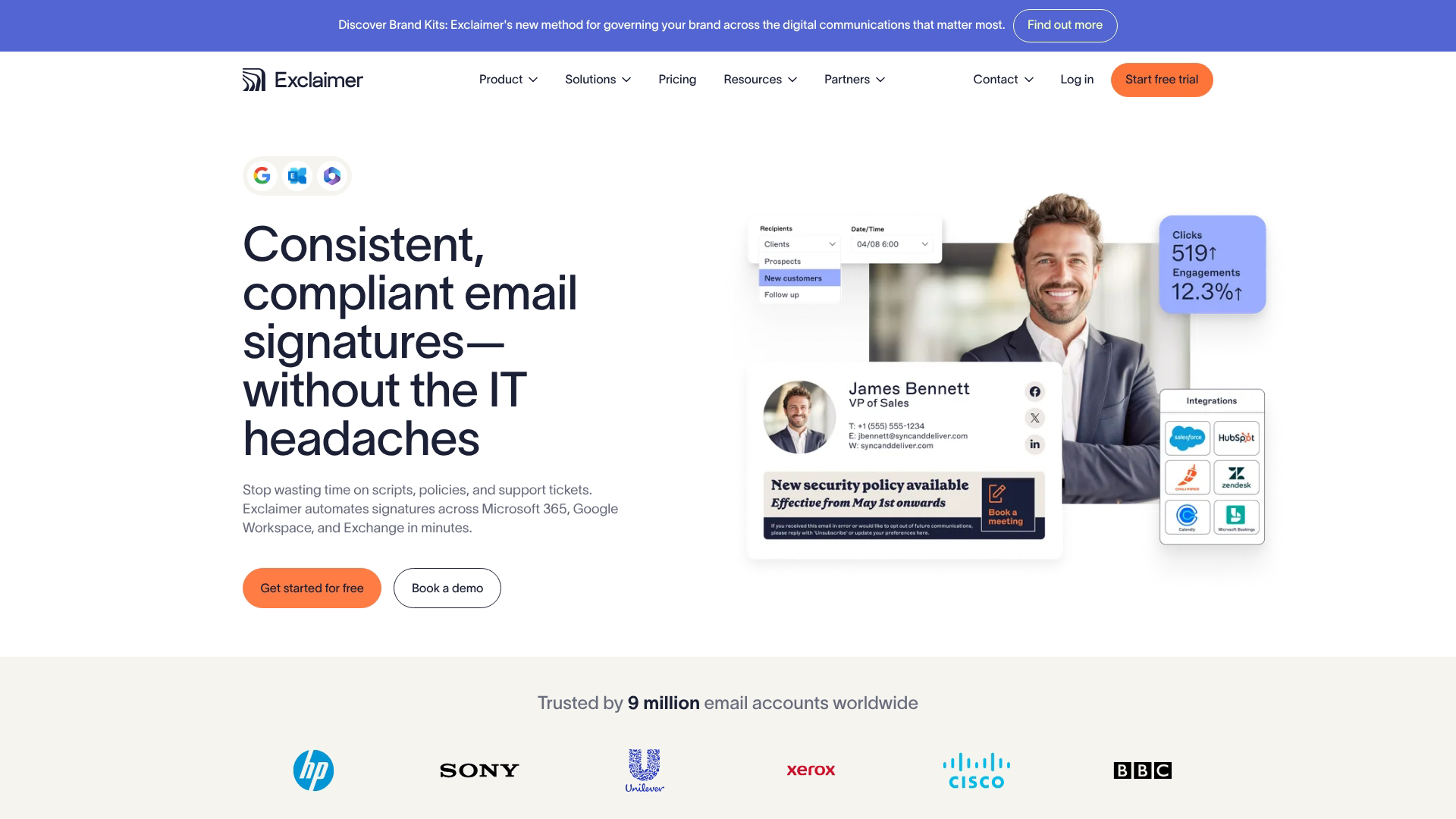
Exclaimer is the market leader for cloud-based email signature management on Microsoft 365 and Google Workspace. The platform applies signatures server-side, meaning they're added after the email leaves the user's device. This approach guarantees consistency even on mobile.
Best for: Mid-market to enterprise organizations on Microsoft 365 or Google Workspace who want centralized control and marketing campaign capabilities.
Key strengths
Server-side signature injection: Signatures apply consistently across all devices and email clients, including mobile.
Marketing campaign manager: Schedule promotional banners, rotate content, and track clicks across your organization's emails.
Analytics dashboard: Monitor signature impressions, banner engagement, and campaign performance in real time.
Multi-tenant support: Manage multiple business units or subsidiaries with different branding from one admin console.
Why choose Exclaimer: The server-side deployment model means signatures appear correctly whether someone sends from Outlook desktop, the mobile app, or webmail. This eliminates the common problem of signatures looking different or missing entirely on certain devices.
Pricing: Custom pricing based on user count. Contact sales for a quote.
2. CodeTwo
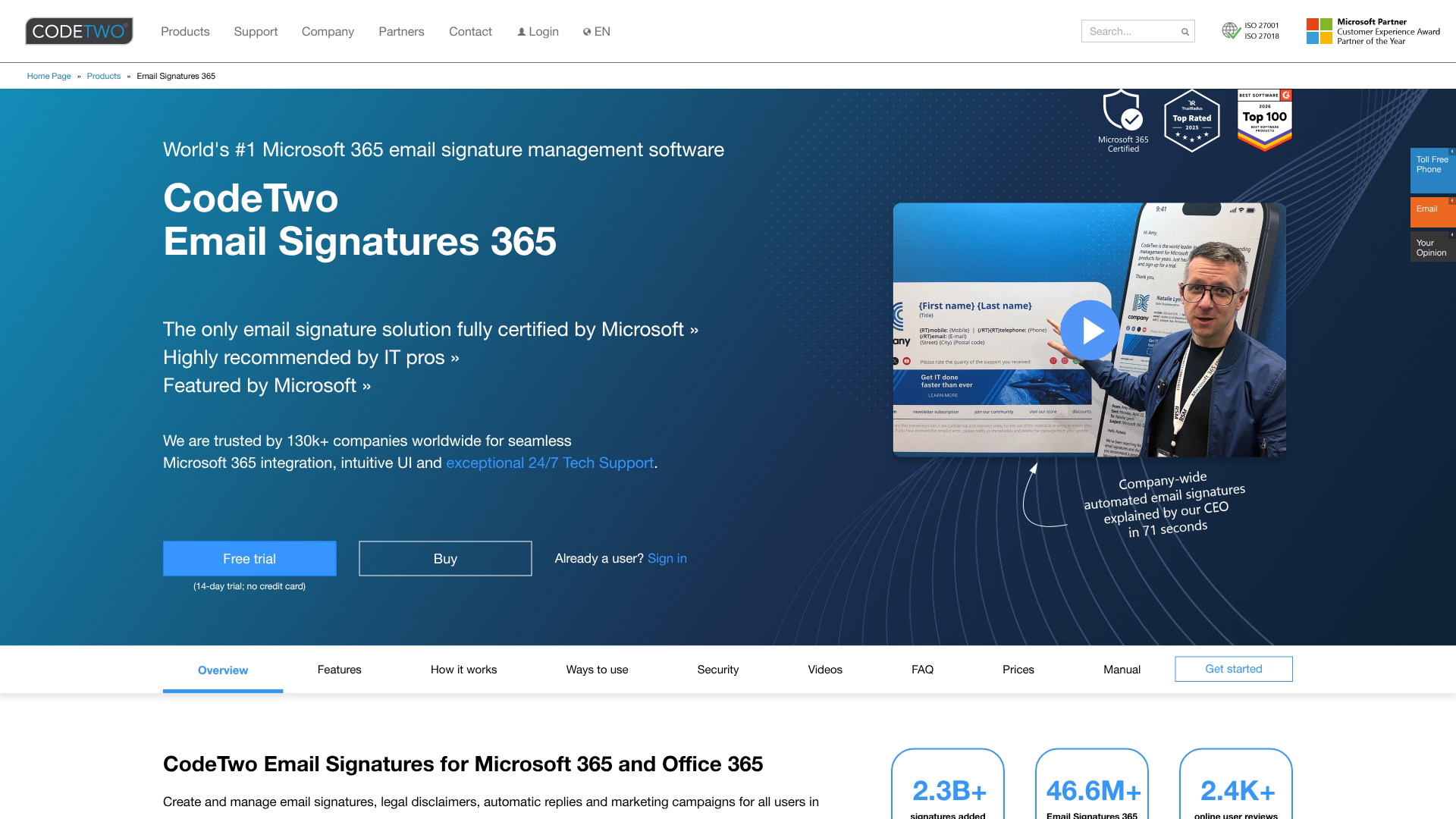
CodeTwo specializes in email signature software for Office 365 and Exchange environments. The platform offers both cloud and on-premise deployment options, making it a strong fit for organizations with specific infrastructure requirements.
Best for: Organizations heavily invested in the Microsoft ecosystem who want deep Azure AD integration and flexible deployment options.
Key strengths
Azure AD sync: Automatically pulls employee data like name, title, and phone number from your directory to populate signature fields.
Outlook add-in: Lets users preview their signature before sending, addressing a common complaint about server-side solutions.
On-premise option: Deploy on your own servers if cloud-based signature management doesn't meet your security requirements.
Template editor: Design signatures with a visual editor or import custom HTML.
Why choose CodeTwo: The combination of server-side consistency with client-side preview gives you the best of both approaches. Users see exactly what their signature will look like before hitting send.
Pricing: Starts at $1.15 per user per month for the cloud version, with volume discounts available.
3. Newoldstamp
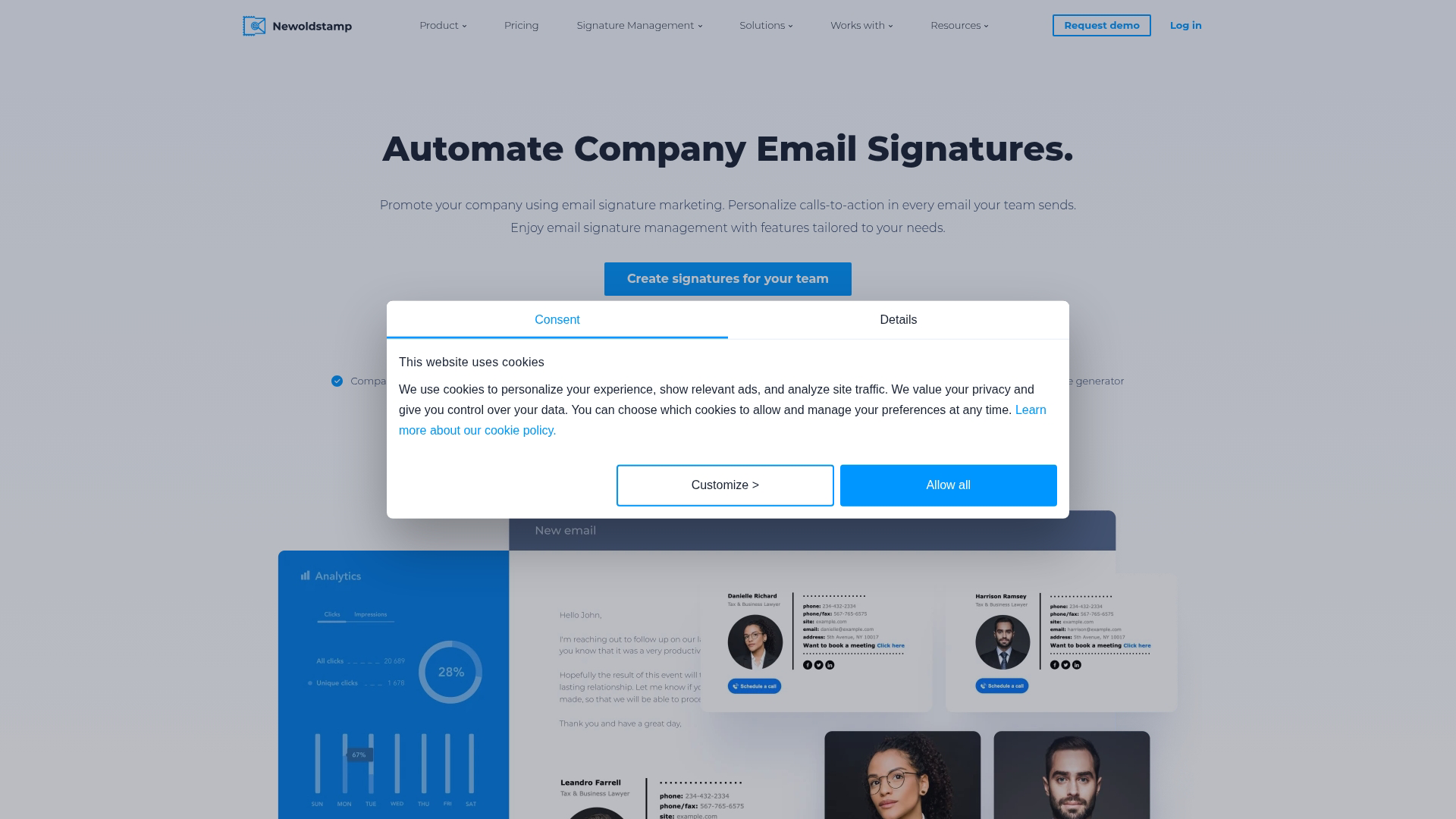
Newoldstamp focuses on making email signature design accessible for smaller teams. The platform offers a large template gallery and straightforward department-based management without the complexity of enterprise tools.
Best for: SMBs wanting quick setup and easy signature management without dedicated IT resources.
Key strengths
Template gallery: Choose from hundreds of pre-designed templates and customize colors, fonts, and layouts.
Department management: Organize signatures by team and assign different designs to different groups.
Marketing banners: Add promotional content to signatures with scheduling and basic analytics.
One-click deployment: Push signatures to users through Google Workspace or Microsoft 365 integration.
Why choose Newoldstamp: The learning curve is minimal compared to enterprise platforms. A marketing manager can set up company-wide signatures in an afternoon without involving IT.
Pricing: Starts at $6 per user per month, with discounts for annual billing.
4. BulkSignature
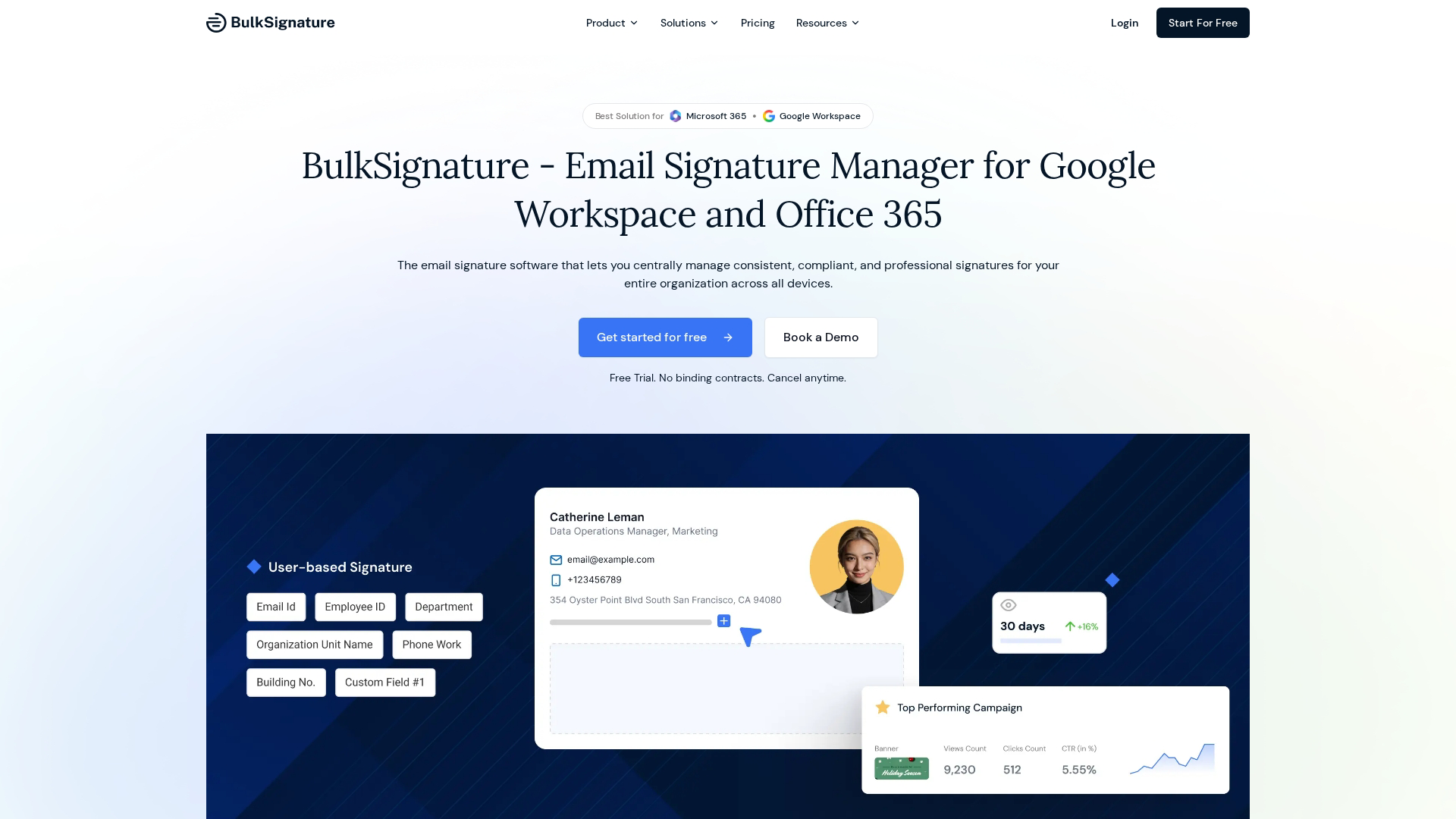
BulkSignature is built specifically for Google Workspace environments. The platform integrates directly with Google Admin console, making it the most native option for Google-first organizations.
Best for: Companies running Google Workspace who want tight integration with their existing admin tools.
Key strengths
Google Admin integration: Manage signatures directly from the Google Admin console you already use.
Bulk deployment: Push signatures to all users or specific organizational units with a few clicks.
Template editor: Design signatures with drag-and-drop tools or custom HTML.
Automatic data sync: Pull employee information from Google Directory to keep signatures current.
Why choose BulkSignature: If your organization runs entirely on Google Workspace, BulkSignature feels like a natural extension of your existing admin tools rather than a separate platform to manage.
Pricing: Starts at $1.50 per user per month.
5. Rocketseed
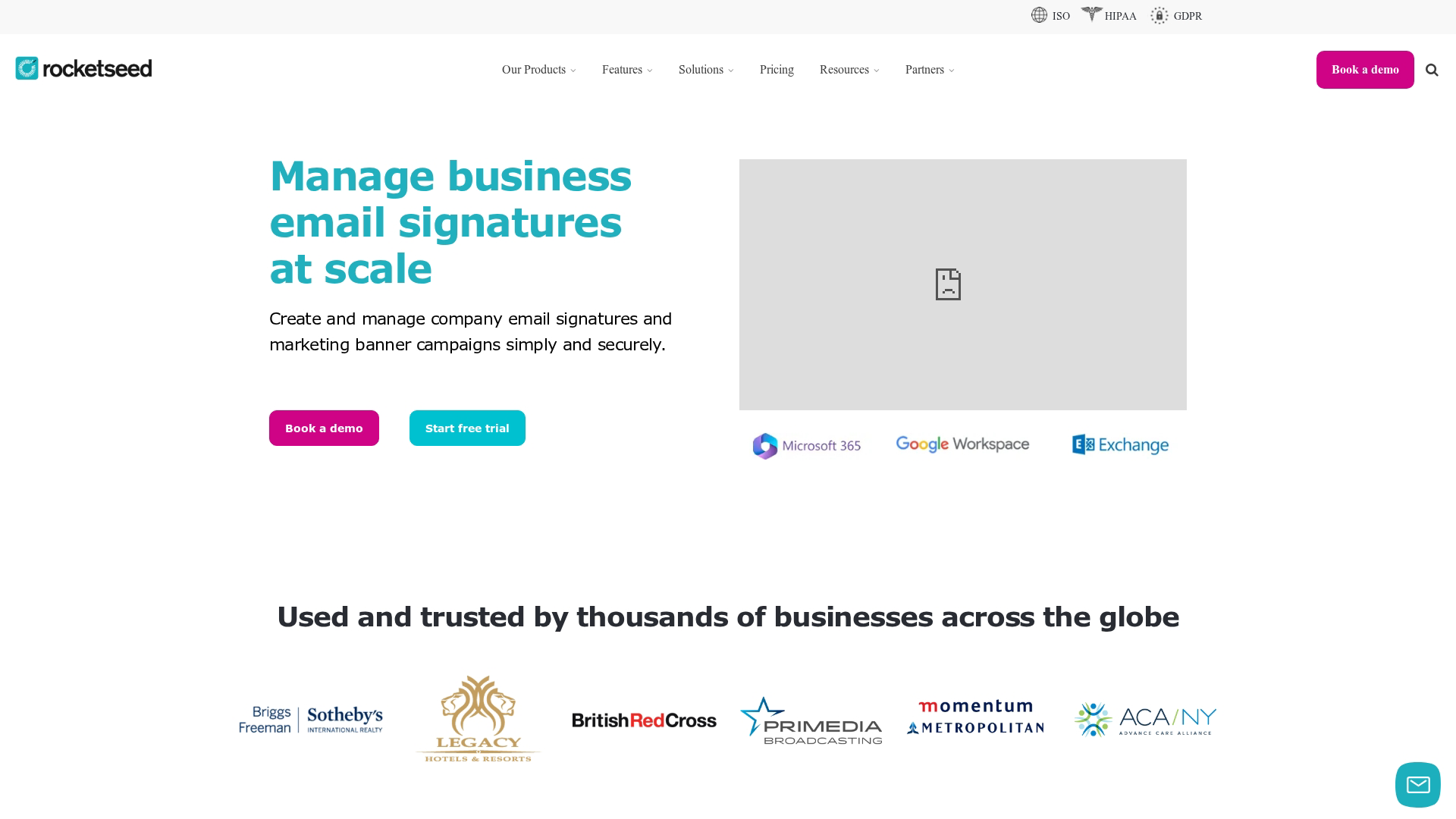
Rocketseed positions itself as an email branding and marketing platform rather than just signature management. The focus is on turning employee emails into measurable marketing touchpoints.
Best for: Marketing teams who want detailed analytics on email signature campaigns and A/B testing capabilities.
Key strengths
A/B testing: Test different banner designs and messaging to see what drives more clicks.
Detailed analytics: Track impressions, clicks, and engagement by campaign, department, or individual sender.
Dynamic content: Show different banners based on recipient, sender, or other rules.
Brand consistency tools: Lock down signature elements so employees can't modify approved designs.
Why choose Rocketseed: The analytics depth exceeds most competitors. If you're treating email signatures as a marketing channel and want to optimize performance, Rocketseed provides the data to do it.
Pricing: Custom pricing based on organization size and features.
6. MySignature
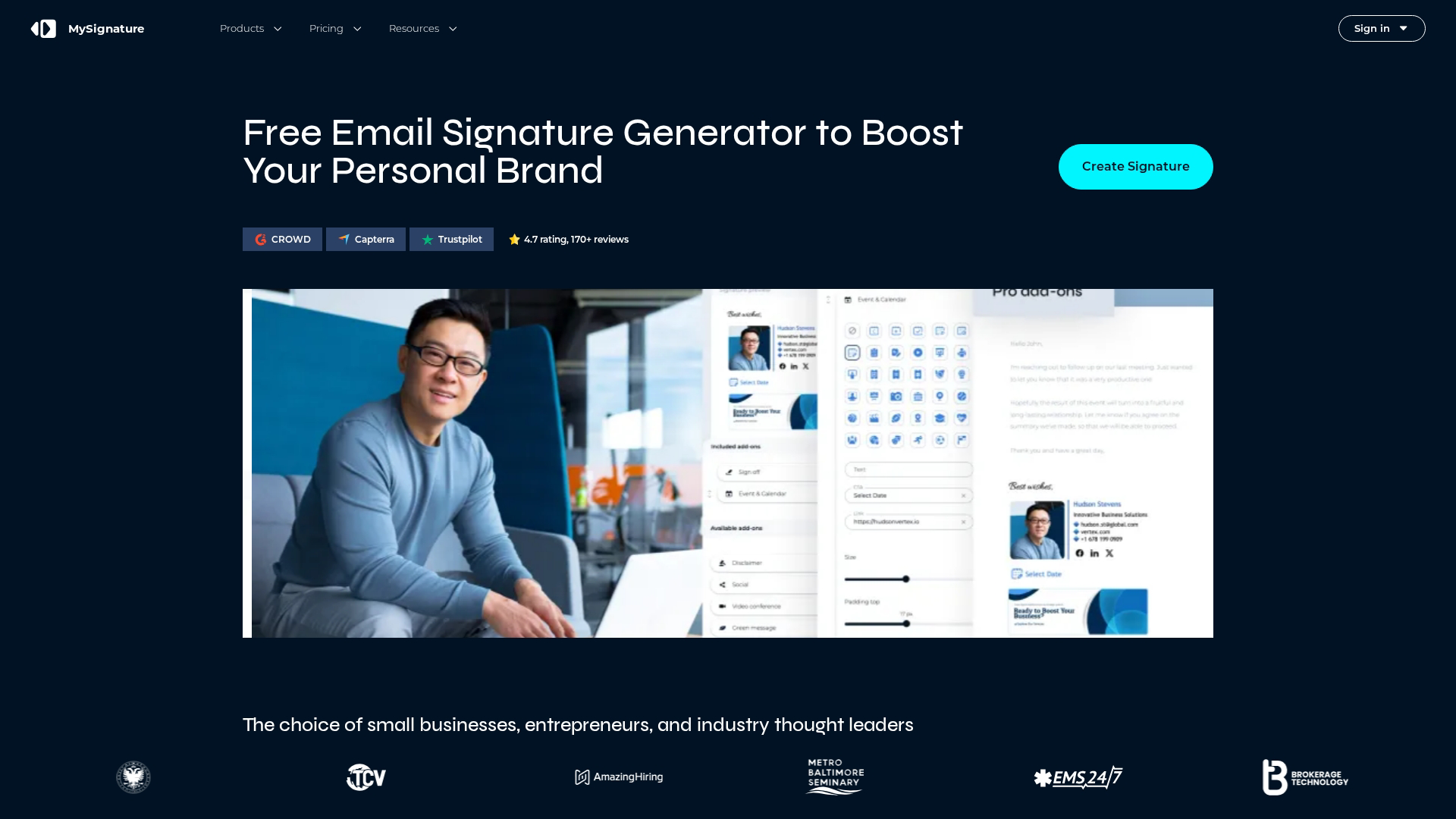
MySignature offers a free tier that works well for individuals and very small teams. The platform focuses on ease of use over enterprise features.
Best for: Freelancers, solopreneurs, and small teams who want professional signatures without monthly fees.
Key strengths
Free tier: Create and use signatures at no cost with basic features.
Template generator: Build signatures quickly with pre-designed layouts and customization options.
Social media icons: Add links to LinkedIn, Twitter, and other profiles with one click.
Multiple signatures: Create different signatures for different contexts or email accounts.
Why choose MySignature: The free tier is genuinely useful, not just a trial. Individuals can create professional signatures without any ongoing cost.
Pricing: Free tier available. Paid plans start at $4 per month for additional features.
7. Bybrand
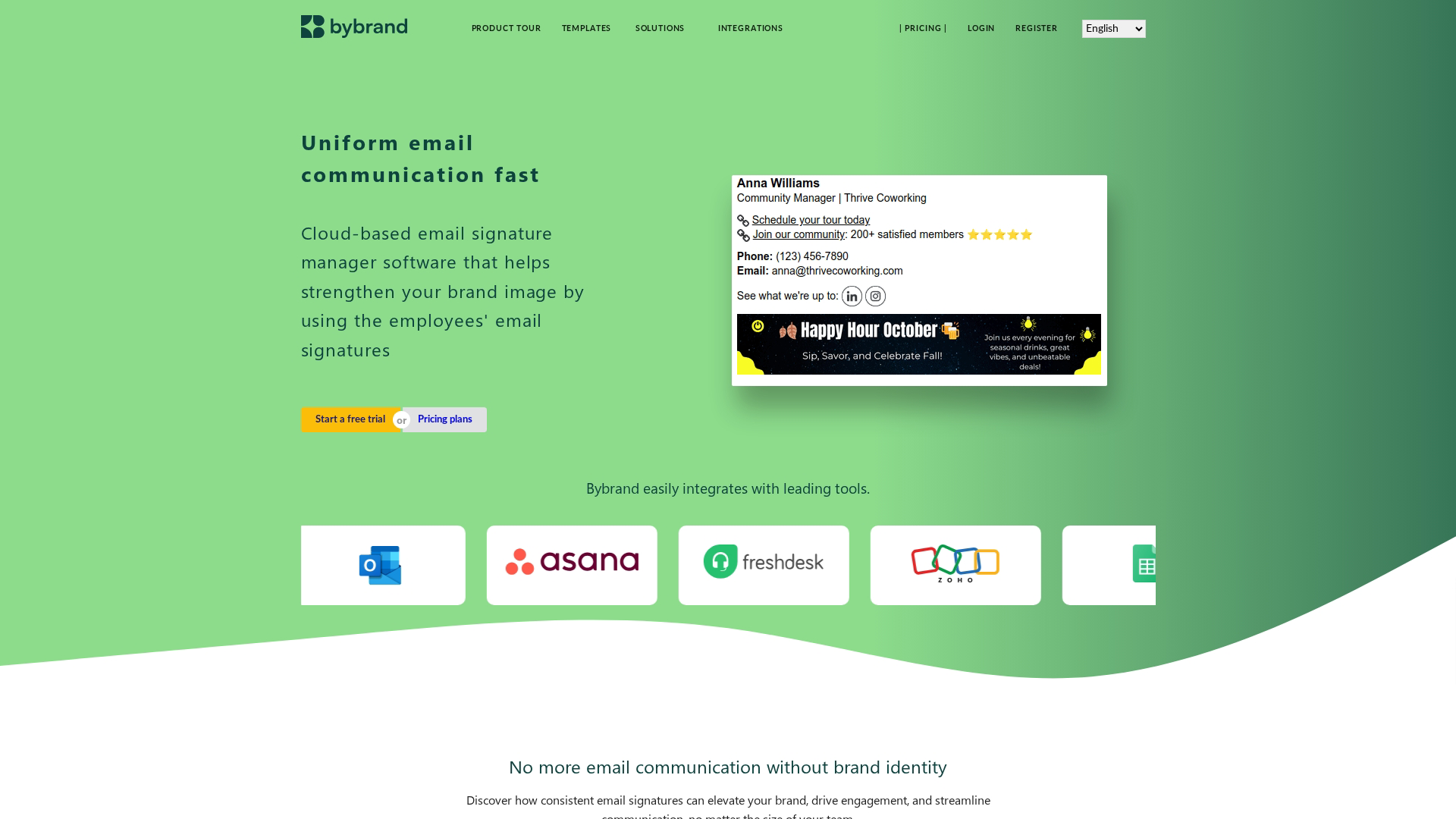
Bybrand appeals to teams who want more control over signature HTML and integration options. The platform offers API access and a flexible editor for custom implementations.
Best for: Teams with technical resources who want customization flexibility and integration capabilities.
Key strengths
HTML editor: Full control over signature code for teams with specific design requirements.
API access: Integrate signature management into your own tools and workflows.
Department management: Organize users into groups with different signature templates.
Integration options: Connect with Google Workspace, Microsoft 365, and other platforms.
Why choose Bybrand: If your team has developers and wants to build signature management into existing workflows, Bybrand's API and HTML access provide the flexibility to do it.
Pricing: Starts at $7 per month for small teams.
8. Templafy
Templafy is a broader document and brand asset management platform that includes email signatures as one component. The tool makes sense for enterprises already using Templafy for other brand governance work.
Best for: Enterprise organizations already using Templafy for document templates and brand asset management.
Key strengths
Unified brand platform: Manage email signatures alongside document templates, presentations, and other brand assets.
Enterprise governance: Role-based permissions, audit trails, and compliance features for large organizations.
Dynamic content: Personalize signatures based on user attributes and organizational rules.
Deep integrations: Connect with Microsoft 365, Google Workspace, and enterprise systems.
Why choose Templafy: If brand consistency across all company communications is a priority, managing signatures in the same platform as other brand assets creates a single source of truth.
Pricing: Custom enterprise pricing. Contact sales for details.
9. Letsignit
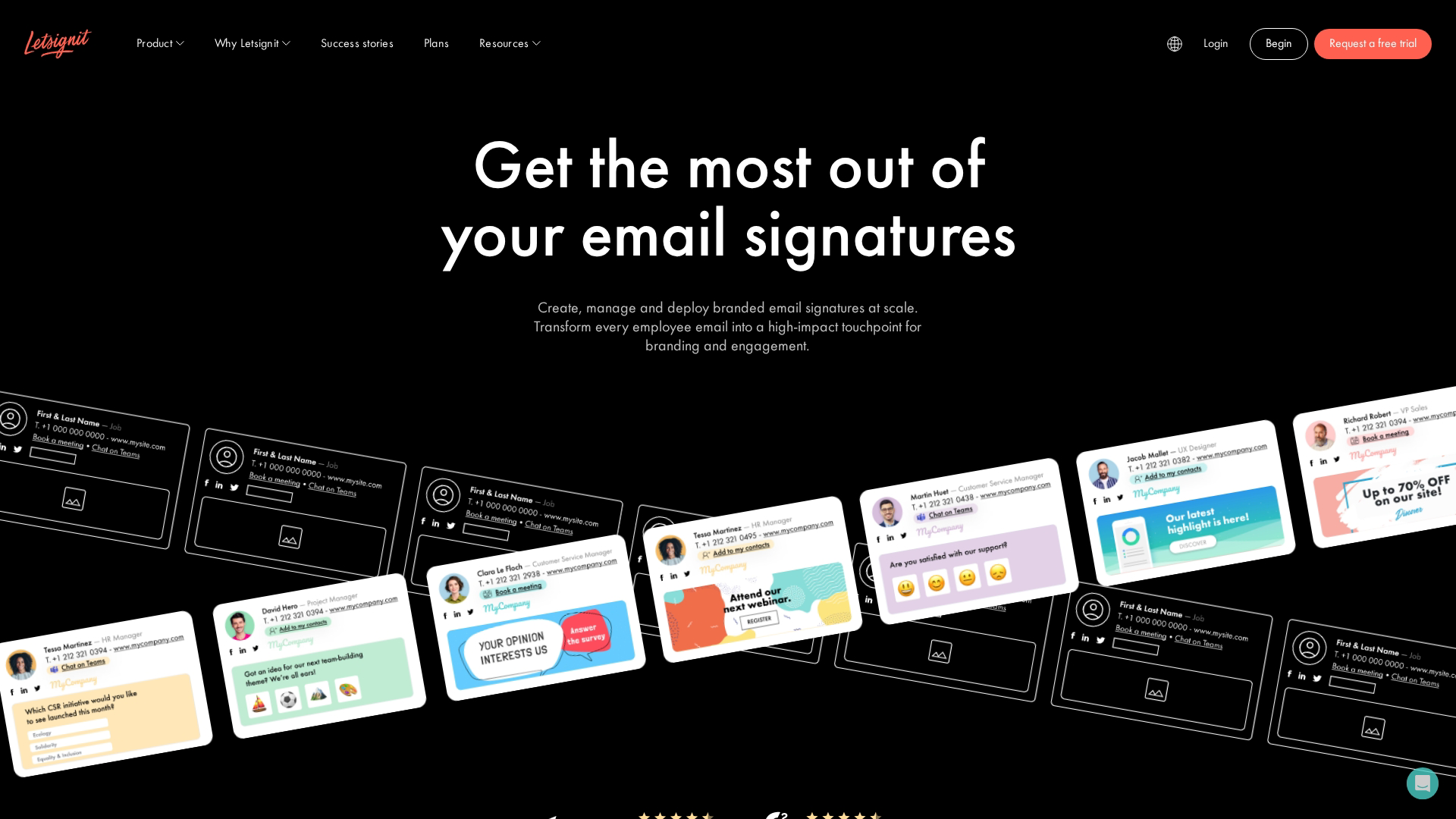
Letsignit combines email signature management with internal communication features. The platform is particularly useful for organizations that want to use signatures for employee announcements and engagement.
Best for: Organizations using email signatures for internal communications and employee engagement alongside external branding.
Key strengths
Banner scheduling: Plan and schedule signature banner campaigns in advance.
Internal communications: Use signatures to share company news, events, and announcements with employees.
Campaign analytics: Track engagement with signature content across your organization.
Multi-language support: Manage signatures in multiple languages for global teams.
Why choose Letsignit: The internal communication angle differentiates Letsignit from pure branding tools. If you want signatures to serve both external marketing and internal engagement, Letsignit supports both use cases.
Pricing: Starts at $2 per user per month.
10. Mailtastic
Mailtastic focuses on sales and marketing use cases, with features designed to turn email signatures into lead generation tools. The platform integrates with CRMs to track signature-driven engagement.
Best for: Sales teams who want to use email signatures as a pipeline generation channel with CRM integration.
Key strengths
CRM integration: Connect with Salesforce, HubSpot, and other CRMs to track signature banner clicks and attribute them to contacts.
Lead generation features: Add CTAs to signatures that drive prospects to landing pages or booking links.
Personalized banners: Show different content based on recipient company, industry, or other attributes.
Campaign management: Schedule and rotate promotional content across your sales team's signatures.
Why choose Mailtastic: The CRM integration creates a closed loop between signature engagement and pipeline. Sales leaders can see which signature campaigns generate meetings and opportunities.
Pricing: Custom pricing based on team size and features.
11. Opensense
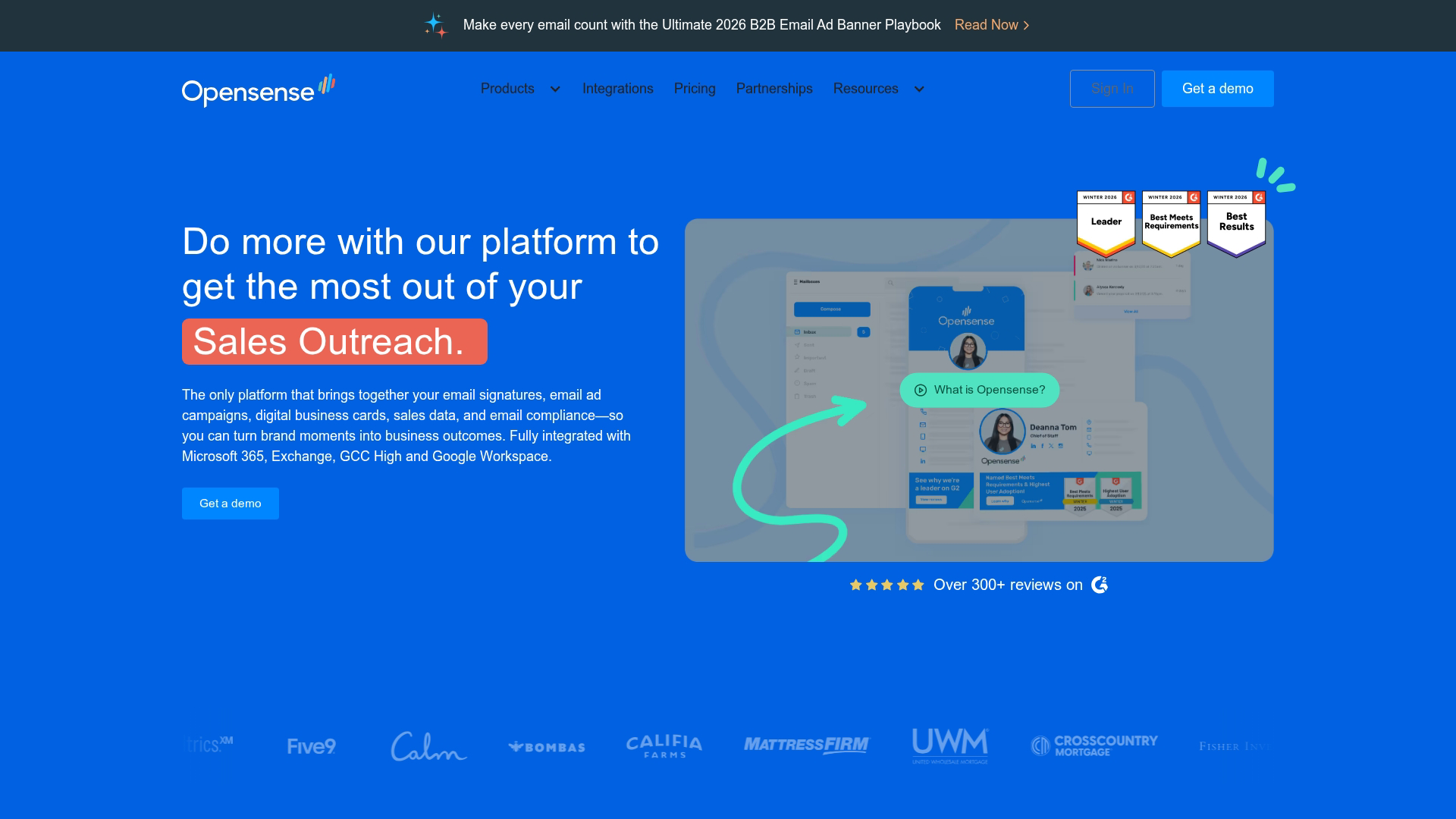
Opensense targets B2B companies running account-based marketing programs. The platform is Salesforce-native and focuses on personalized, targeted signature campaigns.
Best for: B2B companies with ABM programs who want to personalize signature content by account or segment.
Key strengths
Salesforce-native: Deep integration with Salesforce for account-based targeting and attribution.
Dynamic personalization: Show different signature content based on recipient account, opportunity stage, or other CRM data.
Sender reputation management: Monitor email deliverability and sender reputation across your organization.
ABM campaign support: Coordinate signature campaigns with broader account-based marketing programs.
Why choose Opensense: If your go-to-market motion is account-based and you run on Salesforce, Opensense's native integration and personalization capabilities align with how your team already works.
Pricing: Custom pricing. Contact sales for details.
12. WiseStamp
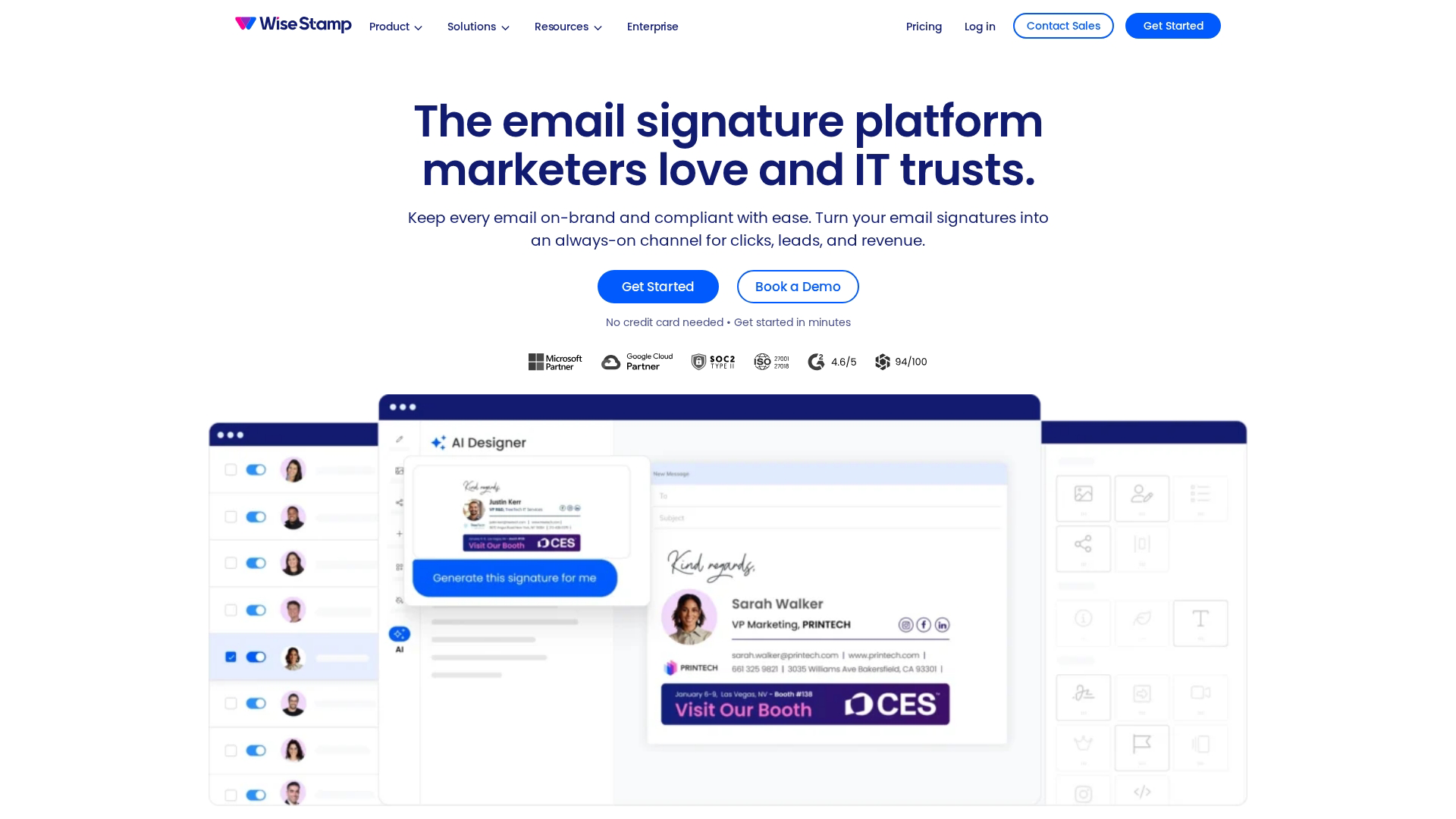
WiseStamp uses a browser extension model that works well for individuals and small businesses. The platform offers a freemium approach with paid upgrades for additional features.
Best for: Solopreneurs and freelancers who want professional signatures without centralized management overhead.
Key strengths
Browser extension: Install once and signatures apply across webmail clients without server configuration.
Social feed integration: Optionally include your latest blog post, tweet, or other social content in signatures.
Template variety: Choose from many pre-designed templates and customize to match your brand.
Freemium model: Basic features available free, with paid upgrades for advanced options.
Why choose WiseStamp: The browser extension approach means you can have professional signatures working in minutes without any IT involvement or admin setup.
Pricing: Free tier available. Pro plans start at $5.80 per month.
Key features in email signature management platforms
HTML template editor with drag and drop design
Visual editors let you create signatures without writing HTML code. Look for platforms with pre-built templates, custom field placeholders for employee data, and easy logo and image upload.
Microsoft 365 and Google Workspace integration
Native connectors for major email platforms determine how signatures get applied. Server-side injection adds signatures after send for guaranteed consistency. Client-side injection shows signatures in the compose window but can be modified by users.
Mobile device and cross-client compatibility
55% of email opens occur on mobile, yet signatures often look different across Outlook desktop, Outlook mobile, Apple Mail, and Gmail web. Quality signature management solutions handle responsive design so signatures render correctly everywhere.
Active Directory and Azure AD sync
Directory sync pulls employee data automatically to populate signature fields. When HR updates someone's title, their signature updates without manual intervention.
Marketing banner scheduling and rotation
Promotional banner capabilities include scheduled campaigns, A/B testing, and dynamic content based on sender or recipient attributes.
Analytics for click tracking and campaign performance
Track banner clicks, impressions, and engagement. Better platforms integrate with CRMs for attribution.
How to choose the right email signature manager for your organization
Evaluate platform compatibility first
Start with your email platform. Microsoft 365 and Google Workspace hold a combined 96% market share, so if you run Microsoft 365, you want email signature software for Office 365 with native integration. If you run Exchange on-premise, you want exchange email signature software that supports your infrastructure. Match the tool to what you already have.
Prioritize centralized administration and delegation
Look for role-based access that lets you delegate signature updates to department leads without giving them full admin rights. This approach reduces bottlenecks while maintaining control.
Assess template flexibility and brand control
Evaluate the template editor quality and whether you can import custom HTML. Also check what guardrails exist to prevent users from modifying approved designs.
Confirm security certifications and compliance features
For enterprise deployments, verify relevant certifications like SOC 2, ISO 27001, and GDPR compliance. Some industries have specific requirements around email disclaimers that the platform can support.
Compare pricing models and per-user costs
Common pricing structures include:
Per user/month: Most common for cloud signature managers, scales with organization size.
Tiered plans: Feature gates based on plan level, with advanced capabilities on higher tiers.
Enterprise contracts: Custom pricing for large deployments with negotiated terms.
Corporate email signature management for enterprise teams
Server-side vs client-side deployment
Server-side deployment adds signatures after the email leaves the user's device. This approach guarantees consistency because users can't modify or remove the signature. The tradeoff is no preview before send.
Client-side deployment shows signatures in the compose window. Users see exactly what will be sent, but they can potentially modify the signature.
Factor | Server-side | Client-side |
|---|---|---|
Consistency | Always applied | User can modify |
Preview | No preview | Visible before send |
Mobile support | All devices | Limited |
IT control | Full | Partial |
Multi-tenant support for global organizations
Enterprise email signature platforms handle multiple business units, subsidiaries, or regions with different branding requirements from a single admin console. This capability matters for organizations with distinct brands or regional variations.
Legal disclaimer and regulatory compliance automation
Managed email signatures ensure disclaimers appear on every external email. Templates can be rules-based, varying by recipient domain or sender department to meet industry-specific requirements.
Turn every email into a pipeline opportunity
Consistent branding across every touchpoint builds trust with prospects and customers. Email signatures are one piece of that puzzle, but the same principle applies to how you show your product.
Marketing teams extending brand consistency beyond email often use interactive demos to give prospects hands-on product experiences. Instead of static screenshots or scheduling-heavy demo calls, prospects can explore your product on their own terms.
Start your journey with Guideflow today!
FAQs about email signature software
What is the best free email signature tool for Office 365?
Microsoft 365 includes basic signature settings in Outlook, but the functionality is limited. For individuals not needing centralized management, WiseStamp and MySignature offer free tiers with more design options and template variety.
How does email signature automation work?
Email signature automation uses rules and directory sync to apply the correct signature template based on sender, department, or recipient. When employee data changes in Active Directory or Azure AD, signatures update automatically without manual intervention.
Can email signature platforms integrate with CRM systems?
Many enterprise signature managers offer CRM integration with Salesforce, HubSpot, and other platforms. This integration allows tracking banner clicks and attributing engagement to specific contacts and accounts for pipeline reporting.
What is the difference between server-side and client-side email signatures?
Server-side signatures are applied after the email is sent, guaranteeing consistency across all devices and clients. Client-side signatures appear in the compose window, allowing preview but risking user modification. Most enterprise tools use server-side for control.
How long does enterprise email signature deployment typically take?
Most email signature management platforms can deploy organization-wide signatures within a few hours to a few days. Timeline depends on directory integration complexity, template approval workflows, and whether you're migrating from an existing solution.
What information does a professional email signature include?
Standard elements include full name, job title, company name, phone number, and company logo. Optional elements like social links, legal disclaimers, and promotional banners depend on your industry and marketing goals.





.avif)