You shipped four things this sprint. Two got buried in a Slack thread, one made it into an email nobody opened, and the fourth surfaced as a support ticket asking where the feature went.
This is the quiet tax of shipping fast. The product moves faster than your ability to tell anyone about it, and the gap shows up as repeat questions in support, confused CSMs on renewal calls, and sales reps re-explaining a feature that went live three weeks ago.
The market for tools that fix this is growing. The release notes management software segment was valued at USD 0.16 billion in 2024 and is projected to reach USD 0.32 billion by 2033 at roughly 8% CAGR, according to Business Research Insights (2024). That growth tracks a simple reality: teams ship more often, and manual release communication does not scale with release cadence.
Changelog software solves the operational half of this. It gives shipped changes a home, a chronological record, and a delivery channel that reaches users without someone rewriting the update five times. Worth noting up front: a customer-facing changelog is not the same as a developer-facing change log. One communicates value to users. The other tracks version history for engineers. Some tools do both.
What's inside
This guide covers customer-facing changelog software, release notes tools, and hosted changelog pages built for SaaS teams that ship often. We picked tools based on:
- Publishing workflow: how fast you can go from shipped to published
- Delivery model: hosted changelog page, in-app widgets, email, or all three
- Integrations: native sync with Jira, GitHub, and Azure DevOps
- Branding and maintenance: custom domain, markdown support, and how little ongoing overhead the tool demands
Every tool here fits a repeatable update process, not a one-off announcement. We noted pricing and ratings where a first-party source confirmed them, and wrote around anything we could not verify.
TL;DR
- Best for automated release notes: ReleaseNotes, with AI-assisted drafting and hosted pages
- Best for closed feedback loops: Canny, tying changelog updates to customer demand
- Best for a simple changelog philosophy: Keep a Changelog, a free convention rather than a platform
- Best for a one-time-purchase changelog: Releases, with GitHub sync and lifetime pricing
- Best for in-app announcements: Beamer, for update delivery inside the product
- Best for broader launch communication: AnnounceKit, spanning changelogs and widgets
- Best for lightweight publishing: Headway, a focused public changelog page
- Best for developer-native workflows: GitHub, generating release notes from merged pull requests
What is changelog software
Changelog software is a tool that helps teams write, publish, and distribute product updates in chronological order so users can see what shipped and when.
Most changelog tools share a common set of capabilities. When you evaluate options, look for:
- Hosted changelog page: a persistent public URL where every update lives
- In-app widgets: popups, banners, and unread badges that surface updates inside your product
- Notifications: email or in-app alerts when something ships
- Integrations: native connections to Jira, GitHub, and Azure DevOps so updates draw from your source systems
- Versioning and tagging: semantic version labels and categories like Added, Fixed, and Changed
- Markdown support: clean formatting without a heavy editor
- Custom domain and branding: the changelog reads as part of your product, not a third-party page
- Analytics: views, reactions, and engagement so you know what users actually read
Changelog vs release notes
The two terms overlap, and most vendors use them interchangeably. The useful distinction: a changelog is a chronological, ongoing record of every change, often close to version history. Release notes tend to be more curated and customer-facing, framing why a change matters rather than just listing that it happened. A release notes tool leans toward communication. A changelog app leans toward the record. Many tools deliver both from a single publishing workflow.
When to use changelog software
Ship frequent product updates
Manual release notes hold up fine when you ship once a month. At weekly or daily cadence, they break. Someone forgets to update the doc, the formatting drifts, and the record goes stale. Changelog software keeps updates consistent because publishing is part of the release ritual, not a separate chore that competes with the next sprint. The chronological structure also gives you version history for free.
Reduce support and CS questions
Every "what changed in the latest update?" ticket is a signal that your product updates are not reaching users. A customer-facing update stream, delivered through a hosted changelog page or in-app widgets, gives support and CS a single link to point to. Teams also embed the changelog in the help center so the answer sits next to the docs. The result is fewer repeat tickets and less time re-explaining shipped work.
Align product, marketing, and engineering
When updates live in one place, product marketing knows what to announce, sales knows what is new, and engineering does not have to translate a Jira ticket into a customer sentence twice. Tools that integrate with Jira, GitHub, and Azure DevOps pull the raw change from the source system, which keeps the customer-facing note anchored to what actually shipped. One source of truth beats five out-of-sync copies.
Comparison table
The table below lets you compare delivery model, automation depth, and source integrations at a glance. Use it to narrow the field before reading the full sections. Note whether a tool leans toward a hosted page, in-app delivery, or both, and whether it connects to your existing Jira, GitHub, or Azure DevOps workflow.
| # | Product | Best for | Key differentiator | Pricing | G2 rating |
|---|---|---|---|---|---|
| 1 | ReleaseNotes | Automated release notes | AI Smart Releases plus hosted page and widgets | Free; Teams $39/project/mo | 5.0/5 |
| 2 | Canny | Closed feedback loops | Changelog tied to feedback and roadmap | Free; Pro from $79/mo | 4.5/5 |
| 3 | Releases | One-time-purchase changelog | Lifetime pricing with GitHub sync | €89 one-time | N/A |
| 4 | Keep a Changelog | A changelog standard | Free convention and format guide | Free | N/A |
| 5 | Beamer | In-app announcements | Update delivery inside the product | See site | N/A |
| 6 | AnnounceKit | Broader launch communication | Changelogs plus 10+ widget modes | From $79/mo | 4.8/5 |
| 7 | Headway | Lightweight publishing | Simple public changelog page | Free; Pro $29/mo | 3.5/5 |
| 8 | GitHub | Developer-native workflows | Auto-generated notes from pull requests | Free; Team $4/user/mo | 4.6/5 |
1. ReleaseNotes
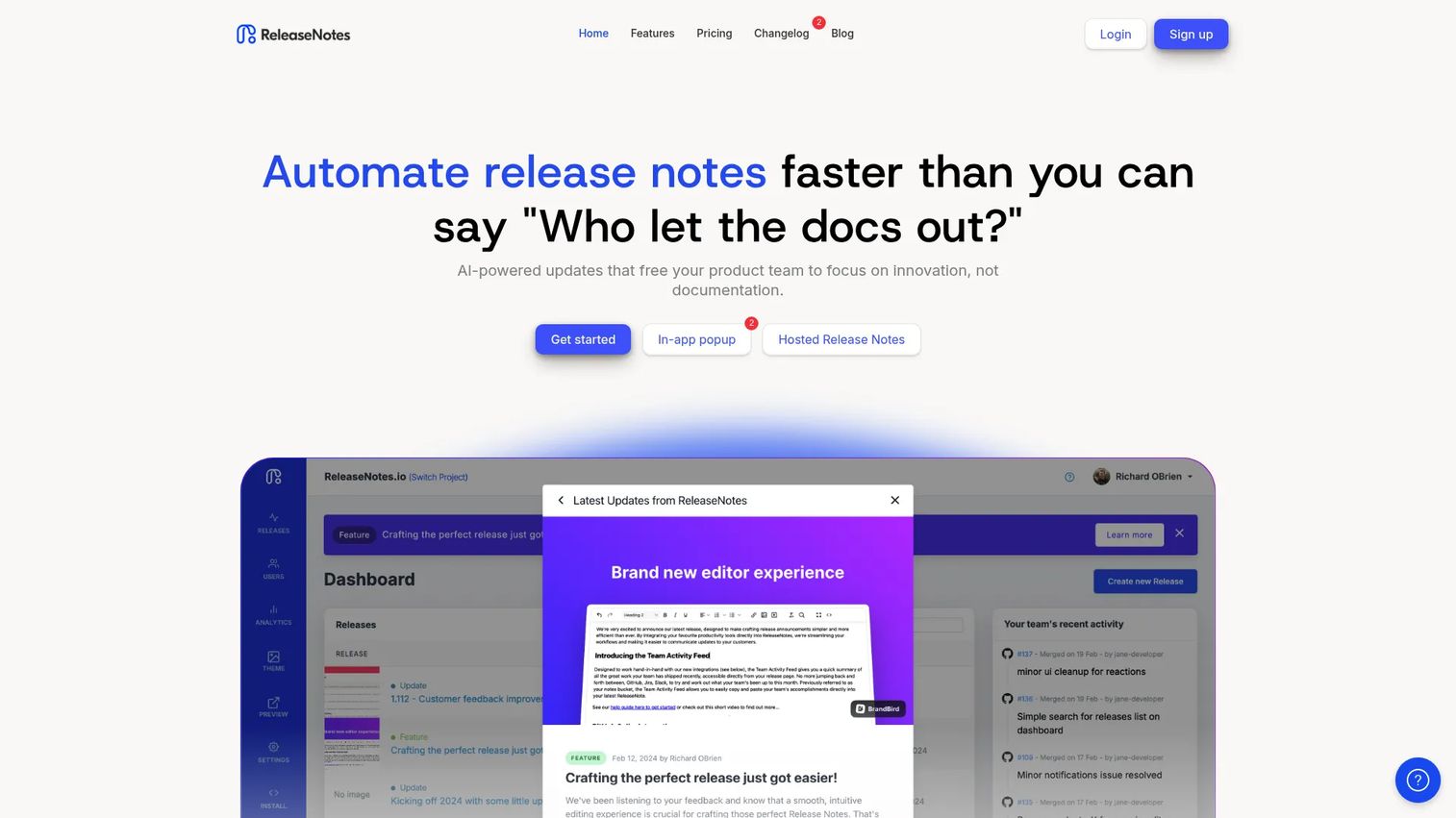
ReleaseNotes is release notes and changelog software for publishing, announcing, and embedding product updates. It pairs a hosted release site with in-app popup and banner widgets, an unread badge, and email notifications, so a single published update reaches users across surfaces. Its AI Smart Releases feature drafts the note for you, which cuts the time between shipping and telling anyone.
For a PM who wants a repeatable publishing workflow without babysitting it, this is the practical fit. You write or generate the note, choose public or private, and it lands on the hosted page and inside the app at once. Native integrations with Jira, GitHub, and Azure DevOps mean the raw change comes from your source system rather than a manual re-type.
Best for: small to mid-size teams that want automated release notes with hosted pages and in-app widgets in one tool.
Key strengths
- AI Smart Releases for drafting notes
- In-app popup and banner widgets
- Hosted release site with unread badge
- Email notifications on publish
- Jira, GitHub, and Azure DevOps integrations
Why choose ReleaseNotes: it covers the full loop, draft, publish, embed, and notify, without forcing you into a heavier feedback or roadmap system. If your job is to communicate shipped changes cleanly and often, it stays out of the way.
ReleaseNotes pricing: the Starter plan is free per project. Teams is $39.00 per project per month and adds AI Smart Releases, widgets, unlimited releases and team members, and integrations. Business is $79.00 per project per month with custom theme, custom domain, and private release notes.
2. Canny
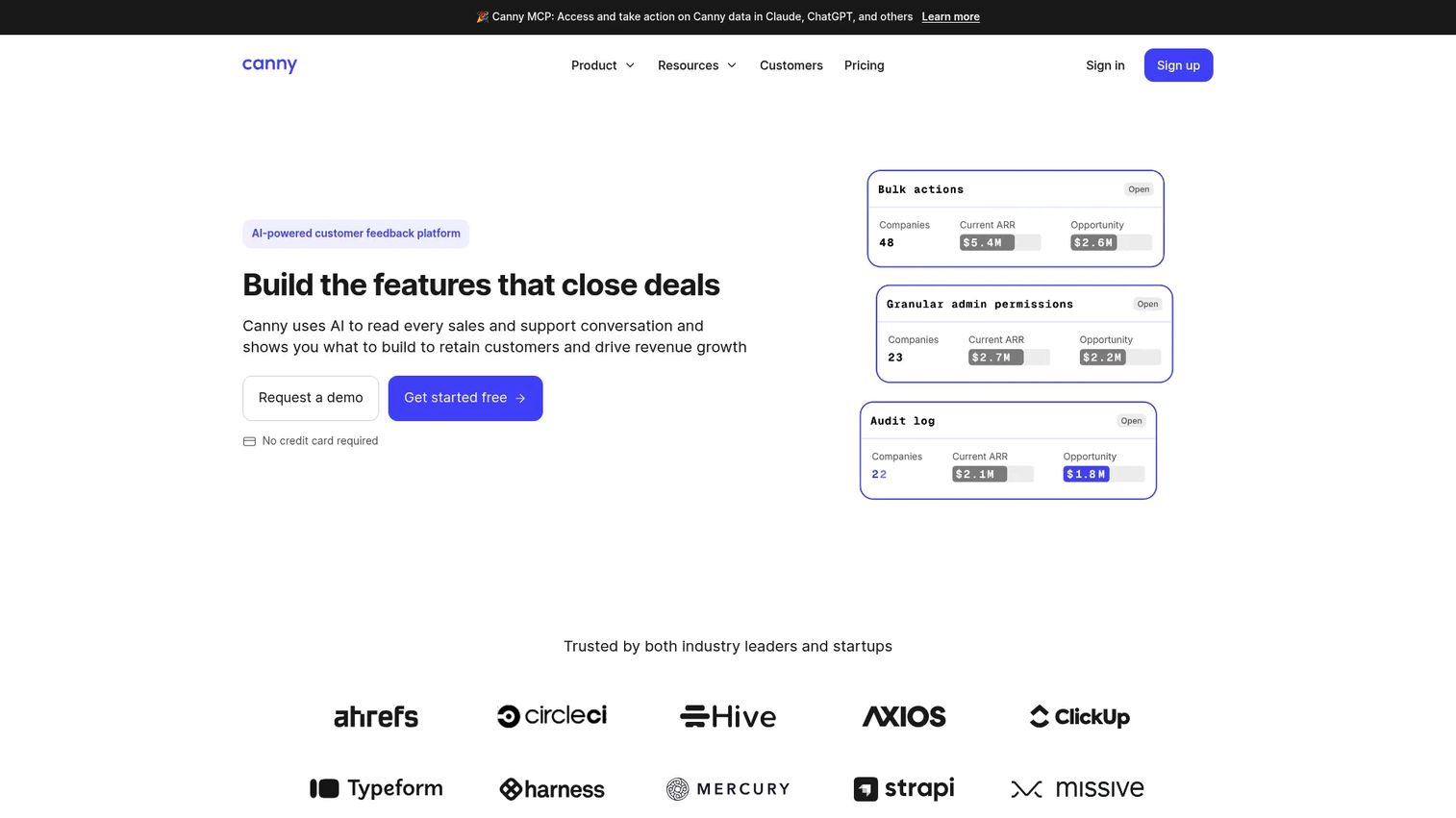
Canny is customer feedback management software that folds a changelog into a larger loop. You collect and organize feedback, prioritize it on a public roadmap, and then close the loop by announcing what you shipped through the changelog. It supports markdown, labels, a product widget, a hosted changelog page, and AI-assisted feedback triage through its Autopilot feature.
The strongest fit is teams that want changelog updates tied to customer demand, not published in isolation. When you ship something a customer requested, Canny can notify the people who asked for it. That connection between request and release is the reason to choose it over a publish-only tool.
Best for: teams that want a public feedback portal with roadmap and changelog workflows in one place.
Key strengths
- Feedback capture and organization
- Public roadmap tied to the changelog
- Product widget and hosted changelog page
- Markdown support and labels
- Autopilot AI feedback triage
Why choose Canny: if your changelog is only half the story and the other half is knowing what to build next, the feedback-to-release loop is worth the added surface area. Teams that only need to publish updates may prefer a simpler tool.
Canny pricing: the Free plan is $0 per month and includes 25 tracked users. Pro starts at $79 per month billed yearly for 100 tracked users. Business is custom-priced, so you contact Canny for a quote. Pricing scales largely with tracked users.
3. Releases
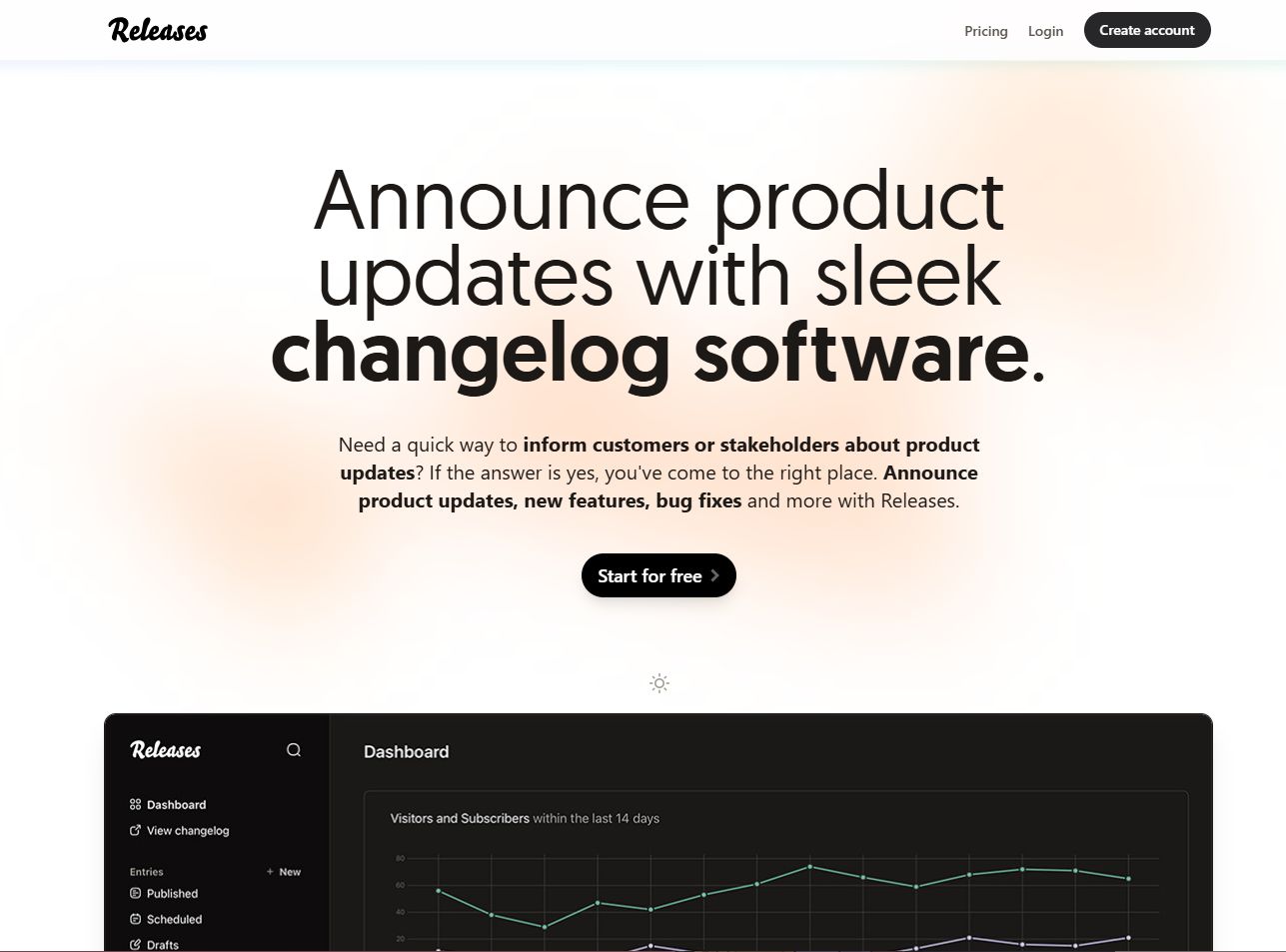
Releases is changelog software for publishing product updates and release notes with a deliberately simple footprint. It gives you a public changelog, an on-page widget, a custom domain with SSL, API access, email notifications, and GitHub sync. The pitch is straightforward publishing without the weight of a full feedback or roadmap system.
The standout is its pricing model. Instead of a recurring subscription, Releases sells a single lifetime plan with a one-time payment, which appeals to teams that want a changelog tool they buy once and forget. GitHub sync means your published notes can draw from what you merged, keeping the customer-facing record anchored to real changes.
Best for: teams that want straightforward changelog publishing with a one-time purchase.
Key strengths
- Public changelog and release notes page
- On-page widget for in-product delivery
- Custom domain with SSL
- API access and GitHub sync
- Email notifications on publish
Why choose Releases: the lifetime pricing removes the recurring cost from the decision, and the feature set stays focused on publishing rather than sprawling into adjacent workflows. Teams that need deep feedback loops will want something broader.
Releases pricing: a single Lifetime plan is €89 as a one-time payment. A free 10-day trial is available before you commit.
4. Keep a Changelog
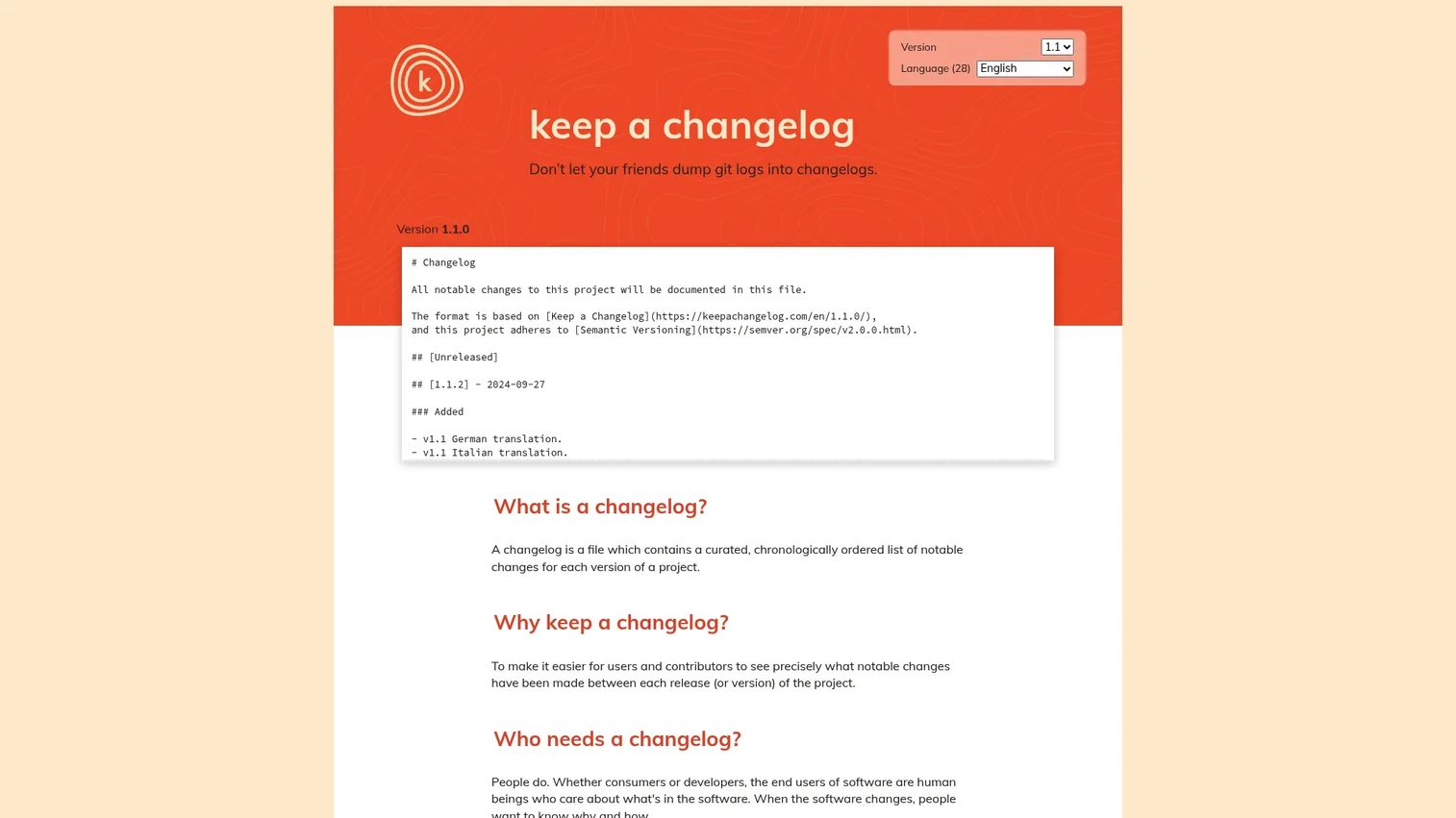
Keep a Changelog is not a platform. It is a free convention and reference site for writing human-readable changelogs, and it is the standard many teams follow inside whatever tool they publish with. It defines what a changelog is, why it matters, and how to structure one so people can actually read it.
The convention introduces useful discipline: an Unreleased section at the top for changes not yet shipped, alignment with semantic versioning, and clear change categories, Added, Changed, Deprecated, Removed, Fixed, and Security. If your changelog is messy or inconsistent across releases, adopting this format is the fastest way to fix it, regardless of where you host the page.
Best for: teams or open-source projects that want a standard, governed way to document releases.
Key strengths
- Changelog format guidance
- Guiding principles and examples
- Unreleased workflow for pending changes
- Semantic versioning alignment
- Multiple translated versions
Why choose Keep a Changelog: it gives you structure and governance for free. Pair it with a hosted tool for delivery, since it is a convention and guide rather than software that publishes and distributes for you.
Keep a Changelog pricing: free. It is an open convention with no paid plans.
5. Beamer

Beamer is product announcement and changelog software focused on shipping updates directly to users. Its center of gravity is in-app delivery: announcements that surface inside the product where users already are, paired with changelog and product update distribution. That makes it a fit for teams whose priority is getting an update seen, not just posted.
Because the emphasis sits on announcements and notifications, Beamer works well for growth and lifecycle communication, where you want a shipped feature to reach the exact users who benefit from it. If your problem is that updates go unnoticed, an in-app-first approach addresses it at the point of attention.
Best for: teams that want to announce product updates in-app and through changelogs.
Key strengths
- In-app announcements at the point of attention
- Changelog and product update distribution
- Customer communication for growth and lifecycle
- Notification-driven delivery
Why choose Beamer: if your changelog struggles to get seen, delivering updates inside the product where users spend their time closes that gap. It suits teams prioritizing reach over a heavy roadmap workflow.
Beamer pricing: public pricing was not confirmed from a first-party source at the time of writing, so check Beamer's site for current plans before you commit.
6. AnnounceKit
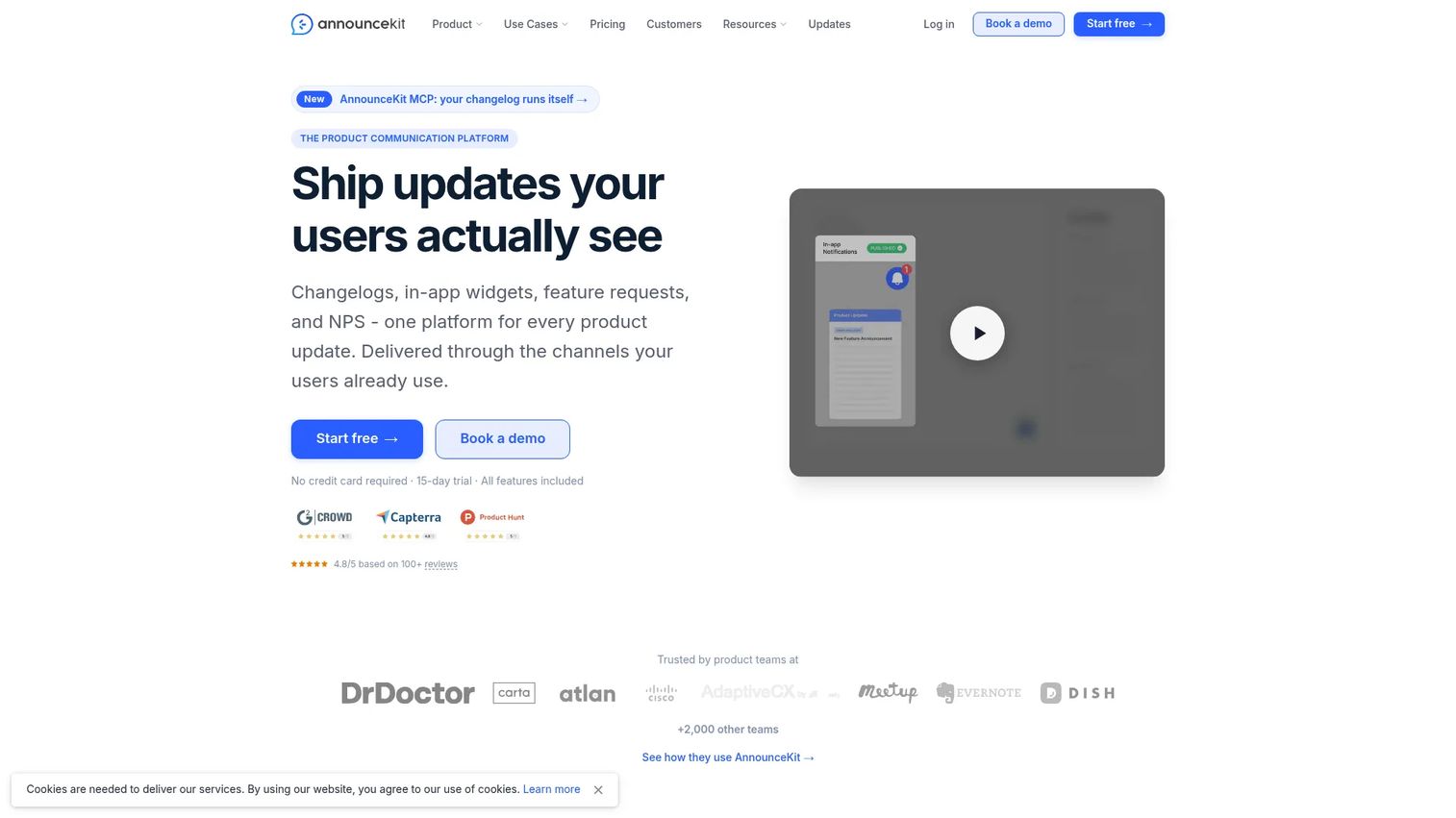
AnnounceKit is a product communication platform that spans changelogs, in-app widgets, feature requests, and NPS surveys. It gives you a standalone changelog page on your own domain plus more than ten in-app widget display modes, so you can match the delivery style to the moment, a subtle badge for minor fixes, a prominent modal for a major launch.
The breadth is the point. For launch-heavy PM and PMM workflows, AnnounceKit handles polished delivery across multiple touchpoints and adds segmentation, analytics, and integrations on top. When a launch needs coordinated communication rather than a single line in a changelog, that range helps.
Best for: SaaS teams needing changelogs, product updates, and in-app communication in one tool.
Key strengths
- Standalone changelog page on your domain
- 10+ in-app widget display modes
- Feature request tracking
- Segmentation and analytics
- Integrations across your stack
Why choose AnnounceKit: the mix of a branded changelog page, flexible in-app widgets, and feedback capture makes it a fit for teams that treat product communication as an ongoing motion, not a one-off post.
AnnounceKit pricing: Essentials starts at $79/mo monthly, or $89/mo on annual billing. Growth is $129/mo monthly, or $149/mo annual. An NPS plan is $42/mo monthly. There is no free tier, but a 15-day free trial is available.
7. Headway
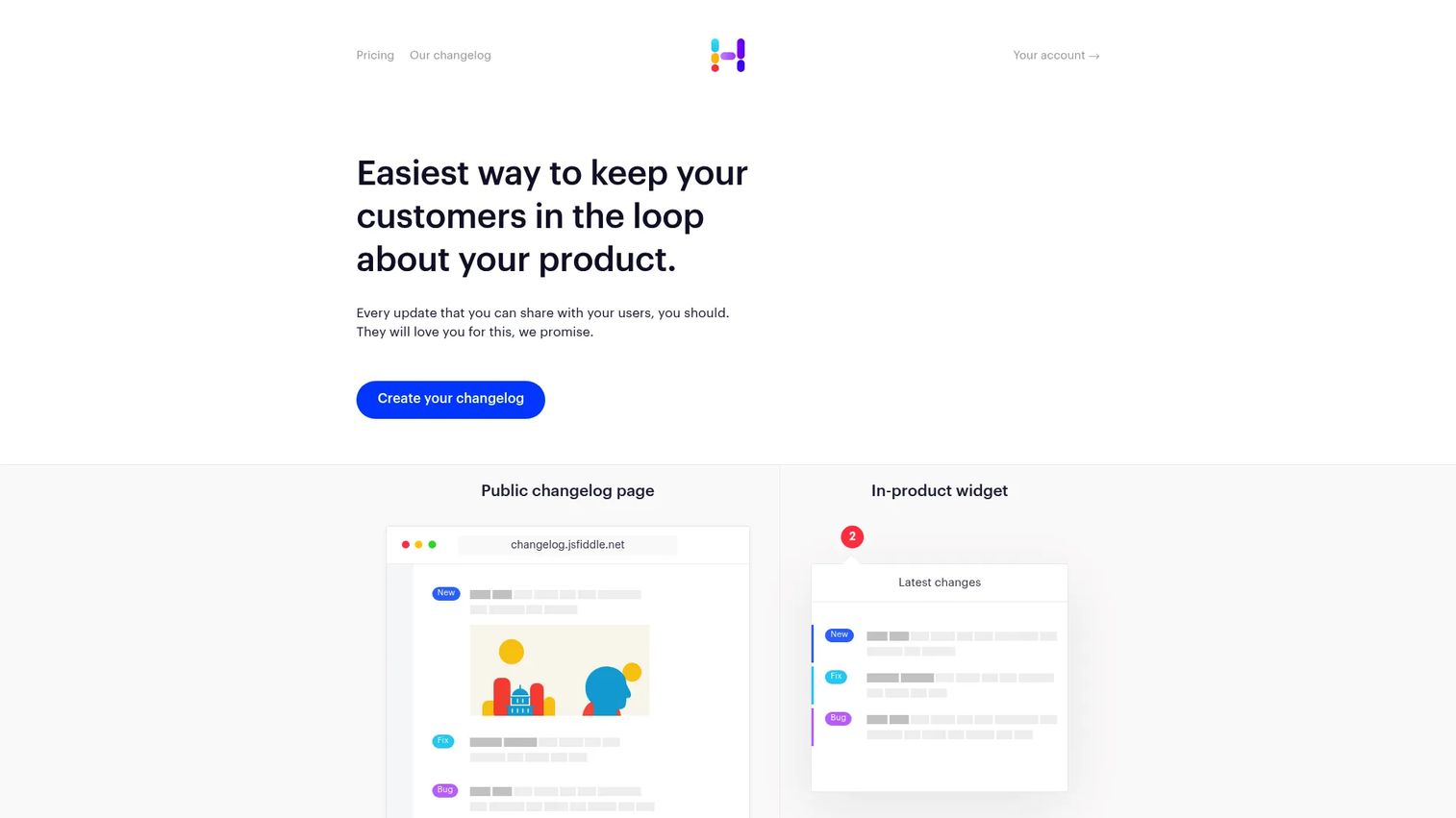
Headway is changelog and release-notes software built to keep customers informed with as little overhead as possible. It gives you a public changelog page, an in-product widget, and custom branding with a custom domain. The design philosophy favors simplicity and speed over a wide feature surface, which is exactly what some teams want.
If your goal is a clean, focused changelog you can publish to quickly and forget about between releases, Headway fits. It does not try to bundle in roadmaps or heavy feedback loops. That focus is the appeal for teams that want an easy update cadence without adopting another system to maintain.
Best for: teams that need a simple public changelog and release-notes tool.
Key strengths
- Public changelog page
- In-product notification widget
- Custom branding and custom domain
- Scheduled publishing on the paid tier
- All integrations on Pro
Why choose Headway: it trades breadth for speed. If you want to ship a changelog today and keep maintenance near zero, the focused feature set gets you there fast.
Headway pricing: a Free plan is available. Pro is $29 per month and adds whitelabel, custom domain, all integrations, team management, search engine privacy, private changelog, and scheduled publishing.
8. GitHub

GitHub is a software development platform, and for developer-first teams it doubles as a changelog baseline. When you cut a release, GitHub can automatically generate release notes from merged pull requests, list contributors, and attach tags, giving you a version history and changelog links without leaving where your code already lives.
This is the natural fit when your source of truth is already GitHub and your primary audience is technical. For a customer-facing changelog, GitHub-generated notes often serve as the raw input that a dedicated tool refines into user-friendly language. Many teams run both: GitHub for the developer record, a hosted tool for the customer stream.
Best for: teams and organizations whose source of truth already lives in GitHub.
Key strengths
- Auto-generated release notes from pull requests
- Tags and version references
- Contributor attribution
- Changelog links tied to releases
- Free plan with unlimited public and private repositories
Why choose GitHub: if your changelog audience is developers and your workflow is already here, generated release notes cost you nothing extra. For customer-facing updates, pair it with a dedicated changelog tool.
GitHub pricing: the Free plan is $0 per month with unlimited public and private repositories. Team starts at $4 per user per month, and Enterprise starts at $21 per user per month for the first 12 months.
Considerations
Before you commit to a changelog tool, run through this checklist against your actual release cadence and stack.
Delivery model
Decide whether you need a hosted changelog page, in-app widgets, email, or all three. A hosted page is a persistent source of truth. In-app widgets catch users at the point of attention. Most teams shipping often want both, so confirm the tool covers your primary channels.
Integration depth
If your changes originate in Jira, GitHub, or Azure DevOps, native sync saves you from retyping every update. Check that the integration pulls the fields you care about and does not require an engineer to maintain. API access matters if you want to automate publishing from your own pipeline.
Maintenance burden
The best changelog is the one you actually keep current. Favor tools with markdown support, scheduled publishing, and low ongoing overhead. A tool that demands manual formatting every release will decay the moment a sprint gets busy.
Branding and ownership
A custom domain and custom branding make the changelog read as part of your product. If the update stream is customer-facing, it should not look like a third-party page. Confirm which tier unlocks custom domain, since it is often gated to paid plans.
Feedback connection
Decide whether you need the changelog to close a loop with customer feedback and roadmap, or simply publish updates. That single decision separates feedback-connected tools from publish-only tools and narrows your shortlist quickly.
Conclusion
The right changelog software depends less on a ranking and more on what job you need it to do.
If you want automated release notes with hosted pages and in-app widgets in one place, start with ReleaseNotes. If your changelog should close the loop with customer demand and a public roadmap, Canny fits. Need a one-time purchase instead of a subscription? Releases. Want structure without software? Adopt the Keep a Changelog convention. For in-app-first delivery, Beamer. For launch-heavy communication across touchpoints, AnnounceKit. For a lightweight page you can publish to fast, Headway. And if your source of truth is already GitHub, generated release notes cost you nothing extra.
The practical next step: decide whether you need a publish-only tool, a feedback-connected tool, or a process standard. Then compare one automation-first option, ReleaseNotes, against one workflow-first option, Canny, and see which matches how your team actually ships.
If you also want to show product updates as interactive experiences rather than static notes, Guideflow turns your product into guided, self-serve demos your team can embed anywhere. Start your journey with Guideflow today!
FAQs
The terms overlap and most vendors use them interchangeably. In practice, release notes software emphasizes customer communication, framing why a change matters, while a changelog emphasizes chronological version history and the full record of what shipped. Many tools deliver both from one publishing workflow, so the label matters less than the delivery model and integrations.
Yes, in most cases. Email is a one-time distribution channel that lands once and disappears into the inbox. A hosted changelog page is a persistent source of truth users, support, and CS can return to at any time. Most teams use both: the hosted page as the record, email or in-app widgets as the push.
ReleaseNotes offers native integrations with Jira, GitHub, and Azure DevOps, which makes it a strong pick when your changes originate in those systems. Releases and GitHub itself both support GitHub-based workflows through sync and auto-generated release notes. Confirm the specific fields each integration pulls before committing.
There is no single winner. Choose by criteria: publishing speed, delivery model, integration depth, branding, and maintenance burden. A team shipping daily with a technical audience may lean on GitHub plus a hosted tool, while a team tying releases to customer requests will prefer a feedback-connected option like Canny.
Some do. Canny and AnnounceKit connect feedback and, in Canny's case, a public roadmap to the changelog, so you can close the loop with the customers who requested a feature. Publish-only tools like Headway and Releases focus on distributing updates rather than collecting demand.
It is a standard, not software. Keep a Changelog is a free convention and reference site that defines how to structure a human-readable changelog, including the Unreleased workflow and semantic versioning alignment. You still need a separate tool to host and distribute the changelog itself.
Usually they complement rather than replace them. Many changelog tools send email notifications on publish, so the changelog becomes the source and email becomes one delivery channel among several, alongside in-app widgets and a hosted page. The changelog centralizes the record; email pushes it to inboxes.
Watch for pricing transparency, whether plans are per-project or per-user, any automation or release limits, and which tier gates branding and integrations. Custom domain and private changelogs are often locked to higher tiers. If you ship often, confirm there are no caps on releases that would force an upgrade mid-cycle.