Last updated: October 2026
A customer's security team sends over a questionnaire. Question 14 asks who can access production-adjacent systems and how access is revoked when someone leaves. Your honest answer involves a spreadsheet, a shared firewall password, and a Slack message to whoever set up the staging environment.
That moment is when most Series B founders realize remote access is no longer an IT detail. It is a sales blocker.
According to a 2026 Zscaler ThreatLabz report, 65% of organizations plan to replace their VPN within a year, reflecting how fast expectations around access control have shifted. The category has split: Traditional VPNs that route traffic through encrypted tunnels, and Zero Trust tools that verify identity and device before granting access to specific resources.
This guide cuts through that split and gives you a shortlist built for SaaS teams between 30 and 150 people. The goal is a system your new IT or security leader can inherit, administer, and defend in the next enterprise security review.
What's inside
This guide compares 7 business VPN and Zero Trust access tools for 2026. Every tool was evaluated against four criteria:
- Access control depth: SSO, MFA, device posture, and resource-level policies
- Admin workload: How much ongoing maintenance a lean IT function can handle
- Deployment speed: Whether a first-week setup is realistic without a network project
- Pricing at scale: Total cost at 50, 100, and 200 employees, including gateways and dedicated IPs
The guide also explains when traditional VPN access fits, when Zero Trust architecture makes more sense, and how to hand this decision to the right internal owner.
TL;DR
- Best overall for growing SaaS teams: NordLayer for centralized administration, dedicated gateways, and a clear growth path from lean remote access to Zero Trust controls
- Best for privacy-first organizations: Proton VPN for Business for business-grade controls, dedicated servers, SSO, and an entry price that works for smaller teams
- Best for SASE-style consolidation: Perimeter 81 for teams combining VPN access and broader network security policy under one console
- Best for replacing broad network access: Twingate for identity-aware Zero Trust access to specific internal resources
- Best for stack-committed environments: FortiClient VPN, Palo Alto GlobalProtect, and Cisco Secure Client for companies already standardized on those security platforms
Founders: Avoid selecting a provider based on server count alone. Identity integration, centralized offboarding, audit logs, and resource-level controls carry more weight at your stage than raw geography.
What is a business VPN?
A business VPN is a managed service that encrypts employee connections and controls access to company networks, cloud resources, or specific internal applications.
Business VPN versus personal VPN
Personal VPNs prioritize individual privacy and location masking. Business VPNs add centralized user management, company-owned access policies, identity integrations, and audit trails. The key difference: A personal VPN is configured by the individual; a business VPN is administered by the organization. That administration layer is what lets you provision a new hire on day one and revoke access within minutes of an offboarding.
Traditional VPN versus Zero Trust access
Traditional remote-access VPNs connect a user to a broader private network. Once connected, that user can often reach more than they need. Zero Trust Network Access (ZTNA) verifies identity and device context before granting access, then limits the user to approved resources only.
Neither model is automatically obsolete. Traditional VPNs remain strong for site-to-site connectivity, full network access requirements, and environments built around firewall-based remote access. ZTNA fits better when reducing lateral network exposure is a priority, particularly for engineering access to staging, production-adjacent tools, or customer data systems.
| Format | Interactivity | Centralized admin | Resource-level controls | Typical fit |
|---|---|---|---|---|
| Personal VPN | Individual only | No | No | Consumer privacy |
| Business VPN | Organization-managed | Yes | Network-level | Remote access for distributed teams |
| Zero Trust (ZTNA) | Identity-based | Yes | Application and resource-level | Reducing lateral network exposure |
Core business VPN capabilities
Most business VPN services for access control software environments include:
- Encrypted connections for remote employees and contractors
- Centralized user provisioning and offboarding
- SSO and MFA support
- Dedicated IP addresses and IP allowlisting
- Split tunneling and private DNS controls
- Network segmentation or application-level access policies
- Device posture checks and endpoint compatibility
- Activity logs and audit trails
- Site-to-site connectivity for offices and cloud networks
When to use a business VPN
Protect remote access without unmanaged exceptions
Engineers, support staff, and contractors working from home networks or public Wi-Fi need encrypted access to internal tools. Without a managed VPN, the alternative is either open access or a growing list of firewall exceptions that nobody fully owns. A business VPN gives you one system to provision, one system to audit, and one system to hand off.
Meet enterprise customer security requirements
Enterprise deals increasingly require fixed outbound IPs, MFA enforcement, SSO, audit logs, and documented offboarding processes. A business VPN addresses several of those requirements directly. It does not replace a broader security program, but it closes the access-control gaps that commonly appear in security questionnaires.
Connect distributed teams to private infrastructure
Cloud consoles, staging environments, source control, finance platforms, and customer data systems often require controlled access. Use a business VPN when you need a repeatable way to grant and revoke that access, whether the team is across two cities or twelve time zones. For access review software workflows, a VPN with audit logs makes periodic reviews far less painful.
Business VPN comparison
This comparison prioritizes the controls that matter after the first ten employees: Identity integration, centralized administration, private access options, deployment model, and transparent entry pricing. Pricing and ratings verified October 2026 from each vendor's pricing page and G2 listing.
| # | Product | Best for | Key differentiator | Pricing | G2 rating |
|---|---|---|---|---|---|
| 1 | NordLayer | Growing SaaS teams needing managed secure access | Business VPN plus Zero Trust controls, dedicated gateways, and Cloud LAN | From $8/user/month (annual) | 4.3/5 |
| 2 | Proton VPN for Business | Privacy-focused teams needing central controls | Dedicated servers, SSO, SCIM, fixed IPs, and organization-wide 2FA | From $6.99/user/month | 4.3/5 |
| 3 | Perimeter 81 | Teams combining VPN and SASE controls | Private access, cloud firewall, agentless application access | Contact for pricing | N/A |
| 4 | Twingate | Resource-level Zero Trust access | Identity-based access to specific private resources | Free tier; Teams from $5/user/month | 4.6/5 |
| 5 | FortiClient VPN | Companies using Fortinet infrastructure | Firewall-native VPN, endpoint posture, Security Fabric integration | Free VPN-only tier; paid via licensing | 4.4/5 |
| 6 | Palo Alto GlobalProtect | Palo Alto Networks environments | Firewall-integrated VPN and security policy enforcement | Custom pricing (firewall licensing) | 4.5/5 |
| 7 | Cisco Secure Client | Cisco-standardized IT environments | VPN, endpoint posture, and network visibility in Cisco environments | Custom pricing (enterprise licensing) | 4.5/5 |
Best 7 business VPN tools for 2026
1. NordLayer
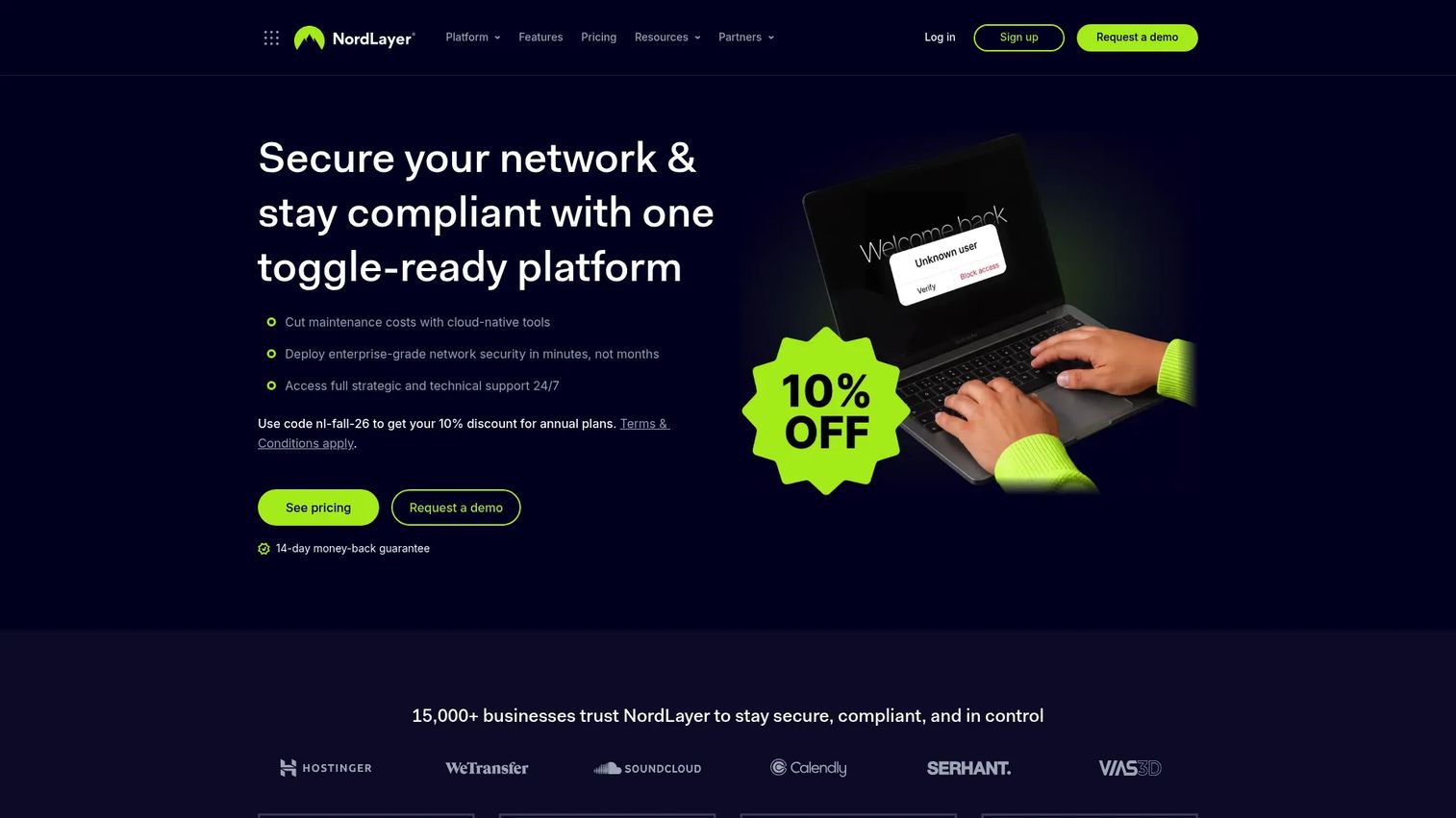
NordLayer is a cloud-based business network security platform built for distributed and hybrid teams. It covers encrypted remote access through shared and dedicated gateways, SSO, MFA, device posture checks, and a cloud firewall. Teams can provision users, manage access policies, and monitor connections through a central admin console without maintaining on-premises infrastructure.
Best for: SaaS teams that need a business VPN today and want a clear path to more granular Zero Trust controls as the company grows.
Key features
- Shared gateways in more than 40 countries
- Dedicated IP and virtual private gateways
- SSO with major identity providers
- Cloud LAN for device-to-device connectivity
- Split tunneling, IP allowlisting, and cloud firewall
Why choose NordLayer: It fits founders who want one provider that works for a 30-person team today and doesn't need to be replaced when an IT hire joins at 80 people. The five-user minimum keeps entry cost predictable, and dedicated gateway infrastructure scales without a network rebuild.
NordLayer pricing: Lite plans start at $8 per user per month (annual billing), with a five-user minimum. Core is $11 per user per month and Premium is $14 per user per month. Dedicated IP gateway infrastructure carries an additional server charge on top of per-seat pricing. An Enterprise offer starts from $6 per user per month with a 200-user minimum.
G2 rating: NordLayer holds a 4.3/5 on G2 from 127 verified reviews.
2. Proton VPN for Business
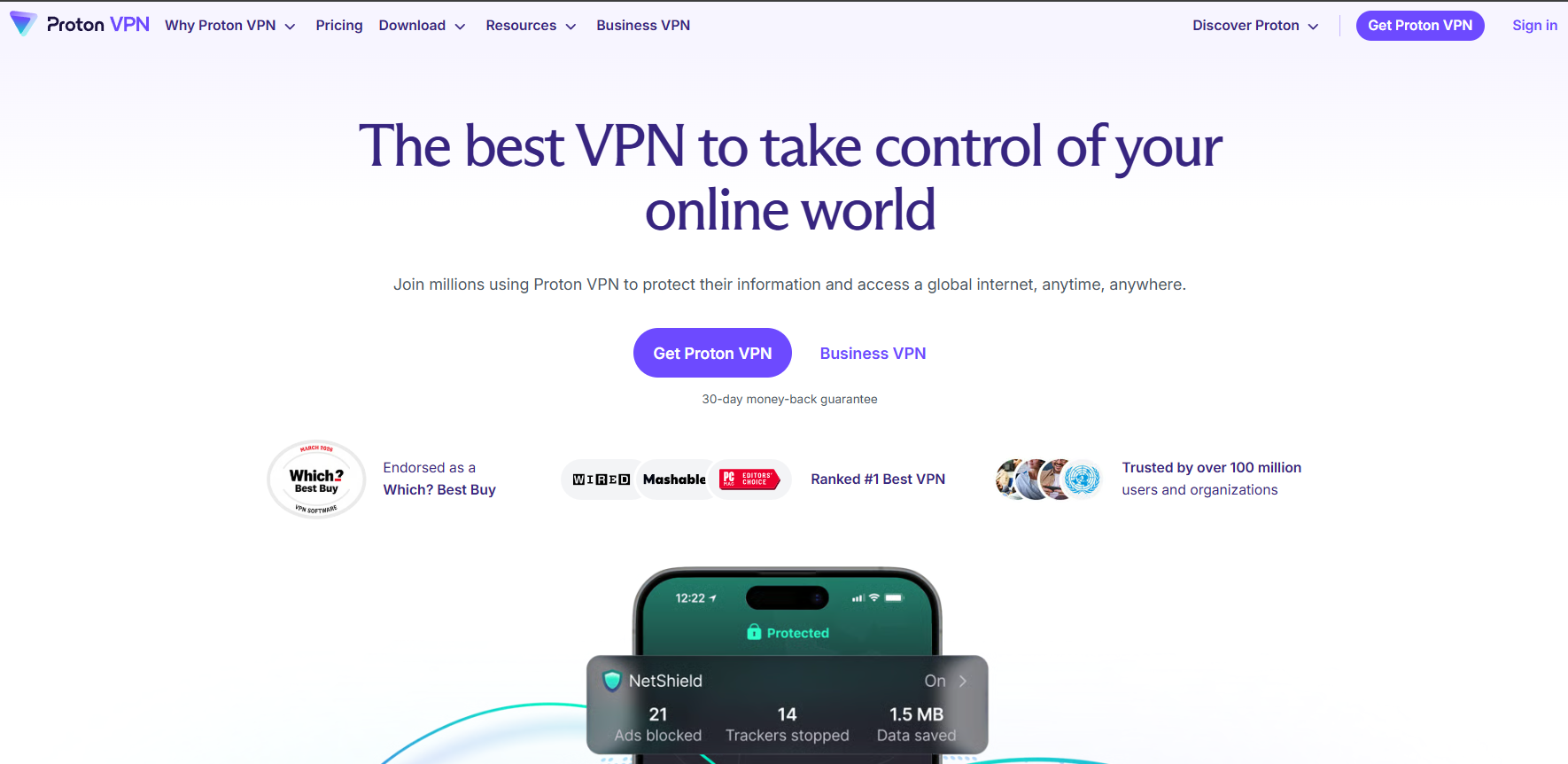
Proton VPN for Business brings privacy-first infrastructure to business VPN administration. Organizations get a central control panel for user management, dedicated servers with fixed IP addresses, and organization-wide security policy enforcement. The company's focus on encrypted infrastructure and no-logs architecture appeals to teams where data handling credibility is part of the product story.
Best for: SaaS companies that need business-grade VPN administration with strong privacy positioning and documented identity controls before an enterprise customer review.
Key features
- Central control panel with user roles and organization management
- Dedicated servers and static IP addresses
- SSO and SCIM (higher-tier plans)
- Organization-wide two-factor authentication enforcement
- Kill switch, split tunneling, and MDM compatibility
Why choose Proton VPN for Business: The combination of dedicated servers, enforced 2FA, and SCIM provisioning gives a lean IT function the controls needed to pass most access-control sections of a security questionnaire. VPN Professional requires at least one dedicated server, which adds to the monthly cost but also gives a fixed egress IP for allowlisting.
Proton VPN for Business pricing: VPN Essentials runs $6.99 per user per month. VPN Professional runs $9.99 per user per month plus $39.99 per dedicated server per month. VPN + Pass Professional runs $10.99 per user per month with the same dedicated server requirement. A 14-day free trial is available.
G2 rating: Proton VPN for Business holds a 4.3/5 on G2.
3. Perimeter 81
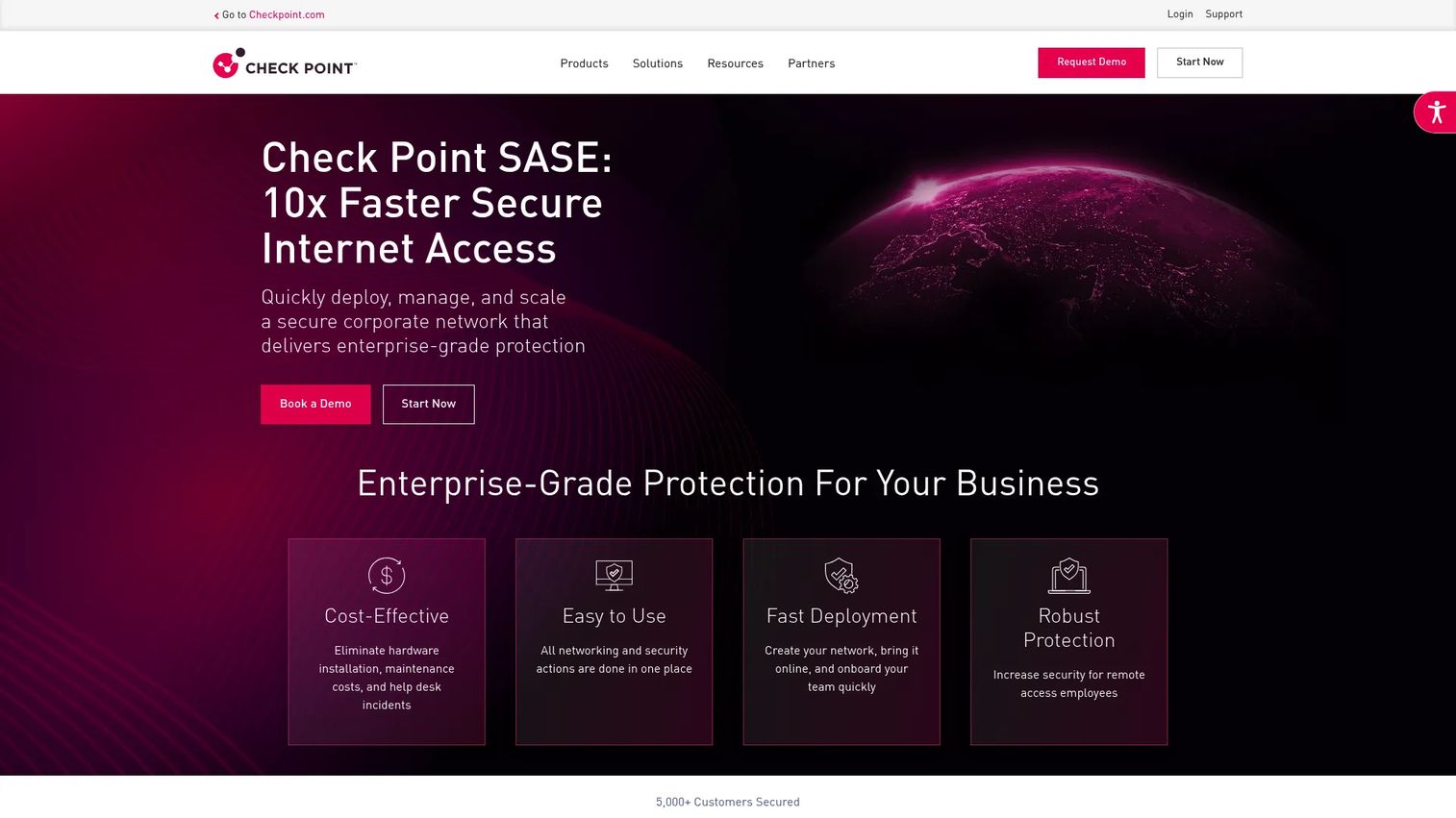
Perimeter 81 combines business VPN access with broader network security controls in a cloud management console. The platform covers private network access, dedicated static IPs, split tunneling, private DNS, a cloud firewall, and agentless application access. Teams managing multiple cloud environments or running hybrid on-premises setups often use it to consolidate remote access and security policy into a single admin layer.
Best for: Teams that want a VPN as part of a larger SASE or Zero Trust security program rather than a standalone encrypted tunnel.
Key features
- Private global network with encrypted tunnels
- Dedicated static IP addresses
- Split tunneling and private DNS
- Cloud firewall with network policies
- Agentless application access and device posture checks
Why choose Perimeter 81: It suits a founder who wants to consolidate remote access and network security policy administration before handing both to a new security hire. Validate the pricing tier required for device posture and agentless access before committing, since those controls often live on mid-to-upper plans.
Perimeter 81 pricing: Perimeter 81 lists four plan tiers (Essentials, Premium, Premium Plus, and Enterprise) with monthly and annual billing. Annual plans advertise up to 20% savings. Numeric prices require direct contact; reach out to their sales team for a quote at your headcount.
4. Twingate
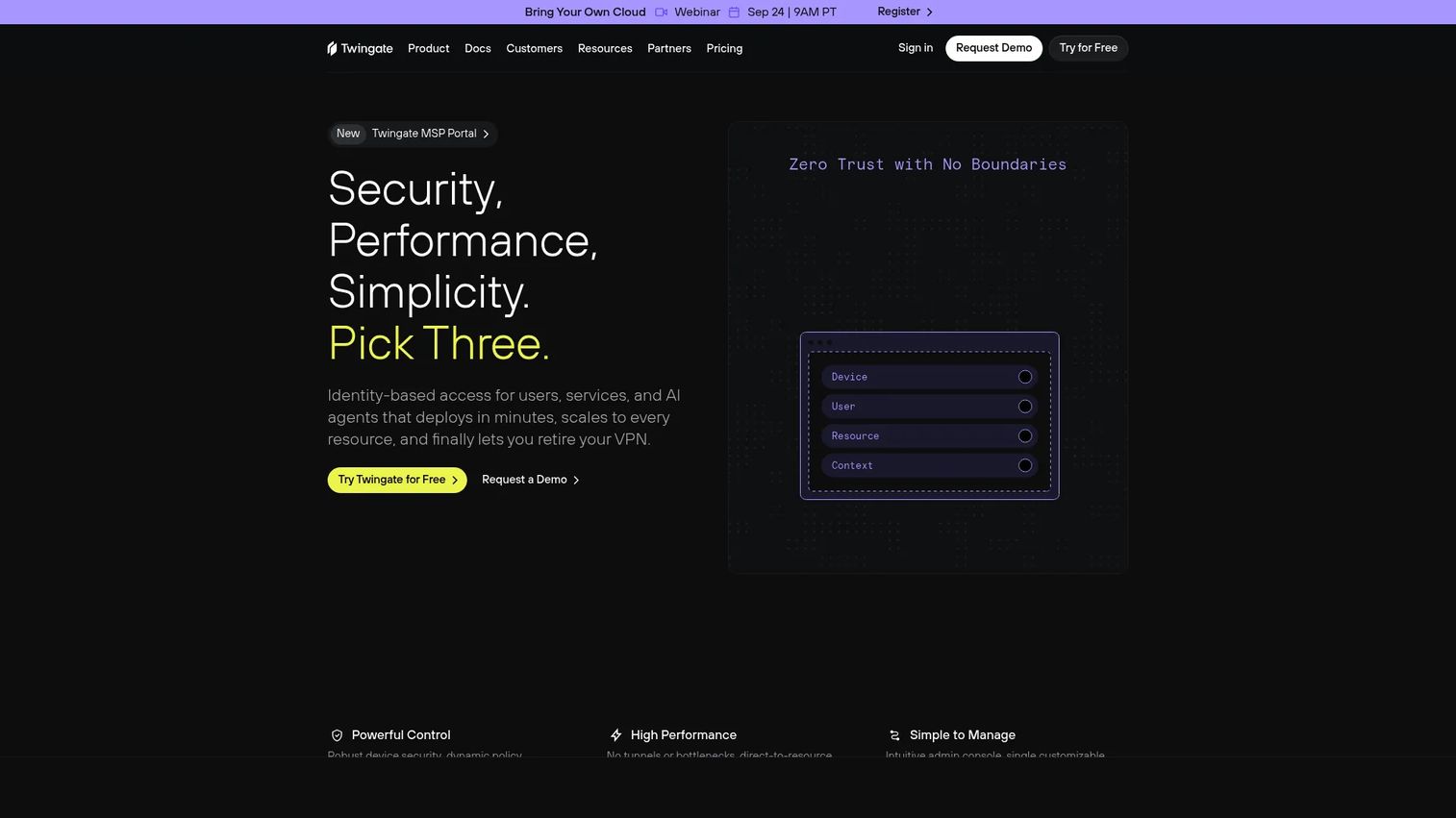
Twingate is a Zero Trust Network Access tool that lets teams grant employees and contractors access to specific internal resources without extending broad network access. The architecture uses resource-level policies tied to identity providers, device trust, and group membership. Infrastructure teams can automate connector deployment through Terraform, Kubernetes, and the Admin API, which makes Twingate a natural fit for engineering-driven organizations with application security testing software already in the stack.
Best for: Engineering-led SaaS teams replacing a traditional VPN with resource-specific Zero Trust controls to reduce lateral network exposure.
Key features
- Resource-level access controls with identity-based authorization
- Peer-to-peer encrypted connections with relay fallback
- Device posture checks and conditional access
- SSO and identity provider integrations
- Terraform, Kubernetes Operator, and Admin API automation
Why choose Twingate: It is the right choice when the problem is over-permissive network access, not basic remote connectivity. Evaluate connector architecture and migration effort before replacing an existing VPN; Twingate deploys as connectors alongside your private resources, which requires some initial engineering configuration.
Twingate pricing: Twingate offers a free Starter plan for up to five users. Teams plans start at $5 per user per month, Business plans at $10 per user per month (up to 500 users), and Enterprise pricing is custom. A 14-day trial is available on paid plans.
G2 rating: Twingate holds a 4.6/5 on G2 across 83 reviews.
5. FortiClient VPN
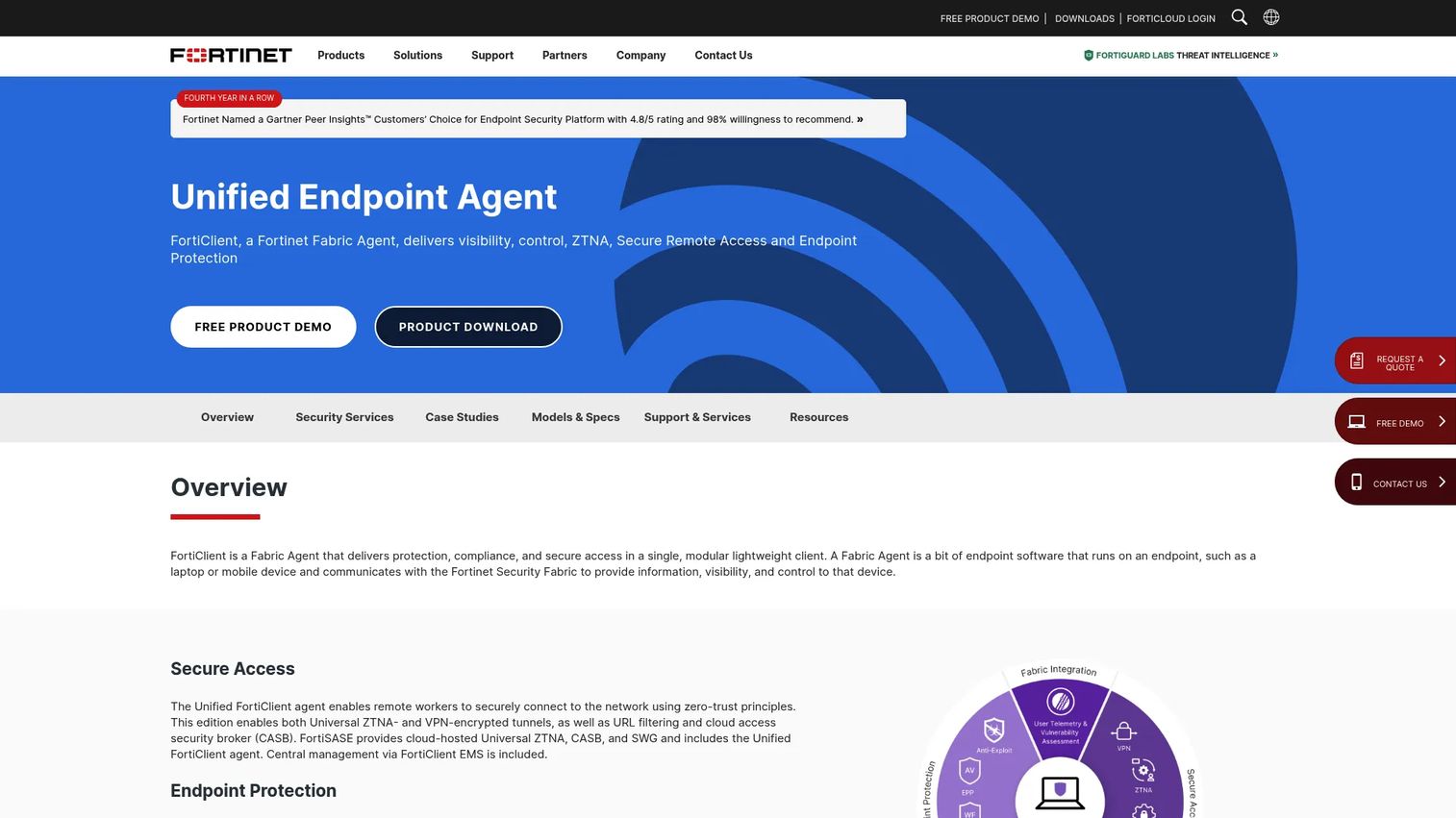
FortiClient VPN is a modular endpoint agent that provides secure remote access as part of the broader Fortinet Security Fabric. It supports SSL VPN and IPsec VPN tunnels, ZTNA with posture checks, and endpoint protection including antivirus and application firewall controls. The strongest case for FortiClient is when a company already runs FortiGate firewalls and FortiAuthenticator, since the remote access configuration follows the same policy model as the rest of the Fortinet environment.
Best for: Companies with existing Fortinet infrastructure that want remote access under the same security administration model, rather than a separate tool.
Key features
- SSL VPN and IPsec VPN with MFA support
- FortiGate firewall integration
- ZTNA with endpoint posture and conditional access
- Centralized management through Fortinet tools
- Security Fabric compatibility for endpoint telemetry
Why choose FortiClient VPN: This is largely a stack-fit decision. If the company already pays for FortiGate licensing, FortiClient VPN often comes as part of that investment. For teams without Fortinet infrastructure, starting with a standalone business VPN is usually a cleaner path than building into a new security vendor relationship.
FortiClient VPN pricing: Fortinet offers a free standalone VPN-only client. The full modular feature set, including ZTNA and endpoint protection, requires FortiClient EMS licensing, which is priced through Fortinet's enterprise agreement model. Contact Fortinet directly for current commercial terms.
G2 rating: FortiClient holds a 4.4/5 on G2.
6. Palo Alto GlobalProtect
Palo Alto GlobalProtect extends Palo Alto Networks security policies to mobile and remote workforces. The remote access client enforces the same threat prevention and policy inspection that runs on-premises through Palo Alto firewalls, and it connects to Prisma Access for cloud-delivered security. Identity-based access control, device posture assessment, and host information profile enforcement are core capabilities.
Best for: Security-mature SaaS companies already committed to Palo Alto Networks infrastructure who need remote access to follow the same policy model as their on-premises controls.
Key features
- VPN connectivity through Palo Alto firewalls
- Identity-based access control and authentication
- Device trust and host information profile enforcement
- Consistent security policy inspection for remote traffic
- Prisma Access compatibility for cloud-delivered security
Why choose Palo Alto GlobalProtect: The value is tightest when Palo Alto is the company's existing security standard. Deploying GlobalProtect in a non-Palo Alto environment requires building a new firewall relationship, which changes both the cost model and the administrative footprint significantly.
Palo Alto GlobalProtect pricing: GlobalProtect licensing runs through Palo Alto firewall capacity, subscription models, or Prisma Access enterprise terms. The pricing structure reflects the broader Palo Alto Networks stack rather than a standalone per-seat VPN model. Contact Palo Alto directly for applicable terms.
G2 rating: Palo Alto GlobalProtect holds a 4.5/5 on G2.
7. Cisco Secure Client
Cisco Secure Client is a unified endpoint security client combining VPN and ZTNA access, endpoint compliance, network visibility, and cloud management. Formerly known as AnyConnect, it is the standard remote access client for organizations standardized on Cisco networking and security. Licensing tiers cover Advantage, Premier, and VPN Only configurations, with complimentary use available through certain eligible Cisco solutions.
Best for: SaaS companies with Cisco firewalls, identity infrastructure, and security operations already in place, where operational consistency across remote access and network security matters more than standalone tool cost.
Key features
- Secure remote-access VPN and ZTNA
- Endpoint compliance and posture controls
- Network visibility and threat protection
- Management VPN tunnel for device administration
- Network Access Manager for wired and wireless authentication
Why choose Cisco Secure Client: This is an enterprise-stack decision. If Cisco is already the company's operational standard, Secure Client lets the security team manage remote access under the same policy, support model, and audit framework as the rest of the environment. For teams without Cisco infrastructure, the licensing model and implementation complexity favor starting with a purpose-built business VPN instead.
Cisco Secure Client pricing: Cisco prices Secure Client through enterprise licensing agreements covering Advantage, Premier, and VPN Only tiers. Complimentary use applies with certain eligible Cisco solutions. Contact Cisco directly for current commercial terms specific to your headcount and existing agreements.
G2 rating: Cisco Secure Client holds a 4.5/5 on G2 across 344 reviews.
Considerations when choosing a business VPN
Identity, provisioning, and offboarding
Check whether the tool integrates with your current identity provider (Microsoft Entra ID, Okta, Google Workspace) and whether provisioning and deprovisioning can be automated via SCIM. For a growing SaaS team, access revocation speed matters as much as access speed. A tool that requires manual offboarding steps creates risk every time someone leaves.
Access scope and network segmentation
Decide whether employees need full network access or connection to specific resources. A broad VPN tunnel suits many workflows, but resource-level access reduces lateral exposure if a credential is compromised. Check whether the tool supports both models, so the architecture can evolve without a full migration later. This connects directly to how best AI cybersecurity solutions teams approach threat surface reduction.
Device controls and endpoint fit
Verify operating-system coverage across the team's devices, including contractor-owned laptops and mobile devices. MDM compatibility and device posture checks become important when the team includes a mix of managed and unmanaged endpoints. A policy that assumes every endpoint is company-managed breaks quickly in a hybrid workforce.
Dedicated IPs and customer requirements
Ask early whether customers, cloud services, or internal systems require IP allowlisting. If they do, price dedicated IPs and fixed egress capacity into the decision from day one. Adding dedicated infrastructure after initial deployment often costs more and requires reconfiguring allow-lists downstream.
Cost at your next headcount milestone
Calculate the total cost at 50, 100, and 200 employees. Include seat minimums, required gateway infrastructure, identity integrations, and enterprise support tiers. A tool that looks affordable at 30 seats can become the highest line item in the IT budget by Series C if dedicated gateway and support costs aren't priced in upfront.
Conclusion
Each tool on this list fits a distinct operating model.
NordLayer suits a growing SaaS team that needs business VPN access now and wants a clear path toward more mature access controls without switching providers. Proton VPN for Business fits privacy-focused organizations that need central controls, enforced 2FA, and documented SSO before a customer security review. Perimeter 81 works for teams that want to consolidate remote access and network security policy under one console. Twingate is the right call when reducing lateral network exposure is the priority and the team is ready to move from network-level to resource-level access controls.
FortiClient VPN, Palo Alto GlobalProtect, and Cisco Secure Client each make the most sense when the company is already committed to that security vendor's broader stack. For teams without those existing investments, starting with a purpose-built business VPN is a cleaner path.
Start by mapping the resources employees need to reach, the identity provider already in use, and the access controls your next enterprise customer will ask about. Then choose the provider that fits the operating model you'll have at 100 employees, not the workaround that only works at 20. For more on building a security-conscious tech stack, see our roundup of best AI security posture management tools.
Start your journey with Guideflow today!
FAQs
The right choice depends on whether the team needs basic encrypted remote access, dedicated IPs, identity integration, or resource-level Zero Trust controls. NordLayer fits most early-stage SaaS teams well because of its five-user minimum, transparent pricing, and SSO support. Compare total cost at your current headcount and confirm SSO compatibility with your identity provider before committing.
A business VPN adds centralized user management, company-owned access policies, identity integrations, audit logging, and automated offboarding. A personal VPN focuses on an individual's connection privacy and location masking. The administration layer is the defining difference: A business VPN is managed by the organization, not configured by each user.
Early-stage teams need one as soon as employees or contractors access internal systems, cloud infrastructure, customer data, or restricted admin dashboards from outside a controlled network. Very small teams may start with identity controls and a password manager, then add managed remote access once security questionnaires or enterprise deals make the gap visible.
Zero Trust access is often stronger when the goal is reducing lateral network exposure. It evaluates identity and device context before granting access, then limits users to approved resources rather than the full network. Traditional VPNs remain useful for full network access requirements, site-to-site connectivity, and environments built around firewall-based remote access. Many teams run both models simultaneously during a transition period.
Encrypted connections, MFA enforcement, SSO, and a reliable client across operating systems are table stakes. Beyond those: Split tunneling to avoid routing all traffic through the VPN, a kill switch to block unencrypted traffic if the connection drops, device posture checks for managed endpoints, and centralized offboarding so access revocation doesn't require a manual checklist.
Most business VPN providers offer dedicated or static IP options at an additional cost. SaaS companies use dedicated IPs for allowlisting access to cloud consoles, protecting admin portals, reducing unknown-login alerts, and meeting enterprise customer IP restriction requirements. Build this cost into your evaluation from the start if IP allowlisting is on your roadmap.
Pricing is typically per user per month, but total cost grows with seat minimums, dedicated gateway infrastructure, static IPs, device posture features, identity integrations, and premium support. NordLayer starts at $8 per user per month on annual billing with a five-user minimum. Proton VPN for Business starts at $6.99 per user per month. Twingate's Teams plan starts at $5 per user per month, with a free tier for up to five users. Perimeter 81, Palo Alto GlobalProtect, and Cisco Secure Client all require direct contact for pricing. Calculate the cost at 50, 100, and 200 employees to avoid surprises at the next headcount milestone.
A business VPN addresses several common sections: Encrypted remote access, centralized access management, MFA enforcement, audit logs, IP controls, and documented offboarding processes. It strengthens responses on those dimensions but does not replace a broader security program. No VPN product makes a company compliant with a regulation or security framework; it contributes to controls that support compliance and reduces the number of gaps a customer's security team will flag. For related evaluation context, see the best business intelligence software and access review software roundups for how other tool categories support a complete security posture.