Running a repair shop on paper, spreadsheets, or disconnected tools costs more than most owners realize. Jobs get missed. Parts go untracked. Invoices sit unsent while the customer waits for a callback nobody made. The friction compounds quietly until cash flow suffers and customer retention drops.
The garage management software market tells the story: Valued at USD 0.48 billion in 2025 and forecast to reach USD 1.33 billion by 2035 at a 9.8% CAGR, according to Business Research Insights (2026). That growth reflects a straightforward reality: Shops that digitize job tracking, scheduling, invoicing, and inventory run faster and collect faster.
The question is which platform fits your operation. An all-in-one workshop management system works differently from an accounting-first tool, and a platform built for a single bay runs differently from one designed for multi-location operators. This guide cuts through the noise.
What's inside
This guide covers seven workshop software tools for 2026, ranked by workflow fit. It is written for shop owners, operations leads, and anyone evaluating automotive workshop management software for the first time or switching from an existing platform.
Tools were selected based on:
- Job tracking and work order management depth
- Scheduling, customer communication, and invoicing coverage
- Inventory control and parts ordering capability
- Integration quality with accounting, payments, and reporting tools
- Mobile access for technicians and managers
TL;DR
- Best overall for full workshop management: Workshop Software handles job tracking, inspections, payments, and analytics in one place
- Best for high-rated shop management: AutoLeap leads on G2 at 4.8/5 and covers modern shop workflows end to end
- Best for repair order workflow control: Shop-Ware earns a 4.9/5 G2 rating with strong process discipline and AI parts tools
- Best for budget-conscious shops: ARI starts at $39.99/month with a free tier limited to 5 invoices
- Best for parts-heavy operations: NAPA TRACS is built around electronic parts ordering and inventory depth
- Best for accounting-first shops: QuickBooks Online handles bookkeeping and invoicing for shops that pair it with a dedicated workshop tool
What is workshop software
Workshop software is a management platform that helps auto repair shops and garages run the full service cycle from customer booking through job completion and payment collection.
Most shop owners buy a workshop management system to replace scattered workflows: Paper job cards, whiteboard scheduling, emailed invoices, and phone-tag with customers about parts status.
Core capabilities to look for:
- Job tracking and work orders: Create, assign, and progress repair jobs with status visibility across the shop
- Scheduling and bay management: Book appointments, allocate bays, and manage technician workloads
- Quoting and invoicing: Generate estimates, get customer approvals, and send professional invoices
- Customer communication: Automated reminders, status updates, and digital vehicle inspection reports
- Inventory and parts tracking: Monitor stock levels, reorder parts, and track usage per job
- Vehicle history: Maintain service records per vehicle and customer
- Digital vehicle inspection (DVI): Photo and video inspection reports sent directly to customers
- Integrations: Connect with accounting software, payment processors, and parts suppliers
- Mobile access: Give technicians and managers access from phones or tablets on the shop floor
- Reporting and analytics: Track revenue, job completion rates, and shop performance over time
The best automotive workshop management software closes the gap between what happens in the shop and what shows up in your numbers.
When to use workshop software
Onboard new jobs faster
When booking requests come in through multiple channels and jobs land on paper before someone transcribes them, delays stack up before a car even enters a bay. Workshop software centralizes booking, auto-generates work orders, and routes jobs to technicians without manual handoffs. Shops that move from paper job cards to a digital workflow typically eliminate the transcription step entirely.
Track parts and inventory accurately
Parts shortages cause job delays. Ordering the wrong quantity ties up cash. When your shop handles frequent parts orders across multiple bays, a dedicated inventory module tracks stock levels, flags reorder points, and connects to supplier catalogs. That matters especially in shops where parts cost is a significant share of total job value.
Improve customer communication and payment flow
Most customers want to know when their car is ready before they call to ask. Automated status updates, digital inspection reports with photos, and online payment links reduce inbound calls and speed up cash collection. Shops that switch to digital invoicing and integrated payments report fewer days outstanding on unpaid invoices.
Workshop software comparison
Use this table for fast shortlist building. Pricing and G2 ratings reflect verified figures from vendor pricing pages and G2 listings as of August 2026. Confirm current figures at time of purchase.
| # | Product | Best for | Key differentiator | Pricing | G2 rating |
|---|---|---|---|---|---|
| 1 | Workshop Software | Full shop workflow management | All-in-one: Jobs, inspections, payments, analytics | From $99/mo | 4.0/5 |
| 2 | AutoLeap | Modern shop management | High-rated platform with DVI and parts ordering | From $179/mo | 4.8/5 |
| 3 | Shop-Ware | Repair order workflow control | AI Parts Matrix and DVX inspection workflow | From $279/mo | 4.9/5 |
| 4 | Shop Boss | Independent shop operations | Unlimited users and repair orders on every plan | From $199/mo | 4.3/5 |
| 5 | ARI | Budget-conscious shops | Lowest entry price with free tier available | From $39.99/mo | 4.6/5 |
| 6 | NAPA TRACS | Parts-heavy repair shops | Electronic parts ordering and inventory depth | From $109/mo | 4.2/5 (Capterra) |
| 7 | QuickBooks Online | Accounting-first shops | Bookkeeping, invoicing, and bank reconciliation | From $3.80/mo | 4.0/5 |
Best 7 workshop software for 2026
1. Workshop Software
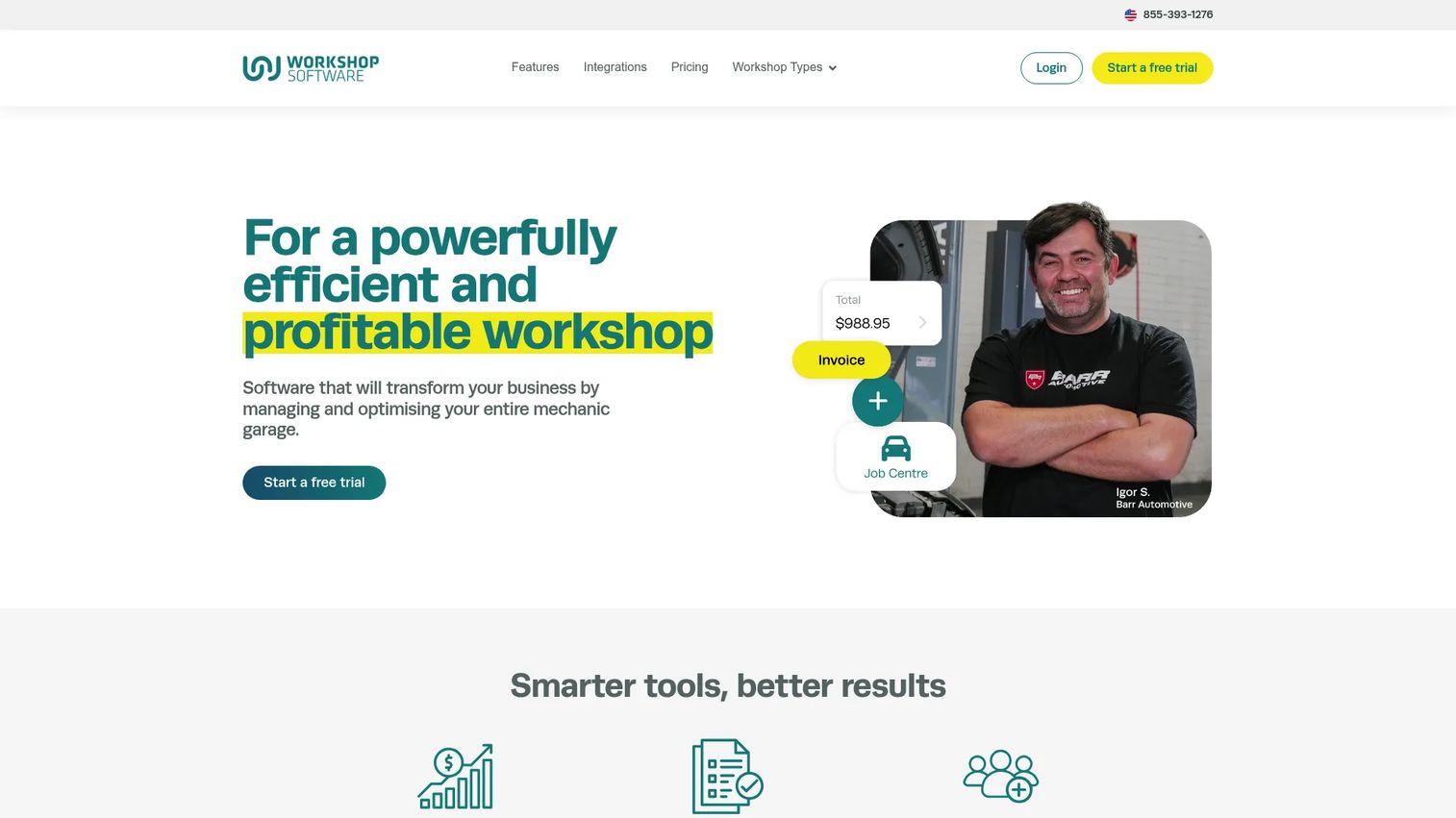
Workshop Software is an all-in-one automotive workshop management platform covering the complete service workflow from booking through payment. It bundles job management, digital vehicle inspections, customer communication, integrated payments via WorkshopPay, and analytics reporting under one system. The platform also includes a branded website tool for shops that want an online presence connected to their booking flow.
Best for: Workshops that want a single command center for jobs, customers, inspections, and revenue reporting.
Key strengths
- Job centre: Full work order creation, assignment, and status tracking
- Digital inspections: Photo-based inspection reports sent to customers
- WorkshopPay: Integrated payment processing within the platform
- WorkshopData reporting: Revenue and performance analytics dashboards
- Mobile app: Manager and technician access from phones and tablets
Why choose Workshop Software: If your shop needs job management, inspections, payments, and analytics without stitching together multiple tools, Workshop Software covers all four. It suits shops that want operational visibility without juggling separate software for each function.
Workshop Software pricing: Plans run $99/month for Silver, $149/month for Gold, and $249/month for Platinum, all billed monthly. No free tier is available, but a free trial is offered.
Workshop Software holds a 4.0/5 rating on G2 from 7 reviews.
2. AutoLeap
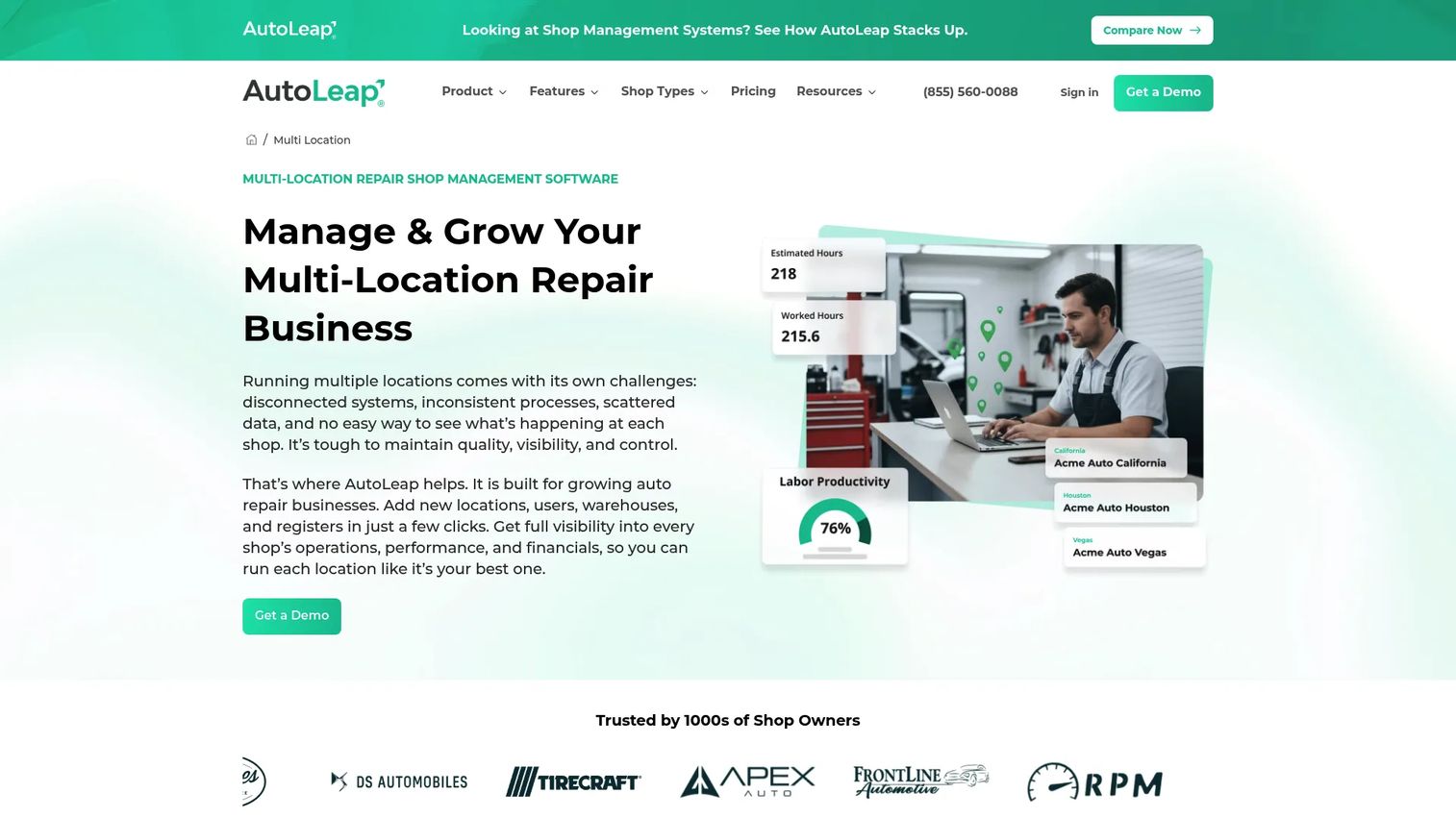
AutoLeap is a cloud-based auto repair shop management platform with strong ratings and a comprehensive feature set covering work orders, digital vehicle inspections, customer communication, parts ordering, and integrated payments. It is one of the more modern platforms in the category, designed for shops that want a structured digital workflow without a heavy implementation process.
Best for: Auto repair shops that want a high-rated, full-featured platform with strong inspection and parts ordering tools.
Key strengths
- Work order management: Full job lifecycle from estimate to invoice
- Digital vehicle inspections (DVI): Photo and video inspection reports
- Parts ordering: Supplier integration for in-platform parts purchasing
- Customer communication: Automated texts and status updates
- Mobile access: Technician and manager app for shop floor use
Why choose AutoLeap: AutoLeap earns the highest G2 rating in this list at 4.8/5. Shops that want a well-reviewed platform with modern inspection tools and integrated parts ordering will find it covers the core workflow without leaving gaps.
AutoLeap pricing: The Essentials plan runs $179/month, Pro is $309/month, and Elite is $409/month, all billed monthly. Enterprise pricing is custom. AutoLeap does not offer a free trial.
AutoLeap holds a 4.8/5 rating on G2.
3. Shop-Ware
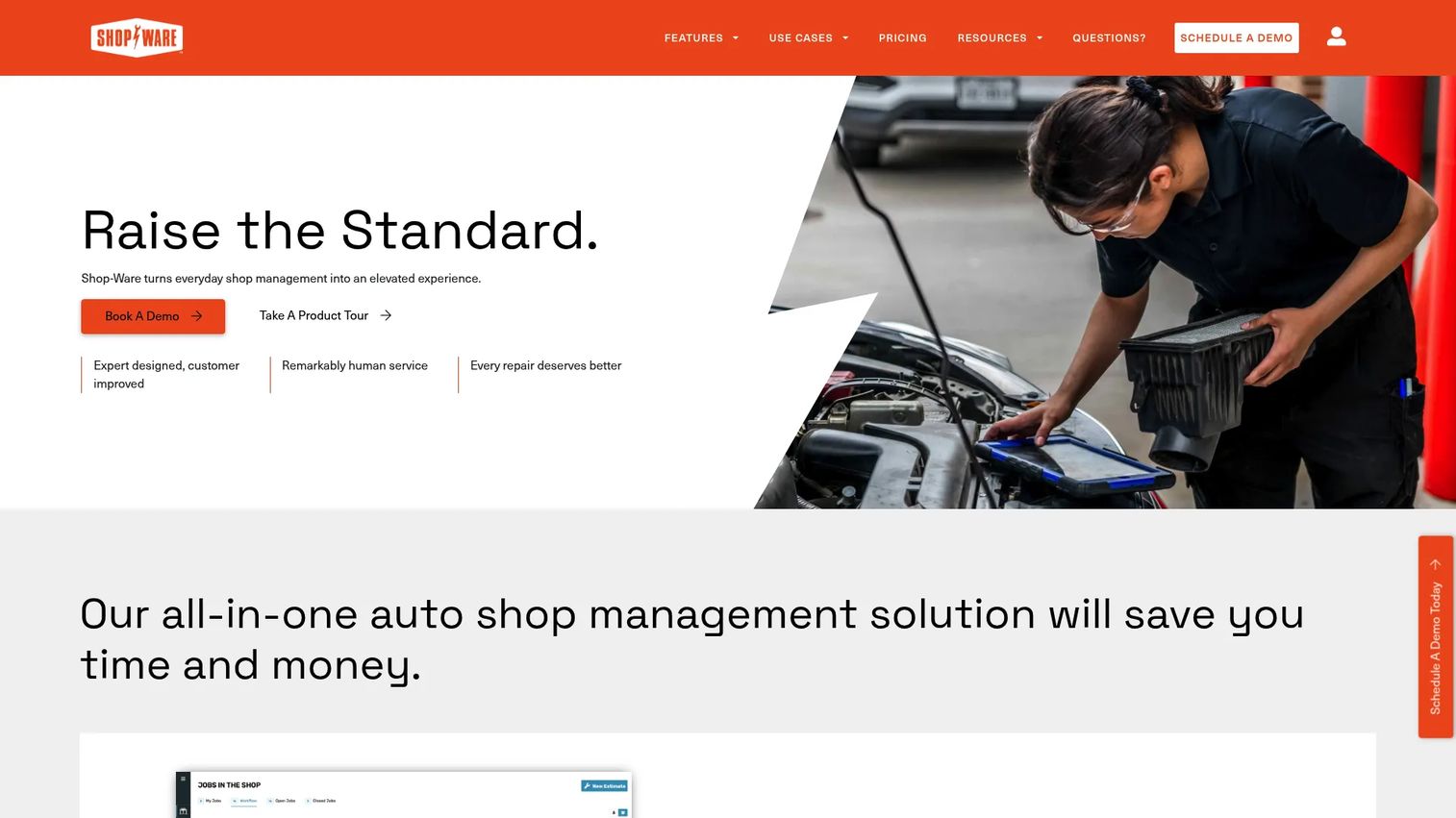
Shop-Ware is an auto repair shop management platform built around workflow discipline and repair order visibility. Its Digital Vehicle Experience (DVX) lets shops deliver inspection results with photos and video directly to customers, while the AI Parts Matrix automates parts pricing to protect margins. Integrated texting and payments keep communication and cash collection inside the platform.
Best for: Independent shops and multi-location operators that want detailed repair order control and strong process visibility.
Key strengths
- Digital Vehicle Experience (DVX): Customer-facing inspection delivery with photos and video
- AI Parts Matrix: Automated parts pricing with margin protection built in
- Repair order workflow: Stage-by-stage job progression with team visibility
- Integrated payments and texting: Communication and payment in one place
- Reporting tools: Shop performance analytics across jobs and revenue
Why choose Shop-Ware: Shop-Ware earns a 4.9/5 on G2 across 41 reviews, the highest-rated tool in this list. It suits shops where process control, margin management on parts, and customer-facing inspection quality are the primary buying criteria.
Shop-Ware pricing: The Startup plan is $279/month, Pro is $389/month, Master is $499/month, and Ultimate+ is $999/month, all billed monthly. An annual billing option with a discount is also available. No free tier is offered.
Shop-Ware holds a 4.9/5 rating on G2.
4. Shop Boss
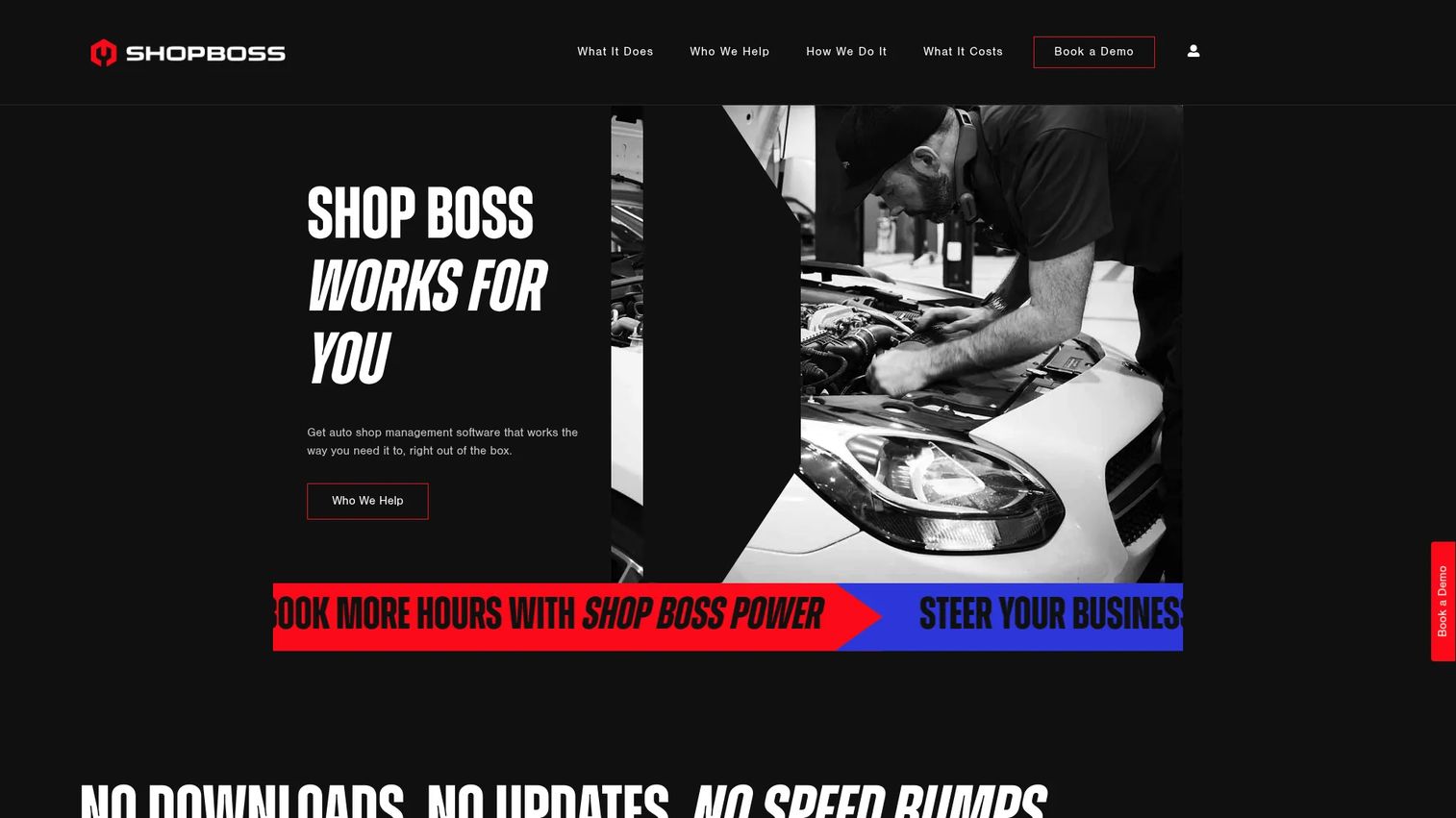
Shop Boss is a web-based shop management system designed for independent repair operations. Every plan includes unlimited repair orders and unlimited users, which removes the per-seat pricing concern that affects growing shops. It covers vehicle history, integrated parts ordering, digital inspections, and a scheduling dashboard from a single login.
Best for: Independent auto repair shops that need unlimited users and repair orders without per-seat pricing.
Key strengths
- Unlimited repair orders and users: No caps on any plan tier
- Integrated parts ordering: Supplier access within the platform
- Vehicle history: Full service record per vehicle and customer
- Digital vehicle inspections: Photo-based inspection workflow
- Scheduling dashboard: Bay and technician scheduling with job visibility
Why choose Shop Boss: The unlimited-user model makes Shop Boss a practical pick for shops with multiple technicians who need system access without adding per-seat cost. It covers the core shop workflow without requiring add-on modules for basic functions.
Shop Boss pricing: The Gold plan starts at $199/month, Platinum is $349/month, Premier is $449/month, and Premier Plus is $649/month, all billed monthly. Annual pricing is also available on each plan. No free tier is offered.
Shop Boss holds a 4.3/5 rating on G2.
5. ARI
ARI (Auto Repair Software) is an affordable shop management tool aimed at independent garages, mobile mechanics, and single-technician operations. It covers estimates, invoices, job cards, vehicle inspections, client records, appointment booking, service reminders, inventory tracking, and payment processing in a mobile-friendly interface. The entry price point and free tier make it accessible for shops that want to go digital without a large upfront commitment.
Best for: Independent shops and mobile mechanics that want an affordable all-in-one tool with a free entry point.
Key strengths
- Invoicing and estimates: Full estimate-to-invoice workflow with job cards
- Inspection support: Digital inspection reports within the platform
- Client portal and booking page: Customer self-booking with automated reminders
- Inventory tracking: Parts and stock management per job
- Mobile-friendly workflow: Designed for use on phones and tablets in the field
Why choose ARI: ARI is the most affordable option in this list and the only one with a free tier. The free plan covers up to 5 invoices, estimates, inspections, clients, and vehicles, which works for shops testing the platform before committing. At $39.99/month for ARI Pro, it suits budget-conscious independent shops that need a complete workflow without enterprise pricing.
ARI pricing: A free tier is available with a limit of 5 invoices, estimates, inspections, clients, vehicles, and items. ARI Pro costs $39.99/month (or $33.33/month billed annually at $399.99/year). ARI Pro Plus costs $59.99/month (or $49.99/month billed annually at $599.99/year).
ARI holds a 4.6/5 rating on G2.
6. NAPA TRACS
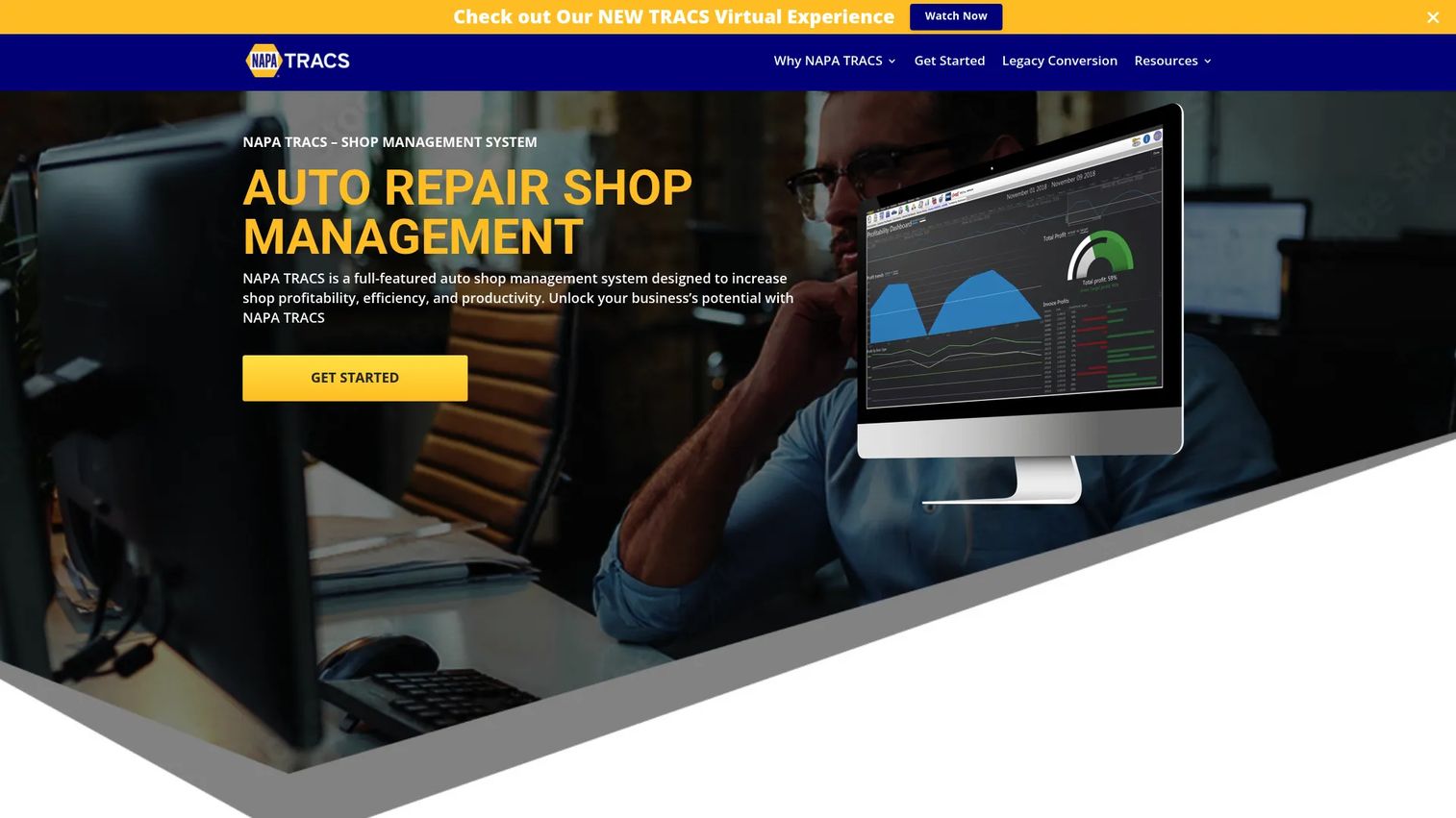
NAPA TRACS is a shop management platform backed by NAPA Auto Parts, built with a strong emphasis on parts ordering, inventory management, and repair workflow. Shops that rely on NAPA's supplier network get direct integration between parts lookup and their repair orders. The platform covers estimates, invoices, customer history, and reporting alongside its core parts and inventory capabilities.
Best for: Auto repair shops where parts ordering accuracy and inventory depth are central to daily operations.
Key strengths
- Electronic parts ordering: Direct supplier integration for NAPA and other catalogs
- Unlimited estimates and invoices: No cap on transaction volume
- Inventory management: Stock tracking and parts usage per repair order
- Customer communication: Service reminders and history tracking
- Reporting: Shop performance and revenue history
Why choose NAPA TRACS: Shops that already source parts through NAPA's network benefit from tight catalog integration that reduces ordering errors and manual lookup time. It suits operations where parts management is the workflow bottleneck rather than customer communication or inspection delivery.
NAPA TRACS pricing: Silver is $109/month, Gold is $219/month, and Gold Plus is $249/month, all billed monthly. No free tier is available.
NAPA TRACS holds a 4.2/5 rating on Capterra. A G2 rating was not available at time of publication.
7. QuickBooks Online
QuickBooks Online is a cloud accounting platform widely used by small and mid-sized businesses, including auto repair shops that need reliable bookkeeping, invoicing, and financial reporting. It is not a dedicated workshop management system and does not handle job cards, digital inspections, or bay scheduling. Shops that use QuickBooks Online typically pair it with a workshop platform that handles the operational side, then connect the two via integration.
Best for: Shops that need a trusted accounting layer for bookkeeping, invoicing, and cash-flow management alongside a separate workshop tool.
Key strengths
- Automated bookkeeping and bank feeds: Reconcile accounts without manual entry
- Invoicing and payments: Send invoices and accept payments from customers
- Reports and forecasting: Profit and loss, cash flow, and tax reporting
- Inventory tracking: Basic inventory available on Plus and Advanced plans
- App integrations: Connects with workshop platforms, payroll, and CRM tools
Why choose QuickBooks Online: If your shop already has a workshop management system for job tracking and inspections, QuickBooks Online handles the accounting side cleanly. Its integration library means most workshop platforms can push invoice and payment data directly into it, reducing double entry. It's not a standalone workshop tool, but it's the accounting layer most shops eventually need.
QuickBooks Online pricing: Plans are currently discounted at $3.80/month for Simple Start, $8.50/month for Essentials, $14/month for Plus, and $34/month for Advanced, each reflecting a 90% promotional discount for the first three months. Standard rates apply after the promotional period. No free tier is available.
QuickBooks Online holds a 4.0/5 rating on G2.
Considerations
Does it cover your full workflow?
Start by mapping your current process from booking to cash collection. A tool that handles estimates and invoicing but skips job status tracking or digital inspections will leave gaps you'll patch with spreadsheets. Confirm that scheduling, work orders, customer communication, and payment collection are all native rather than requiring separate add-ons.
How strong are the integrations?
Your workshop platform doesn't operate in isolation. Accounting sync with QuickBooks or Xero, payment processor connections, parts supplier catalogs, and CRM or communication tools all affect daily efficiency. Ask vendors specifically which integrations are native versus requiring a third-party connector, and check whether data flows both ways.
Does the mobile experience hold up on the shop floor?
A mobile app that works at a desk but lags on a phone held in a greasy hand isn't shop-ready. Technicians need fast access to job cards, inspection checklists, and parts status without navigating complex menus. Request a mobile demo and test it on the device your team actually uses.
Can your team maintain it without IT support?
Configuration complexity varies significantly across these platforms. Some tools are ready to use within a day; others require setup, training, and ongoing data hygiene to stay accurate. Ask about the onboarding process, support response times, and what happens to your data if you switch platforms later.
Does reporting help you make actual decisions?
Basic revenue reports are table stakes. The more useful question is whether the platform surfaces job completion rates, average repair order value, technician productivity, and parts margin in a format you can act on weekly. Evaluate dashboards by asking whether they would change how you run the shop, not just confirm what you already know.
Conclusion
Workshop software is not a single category. It ranges from lightweight accounting tools to full-stack shop management platforms with inspection delivery, parts ordering, and integrated payments.
For most shops running repair jobs daily, Workshop Software and AutoLeap cover the broadest workflow. Shop-Ware earns the highest G2 rating and suits operations where process control and parts margin management matter most. Shop Boss works well for shops that need unlimited users without per-seat cost. ARI is the practical starting point for independent operators on a tight budget. NAPA TRACS fits parts-heavy shops already working within the NAPA supplier network. QuickBooks Online belongs in the stack as the accounting layer, paired with a dedicated workshop platform.
The right move is to shortlist two or three tools based on your primary workflow gap, then book a demo or start a trial. Most vendors on this list offer free trials or demos. Take the time to test the mobile experience and run through a real job from booking to invoice before committing.
Start your journey with Guideflow today!
FAQs
Workshop software helps auto repair shops manage the complete service workflow: Booking appointments, creating and tracking repair jobs, ordering parts, sending estimates for customer approval, generating invoices, processing payments, and maintaining vehicle service history. Most platforms also include digital vehicle inspection tools that let technicians send photo reports to customers.
Job tracking and invoicing are the core functions most shops need first. Beyond those, digital vehicle inspections, customer communication automation, and parts ordering depth determine how much manual work the platform eliminates. Reporting and analytics matter more as a shop scales and needs data to manage technician productivity and revenue per job.
Entry-level workshop platforms start around $39.99 to $109/month for basic functionality. Mid-range tools covering full job management, inspections, and parts ordering typically run $179 to $389/month. Comprehensive platforms with advanced analytics, AI parts pricing, or unlimited seats reach $499 to $999/month. QuickBooks Online sits lower because it handles accounting only, not shop operations.
Workshop software manages the operational side of a repair shop: Job cards, technician assignments, digital inspections, bay scheduling, and customer communication. Accounting software handles bookkeeping, bank reconciliation, tax reporting, and financial statements. Most shops use both, either choosing a workshop platform with built-in accounting features or pairing a dedicated workshop system with QuickBooks Online via integration.
Most platforms on this list offer mobile access, though the depth varies. Some provide full technician apps with job card updates, inspection checklists, and parts lookup. Others offer a mobile-optimized browser view rather than a native app. Test the mobile experience on the device your technicians actually use before choosing a platform.
Yes. Most full-featured workshop platforms include inventory tracking that monitors stock levels, records parts used per job, and flags reorder points. NAPA TRACS goes further with direct electronic parts ordering tied to supplier catalogs. ARI and Shop Boss also include inventory modules within their base plans.
ARI is the most accessible starting point for small or solo operations, with a free tier capped at 5 invoices and a paid plan from $39.99/month. Workshop Software's Silver plan at $99/month covers more workflow depth for shops ready to invest in a fuller system. Shop Boss suits small shops with multiple technicians because its unlimited-user pricing avoids per-seat costs as the team grows.
The decision comes down to where your biggest operational gap is. If scheduling, job tracking, and inspection delivery are broken, an all-in-one platform like AutoLeap or Shop-Ware solves those problems directly. If your shop workflow is already organized but your bookkeeping and invoicing are messy, QuickBooks Online paired with a lightweight workshop tool may be the faster fix. Most established shops end up with both, connected via integration.