Your AI features are only as good as the data and tools they can reach. That gap between "we have an LLM" and "our AI actually works in production" is almost always an integration problem. According to MuleSoft's 2025 Connectivity Benchmark Report, 95% of IT leaders say integration is a hurdle to implementing AI effectively, and the average organization manages 897 applications. Getting those systems to talk to each other, safely and reliably, is what separates shipped AI products from long roadmap items.
The term "AI integration platform" covers at least five distinct categories: Data pipelines for model and analytics data, API and iPaaS platforms for enterprise workflows, agent integration middleware for tool calling, real-time streaming infrastructure, and lakehouse or warehouse layers for governed access. Picking the wrong category is as costly as picking the wrong vendor.
This guide cuts through that category confusion for product managers and platform teams who need a clear shortlist, not a Wikipedia survey.
What's inside
This guide evaluates 15 AI integration platforms across data integration, iPaaS, agent middleware, workflow automation, streaming, and lakehouse categories.
- Who it's for: Product managers, platform engineers, data PMs, and AI product teams building or evaluating AI infrastructure
- Selection criteria: Connector coverage and depth, governance and access controls, developer and PM experience, AI agent support, pricing transparency
- What you'll decide: Which integration layer fits your AI roadmap and which platforms to shortlist for a proof of concept
TL;DR
- Best for governed AI data access: Dremio excels when your bottleneck is giving AI systems trusted, queryable access to enterprise data without duplicating it
- Best for enterprise API integration: MuleSoft is the right call when API governance and legacy system connectivity drive the requirement
- Best for AI agent tool calling: Composio handles managed auth and tool execution so your agents can act reliably across third-party apps
- Best for embedded SaaS integrations: Nango covers OAuth, syncs, and unified integration infrastructure for product-native use cases
- Best for ELT pipelines: Fivetran (fully managed) or Airbyte (open-source flexibility) depending on your team's ownership appetite
- Best for real-time AI data streams: Confluent wins when batch pipelines are too slow and your AI features depend on live events
What is an AI integration platform?
An AI integration platform connects AI systems to the data, APIs, applications, workflows, and governance layers they need to act safely in production.
The category spans several distinct platform types. Each solves a different architectural problem:
Data integration platforms move data between sources and destinations: Warehouses, lakehouses, and analytics stacks. Tools here handle connectors, schema drift, replication schedules, and pipeline observability.
API and iPaaS platforms connect enterprise applications through APIs, manage workflow orchestration across systems like ERP, CRM, and finance, and enforce governance policies on API traffic.
Agent integration platforms give AI agents authenticated, rate-limited, observable access to external tools. They handle OAuth, credential refresh, tool execution, retries, and logging so agents don't break when third-party APIs behave unexpectedly.
Workflow automation platforms execute business process logic across SaaS apps, internal tools, and legacy systems. Some are low-code for business users; others are code-first for engineering teams.
Streaming and event platforms deliver real-time data to AI systems. When inference or personalization needs to react to user behavior or transactions as they happen, streaming infrastructure closes the latency gap that batch pipelines can't.
Lakehouse and warehouse platforms provide governed, high-performance query access to enterprise data. They act as the foundation for AI features that need to read trusted data at scale without duplicating every dataset into a new store.
Key capabilities to evaluate
- Prebuilt connectors and their actual coverage depth (not just count)
- Authentication and token handling, including credential refresh
- Data movement, transformation, and schema drift handling
- Agent tool calling, execution logs, and retry behavior
- Rate limit management and observability into failures
- Governance controls: Role-based access, audit logs, data masking
- Deployment model: Cloud-managed, self-hosted, or hybrid
- Integration with your existing analytics and CRM stack
What an AI integration platform is not
Standalone BI dashboards, LLM models, documentation tools, and standalone analytics products are not AI integration platforms unless they provide integration infrastructure. Categorizing them here creates procurement confusion and wastes evaluation time.
When to use AI integration platforms
Connect AI features to product and customer data
Product teams building personalization, churn prediction, or support deflection features need governed access to warehouse, CRM, billing, and usage data. The question is not whether the data exists, it's whether the AI system can reach it without a custom pipeline that engineering has to maintain every release cycle. Data and lakehouse platforms solve for this layer: They give AI systems a stable, queryable interface to enterprise data without copying every dataset.
Give AI agents safe access to tools
AI agents break when their integrations are brittle. If an OAuth token expires, a rate limit gets hit without a retry strategy, or a tool call fails silently, the agent either stops working or produces wrong output. Agent integration platforms handle the authentication layer, execution observability, and error recovery so engineering teams aren't debugging credential issues instead of building product features.
Automate workflows across business systems
Product teams often own workflows that cross CRM, support, finance, product analytics, and lifecycle systems. Building those connections from scratch is expensive and hard to maintain as systems change. iPaaS and workflow automation platforms provide prebuilt connectors and visual or code-first builders that let teams ship cross-system automations without custom API code for every integration.
AI integration platforms comparison
The table below compares platform fit by primary use case, not just feature count. Choose based on what integration layer you're actually buying.
| # | Product | Best for | Key differentiator | Pricing | G2 rating |
|---|---|---|---|---|---|
| 1 | Dremio | Governed AI data access | Lakehouse query layer with Apache Iceberg and semantic layer | From $0.20/DCU; free trial | 4.6/5 |
| 2 | MuleSoft | Enterprise API integration | API-led connectivity with unified governance | From $2K/month | 4.4/5 |
| 3 | Boomi | Enterprise iPaaS | Broad integration, API management, and agent orchestration | From $99/month + usage | 4.4/5 |
| 4 | Microsoft Power Automate | Microsoft stack automation | Low-code workflows across 1,400+ connectors | From $15/user/month | 4.4/5 |
| 5 | AWS Bedrock AgentCore | AWS-native agent infrastructure | Serverless agent runtime with enterprise security | From $0.005/1,000 invocations | 4.3/5 |
| 6 | Composio | AI agent tool calling | Managed auth, 1,500+ tools, MCP support | Free; Pro from $29/month | 4.9/5 |
| 7 | Nango | Embedded SaaS integrations | OAuth, sync, 1,000+ APIs, open-source | Free; Pay-as-you-go from $50/month | 4.5/5 |
| 8 | Informatica | Enterprise data governance | AI-powered data management cloud with 300+ connectors | Consumption-based; free data loader | 4.2/5 |
| 9 | Fivetran | Managed ELT pipelines | Automated connectors with schema drift handling | Free tier; usage-based paid plans | 4.4/5 |
| 10 | Airbyte | Open-source data connectors | Custom connector builder with flexible deployment | From $10/month | 4.4/5 |
| 11 | Databricks | Unified AI and data lakehouse | Data engineering, ML, and governance on one platform | From $0.07/DBU | 4.6/5 |
| 12 | Snowflake | Governed AI data cloud | Enterprise data sharing and Cortex AI services | Consumption-based; 30-day free trial | 4.6/5 |
| 13 | Confluent | Real-time AI data streams | Managed Kafka with stream governance and Tableflow | Free; Standard from \~$385/month | 4.3/5 |
| 14 | Prefect | Python workflow orchestration | Python-native scheduling, retries, and observability | Free (Hobby); paid from $100/month | 4.5/5 |
| 15 | n8n | Open-source workflow automation | Visual builder with self-hosting and AI agent support | From 20€/month (annual) | 4.7/5 |
Best 15 AI integration platforms for 2026
1. Dremio
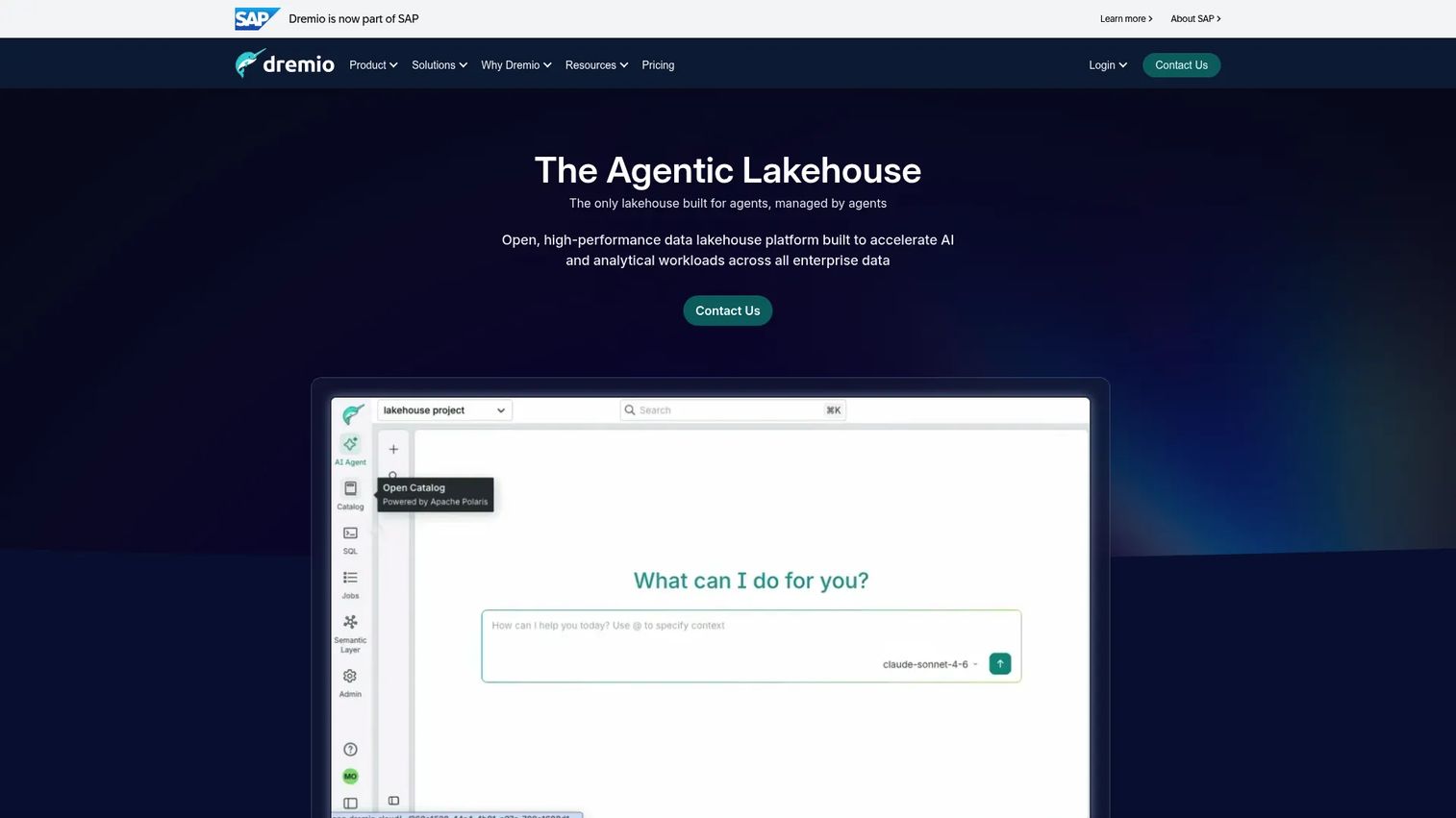
Dremio is an open, high-performance data lakehouse platform for AI and analytical workloads across enterprise data. It sits between your data storage and your AI systems, giving analysts and applications fast, governed SQL access without moving data into a separate layer. Dremio is built on Apache Iceberg and runs on AWS today, with self-managed Enterprise available for other environments.
Best for: Product and data teams building AI features that need governed, high-performance access to distributed enterprise data without duplicating every dataset.
Key features
- Lakehouse query acceleration with autonomous reflections and caching
- Apache Iceberg-native platform with Open Catalog for interoperability
- AI semantic layer for consistent, governed data context
- Federated query engine across multiple data sources
- End-to-end access controls and enterprise governance
Why choose Dremio: Choose Dremio when your AI roadmap depends on giving models and analytics trusted data context, not just data volume. It performs best when the team needs fast query performance on governed data without engineering a separate copy pipeline for each AI feature.
Dremio pricing: Dremio Cloud runs on a pay-as-you-go consumption model at $0.20 per DCU (Dremio Compute Unit), with a 30-day free trial that includes $400 in credits. Dremio Enterprise is self-managed and priced through sales.
G2 rating: 4.6/5
2. MuleSoft
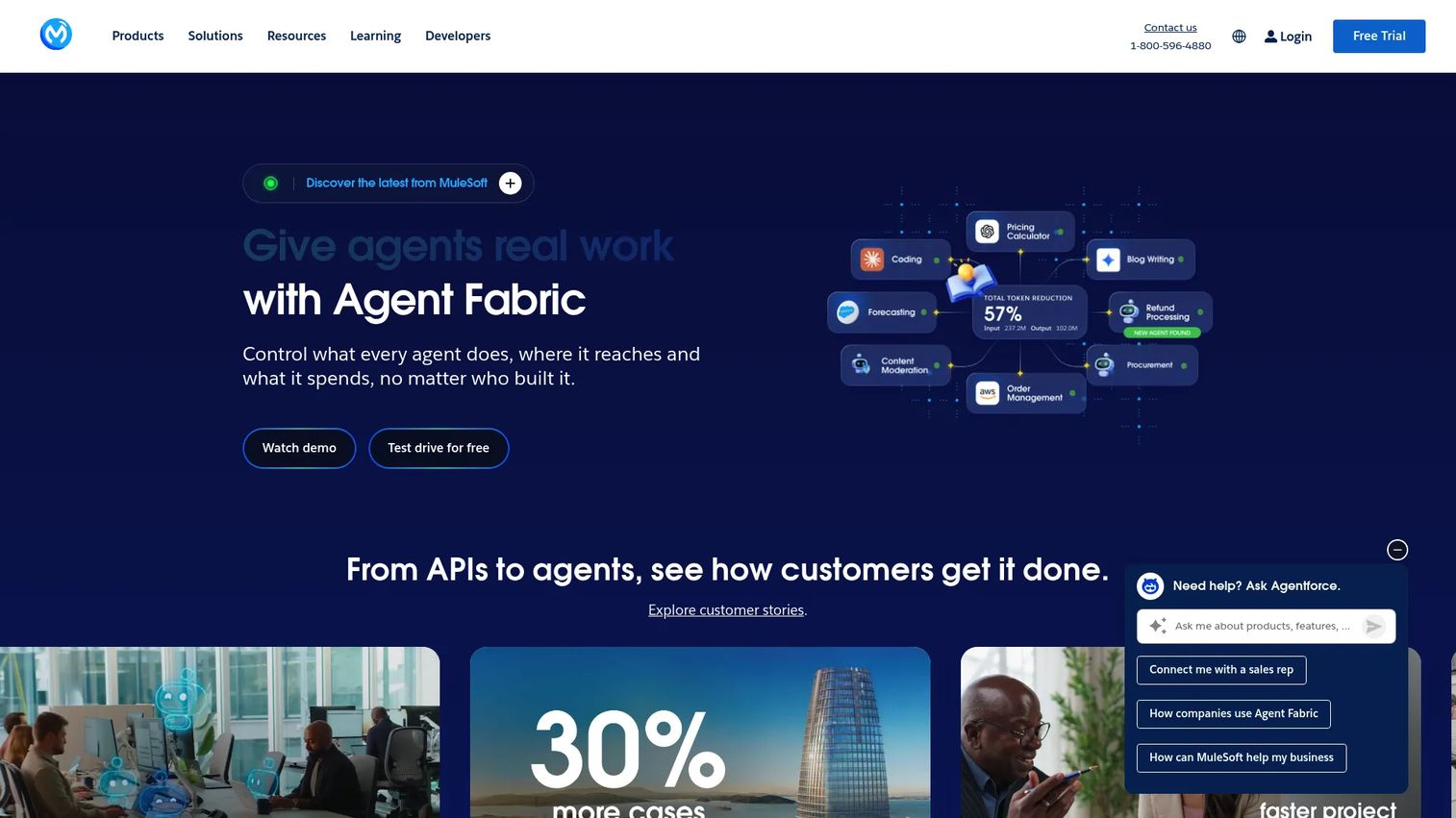
MuleSoft provides Anypoint Platform for integrating applications, APIs, data, and AI agents across cloud and on-premises environments. It's the platform most large enterprises reach for when the integration requirement includes policy enforcement, governance, and connecting AI initiatives to ERP, CRM, and legacy systems. MuleSoft's API-led connectivity model structures integrations in layers: System, process, and experience, which makes it easier to reuse and govern API assets at scale.
Best for: Large enterprises connecting AI initiatives to governed APIs and legacy systems where governance and policy enforcement are non-negotiable.
Key features
- API-led connectivity across system, process, and experience layers
- API management with design, security, and policy enforcement
- Enterprise connectors for ERP, CRM, finance, and legacy apps
- Unified governance and monitoring across integration flows
- AI-assisted integration capabilities within Anypoint Platform
Why choose MuleSoft: MuleSoft works best when the integration problem is fundamentally about enterprise API governance, not just data movement. If your team already owns an API program and needs to extend it to AI use cases, Anypoint Platform fits that architecture. For teams without an existing API governance program, the entry cost and complexity may exceed the requirement.
MuleSoft pricing: Anypoint Platform starts at $2,000 per month. The Pre-Commit model requires a minimum $50,000 annual commitment with monthly drawdown. Unlimited and enterprise packaging require a sales conversation. A 30-day free trial is available.
G2 rating: 4.4/5
3. Boomi
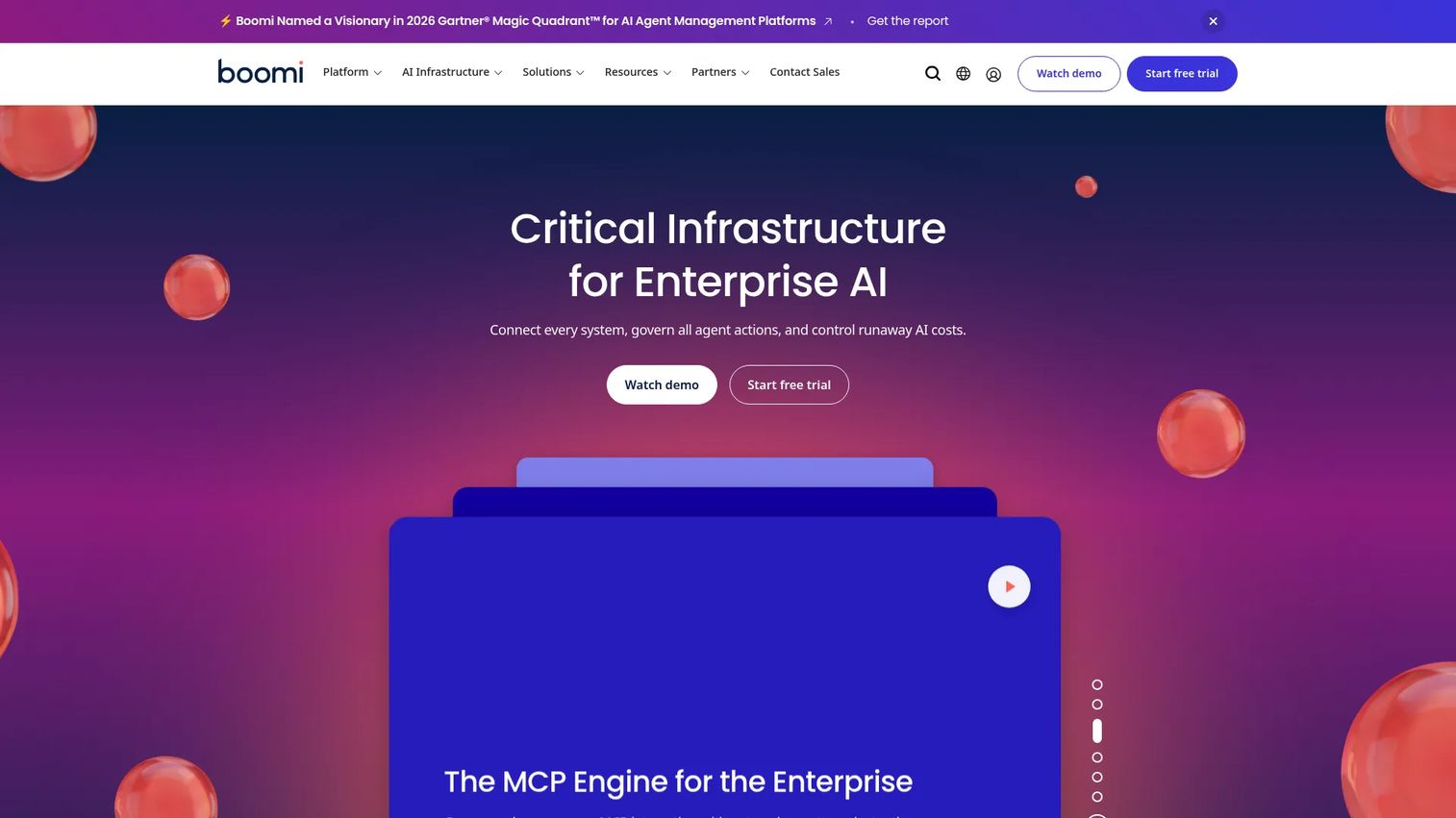
Boomi is an enterprise platform for integration, API management, data management, workflow automation, and AI agent management. Its visual low-code builder handles data mapping, transformation, and orchestration across cloud apps and on-premises systems. A connector marketplace gives access to hundreds of prebuilt integrations, and Boomi has added AI agent management capabilities including registries, observability, and guardrails.
Best for: Mid-market and enterprise organizations that need a broad integration layer spanning cloud apps, APIs, business workflows, and AI agent coordination.
Key features
- Visual integration builder with data mapping and transformation
- API management for designing, securing, and governing APIs
- Low-code workflow and task automation
- Data Hub for trusted, governed data management
- AI agent management with observability and guardrails
Why choose Boomi: Boomi fits when the team wants one platform spanning integration, API management, and emerging agent orchestration needs. It's a broader choice than a narrowly focused agent middleware or a pure ELT tool. Teams that want to manage the full integration lifecycle without stitching separate platforms together will find Boomi's scope useful.
Boomi pricing: A 30-day free trial is available. Pay-As-You-Go starts at $99 per month plus $0.05 per message, billed monthly. Existing subscription plans are product-specific and vary by edition and add-ons; pricing requires a sales conversation.
G2 rating: 4.4/5
4. Microsoft Power Automate
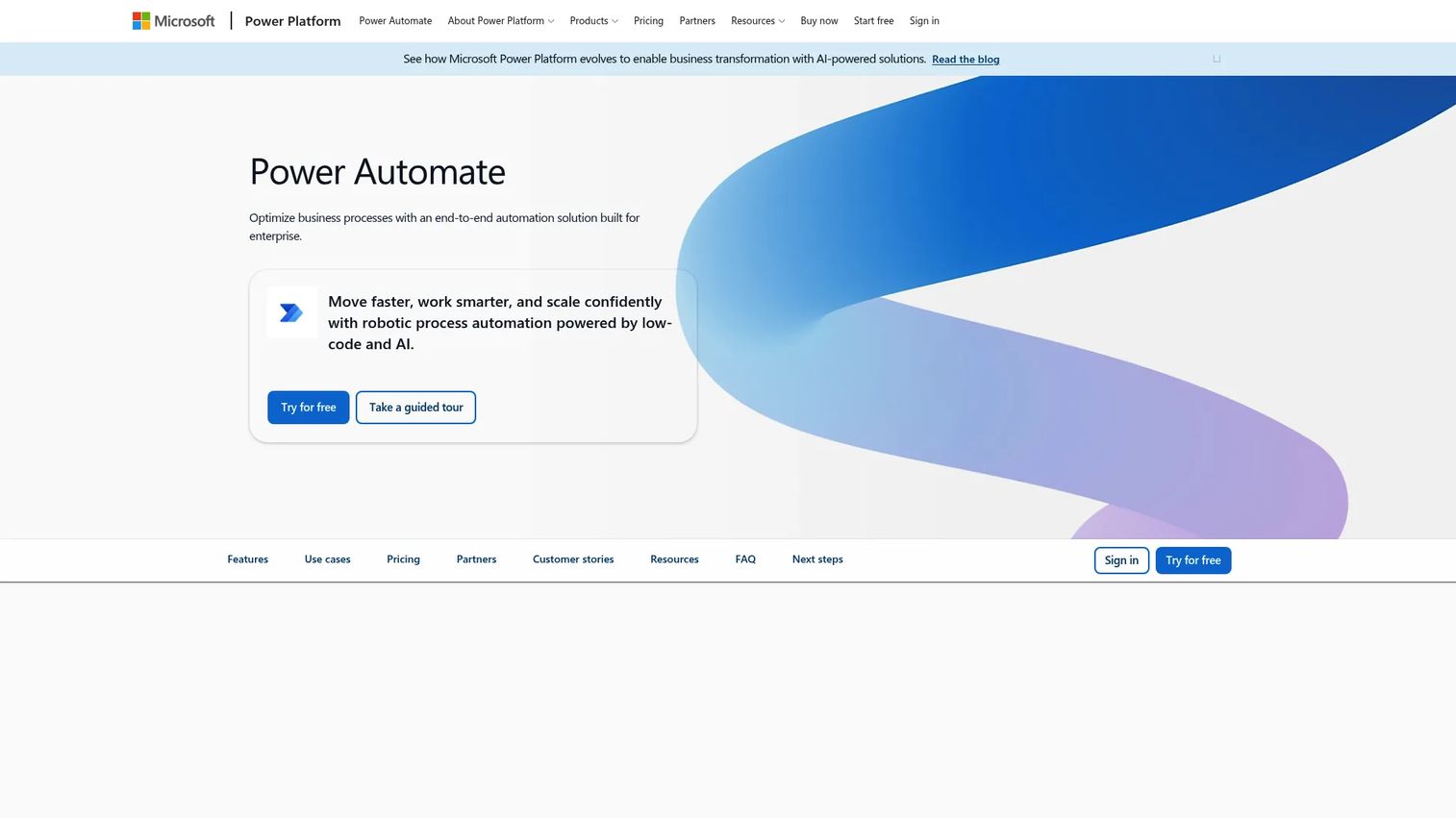
Microsoft Power Automate is an enterprise automation platform for low-code, AI-powered cloud workflows, desktop RPA, process mining, and orchestration. It connects Microsoft 365, Dynamics 365, Azure, Teams, and more than 1,400 prebuilt certified connectors across SaaS apps. AI Builder adds document processing, prediction, and AI-powered flow authoring directly inside the platform.
Best for: Organizations already standardized on Microsoft that need governed workflow automation across cloud services, desktop applications, and business processes.
Key features
- Cloud workflow automation with 1,400+ prebuilt connectors
- Desktop RPA with attended and unattended automation
- AI Builder for document processing and AI-assisted flow authoring
- Task and process mining for optimization
- Security, governance, and hosted RPA management
Why choose Microsoft Power Automate: Power Automate is the natural choice for teams already living in Microsoft infrastructure. If your data lives in Dynamics 365, your users are in Teams, and your compliance controls are Azure-based, Power Automate has a lower adoption cost than any external platform. Teams outside the Microsoft stack often find the governance model less natural to work with.
Microsoft Power Automate pricing: A 30-day free trial is available. Power Automate Premium is $15 per user per month, billed annually. Power Automate Process is $150 per bot per month, billed annually, and covers unattended automation for unlimited users in the organization.
G2 rating: 4.4/5
5. AWS Bedrock AgentCore
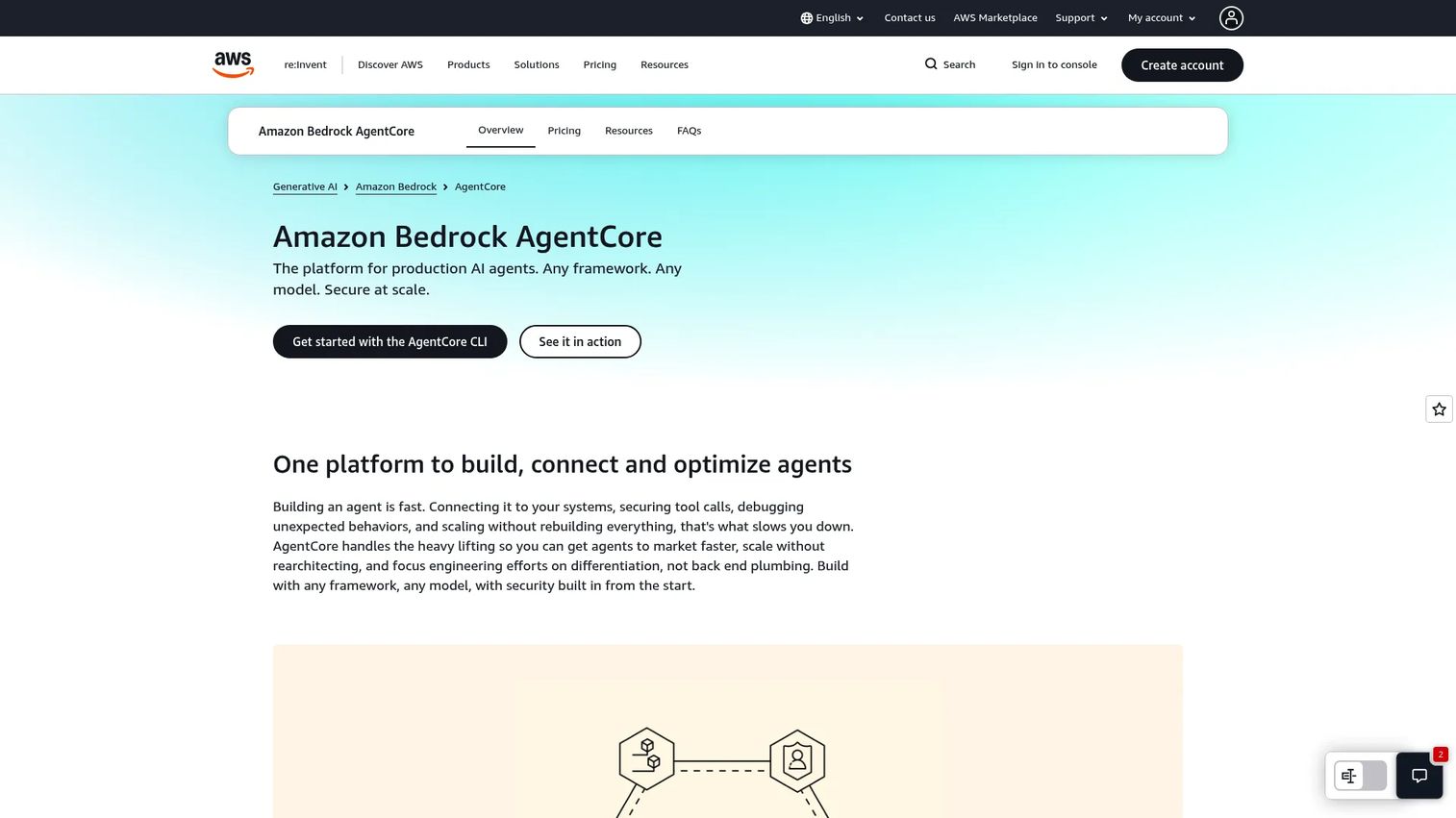
AWS Bedrock AgentCore is an AWS service for building, connecting, observing, evaluating, securing, and scaling AI agents. It provides a serverless agent runtime alongside managed compute, plus connectivity to MCP servers, knowledge bases, internal APIs, and AWS Lambda with authentication and access control baked in. Memory, gateway, policy, observability, and evaluation capabilities round out the platform for teams building production-grade agentic applications inside AWS.
Best for: Engineering-led product teams building agentic AI features inside the AWS ecosystem who want native infrastructure rather than a third-party agent layer.
Key features
- Agent runtime with serverless microVM and managed compute options
- Secure connectivity to MCP servers, knowledge bases, and internal APIs
- Memory, gateway, and agent policy management
- Observability, evaluation, and optimization tooling
- Native integration with AWS Bedrock and AWS Lambda
Why choose AWS Bedrock AgentCore: AgentCore makes sense when the product architecture already depends heavily on AWS and the team wants native infrastructure over a separate integration vendor. The platform handles enterprise security controls and agent lifecycle management without requiring a separate vendor relationship. Teams outside AWS or with multi-cloud requirements may find the native lock-in a constraint.
AWS Bedrock AgentCore pricing: Pricing is consumption-based with no fixed plans. The lowest published rate is $0.005 per 1,000 invocations. Additional rates apply per capability, including runtime compute, memory, gateway, identity, and evaluations. A free tier is available for initial exploration.
G2 rating: 4.3/5
6. Composio
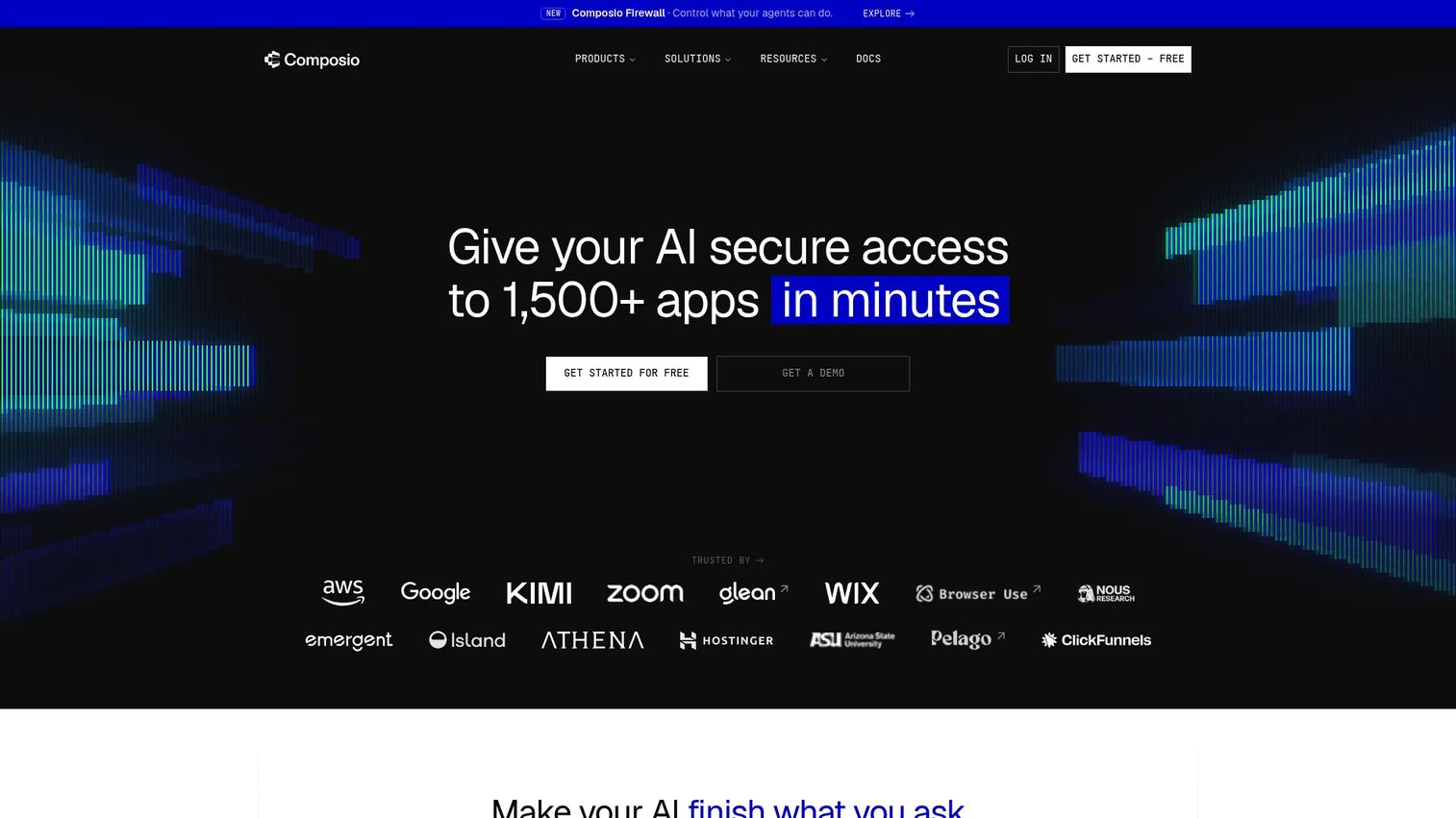
Composio is AI-agent infrastructure providing tools, app integrations, authentication, sessions, and MCP connectivity. It gives AI agents managed access to more than 1,500 tools and apps, handling OAuth flows, credential refresh, and proxy execution so the agent doesn't need to manage authentication state itself. Execution logs, trigger support, and MCP compatibility make it one of the most developer-complete options in the agentic AI platforms space.
Best for: Teams building AI agents that need secure, scalable, observable access to business applications and third-party APIs.
Key features
- 1,500+ app and tool integrations with managed OAuth
- Automatic credential refresh and proxy execution
- MCP support for model context protocol connectivity
- Triggers, sessions, and event-driven execution
- Tool execution logs for observability and debugging
Why choose Composio: Choose Composio when the core blocker is giving agents reliable tool access, not data movement or API governance. It's the right layer when agents need to act across many different applications and you want authentication, retries, and logging handled at the infrastructure level rather than inside each agent's code. The free tier supports 100,000 tool calls per month.
Composio pricing: Free plan includes 100,000 tool calls per month, 50,000 triggers, unlimited connected accounts, and three team members. Pro starts at $29 per month with a $29 monthly usage credit and unlimited team members. Enterprise pricing is custom with SSO, SCIM, KMS, and dedicated support.
G2 rating: 4.9/5
7. Nango
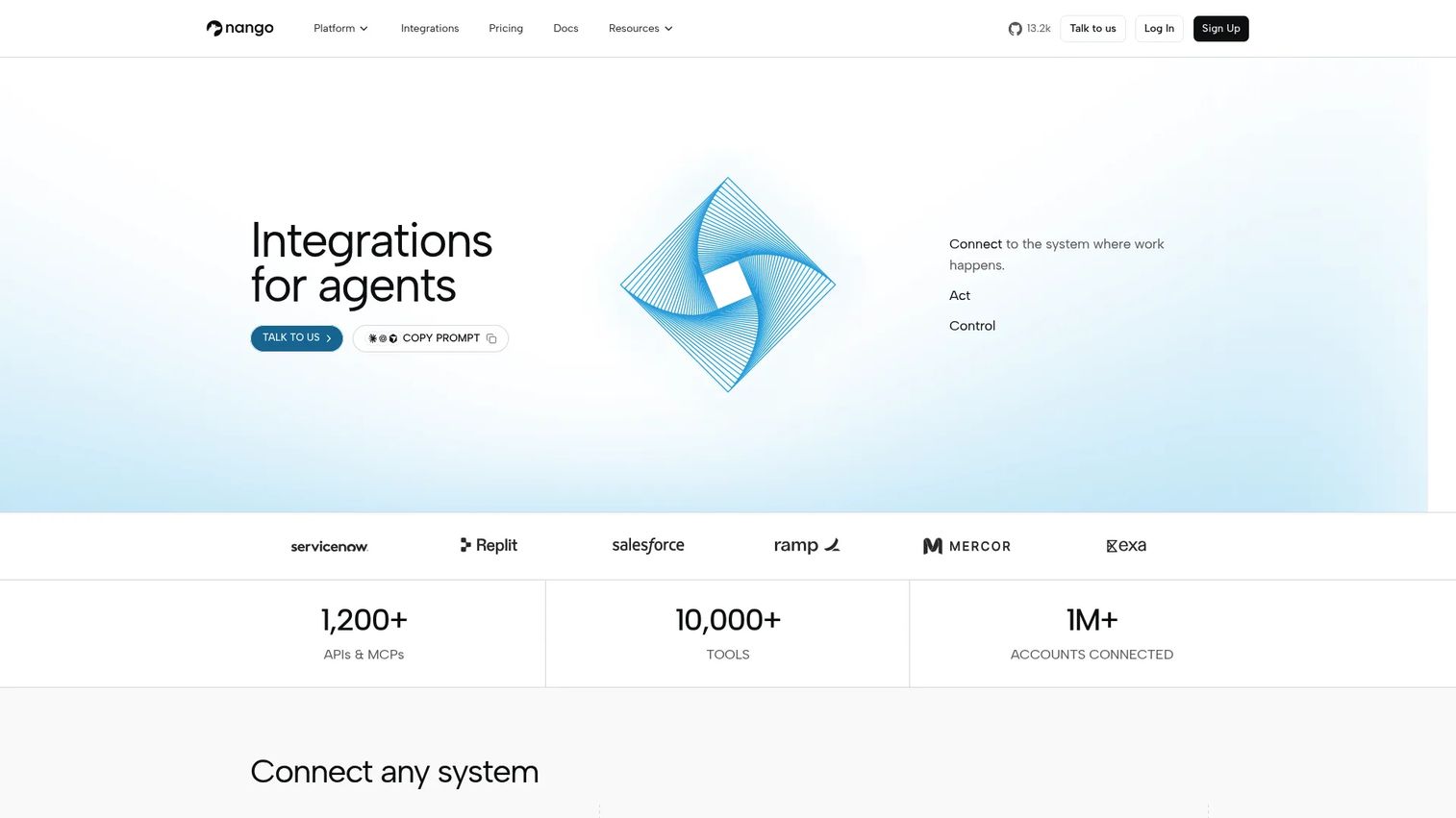
Nango is open-source infrastructure for building product integrations and connecting AI agents to more than 1,000 APIs. It handles authentication, credential storage, and token refreshing across those APIs, plus provides 7,000+ prebuilt tools, triggers, and syncs. Teams building customer-facing integrations directly into their SaaS product, or connecting AI agents to APIs at scale, use Nango to avoid rebuilding auth and sync logic for every new integration. For a deeper look at big data integration tools that complement this layer, that guide covers adjacent infrastructure.
Best for: Engineering teams adding customer-facing integrations into a SaaS product or building AI-agent connections across many APIs without maintaining custom auth infrastructure.
Key features
- Authentication, credential storage, and token refresh for 1,000+ APIs
- 7,000+ prebuilt tools, triggers, and sync templates
- Custom tools, triggers, and syncs for non-covered APIs
- Real-time webhooks and UI components for account authorization
- Self-hosting, BYOC, OpenTelemetry export, and observability
Why choose Nango: Nango fits when the product roadmap includes many customer-facing integrations and the team wants to avoid rebuilding OAuth and sync logic repeatedly. It's particularly well-suited for SaaS companies where integrations are a product feature, not just an internal need. The open-source model and self-hosting option give engineering teams more control than a fully managed iPaaS.
Nango pricing: Free plan available with hard-capped monthly limits. Pay-as-you-go starts at $50 per month with a $50 monthly credit and usage-based rates ($0.29 per connection, $0.72 per compute hour). Enterprise pricing is custom with self-hosting, MSA, and SLA.
G2 rating: 4.5/5
8. Informatica
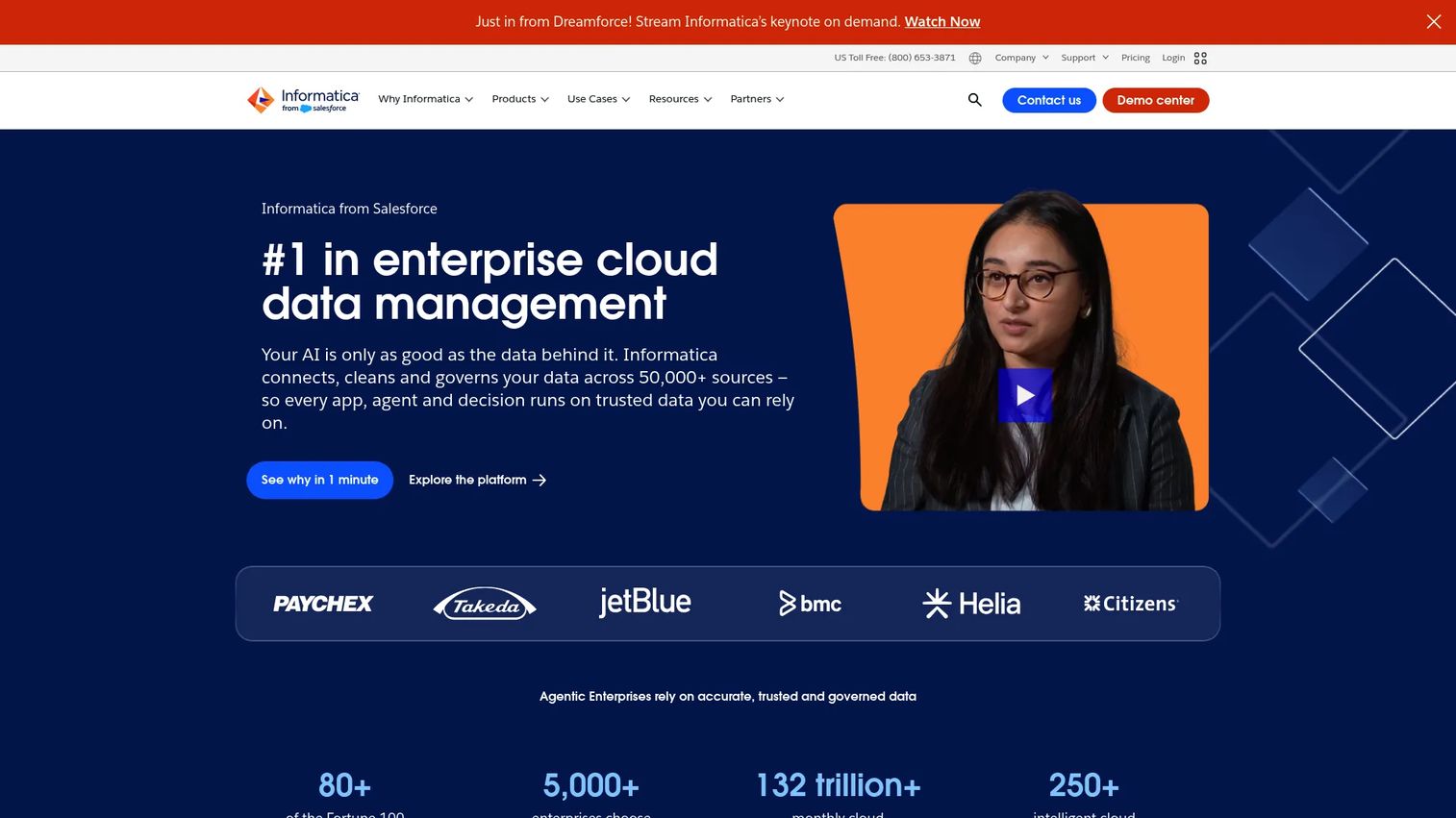
Informatica provides an AI-powered enterprise cloud data management platform for integrating, governing, cataloging, cleansing, and mastering data. Its Intelligent Data Management Cloud covers 300+ connectors, data cataloging with metadata management and lineage, data quality and observability, and master data management. The CLAIRE AI engine underpins the platform's AI-assisted data management capabilities.
Best for: Large enterprises that need integrated cloud and hybrid data management, governance, quality, and master data capabilities before deploying AI at scale.
Key features
- Cloud and on-premises data integration with 300+ connectors
- Data cataloging, metadata management, and lineage tracking
- Data quality and observability across pipelines
- Master data management and 360-degree applications
- Data governance, access controls, privacy, and marketplace capabilities
Why choose Informatica: Informatica is the right fit when AI readiness depends on trusted, governed, high-quality data rather than connector volume alone. Regulated industries and complex enterprise environments where data ownership, quality, and compliance drive the requirements will find more depth here than in pure ELT tools. Teams without those governance requirements often find the platform's scope more than their integration job requires.
Informatica pricing: Data Loader and Cloud Data Integration are available free, with the free CDI tier supporting up to 20 million rows or 10 compute hours per month. The Intelligent Data Management Cloud uses consumption-based pricing; a sales conversation is required for specific figures.
G2 rating: 4.2/5
9. Fivetran
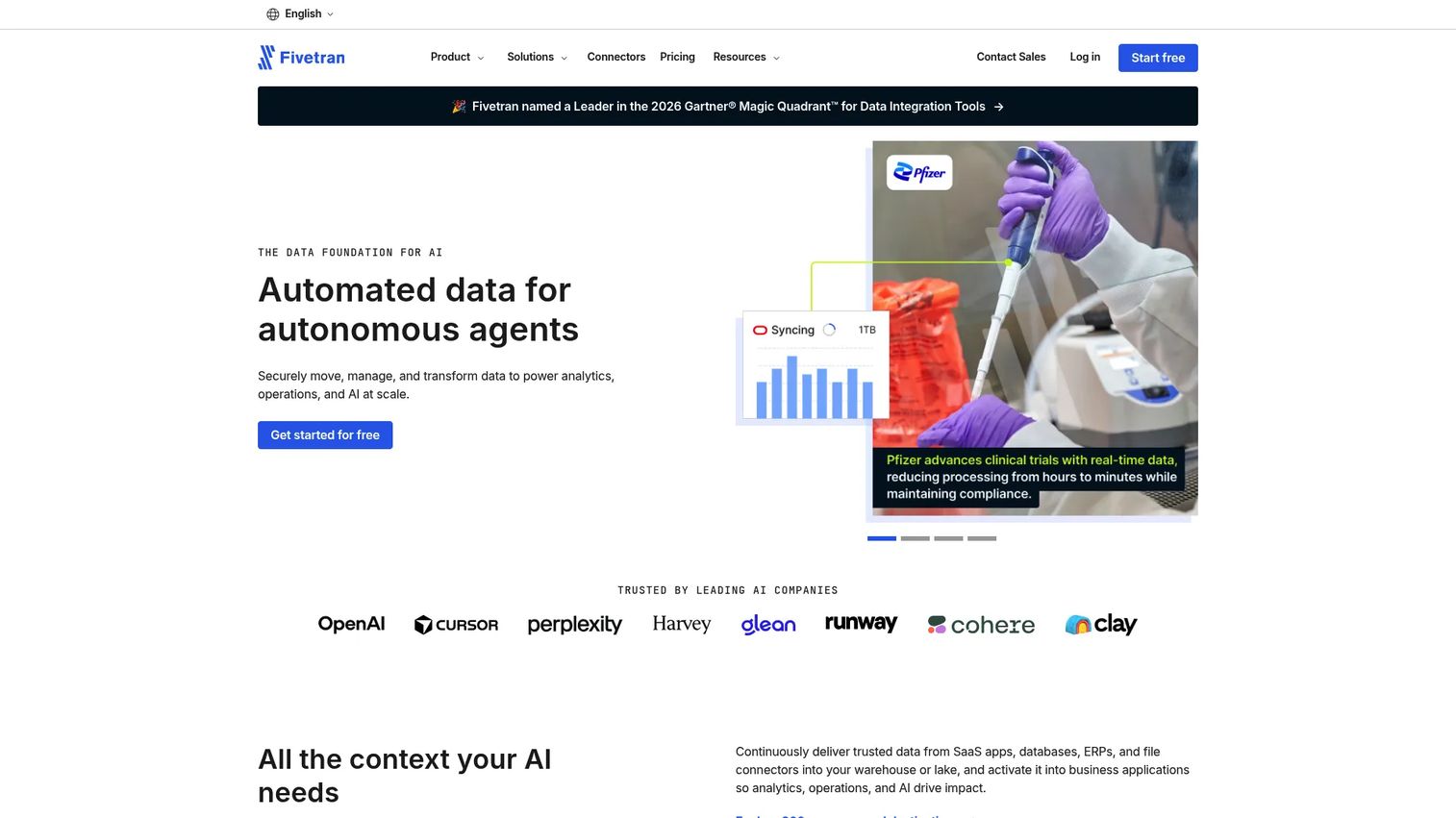
Fivetran moves, manages, and transforms data to power analytics, operations, and AI at scale. Its fully managed connector library handles schema drift automatically, so engineering teams don't need to maintain custom pipeline code when source schemas change. Fivetran supports warehouse destinations across cloud providers and handles dbt Core integration for in-warehouse transformation. The Standard plan syncs every 15 minutes; Enterprise drops that to 1-minute intervals.
Best for: Teams that need reliable, automated data movement into a warehouse or lakehouse without maintaining custom pipeline infrastructure.
Key features
- 700+ fully managed connectors with automated schema drift handling
- 15-minute syncs on Standard; 1-minute syncs on Enterprise
- Data transformations and dbt Core integration
- Role-based access control and REST API access
- Private networking and hybrid deployment options
Why choose Fivetran: Fivetran's value is reliability at scale with minimal maintenance. Product and data teams whose AI roadmap depends on clean product, customer, and business data landing consistently in a warehouse will spend less engineering time on pipeline maintenance than with a self-managed open-source alternative. The tradeoff is that connector customization is more constrained than with tools like Airbyte.
Fivetran pricing: Free tier includes up to 500,000 connector monthly active rows (MAR). Paid plans are usage-based: Standard starts with a $5 base charge for connections up to 1M MAR monthly. Enterprise and Business Critical tiers add faster syncs, private networking, and enterprise controls; pricing requires a sales conversation.
G2 rating: 4.4/5
10. Airbyte
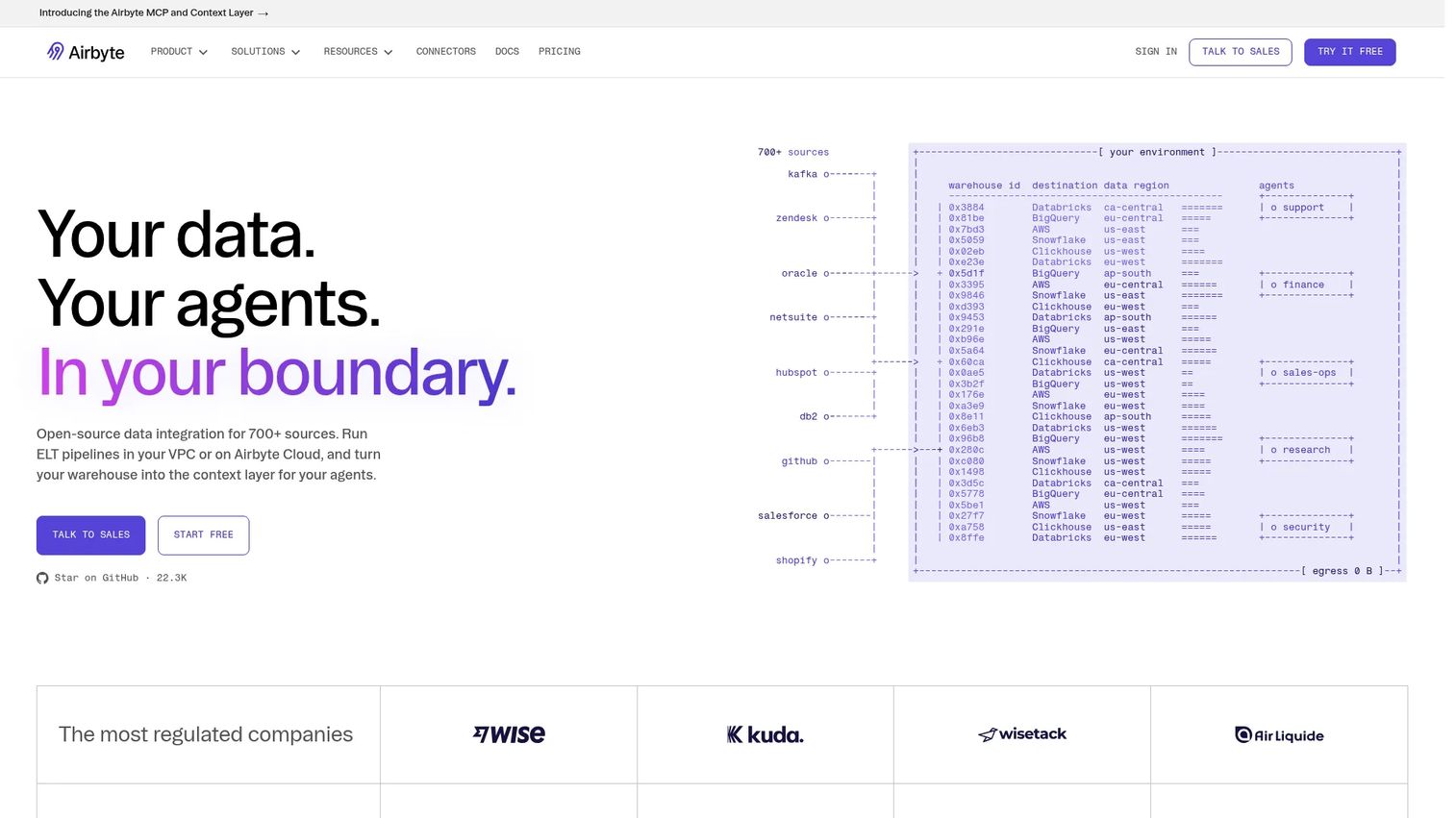
Airbyte is an open-source data integration and context-layer platform for moving data across sources, destinations, and AI agents. It offers 700+ connectors with incremental syncs and schema-change handling, plus a low-code, AI-assisted connector builder (CDK) for sources not in the catalog. Cloud, self-managed, hybrid, and on-premises deployment options give engineering teams significant control. Airbyte also supports AI agent access through MCP.
Best for: Data and platform teams that need connector flexibility, open-source control, and the ability to build custom connectors for non-standard sources.
Key features
- 700+ connectors with incremental syncs and schema-change handling
- Connector Development Kit (CDK) for custom connectors
- Cloud, self-managed, hybrid, and on-premises deployment
- AI agent data access through MCP
- Multiple workspace support on Pro and above
Why choose Airbyte: Choose Airbyte when the standard managed connector catalog doesn't cover enough sources or when the team wants more deployment control than a fully managed service offers. The open-source community also accelerates connector availability for newer data sources. The tradeoff compared to Fivetran is more engineering ownership over connector maintenance on self-managed deployments.
Airbyte pricing: Cloud Standard starts at $10 per month with volume-based pricing. Pro adds governance, security, multiple workspaces, SSO, RBAC, 15-minute syncs, and premium support; pricing requires a sales conversation. Enterprise Flex adds sovereign and on-premises deployment.
G2 rating: 4.4/5
11. Databricks
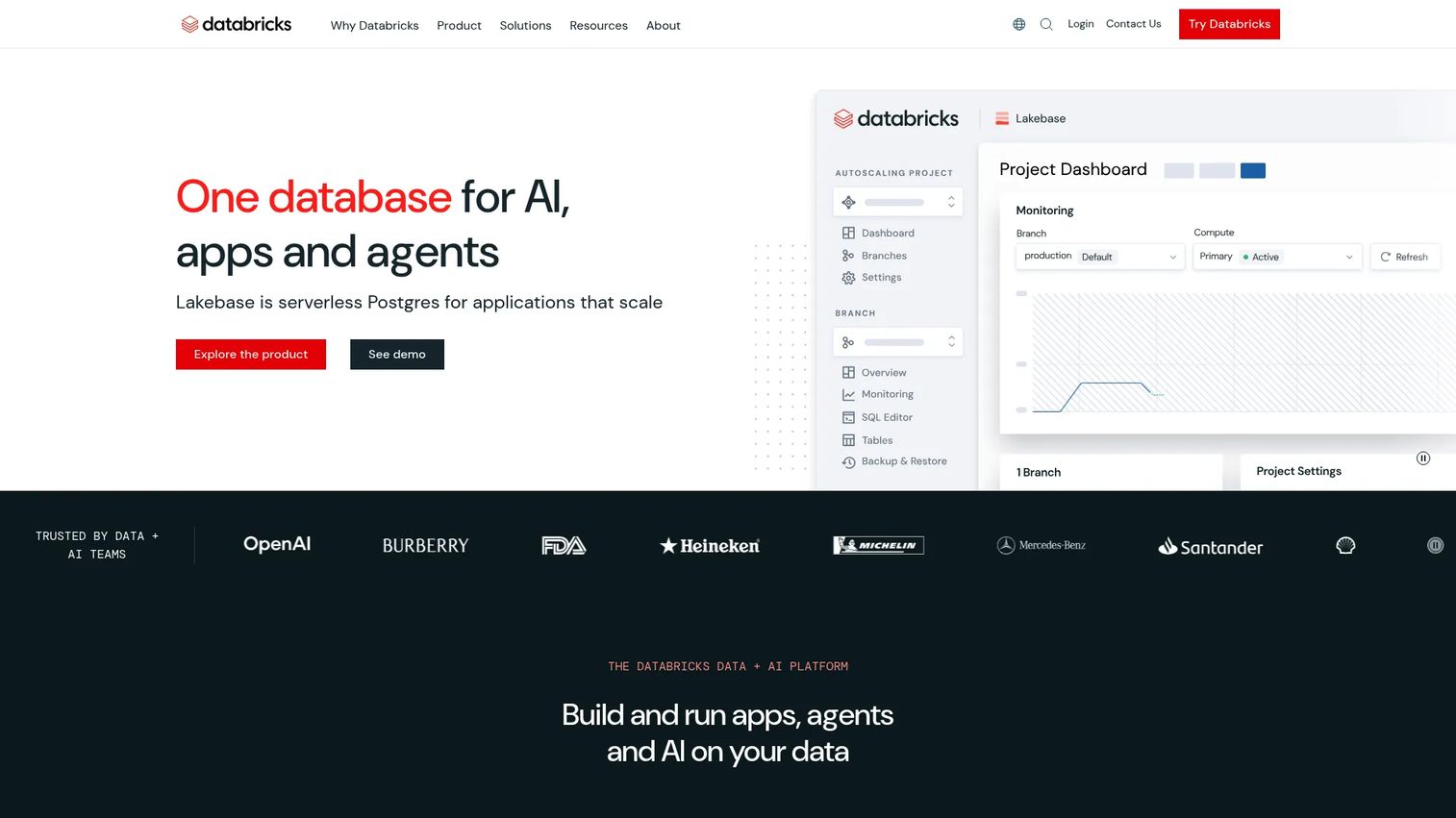
Databricks is a unified, open platform for building, deploying, sharing, and maintaining enterprise data, analytics, and AI. It combines data engineering, SQL analytics, machine learning development, model serving, and governance through Unity Catalog into one lakehouse environment. AI/BI dashboards and Genie natural-language analytics extend the platform toward business users. Teams building data-intensive AI features, from feature engineering through model serving, work across the full pipeline in one place.
Best for: Data-intensive product teams building AI features, ML workflows, and production data pipelines that need to stay in a single governed environment.
Key features
- Data engineering and pipeline orchestration at scale
- Data warehousing and SQL analytics with elastic compute
- Machine learning development, training, and model serving
- Unity Catalog for data and AI governance across workspaces
- AI/BI dashboards and Genie natural-language analytics
Why choose Databricks: Databricks works best when the AI roadmap requires data engineering, model development, and production serving in the same governed environment. For teams already running significant data workloads on Databricks, extending to AI is a natural progression. Teams whose primary need is ELT pipeline management or agent tool calling will find the platform's depth exceeds what their integration job requires.
Databricks pricing: Consumption-based with pay-as-you-go billing. Data Engineering starts at $0.15 per DBU; AI workloads start at $0.07 per DBU. Prices vary by cloud provider and region; committed-use contracts may reduce unit costs.
G2 rating: 4.6/5
12. Snowflake
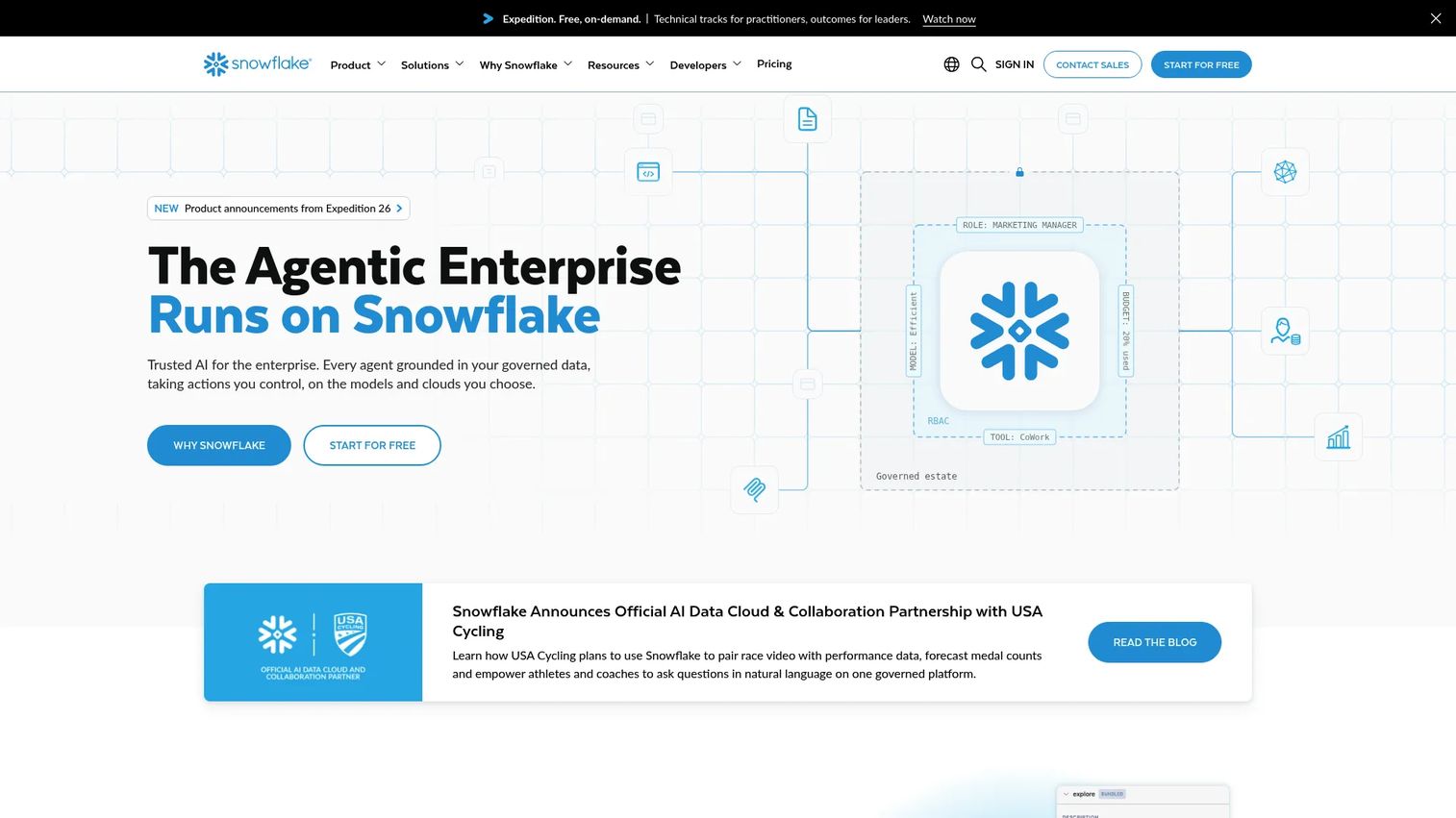
Snowflake is a fully managed AI Data Cloud platform for data engineering, analytics, AI, applications, and cross-cloud collaboration. It provides governed data warehousing alongside Snowflake Cortex, which gives access to LLM functions and vector search directly within the platform. Data sharing capabilities let organizations share governed data across accounts and cloud regions without copying it. Snowpark enables Python, Java, and Scala development inside the platform.
Best for: Teams that need governed enterprise data, analytics, and AI capabilities in a cloud data platform with strong data sharing and collaboration features.
Key features
- Fully managed data warehouse with elastic compute
- Cross-cloud data sharing and application collaboration
- Snowflake Cortex for LLM functions and vector search
- Snowpark for Python, Java, and Scala development
- Built-in security, governance, encryption, and access controls
Why choose Snowflake: Snowflake is the right foundation when the integration problem starts with governed enterprise data rather than external tool access. Its data sharing capabilities make it particularly useful for organizations that need to share governed data between business units or with external partners. Teams whose primary need is agent tool calling or ELT pipeline management will find the platform's core strength is elsewhere.
Snowflake pricing: Consumption-based pricing across compute, storage, and data transfer. A 30-day free trial includes $400 in credits. Final pricing varies by cloud provider, region, and edition (Standard through Virtual Private Snowflake); specific rates require a sales conversation.
G2 rating: 4.6/5
13. Confluent
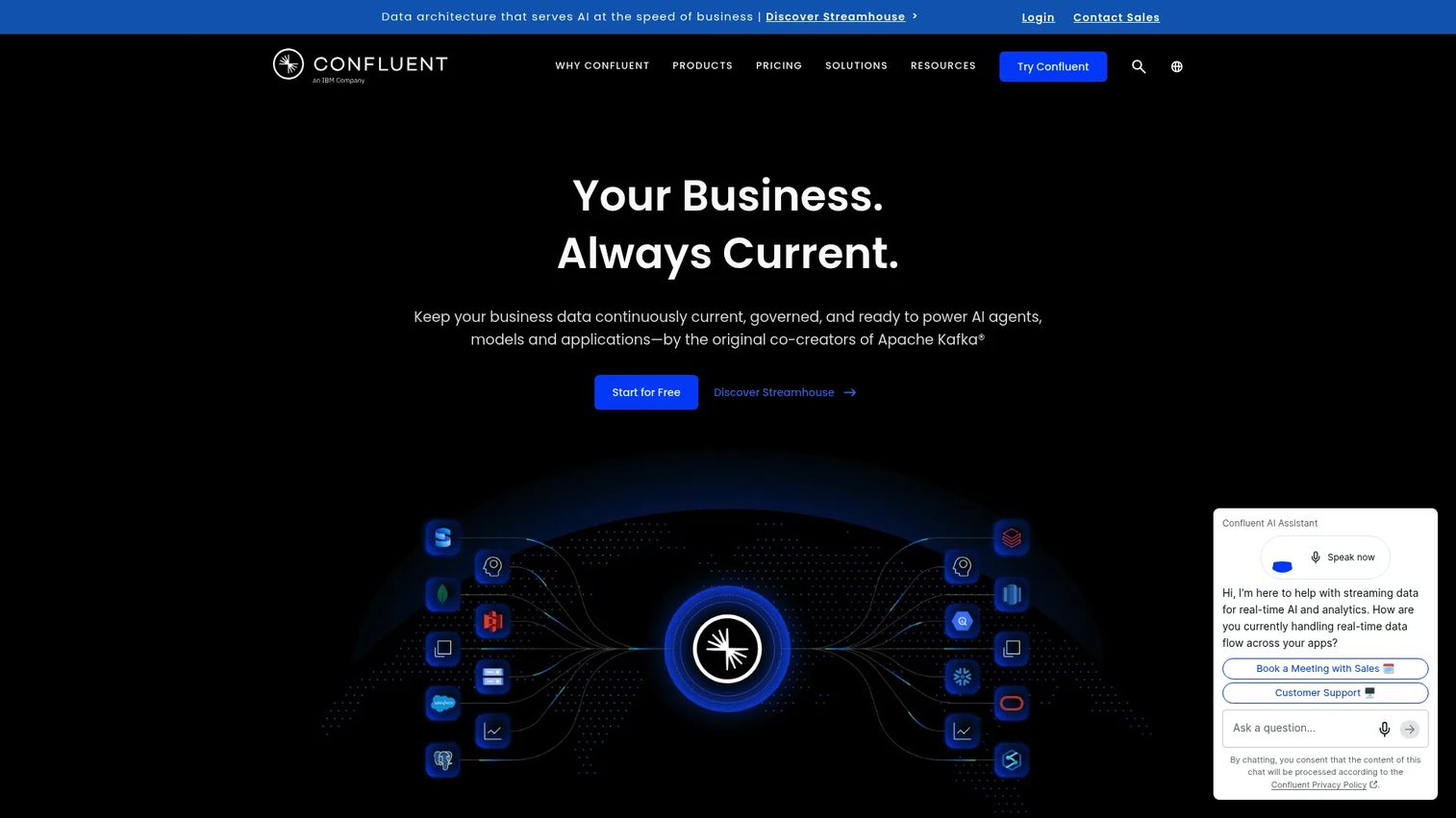
Confluent is a data streaming platform for connecting, processing, governing, and serving real-time data. Built on Apache Kafka, it manages event streaming at scale with stream governance, a schema registry for data contracts, and Tableflow for open-table-format support. Data connectors and integrations bring events from external systems into the stream and push processed data to downstream destinations. AI systems that need to react to events as they happen, rather than waiting for batch runs, depend on this kind of infrastructure. Exploring how best AI agents consume streaming data is a natural complement to understanding Confluent's role.
Best for: Teams building event-driven AI features where batch pipelines create too much latency and real-time user behavior or transaction data drives inference.
Key features
- Managed Kafka with fully serverless stream processing
- Real-time event connectors and data integrations
- Data contracts with schema and semantic validation
- Stream catalog for governance and discoverability
- Tableflow for open-table-format support
Why choose Confluent: Choose Confluent when your AI feature needs to react to what's happening right now, not what happened in the last batch window. Personalization that adapts to in-session behavior, fraud detection on live transactions, and real-time recommendation updates all depend on streaming infrastructure. Teams whose AI features can tolerate batch latency will find the operational complexity of Kafka unnecessary.
Confluent pricing: Basic plan is free for getting started. Standard runs approximately $385 per month for production workloads. Enterprise runs approximately $895 per month for mission-critical workloads at scale.
G2 rating: 4.3/5
14. Prefect
Prefect is an open-source orchestration engine and cloud platform for building, scheduling, monitoring, and operating Python data workflows. It handles state tracking, retries, caching, and recovery out of the box, with observability through logging and alerting. Flows run across local, container, Kubernetes, and cloud environments. Teams building custom AI data pipelines, feature engineering jobs, or model retraining workflows use Prefect to get production-grade reliability without adopting a full managed ELT platform. This category connects naturally to the broader landscape of ai model deployment software that sits downstream of orchestration.
Best for: Data and platform teams that need Python-native workflow orchestration and reliable production operations for custom AI data pipelines.
Key features
- Python-native workflow authoring with full code flexibility
- Workflow scheduling, deployment, and state management
- State tracking, retries, caching, and automatic recovery
- Observability with task-level logging and alerting
- Flexible execution across local, container, Kubernetes, and cloud
Why choose Prefect: Prefect is the right tool when teams need orchestration for custom Python workflows that don't fit neatly into a packaged ELT or iPaaS platform. It gives engineering teams the flexibility to build exactly the pipeline logic they need, with production observability baked in. Teams looking for a no-code or low-code experience, or who want prebuilt connectors, should look at Fivetran or Boomi instead.
Prefect pricing: Hobby plan is free, covering workflow scheduling, 2 users, up to 5 deployments, and 7-day run retention. Starter starts at $100 per month. Team is $100 per user per month. Enterprise pricing is custom.
G2 rating: 4.5/5
15. n8n
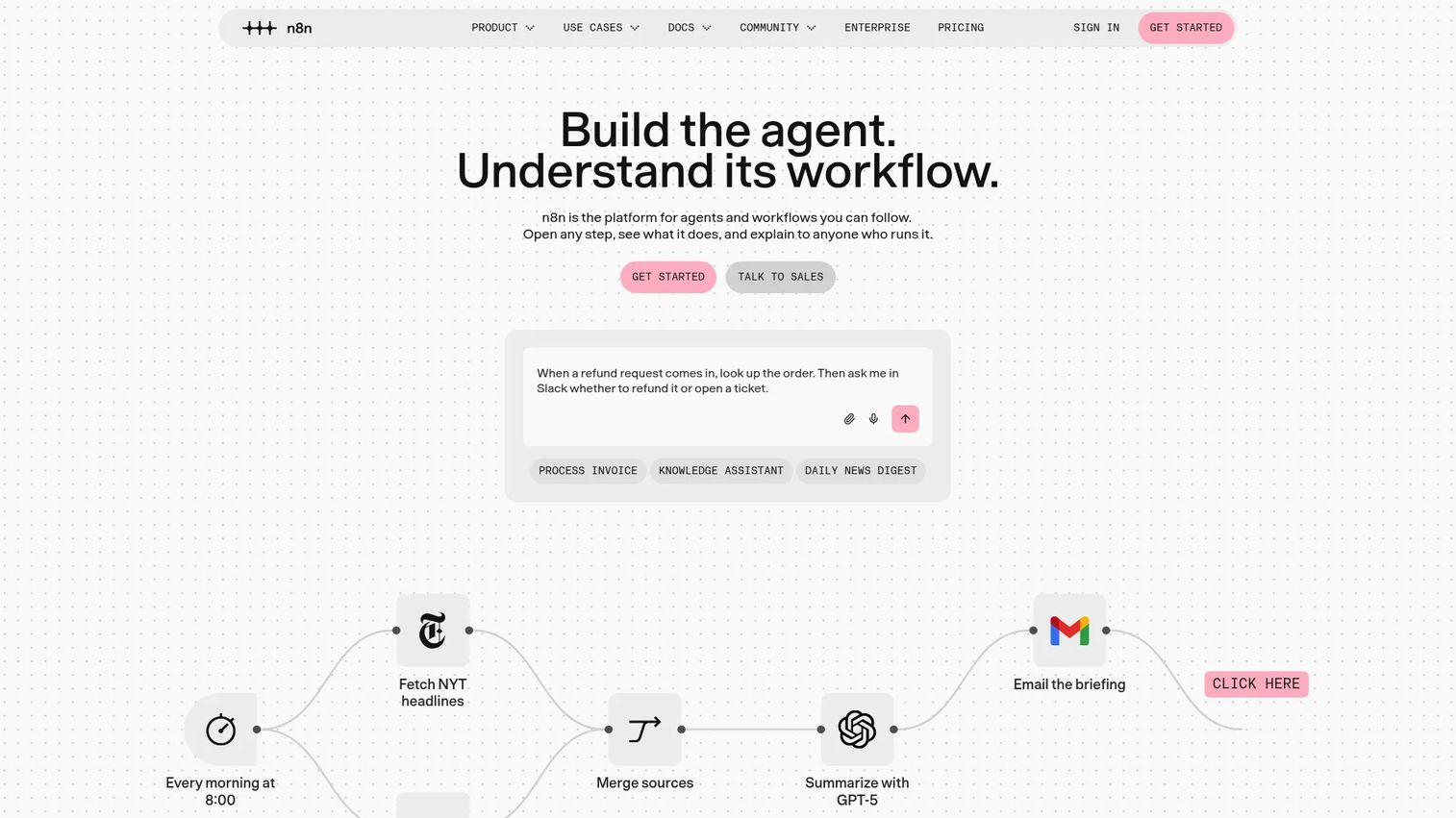
n8n is a workflow automation platform for building visual, code-extensible business process and AI agent workflows. It offers 500+ preconfigured integrations alongside JavaScript and Python code steps, making it accessible to technical teams who want the flexibility of custom logic without pure API coding. AI agent workflows and AI nodes support agentic use cases directly in the platform. Self-hosting on Docker or Kubernetes and a free Community Edition give teams full control over deployment. This positions n8n as a natural option alongside other best ai orchestration platforms covered separately.
Best for: Technical teams that need flexible, production-grade workflow automation combining visual building, custom code, integrations, AI agents, and self-hosting.
Key features
- Visual workflow editor with 500+ preconfigured integrations
- JavaScript and Python code steps for custom logic
- AI agent workflows and native AI nodes
- Webhooks, schedules, chat, and event-stream triggers
- Self-hosting with Docker or Kubernetes and scalable queue mode
Why choose n8n: n8n fits when teams need fast internal workflow automation with more flexibility than a pure low-code tool and less overhead than a heavy enterprise iPaaS. The self-hosting option is a differentiator for teams with data residency requirements or cost sensitivity at scale. Teams that need extensive enterprise governance or procurement-grade vendor support may find the Business or Enterprise tiers or a larger platform more appropriate.
n8n pricing: A free Community Edition is available for self-hosted use. Cloud Starter starts at 20€ per month (billed annually). Cloud Pro is 50€ per month. Business (self-hosted only) is 667€ per month. Enterprise pricing requires a sales conversation. All plans include unlimited users, workflows, and integrations.
G2 rating: 4.7/5
Considerations when choosing an AI integration platform
Start with the integration job
Before comparing platforms, classify what you're actually buying: Data movement, API governance, agent tool access, workflow automation, real-time streaming, or governed query access. Platforms optimized for one job often do the adjacent job poorly. A product team that buys an iPaaS when the actual bottleneck is agent authentication will own more platform than the problem requires, and still need to solve the original problem.
Check connector depth, not just connector count
Connector catalogs hide quality differences. A connector that supports read-only access with weekly sync schedules is not the same as one that handles bidirectional sync, schema drift, rate-limit retries, and 1-minute intervals. For AI agent integrations, verify that authentication flows cover your target apps, that credential refresh is automatic, and that execution logs are accessible for debugging.
Evaluate governance early
Role-based access controls, audit logs, environment separation, data masking, and secrets management are not features to add later. For teams in regulated industries or building multi-tenant products, governance requirements should be a first-round filter, not a final checklist item. Some platforms place key governance features on enterprise tiers; factor that into the total cost comparison.
Test observability and failure handling
Ask whether the platform surfaces failed tool calls, pipeline errors, retries, API quota consumption, and data freshness. Product teams need to know where the AI workflow broke before a customer or stakeholder reports it. Platforms with shallow observability push debugging back onto engineering, which increases maintenance cost across every release cycle.
Model total ownership cost
Platform subscription cost is one input. Add implementation time, connector maintenance, engineering hours for custom logic, and the opportunity cost of features deferred while the integration layer is being built and maintained. A lower-priced platform with higher engineering overhead often costs more over 12 months than a managed alternative with a higher subscription price.
Conclusion
The right AI integration platform depends on which layer is actually blocking your roadmap.
For governed AI data access, Dremio, Snowflake, Databricks, or Informatica give AI systems a trusted data foundation. For enterprise API integration and workflow automation, MuleSoft, Boomi, Microsoft Power Automate, or n8n provide the connectivity and governance that cross-system processes require. When the problem is AI agents that need reliable tool access, Composio, Nango, or AWS Bedrock AgentCore handle authentication and execution at the infrastructure level. For data pipelines and orchestration, Fivetran, Airbyte, Confluent, or Prefect cover ELT, real-time streaming, and Python-native scheduling depending on your team's ownership model.
The practical next step is to shortlist by integration job first, then run one proof of concept against your actual connector requirements, security review criteria, and observability standards. Test governance before committing, since access controls and audit requirements are harder to retrofit than feature additions.
Start your journey with Guideflow today!
FAQs
An AI integration platform connects AI systems to the data, APIs, applications, workflows, and governance layers they need to operate in production. The term covers several distinct platform types: Data pipelines, API and iPaaS platforms, agent integration middleware, workflow automation, real-time streaming infrastructure, and lakehouse or warehouse query layers. Choosing the right type depends on which integration layer is blocking the AI use case.
iPaaS focuses on connecting enterprise systems and automating workflows through APIs and prebuilt connectors. AI integration platforms extend that scope to include data pipelines for model training and inference, agent tool calling with managed authentication, real-time event streaming, and AI-specific governance requirements. Some iPaaS platforms, including MuleSoft and Boomi, are adding AI-native capabilities, but their core architecture remains workflow and API connectivity.
Agent-focused teams should evaluate platforms that handle managed authentication, tool execution, connector coverage, observability, retries, and MCP support. Composio provides 1,500+ tool integrations with managed OAuth and execution logs. Nango covers 1,000+ APIs with open-source infrastructure and self-hosting. AWS Bedrock AgentCore offers native AWS runtime with enterprise security controls. The right choice depends on whether you're in the AWS ecosystem, need open-source control, or prioritize breadth of tool coverage.
The answer varies by pipeline type. Fivetran is the strongest choice for managed ELT with automated schema drift handling and minimal engineering overhead. Airbyte fits when connector flexibility or open-source control matters more than a fully managed service. Informatica suits enterprises where data governance and quality requirements drive the architecture. Databricks and Snowflake are lakehouse and warehouse platforms that often sit at the destination end of these pipelines, providing governed query access rather than the pipeline itself. Prefect handles orchestration for custom Python-based pipelines.
Model Context Protocol (MCP) is an emerging standard for connecting models and agents to tools and data sources. It simplifies how agents discover and invoke external capabilities. MCP support is increasingly relevant for teams building agentic workflows, and both Composio and Airbyte already provide it. That said, MCP support alone doesn't substitute for strong authentication handling, observability, rate-limit management, and connector reliability. Evaluate the full integration infrastructure, not just protocol compatibility.
Start by naming the specific integration job: Data movement into a warehouse, API connectivity for enterprise workflows, agent tool access, workflow automation across business systems, or real-time event processing. That classification eliminates most of the field before feature comparison starts. Then validate connector depth for your actual sources, check that security and governance requirements can be met within your budget tier, and test observability by asking whether the platform shows you where workflows fail before users do.
Engineering typically implements them, but product, data, security, and business teams shape the requirements that determine which platform fits. Product managers define activation and retention outcomes that the integration must support. Data teams own pipeline quality and freshness standards. Security reviews whether access controls and audit logs meet compliance requirements. Treating AI integration platform evaluation as an engineering-only decision often results in a platform that's technically capable but misaligned with the product metrics it was supposed to improve.
Pricing varies significantly by model: Consumption-based platforms like Dremio, Databricks, and Snowflake charge per unit of compute or data processed; seat-based platforms like Microsoft Power Automate start at a per-user monthly rate; usage-based ELT tools like Fivetran charge per rows processed; agent platforms like Composio start free with tool call limits. Enterprise tiers for most platforms in this list require a sales conversation for final pricing. For the most accurate numbers, check each vendor's pricing page directly, since consumption costs can vary by cloud provider, region, and committed-use terms.