



Training a model is the easy part. Shipping it is where teams stall.
You have a model that scores well in a notebook. Now someone needs to call it from a production application, at low latency, under real traffic, without the whole thing falling over at 2am. That gap between a trained artifact and a reliable endpoint is where most machine learning deployment effort actually goes.
The stakes are not small. The global AI model deployment platforms market is forecast to grow from $11.7 billion in 2026 to $71.5 billion by 2034 at a 25.3% CAGR, according to Stratistics Market Research Consulting (2024). More models in production means more deployment decisions, and each one shapes latency, scalability, monitoring, governance, and how much maintenance your team signs up for.
For presales and sales engineering teams, this matters even when you are not the one writing the serving code. These platforms shape technical validation, proof-of-concept scoping, architecture conversations, and security reviews. When a prospect asks how your product handles model hosting or inference serving, you need to speak the same language they do. If your own product is easier to understand by showing it than describing it, an interactive demo lets buyers experience the workflow before a call, and you can analyze exactly what they explored.
What's inside
This guide is for engineers, ML platform teams, and technical buyers comparing ai model deployment software in 2026. It covers serving frameworks, managed platforms, and Kubernetes-native stacks, organized by deployment motion rather than a flat vendor list.
We selected tools based on:
- Performance and scalability: throughput, latency, and autoscaling behavior
- Framework compatibility: support for TensorFlow, PyTorch, ONNX, LLMs, and classical ML
- Operational fit: managed vs self-managed, Kubernetes-native vs standalone
- Pricing transparency: clarity of published pricing and free tiers
TL;DR
- Best overall for packaging and flexibility: BentoML, for teams that want control over how models are packaged and served
- Best for hosted inference endpoints: Hugging Face Inference Endpoints, for managed deployment with no infrastructure to run
- Best for enterprise AWS deployments: Amazon SageMaker, for teams standardized on AWS
- Best open source lifecycle platform: MLflow, for tracking, registry, and deployment in one place
- Best Kubernetes-native serving: KServe, for cloud-native teams already on Kubernetes
- Best for GPU-heavy serving: NVIDIA Triton Inference Server, for high-throughput, multi-framework inference
What is ai model deployment software?
AI model deployment software moves trained machine learning models into production so applications can call them reliably through an API or endpoint.
The category spans from lightweight serving frameworks to full MLOps platforms. Whatever the shape, the core job is the same: take a model that works in development and make it callable, scalable, and observable in production.
Key capabilities to expect:
- Packaging and serving: bundle a model with its dependencies into a servable artifact
- Endpoint creation: expose the model over REST or gRPC for applications to consume
- Autoscaling and infrastructure management: scale replicas up and down with traffic, including scale-to-zero
- Monitoring and drift detection: track latency, errors, and shifts in input or output distributions
- Versioning and rollout support: run canary or blue-green rollouts and roll back cleanly
- CI/CD integration: wire deployment into automated pipelines
It helps to separate three overlapping terms. Model serving is the narrow act of exposing a model behind an endpoint and handling requests. Model deployment is the broader process of getting that model into production, including packaging, infrastructure, and rollout. MLOps is the wider discipline that wraps deployment with experiment tracking, registries, monitoring, and governance across the model lifecycle.
Most teams end up combining a serving framework, a deployment or hosting layer, and a monitoring layer. The tools below sit at different points across that stack.
When to use ai model deployment software
The right tool depends less on the model and more on how it gets called.
Deploy models with low-latency online requests
Real-time inference serves predictions synchronously, where a user or service waits for the response. Fraud scoring at checkout, search ranking, recommendation widgets, and LLM chat all fit here. Latency budgets are tight, often single-digit to low-hundreds of milliseconds. You want fast autoscaling, request batching, and predictable tail latency.
Run scheduled or high-volume batch scoring
Batch inference scores large datasets on a schedule or on demand, where nobody is waiting on a single response. Nightly churn scoring, lead enrichment across a full CRM, and periodic embeddings backfills fit this pattern. Throughput and cost matter more than per-request latency, and jobs can run on cheaper, interruptible compute.
Serve LLMs, agents, or GPU-heavy workloads
Large models change the math. GPU memory, token streaming, KV caching, and expensive cold starts all become first-order concerns. Serving an LLM, a multi-model agent, or a heavy vision model pushes you toward tools built for GPU efficiency and high concurrency. This is where GPU-native serving and scale-to-zero economics start to pay for themselves.
Comparison table
The best tool depends on your infrastructure, your traffic pattern, and your team's operational maturity. A team standardized on AWS makes a different choice than a team running everything on Kubernetes or a startup that wants a managed endpoint and nothing to maintain. Use the table to shortlist, then read the sections for the tradeoffs.
| # | Product | Best for | Key differentiator | Pricing | G2 rating |
|---|---|---|---|---|---|
| 1 | BentoML | Teams deploying and scaling AI inference in production | Packaging any model into a servable Bento with autoscaling and scale-to-zero | Pay-as-you-go from $0.0484/hr compute; free tier | 5.0/5 |
| 2 | Hugging Face Inference Endpoints | Teams deploying Hugging Face models on managed infrastructure | Fully managed dedicated endpoints, per-minute billing | CPU from $0.032/hour | 3.8/5 |
| 3 | Amazon SageMaker | Teams needing a managed AWS ML platform | End-to-end training, deployment, and governance on AWS | Pay-as-you-go; free tier | 4.5/5 |
| 4 | MLflow | Teams wanting an open-source lifecycle platform | Tracking, registry, evaluation, and deployment in one open-source project | Open source | Not enough reviews |
| 5 | KServe | Teams serving models on Kubernetes | Kubernetes-native serving with canary rollouts and scale-to-zero | Open source | Not listed |
| 6 | Ray Serve | Teams needing framework-agnostic Python serving | Independent scaling and fractional GPU allocation on Ray | Open source | 4.9/5 |
| 7 | NVIDIA Triton Inference Server | Teams deploying GPU-heavy, multi-framework inference | Dynamic batching and concurrent execution across frameworks | Open source; enterprise via NVIDIA AI Enterprise | 4.2/5 |
| 8 | TensorFlow Serving | Teams serving TensorFlow models in production | Purpose-built, high-performance TensorFlow serving | Open source | 4.5/5 |
Best ai model deployment software for 2026
Each entry below follows the same pattern: what the tool is, who it fits, key strengths, why you would choose it, and pricing. Read them against your own traffic pattern and infrastructure, not in isolation.
1. BentoML
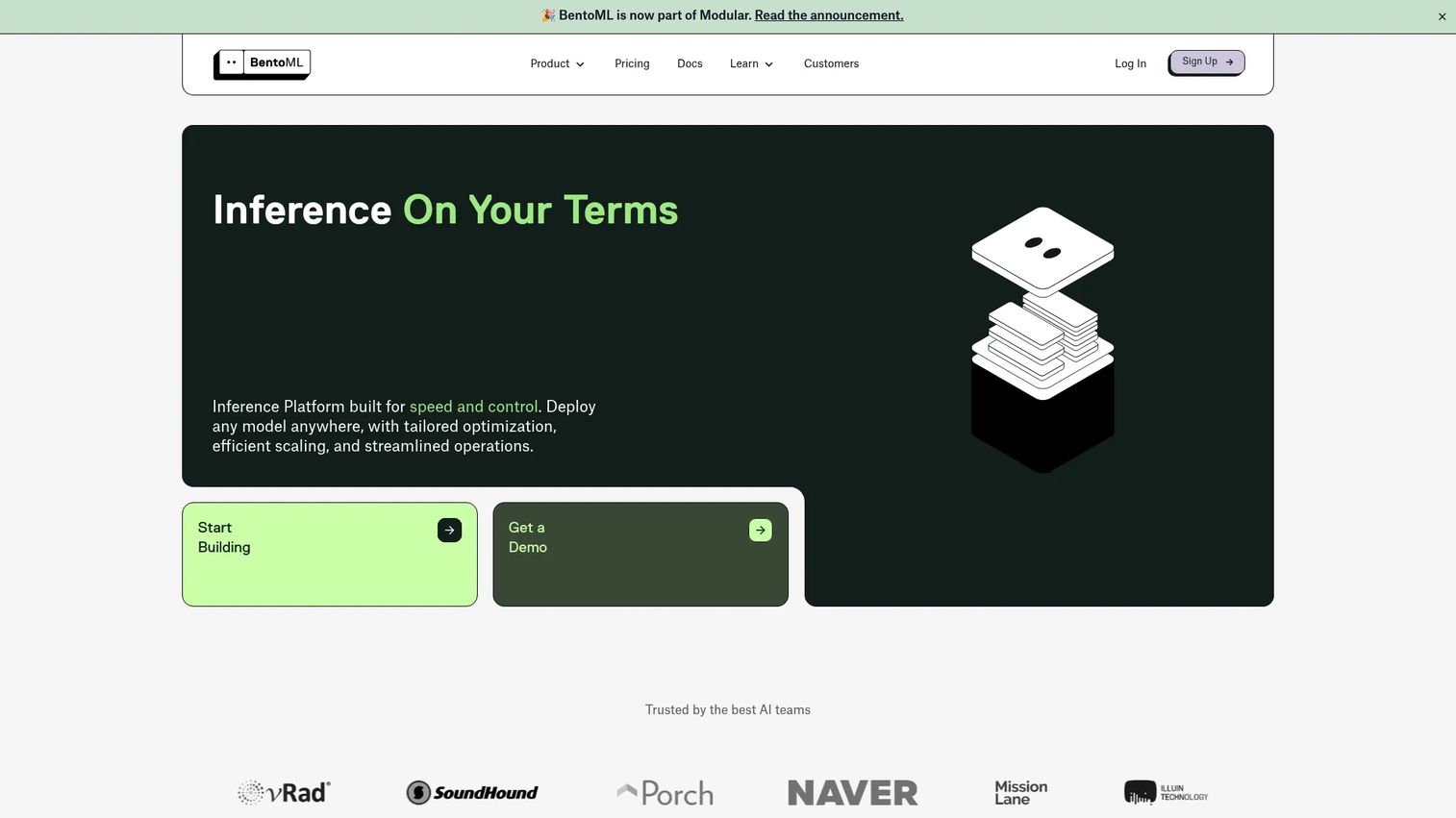
BentoML is a unified inference platform built around packaging models into a servable unit called a Bento, then deploying and scaling it in production. The open-source serving library gives you control over how models are packaged across frameworks and modalities, and the Bento Inference Platform layers on managed deployment with autoscaling, scale-to-zero, and cold-start acceleration. It is a strong fit for teams that want packaging flexibility without hand-rolling their own serving stack.
Best for: Teams deploying and scaling AI inference in production.
Key strengths
- Deploy any model across frameworks and modalities
- Autoscaling, scale-to-zero, and cold-start acceleration
- Observability, access control, and deployment lifecycle management
- Open-source library plus managed platform
Why choose BentoML: If you want a single way to package classical ML, LLMs, and custom Python inference logic, then deploy the same artifact anywhere, BentoML gives you that portability. It suits teams that value packaging control over a fully hands-off managed endpoint.
Pricing: The Starter plan is pay-as-you-go with a free tier, and cloud compute is billed separately with published hourly rates starting around $0.0484/hr. Scale uses committed-use pricing and Enterprise is custom.
2. Hugging Face Inference Endpoints
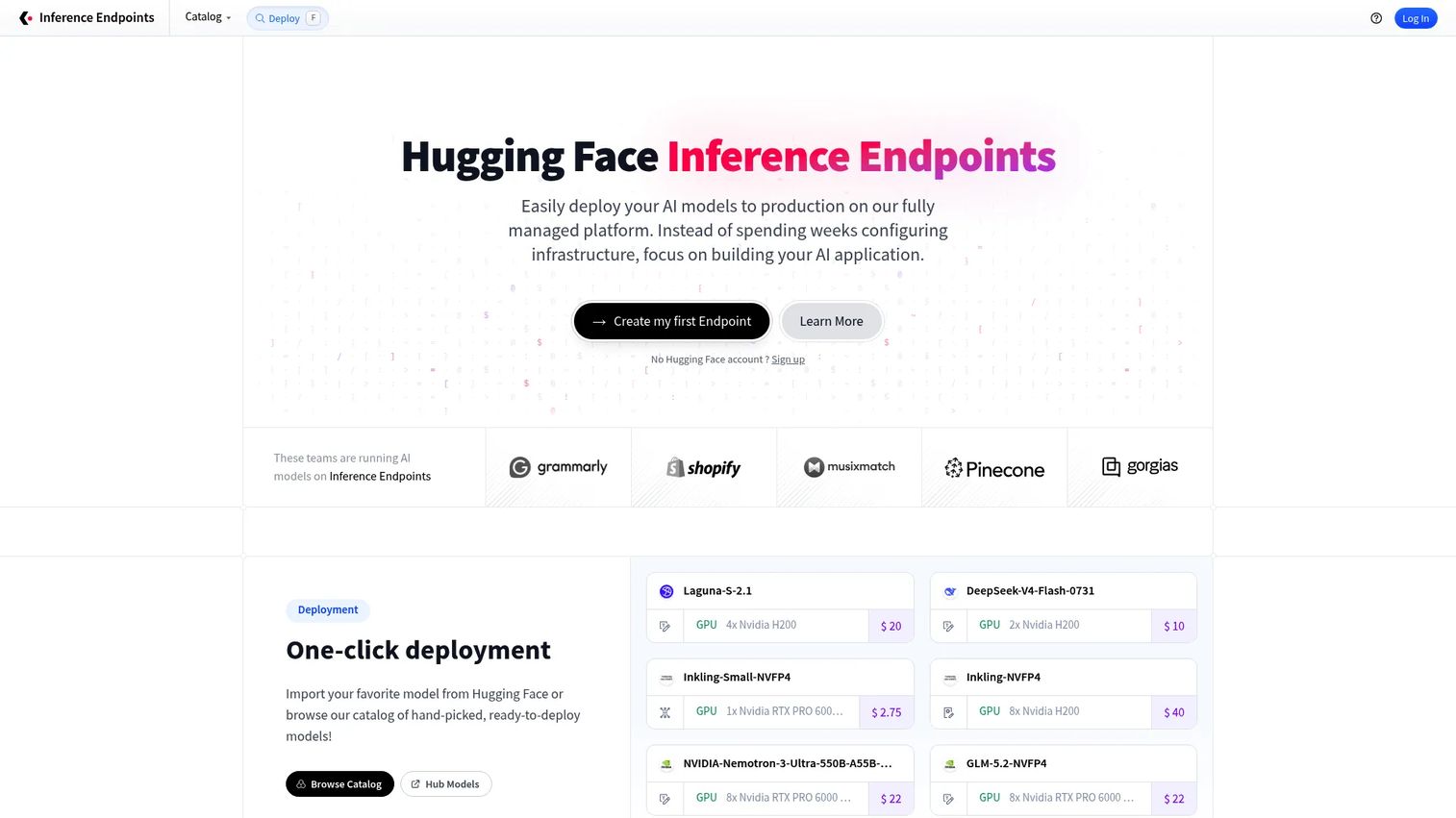
Hugging Face Inference Endpoints is a fully managed service for deploying models on dedicated, autoscaling infrastructure. You pick a model, choose an instance, and get a production endpoint without provisioning servers yourself. It is the most direct path to hosted inference if your models already live in the Hugging Face ecosystem, and it handles observability, logs, and metrics out of the box.
Best for: Teams deploying Hugging Face models on dedicated managed infrastructure.
Key strengths
- Fully managed infrastructure with no servers to run
- Autoscaling to match traffic
- Observability with logs and metrics
- Optimized endpoints for popular model architectures
Why choose Hugging Face Inference Endpoints: When speed to a live endpoint matters more than deep infrastructure control, this removes the operational overhead of model hosting. It fits teams that want managed inference serving and are comfortable in the Hugging Face workflow.
Pricing: Self-serve pricing is pay-as-you-go, billed per minute and shown hourly, with CPU instances starting at $0.032/hour. Enterprise uses custom annual contracts.
3. Amazon SageMaker
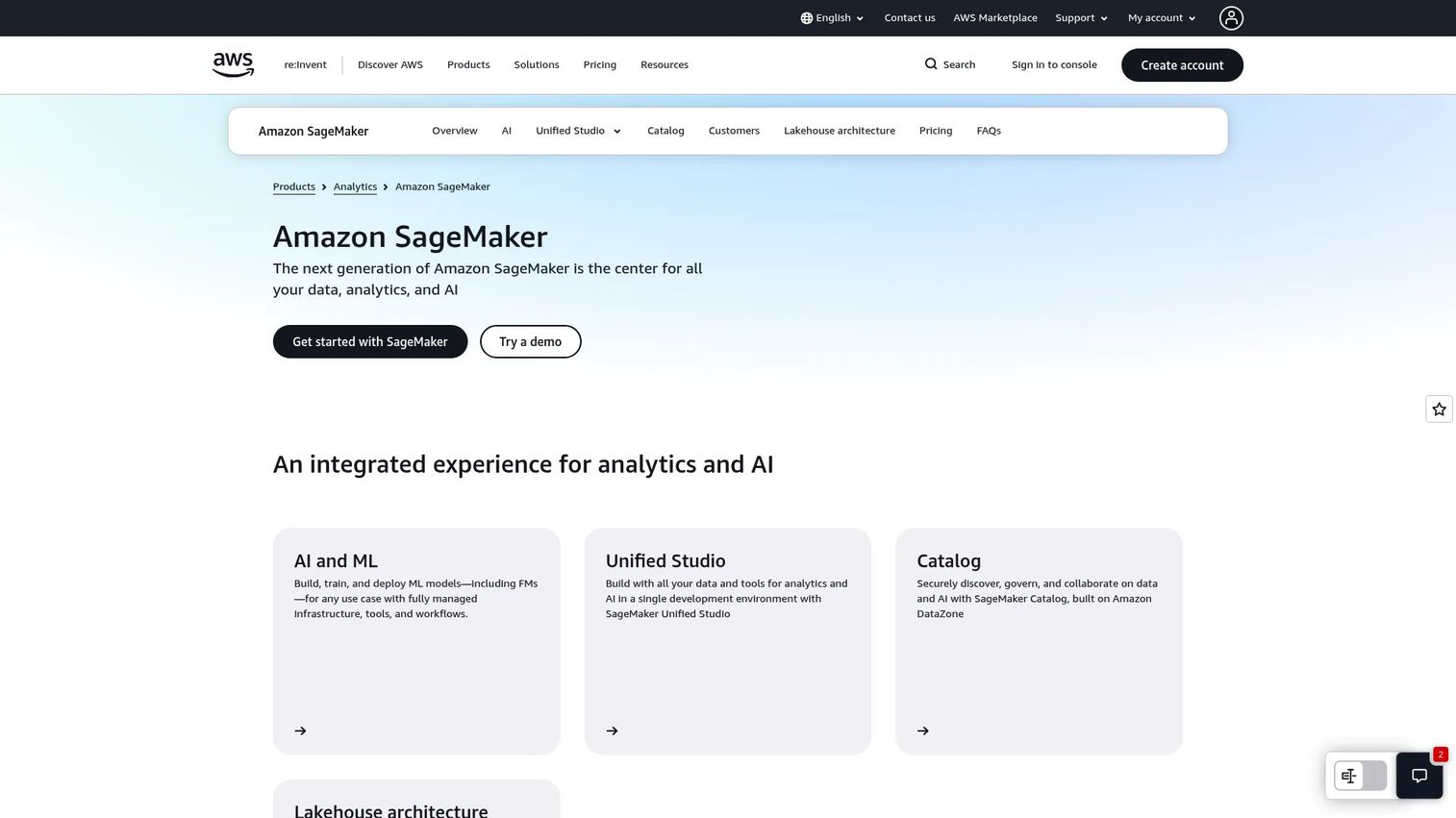
Amazon SageMaker is AWS's managed platform for building, training, deploying, and governing machine learning models. SageMaker Studio provides a unified development environment, and managed endpoints handle real-time and batch inference alongside MLOps and governance tooling. For teams already running on AWS, it keeps model deployment inside the same account, IAM, and networking model as the rest of their stack.
Best for: Teams that need a managed AWS platform for custom ML model development and deployment.
Key strengths
- SageMaker Studio unified development environment
- Managed model training and deployment
- Real-time and batch inference endpoints
- MLOps and governance tooling
Why choose Amazon SageMaker: If your infrastructure, data, and security posture already live in AWS, SageMaker reduces the number of moving parts and keeps deployment inside familiar guardrails. It suits enterprise teams that value integration and governance over vendor neutrality.
Pricing: SageMaker uses pay-as-you-go pricing based on the underlying AWS services you consume, and AWS offers a Free Tier to get started. There is no single public starting price because cost depends on the compute and services used.
4. MLflow
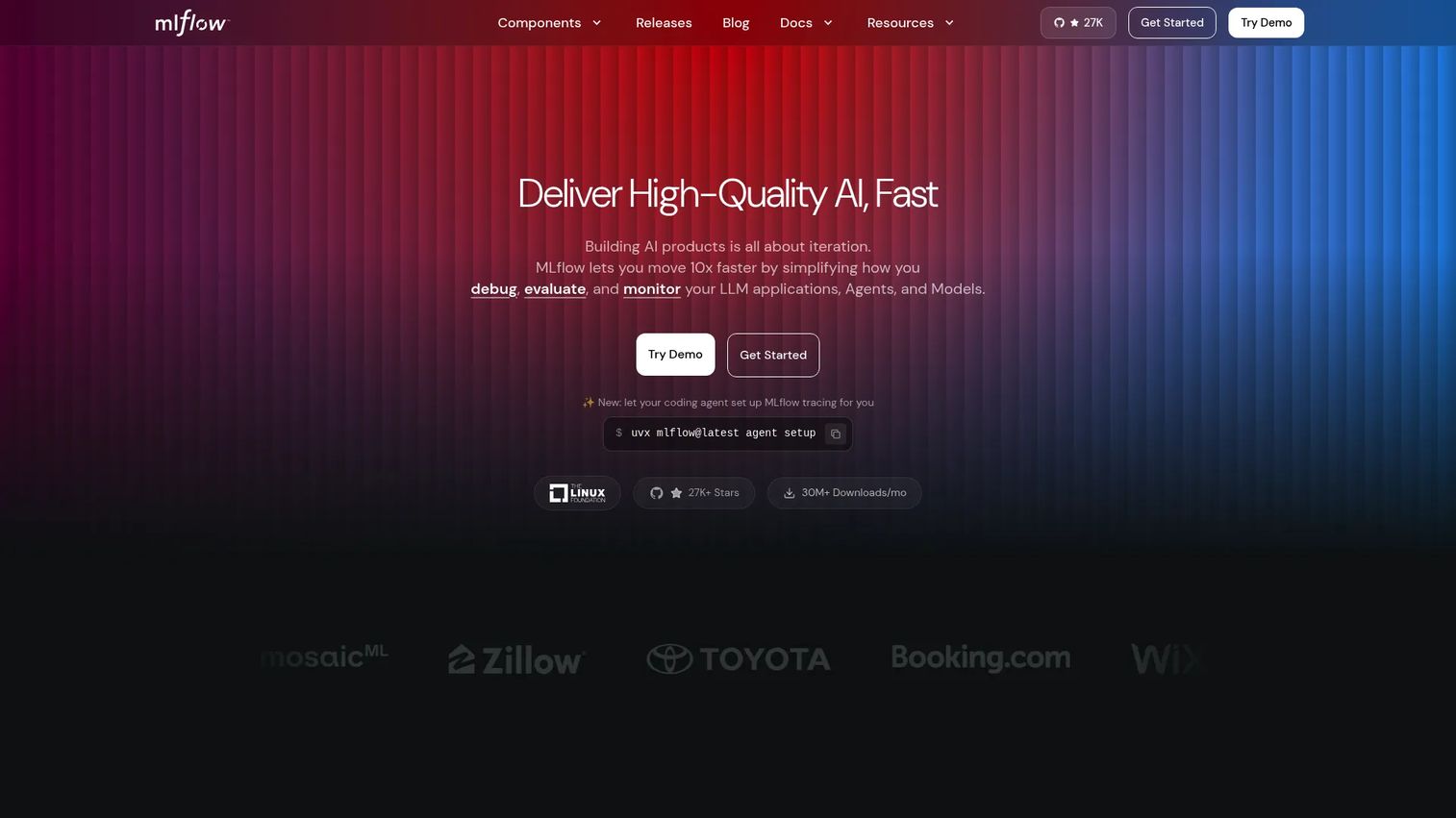
MLflow is an open-source platform for the full model lifecycle, from experiment tracking through registry to deployment. It has expanded well beyond classical ML into LLM and agent workflows, with tracing for tool calls and retrievals, evaluation via built-in LLM judges, a prompt registry, and an AI gateway. It is less a single serving runtime and more the connective tissue that keeps your models versioned, evaluated, and deployable.
Best for: Teams building and operating ML or LLM workflows that want an open-source, self-hosted platform.
Key strengths
- Tracing for LLM calls, tool invocations, retrievals, and agent decisions
- Evaluation with 70+ built-in LLM judges
- Prompt Registry and AI Gateway
- Model registry with versioning
Why choose MLflow: When you want an open-source backbone for tracking and lifecycle management that plugs into whatever serving layer you prefer, MLflow is the common standard. It suits teams that want to avoid lock-in and stitch deployment into a broader MLOps workflow.
Pricing: MLflow is open source with no public pricing. Costs come from the infrastructure you self-host it on or a managed platform that bundles it.
5. KServe
KServe is an open-source, Kubernetes-native platform for serving machine learning and generative AI models. It abstracts the model runtime behind a standard interface, supporting frameworks from TensorFlow and PyTorch to ONNX, Hugging Face, and vLLM, plus OpenAI-compatible APIs. Built-in intelligent routing, canary rollouts, request-based autoscaling, and scale-to-zero make it a natural fit for teams that already run production workloads on Kubernetes.
Best for: Teams that want open-source model serving on Kubernetes.
Key strengths
- Multi-framework model serving
- Generative AI and LLM serving
- Autoscaling and scale-to-zero
- Canary rollouts and intelligent routing
Why choose KServe: If Kubernetes is your deployment substrate, KServe gives you cloud-native inference serving that inherits your existing scaling, networking, and observability. It suits platform teams that prefer open-source standards over a managed endpoint.
Pricing: KServe is open source with no license cost. You pay for the Kubernetes cluster and compute it runs on.
6. Ray Serve
Ray Serve is Ray's scalable model serving library for building online inference APIs. It is framework-agnostic, so you can serve Python business logic and ML models side by side, with independent scaling and fractional GPU allocation across components. Autoscaling and request batching handle online inference load. For teams already using Ray for distributed training or data processing, Serve extends the same runtime to production serving.
Best for: Teams that need scalable, framework-agnostic model serving for Python-based ML and inference apps.
Key strengths
- Framework-agnostic serving for Python logic and ML models
- Independent scaling and fractional GPU allocation
- Autoscaling and batching for online inference
- Native fit with the broader Ray ecosystem
Why choose Ray Serve: When your inference graph mixes model calls with custom Python logic, or you are already invested in Ray, Serve lets you scale each piece independently. It suits teams building composite, multi-step inference rather than a single model behind an endpoint.
Pricing: Ray Serve is part of the open-source Ray project with no standalone price. Managed options are available through Anyscale, and self-hosting costs track your compute.
7. NVIDIA Triton Inference Server
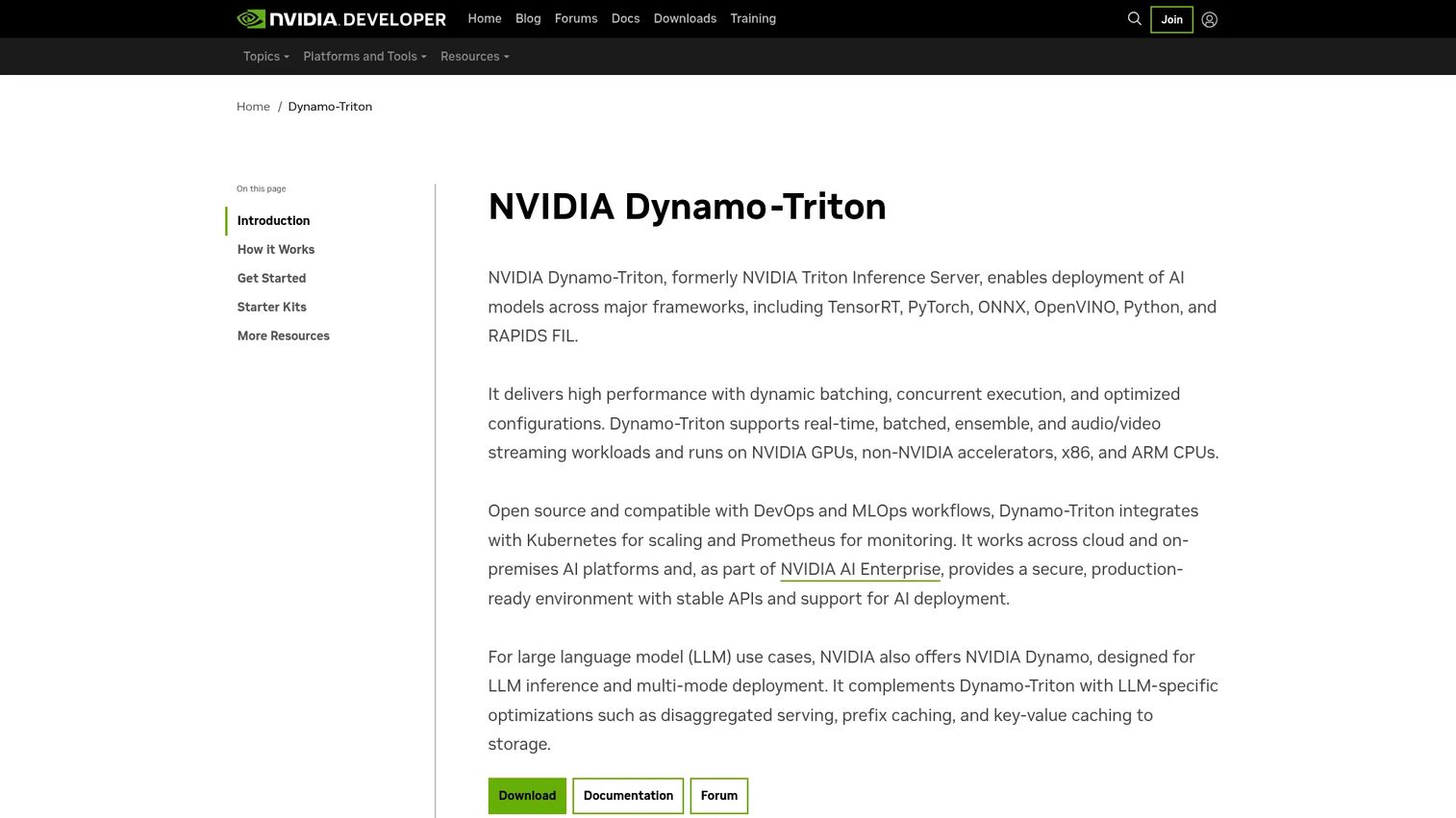
NVIDIA Triton Inference Server is open-source inference serving software built for high-throughput deployment across frameworks and hardware. It supports TensorFlow, PyTorch, ONNX, TensorRT, OpenVINO, Python, and RAPIDS FIL, and squeezes performance out of GPUs with dynamic batching, concurrent model execution, and model ensembles. Kubernetes and Prometheus integration handle scaling and monitoring. It is the default choice when GPU efficiency is the constraint.
Best for: Teams deploying production AI inference across multiple frameworks and hardware targets.
Key strengths
- Supports TensorFlow, PyTorch, ONNX, TensorRT, OpenVINO, Python, and RAPIDS FIL
- Dynamic batching, concurrent execution, and model ensembles
- Kubernetes and Prometheus integration
- High-throughput GPU inference
Why choose NVIDIA Triton Inference Server: If you are serving large or GPU-bound models and need to wring maximum throughput from expensive hardware, Triton is purpose-built for it. It suits teams running heavy vision, LLM, or multi-framework workloads.
Pricing: The open-source software is free to use, including containers and releases. Production support and additional features come through NVIDIA AI Enterprise, with a 90-day trial and LaunchPad labs available.
8. TensorFlow Serving
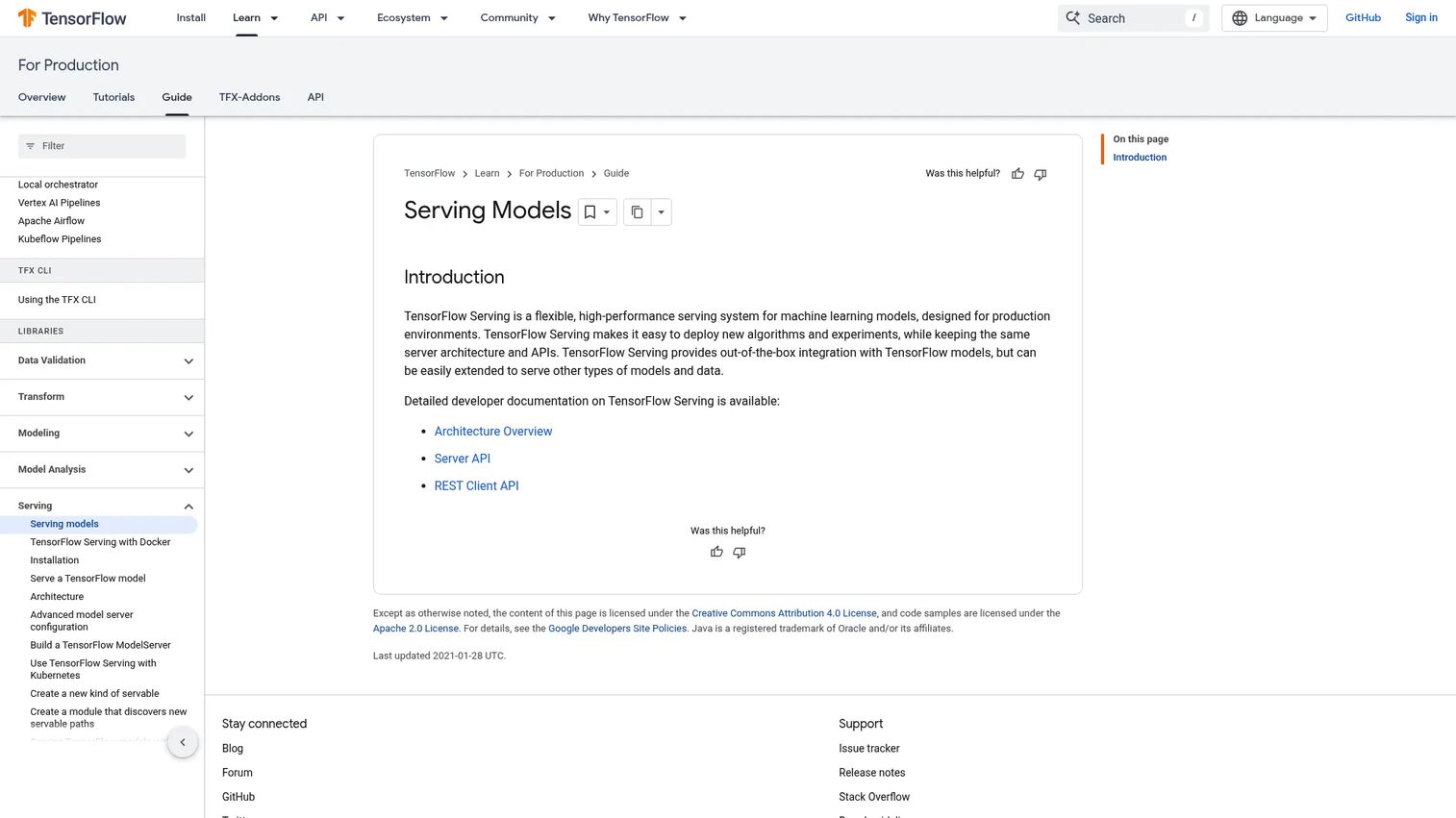
TensorFlow Serving is a production serving system built specifically for TensorFlow models. It offers flexible, high-performance serving with out-of-the-box TensorFlow model integration and supports both gRPC and REST APIs. The scope is narrower than the multi-framework tools above, but that focus is the point: if your models are TensorFlow, this is a battle-tested, purpose-built path to a production endpoint.
Best for: Teams deploying TensorFlow models behind a production inference API.
Key strengths
- Flexible, high-performance serving for ML models
- Out-of-the-box TensorFlow model integration
- gRPC and REST API support
- Model versioning and hot-swapping
Why choose TensorFlow Serving: If your stack is TensorFlow and you want a mature, high-performance serving layer without adopting a broader platform, this is the direct route. It suits teams with a homogeneous TensorFlow footprint that value focus over breadth.
Pricing: TensorFlow Serving is open source with no license cost. You pay only for the infrastructure that hosts it.
Considerations
Before you commit to any ai deployment platform, work through this checklist against your actual workload.
Framework compatibility
Check that the tool supports your model formats and runtimes, not just today's but the ones you will adopt next. A TensorFlow-only shop and a mixed PyTorch-plus-LLM shop have very different needs. Multi-framework servers like Triton and KServe reduce future rework if your stack is heterogeneous.
Traffic and latency requirements
Map your request pattern first. Real-time inference with tight latency SLAs needs fast autoscaling and batching, while batch scoring rewards throughput and cheap compute. Mismatching the tool to the traffic pattern is the most common source of cost and performance pain.
Infrastructure and operations
Decide where the work lives. Managed platforms like SageMaker and Hugging Face Inference Endpoints trade some control for less operational load, while Kubernetes-native tools like KServe give you control if you already run Kubernetes. Factor in GPU availability and who maintains the cluster.
Monitoring and governance
Production models drift. Look for observability, drift detection, versioning, access control, and clean rollbacks. Tools like MLflow lean into lifecycle and monitoring, which matters more the more models you run and the more regulated your context is.
Cost and scale
Look past the sticker. Open-source tools have no license cost but you pay in compute and engineering time, while managed services fold that into usage-based pricing. Model your traffic against per-hour or per-request rates, and confirm free tiers and scale-to-zero behavior before you commit.
Conclusion
Pick by deployment motion, not by brand loyalty.
For low-latency online inference, BentoML and Ray Serve give you packaging and scaling control, while Hugging Face Inference Endpoints removes the infrastructure entirely. For GPU-heavy or multi-framework serving, NVIDIA Triton Inference Server is the throughput specialist. For Kubernetes-native teams, KServe inherits your existing platform. For an open-source lifecycle backbone, MLflow ties tracking, registry, and deployment together. And if your stack is AWS or pure TensorFlow, SageMaker and TensorFlow Serving are the natural fits.
A practical next step: pick one serving framework, one managed platform, and one monitoring layer, then run a small model through each in a real deployment. You will learn more from one production endpoint than from a month of comparison tables.
Start your journey with Guideflow today!
FAQs
Model serving is the narrow act of exposing a trained model behind an endpoint and handling inference requests. Model deployment is the broader process of getting that model into production, including packaging, infrastructure provisioning, rollout strategy, and monitoring. Serving is one step inside deployment.
KServe is the most common Kubernetes-native choice. It abstracts the model runtime behind a standard interface with canary rollouts and scale-to-zero. NVIDIA Triton also integrates with Kubernetes if GPU throughput is your priority.
SageMaker makes sense when your data, security, and infrastructure already live in AWS and you value integration and governance over vendor neutrality. It keeps deployment inside your existing IAM, networking, and account structure. Open-source tools like KServe or BentoML fit better if you want portability across clouds or run mostly on Kubernetes.
Start with framework compatibility, your traffic pattern, and where the operational work will live. Then evaluate monitoring, versioning, and governance, plus total cost including compute and engineering time. The best fit depends on whether you need real-time or batch inference, managed or self-managed operations, and single-framework or multi-framework support.
Often yes, but the constraints shift. Tools like KServe, BentoML, Ray Serve, and NVIDIA Triton support both classical ML and LLM serving. LLMs add concerns like GPU memory, token streaming, KV caching, and cold-start cost, so confirm the tool handles those patterns before you commit.
Open-source serving frameworks like TensorFlow Serving, KServe, or BentoML have no license cost, so your only spend is the compute they run on. For intermittent traffic, tools with scale-to-zero can cut idle cost dramatically. Managed endpoints with per-minute billing can also be cheap for low, bursty volume.
Track input and output distributions over time and compare them against a training baseline. Tools like MLflow include drift detection and monitoring, and you can pair any serving layer with Prometheus and Grafana for latency and error metrics. Set alerts on both data drift and prediction drift, then retrain when they cross a threshold.
Both, for different reasons. Startups value BentoML's packaging flexibility and free tier to ship fast without heavy infrastructure. Enterprise teams use the Bento Inference Platform for autoscaling, access control, and lifecycle management at scale. The packaging model stays the same as you grow, which is part of the appeal.










