Your activation dashboard shows 42%. Your CS team says it's actually 38%. RevOps pulled a third number. Everyone's reading from a different source, and your roadmap review is in two days.
This is not a dashboarding problem. It's a data movement problem. When product usage, billing, CRM, support, and lifecycle event data don't flow into a consistent layer, every team runs their own query and gets a different answer. According to Grand View Research (2026), the global data integration market was valued at $17.9 billion in 2025, on its way to $47.0 billion by 2033. That growth reflects how foundational reliable data pipelines have become for every product, analytics, and operational decision.
For PMs, the value of big data integration tools isn't the pipeline itself. It's what the pipeline makes possible: Trusted activation cohorts, clean segmentation for onboarding experiments, and fewer stakeholder debates before every roadmap review. According to Forbes Insights (2025), 68% of surveyed U.S. technology leaders said their organizations draw from 50 or more distinct data sources for decision-making. That sprawl is exactly what integration infrastructure is built to tame.
What's inside
This guide compares 15 big data integration tools and data integration platforms for 2026, chosen based on:
- Connector depth and latency options: Batch, CDC, streaming, and real-time support
- Architecture fit: ELT-first, iPaaS, lakehouse, enterprise ETL, and hybrid models
- PM-relevant outcomes: Trusted metrics, segment accuracy, and reduced engineering dependency
- Pricing transparency and G2 ratings: Verified from vendor pages and live G2 listings
The list covers use cases from managed cloud ELT to open-source pipelines, real-time CDC, and unified Microsoft analytics stacks. Data teams, analytics engineers, RevOps, and platform engineers will all find relevant picks.
TL;DR
- Best for managed ELT into warehouses: Fivetran. 750+ connectors with automated schema drift handling.
- Best for AWS-native pipelines: AWS Glue. Serverless ETL with deep AWS ecosystem integration.
- Best for real-time CDC and streaming: Estuary. Low-latency change data capture with a free developer tier.
- Best for enterprise governance: Informatica. Broad data quality, lineage, and master data management.
- Best open-source flexibility: Airbyte. 700+ connectors with self-hosted and cloud deployment options.
- Best for Microsoft-first stacks: Azure Data Factory or Microsoft Fabric, depending on whether you need a standalone orchestrator or a full analytics platform.
- Best for BI-integrated data movement: Domo. Integration tied directly to dashboards and business app workflows.
What is big data integration software?
Big data integration software moves, transforms, synchronizes, and governs high-volume data across databases, applications, APIs, event streams, data warehouses, data lakes, and analytics platforms.
The category covers several distinct approaches:
- ETL (Extract, Transform, Load): Data is transformed before it reaches the target system. Common in legacy enterprise environments with strict schema requirements.
- ELT (Extract, Load, Transform): Raw data lands in the warehouse or lakehouse first, then transformations run inside it. Standard in modern cloud analytics stacks.
- Change data capture (CDC): Captures row-level changes from operational databases as they happen, without full reloads. Keeps analytics and operational systems current with less pipeline overhead.
- Streaming integration: Moves event data continuously for near-real-time use cases such as lifecycle triggers, support alerts, and in-app personalization.
- Replication: Keeps data aligned across environments, often database-to-database.
- Reverse ETL: Pushes warehouse data back into operational tools like CRM, support platforms, and lifecycle systems.
- Data virtualization: Queries distributed data without physically copying every dataset.
- Governance: Access control, lineage, audit logs, masking, and policy enforcement across data assets.
Key capabilities to evaluate:
- Connector breadth across SaaS apps, databases, APIs, files, and event streams
- Batch, streaming, CDC, and replication support within a single platform
- Transformation options: Code-first, low-code, or SQL-based pushdown models
- Pipeline monitoring, alerting, and automatic failure recovery
- Governance features: Lineage, access control, field masking, audit logs
- Deployment flexibility: Cloud-native, hybrid, or on-premises options
- Integration with warehouses, lakehouses, BI tools, and ML platforms
For PMs, what matters is that the integration layer feeds your analytics stack with instrumented, segmented, and consistent data. Cleaner pipelines produce trusted activation cohorts, accurate retention curves, and fewer sprint interruptions from engineering fixing one-off reporting bugs.
When to use big data integration tools
Build trusted product and customer analytics
Your product usage events, billing records, CRM contacts, support tickets, and lifecycle triggers rarely live in the same database. Without a governed integration layer, every team pulls from a different source and argues about which number is right. Data integration tools create a single, versioned pipeline from each source into one analytics destination, so activation rates, retention cohorts, and expansion signals are consistent across product, CS, and finance.
Move from manual reporting to governed pipelines
Spreadsheet exports, CSV uploads, and one-off engineering scripts are unsustainable past a certain scale. Each new segment or funnel question requires another engineering ticket. With a governed pipeline, your data team owns the instrumentation infrastructure and PMs can request new segments without consuming sprint capacity. That release cadence shift reduces the opportunity cost of asking engineering to fix reporting every quarter.
Support real-time or near-real-time workflows
Scheduled batch refreshes work for daily KPI reporting. They break down for lifecycle triggers, fraud signals, operational alerts, and in-app personalization. When a user's plan upgrades at 11pm, your onboarding flow needs to know by 11:01. CDC and streaming pipelines close that latency gap, pushing operational state into the systems that act on it without waiting for the next scheduled job.
Big data integration tools comparison
The table below compares all 15 tools across best-fit use case, key differentiator, pricing model, and G2 rating. Pricing models vary significantly across this category. Most cloud-native platforms use consumption-based billing rather than flat subscription rates. For tools with quote-only pricing, the table notes that; check the vendor's pricing page and ask about data volume, connector count, and deployment model to get a usable estimate.
| # | Product | Best for | Key differentiator | Pricing | G2 rating |
|---|---|---|---|---|---|
| 1 | Fivetran | Managed ELT into cloud warehouses | 750+ managed connectors with automated schema handling | Free tier; paid plans usage-based | 4.4/5 |
| 2 | AWS Glue | AWS-native serverless ETL | Serverless ETL tightly integrated with AWS data services | Usage-based from $0.44/DPU-hr | 4.3/5 |
| 3 | Azure Data Factory | Microsoft cloud orchestration | Visual ETL/ELT pipeline design across Azure and hybrid | Pay-as-you-go; pricing varies by activity | 4.6/5 |
| 4 | Informatica | Enterprise governance and MDM | Governance, quality, catalog, and integration in one platform | Consumption-based; custom pricing | 4.2/5 |
| 5 | Matillion | Cloud warehouse ELT | Low-code ELT with warehouse pushdown for analytics teams | Credit-based; free developer tier | 4.5/5 |
| 6 | Airbyte | Open-source pipeline flexibility | 700+ connectors with self-hosted or cloud deployment | Free self-host; Cloud from $20/month | 4.4/5 |
| 7 | Snowflake | Warehouse-native data movement | Data sharing, ingestion, and processing inside the data cloud | Consumption-based; 30-day trial | 4.6/5 |
| 8 | Databricks | Lakehouse and ML pipelines | Unified analytics, streaming, and data engineering on Delta Lake | Usage-based from $0.07/DBU | 4.6/5 |
| 9 | Domo | BI-integrated data movement | Integration tied directly to dashboards and business apps | Consumption-based; custom pricing | 4.3/5 |
| 10 | Qlik Talend Cloud | Data quality and governed integration | Integration plus quality, lineage, and prep in one platform | Capacity-based; custom pricing | 4.6/5 |
| 11 | IBM DataStage | Hybrid enterprise ETL | Long-running enterprise ETL engine for complex hybrid environments | From $1.75/CUH; free trial available | 4.0/5 |
| 12 | SnapLogic | iPaaS and data integration | Low-code pipeline design across apps, data, and APIs | Custom pricing | 4.4/5 |
| 13 | Boomi | Application and data integration | iPaaS across apps, APIs, B2B/EDI, and data synchronization | From $99/month plus usage | 4.4/5 |
| 14 | Estuary | Real-time CDC and streaming | Streaming-first pipelines with low-latency sync and free developer tier | Free tier; Cloud from $0.50/GB + $100/connector | 4.7/5 |
| 15 | Microsoft Fabric | Unified Microsoft analytics stack | Integrated lakehouse, warehouse, real-time analytics, and Power BI | Capacity-based from $0.18/hr per CU | 4.6/5 |
Best 15 big data integration tools for 2026
1. Fivetran
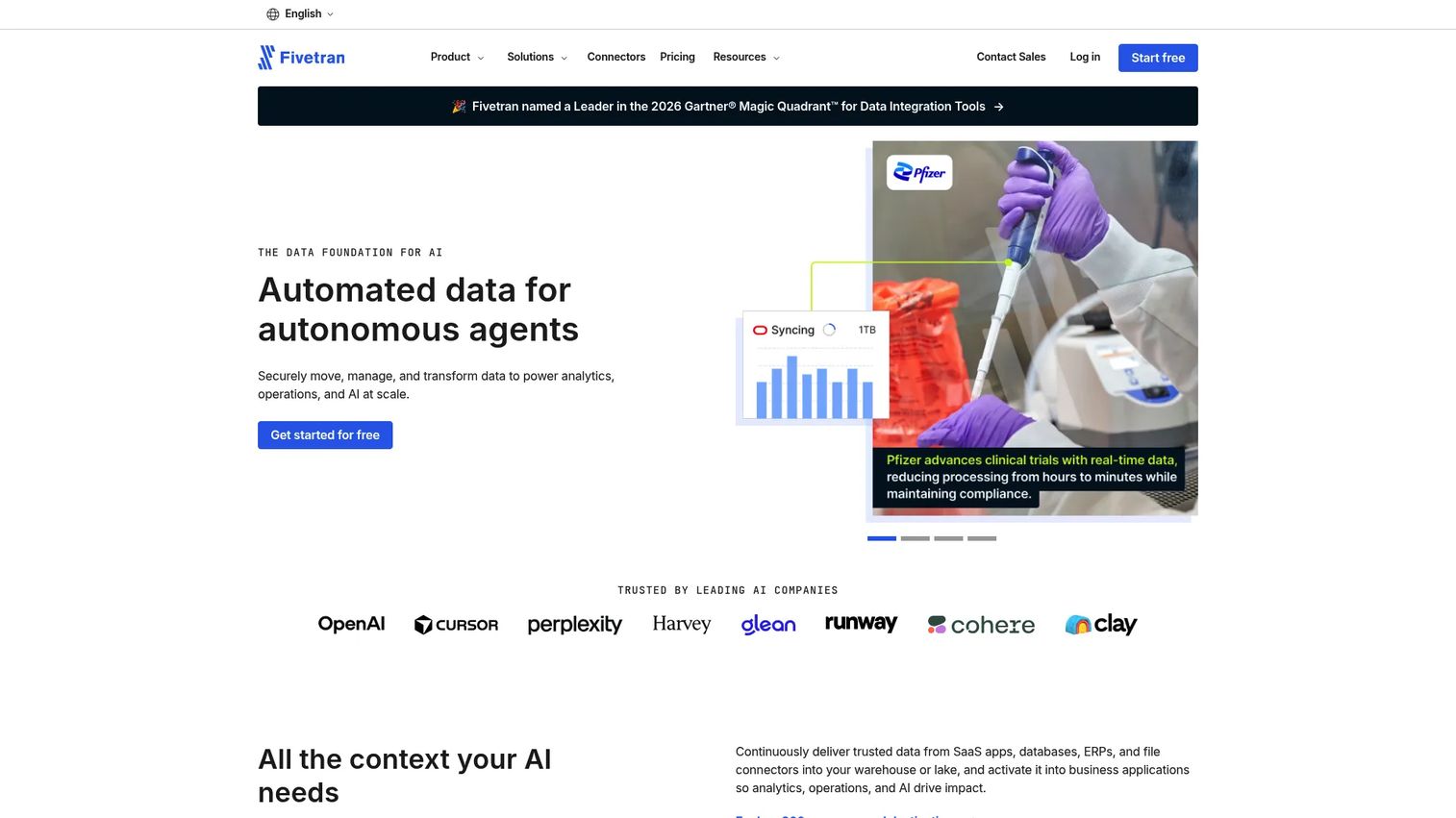
Fivetran is a managed ELT platform that syncs data from SaaS applications, databases, and event sources into cloud warehouses and lakehouses. Its core value proposition is fully managed connectors: Fivetran handles schema drift, source API changes, and pipeline reliability so your data team doesn't have to. Over 750 connectors cover sources from Salesforce and HubSpot to Postgres, MongoDB, and event streams, all landing data in destinations like Snowflake, Databricks, and BigQuery.
Best for: Data and analytics teams that need reliable, low-maintenance ELT pipelines into cloud warehouses without building connector infrastructure.
Key features
- 750+ fully managed connectors across SaaS, databases, and files
- Automated schema drift detection and handling
- Sync frequencies down to 1-minute on Enterprise tier
- Role-based access control and REST API
- Private networking and customer-managed encryption keys
Why choose Fivetran: Strong pick when PMs need product, billing, and support data in the warehouse reliably, without consuming engineering capacity on connector maintenance. Evaluate connector costs and data-volume pricing carefully before scaling, since usage charges grow with row volume.
Fivetran pricing: Free plan available up to 500,000 monthly active rows. Paid plans (Standard, Enterprise, Business Critical) are usage-based; contact Fivetran or use the estimator on their pricing page for exact rates.
G2 rating: 4.4/5
2. AWS Glue
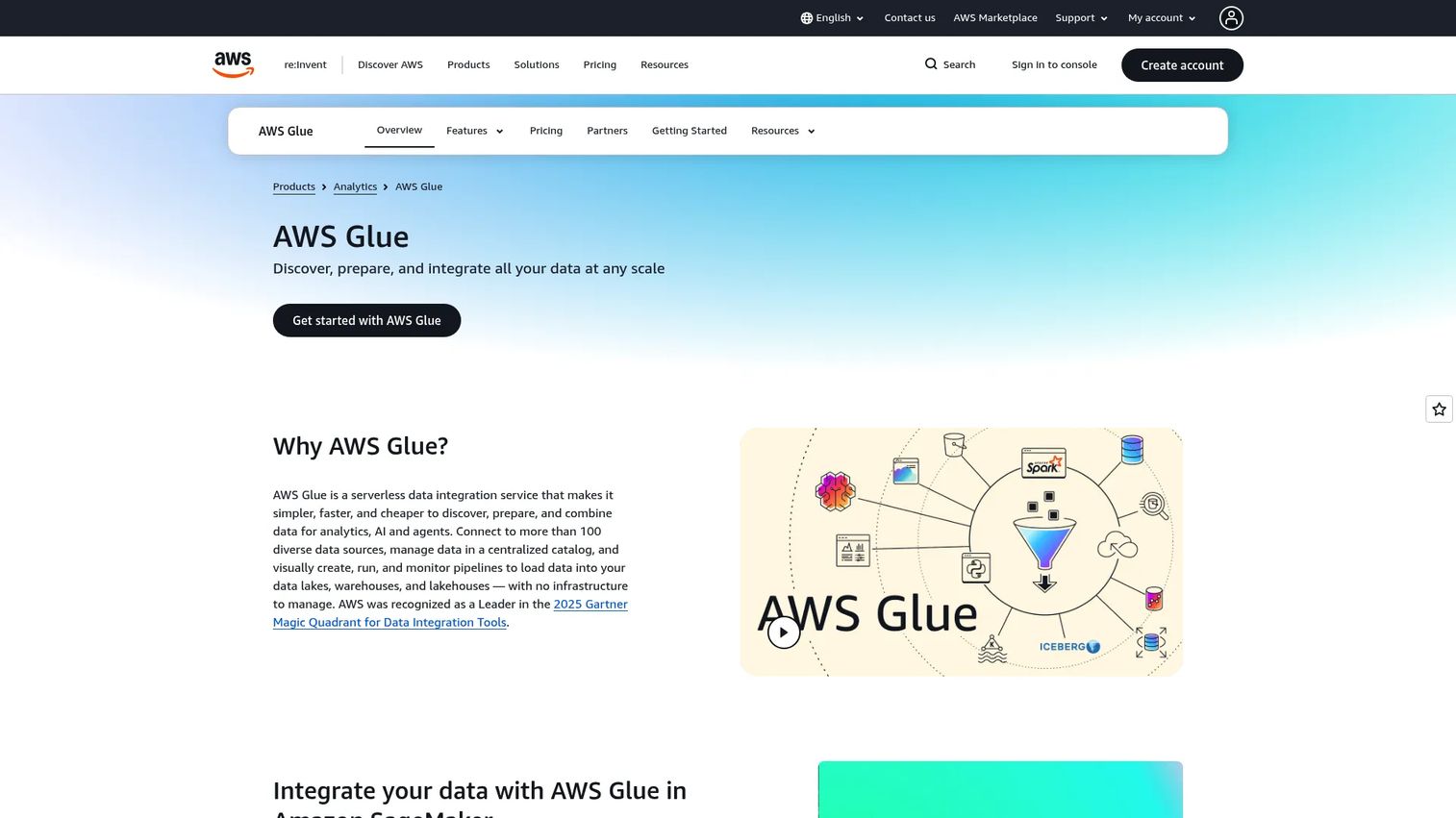
AWS Glue is a serverless data integration service built for teams already running their data stack on AWS. It handles ETL job creation, schema discovery through crawlers, and data cataloging across S3, Redshift, Athena, and partner sources. Teams write jobs in Python or Spark, or use Glue Studio's visual interface. The result is a fully managed, auto-scaling pipeline environment with no servers to provision. It also supports zero-ETL integrations with select AWS services and streaming ETL via Apache Spark Structured Streaming.
Best for: Engineering-led teams building data lakes, analytics warehouses, and ML pipelines within the AWS ecosystem.
Key features
- Serverless ETL jobs with automatic scaling
- AWS Glue Data Catalog with crawler-based schema discovery
- Visual job authoring in Glue Studio
- Spark and Python shell job support
- Sensitive data detection and data quality monitoring
Why choose AWS Glue: The right fit when your data stack already lives on S3, Redshift, and Athena. It gives engineering teams cloud-native control rather than managed abstraction. PMs should understand that it rewards teams comfortable writing Spark or Python; it's not a low-code tool.
AWS Glue pricing: Usage-based, billed by the second. Crawlers and ETL jobs run at hourly DPU rates; the first million Glue Data Catalog objects and the first million requests are free. Standard workloads start around $0.44 per DPU-hour, varying by region and job type.
G2 rating: 4.3/5
3. Azure Data Factory
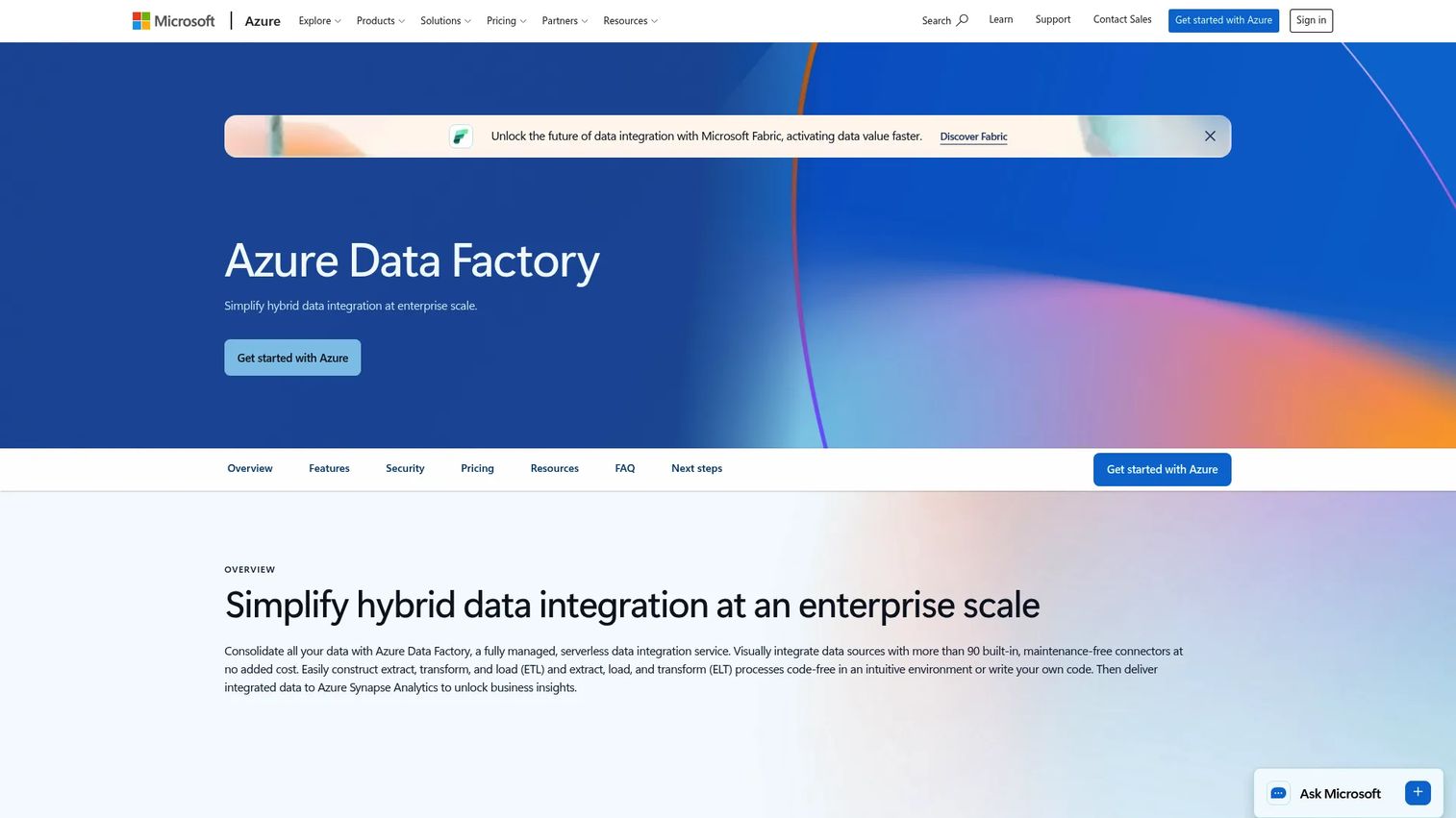
Azure Data Factory is Microsoft's cloud data integration and pipeline orchestration service. It supports both ETL and ELT patterns through a visual pipeline designer, with more than 90 built-in connectors for on-premises, SaaS, and cloud sources. Mapping data flows enable code-free Spark-based transformation at scale. It also handles SSIS workload migration for teams modernizing legacy Microsoft pipelines. For hybrid scenarios, the self-hosted Integration Runtime extends connectivity to on-premises and private network sources.
Best for: Organizations standardizing on Microsoft Azure who need governed, visual orchestration across cloud and on-premises data sources.
Key features
- Visual pipeline authoring with built-in Git and CI/CD support
- 90+ connectors for SaaS, on-premises, and cloud sources
- Mapping data flows for code-free Spark transformation
- Self-hosted Integration Runtime for hybrid connectivity
- Trigger-based scheduling and pipeline monitoring
Why choose Azure Data Factory: Strong fit when product analytics, BI reporting, and enterprise data already sit in the Microsoft stack. PMs benefit when Azure Data Factory feeds Power BI and Synapse from the same governed source, reducing the number of tools in the reporting chain.
Azure Data Factory pricing: Pay-as-you-go by activity runs, data movement volume, data flow execution, and Integration Runtime uptime. Microsoft's pricing page shows variable rates; check the Azure pricing calculator with your expected pipeline run volume.
G2 rating: 4.6/5
4. Informatica
Informatica is an AI-powered enterprise data management platform covering cloud data integration, data quality, governance, metadata management, and master data management. It operates across cloud, hybrid, and multicloud environments, connecting to hundreds of sources and destinations. Its Intelligent Data Management Cloud bundles integration with data catalog, lineage, access control, and MDM into one governed platform. For regulated industries or large enterprises with strict auditability requirements, that breadth matters.
Best for: Large enterprises running governance-heavy, multicloud, or hybrid data programs where integration is part of a broader data management mandate.
Key features
- Cloud data integration with batch and real-time options
- Data quality management with profiling and rules
- Metadata catalog and lineage tracking
- Master data management and 360 applications
- API and application integration capabilities
Why choose Informatica: Choose it when the integration challenge includes data quality, lineage, and regulatory auditability alongside pipeline management. PMs evaluating Informatica should frame it as infrastructure investment, not just a connector tool, and expect an enterprise sales process.
Informatica pricing: Consumption-based using Informatica Processing Units (IPUs). Contact sales for a quote based on data volume, services used, and cloud deployment.
G2 rating: 4.2/5
5. Matillion
Matillion is a cloud-native data integration and transformation platform built specifically for analytics teams running ELT workflows in cloud warehouses. It supports batch loading and change data capture, with low-code and high-code options using SQL, Python, and dbt. Pipelines push transformation workloads into the warehouse engine rather than processing data externally, which keeps compute costs tied to warehouse capacity. It also includes AI features through Maia, its AI assistant for pipeline building, and supports LLM pipelines and RAG-ready data preparation.
Best for: Analytics engineering teams building ELT pipelines for Snowflake, Databricks, BigQuery, or Redshift, with iteration speed as a priority.
Key features
- Batch loading and streaming CDC support
- Hundreds of pre-built and custom connectors
- Low-code canvas and SQL/Python/dbt transformation
- Pipeline orchestration with lineage and Git integration
- AI-assisted pipeline building with Maia
Why choose Matillion: Works well when PMs need fast iteration on product usage segments and analytics engineers want to build warehouse-centric pipelines without heavy DevOps involvement. Pricing is credit-based; model consumption at your expected sync frequency and transformation volume before committing.
Matillion pricing: Credit-based consumption model. Developer tier is free for a single user. Teams and Scale tiers add collaboration, enterprise security, hybrid deployment, and streaming CDC; contact sales for credit pricing on those plans.
G2 rating: 4.5/5
6. Airbyte
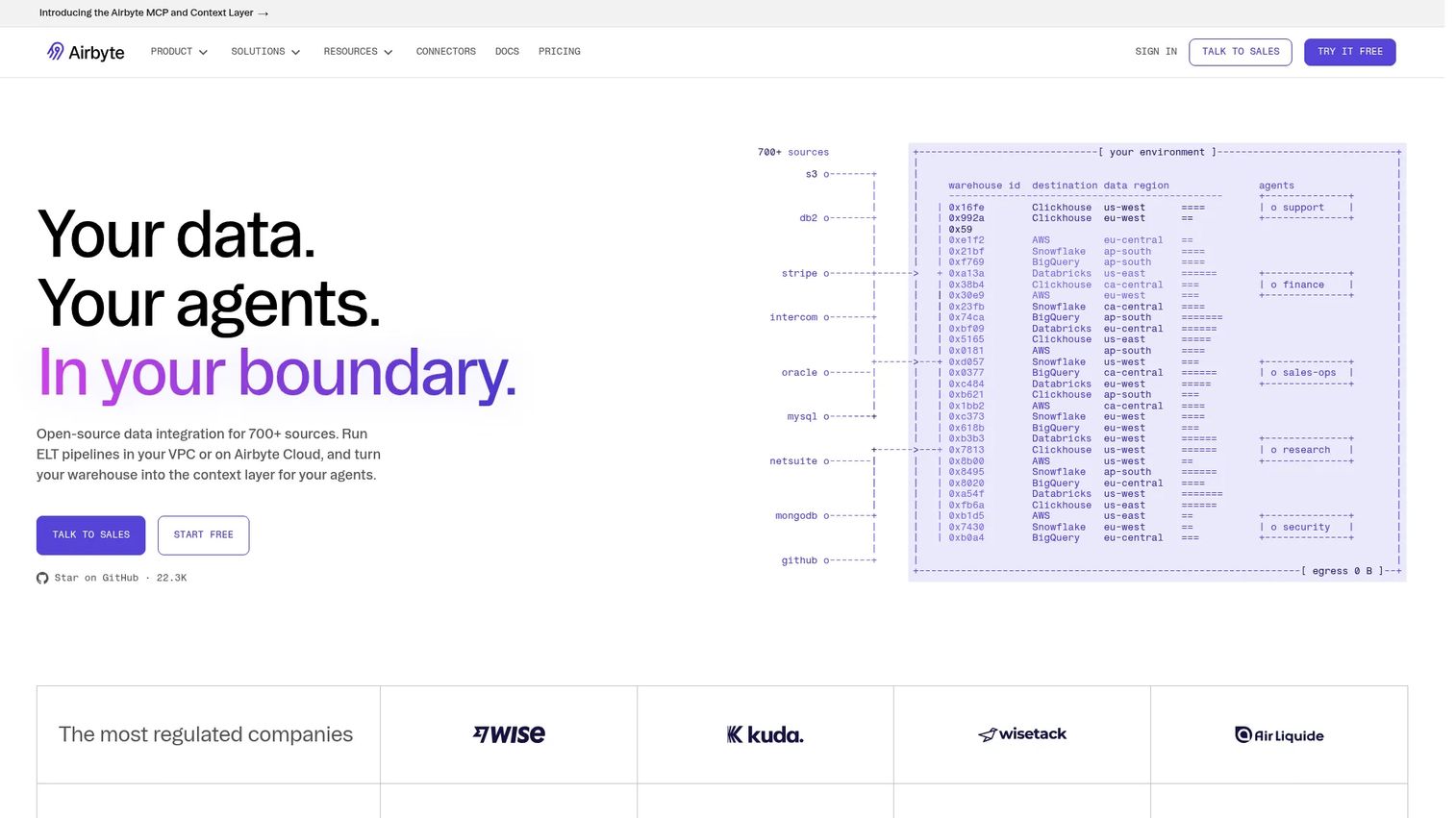
Airbyte is an open-source data replication platform with more than 700 connectors covering databases, APIs, SaaS applications, and event streams. Teams can self-host it on their own infrastructure or use the managed Airbyte Cloud. Its Connector Builder lets engineering teams create custom connectors without leaving the platform. It also supports reverse ETL and CDC, making it a viable option for teams that need both inbound and outbound data movement. The open-source foundation means you can inspect, modify, and extend connectors rather than waiting on a vendor's release schedule.
Best for: Data teams that want flexibility over connector behavior, self-hosting control, or the ability to build custom integrations for internal systems.
Key features
- 700+ data connectors with open-source code
- Change data capture and schema propagation
- Low-code Connector Builder for custom sources
- Cloud, hybrid, on-premises, and multi-region deployment
- Reverse ETL and AI-ready pipeline support
Why choose Airbyte: Strong pick when a unique internal data source or non-standard SaaS tool needs a custom connector path. PMs should value it when engineering wants full control over pipeline behavior and data residency. The self-hosted option carries infrastructure management overhead.
Airbyte pricing: Self-hosting Airbyte Core is free. Airbyte Cloud starts at $20/month on the Standard plan (volume-based). Plus plans start at $189/month. Pro and Enterprise Flex tiers use custom pricing for larger workloads.
G2 rating: 4.4/5
7. Snowflake
Snowflake is a fully managed AI Data Cloud platform. It is not purely a data integration tool; it is the destination and processing layer many integration pipelines target. Snowflake supports data ingestion through Snowpipe, continuous data loading, Snowpark for in-warehouse data engineering, and Cortex for AI and ML. Its cross-cloud data sharing lets organizations share governed datasets with partners and internal teams without copying data. Many teams pair Snowflake with a dedicated ELT tool like Fivetran or Airbyte for ingestion, then run transformation and analytics natively.
Best for: Organizations using Snowflake as their central data warehouse or data cloud, looking to maximize native ingestion, sharing, and processing capabilities.
Key features
- Snowpipe continuous data ingestion
- Snowpark for in-warehouse data engineering
- Cross-cloud data sharing and Marketplace access
- Cortex AI and ML capabilities
- Centralized security, governance, and compliance
Why choose Snowflake: Best when the architecture decision centers on where data lives and how teams share governed datasets across the organization. Most teams pair it with a dedicated ingestion tool for the pipeline layer; Snowflake handles storage, transformation, and analytics.
Snowflake pricing: Consumption-based, varying by compute credits, storage, cloud provider, and region. A 30-day free trial with $400 in credits is available. Standard, Enterprise, Business Critical, and Virtual Private Snowflake editions carry different capability sets.
G2 rating: 4.6/5
8. Databricks
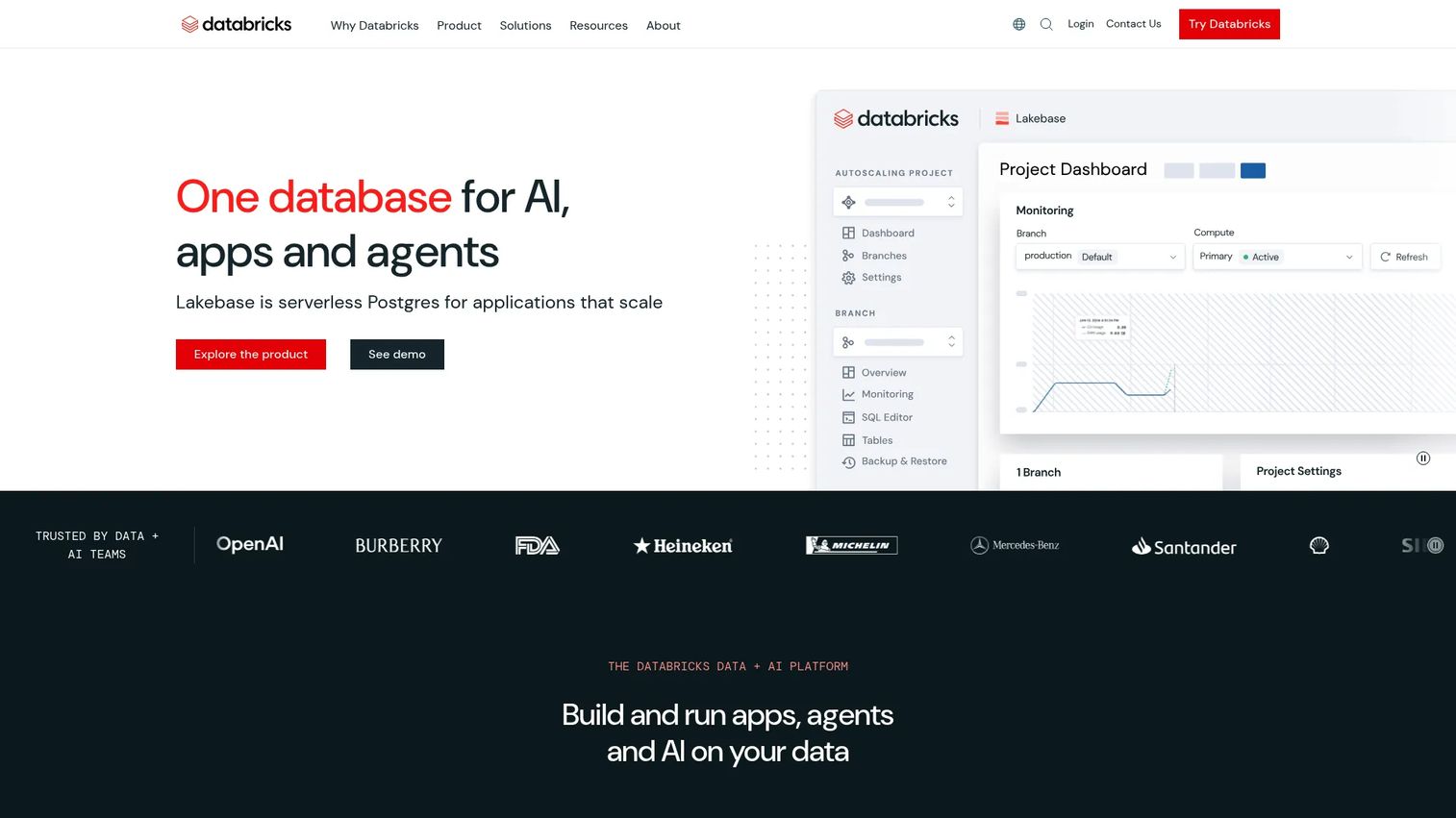
Databricks is a unified Data and AI Platform that combines data engineering, analytics, machine learning, and governance on a lakehouse architecture. Its Delta Lake foundation enables reliable, versioned data storage with ACID transactions across both batch and streaming workloads. Auto Loader simplifies incremental data ingestion from cloud storage. Delta Live Tables provides declarative pipeline development with built-in quality constraints. Unity Catalog adds centralized governance, lineage, and access control across all data and AI assets on the platform.
Best for: Data engineering teams building lakehouse architectures, streaming pipelines, and ML-ready data infrastructure at scale.
Key features
- Delta Lake architecture with ACID transactions
- Auto Loader for incremental cloud storage ingestion
- Delta Live Tables for declarative pipeline development
- Structured Streaming for near-real-time workloads
- Unity Catalog for centralized governance and lineage
Why choose Databricks: Right for teams where product analytics, ML feature engineering, and large-scale event processing need to coexist in the same platform. It's heavier than a managed ELT tool, so engineering-led teams with lakehouse ambitions are the natural fit. PMs should expect longer setup time before deriving clean segments.
Databricks pricing: Usage-based, billed per Databricks Unit (DBU) by workload type. Data engineering starts from $0.15/DBU; AI workloads start from $0.07/DBU. Cloud provider compute costs add on top of DBU charges.
G2 rating: 4.6/5
9. Domo
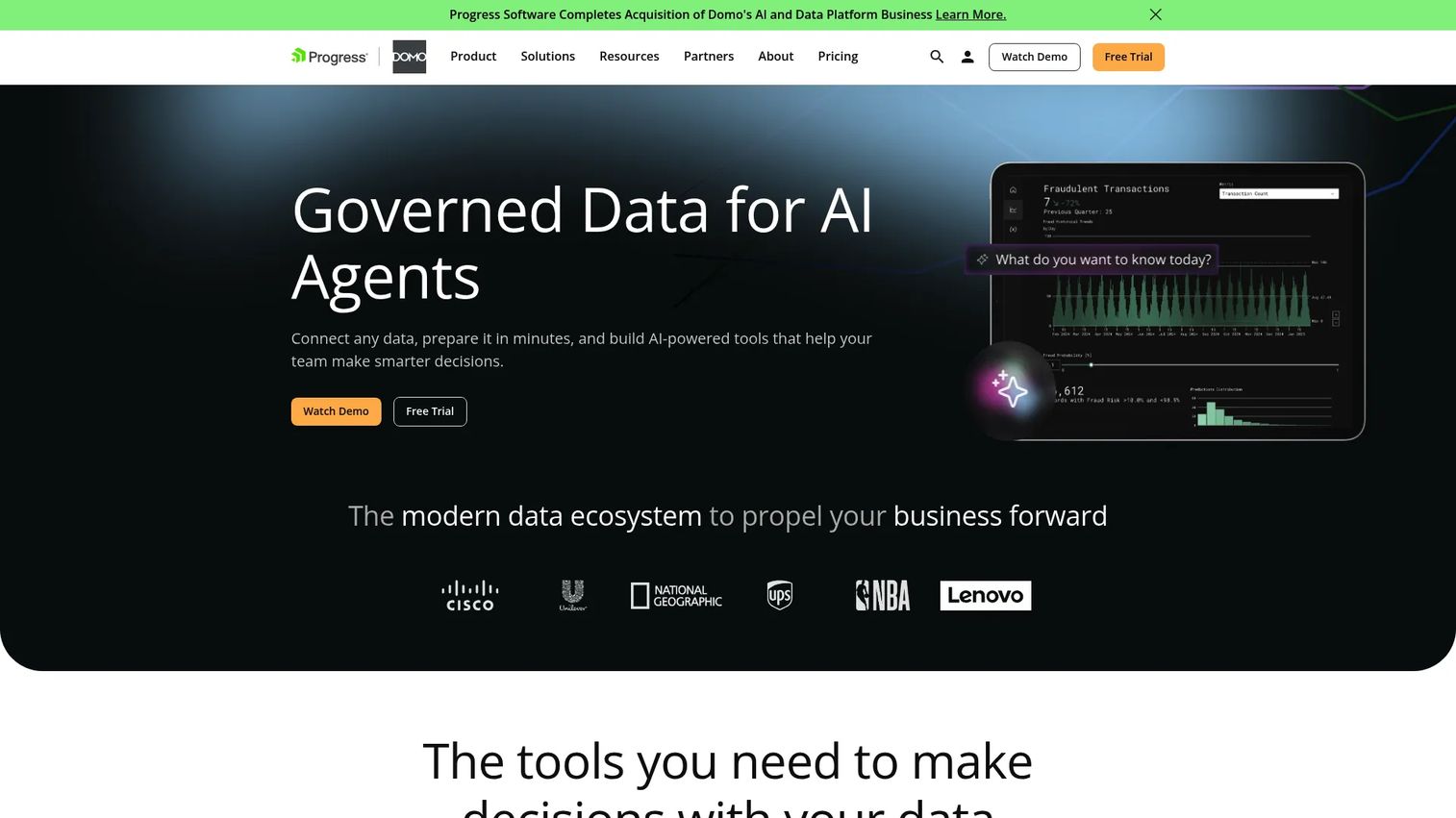
Domo is an AI-powered data and business intelligence platform with built-in data integration. It provides more than 1,000 connectors, a Magic ETL transformation layer, and BI dashboards in one environment. Rather than separating integration infrastructure from reporting, Domo ties them together: Data flows in, transformations run, dashboards update, and alerts trigger without assembling separate tools. It also supports embedded analytics, low-code app creation, and workflow automation built on the same data layer.
Best for: Teams that want integration and BI reporting maintained together, reducing the number of handoffs between data infrastructure and business visibility.
Key features
- 1,000+ data connectors including SaaS and databases
- Magic ETL and SQL-based transformation
- Interactive dashboards and embedded analytics
- AI Chat and ML model capabilities
- Workflow automation and scheduled alerts
Why choose Domo: Use it when business teams need faster access to KPI dashboards without assembling a separate integration and BI stack. For PMs, it shortens the time between a new data source and a usable product metric. Pricing requires a sales conversation; model the cost against your connector count and user seats.
Domo pricing: Consumption-based and credit-based pricing. Contact sales to get estimates based on data volume, connector needs, and dashboard seats.
G2 rating: 4.3/5
10. Qlik Talend Cloud
Qlik Talend Cloud combines data integration, data quality, governance, and analytics in one platform. The integration layer handles batch pipelines and real-time CDC, while data quality rules, profiling, and remediation recommendations run across connected data assets. Lineage and impact analysis show how upstream changes affect downstream reports. This combination matters when the problem isn't just moving data but ensuring the data being moved is accurate and trustworthy.
Best for: Organizations where integration quality and data governance are equally important as pipeline connectivity.
Key features
- Data integration with batch and CDC options
- Data quality rules, profiling, and remediation
- Lineage, catalog, and impact analysis
- Data preparation workflows
- Starter, Standard, Premium, and Enterprise tier options
Why choose Qlik Talend Cloud: Strong choice when activation or retention reports keep breaking because source fields are inconsistent or unmapped. PMs who've experienced stakeholder debates over conflicting segment counts will recognize the problem this platform solves. Pricing is capacity-based across four tiers; contact sales for numeric rates.
Qlik Talend Cloud pricing: Four capacity-based subscription tiers (Starter, Standard, Premium, Enterprise). Pricing is based on data moved, job executions, and job duration.
G2 rating: 4.6/5
11. IBM DataStage
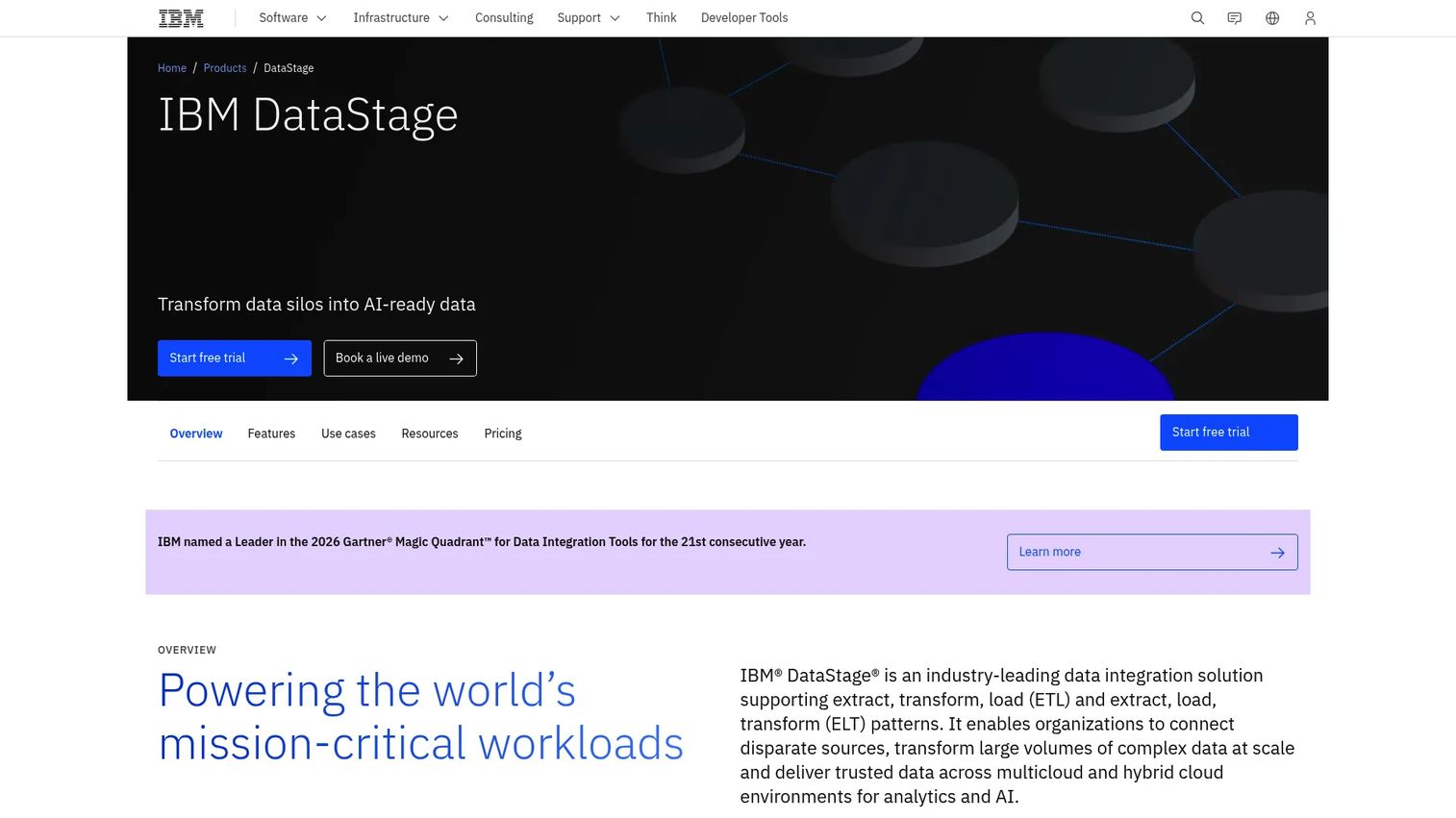
IBM DataStage is a long-running enterprise ETL and data integration platform built for complex, high-volume transformation jobs across hybrid and multicloud environments. Its parallel processing engine handles large-scale batch workloads, and it supports both ETL and ELT patterns as well as TETL for certain hybrid scenarios. Teams writing DataStage jobs have access to a Python SDK, an AI pipeline assistant, and a visual flow designer. It aligns with IBM's broader Cloud Pak data fabric ecosystem, which makes it a natural fit for organizations already on IBM infrastructure.
Best for: Enterprises with existing IBM environments, complex ETL estates, or regulated hybrid infrastructure where DataStage is already deployed.
Key features
- Enterprise ETL, ELT, and TETL job design
- Parallel processing engine for high-volume workloads
- Remote engine execution for hybrid deployment
- Python SDK and AI pipeline assistant
- IBM ecosystem and Cloud Pak integration
Why choose IBM DataStage: A realistic choice when the enterprise already relies on IBM data tooling or has complex ETL jobs that have run for years. It's not a natural starting point for a SaaS PM team evaluating their first integration tool, but for modernizing an established IBM data estate, it carries significant institutional depth.
IBM DataStage pricing: DataStage as a Service starts at $1.75 per Capacity Unit-Hour (CUH). A free trial is available. Enterprise and Enterprise Plus editions require contacting IBM sales.
G2 rating: 4.0/5
12. SnapLogic
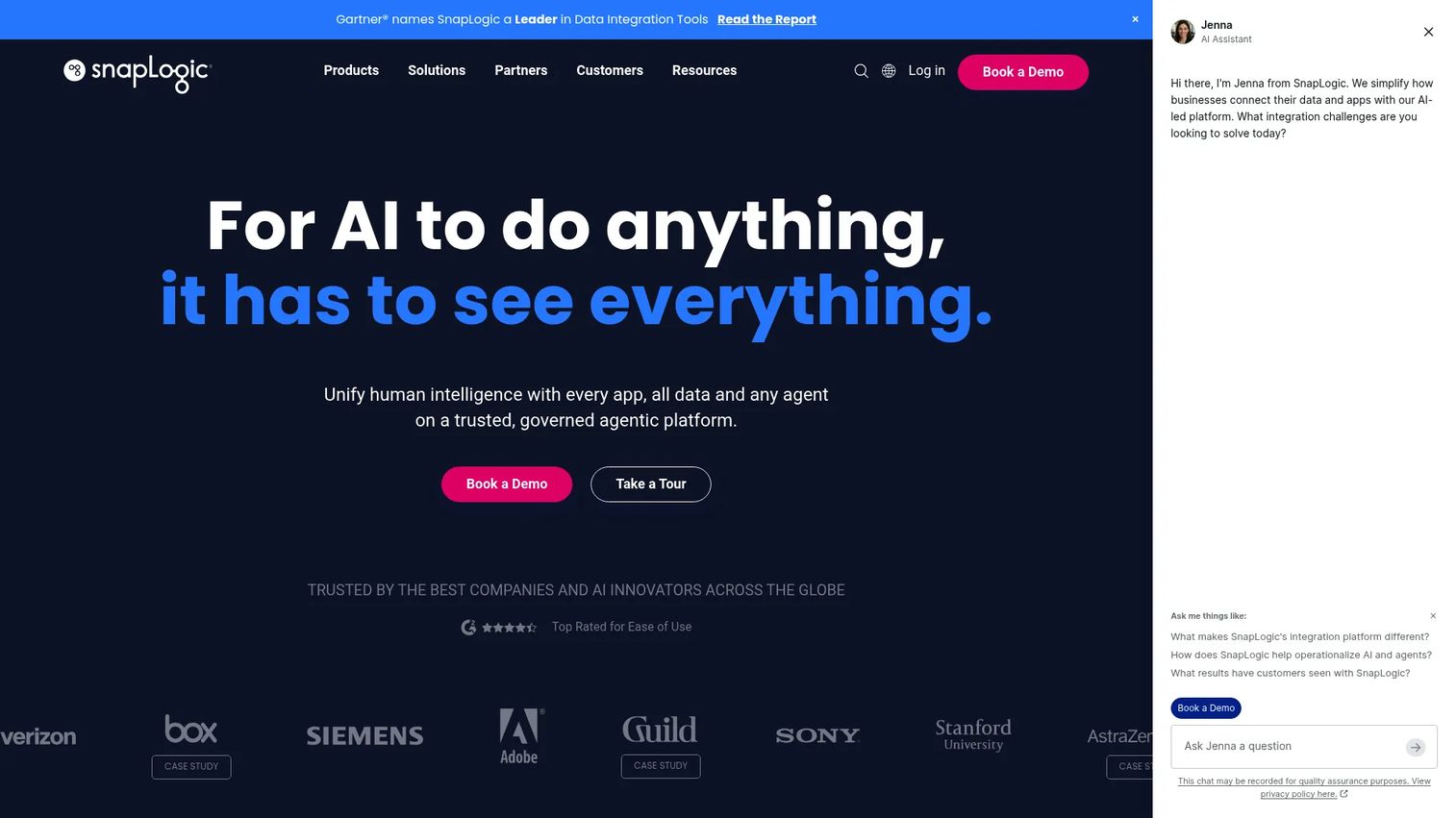
SnapLogic is an agentic integration platform that handles data, application, API, and workflow integration through a visual low-code pipeline designer. Its Snap Pack connectors cover more than 1,000 pre-built integration points. Beyond traditional data pipelines, SnapLogic supports API management, workflow orchestration, and no-code AI agent creation through AgentCreator. This breadth across data movement and business process automation makes it relevant for teams whose pipelines need to touch both analytics destinations and operational SaaS systems.
Best for: Enterprises that need data and application integration in one platform, particularly when product data must flow into operational systems as well as analytics warehouses.
Key features
- 1,000+ Snap Pack connectors for apps and data sources
- Visual low-code pipeline builder
- API management and workflow orchestration
- AI-assisted pipeline creation with SnapGPT
- No-code AI agent creation with AgentCreator
Why choose SnapLogic: Useful when integration spans both operational systems (CRM, support, ERP) and analytics destinations, and the team prefers a low-code environment over writing pipeline code. Pricing is fully custom; request a demo and ask specifically about Snap Pack costs and concurrent pipeline capacity.
SnapLogic pricing: The platform includes unlimited pipelines and data movement; premium Snap Packs and AgentCreator may carry add-on costs.
G2 rating: 4.4/5
13. Boomi
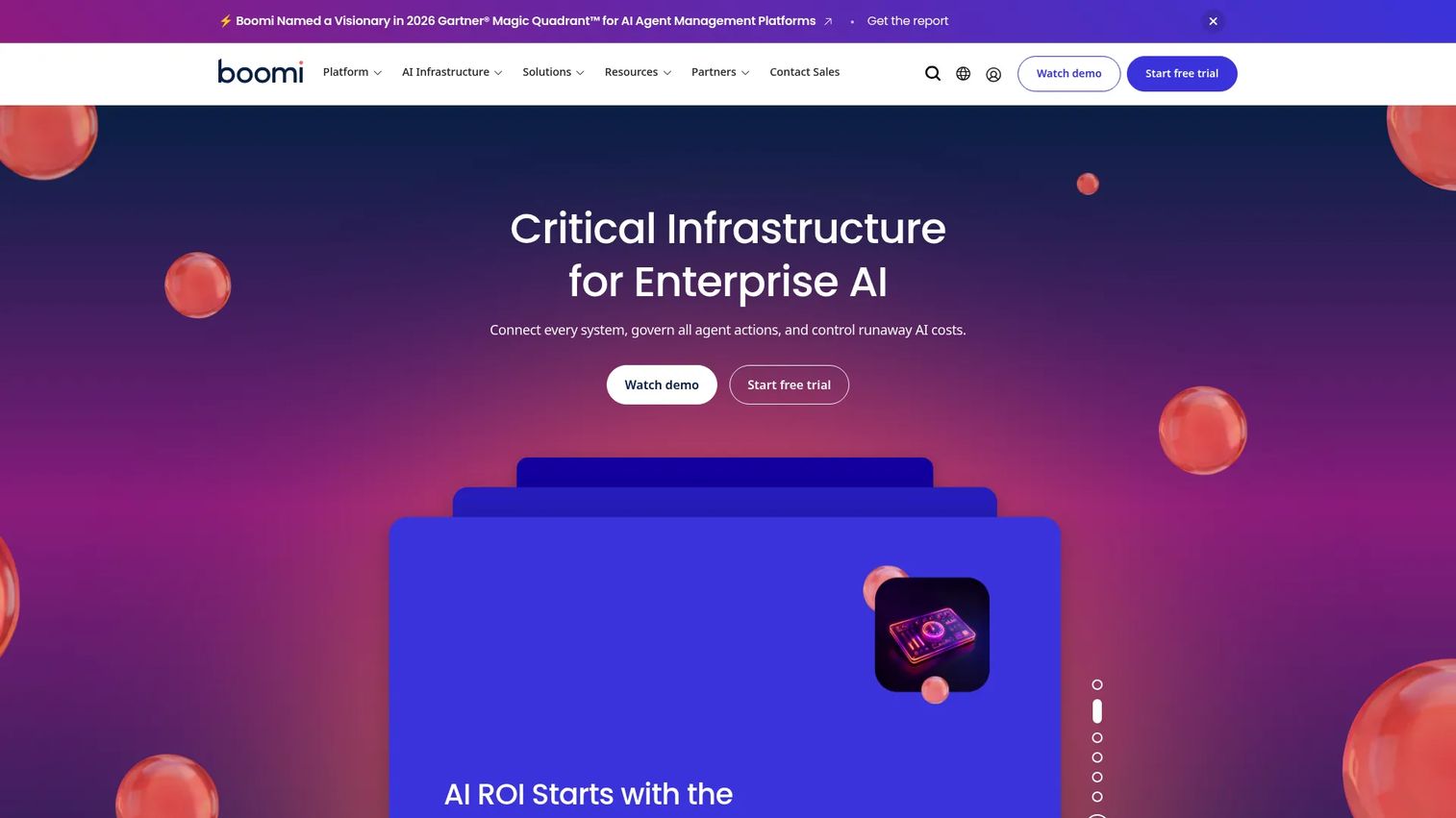
Boomi is an enterprise integration and automation platform spanning application integration, API management, B2B and EDI connectivity, master data management, and workflow automation. Its low-code process canvas connects cloud and on-premises systems, with event-driven integration support for near-real-time synchronization. Boomi's Data Hub provides trusted, synchronized master data across connected systems. It's broader than a pure data pipeline tool; teams use it when integration spans CRM, ERP, finance, support, and logistics alongside analytics destinations.
Best for: Organizations integrating data across business-critical operational systems, particularly where B2B, EDI, and API management requirements sit alongside data synchronization needs.
Key features
- Low-code iPaaS process canvas for app and data integration
- API management for designing and governing APIs
- B2B and EDI connectivity
- Data Hub for master data synchronization
- Event-driven integration capabilities
Why choose Boomi: Strong fit when the integration problem extends beyond analytics into operational process automation. PMs evaluating Boomi for product data pipelines should confirm warehouse destination support; it's better positioned for cross-enterprise app connectivity than pure ELT into a data lake.
Boomi pricing: A 30-day free trial is available. Pay-As-You-Go starts at $99/month plus $0.05 per message. Enterprise subscription plans require contacting Boomi sales.
G2 rating: 4.4/5
14. Estuary
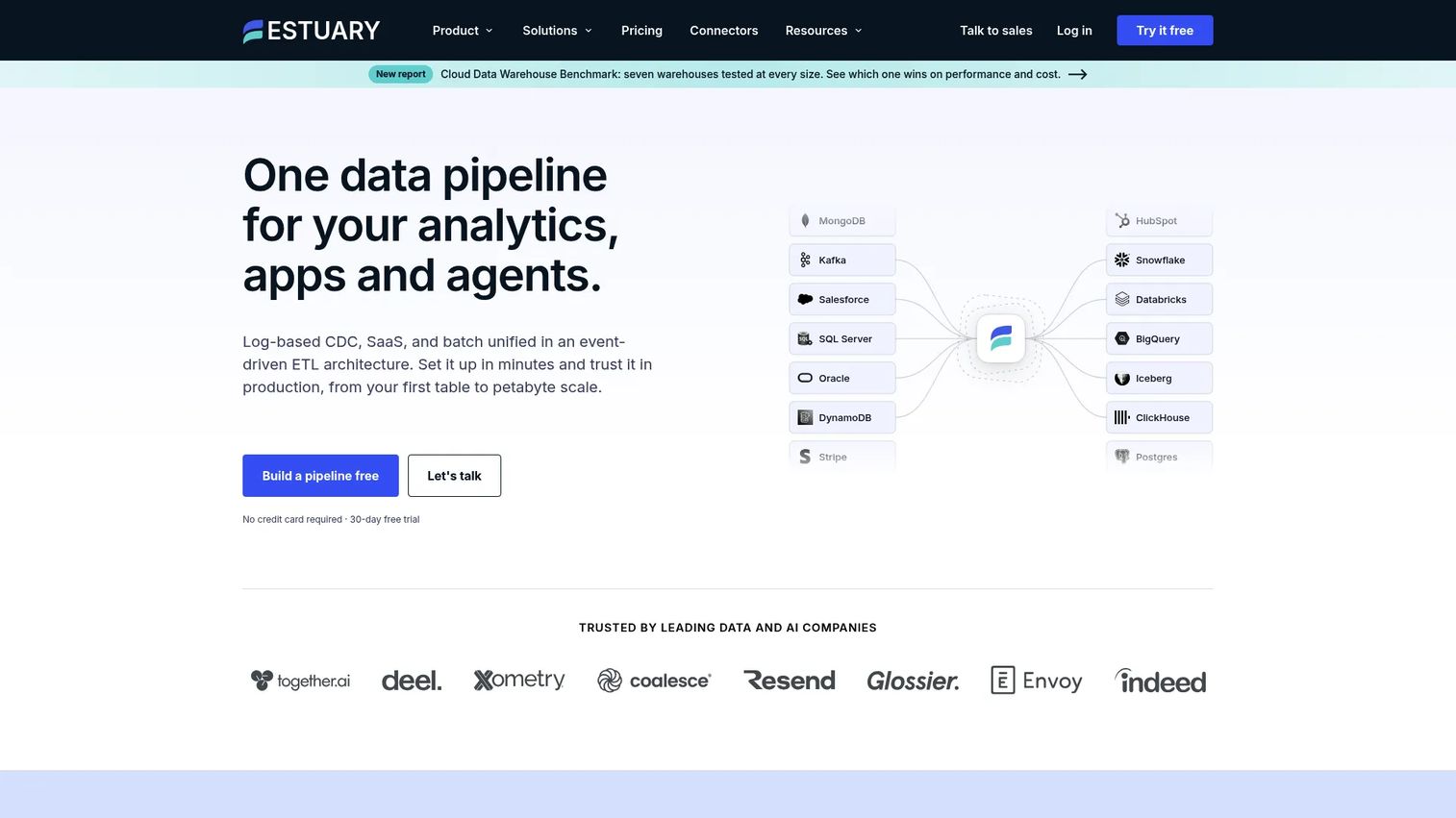
Estuary is a managed data-movement platform built around real-time CDC, streaming pipelines, and batch delivery from a single architecture. It captures log-based changes from operational databases as they happen, with historical backfill support for initial loads. More than 200 no-code connectors cover databases, SaaS tools, and event sources. Real-time SQL and TypeScript transformations run before data reaches its destination. Kafka compatibility lets teams pipe Estuary into existing streaming infrastructure. For PMs who need lifecycle triggers, support alerts, or operational dashboards updated in seconds rather than hours, Estuary is purpose-built.
Best for: Data teams running real-time CDC, streaming pipelines, or latency-sensitive use cases where hourly batch refreshes break downstream workflows.
Key features
- Log-based real-time CDC with historical backfill
- 200+ managed no-code connectors
- Batch and real-time delivery from a single pipeline
- Real-time transformations in SQL or TypeScript
- Kafka compatibility and schema evolution support
Why choose Estuary: The go-to option when activation or lifecycle systems need current operational state rather than yesterday's snapshot. Its free developer tier makes it accessible for prototyping before committing to Cloud or Enterprise pricing.
Estuary pricing: Developer tier is free up to 10 GB/month with 2 concurrent connectors. Cloud plan charges $0.50/GB and $100/month per connector (first 6 instances; additional instances cost $50/month each). Enterprise plans use custom annual contracts.
G2 rating: 4.7/5
15. Microsoft Fabric
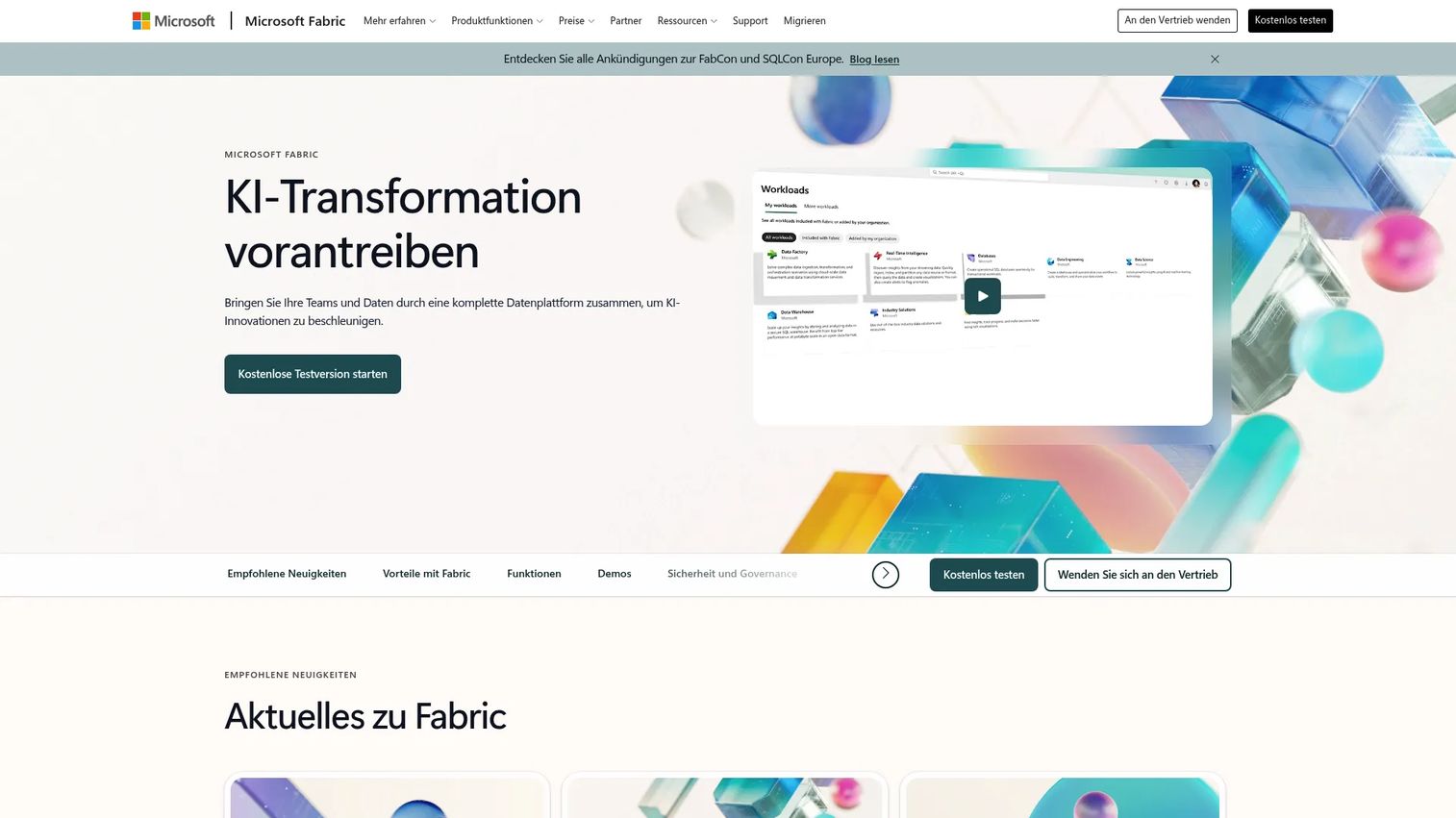
Microsoft Fabric is an AI-powered SaaS analytics platform that consolidates data engineering, lakehouse storage, data warehousing, real-time intelligence, databases, and Power BI into one capacity-based environment. OneLake provides a single logical data lake shared across all Fabric workloads, eliminating data copies between tools. Fabric's Data Factory workloads handle ingestion and pipeline orchestration, while its Real-Time Intelligence capability supports event streaming and operational analytics. For Microsoft-first organizations, it reduces the number of separately governed services required to run a full analytics stack.
Best for: Microsoft-first organizations consolidating data engineering, BI, real-time analytics, and lakehouse storage into one governed platform.
Key features
- OneLake unified logical data lake across all workloads
- Integrated Data Factory, Data Engineering, Data Science, and Power BI
- Real-Time Intelligence for streaming and event analytics
- Copilot and AI assistance across workloads
- Microsoft 365 integration and centralized governance
Why choose Microsoft Fabric: Right choice when the goal is to consolidate the Microsoft analytics stack. PMs benefit when product data, customer data, and business reporting feed into one governed workspace, reducing cross-tool data inconsistency. Capacity pricing requires planning; model your expected workload intensity before purchasing.
Microsoft Fabric pricing: Capacity-based pricing starting at $0.18/hour per Capacity Unit (CU). The F2 capacity tier runs approximately $262.80/month on pay-as-you-go, or around $156.33/month on reservation pricing. A free trial is available. Pricing varies by region.
G2 rating: 4.6/5
Considerations when choosing big data integration tools
Architecture fit first
The most common mistake is choosing a tool by brand recognition rather than architecture match. ELT-first tools like Fivetran and Airbyte optimize for getting raw data into a warehouse quickly, then transforming it there. iPaaS tools like Boomi and SnapLogic are built for cross-system process integration. Lakehouse platforms like Databricks serve teams with ML and streaming ambitions. Start with where your data needs to land and what latency the downstream systems require; the right tool follows from that answer.
Latency and freshness requirements
Not every use case needs real-time data, and over-engineering latency is an easy way to inflate cost. Product KPI dashboards can tolerate hourly or even daily refreshes. Lifecycle triggers, fraud signals, and in-app personalization require sub-minute freshness. Map each downstream use case to a latency bucket before evaluating tools. CDC and streaming pipelines (Estuary, AWS Glue streaming jobs, Databricks Structured Streaming) carry higher operational complexity and cost than scheduled batch.
Connector quality over connector count
A list of 1,000 connectors means nothing if the two sources your team needs have poor reliability or limited field coverage. Before selecting any tool, test the specific connectors your team depends on: Check sync frequency, schema evolution behavior, field filtering options, and API rate limit handling. For internal or custom systems with no prebuilt connector, verify what the custom connector path looks like in practice.
Governance and data quality coverage
PMs who need trusted activation and retention metrics should ask how each tool handles field masking, lineage tracking, access control, and data validation. Some tools separate integration from governance entirely; others, like Informatica and Qlik Talend Cloud, bundle both. If your analytics environment requires audit logs or masked PII in certain destinations, confirm those capabilities at the tier you're evaluating, not at the enterprise tier you haven't budgeted for.
Total cost of ownership beyond the invoice
The monthly or annual subscription is not the full cost. Factor in connector add-ons, compute charges for transformation workloads, cloud egress fees, implementation effort, monitoring and maintenance overhead, and the specialist staffing required to operate the platform. Usage-based pricing models can produce significant cost variability as data volumes grow. Model costs at two data volume scenarios (current and 2x growth) before signing.
Conclusion
The right big data integration tool depends on where your data lives, where it needs to go, and how fresh it needs to be when it gets there.
For managed ELT into cloud warehouses without connector maintenance, Fivetran is the most reliable starting point. AWS Glue fits teams already embedded in the AWS ecosystem who want serverless control. Azure Data Factory and Microsoft Fabric cover different scopes within Microsoft stacks: Data Factory for pipeline orchestration, Fabric for a consolidated analytics environment. Informatica and Qlik Talend Cloud both address governance-heavy programs, with Informatica stronger on master data management and Qlik Talend Cloud stronger on data quality alongside integration. Airbyte is the choice when open-source control or custom connectors matter more than managed reliability.
For real-time needs, Estuary leads on CDC and streaming with the most accessible pricing. Databricks and Snowflake are destinations and processing environments as much as integration tools; most teams pair them with a dedicated ingestion layer. Domo closes the gap between integration and BI for teams that want both in one place. SnapLogic and Boomi both serve cross-enterprise integration where operational systems and data pipelines coexist.
Match the tool to the architecture, model the total cost across growth scenarios, and test the specific connectors your team depends on before committing.
If your team explains or sells complex data products, interactive demos can help prospects understand workflows without waiting for a live call. Start your journey with Guideflow today!
FAQs
Big data integration tools are platforms that move, transform, synchronize, and govern high-volume data across databases, SaaS applications, APIs, event streams, data warehouses, and analytics systems. They handle the pipeline infrastructure between operational systems and the analytical or reporting destinations that teams query. The category spans ETL, ELT, CDC, streaming, reverse ETL, and iPaaS approaches.
ETL transforms data before loading it into the target system, which was standard when transformation compute was cheaper outside the database. ELT loads raw data first into a warehouse or lakehouse, then transforms it inside using the warehouse's own compute engine. ELT is now the dominant pattern in modern big data analytics software stacks because cloud warehouses make in-database transformation cost-effective and faster to iterate on.
Estuary is purpose-built for real-time CDC and streaming, with sub-second latency and a free developer tier for testing. AWS Glue and Databricks both support streaming ETL for teams already in those ecosystems. SnapLogic and Boomi support event-driven integration for operational workflows. The right pick depends on latency requirements, source database type, downstream destination, and whether you need streaming alongside batch in the same platform.
Change data capture (CDC) reads database transaction logs to identify and stream only the rows that have changed, rather than reloading entire tables on a schedule. This keeps downstream analytics and operational systems current with far less pipeline overhead. CDC is particularly valuable for high-velocity operational databases where full reloads would be too slow or too expensive. Tools like Estuary, Fivetran, Airbyte, and Qlik Talend Cloud all support CDC as part of their connector sets. For a broader look at big data software categories, see our related guide.
Start with the business outcome: Which metrics need to be more consistent, more segmented, or more current? Then map the data sources and destinations required to produce those metrics. Evaluate tools on connector quality for your specific sources, latency fit for each downstream use case, engineering dependency for setup and maintenance, and total cost at current and expected future data volumes. PMs should also assess governance coverage. If activation and retention reports break because source field names change with every release, a tool with schema drift handling or quality rules will save more sprint capacity than one with a larger connector catalog.
They are broader data platforms that support integration workflows, but most teams use them as destinations and processing environments rather than standalone ingestion tools. Snowflake ingests data through Snowpipe and native connectors; Databricks ingests via Auto Loader and Delta Live Tables. For comprehensive inbound integration across many sources, most teams pair these platforms with a dedicated ELT or CDC tool. Refer to our best customer data platform guide for context on how these platforms fit alongside customer data infrastructure.
Pricing models vary significantly across the category. Managed ELT tools like Fivetran and Airbyte Cloud charge on data volume or rows synced. Cloud-native services like AWS Glue and Azure Data Factory charge on compute time and activity runs. Platform plays like Snowflake and Databricks charge on compute credits. Enterprise platforms like Informatica, Qlik Talend Cloud, SnapLogic, and Domo use custom consumption-based pricing requiring a sales conversation. Model total cost across connector add-ons, compute, egress, and implementation, not just the subscription line item, before making a shortlist decision.
iPaaS (Integration Platform as a Service) focuses on connecting business applications, automating workflows, managing APIs, and handling B2B transactions. Tools like Boomi and SnapLogic are iPaaS-rooted. Data integration platforms focus primarily on moving and preparing data for analytics, AI, and warehousing. The boundary blurs at the top of the market, where platforms like SnapLogic support both. For PM teams whose pipelines need to reach operational systems and analytics destinations simultaneously, an iPaaS with strong data movement coverage can reduce overall tool count. For best data visualization tools that consume this data downstream, see our companion guide.