A contractor left three months ago. Their account still has access to your CRM, your file storage, and a Slack workspace nobody remembers granting. Multiply that by every joiner, mover, and leaver across a hybrid workforce, and you get the quiet risk that keeps security reviews long and audits painful: too much access, too much manual admin, and too little visibility into who can touch what.
That is the exact friction identity access management software solves. The category is growing fast because the problem is growing fast. Global spending on IAM products is forecast to reach $27.5 billion in 2029, growing at a 15.3% CAGR from 2024 to 2029, according to Forrester (2024). Buyers are not spending that money on features they can list. They are spending it to close access gaps, tighten compliance and audit readiness, and stop managing identity by spreadsheet.
If you sit in presales, this matters twice. You evaluate these platforms for your own stack, and you help prospects validate fit during their own security reviews. Either way, you need more than a feature grid. You need to know which identity and access management solutions fit which operating context, and how they differ on the things that actually stall deals: SSO, MFA, RBAC, provisioning, and governance depth.
This shortlist is built for that. It covers real IAM tools, organized around buyer intent, so you can map one use case to two or three vendors instead of scanning a wall of logos. If your own evaluation motion also leans on hands-on validation, the same logic that makes a good interactive demo work, letting people experience fit before they commit, applies to how you should test these platforms.
What's inside
This guide covers eight workforce-focused identity management software platforms chosen for how they handle SSO, MFA, RBAC, provisioning and deprovisioning, identity governance, hybrid workforce access, and integration fit. We favored tools that hold up in real presales evaluations: demoable, testable in a POC, and defensible during a security review.
We ranked and grouped them by intent, not popularity. Each entry explains where the platform fits in a buying process, what technical buyers usually validate, and how it maps to a specific operating context. Selection criteria: workflow fit, integration depth, governance capability, and clarity of packaging from SMB through enterprise.
TL;DR
- Best for passwordless and adaptive authentication: Okta Workforce Identity, across mixed SaaS stacks.
- Best for complex identity flows and orchestration: Ping Identity, when you need flexible workforce and customer identity.
- Best for fast time to value: OneLogin, with clear per-user packaging.
- Best for mixed workforce and device access: JumpCloud, when identity and endpoints live together.
- Best for security-conscious buyers: CyberArk Workforce Identity, especially alongside privileged access management.
- Best for Google Cloud resource access: Google Cloud IAM, inside Google Cloud environments.
- Best for enterprise governance depth: SailPoint IdentityIQ, when access reviews and audit rule the room.
What is identity access management software?
Identity access management software is the system that verifies who a user is, decides what they are allowed to do, and controls their access to applications, directories, and APIs across their entire lifecycle.
The core functions most IAM tools share:
- Identity verification: Confirming a user is who they claim to be before granting anything.
- Authentication: Validating credentials, often with SSO to reduce password sprawl and MFA to add a second factor.
- Authorization: Deciding what an authenticated identity can access, frequently through RBAC (role-based access control).
- Access control: Enforcing those decisions consistently across cloud apps, directories, and APIs.
- Provisioning and deprovisioning: Granting access when someone joins or changes roles, and revoking it the moment they leave.
- Access reviews and entitlement management: Periodically confirming that access still maps to need, supporting least privilege.
- Identity lifecycle management: Managing identity from onboarding through offboarding as one continuous flow.
- Audit logging and reporting: Recording access events for compliance and audit readiness.
Under the hood, these platforms speak common standards: SAML and OIDC for federated authentication and SSO, and SCIM for automated user provisioning across cloud apps. Most modern IAM tools frame all of this inside a zero trust posture, where no identity is trusted by default and access is continuously verified. If you can hold this vocabulary in a security review, the vendor comparison gets much easier.
When to use identity access management software
Secure hybrid and remote access
The moment your workforce stops sitting behind one network, access control gets harder. IAM software lets you extend consistent, policy-based access to employees, contractors, partners, and vendors across any device or location. The goal is not more approval steps. It is granting the right access automatically based on role, group, and context, so hybrid workforce access does not bottleneck on manual sign-offs. This is usually the first trigger presales hears from a prospect: "we can't control who gets into what anymore."
Standardize authentication across apps
When every app has its own login, users reuse passwords and IT drowns in reset tickets. SSO collapses that into one authentication event, and MFA raises the bar without adding daily friction. For presales conversations, this is the easiest value to demo: fewer passwords, cleaner user experience, and a measurable drop in credential risk. It is also where buyers first feel the platform, so it is worth showing live rather than describing.
Govern lifecycles and reviews
Eventually the conversation moves from "let people in" to "prove only the right people are in." That is when teams need provisioning and deprovisioning tied to HR events, periodic access reviews, entitlement management, and least privilege enforced by policy. This is a buying trigger, not a nice-to-have: it usually shows up when an audit is looming or a breach postmortem exposes stale access. Identity governance is where enterprise deals are won or lost.
Comparison table
The table below maps each platform to its primary intent, key differentiation, public pricing, and current G2 rating. Use it to shortlist two or three IAM tools that match your operating context, then read the full sections for what technical buyers validate during a POC.
1. Okta Workforce Identity
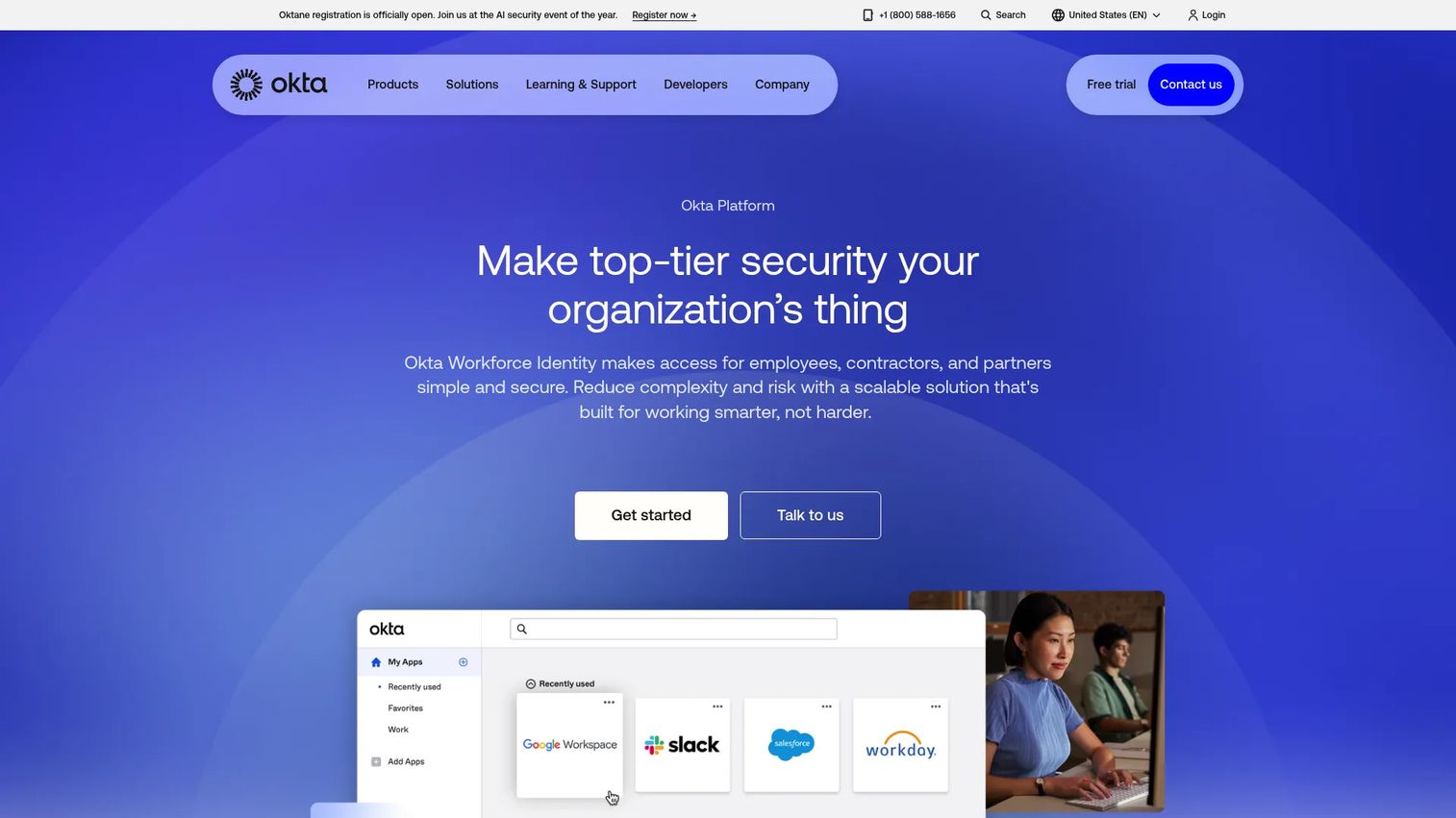
Okta Workforce Identity is a unified workforce identity platform for securing employee, contractor, and partner access. Its reputation rests on being vendor-neutral: it does not push you toward one cloud or productivity suite, which makes it a natural fit for mixed SaaS environments where no single vendor dominates.
Best for: Organizations running a broad, heterogeneous SaaS stack that want strong SSO, adaptive MFA, and lifecycle management without ecosystem lock-in.
Key strengths
- Adaptive MFA: Authentication that adjusts factors based on risk and context, including passwordless options.
- Lifecycle management: Automated provisioning and deprovisioning tied to directory and HR events.
- Identity governance: Access requests, reviews, and certifications layered on the core access management software.
Why choose Okta Workforce Identity: Okta's integration breadth is the differentiator technical buyers usually validate first. If a prospect names ten SaaS apps in discovery, the odds all ten have a maintained Okta integration are high. Add adaptive policies, identity threat protection with Okta AI, and identity security posture management, and it covers most workforce access models. It carries a 4.5/5 rating on G2.
Okta Workforce Identity pricing: Sold as annual per-user suites. Starter begins at $6 per user per month, Core Essentials at $14 per user per month, and Essentials at $17 per user per month, all billed annually. Professional and Enterprise tiers are quote-based. The tier you need usually depends on how much governance and threat protection the security review demands.
2. Ping Identity
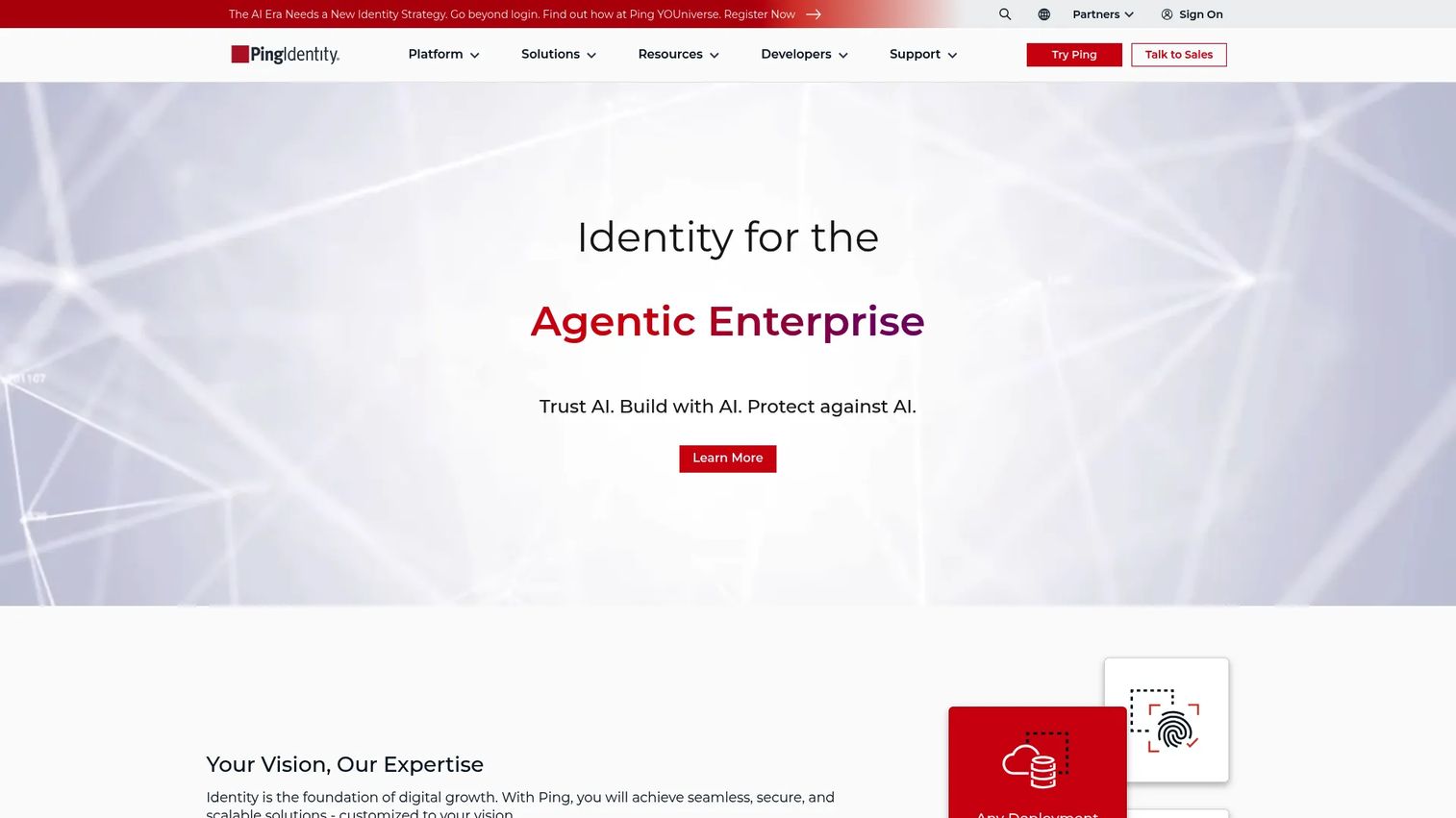
Ping Identity is an identity security platform spanning workforce, customer, and partner access management. Its heritage is in complex, high-scale identity, which shows up in its orchestration engine and API access management. When a prospect has non-trivial identity flows, Ping is the platform that flexes to match them.
Best for: Large enterprises that need flexible identity across both workforce and customer use cases, with complex authentication and integration requirements.
Key strengths
- Identity orchestration: Visual flow builder for designing custom authentication and authorization journeys.
- Passwordless authentication: Modern sign-in that removes credentials as an attack surface.
- API access management: Fine-grained control over how services and applications authenticate against APIs.
Why choose Ping Identity: Ping earns its place when flexibility is the requirement, not a feature checkbox. Organizations that need to integrate deeply with Microsoft or cloud environments, and that have identity flows too specific for a templated setup, will find room to build. In a POC, technical buyers typically validate orchestration flows, directory integration, and how cleanly the platform handles their edge-case authentication paths. It holds a 4.4/5 rating on G2.
Ping Identity pricing: Public pricing shows PingOne for Workforce Essential starting at $3 per user per month. Customer identity packages start higher, at roughly $35k annually for Customers Essential and $50k for Customers Plus, and the passwordless offering is contact-sales. The split reflects Ping's dual workforce and customer identity footprint.
3. OneLogin
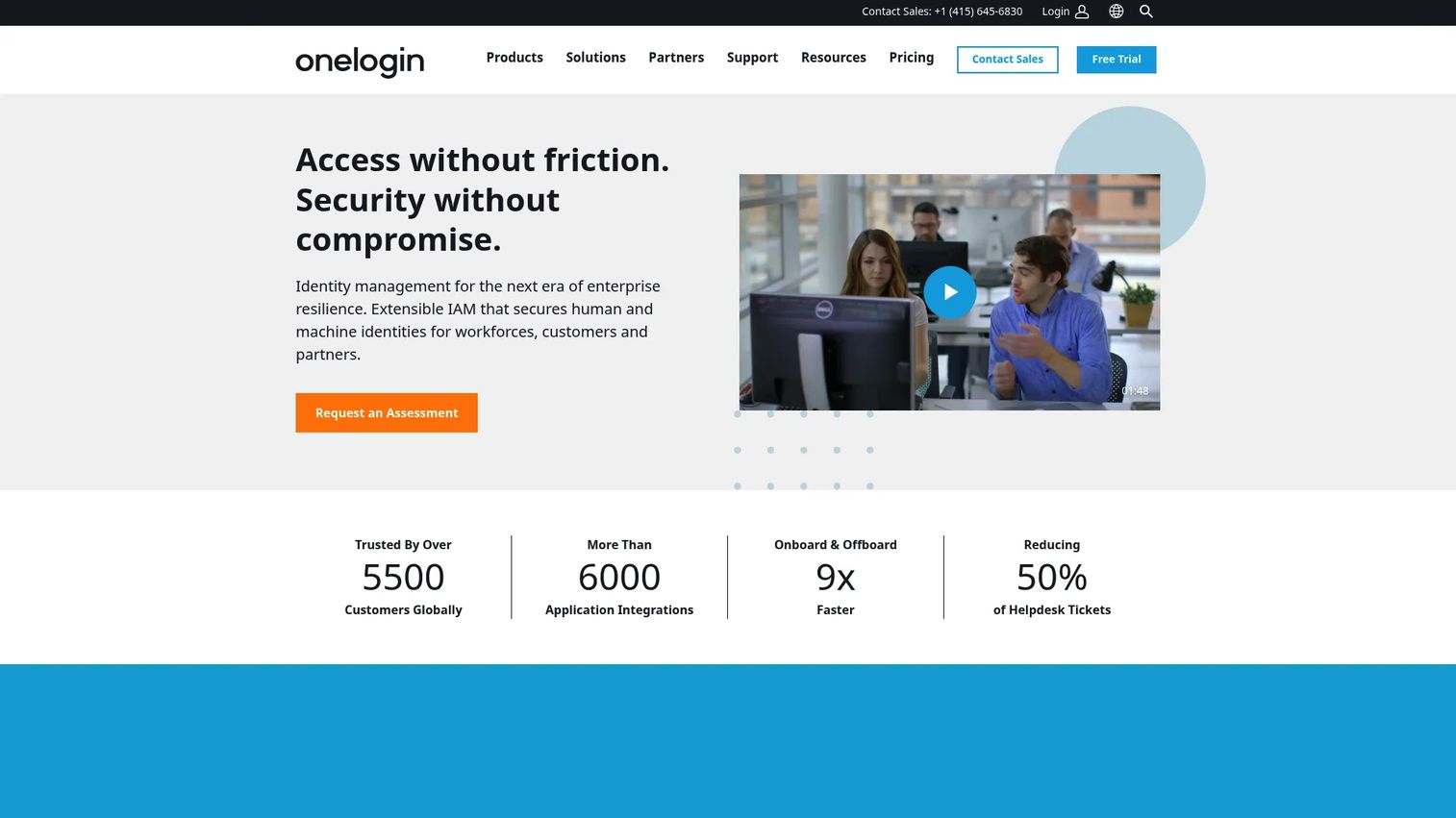
OneLogin is a cloud-based identity and access management platform for workforce and customer access. Its appeal is pragmatism: clear packaging, per-user pricing, and a rollout that does not demand a long professional services engagement. For teams that want SSO, MFA, and lifecycle management without over-engineering the deployment, it is a clean fit.
Best for: Organizations that want centralized SSO and MFA with identity lifecycle controls and a faster, less complex rollout.
Key strengths
- SmartFactor authentication: Risk-based MFA that adapts to sign-in context.
- Identity lifecycle management: Automated provisioning and deprovisioning across connected apps.
- Advanced directory: A unified directory that consolidates identities from multiple sources.
Why choose OneLogin: OneLogin fits the buyer who wants time to value measured in weeks, not quarters. The tier structure is transparent, so procurement conversations move quickly, and the capability set covers the core access management software needs most mid-market teams have. Presales teams like it because a demo maps cleanly to a rollout without a lot of "that's an enterprise add-on" caveats. It carries a 4.4/5 rating on G2.
OneLogin pricing: Public per-user tiers run Basic at $3 per user per month, Essentials at $6, and Business at $10. Enterprise is custom-quoted. Higher tiers unlock more directory, authentication, and lifecycle capabilities, so match the tier to how much automation and policy granularity the buyer actually needs.
4. JumpCloud
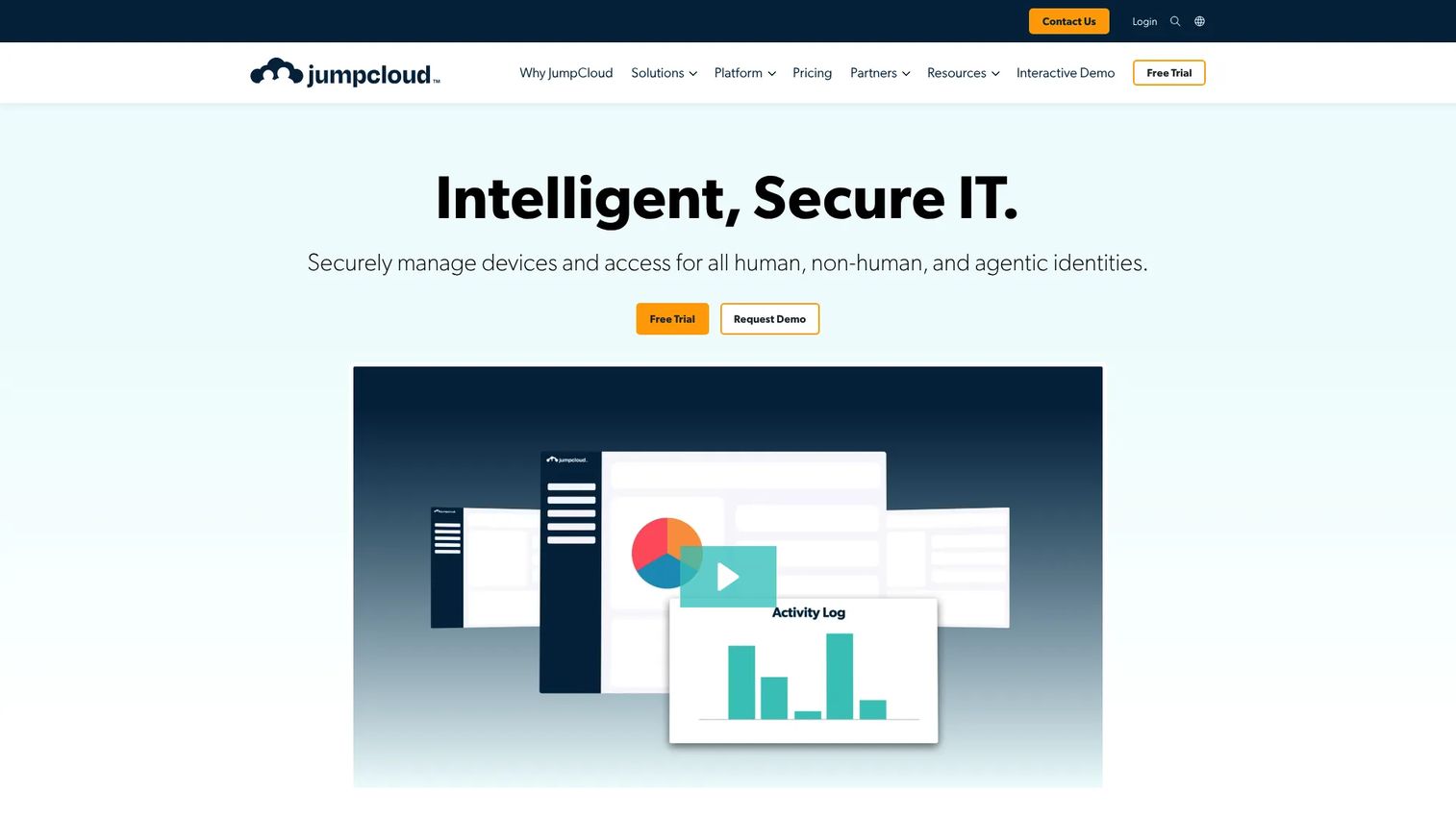
JumpCloud is a unified IT platform that combines identity, access, and device management in one place. That combination is its whole thesis: for modern IT teams, the identity and the endpoint are the same security surface. Managing both from one console removes the seam where a lot of access risk hides.
Best for: IT teams that need centralized identity, device, and access management across mixed operating systems and hybrid environments.
Key strengths
- Identity and access management: SSO and MFA across cloud apps, directories, and infrastructure.
- Device management and MDM: Managing and securing endpoints alongside the identities that use them.
- Open cloud directory: A directory that integrates with existing systems rather than replacing them.
Why choose JumpCloud: JumpCloud fits teams that do not want to run identity in one tool and device management in another. For a hybrid workforce spread across devices, tying access decisions to device posture in a single platform is a genuine advantage. In technical validation, buyers usually test how the directory federates with what they already run and how device policies interact with access policies. It holds a 4.5/5 rating on G2.
JumpCloud pricing: Public per-user pricing starts with Device Management at $9 per user per month billed annually, SSO at $11, and Device Identity Management at $13, all annual. Higher Platform, Platform Essentials, and Platform Prime packages are contact-sales. A 30-day trial is available for hands-on evaluation before committing.
5. CyberArk Workforce Identity
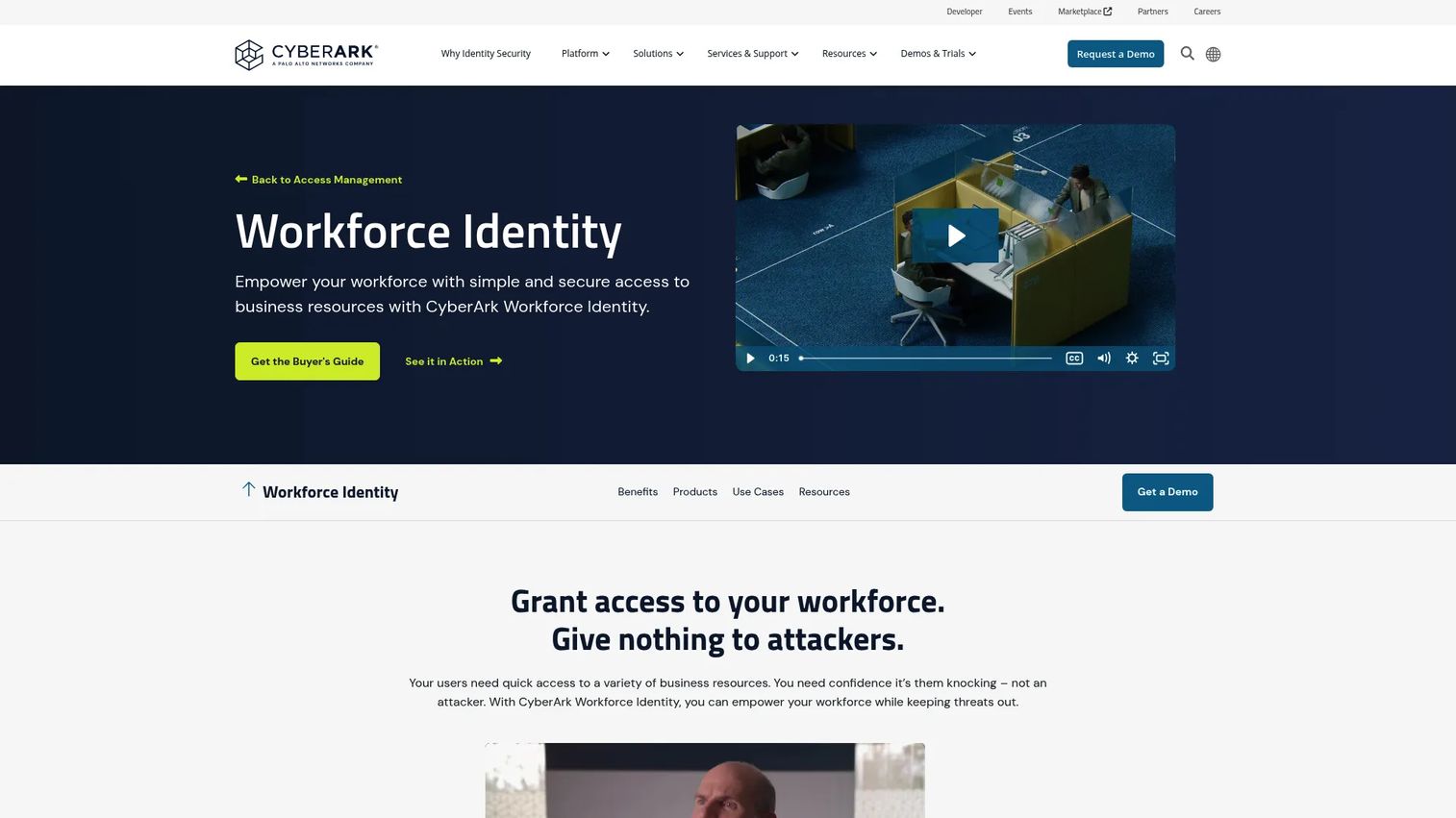
CyberArk Workforce Identity is CyberArk's workforce access product for secure SSO, MFA, endpoint authentication, app access, analytics, and password management. Many buyers already know CyberArk from privileged access management, and that security lineage carries into the workforce product. It appeals to teams that treat identity as a security control first and a convenience second.
Best for: Security-conscious enterprises that need secure workforce access and often already run CyberArk for privileged access management.
Key strengths
- Adaptive multi-factor authentication: Risk-aware MFA that adjusts based on behavior and context.
- Endpoint authentication: Securing access at the device level as part of the sign-in flow.
- User behavior analytics: Detecting anomalous access patterns before they become incidents.
Why choose CyberArk Workforce Identity: For buyers whose security team drives the evaluation, CyberArk's risk-aware posture is the draw. The alignment with its privileged access management portfolio means workforce identity and high-value access controls can live under one vendor relationship. In a technical evaluation, presales should surface how behavior analytics feed access decisions and how endpoint authentication fits the buyer's existing controls. It holds a 4.5/5 rating on G2.
CyberArk Workforce Identity pricing: CyberArk does not publish pricing on its product page; the motion is sales-led. Buyers should expect to scope pricing through a conversation, which is typical for security-first platforms where deployment is tailored to risk requirements and existing CyberArk footprint.
6. Google Cloud IAM
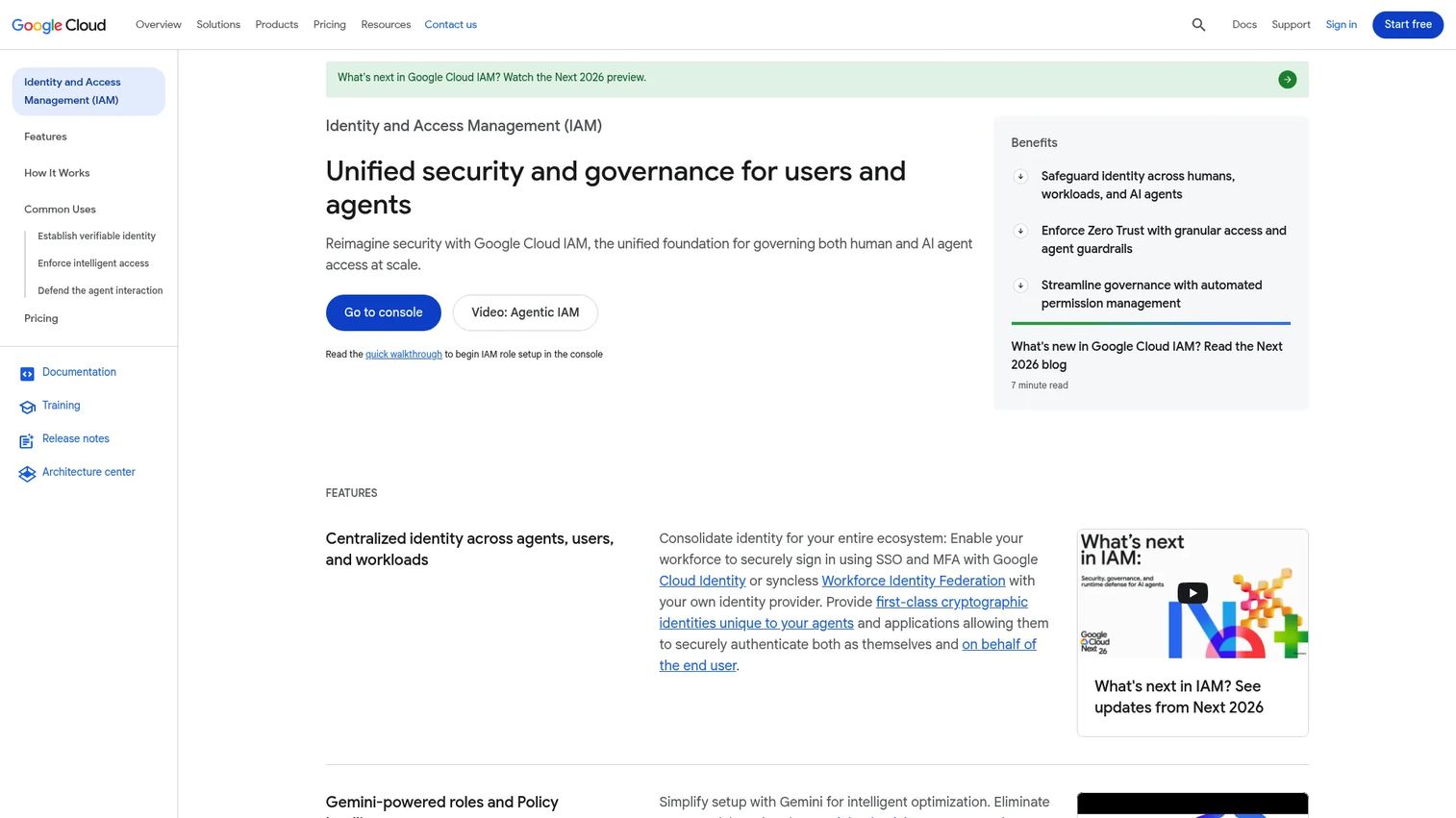
Google Cloud IAM is Google Cloud's access management system for controlling who can do what on cloud resources. This is an important distinction to make in any evaluation: it is cloud resource IAM inside Google Cloud, not a universal workforce IAM replacement. It governs access to projects, buckets, and services, not sign-in to your entire SaaS stack.
Best for: Teams already running on Google Cloud that need centralized, fine-grained access control over their cloud resources.
Key strengths
- Fine-grained access control: Precise permissions built from principals, roles, and resources.
- Policy inheritance: Access rules that flow across organization, folder, and project levels, with support for custom roles.
- Deny and boundary policies: Explicit deny rules and principal access boundaries for tighter least privilege.
Why choose Google Cloud IAM: If the requirement is controlling who can act on Google Cloud infrastructure, this is the native, purpose-built answer. It is not the tool you shortlist to replace workforce SSO across a company, and presales should set that expectation early to avoid a mismatched evaluation. Where it fits, the role and policy model is powerful and granular. It carries a 4.4/5 rating on G2.
Google Cloud IAM pricing: IAM API usage is free and included in the Google Cloud console, with no per-user or per-identity charge. You pay for the Google Cloud resources you use, not for the access control layer itself, which makes it straightforward to evaluate inside an existing Google Cloud environment.
7. SailPoint IdentityIQ
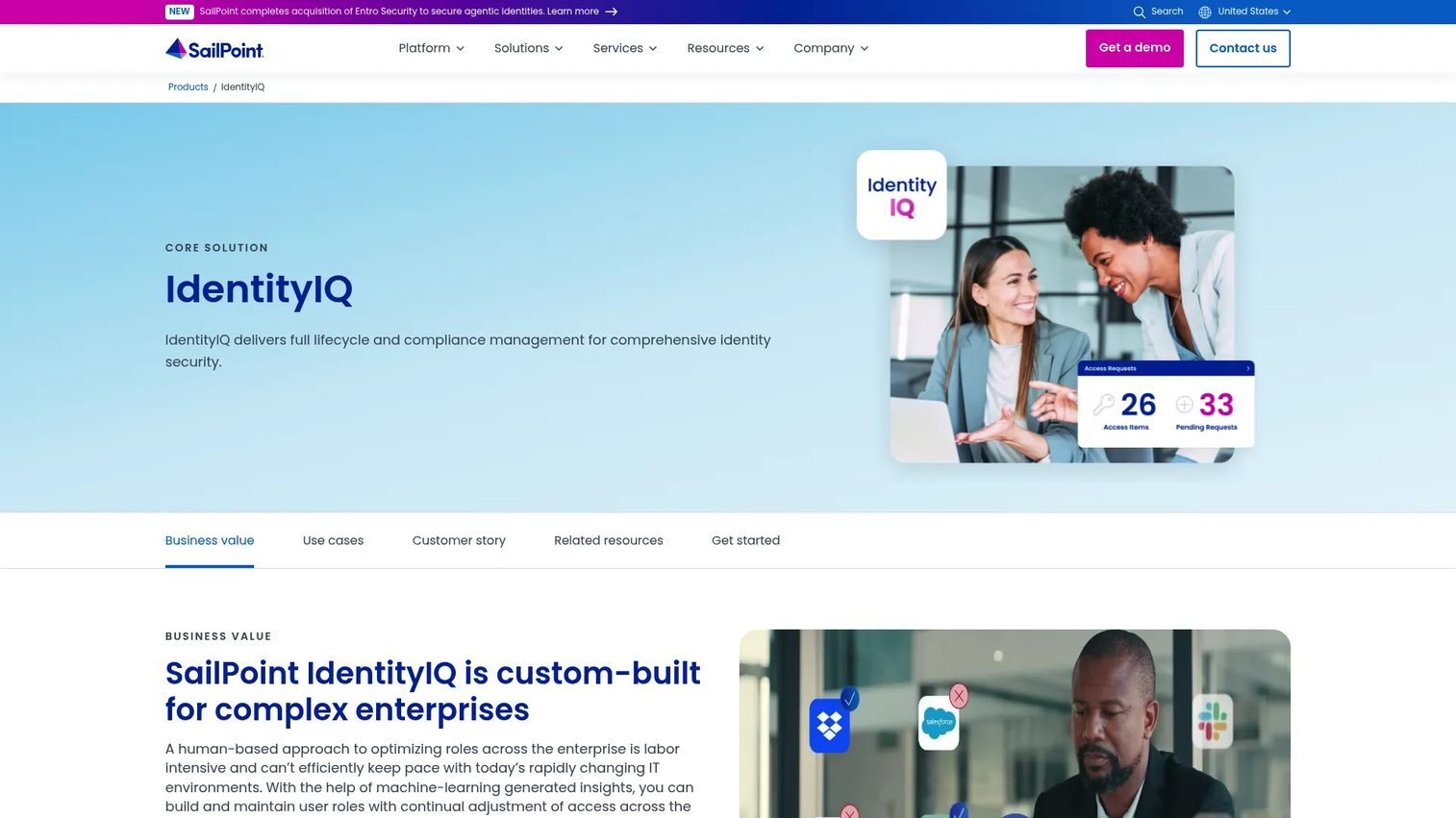
SailPoint IdentityIQ is enterprise identity security software focused on lifecycle, compliance, and access governance. Where most tools on this list lead with authentication, SailPoint leads with governance. It is the platform that comes up when the conversation is about access reviews, entitlement management, and proving least privilege to an auditor.
Best for: Large enterprises that need deep identity governance, compliance control, and complex approval and audit workflows, on-prem or in the cloud.
Key strengths
- Lifecycle and compliance management: Identity lifecycle management tied directly to compliance requirements.
- Access requests and provisioning automation: Automated provisioning and deprovisioning with policy-driven approvals.
- Access certifications and separation of duties: Periodic access reviews and SoD controls that stand up in an audit.
Why choose SailPoint IdentityIQ: When identity governance is the whole reason for the project, SailPoint is the name that surfaces. For organizations with intricate approval chains, entitlement sprawl, and hard audit requirements, its certification and separation-of-duties capabilities are the differentiator. Buyers typically validate fit through a sales-led evaluation rather than self-serve, because the deployment maps to their specific governance model. It holds a 4.5/5 rating on G2.
SailPoint IdentityIQ pricing: SailPoint does not expose public pricing on its product page; the motion is enterprise and sales-led. Third-party listings have reported figures starting around $75,000, but buyers should treat that as directional and scope actual pricing through SailPoint directly, since deployment scale and governance requirements drive the number.
Considerations before you buy
Before you shortlist, run each candidate against the criteria that actually decide these deals.
Integration depth with your real stack
Do not accept "integrates with everything." Name your top ten apps, directories, and APIs, then confirm each has a maintained connector. SCIM support for provisioning and SAML or OIDC for SSO are table stakes. The gap between "supported" and "supported well" is where rollouts stall.
Provisioning, deprovisioning, and access reviews
Ask how access is granted at onboarding and, more importantly, revoked at offboarding. Automated deprovisioning tied to HR events is what closes the stale-access risk. If identity governance is a requirement, confirm the platform runs periodic access reviews and entitlement management, not just authentication.
Hybrid workforce and external identities
Validate that the platform handles contractors, partners, and vendors, not only full-time employees. External identities often have different lifecycle rules, and policy granularity matters. Test how hybrid workforce access works across devices and locations under real conditions.
Compliance and audit readiness
Confirm the audit logging and reporting will satisfy your frameworks. In a security review, the buyer's team will ask for evidence of least privilege and clean access history. A platform that produces that on demand shortens the entire evaluation.
Implementation and packaging fit
Match the tier to the need. Some capabilities you will demo sit behind higher tiers, so map requirements to pricing before procurement. Decide how much professional services you want involved, since that shapes time to value as much as the feature set.
Conclusion
The right identity access management software depends less on which vendor is largest and more on which one fits your operating context. Governance-heavy enterprises with audit pressure lean toward SailPoint IdentityIQ. Teams that want speed and clear packaging favor OneLogin, while those balancing identity and endpoints in one place look to JumpCloud. Neutral, integration-rich workforce IAM points to Okta Workforce Identity, complex flows to Ping Identity, security-first buyers to CyberArk Workforce Identity, and Google Cloud resource access to Google Cloud IAM.
The practical move is not to compare all eight. Pick one internal use case, replacing legacy access control, tightening compliance, handling hybrid workforce access, or standardizing identity governance, and map it to two or three vendors. Then validate hands-on. The same principle that makes a good product experience convert also applies here: let people actually test fit before they commit. If your own team sells into technical buyers, Start your journey with Guideflow today! and show that fit instead of describing it.
FAQs
Identity access management software combines identity verification, authentication, authorization, and access control into one system. It confirms who a user is, decides what they can do, and enforces that across your cloud apps, directories, and APIs. Most IAM tools also handle provisioning, deprovisioning, and audit logging across the full identity lifecycle.
Focus on demoability, POC fit, integration depth, compliance, and whether the platform handles the customer's real access model. A tool that demos cleanly but cannot connect to the prospect's actual directories or SaaS apps will not survive technical validation. Prioritize platforms that let a technical buyer validate their own workflows quickly, the way a good interactive demo lets prospects test fit before committing.
They overlap but are not identical. IAM covers the full picture: authentication, authorization, and access control. Identity governance focuses more narrowly on lifecycle management, access reviews, entitlement management, and auditability. Platforms like SailPoint IdentityIQ lead with governance, while others lead with authentication and add governance on top.
SSO (single sign-on) lets a user authenticate once and access many applications without logging in again. MFA (multi-factor authentication) requires a second factor beyond a password to confirm identity. Buyers usually want both: SSO for a cleaner user experience and less password sprawl, MFA to reduce credential-based risk.
For cloud-first environments, start with the identity provider that best fits your SaaS stack and access model. Okta Workforce Identity is a common choice for broad app integration coverage and lifecycle management, while Ping Identity is strong for complex identity orchestration, passwordless authentication, and API access management. The best fit depends on where your users live (directories), which apps you need to cover, and how much governance and customization you require.
Implementation ease depends on packaging clarity and how much professional services you want to involve. OneLogin is often cited for straightforward per-user tiers and faster rollout, and JumpCloud offers a 30-day trial so teams can test setup hands-on before committing. In general, the fastest implementations happen when the platform has ready-made connectors for your core apps and clean support for your existing directory.
Many do, but the buyer must validate external identity handling, access lifecycle, and policy granularity. Contractors, partners, and vendors often have different provisioning and deprovisioning rules than full-time employees. Confirm how the platform manages external identities and enforces least privilege for them before shortlisting.
No. Google Cloud IAM is best understood as cloud resource IAM inside Google Cloud, controlling who can act on projects, buckets, and services. It is not a universal workforce IAM replacement for company-wide SSO across your SaaS stack. It fits teams that need fine-grained access control over Google Cloud resources, not those replacing enterprise identity management.