Your pipeline breaks after a schema change. The dashboard query runs for four minutes. The AI initiative your team pitched to leadership now needs two years of clean historical data that nobody actually has. These are not edge cases.
The global big data market reached $429.6 billion in 2025, according to Grand View Research, and the pressure on data teams is only increasing. Yet most organizations still treat big data as a single tool problem. It's not. Every category in this stack, from ingestion through to analytics, requires different architecture decisions, different engineering investment, and a different total cost calculation.
For presales and sales engineering teams, this matters beyond the data team. When a buyer asks whether your product integrates with their Snowflake warehouse, runs Spark jobs, or publishes to Kafka, you need enough architecture literacy to answer with confidence. This guide gives you that foundation, alongside a practical comparison of 15 big data analytics tools to help buyers and evaluators make better decisions in 2026.
What's inside
This guide covers 15 big data software tools across the modern data stack, organized by stack layer: Ingestion, storage, processing, streaming, and analytics.
- Who it's for: Data engineering leads, analytics teams, IT architects, and presales engineers supporting data-heavy technical evaluations
- How tools were chosen: Category coverage, SERP presence, and relevance to the four-layer stack model
- Selection criteria:
- Workload fit (batch, streaming, warehouse, or BI)
- Scalability and operational model
- Integration depth with common data infrastructure
- Governance, security, and total cost of ownership
Pricing and G2 ratings reflect figures verified against live vendor sources at publication.
TL;DR
- Best for distributed batch and streaming processing: Apache Spark handles large-scale data jobs across Python, SQL, and Scala
- Best for lakehouse and AI workflows: Databricks combines managed Spark with Delta Lake, notebooks, and ML pipelines in one governed environment
- Best for serverless SQL analytics: Google BigQuery runs at scale without cluster management, with a free tier starting at 1 TiB of queries per month
- Best for enterprise cloud warehousing: Snowflake separates compute from storage, giving enterprise teams flexible workload scaling across multiple clouds
- Best for real-time event streaming: Apache Kafka is the default choice for durable, high-throughput event pipelines
- Best open-source data integration: Airbyte offers 700-plus connectors with self-hosted and managed cloud deployment options
What is big data software?
Big data software is a category of tools that stores, processes, moves, analyzes, and visualizes data sets too large or complex for traditional databases and spreadsheets.
The category covers the full data lifecycle. A single query might touch an ingestion tool that moves records from a SaaS API, a warehouse that stores petabytes of structured data, a processing engine that runs distributed transformations, and a BI layer that renders the result as a dashboard. No single product handles all of this. Big data software is a stack, not a single tool.
Core capability layers include:
- Ingestion: Moving data from applications, databases, files, APIs, and event streams into storage systems
- Storage: Warehouses, data lakes, lakehouses, object storage, and NoSQL databases designed for high-volume reads and writes
- Processing: Batch jobs, distributed compute engines, transformation pipelines, and stream processors that compute against data at scale
- Analytics: SQL engines, dashboards, notebooks, and machine learning platforms that help teams draw conclusions from processed data
- Governance: Access controls, lineage tracking, schema management, audit logs, retention policies, and compliance controls
The five V's of big data describe why standard tools fall short:
Volume (data size exceeds single-machine capacity), velocity (data arrives faster than traditional ETL handles), variety (structured tables mix with JSON, logs, images, and sensor output), veracity (data quality varies and must be validated), and value (the business outcome depends on all four preceding factors working together).
For presales teams, the practical framing is this: When a buyer asks about scalability, governance, or AI readiness, they are asking about this stack. Understanding which layer they are evaluating helps you ask better discovery questions and answer technical objections with more precision. You can explore more context in the Guideflow guide to best business intelligence software and the roundup of best data visualization tools.
When to use big data software
Process data that no longer fits one machine
A single database or spreadsheet workflow hits its limit when query times grow, transformations fail on large joins, or engineers start adding workarounds to split jobs manually. Distributed compute engines like Apache Spark and Apache Flink partition data across clusters, apply fault tolerance at the node level, and complete jobs that a single machine cannot finish in acceptable time. This is the first trigger that moves teams onto a big data platform.
Move from batch reporting to real-time decisions
Batch reporting tells you what happened yesterday. Streaming infrastructure tells you what is happening now. Fraud detection, supply chain monitoring, product event tracking, and observability pipelines all require decisions faster than a nightly ETL job allows. Apache Kafka moves events with low latency at high volume; Apache Flink processes those events with stateful, event-time-aware computation. Together they form the backbone of real-time data processing architectures.
Prepare data for analytics and AI
AI projects do not fail at the model stage. They fail at data quality. Machine learning pipelines need clean, governed, high-volume historical data before a single training run starts. That means reliable ingestion (Fivetran, Airbyte, AWS Glue), well-modeled storage (Snowflake, BigQuery, Databricks), and reproducible transformation logic. Presales engineers often encounter this when a buyer's AI initiative stalls: The model is ready, but the data pipeline is not.
Big data software comparison
The table below maps all 15 tools to the stack layer where they do their primary job. Pricing reflects verified figures from each vendor's official pricing page. G2 ratings were confirmed against current listings.
| # | Product | Best for | Key differentiator | Pricing | G2 rating |
|---|---|---|---|---|---|
| 1 | Apache Spark | Distributed batch and streaming | Unified engine: SQL, ML, streaming | Free, open source | 4.3/5 |
| 2 | Apache Hadoop | Legacy distributed storage and batch | HDFS and MapReduce ecosystem | Free, open source | 4.3/5 |
| 3 | Databricks | Lakehouse and AI workflows | Managed Spark with Delta Lake and MLflow | From $0.07/DBU | 4.6/5 |
| 4 | Google BigQuery | Serverless SQL analytics | Pay-per-query, no cluster management | From $6.25/TiB scanned | 4.5/5 |
| 5 | Snowflake | Enterprise cloud warehousing | Separated compute and storage, multi-cloud | Consumption-based; 30-day trial | 4.5/5 |
| 6 | Apache Kafka | High-throughput event streaming | Durable distributed event logs | Free, open source | N/A |
| 7 | Tableau | Business intelligence and dashboards | Visual analytics with governed sharing | From $15/user/month | 4.4/5 |
| 8 | Power BI | Microsoft-stack BI | Native Microsoft 365 and Azure fit | From $14/user/month | 4.5/5 |
| 9 | MongoDB | Flexible document storage | JSON-document model with horizontal scale | Free tier; Dedicated from $0.08/hr | 4.5/5 |
| 10 | Apache Cassandra | High-write NoSQL workloads | Masterless wide-column distributed DB | Free, open source | 4.5/5 |
| 11 | Fivetran | Managed data ingestion | Automated connectors with schema drift handling | Free tier; Standard usage-based | 4.4/5 |
| 12 | Airbyte | Open-source data integration | 700+ connectors, self-hosted or cloud | Free (Core); Cloud from $20/month | 4.4/5 |
| 13 | Apache Flink | Real-time stateful stream processing | Event-time correctness and exactly-once semantics | Free, open source | 4.4/5 |
| 14 | AWS Glue | Serverless ETL on AWS | Managed Spark ETL with Glue Data Catalog | From $0.44/DPU-hour | 4.2/5 |
| 15 | ClickHouse | Fast analytical queries | Columnar OLAP at subsecond speed | Free (open source); Cloud from $0.2181/unit-hr | 4.3/5 |
Best 15 big data software tools for 2026
1. Apache Spark
Apache Spark is an open-source unified analytics engine for large-scale data processing. It runs batch jobs, streaming pipelines, SQL queries, and machine learning workloads within a single framework, making it the most widely adopted distributed compute engine in the data engineering world. Spark supports Python, Scala, Java, and R, so teams are rarely forced to change languages to adopt it. In technical evaluations, buyers frequently ask whether a platform can process large data sets or integrate with existing Spark-based pipelines, making Spark literacy essential for presales engineers.
Best for: Data engineering and analytics teams handling large-scale distributed workloads across batch and streaming.
Key features
- Distributed batch processing across fault-tolerant clusters
- Structured Streaming for real-time data processing
- Spark SQL for ANSI-compliant distributed queries
- MLlib machine learning library built into the engine
- Python, Scala, Java, and R API support
Why choose Apache Spark: Spark excels when teams need one engine to handle diverse workload types, from historical batch jobs to live stream processing, without switching frameworks. Teams need cluster management skills or a managed Spark service to operate it at scale.
Apache Spark pricing: Spark is free to download and run under the Apache License. Managed Spark costs vary by provider: Databricks bills from $0.07/DBU, and cloud-native managed options on AWS, GCP, and Azure each carry their own compute rates.
G2 rating: 4.3/5
2. Apache Hadoop
Apache Hadoop is the open-source framework that defined distributed big data storage and batch processing for the previous decade. Its core components, HDFS for distributed file storage, YARN for resource management, and MapReduce for parallel computation, remain the foundation of many enterprise data lakes that predated the cloud lakehouse era. Greenfield teams today typically compare Hadoop against cloud-native alternatives, but organizations with significant existing Hadoop estates often continue to build on it rather than migrate.
Best for: Teams maintaining on-prem data lakes or legacy big data systems built on HDFS and MapReduce.
Key features
- HDFS distributed file system for high-throughput data storage
- YARN resource manager for job scheduling and cluster control
- MapReduce framework for parallel batch processing
- Fault-tolerant multi-node cluster architecture
- Broad ecosystem compatibility with Hive, Pig, HBase, and Spark
Why choose Apache Hadoop: Hadoop is the right choice for organizations with substantial existing infrastructure investment and teams that know the operational model well. New projects starting today will usually evaluate Spark or a managed lakehouse platform before choosing Hadoop.
Apache Hadoop pricing: Hadoop is free and open source under the Apache License 2.0. Operating costs come from infrastructure provisioning, cluster administration, and any commercial support contracts.
G2 rating: 4.3/5
3. Databricks
Databricks is a unified Data and AI Platform built around Apache Spark, Delta Lake, collaborative notebooks, governance through Unity Catalog, and end-to-end ML lifecycle management. It combines data engineering, warehousing, analytics, and AI application development in a single governed environment. Enterprise buyers evaluating AI-ready data infrastructure frequently include Databricks in architecture diagrams, making it a common reference point in technical validation conversations.
Best for: Organizations that want engineering, analytics, and data science teams sharing one governed environment with managed Spark at the core.
Key features
- Lakehouse architecture on open data formats (Delta Lake, Iceberg, Hudi)
- Managed Apache Spark with auto-scaling clusters
- Collaborative notebooks with version control
- MLflow for experiment tracking and model management
- Unity Catalog for unified data governance and lineage
Why choose Databricks: Databricks is the strongest choice when a team needs managed Spark, structured governance, and ML tooling without maintaining separate systems for each. Buyers should model workspace governance design and usage-based costs before committing, as consumption varies significantly by workload type.
Databricks pricing: Usage-based billing with no fixed subscription. Data engineering workloads start from $0.15/DBU, SQL analytics from $0.22/DBU, interactive notebooks from $0.40/DBU, and AI workloads from $0.07/DBU. A free trial is available; terms vary by cloud and region.
G2 rating: 4.6/5
4. Google BigQuery
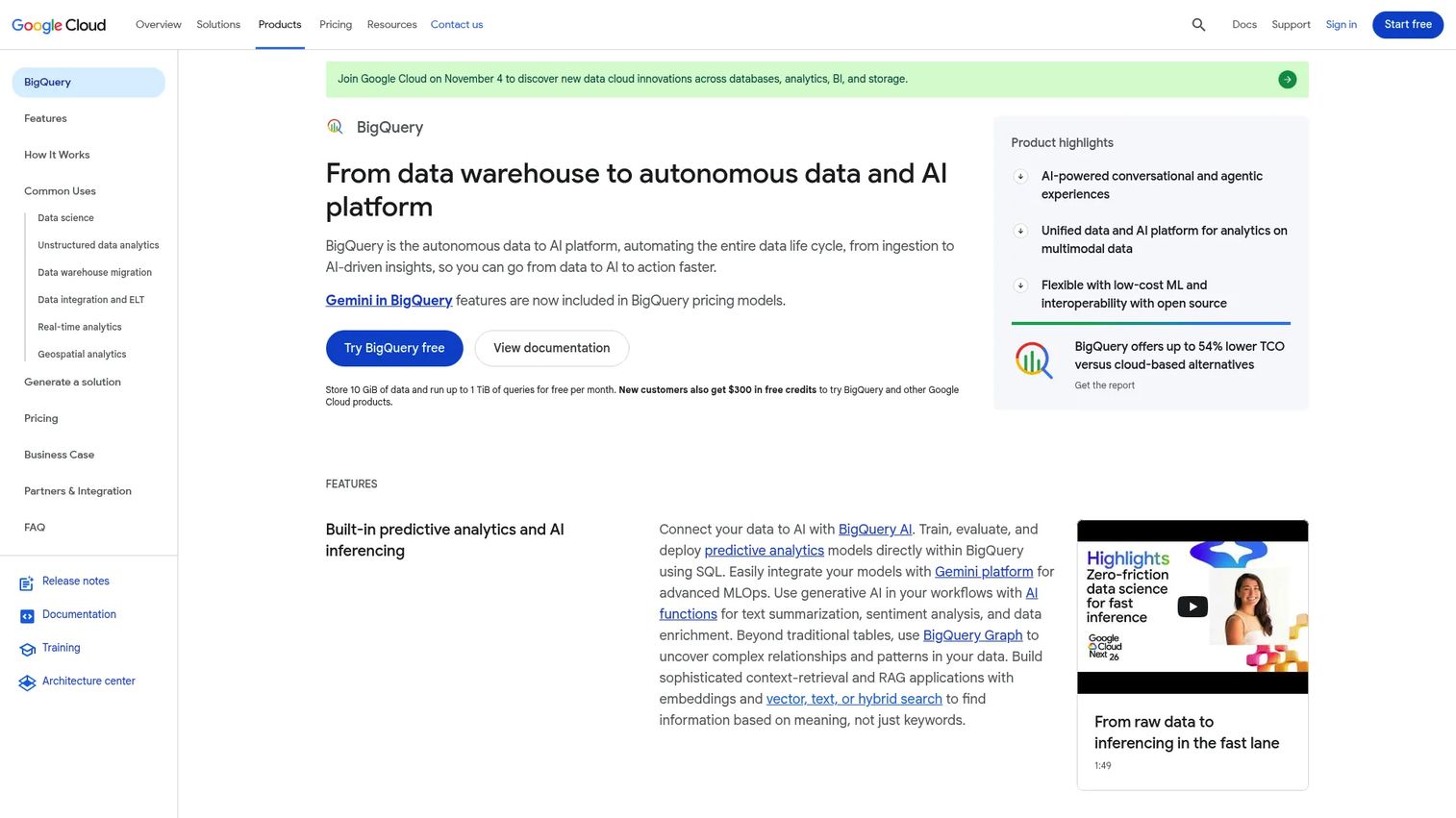
Google BigQuery is a fully managed, serverless cloud data warehouse for SQL analytics at large scale. Teams run petabyte-scale queries without provisioning or maintaining clusters, paying for the compute they actually use. BigQuery also supports streaming inserts, federated queries against external data, built-in machine learning via BigQuery ML, and deep integration with the broader Google Cloud stack. Buyers frequently ask about SQL performance, data locality, and cost predictability when evaluating BigQuery in enterprise evaluations.
Best for: Teams that want serverless SQL analytics on Google Cloud without the overhead of cluster management.
Key features
- Serverless SQL warehouse with automatic scaling
- Separation of storage and compute for independent scaling
- BigQuery ML for training and running models within SQL
- Streaming inserts for low-latency data ingestion
- Native Google Cloud integrations including Looker, Pub/Sub, and Dataflow
Why choose Google BigQuery: BigQuery is the right call for teams already on Google Cloud who need fast SQL analytics without managing infrastructure. Cost control depends heavily on query patterns: On-demand billing at $6.25/TiB scanned rewards efficient queries, while capacity reservations better suit predictable high-volume workloads.
Google BigQuery pricing: A permanent free tier includes 10 GiB of storage and 1 TiB of queries per month. On-demand compute starts at $6.25 per TiB scanned. Capacity-based Editions start from $0.04 per slot hour for the Standard tier.
G2 rating: 4.5/5
5. Snowflake
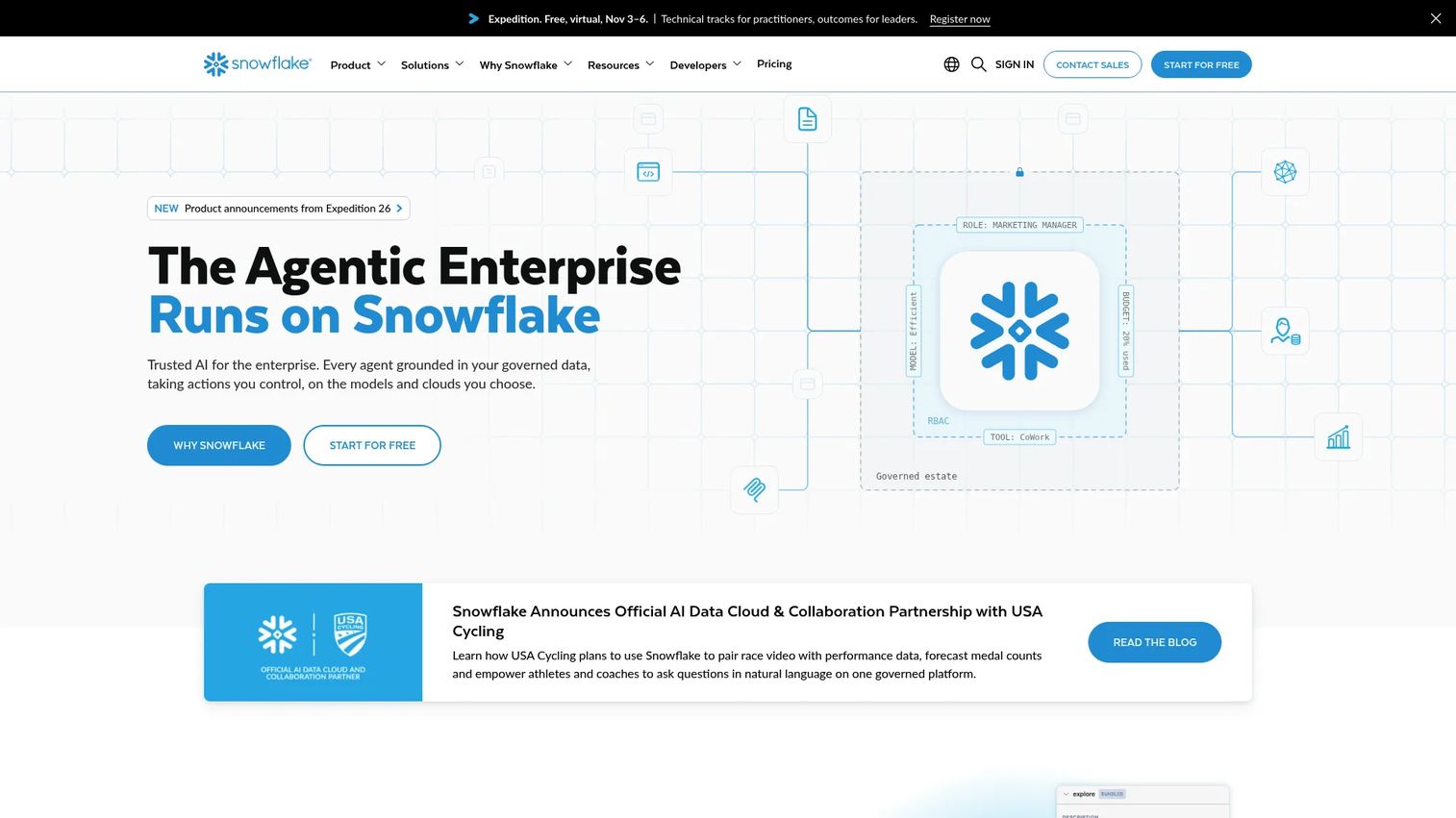
Snowflake is a fully managed cloud data platform designed for data warehousing, analytics, data sharing, AI, and multi-cloud application workloads. Its core architecture separates compute warehouses from storage, allowing teams to scale each independently and pause compute when not in use. Snowflake also supports secure data sharing across organizations and a marketplace for third-party data products, making it a common anchor in enterprise data collaboration discussions.
Best for: Enterprise teams that need scalable warehouse analytics, governed data sharing, and multi-cloud availability.
Key features
- Cloud data warehouse with separated compute and storage
- Virtual warehouses that scale and pause independently
- Snowflake Data Sharing and Marketplace for cross-organization data access
- Snowpark for Python, Java, and Scala workloads inside Snowflake
- Snowflake Cortex AI for ML and LLM-powered features
Why choose Snowflake: Snowflake fits teams that prioritize governed analytics across multiple user groups, each with isolated compute resources. Credit usage should be modeled against query volume and concurrency requirements before signing a contract, since costs can accelerate on unoptimized workloads.
Snowflake pricing: Consumption-based across four editions: Standard, Enterprise, Business Critical, and Virtual Private Snowflake. Credits vary by cloud provider and region. Snowflake offers a 30-day free trial with $400 in free usage.
G2 rating: 4.5/5
6. Apache Kafka
Apache Kafka is an open-source distributed event streaming platform for building high-throughput, fault-tolerant data pipelines. Kafka stores events as durable, ordered logs on distributed brokers, allowing producers to write at high volume and consumers to read at their own pace. Kafka Connect integrates with external systems, while the Streams API enables lightweight stream processing directly on Kafka topics. In presales conversations, buyers commonly ask whether a product can publish to or consume from a Kafka topic, making Kafka knowledge foundational.
Best for: Engineering teams building event-driven architectures, real-time data pipelines, and high-throughput ingestion systems.
Key features
- Distributed, durable event log with configurable retention
- Topic-based publish-subscribe messaging model
- Kafka Connect for integrating with external data sources and sinks
- Kafka Streams API for in-process stream processing
- High-throughput ingestion with horizontal partitioning
Why choose Apache Kafka: Kafka is the default choice for any architecture requiring durable, ordered, high-volume event delivery. Teams should plan for operational complexity, particularly around partition management, consumer group coordination, and retention policy design, or evaluate a managed Kafka provider to reduce that overhead.
Apache Kafka pricing: Kafka is free and open source. Managed Kafka pricing varies by provider, throughput tier, storage, and retention configuration. Common managed options include Confluent Cloud and cloud-native services from AWS, GCP, and Azure.
7. Tableau
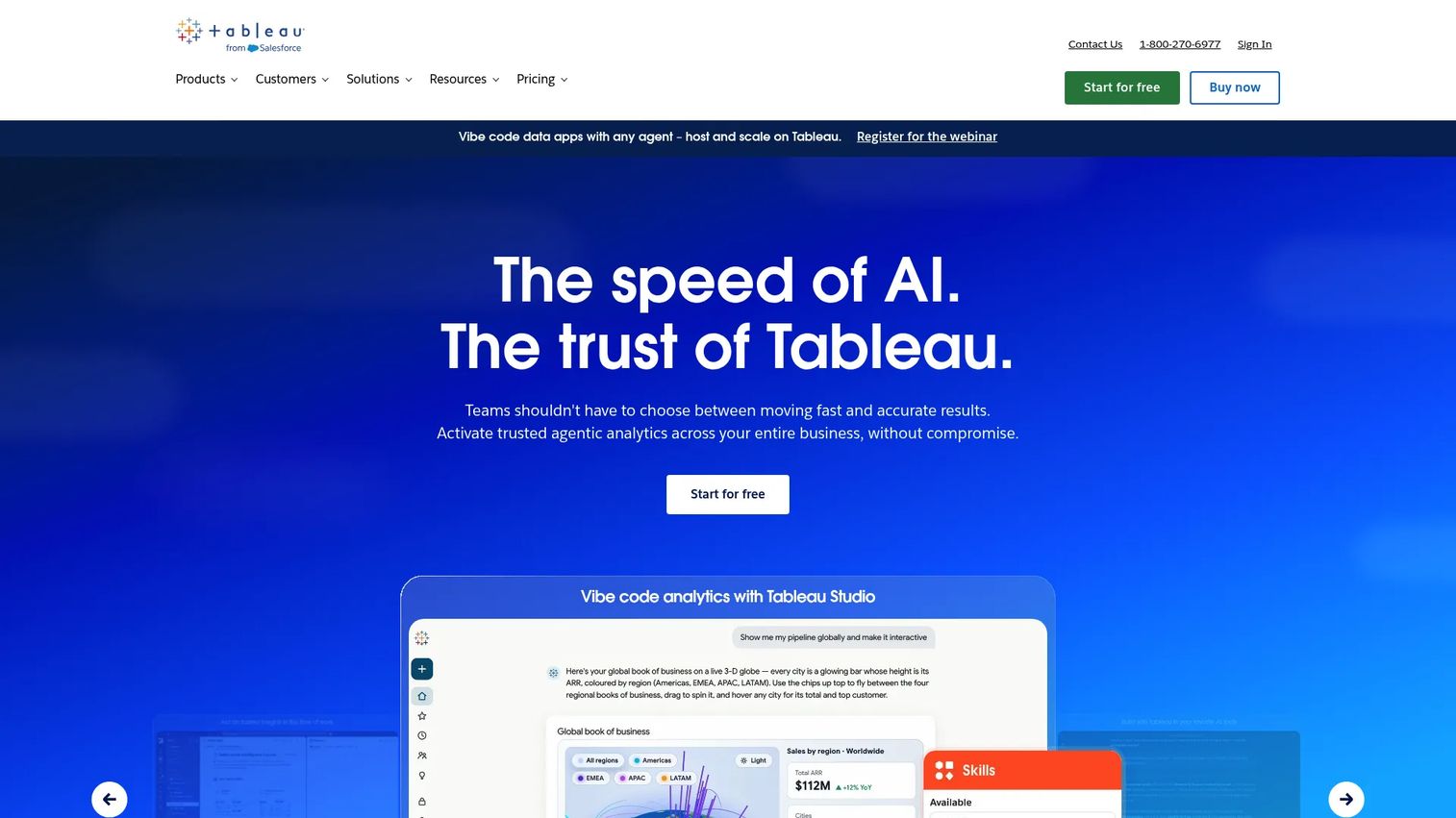
Tableau is an analytics platform for building interactive data visualizations, governed dashboards, and self-service exploration tools. Tableau sits at the analytics layer of the data stack, connecting to well-modeled upstream data sources and rendering insights in a visual format business users can explore without writing SQL. It is not a storage or processing engine. Teams at the best data visualization tools evaluation stage are often choosing between Tableau, Power BI, and native analytics layers within their warehouse.
Best for: Business teams and analytics leads who need interactive dashboards and visual data exploration without engineering intervention.
Key features
- Interactive dashboards with drag-and-drop exploration
- Tableau Prep Builder for visual data preparation
- AI-assisted analytics through Tableau Agent
- Data governance, lineage, and impact analysis
- Embedded analytics and governed content sharing
Why choose Tableau: Tableau is the stronger pick when business users need self-service visual exploration and the data team wants to govern published content. The platform performs best when upstream data is well-modeled; poorly structured sources create downstream maintenance burden for dashboard owners.
Tableau pricing: Tableau Cloud Standard starts at $15/user/month billed annually. Creator licenses for publishing are $75/user/month, Explorer licenses $42/user/month, and Viewer licenses $15/user/month.
G2 rating: 4.4/5
8. Power BI
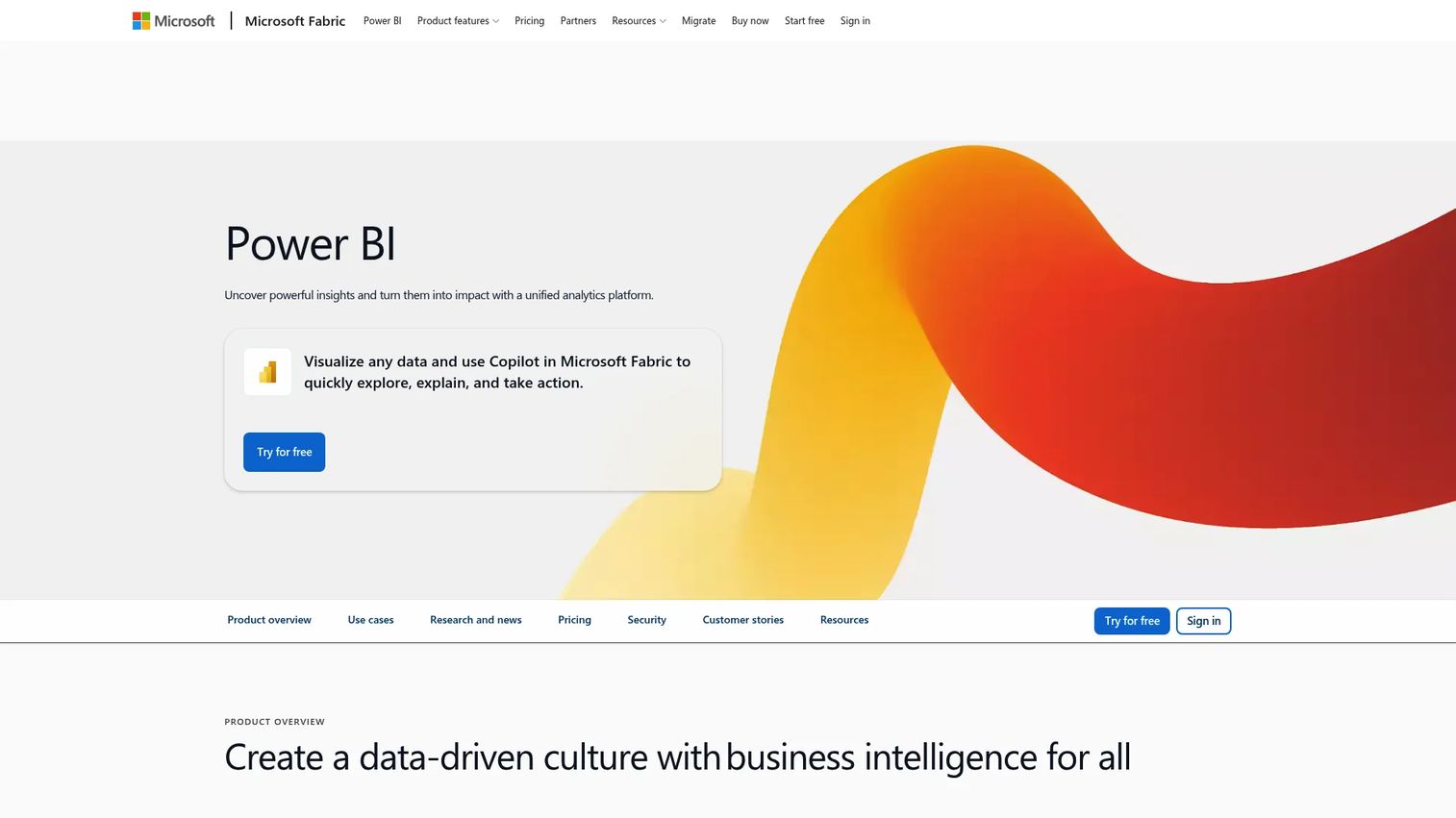
Microsoft Power BI is a business intelligence and dashboarding platform that connects to more than 100 data sources, models data with DAX, and renders reports and dashboards inside Microsoft 365. It integrates natively with Azure, Excel, Teams, and the broader Power Platform. Power BI is not a big data processing engine: It handles analytics and visualization, pulling from prepared data in a warehouse, lake, or semantic model. For presales teams supporting Microsoft-standardized enterprise buyers, Power BI is a near-universal assumption in the analytics layer.
Best for: Organizations standardized on Microsoft tooling that need affordable, collaborative BI inside their existing environment.
Key features
- Interactive reports and dashboards connected to 100+ sources
- Semantic models with DAX calculations and Power Query transformations
- Native Microsoft 365 integration including Teams and SharePoint
- Azure connectivity for cloud data warehouses and Fabric workloads
- Copilot capabilities for natural-language Q&A and report generation
Why choose Power BI: Power BI fits best when a company's data stack already runs on Microsoft, because the integration costs that other BI tools incur are already paid. Large-scale governance requires careful workspace, model, and row-level security design to avoid sprawl.
Power BI pricing: A free account covers personal report creation. Power BI Pro is $14/user/month paid yearly. Power BI Premium Per User is $24/user/month paid yearly. Power BI Embedded pricing is available through Microsoft sales.
G2 rating: 4.5/5
9. MongoDB
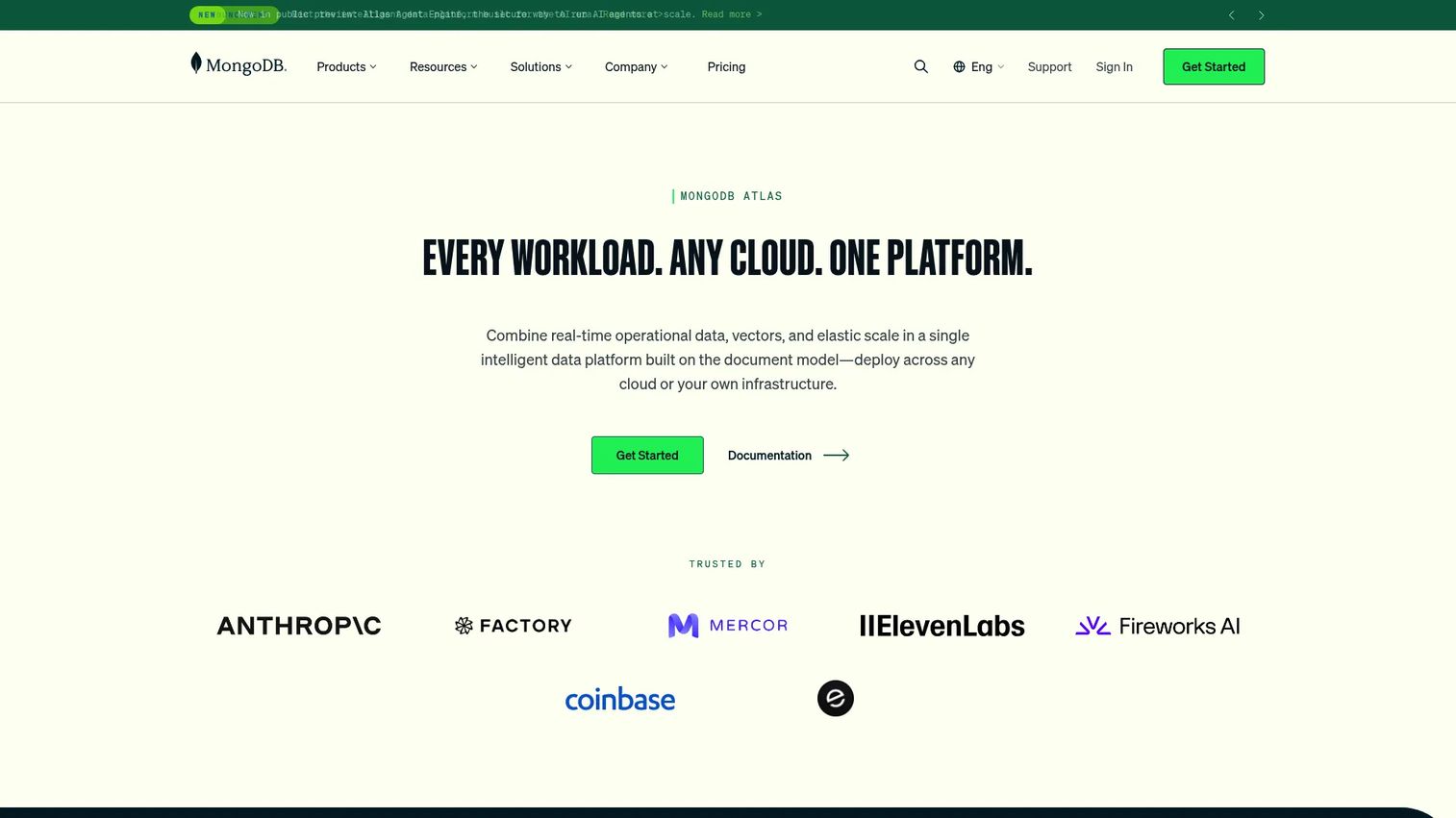
MongoDB is a document database platform for storing semi-structured, high-volume application data. Its JSON-like document model allows flexible schemas that evolve with the application without requiring migration scripts. MongoDB Atlas, the managed cloud offering, adds horizontal scaling through sharding, global clusters, time-series data support, vector search, and analytics integrations. In presales conversations, MongoDB appears when buyers need flexible application data storage that will eventually feed downstream analytics pipelines.
Best for: Development teams building applications with evolving or unstructured data models that need horizontal scale.
Key features
- Flexible document data model with dynamic schemas
- Atlas managed database with automated operations
- Horizontal scaling through sharding across nodes
- Ad-hoc queries, aggregation pipelines, and indexing
- Triggers, time-series support, and vector search
Why choose MongoDB: MongoDB is the right call when product data does not fit a rigid relational schema and write patterns require horizontal scale. Analytics teams will typically need a downstream transformation layer and warehouse before MongoDB data reaches dashboards or reports.
MongoDB pricing: Atlas Free tier is available at $0/hour. The Flex plan starts at $0.011/hour (up to $30/month). Dedicated clusters start at $0.08/hour, equating to roughly $56.94/month. Enterprise Advanced requires a sales conversation.
G2 rating: 4.5/5
10. Apache Cassandra
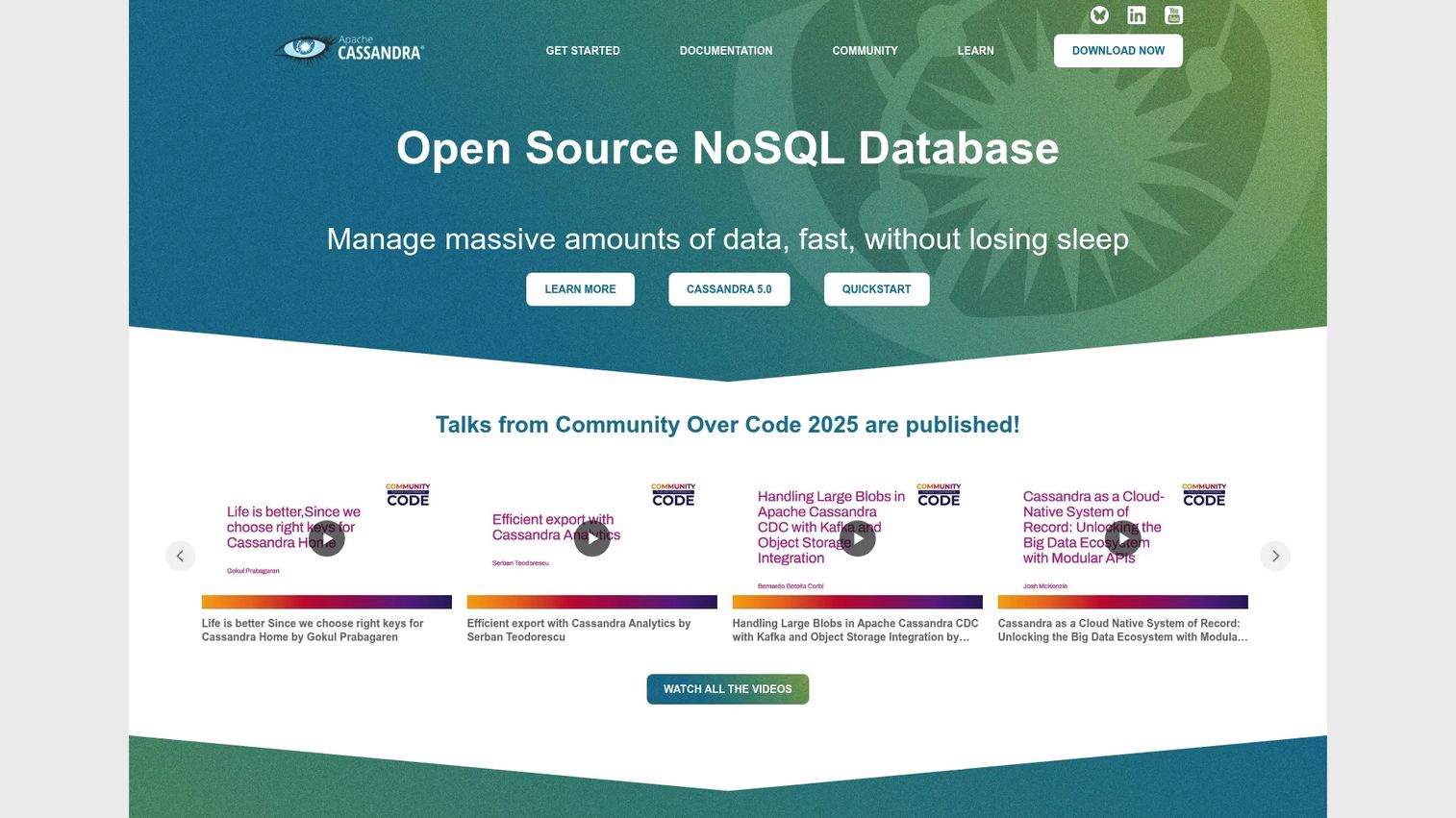
Apache Cassandra is a distributed wide-column NoSQL database designed for high write throughput, fault tolerance, and linear horizontal scaling without a single point of failure. Its masterless architecture replicates data across nodes and data centers, supporting tunable consistency for different read and write latency requirements. Cassandra appears in presales architecture discussions when buyers describe always-on applications with heavy write loads, such as IoT event capture, time-series telemetry, or financial transaction ledgers.
Best for: Engineering teams running always-on applications that require high write throughput and multi-datacenter fault tolerance.
Key features
- Masterless distributed architecture with no single point of failure
- Linear throughput scaling with horizontal node additions
- Multi-datacenter replication and tunable consistency
- Cassandra Query Language (CQL) for SQL-like data access
- Storage-Attached Indexes, lightweight transactions, and incremental backups
Why choose Apache Cassandra: Cassandra is the right database when write availability and throughput are non-negotiable and the application's query patterns are well-understood in advance. Query design requires careful data modeling because Cassandra optimizes for write performance rather than ad-hoc query flexibility.
Apache Cassandra pricing: Cassandra is free and open source. Operating costs come from infrastructure, monitoring, and administration. Managed Cassandra services from Datastax and cloud providers carry their own pricing.
G2 rating: 4.5/5
11. Fivetran
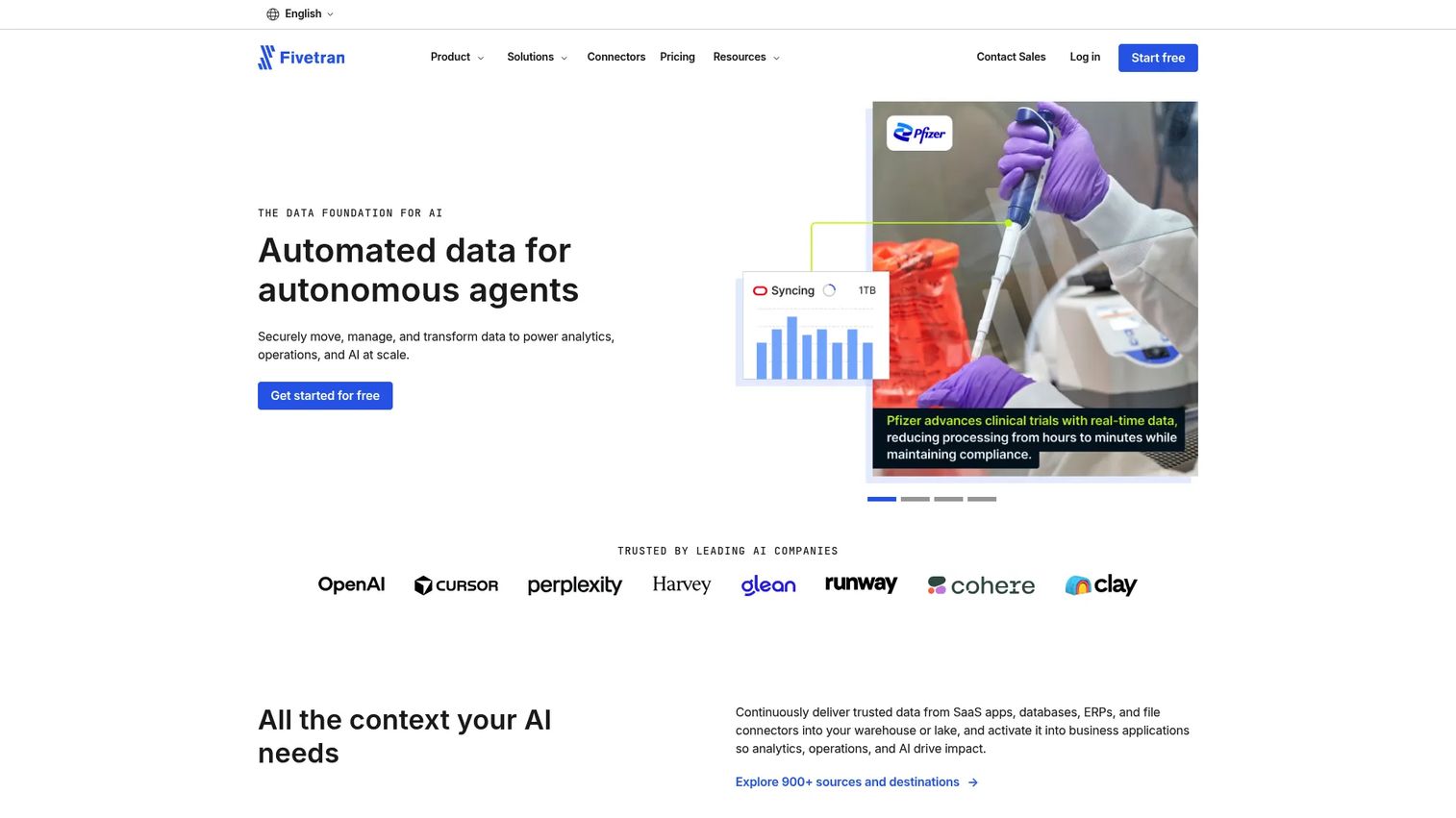
Fivetran is a managed data movement platform that automates ingestion from SaaS applications, databases, file systems, and APIs into warehouses and data platforms. Its prebuilt connectors handle schema drift automatically, meaning a column added upstream does not break the pipeline. Fivetran also supports delete capture, soft-delete handling, and ELT transformations. In technical validation conversations, data ingestion is frequently the first blocker; Fivetran's managed model removes most of the engineering overhead that manual pipelines carry.
Best for: Teams that want automated, reliable data movement into their warehouse without building and maintaining custom connectors.
Key features
- Prebuilt connectors for SaaS apps, databases, and files
- Automated schema drift detection and handling
- Delete capture and soft-delete support
- Up to 5,000 transformation model runs free per month
- Data residency options across multiple regions
Why choose Fivetran: Fivetran reduces pipeline maintenance to near zero for supported connectors, making it a strong fit when engineering capacity is limited and connector coverage meets the team's source requirements. Pricing scales with monthly active rows (MAR), so high-volume sources should be estimated before signing.
Fivetran pricing: A free tier is available. Standard plans are usage-based starting from a $5 base charge for standard connections. Enterprise and Business Critical plans add volume discounts, SLAs, and governance features. Fivetran bills monthly or annually.
G2 rating: 4.4/5
12. Airbyte
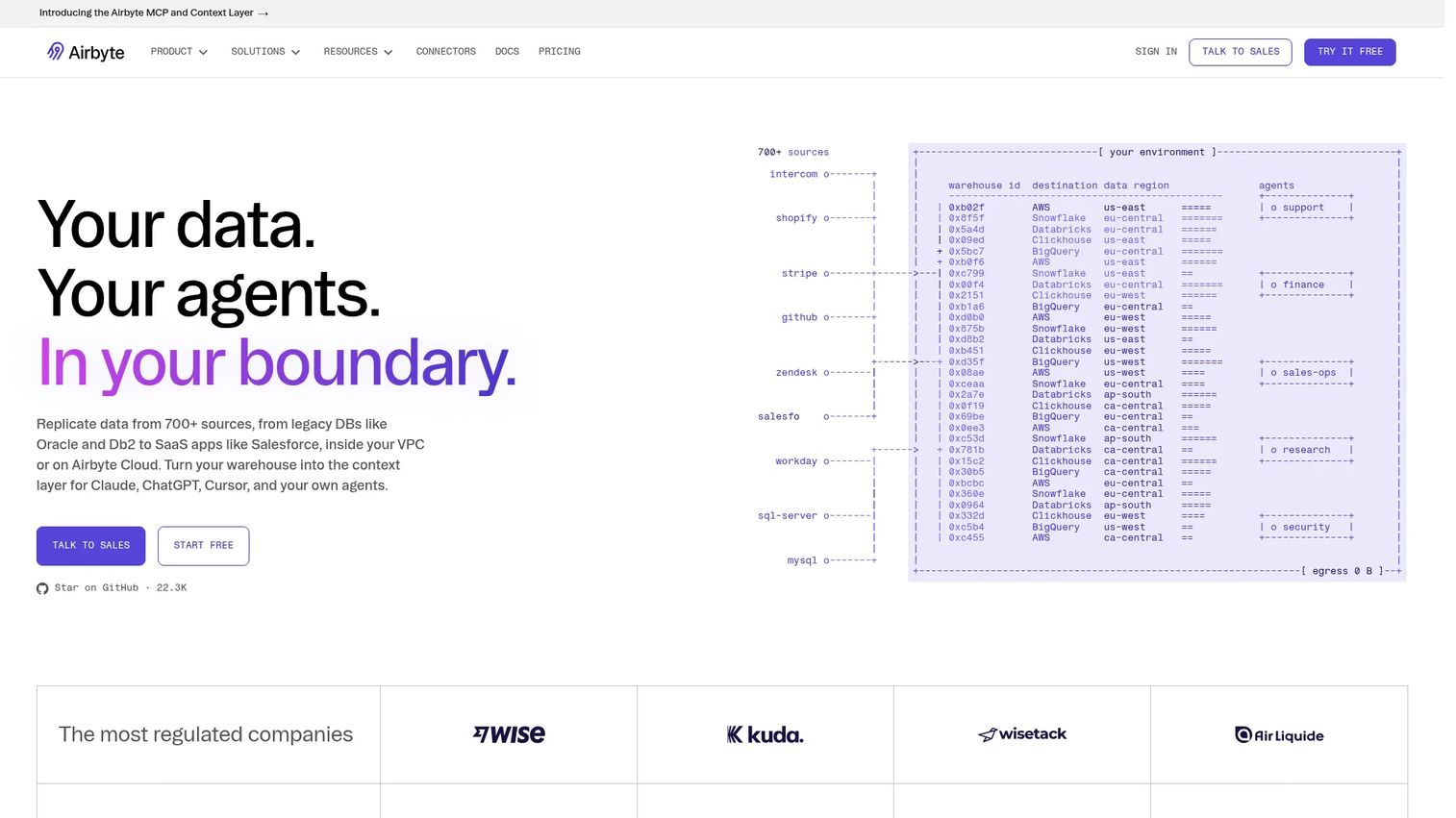
Airbyte is an open-source data integration platform with more than 700 connectors, supporting ELT pipelines from sources into warehouses, lakes, and databases. It runs as open-source Core (self-hosted and free), managed cloud plans, or enterprise deployments with in-boundary and hybrid options. The Connector Builder lets teams create custom connectors for unusual sources. Airbyte is useful in presales technical validation when a buyer asks whether a specific obscure source can be reliably moved into their warehouse.
Best for: Engineering teams that need connector coverage breadth and deployment flexibility, including self-hosted options.
Key features
- 700+ pre-built open-source connectors
- Change Data Capture (CDC) for database replication
- Schema propagation across pipeline updates
- Custom Connector Builder for non-standard sources
- Cloud, self-managed, hybrid, and in-boundary deployment options
Why choose Airbyte: Airbyte's connector library and open-source deployment model make it the right choice when teams need control over data movement without vendor lock-in. Self-hosted deployments require engineering ownership for upgrades, monitoring, and security, which is a real consideration before choosing open-source over the managed cloud option.
Airbyte pricing: Core is free and open source. The Standard cloud plan starts at $20/month (5 credits included). Plus is $189/month (40 credits). Pro and Enterprise Flex plans use custom pricing. A 14-day free trial is available for cloud plans.
G2 rating: 4.4/5
13. Apache Flink
Apache Flink is an open-source distributed processing engine for stateful computations over data streams, with strong support for event-time processing, late data handling, and exactly-once semantics. Where Kafka moves events, Flink computes on them: Joins, aggregations, pattern detection, and windowed analytics at scale. Flink also supports batch processing. In presales, buyers ask about Flink when latency requirements are strict and event-time correctness matters more than simple message delivery.
Best for: Teams building real-time applications that require stateful stream processing with event-time guarantees.
Key features
- Exactly-once state consistency for reliable stream computation
- Event-time processing with support for out-of-order and late data
- SQL and Table API for both streaming and batch workloads
- Windowed computations for time-based aggregations
- Fault tolerance via distributed checkpointing
Why choose Apache Flink: Flink is the right engine when real-time correctness and stateful computation are requirements that Kafka Streams or simpler consumers cannot meet. Teams need engineering depth in stream processing to operate Flink well, or a managed service to reduce that operational surface.
Apache Flink pricing: Flink is free and open source. Managed Flink offerings from AWS (Managed Service for Apache Flink) and Confluent carry usage-based pricing that varies by resource allocation and provider.
G2 rating: 4.4/5
14. AWS Glue
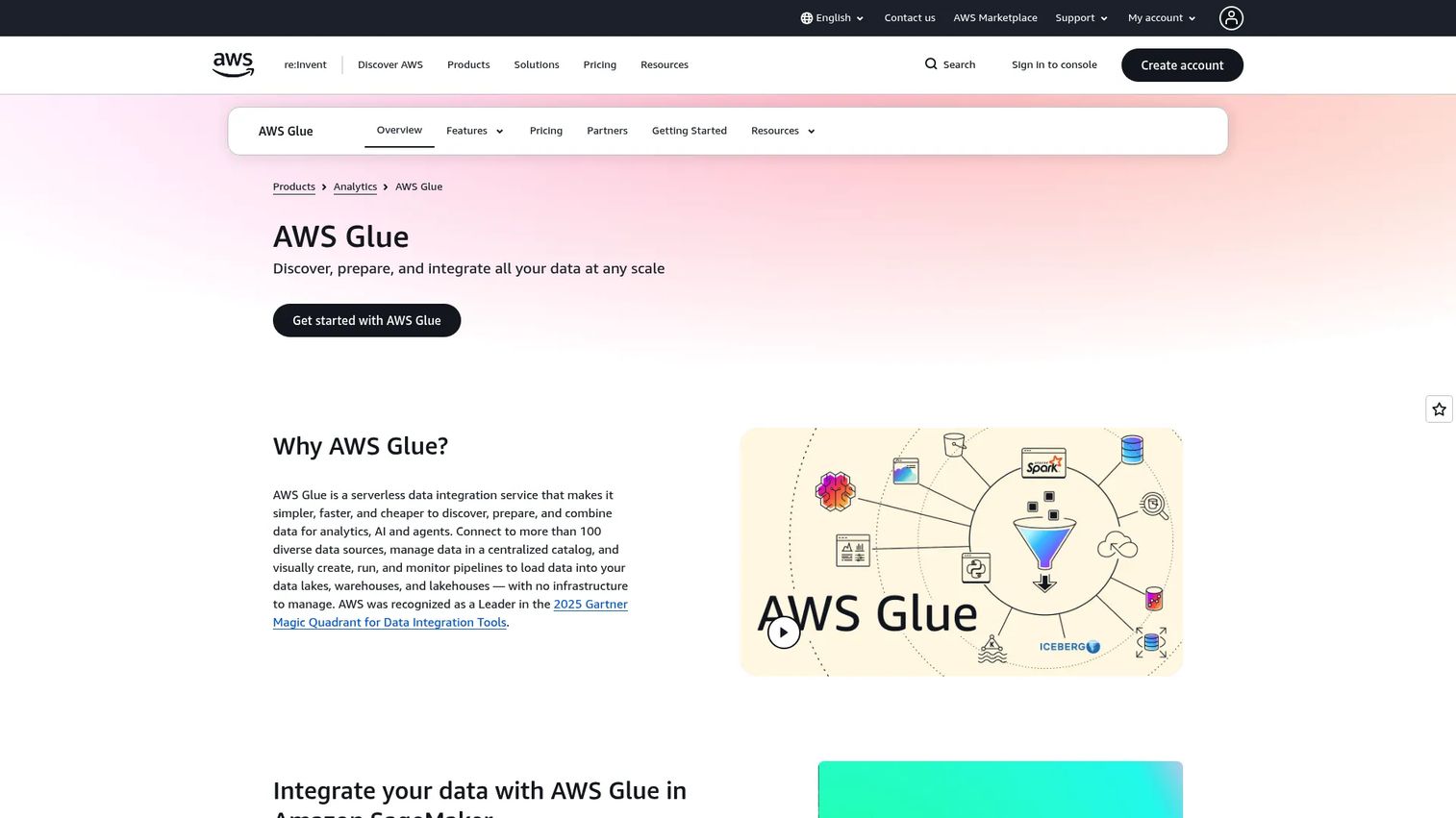
AWS Glue is a serverless data integration service for discovering, preparing, transforming, and cataloging data across the AWS ecosystem. Glue crawlers automatically detect schemas from S3, RDS, Redshift, and other sources, populating the Glue Data Catalog for use across Athena, EMR, and Redshift Spectrum. ETL jobs run on managed Spark infrastructure billed per Data Processing Unit (DPU) hour. For presales teams supporting AWS-heavy buyers, Glue frequently appears as the assumed ETL layer within existing cloud architecture.
Best for: AWS teams that want serverless ETL, automated schema cataloging, and managed Spark transformations without infrastructure to manage.
Key features
- Serverless ETL jobs billed per DPU-hour
- Glue Data Catalog for centralized metadata management
- Automated schema discovery via crawlers
- Spark-based transforms with Python and Scala support
- Native integrations with S3, Redshift, RDS, Athena, and Lake Formation
Why choose AWS Glue: Glue fits naturally when the buyer's entire data stack runs on AWS and they want ETL without managing servers. Job performance, catalog design, and cost controls should all be tested against real workloads before scaling, as DPU costs can grow quickly on complex or large jobs.
AWS Glue pricing: ETL jobs and interactive sessions start at $0.44/DPU-hour. The Glue Data Catalog includes the first million objects stored and first million accesses free per month. Pricing varies by AWS Region.
G2 rating: 4.2/5
15. ClickHouse
ClickHouse is an open-source columnar OLAP database built for fast analytical queries on large volumes of append-heavy data. Its column-oriented storage and vectorized query execution deliver subsecond performance on aggregations that would take seconds or minutes in a row-based database. ClickHouse is used for product analytics, observability pipelines, log analysis, and real-time dashboards. In presales conversations, ClickHouse comes up when a buyer's dashboard latency is unacceptable and they are willing to run a specialized analytical database to fix it.
Best for: Teams running high-volume event, log, or telemetry data that need subsecond query performance on analytical workloads.
Key features
- Columnar OLAP storage with vectorized query execution
- Extremely high data compression ratios reducing storage cost
- Real-time ingestion and low-latency SQL analytics
- Open-source distribution and ClickHouse Cloud managed option
- Support for ML and GenAI workload integration
Why choose ClickHouse: ClickHouse is the right choice when query speed on large append-heavy tables is the primary constraint and the team's query patterns map well to OLAP access. Operational fit and query pattern validation should happen before production commitment.
ClickHouse pricing: The open-source version is free. ClickHouse Cloud uses metered pricing: Storage at $25.30/TB per month and compute at $0.2181/unit-hour for the Basic tier (N. Virginia). A 30-day trial includes $300 in credits.
G2 rating: 4.3/5
Considerations when choosing big data software
Match the tool to the stack layer
A warehouse is not a streaming platform, and a BI tool is not a processing engine. Map your requirements to the four layers before comparing products: Ingestion, storage, processing, and analytics. Choosing a lakehouse when you need a streaming processor, or an ETL tool when you need a warehouse, creates problems no configuration can fix later.
Model total cost, not license cost
Open-source tools are free to download and expensive to run at scale. Factor in compute and storage costs, network egress fees, engineering hours for deployment and maintenance, monitoring infrastructure, security patching, and any commercial support contracts. The operational cost of self-managed Apache Kafka or Hadoop clusters frequently exceeds the cost of a managed alternative over a two-year horizon.
Check governance and security requirements early
Enterprise evaluations surface SSO, RBAC, encryption at rest and in transit, audit logs, data lineage, and compliance requirements before procurement signs off. Presales engineers should ask about data residency, regulatory scope, and security review timelines in discovery. Tools that lack SOC 2 documentation or RBAC controls will slow or block enterprise deals.
Validate integration fit with real sources
Test the actual connectors against your specific sources, schema change behavior, and destination compatibility before committing. Integration failures discovered after tool selection create delays and erode trust. Ask for a connector list, schema drift handling documentation, and API rate limit behavior before any proof of concept starts.
Test with a representative workload
Run a pilot using real data shape, realistic volume, a schema change, and peak query load. Vanity benchmarks from vendor marketing rarely reflect production performance. A well-designed two-week pilot using one workload your team currently struggles to run will tell you more than any comparison table, including this one.
Conclusion
Big data software is a stack decision, not a product decision. Each layer serves a distinct job: Ingestion tools move data reliably, warehouses store it at scale, processing engines transform it efficiently, and analytics tools surface it for decision-makers. Buying a warehouse when you need a streaming processor solves the wrong problem.
For technical evaluators, the shortlist logic is straightforward. Use Apache Spark or Apache Flink when distributed processing is the constraint. Choose Apache Kafka when event streaming is the architecture pattern. Select Google BigQuery or Snowflake for warehouse analytics, with the choice depending on cloud commitment and pricing model preference. Reach for Databricks when lakehouse architecture and ML pipelines need to share one governed environment. Use Fivetran, Airbyte, or AWS Glue to move data into that environment. Layer Tableau or Power BI on top when business stakeholders need visual analytics.
For more adjacent context, the Guideflow guides to best marketing analytics software, best customer data platform, and analytics platforms that drive ROI cover related decisions that often appear in the same technical evaluation.
Shortlist tools by stack layer, then test the top two against one workload your team already struggles to run.
FAQs
Big data software is a category of platforms and tools for storing, processing, moving, analyzing, and visualizing data sets that exceed the capacity of traditional databases and spreadsheets. It typically includes ingestion tools, warehouses, distributed processing engines, streaming platforms, and analytics or BI layers. Most implementations require multiple tools working together rather than a single product.
There is no universal winner because the right tool depends on the workload. For distributed processing, Apache Spark is the most widely adopted engine. For lakehouse architecture and AI workflows, Databricks leads. For cloud warehouse analytics, Snowflake and Google BigQuery are the two dominant choices. For real-time streaming, Apache Kafka is the default foundation. Match the tool to the layer first.
Big data software covers the infrastructure for moving, storing, and processing large volumes of data, including ingestion tools, warehouses, and processing engines. Business intelligence software, such as Tableau and Power BI, sits at the consumption layer and focuses on visualizing and exploring already-processed data. BI tools are part of the big data stack, but they are not the whole stack.
Apache Kafka is the standard for high-throughput, durable event streaming, moving events from producers to consumers at scale. Apache Flink is the right choice when you need to compute on those events in real time with stateful, event-time-aware processing. Kafka moves data; Flink computes on it. Many real-time architectures use both together.
Snowflake and Google BigQuery are the two leading cloud data warehouses in 2026. Snowflake fits multi-cloud enterprise teams that need workload isolation and governed data sharing. BigQuery suits teams already on Google Cloud who want serverless, pay-per-query analytics without managing compute clusters. Test pricing against your query volume and concurrency patterns before choosing.
Open-source tools like Apache Spark, Hadoop, Kafka, Cassandra, and Flink have no license fee, but their operating costs are not zero. Infrastructure provisioning, monitoring, security patching, cluster management, and specialist hiring typically make self-managed deployments more expensive than managed alternatives over a two-year horizon. Calculate total cost of ownership before choosing open source over a managed service.
Evaluate scalability (does it grow with data volume?), integration depth (can it connect to your existing stack?), processing model (batch, streaming, or OLAP?), security controls (SSO, RBAC, encryption, audit logs), governance (lineage, schema management, retention), observability, and cost model. Run a pilot against a representative workload rather than relying on vendor benchmark figures.
AI and ML projects depend on reliable, governed, high-volume data before model training can start. Platforms like Databricks and Snowflake have built-in ML and AI tooling. Apache Spark provides distributed feature engineering and the MLlib library. The foundational requirement is a clean, well-governed data pipeline that delivers consistent historical data at scale. Without that foundation, model performance suffers regardless of the ML framework chosen.