A pump fails at 2 a.m. The technician doesn't know when it was last serviced. The service record lives in a binder in someone's truck. The replacement part isn't in stock. By the time the line comes back up, you've lost eight hours of production and the manager is asking why nobody caught it.
That's reactive maintenance. It's expensive, it's avoidable, and it's usually a data problem before it's a mechanical one.
The equipment maintenance software market was valued at roughly USD 5.3 billion in 2024 and is projected to reach USD 11.45 billion by 2033, growing at a 9.1% CAGR, according to Verified Market Reports (2024). That growth tracks a simple shift: teams are moving off spreadsheets and paper logs onto maintenance tracking software that makes recurring work visible, standardizes work orders, and ties asset history to real decisions.
The right maintenance management software cuts downtime, tightens accountability, and gives you equipment tracking software that actually reflects what's happening in the field. The wrong one becomes another system technicians ignore. This guide breaks down seven tools so you can pick the one that fits your operating model, not the one with the loudest marketing.
What's inside
This guide is for operations managers, maintenance managers, fleet leads, and product-minded evaluators comparing CMMS and equipment maintenance options for 2026. We picked tools based on the capabilities that actually move the needle on uptime and adoption:
- Work orders: how fast teams submit, assign, and close maintenance work
- Preventive maintenance: recurring schedules, inspections, and service logs
- Inventory: spare parts tracking and reorder visibility
- Mobile usability: whether technicians will actually log work in the field
- Reporting and integrations: downtime, MTTR, and how the tool connects to your stack
TL;DR
- Best for teams that need work orders, PMs, and assets in one simple app: Coast
- Best mobile-first CMMS for operational control: Limble
- Best for flexible CMMS depth plus asset operations: UpKeep
- Best for enterprise and multi-site with condition monitoring: eMaint
- Best for fast technician adoption and modern mobile workflows: MaintainX
- Best for structured CMMS depth with room to scale across sites: Fiix
- Best for heavy equipment and field-to-shop operations: HCSS Equipment360
Your best pick depends on asset type, crew size, and how mature your current workflow is. A five-person facilities crew and a 200-machine plant should not buy the same tool.
What is equipment maintenance software
Equipment maintenance software is a system that helps teams track assets, schedule maintenance, manage work orders, record service history, and reduce downtime across physical equipment. Most modern tools fall under the CMMS software category, short for computerized maintenance management system, and are designed to replace spreadsheets, paper logs, and scattered tribal knowledge with a single source of truth.
Core capabilities you should expect:
- Work order software: create, assign, prioritize, and close maintenance requests with status history
- Preventive maintenance software: recurring PM schedules, inspection checklists, and automated triggers by time or usage
- Asset management software: equipment records, service history, warranties, and condition data
- Spare parts inventory: stock levels, reorder points, and parts-to-work-order links
- Mobile maintenance app: field access, often with offline mode, so technicians log work where it happens
- KPI dashboard: downtime, PM completion, MTTR, MTBF, and backlog trends
The category has layers. Lightweight equipment management software handles work orders and PMs for smaller teams. A full CMMS adds inventory, purchasing, and reporting depth. Enterprise asset management (EAM) sits above that, extending into asset lifecycle, capital planning, and multi-site financials. Here's the practical difference:
| Capability | CMMS software | EAM software |
|---|---|---|
| Primary focus | Day-to-day maintenance and work orders | Full asset lifecycle and capital planning |
| Typical user | Maintenance and operations teams | Enterprise asset and finance leaders |
| Scope | Single site to mid-scale multi-site | Complex, multi-site, high asset value |
| Reporting depth | PM completion, MTTR, backlog | Total cost of ownership, depreciation, ROI |
Most teams reading this need a CMMS. You reach for EAM when asset value, compliance, and financial reporting outgrow what a maintenance-focused tool covers.
When to use equipment maintenance software
Digitize preventive maintenance
If your PM schedule lives in a spreadsheet or a whiteboard, tasks slip. A recurring quarterly inspection gets missed because the one person who tracked it was on vacation. Preventive maintenance software makes recurring work visible and automatic. It triggers PMs by time, meter reading, or usage, attaches inspection checklists, and logs completion so nothing depends on memory. The payoff is fewer surprise breakdowns and a service history you can actually audit.
Manage work orders and maintenance requests
When a frontline operator spots a problem, the gap between noticing it and getting it fixed is where downtime lives. Work order software closes that gap. Operators submit requests from their phone, managers assign and prioritize, and technicians close work with notes and parts used. Everyone sees status in real time. This is where accountability gets real: who reported it, who owns it, when it was done, and how long it took.
Track assets, parts, and maintenance history
Downtime is often a visibility problem. You can't plan replacements or spot recurring failures if service records are scattered. Asset management software centralizes equipment records, links every work order to the right asset, and builds a running maintenance history. Pair that with spare parts inventory tracking and you stop discovering a critical part is out of stock at the worst possible moment. Over time, that history tells you which assets cost the most to keep running, so replacement decisions get easier.
Comparison table
Here's how the seven tools stack up on positioning, differentiation, pricing, and G2 rating. Pricing reflects publicly listed values as of July 2026; several vendors quote custom pricing for higher tiers.
| # | Product | Best for | Key differentiator | Pricing | G2 rating |
|---|---|---|---|---|---|
| 1 | Coast | Small teams wanting work orders, PMs, and assets in one app | Simple, low-cost, fast to adopt | Free; paid from $2/user/mo | 4.7/5 |
| 2 | Limble | Mobile-first CMMS with strong operational control | Ease of use plus workflow depth | Custom pricing | 4.8/5 |
| 3 | UpKeep | Maintenance plus broader asset operations | AI-powered asset operations | From $24/user/mo | 4.5/5 |
| 4 | eMaint | Enterprise and multi-site maintenance | Configurable CMMS/EAM, condition monitoring | Custom pricing | 4.5/5 |
| 5 | MaintainX | Fast technician adoption, modern mobile | Frontline-first mobile workflows | Free; paid from $20/user/mo | 4.8/5 |
| 6 | Fiix | Structured CMMS depth that scales | Cross-site reporting and standardization | Free; paid from $45/user/mo | Not listed |
| 7 | HCSS Equipment360 | Heavy equipment and field-to-shop ops | Mechanic time tracking, fleet ROI | Custom pricing | Not listed |
1. Coast
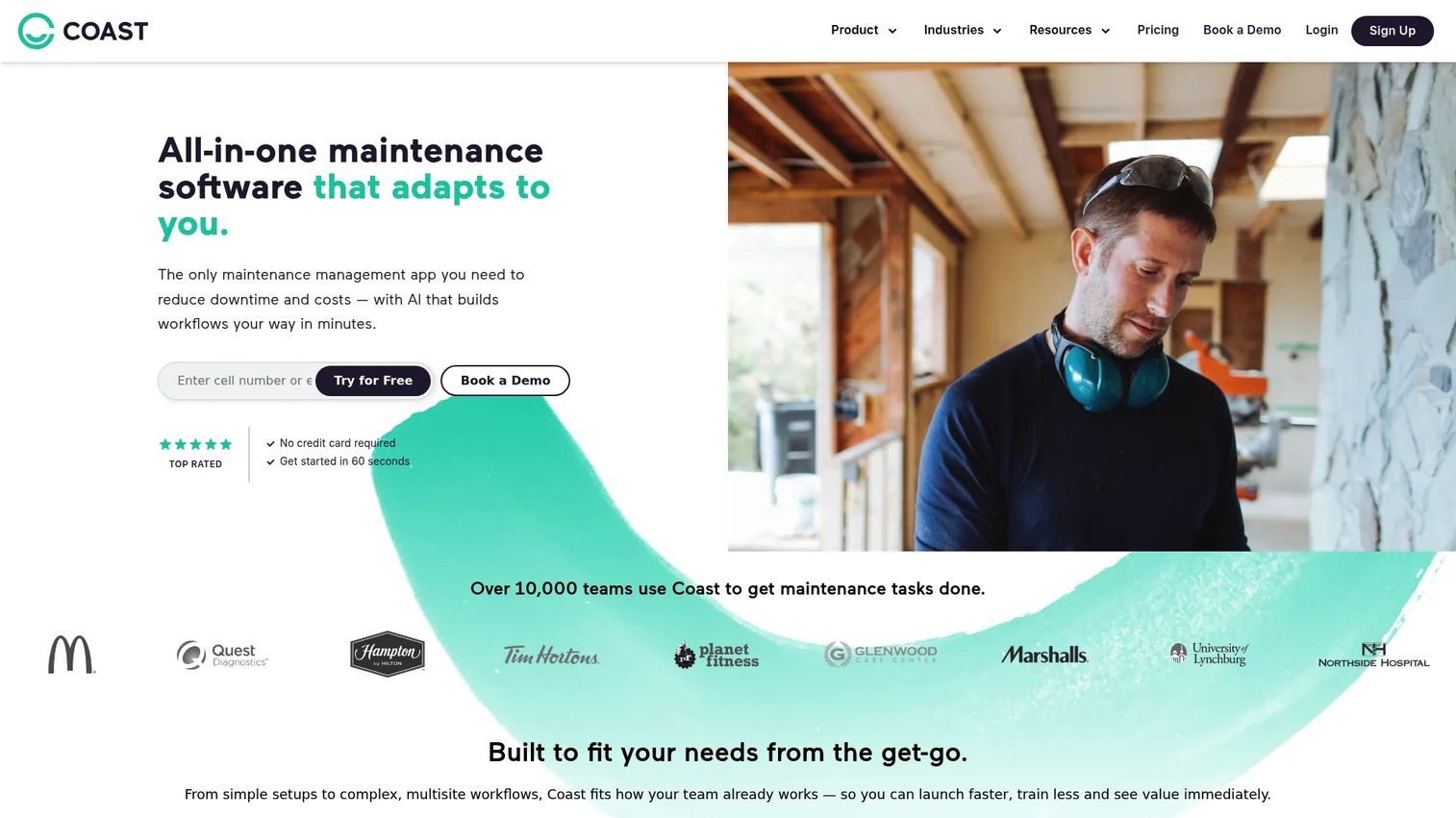
Coast is all-in-one maintenance management software that puts work orders, preventive maintenance, and asset management in a single app built for teams that need speed over complexity. It leans mobile-first, so crews can submit and close work from their phones without training. If your current setup is a mix of texts, spreadsheets, and a shared calendar, Coast is the kind of tool a small team adopts in an afternoon.
Best for: Maintenance and facilities teams that need work orders, PMs, and asset tracking in one simple, affordable app.
Key strengths
- Work orders: create, assign, and close from mobile
- Preventive maintenance: recurring schedules and inspection checklists
- Parts inventory management: track stock and link parts to work orders
Why choose Coast: If you're a lean crew that has been burned by CMMS tools that felt like enterprise software, Coast trades deep configurability for genuine adoption. Technicians actually use it, which is the whole point.
Coast pricing: Free plan at $0/user/month. Starter is $2/user/month and Pro is $4/user/month. Enterprise is contact sales, and paid plans include a 7-day free trial.
2. Limble
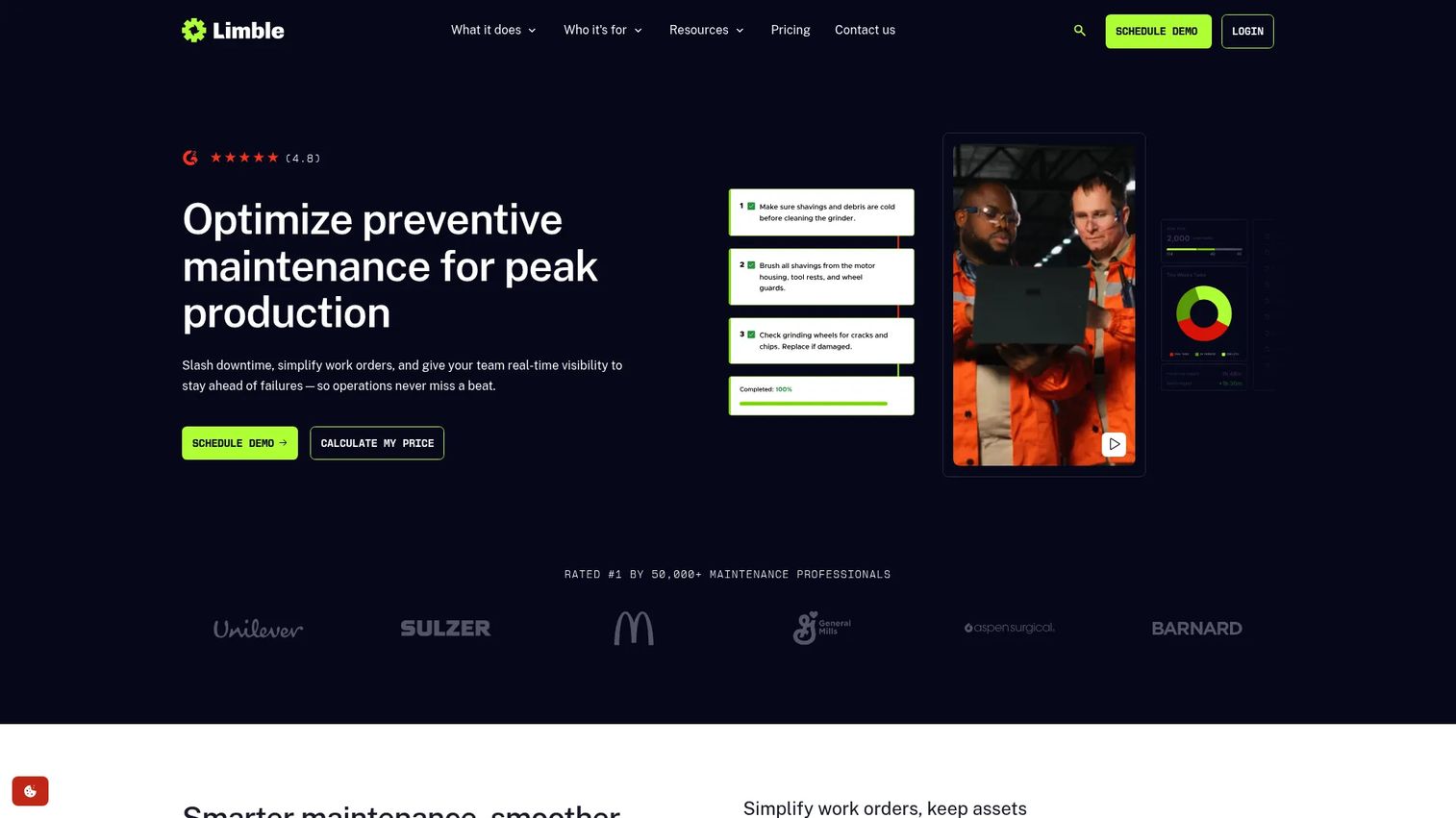
Limble is a mobile-first CMMS built for maintenance teams that want operational control without a heavy rollout. It covers work order management, preventive maintenance scheduling, and asset and inventory management, with a mobile app technicians tend to adopt quickly. Limble sits in the sweet spot between a lightweight tool and a full enterprise system, which is why it shows up on so many maintenance shortlists.
Best for: Maintenance teams that need a mobile-first CMMS for work orders and preventive maintenance with real workflow depth.
Key strengths
- Work order management: fast request-to-close cycle
- Preventive maintenance scheduling: time and usage-based triggers
- Asset and inventory management: service history and parts tracking
Why choose Limble: Teams that want more control than a basic app but don't want to fight enterprise complexity land here. Its high G2 rating reflects strong technician adoption, which is usually the deciding factor on whether a CMMS survives past month three.
Limble pricing: Limble lists plan names and features on its pricing page but publishes pricing through a quote. Plans include Standard, Premium+, and Enterprise. Contact Limble for numbers specific to your team size and asset count.
3. UpKeep
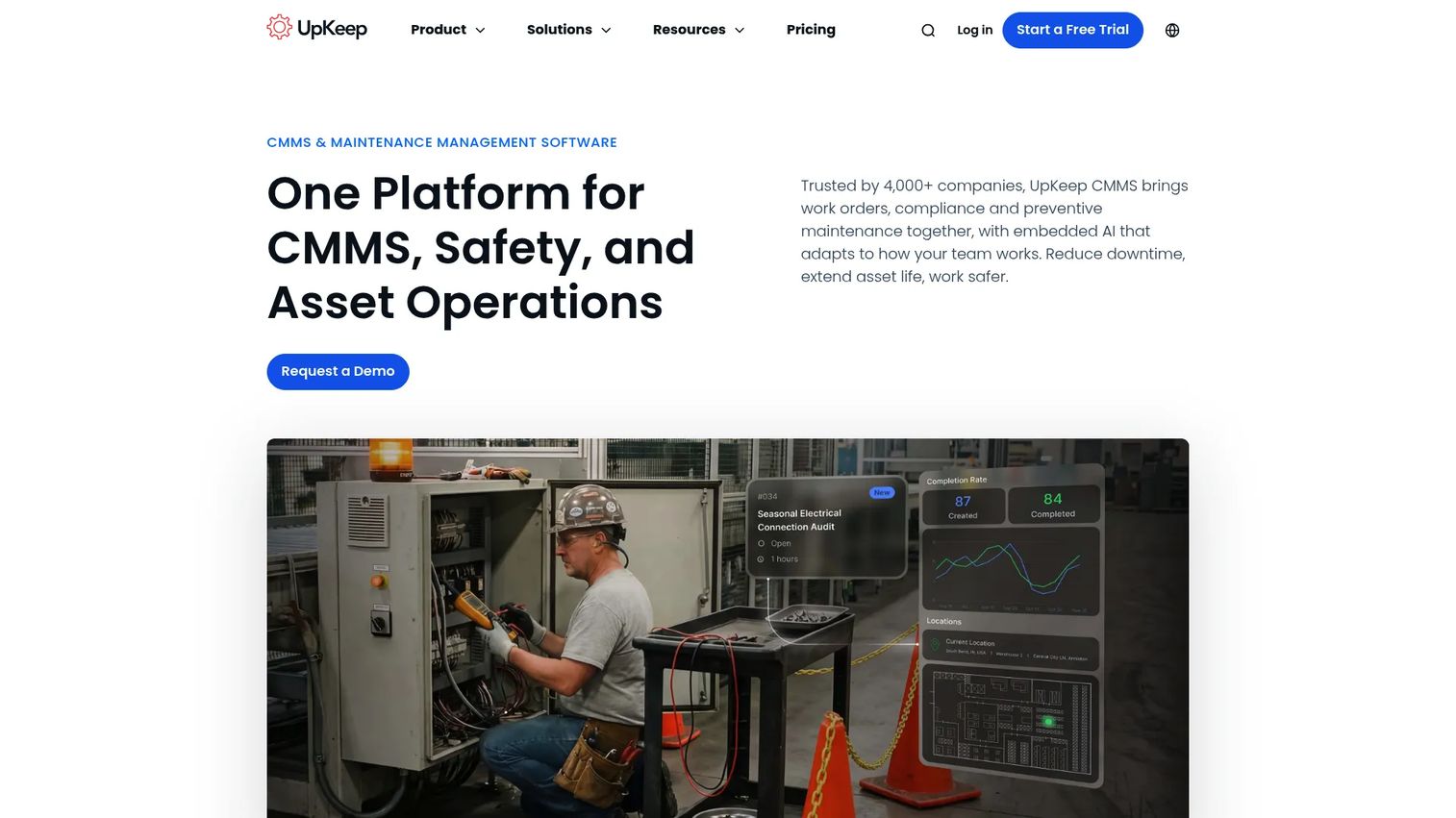
UpKeep is AI-powered asset operations software that spans maintenance, reliability, safety, and field teams. It handles the CMMS basics, unlimited work orders, PM scheduling, and inventory, then extends into asset operations with analytics and AI features. The mobile app includes offline mode, which matters when technicians work in basements, plant floors, or remote sites with spotty connectivity.
Best for: Maintenance and operations teams that want a flexible CMMS plus broader asset operations and reporting.
Key strengths
- Unlimited work orders and locations
- Preventive maintenance scheduling with automation
- Mobile offline mode, analytics, inventory, and AI features
Why choose UpKeep: If you expect maintenance to expand into reliability and safety workflows, UpKeep gives you room to grow without switching platforms. The reporting depth also helps when you need to show operational impact to leadership.
UpKeep pricing: Essential is $24/user/month and Premium is $55/user/month. Professional and Enterprise are quote-based. A free trial is available with no credit card required.
4. eMaint
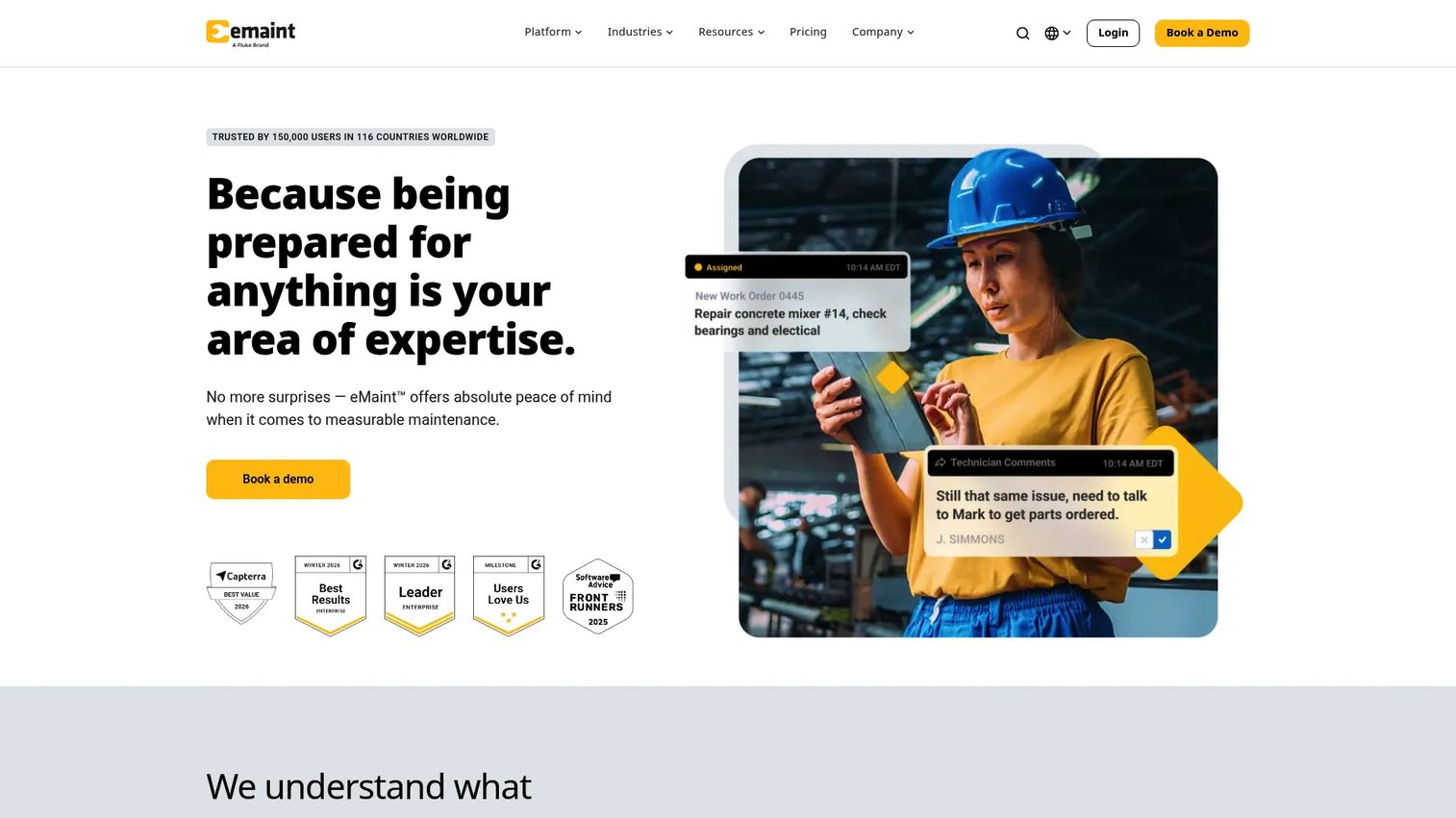
eMaint is enterprise CMMS/EAM software built for maintenance teams operating at multi-site or enterprise scale. It's highly configurable, which is the point: manufacturing and facilities teams shape it to their exact workflows rather than bending their process to the tool. eMaint covers asset management, work orders, PM scheduling, parts inventory, and reporting, and adds condition monitoring that connects to sensors, SCADA, and PLC data for teams moving toward predictive maintenance.
Best for: Maintenance teams that need configurable CMMS/EAM software across multiple sites or at enterprise scale.
Key strengths
- Asset management with multi-site management
- Work orders and preventive maintenance
- Condition monitoring, parts inventory, mobile offline mode, and integrations
Why choose eMaint: When your operation spans sites and you need reporting and audit trail depth that satisfies compliance and leadership, eMaint's configurability earns its keep. The condition monitoring fit makes it a strong choice for manufacturing teams tying maintenance to equipment sensor data.
eMaint pricing: eMaint uses configurable, quote-based pricing across its Professional and Enterprise tiers, with a prepaid annual commitment. Contact eMaint for a quote scoped to your site count and user needs.
5. MaintainX
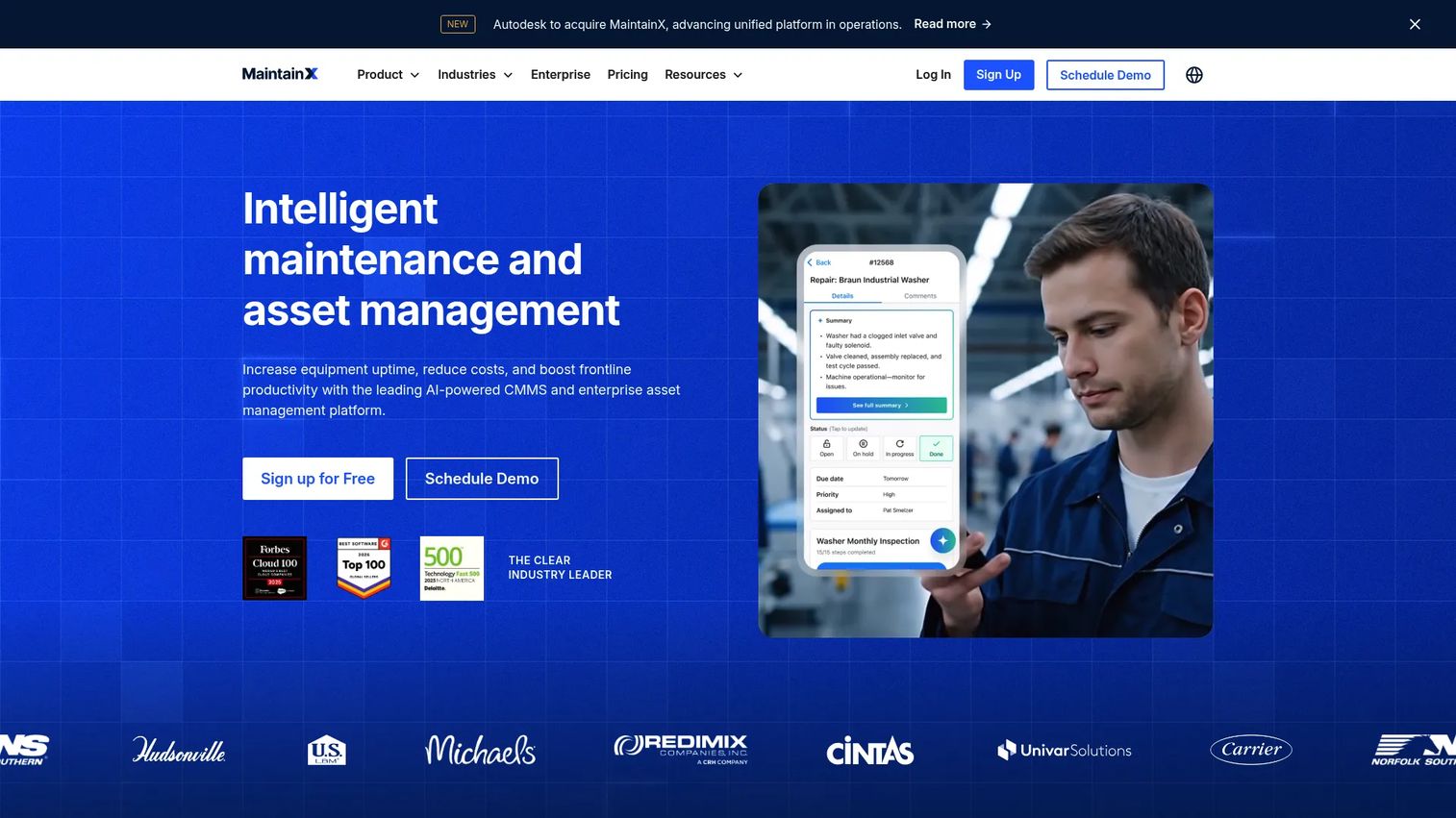
MaintainX is an AI-powered CMMS and asset management platform built around frontline usability. It's mobile-first in a way that shows: work orders, PMs, parts workflows, and team communication all live in an app technicians actually want to open. That focus on adoption is why MaintainX has become a common pick for teams where getting the crew to log work has been the real barrier, not the software features.
Best for: Teams that want fast technician adoption and modern mobile workflows for work orders, PMs, and asset tracking.
Key strengths
- Work orders and preventive maintenance
- Asset management, parts inventory, and purchase orders
- Reporting, resource planning, and AI features
Why choose MaintainX: If past CMMS attempts stalled because technicians wouldn't use them, MaintainX's mobile-first design is built to fix exactly that. It scales from small teams up to larger operations without losing the frontline simplicity.
MaintainX pricing: Basic is free forever at $0/user/month. Essential is $20/user/month billed annually ($25 monthly) and Premium is $65/user/month billed annually ($75 monthly). Enterprise is custom pricing.
6. Fiix
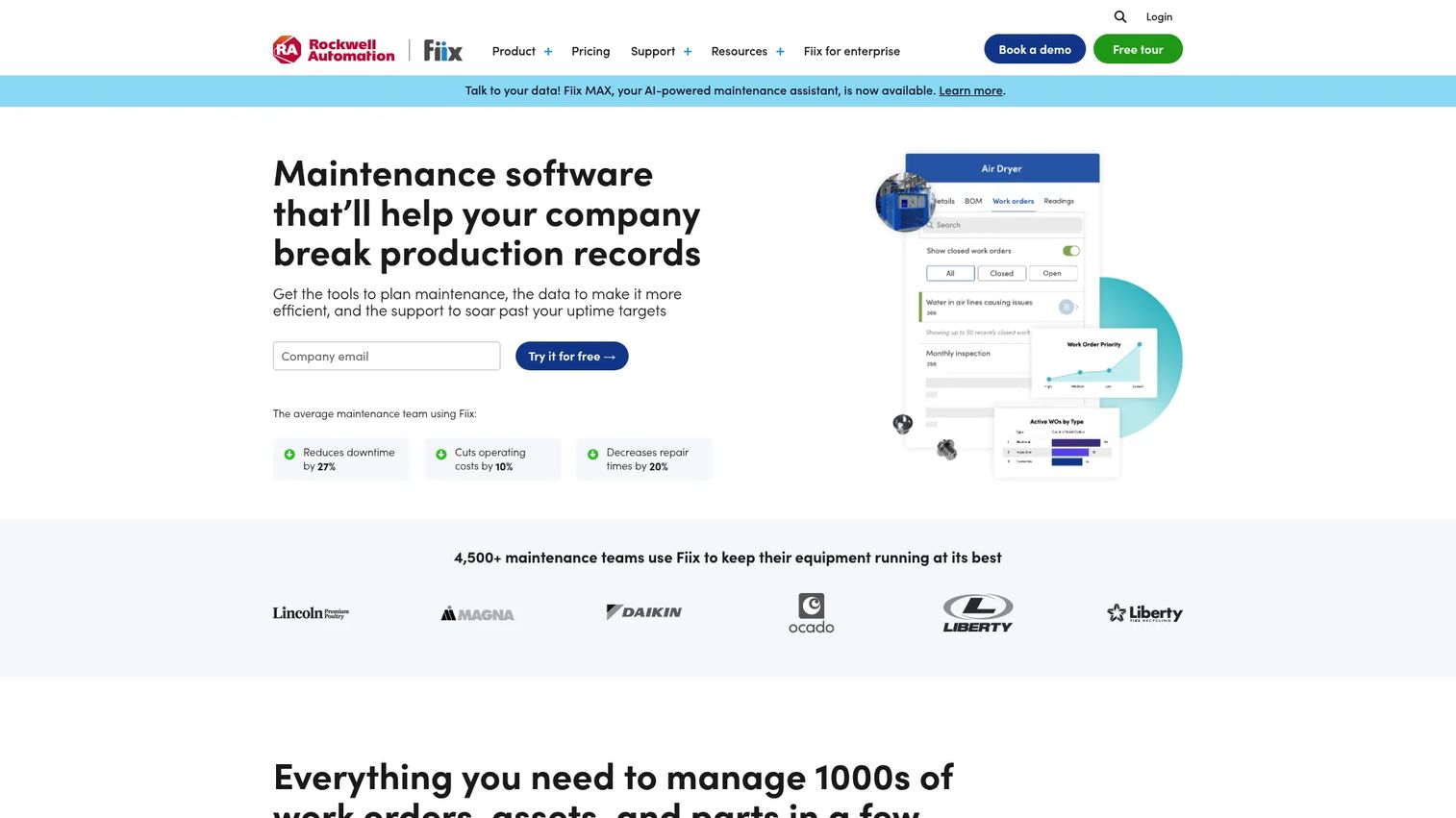
Fiix is cloud-based CMMS software for maintenance management, asset tracking, work orders, and reporting. It's built for teams that want a strong maintenance management foundation with room to scale across sites. Fiix leans into workflow standardization and cross-site reporting, which suits structured operations that need consistency and a clear KPI dashboard across locations rather than a quick one-team fix.
Best for: Maintenance teams that want structured CMMS depth with a free tier and scalable paid plans.
Key strengths
- Work order management with standardized workflows
- Asset management and service history
- Inventory management and cross-site reporting
Why choose Fiix: If you're building maintenance operations that need to hold up across multiple sites and report consistently to leadership, Fiix gives you the structure to standardize. The free tier lets you validate the workflow before committing budget.
Fiix pricing: Free plan at $0 for limited users with no credit card required. Basic is $45/user/month and Professional is $75/user/month. Enterprise is custom pricing.
7. HCSS Equipment360
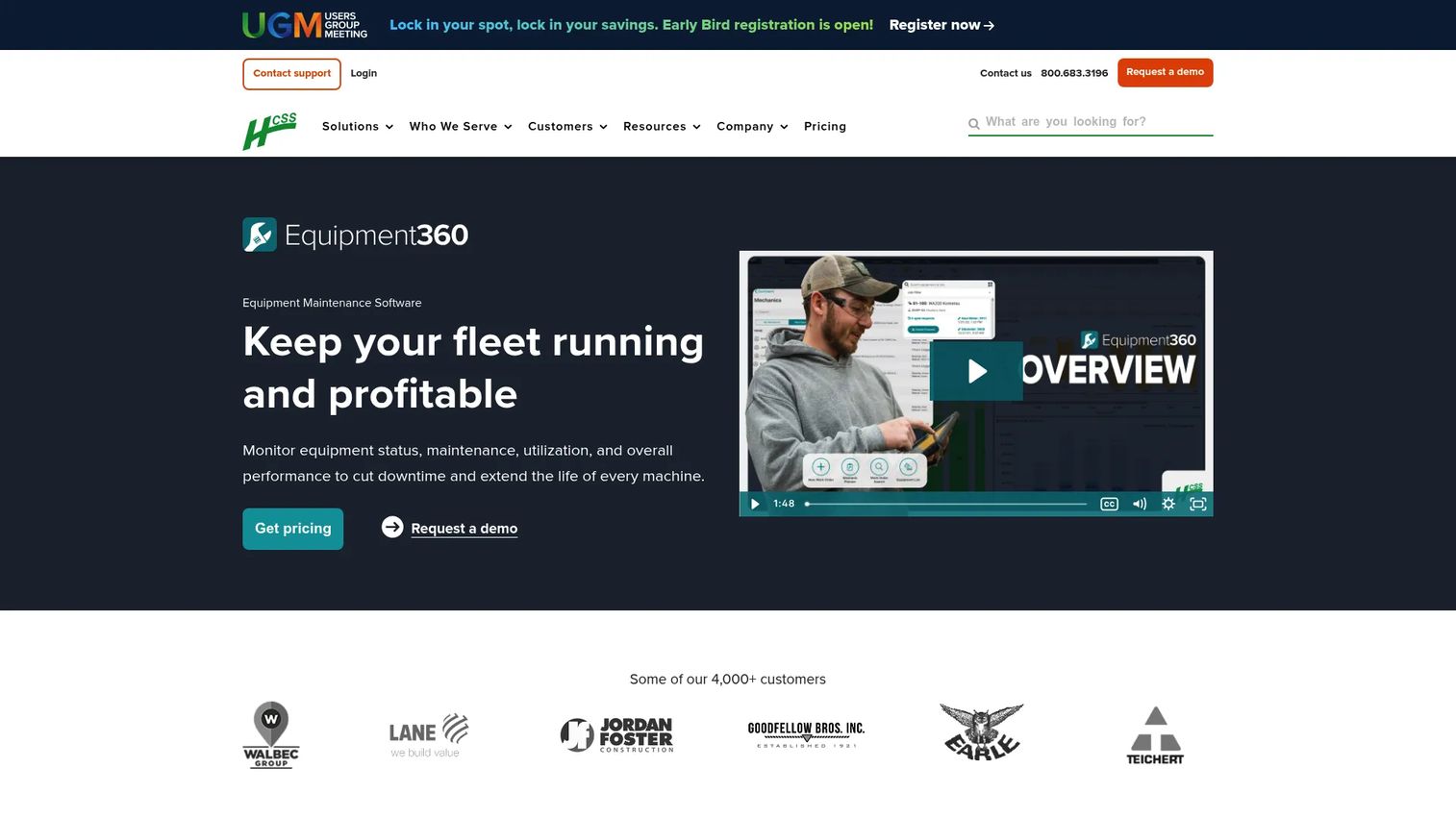
HCSS Equipment360 is heavy equipment maintenance and shop management software built for construction fleets. This is where fleet maintenance software gets specialized: field-to-shop workflows, mechanic time tracking, and preventive maintenance scheduling tuned for excavators, loaders, and the rest of a heavy equipment fleet. It's built for contractors who need to keep expensive machines running and prove maintenance ROI at the same time.
Best for: Mid-to-large construction contractors managing heavy equipment maintenance software needs across fleets and shop operations.
Key strengths
- Maintenance alerts and preventive maintenance scheduling
- Work orders and mechanic time tracking
- Parts and inventory management
Why choose HCSS Equipment360: For construction and fleet-heavy teams, generic CMMS tools miss the field-to-shop reality and telematics fit that heavy equipment demands. Equipment360 is purpose-built for that world, with mechanic time tracking that ties labor directly to equipment cost.
HCSS Equipment360 pricing: HCSS uses custom, quote-based pricing. Request a quote through the HCSS pricing page for numbers scoped to your fleet size and shop operations.
Considerations
Mobile adoption matters more than feature depth
The most powerful CMMS is worthless if technicians don't use it. Before you buy, test the mobile app the way your crew will: log a work order, check parts, close a task, all from a phone in a noisy environment. Check for offline mode if your team works where connectivity drops. The tool with fewer features but higher technician adoption beats the deep platform nobody opens.
Integrations can make or break rollout
Maintenance data doesn't live in isolation. Check whether the tool connects to your ERP, telematics, SCADA, PLC, and data stack. Every integration you skip becomes manual re-entry, and manual re-entry is where data quality dies. Duplicate systems create the same asset record in two places with two different service histories. Confirm the integrations you need exist before you commit.
Reporting should show operational impact
A KPI dashboard is only useful if it answers leadership's questions. Verify the tool tracks downtime, PM completion rate, MTTR, MTBF, and backlog trends. These are the numbers that prove maintenance ROI and justify budget. If reporting is shallow or hard to export, you'll spend hours in spreadsheets rebuilding what the tool should give you for free.
Audit trails and accountability are not optional
You need to know who did what, when, and where. Review whether each tool keeps a status history on work orders and a full audit trail on assets. For equipment tracking, look for barcode scanning and check-in/check-out support. Accountability isn't about blame, it's about knowing your service history is complete and defensible when a warranty claim or compliance audit lands.
Fit the tool to the operating model
Fleet, manufacturing, facilities, and heavy equipment have different needs. A construction contractor should look hard at mechanic time tracking and telematics. A manufacturing plant should weigh condition monitoring and multi-site depth. A small facilities team needs speed and simplicity above all. Match the tool to your asset type, crew size, and workflow maturity, not to a feature list you'll never use.
Conclusion
The best equipment maintenance software isn't the one with the most features, it's the one your team will actually use to close work orders, keep PMs on schedule, and build a service history you can trust.
Quick recap by scenario: Coast for lean teams wanting simple, affordable maintenance tracking software. Limble and MaintainX for mobile-first adoption where getting technicians to log work is the real challenge. UpKeep for teams growing into broader asset operations. eMaint for enterprise and multi-site with condition monitoring. Fiix for structured CMMS depth across sites. HCSS Equipment360 for heavy equipment and field-to-shop fleets.
Your right pick comes down to three things: maintenance complexity, how much your crew depends on mobile, and which integrations you can't live without. Start free trials with the two tools that best match your operating model, run a real work order and a real PM through each, and watch whether your technicians reach for it or ignore it. That single test tells you more than any feature comparison, because equipment tracking software only reduces downtime when people actually use it.
FAQs
They overlap heavily. CMMS software (computerized maintenance management system) is the technical category name for tools that manage work orders, preventive maintenance, assets, and inventory. Equipment maintenance software is the plain-language term buyers search for, and in practice most equipment maintenance tools are CMMS platforms. The difference is mostly framing: "equipment maintenance software" emphasizes the physical assets, while "CMMS" emphasizes the underlying system.
At minimum: work order software for submitting and closing maintenance work, preventive maintenance scheduling with time and usage triggers, asset management with service history, and spare parts inventory tracking. Add a strong mobile app with offline mode so technicians log work in the field, plus a KPI dashboard covering downtime, PM completion, and MTTR. Integrations with your ERP, telematics, or sensor data round out a complete setup.
Every tool on this list handles preventive maintenance software workflows, but a few stand out. Limble and MaintainX pair strong PM scheduling with high technician adoption, which matters because unused schedules don't prevent anything. eMaint adds condition monitoring for teams triggering PMs off sensor data. Fiix suits structured, multi-site PM programs that need standardized recurring work across locations.
MaintainX and Limble are both built mobile-first, and Coast is a strong lightweight option for smaller crews. UpKeep and eMaint include offline mode, which is essential when technicians work in areas with poor connectivity. The real test is adoption: run a work order through the mobile app the way your crew will, in the actual environment, before you decide.
Use asset management software that links every work order to a specific asset and keeps a running service history. Each asset gets a record showing every PM, repair, part used, and technician involved. Barcode or QR scanning speeds up asset lookup in the field, and a full audit trail means you can pull complete history for warranty claims, compliance audits, or replacement decisions. eMaint and Fiix handle this well at multi-site scale.
Yes, but heavy equipment fleets have specialized needs a generic CMMS may miss. Fleet maintenance software like HCSS Equipment360 adds mechanic time tracking, field-to-shop workflows, and telematics integration built for excavators, loaders, and other heavy machines. Look for meter-based PM triggers tied to engine hours, and reporting that ties labor and parts cost directly to each piece of equipment.
It depends on your stack. Manufacturing teams prioritize SCADA, PLC, and sensor integrations for condition monitoring. Fleet and construction teams need telematics to trigger meter-based PMs automatically. Nearly everyone benefits from ERP integration to sync parts purchasing and cost data. Confirm the specific integrations you need exist before buying, because manual re-entry between disconnected systems is where maintenance data quality breaks down.
Match the tool to your maintenance complexity and crew size. A small facilities team with straightforward work orders is better served by a lightweight, fast-to-adopt tool like Coast, where speed and simplicity drive real usage. A multi-site manufacturing operation with condition monitoring, compliance reporting, and hundreds of assets needs the depth of eMaint or Fiix. The mistake isn't picking either one, it's over-buying complexity your team won't use or under-buying depth you'll outgrow in a year.