Your last release shipped a regression that a spreadsheet missed. Someone edited the wrong row. A test case got marked "pass" with no evidence attached. Nobody could say which requirement it mapped to.
That is the real cost of running QA out of spreadsheets and Jira comments. Not the manual work, though that is real. The cost is that quality signals scatter across five places, and no single view tells you whether a release is safe to ship.
The test management software market is growing fast for exactly this reason. It was valued at USD 1.13 billion in 2024 and is projected to reach USD 6.25 billion by 2035, a 16.78% CAGR, according to Market Research Future (2024). Teams are moving from ad hoc tracking to a real system of record.
The right tool stops being another tracker. It becomes the place where test cases, execution, requirements traceability, and reporting all connect. This guide breaks down seven test management tools and, more importantly, how to choose between standalone, Jira-native, and enterprise operating models.
What's inside
This guide is for QA leads, engineering managers, and product managers comparing test case management tools before a shortlist or vendor demo.
Every tool was selected against the criteria that actually drive release decisions:
- Traceability linking requirements, test cases, and defects
- Reporting and dashboards that serve QA, PMs, and execs
- Jira and stack fit, standalone vs Jira-native
- Automation and CI/CD integrations into your pipeline
- Scalability and governance, including SSO, RBAC, and audit log
Pricing and G2 ratings reflect verified, current values at the time of writing.
TL;DR
- Best overall standalone system of record: TestRail, for teams that want structure without living inside Jira.
- Best for Jira-native teams: Xray, when Jira is already the center of work.
- Best for enterprise governance: Zephyr Enterprise, for large, governed QA organizations.
- Best for BrowserStack-centric stacks: BrowserStack Test Management, when browser automation is already core.
- Best for automation-heavy workflows: Testmo, for teams balancing manual, exploratory, and automated runs.
- Best low-friction start: Qase, with a clean free tier and fast setup.
- Best for governed, reporting-heavy QA: PractiTest, when traceability and control outweigh speed alone.
What is test management software?
Test management software is a system of record for planning, organizing, executing, and reporting on software tests across manual and automated workflows.
Instead of tracking test cases in spreadsheets and defects in Jira comments, a test management system centralizes the entire QA workflow. It connects requirements to tests, tests to runs, and runs to defects, so you always know what was tested, what passed, and what evidence backs a release decision.
The core workflow moves through a few stages. You author test cases, group them into suites and plans, execute them as test runs tied to a milestone or release, log defects when something fails, and report on coverage and results. Traceability threads through all of it.
The features that matter most:
- Test case management: author, organize, and version reusable test cases
- Test planning and execution: build test plans, run test runs, track results per milestone
- Defect tracking: log and link defects, usually into Jira or another issue tracker
- Requirements traceability: map requirements to tests to defects for full coverage
- Reporting and dashboards: coverage, pass/fail trends, release readiness views
- Automation and CI/CD integrations: connect Selenium, Cypress, Playwright, and pipelines
- Security and governance controls: SSO, RBAC, audit log, and deployment options
For a product manager, the value is not "more tests." It is one place where quality signals stay consistent across releases, so you can prove readiness without reconstructing history from Slack.
When to use test management software
Replace spreadsheet-based testing
Spreadsheets work until they don't. They break the moment two people edit the same run, or a test case gets copied without its history, or you need to answer "which requirement does this cover?" and the answer lives in a tab someone deleted.
A test management system fixes the fundamentals. It gives you a single source of truth for test cases, versioned changes, and a clear record of who ran what and when. When a release ships a regression, you can trace it back instead of guessing.
Coordinate manual and automated testing
Most teams run both manual and automated testing, and they usually live apart. Manual runs sit in one tool, automation output lands in CI logs, and nobody reconciles the two before a release.
Test management software connects them. Human runs and automation results feed the same dashboard, so coverage reflects everything, not just the part you remembered to check. This is where CI/CD integrations earn their keep, pulling framework results into the same view as exploratory runs.
Improve release readiness and auditability
When a release affects regulated data, customer contracts, or a large buying committee, "it works on my machine" stops being enough. You need evidence.
Traceability and reporting matter most here. A test run tied to a requirement, with a defect linked and a pass logged, becomes an audit trail. For teams under compliance scrutiny, that evidence chain is the difference between a clean review and a stalled one.
Comparison table
The architecture choice shapes everything downstream. A standalone platform gives you a dedicated QA system of record. A Jira-native tool keeps testing inside the issue tracker your team already lives in. An enterprise ALM option adds governance, reporting depth, and workflow control at scale. Read the table with your operating model in mind, not just the feature list.
| # | Product | Best for | Key differentiator | Pricing | G2 rating |
|---|---|---|---|---|---|
| 1 | TestRail | Standalone QA system of record | Dedicated test management with strong traceability and reporting | From $37 per seat/month | 4.4/5 |
| 2 | Xray | Jira-native teams | Native Jira test management and traceability | From $10/user/month | 4.3/5 |
| 3 | Zephyr Enterprise | Large, governed QA orgs | Enterprise Jira-connected testing at scale | Quote-based | 4.1/5 |
| 4 | BrowserStack Test Management | BrowserStack-centric stacks | AI-assisted test management with two-way Jira binding | From $25/month | 4.4/5 |
| 5 | Testmo | Automation-heavy workflows | Unified manual, exploratory, and automation management | From $99/month | 4.6/5 |
| 6 | Qase | Low-friction start | Clean workflow with generous free tier | Free; from $24/user/month | 4.7/5 |
| 7 | PractiTest | Governed, reporting-heavy QA | Flexible data structure with deep traceability | From $47 user/month | 4.3/5 |
Best test management software for 2026
1. TestRail
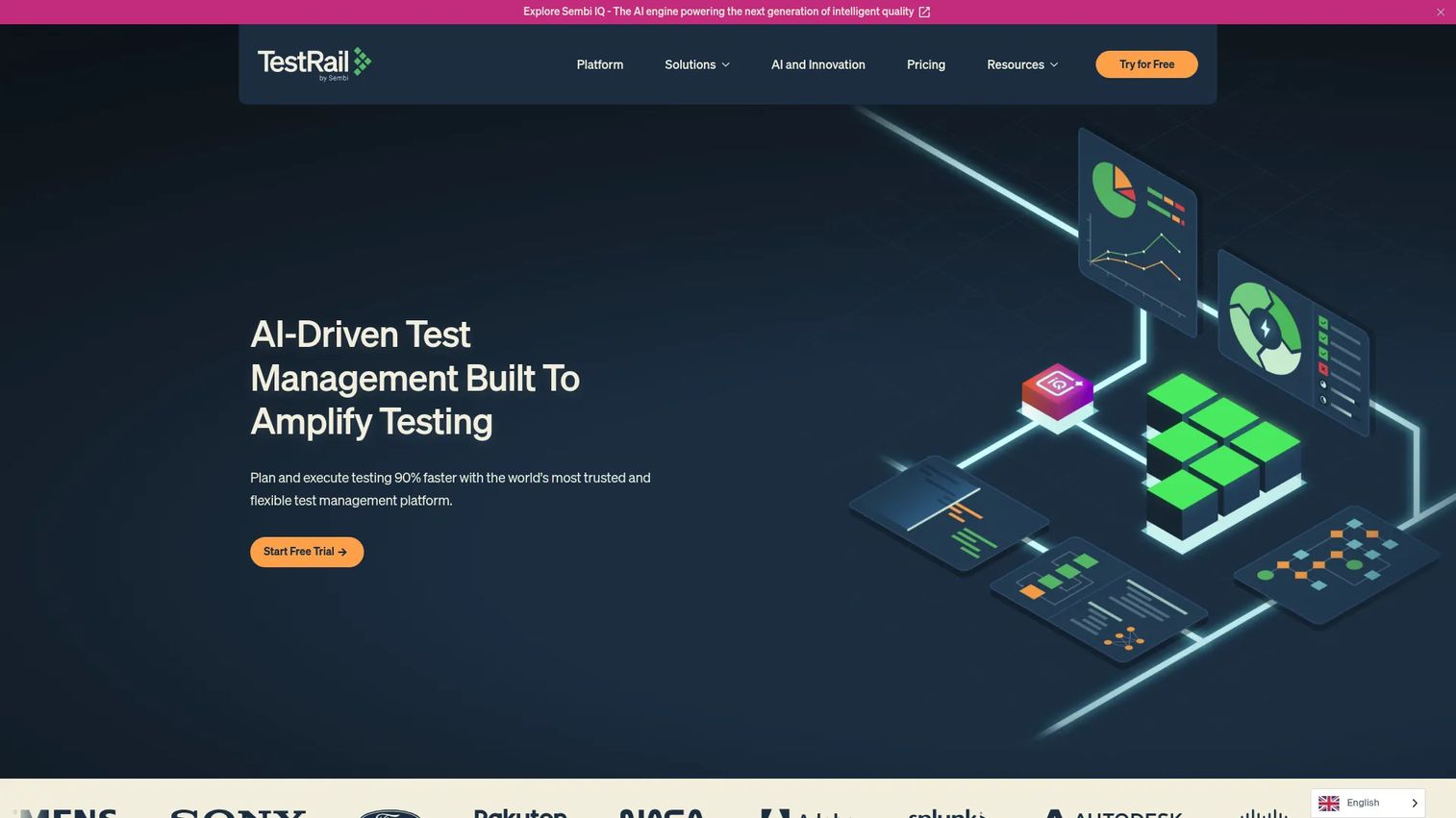
TestRail is the benchmark standalone test management platform. Teams that want a dedicated QA system of record, without every test living inside Jira, tend to start here. It organizes test cases, suites, runs, plans, and milestones in one place, then layers traceability and reporting on top. Automation output connects through a broad set of integrations, so manual and automated results share a single view.
Best for: QA teams that need centralized test management, traceability, and reporting as a dedicated system of record.
Key strengths
- Test cases, suites, runs, plans, and milestones
- Traceability and coverage reporting
- Integrations with Jira, GitHub Issues, and Azure DevOps
- Automation support for Selenium, Cypress, and Playwright
Why choose TestRail: It fits teams that want QA structure and reporting depth without reorganizing their work around the issue tracker. You get a system of record built for testing, and Jira stays where it belongs, as your defect and story hub.
TestRail pricing: The Professional plan starts at $37 per seat per month, or $420 for 12 months for one user. The Enterprise plan is $74 per seat per month, or $852 for 12 months per user. Pricing for more than 500 users requires contacting sales.
This is the clearest example of the standalone vs Jira-native decision. If your quality data deserves its own home, standalone wins.
2. Xray
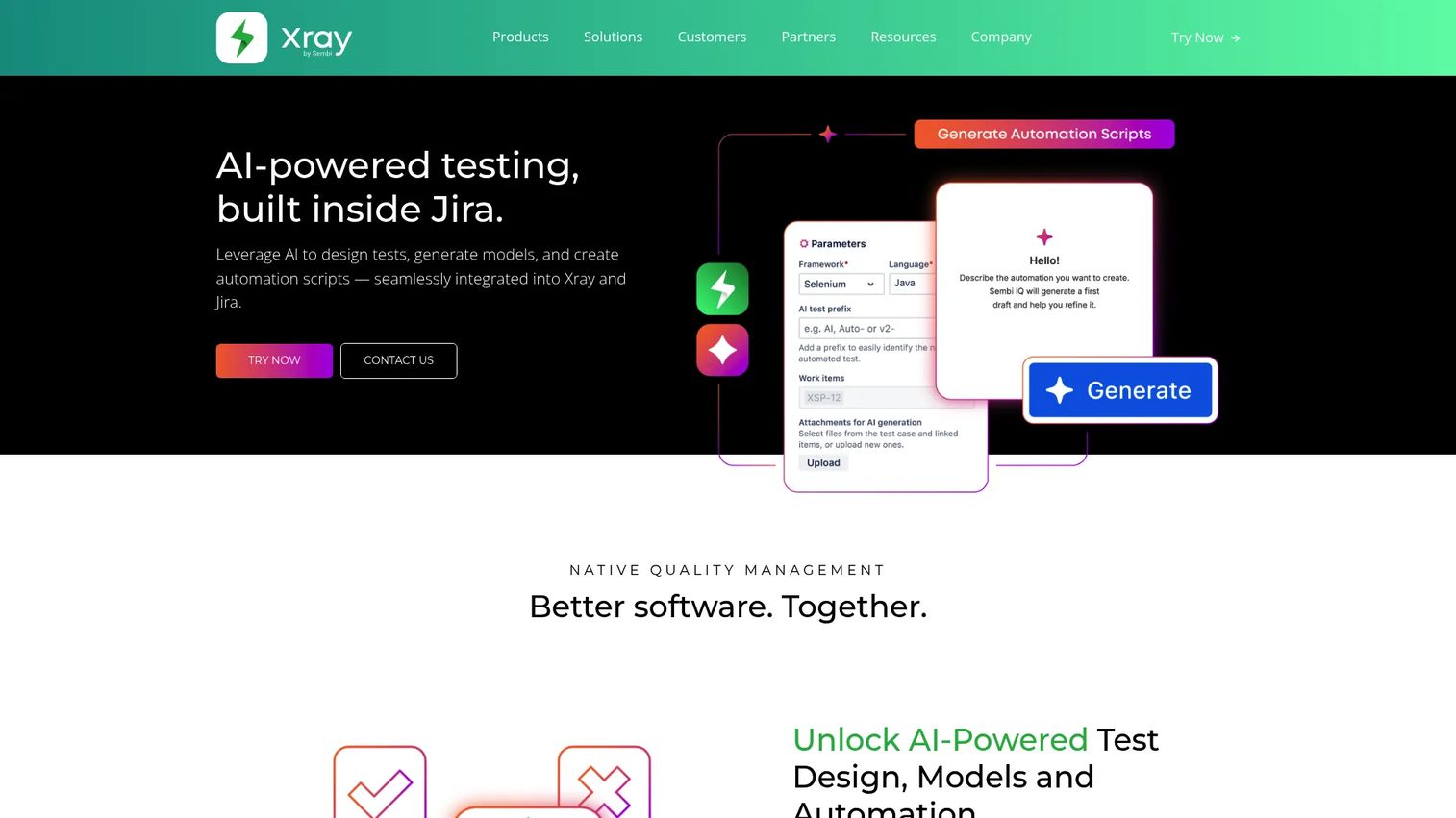
Xray puts test management inside Jira. Tests, executions, and defects all become Jira issues, so traceability threads through the tool your team already opens every morning. For Jira-heavy organizations, this removes the context-switching that a separate QA tool introduces. AI-assisted test design and automation integrations round out the workflow.
Best for: Jira teams that want native test management with traceability and automation, without a second system.
Key strengths
- Jira-native test management and traceability
- AI-powered test design and automation
- Test automation integrations and reporting
- Issue-centric workflows across tests and defects
Why choose Xray: It is the strongest fit when Jira is already the center of work. Because tests live as issues, requirements traceability comes almost for free, and reporting draws from the same data model your PMs and engineers already use.
Xray pricing: A free plan is available. The Team plan is $10 per user per month, and the Enterprise plan is $15 per user per month, with a Custom tier for larger needs. Monthly and annual billing are offered, and prices exclude sales tax.
For teams debating standalone vs Jira-native, Xray is the reference point on the Jira-native side. If leaving Jira feels like a step backward, this is your shortlist entry.
3. Zephyr Enterprise
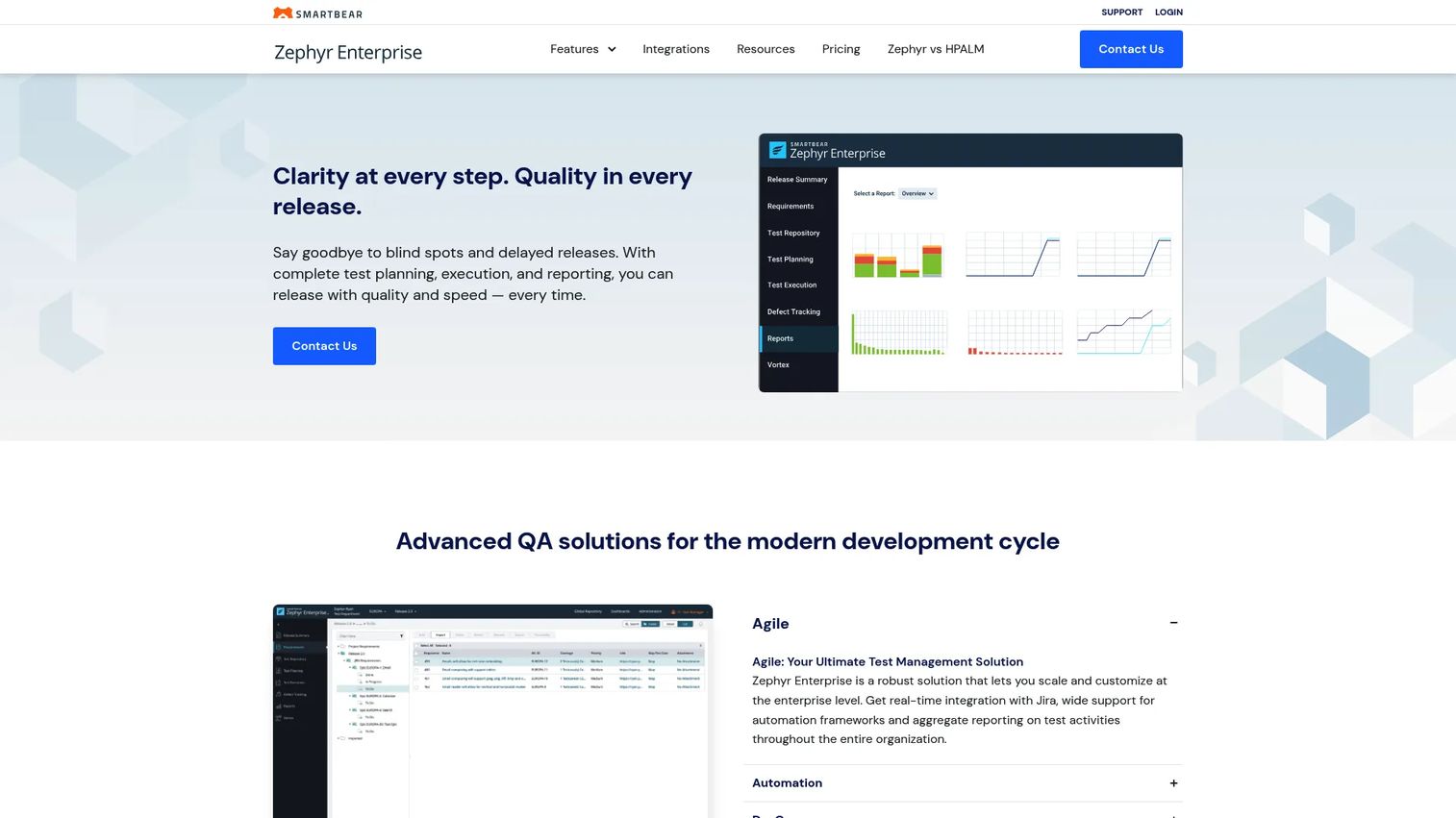
Zephyr Enterprise, from SmartBear, targets large QA organizations that need enterprise-grade governance and reporting. It connects to Jira in real time, supports universal test automation, and adds cross-project reporting for leaders who need visibility across many teams at once. This is testing built for scale and control, not just for a single squad.
Best for: Large QA teams needing enterprise-grade test management with real-time Jira integration.
Key strengths
- Real-time Jira integration
- Universal test automation support
- Cross-project reporting and dashboards
- Workflow control across large organizations
Why choose Zephyr Enterprise: It fits when you need a governed environment, with reporting that rolls up across projects and workflow control that holds under audit. The enterprise focus shows in how it handles many teams, many projects, and the reporting layer that leadership actually reads.
Zephyr Enterprise pricing: Public pricing is not listed on the brand site, and the plan is sales-led. A 14-day free trial is available with no credit card required.
On governance and security, this is where enterprise buyers should focus their evaluation: SSO, role controls, audit trails, and cross-project reporting are the reasons a governed org reaches for an enterprise tool over a standalone one.
4. BrowserStack Test Management
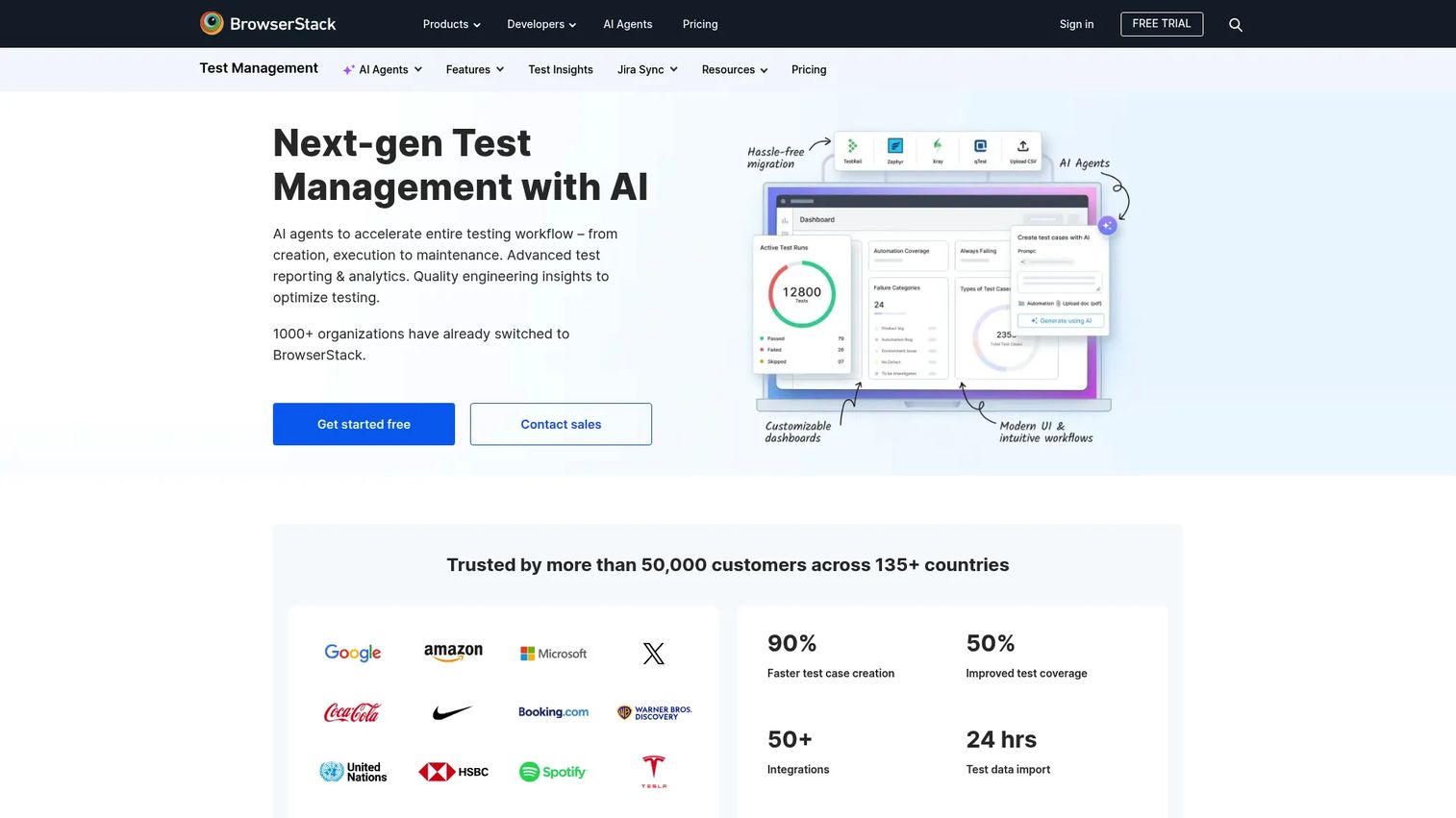
BrowserStack Test Management brings AI-assisted test management into the BrowserStack ecosystem. Teams already running browser and device automation on BrowserStack get a natural place to manage test cases, track releases, and connect results, with a Jira app that binds tests and defects both ways. It covers manual and automated testing under one dashboard.
Best for: QA teams that want centralized test case management with AI-assisted workflows and Jira integration.
Key strengths
- AI-powered test case creation
- Jira app with two-way binding
- Dashboard analytics and release tracking
- Manual and automated testing in one view
Why choose BrowserStack Test Management: It is strongest when BrowserStack is already core to your stack. The automation workflow alignment means your browser test results and your test management data do not live in separate worlds, which keeps coverage and release visibility in one place.
BrowserStack Test Management pricing: A free plan is available. Essentials is $25 per month billed annually, and Team is $99 per five users per month billed annually. Higher tiers are available with custom pricing.
If your browser testing ecosystem already runs on BrowserStack, keeping test management inside it removes a handoff most teams underestimate.
5. Testmo
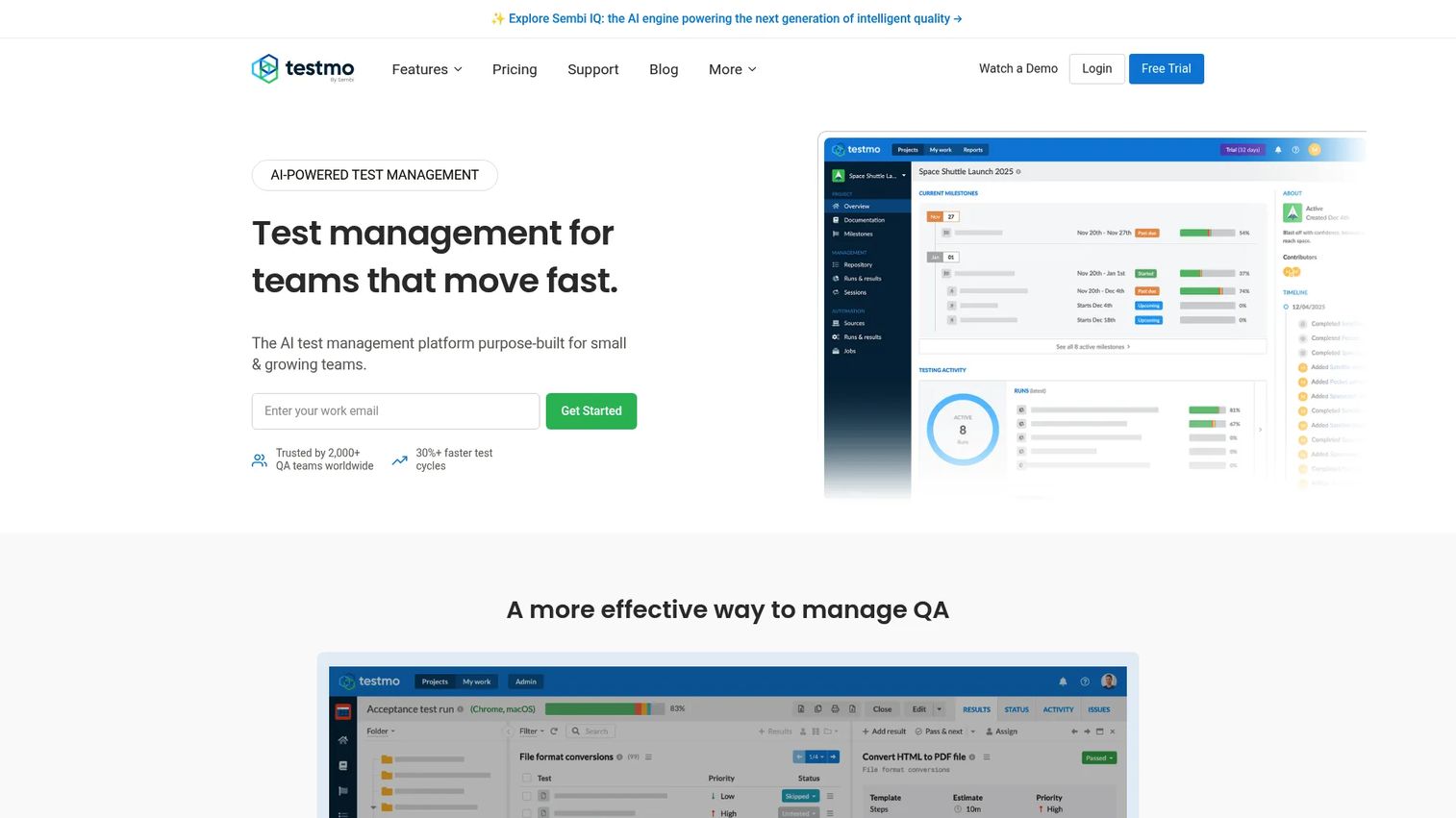
Testmo is a modern unified test management platform built for teams that mix manual, exploratory, and automated testing. It handles test cases, runs, and milestones, then adds strong automation management and CI/CD integrations so pipeline results flow into the same reporting as human runs. The interface is clean, and the pricing is practical for growing teams.
Best for: QA teams needing unified manual, exploratory, and automation test management in one place.
Key strengths
- Test case management
- Exploratory testing
- Test automation management
- CI/CD integrations and permissions
Why choose Testmo: It fits teams that refuse to choose between manual and automated testing and want both in one reporting view. The unified model means your exploratory sessions, scripted runs, and automation output all count toward the same coverage picture.
Testmo pricing: A free tier is available. The Team plan is $99 per month and includes 10 users. Business is $399 per month per 25 users, and Enterprise is $599 per month per 25 users. Annual plans receive a 15% discount.
For automation-heavy teams, the value is having pipeline output and manual runs feed one dashboard instead of two disconnected systems.
6. Qase
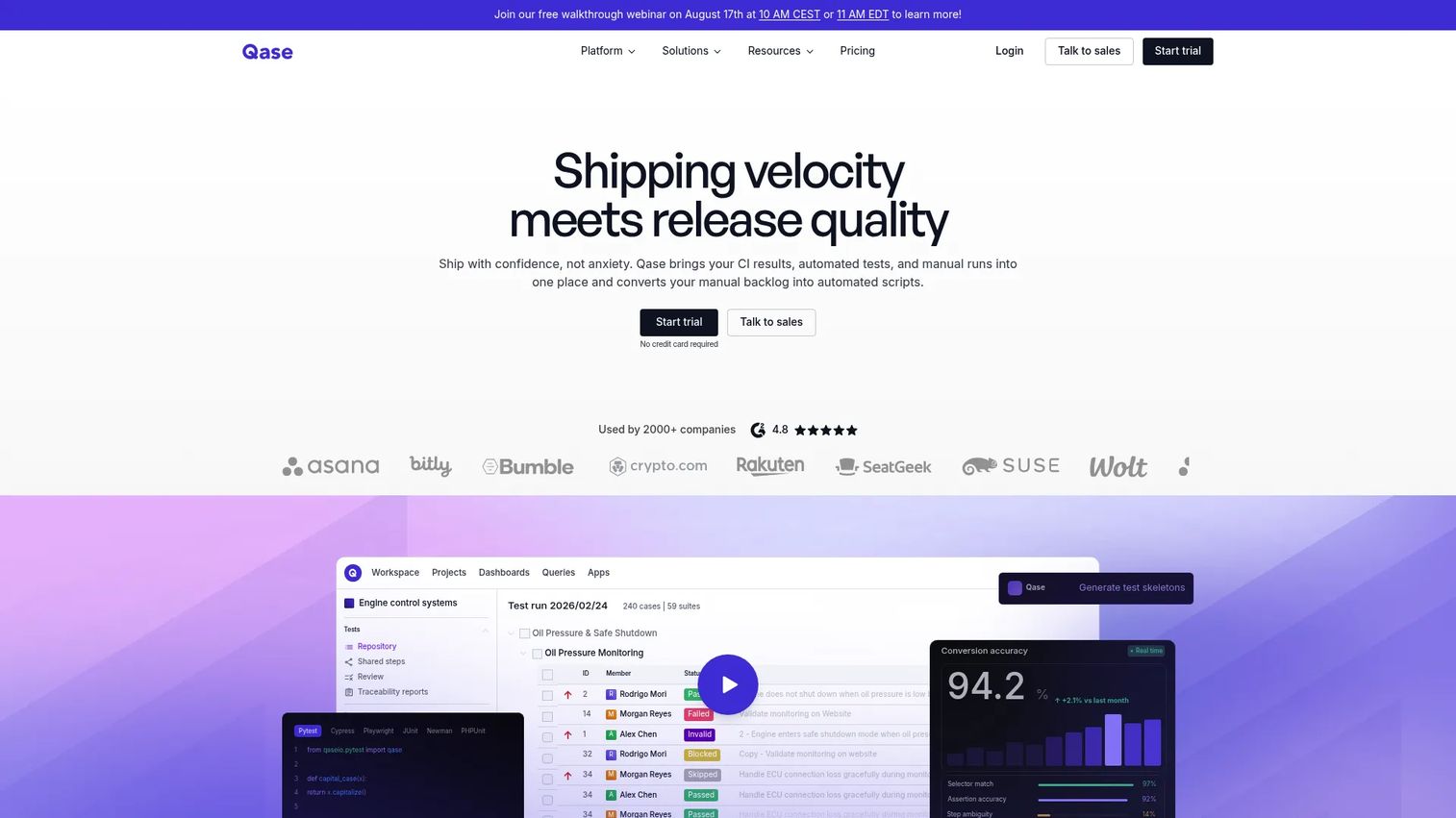
Qase is a test management platform built for a low-friction start. QA and dev teams can stand up test cases, runs, and a release-readiness workflow without heavy configuration. It covers requirements traceability, role-based access, AI-assisted test generation, and a clean history view, with a free tier that lets small teams begin before committing budget.
Best for: QA teams needing a unified test management and release-readiness workflow without heavy setup.
Key strengths
- Test case and run management
- Requirements traceability
- Automations and AI-assisted test generation
- RBAC and test history
Why choose Qase: It suits teams that want a clean, modern system they can adopt quickly. The generous free tier lowers the barrier to a first meaningful workflow, and RBAC plus traceability mean you are not trading governance for speed.
Qase pricing: A free plan is available at $0 per user. Startup is $24 per user per month, and Business is $30 per user per month, with annual billing offered at a lower rate than monthly. Enterprise pricing is custom.
The free plan is the differentiator here. If you want to prove value before a procurement conversation, Qase makes the first workflow cheap to build.
7. PractiTest
PractiTest is a business-oriented QA platform built around traceability and control. Its flexible data structure supports unlimited dimensions, so complex QA organizations can model their process instead of forcing it into a rigid schema. It handles test sets and runs, requirements, and advanced reporting, with support for manual, exploratory, automated, and BDD testing.
Best for: QA teams needing centralized test management with traceability and AI-assisted planning.
Key strengths
- Flexible data structure with unlimited dimensions
- Complete traceability from user stories to defects
- Manual, exploratory, automated, and BDD test support
- Advanced reporting and integrations
Why choose PractiTest: It is strongest when traceability and control matter more than raw speed. The flexible data model and end-to-end traceability suit complex orgs that need to prove coverage from user story to defect, which is exactly what governance-heavy teams require.
PractiTest pricing: The Team plan starts at $47 per user per month, or $5,640 for 12 months for a 10-tester license pack. The Corporate plan is quote-based, billed yearly with a minimum of 10 licenses. A free trial is available.
For governed QA orgs, the enterprise-grade traceability and reporting are the reason to accept a heavier setup: the evidence chain holds when an auditor asks.
What to look for before you buy
Traceability and auditability
Linking requirements to test cases to defects is the backbone of any credible QA process. Without it, you cannot answer coverage questions or prove what a release was tested against. Check whether the tool builds traceability into its data model or bolts it on as reports.
Reporting and dashboards
Reporting has to serve three audiences: QA leads tracking pass/fail trends, PMs judging release readiness, and execs who want a one-line answer. Evaluate whether dashboards are usable without a data analyst, and whether you can export what you need. Reporting that only QA understands fails the cross-functional test.
Jira and stack fit
This is the standalone vs Jira-native decision. Jira-native tools like Xray win when Jira is already the center of work and you want tests as issues. Standalone platforms win when quality data deserves its own home and its own reporting. Neither is universally better; it depends on where your team actually works.
Automation and CI/CD integration
Test management should connect to your pipeline, not sit beside it. Confirm the tool ingests results from your frameworks, such as Selenium, Cypress, and Playwright, and that CI/CD integrations push automation output into the same reporting as manual runs. A tool that ignores automation leaves half your coverage invisible.
Security and governance
For anything past a small team, check SSO, RBAC, and audit log support, plus the deployment model, cloud or on-premise. Enterprise QA lives or dies on governance: who can change what, who ran what, and whether the record survives an audit.
How to choose the right platform
The decision comes down to your team's shape, not a feature scorecard.
- If your team is Jira-first, choose a Jira-native option like Xray. Testing lives where work already happens, and traceability comes with the model.
- If you need a central QA system of record, choose a standalone platform like TestRail or Testmo. Your quality data gets its own home and its own reporting.
- If you need enterprise controls and reporting, choose an enterprise-grade option like Zephyr Enterprise or PractiTest. Governance, cross-project reporting, and audit trails become first-class.
- If you are replacing spreadsheets, prioritize ease of adoption and a generous free tier. Qase and Testmo lower the barrier to a first working system.
- If you are automation-heavy, prioritize CI/CD and framework integrations. Testmo and BrowserStack Test Management keep automation output in the same view as manual runs.
Pick the operating model first. The tool follows.
Conclusion
Seven tools, three operating models. TestRail and Testmo anchor the standalone side as a dedicated QA system of record. Xray and BrowserStack Test Management keep testing close to Jira and the automation stack. Zephyr Enterprise and PractiTest bring governance and reporting depth for large, audited organizations. Qase gives you a low-friction way to start.
The core decision is not which tool has the longest feature list. It is whether your team wants a standalone system of record, a Jira-native workflow, or an enterprise-governed environment. Traceability, reporting depth, automation fit, and governance follow from that choice.
Your next step is practical. Take your current QA process, pick the two tools that match your operating model, and run one real release through each. The tool that keeps your traceability intact and your reporting honest is the one to buy.
Start your journey with Guideflow today!
FAQs
A test management tool is software that centralizes test cases, test plans, test runs, defects, and reporting in one system. It replaces spreadsheets and scattered docs with a single source of truth, so you can track what was tested, what passed, and how it maps to requirements.
The essentials are test case management, test planning and execution, defect tracking, and requirements traceability. Reporting and dashboards, automation and CI/CD integrations, and security controls like SSO, RBAC, and audit log matter most as teams grow. Prioritize traceability and reporting first, since those drive release decisions.
Jira is an issue and project tracker, not a purpose-built test management system on its own. Many teams add Jira test management through native apps like Xray, which turn tests and executions into Jira issues. For dedicated test case management, a standalone platform is often the better fit.
Standalone tools like TestRail give QA its own system of record, with dedicated reporting and traceability independent of your issue tracker. Jira-native tools like Xray keep tests inside Jira as issues, which suits teams already centered on Jira. The choice depends on where your team works and how much you value separate QA reporting.
Yes. Most modern test management solutions ingest results from frameworks like Selenium, Cypress, and Playwright, and connect to CI/CD pipelines. This lets automated results and manual runs feed the same reporting, so coverage reflects your entire test effort rather than only the manual portion.
Enterprise QA teams should prioritize governance: SSO, RBAC, audit log, and a clear deployment model, whether cloud or on-premise. Cross-project reporting and workflow control matter when many teams share one platform. Requirements traceability that produces an audit-ready evidence trail is often the deciding factor.
Start by importing your existing test cases into the new system, then map them to requirements to establish traceability from day one. Run one real release through the tool to validate your workflow before migrating everything. Prioritize tools with a free tier or trial and migration support so adoption stays low-friction.