Your auditor asks for the visitor log. You hand over a spiral notebook with a coffee ring on it. Three names are illegible. Two visitors signed in for "meeting." None of them got a badge.
This is the moment most ops leaders realize the front desk has quietly become a compliance problem. Visitor data is personal data under GDPR and CCPA. Physical access is a SOC 2 control. And the people walking through your lobby (candidates, customers, contractors, that one investor) all form an impression before they ever shake a hand.
The category has changed accordingly. According to Envoy's own positioning for high-security facilities, modern visitor systems are now expected to support SOC 2, FedRAMP, GDPR, ISO 27001, OSHA, California's SB 553, and PCI DSS in a single workflow. California's SB 553 workplace violence prevention requirements already requires most employers to maintain a workplace violence incident log, which makes audit-ready visitor records a baseline rather than a nice-to-have.
What used to be a clipboard is now an audit surface, a security surface, and a brand surface. The tools below treat it that way.
What's inside
This guide is for operations leaders, office managers, heads of security, and founders evaluating workplace infrastructure for offices in the 50 to 500 person range. We selected platforms based on four criteria that matter most when the new VP Ops needs to own this in week one:
- Visitor experience (check-in flow, mobile, branding)
- Security and compliance depth (NDA capture, watchlists, ID scanning, audit trails)
- Integrations with identity, access control, calendar, and Slack
- Implementation speed and admin overhead
Pricing and G2 ratings reflect values verified at the time of writing in 2026. Where a vendor does not publish numeric pricing, we note that explicitly rather than guess.
TL;DR
- Best overall for mid-market hybrid offices: Envoy, because it covers visitors, desks, rooms, and deliveries on one platform
- Best for enterprise security and compliance: iLobby (now branded FacilityOS VisitorOS) for regulated industries
- Best for fastest deployment without IT: The Receptionist for iPad, live in days on existing hardware
- Best for multi-location global enterprise: Sign In Solutions, the Proxyclick successor with EMEA depth
- Best for hybrid workplace consolidation: Archie or Robin if desk and room booking is part of the same buying decision
- Best free entry point: Lobbytrack, which publishes a free Starter tier
- Best for budget-conscious SMB: SwipedOn for transparent per-site annual pricing
What is visitor management software?
Visitor management software is a digital system that handles guest check-in, host notifications, badge printing, identity verification, and visitor data logging for offices and facilities. It replaces paper sign-in books with a defensible, auditable record of who entered the building, when, who hosted them, and what they agreed to on arrival.
Core capabilities across modern visitor management systems include:
- Visitor pre-registration and host invitations
- Touchless QR check-in and self-service kiosks
- Badge printing with photo capture
- ID scanning and watchlist screening
- NDA, waiver, and legal document capture
- Host notifications via Slack, Teams, email, or SMS
- Access control integration with providers like Kisi, Brivo, Salto, Openpath, Genetec, LenelS2, and Kastle
- Identity integration with Okta, Microsoft Entra ID (formerly Azure AD), Active Directory, and Google Workspace
- Audit trails for SOC 2, ISO 27001, GDPR, and HIPAA contexts
- Emergency evacuation and incident management
- Analytics and reporting dashboards
The category goes by several names depending on the buyer. Security teams call it a security visitor management system. IT calls it an electronic visitor management system or digital visitor management system. Office managers call it a visitor sign in system or visitor check in software. The job is the same: turn lobby chaos into structured, queryable data.
Hybrid work, tightening compliance requirements, and more frequent security audits have elevated visitor management from a front-desk convenience to a workplace operations decision that gets reviewed at the leadership level.
When does your company actually need this?
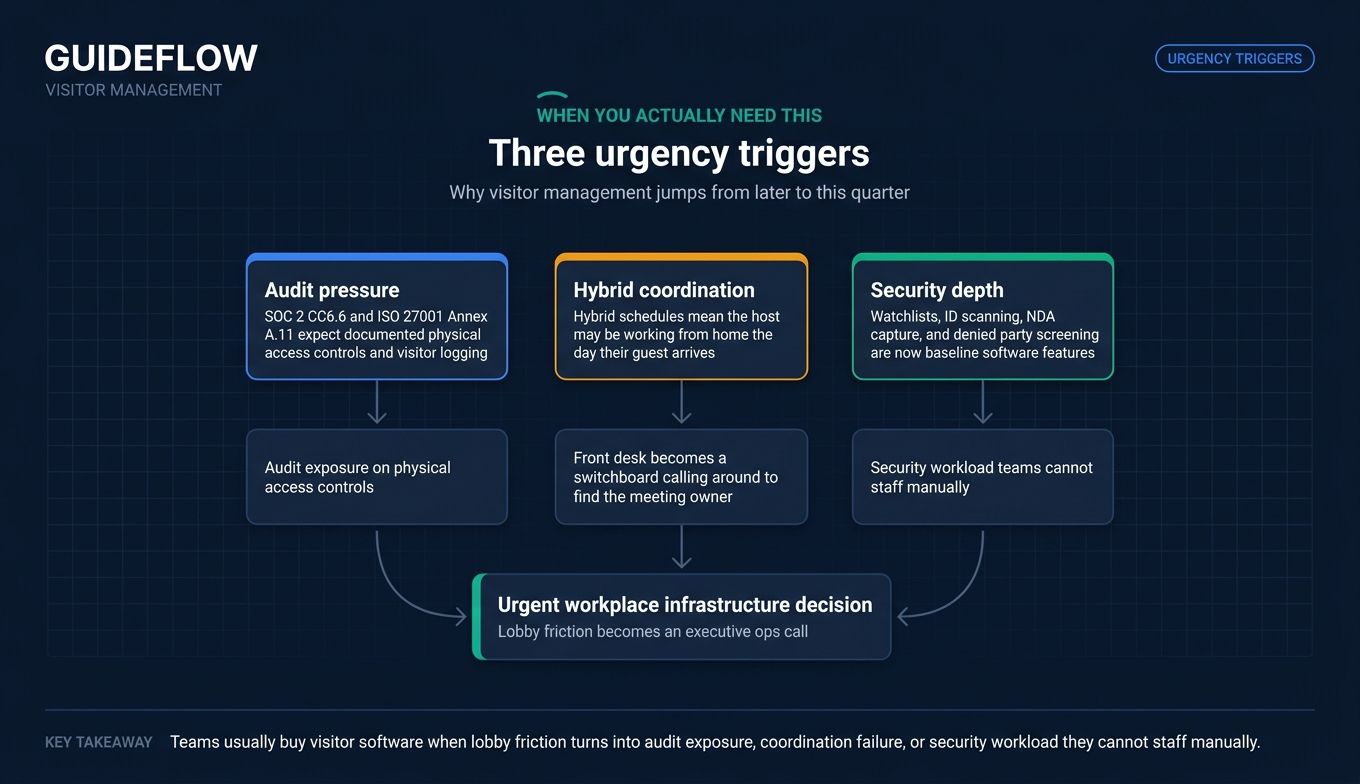
Three triggers usually push this decision out of "we'll get to it" into "we need it this quarter."
Replace paper sign-in sheets that fail audits
SOC 2 CC6.6 physical access control criteria and ISO 27001 Annex A.11 physical security controls both expect documented physical access controls and visitor logging. Neither framework names a specific tool, but both make it difficult to defend an open paper book that any visitor can flip through. The moment you start selling into mid-market or enterprise, your visitor logs become evidence in someone else's procurement review.
Coordinate hybrid offices without manual host calls
Hybrid schedules mean the host might be working from home the day their guest arrives. Without a system, the front desk becomes a switchboard, calling around to figure out who owns the meeting. A proper visitor check in system pings the host on Slack or SMS, books them a room, and confirms which desk they're at. Founders see ops bandwidth disappear into this work fast.
Add security depth without hiring a security team
Watchlists, ID scanning, NDA capture, denied party screening. These used to require a guard, a lawyer, or both. They're now baseline software features. For a Series B company moving into a real office for the first time, that means you can satisfy enterprise security questionnaires without standing up a security org from scratch.
Visitor management software comparison at a glance
The table below summarizes the 11 tools by intent, differentiation, pricing, and G2 rating. Pricing reflects publicly listed first-party figures at time of writing. Where pricing is custom or quote-based, we say so rather than estimate.
| # | Product | Intent | Key differentiation | Pricing | G2 rating |
|---|---|---|---|---|---|
| 1 | Envoy | Mid-market hybrid offices | Visitors + desks + rooms on one platform | Free tier; paid tiers custom | 4.7/5 |
| 2 | iLobby (FacilityOS VisitorOS) | Enterprise security and compliance | FacilityOS suite for regulated industries | From $199/month | 4.7/5 |
| 3 | The Receptionist | SMB and mid-market, fast deploy | iPad-first, two-way SMS | From $630/site/year | 4.8/5 |
| 4 | Sign In Solutions | Multi-location global enterprise | Proxyclick lineage, EMEA depth | Custom | 4.7/5 |
| 5 | Greetly | Custom workflows | Branching logic, white-label | From $99/month | 4.8/5 |
| 6 | Lobbytrack | Budget-conscious, full-feature | Free tier, Guard App included | Free; from $50/mo/location | 4.6/5 |
| 7 | Archie | Hybrid workplace consolidation | Desks + rooms + visitors | From $2.80/desk/month | 4.9/5 |
| 8 | Robin | Desk and room booking-first | Workplace platform with visitor module | Custom | 4.7/5 |
| 9 | Kastle Visitor | Access-control-native | Tied to KastlePresence and myKastle | Custom | 4.6/5 |
| 10 | Eptura Visitor | IWMS-native enterprise | Visitor as one module in IWMS suite | Custom | 4.6/5 |
| 11 | SwipedOn | SMB with transparent pricing | Per-site annual pricing | From $630/site/year | 4.7/5 |
| 12 | Vizito | EU-headquartered, GDPR-first | Belgian HQ, EU data residency | From €29.95/month/location | 4.9/5 |
1. Envoy
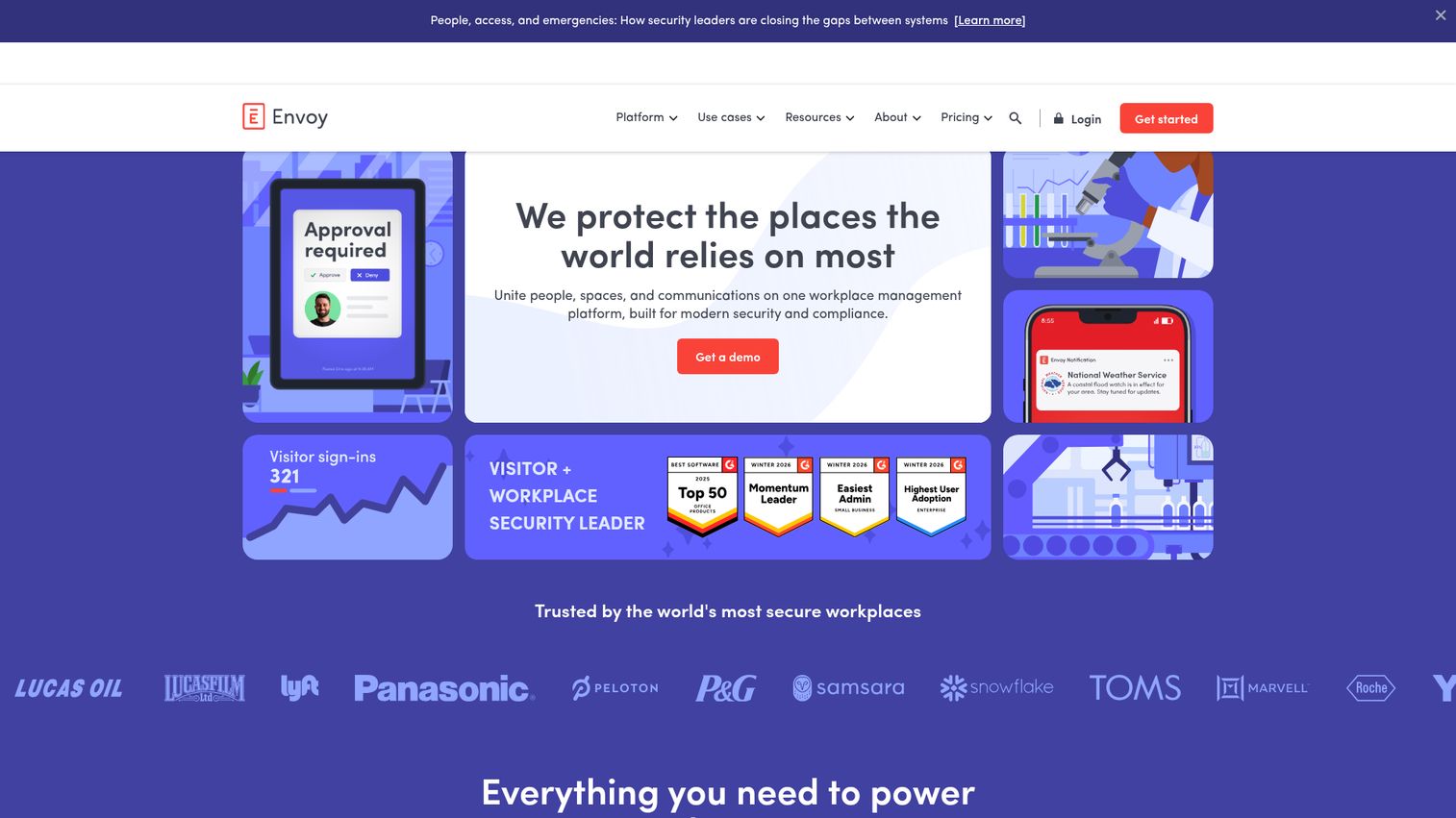
Envoy started as a visitor management product and grew into an enterprise-ready workplace platform that unifies visitors, spaces, and communications. The product is widely deployed across mid-market and enterprise hybrid offices, and Envoy positions its visitor module as suitable for high-security facilities including data centers.
Best for: Mid-market and enterprise hybrid offices that want one platform across visitors, desks, rooms, and deliveries.
Key strengths
- Customizable sign-in flows: different paths for guests, contractors, deliveries, and candidates, all with branded screens
- Automatic host notifications: Slack, Teams, email, or SMS pings the right person the moment a guest checks in
- Identity verification: ID scanning with blocklist and watchlist checks for visitors who shouldn't be in the building
Why choose Envoy: This is the consolidation play. If you're going to buy one workplace platform for the next three years, Envoy gives you visitors plus the rest of the hybrid workplace stack without bolting on three separate vendors. Envoy explicitly positions its visitor product as supporting compliance with SOC 2, FedRAMP authorization program, GDPR, ISO 27001, OSHA, California SB 553, and PCI DSS compliance requirements for high-security environments. That makes it a defensible pick in front of an auditor or a board.
Envoy pricing: Envoy's first-party pricing page lists Basic as Free and Enterprise as Custom, with Standard and Premium tiers in between. Envoy notes that the platform is priced as a flat annual fee with module pricing layered on top depending on which products you select. Plan to request a quote for paid Visitor tiers and confirm the platform fee separately.
2. iLobby (FacilityOS VisitorOS)
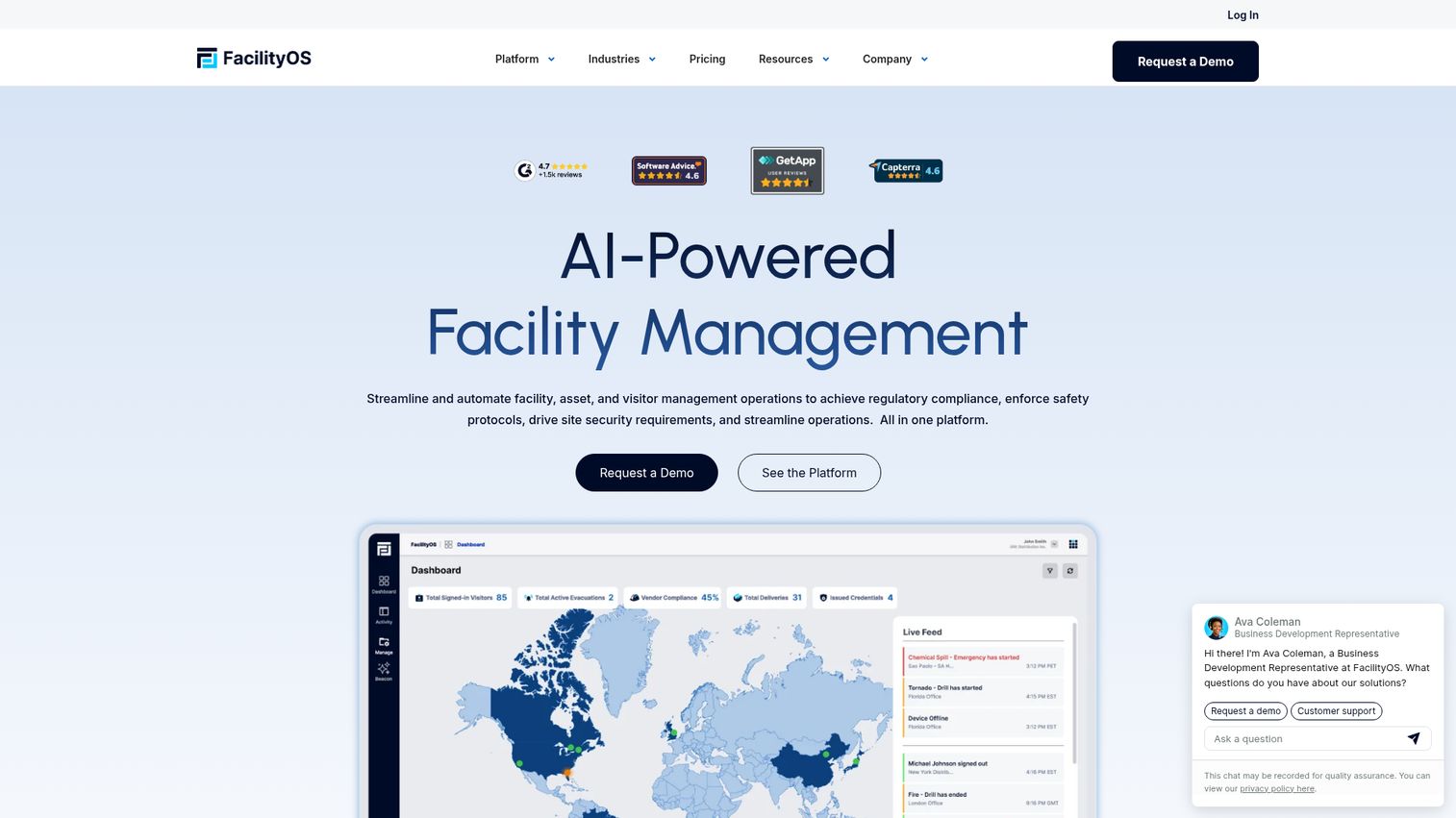
iLobby is now branded as FacilityOS, with VisitorOS as the visitor management module inside a broader suite that also covers emergency, package, and security workflows. The product is built for enterprises with strict on-site security, compliance, and visitor workflow requirements, common across manufacturing, government, healthcare, and regulated SaaS.
Best for: Enterprises with strict regulatory requirements where the audit is the buying trigger.
Key strengths
- Customizable workflows: configurable per visitor type, site, and compliance regime
- Pre-registration and instant notifications: hosts get alerts the moment a registered guest arrives
- Real-time data and analytics: dashboards built for facilities and security teams who answer to auditors
Why choose iLobby: When the buying trigger is "we just lost a deal because our visitor log isn't defensible," iLobby is the most defensible answer. The FacilityOS suite groups VisitorOS alongside EmergencyOS, PackageOS, and SecurityOS, which means visitors, evacuations, packages, and incidents all live in one operational record. Plan for a longer setup than the SMB tools on this list; that's the trade-off for the compliance depth.
iLobby pricing: FacilityOS publishes VisitorOS pricing on its first-party page: the Corporate plan starts at $199/month and the Enhanced plan starts at $275/month, with Enterprise as a custom quote. These are some of the more transparent enterprise figures in the category.
3. The Receptionist (for iPad)
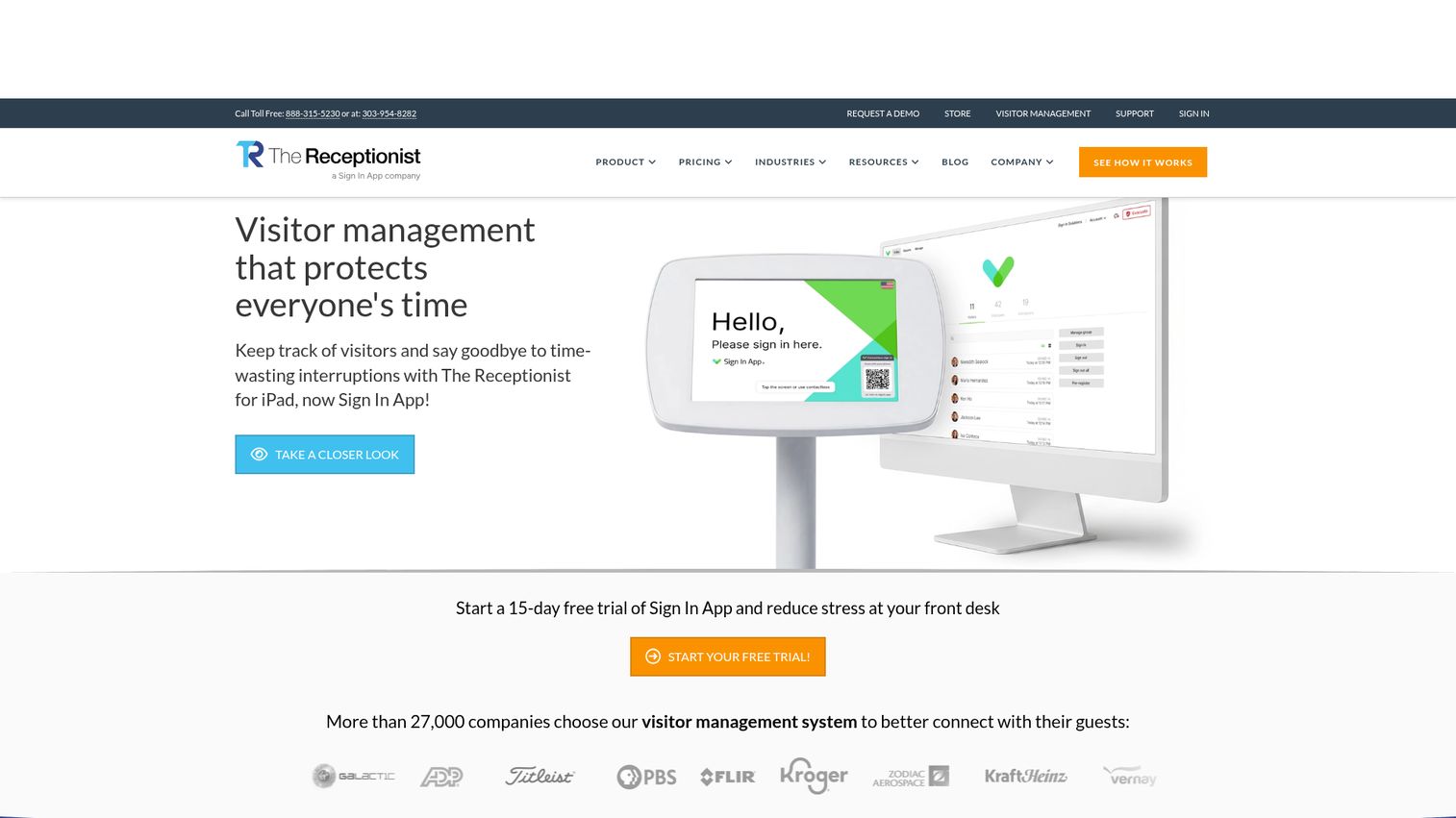
The Receptionist is an iPad-based visitor management system designed to protect everyone's time by streamlining guest check-in, routing, and recordkeeping. The product has a strong reputation for ease of use and is common in mid-market SaaS offices that want to be live without an IT project plan.
Best for: Companies that want a single visitor system live in days on existing iPad hardware, without IT involvement.
Key strengths
- Badge printing: branded badges printed at check-in with photo capture
- Pre-visit registration portal: visitors get invitations and complete sign-in before they arrive
- ID scanning: verifies identity at check-in for higher-stakes meetings
Why choose The Receptionist: When time-to-value matters more than enterprise compliance modules, this is the pick. The product is the visitor system most often described by office managers as "I set it up myself." It earns its place in your stack within a quarter because the rollout is short enough that you see the office manager hours recovered immediately.
The Receptionist pricing: Public first-party pricing lists annual per-site plans: Core at $630/site/year, Enhanced at $1,260/site/year, and Pro at $1,890/site/year, with Executive available by contacting sales. Every plan includes unlimited employees, unlimited monthly sign-ins, and unlimited connected iPads. A 15-day free trial is available; there is no permanent free tier.
4. Sign In Solutions
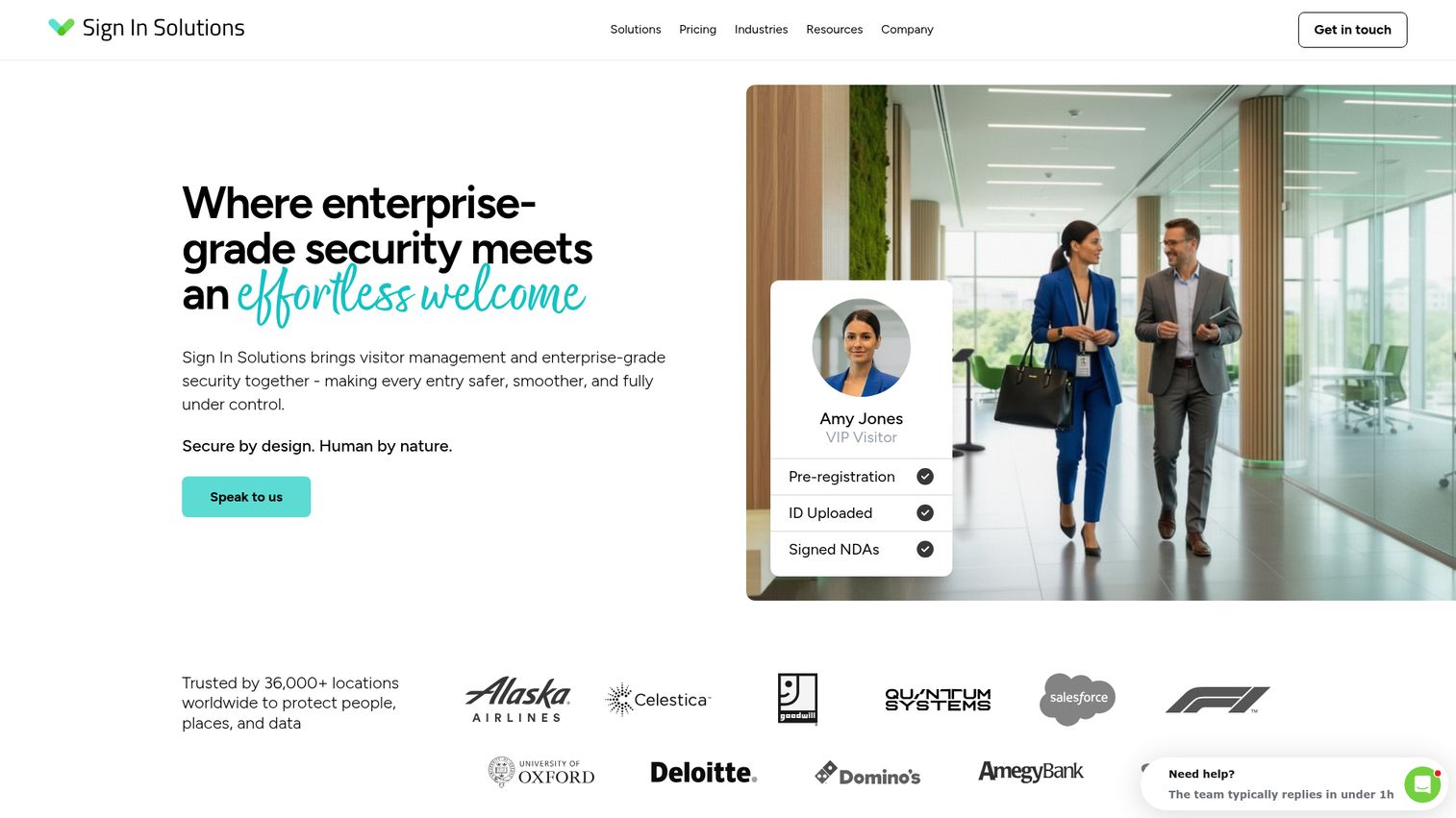
Sign In Solutions is enterprise visitor management and workplace access software focused on security, compliance, and a smoother arrival experience. The brand acquired Proxyclick acquisition by Sign In Solutions and now positions under the Sign In Solutions umbrella, which makes it a familiar name to EMEA-headquartered enterprises and US companies with global offices.
Best for: Large or compliance-heavy organizations with offices across multiple regions that need audit-ready workflows and central admin.
Key strengths
- Access control integrations: ties into building access systems to issue and revoke credentials automatically
- Compliance management: workflows built for regulated and audit-heavy environments
- Custom roles and permissions: central IT can configure once and let local sites operate within guardrails
Why choose Sign In Solutions: This is the pick when central IT wants one system across global offices and needs the localization, role structure, and audit posture to support it. The product carries the Proxyclick lineage, which still resonates with EMEA buyers who recognize the original brand. Lighter footprint in single-office SMB deployments where simpler tools deploy faster.
Sign In Solutions pricing: The first-party pricing page does not publish numeric prices. Sign In Solutions states that pricing is tailored per enterprise organization, includes hardware and core features, and is built around goals, complexity, and scale. Expect an annual enterprise contract negotiated with sales.
5. Greetly
Greetly is a visitor management platform built to replace manual sign-ins with secure, branded visitor check-ins. The product is known for deep customization, which makes it a frequent pick for organizations whose check-in flow doesn't fit a standard office template.
Best for: Workplace teams with custom check-in requirements (coworking, healthcare, government, multi-tenant buildings).
Key strengths
- Touchless visitor check-in: mobile-friendly, no shared kiosk surface required
- Host notifications and alerts: real-time pings via the host's preferred channel
- Visitor logs and reporting: queryable records for compliance and front-desk reporting
Why choose Greetly: When standard visitor flows don't fit your space, Greetly's customization lets you build the workflow you actually need rather than the one a vendor decided is the default. Coworking operators and multi-tenant buildings get particular value from the branching logic. Expect more configuration time during setup, which is the cost of that flexibility.
Greetly pricing: Greetly's first-party plans page lists two annual-billing plans: Essential at $99/month for basic visitor check-in, and Pro at $159/month for advanced security, automation, and integrations. Both are billed yearly.
6. Lobbytrack
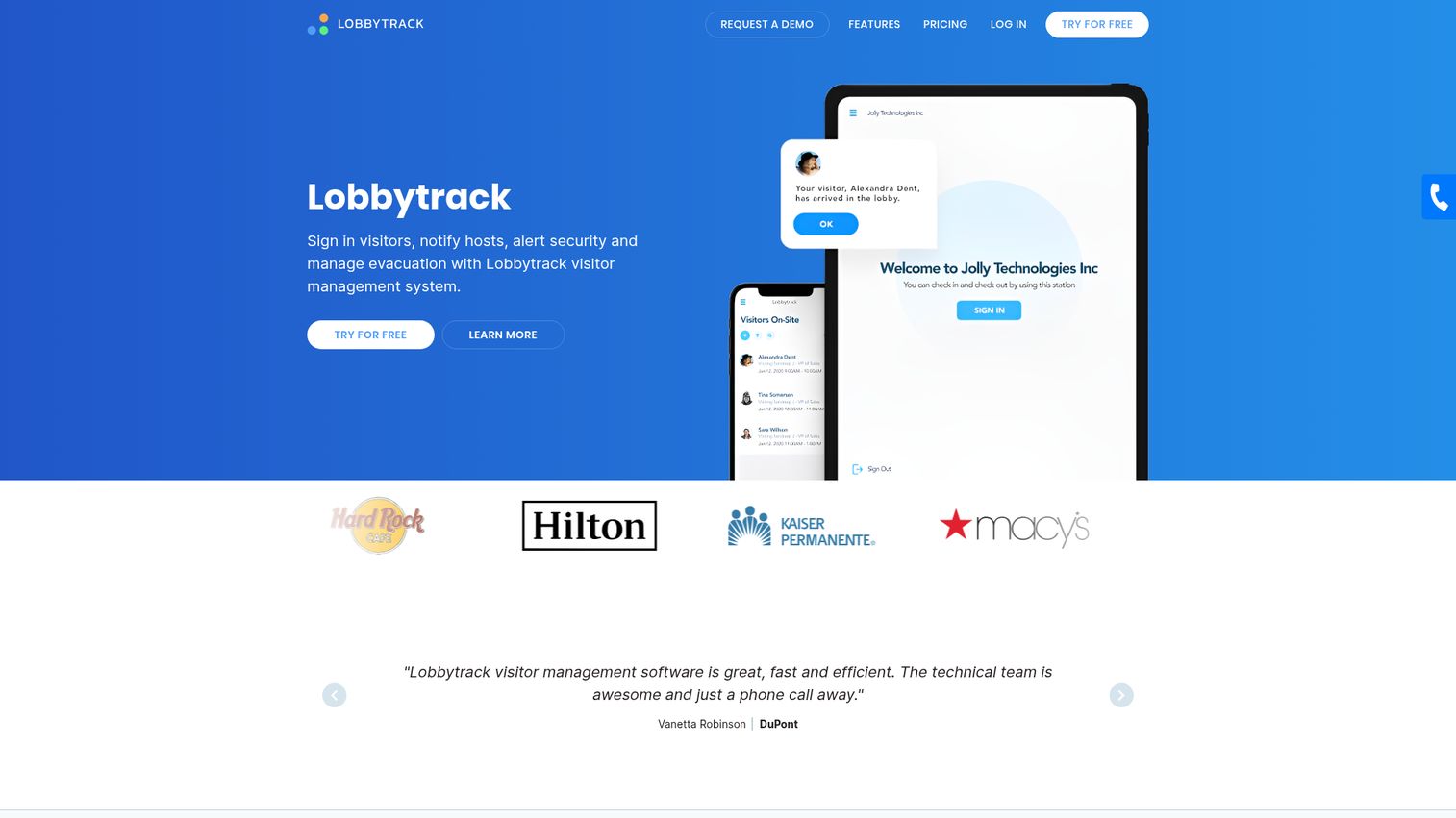
Lobbytrack is a visitor management system that signs in visitors, notifies hosts, alerts security, and manages evacuation. It covers visitors, employees, and contractors under one platform and includes a dedicated Guard App for security personnel, which makes it broader than the typical visitor-only tool.
Best for: Mid-sized organizations that want visitor management plus employee attendance and a security guard workflow in one system.
Key strengths
- Visitor sign-in and touchless check-in: QR-based contactless flow at the kiosk
- Badge printing: branded badges issued at check-in
- Watchlist screening and security alerts: screens visitors against watchlists and alerts security in real time
Why choose Lobbytrack: Strong value when you want one system across visitors, employees, contractors, and security patrols. The Guard App is unusual in the category and gives security teams a mobile patrol and incident logging tool that pairs cleanly with the visitor records. Less common in startup-style SaaS offices that don't have a guard function.
Lobbytrack pricing: Lobbytrack's pricing page is one of the most transparent in the category. Starter is free. Basic is $50 per month per location. Professional is $100 per month per location. Ultimate is "Call for price." The vendor states there are no contracts and no hidden fees for essential features.
7. Archie

Archie is space management software for running more efficient flexible workspaces. The product unifies desk booking, room booking, and visitor management into a single hybrid workplace platform, which makes it a frequent pick for mid-market companies that don't want to evaluate three separate tools.
Best for: Hybrid offices and flexible workspaces where visitor management is part of a broader desk and room booking decision.
Key strengths
- Visual floor plans: employees and admins see the office layout, neighborhoods, and bookable resources at a glance
- Customizable visitor flows: different visitor types follow different sign-in paths
- Book from Teams and Outlook: desk and room bookings happen inside the calendar tools employees already use
Why choose Archie: When the buying decision is "hybrid workplace platform" rather than "visitor system alone," Archie consolidates the stack. The G2 rating is among the highest in the category, which tracks with the unified-platform pitch.
Archie pricing: Archie publishes per-desk pricing on its first-party page. The Starter plan is $2.80 per desk per month with a $159 monthly minimum. The Pro plan is $3.50 per desk per month with a $249 monthly minimum. Enterprise is custom. A 14-day test environment is available after a demo rather than a permanent free tier.
8. Robin
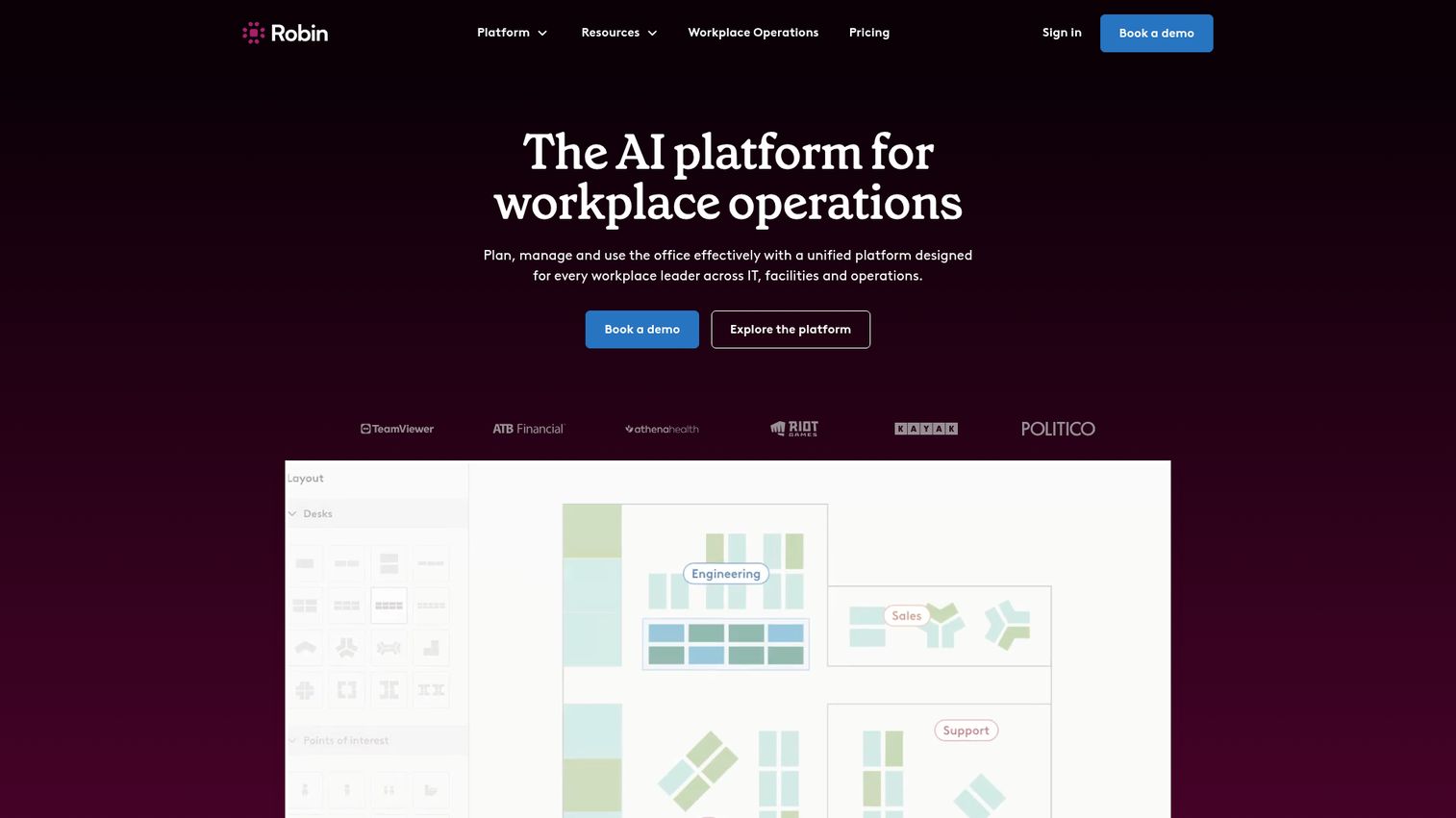
Robin is workplace management software that helps organizations plan, manage, and use the office. Visitor management is one module within Robin's broader workplace platform, which is best known for desk and room booking depth.
Best for: Organizations with more than 150 hybrid employees that manage multiple floors, offices, or buildings on a unified workplace platform.
Key strengths
- Resource booking: desks, rooms, and shared resources in one booking flow
- Space management: office mapping, neighborhoods, and utilization data
- Visitor management: visitor flows tied to host schedules and bookings
Why choose Robin: Natural extension if Robin is already your workplace platform. Visitor sign-in slots into the same system employees already use to book desks and rooms, which keeps the data unified and the admin overhead low. Lighter visitor-specific features than dedicated visitor-first tools, so evaluate based on what your front desk actually needs.
Robin pricing: Robin's first-party pricing page is a request-a-quote page for the One Workplace Platform and states that all subscriptions are billed annually. A 14-day trial is mentioned on the features page. No public numeric pricing is listed.
9. Kastle Visitor
Kastle Visitor is a visitor management system that helps streamline traffic, verify visitors, and enable secure, efficient check-in for tenants and guests. Kastle is best known for building access control, and Kastle Visitor extends that ecosystem to lobby workflows.
Best for: Commercial properties and tenants in Kastle-managed buildings that want preregistered visitors, QR-code access, and lobby check-in tied to building access control.
Key strengths
- Registration and scheduling: integrates with Outlook and Google Calendar so hosts pre-register guests from their calendar
- Automatic visitor emails with QR codes: visitors arrive pre-credentialed and check in without queueing
- Self-service kiosk check-in: Visitor Pass on iPad handles walk-ups
Why choose Kastle Visitor: When your building runs on Kastle access control, or when you want a single vendor for physical security and visitor management, Kastle Visitor reduces the integration surface. Less common as a standalone SaaS purchase outside Kastle-managed buildings.
Kastle Visitor pricing: Kastle does not publish numeric pricing for Kastle Visitor on its first-party site. Pricing is typically quoted as part of a broader access control engagement. Plan to contact sales for a tailored quote.
10. Eptura Visitor
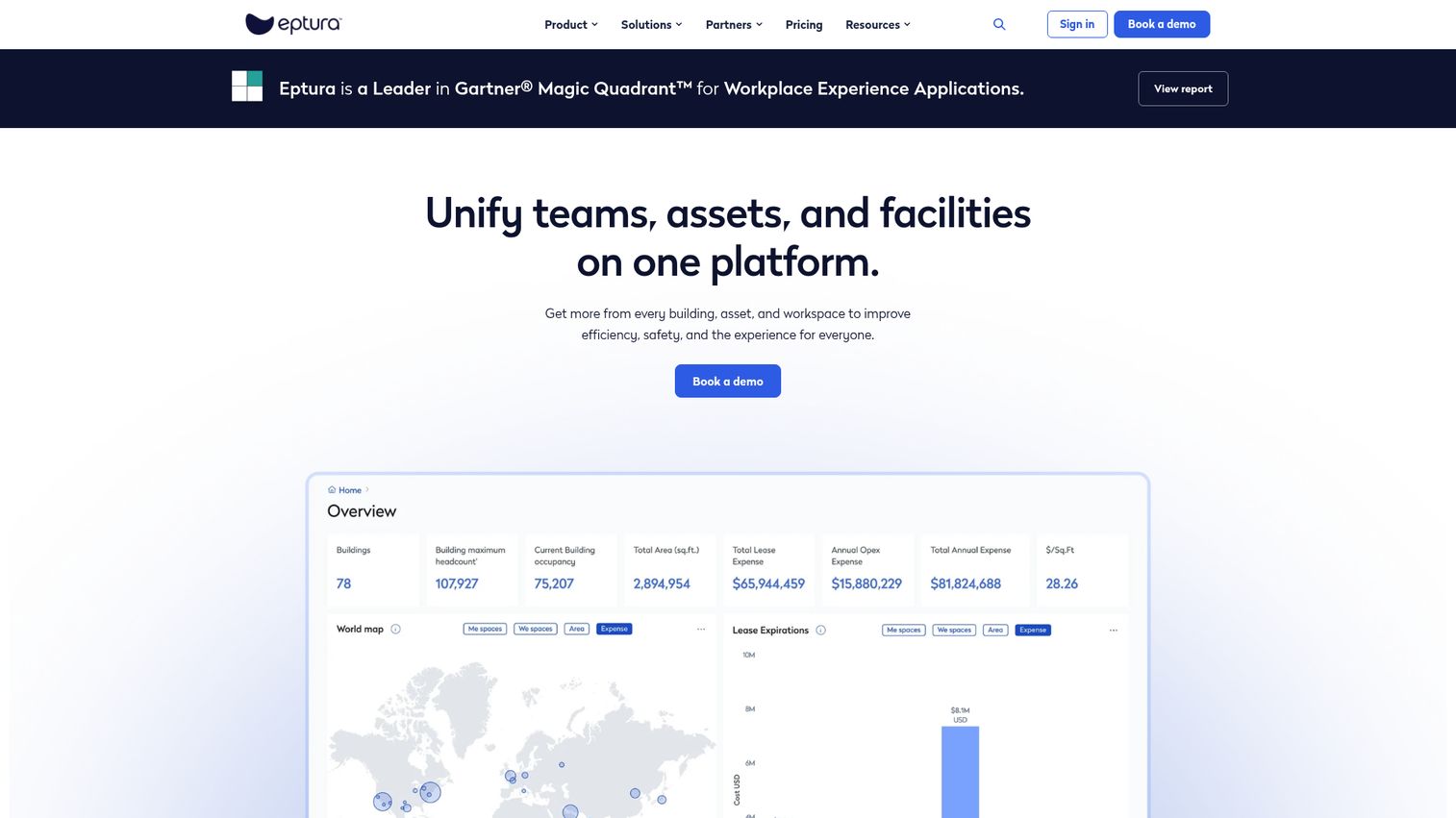
Eptura Visitor is a visitor management system for hosting guests, streamlining check-ins, and improving workplace security and compliance. It sits inside Eptura's broader IWMS suite, which was formed from the merger of iOffice, SpaceIQ, and Condeco.
Best for: Organizations that need visitor pre-registration, self-serve check-in, host notifications, and stronger front-desk and security workflows across one or more locations as part of a broader IWMS deployment.
Key strengths
- Self-service visitor check-in: digital kiosk or mobile device sign-in
- Pre-registration: visitor information and requirements shared in advance, including NDAs and waivers
- Access control integration: QR codes, RFID cards, and visitor tracking tied to building systems
Why choose Eptura Visitor: When facilities owns the buying decision and visitor management is one module in a broader IWMS evaluation alongside space, asset, and lease management, Eptura is the natural fit. Heavier than what SMB SaaS offices typically need.
Eptura Visitor pricing: Eptura's first-party pricing page lists Visitor plans Advanced and Power and states subscriptions are annual and based on the number of locations supported. No public dollar amounts are displayed; expect to engage sales for a quote.
11. SwipedOn
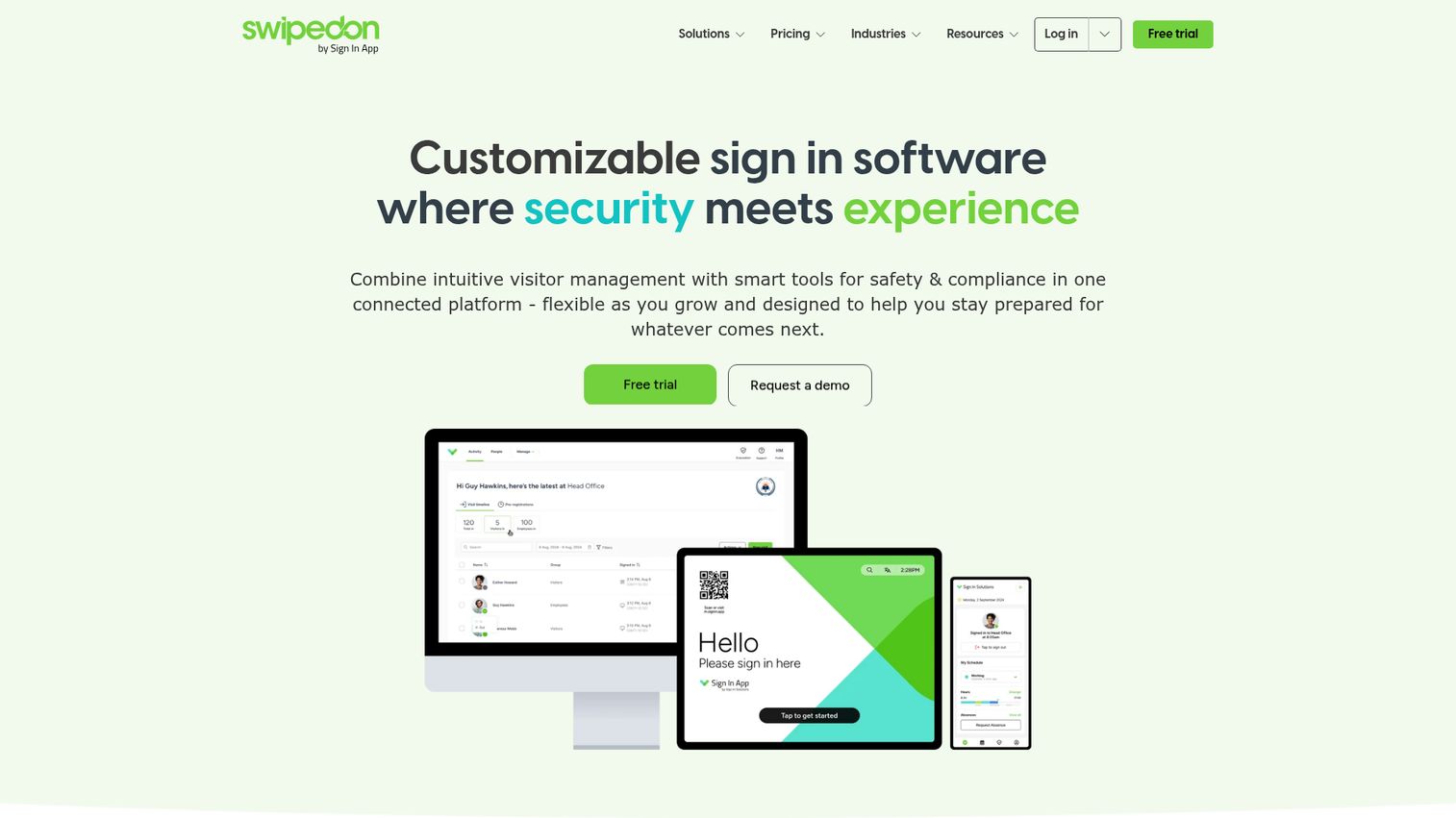
SwipedOn is customizable sign-in software that combines visitor management with tools for safety and compliance in one platform. The product has a strong reputation in SMB and mid-market, with transparent published pricing that makes budgeting predictable.
Best for: Organizations that need visitor sign-in, employee presence tracking, and compliance-focused front-desk workflows across one or more workplaces.
Key strengths
- ID badge printing: branded badges at check-in
- Pre-visit registration portal: visitors complete sign-in before they arrive
- Emergency evacuation mode: rosters and alerts for safety incidents
Why choose SwipedOn: Best when you want predictable per-site pricing and a system live in days. The product covers visitor and employee sign-in in one platform, which suits 20 to 200 person offices that don't need an IWMS or an enterprise compliance suite.
SwipedOn pricing: SwipedOn's pricing page lists annual per-site plans: Core at $630/site/year, Enhanced at $1,260/site/year, and Pro at $1,890/site/year, plus a Resource Booking add-on at $3 per resource per month. A free trial is available. (Note: the SwipedOn pricing page now reflects Sign In App subscriptions.)
What to evaluate before you buy
A visitor management solution is a five-year decision in a category that's quietly become a compliance surface. Weight these criteria heavily.
Compliance fit for your audit roadmap
Map the system to SOC 2, ISO 27001, GDPR, HIPAA Security Rule physical safeguards, or ITAR compliance requirements for facilities depending on your customer base. SOC 2 and ISO 27001 don't mandate a specific tool, but they expect documented physical access controls and visitor logging. Watchlist screening and NDA capture matter when enterprise contracts require them. For context on how SaaS vendors approach these frameworks, Guideflow's security and compliance overview illustrates what audit-ready posture typically looks like.
Identity and access control integrations
Confirm support for your identity provider (Okta, Microsoft Entra, Google Workspace) and your access control system (Kisi, Brivo, Salto, Openpath, Genetec, LenelS2, Kastle). Without these, visitor data stays siloed and you lose the automation that justifies the cost.
Visitor experience and brand
The check-in screen is the first impression for candidates, customers, and investors. Evaluate branding controls, mobile pre-registration, and touchless QR check-in. A clean lobby experience is part of the brand, especially for founder-led companies. If you want to showcase your office tech stack to prospects, an interactive demo of the check-in flow can double as both a sales asset and an onboarding tool for new hires.
Admin overhead and time-to-value
Founders should weight this heavily. The right tool deploys in days, not weeks, and survives the handoff to a new VP Ops without a consultant. Ask vendors for verified setup timelines and how much IT involvement is required. Pairing rollout with a short onboarding flow for front-desk staff cuts training time significantly.
Hybrid workplace fit
If desk and room booking sit in another system, evaluate whether consolidating into one platform (Envoy, Archie, Robin) reduces total stack cost. The right call here depends on whether you're at the start of a workplace evaluation or replacing a system that already works. For broader workplace tooling decisions, our best business scheduling software roundup covers adjacent categories worth bundling.
Conclusion
The right pick depends on what's forcing the decision.
For most mid-market SaaS offices, Envoy or The Receptionist will cover the job: Envoy if you want the broader workplace platform, The Receptionist if you want fast deployment without IT. For enterprise compliance and regulated industries, iLobby (FacilityOS VisitorOS) is the most defensible answer in front of an auditor. For hybrid workplace consolidation where desks and rooms are part of the same buying decision, Archie or Robin earn the seat. For budget-conscious deployments, Lobbytrack's free Starter tier and SwipedOn's transparent per-site pricing make the math easy.
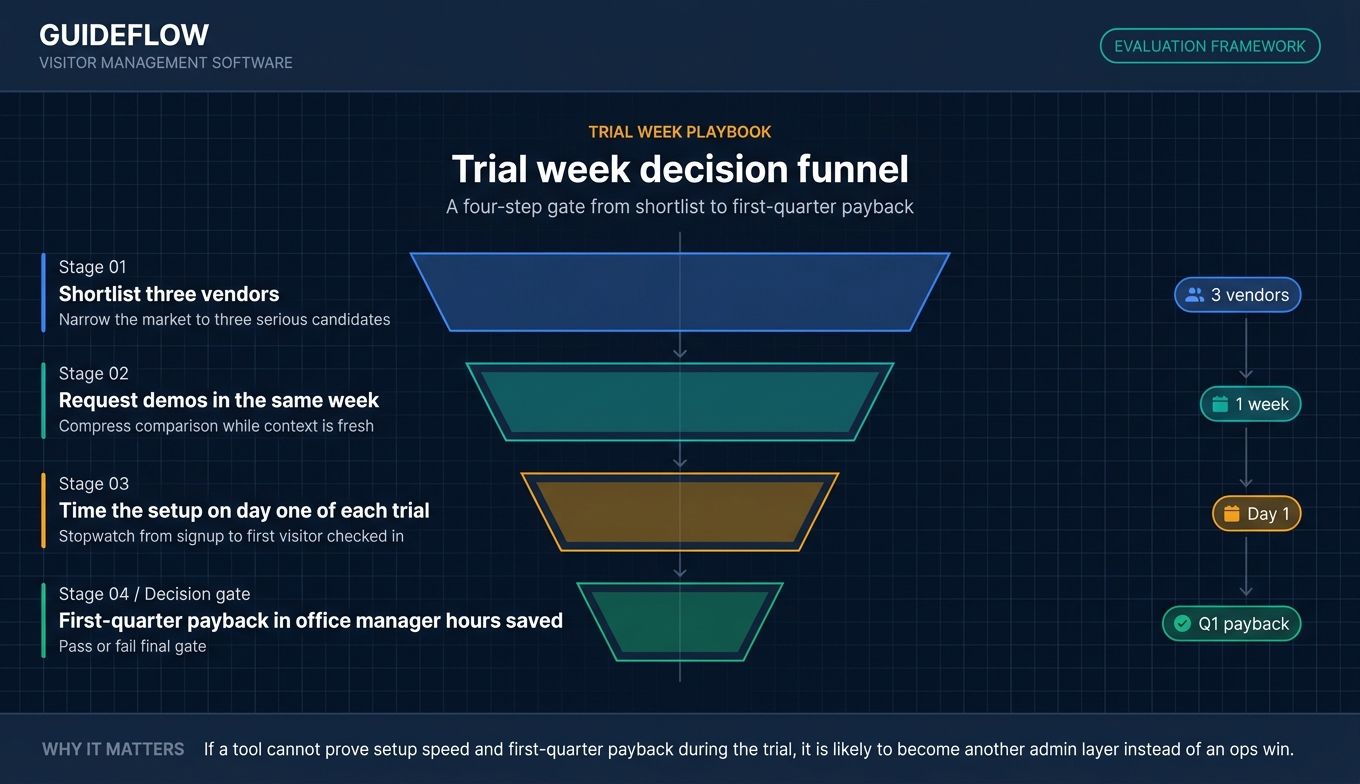
The practical next step: shortlist three vendors, request demos in the same week, and time the setup on day one of each trial. If you're on the vendor side reading this for inspiration on how to run those demo weeks, take a look at our best product tour software roundup and the broader best tools library for category-by-category comparisons. The system you pick should pay back in office manager hours saved within the first quarter. If it doesn't, you bought the wrong one.
FAQs about visitor management software
Visitor management software is a digital system that handles guest check-in, host notifications, badge printing, identity verification, and visitor data logging for offices and facilities. It replaces paper sign-in books with structured, queryable records and typically integrates with identity providers, access control systems, and calendar tools. It's deployed in offices, manufacturing sites, healthcare facilities, schools, and multi-tenant buildings.
Public pricing pages commonly show SMB plans starting around $25 to $150 per location per month, mid-market tiers in the low hundreds per month, and enterprise contracts starting in the low thousands annually. iLobby (FacilityOS VisitorOS) starts at $199 per month. The Receptionist and SwipedOn both start at $630 per site per year. Vizito starts at €29.95 per month per location. Per-location and per-user pricing models differ, so confirm which model fits your office footprint.
A visitor management system covers the full lifecycle: pre-registration, check-in, host notification, NDA and waiver capture, badge printing, audit trail, and access control integration. A visitor check in app is usually a subset focused on the sign-in moment itself. For a SOC 2 or ISO 27001 audit, the full system is what you need; an app alone usually isn't enough.
SOC 2 does not mandate a specific tool, but it requires evidence of physical access controls and visitor logging as part of the CC6.6 control. A digital visitor management system makes that evidence auditable and queryable, which is much easier to defend than a paper book that any visitor can flip through.
Yes. Many leading visitor management systems integrate with popular access control providers such as Kisi, Brivo, Salto, Openpath, Genetec, LenelS2, and Kastle. The integration typically issues temporary credentials at check-in and revokes access automatically at check-out, which closes a common audit gap.
Visitors scan a QR code on arrival or follow a pre-registration link and complete sign-in on their own phone. The kiosk becomes a confirmation screen rather than a shared input surface. Touchless check-in reduces lobby queues and removes the hygiene concern of a shared iPad keyboard.
In practice, SMB-focused tools like The Receptionist and SwipedOn often go live within a few days on existing iPad hardware. Enterprise-grade systems like iLobby, Sign In Solutions, and Eptura usually take several weeks once integrations and compliance configuration are layered in. Ask the vendor for a verified setup timeline as part of the demo.
Lobbytrack publishes a free Starter tier with core check-in functionality, which is the most clearly documented free plan in the category. Envoy lists a Basic tier as free on its first-party pricing page. Many other vendors offer free trials (typically 14 to 30 days) rather than permanent free tiers. Free plans are usually sufficient for single-location offices with low monthly visitor volume.