Your finance team processes 4,000 invoices a month. Three of them got paid twice last quarter because someone keyed the vendor name wrong. Your AP lead spends Thursday afternoons reconciling the variance. Your VP of Finance asks why headcount keeps creeping up while ARR is flat.
This is the kind of work that quietly absorbs people. Manual data entry from PDFs, scanned contracts, customer-uploaded documents, and paper records doesn't show up on a board slide, but it pulls hours from teams that should be doing analysis, not transcription. The teams that scale efficiently are the ones that figured out optical character recognition years ago and let software read documents instead of people.
Modern OCR software has changed materially in the last 24 months. AI-native tools now extract structured data (tables, key-value pairs, signatures, line items) rather than just dumping plain text. Cloud APIs charge fractions of a cent per page. Open-source engines like Tesseract still hold up for self-hosted use cases. The category got faster, cheaper, and more accurate, which means the bar for adopting it dropped.
This guide ranks the nine OCR tools worth evaluating in 2026. Each entry covers what the tool does well, where it fits in a stack, what it costs, and what users say on G2. No vendor fluff. The goal is to help you (or your VP of Finance, Ops, or RevOps) pick the right tool the first time.
What's inside
This guide is for operations, finance, IT, and engineering leaders evaluating OCR software for internal automation or product embedding. We selected the nine tools based on four criteria:
- Verified accuracy on real-world documents (printed text, handwriting, complex layouts)
- Deployment flexibility (cloud API, desktop, on-prem, self-hosted)
- Integration depth with common business systems and developer pipelines
- Transparent, accessible pricing with usable free tiers or trials
Every pricing figure and G2 rating was verified against the vendor's live page at the time of writing.
TL;DR
- Best for enterprise document automation at scale: Google Document AI
- Best for PDF-first business workflows: Adobe Acrobat
- Best desktop OCR for accuracy on complex layouts: ABBYY FineReader PDF
- Best API-first OCR for developers on AWS: AWS Textract
- Best for Microsoft-stack teams: Azure AI Document Intelligence
- Best free and open-source OCR: Tesseract OCR
- Best AI-native OCR for document understanding: Mistral OCR
- Best free online OCR with an API: OCR.space
- Best for multilingual desktop conversion: Readiris
What is OCR software?
OCR software (optical character recognition software) converts text inside images, scanned documents, and PDFs into machine-readable, editable, searchable text. Instead of treating a document as a flat picture, OCR identifies characters, words, and (in modern tools) the structural relationships between them.
Here's how OCR works at a high level:
- Image preprocessing: The tool deskews, denoises, and normalizes the input file.
- Text detection: It locates regions of the page that contain text, separating them from images, lines, and white space.
- Character recognition: A model (rule-based, neural, or LLM-based) matches pixel patterns to characters and words.
- Output formatting: The recognized text is exported as searchable PDF, plain text, Word, Excel, structured JSON, or markdown.
Core capabilities to expect from modern OCR tools in 2026:
- Multi-language support, often spanning 100+ languages
- Handwriting recognition (with lower accuracy than printed text)
- Searchable PDF generation with visible or invisible text layers
- Structured data extraction (tables, forms, key-value pairs, line items)
- API access for automation and batch processing
- Accuracy on low-quality scans, multi-column layouts, and unusual fonts
The biggest shift since 2023 is the move from rule-based OCR to AI-powered OCR. Tools like Google Document AI, AWS Textract, Azure AI Document Intelligence, and Mistral OCR don't just extract text. They understand document structure, classify document types, and feed extracted data directly into downstream RAG pipelines and AI agents.
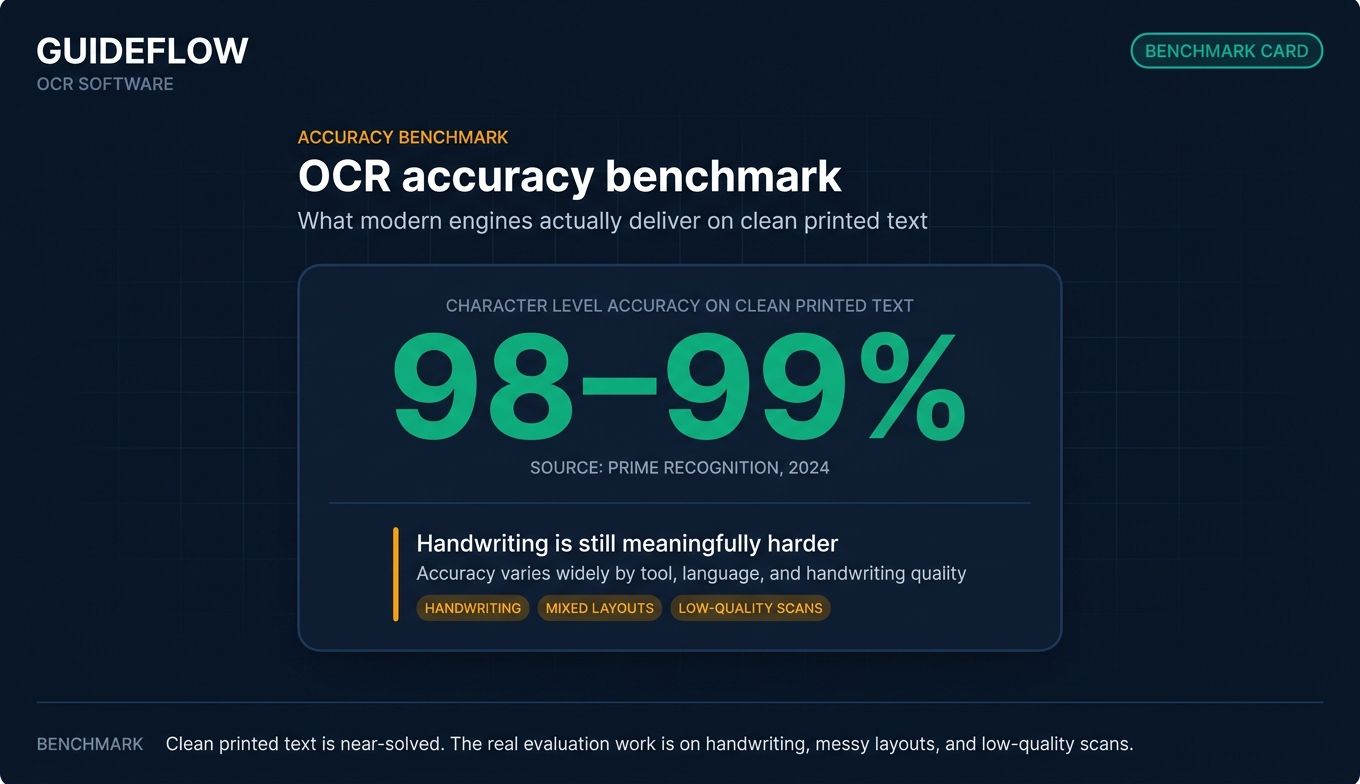
For clean printed text, modern OCR engines typically reach around 98–99% character-level accuracy (Prime Recognition, 2024). Handwriting is still meaningfully harder, with accuracy varying widely by tool, language, and handwriting quality.
When to use OCR software
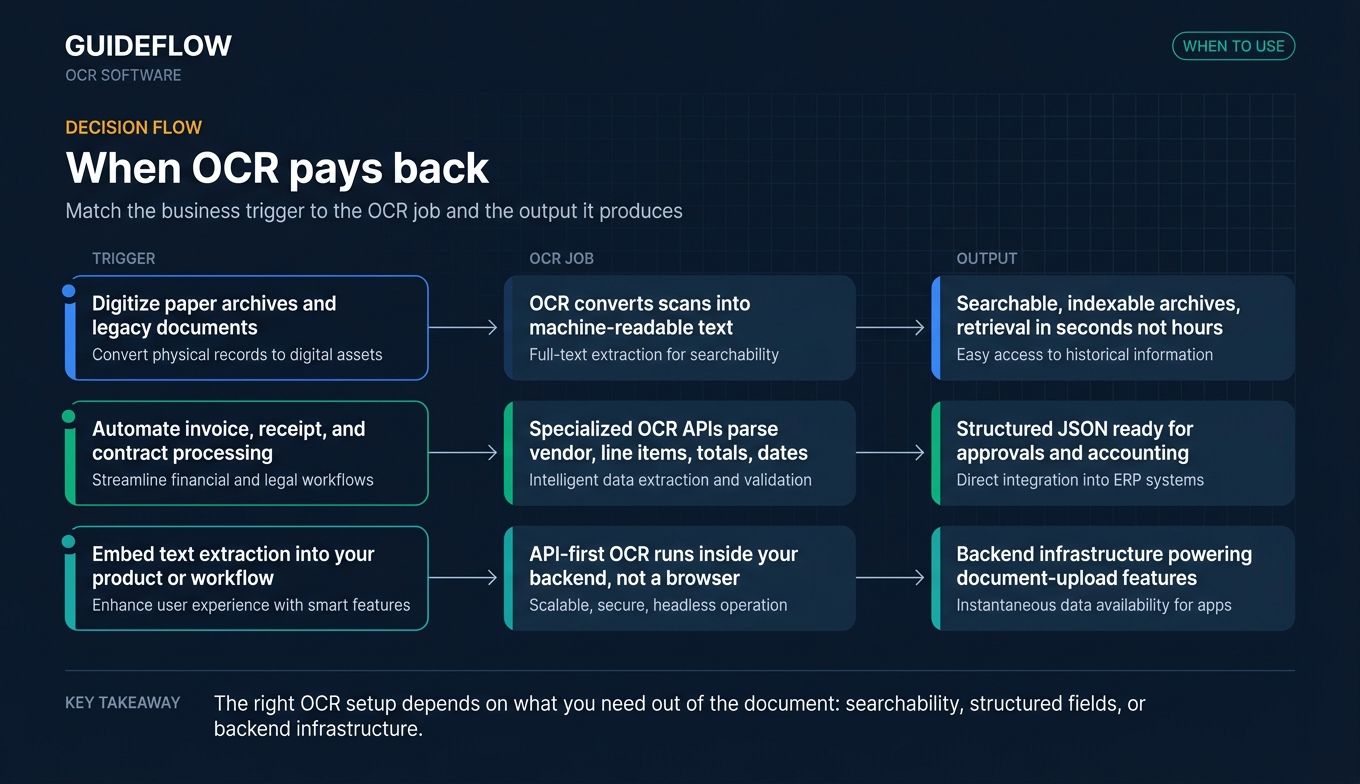
Digitize paper archives and legacy documents
Legal, healthcare, government, and finance teams sit on decades of paper records. OCR turns these into searchable, indexable archives so retrieval takes seconds instead of hours. The stakes are real: compliance audits demand fast retrieval, storage costs climb when you can't dedupe, and institutional knowledge stays locked in filing cabinets.
Automate invoice, receipt, and contract processing
This is where OCR pays back fastest. AP automation, expense management, and contract intake all run on documents that arrive in PDF, image, or scanned form. Specialized OCR APIs (Google's Invoice processor, Azure's prebuilt invoice model, AWS Textract's Analyze Expense) extract vendor names, line items, totals, and dates into structured JSON. Your AP team stops keying and starts approving. For teams evaluating broader contract workflows, our guide to the best contract management software tools covers tools that pair well with OCR-driven intake.
Embed text extraction into your product or workflow
SaaS teams building document upload features (insurance claims, lending applications, identity verification, customer onboarding) need OCR as infrastructure, not a desktop app. API-first OCR matters here because the extraction happens in your backend, not in someone's browser. Mistral OCR, AWS Textract, and Google Document AI are the common picks. If you're shipping a new document-upload feature, pairing OCR with interactive product demos can help users understand the workflow before they hit upload.
Comparison table
Read this table as a shortlist, not a verdict. "Intent" describes the typical buyer. "Key use case" is the strongest application. Pricing reflects published rates on each vendor's pricing page as of June 2026. G2 ratings were pulled the same day and shift over time.
| # | Product | Intent | Key use case | Pricing | G2 rating |
|---|---|---|---|---|---|
| 1 | Google Document AI | Enterprise document automation | Structured extraction at scale | $1.50 per 1,000 pages (Enterprise Document OCR) | 4.2 |
| 2 | Adobe Acrobat | PDF-first OCR for business users | Searchable PDFs and scanned doc workflows | $14.99/mo Standard, $19.99/mo Pro | 4.7 (Capterra) |
| 3 | ABBYY FineReader PDF | Desktop OCR for accuracy | Complex layouts, multilingual conversion | $16/mo Standard, $24/mo Corporate | 4.7 (Capterra) |
| 4 | AWS Textract | API-first OCR for developers | Forms, tables, expense, lending extraction | $0.0015 per page (Detect Document Text) | 4.3 |
| 5 | Azure AI Document Intelligence | Microsoft-stack document AI | Invoices, receipts, IDs, prebuilt models | Free tier plus pay-as-you-go (see vendor page) | 4.4 |
| 6 | Tesseract OCR | Open-source self-hosted | Free, customizable, developer-driven | Free (Apache 2.0) | N/A |
| 7 | Mistral OCR | AI-native document understanding | LLM-friendly extraction for RAG pipelines | $2 per 1,000 pages (OCR 3) | N/A (new) |
| 8 | OCR.space | Lightweight online OCR and API | Quick conversions, scripting, prototyping | Free tier; PRO from $30/mo | N/A |
| 9 | Readiris | Desktop multilingual conversion | Format conversion plus OCR | $99 lifetime Pro | 4.3 |
The 9 best OCR software tools for 2026
1. Google Document AI, best for enterprise document automation at scale
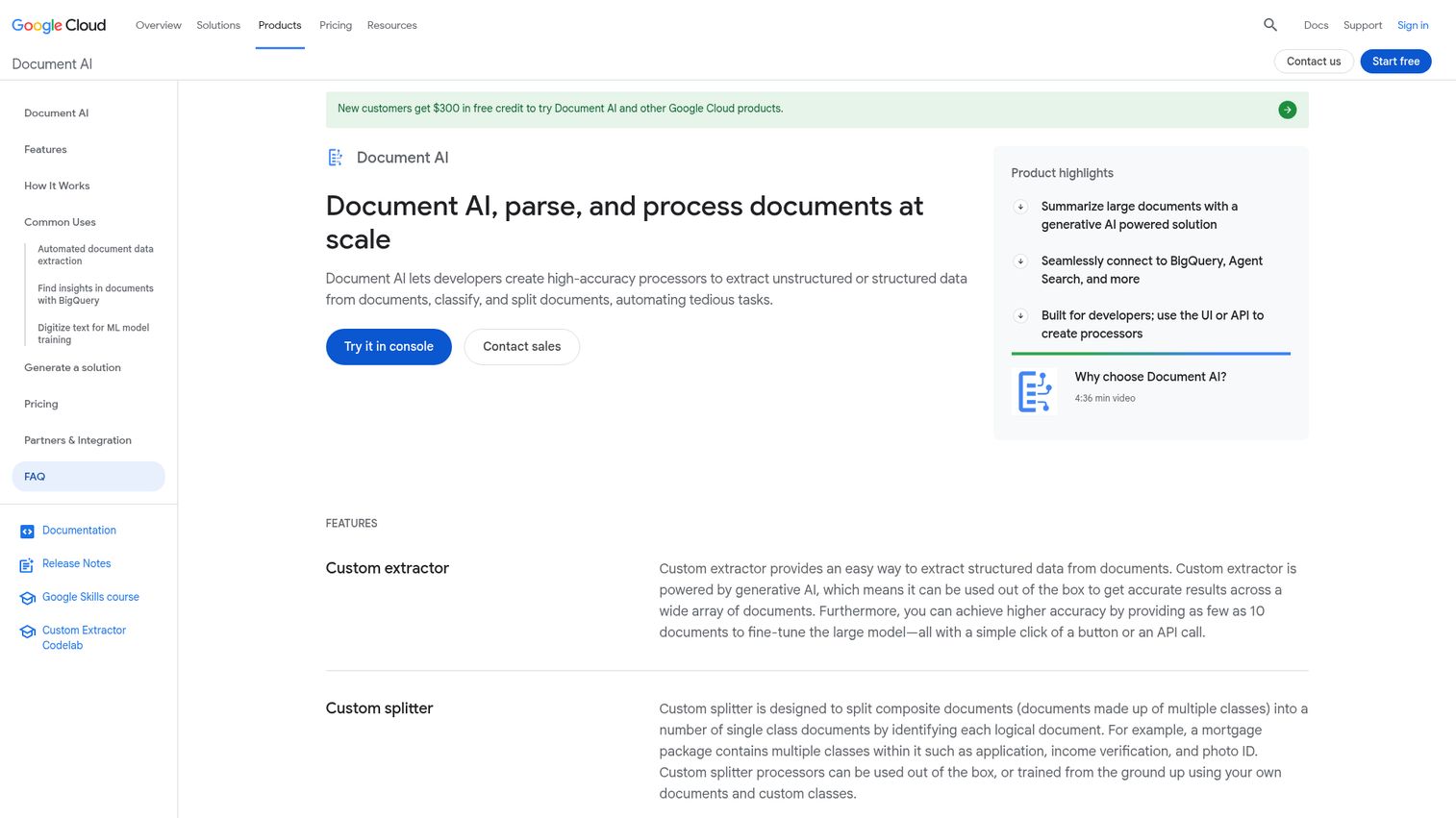
Google Document AI is Google Cloud's document processing platform. It combines OCR, custom extractors, document splitters, and prebuilt processors for common document types like invoices, receipts, IDs, and tax forms. It's built for teams that need to process millions of pages with structured output, not just searchable text.
Best for: Enterprise teams processing high document volumes on Google Cloud who need structured extraction across multiple document types.
Key strengths
- Specialized processors: Prebuilt models for invoices, receipts, ID documents, and tax forms cover the most common AP and KYC use cases without custom training.
- Custom extractor and classifier: Train models on your own document templates without managing the underlying ML infrastructure.
- Native Google Cloud integration: Document AI connects directly to Cloud Storage for input, BigQuery for analytics, and Vertex AI for downstream workflows.
Why choose Google Document AI: If your data lives in Google Cloud, Document AI is the path of least resistance. The prebuilt processors handle the long tail of document types most teams need, and the custom extractor lets you handle the rest without standing up a separate ML pipeline.
Google Document AI pricing: Pricing is metered per page by processor type. Enterprise Document OCR runs $1.50 per 1,000 pages for the first 5M pages/month and drops to $0.60 per 1,000 pages above that. Custom extractor and Form Parser are $30 per 1,000 pages (with volume discounts), Layout Parser is $10 per 1,000 pages, and the custom splitter and classifier start at $5 per 1,000 pages. Full pricing is on the Document AI pricing page.
2. Adobe Acrobat, best for PDF-first OCR workflows
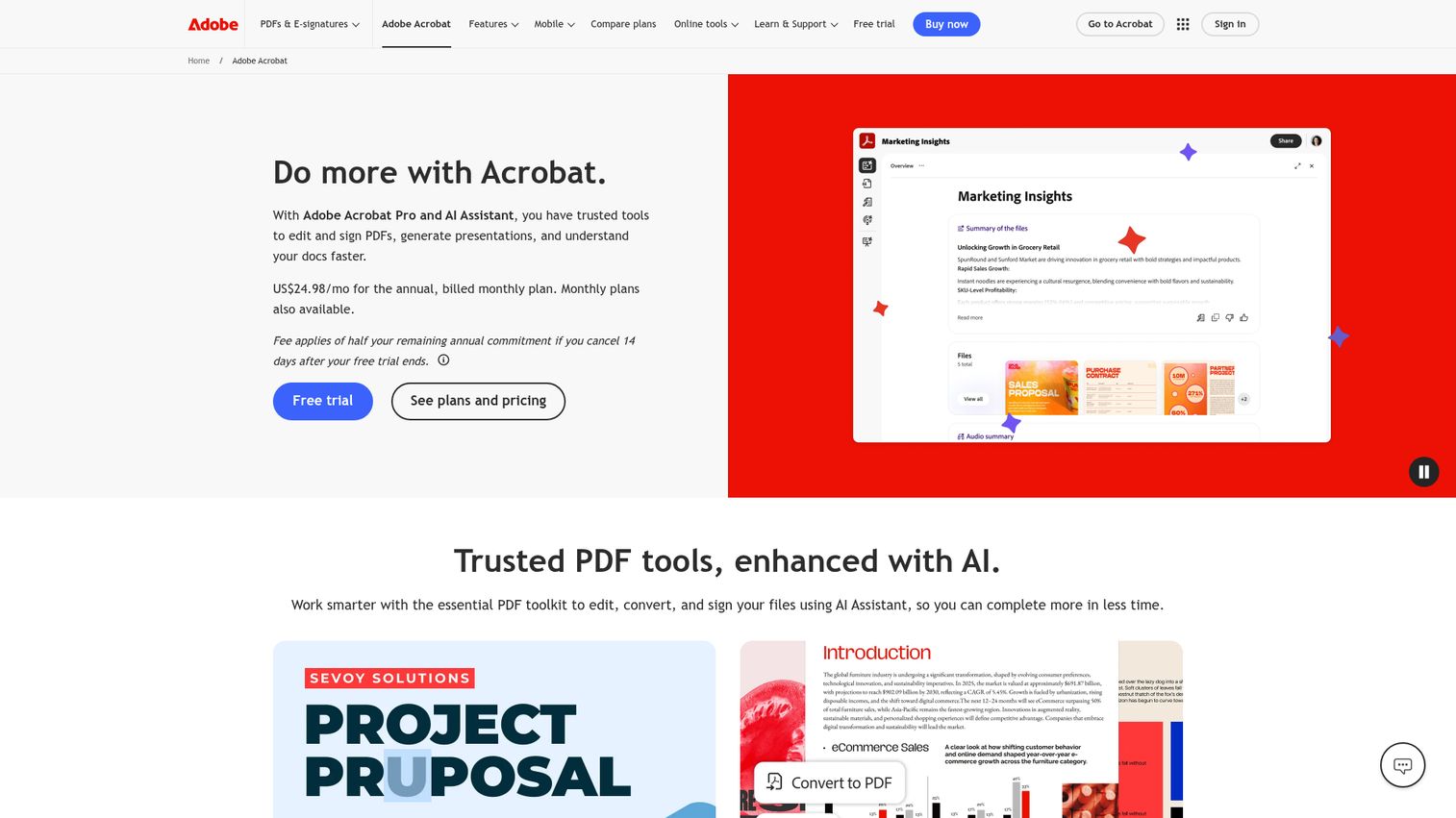
Adobe Acrobat is the default PDF tool for most business users, and its built-in OCR ("Recognize Text") turns scanned documents into searchable, editable PDFs. For teams already paying for Acrobat to edit and sign documents, OCR comes free with the license.
Best for: Business users and teams who live in PDFs and want OCR inside the same tool they use for editing, signing, and exporting.
Key strengths
- One-click OCR on scans: The Recognize Text feature converts scanned PDFs into searchable, selectable text with no setup.
- Cross-device workflow: Adobe Scan (free mobile app), Acrobat web, and Acrobat desktop share one workflow under the same account.
- Accessibility tagging: Generates tagged PDFs that work with screen readers when prepared correctly.
Why choose Adobe Acrobat: For teams already standardized on Adobe, OCR is included in the existing license. No new vendor, no procurement cycle, no training. The tradeoff: Acrobat is built for people editing documents, not for automated pipelines processing millions of pages. If signing is a bigger part of your workflow than OCR, our roundup of the best e-signature software compares Acrobat against purpose-built alternatives.
Adobe Acrobat pricing: Acrobat Reader is free. Acrobat Standard is $14.99/month on an annual plan billed monthly. Acrobat Pro is $19.99/month, and Acrobat Studio is $24.99/month, all billed annually. Adobe offers a free 7-day trial. See current pricing on the Acrobat compare plans page.
3. ABBYY FineReader PDF, best desktop OCR for accuracy
ABBYY FineReader PDF has been the gold standard for desktop OCR accuracy for over a decade. It handles complex layouts (multi-column, mixed text and images, tables) better than most cloud APIs and supports OCR in 190+ languages. It's also a full PDF editor with a document comparison feature that's genuinely useful in legal and compliance workflows.
Best for: Power users and teams needing high-accuracy conversion of complex documents on the desktop, especially in multilingual or document-comparison-heavy workflows.
Key strengths
- Layout fidelity: Preserves original formatting (columns, tables, headers) better than most competitors when exporting to Word or Excel.
- 190+ language support: Covers East Asian, Cyrillic, and Arabic scripts that some cloud OCRs handle poorly.
- Compare Documents: Side-by-side change detection across formats, useful for legal redlines and contract version control.
Why choose ABBYY FineReader PDF: When accuracy on complex documents is the priority and you'd rather pay once than per page, FineReader is the answer. The desktop-first model also fits teams in regulated industries that can't send documents to the cloud. For deeper contract-specific workflows beyond OCR, see our contract analytics software comparison.
ABBYY FineReader PDF pricing: FineReader PDF Standard is $16/month, Corporate is $24/month, and FineReader PDF for Mac is $69/year. Yearly and three-year billing options are available on Windows plans. ABBYY offers a 7-day free trial. Confirm current pricing on the ABBYY pricing page.
4. AWS Textract, best API-first OCR for developers
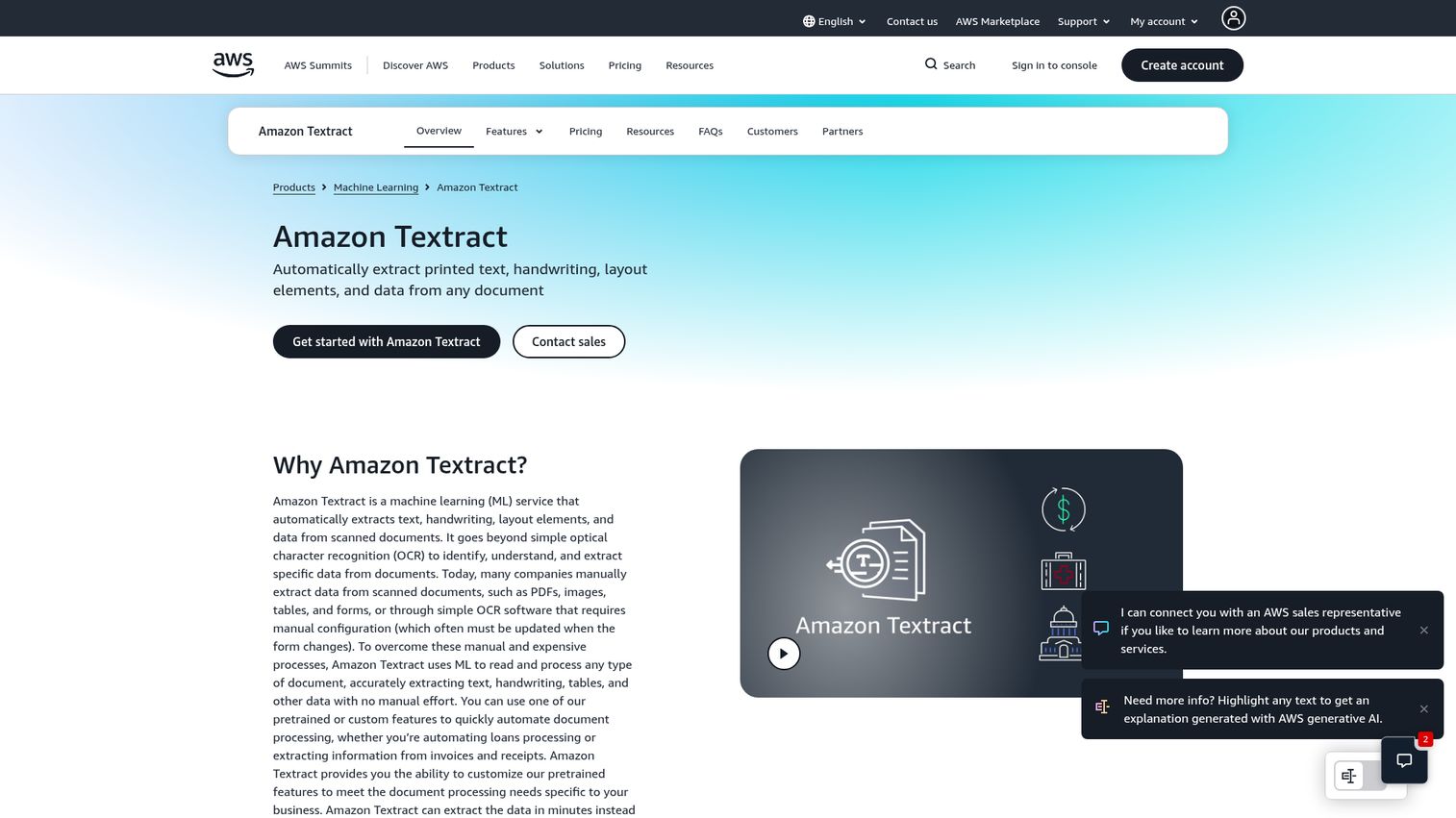
AWS Textract is Amazon's OCR and document analysis service. Beyond basic text detection, it offers specialized APIs for forms, tables, invoices, IDs, signatures, and lending documents. For engineering teams already on AWS, Textract is the obvious pick because it integrates natively with S3, Lambda, and Step Functions.
Best for: Engineering teams embedding OCR into a product or backend pipeline on AWS infrastructure.
Key strengths
- Forms and tables extraction: Detects key-value pairs and tabular structures, not just plain text, which matters for AP automation and structured intake.
- Specialized APIs: Analyze Expense for invoices and receipts, Analyze ID for identity documents, and Analyze Lending for loan and mortgage workflows.
- AWS-native plumbing: S3 for input, Lambda for triggers, Step Functions for orchestration, all out of the box.
Why choose AWS Textract: If your stack is on AWS, embedding OCR is a configuration task, not a procurement event. The pay-per-page model also scales linearly without commitment, which makes it easy to start small and grow.
AWS Textract pricing: Detect Document Text is $0.0015 per page ($1.50 per 1,000 pages). Analyze Document Forms is $0.05 per page, Tables is $0.015 per page, Queries is $0.015 per page, and Signatures is $0.0035 per page. Analyze Expense is $0.01 per page, Analyze ID is $0.025 per page, and Analyze Lending is $0.07 per page. New AWS customers get a free tier for three months. Full pricing on the Textract pricing page.
5. Microsoft Azure AI Document Intelligence, best for Microsoft-stack teams
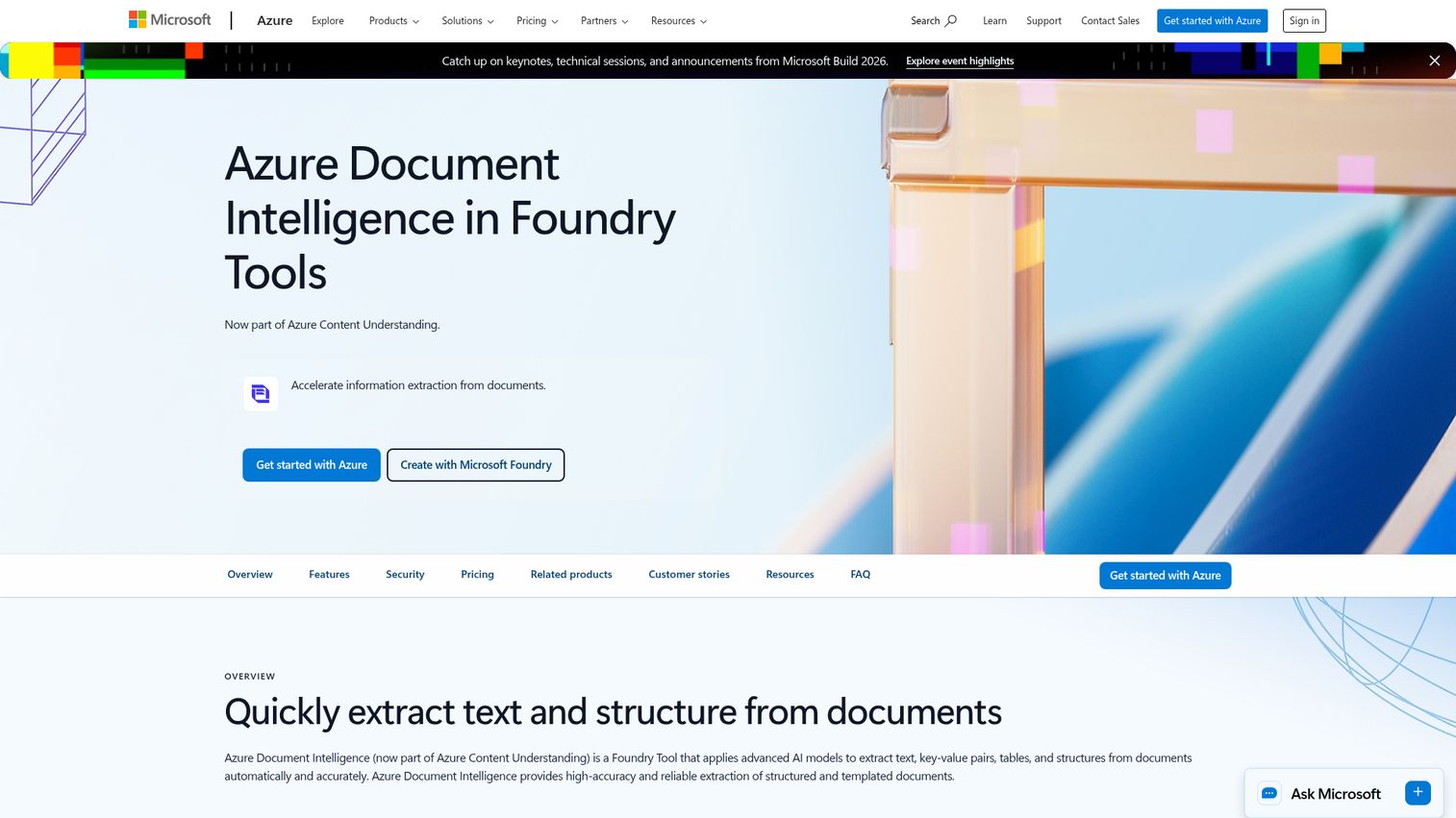
Microsoft Azure AI Document Intelligence (formerly Form Recognizer) is Azure's document processing service. It offers prebuilt models for invoices, receipts, IDs, and business cards, plus custom neural models trained on your own templates. For teams on Microsoft 365, it integrates with Power Automate for no-code workflows into SharePoint and Teams.
Best for: Teams running on Azure or Microsoft 365 needing prebuilt models for common document types with deep Microsoft ecosystem integration.
Key strengths
- Prebuilt models: Invoices, receipts, ID documents, and business cards work out of the box without training.
- Custom neural models: Train on your own document templates when prebuilt models don't cover your layouts.
- Power Automate integration: Build no-code document workflows that push extracted data into SharePoint, Teams, and other Microsoft 365 surfaces.
Why choose Azure AI Document Intelligence: When Microsoft 365 is the default stack, this is the path of least resistance. Power Automate makes it usable by ops teams without engineering involvement, which is rare in the OCR category. Teams orchestrating multiple AI services together should also look at our best AI orchestration platforms roundup.
Azure AI Document Intelligence pricing: Azure offers a free tier (F0) plus pay-as-you-go pricing across Read, Layout, and prebuilt models, with commitment-based pricing for high-volume workloads. Exact per-page rates vary by tier and region, so confirm current pricing on the Document Intelligence pricing page.
6. Tesseract OCR, best free and open-source OCR
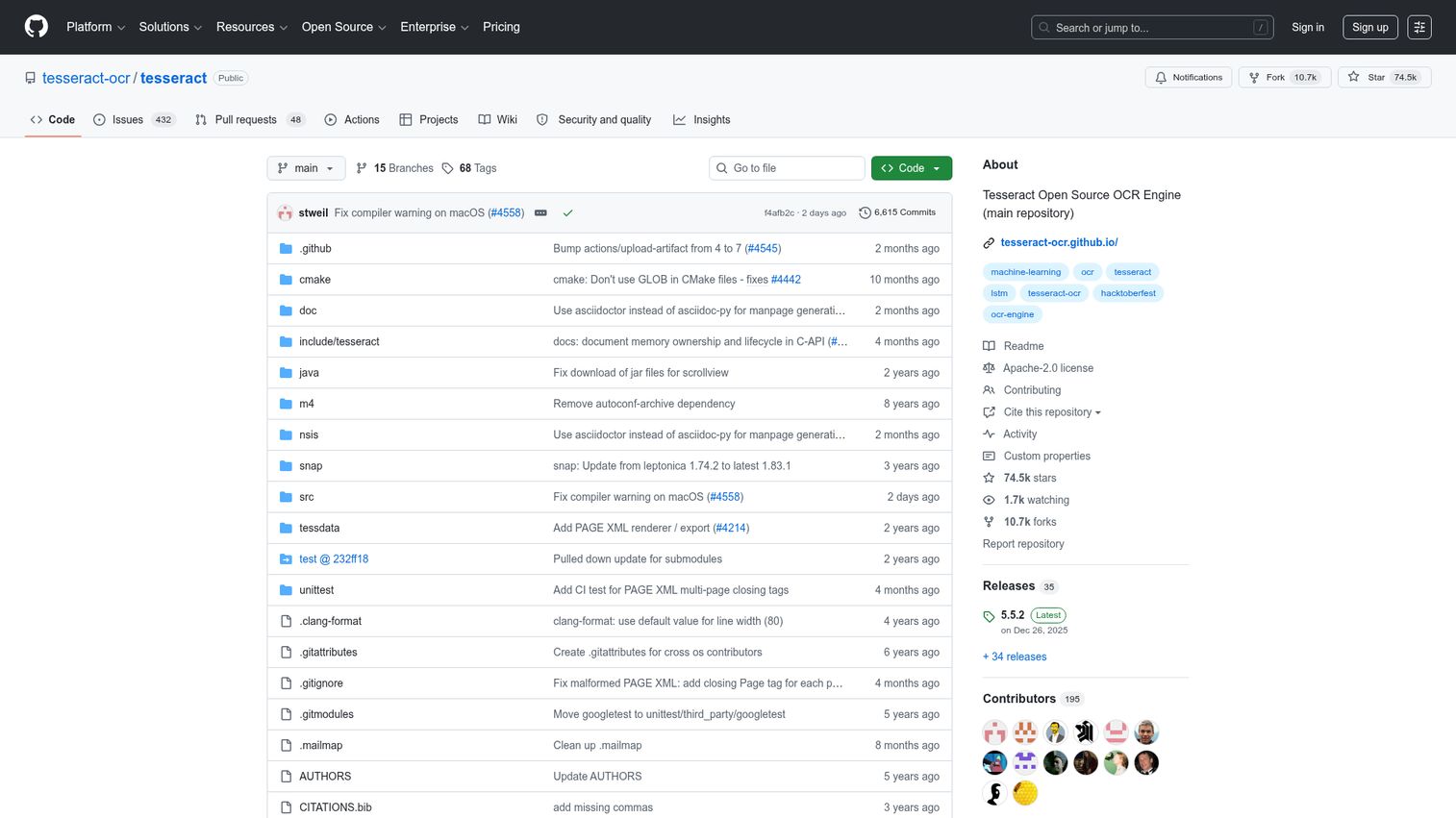
Tesseract OCR is the open-source OCR engine most commercial tools were built on top of. Originally developed at HP, open-sourced and sponsored by Google since the mid-2000s, it's now community-maintained on GitHub under the Apache 2.0 license. Tesseract 4 introduced an LSTM-based neural engine that significantly improved accuracy.
Best for: Developers and technical teams that need a local, free, self-hosted OCR engine they can embed in their own pipelines.
Key strengths
- 100+ languages and scripts: Supports over 100 languages out of the box via trained data packs.
- LSTM neural network engine: From version 4 onwards, Tesseract uses a modern LSTM-based engine with materially better accuracy than the legacy mode.
- Flexible output: Plain text, hOCR, searchable PDF, invisible-text PDF, TSV, ALTO, and PAGE formats.
Why choose Tesseract OCR: When budget is zero and engineering time is available, Tesseract is the foundation. It runs anywhere (CLI, library, container) and has no usage limits or vendor lock-in. The tradeoff is operational: you maintain the infrastructure, the models, and the integrations.
Tesseract pricing: Free, open-source under the Apache 2.0 license. There's no official hosted service, so compute costs depend on where you run it (self-hosted server, container, serverless).
7. Mistral OCR, best AI-native OCR for document understanding
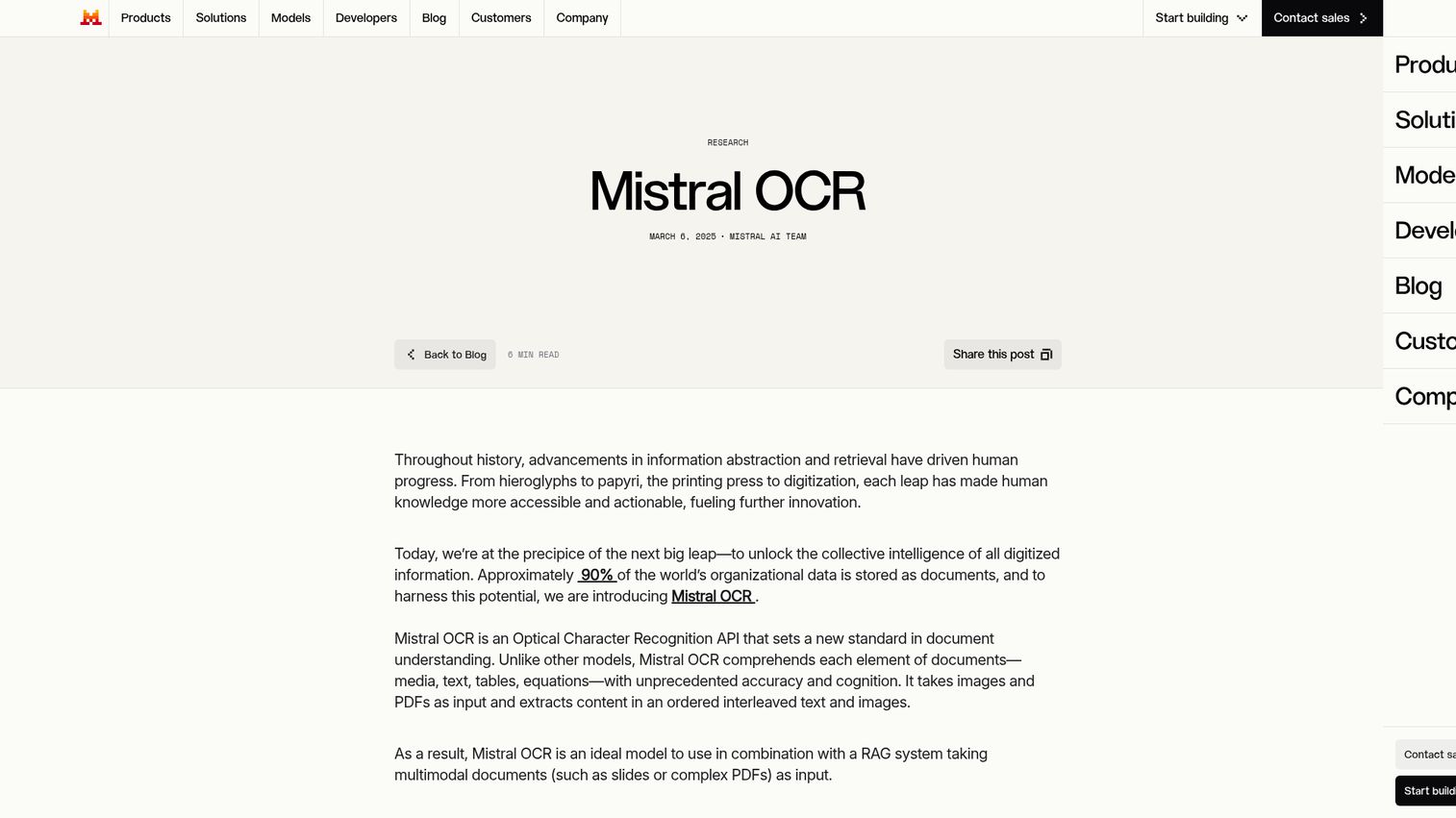
Mistral OCR is Mistral's document extraction and understanding model. It's designed for teams building AI-powered document workflows that need OCR plus LLM-style reasoning in one API call. Mistral OCR handles PDFs and multilingual documents and is positioned for RAG pipelines and AI agents.
Best for: Engineering teams building AI-native document workflows where OCR is one step in a larger LLM pipeline.
Key strengths
- Document extraction from PDFs: Pulls text and structured content from PDF documents in one API call.
- Multilingual OCR: Built to handle thousands of scripts, fonts, and languages.
- Scanned document and table understanding: Designed to read scanned PDFs and extract tabular content for downstream processing.
Why choose Mistral OCR: When OCR is one step in an AI pipeline, not the destination, Mistral OCR fits naturally. The output is structured for feeding directly into LLMs, which removes a layer of parsing logic most teams write themselves. Sales teams building AI-native workflows around extracted data should also explore the best agentic AI tools for sales.
Mistral OCR pricing: Mistral lists OCR 3 at $2 per 1,000 pages and Annotations at $3 per 1,000 pages on the Mistral pricing page. Check current rates and any free trial availability directly on Mistral's site.
8. OCR.space, best free online OCR with an API
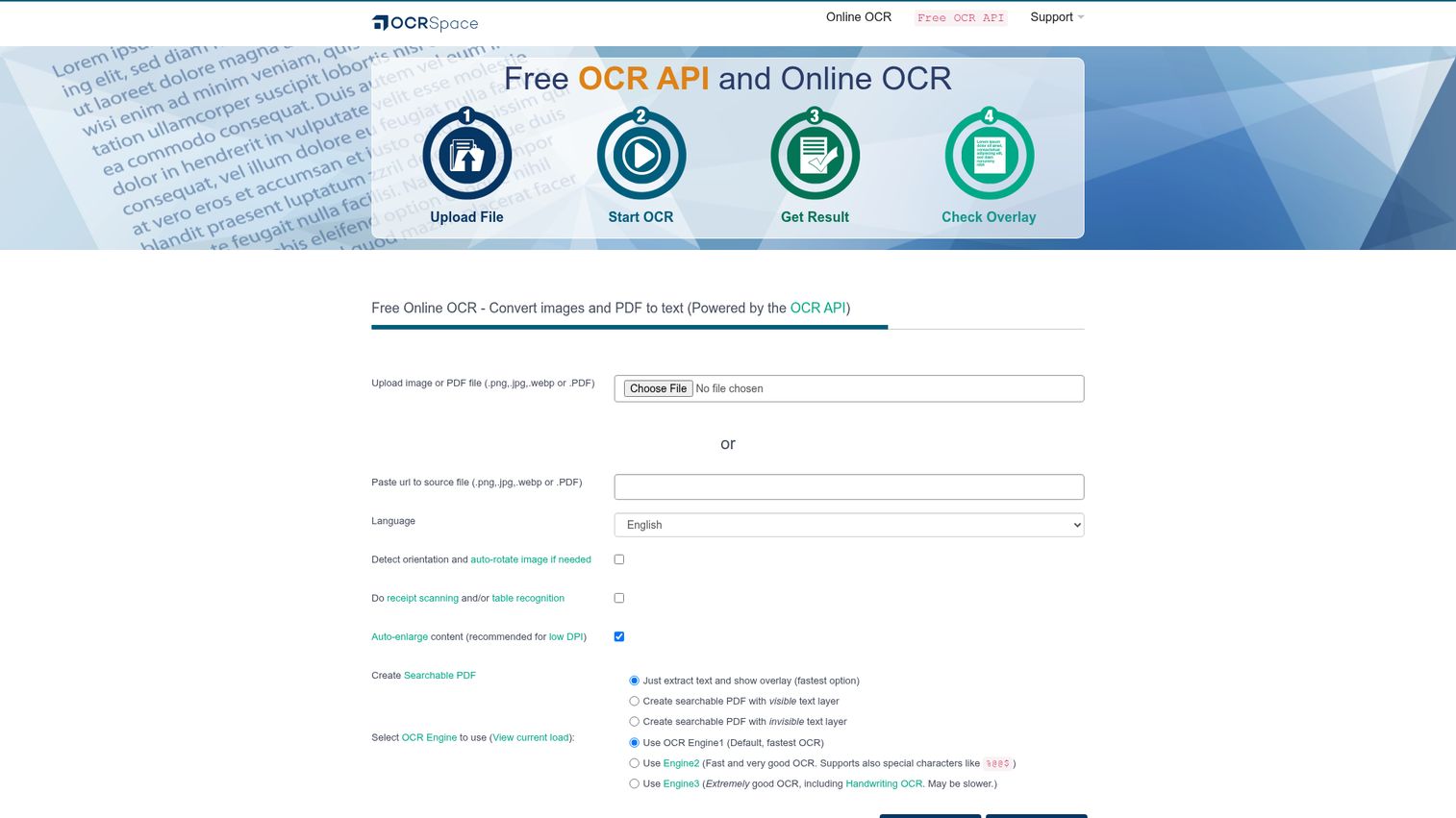
OCR.space is a lightweight OCR API and web converter built for quick conversions and scripting projects. It's the tool you reach for when you need OCR working in 10 minutes, not 10 days. The free tier is generous enough to cover prototyping and low-volume production use.
Best for: Developers prototyping OCR, ops teams handling one-off conversions, and small projects that don't need enterprise-grade pricing or infrastructure.
Key strengths
- Free tier: Usable free tier for the web converter and API, with limits on requests and file size.
- Multiple OCR engines: Choose between different engine modes optimized for speed, accuracy, or handwriting.
- Searchable PDF output: Generate searchable PDFs with the recognized text layer set as visible or invisible behind the original scan.
Why choose OCR.space: When you need OCR working today, OCR.space is the fastest path from signup to API call. The pricing model also stays predictable as volume grows, which matters for small SaaS teams.
OCR.space pricing: Free tier available. PRO is $30/month, PRO PDF is $60/month, and Enterprise starts at $999/month. Yearly pre-paid plans include a 20% discount. Confirm current limits on the OCR.space API pricing page.
9. Readiris, best for multilingual document conversion
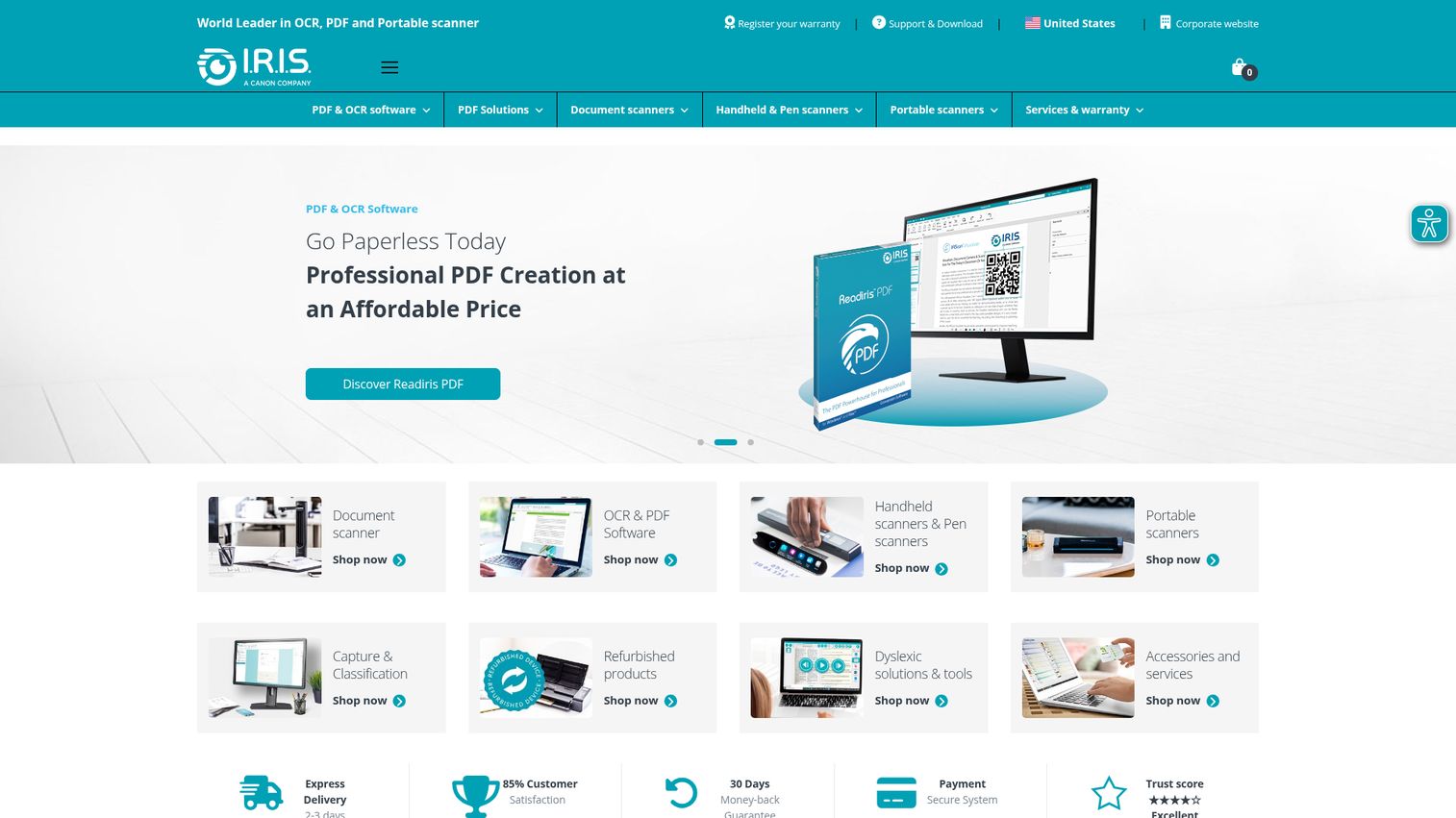
Readiris is a desktop OCR and PDF conversion tool from IRIS, designed for multilingual professionals who need broad format coverage in one app. It converts scanned documents to Word, Excel, PowerPoint, ePub, and even audio (text-to-speech), making it useful for accessibility and language-heavy workflows.
Best for: Multilingual professionals and small teams converting documents across many formats with a one-time desktop license.
Key strengths
- 137 languages supported: Broad European, Asian, and Middle Eastern language coverage.
- Format flexibility: Convert to Word, Excel, PowerPoint, ePub, and audio files via text-to-speech.
- PDF management: Annotate, merge, split, sign, protect, and compress PDFs in the same app.
Why choose Readiris: Affordable lifetime licensing for users who want OCR plus broad format conversion in a single desktop app. It's a fit for individuals and small offices, not for high-volume backend automation.
Readiris pricing: Readiris 17 Pro is $99 (lifetime, 1 PC), Corporate is $199 (lifetime, 1 PC), and Corporate SMB is $599 (lifetime, 5 PCs). Pricing was verified on the Readiris comparison page.
Considerations for choosing OCR software
Accuracy on your actual documents
Run a pilot with 20–50 of your real documents, not vendor samples. Accuracy claims are based on ideal conditions: clean printed text, good resolution, standard fonts. Real-world documents include handwriting, low-resolution scans, multi-column layouts, and stamps. Test these before signing a contract.
Deployment fit
Cloud API, desktop, or self-hosted on-prem. Regulated industries (healthcare, finance, government) often need on-prem or VPC-deployed OCR to meet data residency rules. SaaS teams embedding OCR in product need API-first. Knowledge workers digitizing files need desktop. Match the deployment model to your actual constraint, not the marketing.
Integration depth
Native connectors to your CRM, ERP, document management, and workflow tools matter more than raw accuracy past a certain threshold. A 95% accurate OCR with no Salesforce integration loses to a 92% accurate OCR that auto-syncs the extracted data where your team already works. Compare the leading platforms in our best CRM software guide before locking in an OCR vendor.
Total cost at volume
Per-page pricing scales. Do the math at 10x current volume before committing. A $1.50 per 1,000 pages rate looks cheap until you're running 10 million pages a month. Conversely, a $99 lifetime desktop license looks expensive until you realize you're processing five documents a week.
Data residency and compliance
GDPR, HIPAA, SOC 2, FedRAMP. Check where documents are processed and stored, especially for cloud OCR. Some APIs route through US regions only, which is a non-starter for EU data. Confirm before you pilot, not after.
How to choose the right OCR software for your team
If you're a SaaS team embedding OCR in your product, start with AWS Textract or Google Document AI based on your cloud provider. For AI-first pipelines feeding LLMs and RAG systems, Mistral OCR fits naturally because its output is structured for downstream model consumption.
If you process high volumes of invoices, receipts, or contracts, Google Document AI and Azure AI Document Intelligence both offer prebuilt models that handle these document types out of the box. The choice usually comes down to which cloud your data already lives in. Teams managing the broader contract lifecycle should also review the best contract lifecycle management software.
If your team lives in PDFs, Adobe Acrobat is the answer. The OCR is included with the license your team probably already has, and the workflow is familiar.
If you need maximum accuracy on complex layouts and prefer one-time licensing, ABBYY FineReader PDF is the strongest desktop option. Multilingual coverage is also better than most cloud APIs.
If you're testing OCR or have a one-off project, OCR.space gets you running in 10 minutes. If you have engineering time and zero budget, Tesseract is the foundation. And if you're rolling OCR out internally, building a self-service experience with interactive guides can speed up adoption across teams.
Conclusion
The right OCR tool depends less on accuracy benchmarks and more on where the OCR fits in your stack. SaaS teams embedding extraction in product want API-first tools (AWS Textract, Google Document AI, Mistral OCR). Teams processing structured documents at volume want prebuilt models (Google Document AI, Azure AI Document Intelligence). Knowledge workers digitizing files want desktop accuracy (ABBYY FineReader PDF) or PDF-native workflow (Adobe Acrobat).
Vendor accuracy benchmarks rarely match real-world output on your documents. Pilot two or three tools with your actual document mix (handwriting, low-quality scans, multi-column layouts, the messy stuff) before committing to a contract. A free tier or 7-day trial is enough to surface the gaps that matter.
Most teams should start their evaluation with Google Document AI for enterprise document automation or Adobe Acrobat for PDF-first business workflows. Both have free entry points (Google's free monthly quota on basic processors, Adobe's 7-day trial) that let you validate fit before procurement gets involved.
FAQs
OCR software (optical character recognition software) converts text inside images, scanned documents, and PDFs into machine-readable, editable, searchable text. Modern OCR also extracts document structure: tables, key-value pairs, line items, and signatures. The output can be a searchable PDF, a Word or Excel file, or structured JSON for use in automated pipelines.
Traditional OCR extracts plain text from images. AI-powered document understanding (Google Document AI, AWS Textract, Azure AI Document Intelligence, Mistral OCR) goes further: it identifies document type, extracts structured fields, preserves table relationships, and outputs data ready for downstream systems. The 2026 shift is toward LLM-integrated OCR that reads documents the way a person would, then hands the result to a model or workflow.
Yes. Tesseract OCR is fully free and open-source under the Apache 2.0 license. It runs locally with no usage limits. OCR.space offers a free API tier with request and file-size caps. Most major cloud OCR APIs (Google, AWS, Azure) also offer free tiers or trial credits sufficient for low-volume use or evaluation.
Modern OCR engines typically achieve around 98–99% character-level accuracy on clean printed text (Prime Recognition, 2024). Accuracy on handwriting is significantly lower and varies widely by tool, language, and handwriting quality. Real-world accuracy on noisy scans, unusual layouts, or low-resolution images can also drop into the 80–90% range, which is why piloting on your own documents matters.
Yes, with caveats. Google Document AI and Azure AI Document Intelligence both include models that recognize handwriting. OCR.space offers an engine mode designed for handwritten and challenging documents. ABBYY and Tesseract also support handwriting recognition. Accuracy is still meaningfully lower than for printed text, especially on cursive, mixed scripts, or low-quality scans.
Most OCR tools accept PDFs and common image formats: JPG, PNG, and TIFF (many also support BMP and GIF). Outputs commonly include searchable PDF, Word, Excel, plain text, and (for API-based tools) structured JSON. Some tools also export to ePub, hOCR, ALTO, or audio via text-to-speech.
A few options. Adobe Acrobat offers a free 7-day trial of Pro, which includes OCR. OCR.space and Google Drive's built-in OCR can convert small PDFs at no cost (Google Drive's approach: upload a PDF or image, then open it as a Google Doc). Tesseract OCR is free if you can run it locally. For high-volume free OCR, Tesseract is the only sustainable option.
Three tools are purpose-built for invoice extraction: Google Document AI's Invoice processor, Azure AI Document Intelligence's prebuilt invoice model, and AWS Textract's Analyze Expense API. Each extracts vendor name, line items, totals, dates, and tax fields without custom training. The choice usually comes down to which cloud platform your AP automation pipeline already runs on.