You need a website live by Friday. You have no engineering support, a budget that leadership will scrutinize, and a stack that already has too many tools in it. So you open a browser tab and search for the best web design software, hoping to find one clear answer instead of thirty competing pitches.
Here is the problem nobody tells you upfront: choosing web design software is really a choice between three things you cannot maximize at once. Speed. Control. Maintainability. A tool that ships a page in twenty minutes usually trades away deep customization. A tool that gives you full design control usually asks for a steeper ramp. The teams that pick badly are the ones who optimized for the wrong axis.
And the stakes keep rising. The global web design services market hit \$61.23 billion in 2025, with over 1.38 billion websites live and roughly 252,000 new sites launching every day, according to Figma (2026). Your site competes with all of them for attention. Worse, 71% of consumers now expect personalized web experiences, per Adobe (2025), yet only 34% of brands actually deliver them.
Most teams do not need the most powerful website design software on the market. They need the one that fits how they actually work, at a price they can defend. If you are weighing website builders against your existing stack, the same lens applies to adjacent categories like AI design tools and AI app builder software too. This guide sorts the real options by the job you are hiring them for.
What's inside
This guide covers nine web design tools across three buckets: mainstream website builders, CMS-based workflows, and design-first tools that hand off to build. It is written for marketers and small teams who need to design and publish fast without overbuying or locking into a workflow that breaks at scale.
We ranked each tool by relevance to real web design work, not brand popularity. Every entry is evaluated against four criteria: ease of use, flexibility, pricing clarity, and publishing workflow. Pricing and G2 ratings reflect current, first-party sources where available. Where a figure was not publicly confirmed, we wrote around it rather than guess.
TL;DR
- Best overall for marketers who want speed and flexibility: Wix pairs an AI website builder with a drag-and-drop editor and marketing tools, so you launch landing pages fast without engineering.
- Best for beginners: Weebly and Squarespace both minimize the learning curve while still producing polished, responsive sites.
- Best for teams that want design control: Webflow and Framer give you visual development power that standard builders cannot match.
- Best for content-heavy or scaling sites: WordPress remains the flexibility default, whether you choose the hosted WordPress.com or self-hosted WordPress.org.
- Best for design, prototyping, and handoff: Figma is where the design happens before anything gets published.
- Best for ecommerce: Shopify is built to design storefronts and sell across channels.
What is web design software?
Web design software is any tool that helps you create, design, and publish websites, ranging from no-code website builders to code-aware editors to collaborative design platforms. The category splits cleanly into three buckets, and knowing which one you need is half the decision.
Website builders (Wix, Squarespace, Weebly) give you templates, a visual editor, and hosting in one subscription. You drag, drop, and publish. No engineering, no separate hosting bill.
CMS-based workflows (WordPress, Webflow, Shopify) separate content from design and scale with your site. They handle large content libraries, structured data, and complex publishing needs that outgrow a simple builder.
Design and prototyping tools (Figma, Adobe Dreamweaver) focus on the design and build craft itself. Figma is where you wireframe and prototype before handoff. Dreamweaver gives you visual editing plus direct code control.
One distinction trips up almost every buyer: hosted vs self-hosted website builder decisions, especially around WordPress. Here is the short version.
| Approach | What it means | Best for |
|---|---|---|
| Hosted (WordPress.com) | The platform runs hosting, security, and updates for you | Teams that want a managed site with no maintenance |
| Self-hosted (WordPress.org) | You install the free software on your own hosting | Teams that want full control over plugins, code, and data |
Core capabilities to look for across any web design software:
- Visual editor: drag-and-drop or design-canvas building without code
- Templates: professionally designed starting points you can customize
- Responsive design: layouts that adapt to desktop, tablet, and mobile
- Publishing: one-click go-live and reliable hosting
- Collaboration: shared editing, comments, and version history
- Integrations: connections to CRM, email, analytics, and your existing stack
- SEO: metadata control, clean markup, and page-speed tooling
- Ecommerce: product catalogs, checkout, and payments when you need to sell
When to use each type
The right web design software depends less on which tool is objectively best and more on the job in front of you. Three scenarios cover most teams.
Build a site fast without engineering help
You need a marketing site or landing page live this week, and you have no developer to lean on. This is where a drag-and-drop website builder wins outright. Tools like Wix, Squarespace, and Weebly bundle templates, hosting, and a visual editor, so you go from blank page to published in hours. For growth marketers running campaigns, this removes the execution dependency that usually stalls a launch.
Design, prototype, and hand off to dev
Sometimes the design matters more than immediate publishing. When you are defining a new brand system, mapping complex user flows, or aligning stakeholders before a build, design-first tooling like Figma earns its place. You wireframe, prototype, gather feedback, and hand a clean spec to whoever builds the live site. The publishing happens elsewhere.
Run content-heavy or scalable site operations
When your site has hundreds of pages, structured content types, or a growing blog, CMS flexibility outweighs builder simplicity. WordPress, Webflow, and Shopify manage large content libraries, custom fields, and complex publishing workflows that a lightweight builder was never built to handle. If your site is a living operation rather than a brochure, start here.
Comparison table
Read this table top to bottom by relevance to core web design work, not by brand size. The Intent column tells you what job each tool is built for. Key use case is where it shines. Pricing reflects the entry paid tier from each vendor's current pricing page, and G2 ratings come from live listings where available.
| # | Product | Intent | Key use case | Pricing | G2 rating |
|---|---|---|---|---|---|
| 1 | Wix | All-in-one builder | Fast marketing sites and landing pages | Free plan; paid from $17.77/mo | 4.2/5 |
| 2 | Squarespace | Design-polished builder | Brand-forward small business sites | 14-day free trial; paid subscriptions | 4.4/5 |
| 3 | WordPress | CMS platform | Content-heavy and scaling sites | Free plan; Personal from $9/mo | 4.4/5 |
| 4 | Webflow | Visual development | Design-led sites with a CMS | Free Starter; Basic from $15/mo | 4.4/5 |
| 5 | Framer | Design-forward builder | High-velocity marketing pages | Free plan; Basic from $10/mo | 4.5/5 |
| 6 | Weebly | Simple builder | Beginner and small business sites | Free plan; Personal from $13/mo | Not listed |
| 7 | Figma | Design and prototyping | Wireframing, prototyping, handoff | Free Starter; Professional from $16/mo | 4.6/5 |
| 8 | Adobe Dreamweaver | Code-aware editor | Hands-on visual and code editing | From US$22.99/mo | 4.1/5 |
| 9 | Shopify | Ecommerce platform | Storefront design and selling | From $29/mo; 3-day trial | 4.4/5 |
1. Wix
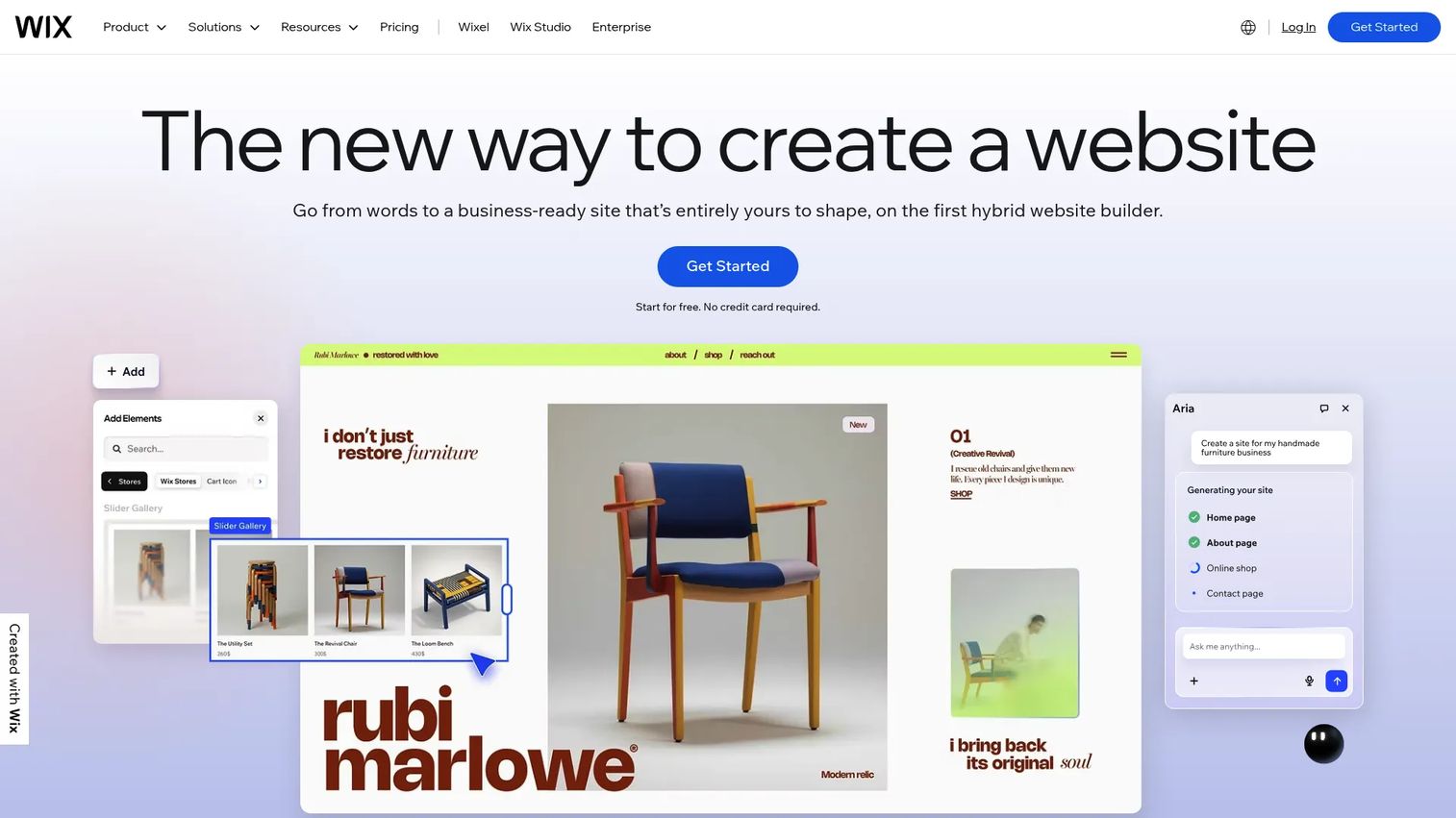
Wix is the website builder most marketers reach for when the brief is "get a good-looking site live, fast." It pairs an AI website builder with a drag-and-drop editor and a deep app marketplace, so you can stand up a marketing site, portfolio, or store without touching code. The platform bundles eCommerce, bookings, and marketing tools, which means fewer separate subscriptions to justify.
Best for: Small businesses, creators, and marketing teams that want an all-in-one website builder with room to grow.
Key strengths
- AI website builder: Answer a few prompts and Wix generates a starting site you refine, cutting blank-page time.
- Drag-and-drop editor: Move any element anywhere on the canvas for pixel-level control without CSS.
- Business tools built in: eCommerce, bookings, and marketing features live inside the same platform.
Marketers like Wix because it collapses the launch timeline. You can spin up a campaign landing page in an afternoon, connect it to your email and analytics stack, and iterate without filing a ticket. That reduced execution dependency is exactly what a lean growth team needs when creative fatigue is high and speed matters more than perfection.
Wix pricing: Wix offers a free plan to start. Paid Premium plans begin at $17.77/mo for the Light tier, then step up through Core at $29.77/mo, Business at $39.77/mo, and Business Elite at $159.77/mo, with annual billing savings indicated on the pricing page. The free tier lets you test the editor before committing budget.
2. Squarespace
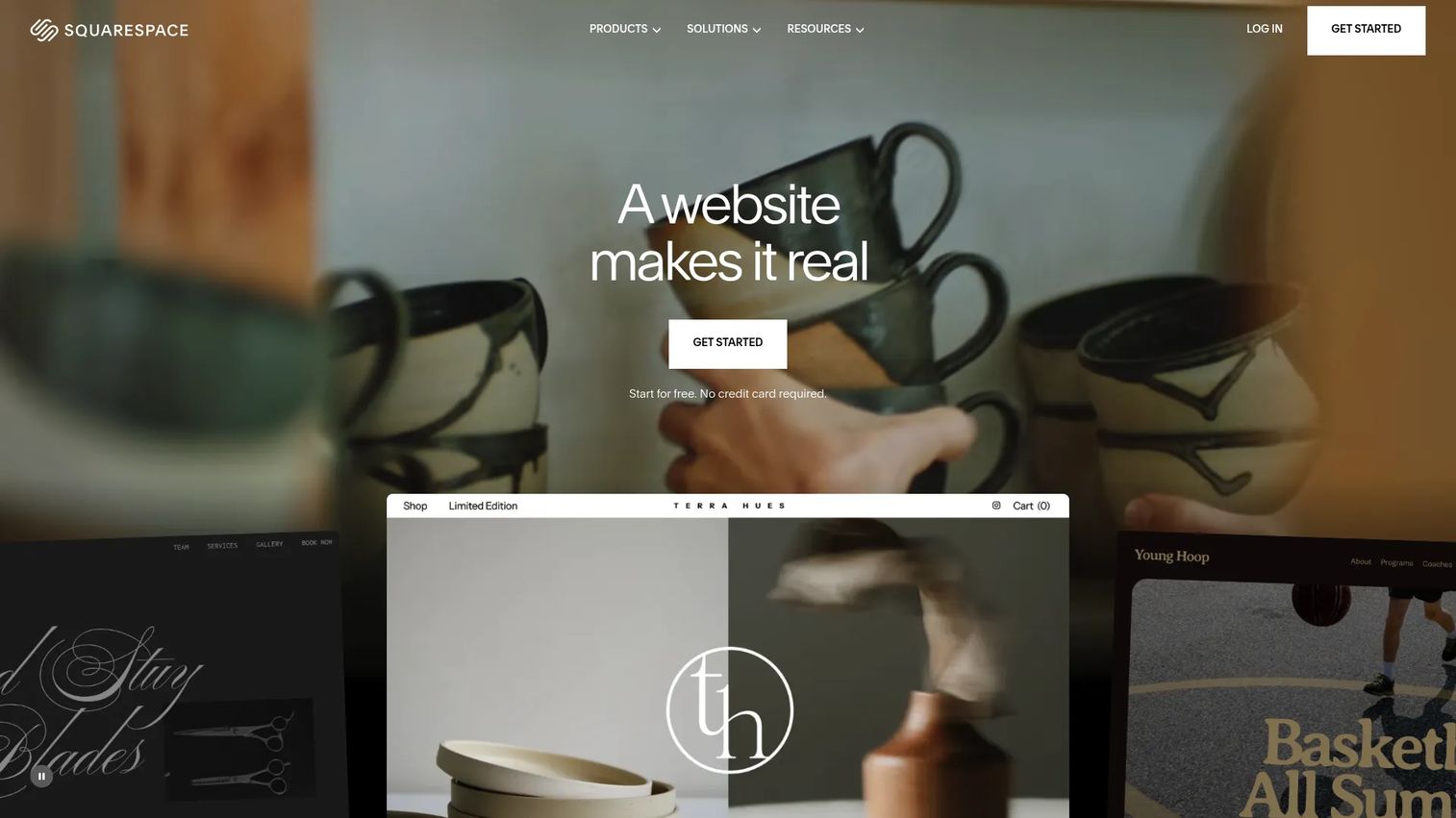
Squarespace is the builder people pick when design polish is non-negotiable. Its templates are award-grade out of the box, and the drag-and-drop editor keeps sites looking sharp even in the hands of a non-designer. Built-in commerce, SEO tools, and mobile-optimized layouts round it into an all-in-one platform for small businesses and creators.
Best for: Small businesses and creators who want a beautiful, brand-forward site without hiring a designer.
Key strengths
- Template quality: Professionally designed starting points that look finished before you edit a word.
- Commerce built in: Payments, subscriptions, invoices, and analytics live inside the platform.
- Mobile-optimized output: Every template adapts cleanly across devices by default.
The tradeoff worth naming honestly: Squarespace favors design consistency over deep structural flexibility. If your priority is a polished marketing site that stays on-brand across every page, that is a feature, not a limit. Teams that need heavy custom functionality tend to outgrow it, but most marketing sites never do.
Squarespace pricing: Squarespace offers a 14-day free trial, then paid monthly or annual subscriptions. Exact tier pricing was not publicly visible in the source we checked, so confirm current figures on the pricing page before you commit. The trial gives you enough runway to build a full site and decide before paying.
3. WordPress
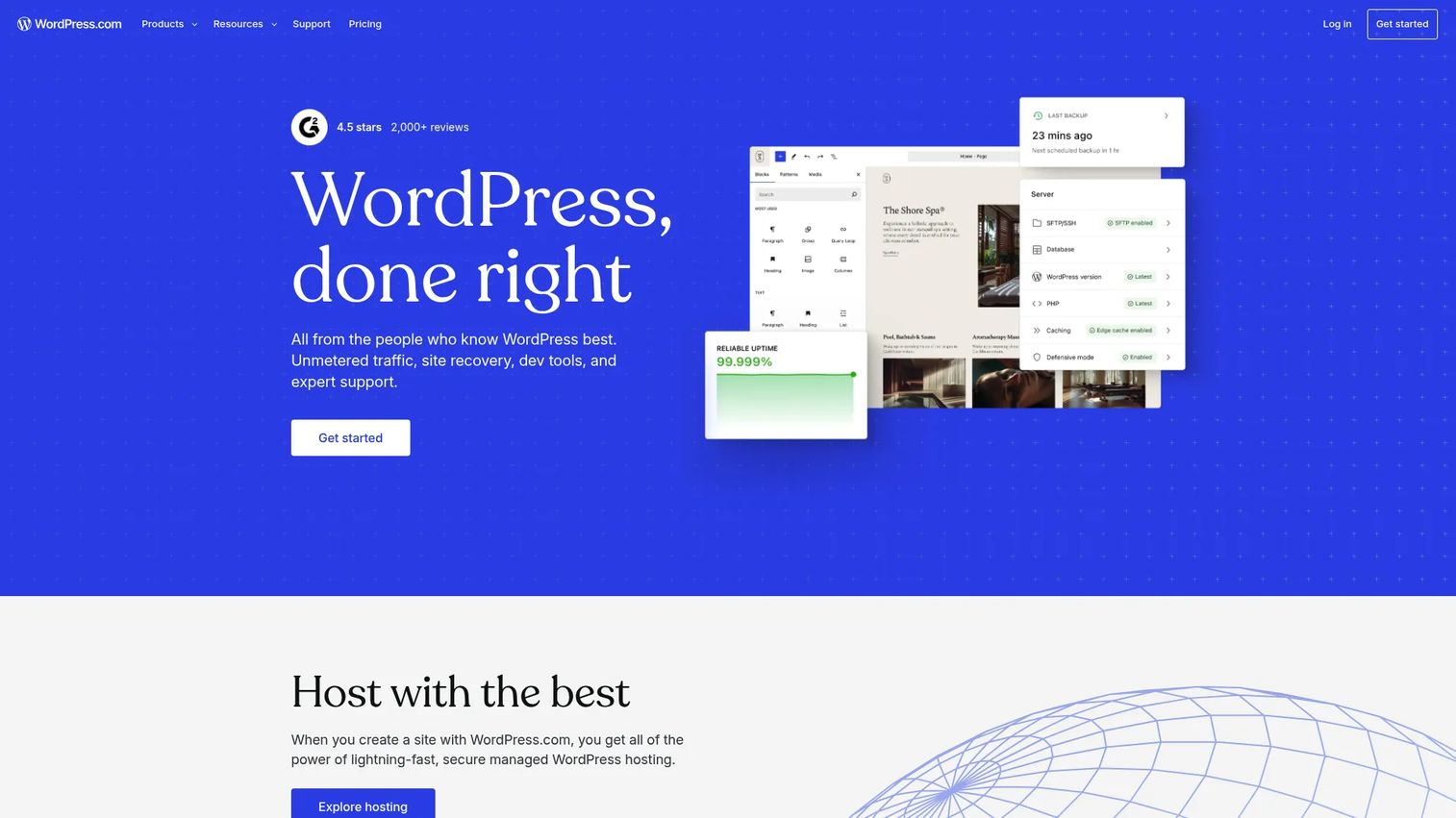
WordPress remains the flexibility default for content-heavy and scaling websites, and it powers a massive share of the web for a reason. It separates content from design, handles large content libraries with ease, and extends through thousands of themes and plugins. If your site is a living operation with a growing blog or resource hub, WordPress bends to fit.
Best for: Teams and individuals who want a managed WordPress site, or full control over a self-hosted one.
Key strengths
- Block editor: Drag-and-drop design tools that make structured content easy to build.
- Themes and plugins: A vast ecosystem for extending design and functionality without custom code.
- Built-in hosting and maintenance: On WordPress.com, hosting, security, backups, and updates are handled for you.
The WordPress.com vs WordPress.org distinction is the decision that trips up most buyers. WordPress.com is the hosted, managed version: you get a site without touching servers, ideal if you want zero maintenance. WordPress.org is the free, self-hosted software you install on your own hosting, giving you full control over plugins, code, and data. Same core software, different levels of ownership and upkeep.
WordPress pricing: WordPress.com starts with a free plan that never expires. Paid plans include Personal at $9/mo, Premium at $18/mo, Business at $40/mo, and Commerce at $70/mo, each billed every 12 months, with Enterprise starting around $25,000 annually. Self-hosted WordPress.org software is free, though you pay separately for hosting and any premium extensions.
4. Webflow
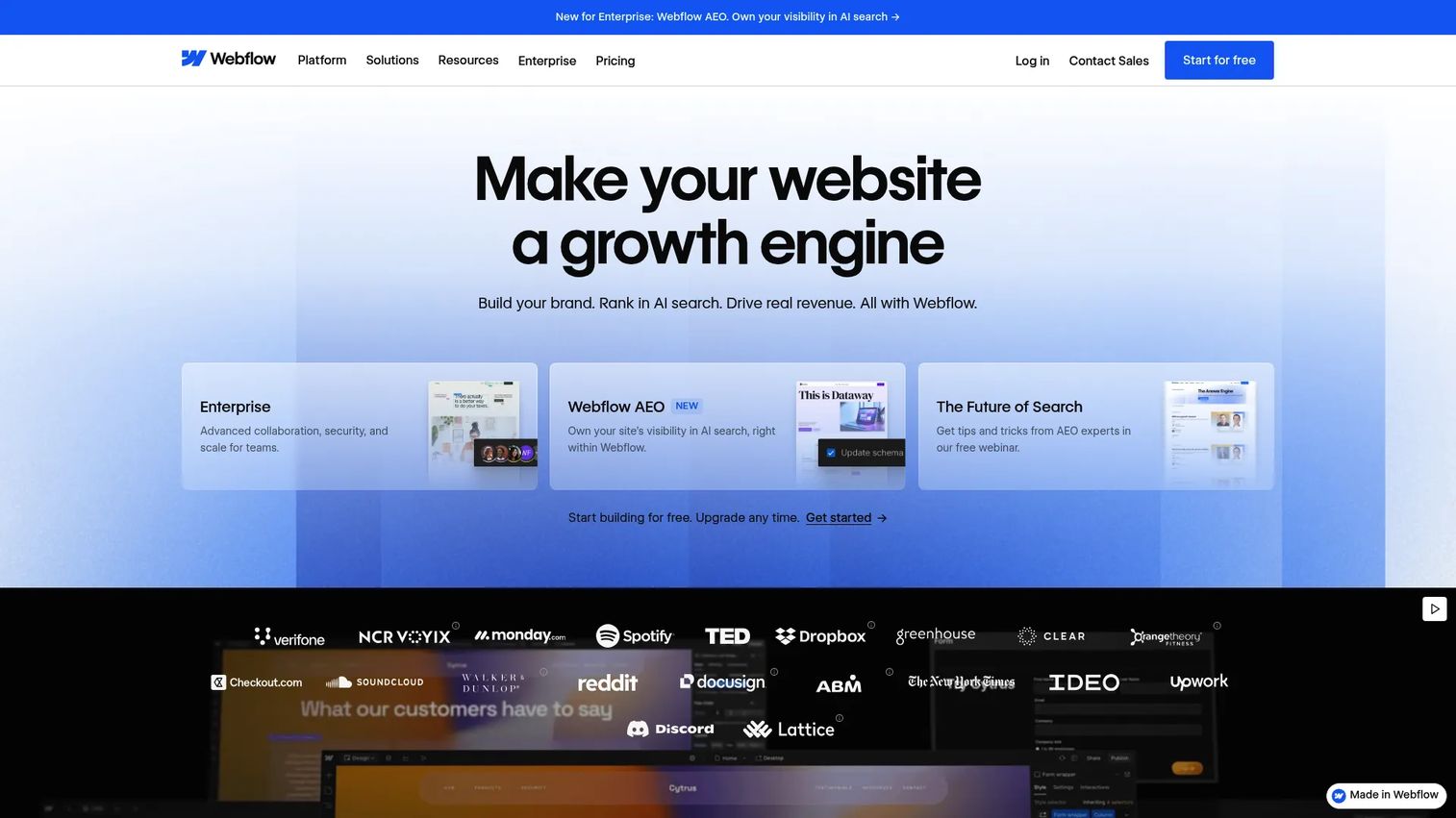
Webflow sits between a builder and a code editor, giving teams visual development power that standard builders cannot match. You design responsively on a canvas that maps directly to clean HTML and CSS, then publish with hosting included. A built-in CMS, real-time editing, and AI content tools make it a genuine platform rather than a simple page maker.
Best for: Teams that want a visual, all-in-one platform for design-led websites and CMS-driven content.
Key strengths
- Visual CMS: Structure content types and edit in real time without touching a database.
- Responsive design control: Fine-grained control over how layouts behave at every breakpoint.
- Hosting and ecommerce built in: Publish and sell from the same platform.
Webflow matters when a standard builder feels too constrained but you do not want to hand everything to engineering. Agencies use it to ship client sites fast, and growth teams use it to own their marketing site without a developer bottleneck. The ramp is real, but the payoff is control that scales.
Webflow pricing: Webflow offers a free Starter plan. Site plans begin at Basic for $15/mo billed yearly, then Premium at $25/mo. Team plans run $2,500/mo with an annual contract, and Enterprise is quote-based. For stores, the Advanced ecommerce plan is $212/mo billed yearly.
5. Framer
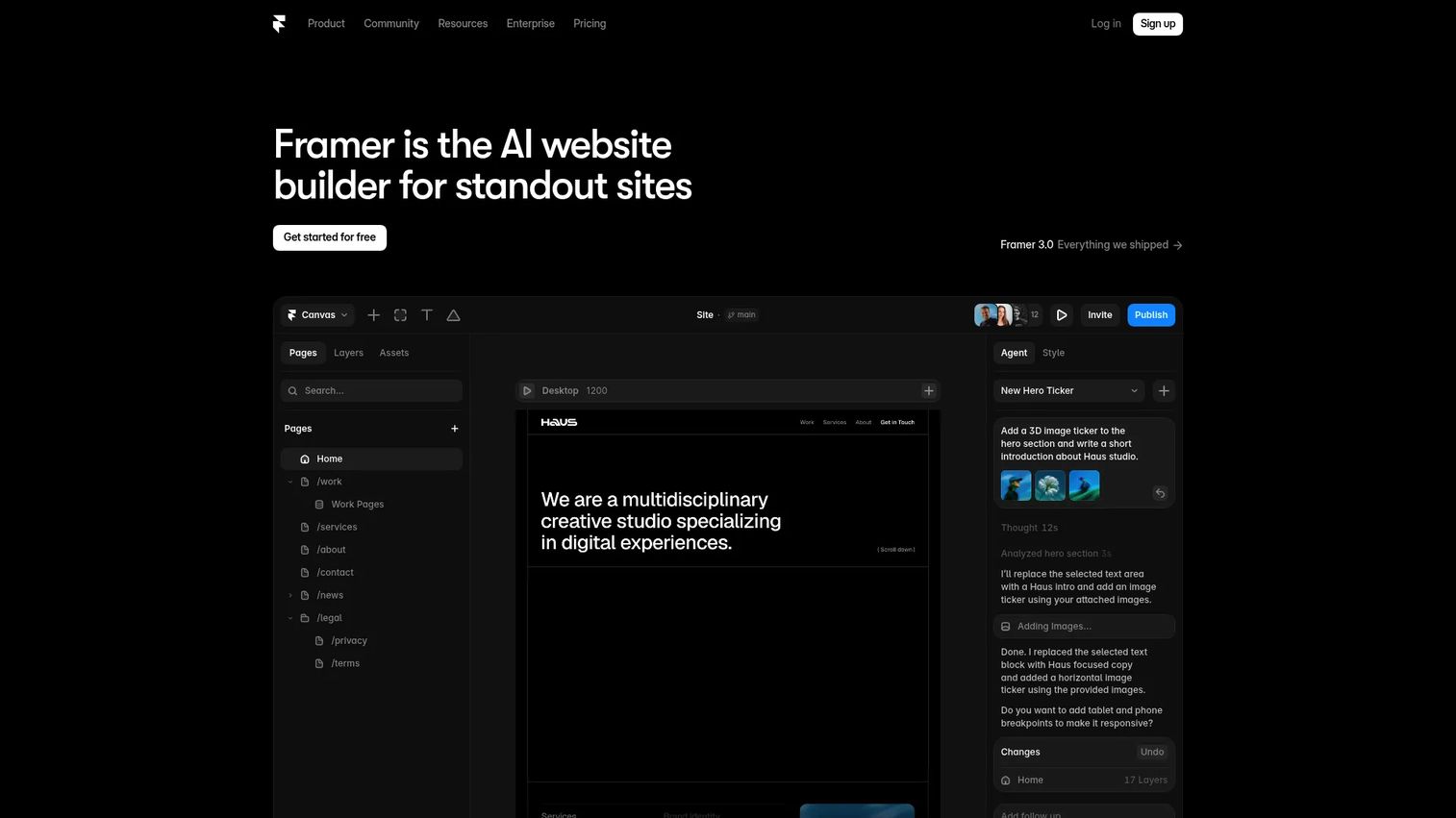
Framer is where design-forward teams turn prototypes into live, high-performance sites without coding. It feels like a design tool that happens to publish, which makes it a favorite for lean teams shipping marketing pages at speed. Pre-rendering, image optimization, and SEO features mean the sites you publish load fast and rank well.
Best for: Teams and individuals building and publishing high-performance marketing sites.
Key strengths
- Design-to-publish workflow: Design in a familiar canvas and go live without a separate build step.
- CMS collections: Manage structured content, pages, and localization as your site grows.
- Performance features: Pre-rendering, image optimization, and SEO tooling baked in.
Framer stands out for high-velocity landing pages. If your growth motion depends on shipping new campaign pages weekly, its design-first speed removes the friction between concept and live URL. Lean teams without dedicated engineering get a tool that respects both design quality and load times.
Framer pricing: Framer has a free plan to start. Paid plans include Basic at $10/mo and Pro at $30/mo, with Enterprise available at custom pricing. The free tier is enough to design and test a small site before you scale up.
6. Weebly
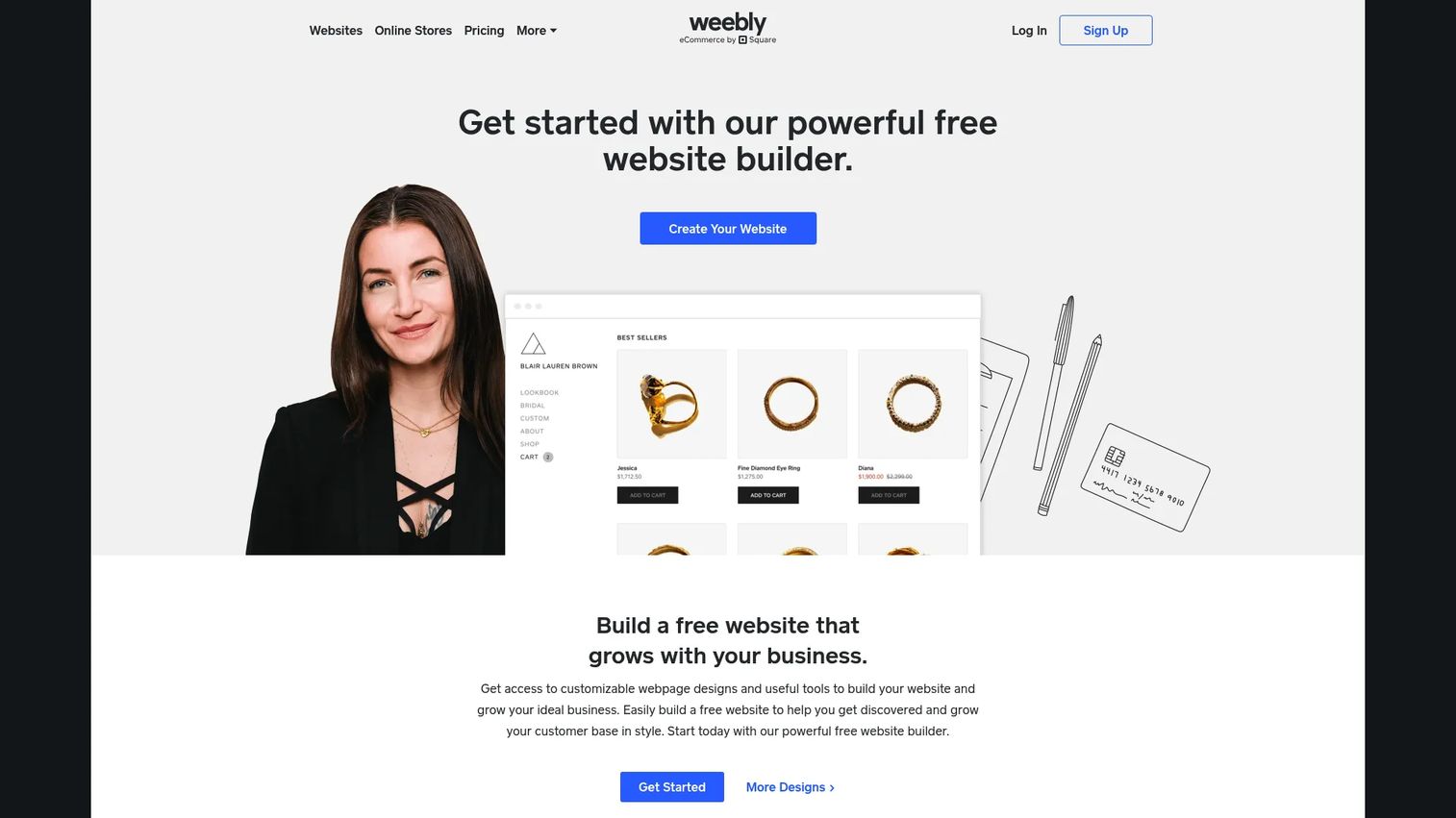
Weebly earns its place on this list by keeping things genuinely simple. It is a drag-and-drop website builder aimed at small businesses and beginners who want a site up without a learning curve. Responsive themes and integrated ecommerce mean you can sell a few products or run a simple storefront alongside your main pages.
Best for: Small businesses that want a simple drag-and-drop site builder with built-in ecommerce.
Key strengths
- Drag-and-drop editor: Straightforward building with minimal setup or ramp.
- Responsive themes: Sites that look right on mobile without extra work.
- Integrated ecommerce: Sell products directly from your Weebly site.
Weebly is the budget-conscious pick for teams that value simplicity over advanced customization. If you are launching a first business site, a local service page, or a lightweight store and do not want to learn a complex tool, it gets you there. The gentle learning curve is exactly the point.
Weebly pricing: Weebly offers a free plan at $0/mo. Paid tiers include Personal at $13/mo, Professional at $15/mo, and Performance at $32/mo, each billed annually, with slightly higher month-to-month rates. The free plan lets you build and publish before deciding whether to upgrade.
7. Figma
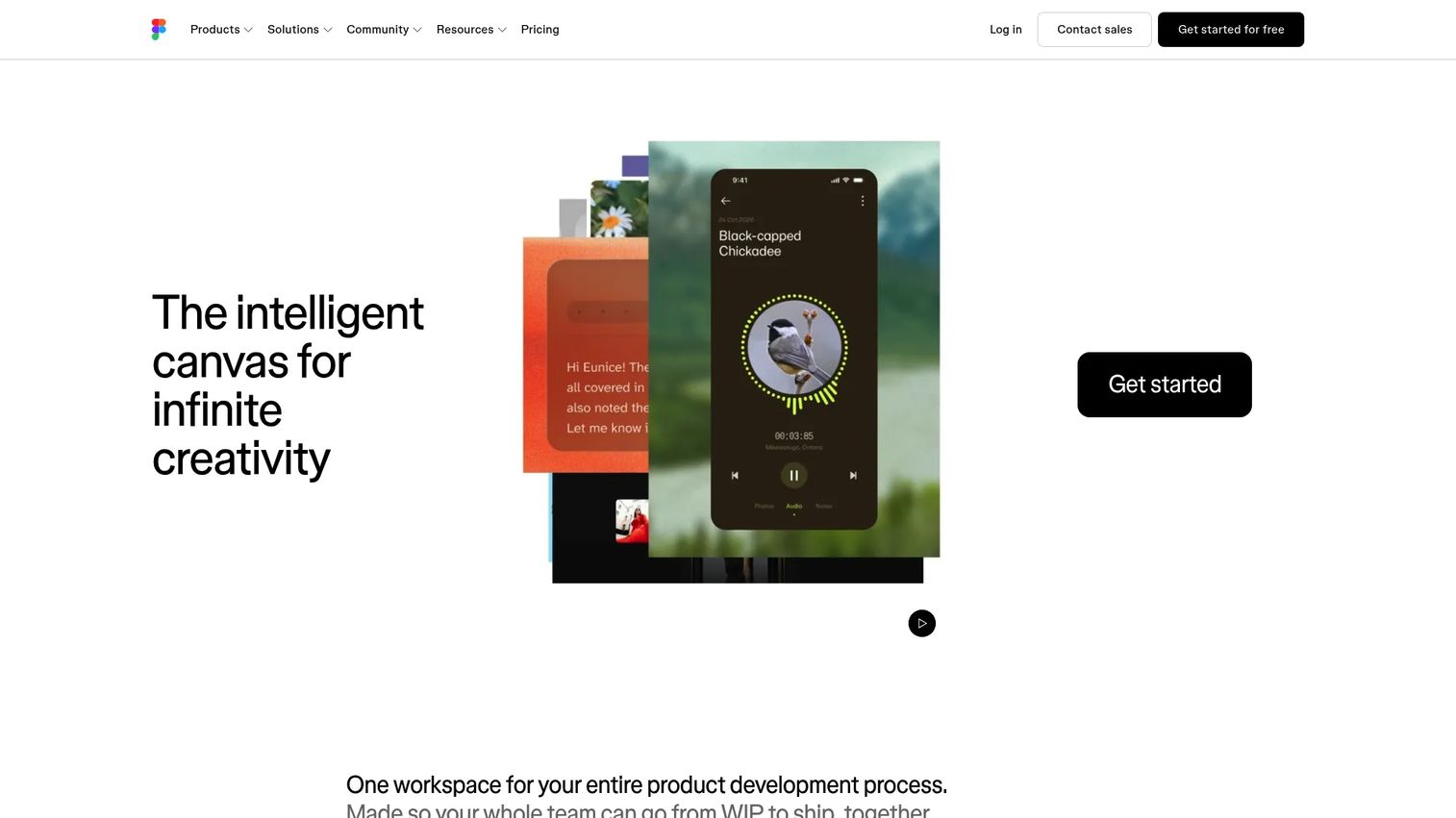
Figma is not a publishing platform, and that is exactly why it belongs here. It is where web design starts: wireframing, prototyping, and aligning stakeholders before anyone builds a live page. For teams that treat design as a distinct phase, Figma is the collaborative canvas where the site takes shape and gets approved.
Best for: Product and design teams building UI and UX collaboratively before handoff.
Key strengths
- Real-time collaboration: Multiple people design, comment, and iterate in the same file at once.
- Prototyping and handoff: Turn static frames into clickable prototypes and hand clean specs to developers.
- AI and design features: Speed up early design work with built-in AI assistance.
Figma fits the wireframing, prototyping, and handoff stage of the workflow. You design and prototype in Figma, gather feedback, then rebuild the approved design in a builder or CMS from this list to go live. For product teams and designers, it is the source of truth before the build. It is a design tool, not a website publisher, and pairing it with a builder gives you the full design-to-live pipeline.
Figma pricing: Figma has a free Starter plan. Paid plans include Professional at $16/mo, Organization at $55/mo billed annually, and Enterprise at $90/mo billed annually. Seat types vary by plan, so check which seat you need before budgeting.
8. Adobe Dreamweaver
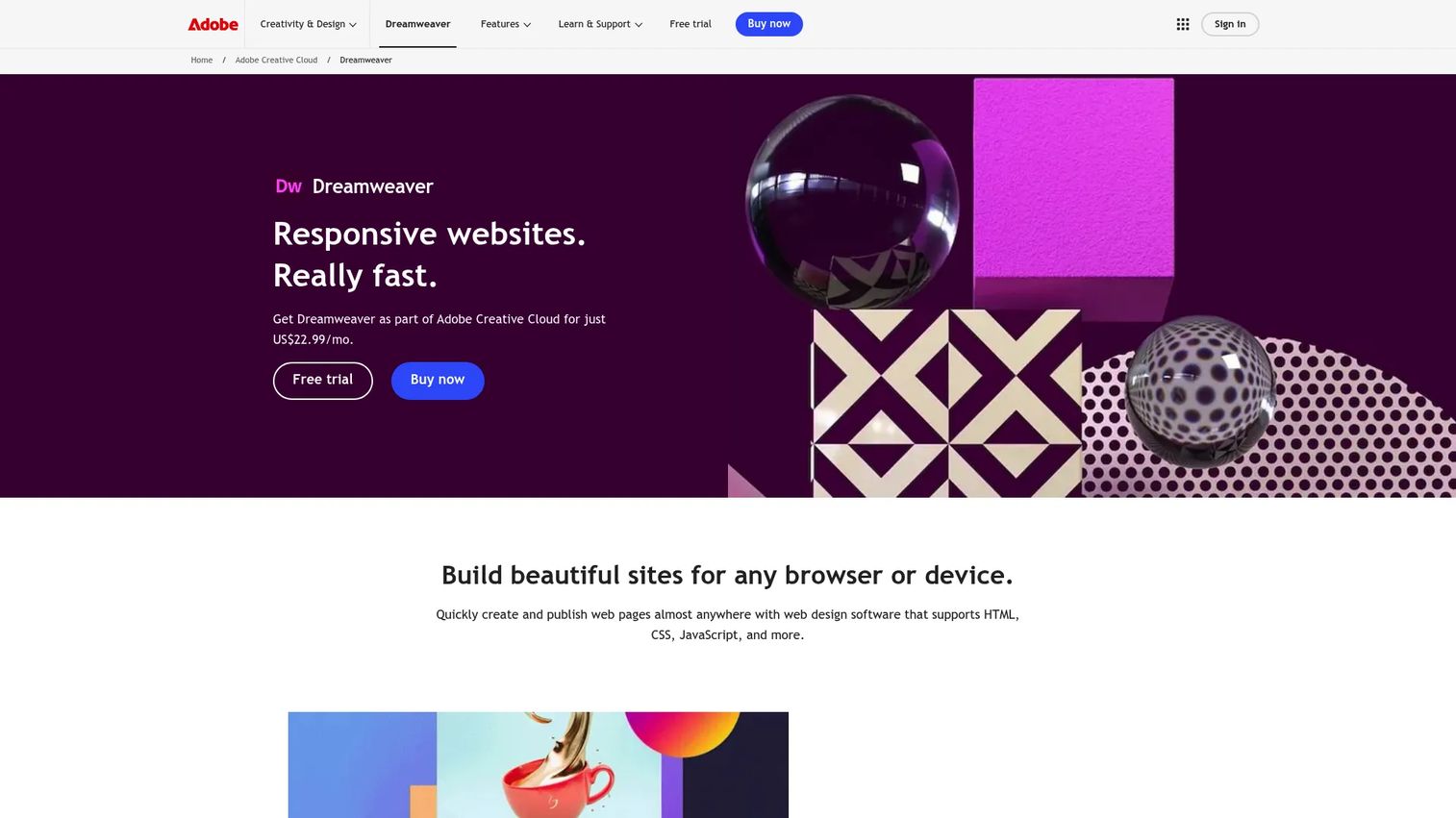
Adobe Dreamweaver is the code-aware editor for designers and front-end developers who want visual editing plus direct control over the underlying code. It has anchored traditional web design workflows for years, and it still suits people who write and maintain hand-coded sites rather than builder-generated ones. Live View editing lets you see changes as you make them.
Best for: Designers and front-end developers who want visual editing plus direct code control.
Key strengths
- HTML, CSS, and JavaScript support: Work directly in code with full language support.
- Live View editing: See your changes render in real time as you edit.
- Git support: Manage version control inside the editor.
Dreamweaver is different from modern no-code builders by design. Where Wix or Weebly abstract the code away, Dreamweaver puts it front and center for people who want that control. It still benefits developers maintaining legacy sites or building custom pages where hand-written markup matters more than drag-and-drop speed.
Adobe Dreamweaver pricing: Dreamweaver is sold as a single app at US$22.99/mo. It is also available inside broader Creative Cloud plans, with student and teacher pricing at US$19.99/mo and business licenses at US$99.99/mo per license. There is no free tier, though Adobe typically offers trial access.
9. Shopify

Shopify belongs in a web design software roundup because designing a storefront is web design, just with selling built into every page. It gives you themes, templates, and a store builder alongside checkout, payments, and order management. If the site you are building exists primarily to sell products, Shopify designs the storefront and runs the commerce underneath it.
Best for: Businesses that need an all-in-one ecommerce and retail commerce platform.
Key strengths
- Online store builder: Themes and templates purpose-built for product merchandising.
- Checkout and payments: Built-in checkout, payments, and order management.
- Multichannel selling: Sell across social, marketplaces, AI chats, and in-person POS.
Shopify earns a place over a pure ecommerce article when your web design brief is really a storefront brief. The design tools are tuned for conversion: product pages, collections, and checkout flows that move buyers to purchase. For teams whose website is their store, this is the platform that treats design and selling as one job.
Shopify pricing: Shopify plans start at Basic for $29/mo billed yearly, then Grow at $79/mo and Advanced at $299/mo. The Plus plan starts from $2,300/mo. There is no permanent free plan, but Shopify offers 3 days free, then $1/month for the first three months.
Considerations before you choose
Before you commit budget, run each shortlisted tool through these criteria. The right pick depends on which of these matters most for your situation.
Ease of use vs control
Builders like Wix, Squarespace, and Weebly minimize the ramp so you publish fast. Tools like Webflow and Dreamweaver trade some of that immediacy for deeper control. Be honest about which you actually need. Most marketing teams overvalue control they will never use, then fight a steeper learning curve for no payoff.
Pricing and upgrade pressure
Entry prices are rarely the real price. Watch for the features gated behind higher tiers, especially ecommerce, custom domains, and analytics. Map your must-haves to the tier that includes them, then compare that number across tools. A cheap starting plan that forces an upgrade within a month is not cheap.
CMS and content scalability
If your site will grow past a few dozen pages, prioritize CMS flexibility now. WordPress, Webflow, and Shopify handle structured content and large libraries in ways a simple builder was not designed to. Retrofitting a CMS later is painful, so factor in where the site will be in two years.
Ecommerce needs
Selling changes the calculation. Shopify is purpose-built for it, while Wix, Squarespace, and Weebly bundle lighter commerce for simpler catalogs. Match the depth of your product operation to the platform, not the other way around.
Team workflow and collaboration
If multiple people touch the site, collaboration and version history stop being nice-to-haves. Figma excels at collaborative design, Webflow at team-based building. Consider who edits, who approves, and how you avoid overwriting each other's work.
Conclusion
The best web design software is the one that matches your job, not the one with the longest feature list. If you are a marketer who needs speed and flexibility, Wix gets you live fast with room to grow. Beginners are well served by Weebly and Squarespace. Teams that want real design control should look at Webflow and Framer. Content-heavy and scaling sites belong on WordPress, and the WordPress.com vs WordPress.org choice comes down to how much maintenance you want to own.
For pure design and handoff, Figma is where the work starts before publishing. And if your website exists to sell, Shopify designs the storefront and runs the commerce in one place.
Start by naming what you are actually building: a marketing site, a content site, or a storefront. That single decision narrows nine options to two or three. Then use the free plans and trials to test the workflow before you commit budget. The tool that feels right in an afternoon of building is usually the right one.
For teams also weighing design and build automation, guides on AI design tools, AI app builder software, and the best AI code generation tools are worth a read alongside this one.
FAQs
Weebly and Squarespace are the strongest picks for beginners. Both use drag-and-drop editors with minimal setup, and both produce polished, responsive sites without any coding. Wix is a close third, especially its AI website builder, which generates a starting site from a few prompts.
It depends on your site. WordPress offers more flexibility and scales better for content-heavy sites, but a website builder like Wix or Squarespace is faster to launch and easier to maintain. If you want maximum control and plan to grow, WordPress wins. If you want speed and simplicity, a builder is the better fit.
WordPress.com is the hosted, managed version: hosting, security, backups, and updates are handled for you, so you never touch a server. WordPress.org is the free, self-hosted software you install on your own hosting, giving you full control over plugins, code, and data. Same core software, different levels of ownership and maintenance.
Shopify is the strongest choice for ecommerce, with a store builder, checkout, payments, and multichannel selling built in. Wix, Squarespace, and Weebly all offer lighter ecommerce that suits smaller catalogs. If selling is the primary job of your site, Shopify is purpose-built for it.
No. No-code website builders like Wix, Squarespace, Weebly, and Framer require zero coding, and even WordPress and Webflow can run entirely on visual tools. Coding skills only become relevant with a code-aware editor like Adobe Dreamweaver or when you want deep custom functionality.
Wix and Framer are strong picks for marketing teams that ship pages fast without engineering. Webflow suits teams that want more design control and a built-in CMS. All three reduce the execution dependency that usually stalls campaign launches, letting marketers publish and iterate on their own.
Yes, for design, wireframing, and prototyping. Figma is where you design and align on a site before it gets built, but it does not publish live websites on its own. Most teams design in Figma, then rebuild the approved design in a builder or CMS like Webflow or WordPress to go live.
Look past the entry price to what is gated behind higher tiers, especially ecommerce, custom domains, and analytics. Check whether pricing is monthly or annual, and whether a free plan or trial lets you test before paying. Map your must-have features to the specific tier that includes them, then compare that real number across tools.