



Your discovery notes live in one doc. The interview recordings sit in a shared drive nobody remembers the path to. Deadlines float in a spreadsheet, and the "final" competitive analysis has three versions with the same name.
Then a stakeholder asks where the research on the last release landed, and you spend twenty minutes reconstructing it.
Research work breaks the same way onboarding does: Not because people stop caring, but because the system is spread across too many surfaces. The global software market reached USD 730.7 billion in 2024, according to Grand View Research, and a real share of that spend is teams buying tools to stop losing their own work. Research organization software exists to keep tasks, sources, notes, and handoffs in one place instead of five.
The problem is picking a tool that fits how your team actually works, not one that becomes another abandoned tab.
What's inside
This guide is for product managers, research ops leads, and anyone who runs discovery or competitive research and needs one system to hold it together. It compares seven research management software tools by the factors that decide whether a tool sticks.
We chose tools that cover the full research workflow, not single-purpose note apps. Selection criteria:
- Workflow fit: Handles solo work, small-team projects, and multi-stakeholder research
- Collaboration: Shared editing, permissions, comments, and clean handoffs
- Integrations: Connects to docs, calendars, storage, and the rest of your stack
- Budget and maintainability: Pricing that scales without the tool rotting into a mess
TL;DR
- Best for flexible research organization: Notion, for teams that want databases, notes, and a wiki in one workspace.
- Best for simple visual tracking: Trello, when a Kanban board covers the whole project.
- Best for team coordination: Asana, for cross-functional research with dependencies and timelines.
- Best for all-in-one control: ClickUp, when you want docs, tasks, and dashboards in a single tool.
- Best for visual planning at scale: Monday.com, for teams that plan and report off customizable boards.
- Best for structured workflows: Wrike, for review cycles and reporting-heavy research.
- Best for budget-conscious teams: Zoho Projects, especially inside the Zoho stack.
What is research organization software?
Research organization software is a system that keeps research tasks, sources, notes, deadlines, and collaboration in one connected workflow instead of scattered across docs, boards, and inboxes.
For a product manager, that means discovery interviews, competitive teardowns, survey data, and the decisions that came out of them all live somewhere you can find later. It is research management software with a coordination layer on top, so the work survives a handoff and a stakeholder question six months out.
Most tools in this category share a core set of capabilities. Core features to expect:
- Task tracking: Assign owners, set statuses, and move work through stages
- Note and source organization: Store interview notes, links, files, and citations
- Collaboration: Shared editing, comments, mentions, and permissions
- Deadlines and milestones: Timelines, due dates, and dependencies
- Reporting: Dashboards that show progress and where work is stuck
- Integrations: Connections to docs, calendars, storage, and analytics
The category overlaps heavily with project management for researchers. The difference is intent: A generic task board tracks work, while a research organizer also holds the artifacts, the interviews, the sources, and the reasoning, next to the tasks that produced them. Research workflow management is the practice of keeping those two things in sync as a project moves from question to finding to decision. The best research planning tools reduce operational overhead rather than adding a system someone has to babysit through every release and reorg.
When to use research organization software
Keep multi-source research from splintering
A folder system works until research pulls from interviews, surveys, analytics, and competitor pages at once. Then you cannot see how a finding connects to a source or a decision. A dedicated research organizer links notes, sources, and tasks so nothing gets orphaned. Reach for one when your "research folder" stops answering questions.
Coordinate research work across a team
Solo research fits in a doc. Team research does not. Once a designer, an analyst, and two PMs touch the same project, you need shared visibility, clear ownership, and handoff tracking. Collaboration tools for researchers show who is doing what and what is blocked, without a status meeting.
Manage deadlines, approvals, and handoffs
Research that feeds a launch runs on dates and sign-offs. When a finding has to clear review before it informs a roadmap call, you need milestones, dependencies, and approvals in the tool. This is where project management for researchers earns its place: The deadline and the artifact live together, so nothing waits in someone's inbox.
Best research organization software for 2026: Comparison
Here is how the seven tools compare on fit, differentiation, entry pricing, and G2 rating. Prices reflect each vendor's current pricing page. Ratings come from each tool's live G2 listing.
| # | Product | Best for | Key differentiator | Pricing | G2 rating |
|---|---|---|---|---|---|
| 1 | Notion | Flexible research organization | Databases plus wiki plus notes in one workspace | Free plan; paid plans published on site | 4.6/5 |
| 2 | Trello | Simple visual tracking | Kanban boards, lists, and cards | Free; Standard from $5/user/mo billed annually | 4.4/5 |
| 3 | Asana | Team coordination | Dependencies, timelines, and Gantt views | Free; Starter from $10.99/user/mo billed annually | 4.4/5 |
| 4 | ClickUp | All-in-one control | Tasks, docs, and dashboards combined | Free; Unlimited from $7/user/mo billed yearly | 4.6/5 |
| 5 | Monday.com | Visual planning at scale | Customizable boards with automations | Free up to 2 seats; paid tiers per seat | 4.7/5 |
| 6 | Wrike | Structured workflows | Review cycles, Gantt charts, and reporting | Free; Team from $10/user/mo | 4.2/5 |
| 7 | Zoho Projects | Budget-conscious teams | Zoho ecosystem fit with time tracking | Free; Premium from $4/user/mo billed annually | 4.3/5 |
1. Notion
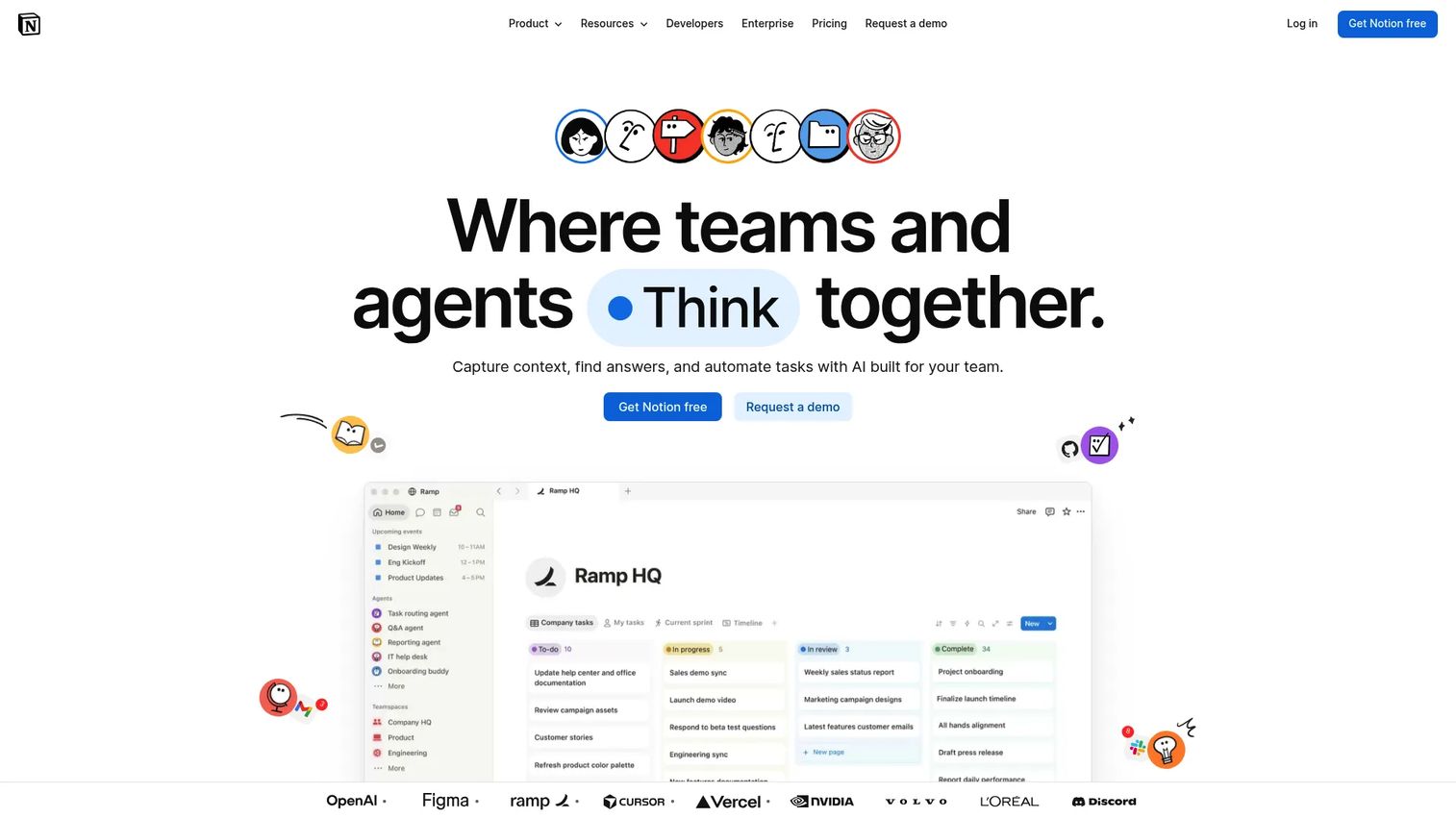
Notion is an all-in-one workspace for notes, docs, wikis, tasks, and databases. For research, that combination is the point: You can build a database of interviews, link each entry to source notes, and wrap the whole thing in a wiki your team actually reads. It fits mixed research and documentation-heavy work where the artifacts matter as much as the tasks.
Best for: PMs and research teams who want to shape their own research organization system rather than adopt a fixed structure.
Key features
- Notes and docs in a single editor
- Databases for interviews, sources, and findings
- Wiki-style knowledge management
- Custom views: Table, board, calendar
- Lightweight task tracking and assignments
Why choose Notion: Pick it when flexibility beats prescription and you want research notes, sources, and tasks in one place. The trade-off is that a blank Notion can drift into clutter without a deliberate structure and an owner.
Notion pricing: Notion offers a free plan for individuals and small teams, with paid tiers published on its pricing page for teams that need more collaboration and controls. Check the current page for exact figures before you commit.
Notion holds a 4.6 out of 5 rating on G2 based on 13,766 reviews, reflecting strong reviewer approval.
2. Trello
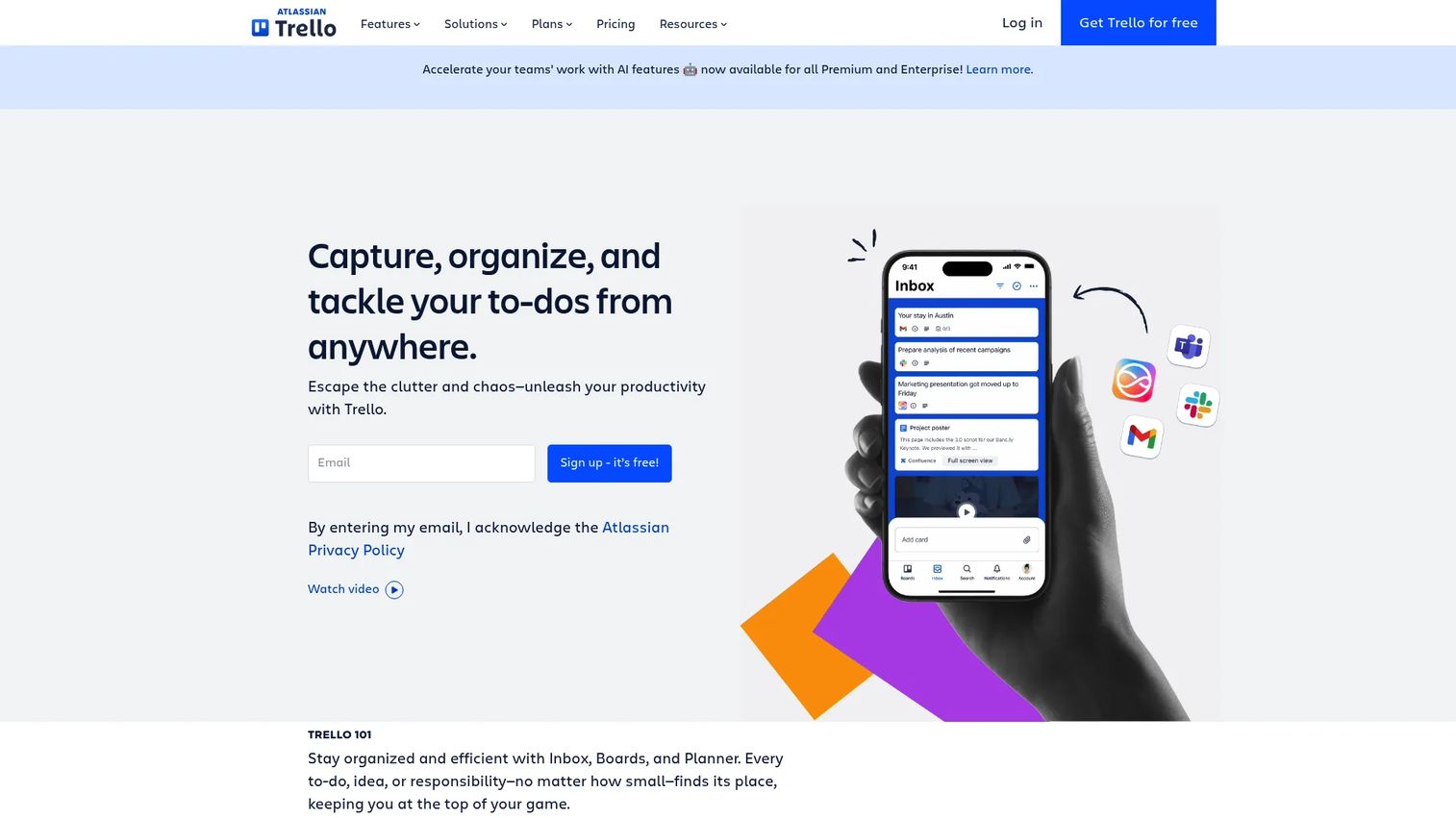
Trello is a visual collaboration tool built on boards, lists, and cards. For research, it shines when a single Kanban board captures the whole project: "to interview," "in analysis," "synthesized," "shared." It stays out of your way, which is exactly why smaller research efforts adopt it fast.
Best for: Solo researchers and small teams who want a simple visual system without setup overhead.
Key features
- Boards, lists, and cards for task tracking
- Views: Calendar, Timeline, Table, Dashboard
- Automation with built-in rules
- Custom fields and Power-Ups
- Admin and security controls
Why choose Trello: Choose it when the research workflow is linear and a board covers it. The limit shows up on complex, multi-stakeholder projects where dependencies and reporting matter more than card movement.
Trello pricing: Trello has a free plan. Standard runs $5 per user per month billed annually ($6 monthly), Premium is $10 per user per month billed annually ($12.50 monthly), and Enterprise is $17.50 per user per month billed annually.
Trello holds a 4.4 out of 5 rating on G2, reflecting steady reviewer approval for its simplicity.
3. Asana
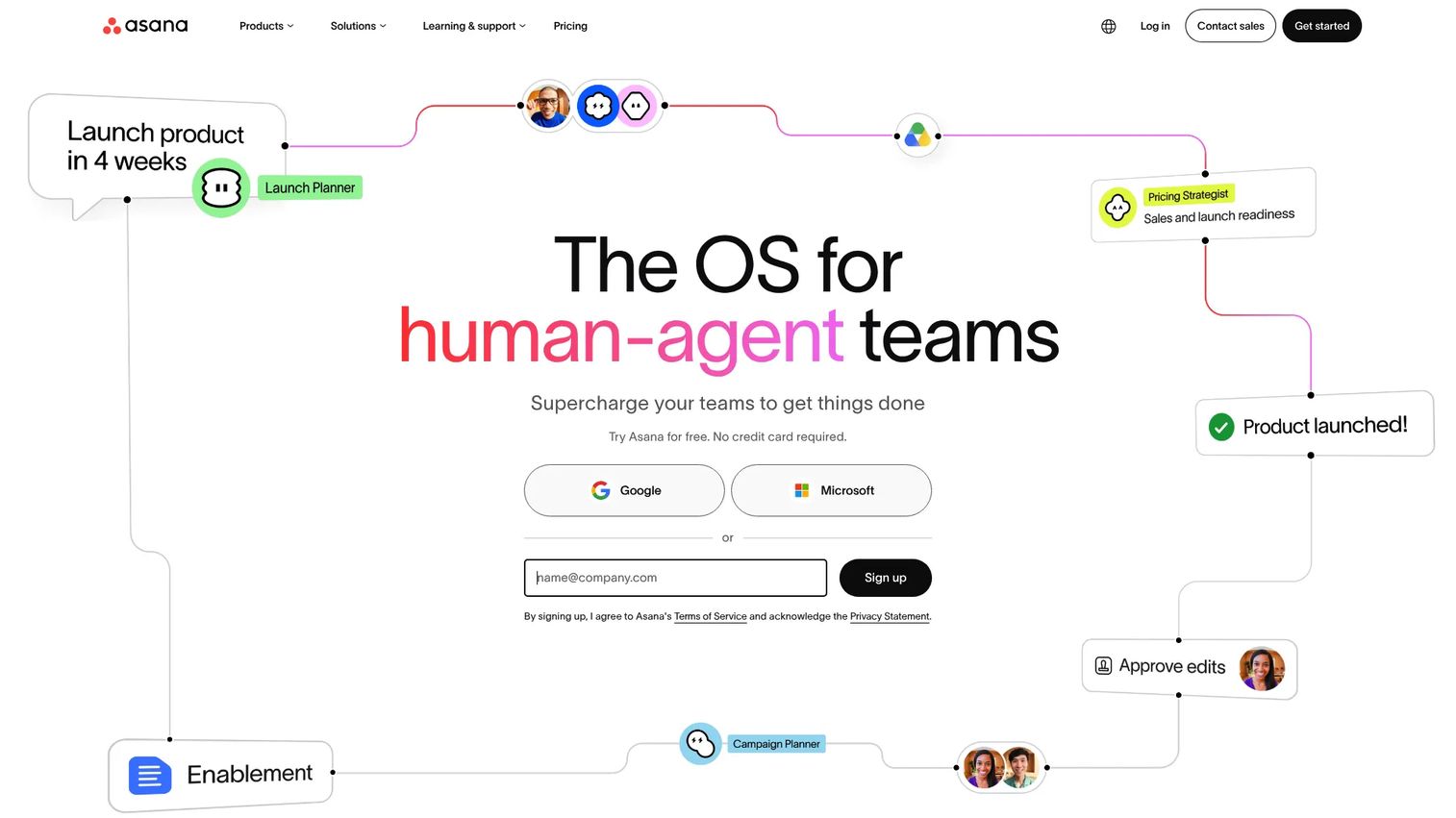
Asana is work management software built for teams that need project visibility and clear ownership. For research that feeds a launch, its dependencies and timelines keep a study on schedule and show what is blocking synthesis. This is where cross-functional coordination gets real, with design, data, and product moving in one plan.
Best for: Teams running collaborative research where handoffs, timelines, and reporting drive the work.
Key features
- Tasks and projects with clear ownership
- Views: List, timeline, Gantt, Kanban
- Goals and progress reporting
- Workflows and automation
- Built-in AI features
Why choose Asana: Reach for it when multiple people own pieces of a research project and you need to see dependencies. It carries more structure than a board, which is overhead for a solo researcher but a benefit for a team.
Asana pricing: Asana's Personal plan is free. Starter costs $10.99 per user per month billed annually ($13.49 monthly), Advanced is $24.99 per user per month billed annually, and Enterprise is contact sales.
Asana earns a 4.4 out of 5 on G2, with reviewers pointing to its planning depth.
4. ClickUp
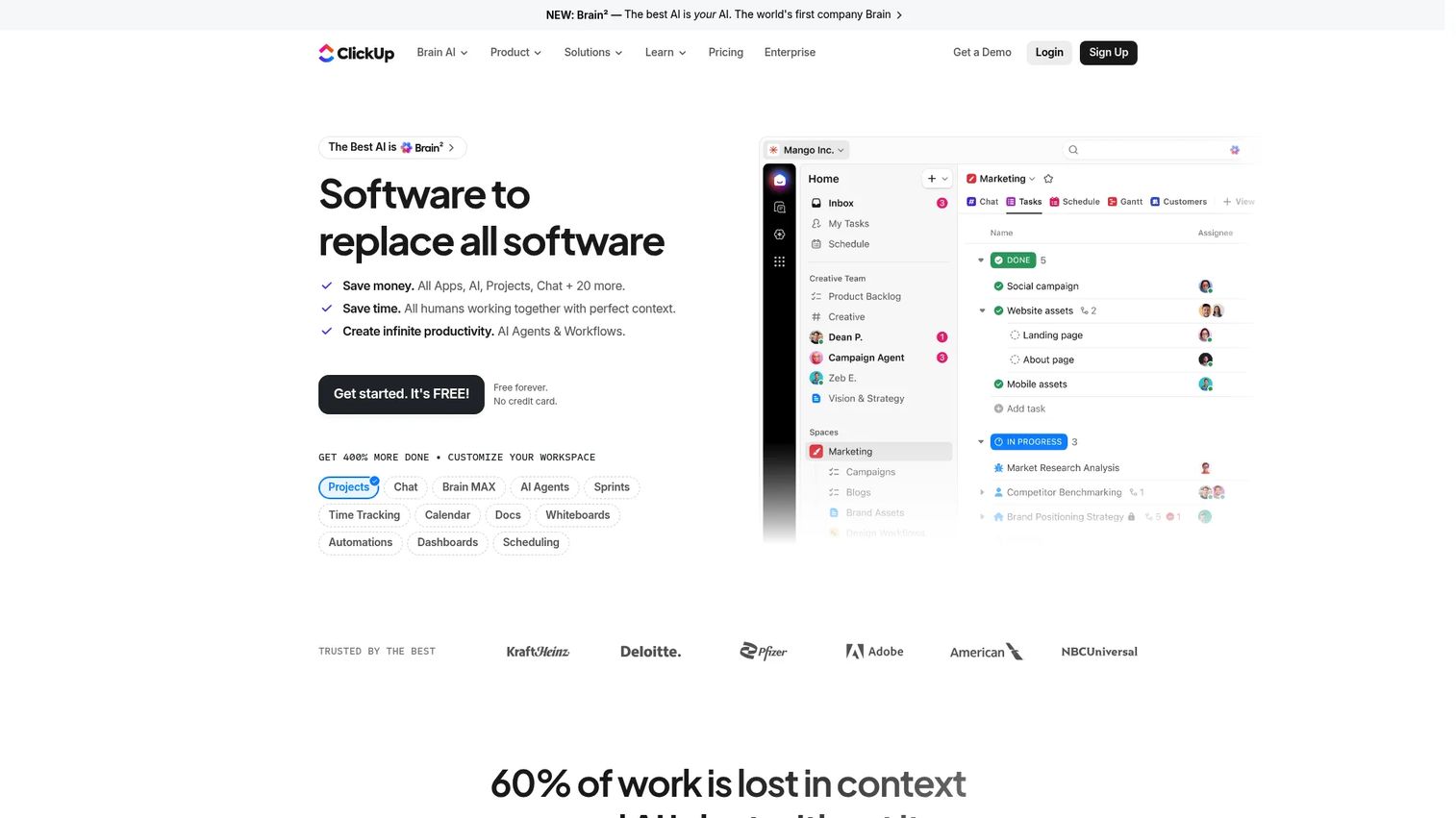
ClickUp is an all-in-one work management platform that folds tasks, docs, chat, and dashboards into one place. For research teams, that means the interview notes, the synthesis doc, and the task board do not require three tools. Heavy customization lets you model a research workflow the way you run it.
Best for: Teams that want to consolidate research documentation and project tracking into a single platform.
Key features
- Tasks and project management
- Docs, wikis, and knowledge management
- Dashboards and reporting
- Automations across workflows
- Built-in AI and chat
Why choose ClickUp: Pick it when you are tired of stitching a doc tool to a task tool and want both together. The customization that makes it powerful can also mean a steeper setup before the workspace feels clean.
ClickUp pricing: ClickUp has a Free Forever plan. Unlimited is $7 per user per month billed yearly, Business is $12 per user per month billed yearly, and Enterprise is custom pricing.
ClickUp holds a 4.6 out of 5 on G2, the highest listed rating in this roundup.
5. Monday.com
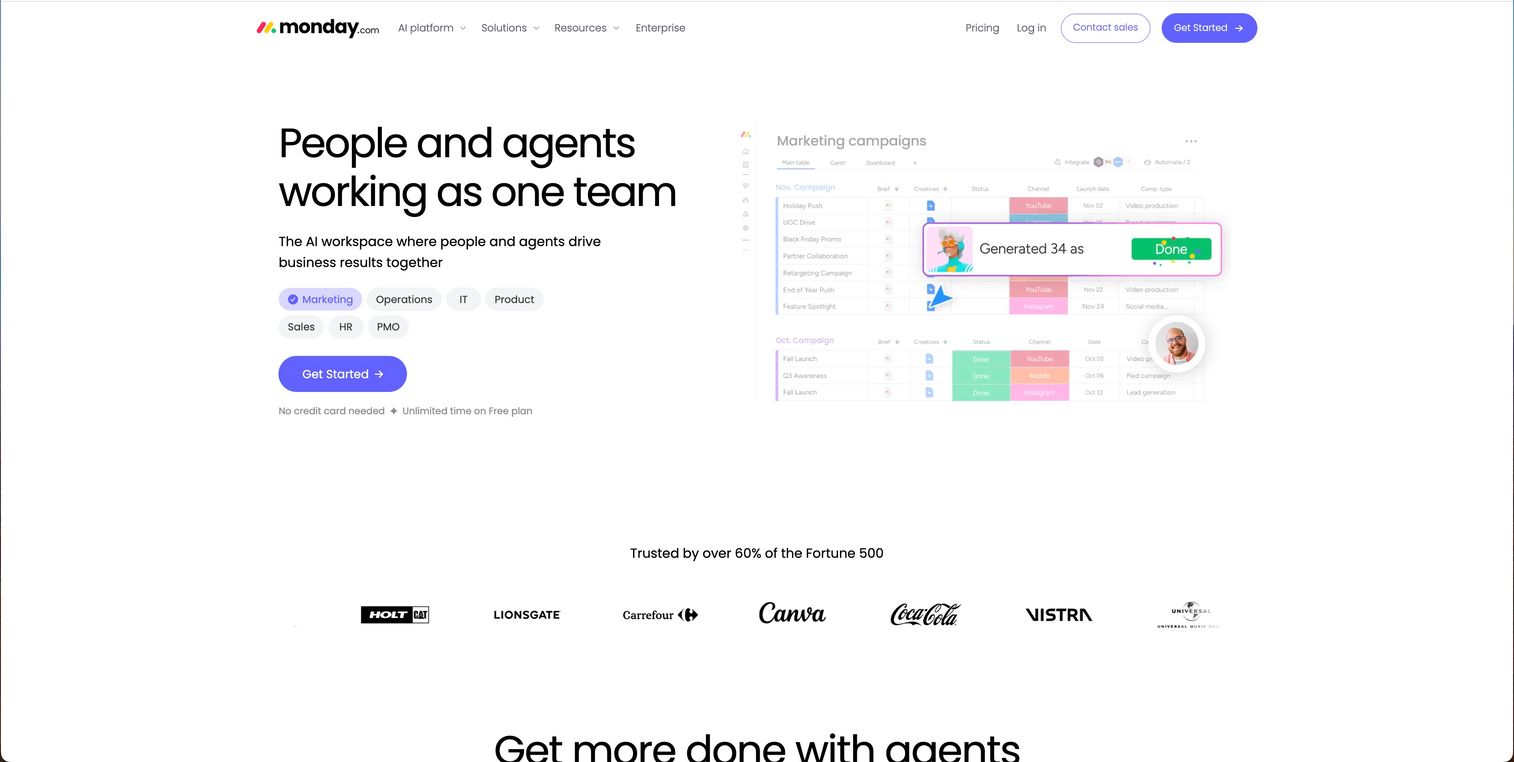
Monday.com is a work management platform built around visual, customizable boards. For research planning, its boards and dashboards make progress legible at a glance, which helps when you present research status to stakeholders who never open the tool. Automations cut the manual status updates that eat a PM's week.
Best for: Teams that plan, coordinate, and report research off flexible visual boards.
Key features
- Boards and dashboards
- Automations for repetitive updates
- Integrations with common tools
- Docs and Kanban views
- Configurable columns and statuses
Why choose Monday.com: Choose it when visual planning and reporting are how your team communicates research progress. The flexibility is a strength, though heavy configuration takes time to get right and keep tidy.
Monday.com pricing: Free plan available for up to 2 seats. Paid tiers, Basic, Standard, and Pro, are priced per seat with an annual discount, and Enterprise is a custom quote. Confirm the current per-seat figure in your currency on the pricing page.
Monday.com holds a 4.7 out of 5 on G2 based on 17,144 reviews.
6. Wrike
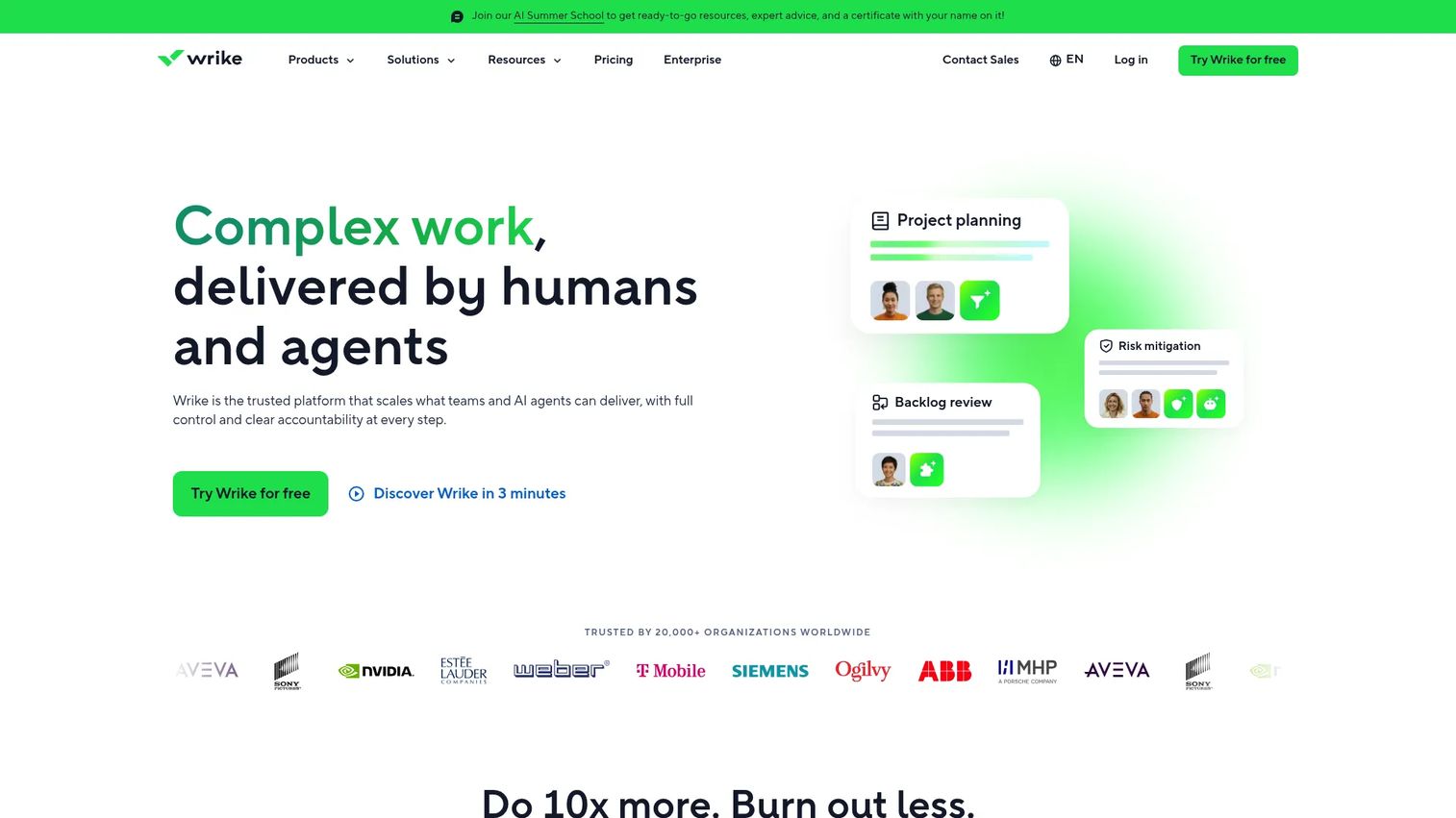
Wrike is work management software aimed at structured, review-heavy workflows. For research that runs through approval cycles, Wrike's Gantt charts, dashboards, and proofing keep the process disciplined. It suits cross-functional teams where a finding has to clear review before it informs a decision.
Best for: Larger or process-driven research teams that need review cycles and reporting.
Key features
- Task and project management
- Gantt charts and dashboards
- Automation across workflows
- Review and approval cycles
- Integrations with common tools
Why choose Wrike: Reach for it when research runs on formal process and reporting, not just task movement. That structure is overkill for a two-person study but valuable when governance and sign-offs matter.
Wrike pricing: Wrike has a free plan. Team is $10 per user per month, Business is $25 per user per month, and the Pinnacle and Apex enterprise tiers are contact sales.
Wrike holds a 4.2 out of 5 on G2, with reviewers noting its depth on complex projects.
7. Zoho Projects
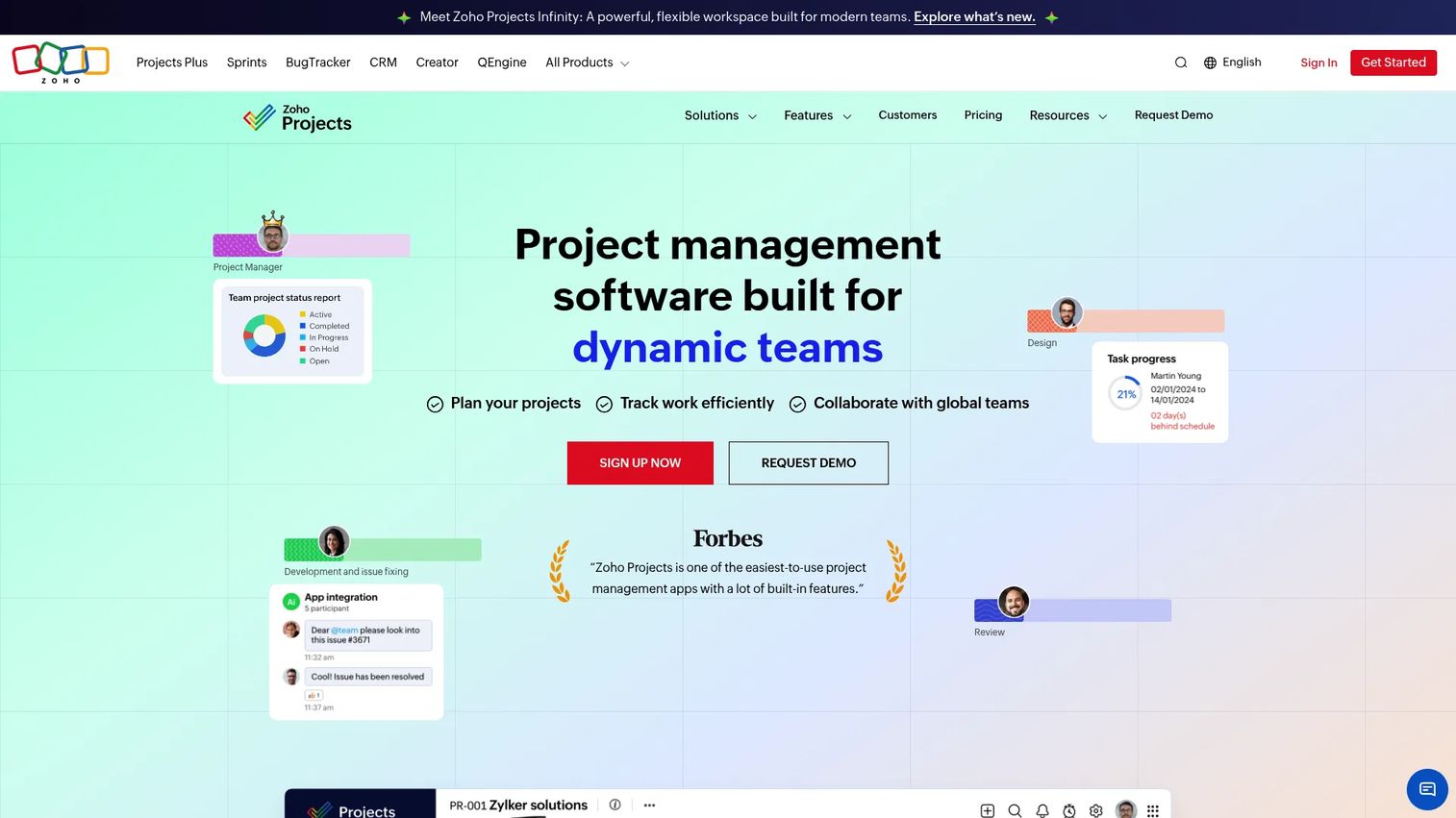
Zoho Projects is cloud project management software with task tracking, time tracking, and collaboration built in. For budget-conscious research teams, it delivers Gantt charts, milestones, and dependencies at a low entry price. It pays off most when you already run other Zoho apps and want the research layer to fit that stack.
Best for: Cost-sensitive teams, especially those already inside the Zoho ecosystem.
Key features
- Task management with Gantt charts
- Task dependencies and milestones
- Time tracking with timesheets and timers
- Collaboration: Feeds, chat, forums, document sharing
- Zoho ecosystem integration
Why choose Zoho Projects: Pick it when price and Zoho integration outweigh a slicker standalone interface. The trade-off is a busier UI than some rivals, but the value is hard to argue with.
Zoho Projects pricing: Zoho Projects has a free plan. Premium starts from $4 per user per month billed annually, Enterprise from $9 per user per month, and Ultimate from $10 per user per month. Verify current figures on the pricing page, since exact paid amounts were not fully exposed at check time.
Zoho Projects earns a 4.3 out of 5 on G2, with reviewers highlighting value for money.
Considerations before you choose
Match the tool to workflow complexity
Solo research rarely needs dependencies or approval cycles. Multi-stakeholder research does. Map your actual workflow first, then pick a tool that fits it, rather than buying capability you will never turn on. Overbuying structure is how a tool becomes overhead.
Check collaboration and permissions
Verify shared editing, comment threads, mentions, and role-based permissions before you commit. Research often mixes internal notes with material you share up to leadership. If the permission model is coarse, you will end up copying content between spaces, which is where versions drift.
Verify integrations with your research stack
The tool should connect to your docs, calendars, storage, and analytics. Research pulls from many sources, and manual copying is where data goes stale. Confirm the specific integrations you rely on exist and work the way you expect, not just that a marketplace logo is present.
Compare pricing against team size
Per-seat pricing scales with headcount, so a plan that looks cheap for four people changes at fifteen. Look at the tier where the features you need actually live, since the useful capability is often one plan above the entry price. Model the cost at your real team size.
Plan for maintenance and adoption
A tool only helps if people keep it current. Assign an owner, agree on a structure, and decide how you will prune stale projects. The best research management system is the one your team maintains, not the one with the longest feature list.
Conclusion
The right research organization software is the one that fits how your team already works and reduces overhead instead of adding it.
For flexible research organization where artifacts matter, Notion gives you databases, notes, and a wiki in one workspace. Trello keeps lightweight, visual research simple. For team coordination with dependencies and handoffs, Asana or ClickUp carry the load. Monday.com and Wrike suit teams that need visual planning or structured review cycles at scale. Zoho Projects wins on price, especially inside the Zoho stack.
Start by mapping your real workflow: How many people, how many sources, how many approvals. Then trial the one or two tools that match that shape, and check the collaboration, permissions, and integrations against your stack before you roll it out. The tool that survives contact with your next reorg is the one worth paying for.
FAQs
There is no single best pick, since it depends on team size and workflow complexity. Notion suits flexible, documentation-heavy research, Asana and ClickUp fit collaborative team projects, and Zoho Projects works for budget-conscious teams. Match the tool to how you actually run research rather than to a feature count.
They use a research organizer that links notes and sources to tasks and due dates in one workflow. A tool like Notion holds notes and databases together, while Asana or ClickUp tie those artifacts to timelines and owners. The goal is one system where a deadline sits next to the work that produced it.
Task tracking, note and source organization, collaboration with permissions, deadlines and milestones, and integrations with your existing stack. Reporting matters too, so you can see where research is stuck. Prioritize the research planning tools features that map to your real bottleneck, not the longest list.
Yes, that is where it earns its keep. Collaboration tools for researchers give shared visibility, clear ownership, comment threads, and handoff tracking, which a single doc cannot. For multi-person research, that shared view replaces status meetings and keeps everyone working from the same source.
Choose a task board like Trello when the workflow is linear and a board captures it. Choose an all-in-one workspace like ClickUp or Notion when you need docs, sources, and tasks together and the research spans many stakeholders. Simpler tools adopt faster; broader tools scale further.
Academic research often pairs a general research management system with dedicated citation management. Notion and Zoho Projects handle the organization and task layer, while a specialized reference manager handles citations. For team-based academic work with deadlines, Asana adds the timelines and dependencies a study needs.
Assign an owner, agree on a naming and structure convention up front, and prune stale projects on a set cadence. Research organization tools rot when nobody maintains them, exactly like a shared drive. Keep the structure simple enough that people follow it without a manual.










