Onboarding is never owned by one team. It lives across in-app prompts, help docs, lifecycle emails, CS calls, and support tickets. The user does not care who built each piece. They care whether they reached value.
That ownership gap is expensive. According to Amplitude's Product Benchmark Report (2025), 98% of new users at the median digital product were inactive just two weeks after their first action. Activation is not a CS problem or a docs problem. It is a systems problem.
The right digital customer onboarding software changes that equation, but only when it targets the correct bottleneck. A project delivery platform will not fix in-app confusion. An LMS will not replace health scoring. And no tool replaces good product design. The question for any product manager evaluating this category is: Where does onboarding actually break for your users, and which tool closes that gap with the least maintenance overhead?
What's inside
This guide compares 15 customer onboarding tools for 2026, chosen for category fit across implementation, portals, product adoption, customer education, customer success, and self-serve product experiences.
- Who this is for: Product managers, CS leaders, and growth teams improving activation, TTFV, and onboarding completion
- How tools were selected: Category relevance, onboarding workflow fit, analytics depth, integration breadth, and maintainability
- What you will get: A comparison table, 15 tool breakdowns, a buyer checklist, and FAQs
- How to read it: Start with the bottleneck. Then pick the category that solves it.
TL;DR
- Best for interactive onboarding education: Guideflow helps teams create clickable product experiences that users can explore, revisit, and share without scheduling a call
- Best for implementation-heavy onboarding: Rocketlane and GuideCX suit teams managing milestones, dependencies, and multi-stakeholder handoffs
- Best for customer portals: Dock, Moxo, and Flowla work well when customers need one shared workspace for resources, timelines, and collaboration
- Best for customer success onboarding: Gainsight and ChurnZero connect onboarding progress to health scores, adoption signals, and retention plays
- Best for in-app product adoption: Appcues, Pendo, and Userlane help PMs guide users inside the product without engineering tickets
- Best for customer education: Docebo and Skilljar fit structured learning, certification, and course-based onboarding at scale
What is digital customer onboarding software?
Digital customer onboarding software helps companies guide new customers from signup or purchase to first meaningful value using workflows, education, in-app guidance, collaboration, automation, and analytics.
The term covers several distinct product shapes, not one single tool. PMs evaluating this category need to identify which shape matches the activation bottleneck before comparing features.
Core capability types in this category:
- Workflow orchestration: Milestones, tasks, owners, dependencies, and reusable onboarding templates
- Customer-facing portals: Shared spaces for timelines, resources, files, forms, and stakeholder conversations
- In-app product adoption: Checklists, tooltips, modals, and usage-based triggers delivered inside the product UI
- Interactive product education: Clickable interactive demos, sandboxes, and guided product experiences users can explore at their own pace
- Customer success tracking: Health scores, adoption milestones, renewal alerts, and expansion signals
- Learning management: Onboarding courses, certifications, assessments, and structured training paths
- Onboarding analytics: Activation events, completion rates, engagement, drop-off points, and retention signals
- Integrations: CRM, product analytics, support, communication, and data warehouse connections
The best tool is the one that maps to the activation bottleneck. A PM should ask: Is onboarding failing because of project delivery delays, in-app confusion, missing education, poor handoff, or weak lifecycle visibility? Each answer points to a different software category.
See our guide on best user onboarding software tools and best digital adoption platforms for deeper dives into adjacent categories.
When to use digital customer onboarding software
Reduce time to first value
When users understand the product promise but stall before completing activation, something in the path is broken. The right software closes the gap between signup and first meaningful action. PMs should track activation rate, onboarding completion, TTFV, and early retention (D7, W1) to know whether an intervention worked.
Scale onboarding across segments
A single onboarding path degrades as the customer base grows. Admins, end users, enterprise accounts, and SMB customers need different journeys. Segmentation by persona, plan, lifecycle stage, and use case is what prevents onboarding decay. Tools that support conditional logic and behavioral triggers make segment-based onboarding sustainable.
Keep onboarding current as the product changes
Release cadence is the enemy of static onboarding content. Every UI change can invalidate a tooltip, a help article, or a recorded walkthrough. The right tool minimizes the cost of updates: Either through modular step editing, centralized asset management, or capture-based demos that refresh quickly when screens change.
Digital customer onboarding software comparison
Each tool below was selected based on fit with at least one major onboarding job, verified G2 ratings, and first-party pricing confirmation. For tools where pricing requires contacting sales, that is noted plainly.
| # | Product | Best for | Key differentiator | Pricing | G2 rating |
|---|---|---|---|---|---|
| 1 | Rocketlane | Implementation and project delivery | Project plans, resource management, client portals, and billing in one PSA platform | From $49/member/month (annual) | 4.7/5 |
| 2 | GuideCX | Client onboarding project management | Customer-visible plans, task ownership, and implementation accountability | Custom pricing | 4.6/5 |
| 3 | Dock | Customer onboarding portals | Shared workspaces, content management, mutual action plans, and AI buyer chat | Free tier; paid from $350/month | 4.6/5 |
| 4 | Gainsight | Enterprise customer success onboarding | Health scoring, lifecycle tracking, adoption signals, and CS playbooks | Custom pricing | 4.5/5 |
| 5 | ChurnZero | SaaS customer success teams | Real-time health scores, customer journeys, alerts, and usage-based plays | Custom pricing | 4.7/5 |
| 6 | Guideflow | Interactive onboarding education | Clickable demos, sandboxes, demo centers, mobile demos, and engagement analytics | Free tier; paid from $35/month | 5.0/5 |
| 7 | Appcues | In-app activation flows | No-code checklists, modals, tooltips, and behavioral targeting | From $3,600/year | 4.6/5 |
| 8 | Pendo | Product analytics plus adoption | Usage analytics, in-app guides, feedback, and session replay | Free tier; paid custom | 4.4/5 |
| 9 | Docebo | Customer education at scale | AI-assisted LMS, learning paths, certifications, and 400+ integrations | Custom pricing | 4.3/5 |
| 10 | Skilljar | External customer training | Customer academies, certification paths, and learning analytics | Custom pricing | 4.6/5 |
| 11 | Userlane | In-product guidance | Contextual in-app guides, AI assistant, and software adoption analytics | Custom pricing | 4.7/5 |
| 12 | HubSpot | CRM-native onboarding | Customer records, workflow automation, service tickets, and lifecycle emails | Free tier; paid from $7/seat/month | 4.4/5 |
| 13 | Moxo | Client portals and workflow automation | AI-native process orchestration, branded portals, and approval flows | From $5,000/year | 4.5/5 |
| 14 | Digital Onboarding | Financial institution onboarding | Banking lifecycle engagement, account activation, and personalized campaigns | Custom pricing | 4.9/5 |
| 15 | Flowla | Buyer and customer workspaces | Mutual action plans, onboarding rooms, AI workflows, and stakeholder tracking | Free tier; paid from $99/seat/month | 4.9/5 |
Best 15 digital customer onboarding software tools for adoption in 2026
1. Rocketlane
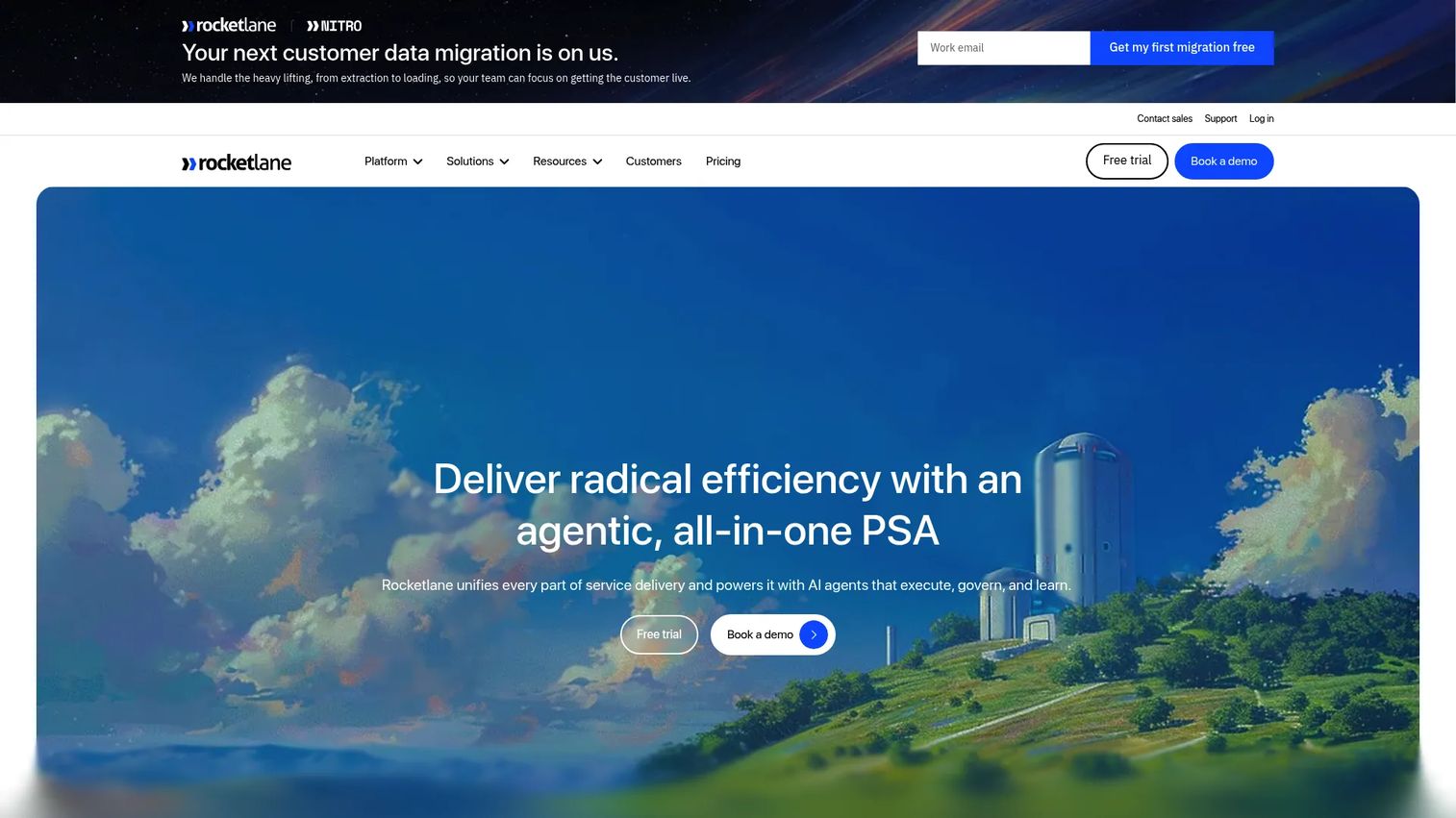
Rocketlane is an AI-powered professional services automation platform built for customer onboarding, implementation delivery, and post-sale project management. It combines project planning, resource management, financial tracking, and customer collaboration in one system. For teams where onboarding looks more like a managed implementation than an in-app checklist, Rocketlane provides the operational infrastructure to run it at scale.
Best for: Implementation and professional services teams managing complex B2B customer projects with multiple stakeholders and dependencies.
Key features
- Gantt, list, and Kanban project views with milestone tracking
- Resource planning, capacity management, and auto-allocation
- Branded customer portal with approvals, collaboration, and CSAT
- Project budgeting, billing, invoicing, and revenue recognition
- Custom automations, templates, dashboards, and integrations
Why choose Rocketlane: When onboarding is a structured delivery motion with timelines, dependencies, and handoffs, Rocketlane gives PMs visibility into where implementation friction delays activation. It connects project delivery data to customer outcomes in a way that spreadsheets and generic PM tools do not.
Rocketlane pricing: Plans start at $49 per team member per month billed annually (Standard), with a minimum of five team members. Premium is $69 per member per month. Enterprise uses custom pricing. An AI Fills add-on costs $29 per user per month. A 14-day free trial is available; there is no permanent free tier.
G2 rating: 4.7/5
2. GuideCX
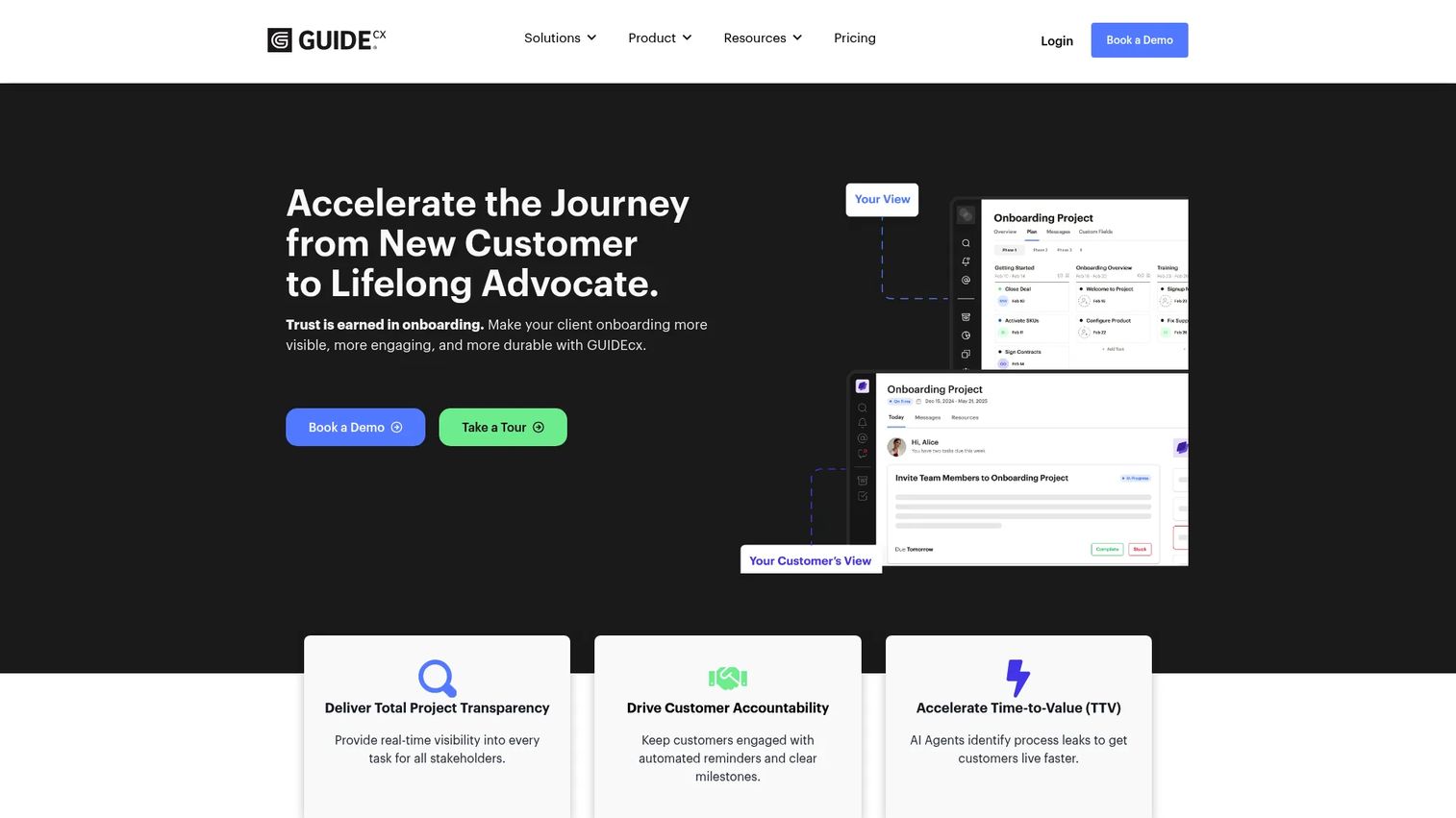
GuideCX is client onboarding software focused on making implementation plans visible to everyone involved, including customers, internal teams, and external partners. It reduces the "who owns this?" confusion that stalls onboarding projects by creating shared accountability across task owners, deadlines, and dependencies.
Best for: Organizations managing complex onboarding and implementation projects where customer-facing transparency is the primary bottleneck.
Key features
- Customer-facing project plans with Gantt, list, and board views
- Task ownership tracking and automated reminders
- AI-powered project risk mitigation
- Resource management and time tracking
- Reporting dashboards and API integrations
Why choose GuideCX: GuideCX is strongest when the problem is project clarity rather than in-app behavior. PMs who own the handoff from sales to implementation will find its external-facing task structure more suited to accountability than internal project tools.
GuideCX pricing: All plans require contacting sales. Starter covers essential onboarding tools; Premium adds automation, analytics, and customer engagement; Advanced adds enterprise capabilities including embedded portals and program management. All packages include unlimited projects and unlimited customers. No free trial was confirmed on the first-party pricing page.
G2 rating: 4.6/5
3. Dock
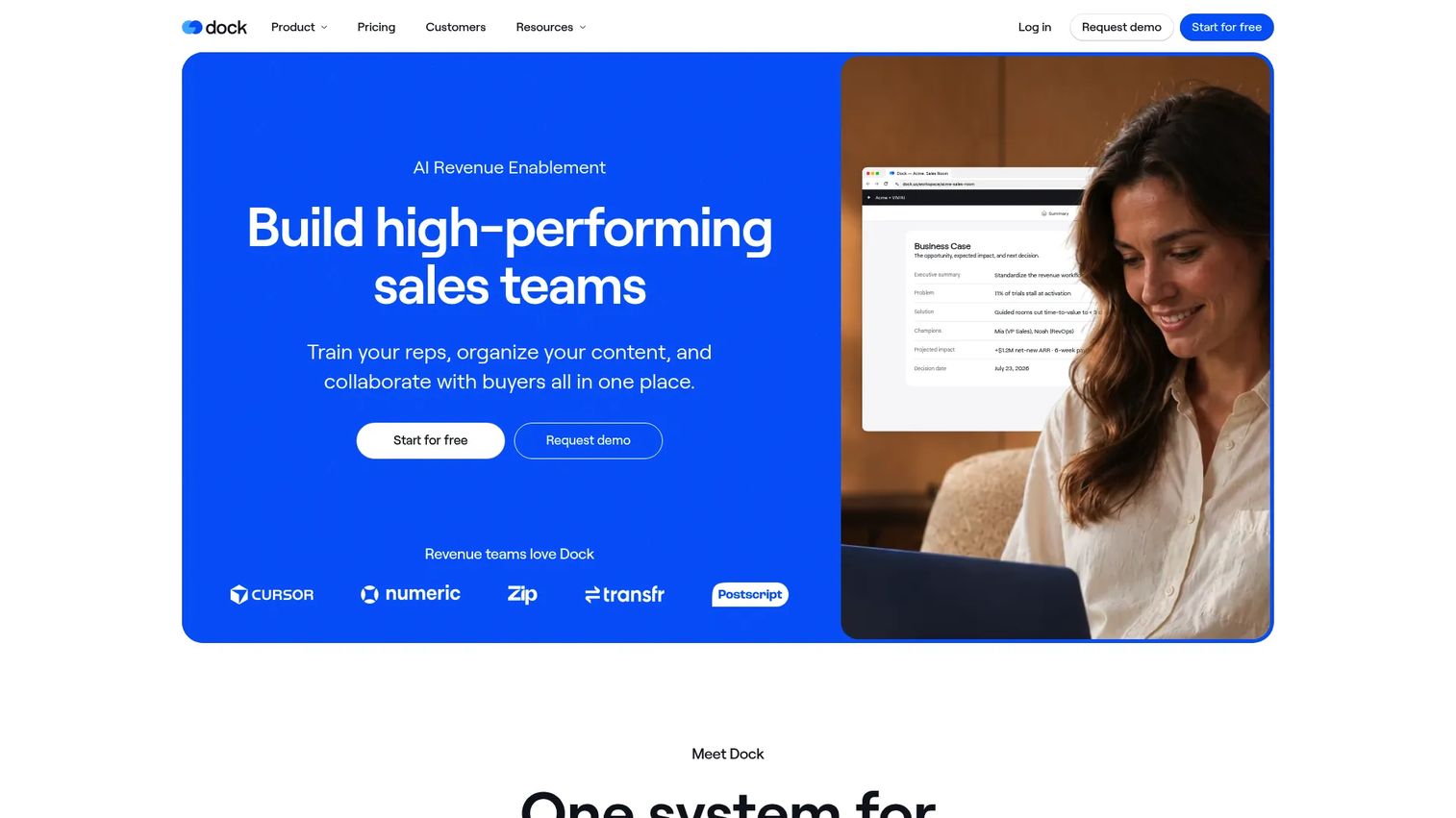
Dock is an AI revenue enablement platform that gives customers a single branded workspace for onboarding content, timelines, resources, and collaboration. Beyond portals, it now covers sales deal rooms, content management, learning management, and AI buyer chat, making it relevant from sales handoff through post-sale activation.
Best for: Revenue teams that need a buyer-facing workspace spanning sales, onboarding, and ongoing account collaboration.
Key features
- Customer onboarding portals and mutual action plans
- Sales deal rooms and content management
- Learning management and playbooks
- AI buyer chat and AI agents
- Sales order forms and CRM integrations
Why choose Dock: Dock fits when onboarding fails because resources are scattered across email threads, shared drives, and separate tools. Centralizing content and tasks into one customer-facing workspace reduces friction at handoff and gives PMs visibility into which assets customers actually engage with.
Dock pricing: A free tier is available at $0. Standard is $350 per month billed monthly. Premium is $1,000 per month billed annually. Enterprise uses a custom annual contract.
G2 rating: 4.6/5
4. Gainsight
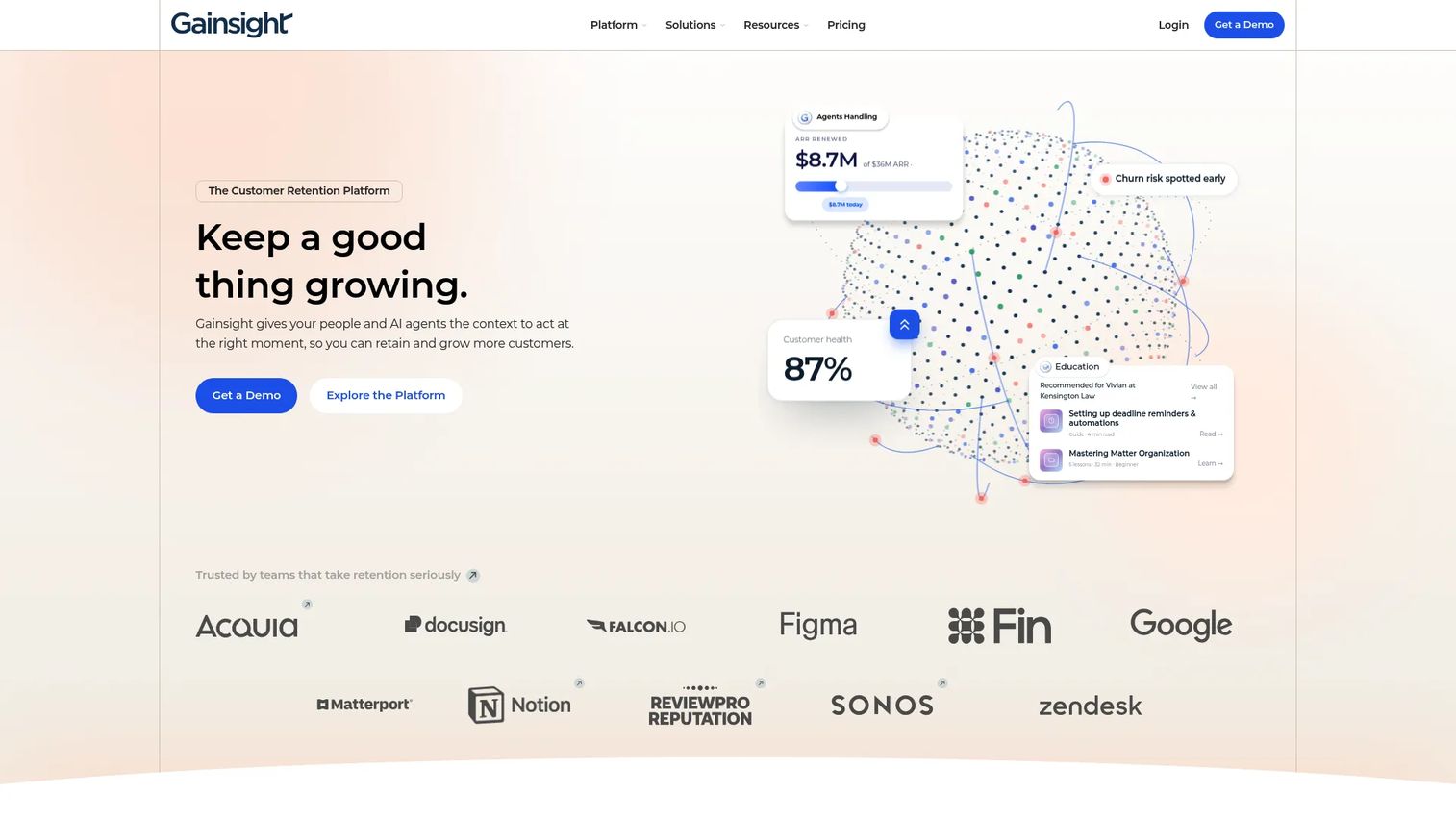
Gainsight is an enterprise customer platform connecting onboarding to customer health, product adoption, community, education, and renewals. It is not a lightweight onboarding tool. It is a customer success operating system for organizations where post-sale revenue depends on structured lifecycle management and early retention signals.
Best for: Enterprise CS teams managing customer lifecycle health, renewal forecasting, and adoption tracking after implementation.
Key features
- Customer health scorecards, alerts, and lifecycle playbooks
- Journey orchestration and digital engagement automations
- Product analytics and in-app guide delivery
- Customer community and self-service content
- Customer education through integrated learning paths
Why choose Gainsight: Choose Gainsight when onboarding is one motion within a broader CS operating model. For PMs, its product usage signals help identify which activation gaps become retention risks before they show up as churn.
Gainsight pricing: Gainsight lists Essentials and Enterprise plans, both with request-based pricing. Contact Gainsight sales for a quote.
G2 rating: 4.5/5
5. ChurnZero
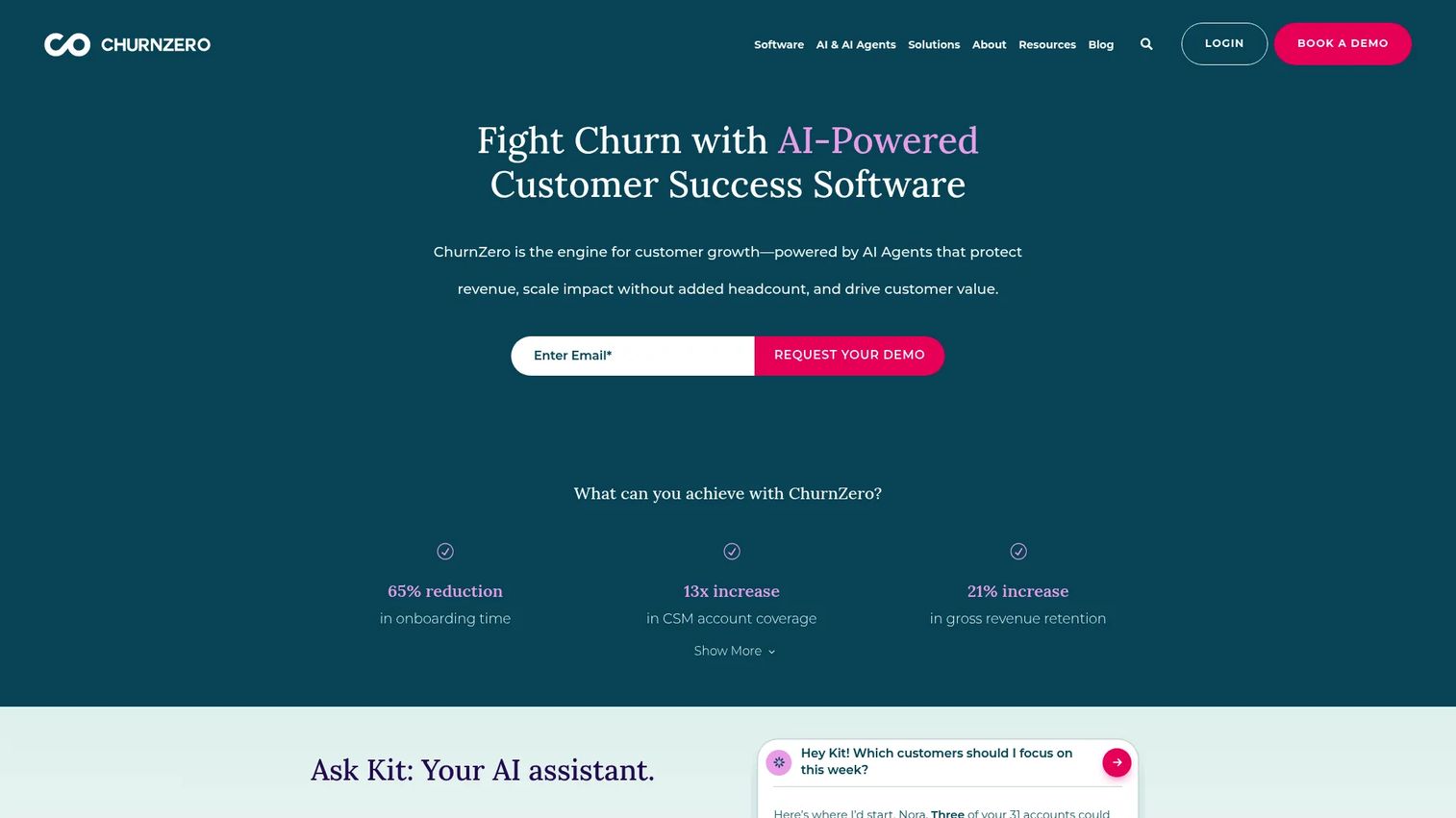
ChurnZero is an AI-powered customer success platform for SaaS teams that tracks usage, onboarding milestones, health, and automated plays in a single CS workflow. Its focus is on real-time signals that trigger CS action at the right moment, whether that is an onboarding stall, a usage drop, or a renewal risk.
Best for: SaaS CS teams that want onboarding, adoption, and retention signals connected inside one customer success workflow.
Key features
- Customer health scoring and real-time alerts
- Customer journeys and automated plays
- In-app communications and surveys
- Renewal forecasting and expansion tracking
- AI agents and reporting dashboards
Why choose ChurnZero: ChurnZero works when CS needs to respond to onboarding behavior automatically rather than manually reviewing accounts. PMs should connect ChurnZero's usage instrumentation to activation event tracking for the most complete view of early retention signals.
ChurnZero pricing: Contact ChurnZero sales for a quote. G2 reviewers report it is typically sold as an annual contract sized by customer count.
G2 rating: 4.7/5
6. Guideflow
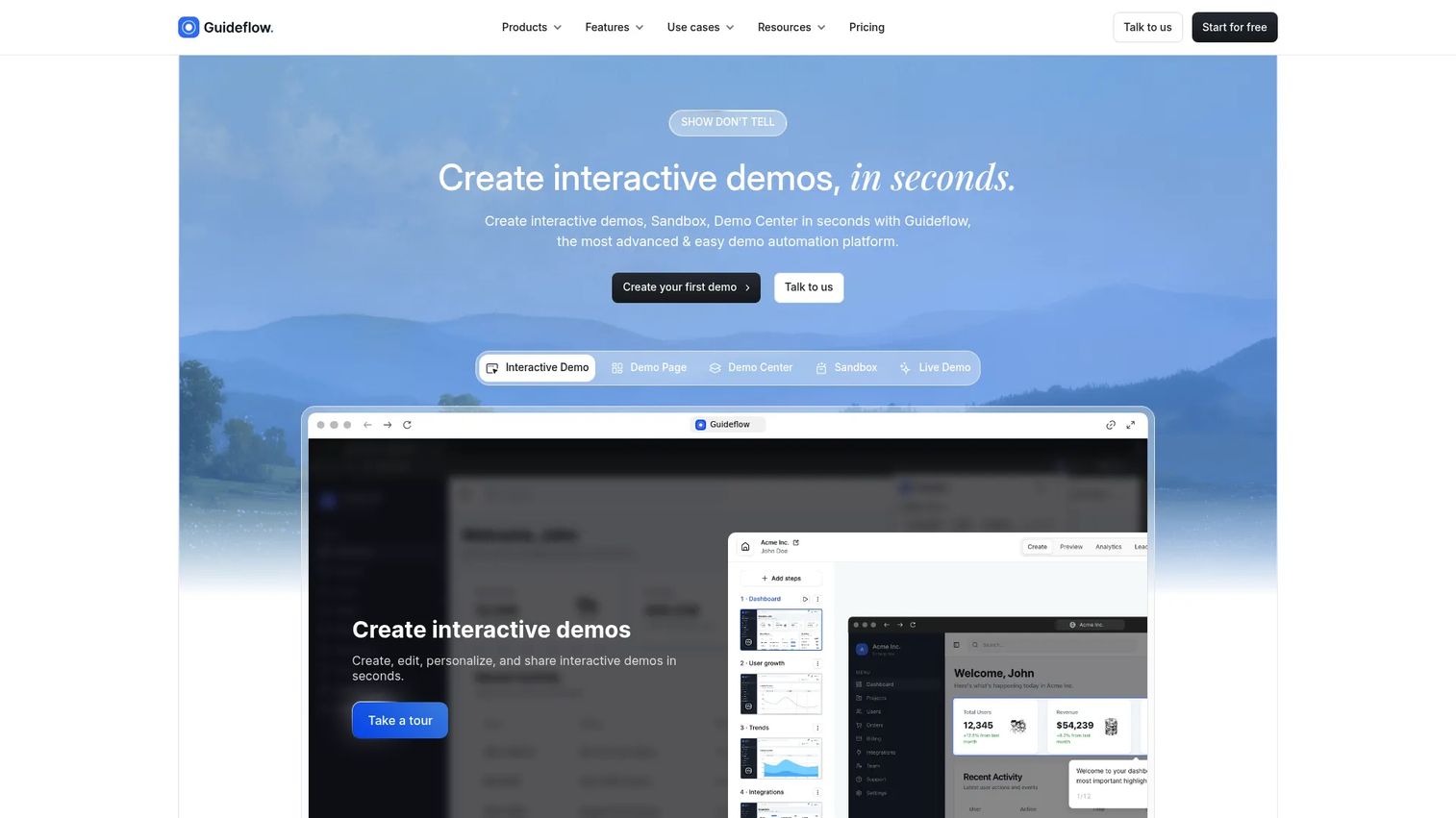
Guideflow is a demo automation platform for creating interactive product experiences that customers can click through, explore, and revisit without scheduling a call or reading static documentation. Teams use it to create interactive demos, sandboxes, Demo Centers, live demos, and mobile demos that help users understand workflows at their own pace. Guideflow fits the onboarding motion where the bottleneck is product understanding, not project delivery or health scoring.
Best for: Product, onboarding, support, and customer education teams that need users to experience workflows through guided, clickable journeys without engineering involvement.
Key features
- Interactive demos, sandboxes, and demo centers
- Mobile demos and live demo support
- AI-generated content, voiceovers, and translations
- Engagement analytics tracking completion, drop-off, and leads
- Sharing via links, embeds, email, and social
Why choose Guideflow: Guideflow closes the gap between "here's a doc about this feature" and "here's a demo you can click through right now." Interactive demos guide users through specific workflows; sandboxes give users free exploration to validate their own use cases; demo centers organize multiple experiences into one branded hub. For PMs, the analytics show exactly where users drop off, and the no-code editor means updates do not require an engineering ticket. Amplitude reported a 20% lift in signups after deploying a demo center, and Gorgias saw 60% demo completion. Guideflow also supports personalization by segment, making it possible to serve different onboarding experiences to different customer types from a shared asset library. See also the best onboarding flow software guide for related tools in this space.
Guideflow pricing: A free plan is available. Solo starts at $35 per month billed annually. Growth is $499 per month, Advanced is $1,499 per month, and Enterprise uses custom pricing.
G2 rating: 5.0/5
Start your journey with Guideflow today!
7. Appcues
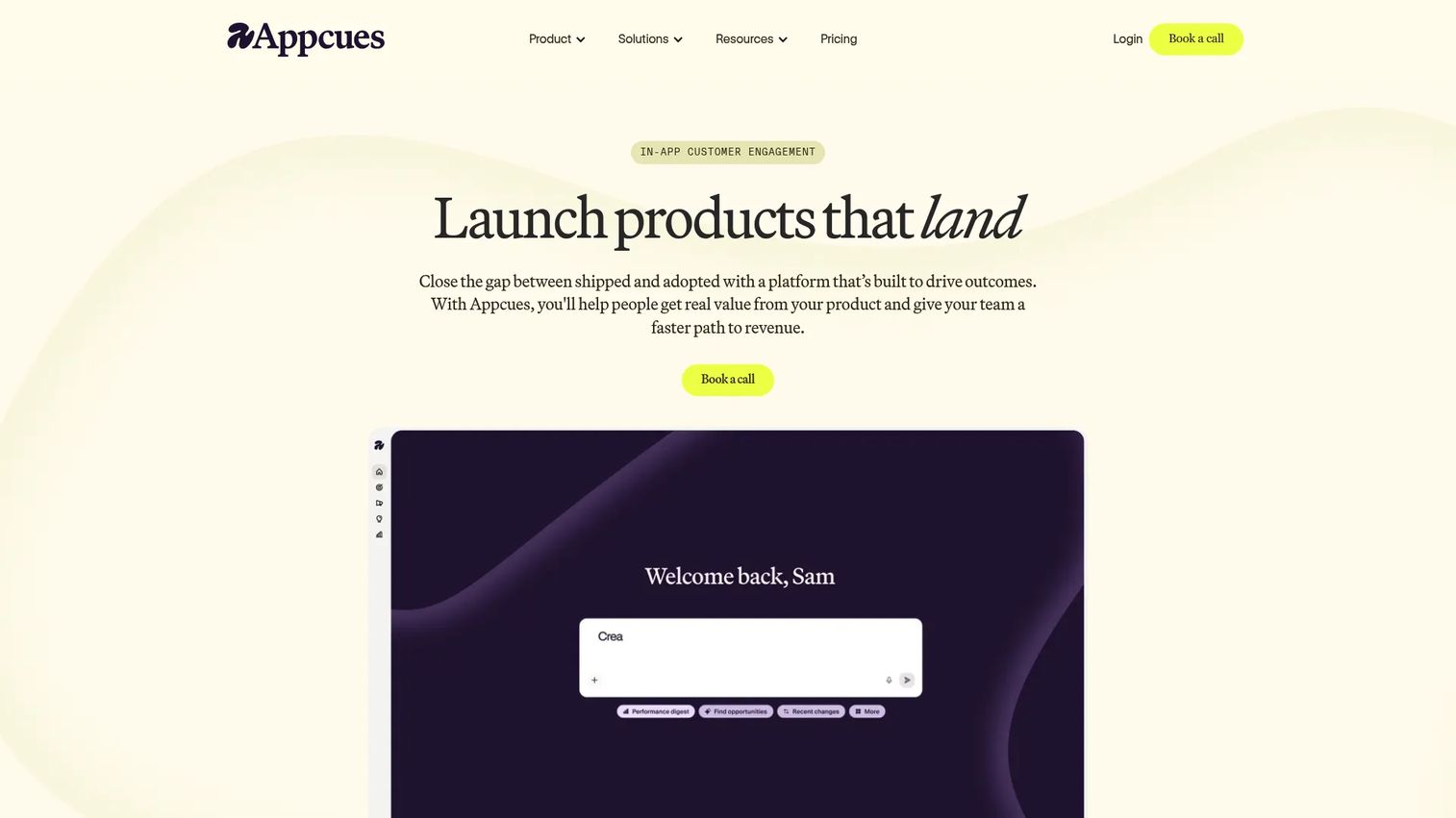
Appcues is an AI-powered in-app onboarding and engagement platform for creating product-led activation experiences without engineering support. It covers flows, modals, tooltips, banners, checklists, surveys, and NPS, all targeted by user attributes, behavior, and lifecycle stage.
Best for: Product and growth teams creating no-code in-app onboarding experiences tied to activation events and feature adoption.
Key features
- In-app flows, modals, tooltips, banners, and checklists
- Audience targeting by attributes, behavior, and triggers
- A/B testing, funnel analytics, and retention dashboards
- AI-assisted experience building and performance analysis
- Web and mobile experiences for iOS and Android
Why choose Appcues: Appcues is the right call when onboarding needs to happen inside the product UI and the team cannot wait for engineering. PMs should evaluate whether its targeting model maps cleanly to the activation events already instrumented in the analytics stack. Userpilot (2025) found that onboarding checklists were completed by only 19.2% of users on average across 188 companies, so targeting and trigger design matter more than checklist length.
Appcues pricing: The Spark program starts at $3,600 per year for up to 1,000 monthly active users, plus a $250 one-time implementation fee. Start and Grow plans are priced by MAU volume and are not publicly displayed. Enterprise uses custom pricing. A free trial is available.
G2 rating: 4.6/5
8. Pendo
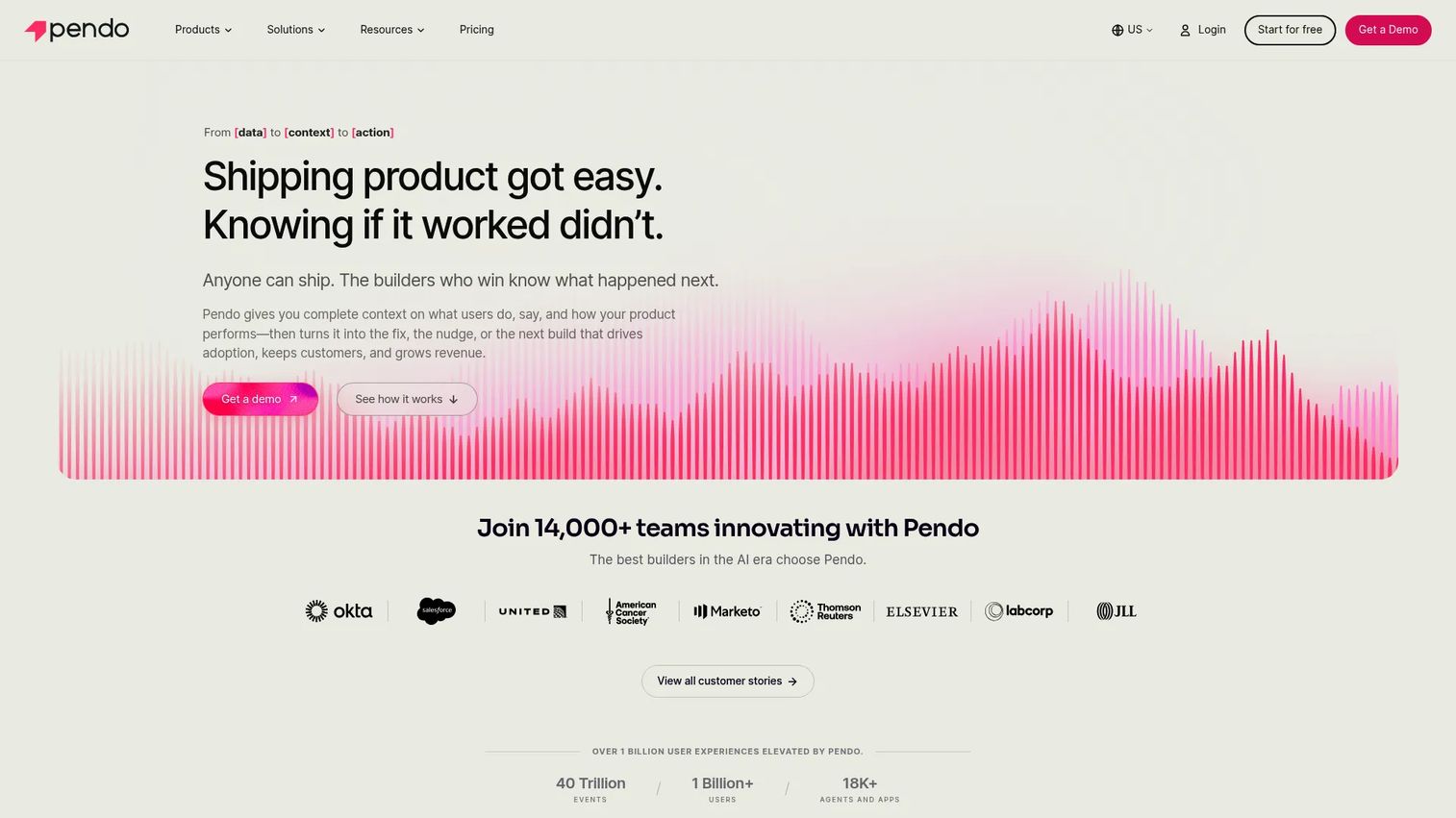
Pendo is a product experience platform that combines analytics, in-app guides, feedback collection, and session replay. Its core advantage is that it shows you where users get stuck before you decide how to fix it, which makes it particularly useful for PMs who want data to justify onboarding experiments rather than shipping in the dark.
Best for: Product teams that need product usage analytics and in-app onboarding guidance in the same platform.
Key features
- Product analytics, usage insights, and user segmentation
- In-app guides and onboarding flows
- NPS, CSAT, and PMF surveys
- Session replay and funnel analysis
- Cross-channel journeys with Orchestrate
Why choose Pendo: Pendo is useful when the problem is not only guiding users but also knowing where they are confused. The analytics layer helps PMs form activation hypotheses before building. See the best product analytics software tools guide for a broader comparison.
Pendo pricing: A free plan supports up to 500 monthly active users. A free Novus beta plan is available with no MAU limit. Base, Core, and Ultimate plans are priced by MAU volume and require contacting Pendo for a quote.
G2 rating: 4.4/5
9. Docebo
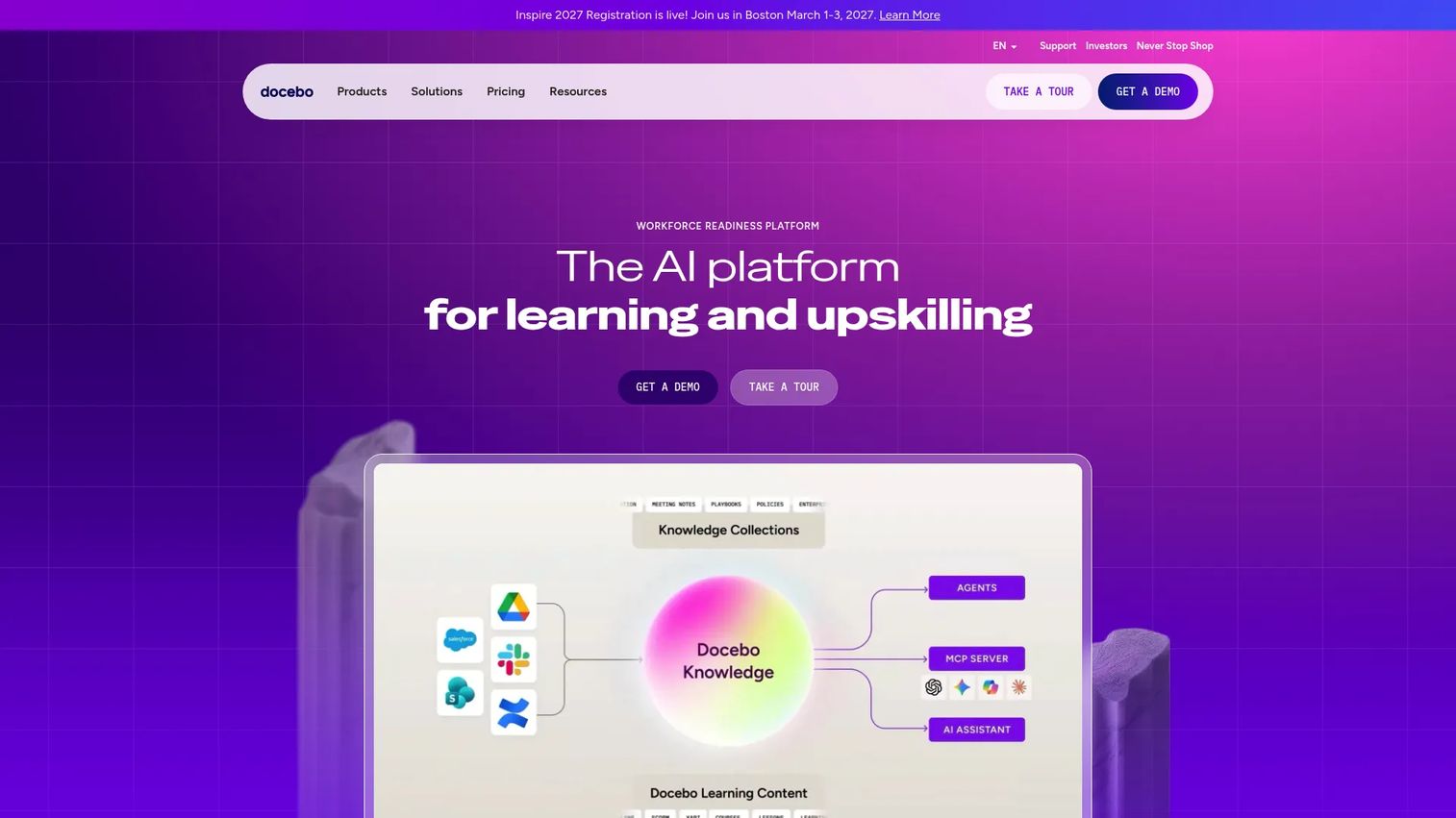
Docebo is an AI-powered learning management platform for employee, customer, and partner education. It covers learning paths, certifications, compliance tracking, live and on-demand training, and over 400 integrations. Docebo is strongest when onboarding requires formal education rather than in-app prompts.
Best for: Companies building customer academies, structured training programs, or certification-based onboarding at scale.
Key features
- AI-powered content creation and personalized learning paths
- Certification, compliance tracking, and knowledge checks
- Live, on-demand, mobile, and social learning
- Admin automation and workflow tools
- Learning insights and reporting across 400+ integrations
Why choose Docebo: Docebo fits when product adoption depends on role-based learning rather than in-product nudges. PMs should evaluate whether course completion connects to product activation and whether the LMS integrates with the existing data stack. See the best digital adoption platforms guide for comparison.
Docebo pricing: Docebo offers Elevate and Enterprise tiers, both with custom pricing based on product tier and active-user volume. Contact Docebo for a quote. No free tier was confirmed.
G2 rating: 4.3/5
10. Skilljar
Skilljar is a customer education platform for building external learning experiences, certifications, and branded academies. Its focus is external learners, making it distinct from internal LMS tools. Skilljar fits B2B companies where structured training is a prerequisite for successful product adoption.
Best for: B2B companies that use customer training programs as part of onboarding and ongoing product adoption strategy.
Key features
- Branded academy sites with custom themes
- Learning paths, certifications, quizzes, and knowledge checks
- Learner and admin SSO, groups, and automations
- Virtual instructor-led training and content syndication
- Custom and scheduled reporting
Why choose Skilljar: Skilljar is a strong fit when customers need structured education before they can use the product effectively. PMs should evaluate how course completion connects to activation events and whether Skilljar's analytics can feed into the broader product data stack. Note: Skilljar is now part of Gainsight.
Skilljar pricing: Pricing uses an annual subscription plus a fee based on annual active users. Three tiers exist: Essentials, Professional, and Enterprise. All require contacting sales for specific pricing. Add-ons include Content Syndication at $10,000 and Data Connector from $25,000.
G2 rating: 4.6/5
11. Userlane
Userlane is an enterprise software performance platform combining application discovery analytics with contextual in-app guidance. It helps organizations understand how software is actually used and then provide targeted assistance inside the application where users need it most.
Best for: Enterprise teams guiding users through product processes in real time, particularly where multiple applications are in scope.
Key features
- Application Discovery and software usage analytics (HEART metrics)
- Interactive in-app guides, tooltips, tags, and announcements
- In-app surveys and feedback collection
- AI Assistant for natural-language help
- Browser-extension deployment without code changes
Why choose Userlane: Userlane fits products where users need contextual guidance while completing tasks. PMs should evaluate the maintenance cost honestly: When the product UI changes, in-app guide overlays need updating. Userlane's browser-extension deployment reduces some of that dependency on engineering.
Userlane pricing: Userlane offers Application, Department, and Organization tracks with application-based or consumption-based pricing. Specific prices require requesting a quote.
G2 rating: 4.7/5
12. HubSpot
HubSpot is an agentic customer platform with CRM, marketing automation, sales pipeline management, customer service, and content tools. For onboarding, it is most relevant to teams already running lifecycle operations inside HubSpot who want to connect post-sale workflows to existing customer records without a separate platform.
Best for: Teams running customer lifecycle operations inside HubSpot who want onboarding close to CRM data and communication workflows.
Key features
- Smart CRM with customer records and lifecycle stages
- Workflow automation and email sequences
- Service ticketing and knowledge base
- AI customer and data agents
- Marketing automation and content management
Why choose HubSpot: HubSpot works when the onboarding problem is lifecycle communication and task coordination rather than in-app behavior. PMs should evaluate whether it provides enough product usage signal for activation work, or whether a dedicated product adoption tool is needed alongside it.
HubSpot pricing: A free plan is available. Starter is $7 per seat per month billed monthly, or $20 per seat per month billed annually. Professional is $1,300 per month billed monthly. Enterprise is $4,700 per month billed monthly.
G2 rating: 4.4/5
13. Moxo
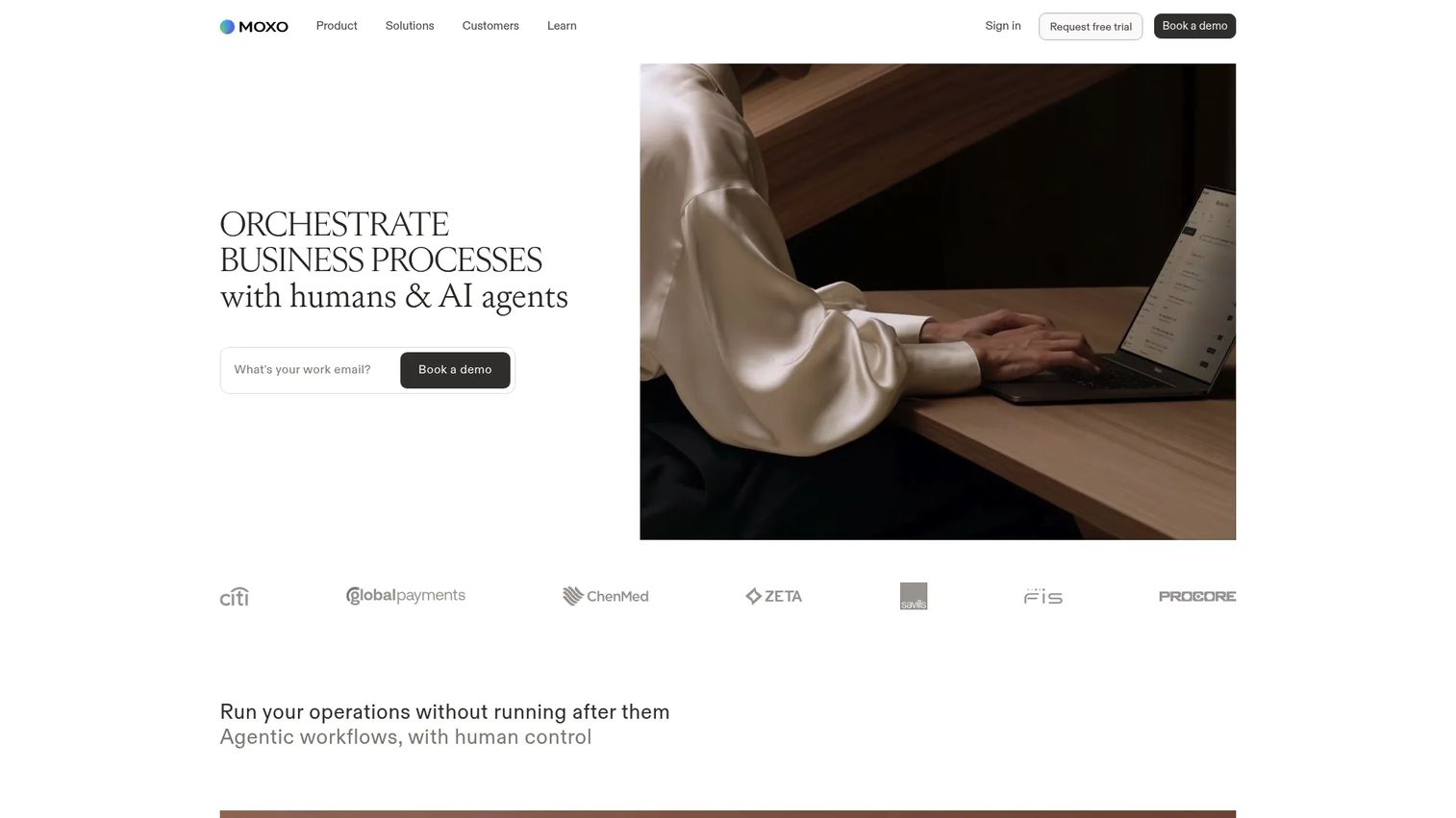
Moxo is an AI-native business process orchestration platform that coordinates people, AI agents, and connected systems inside branded client portals. It is built for high-touch onboarding motions involving document collection, approvals, secure messaging, and multi-party workflows.
Best for: Operations and CS teams running onboarding with many handoffs, documents, approvals, or signature requirements.
Key features
- AI-native workflow orchestration with branching and escalations
- Branded portals for onboarding participants
- Configurable AI agents and multi-agent workflows
- Document collection and approval flows
- Audit trails and enterprise security controls
Why choose Moxo: Moxo fits onboarding motions with significant operational complexity: Financial services onboarding, legal workflows, or multi-party client implementations. PMs should evaluate it when operational friction, not in-app confusion, is the primary delay to customer value.
Moxo pricing: The Team plan starts at $5,000 per year, including 100 flows per year, unlimited seats, workflow tools, and in-app support. Scale and Enterprise plans use custom pricing.
G2 rating: 4.5/5
14. Digital Onboarding
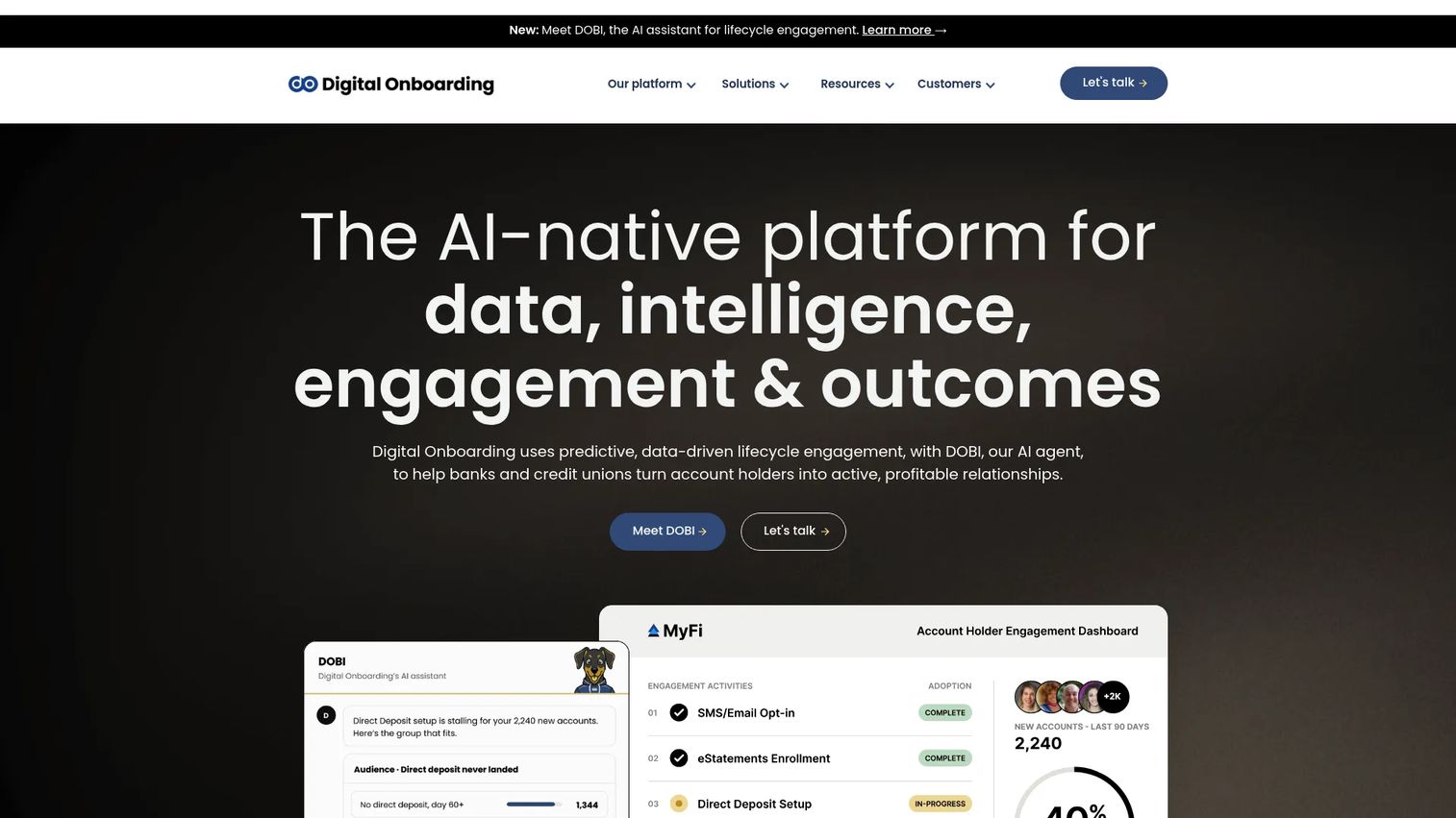
Digital Onboarding is a specialist lifecycle engagement platform for banks and credit unions. It uses data-driven campaigns to activate accounts, deepen product relationships, reduce attrition, and drive cross-sell through email, SMS, digital banking, and branch channels. It is purpose-built for financial institutions and does not generalize to SaaS onboarding.
Best for: Banks, credit unions, and financial institutions onboarding account holders and deepening product engagement.
Key features
- Campaign builder with branded microsites, email, and SMS
- Automated targeting using account, product, and interaction data
- Enrollment, direct-deposit, card activation, and survey widgets
- Cross-channel engagement across digital banking and branches
- Campaign analytics, cross-campaign dashboards, and outcome measurement
Why choose Digital Onboarding: This is a specialist tool. It fits financial institutions where onboarding success is measured through account activation behaviors, product adoption rates, and attrition reduction, not SaaS activation events. Teams outside banking should look elsewhere in this list.
Digital Onboarding pricing: Pricing is custom across Starter, Advanced, and Success Plan tiers. Starter supports up to 4 campaigns; Advanced supports unlimited campaigns. Contact Digital Onboarding for a quote.
G2 rating: 4.9/5
15. Flowla
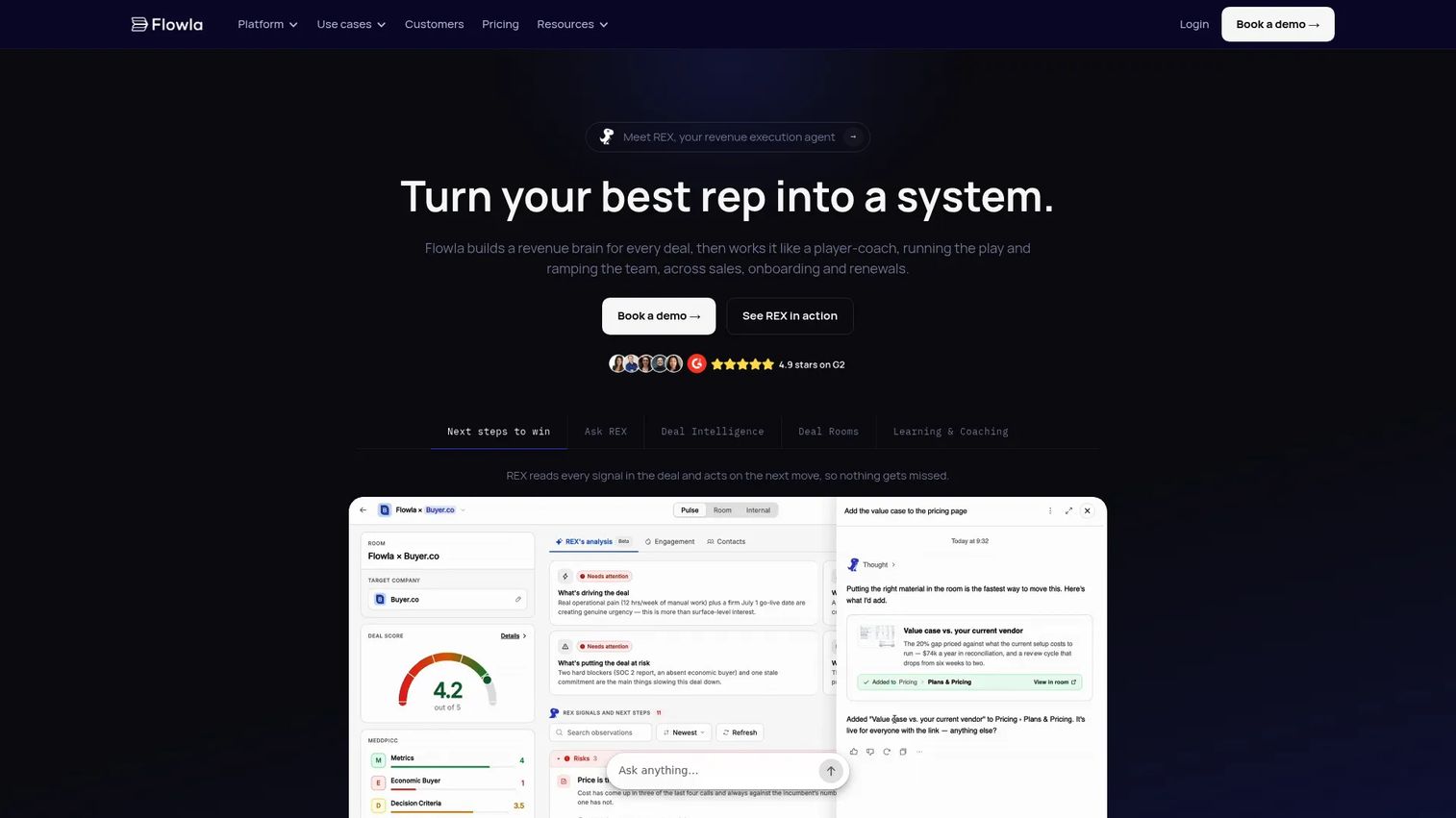
Flowla is an AI revenue execution platform for sales and customer success teams that creates shared rooms for deal management, customer onboarding, mutual action plans, and stakeholder engagement. Its onboarding rooms give customers a single destination from sales handoff through activation.
Best for: Revenue and CS teams that need shared customer workspaces spanning the transition from sales close into onboarding.
Key features
- Deal and onboarding rooms with mutual action plans
- AI workflows and REX agent capabilities
- Stakeholder mapping and deal health scoring
- Content library, templates, and personalization
- CRM integrations and e-signatures
Why choose Flowla: Flowla fits when onboarding starts before the contract is signed and the sales-to-CS handoff is where momentum dies. PMs should evaluate whether it provides enough product usage insight for activation work, or whether a dedicated adoption layer is needed alongside it.
Flowla pricing: A Starter plan is free, covering up to 20 rooms. Team is $99 per seat per month. Enterprise uses custom pricing and adds SSO, LMS and Courses, custom playbooks, and dedicated account management.
G2 rating: 4.9/5
Considerations when choosing digital customer onboarding software
Start with the activation bottleneck
Before evaluating features, identify where onboarding actually breaks. Is the issue project delivery delays, in-app confusion, missing education, poor sales-to-CS handoff, or lack of customer health visibility? Each failure mode maps to a different tool category. Buying a CS platform when the problem is in-app confusion will not move activation rates.
Check segmentation depth
PMs need segmentation by role, plan, lifecycle stage, acquisition channel, and use case. A single generic onboarding path works until the customer base diversifies. Tools that support conditional logic, behavioral triggers, and persona-based experiences scale; tools that offer one path for all users create onboarding decay as the product and segments grow.
Evaluate instrumentation and reporting
Ask which activation events the tool tracks natively, which it can ingest from external sources, and how those signals connect to retention and expansion data. The tool should help connect onboarding activity to activation completion, support ticket volume, and trial-to-paid conversion. Without that instrumentation, it is impossible to measure whether an onboarding change actually worked.
Measure maintenance cost
Every product release is a potential onboarding update. A tool that requires engineering involvement for every change will fall behind the release cadence. Ask who owns updates, how long they take, and whether the tool supports modular editing. Low maintenance overhead is worth paying for when the alternative is onboarding decay.
Confirm integrations and governance
Verify connections to CRM, product analytics, support tools, and any data warehouse in use. Also check permissioning, version control, and access controls for customer-facing content. For tools handling customer data, review the vendor's security documentation before procurement.
Conclusion
The 15 tools in this list do different jobs. Matching tool to bottleneck is the whole decision.
For implementation-heavy onboarding, start with Rocketlane or GuideCX. If customers need one shared workspace for resources and next steps, Dock, Moxo, or Flowla are worth evaluating. When the PM team owns product activation and wants to guide users inside the product, compare Appcues, Pendo, and Userlane. For structured customer education and certification programs, look at Docebo or Skilljar. If customer success owns the motion and health scoring is the priority, evaluate Gainsight or ChurnZero. For financial institution onboarding specifically, Digital Onboarding is the specialist.
For teams where the onboarding problem is product understanding, Guideflow gives you a fast way to create interactive onboarding experiences without another engineering queue. Users can click through a workflow, explore a sandbox, or work through a guided demo center, and you can see exactly where they dropped off and what drove completion. Updates happen in minutes, not sprints.
Start your journey with Guideflow today!
FAQs
Digital customer onboarding software helps companies guide new customers from purchase or signup to first meaningful value. It covers tools for workflow orchestration, customer portals, in-app product guidance, interactive product education, customer success tracking, and learning management. The category includes several distinct product types rather than one universal tool.
Customer onboarding typically covers the full post-sale journey, including implementation, training, handoffs, health tracking, and adoption. User onboarding usually focuses specifically on guiding individual users inside the product through their first experience with a feature or workflow. Some tools address both; many specialize in one.
Product teams focused on activation and time to first value should evaluate tools by their activation instrumentation, segmentation depth, and maintenance cost. Appcues and Userlane cover in-app guidance. Pendo adds product analytics. Guideflow covers interactive onboarding education and self-serve product experiences. The right choice depends on where users stall and what data the team needs to measure improvement. See the best user onboarding software tools guide for more context.
Start with the activation bottleneck. Then evaluate the tool on segmentation by persona and lifecycle stage, event tracking and instrumentation depth, integration with the existing analytics and CRM stack, and maintenance cost across release cycles. Also assess whether the tool supports experiments so you can measure whether an onboarding change improved activation or just added steps.
The most important features depend on the onboarding motion. For implementation teams: Milestone tracking, templates, and customer portals. For product-led teams: Behavioral targeting, activation event tracking, and in-app delivery. For education-focused teams: Learning paths, certifications, and completion analytics. Across all categories: Segmentation, integrations with CRM and product analytics, and low-overhead content updates.
It can reduce repetitive "how do I?" tickets when it helps users complete tasks without contacting support. The reduction depends on content quality, discoverability, and how well the onboarding experience maps to the actual workflows users are trying to complete. Userpilot (2025) found that average user activation across 62 B2B SaaS companies was 37.5%, which suggests most products have meaningful room to improve self-serve success before tickets become the fallback.
CRMs manage customer records, lifecycle communication, and pipeline data. They are not designed for task orchestration, customer-facing portals, in-app guidance, or product adoption analytics. An onboarding platform adds the layer that moves a customer from signed contract to activated user. The right additional tool depends on whether the gap is project delivery, in-app behavior, education, or health tracking.
For structured courses, certifications, and learning analytics tied to external learners, Skilljar and Docebo are the strongest fits in this list. Skilljar focuses on customer and partner academies; Docebo covers employee, customer, and partner education with AI-assisted content creation. Both require annual contracts with custom pricing. For lighter-weight product education through clickable demos and guided walkthroughs, interactive demo tools cover a different part of the same need.