Your logo lives in four versions across Google Drive, Dropbox, and three Slack threads. A partner just shipped an ad with last year's color palette. A new hire grabbed an outdated one-pager from someone's inbox. Sound familiar?
This is the quiet tax most marketing teams pay every week. Assets scatter, approvals stall, and off-brand creative leaks into live campaigns. The problem compounds as you add channels, partners, and headcount. What worked for a five-person team breaks at fifty.
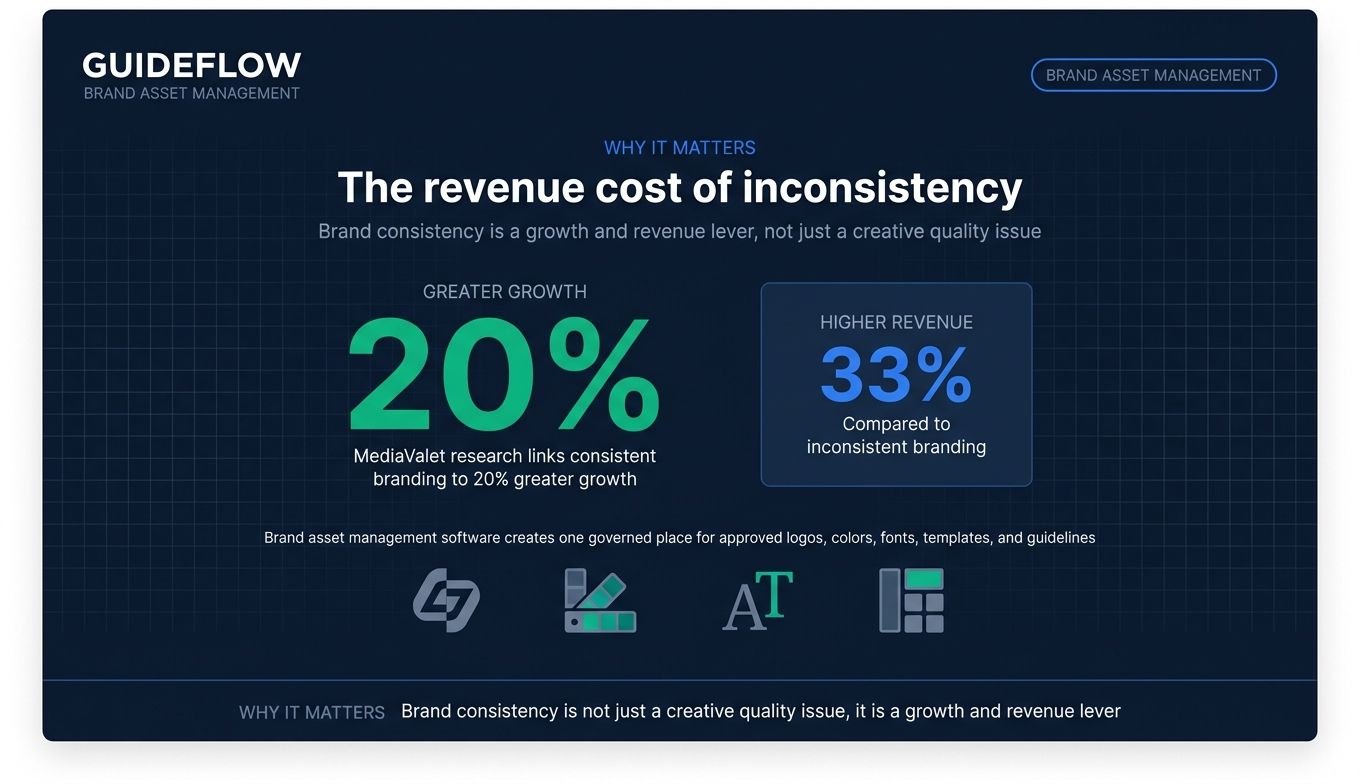
The cost is not just aesthetic. MediaValet's research links consistent branding drives 20% greater growth and 33% higher revenue compared to inconsistent branding. Brand consistency is a brand consistency revenue impact studies revenue lever, not a nice-to-have. Yet most teams still manage it with shared folders and hope.
Brand asset management software fixes the root cause: no single source of truth. It gives every team, agency, and partner one governed place to find approved logos, colors, fonts, templates, and guidelines. The right tool means the latest brand kit is always the easiest one to grab, so off-brand work stops happening by accident. The same governance instinct shows up when teams build interactive product demos that need to stay on-brand wherever they appear.
The market is real and growing. Latka brand asset management market data tracks 15 active brand asset management software companies as of June 2026, serving a combined 1,000 customers. Picking the right one comes down to how your team actually works: how many brands you manage, who needs access, and what the tool replaces in your stack.
Below are the tools worth your shortlist, with verified pricing, G2 ratings, and honest notes on who each one fits. If your brand consistency efforts also touch how you measure brand perception, our roundup of the best brand intelligence software is a useful companion read.
What's inside
This guide is for growth and brand marketers, marketing ops leads, creative teams, agencies, and distributed or franchise teams who need brand consistency across channels. If your assets are scattered and your approvals are slow, you're the reader.
We evaluated each brand asset management tool against four criteria that matter most for the consolidation-minded marketer:
- Centralization: Does it create a true single source of truth?
- Guidelines and governance: Can you manage brand guidelines, permissions, and usage rights?
- Integrations and scale: Does it fit your CRM, CMS, and creative stack as you grow?
- Pricing transparency: Can you actually understand what you'll pay?
Every pricing figure and G2 rating below was verified against live vendor and review sources.
TL;DR
Short on time? Here are the decision shortcuts:
- Best for enterprise governance at scale: Bynder, for large brand teams managing big libraries with rights and approval controls.
- Best for asset analytics: Brandfolder, when you want to tie asset usage to insights.
- Best for living brand guidelines: Frontify, for teams that lead with a brand portal and design system.
- Best free tier and best for agencies: Brandy, with a free-forever plan and white-label brand spaces.
- Best for security-first enterprise: MediaValet, with unlimited-user pricing and AI-assisted search.
- Best budget pick for SMBs: Filecamp, starting at $29 per month with unlimited users.
Background: what is brand asset management software?
Brand asset management (BAM) software is a centralized platform for storing, organizing, governing, and distributing a company's brand assets, including logos, colors, fonts, templates, images, and brand guidelines, so every team uses approved, on-brand materials.
Think of it as a centralized tool for managing brand guidelines and assets, plus the permissions and version control to keep them current. It is the system of record for your brand. A brand management platform replaces the chaos of shared folders with one governed hub where the right file is always the easiest to find.
BAM vs DAM
People confuse brand asset management with digital asset management (DAM), and for good reason: many tools do both. The difference is scope and intent.
| Dimension | Brand asset management (BAM) | Digital asset management (DAM) |
|---|---|---|
| Scope | Brand-specific assets and guidelines | All media: photos, video, raw files |
| Primary user | Brand, marketing, creative teams | Marketing, creative, ops, broader org |
| Asset types | Logos, colors, fonts, templates, guidelines | Any digital file at scale |
| Governance focus | On-brand usage, guideline compliance | Storage, search, rights at volume |
MuseDAM describes brand asset management as a subset of DAM focused on logos, fonts, templates, and brand guidelines rather than general digital assets. In practice, most enterprise DAM tools layer in brand management features, and most brand management tools include lightweight DAM.
Core capabilities to expect
A strong brand asset management system should give you:
- Centralized repository: One source of truth for every approved asset.
- Brand guidelines and portals: Living guidelines that sit next to the assets they govern.
- Permissions and usage rights: Control over who can access, edit, and download what.
- Search, tagging, and metadata: Fast retrieval as the library grows.
- Version control: The latest approved file is always the default.
- Templates and asset creation: On-brand collateral without a designer in the loop.
- Analytics: Visibility into which assets get used and where.
- Integrations: Connections to your CRM, CMS, and creative tools.
When to use brand asset management software
Not every team needs a brand management solution on day one. Here is when it earns its place.
Keep campaigns on-brand across channels and teams
When you run paid, email, social, and web at once, message and visual drift is inevitable. A brand asset management platform gives every channel owner the same approved assets, so the logo, palette, and templates stay consistent. This matters most when more people touch the brand than you can personally review. Consistency stops being a manual checkpoint and becomes the default. For teams investing in awareness, our guide to brand awareness demo strategies shows how consistent assets power on-brand storytelling.
Give agencies and partners self-serve access to approved assets
Agencies and channel partners are a top source of off-brand work, usually because they grab whatever file they were last sent. A brand portal with permissions lets them self-serve the current, approved versions without a back-and-forth email chain. You control what they see and use. This is the same logic behind sharing interactive demos in your partner portal, where partners need governed, self-serve access to on-brand material. Keeping a branded surface consistent is exactly why teams care about brand controls inside formats like Guideflow's interactive demo, where the product story has to feel on-brand everywhere it shows up.
Scale branded content production without bottlenecks
As volume grows, your design team becomes the bottleneck. Lockable templates let non-designers produce on-brand social posts, one-pagers, and sales collateral without breaking the rules. The brand team sets the guardrails once; everyone else moves fast inside them. This is how content velocity scales without sacrificing consistency. The same need for speed shows up in the best content creation software category, where templates do the heavy lifting.
Comparison table
Here is a side-by-side view of every brand asset management tool in this guide, sorted by relevance to the keyword. Pricing reflects publicly available figures verified at publication; many enterprise-focused tools use custom pricing, so we note that where it applies. G2 ratings reflect current listings.
| # | Product | Intent | Key use case | Pricing | G2 rating |
|---|---|---|---|---|---|
| 1 | Bynder | Enterprise BAM/DAM | Governed asset management at scale | Custom | 4.5/5 |
| 2 | Brandfolder | BAM with analytics | Asset usage insights for marketing | Custom (Premium, Enterprise) | 4.4/5 |
| 3 | Frontify | Brand platform | Living guidelines and design systems | Custom (MAU model) | 4.5/5 |
| 4 | Brandy | Lightweight BAM | Free and white-label brand spaces | Free, Pro from $5/mo | 4.8/5 |
| 5 | Canto | DAM with brand portals | Mid-market asset organization | Custom | 4.4/5 |
| 6 | MediaValet | Enterprise DAM | Security-first asset management | Custom | 4.5/5 |
| 7 | Acquia DAM (Widen) | Enterprise DAM/BAM | Customizable enterprise libraries | Custom | 4.4/5 |
| 8 | Filecamp | Affordable DAM | SMB and agency brand control | From $29/mo | 4.7/5 |
| 9 | Canva | Creation + brand kit | Lean teams creating branded content | Free, paid tiers | 4.7/5 |
| 10 | Adobe Express | Creation + brand controls | Brand consistency inside Adobe | Free, Premium $9.99/mo | 4.5/5 |
| 11 | Marq | Brand templating | Distributed on-brand collateral | Free, Pro $10/mo | 4.5/5 |
The 11 best brand asset management software tools for 2026
1. Bynder
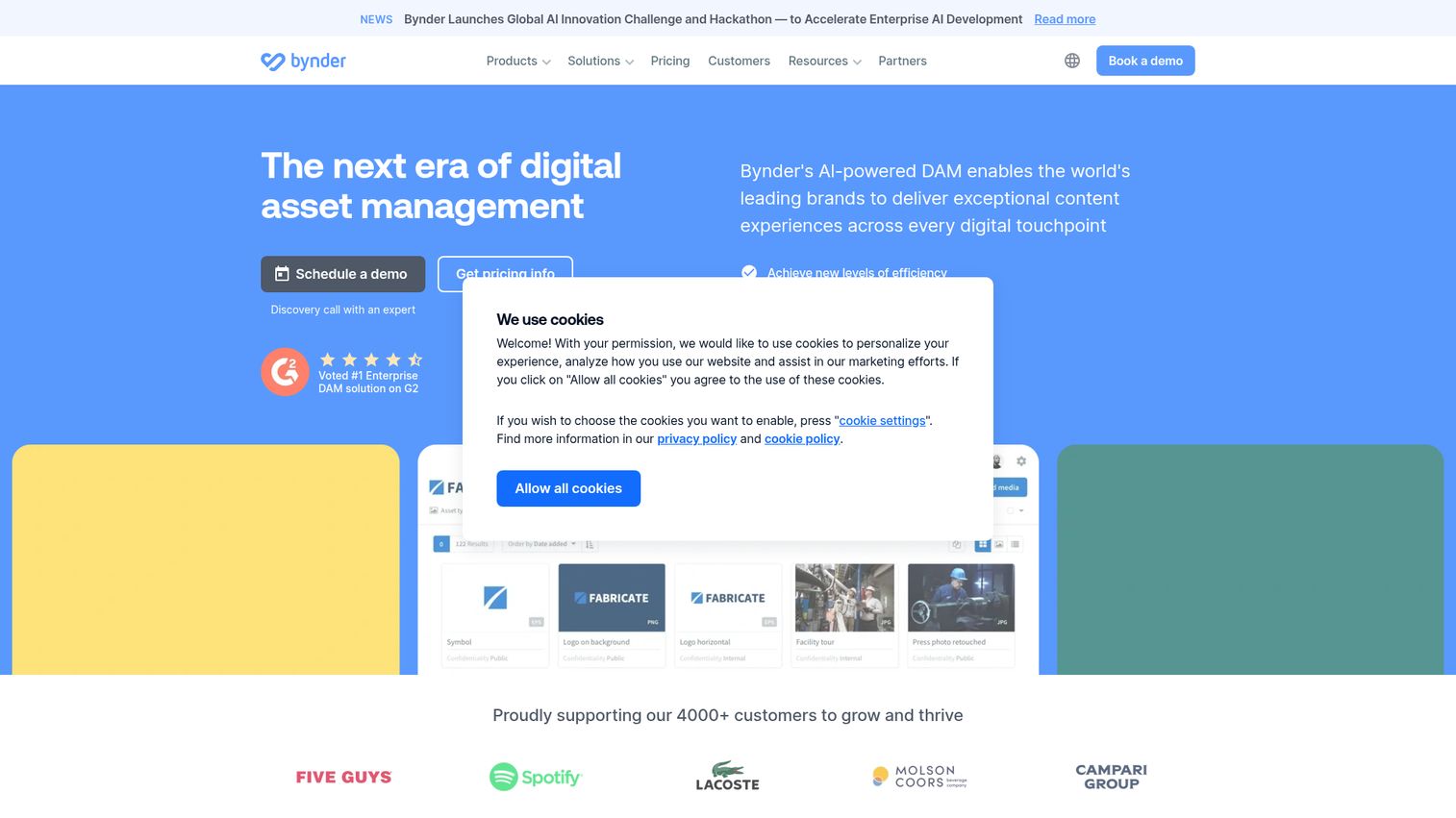
Bynder is an AI-powered digital asset management platform for organizing, governing, finding, sharing, and distributing brand content. It sits at the enterprise end of the market, built for marketing, brand, and creative teams that manage large libraries and need governance baked in. Bynder leads with DAM but layers in the brand management controls that keep big organizations consistent.
Best for: Mid-market and enterprise brand teams that need governed, AI-assisted management of large digital asset libraries.
Key strengths
- Centralized asset organization and search: A single governed library with fast retrieval across thousands of assets.
- Rights and access control: Usage rights, watermarking, embargo dates, and permissions to keep distribution compliant.
- AI-powered discovery: Metadata enrichment, duplicate detection, and search by image, text, or speech.
Why choose Bynder: If your brand library is large and your governance needs are real, Bynder is built for that weight. The rights management and embargo controls matter most for regulated or franchise-heavy brands where an unapproved asset going public is a genuine risk. It is less of a fit for a lean team that just needs a tidy folder replacement.
Bynder pricing: Bynder uses modular, custom pricing rooted in its core AI-powered DAM platform, with packages tailored to your use case. There is no public starting price; you request a quote through Bynder's pricing page. Free tier availability is not stated publicly. Plan on a sales conversation to scope your library size and governance requirements.
2. Brandfolder (by Smartsheet)
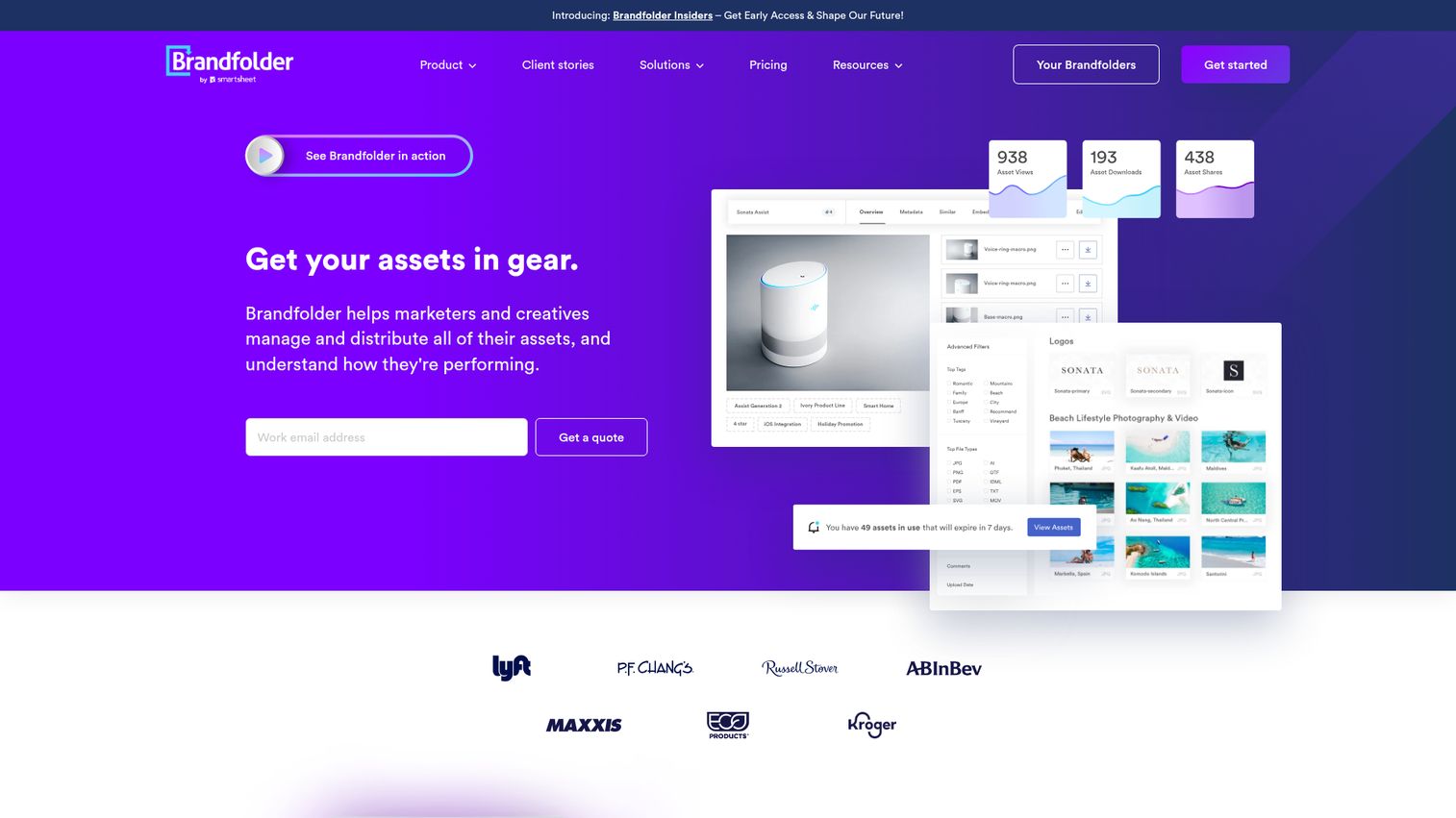
Brandfolder, now part of Smartsheet, is a digital asset management platform for storing, organizing, sharing, managing, and analyzing brand assets. Its differentiator is analytics: Brandfolder helps you see not just where assets live, but how they perform and get used. That makes it a strong brand management tool for marketing teams that want data on their content.
Best for: Mid-market and enterprise teams that need a governed, searchable system and want asset analytics tied to usage.
Key strengths
- Organization and sharing: Collections, sections, labels, filtering, and custom fields keep large libraries usable.
- AI search and discovery: Auto-tagging, in-document search, image recognition, and automatic metadata extraction.
- Governance and analytics: Workflow, permissions, SAML single sign-on standard, asset availability controls, plus usage analytics and an API.
Why choose Brandfolder: Choose Brandfolder when you want to answer "which assets actually get used?" and act on it. The analytics layer is the reason teams pick it over a pure storage tool. The trade-off is that, like most enterprise platforms here, you commit to a sales process rather than a self-serve signup.
Brandfolder pricing: Brandfolder lists Premium and Enterprise plans on its pricing page but does not display public numbers; the calls to action are book a demo or get a quote. A free tier is not confirmed publicly. Expect custom pricing scoped to your team size and feature needs.
3. Frontify
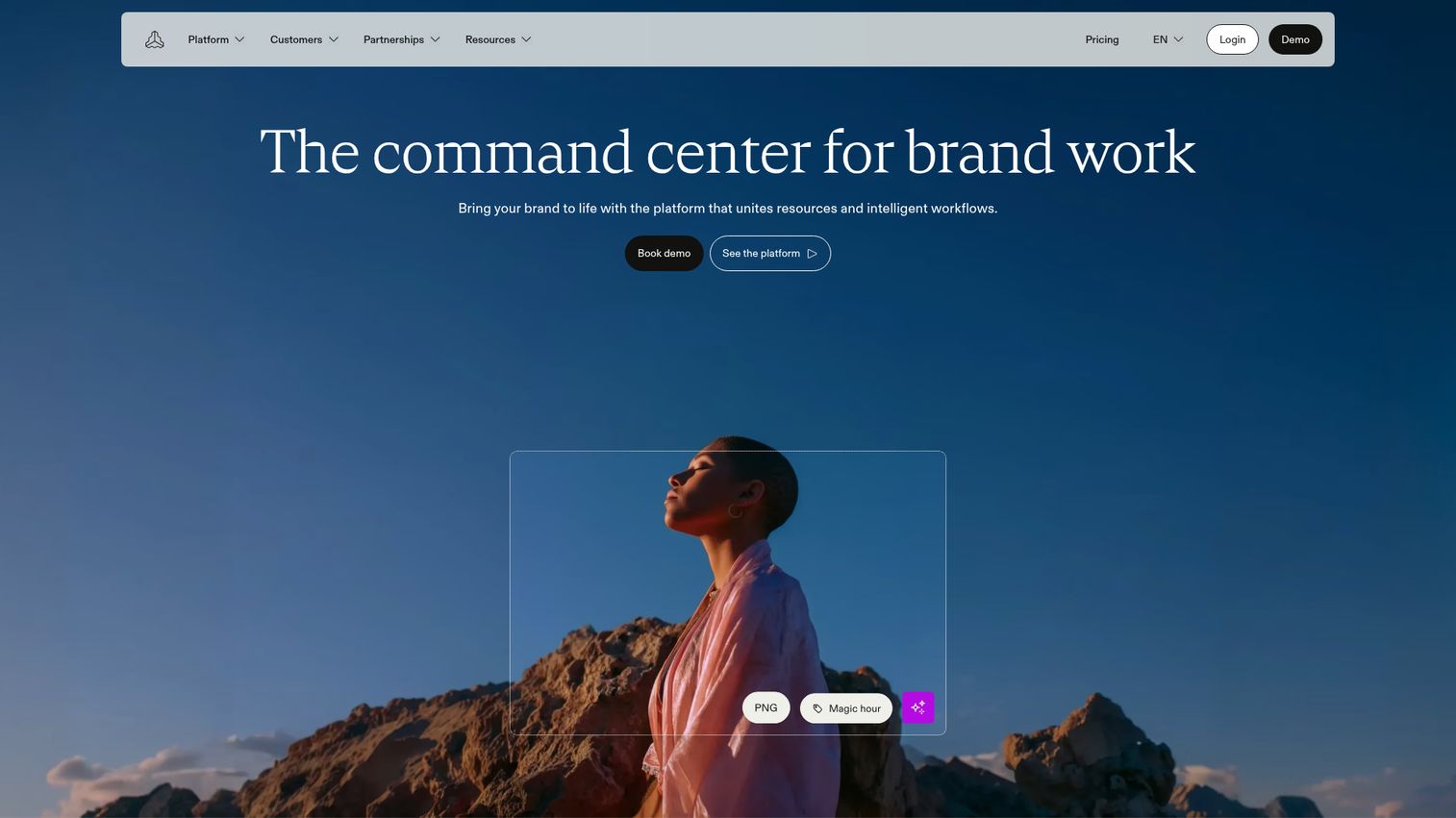
Frontify is a brand management platform that unites brand resources and workflows for producing on-brand content. Where some tools start from storage, Frontify starts from the brand itself: living guidelines and brand portals sit at the center, with assets and templates organized around them. It is the pick for teams that treat guidelines as a working document, not a static PDF.
Best for: Enterprise and scaling brand teams that need a central hub for assets, guidelines, templates, collaboration, and governance.
Key strengths
- Brand guidelines and portals: Standards live alongside the assets they govern, supporting brand compliance.
- Digital asset management: Find, manage, tag, organize, and share brand assets in one place.
- Templates: Create, adapt, localize, and publish on-brand content without starting from scratch.
Why choose Frontify: If your team leads with brand guidelines and a design system, Frontify's portal-first approach fits how you already think. It is the brand asset management platform for organizations where the guideline document is a daily reference, not an archive. Teams that only need file storage may find the brand-portal emphasis more than they need.
Frontify pricing: Frontify uses a monthly active users (MAU) pricing model and does not display fixed prices. Customers book a demo or talk to sales for a tailored package. No free tier is confirmed publicly. The MAU model means your cost scales with how many people actually use the platform.
4. Brandy
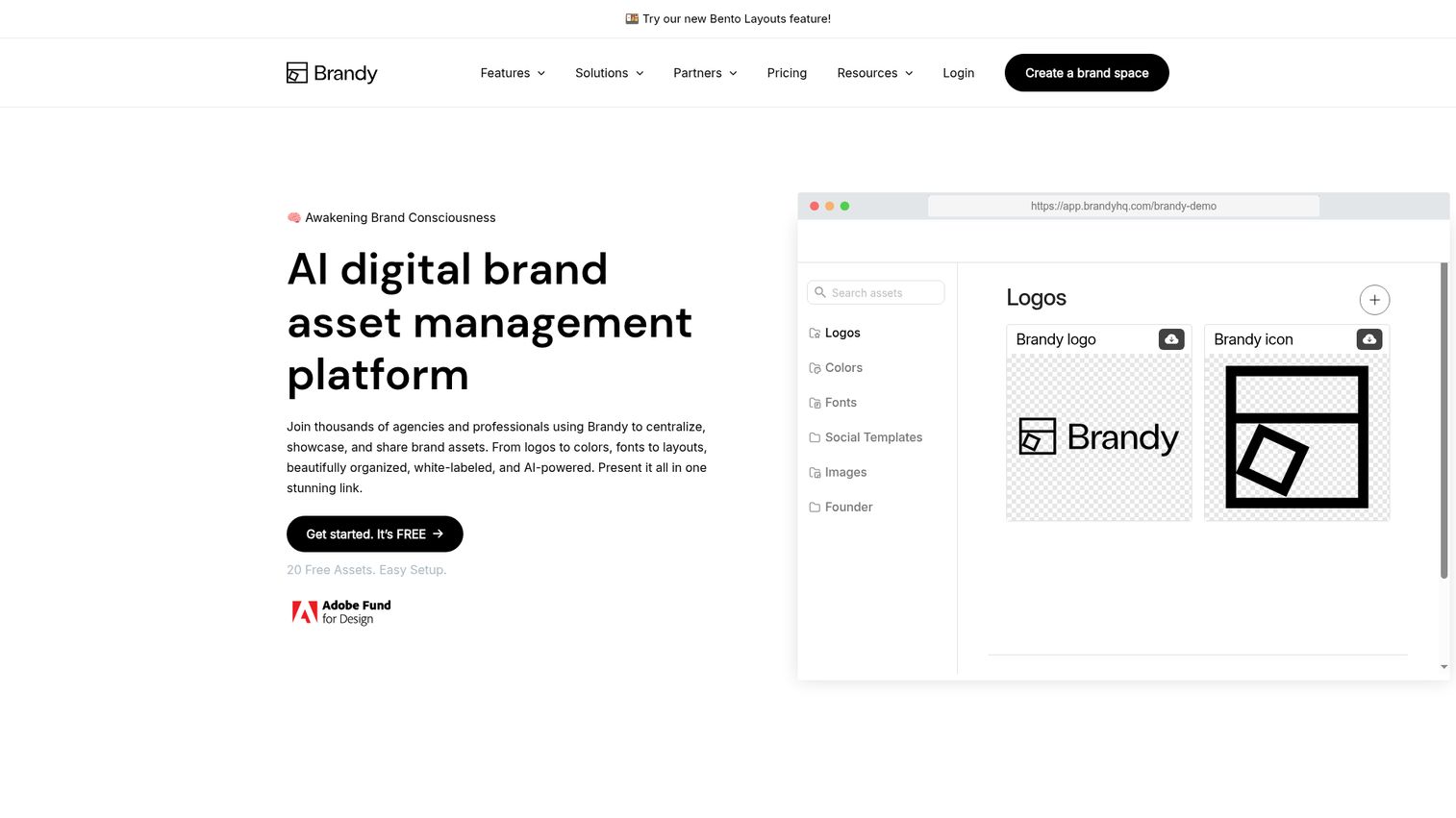
Brandy is a brand asset management and brand guidelines platform for centralizing, organizing, sharing, governing, and evolving brand assets. It is the most accessible option here, with a genuine free-forever plan and transparent pricing that climbs with your needs. Its brand spaces and white-label features make it a natural fit for agencies and multi-brand teams.
Best for: Agencies, marketers, designers, and brand teams that need a centralized, shareable, and optionally white-labeled brand asset and guidelines hub.
Key strengths
- Brand spaces: Store and organize logos, colors, fonts, and guidelines in shareable, organized hubs.
- Sharing and search: Shareable brand links, embeds, collections, metadata, asset tags, brand search, and file previews.
- White-label and governance: Custom URLs, custom branding, private spaces, advanced permissions, analytics, SSO, and SOC 2 features on higher tiers.
Why choose Brandy: Brandy wins on price transparency and the white-label experience. If you run multiple client brands, the per-brand-space model and agency tier are built for exactly that. It carries the highest G2 rating of any tool in this guide. Larger enterprises with massive libraries may eventually need a heavier DAM, but most teams will get far on Brandy.
Brandy pricing: Brandy starts with a Free Forever plan (100MB storage, 20 assets). Pro is $5 per month for one brand with white-label features, Business is $35 per month, Agency is $50 per month, Premium is $100 per month, and Unlimited is $500 per month. Enterprise is custom priced with SSO, SOC 2 security compliance, and advanced controls. All prices are in USD.
5. Canto
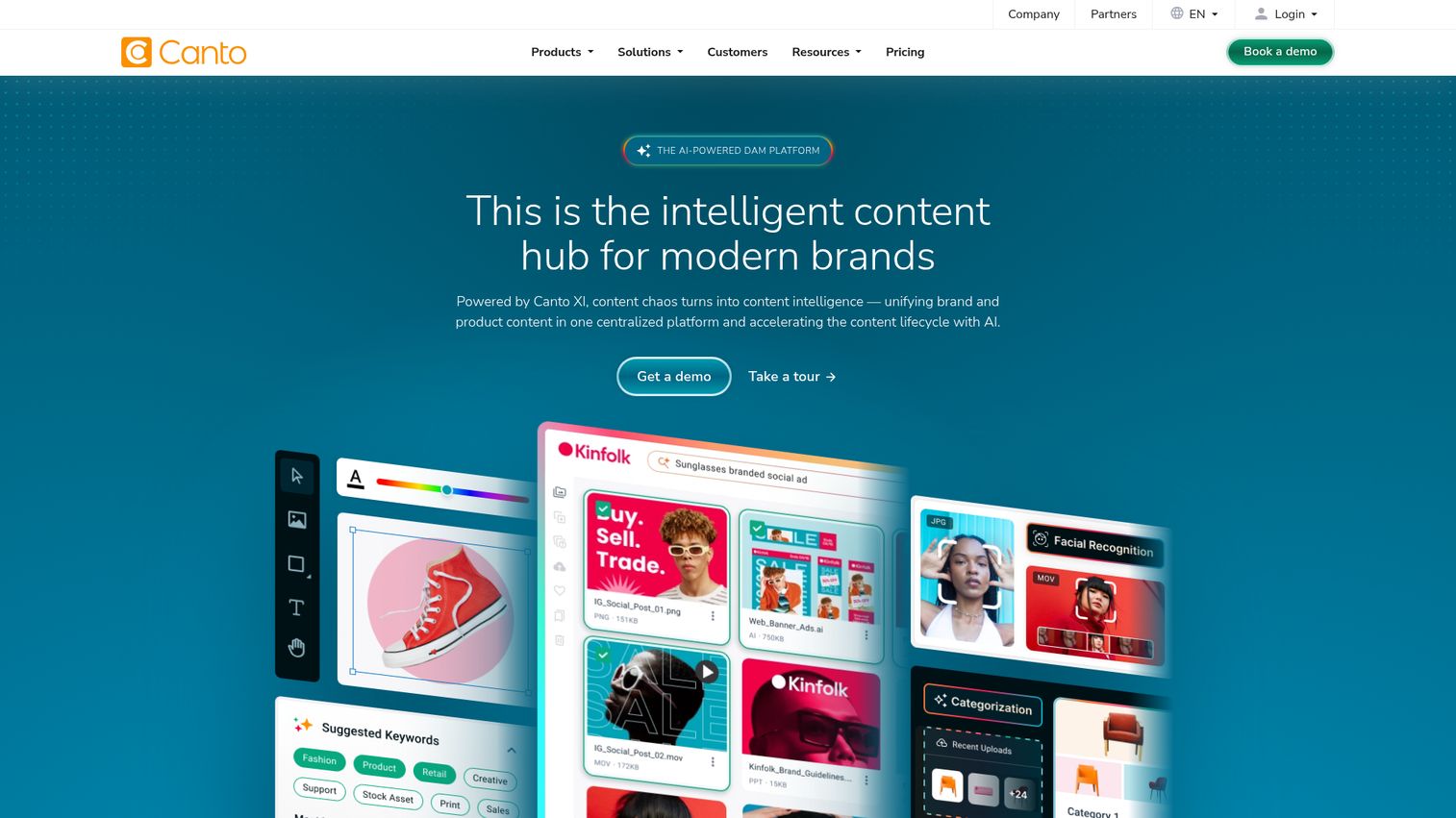
Canto is a digital asset management platform for centralizing, organizing, searching, governing, and distributing brand content. It sits comfortably in the mid-market, pairing strong search and tagging with brand portals for controlled sharing. Marketing, creative, and product teams use it to give the right people governed access to approved assets.
Best for: Marketing, creative, brand, and product teams that need governed access to large libraries of approved digital assets.
Key strengths
- Centralized library: Secure storage for your full asset collection in one place.
- AI-powered search: Visual search, tagging, and metadata organization for fast retrieval.
- Brand portals and workflows: Approval workflows, permissions, rights management, and integrations.
Why choose Canto: Canto is a solid middle ground for teams that have outgrown shared drives but do not need the heaviest enterprise platform. The brand portals make controlled external sharing straightforward. Note there is no free tier, so it is a committed purchase rather than a try-before-you-buy.
Canto pricing: Canto lists four plans: Core Essentials, Enhanced Collaboration, Omni Brand Solution, and Advanced. Pricing scales by team size, storage needs, and selected capabilities, with calls to get pricing, talk to sales, or request a custom quote. There is no free tier. Expect a custom quote based on your library and feature mix.
6. MediaValet
MediaValet is an AI-powered digital asset management platform for centralizing, organizing, finding, sharing, and managing digital assets. It is cloud-native and built for security and scale, with an unlimited-user pricing model that removes the per-seat math. Organizations with large, growing libraries and security requirements gravitate here.
Best for: Organizations with large or growing libraries that need secure, searchable, AI-assisted DAM with branded sharing and unlimited-user pricing.
Key strengths
- Advanced search: Custom metadata, categories, filters, and AI-powered tagging across large libraries.
- Experience Portals: Branded asset sharing for internal and external audiences.
- Reporting: Insight into asset performance and team usage.
Why choose MediaValet: The unlimited-user model is the standout: you do not get penalized for giving more people access, which suits broad rollouts. Combined with its security posture, MediaValet fits regulated and enterprise teams that need both scale and control. Smaller teams may not need this much platform.
MediaValet pricing: MediaValet provides custom DAM pricing with no forced tiers and no per-user fees, built around how your team works and scaling with your asset library. No public starting price is listed, and a free tier is not stated. You scope pricing directly with their team.
7. Acquia DAM (Widen)
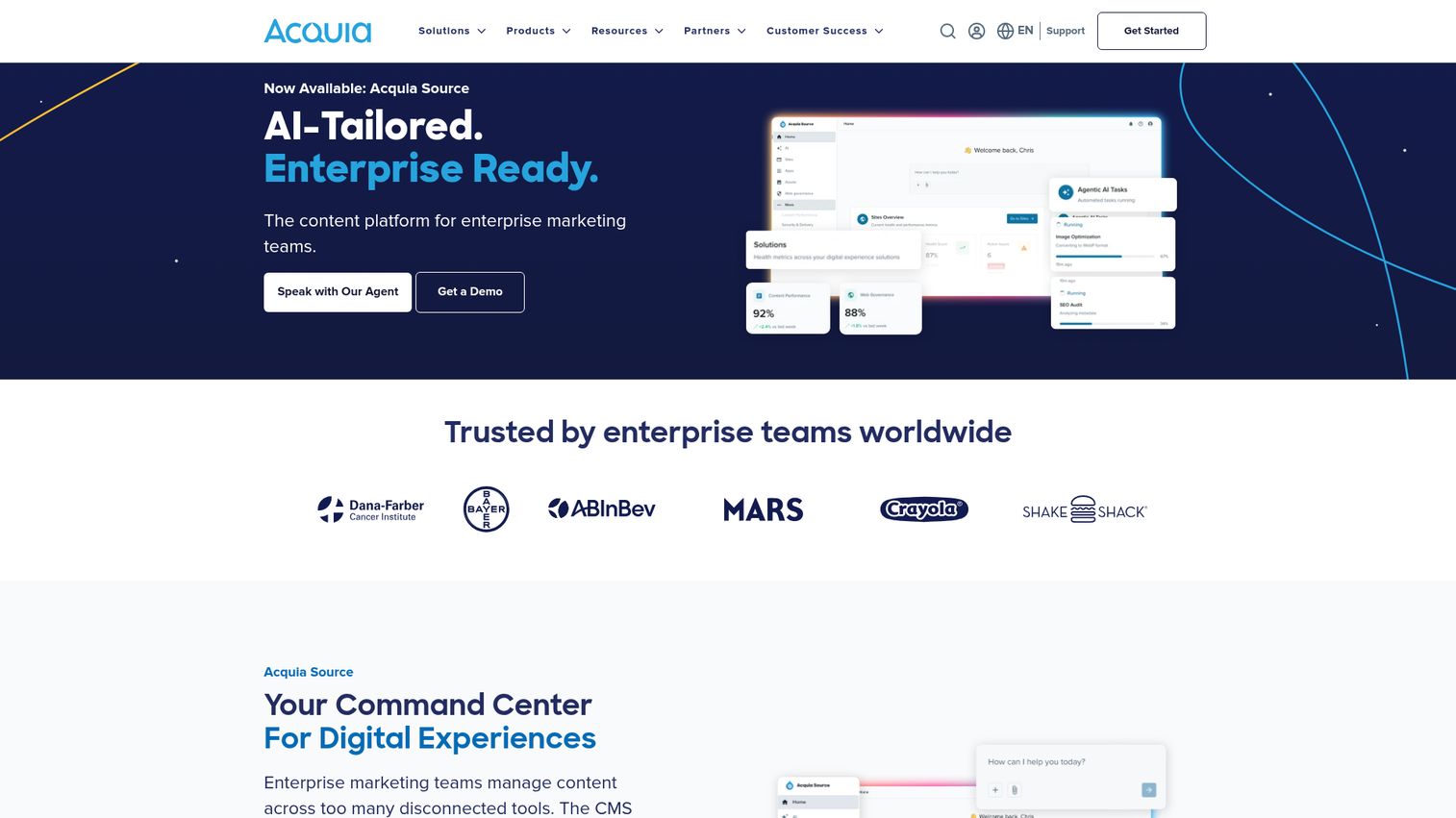
Acquia DAM, formerly Widen, is a cloud-based digital asset management solution with AI features for organizing, accessing, governing, transforming, and distributing brand and marketing assets. It is an enterprise-grade brand management platform with deep customization, portals, and integrations, and it fits naturally for teams already in the Acquia ecosystem.
Best for: Marketing, creative, and enterprise content teams that need a governed DAM for large libraries, brand portals, AI-assisted discovery, and cross-channel distribution.
Key strengths
- AI-powered metadata: Auto-tagging, video transcription, duplicate detection, facial recognition, and natural language search.
- Asset transformations: Dynamic embed codes plus on-the-fly image and video conversions.
- Insights and analytics: Tracking for asset activity, searches, shares, embeds, views, downloads, and reporting exports.
Why choose Acquia DAM: Choose it when you need enterprise customization and the asset transformation features for cross-channel distribution. The plan structure scales clearly from Workgroup to Enterprise on users, storage, and API access. It is best for organizations ready to invest in implementation rather than spin up overnight.
Acquia DAM pricing: Acquia DAM lists Workgroup (50 users, 1 TB storage, 500k API calls/month), Mid-Market (500 users, 5 TB, 1M API calls/month), and Enterprise (unlimited users, 10 TB) plans, each as an annual SaaS subscription with upfront implementation. Public numbers are not displayed. There is no self-serve free trial, though Acquia offers a free demo experience.
8. Filecamp
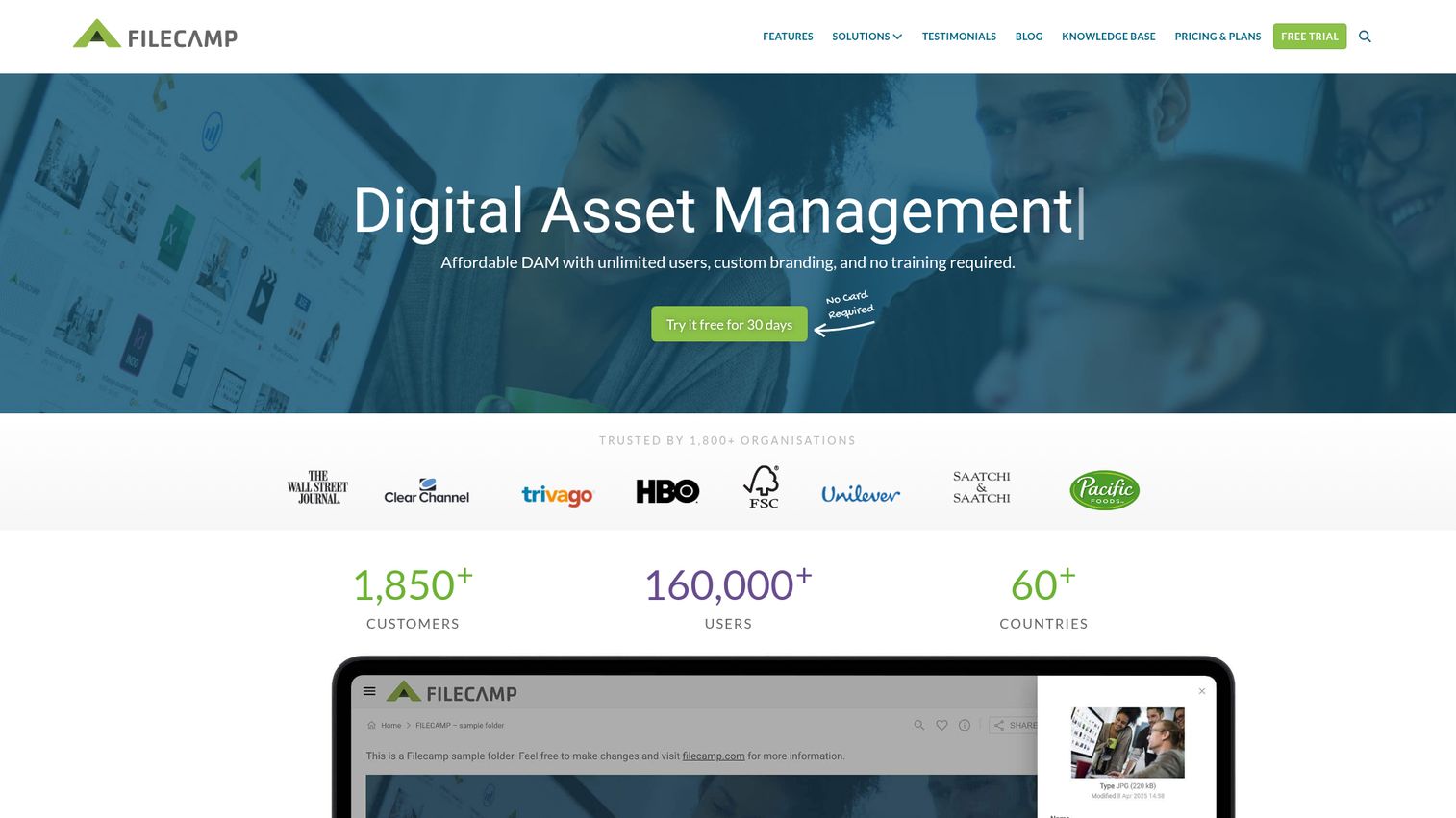
Filecamp is a cloud-based digital asset management platform for storing, organizing, sharing, and distributing company images, videos, documents, presentations, and other creative files. It is the budget-friendly pick with transparent, published pricing and unlimited users on every plan, which makes it a favorite for SMBs and agencies that want simple brand control without enterprise overhead.
Best for: Marketing and creative teams that need branded digital asset management and controlled file sharing for clients, partners, and internal users.
Key strengths
- Custom branding: Backgrounds, logos, colors, custom URL, and branded file emails for a white-label feel.
- Unlimited users: Every plan includes unlimited users with access control on files and folders.
- Organization tools: Tagging, metadata, search, collections, file request links, and on-the-fly download renditions.
Why choose Filecamp: Filecamp is the easy yes for teams that want a clean, affordable brand asset management tool without a sales call. Unlimited users on a $29 plan is rare in this category. It is less suited to enterprises needing the deepest AI search or governance, but for most SMBs and agencies it covers the essentials.
Filecamp pricing: Filecamp offers three plans in USD: Basic at $29 per month or $348 per year (20 GB, unlimited users, custom branding), Advanced at $59 per month or $708 per year (50 GB, multiple themes and collections), and Professional at $89 per month or $1,068 per year (100 GB, white label, custom domain, commenting). Every account starts with a 30-day free Pro trial.
9. Canva
Canva is an online visual design platform for creating and editing graphics, presentations, videos, documents, and other visual content. Its Brand Kit and Brand Hub features bring brand assets, templates, and team controls inside the tool where content is created. For lean teams, that combination of creation and brand storage in one place is the appeal.
Best for: Individuals and teams that need an easy online platform for creating branded visual content, presentations, videos, PDFs, and social assets.
Key strengths
- Drag-and-drop design: Create on-brand content without design software or training.
- AI-powered features: Photo, video, and design tools that speed up production.
- PDF editing and conversion: Handle documents alongside visual content in one workspace.
Why choose Canva: Canva fits teams that produce most of their branded content in-house and want brand controls right next to the creation canvas. It blurs the line between a creation tool and a brand asset management system, which is exactly what lean teams want. Teams managing huge governed libraries or strict rights workflows will likely need a dedicated DAM alongside it. You can even see how Canva builds its own product story in this Canva interactive demo.
Canva pricing: Canva offers Free, Pro, Business, and Enterprise plans, including a free tier. Public numbers can vary by region and were not fully readable from Canva's pricing page at publication, so check Canva's live pricing page for the current figures in your market. The free plan makes it easy to test before committing.
10. Adobe Express
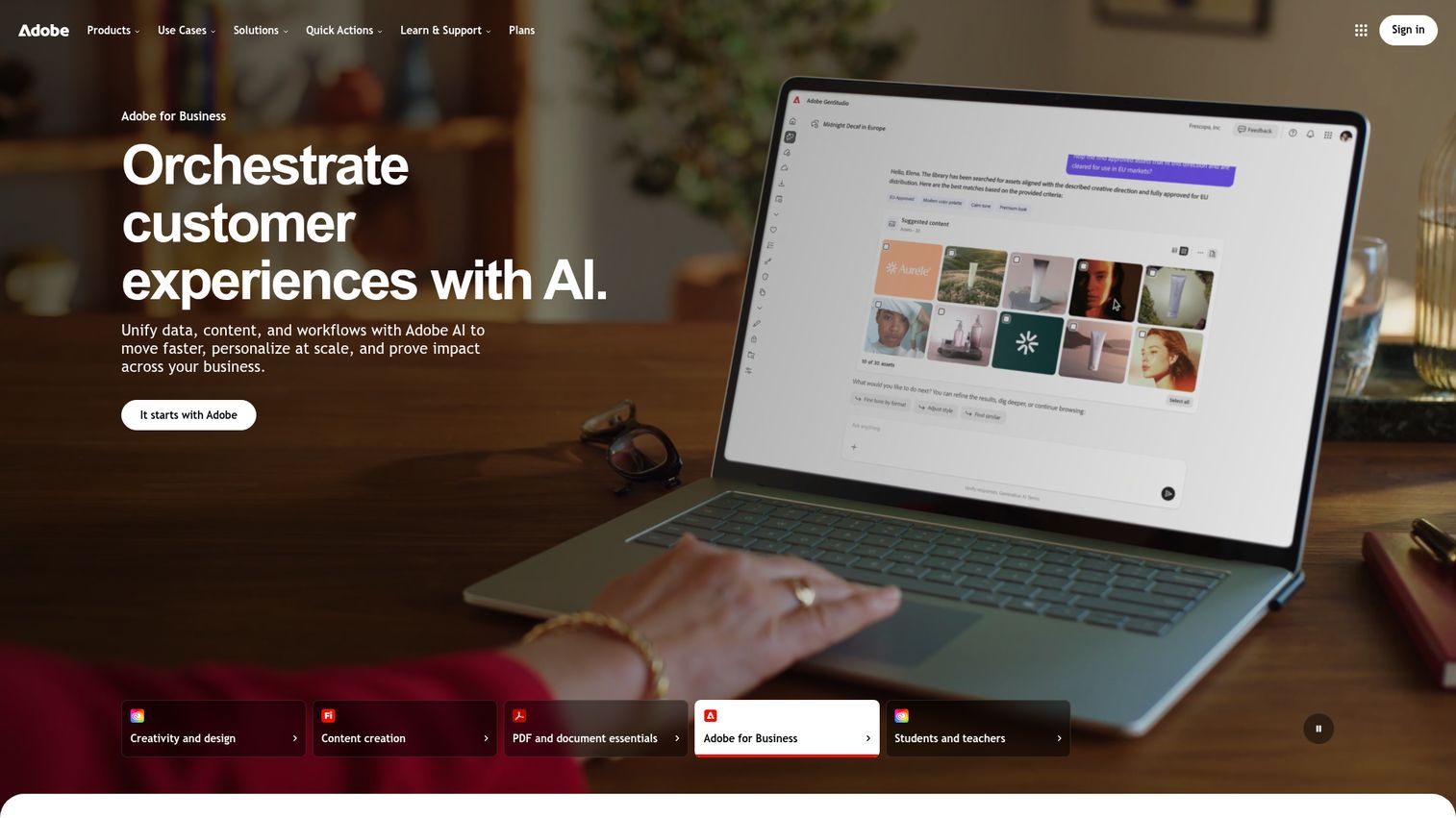
Adobe Express is an all-in-one content creation app for designing and editing images, videos, PDFs, social content, and branded assets. With Creative Cloud Libraries and brand management features, it brings brand controls, templates, and shared libraries inside Adobe's creative stack. For teams already in Adobe, it keeps brand consistency where the work happens.
Best for: Individuals, teams, and businesses that need fast, template-based creation of social, marketing, brand, image, video, and PDF content.
Key strengths
- Templates and design assets: Static, motion, and video templates to start on-brand.
- Generative AI with Firefly: Image generation, text effects, object insertion and removal, plus generative credits. Learn more about Adobe Firefly generative AI.
- Editing tools: Photo, video, and PDF editing, resizing, background removal, and quick actions.
Why choose Adobe Express: If your team lives in Adobe, Express keeps brand assets and controls inside that ecosystem, reducing the friction of switching tools. The Premium tier adds brand management plus 100GB storage. It is creation-first, so teams needing deep DAM governance may pair it with a dedicated platform.
Adobe Express pricing: Adobe Express offers a Free plan (US$0.00, no credit card), Premium at US$9.99 per month, Firefly Pro at US$19.99 per month, and Teams at US$4.99 per month per license for the first year (then US$7.99, two-seat minimum, billed monthly on an annual subscription). Enterprise is contact sales. Premium adds brand management, 250 monthly generative credits per user, and 100GB storage.
11. Marq (formerly Lucidpress)
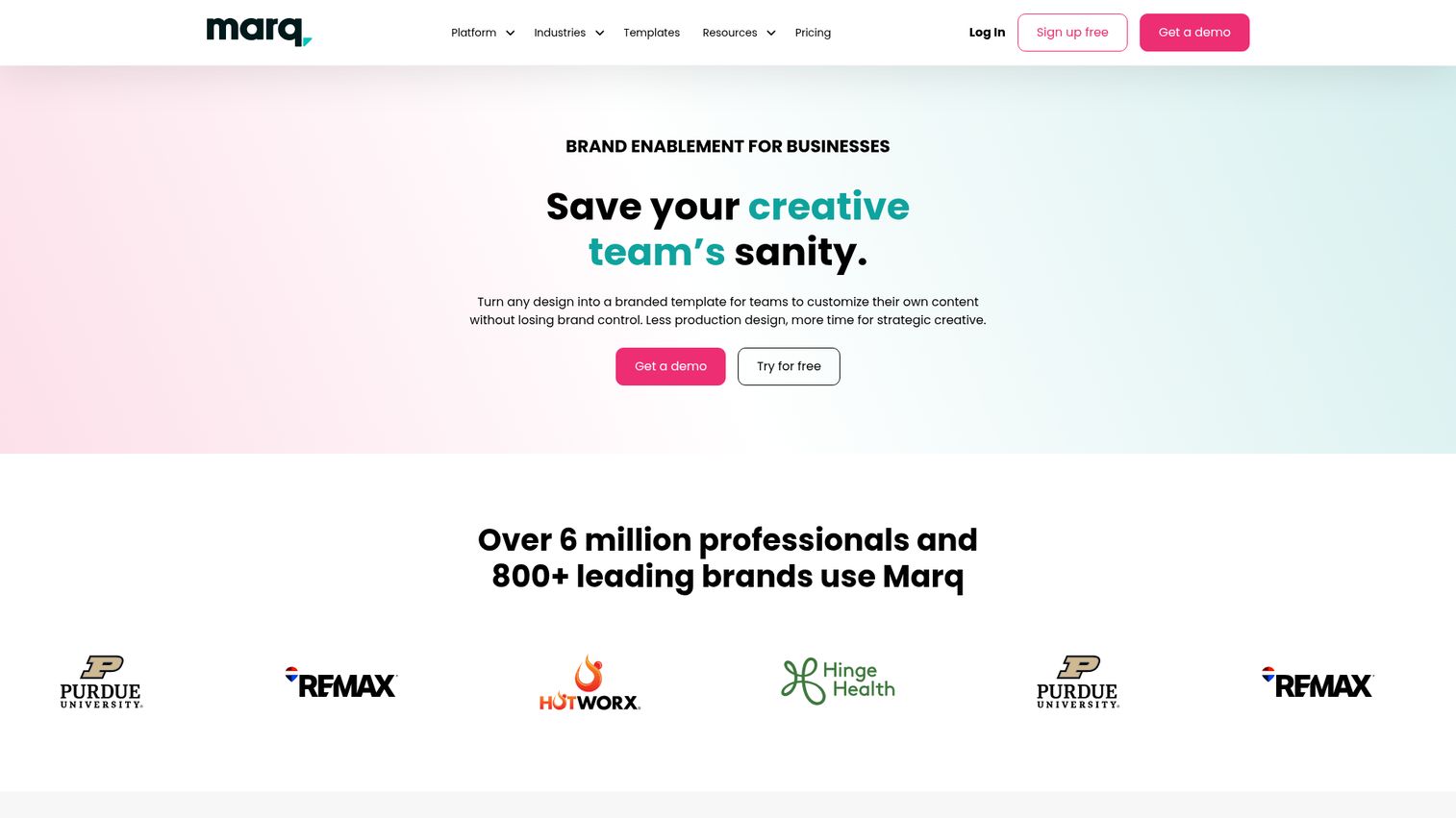
Marq, formerly Lucidpress, is a brand enablement platform for creating, customizing, managing, and sharing on-brand content through templates and brand controls. Its signature feature is lockable brand elements: the brand team locks logos, fonts, and colors so non-designers can produce collateral that stays on-brand by design. That makes it ideal for distributed teams at scale.
Best for: Creative, marketing, and distributed teams that need non-designers to produce brand-controlled marketing and sales assets.
Key strengths
- Template creation with lockable elements: Lock logos, fonts, and colors so collateral stays on-brand.
- Creative automation: Smart fields and data integrations to scale templated content.
- Content distribution: Social sharing, print and ship, web publishing, and exports.
Why choose Marq: Marq is the answer to "how do we let 50 sales reps make their own collateral without going off-brand?" The lockable templates put guardrails directly in the creation flow. It is less about being your full asset archive and more about controlled content production, so heavy DAM needs may call for a complementary tool.
Marq pricing: Marq offers a Free plan ($0), Pro at $10 per month ($120 billed yearly), Team at $10 per month ($120 billed yearly), and Enterprise with a custom quote. Free suits individuals, Pro fits regular branded collateral, Team scales SMB design output with automation, and Enterprise handles larger organizations. All prices are in USD.
Considerations: how to choose brand asset management software
Before you buy, run your shortlist through this checklist. The consolidation question comes first.
Centralization and single source of truth
Start with the core job: does this create one place where the latest approved asset is always the default? Ask what it replaces. If it lets you retire scattered Drive folders and Dropbox links, that consolidation is half the value. A tool that adds another silo defeats the purpose.
Permissions, usage rights, and governance
Decide how much control you need. A small team may only need basic access roles, while a franchise or regulated brand needs usage rights, embargo dates, and approval workflows. Match the governance depth to your real risk, not the longest feature list.
Integrations with your existing stack
Your brand management platform should connect to the tools you already use: CRM, CMS, and creative software. Check which integrations are native versus API-only. The fewer manual exports your team does, the more the tool actually gets used. The same principle applies to demos, which is why Guideflow's integrations matter for keeping branded experiences connected to your stack.
Templating and content scale
If non-designers produce content, lockable templates are the feature that protects your brand at scale. Evaluate how easy it is to build, lock, and update templates. This is what lets you grow volume without growing the design team.
Pricing model and how it scales with your team
Watch how cost grows. Per-seat pricing can spike as you roll out broadly; unlimited-user and MAU models behave differently. Some tools publish prices, others require a quote. Pick a brand asset management solution whose pricing model matches how your usage will actually scale.
Conclusion
Brand consistency is a revenue lever, and the right brand asset management software turns it from a manual chore into the default. The best pick depends on your team's shape, not a universal winner.
For enterprise governance at scale, Bynder and MediaValet lead, with Acquia DAM strong for customization-heavy ecosystems. If you want asset analytics, Brandfolder stands out. Teams that live in their brand guidelines should look hard at Frontify. Agencies and multi-brand teams get the most from Brandy, which also offers the best free tier. On a budget, Filecamp delivers unlimited users from $29 per month. And lean teams that create most content in-house may be best served by Canva, Adobe Express, or Marq.
Your next step: audit your current asset chaos first. Map where files actually live and who grabs what. Then shortlist two or three tools that fit your size and governance needs, and run a free trial or demo. Brandy, Filecamp, Adobe Express, and Marq all let you test with a free tier or trial before you commit. Start with the consolidation question, and the right choice gets clear fast. And if your brand efforts extend to advocacy, our roundup of the best brand advocacy software is worth a look.
FAQs
Brand asset management software is a centralized platform for storing, organizing, governing, and distributing a company's brand assets, including logos, colors, fonts, templates, and brand guidelines. It gives every team, agency, and partner one source of truth so they always use approved, on-brand materials. The goal is to make the current, correct asset the easiest one to find and use.
Brand asset management focuses on brand-specific assets and the guidelines and governance that keep them consistent, while digital asset management is broader media management for any digital file at scale. MuseDAM describes brand asset management as a subset of DAM centered on logos, fonts, templates, and guidelines. In practice many tools do both, which is why platforms like Bynder, Brandfolder, and Canto appear in both categories.
Pricing ranges widely. Free tiers exist, such as Brandy's Free Forever plan and Adobe Express Free, while affordable options like Filecamp start at $29 per month. Mid-tier plans run from roughly $5 to $100 per month depending on the tool, and enterprise platforms like Bynder, MediaValet, and Acquia DAM use custom pricing scoped to your library and team. Always check the vendor's live pricing page, since enterprise figures require a quote.
Brandy offers a genuine Free Forever plan with 100MB of storage and 20 assets, making it a strong free starting point, especially for agencies. Adobe Express has a free tier for content creation with brand features, and Marq offers a free plan for individuals. Filecamp does not have a free tier but includes a 30-day free trial, and Canva offers a free plan as well.
Yes, often more than they expect. Small teams and agencies juggle multiple brands and external collaborators, which is exactly where off-brand work creeps in. A brand asset management system consolidates assets out of Drive and Dropbox into governed, shareable spaces. Tools like Brandy and Filecamp are built for this, with white-label and multi-brand features that suit agency workflows.
Prioritize centralization (a true single source of truth), brand guidelines and portals, permissions and usage rights, and search with tagging and metadata. Version control keeps the latest approved asset as the default, templates let non-designers stay on-brand, and analytics show which assets get used. Integrations with your CRM, CMS, and creative tools determine whether the system fits your stack.
Follow four steps. First, audit your existing assets to map where everything lives and what is outdated. Second, organize them into a clear taxonomy with consistent naming, tags, and folders. Third, run a gap analysis to find missing or duplicate assets and decide what to keep. Fourth, build your brand guidelines into the platform so standards sit next to the assets they govern. These digital asset management best practices for setting up a brand asset management system keep the rollout smooth and adoption high.
For enterprise teams, Bynder, MediaValet, and Acquia DAM are the leading picks. They offer governance at scale, including usage rights, permissions, SSO, and security controls, along with AI-assisted search and cross-channel distribution. Evaluate them on governance depth, security posture, integration breadth, and how their pricing model scales, since all three use custom enterprise pricing.